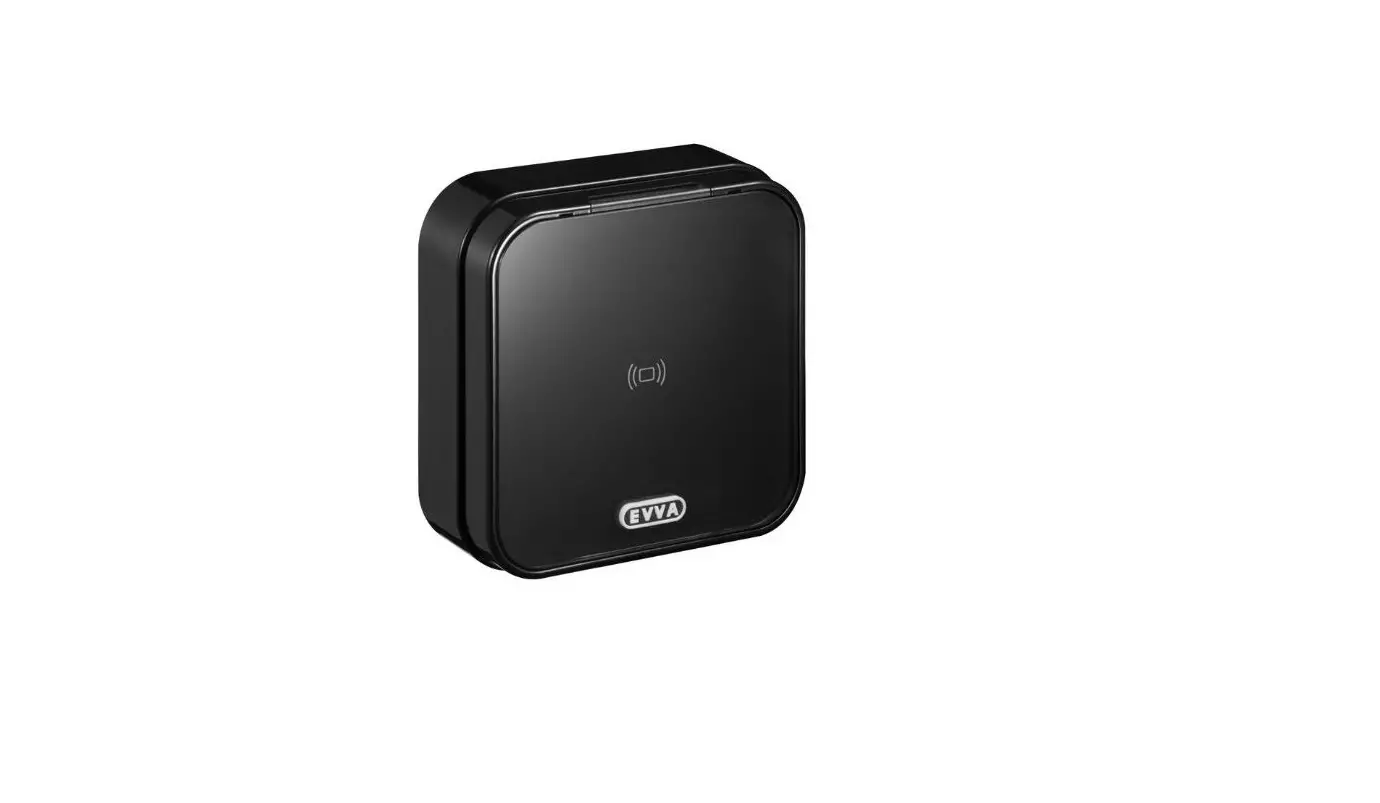
E.X.WL.RU Xesar Wandleser
Product Information:
- Product Name: E.X.WL.RU
- Model: Xesar
- IP Rating: IP65
- Thickness: 2 mm
- Diameter: 4 mm
- Screwdriver Type: PH1
- Cable Type: CAT5
- Material: Metal
- Additional Option: E.X.WL.RA
- Rt1 Option: 0 – 1.5 mm
- Rt2 Option: 1.5 – 3.5 mm
- Torque: 0.2 Nm
- Options Available: Option 1, Option 2, Option 3
- Control Unit: Xesar control unit E.X.WL.CUS
- Wallreader Interface: Xesar wallreader interface
- Power Supply: +5V DOORBUS A DOORBUS B
- Ground: GND
- DOORBUS Connections: 12 34 DOORBUS 1, 12 34 DOORBUS 2
- Programming Interface: Data GND
- Inputs: Input 1, Input 2
- Relays: Relais 1, Relais 2
- Wallreaders: Wallreader 1, Wallreader 2
- DOORBUS Termination: DOORBUS terminated (Standard)
Product Usage Instructions:
- Ensure that the product is installed in a suitable location
with an IP65 rating for protection against dust and water. - Select the appropriate screwdriver with a PH1 tip for any
required assembly or disassembly. - Connect the product using a CAT5 cable for data
transmission. - If needed, utilize the additional option E.X.WL.RA for enhanced
functionality. - Adjust the thickness of the product based on the Rt1 and Rt2
options available. Rt1 can be set between 0 – 1.5 mm, and Rt2 can
be set between 1.5 – 3.5 mm. - Apply a torque of 0.2 Nm when tightening screws or other
fasteners. - Choose from the available options (Option 1, Option 2, Option
3) based on specific requirements. - Connect the control unit (Xesar control unit E.X.WL.CUS) and
wallreader interface (Xesar wallreader interface) as per the
provided connections (+5V DOORBUS A DOORBUS B, GND). - Ensure proper power supply by connecting the appropriate cables
(+5V DOORBUS A DOORBUS B) and grounding (GND). - Make necessary programming interface connections (Data GND) for
configuration purposes. - Connect any required inputs (Input 1, Input 2) for desired
functionality. - Use the designated relays (Relais 1, Relais 2) for specific
operations. - Install and utilize wallreaders (Wallreader 1, Wallreader 2) as
needed. - Check the JP1 and JP2 connections for proper configuration. JP1
can be set as required (123 4), while JP2 has a fixed connection
(12). - Refer to the product manual or visit www.evva.com for further
information or support.
E.X.WL.RU
Xesar
Montageanleitung | Assembly manual | Montagehandleiding Instructions de montage | Istruzioni di montaggio | Montázní návody Montázne návody | Instrukcje montau | Installationsanvisningar
IP65
2 mm
4 mm
Technische Änderungen vorbehalten | Technical changes reserved
PH1
2,5/0,5 mm
CAT5
metal
Option E.X.WL.RA
Option
Rt1
Option Rt2
2 mm
Rt1: 0 – 1,5 mm
4 mm
Rt2: 1,5 – 3,5 mm
2 mm / 4 mm
0,2 Nm
Option 1 Option 2 Option 3
1 234
Xesar control unit E.X.WL.CUS
Xesar wallreader interface
+5V DOORBUS A DOORBUS B
GND +5V DOORBUS A DOORBUS B GND
12 34 DOORBUS 1
12 34 DOORBUS 2
JP2 12
GND VCC 12V-24V/DC
Supply
Relais 1 12 3
Relais 2 12 3
Data GND
Programming interface
1 234
Input 1 12
Input 2 12
Wallreader 1
Wallreader 2
JP1
12 34
GND DOORBUS B DOORBUS A
+5V
NC COM NO NC COM NO GND INPUT GND INPUT
Relais 1 & 2 different function (Standard)
Relais 1 & 2 same function JP2
DOORBUS terminated (Standard) DOORBUS open JP1
www.evva.com
1234
1 234 12
12 34
1 23
1 23
12
Option 1
Option 2
+
Option 3
JP1 123 4
JP1 123 4
+
JP1
123 4
JP1
+
JP1
123 4
123 4
min 10 cm
I.AN.MNT.X.WL.RU.SN | 23R2
www.evva.com
EVVA Sicherheitstechnologie GmbH | Wienerbergstraße 5965 | A-1120 Wien
 E.X.WL.RU
 Mechanische und elektronische Schließsysteme | Zutrittssysteme | EVVA