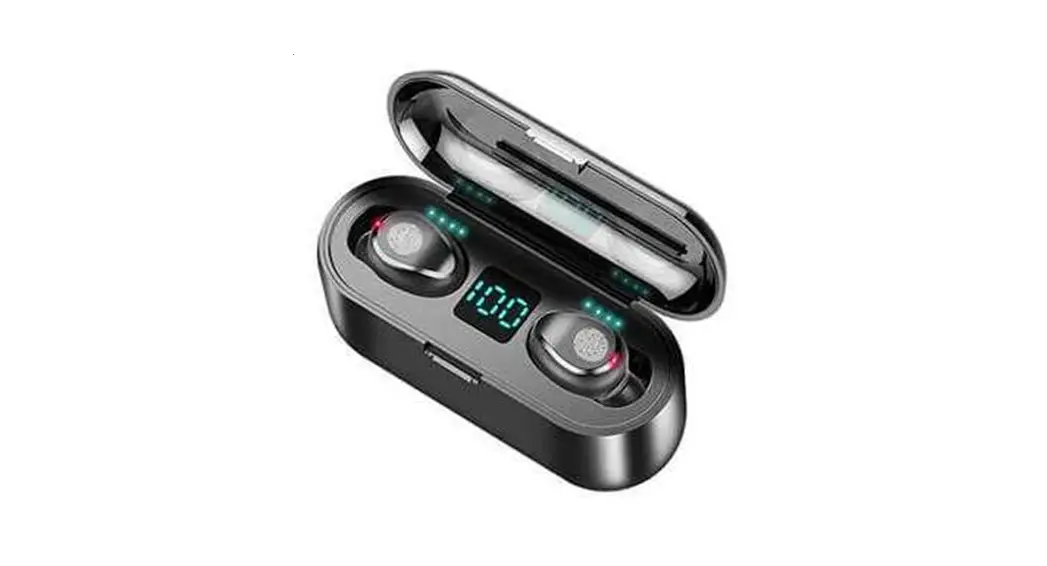
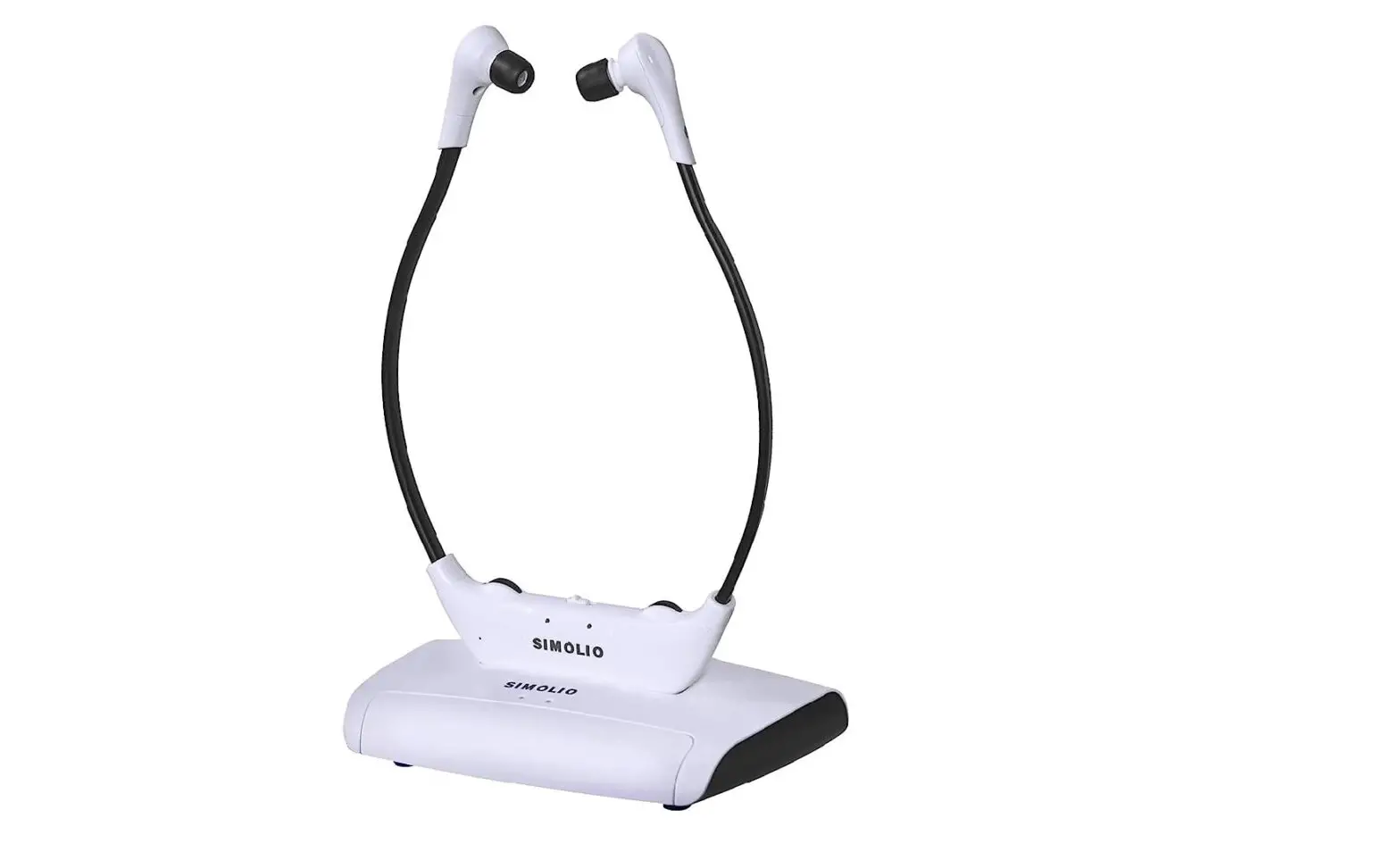
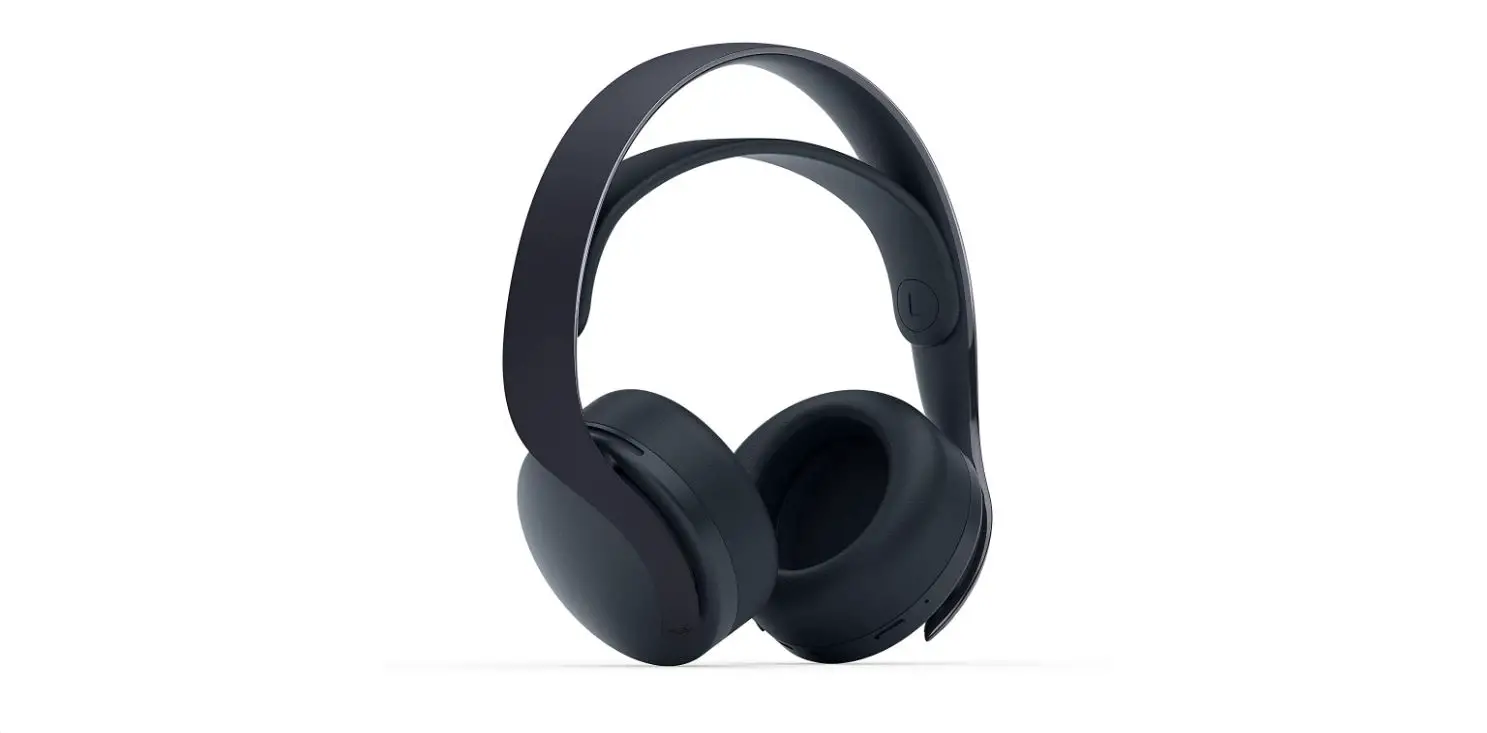
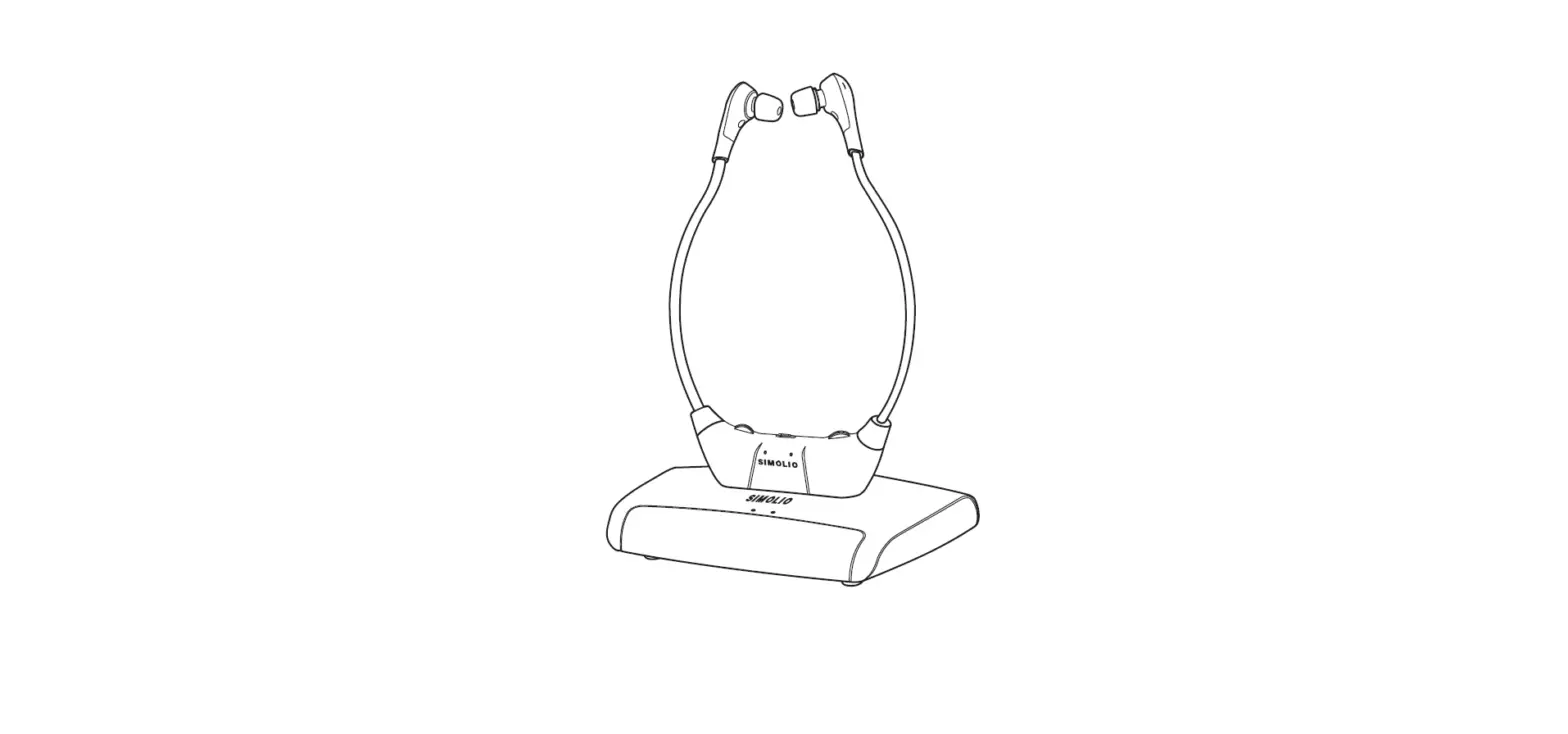
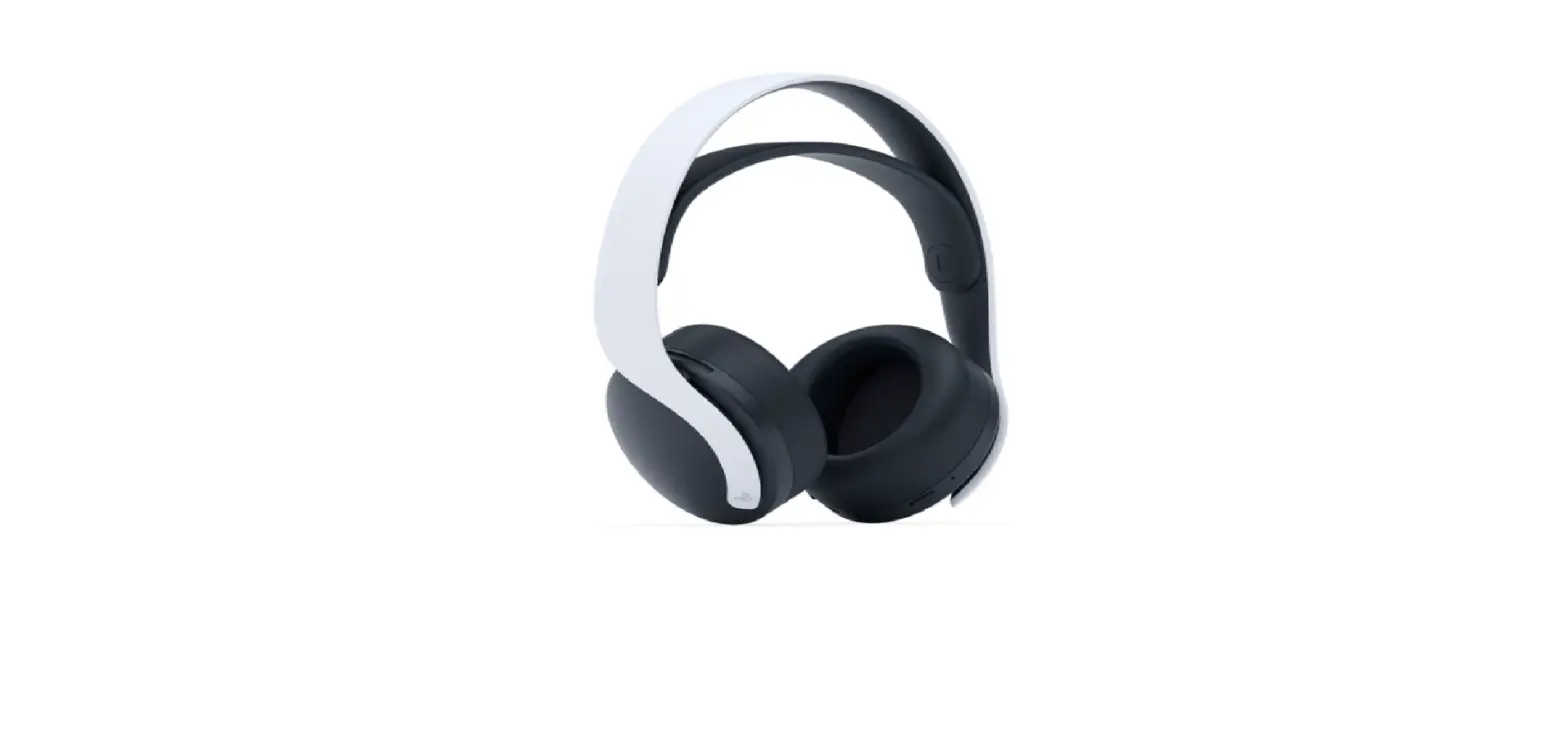
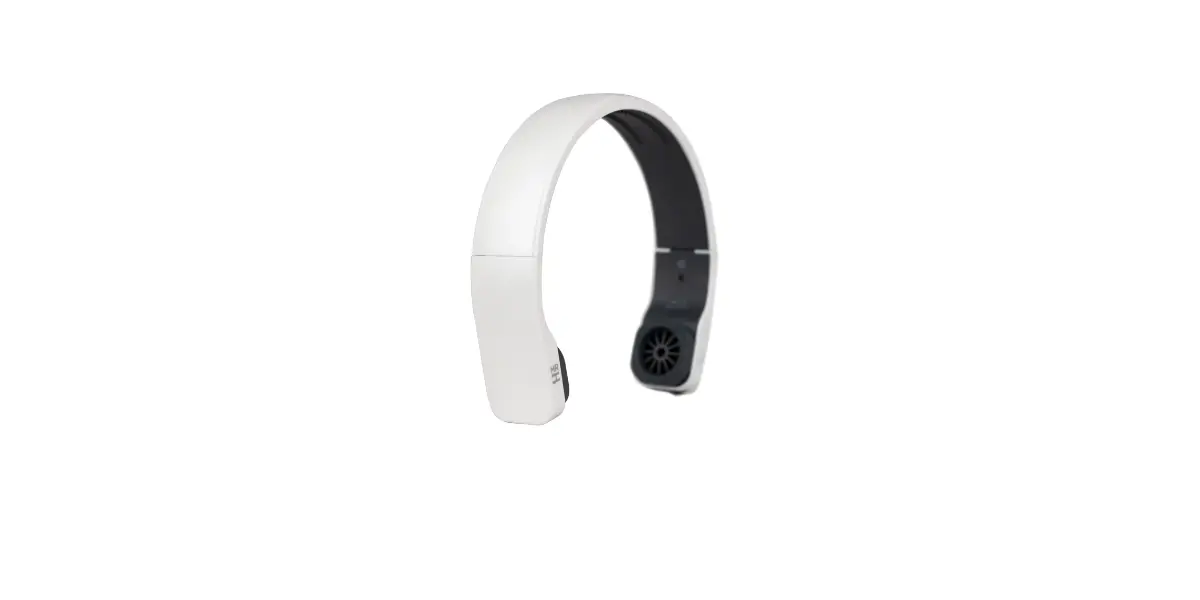
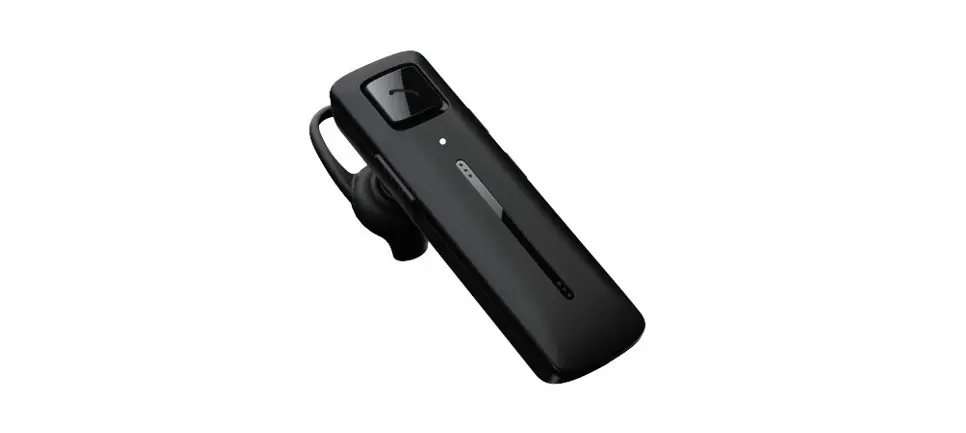
Soundwave Wireless 3D Headset
Product Information
The Wireless 3D Headset Soundwave is a high-quality wireless
headset that provides immersive 3D sound experience. It is designed
to deliver crystal clear audio with deep bass and precise audio
positioning.
Package Contents
- Wireless 3D Headset Soundwave
- Charging cable
- User manual
Technical Specifications
- Wireless connectivity: Bluetooth 5.0
- Battery life: Up to 10 hours
- Frequency response: 20Hz – 20kHz
- Impedance: 32 ohms
- Driver size: 40mm
Product Usage Instructions
- Charge the headset fully before the first use using the
included charging cable. - To turn on the headset, press and hold the power button for 3
seconds. The LED indicator will start flashing. - Enable Bluetooth on your device and search for available
devices. - Select “Wireless 3D Headset Soundwave” from the list of
available devices. - Once connected, you can start enjoying your audio content with
the wireless headset. - To adjust the volume, use the volume buttons located on the
headset. - To pause or resume playback, press the play/pause button.
- To skip to the next track, press the next track button. To go
back to the previous track, press the previous track button. - When you are done using the headset, turn it off by pressing
and holding the power button until the LED indicator turns
off. - For proper maintenance, clean the headset with a soft, dry
cloth. Avoid using solvents or abrasive materials.
Please refer to the user manual for detailed instructions on
maintenance, warnings, and warranty information.
INSTRUCTIONS
WIRELESS 3D HEADSET SOUNDWAVE
PACKAGE CONTENTS
· Headset · USB charging cable · 3.5 mm audio cable · Storage pouch
TECHNICAL SPECIFICATIONS
· Bluetooth version: 5.0 · Max. range: 10 m · Battery capacity: 360 mAh · Charging time: 2 h · Standby time: 400 h · Playback time: 2024 h · Frequency: 20 Hz20 kHz · Speaker diameter: 40 mm · Impedance: 32 ohms
HOW TO USE
Charging the headset · Connect one end of the USB charging cable to the headset’s charging port and the other end to a compatible power source (e.g., USB port, wall adapter). · The LED indicator on the headset will light up to indicate that it is charging. · Allow the headset to fully charge for 2 hours before first use.
Power ON/OFF · To power on the headset, press and hold the power button (middle button) for approximately 3 seconds until the LED indicator flashes. · To power off the headset, press and hold the power button again for approximately 3 seconds until the LED indicator turns off.
Pairing with a Bluetooth device · Enable the Bluetooth function on your device (e.g., smartphone, computer, tablet). · Power on the headset. It will automatically enter the pairing mode indicated by the red LED indicator. · Search for available Bluetooth devices and select “T-WIRELESS” from the list. · A sound will play to confirm a connection. · To disconnect Bluetooth, simply forget the headset in your device’s settings.
Volume adjustment and playback controls · Press the middle button to pause or play media and receive or cancel calls.
· Press and hold the volume button to decrease the volume.
· Press and hold the volume+ button to increase the volume.
· Press the previous song button to select the previous song.
· Press the next song button to select the next song.
Using a TF card or 3.5 mm audio cable · The device supports TF memory cards up to 32 GB (not included). · Insert the TF card into the TF card slot on the device. · You can use the playback controls to play media on the TF card. · Insert the included 3.5 mm audio cable into the AUX port on the headset. Plug the other end into your preferred listening device. Once you turn on the headset, you can listen to music via the 3.5 mm cable.
MAINTENANCE
· Clean the headset by wiping the surface with a soft dry cloth. Make sure that the headset is turned off and disconnected from power.
WARNINGS
· Avoid exposing the headset to moisture or water. It’s not waterproof.
· Do not disassemble or modify in any way. Unauthorized modification may result in damage to the headset or risk of electric shock.
· Do not expose the headset to extreme temperatures caused by direct sunlight and heat sources.
· Avoid dropping or subjecting the headset to impact as this may cause damage.
· Do not listen to music at high volumes for extended periods. This may result in hearing damage.
WARRANTY
The warranty is valid for 24 months. You can claim it from DFVU d.o.o., Liparjeva 6a, 1234 Menges, Slovenia, for a replacement product or a refund. Send us your order number and purchase date in the email, which is available by clicking on our logo in the bottom right corner. The product has a lifetime of 24 months from the date of collection.
WEEE disposal and recycling symbol. The WEEE symbol is attached to the product in compliance with the EU directive 2012/19/EU on Waste Electrical and Electronic Equipment (WEEE). It is intended to deter the improper disposal of this product and to promote reuse and recycling.