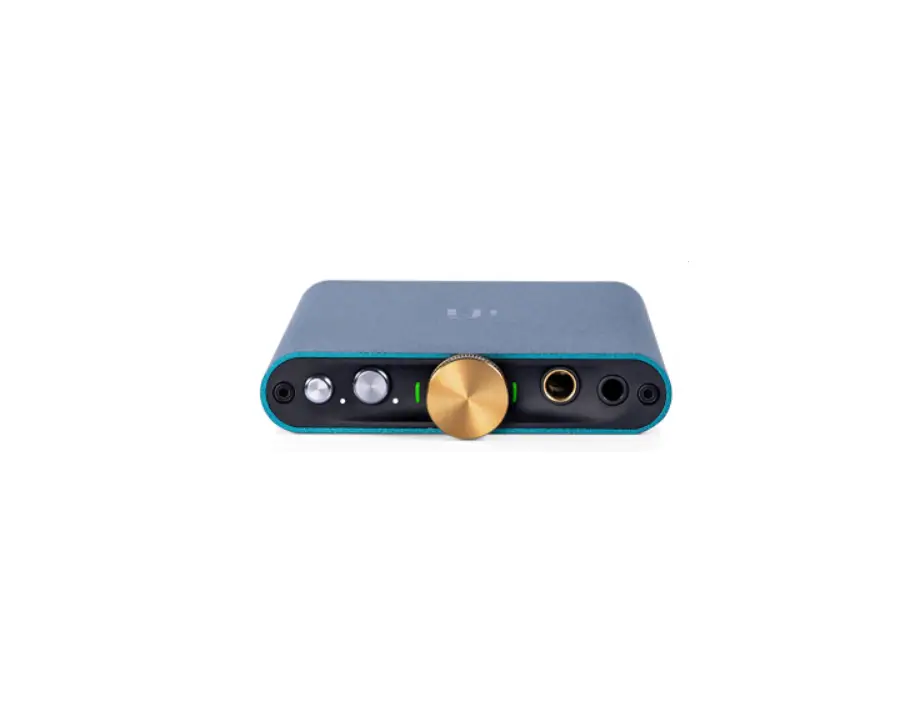
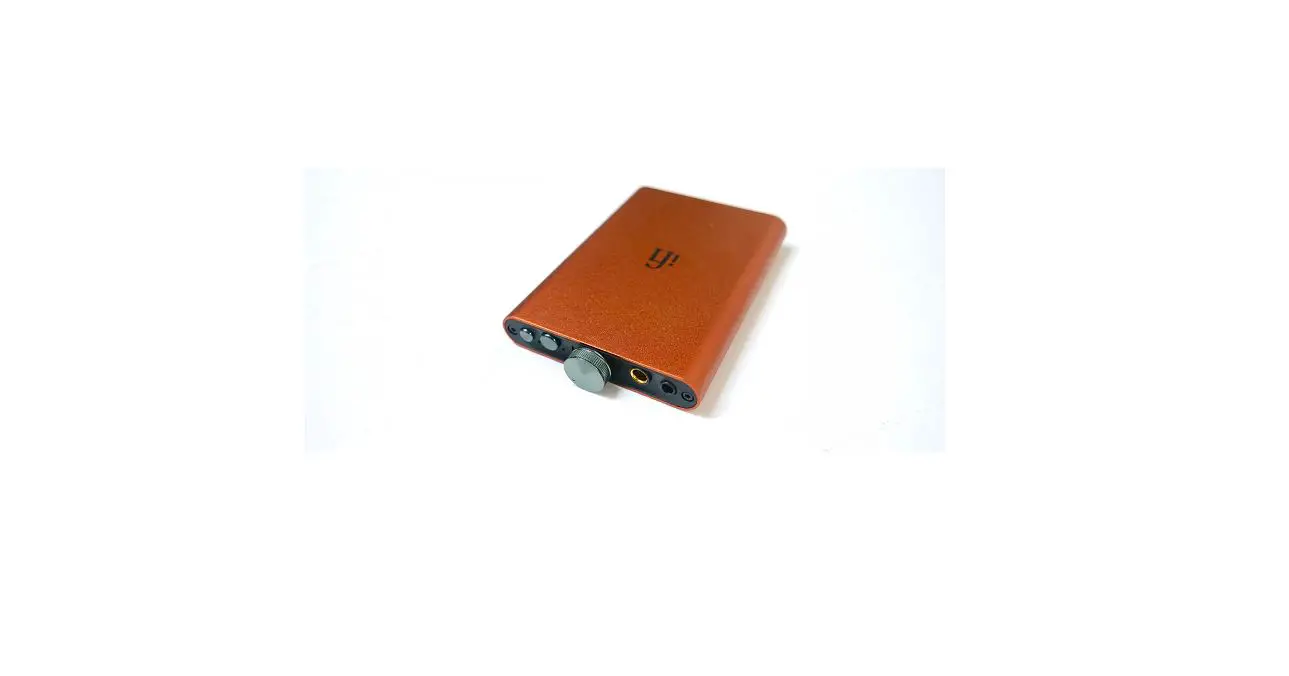
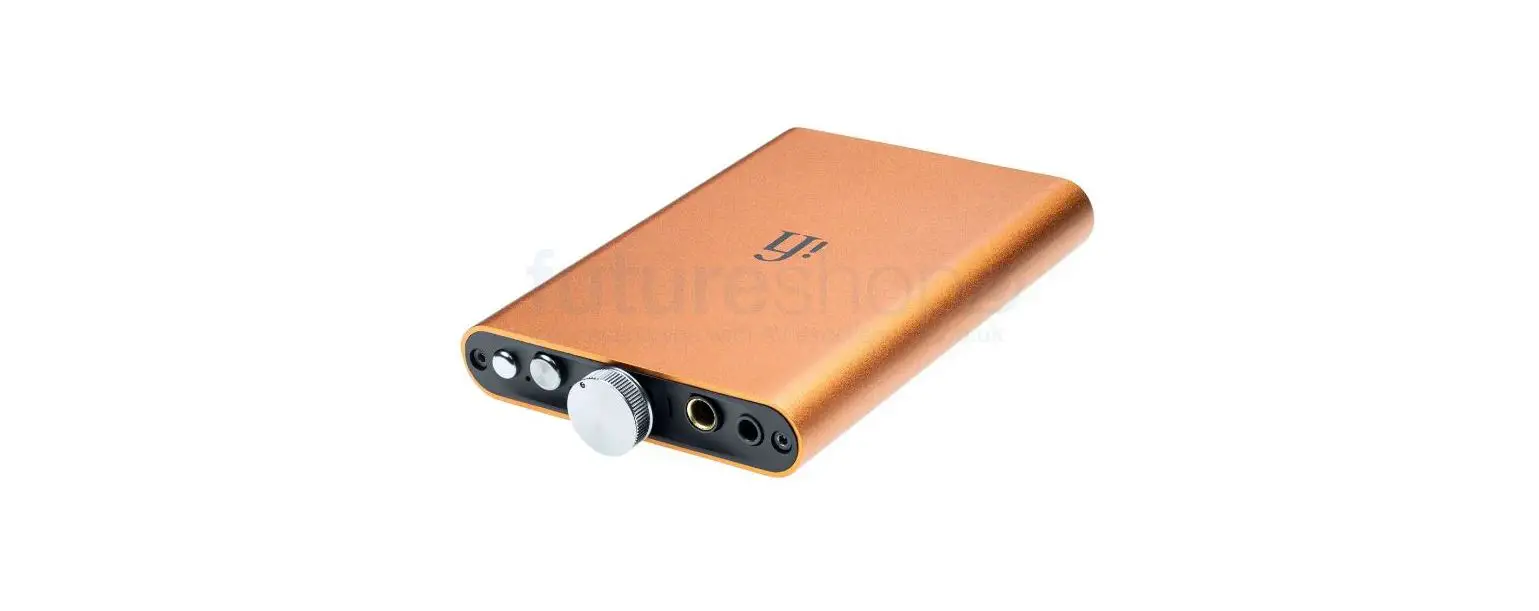
Hip-Dac 2 Gold Edition
Product Information:
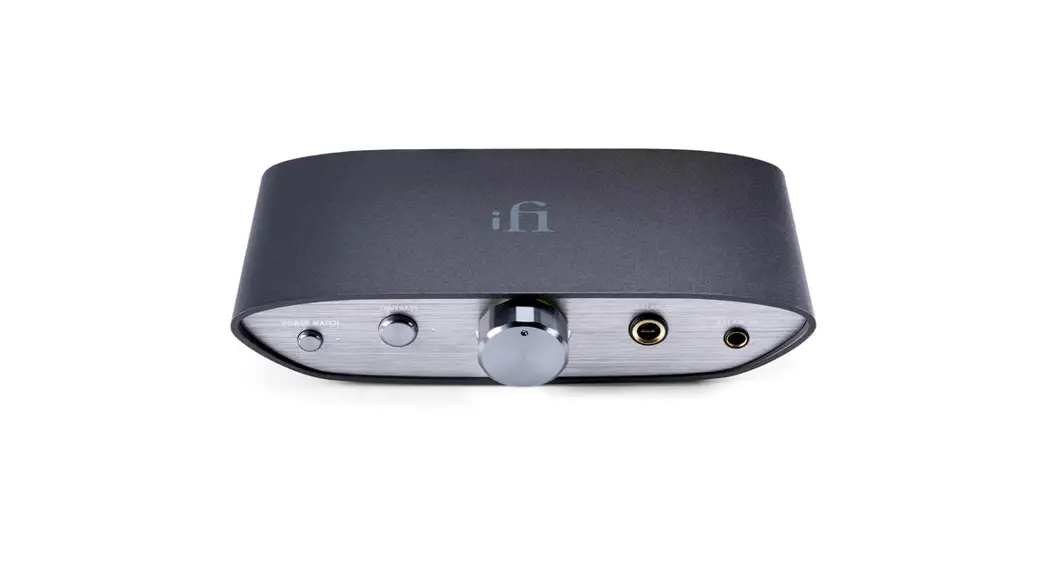
The hip dac Gold is a portable digital-to-analog converter (DAC)
designed to enhance the audio quality of headphones. It features
various functions and features that optimize the sound output and
compatibility with different audio formats. The product offers
PowerMatch, XBass, and LED indicators for audio format detection.
It also includes an analog volume control for precise volume
adjustment. The hip dac Gold has multiple connectivity options,
including USB 3.0 and USB-C ports. It comes with a high-capacity
lithium-polymer battery for extended usage.
Product Usage Instructions:
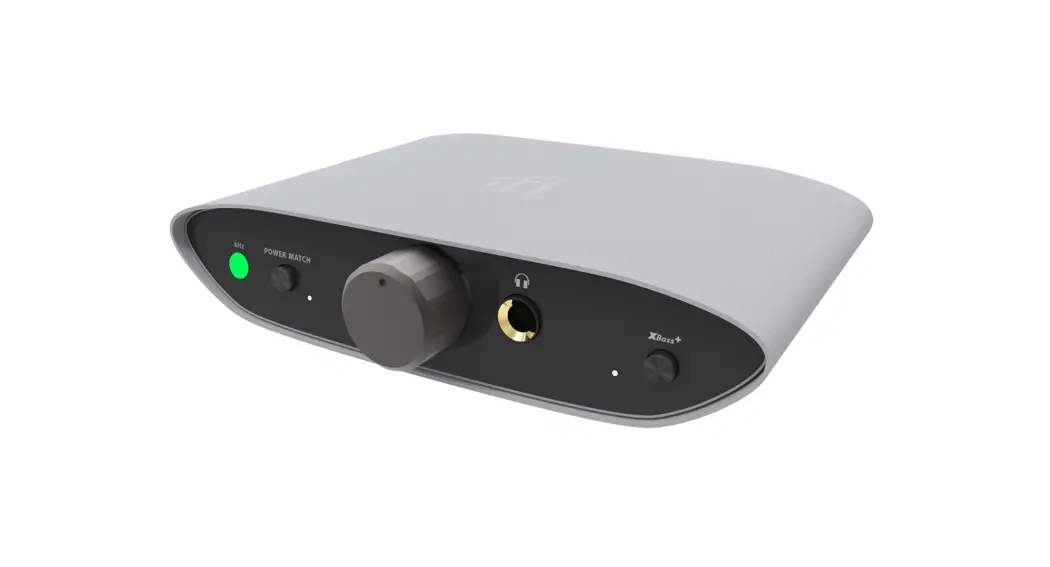
- PowerMatch (on/off): PowerMatch should be
enabled (on) when using headphones to ensure optimal impedance and
sensitivity matching. For in-ear monitors (earbuds), it is
recommended to disable (off) PowerMatch. Enabling PowerMatch
increases the gain by 10dB. - XBass (on/off): XBass is an analog circuit
that restores lost bass response in headphones, providing a more
accurate reproduction of the original music. Toggle XBass on or off
based on personal preference. - Audio Format LED (kHz): The LED color scheme
indicates the audio format and sampling frequency received by the
hip dac Gold. Refer to the table provided in the user manual for
LED color interpretation. - ON/OFF and Analog Volume Control: Use the
ON/OFF switch to power the hip dac Gold on or off. The analog
volume control should be adjusted gradually from a low volume level
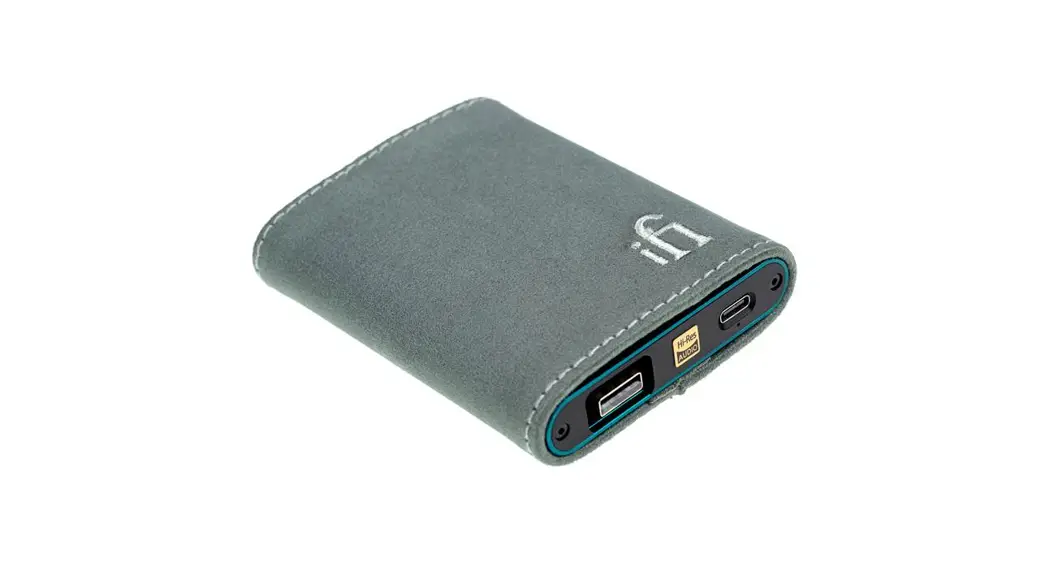
to prevent any damage to headphones or hearing. - USB3.0 ‘Type A’ data input port: This port is
used for data transfer. Connect your phone to the hip dac Gold
using a Lightning to USB Camera Adapter (Apple) or USB On-The-Go
(OTG) cable (Android). When using other audio sources, connect them
via a USB cable. - USB-C (5V) battery charge input: Use this port
for charging the hip dac Gold. Connect it to a high-powered USB
charger using the provided USB ‘Type A’ to ‘Type C’ cable, a smart
charger, or a regular charger up to 6.3V. - LED for Battery Status: The LED indicates the
battery status of the hip dac Gold. The color and flashing pattern
represent different battery levels. Refer to the user manual for
specific interpretations.
Note: For detailed specifications and firmware
updates, please visit the iFi audio website at www.ifiaudio.com/download-hub/.
7
89
1 23 4
56
1. PowerMatch (on/off)
PowerMatch enables hip dac Gold to match headphones’ impedance and sensitivity in order to generate their highest operational efficiency.
Tip: For in-ear-monitors (earbuds) try PowerMatch off. For headphones try PowerMatch on, When on, the gain increases by 10dB.
2. XBass (on/off)
Many headphones lack the correct bass response. XBass is an analogue circuit designed to ‘add back’ the lost bass response for a more accurate reproduction of the original music.
3. Audio Format LED (kHz)
The LED colour scheme indicates the audio format and sampling frequency received by hip dac Gold from the music source.
LED
Mode
Yellow White Cyan Red Green Blue Magenta *MQB
PCM 44.1/48kHz PCM 88.2/96/176.4/192/352.8/384kHz DSD 64/128 DSD 256 MQA MQA Studio Original Sample Rate*
Warning: Installing GTO enabled firmware may result in the LED’s on this device no longer changing in accordance with the above table
4. ON/OFF and Analogue Volume Control
The analogue volume control in the hip dac Gold is audibly superior to any digital volume control.
Warning: Due to the high power of hip dac Gold, always start off at a low volume level so that there is no risk of damage to your headphones and your hearing. iFi audio is not responsible for any hearing or equipment damage from misuse.
Power ON.
Power OFF.
OFF
7. USB3.0 ‘Type A’ data input port
For data transfer only. Connect your phone to the hip dac Gold with a Lightning to a USB Camera Adapter (Apple) or USB On-The-Go (OTG) cable (Android). When using other audio sources, please connect with a USB cable.
Tip: It is preferable to use a USB 3.0 over using a USB 2.0 port on the PC.
Note: For use with PC it is necessary to download drivers.
Tip: The hip dac Gold comes with a pre-installed firmware optimised for MQA. This version also handles up to PCM384/DSD256.
Tip: For all latest firmware updates please refer to our website here: www.ifiaudio.com/download-hub/
8. USB-C (5V) battery charge input
For charging only. It will take ~3 hours for a high-powered USB charger to fully charge hip dac Gold. Use the enclosed USB ‘Type A’ to ‘Type C’ cable, smart charger or a regular charger up to 6.3V.
9. LED for Battery Status
LED
Status
White*
> 75%
Green*
> 25%
Red*
> 10%
Red (flashing)
10%
*Battery LED will flash when it is charging
Specifications
Digital Input:
USB 3.0 type ‘A’ (USB2.0 compatible)
Formats supported: DSD256 / 11.3MHz
PCM 384kHz
MQA Decoder
DAC:
Bit-Perfect DSD & DXD DAC by Burr Brown
Headphone Outputs:
Balanced
4.4mm
S-BAL
3.5mm
Power Output:
Balanced
400mW @ 32; 6.3V @ 600
UnBAL
280mW @ 32; 3.2V @ 600
Battery:
Lithium-polymer 2200mAh approx. 8 hours
Power System:
Charging via USB-C, BC V1.2 compliant up to
1000mA charging current and 6.3 volts
Power (max):
<2W idle, 4W max
Dimensions:
102 x 70 x 14 mm (4.0″ x 2.8″ x 0.6″)
Net weight:
135 g (0.30 lbs)
Limited Warranty: 12 months*
*12 months typical or as permitted/required by local reseller
**Specifications are subject to change without notice.
Tip: The hip dac Gold will continue to run from battery power even if the USB cable is connected afterwards.
Tip: For connection to Apple devices, an Apple Lightning to USB Camera Adapter is required. For connection to Android devices, USB On-The-Go (OTG) cable and appropriate OS support are required.
For more information, please refer to www.ifi-audio.com
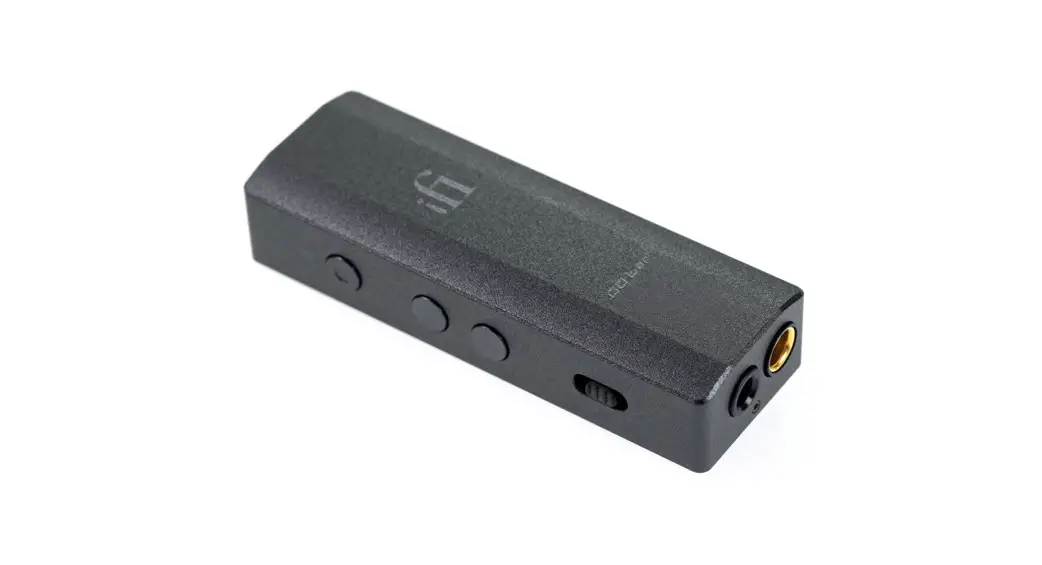
5. Balanced 4.4mm headphone output
Connect balanced 4.4mm headphones.
6. S-Balanced 3.5mm headphone output
Connect 3.5mm headphones.
ifi-audio.com
Ver1.0
 iFi audio | the Award-Winning Audio Technology Company
 iFi audio | the Award-Winning Audio Technology Company