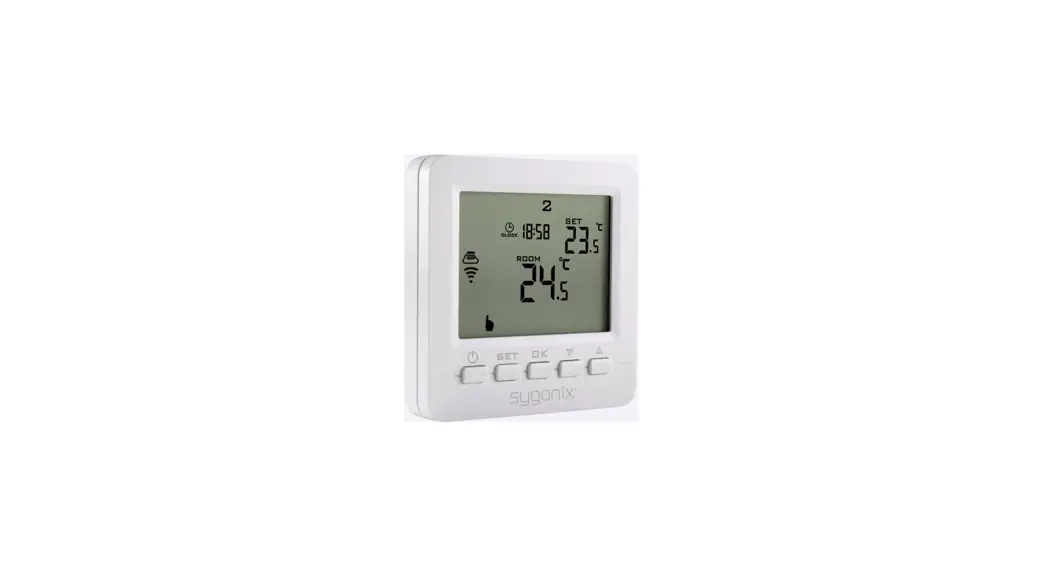
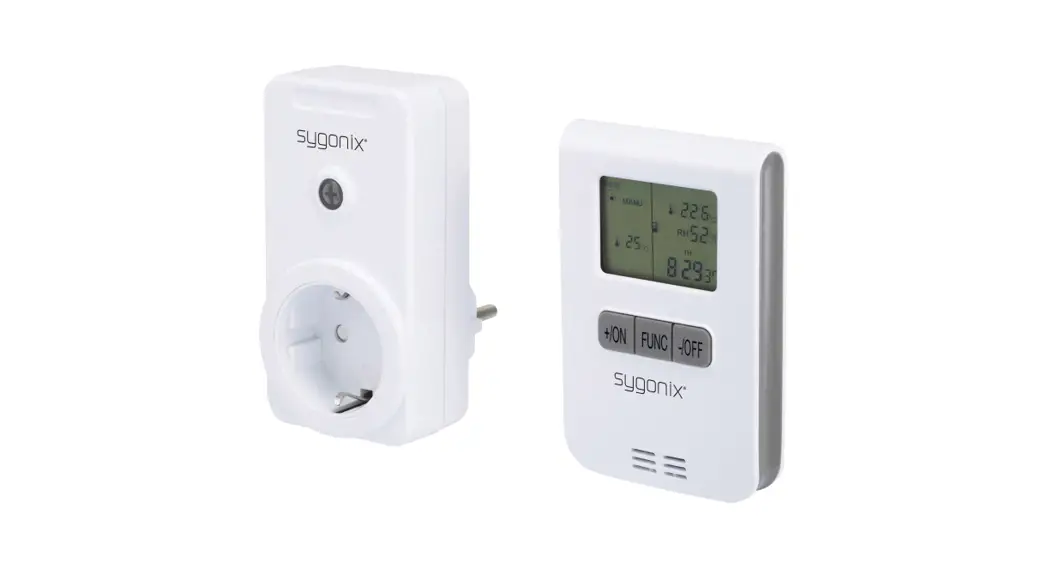
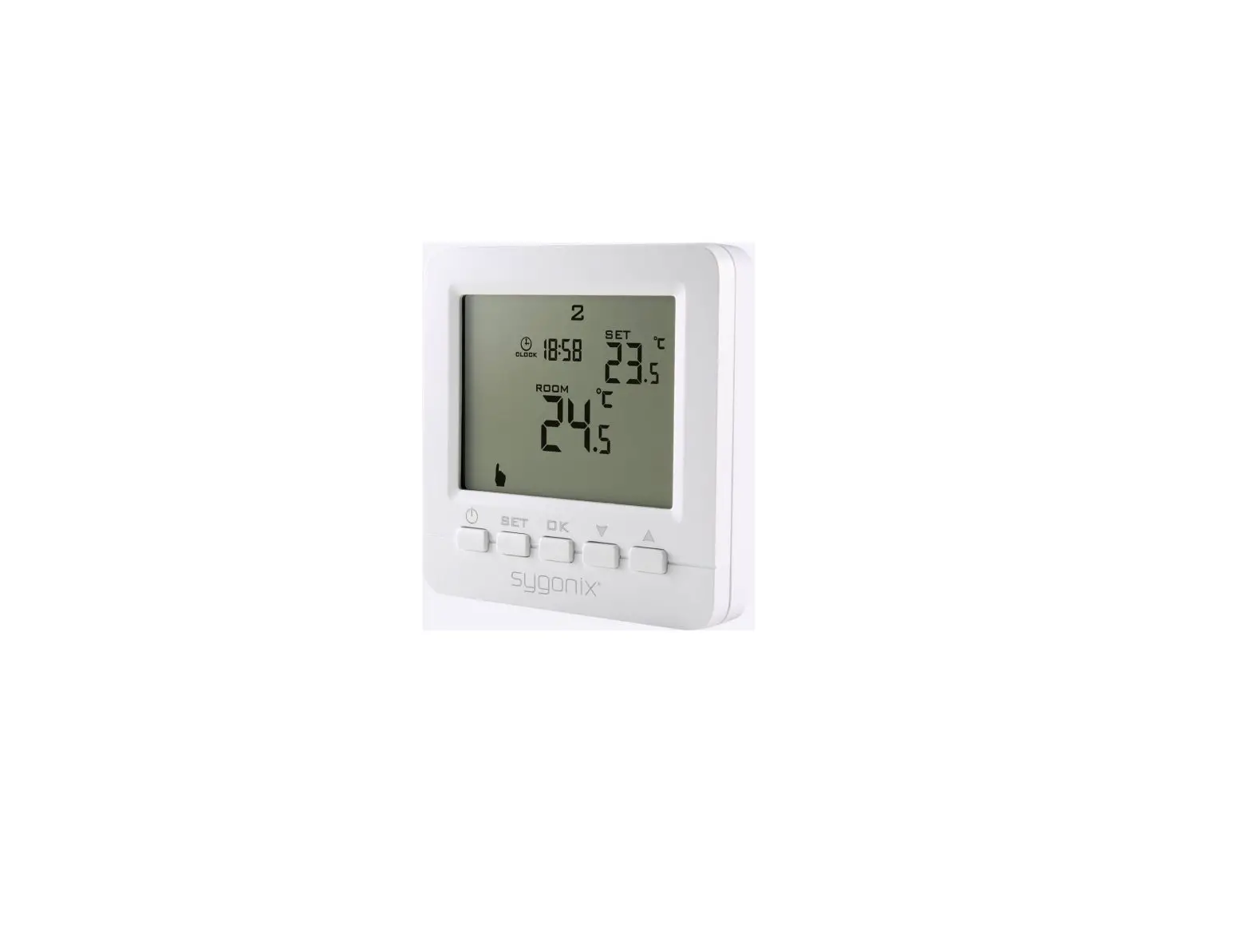
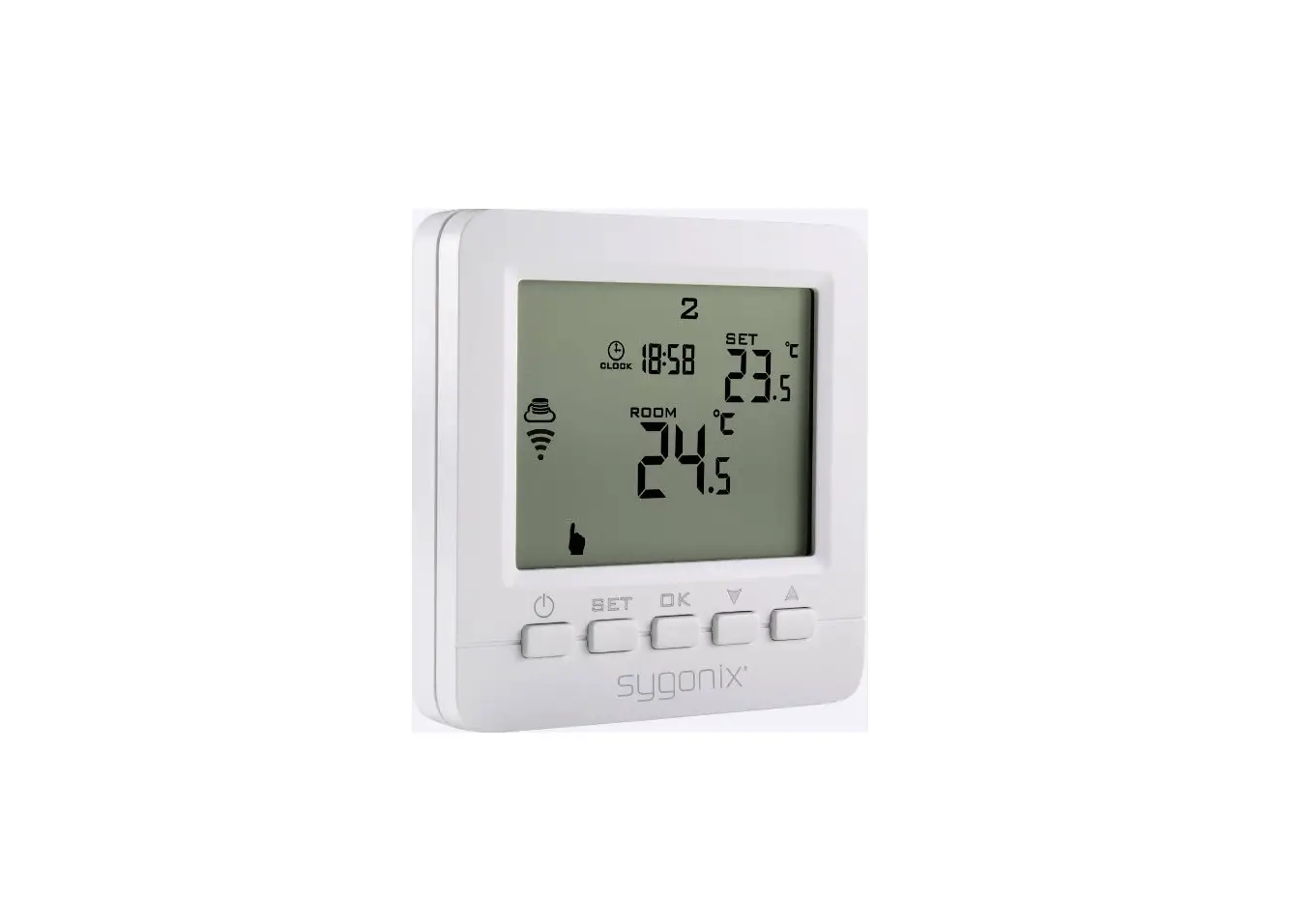
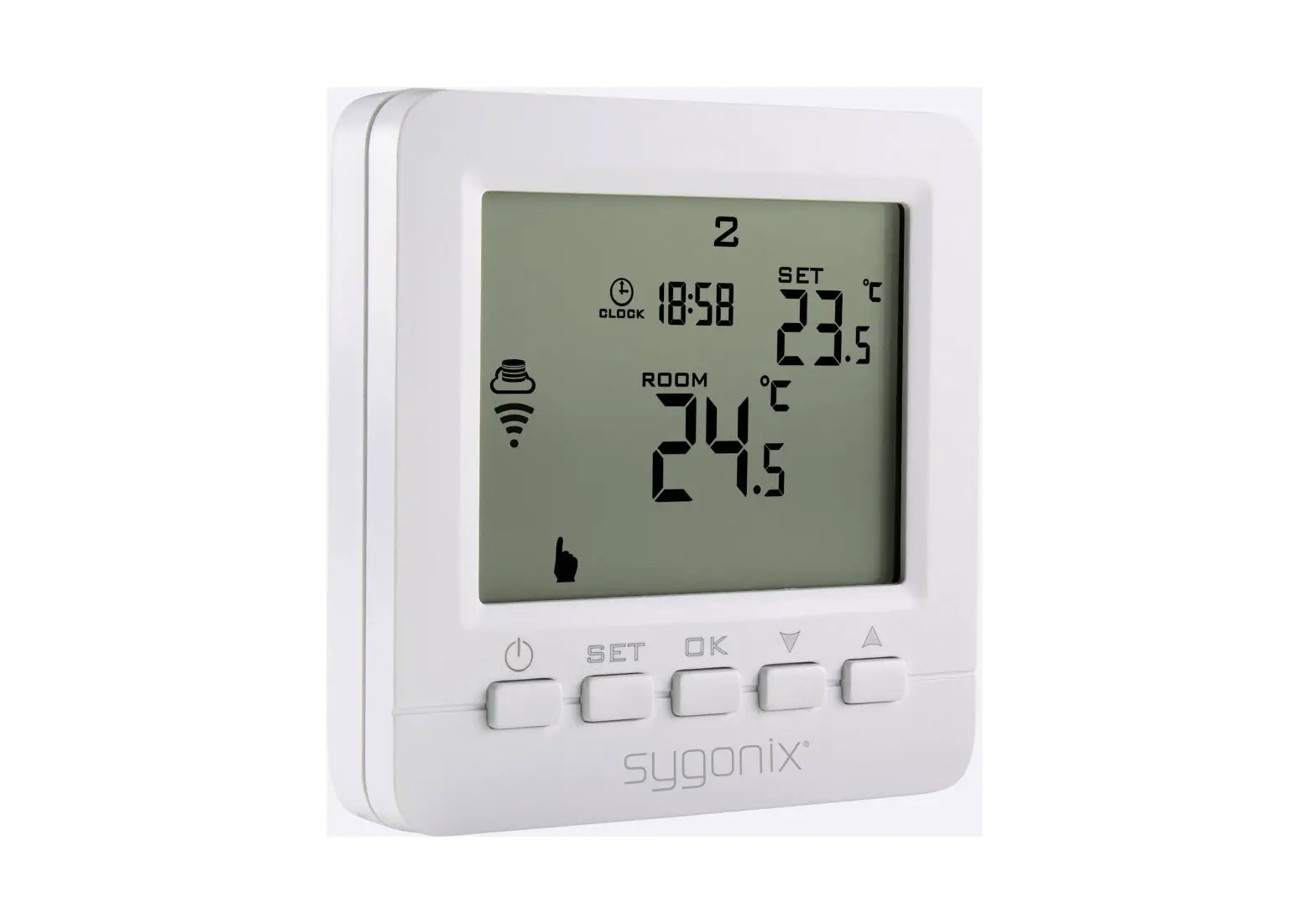
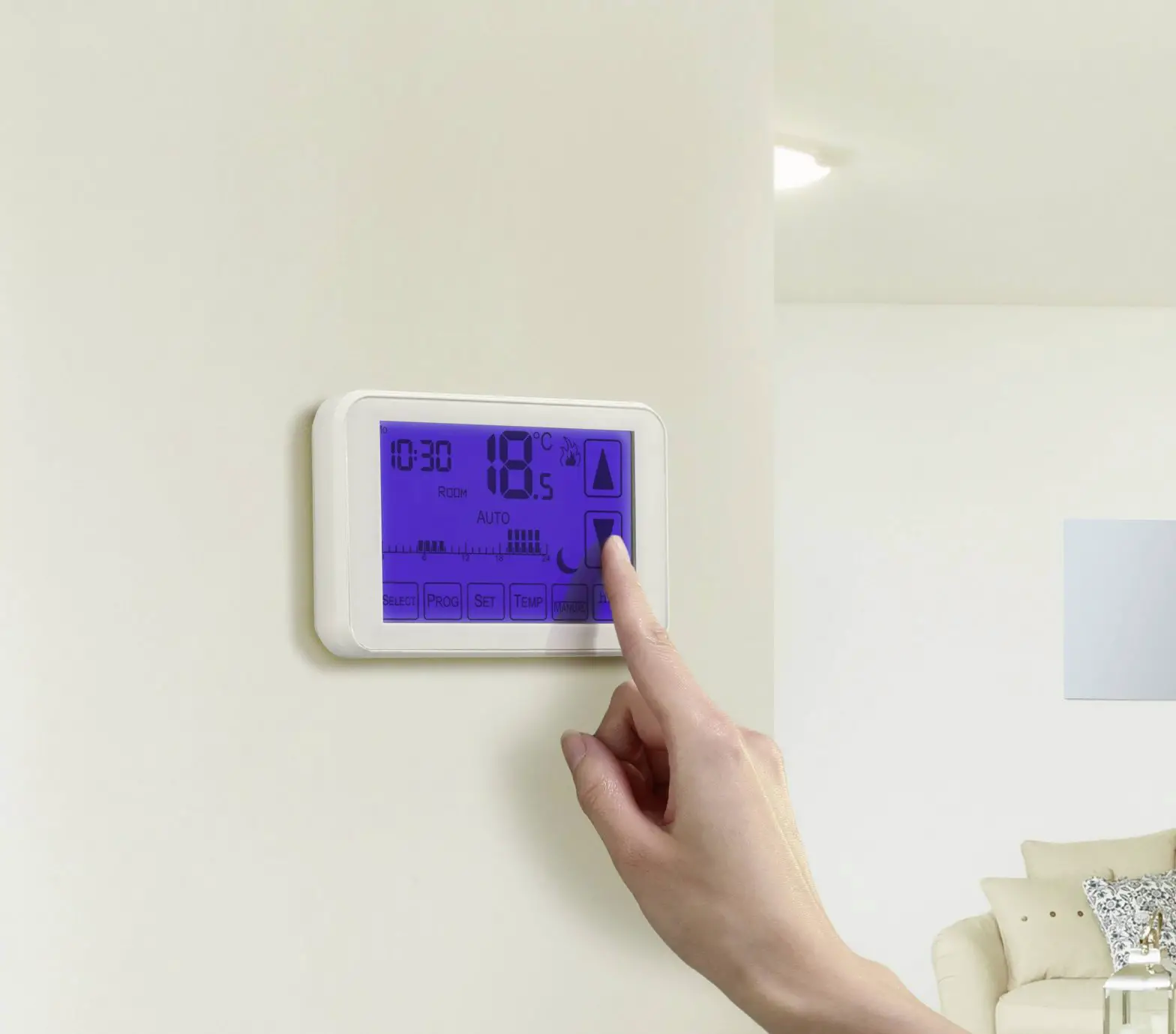
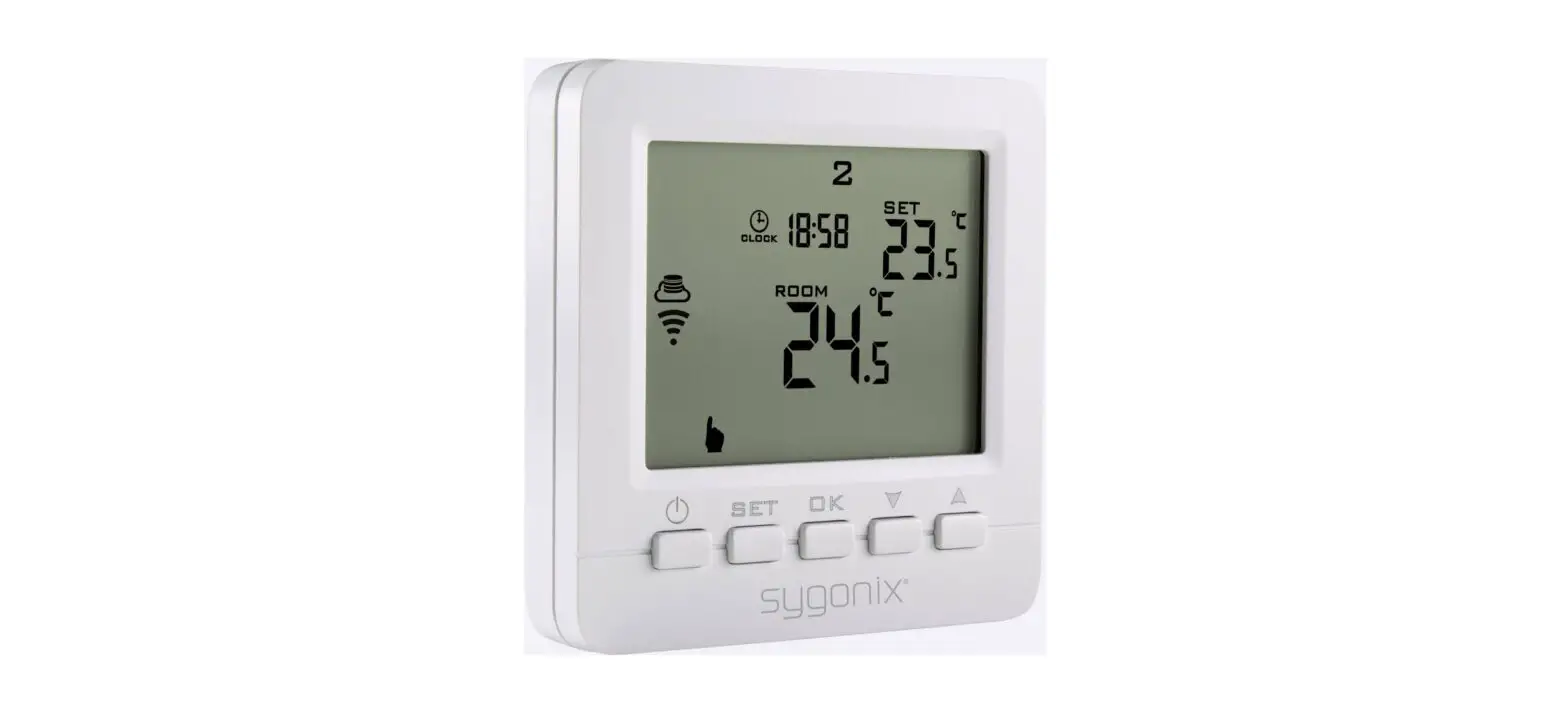
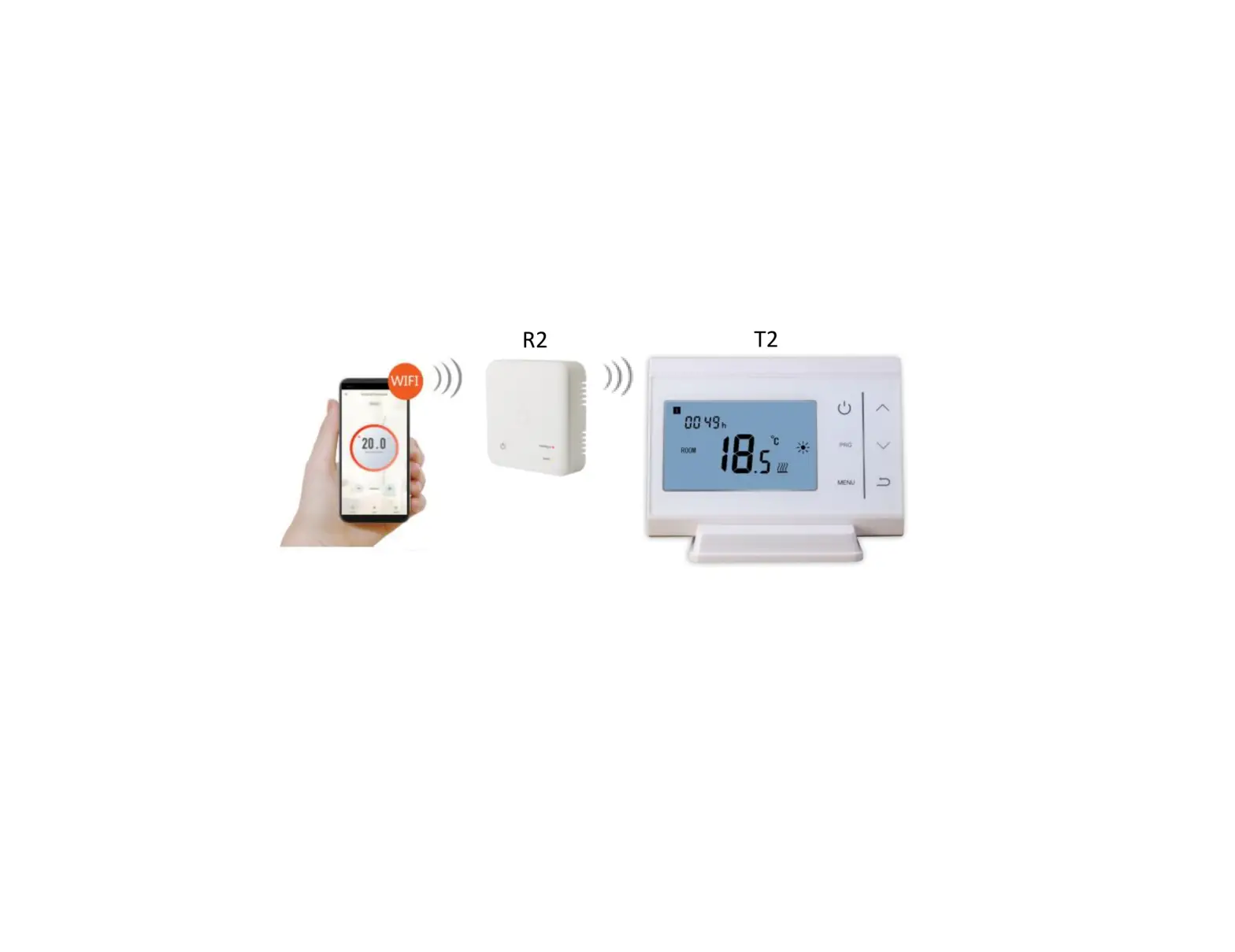
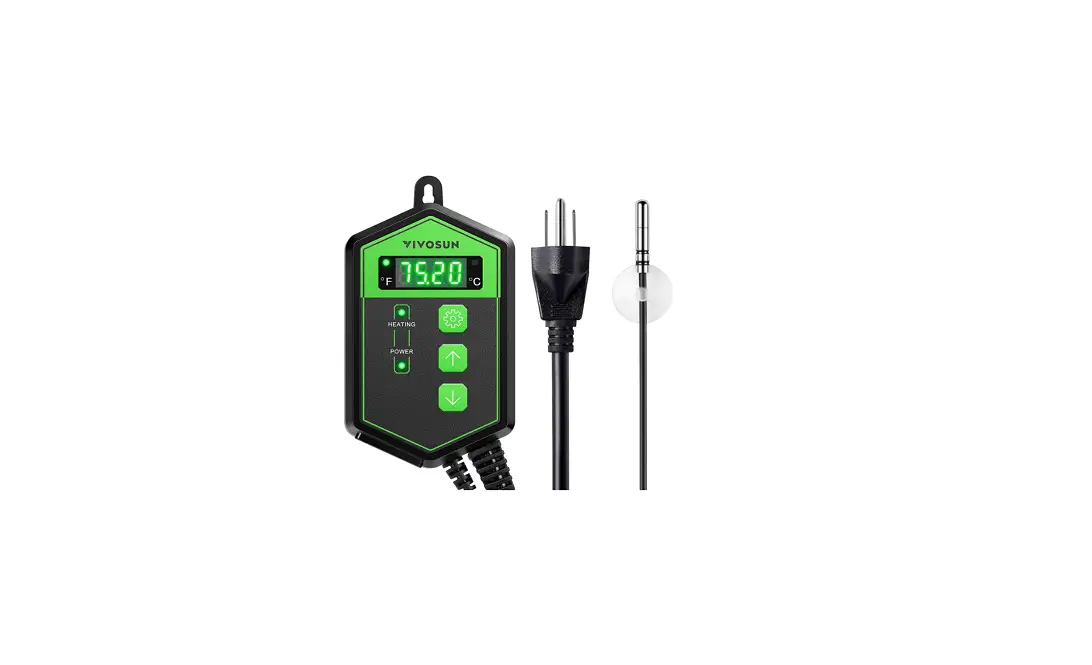
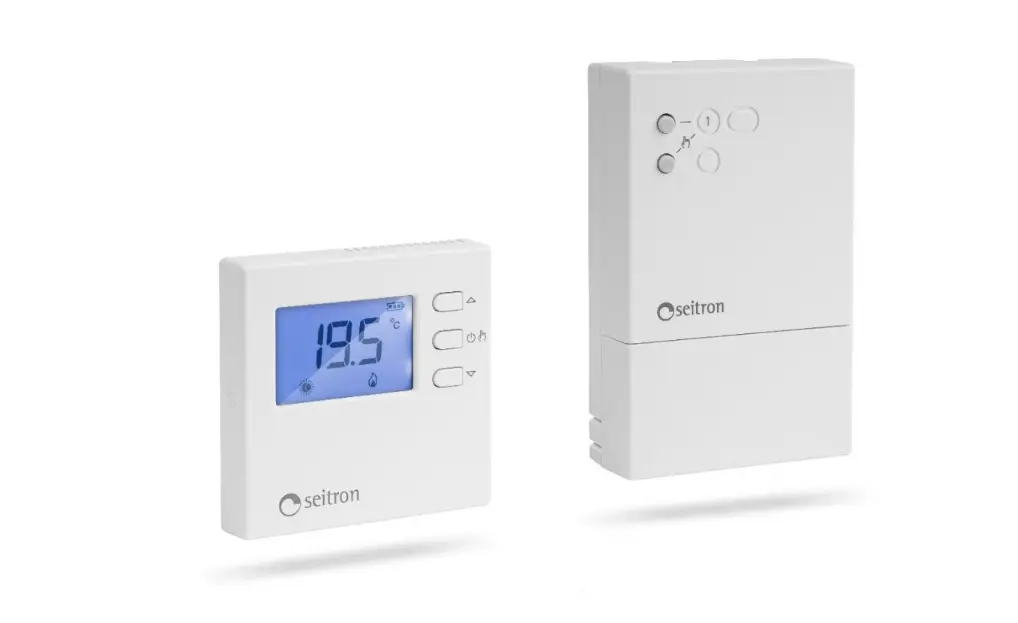
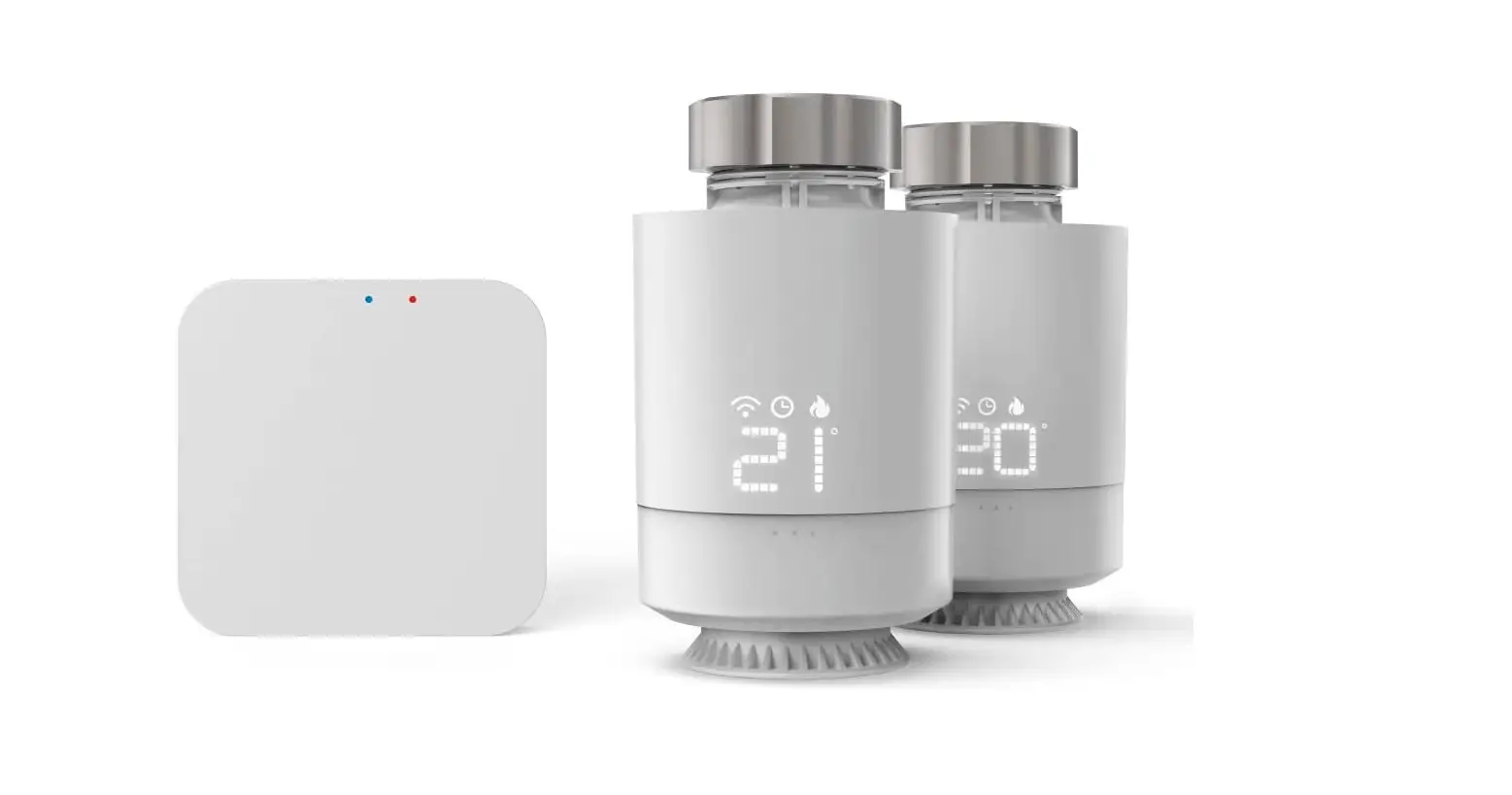
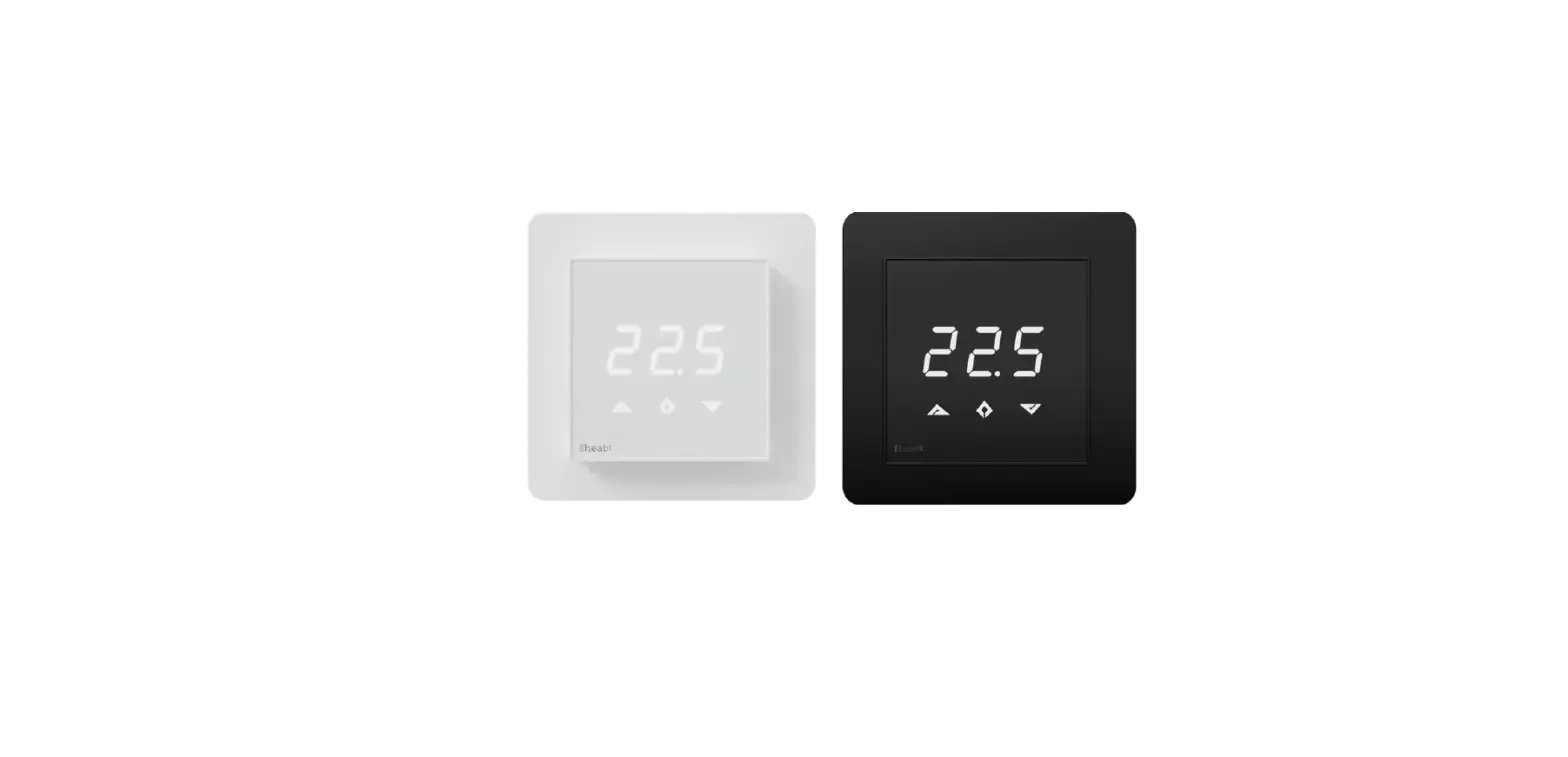
2735095 Wireless Heating Thermostat
Product Information: Wireless Heating Thermostat
Item no. 2735095
This product is a wireless heating thermostat intended for
temperature control and can be integrated into an electric heating
system, such as floor heating or panel radiators. It allows you to
schedule the room temperature precisely to the hour to suit your
individual needs. With its programmable time settings, you can
reduce heating costs and adjust the temperature in your home
according to your preferences. The thermostat also features a
holiday mode that keeps the temperature constant at a preset level
when you are away.
The wireless heating thermostat is powered by two Mignon
batteries (AA). It is connected to the mains voltage through a
switching receiver, which can also be used to control other
consumer devices connected to the mains voltage supply.
For safety reasons, it is important not to rebuild or modify the
product. Improper use can result in short circuits, fires, electric
shocks, or other hazards. Please read the instructions carefully
and store them in a safe place. Only provide this product to third
parties with its operating instructions.
This product complies with national and European requirements
and all company and product names mentioned are trademarks of their
respective owners. All rights reserved.
Product Usage Instructions
1. Installation and Connection
Caution, safety hazard!
The installation and connection of this product should only be
performed by individuals with relevant electrical knowledge and
experience.
Improper installation may result in:
- Risk to your own life
- Risk to the life of the person using the electrical device
- Severe damage to property, such as fire
- Personal liability for personal injury and material damage
2. Programming and Usage
To program and use the wireless heating thermostat, follow these
steps:
- Ensure that the wireless heating thermostat is installed and
connected properly according to the instructions provided. - Insert two Mignon batteries (AA) into the wireless heating
thermostat. - Refer to the operating instructions for the specific
programming and settings options of the wireless heating
thermostat. - Set the desired room temperature for each day of the week and
adjust the time settings according to your preferences. - Utilize the holiday mode to maintain a constant temperature at
a preset level when you are away.
3. Safety Precautions
Please keep the following safety precautions in mind while using
the wireless heating thermostat:
- The product should only be used in dry, indoor locations. It
must not get damp or wet. - The product is designed with protection Class II (reinforced or
double insulation, protective insulation). - Handle the product carefully to avoid damage from jolts,
impacts, or falls. - If you have any doubts about the operation, safety, or
connection of the appliance, consult a technician. - If you have unanswered questions, contact our technical support
service or other technical personnel.
4. Additional Resources
To download the latest operating instructions or access
additional resources, visit www.conrad.com/downloads or scan the
QR code provided in the manual.
Operating instructions Wireless heating thermostat
Item no. 2735095
1 Intended use
This product is a wireless heating thermostat intended for temperature control and can be integrated into an electric heating system, such as floor heating or panel radiators.
You can schedule the room temperature precisely to the hour to suit your individual needs. You can programme the room temperature for 7 days in advance. With six programmable time settings a day, you can reduce your heating costs and adjust the temperature in your home to your needs. You can save on heating costs when you are on holiday or away on business. The holiday mode keeps the temperature in your home constant at a preset level.
The wireless heating thermostat is powered by two Mignon batteries (AA). The switching receiver is connected directly to the mains voltage. You can also connect a consumer operated via the mains voltage supply to the switching receiver and switch it on or off through temperature control.
The heating thermostat has a built-in temperature sensor (probe) and allows connecting an external sensor to the switching module. The product has a button lock feature that prevents incorrect operation and a permanently installed decoupling capacitor for data backup in the event of a power failure. This device has an IP20 ingress protection rating and is suitable for dry rooms and indoor use. Do not use it outdoors. Contact with moisture, e.g. in bathrooms, must be avoided under all circumstances.
For safety and approval purposes, do not rebuild and/or modify this product. If you use the product for purposes other than those described above, the product may be damaged. In addition, improper use can result in short circuits, fires, electric shocks or other hazards. Read the instructions carefully and store them in a safe place. Make this product available to third parties only together with its operating instructions.
This product complies with the statutory national and European requirements. All company and product names contained herein are trademarks of their respective owners. All rights reserved.
2 Delivery content
Radio room thermostat Switching module
4x Screw Operating instructions
3 Up-to-date operating instructions
Download the latest operating instructions at www.conrad.com/downloads or scan the QR code shown. Follow the instructions on the website.
4 Description of symbols
This symbol warns of dangerous voltage that can lead to injury from electric shock. Read the information carefully.
The symbol with the exclamation mark in the triangle indicates important information in this document. Always read this information carefully.
The product should only be used in dry, indoor locations. It must not get damp or wet.
The product is designed according to protection Class II (reinforced or double insulation, protective insulation).
Please handle the product carefully. Jolts, impacts or a fall even from a low height can damage the product.
Consult a technician when in doubt about the operation, safety or connection of the appliance.
If you have questions which remain unanswered by these operating instructions, contact our technical support service or other technical personnel.
5.2 Installation/connection Caution, safety hazard!
The product should only be installed and connected by people with relevant electrical knowledge and experience! *)
If the product is not installed properly, you risk:
your own life;
the life of the person using the electrical device.
If the product is not installed properly, you risk severe damage to property, e.g. due to fire. You face the risk of personal liability for personal injury and material damage.
Always consult an electrician!
*) Technical knowledge required to perform the installation!
The following specialist knowledge is required for installation:
The “Five Safety Rules”: Disconnect from the mains; protect against accidental switch-on; ensure there is no voltage; earth and short-circuit; cover or protect adjacent live parts.
Use of suitable tools, measuring devices and personal protective equipment, where necessary.
Analysis of measurement results.
Use of electrical installation materials to meet the requirements for safe disconnection from the power supply.
IP protection ratings.
Installation of electrical installation materials.
Type of power supply (TN system, IT system, TT system) and the corresponding connection criteria (classic earthing, protective earthing, necessary additional measures, etc.)
If you do not have sufficient knowledge in all of the aforementioned topics, contact a specialist and do not attempt to install or connect the product yourself.
Further warnings:
The construction of the product corresponds to the protection-class II (double or reinforced isolation). Ensure that the insulation of the housing is neither damaged nor destroyed.
Before installing the switching module, disconnect all poles from the mains voltage using a residual current device (RCD). There must be an appropriately rated fuse or circuit breaker between the RCD and the product.
The device must be de-energised during installation and connection of the switching module. Furthermore, turn off the automatic circuit breaker and the RCD to disconnect all poles from the mains voltage. Secure it against unauthorised reconnection, e.g. with a warning sign. Then check to ensure there is no voltage with a suitable measuring device (e.g. a two-pole voltage tester).
Never connect the product to the power supply immediately after it has been transferred from a cold room into a warm one (e.g., during transport). The condensation that forms may destroy the device. Moreover, there is danger of electric shock!
Always let the product reach room temperature first. Wait until the condensation has evaporated. In some cases, this may take several hours. Only once the condensation has evaporated should it be installed, connected to the power supply and put into use.
Do not use the product in rooms with adverse environmental conditions, where combustible gases, vapours or dust are or may be present! This may cause an explosion!
Pay attention to the operating instructions!
5 Safety instructions
Read the operating instructions carefully and adhere in particular to the safety instructions. If you do not heed the safety instructions and information on proper handling in these operating instructions, we will assume no liability for any resulting personal injury or property damage. Such cases will also invalidate the warranty/guarantee.
5.3 Protection class This device has an IP20 ingress protection rating and is suitable for dry rooms. There is protection against touching live components and ingress from foreign particles
>12.5 mm. There is no protection against water, combustible gases, and vapours.
5.1 General information This product is not a toy. Keep it out of the reach of children and pets. Do not leave packaging material lying around carelessly, as it could become a dangerous
plaything for children. Protect the product from extreme temperatures, direct sunlight, strong jolts, high humidity,
moisture, flammable gases, vapours and solvents. Do not expose the product to any mechanical stress.
If it is no longer possible to operate the product safely, take it out of operation and protect it from any accidental use. Safe operation can no longer be guaranteed if the product:
is visibly damaged,
is no longer working properly,
has been stored for extended periods in poor ambient conditions or
has been subjected to any serious transport-related stress.
1
6 Components and controls 6.1 Wireless thermostat
6.2 Switching module
ON/OFF POWER
Load
Signal
Switches the switching module on or off. Power light (green) goes on when the device is switched on. Load/fault light (red)
Normal status: Lights up when the consumer is switched on.
Error:
When the light flashes 2 times, it means that the IP is faulty. When the light flashes 3 times, it means that the device has received no radio
signal for an hour.
When the light flashes 4 times, it means that the sensor is faulty (only for receivers with external sensors).
Lights up within 10 seconds after power-on. Flashes when a switching signal is received.
6.3 Display
1
6 programmable periods (morning, work, lunch, afternoon, evening, night)
1
12
2 Current time
2
11
3 Wireless connection to the switching 3
module
4 Weekday intervals
4
10
5 Automatic mode (preset programme is
running)
9
Press the Settings button briefly to switch between manual and automatic modes.
56 7 8
6 Manual mode (manual temperature control)
7 Holiday mode
8 Heating
9 Button lock enabled: Press and hold the button for approx. 3 seconds to unlock.
10 Room temperature (actual temperature)
11 Temperature setting (set temperature)
12 Weekday (1 = Monday, 7 = Sunday)
6.4 Icons
Icon Meaning Visible when the keypad is locked. Disappears when keypad is unlocked.
Visible when heating is ON. Disappears when heating is OFF.
AUTO mode: Weekly schedule program is running.
Manual mode.
Holiday mode: Set the number of days you will be away and a temperature. Flashes when there is no wireless connection to the switching module. When connected, the symbol is displayed permanently.
6.5 Wireless thermostat button functions (a)
Button
Function
Press to turn the power ON/OFF.
Press this button briefly to toggle between manual and automatic modes. Programmable setting: Switch on the device and use this button to enable the automatic mode . Then press and hold the button for three to five seconds. Advanced options setting: Turn power off, then press and hold 3 – 5 sec. Confirms a setting. During normal operation press to set the time and day of week.
During normal operation, press and hold 3 – 5 sec to enter “holiday mode” settings.
With the power off, press and hold for approx. 3 – 5 secs to enter advanced settings. Press to increase a value.
Press to temporarily override “auto” mode and increase the temperature (auto settings will be retained when exiting manual override). Press to decrease value.
Press and hold to activate/deactivate the keypad lock.
Press to temporarily override “auto” mode and decrease the temperature (auto settings will be retained when exiting manual override).
Installation
1. To remove the front panel of the thermostat or the switching module, press in the upper clips with a small flat screwdriver and pull off the front panel to the front.
2. There are 6 connecting terminals on the back of the switching module:
1, 2) electrical load (consumer) 3, 4) main power supply 5, 6) external NTC thermistor (optional).
Connect the mains power supply to the corresponding inputs 3 and 4. Connect the consumer (e.g. an electric radiator or electric floor heating) to the correspond-
ing outputs 1 and 2.
If the consumer requires a protective earth connection, it must be connected separately.
3. You can connect an external temperature sensor (probe) to terminals 5 and 6. There is no polarity so it does not matter which way you connect the wires.
When routing the connection cables, ensure they are protected from sharp edges. Never fasten the connection cable with nails, screws or similar.
4. The mounting height of the thermostat should be approx. 1.5 m above the floor level.
Be careful not to damage the cables during installation.
5. Replace the front panels and press them firmly into place. They should click audibly into place.
6. Turn on the mains voltage for the switching module. 7. The thermostat is now ready to use.
2
7 Operation and use 7.1 Power ON/OFF
Pressing the button turns the wireless heating thermostat on and off. When the thermostat is switched off, the display goes out and no temperature control takes
place.
7.2 Set time and weekday
Notice You must first switch on the wireless heating thermostat and ensure it is in normal status (exit the “System settings”). Settings will exit and be saved if no keys are pressed for approx. 10 seconds.
1. Press and the minutes will flash. Press or to adjust values. Press to save the setting.
2. Adjust the hours: Press or to adjust values. Press to save the setting.
3. Adjust the day of week (1 = Monday… 7 = Sunday). Press or to adjust values. Press to save the setting.
4. The settings are saved and the thermostat returns to normal operation.
7.3 Switch between automatic and manual mode
Before doing so, ensure the wall thermostat is on and in normal status (exit “System settings”).
Pressing the button switches between automatic ( ) and manual ( ) modes. sensor mode: The temperature settings are based the active program preset. Manual: Use the buttons and to set the temperature manually.
7.4 Button lock Press and hold for approx. 5 seconds to turn the parental control lock ON / OFF. The lock symbol will show to indicate that the parental lock is ON.
You can choose between two different parental locks depending on the settings under “System settings” –> “General” –> “A3”: 0 = All buttons except the power button will be locked. 1 = All buttons are locked.
7.5 Holiday mode
Before doing so, ensure the wall thermostat is on and in normal status (exit “System settings”). Use holiday mode to set a time and temperature for the days you will be away.
Activate 1. Press and hold the button for three to five seconds to enter the settings menu. 2. Turn holiday mode ,,on”.
Adjust the value using the buttons and (ON = holiday mode enabled). Press to save the setting. 3. Set the number of days you will be away between “1 and 30”. Adjust the value using the buttons and . Press to save the setting. 4. Set the temperature. Press or to adjust values. Press to save the setting. 5. The symbol shows on the display to indicate that holiday mode is active. Exit holiday mode Press to exit holiday mode and return to manual or auto mode.
7.6 Programming the weekly schedule Overview: 6 time periods You can configure temperature settings for 6 time periods throughout the day. A symbol indicates which time period is active.
Default times and temperatures for each period are shown below:
1: Wake up 2: Outdoor
06:00
08:00
21 °C
17 °C
Weekday interval
3: Back home 11:00 21 °C
4: Outdoor 5:Back home
13:30
17:00
17 °C
21 °C
6: Sleep 22:00 17 °C
Weekday intervals are based on the selected programme. Select “System settings” –> “General” –> “A5”.
Program Icon P1 P2 P3
Weekday interval 5 days same / 2 days same 6 days same / 1 day same 7 days same
Program a weekly schedule
General setting
1. Press the button to turn off the thermostat. 2. Press and hold the button for three to five seconds to enter the settings mode. 3. Press the button repeatedly to access the setting “A5”. 4. Use the buttons and to select the desired programme (P1, P2 or P3).
5. Press the button again to exit the settings menu. Settings will also be saved if no buttons are pressed for approx. 10 seconds. The menu is exited automatically after 10 seconds.
Programming a schedule
1. Press the button to switch on the thermostat.
2. If the backlight is off, press the button to turn it on, and then press and hold the for about three to five seconds to enter the settings mode.
button
The display shows the symbol of the first period “1: Wake up” and the time indication starts flashing.
3. Set the time (hours: minutes) Press or to adjust values. Press to save and set the next value.
4. Set the temperature Press or to adjust values. Press to save and set the next period
The display shows the symbol of the next period “2: Away” and the time indication starts flashing.
5. Repeat steps 3 and 4 to set all 6 periods for the day. 6. Settings will be saved if no buttons are pressed for approx. 10 sec. Switch programmed schedule ON/OFF Press to switch the programmed schedule ON or OFF. The icon appears when the programmed schedule is ON.
8 System settings and defaults
Adjusting system settings may cause your thermostat to behave unexpectedly. Read all instructions carefully before adjusting any settings. Refer to section ,,Troubleshooting” for further information.
8.1 General information
1. Press the button to switch off the thermostat.
2. Then, press and hold the mode.
button for three to five seconds to enter the general settings
After that, press the button repeatedly to select the desired setting from “A1” to “Ao”.
Use the buttons and to adjust the values.
3. Press the button again to exit the settings menu. Settings will also be saved if no buttons are pressed for approx. 10 seconds.
3
Display code
Setting
System Settings
Factory default
Calibration
A1
temperature Adjustment range -9 to +9 °C
-1 °C
deviation
Adjustment range 0.5 to 5 °C
Switching
Example:
A2
differential (hysteresis)
If the thermostat measures a temperature of +20 °C with a setting of 1 °C, the thermostat will
+1 °C
switch on the heating at +19 °C and again off at
+21 °C.
0 = All buttons except the power button will
A3
Button lock be locked
0
1 = All buttons are locked
0 = Return to the previous function
A4
Behaviour after power failure
1 = Switch off
0
2 = Switch on
The weekday must be set correctly for the
programme to recognise the weekend. You will
find more information under “Operation and use” 0 = 5 days
A5
Weekly interval –> “Set time and weekday”.
setting
Settings:
(Mo-Fr) / 2 days
P1 = 5 days / 2 days,
(Sa/Su)
P2 = 6 days / 1 day,
P3 = 7 days
A6
Minimum temperature
Set the lowest selectable temperature. Adjustment range: +1 to +10 °C
+5 °C
A7
Maximum temperature
Set the highest selectable temperature. Adjustment range: +20 to +70 °C
35 °C
The heater will turn on automatically if the sensor
measures the temperature below the preset
A8
Frost protec- value.
tion
Settings range: +1 to +10 °C
+5 °C
Advanced setting: N1 or N3 (internal sensor)
This feature prevents the floor temperature from increasing excessively. For example, if the room
cannot be heated up to the preset temperature due to the window being open, the floor heating alone can try to compensate for the difference.
High tempera- Advanced setting: N3 only
A9
ture protection Settings range: +20 to +70 °C
(external
Cancel Setting:
45 °C
sensor only) Press and hold the button until the display
shows “–“.
Example: If the sensor measures a temperature of +50 °C with a temperature preset of +50 °C, the thermostat will switch off the radiator. Adjustment range: 1 to 9 °C
Example:
High tempera- The limit value “AA” is set to +45 °C and “AB” to
ture protection/ 2 °C. When a temperature of +45 °C is reached,
AA
differential set- the thermostat switches off the heating. When +2 °C
ting (external the temperature drops to +43 °C, the thermostat
sensor)
switches on the heating again. But this only
works if the indoor temperature is lower than the
preset temperature.
Press and hold the button for three to five
Ao
Restore factory seconds until all display items appear at a time.
defaults
After the thermostat has been successfully reset
to factory defaults, it switches off.
8.2 Advanced settings
1. Press the button to switch off the thermostat. 2. Then, press and hold the button for three to five seconds to enter advanced settings mode.
After that, press the button repeatedly to select the desired setting. Use the buttons and to adjust the values.
3. Press the button again to exit the settings menu. Settings will also be saved if no buttons are pressed for approx. 10 seconds.
Display code
Setting
System Settings
PH
IP address “high”
00 to FF
PL
IP address “low” 01 to FF
Press and hold the button on the thermo-
stat.
Programme the
BS
IP address of the switching
Switch on the switching module (the orange LED is permanently lit).
module
After successful transmission of the IP, the
thermostat display shows “55”. If the transmis-
sion has failed, repeat the process.
N1:
Internal sensor controls the temperature.
BN
Sensor selection N3.
Internal sensor controls the temperature. If N3
is activated, the external sensor is used as the
temperature limiting sensor.
Bo
Product information
Cannot be changed
Factory default 00 01
00
N1
9 Error codes
An error code will show if there is a problem with the internal or external sensor. When this happens the thermostat will stop heating until the cause of the error is removed.
Code E1
E2
Explanation
Suggestions
Internal sensor error
External sensor error
Switch the thermostat off and contact technical support service or other technical personnel. Check the external sensor connection.
Switch the thermostat off and contact technical support service or other technical personnel.
10 Range
The transmission range of the radio signals between the temperature controller and a suitable radio receiver is up to 200 m under optimal conditions.
However, this indication refers to the so-called “open field range” (with direct visual contact between transmitter and receiver without interference).
Different objects have a different impact on the range; therefore, no specific range can be guaranteed. The range should be sufficient for use in a detached house. Sometimes the range can be considerably reduced due to: Walls, reinforced concrete ceilings and metal-framed drywalls. Coated/metallised insulated glass. Proximity to metal and conductive objects (e.g. radiators). Proximity to the human body. Other devices using the same frequency for communication (e.g. wireless headphones,
wireless speakers). Proximity to electric motors/appliances, transformers, power supplies, and computers.
11 Care and cleaning
This product does not require maintenance. Use a dry, soft, lint-free cloth to wipe the panel. Do not use aggressive cleaning agents, as
these can cause discolouration.
Always activate the button lock before wiping the front panel. Accidentally pressing the buttons can cause unintended settings.
12 Declaration of Conformity (DOC)
Conrad Electronic SE, Klaus-Conrad-Straße 1, D-92240 Hirschau hereby declares that this product conforms to the 2014/53/EU directive.
Click on the following link to read the full text of the EU declaration of conformity: www.conrad.com/downloads
Enter the product item number in the search box. You can then download the EU declaration of conformity in the available languages.
4
13 Disposal
13.1 Product This symbol must appear on any electrical and electronic equipment placed on the EU market. This symbol indicates that this device should not be disposed of as unsorted municipal waste at the end of its service life.
Owners of WEEE (Waste from Electrical and Electronic Equipment) shall dispose of it separately from unsorted municipal waste. Spent batteries and accumulators, which are not enclosed by the WEEE, as well as lamps that can be removed from the WEEE in a non-destructive manner, must be removed by end users from the WEEE in a non-destructive manner before it is handed over to a collection point.
Distributors of electrical and electronic equipment are legally obliged to provide free take-back of waste. Conrad provides the following return options free of charge (more details on our website):
in our Conrad offices
at the Conrad collection points
at the collection points of public waste management authorities or the collection points set up by manufacturers or distributors within the meaning of the ElektroG
End users are responsible for deleting personal data from the WEEE to be disposed of.
It should be noted that different obligations about the return or recycling of WEEE may apply in countries outside of Germany.
13.2 Batteries/rechargeable batteries Remove batteries/rechargeable batteries, if any, and dispose of them separately from the product. According to the Battery Directive, end users are legally obliged to return all spent batteries/rechargeable batteries; they must not be disposed of in the normal household waste.
Batteries/rechargeable batteries containing hazardous substances are labelled with this symbol to indicate that disposal in household waste is forbidden. The abbreviations for heavy metals in batteries are: Cd = Cadmium, Hg = Mercury, Pb = Lead (name on (rechargeable) batteries, e.g. below the trash icon on the left).
Used (rechargeable) batteries can be returned to collection points in your municipality, our stores or wherever (rechargeable) batteries are sold. You thus fulfil your statutory obligations and contribute to environmental protection.
Batteries/rechargeable batteries that are disposed of should be protected against short circuit and their exposed terminals should be covered completely with insulating tape before disposal. Even empty batteries/rechargeable batteries can contain residual energy that may cause them to swell, burst, catch fire or explode in the event of a short circuit.
14 Technical data
14.1 Thermostat Rated voltage …………………………………3 V, 2x Mignon batteries (AA) Data backup …………………………………..Decoupling capacitor storage ……………………………………………………..Time: approx. 7 days ……………………………………………………..Settings: < 10 years Protection rating ……………………………..IP20 Temperature adjustment range………….+1 to 70 °C Temperature display range……………….0 to +40 °C Display accuracy …………………………….0.5 °C Display accuracy …………………………….+/-0.5 °C Display size (W x H) ………………………..62 x 47 mm Operating/storage conditions…………….1 to +70 °C; < 85% RH (non-condensing) Thermostat dimensions (W x H x D)……86 x 86 x 30 mm Thermostat weight…………………………..120 g (without batteries)
14.2 Switching module Rated voltage …………………………………90 to 240 V/AC, 50/60 Hz Connected load/current ……………………max. 3000 W (resistive load) ……………………………………………………..max. 2000 W (inductive load) Contact load capacity ………………………16 A, 250 V Protection rating ……………………………..IP20 Number of switching outputs …………….1 Relay …………………………………………….Normally open Temperature adjustment range………….+1 to 70 °C Sensor probe (external)……………………NTC (10k) 1% Operating/storage conditions…………….1 to +70 °C; < 85% RH (non-condensing) Dimensions (W x H x D) …………………..86 x 86 x 29 mm Switching module weight………………….125 g Transmission/reception frequency……..433.00 to 433.89 MHz Transmission power…………………………< 13 dBm Range……………………………………………max. 200 m (open field)
This is a publication by Conrad Electronic SE, Klaus-Conrad-Str. 1, D-92240 Hirschau (www.conrad.com).
All rights including translation reserved. Reproduction by any method, e.g. photocopy, microfilming, or the capture in electronic data processing systems require the prior written approval by the editor. Reprinting, also in part, is prohibited. This publication represent the technical status at the time of printing.
Copyright 2023 by Conrad Electronic SE.
*2735095_v2_0423_02_dh_m_en
5
 Conrad Electronic » Your Sourcing Platform