BANF
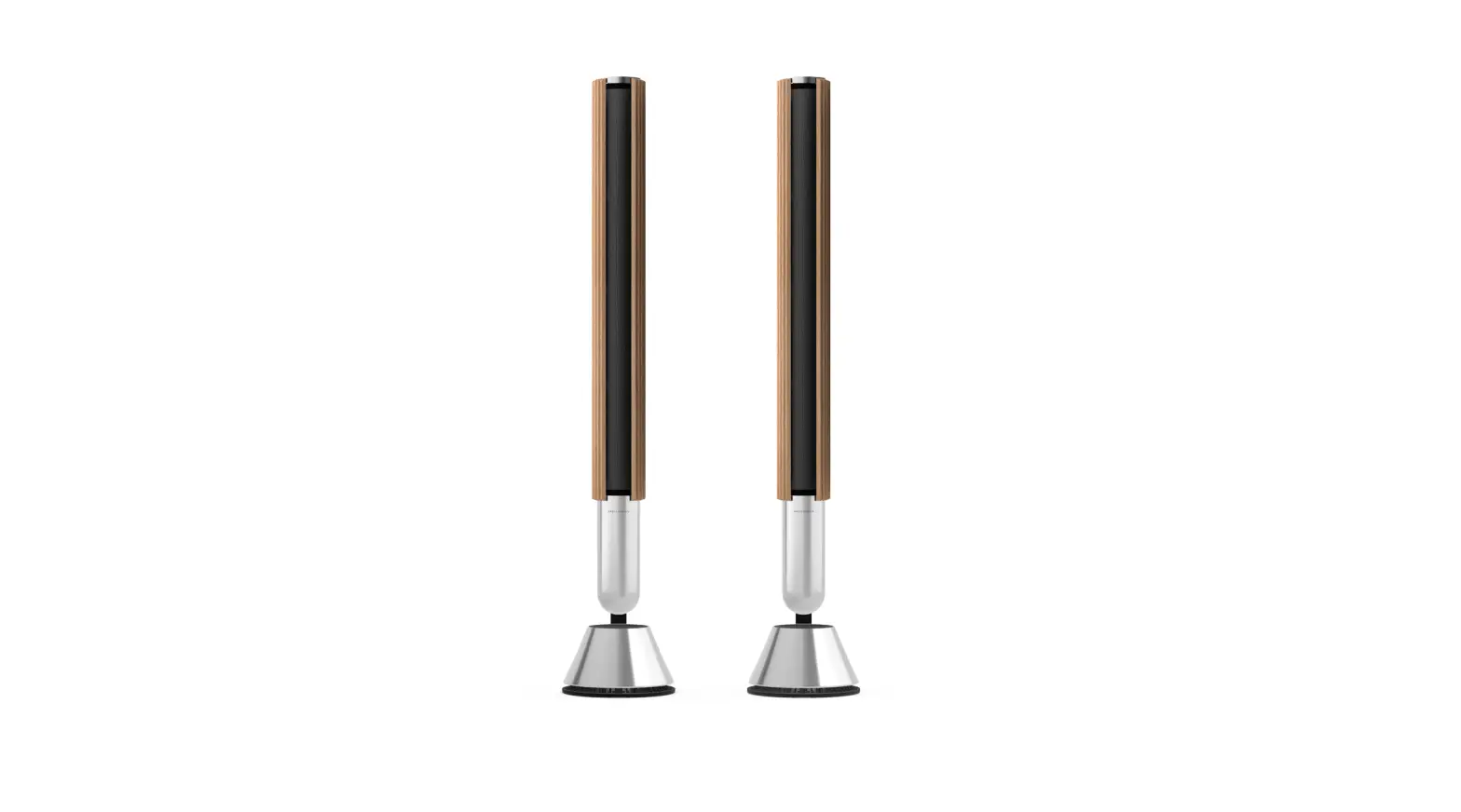
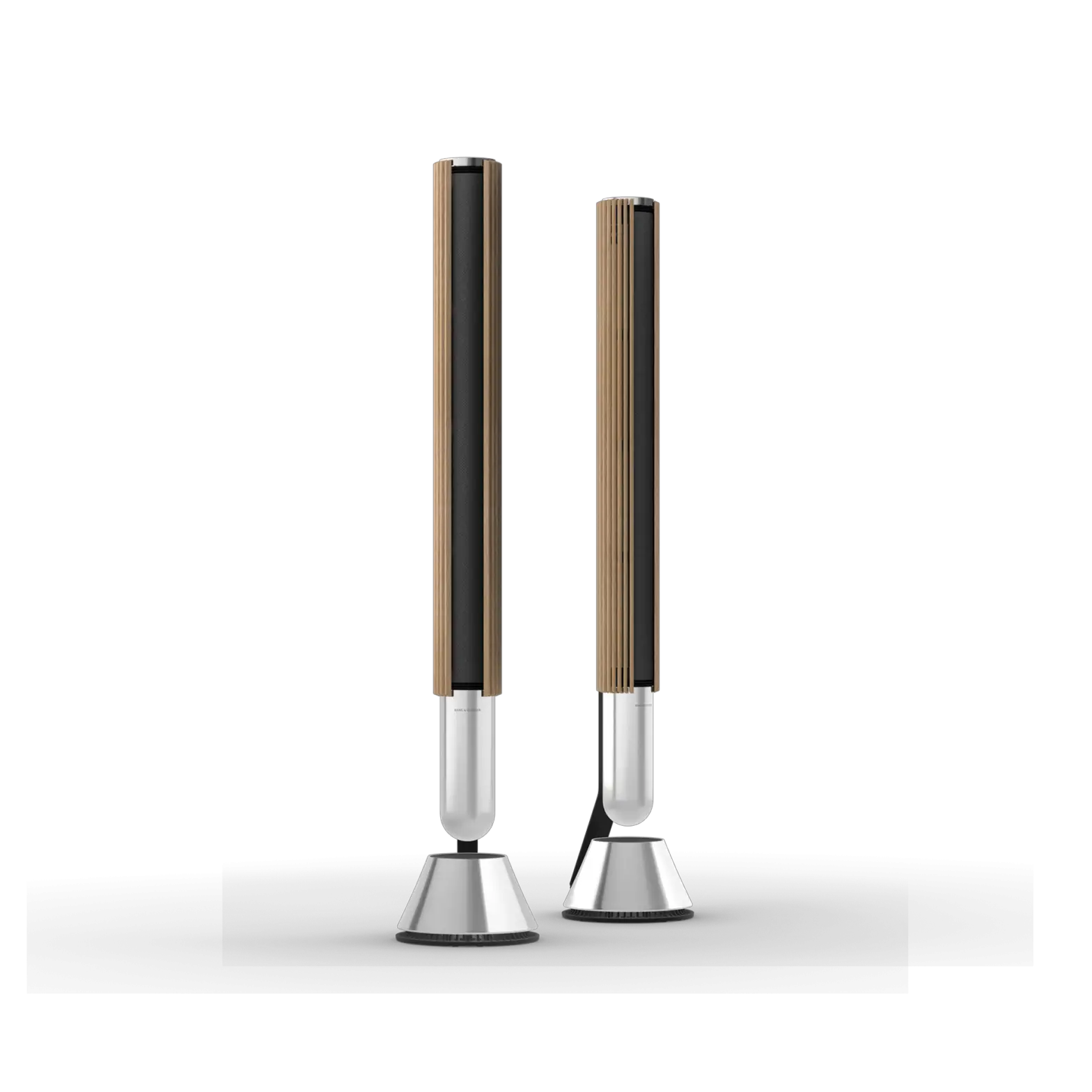
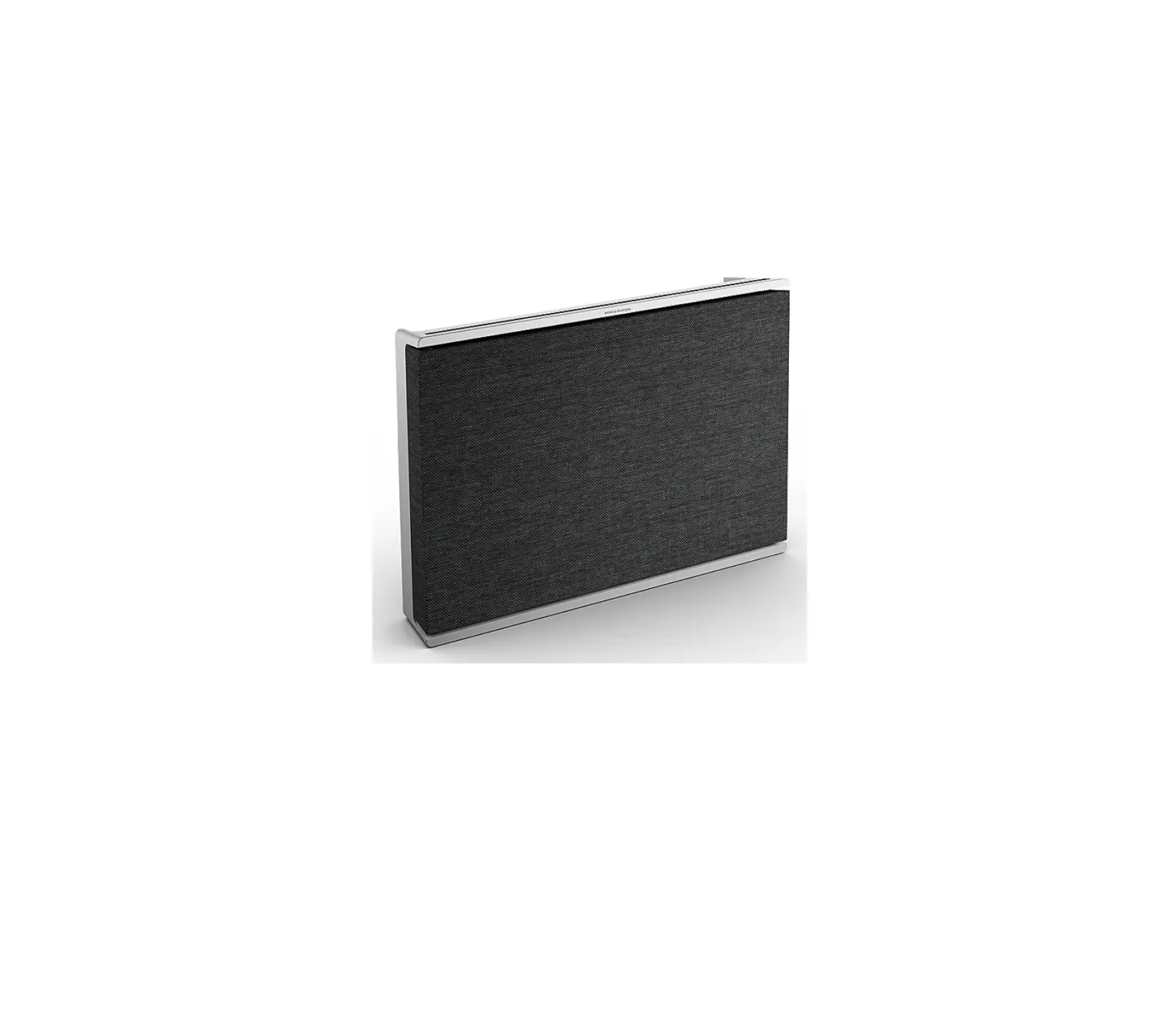
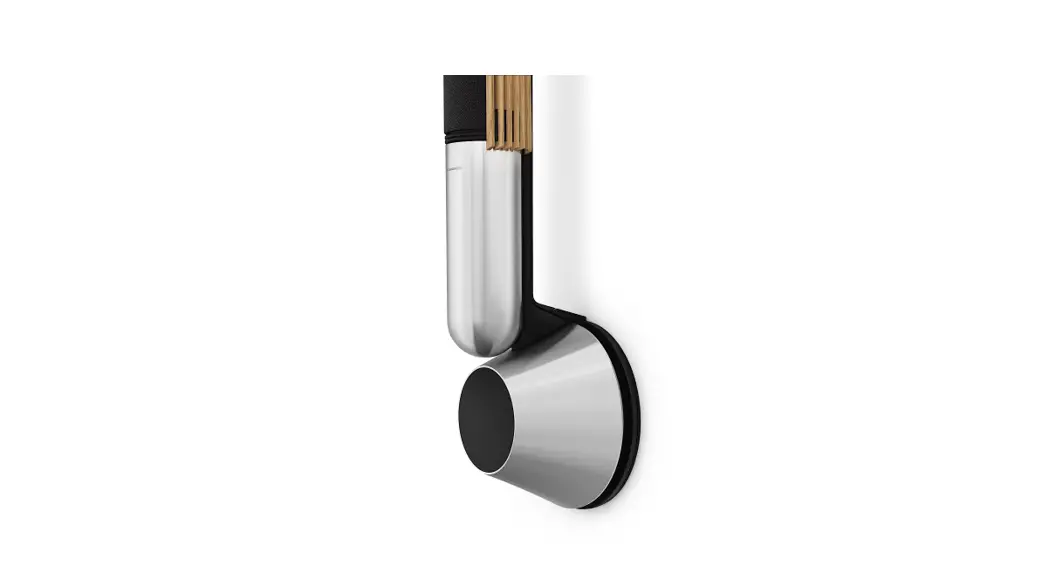
Beolab 28
Quick Start Guide
DOWNLOAD THE BANG & OLUFSEN APP

Bang & Olufsen
 |  |
| https://apps.apple.com/us/app/bang-olufsen/id1203736217 | https://play.google.com/store/apps/details?id=com.bang_olufsen.OneApp |
COMPONENT OVERVIEW
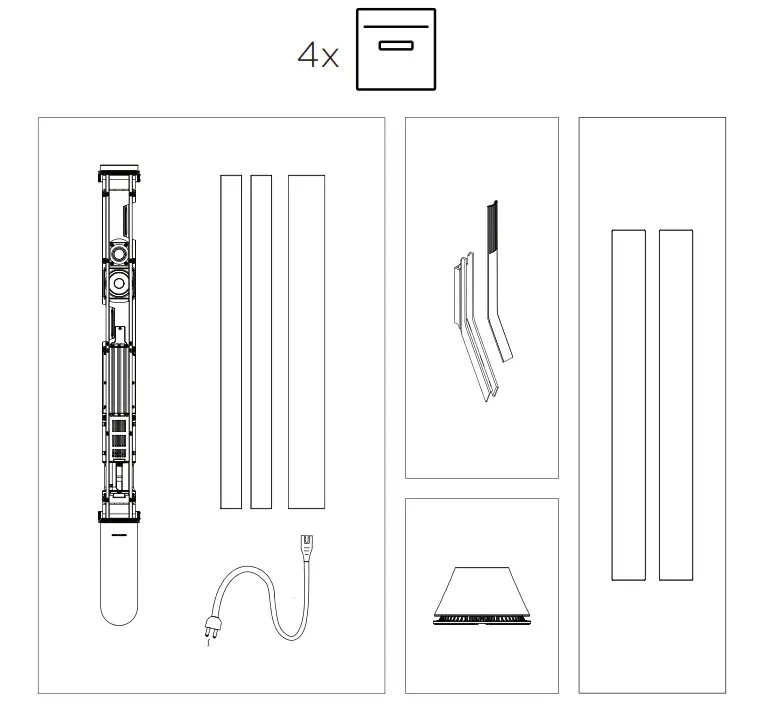
FIND ASSEMBLY INSTRUCTIONS IN THE
BANG & OLUFSEN APP

CONNECT TO POWER

SET UP IN THE BANG & OLUFSEN APP
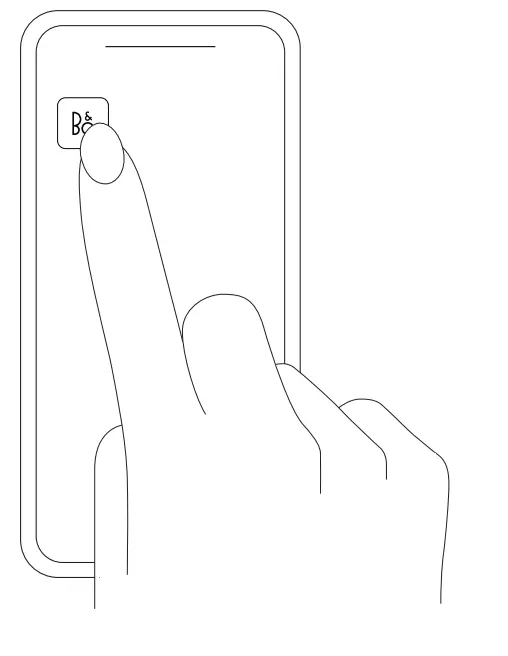
For user guide, see:
NEED HELP? CONTACT OUR SUPPORT
GLOBAL 24/7 ENGLISH HOTLINE
+44 20 39 36 14 83
For AirPlay 2 only users, the speaker can be set up using the Apple Home App.
Use your phone, tablet or computer as a remote control for Spotify. Go to spotify.com/connect to learn how.
Automatic system software update
In order to ensure that your products have the latest features and improvements, automatic system software updates are enabled by default, and this is the recommended setting.
You may change this at any time in the UPDATE PRODUCT SOFTWARE menu using the Bang & Olufsen App.
Log information
To help us improve our range of available products and services offered to you, we may request certain information from your product about its performance and usage patterns. The information will at all times be provided on an anonymous basis only. You can at any time easily disable this function in the STATUS menu using the Bang & Olufsen App.
Register Online
Register online at www.bang-olufsen.com/register-product to receive important information about product and software updates – and to get exciting news and offers from the BANG & OLUFSEN Group. If you have purchased your product at a BANG & OLUFSEN store or at www.bang-olufsen.com, you have automatically been registered.
References
 Bang & Olufsen - High-end Headphones, Speakers, and Televisions
-
AR App and Bang & Olufsen App - Choose and use B&O products
 Spotify - Web Player: Music for everyone
-
Explore - Spotify | Connect at home
-
Bang & Olufsen - High-end Headphones, Speakers, and Televisions
-
Bang & Olufsen - High-end Headphones, Speakers, and Televisions
 Bang & Olufsen - High-end Headphones, Speakers, and Televisions
 AR App and Bang & Olufsen App - Choose and use B&O products
 Spotify - Web Player: Music for everyone
 Bang & Olufsen - High-end Headphones, Speakers, and Televisions