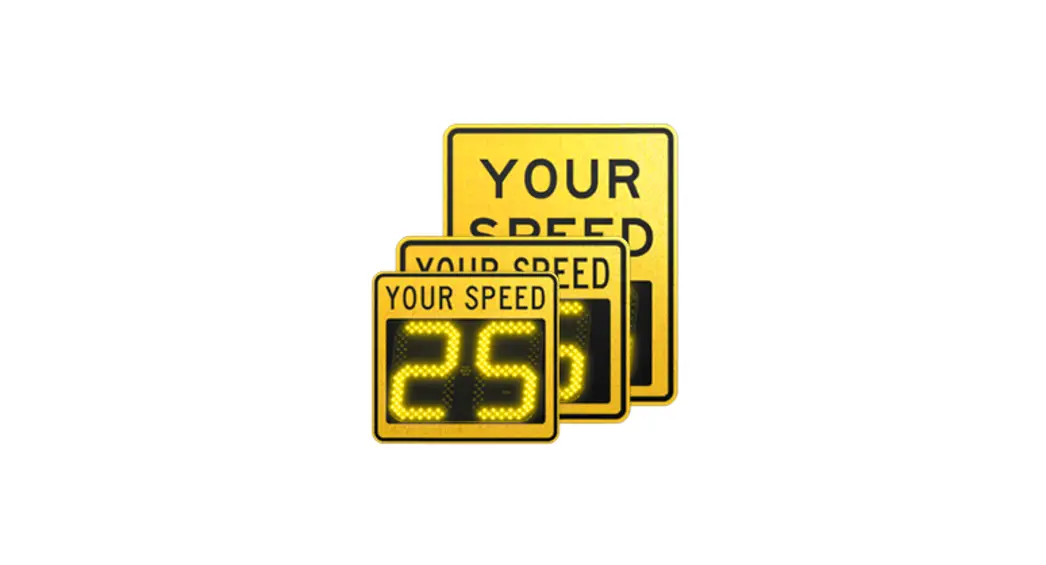
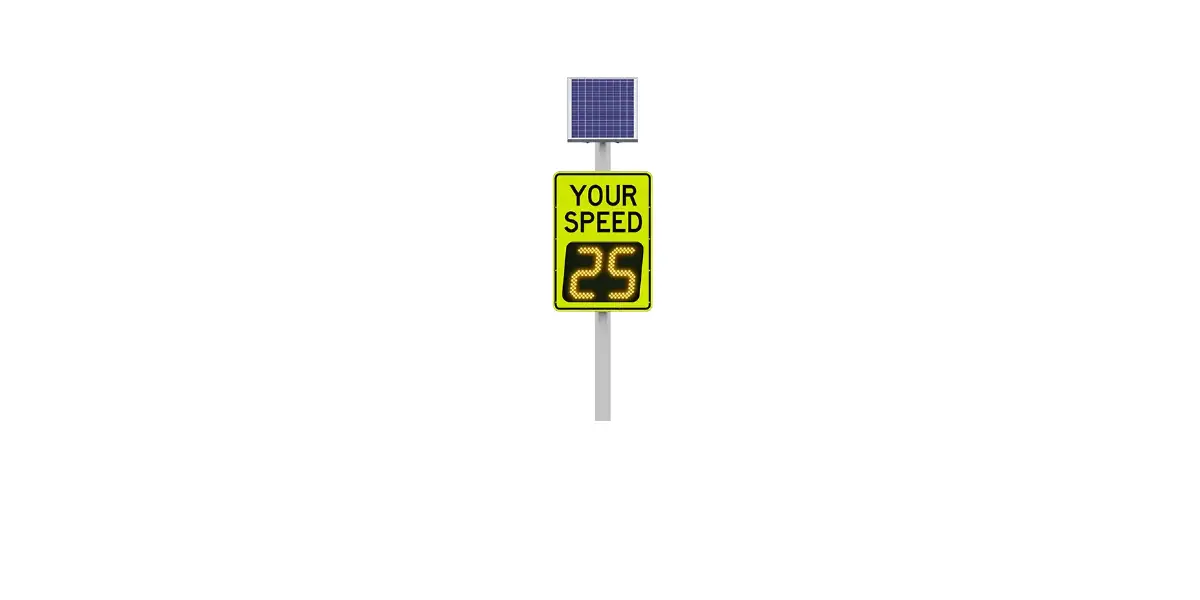
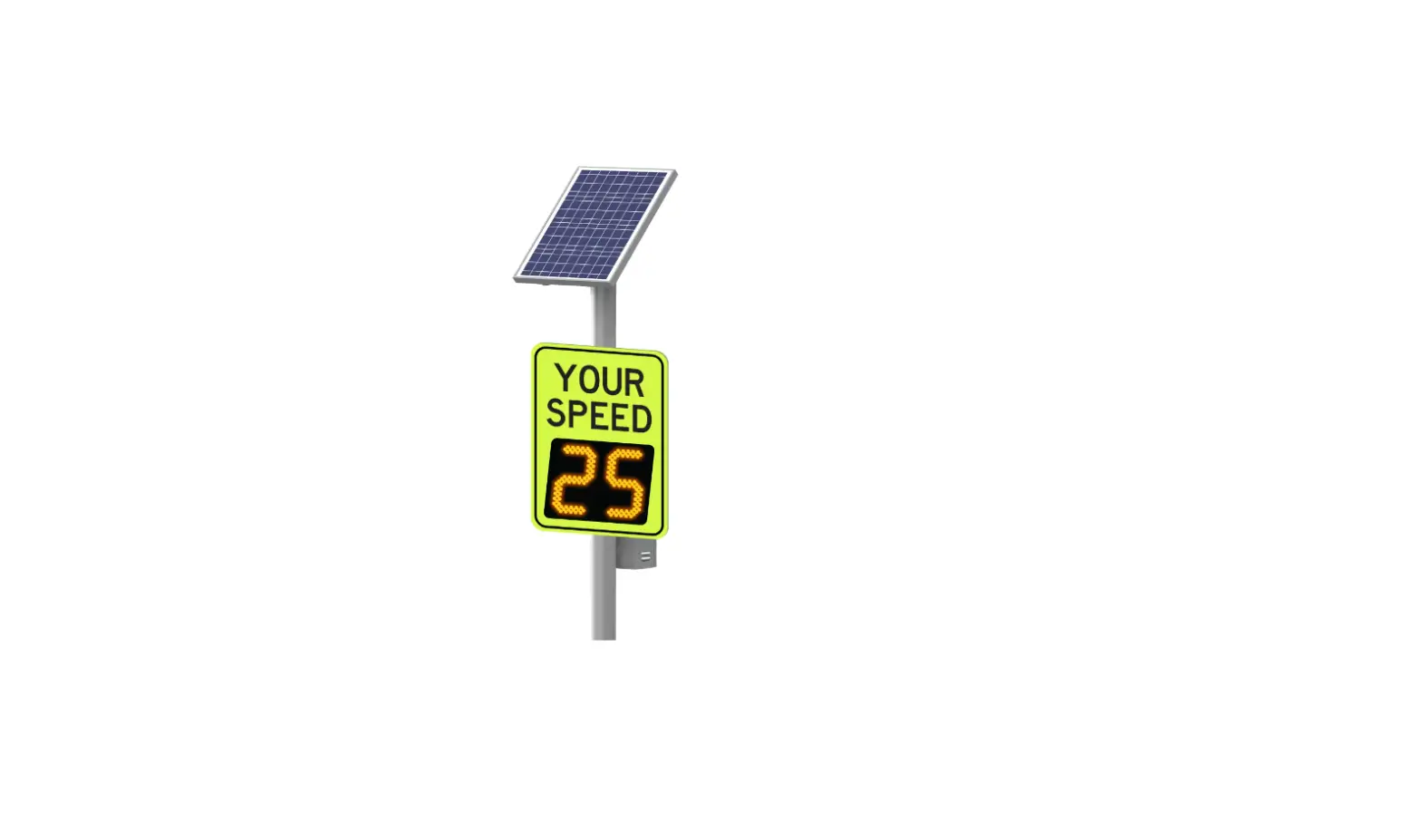
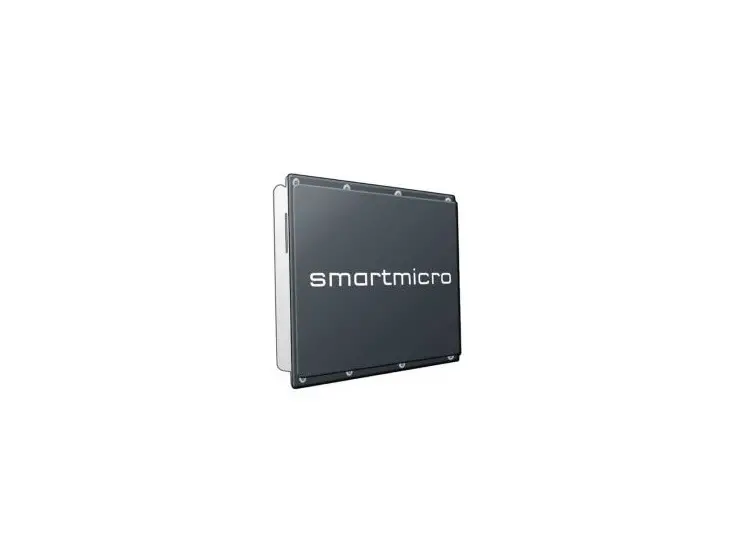
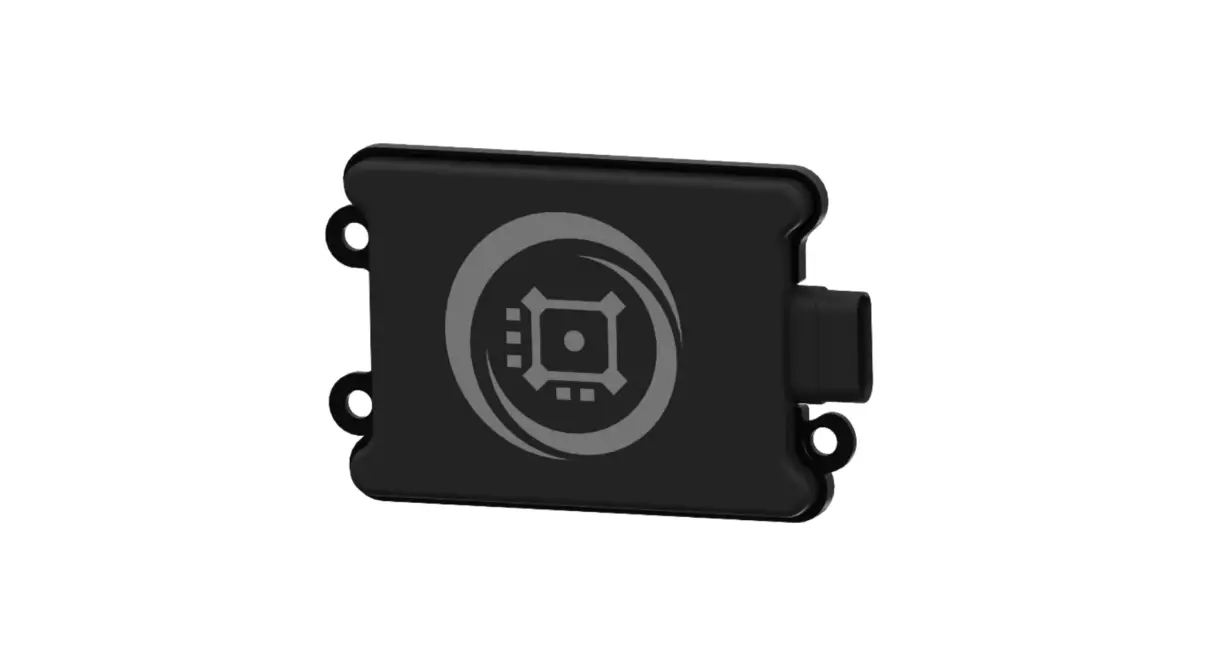
Speedcheck-12 Radar Speed
Solar Charge Controller Replacement Guide
The Solar Charge Controller Replacement Guide is for the
solar-powered SPEEDCHECK-12 product manufactured by Carmanah
Technologies Corp. The guide provides instructions on replacing the
solar charge controller of the product.
Warnings and Precautions
The guide contains important safety warnings and precautions.
The following symbols are used:
- WARNING: Indicates that failure to adhere to
the precautions may result in serious bodily harm or death. - CAUTION: Indicates that failure to follow the
instructions may result in damage to equipment. - NOTE: Provides additional information and
suggests optimal conditions.
Warranty Disclaimer
The manual familiarizes users with the features, operation
standards, and installation of Carmanah’s SPEEDCHECK-12 solar
charge controller. Failure to comply with the use, storage,
maintenance, installation, or placement instructions detailed in
this manual could void the warranty.
System Components
The system components are not listed in the guide.
Tools and Materials Required
The tools and materials required for replacing the solar charge
controller are not listed in the guide.
Installation
The installation process involves the following steps:
- Opening Rear Enclosure: Open the rear
enclosure of the product. - Removing Solar Panel: Remove the solar panel
from the product. - Removing Solar Charge Controller: Remove the
solar charge controller from the product. - Installing Solar Charge Controller: Install
the new solar charge controller in place of the old one. - Reinstalling Solar Panel: Reinstall the solar
panel. - System Reassembly: Reassemble the system.
Contact Information
For any further queries, customers can contact Carmanah
Technologies Corp. at:
- Address: 250 Bay St, Victoria, BC V9A 3K5, Canada
- Contact Number: 1.250.380.0052
- Email: [email protected]
- Website: carmanah.com
SpeedCheck®
SOLAR CHARGE CONTROLLER REPLACEMENT GUIDE
For the solar-powered SPEEDCHECK-12
90065_REPLACEMENT-GUIDE_SPEEDCHECK-12-CC_RevA
Carmanah Technologies Corp. | 250 Bay St, Victoria, BC V9A 3K5, Canada | 1.250.380.0052 | [email protected] | carmanah.com
SOLAR CHARGE CONTROLLER REPLACEMENT GUIDE
Table of Contents
1.0 Warnings and Precautions ………………………………………………………………………………………………………………..3
1.1
Warranty Disclaimer …………………………………………………………………………………………………………………..3
1.2
Standards …………………………………………………………………………………………………………………………………3
1.3
Safety and Usage Precautions …………………………………………………………………………………………………….3
2.0 System Components …………………………………………………………………………………………………………………………5
3.0 Tools and Materials Required ……………………………………………………………………………………………………………5
4.0 Installation ………………………………………………………………………………………………………………………………………..6
4.1
Opening Rear Enclosure …………………………………………………………………………………………………………….6
4.2
Removing Solar Panel ………………………………………………………………………………………………………………..7
4.3
Removing Solar Charge Controller……………………………………………………………………………………………….8
4.4
Installing Solar Charge Controller…………………………………………………………………………………………………9
4.5
Reinstalling Solar Panel…………………………………………………………………………………………………………… 10
4.6
System Reassembly ……………………………………………………………………………………………………………….. 11
Carmanah Technologies Corp. | 250 Bay St, Victoria, BC V9A 3K5, Canada | 1.250.380.0052 | [email protected] | carmanah.com
2
SOLAR CHARGE CONTROLLER REPLACEMENT GUIDE
1.0 Warnings and Precautions
The following symbols indicate important safety warnings and precautions throughout this guide:
WARNING indicates that serious bodily harm or death may result from failure to adhere to the precautions.
CAUTION indicates that damage to equipment may result if the instructions are not followed.
NOTE suggests optimal conditions and provides additional information.
1.1 Warranty Disclaimer
This manual will familiarize you with the features, operation standards and installation of Carmanah’s SPEEDCHECK-12 solar charge controller. Failure to comply with the use, storage, maintenance, installation or placement instructions detailed in this manual could void the warranty.
1.2 Standards
Perform all installation, wiring, grounding and maintenance in conformance with local building and electrical codes. Adherence to the National Electrical Code (NEC) is mandatory to comply with any certification markings. Non-adherence to code may void the warranty.
1.3 Safety and Usage Precautions
Batteries are shipped fully charged. Use extreme caution when handling the batteries as they can generate hazardous short-circuit currents. Remove all jewelry (bracelets, metal-strap watches, etc.) before entering the cabinet.
Solar panels produce DC electricity when exposed to light and can therefore produce an electrical shock or burn. To render solar panels inoperative, remove them from sunlight or fully cover their front surface with an opaque material.
Before lifting any heavy or bulky equipment, ensure the load is secured so moving parts do not shift, and that it can be lifted as far as needed without back strain or loss of grip. Installation may require more than one person.
Ensure the equipment is not powered during installation and wiring of the system.
Carmanah Technologies Corp. | 250 Bay St, Victoria, BC V9A 3K5, Canada | 1.250.380.0052 | [email protected] | carmanah.com
3
SOLAR CHARGE CONTROLLER REPLACEMENT GUIDE
Recheck all completed wiring for proper polarity prior to energizing the system.
Changes or modifications to Carmanah equipment not expressly approved by Carmanah could void both the user’s authority to operate the equipment and the warranty.
Product can have sharp edges. Accidental movement of hinged components can cause injury.
This guide is specific to the SPEEDCHECK-12 replacement solar charge controller installation and is not a replacement for the complete SPEEDCHECK-12 product user manual. Visit support.carmanah.com to download the complete product user manual.
Carmanah Technologies Corp. | 250 Bay St, Victoria, BC V9A 3K5, Canada | 1.250.380.0052 | [email protected] | carmanah.com
4
SOLAR CHARGE CONTROLLER REPLACEMENT GUIDE
2.0 System Components
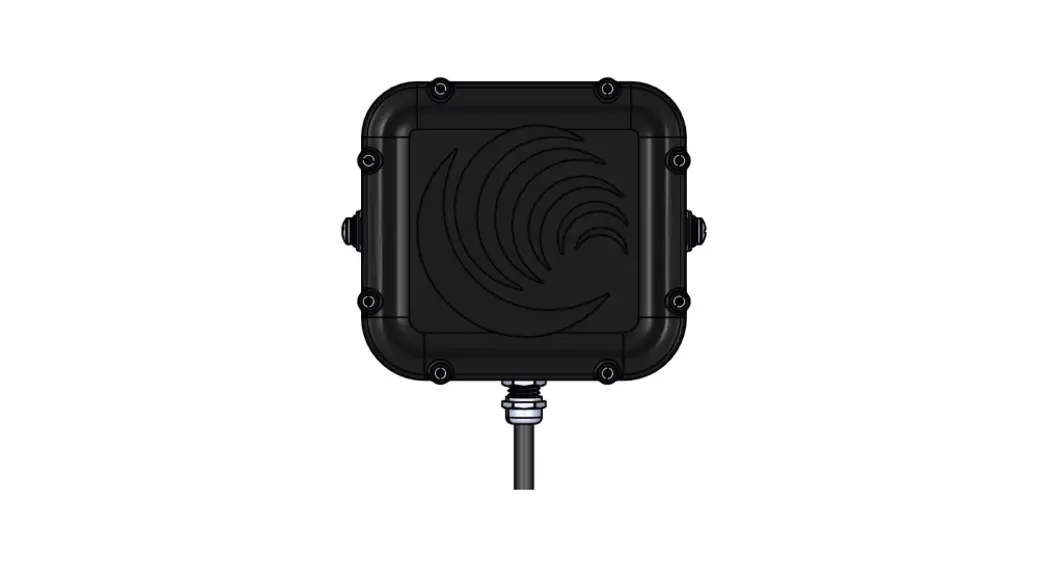
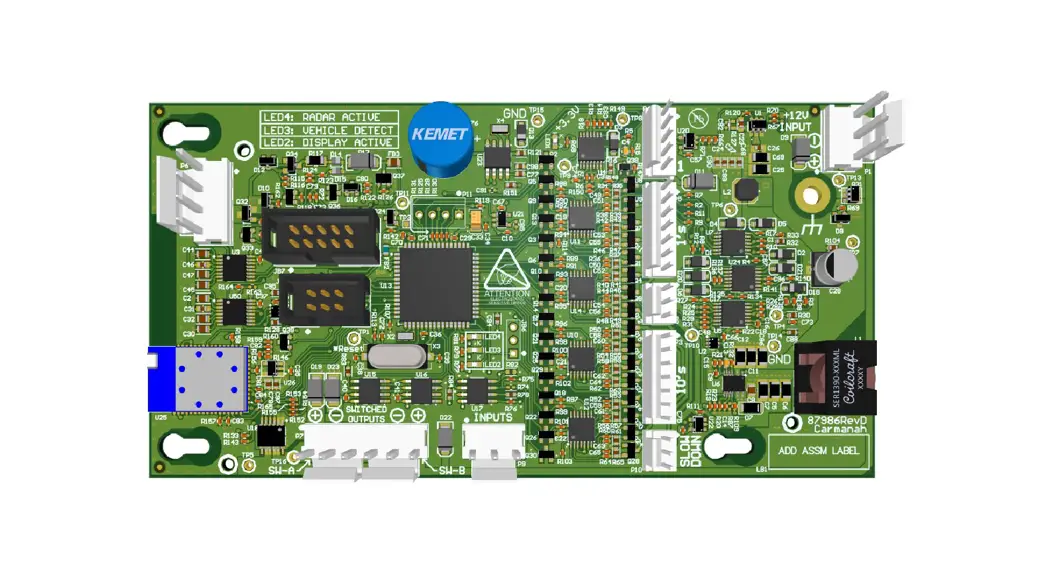
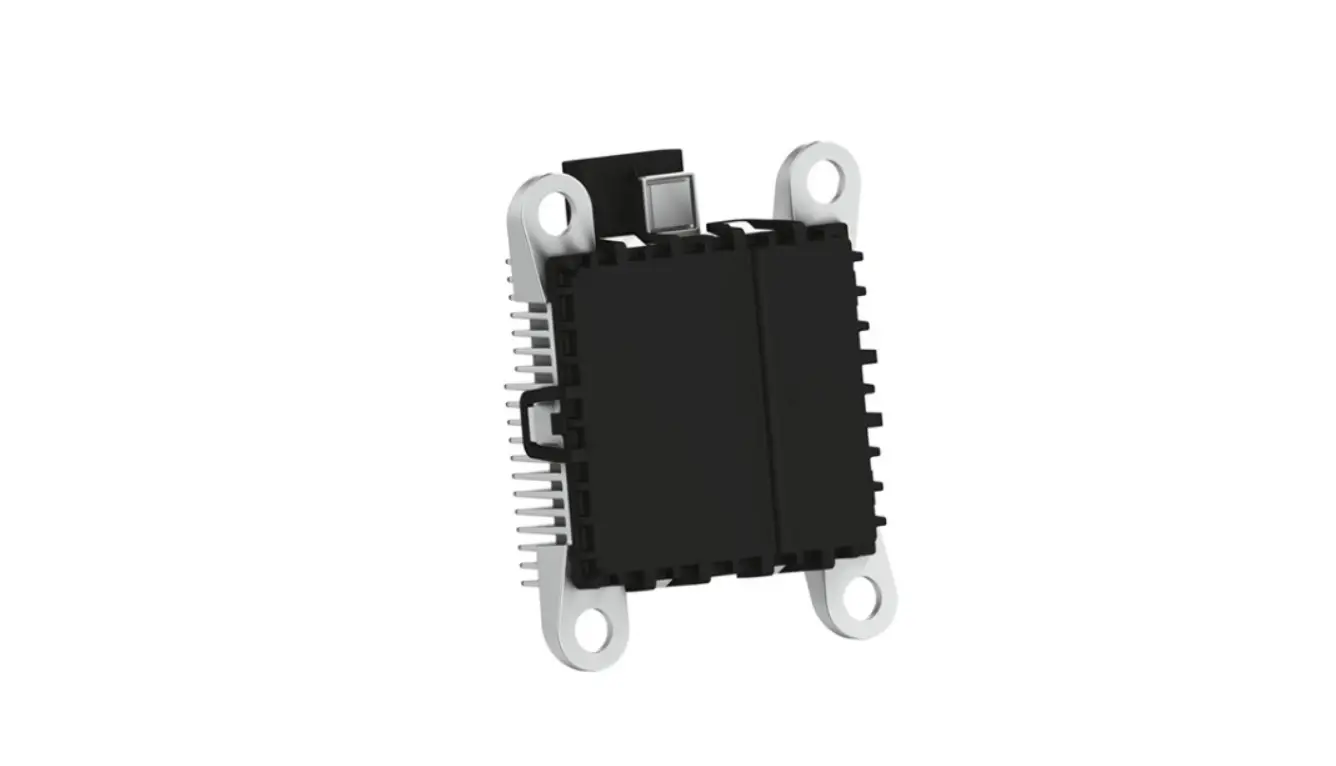
The SPEEDCHECK-12 replacement solar charge controller consists of the following items:
1. Solar charge controller, SPEEDCHECK-12 (1) 2. Rivet, 3/16″, aluminum (2)
3.0 Tools and Materials Required
The following tools and materials may be required to install the solar charge controller into your SPEEDCHECK12 system:
1. Drill and drill bit set 2. Socket set 3. Crescent wrench 4. Multi-bit screwdriver 5. Rivet installation tool with nosepiece for 3/16″ diameter rivet
Carmanah Technologies Corp. | 250 Bay St, Victoria, BC V9A 3K5, Canada | 1.250.380.0052 | [email protected] | carmanah.com
5
SOLAR CHARGE CONTROLLER REPLACEMENT GUIDE
4.0 Installation
4.1 Opening Rear Enclosure
1. To open SPEEDCHECK-12, insert included key into lock and rotate clockwise. 2. Apply diagonal pressure to the bottom right corner of the sign face then PULL on the key. 3. Once unlocked, the key can be removed.
4. Swing the display enclosure away from the rear enclosure. 5. Disconnect all 2-pin connections at the display enclosure bracket. 6. Temporarily lock the SPEEDCHECK-12 by pushing the display enclosure against the rear enclosure then
PUSH the lock to secure in place. This will secure the system while working on the solar kit.
Carmanah Technologies Corp. | 250 Bay St, Victoria, BC V9A 3K5, Canada | 1.250.380.0052 | [email protected] | carmanah.com
6
SOLAR CHARGE CONTROLLER REPLACEMENT GUIDE
4.2 Removing Solar Panel
These instructions will cover leaving the solar kit attached to the pole while removing and replacing the solar charge controller. If required, you may also remove the entire solar kit from the pole to work on the ground instead. For more information on how the solar kits are installed, see the SPEEDCHECK-12 manual at support.carmanah.com.
1. Locate the top four mounting bolts for the solar panel and remove the top two while leaving the bottom two loose.
2. Disconnect solar panel power harness. 3. Remove the bottom two bolts and set hardware aside and solar panel aside.
Carmanah Technologies Corp. | 250 Bay St, Victoria, BC V9A 3K5, Canada | 1.250.380.0052 | [email protected] | carmanah.com
7
SOLAR CHARGE CONTROLLER REPLACEMENT GUIDE
4.3 Removing Solar Charge Controller
1. Remove the plastic cover plate on the front of the charge controller. 2. Remove the wiring on the Solar and Battery terminals connected to the charge controller. Take note of
where the wiring was originally terminated. 3. Disconnect the power harness that goes down to the pole to the SPEEDCHECK-12 display. 4. Drill out the two rivets securing the charger controller and remove the controller from the system. Remove
all metal chips from the solar housing.
2x rivets
2x cover screws
Carmanah Technologies Corp. | 250 Bay St, Victoria, BC V9A 3K5, Canada | 1.250.380.0052 | [email protected] | carmanah.com
8
SOLAR CHARGE CONTROLLER REPLACEMENT GUIDE
4.4 Installing Solar Charge Controller
1. Fit the new charge controller in the same location and orientation as previously installed. 2. Insert the two provided rivets from the rear of the solar housing and rivet the charge controller to the
housing. 3. Reconnect the charge controller wiring from Section 4.3. 4. Reinstall the plastic cover plate and secure with the two previously used screws. 5. Reconnect the power harness that goes down the pole to the SPEEDCHECK-12 display.
For systems with StreetHub, you will have an extra yellow wire terminated to Solar+.
Carmanah Technologies Corp. | 250 Bay St, Victoria, BC V9A 3K5, Canada | 1.250.380.0052 | [email protected] | carmanah.com
9
SOLAR CHARGE CONTROLLER REPLACEMENT GUIDE
4.5 Reinstalling Solar Panel
1. Lower solar panel on housing and loosely install 2x bolts at mounted end of housing, noting location of power harness.
2. Lift other end of solar panel up and connect power harness, ensuring connector is fully engaged. 3. Lower solar panel, taking care not to pinch solar panel harness, and install remaining bolts. Tighten all 4
bolts.
Carmanah Technologies Corp. | 250 Bay St, Victoria, BC V9A 3K5, Canada | 1.250.380.0052 | [email protected] | carmanah.com
10
SOLAR CHARGE CONTROLLER REPLACEMENT GUIDE
4.6 System Reassembly
1. Reconnect all 2-pin connectors at the display enclosure bracket. 2. To close, push the display enclosure against the rear enclosure and then apply diagonal pressure in the
bottom right corner of the sign face. Once fully closed then PUSH the lock to secure in place.
Carmanah Technologies Corp. | 250 Bay St, Victoria, BC V9A 3K5, Canada | 1.250.380.0052 | [email protected] | carmanah.com
11
SOLAR CHARGE CONTROLLER REPLACEMENT GUIDE
© 2021 Carmanah Technologies Corporation
Technical Support:
Email:
Toll Free: 1.877.722.8877 (US & Canada)
Worldwide: 1.250.380.0052
Fax:
1.250.380.0062
Web:
carmanah.com
Carmanah Technologies Corp. | 250 Bay St, Victoria, BC V9A 3K5, Canada | 1.250.380.0052 | [email protected] | carmanah.com
12
 Systems for Traffic Beacons and Signs | Solar LED Beacons | Carmanah
 Product Support Center