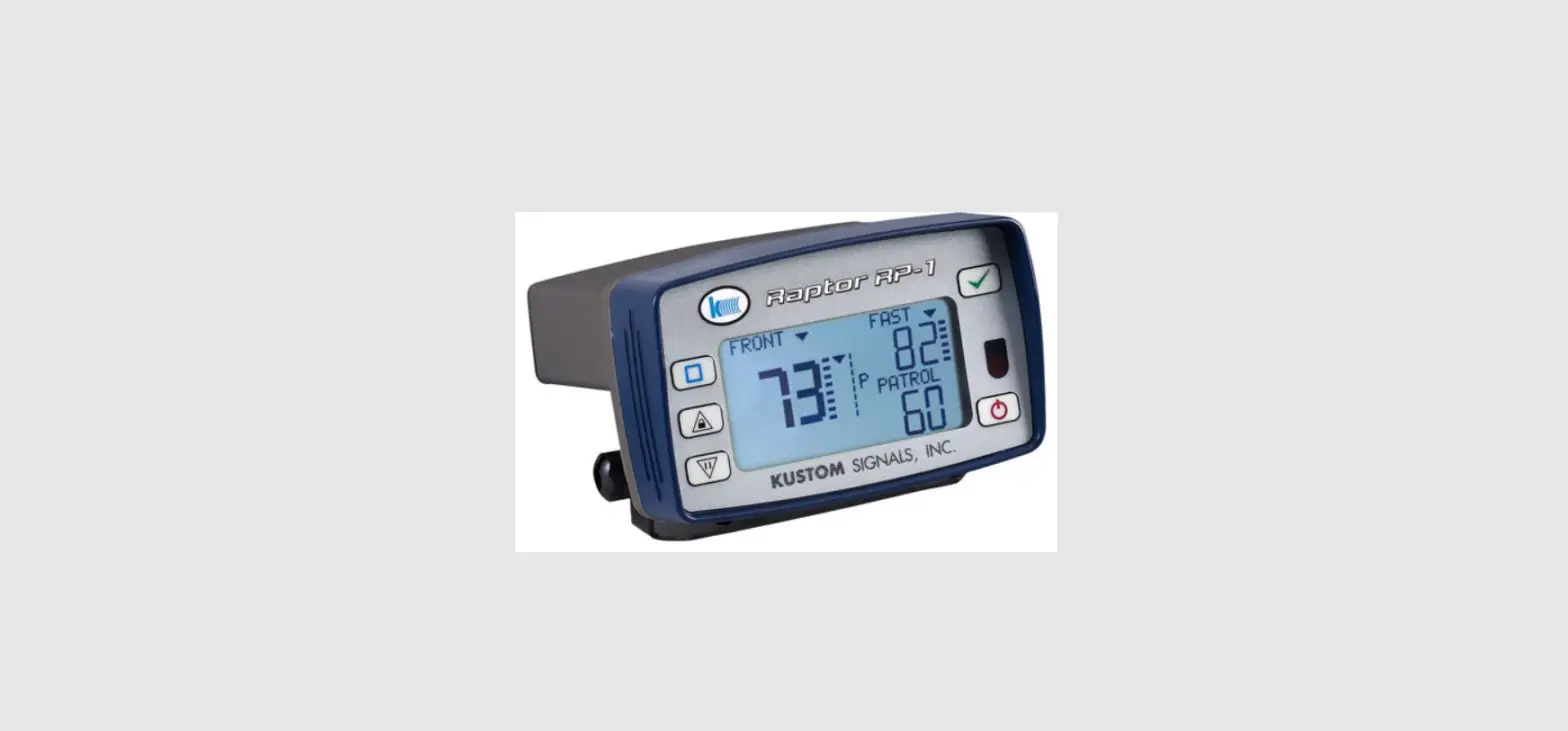

KUSTOM Falcon HR K-Band Handheld RADAR
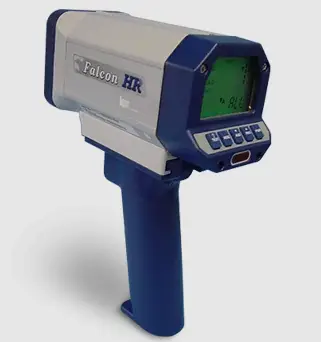
Get To Know The Falcon HR
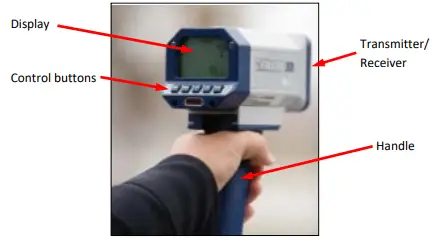
Display Graphic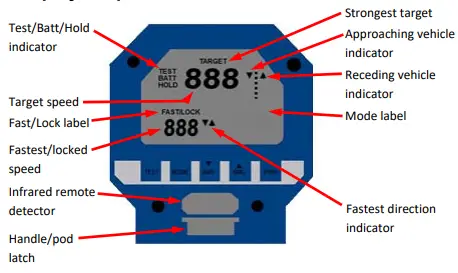
Button/Function
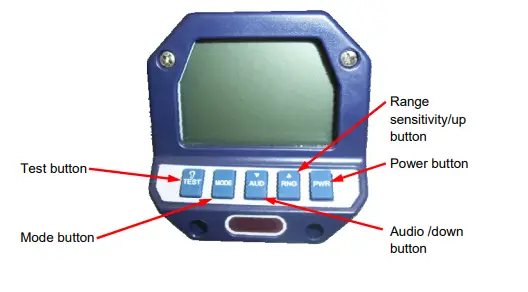
- Used to turn the Falcon HR on and off.

- Used to place the Falcon HR in the Range Set “rnG” mode. A secondary function is the incremental up control for audio and range.

- Used to place the Falcon HR in the Audio Set mode. A secondary function is the incremental down control for audio and range.

- Used to navigate through the operational mode loop. The available selections are Stationary “ALL” mode, Stationary Approaching only “APr, and Stationary Receding only “rEc”.

- Initiates the internal self-test to test the internal accuracy and illumination of all display indicators.

- Pressing and releasing the Test button followed by pressing and releasing the Mode button will toggle on and off the backlight.

- Pressing and releasing the Aud button followed by pressing and releasing the Mode button will toggle on and off the audio Doppler squelches.


Optional Features
Automatic unlocking of locked speeds
The Falcon HR defaults to not automatically unlocking speeds the officer has locked. If automatic unlocking is required, add 1 to the Options total.
Track through lock trigger operation)
The Falcon HR defaults to transmitting for 5 seconds after the trigger is released when locking a target. This allows the target to be tracked after lock during this time. If preferred, the transmitter can be shut off immediately upon trigger release. To select that option, add 2 to the Options total.
Falcon HR Rear Panel Control Button Locations 
Falcon HR Operating Modes
The Falcon HR is capable of operating in the following modes:
- Stationary ALL
Operation while the patrol vehicle is parked. Capable of capturing speed data from vehicles that are approaching and receding. - Stationary Approaching Only
Operation while the patrol vehicle is parked. Capable of capturing speed data from vehicles that are approaching only. - Stationary Receding Only
Operation while the patrol vehicle is parked. Capable of capturing speed data from vehicles that are receding only.
Accuracy Tests
- Automatic Self-Test
Falcon HR performs an internal accuracy test every five (5) minutes. - Manual Self-Test
Press the Test button to run internal accuracy tests.
(800) 458-7866 (913) 492-1400
www.kustomsignals.com
 Police Radar, Laser, Lidar and Camera Equipment Tech Company