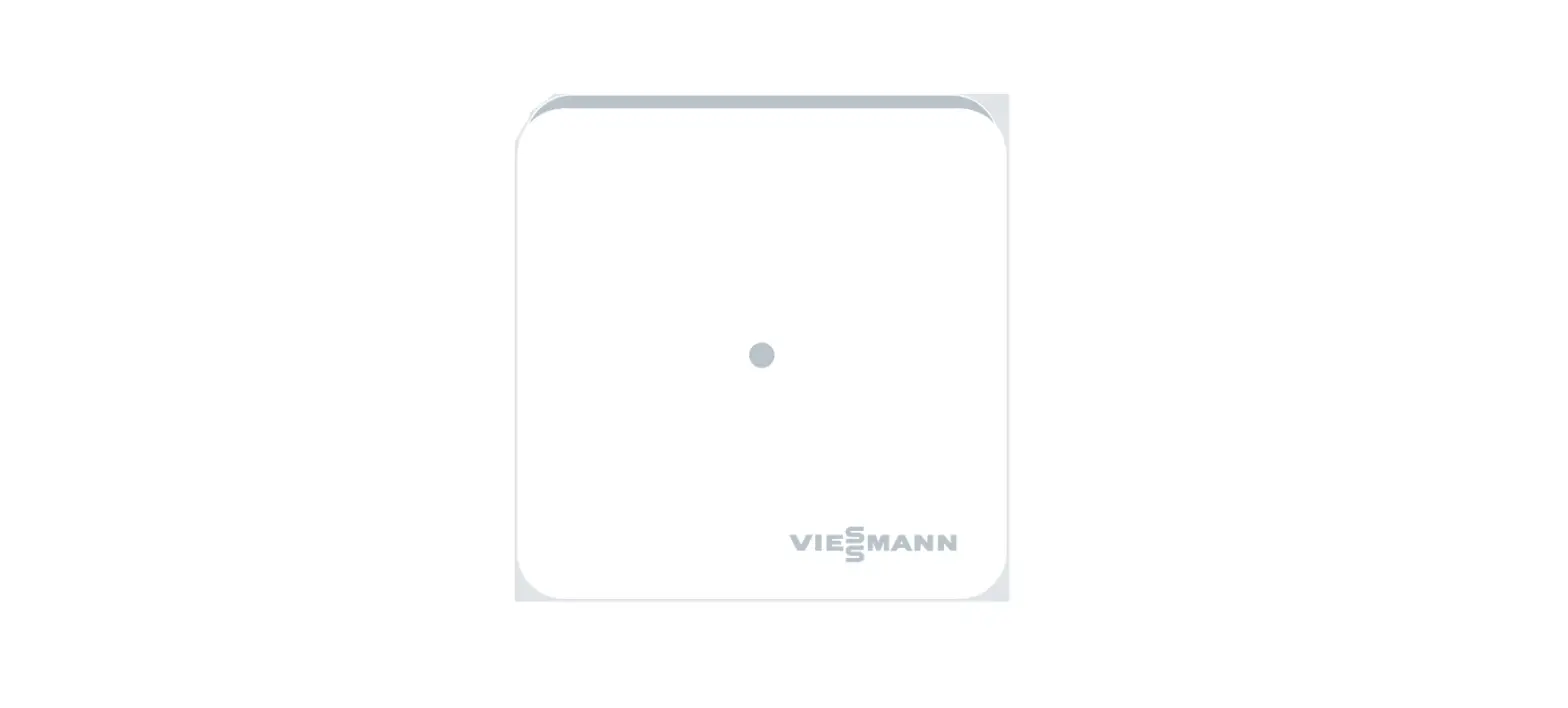
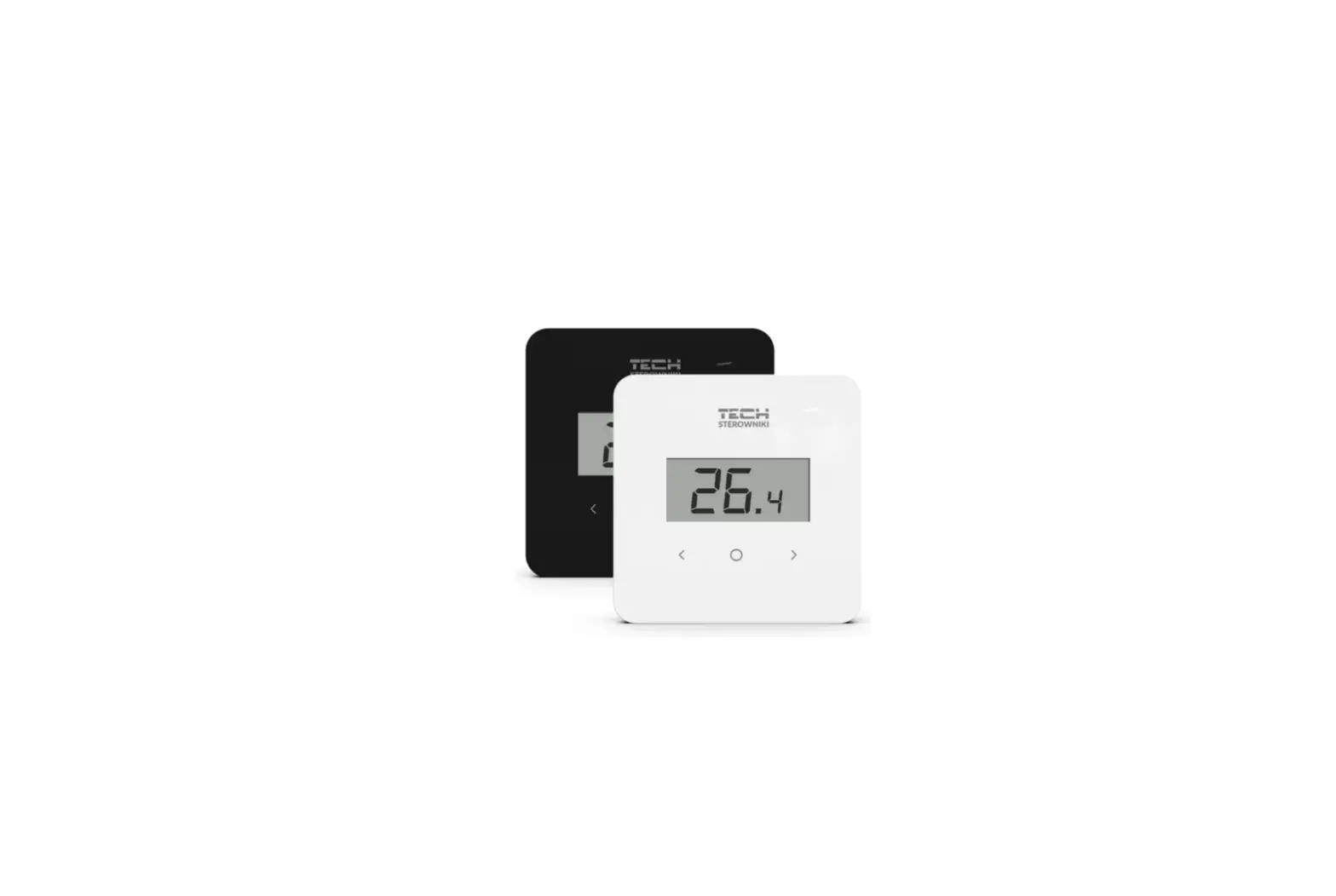
Vitotrol 100-E Wireless Remote Control for 1 Heating Circuit
Abridged Operating Instructions for System Users: VIESMANN
Vitotrol 100-E Wireless Remote Control for 1 Heating Circuit
Safety Instructions:
- Follow safety instructions to prevent accidents and material
losses - Danger symbol warns against the risk of injury
- Note contains additional information
- Intended for system users
- Appliance can be operated by children aged 8 and older, as well
as by individuals with reduced physical, sensory or mental
faculties or those lacking in experience and knowledge, provided
such individuals are supervised or have been instructed in the safe
use of this appliance and any risks arising from it - Wireless signals can interfere with electronic medical devices,
particularly pacemakers, hearing aids and defibrillators. If any
such equipment is fitted, users should avoid being in the immediate
vicinity of operational wireless components - All settings and work on the device must be carried out as
specified in these instructions - Observe minimum clearances to ensure reliable signal
transmission - Only operate the devices inside closed buildings
- Never operate devices in rooms where there is a risk of
explosion - After a restart, check the status of the wireless
components - Check the appliance for external damage. Never start up a
damaged appliance. - For replacement, use only spare parts supplied or approved by
Viessmann
Overview of Controls:
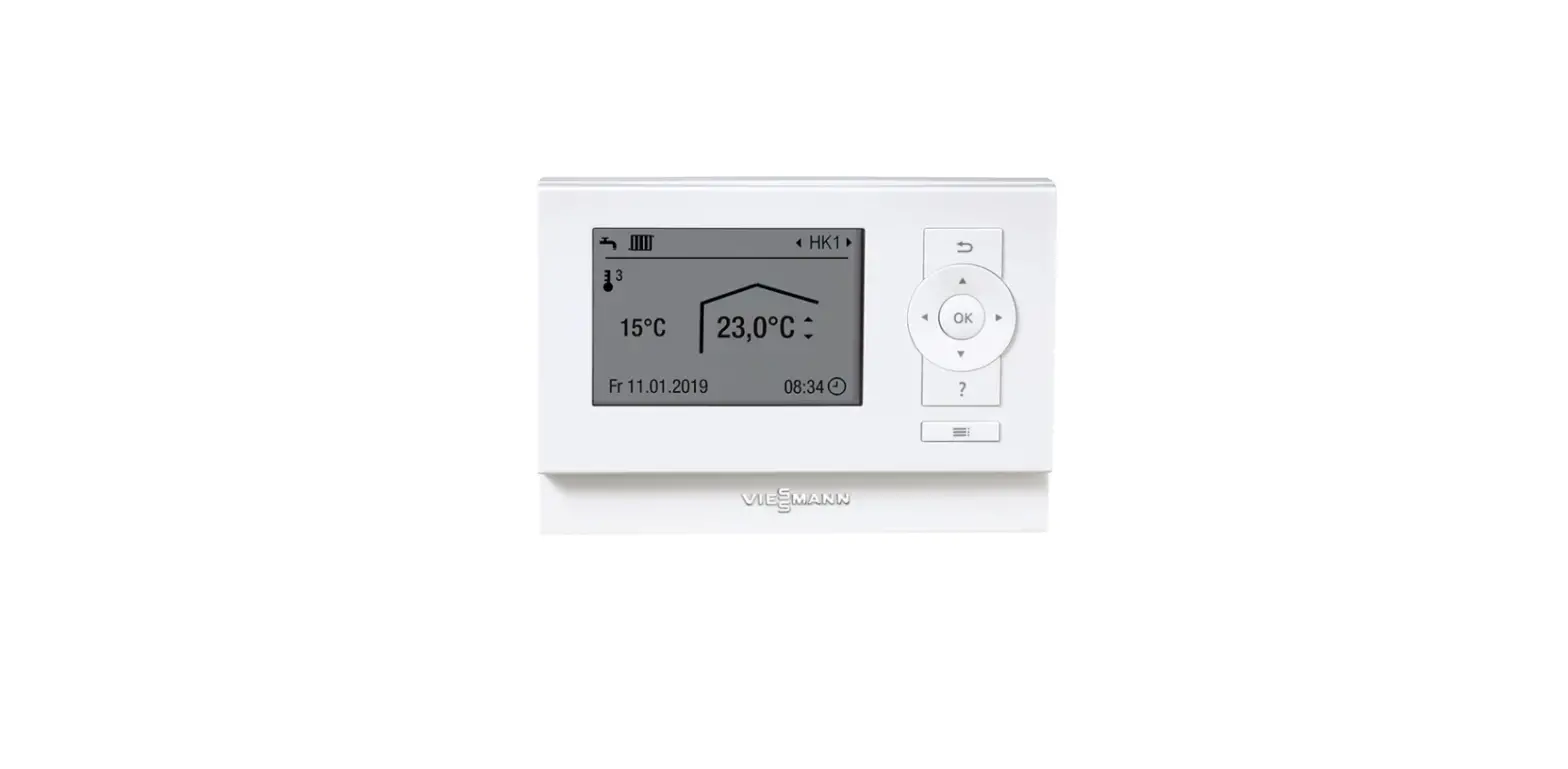
Fig. 1:

- A: Operating buttons
- B: Current time
- C: Current actual room temperature
- D: Symbols
- Settings: Scroll through the menu. Confirm selection or
change. - / OK: Confirm the function Extended heating/Extend time phase
once. Select the set room temperatures for the temperature
levels.
Symbols on the Display:
- General symbols: Low power radio connection to the Viessmann
appliance has been established. Child lock is active. - Temperatures: Room heating with reduced room temperature, Room
heating with normal room temperature, Room heating with comfort
room temperature, Backs up DHW heating in On/Off status or by
schedule (Auto mode), depending on the Viessmann heat
generator. - Operating programs: Frost protection is active. Heating is
active. Extended heating/Extend time phase once is active. DHW is
heated according to the time program. DHW heating is permanently
off. DHW heating is permanently on. - Messages: Fault, Replace battery.
- Schedule time for room heating
- Date
- Format of the weekday display
- Time format
- DHW ON/OFF
- DHW SCHED SETPOINT TEMP PROF (Reduced, Normal, Comfort)
- Device information: Battery, RF range, SW version, Adjust
- Language
- Child lock
- Reset
Product Usage Instructions:
- Follow safety instructions closely to prevent accidents and
material losses - Ensure that the wireless signals do not interfere with
electronic medical devices, particularly pacemakers, hearing aids
and defibrillators. If any such equipment is fitted, users should
avoid being in the immediate vicinity of operational wireless
components - Carry out all settings and work on the device as specified in
the instructions - Observe minimum clearances to ensure reliable signal
transmission - Only operate the devices inside closed buildings
- Never operate devices in rooms where there is a risk of
explosion - Check the status of the wireless components after a
restart - Do not start up a damaged appliance
- Use only spare parts supplied or approved by Viessmann for
replacement - Use the operating buttons to scroll through the menu, confirm
selection or change settings - Confirm the function Extended heating/Extend time phase once by
pressing / OK button. Select the set room temperatures for the
temperature levels - Refer to symbols on the display for general symbols,
temperatures, operating programs and messages - Choose and set the schedule time for room heating, date, format
of the weekday display, time format, DHW ON/OFF, DHW SCHED SETPOINT
TEMP PROF (Reduced, Normal, Comfort), device information (battery,
RF range, SW version, adjust), language, child lock or reset as
required
Abridged operating instructions
for system users
VIESMANN
Vitotrol 100-E
Wireless remote control for 1 heating circuit
Safety instructions
Please follow these safety instructions closely to prevent accidents and material losses.
Safety instructions explained
Danger This symbol warns against the risk of injury.
Note Details identified by the word “Note” contain additional information.
Target group
These instructions are intended for system users. This appliance can also be operated by children aged 8 and older, as well as by individuals with reduced physical, sensory or mental faculties or those lacking in experience and knowledge, provided such individuals are supervised or have been instructed in the safe use of this appliance and any risks arising from it.
Danger Wireless signals can interfere with electronic medical devices, particularly pacemakers, hearing aids and defibrillators. If any such equipment is fitted, users should avoid being in the immediate vicinity of operational wireless components.
Installation and adjustment
All settings and work on the device must be carried out as specified in these instructions.
Observe minimum clearances to ensure reliable signal transmission.
Operation of the system
Only operate the devices inside closed buildings.
Never operate devices in rooms where there is a risk of explosion.
6204928 GB
12/2022
Safety instructions (cont.)
Protect devices from: Moisture Dust Liquids Vapours Direct sunlight Other direct thermal radiation
After a restart, check the status of the wireless components.
Danger Damaged equipment poses a safety hazard. Check the appliance for external damage. Never start up a damaged appliance.
Auxiliary components and individual parts
For replacement, use only spare parts supplied or approved by Viessmann.
Overview of controls
C B
A
Fig. 1 A Operating buttons B Current time
Operating buttons
/ OK
Settings Scroll through the menu. Confirm selection or change.
2
D
C Current actual room temperature D Symbols
6204928
Overview of controls (cont.)
Confirm the function “Extended heating”/”Extend time phase once”. Select the set room temperatures for the temperature levels.
Symbols on the display
General symbols Low power radio connection to the Viessmann appliance has been established. Child lock is active.
Temperatures Room heating with reduced room temperature Room heating with normal room temperature Room heating with comfort room temperature Backs up DHW heating in On/Off status or by schedule (Auto mode), depending on the Viessmann heat generator.
Operating programs Frost protection is active. Heating is active.
“Extended heating”/”Extend time phase once” is active. DHW is heated according to the time program. DHW heating is permanently off. DHW heating is permanently on.
Messages Fault Replace battery.
Symbols during operation While settings are being made. Time program: Active time phase
6204928
3
Settings menu
Note Depending on the equipment level of your system, not all of the settings and checks listed may be available.
Settings SCHEDULE TIME DATE
WEEK TYPE FORMAT
DHW
DHW ONOFF DHW SCHED SETPOINT
TEMP PROF
REDUCED NORMAL COMFORT
DEV INFO
BATT RF RANGE SW VERS ADJUST
LANGUAGE CHILDLOCK RESET
Meaning Time program for room heating Time and date Format of the weekday display Time format
DHW heating Switch DHW heating on/off Time program for DHW heating Set DHW temperature
Temperature level for room temperature Reduced room temperature Normal room temperature Increased comfort room temperature
Device information Battery charge level Wireless signal range Software version Offset displayed actual room temperature
Language Lock out controls (childproofing) Reset
Time programs
In the time programs you determine what your heating system should do at what time. For this, divide the day into sections. These are called time phases. Subject to the system equipment level, up to 4 time phases are available. For each time phase, you define a start time and an end time.
6204928
4
Time programs (cont.)
Time program for room heating
Different temperature levels with adjustable room temperatures are active within and outside these time phases: Reduced room temperature “REDUCED” , auto-
matically active outside the active time phases, e.g. at night or during regular absences Normal room temperature “NORMAL” , adjustable within active time phases Increased comfort room temperature “COMFORT”
, adjustable within active time phases
Factory setting: One time phase with temperature level “NORMAL”
from 06:00 to 22:00 for all weekdays to 20 °C Outside active time phases, temperature level
“REDUCED” to 3 °C
1.
2. / for “SCHEDULE” 3. OK to confirm
1. / for a group of days or a single day 2. OK to confirm
Set the beginning of the first time phase: 1. / to set the hour. 2. OK to confirm 3. / to set the minutes. 4. OK to confirm
Set the end of the first time phase: 1. / to set the hour. 2. OK to confirm 3. / to set the minutes. 4. OK to confirm
Set the temperature level of the first time phase: 1. / for temperature level “NORMAL” or “COMFORT” 2. OK to confirm
Note Between the active time phases, the rooms are heated to a reduced temperature.
Indicator for start time flashes. 1. Set further time phases 2 to 4 if required. If no further time phase is to be set, do not
set the start time. 2. OK to complete the setting of time phases.
6204928
5
Time programs (cont.) Time program for DHW heating
Factory setting: 05:00 to 22:00 to 50 °C
1. 2. / for “DHW” 3. OK to confirm 4. / for “DHW SCHED” 5. OK to confirm
1. / for a group of days or a single day 2. OK to confirm
Set the beginning of the first time phase: 1. / to set the hour. 2. OK to confirm 3. / to set the minutes. 4. OK to confirm Set the end of the first time phase: 1. / to set the hour. 2. OK to confirm 3. / to set the minutes. 4. OK to confirm Indicator for start time flashes. 1. Set further time phases 2 to 4 if required. If no further time phase is to be set, do not
set the start time. 2. OK to complete the setting of time phases.
6
6204928
6204928
7
Viessmann Climate Solutions SE 35108 Allendorf / Germany Telephone: +49 6452 70-0 Fax: +49 6452 70-2780 www.viessmann.com
8
Viessmann Limited Hortonwood 30, Telford Shropshire, TF1 7YP, GB Telephone: +44 1952 675000 Fax: +44 1952 675040 E-mail: [email protected]
6204928 Subject to technical modifications.
 viessmann.com