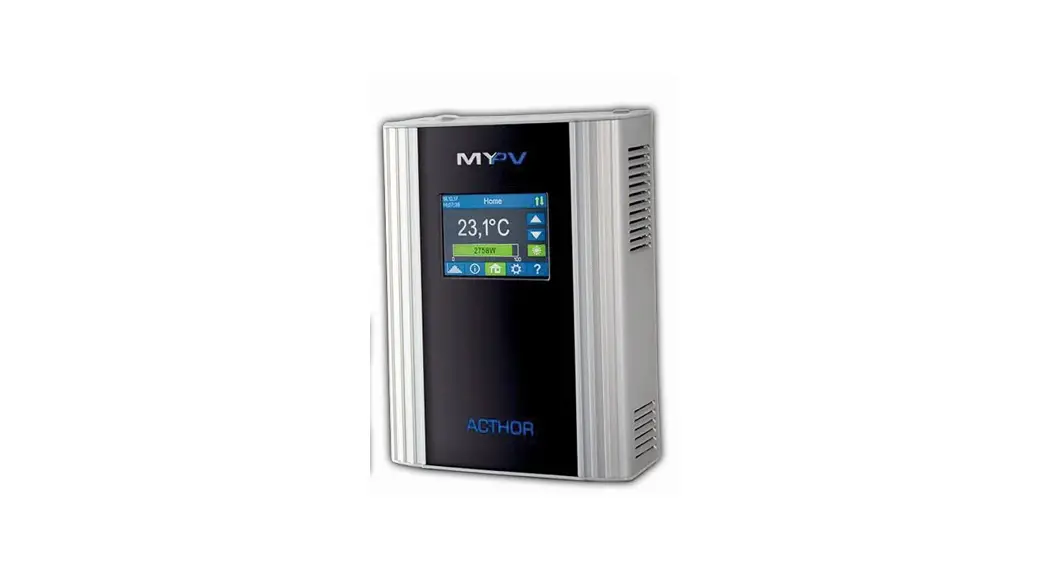
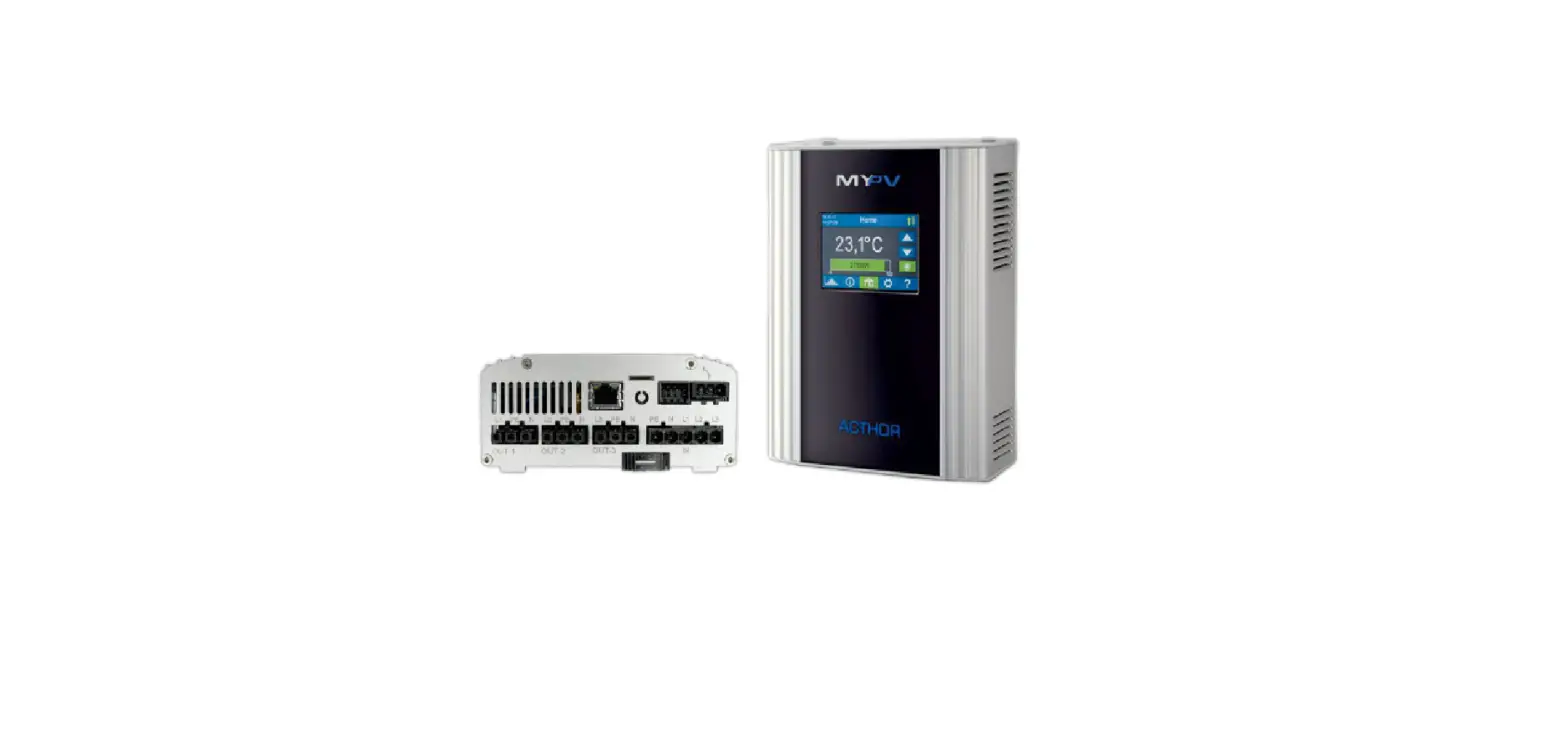
AC-THOR Fronius Inverter and Smart Meter
Product Information
The product mentioned in the user manual is the AC ELWA-E, which
is a device used for connecting to Fronius inverters and Smart
Meters or Fronius Gen24 inverters and Smart Meters. It is important
to read the assembly instructions and operating instructions
available online before commissioning the device. The AC ELWA-E
should not be directly connected to the inverter or battery system.
A feed-in meter is required in the system when controlled by an
inverter.
Product Usage Instructions
- Read the assembly instructions and operating instructions
available online before connecting the AC ELWA-E to the Fronius
inverter and Smart Meter or Fronius Gen24 inverter and Smart
Meter. - Do not connect the AC ELWA-E directly to the inverter or
battery system. - Ensure that a feed-in meter is installed in the system when
controlled by an inverter. - The control settings of the AC ELWA-E are factory set to Auto
Detect mode. It should automatically detect the signal of the
Fronius Smart Meter. If not, access the web interface of the device
under Setup and set the control setting to Fronius Auto. - Alternatively, you can select Fronius Manual and specify the IP
address of the Fronius Smart Meter statically if multiple signal
sources are present in the network or if a hybrid inverter is also
installed. - If using the Fronius Gen24 as the signal source instead of the
Fronius Smart Meter, select Fronius Gen24 Manual. - In the web setup, you can also set parameters such as Device ID
and Device Port. - Do not change the Power timeout.
- If there is a battery storage unit in the system and you want
to prioritize its charging, set the Control target to -150 W.
Otherwise, it is recommended to set it to -50 W. - If commissioning a hybrid system with battery storage in
conjunction with zero feed-in into the public grid, special
settings are required. Contact my-PV’s technical support for
assistance.
For further assistance, you can contact my-PV GmbH at
Betriebsstrasse 12, 4523 Neuzeug or visit their website at www.my-pv.com.
Note: The information provided is subject to change.
Instructions for connecting
AC·THOR® or AC ELWA®-E
to Fronius inverter and Smart Meter or Fronius Gen24 inverter and Smart Meter
1. Default settings on AC·THOR or AC ELWA-E
Before commissioning, it is essential that you read the assembly instructions that accompany the device, as well as the operating instructions available on line.
Find the AC·THOR operation manual here. Find the AC ELWA-E operation manual here.
2. Communication of AC·THOR or AC ELWA-E with Fronius
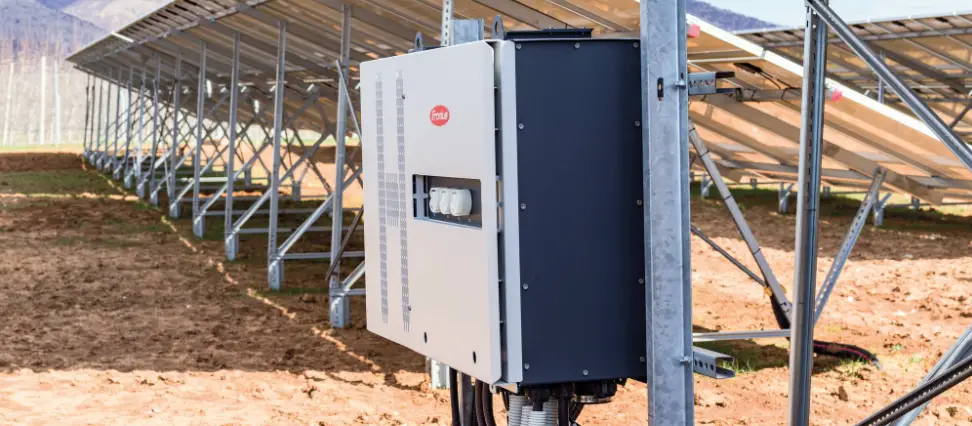
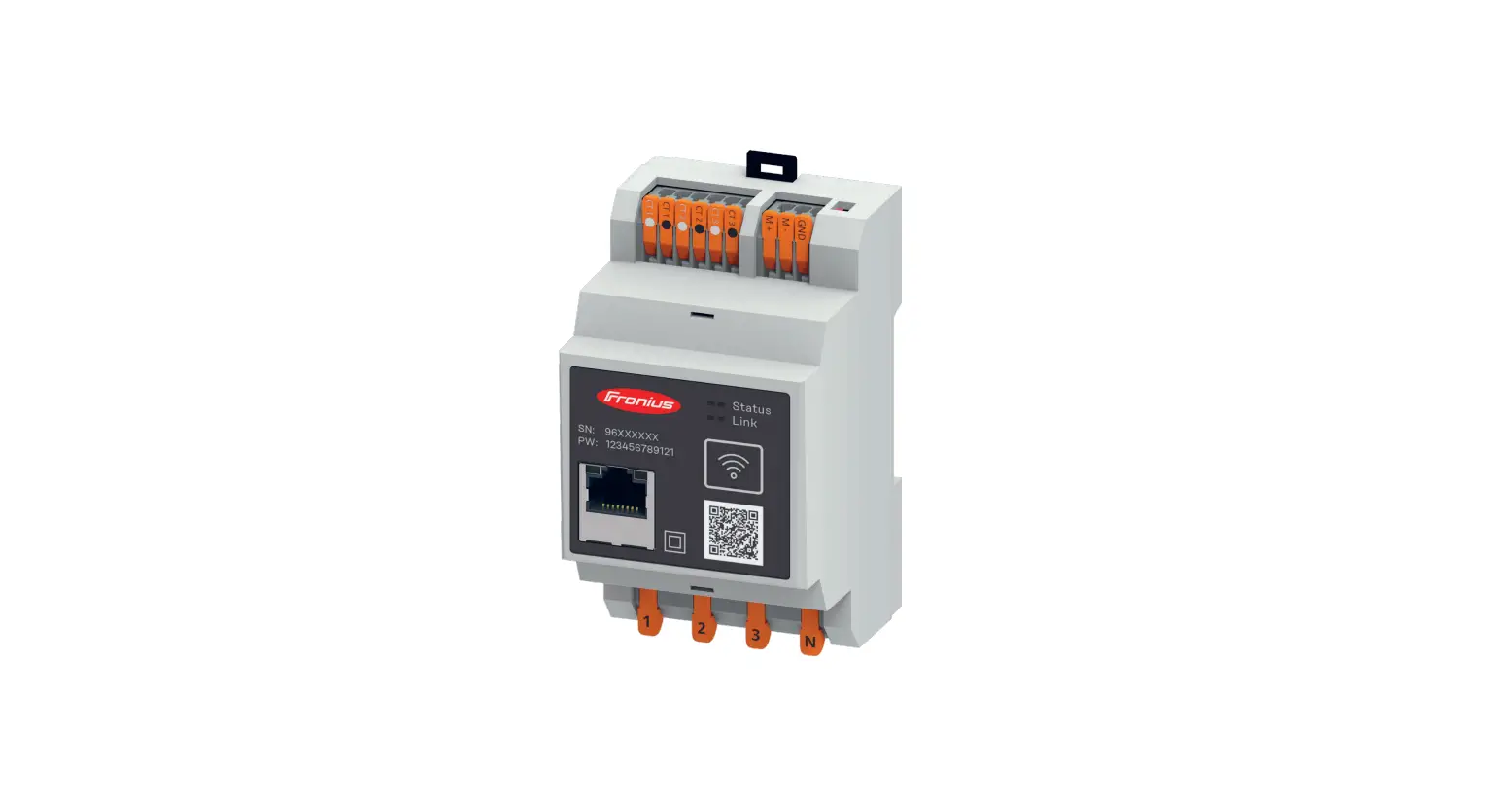
AC·THOR or AC ELWA-E are connected to Fronius in the network via a router. Within this network, the device receives information from Fronius about how much photovoltaic surplus is available.
Do not connect the unit directly to the inverter or battery system!
When controlled by an inverter, a feed-in meter is required in the system. The query of the inverter otherwise provides no data.
3. Settings on AC·THOR or AC ELWA-E
The control settings of the AC ELWA-E are factory set to “Auto Detect” mode. The AC ELWA-E should detect the signal of the Fronius Smart Meter automatically, otherwise the control setting “Fronius Auto” can be set in the web interface of the device under “Setup”. No other settings need to be made.
Alternatively, “Fronius Manual” can be selected. The IP address of the Fronius Smart Meter can be specified statically. This is also necessary if several signal sources are present in the network. If, in addition to other inverters, a hybrid inverter is also installed, this must be specified as the signal source.
If the Fronius Gen24 is used as the signal source instead of the Fronius Smart Meter, then “Fronius Gen24 Manual” is also available for selection.
AC·THOR® or AC ELWA®-E with Fronius, Version 220310
1
With the “Fronius Manual” or “Fronius Gen24 Manual” setting, the IP address of the signal source must not change during operation (e.g. through a DHCP router), otherwise the AC·THOR or AC ELWA-E loses the control signal! The AC·THOR has no “Auto Detect” mode. The signal source is selected on the display during commissioning or can be set on the web interface. For “Fronius Manual” or “Fronius Gen24 Manual” the IP address of the signal source must then be statically entered on the display under “Ctrl IP”.
o r
4. Settings for control by Fronius Gen24 Settings on Fronius Gen24
· Activate ,,Slave as Modbus TCP” · Make a note of the Modbus Port (for my-PV, 502 is preset as the Device port) · Make a note of the Meter Address (for my-PV, 241 is preset as the Device ID) · The energy meter must be configured as a feed-in meter. Not as a consumption
meter!
AC·THOR® or AC ELWA®-E with Fronius, Version 220310
2
Settings on AC·THOR or AC ELWA-E
In the web setup, the parameters “Device ID” and “Device Port” can also be set.
Do not change the “Power timeout”.
If there is a battery storage unit in the system and it is to be charged with priority, then the “Control target ” should be set to -150 W. Otherwise, we recommend -50 W.
5. Combination with battery storage at zero feed-in
When commissioning a hybrid system with battery storage in conjunction with zero feed into the public grid, special settings are required. Please contact my-PV’s technical support for this purpose. We will be happy to help you!
my-PV GmbH Betriebsstrasse 12, 4523 Neuzeug www.my-pv.com
Subject to change.
AC·THOR® or AC ELWA®-E with Fronius, Version 220310
3
 my-PV
my-PV