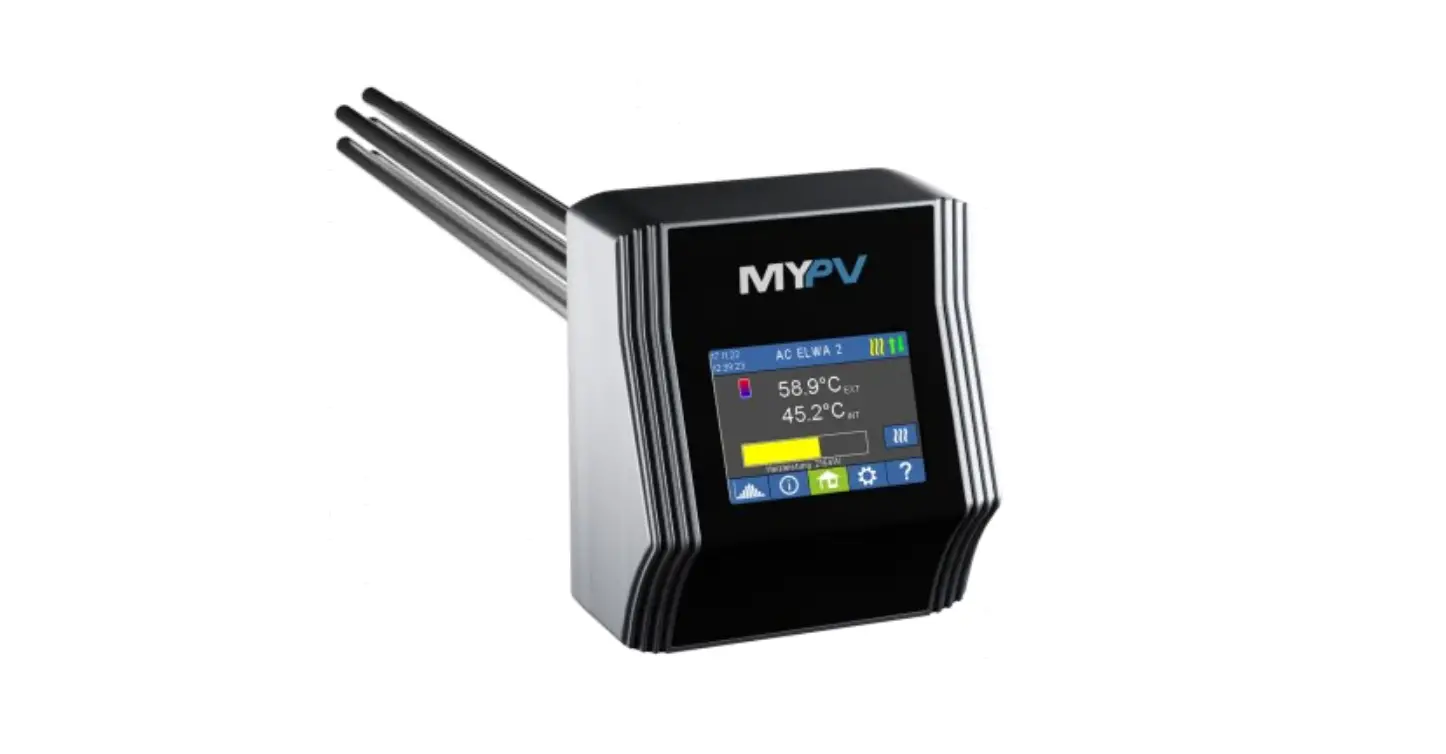
9120095460051 AC ELWA-E
Product Information:
This product is a control unit that can be integrated with
SolarEdge. It should only be connected via LAN and not WLAN.
Connecting the unit directly to the inverter or battery system is
not recommended.
A feed-in meter is required in the system when controlled by an
inverter, otherwise, the query of the inverter does not provide any
data. The IP address of the inverter must not change during
operation, otherwise, the control signal will be lost.
There are different control types available for this product –
SolarEdge Syn.2unit Manual and SolarEdge Syn.3unit Manual. The
settings for these control types can be made on the display or web
interface.
The Target value of the control should be set to -150 W if there
is a battery storage unit in the system and it is to be charged
with priority. Otherwise, it is recommended to leave it at -50 W.
The power timeout should not be changed.
Product Usage Instructions:
- Ensure that the unit is connected to SolarEdge via LAN and not
WLAN. - If there is a battery storage unit in the system and it is to
be charged with priority, set the Target value of the control to
-150 W. Otherwise, leave it at -50 W. - Make sure that the IP address of the inverter does not change
during operation. - If there are problems with data transmission, try deactivating
and then restarting the Sunspec data communication on
SolarEdge. - For the AC ELWA-E from firmware 00205.00 and for the AC-THOR
from firmware a0020800, there are different control types available
– SolarEdge Syn.2unit Manual and SolarEdge Syn.3unit Manual. The
settings for these control types can be made on the display or web
interface. - Configuration for the AC ELWA-E is only possible in the web
setup. - Do not connect the unit directly to the inverter or battery
system.
Instructions for integrating
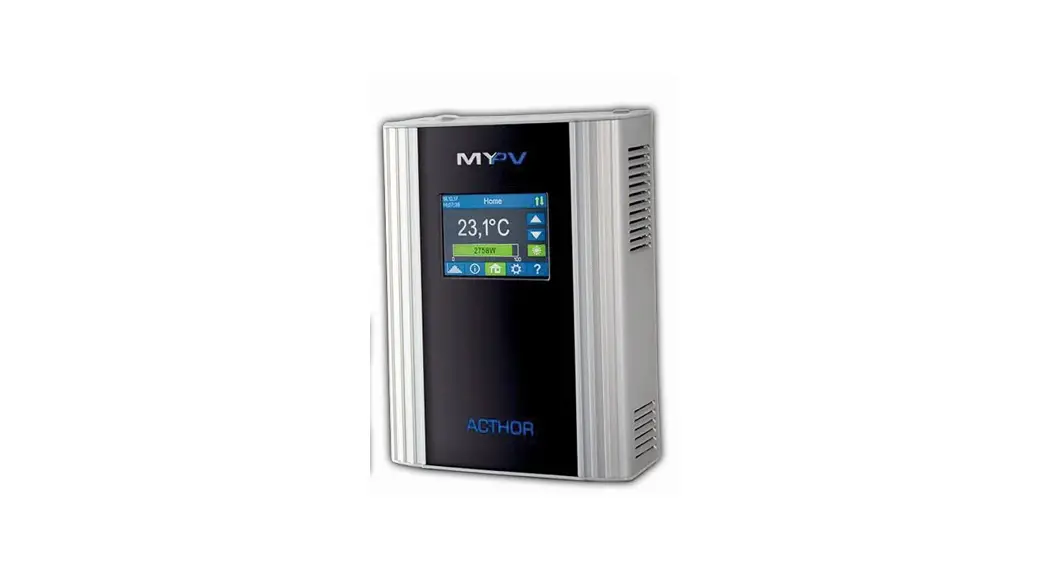
AC·THOR® or AC ELWA®-E
with
SolarEdge
According to the latest information from SolarEdge, this control only works when connected via LAN, not WLAN.
1. Defaullt settings on AC·THOR or AC ELWA-E
Before commissioning, it is essential that you read the assembly instructions that accompany the device, as well as the operating instructions available on line. Find the AC·THOR operation manual here. Find the AC ELWA-E operation manual here.
2. Communication of AC·THOR or AC ELWA-E with SolarEdge
AC·THOR or AC ELWA-E are connected to SolarEdge in the network via a router. Within this network, the device receives information from SolarEdge about how much photovoltaic surplus is available.
Do not connect the unit directly to the inverter or battery system!
When controlled by an inverter, a feed-in meter is required in the system. Otherwise, the query of the inverter does not provide any data.
3. Settings on SolarEdge
· `SunSpec” must be set as the protocol. · If possible, set the unit ID to 1 (unit ID 1 is preset for my-PV). · Activate Modbus TCP · Note the port number. This is still required for the settings on the my-PV unit (port
number 502 is preset for my-PV).
AC·THOR® or AC ELWA®-E with SolarEdge, Version 230214
1
When communicating with SolarEdge, the IP address of the inverter must not change during operation (e.g. by a DHCP router), otherwise the AC-THOR or the AC ELWAE will lose the control signal!
TIP: If there are problems with data transmission, deactivating and then restarting the Sunspec data communication on the SolarEdge can help.
4. Settings on AC·THOR or AC ELWA-E
For the AC·THOR, select “SolarEdge Manual” for the control type either on the display or in the web interface.
TIP: For the AC ELWA-E from firmware 00205.00 and for the AC-THOR from firmware a0020800, the control types “SolarEdge Syn.2unit Manual” and “SolarEdge Syn.3unit Manual” are also available. The IP address of the signal source must then be statically specified on the display under “Ctrl IP”.
Alternatively, these settings can also be made on the AC-THOR via the web interface. In the web setup, the parameters “Device ID” and “Device Port” can also be set by SolarEdge. With the AC ELWA-E, configuration is only possible in the web setup.
“Power timeout” is not to be changed.
If there is a battery storage unit in the system and it is to be charged with priority, then the “Target value of the control” should be set to -150 W. Otherwise, we recommend leaving -50 W.
AC·THOR® or AC ELWA®-E with SolarEdge, Version 230214
2
my-PV GmbH Betriebsstrasse 12, 4523 Neuzeug www.my-pv.com
Subject to change
AC·THOR® or AC ELWA®-E with SolarEdge, Version 230214
3
 Home - 2022 ENG | my-PV GmbH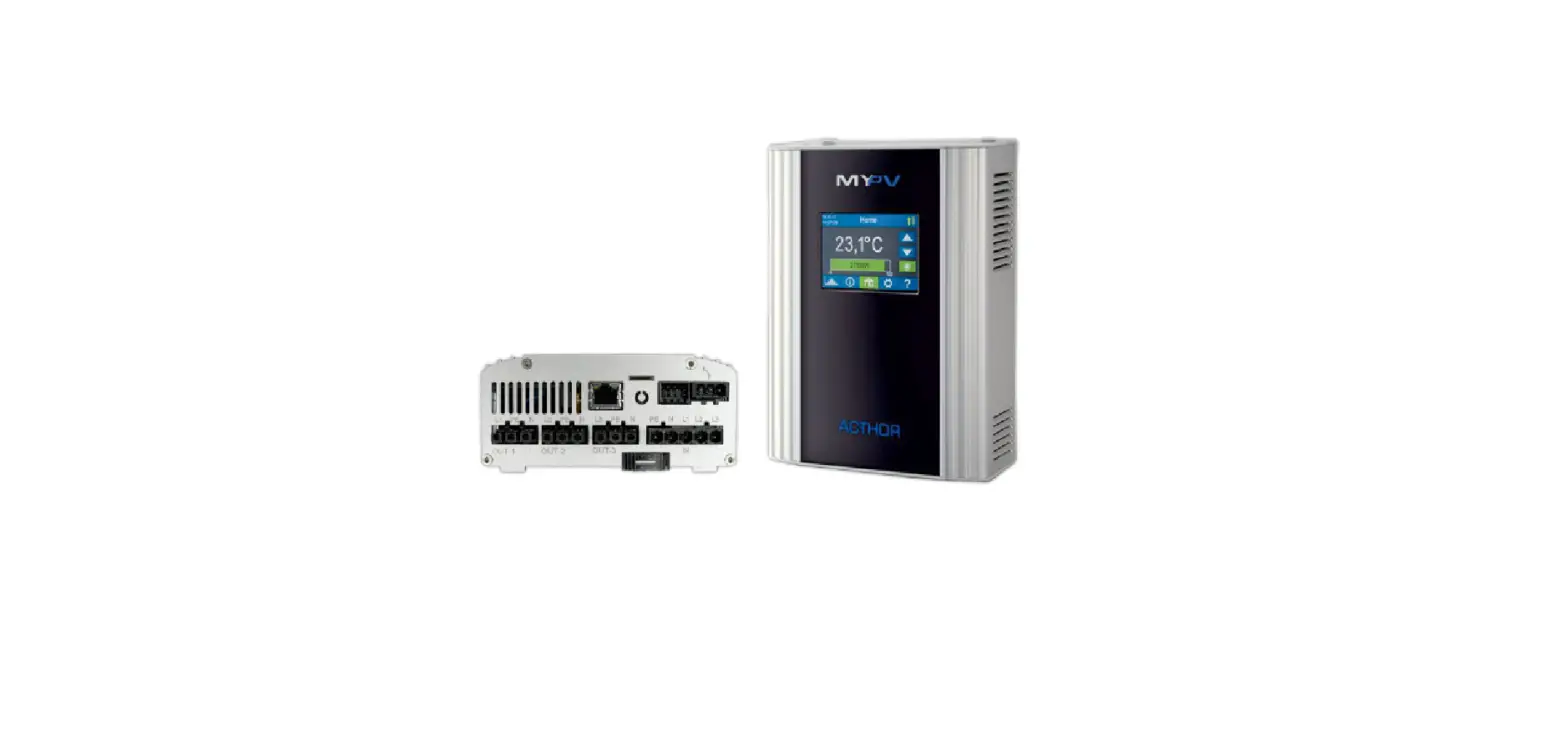


![Midea Smart Ac [cw058iu-awifi] User Manual](https://static-data1.manualsee.com/1/img/294/17740/2020/12/Midea-Smart-AC-CW058IU-AWIFI.png "Midea Smart Ac [cw058iu-awifi] User Manual")