XGS2120 FiberTwist Series Devices
Product Information
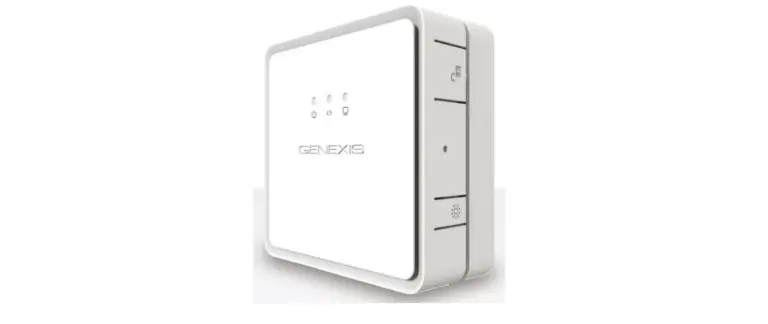
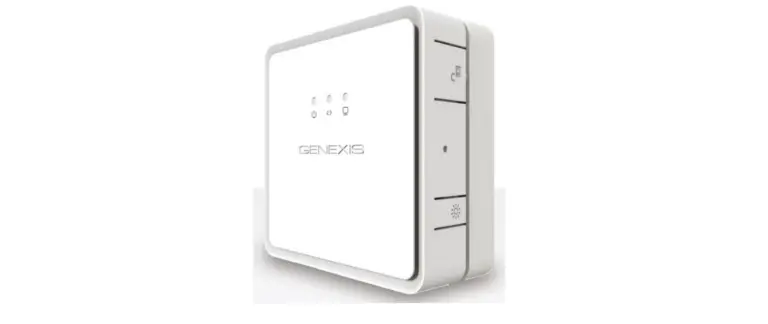
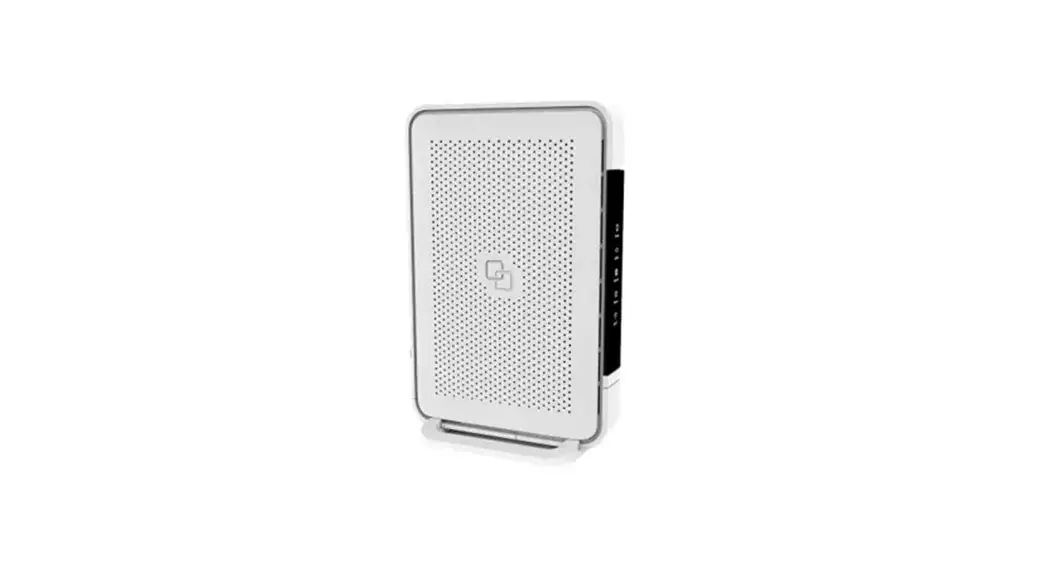
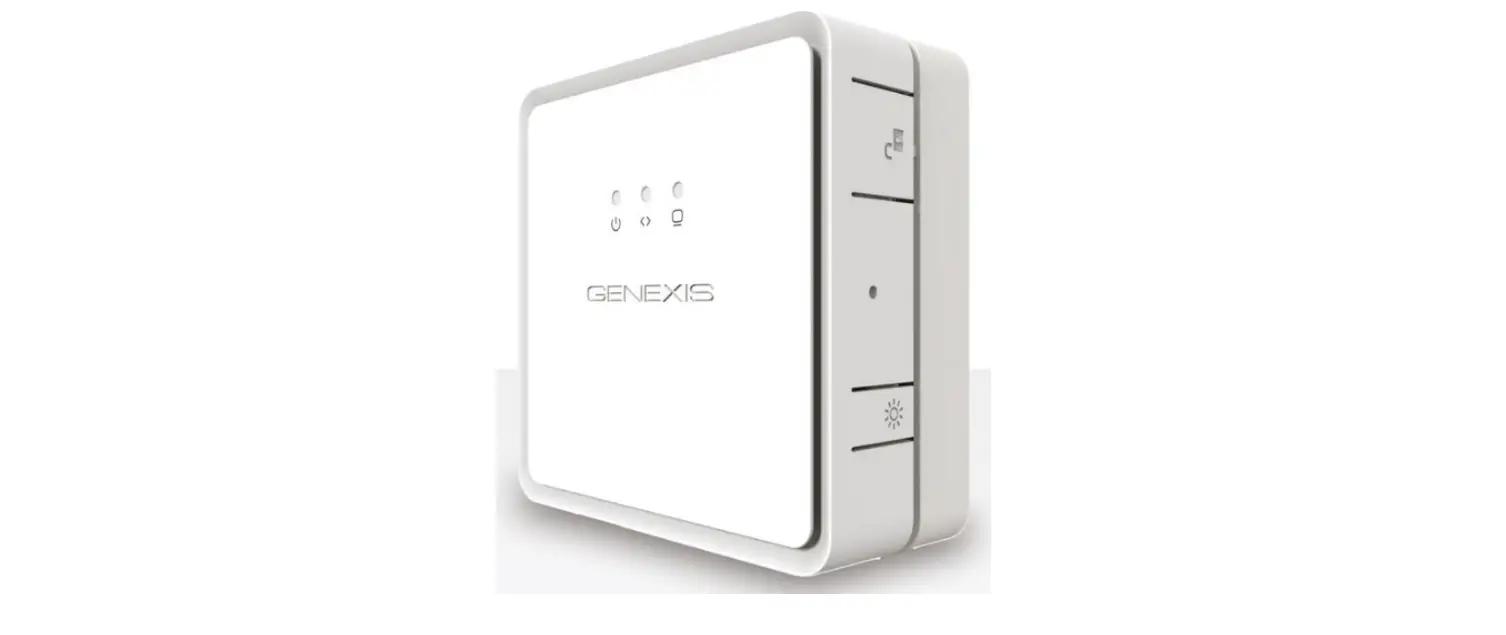
The Genexis FiberTwist-XGS2120 is an installation device
designed for fiber optic connections. It is equipped with various
ports and buttons for easy setup and usage. The device ensures
high-quality signal transmission and is compliant with relevant EU
directives.
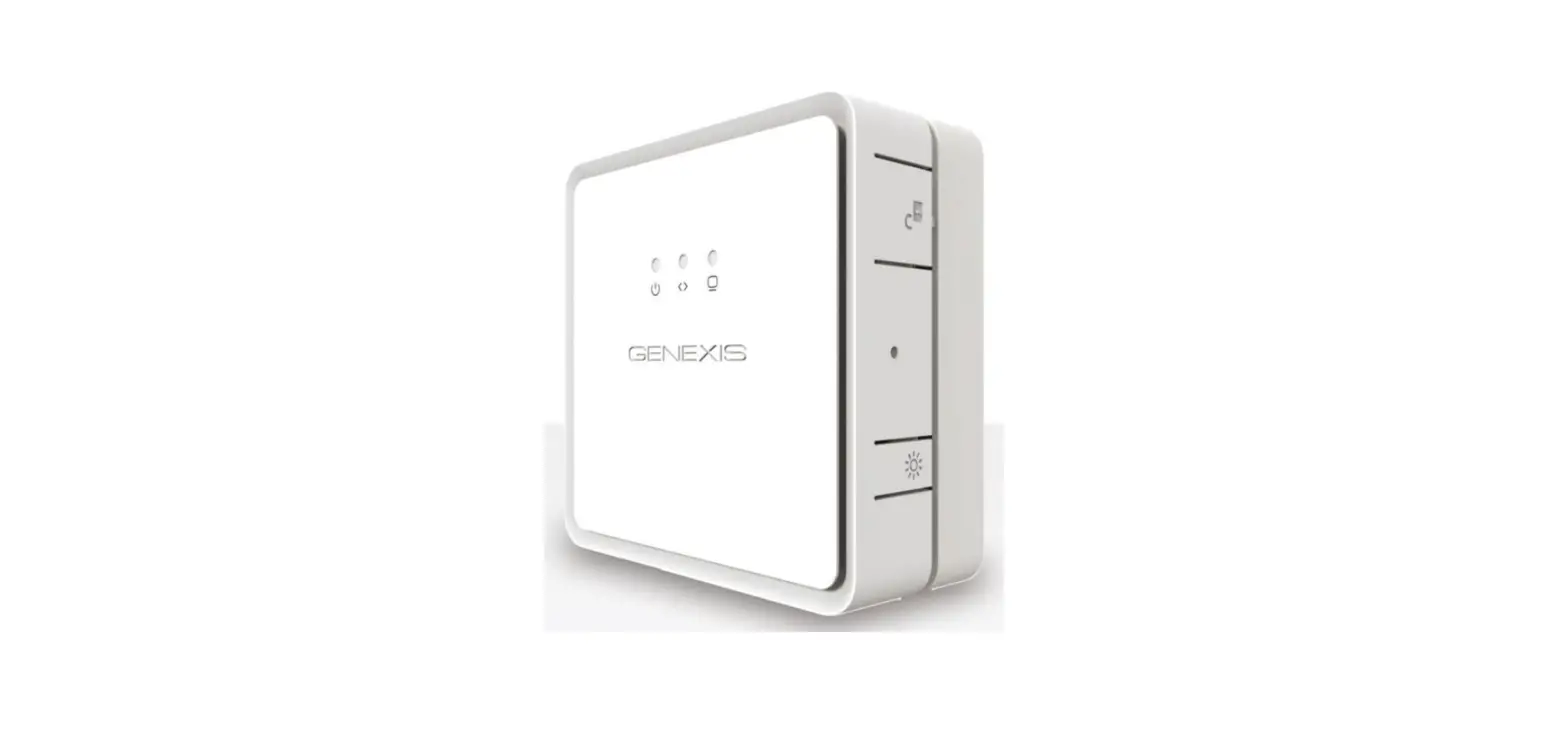
- ON/OFF button: Powers the device on or off.
Port Overview
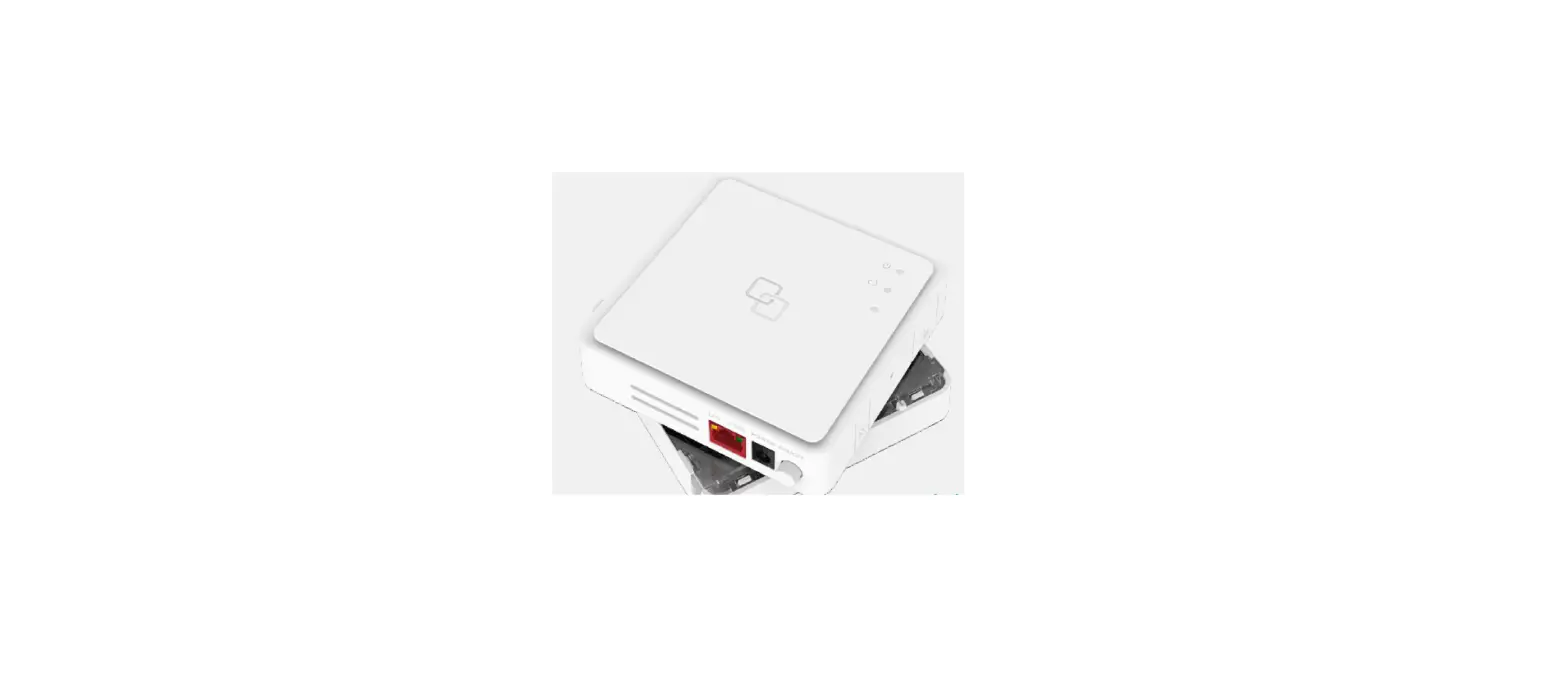
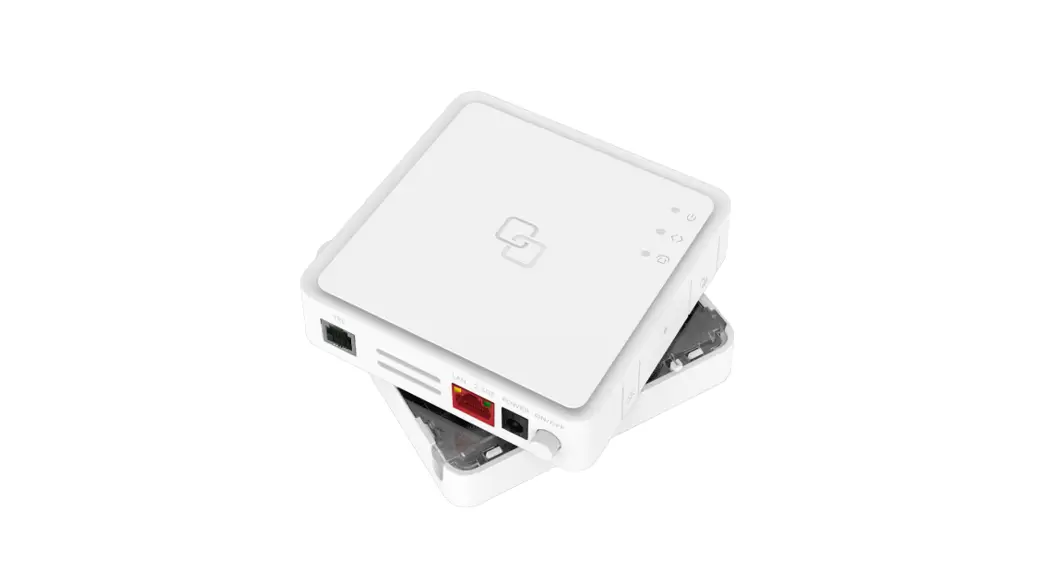
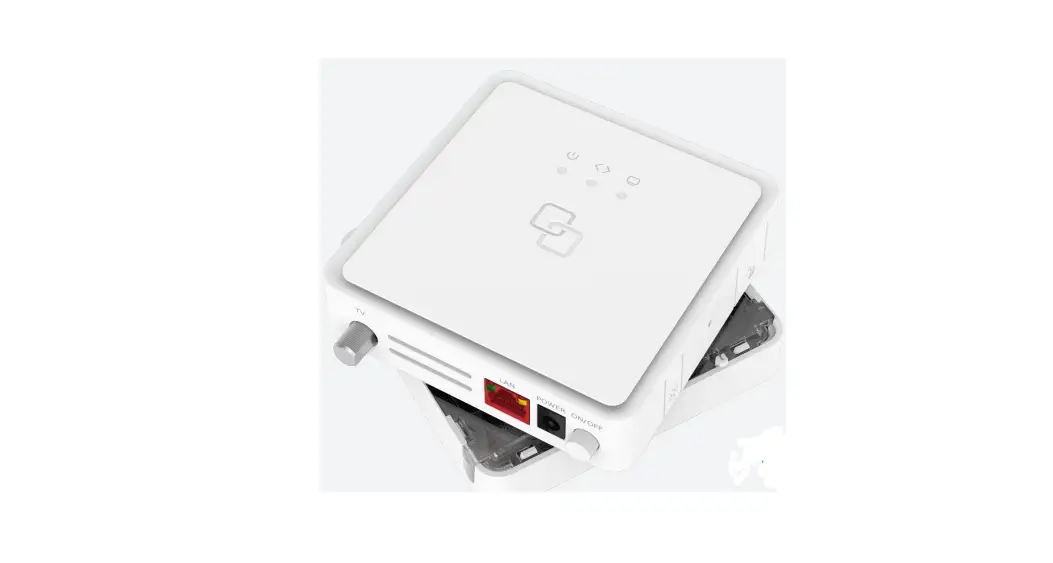
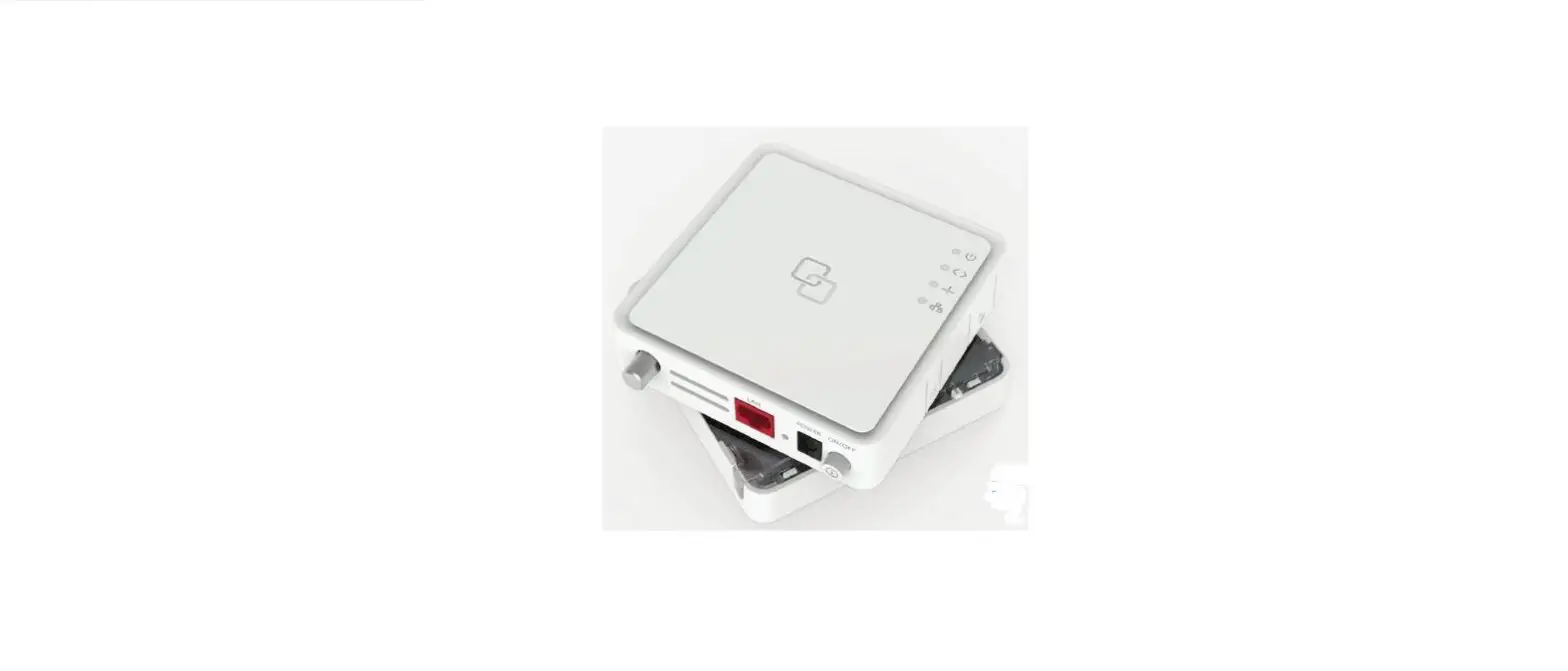
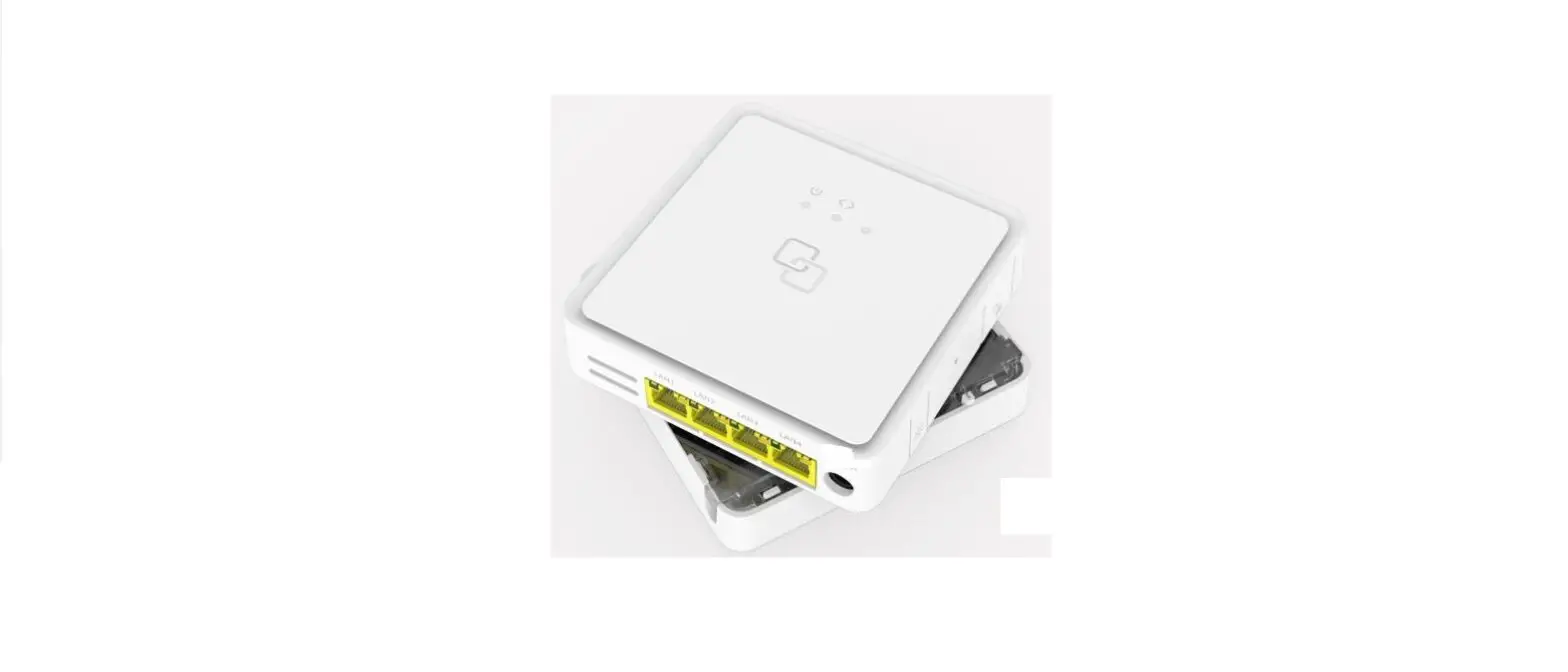
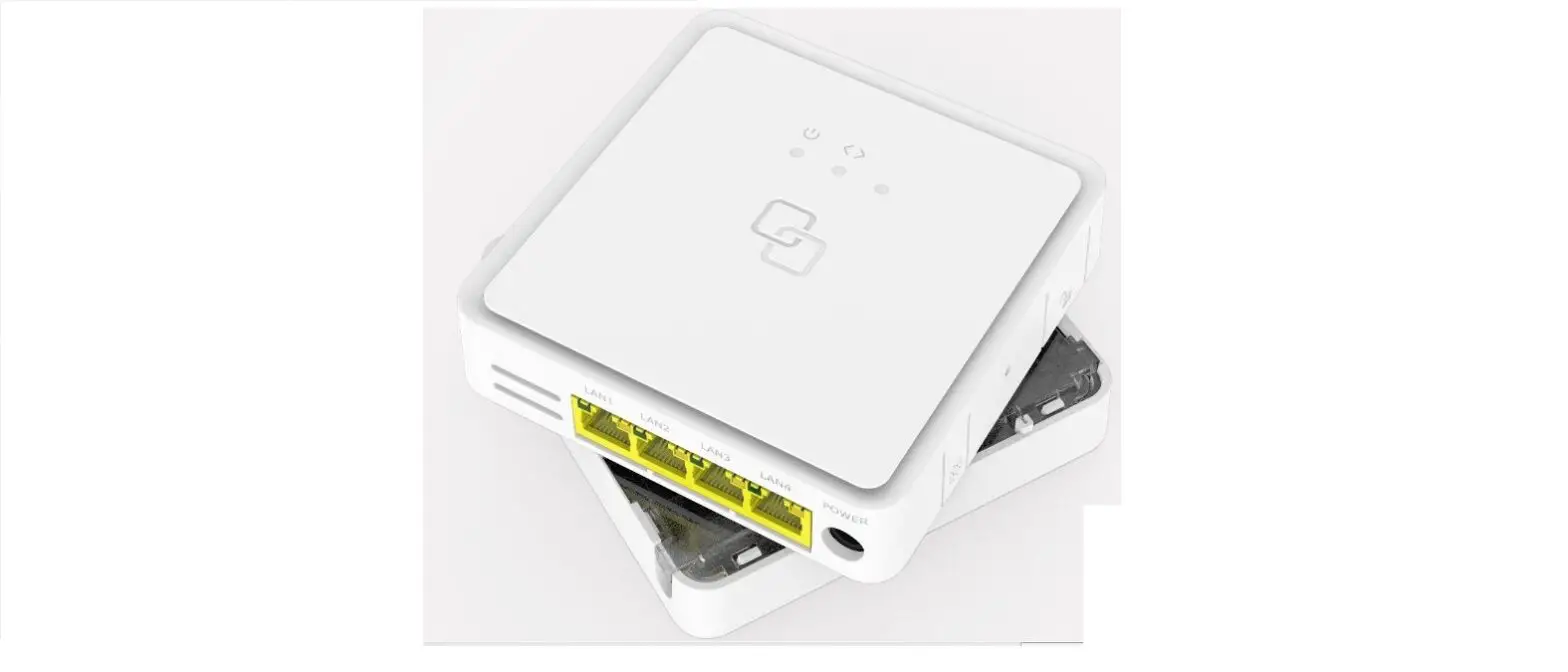
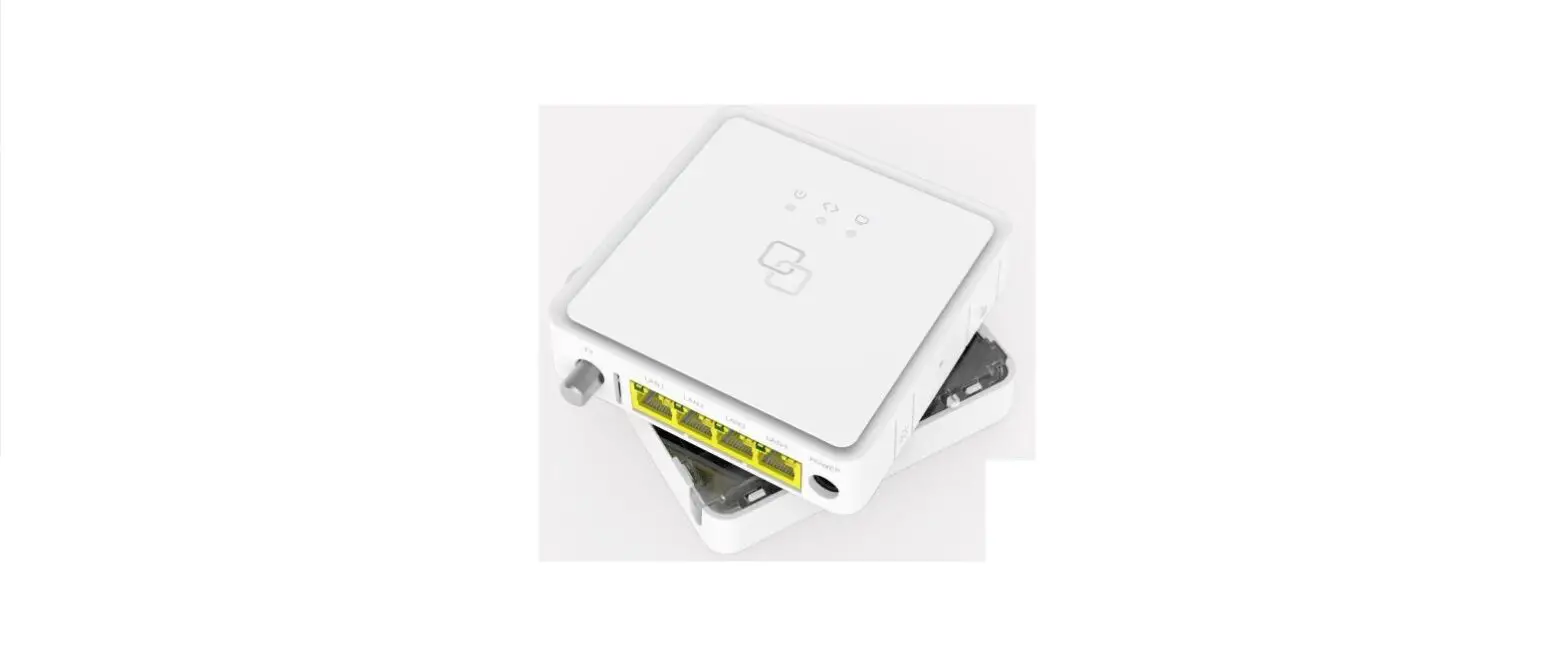
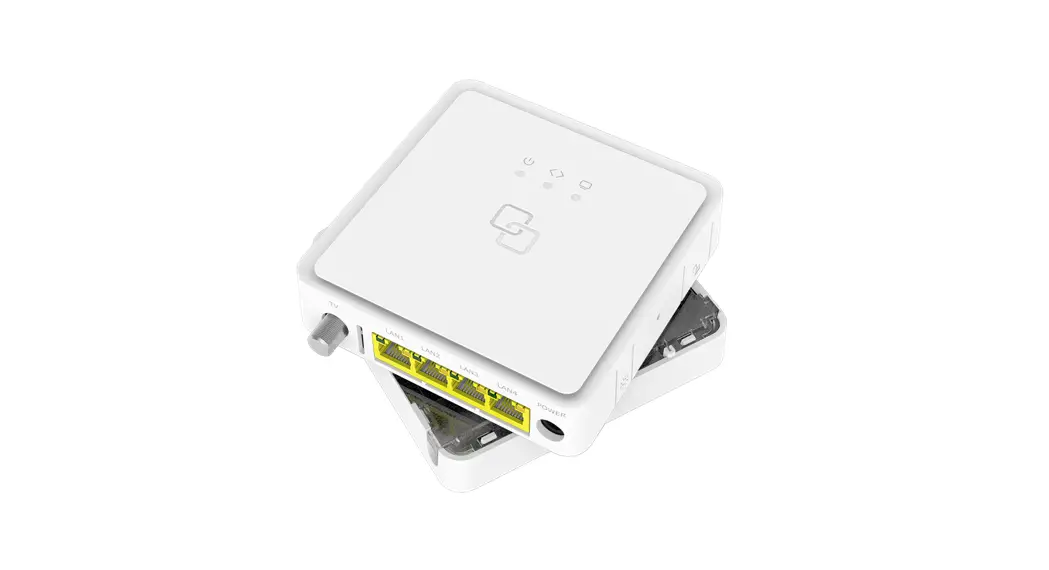
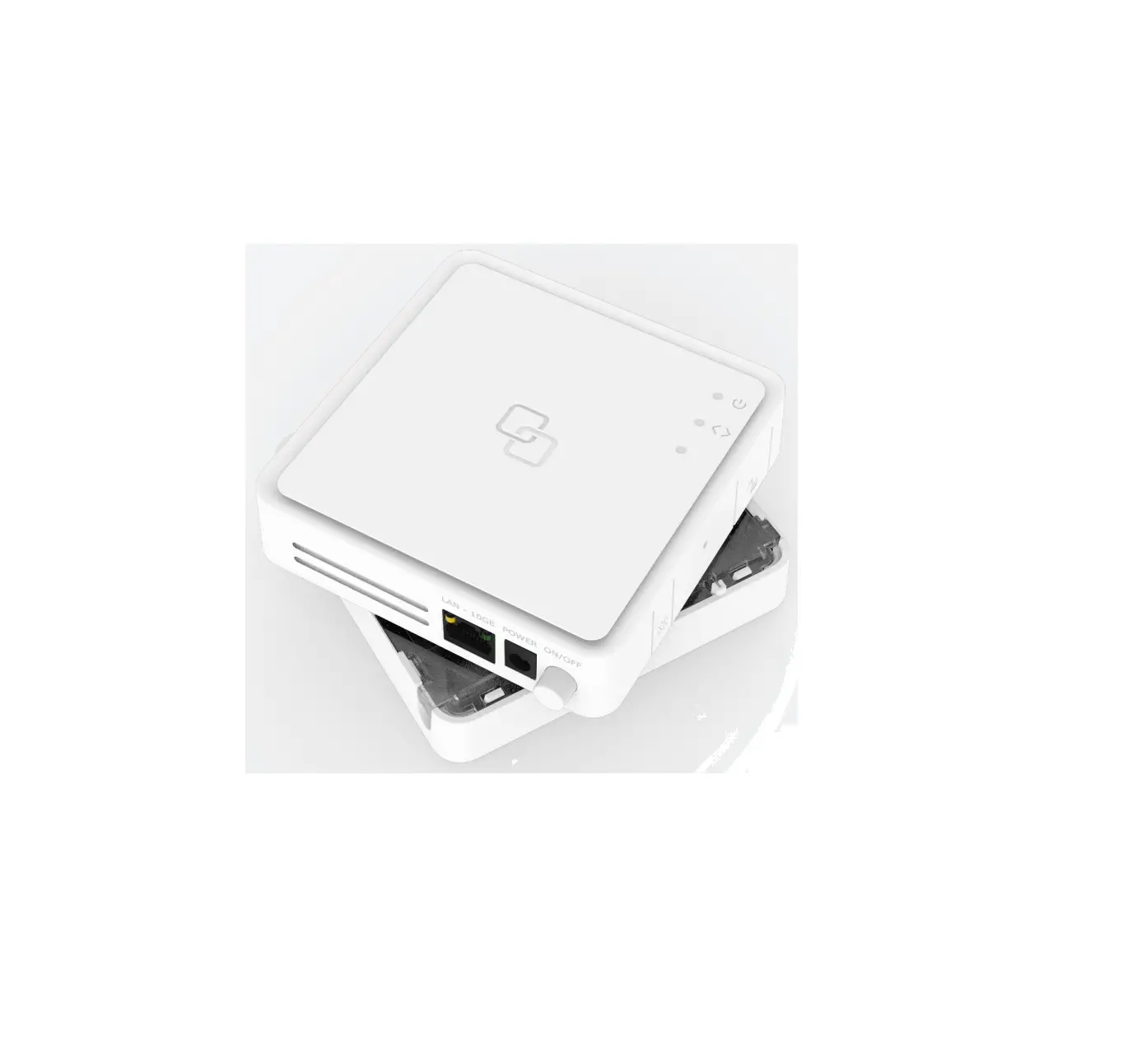
- TV port: Used to connect a television or set-top box using a
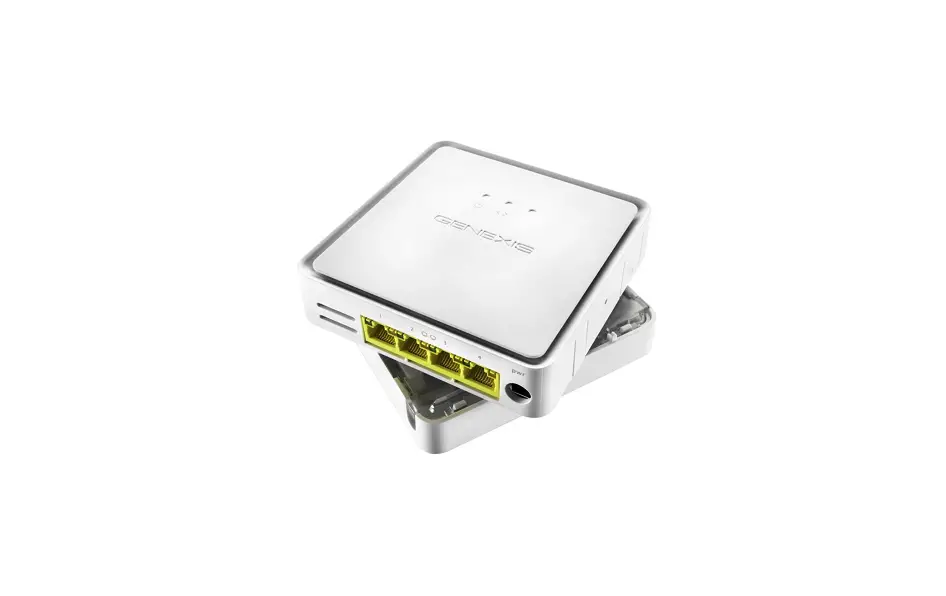
coax cable. - LAN port: Used to connect personal devices via an RJ45 network
cable. - Power port: Connects the supplied power adapter to the
device.
LED Overview
- TV LED: Indicates the status of the TV port.
Installation Guide
Label Position: The product label is located on
the back of the active device.
Preparation: Ensure there is a power socket
within reach of the installation location.
Important: Follow the instructions precisely
and without interruption to minimize the risk of damage to fiber
optic connectors and signal quality degradation.
Remove Blind Cover (if present)
- Press and hold the unlock button (see button overview).
- Rotate the Blind Cover counterclockwise until it blocks.
- Remove the Blind Cover from the baseplate (FTU) by pulling it
towards yourself. - Store the Blind Cover in a safe place.
Remove Dust Cap
- Take the FiberTwist out of the box.
- The dust cap is connected to the red string located on the rear
of the FiberTwist. - Remove the dust cap by pulling the red string.
- Store the dust cap in a safe place.
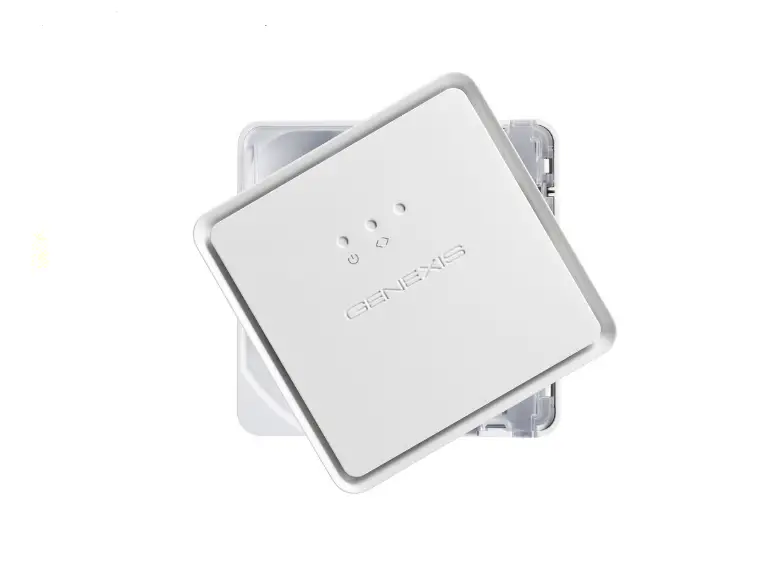
Twist!
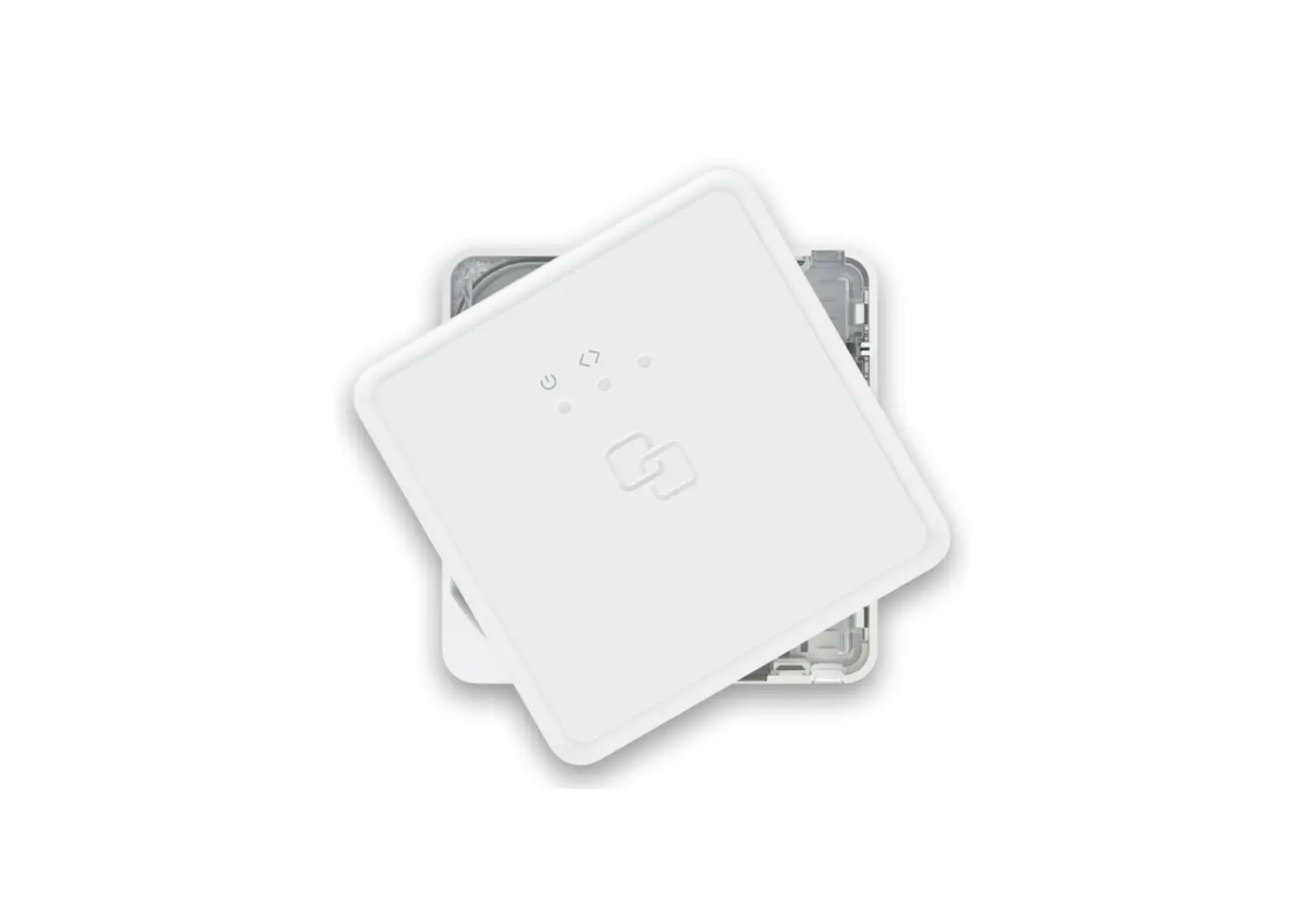
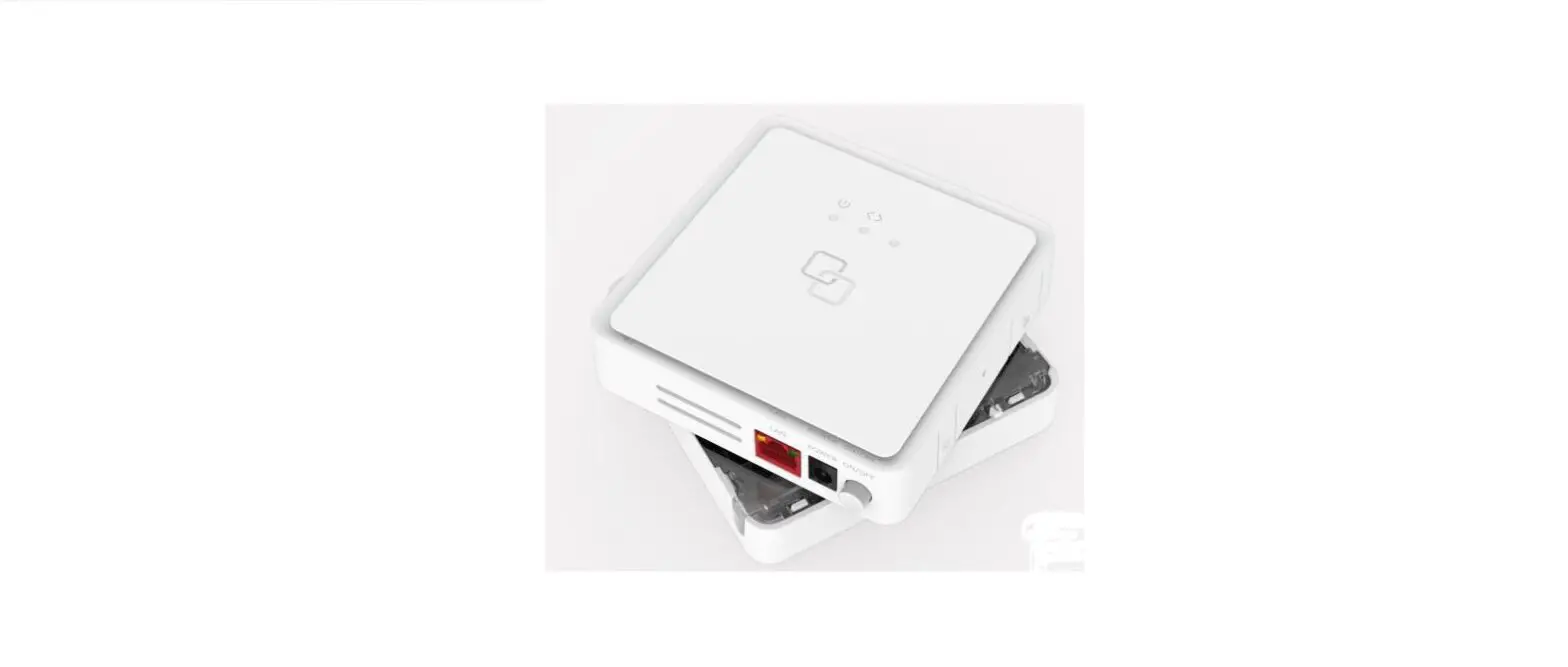
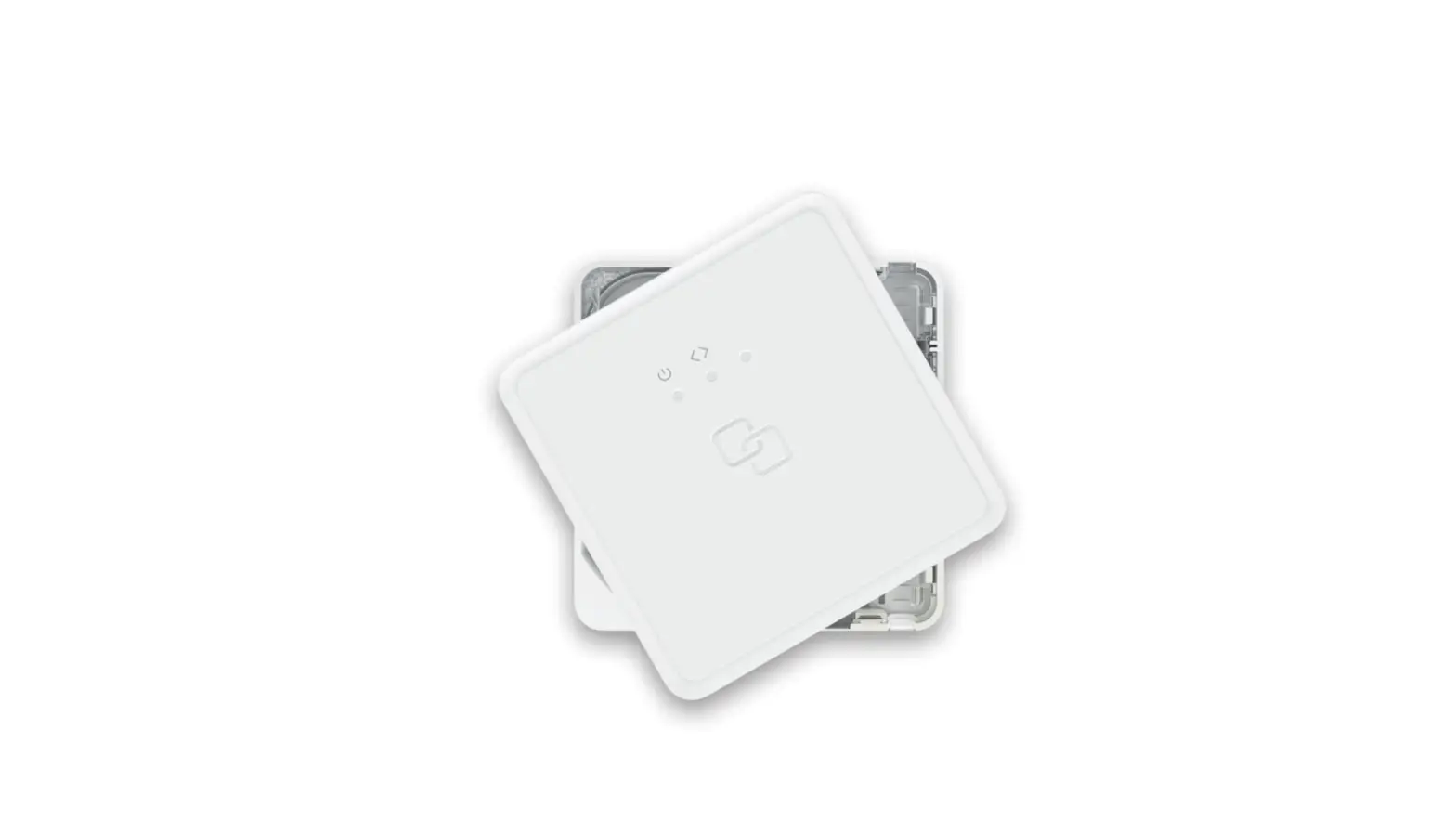
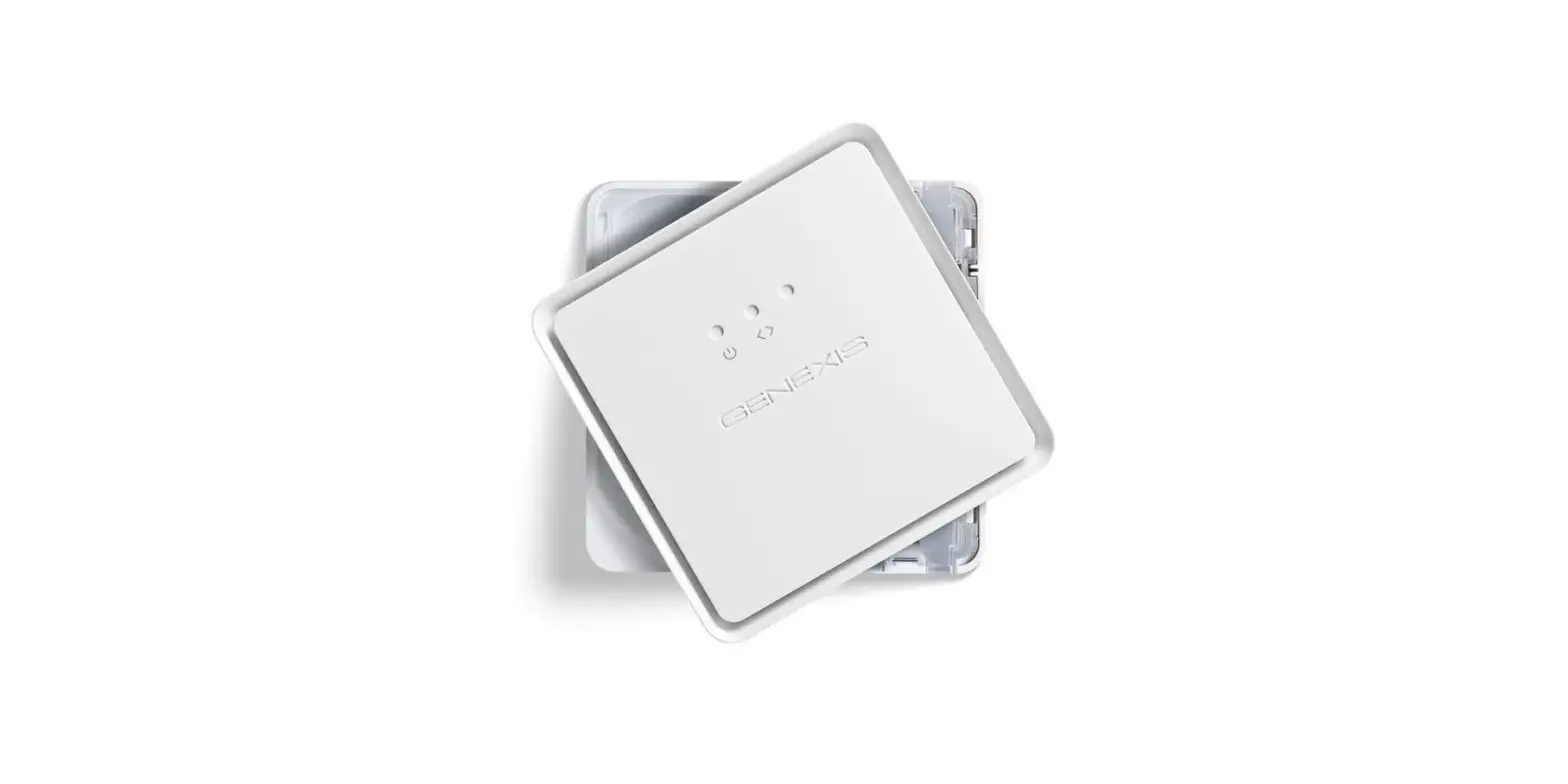
- Place the FiberTwist on the FTU as shown in the picture,
aligning each edge directly with the FTU below.
Your FiberTwist is now installed!
Connecting the FiberTwist
- If necessary, connect your television or set-top box to the TV
port using a coax cable. - If necessary, connect your personal device to the LAN port
using an RJ45 network cable. - Connect the supplied power adapter to the FiberTwist and plug
it into a power socket. - Press the ON/OFF button to power on the device.
Note: If you need to uninstall the FiberTwist
in the future, place the Blind Cover back on the FTU immediately
and put the dust cap back on the FiberTwist.
Warning
This product contains a laser that emits invisible light. It is
classified as a Class 1 Laser product, which is safe for normal
use. However, avoid looking directly into the fiber connector when
the product is powered on.
EU Declaration of Conformity
The Genexis FiberTwist-XGS2120 complies with Directives
2014/30/EU, 2014/35/EU, 2011/65/EU, Delegated Directive 2015/863,
and Ecodesign Directive 2009/125/EC. The full text of the EU
declaration of conformity is available at https://genexis.eu/product/fibertwist/red/fibertwist-xgs2120.
Company Information
Company Name: Genexis Netherlands B.V.
Company Address: Lodewijkstraat 1a, 5652 AC
Eindhoven, The Netherlands
Name and Title of Authorized Person: Maarten
Egmond, CTO
Place of Issue: Eindhoven, The Netherlands
Date of Issue: 2023-05-02
Revision 1.2 – May 2023 – Copyright © 2023 Genexis Netherlands B.V. All rights reserved.
Multiple languages of this document and additional product information are available on https://genexis.eu/product/fibertwist/downloads Genexis assumes no responsibility for any inaccuracies in this document. Genexis reserves the right to change, modify, transfer, or otherwise revise this publication without notice.
XGS2120
FiberTwist-Series Installation Guide
Button overview
Unlock button Remove FiberTwist or Blind Cover press and hold while twisting counterclockwise
Reset button (recessed) Reset press and release
LED dim button Dim LEDs press and release to dim LEDs in steps
Port overview
TV port
Power port
LAN port
ON/OFF button
ON/OFF button Power ON or OFF press and release to switch device ON or OFF
LED overview
System Green system ok Green (blinking) booting / firmware download Red – system (boot) failure Off power off
Uplink Green link ok Green (blinking) link establishing Off no link
TV
Green TV ok Green (blinking) insufficient input signal Off no TV
Installation guide
Box contents · Genexis FiberTwist (active device) · Power adapter · 2x Spare device label (self-adhesive)
Label position The product label is positioned on the back of the active device.
Preparation Ensure there is a power socket within reach of where the device is being installed.
Important: Instructions need to be followed precisely and uninterrupted. This minimizes the risk of damage to the fiber optic connectors, causing a severe degradation of signal quality.
Remove Blind Cover (if present) 1. Press and hold the unlock button (see button overview). 2. Rotate the Blind Cover counterclockwise till it blocks. 3. Remove the Blind Cover from the baseplate (FTU) by pulling
it towards yourself. 4. Store the Blind Cover in a safe place.
Remove dust cap 1. Take the FiberTwist out of the box. 2. The dust cap is connected to the red string
located on the rear of the FiberTwist. 3. Remove the dust cap by pulling the red string. 4. Store the dust cap in a safe place.
Twist! 1. Place the FiberTwist on the FTU as shown in the picture below,
in a 30degree angle. 2. Rotate clockwise until it clicks into place. 3. Make sure the FiberTwist is aligned squarely on the FTU,
each edge must line up directly with the FTU below.
Your FiberTwist is now installed!
Connecting the FiberTwist 1. If required, connect your television / set-top box to the TV port with a coax cable. 2. If required, connect your personal device to the LAN port via an
RJ45 network cable. 3. Connect the supplied power adapter to the FiberTwist and plug the adapter into
a power socket. 4. Press the ON/OFF button to power on the device.
If at some point in the future it becomes necessary to uninstall the FiberTwist, please place the Blind Cover back on the FTU immediately and put the dust cap back on the FiberTwist.
Warning: This product contains a laser that emits invisible light. It is a Class 1 Laser product, which means it is safe under all conditions of normal use. However, it is still advised to not look directly into the fiber connector when the product is powered on.
Warning: Do not cover the device, this will interfere with the ventilation. Ambient Operating Temperature: 0°C ~ 40°C
EU Declaration of Conformity
Hereby, Genexis Netherlands B.V. declares that the product FiberTwist-XGS2120 is in compliance with Directives 2014/30/EU, 2014/35/EU, 2011/65/EU, Delegated Directive 2015/863 and Ecodesign Directive 2009/125/EC.
The full text of the EU declaration of conformity is available at the following internet address: https://genexis.eu/product/fibertwist/red/fibertwist-xgs2120
Company Name Genexis Netherlands B.V.
Company Address Lodewijkstraat 1a 5652 AC Eindhoven The Netherlands
Name and title of authorized person Maarten Egmond, CTO
Signature of authorized person
Place of issue Eindhoven The Netherlands
Date of issue 2023-05-02
 FiberTwist | Downloads