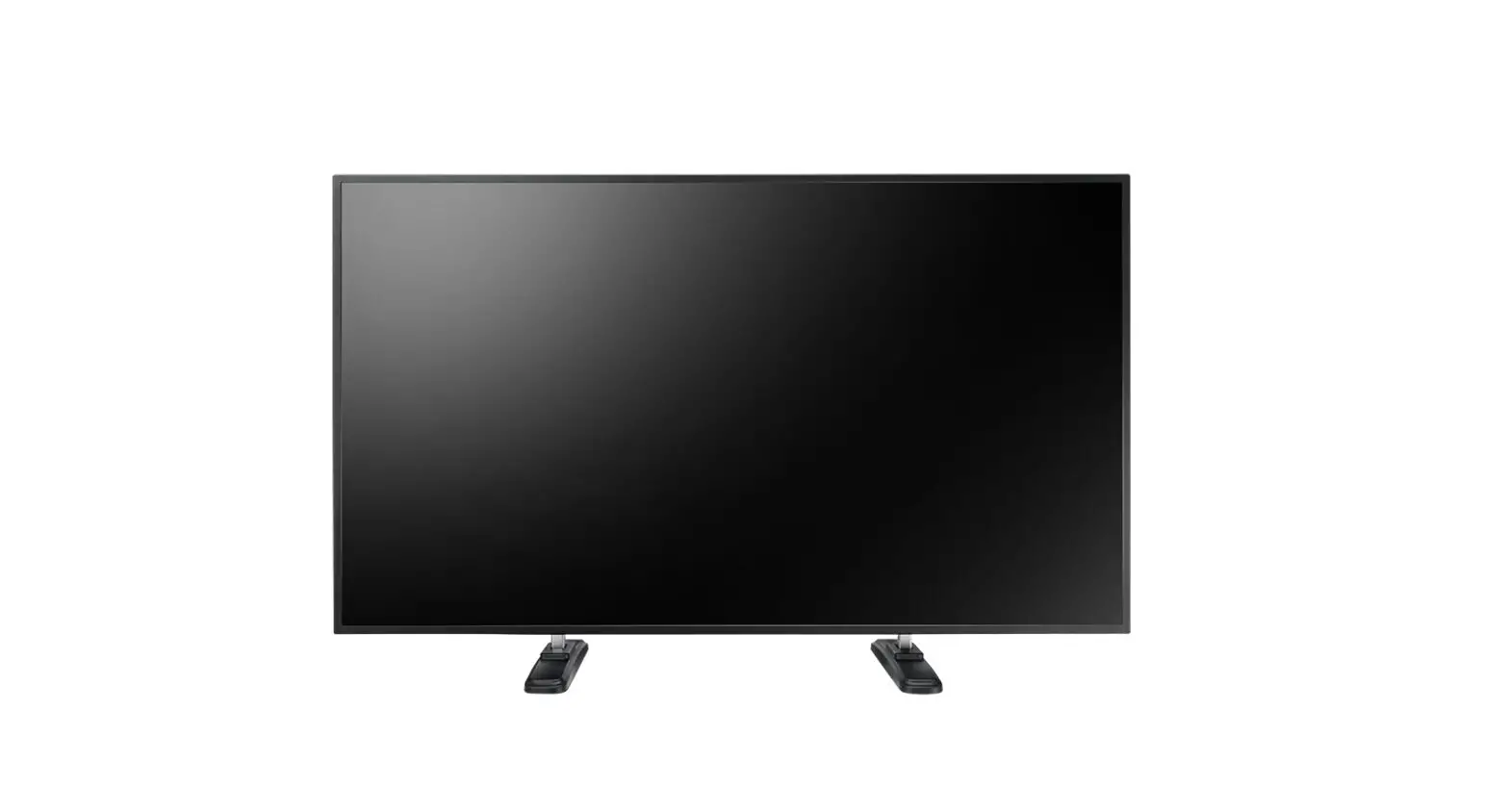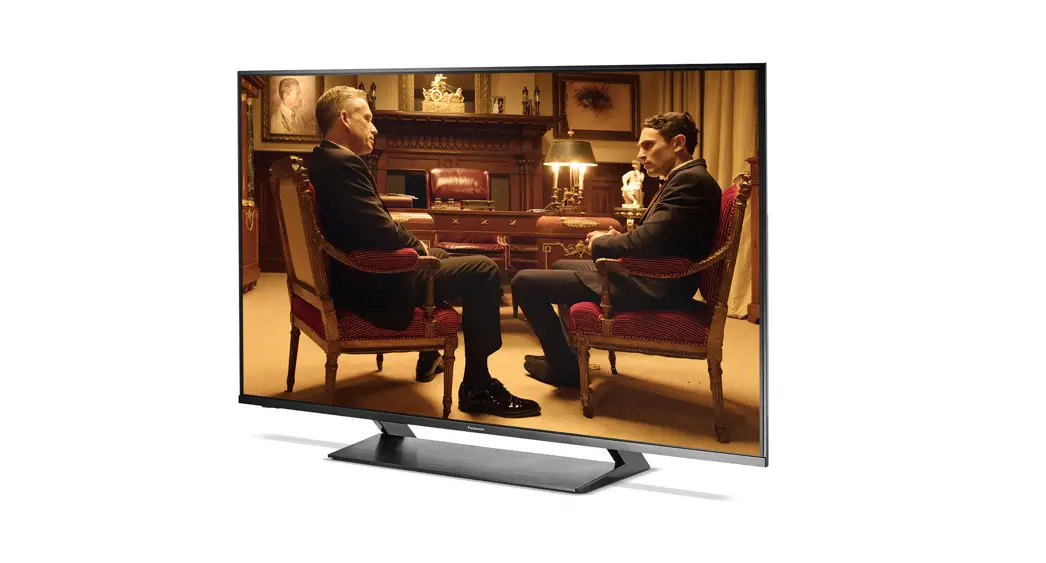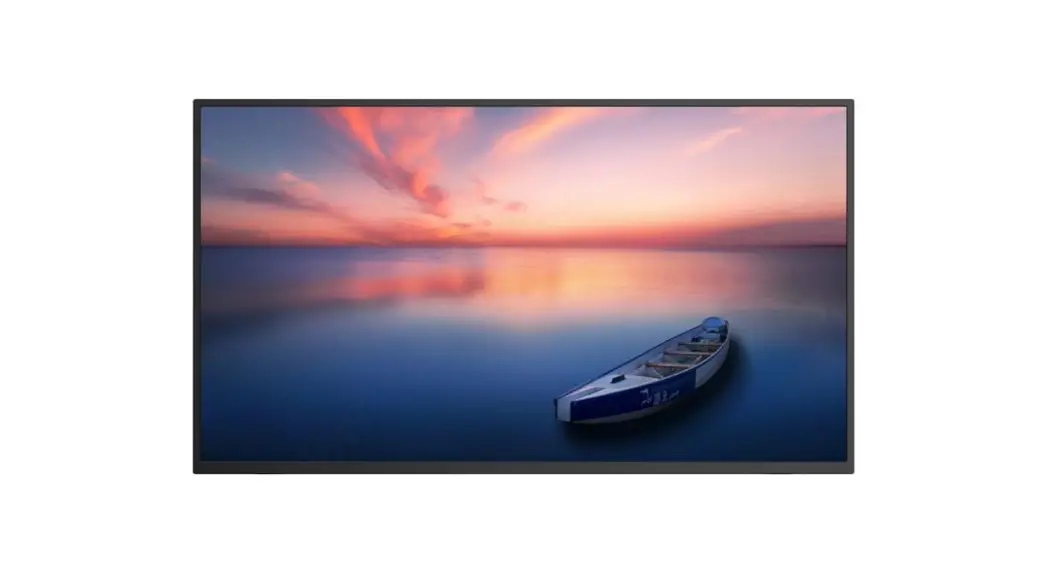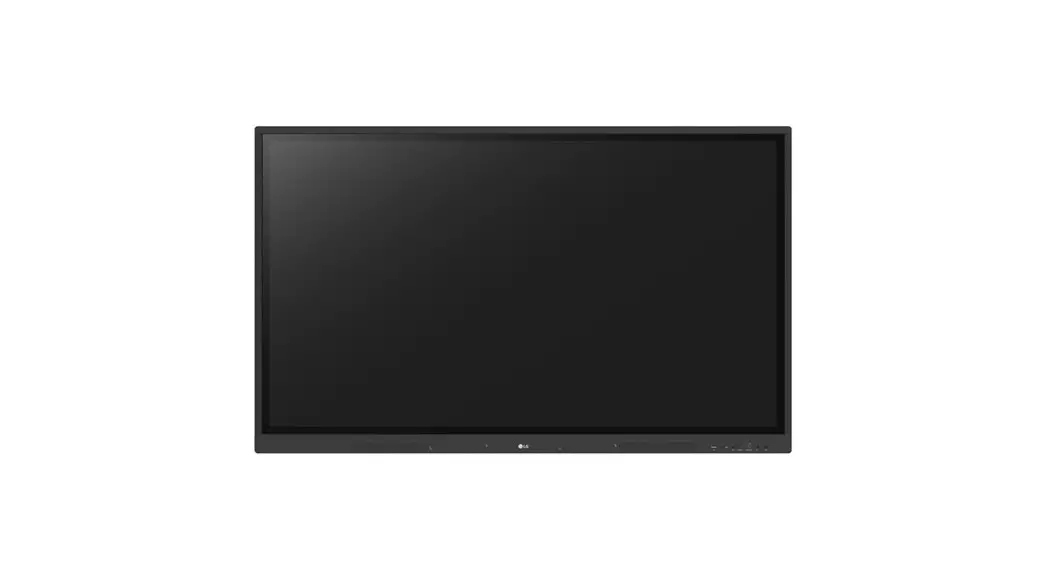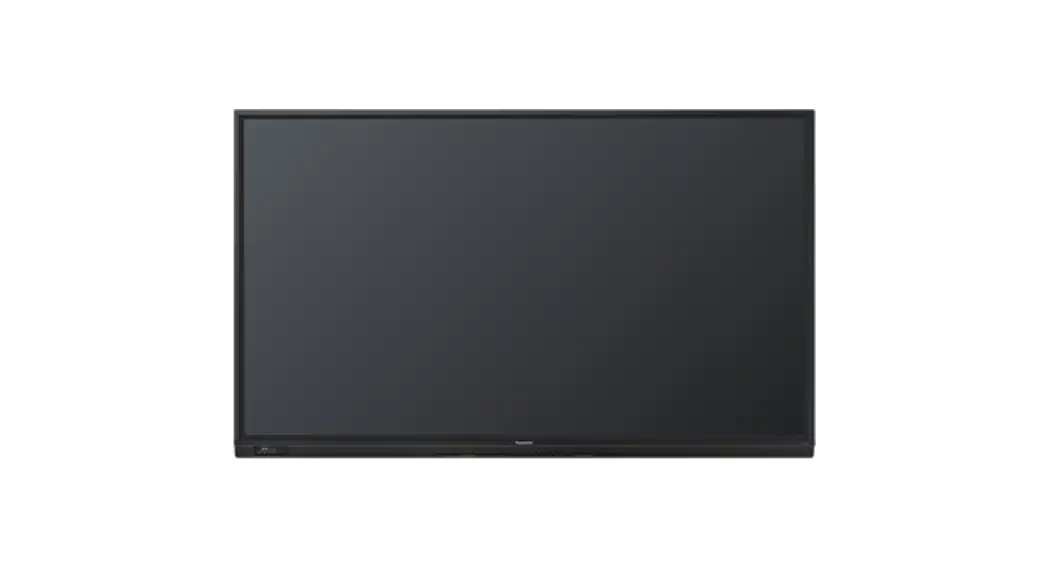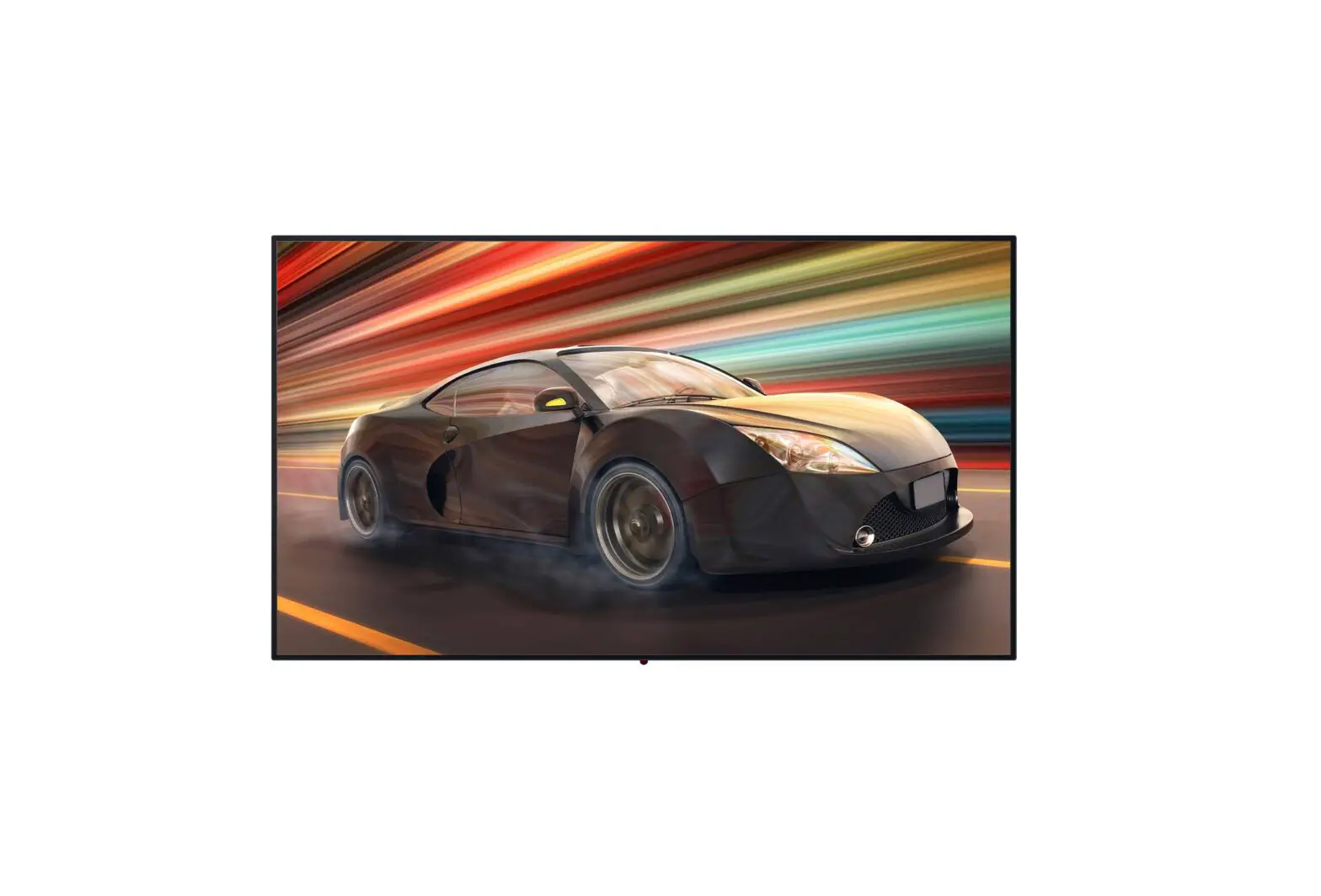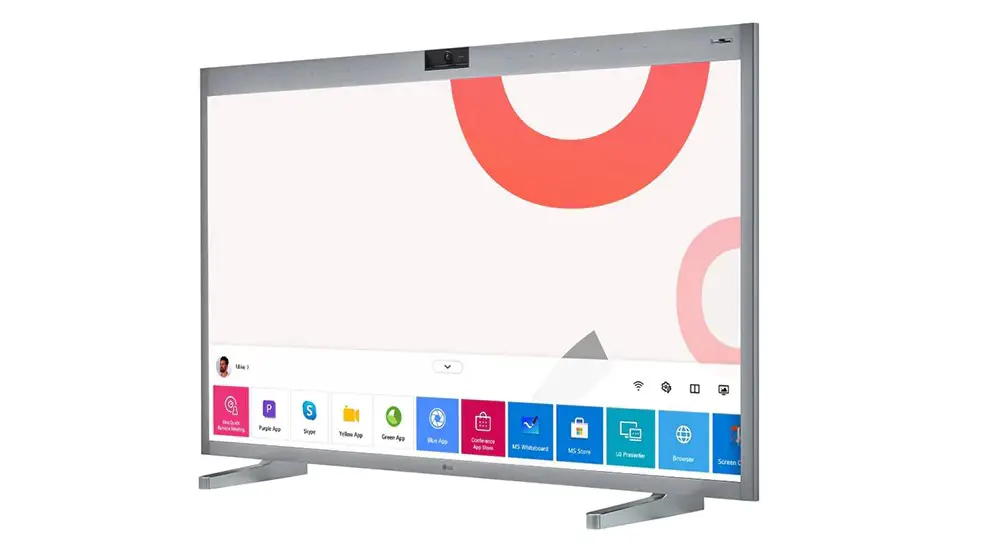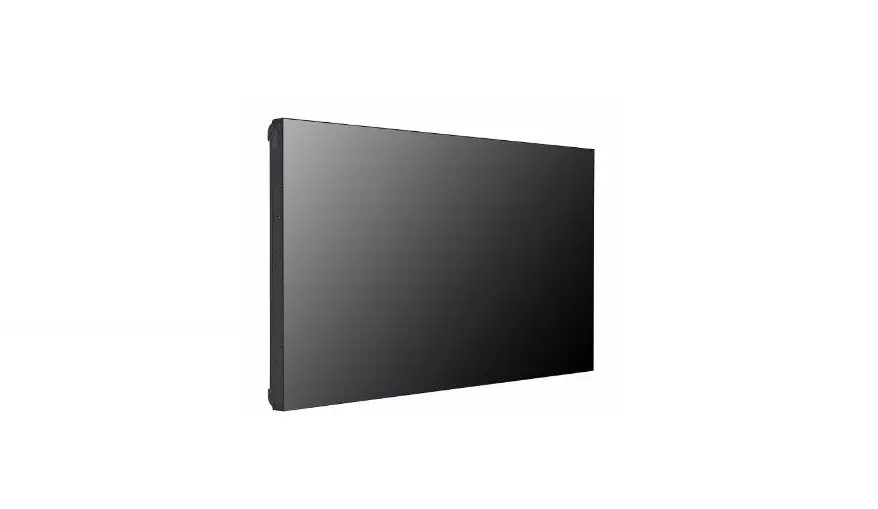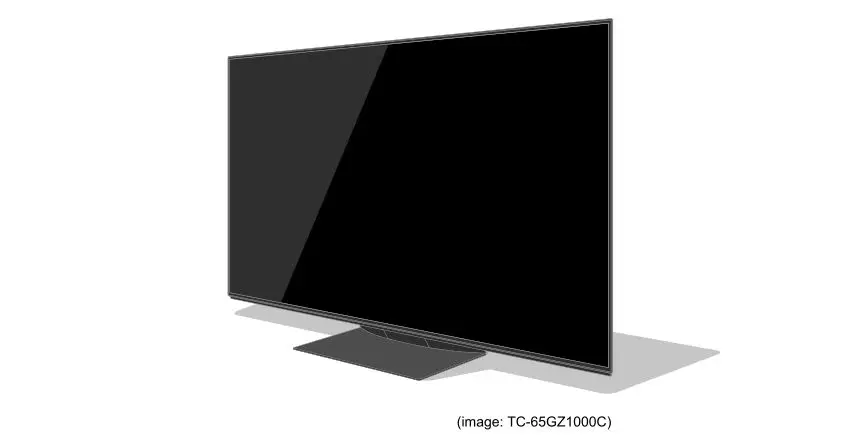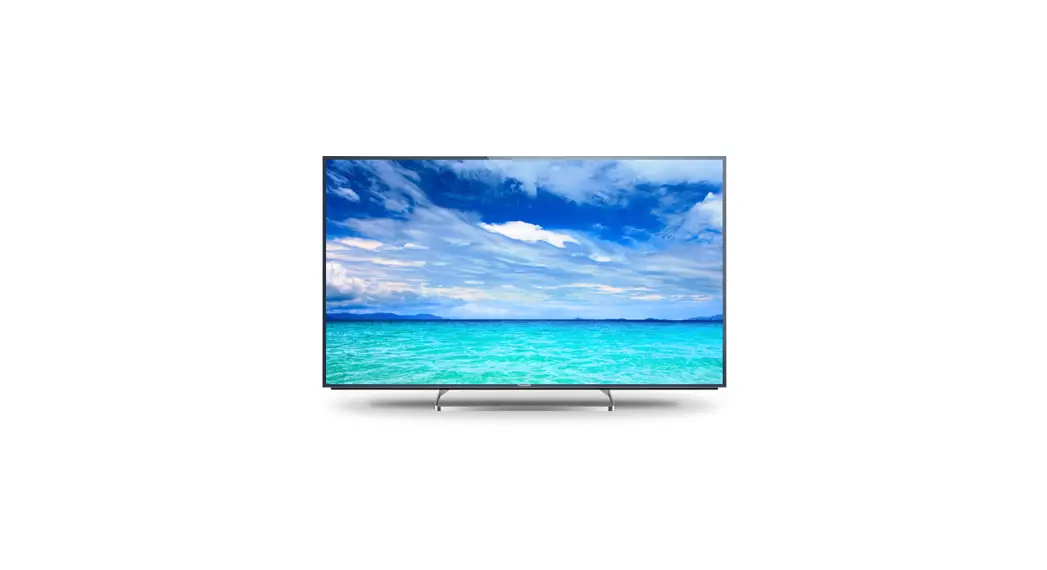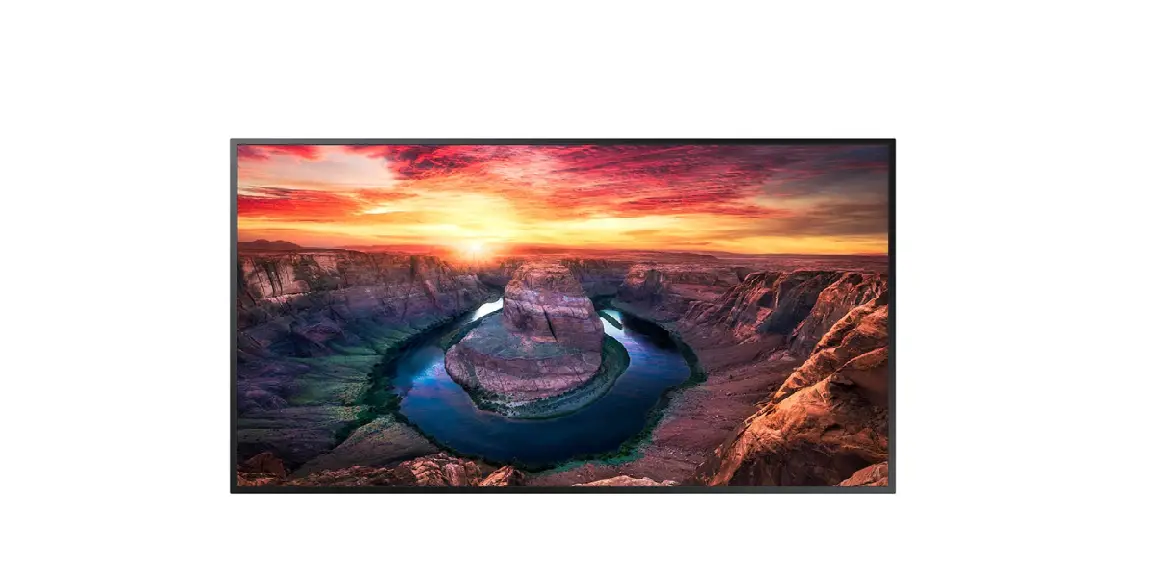
Panasonic CONNECT TH-55SQ1 4K Professional and Stylish Signage Display

INTRODUCTION
Equipped with advanced professional features offering a slim, lightweight, and scalable solution which simplifies any installations. 55″, 4K Ultra HD panel, Intel® Smart Display Module (Intel® SDM), 24/7 operation, portrait, 4K Digital link, narrow bezel
TH-55SQ1
4K professional and stylish signage display. Equipped with advanced professional features offering a slim, lightweight, and scalable solution which simplifies any installations.
Key Features
55″, 500 cd/m2, 4K IPS panel with slim and stylish design and 24/7 operation High image quality through HDR support (HLG system) that displays light and dark images in a realistic way
4K USB Media Player: eliminates the need for external devices and allows updates via LAN High expandability with ultra-slim Intel® SDM (Intel® Smart Display Module), DisplayPort connection for daisy-chain signage, multiple screen function (quad, PinP, PbyP) and 4K DIGITAL LIK Flexible and light installation either in portrait or landscape


TH-55SQ1
https://eu.connect.panasonic.com/gb/en/products/professionaldisplays/th-55sq1
SPECIFICATIONS
| Screen size (diagonal) (inch) | 55-inch (1387.8 mm) |
| Screen size (diagonal) (mm) | 1387.8 mm |
| Aspect Rati | 16:9 |
| Panel Type | IPS Panel / Edge-LED |
| Effective display area (W x H) (mm) | 1209.6 x 680.4 mm |
| Effective display area (W x H) (inch) | 47.62 x 26.78 inch |
| Resolution | 3840 x 2160 |
| Brightness (typ.) | 500 cd/m2 |
| Contrast Ratio | 1100:1 (Typ) |
| Response Time | 8 ms (G to G) |
| Viewing angle [(T/B)/(L/R)] | 178°/178° (CR≧10) |
| Panel Surface Treatment | Anti-Grare Type (Haze 28%) |
| Terminals | HDMIIn | HDMI TYPE-A Connector x 2 |
| Terminals | DisplayPort IN | DisplayPort x 1 |
| Terminals | DisplayPort OUT | DisplayPort x 1 |
| Terminals | DVI-D IN/AUDIO IN (L/R) | DVI-D 24-pin x 1/ Stereo Mini Jack (M3) x 2 (Shared with PC In) |
| Terminals | PC IN/AUDIO IN (L/R) | Mini D-sub 15-pin x 1/ Stereo Mini Jack (M3) x 2 (Shared with DVI-D |
| Terminals | Serial | D-sub 9-pin x 1, RS232C Compatible |
| Terminals | IR IN / OUT | Stereo Mini Jack (M3) x 1 / x 1 |
| Terminals | Audio Out | 30 W [15 W + 15 W] 10% THD |
| Terminal | LAN | RJ45 x 1, 10 BASE-T / 100 BASE-TX, Compatible with PJ Link™ |
| Terminal | DIGITAL LINK | ™ Terminals | |
| Terminals | Slot | Intel® SDM specification Corresponding size SDM-S / SDM-L |
| Terminals | USB | USB Connector (TYPE A) x 2, DC 5 V/2 A (USB 3.0 supported) |
| Built-in Speaker | 20 W [10 W + 10 W] |
| Power Requirements | 110–240 V AC, 50 Hz/60 Hz |
| Power Consumption | 300W |
| Power Off Condition | Approx. 0.3 W |
| Stand-by Condition | Approx. 0.5 W |
| Dimensions (W x H x D) (mm) | 1240 x 714 x 74 mm *Including handles |
| Dimensions (W x H x D) (inch) | 48.9″ x 28.1″ x 2.9″ *Including handles |
| Weight (kg) | Approx. 25.5 kg |
| Weight (lbs.) | Approx. 56.3 lbs. |
| Bezel width (mm) | 12.2 mm(T), 15.8 mm (B),12.7 mm (L/R) |
| Bezel width (inch) | 0.48″ (T), 0.62″(B),(0.50″(L/R) |
| Wall-hanging pitch (mm) | 400 x 400 mm VESA Compliant |
| Wall-hanging pitch (inch) | 15.8˝ x 15.8˝ VESA Compliant |
| Orientation | Landscape/Portrait |
| Tilting angle | Landscape setting: 0 – 45 degrees forward/backward Portrait setting: 0 – 45 degrees forward/backward |
| Operating Time | 24 h/day |
| Operating environment | Temperature | Temperature : 0 °C to 40 °C / Humidity: 20% to 80% (Non-condensation) |

 TH-55SQ1 | Panasonic Connect