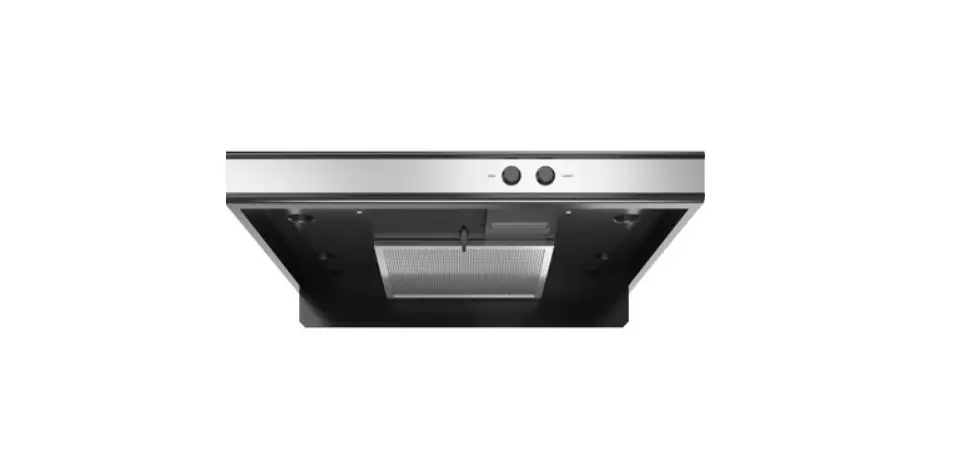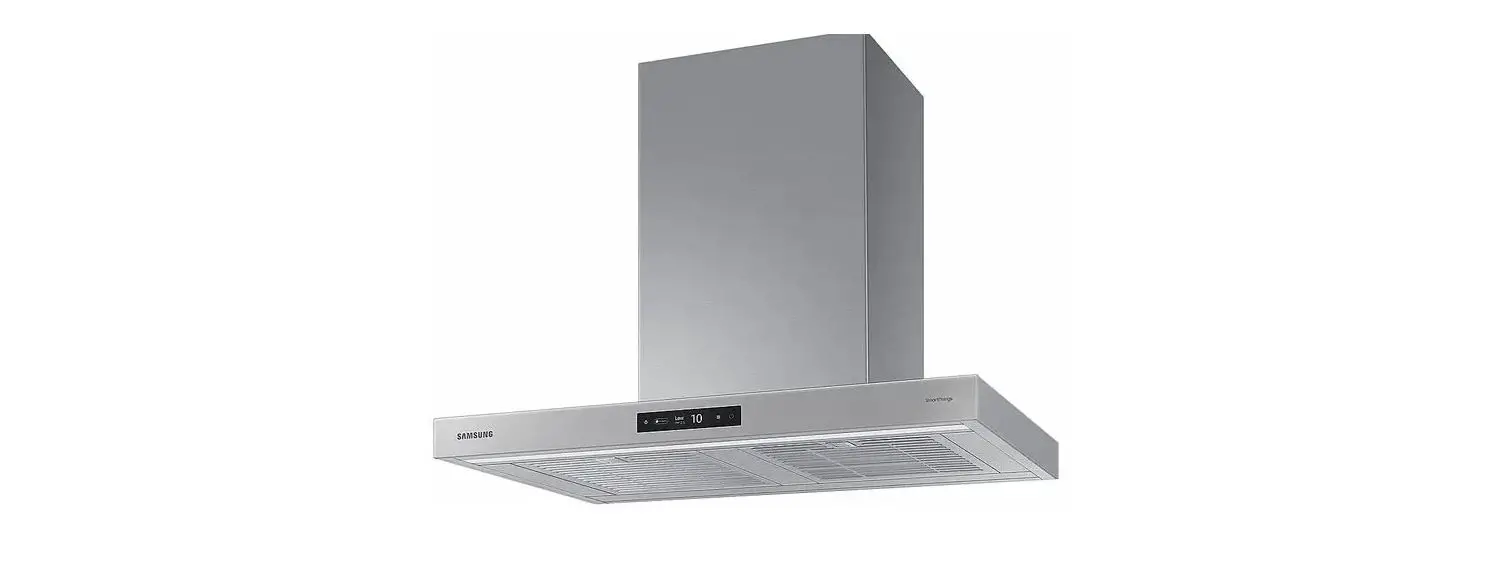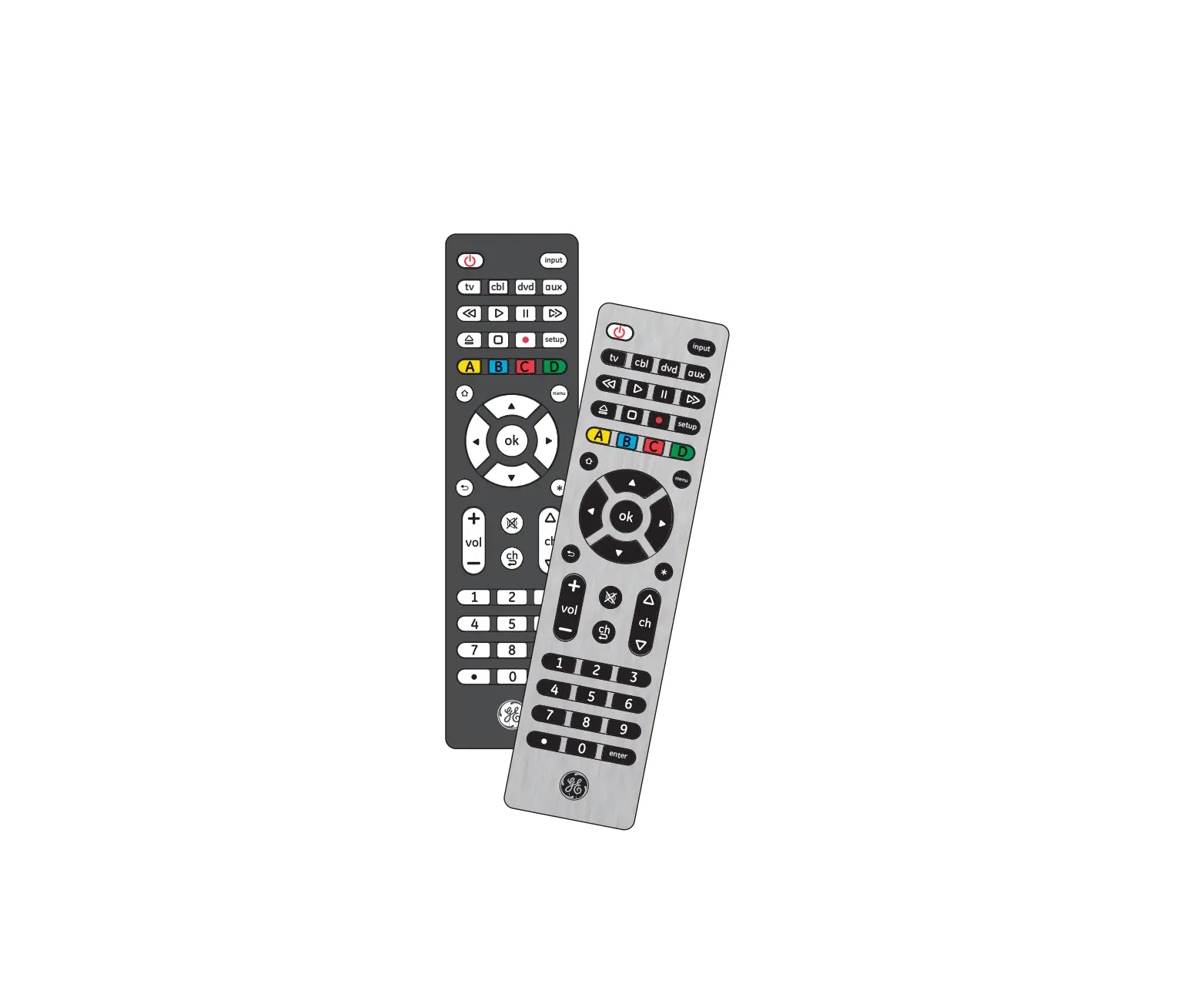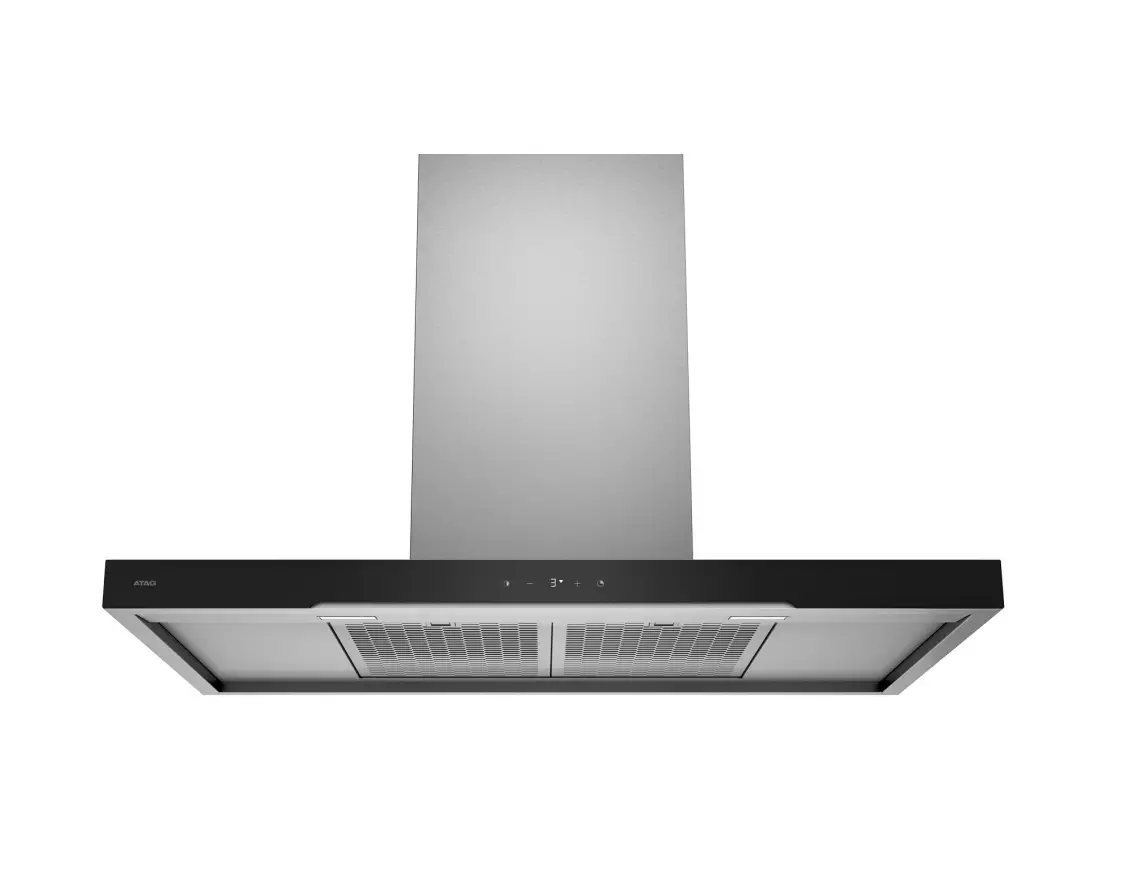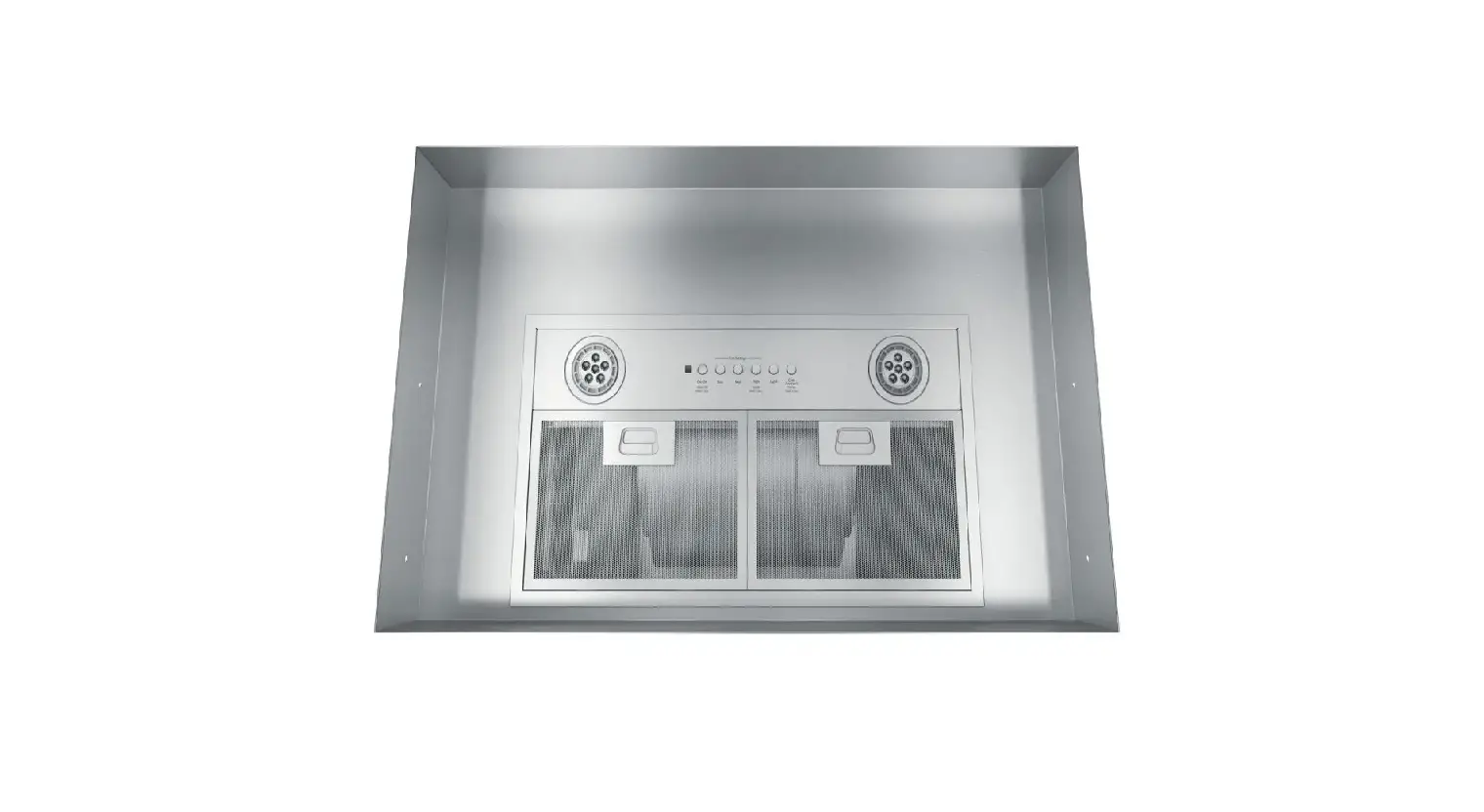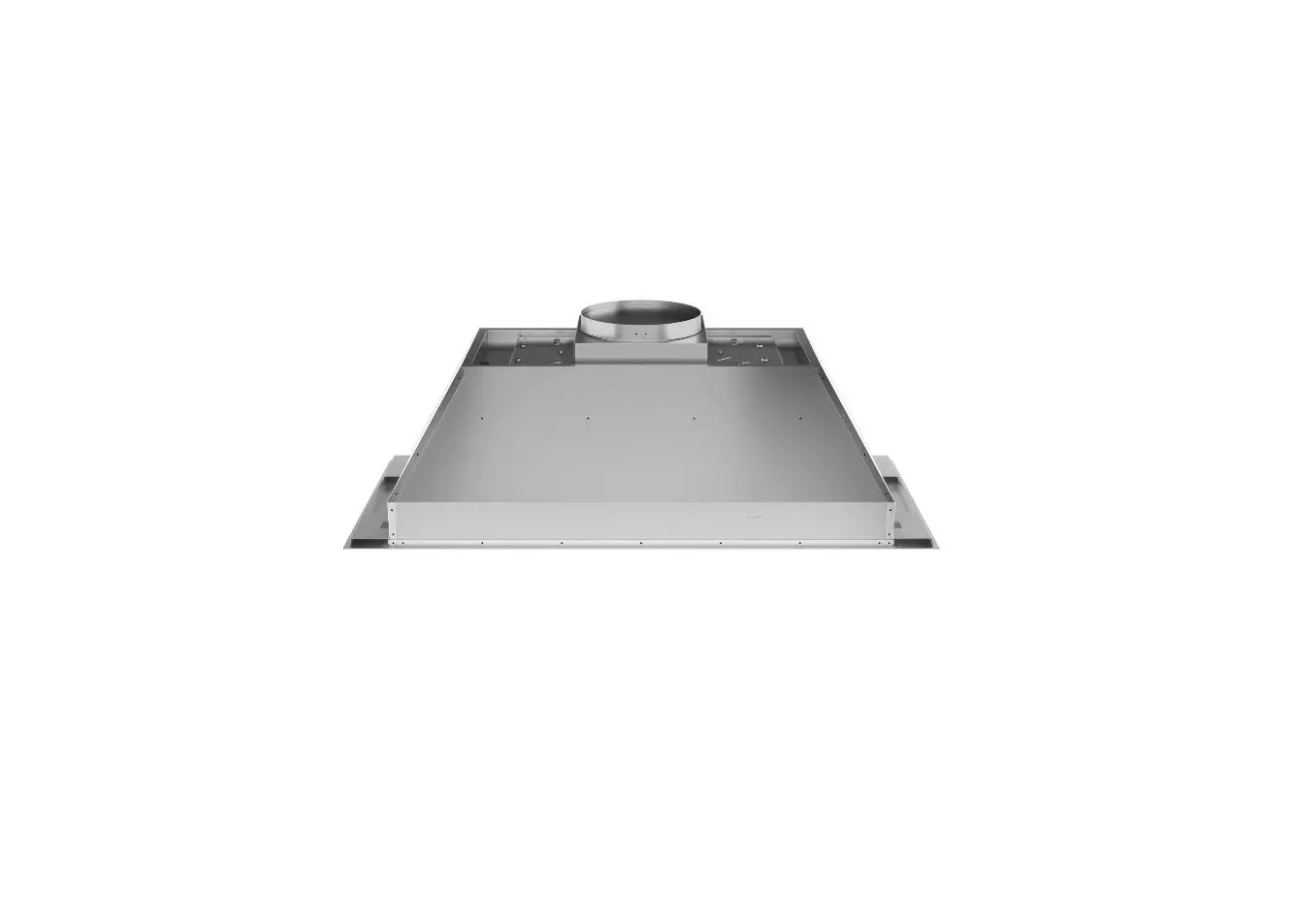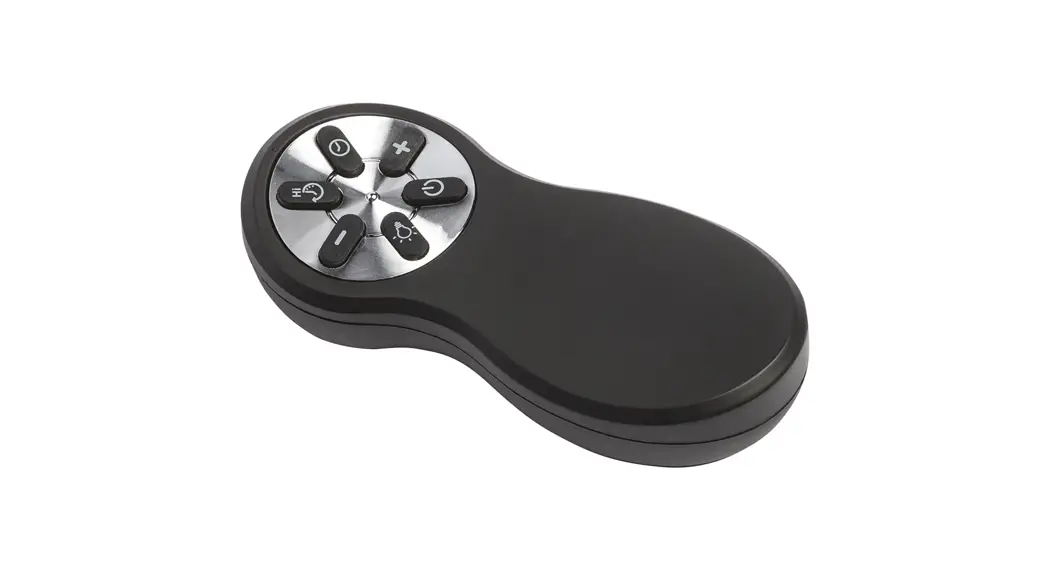
 UXRC70 Chimney Vent Hood Remote Control
User Manual
UXRC70 Chimney Vent Hood Remote Control
If you have questions, call 800. GE.CARES (800.432.2737) or visit our website at: GEAppliances.com.
In Canada, call800.561.3344 or visit geappliances.ca.
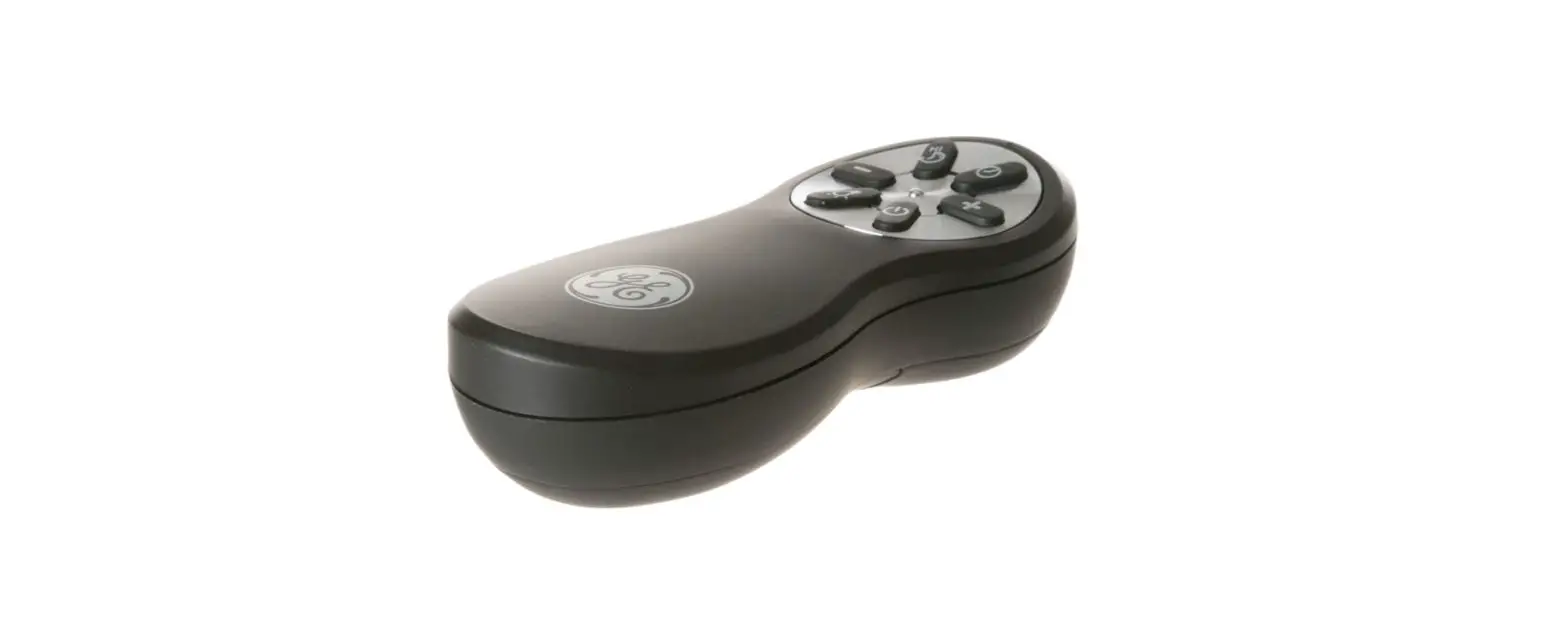
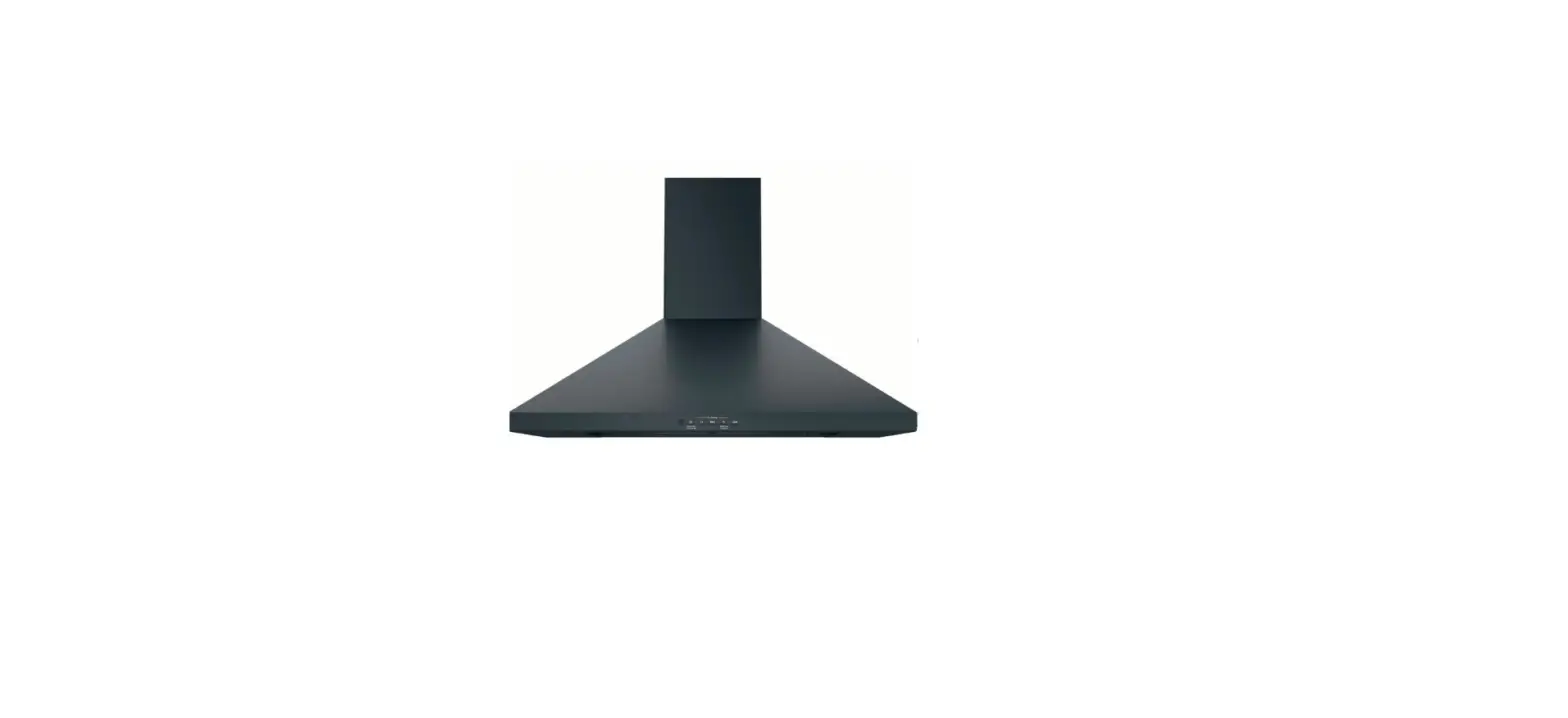
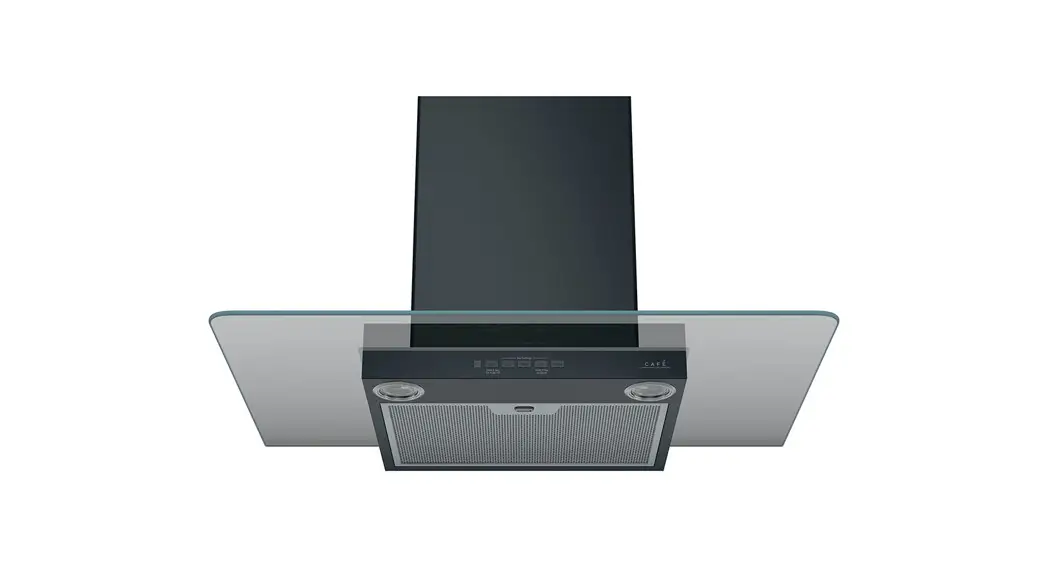
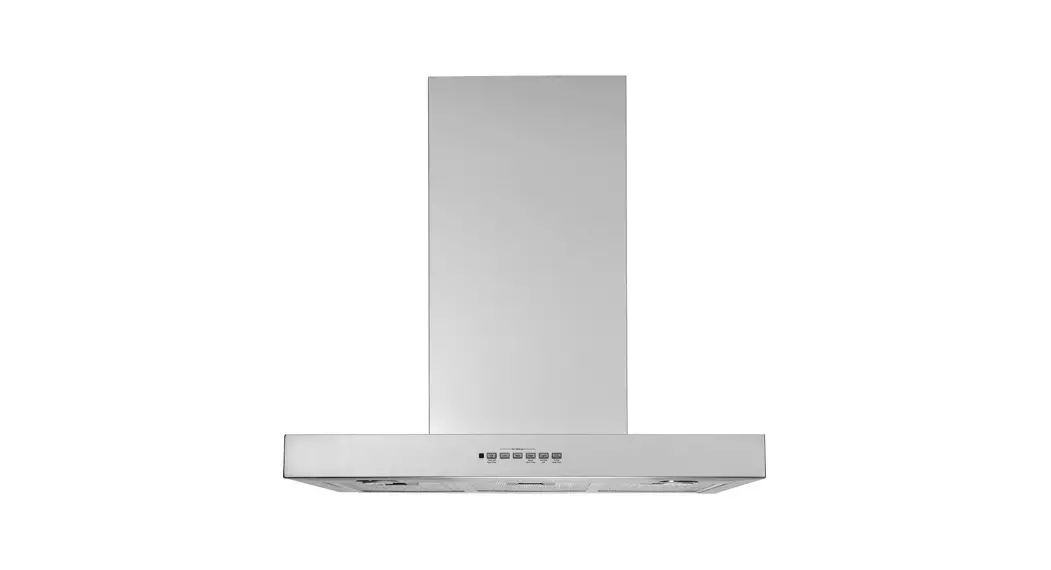
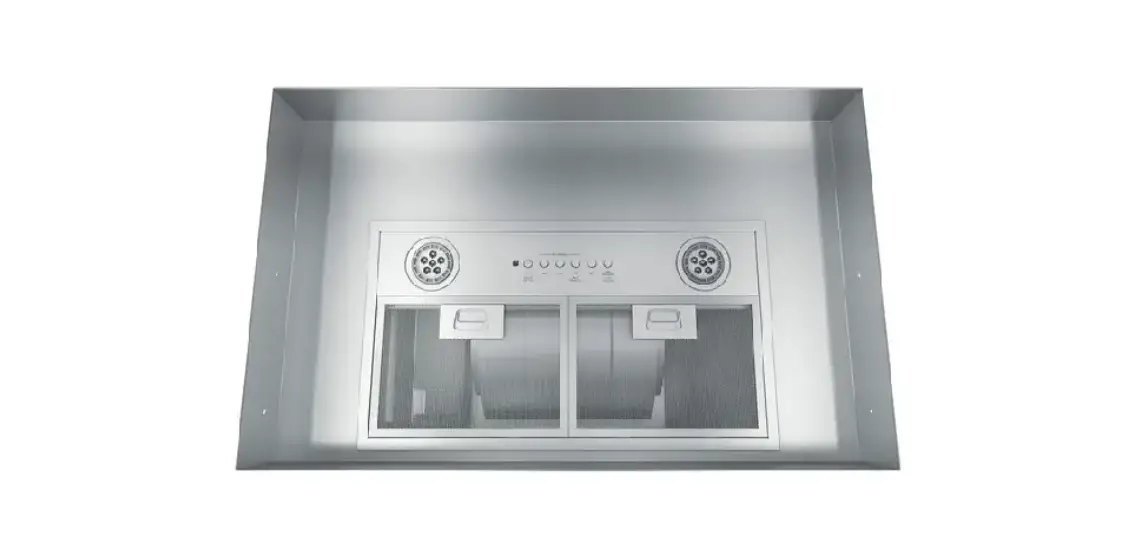
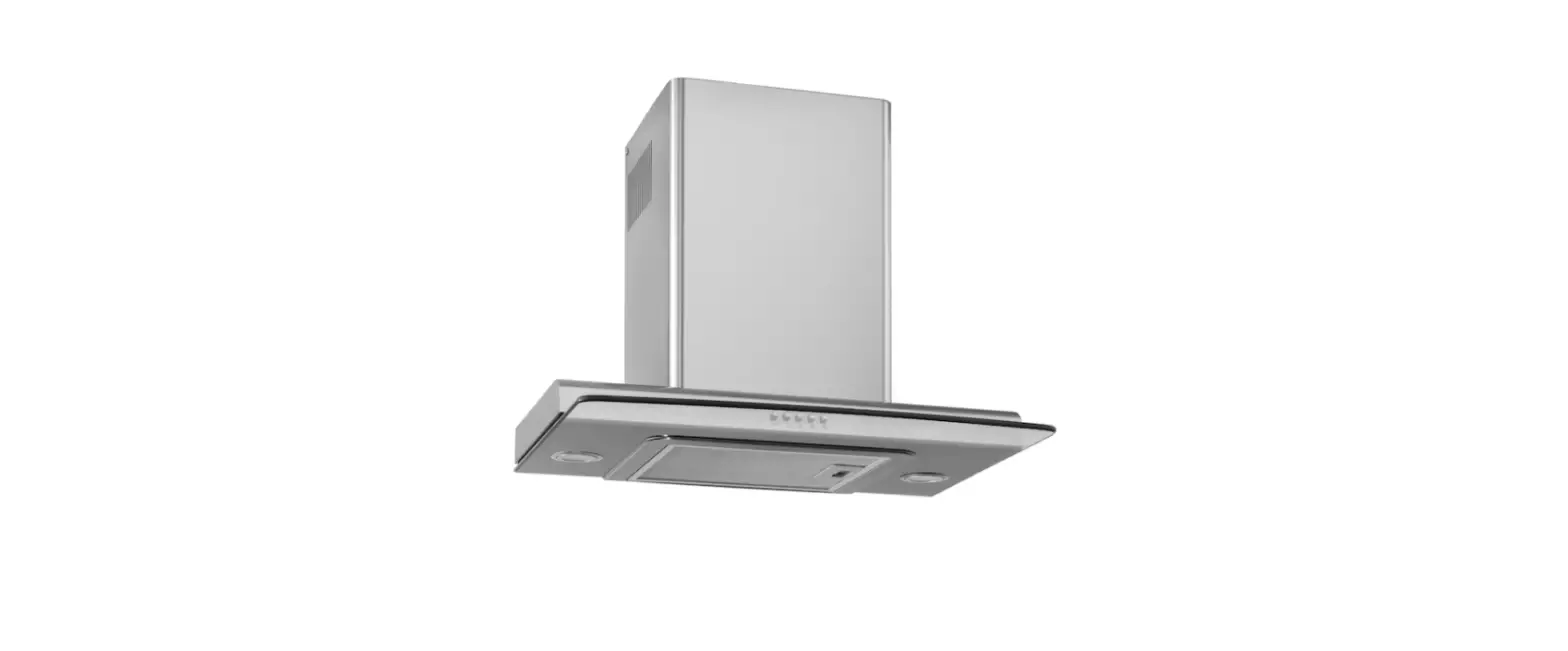
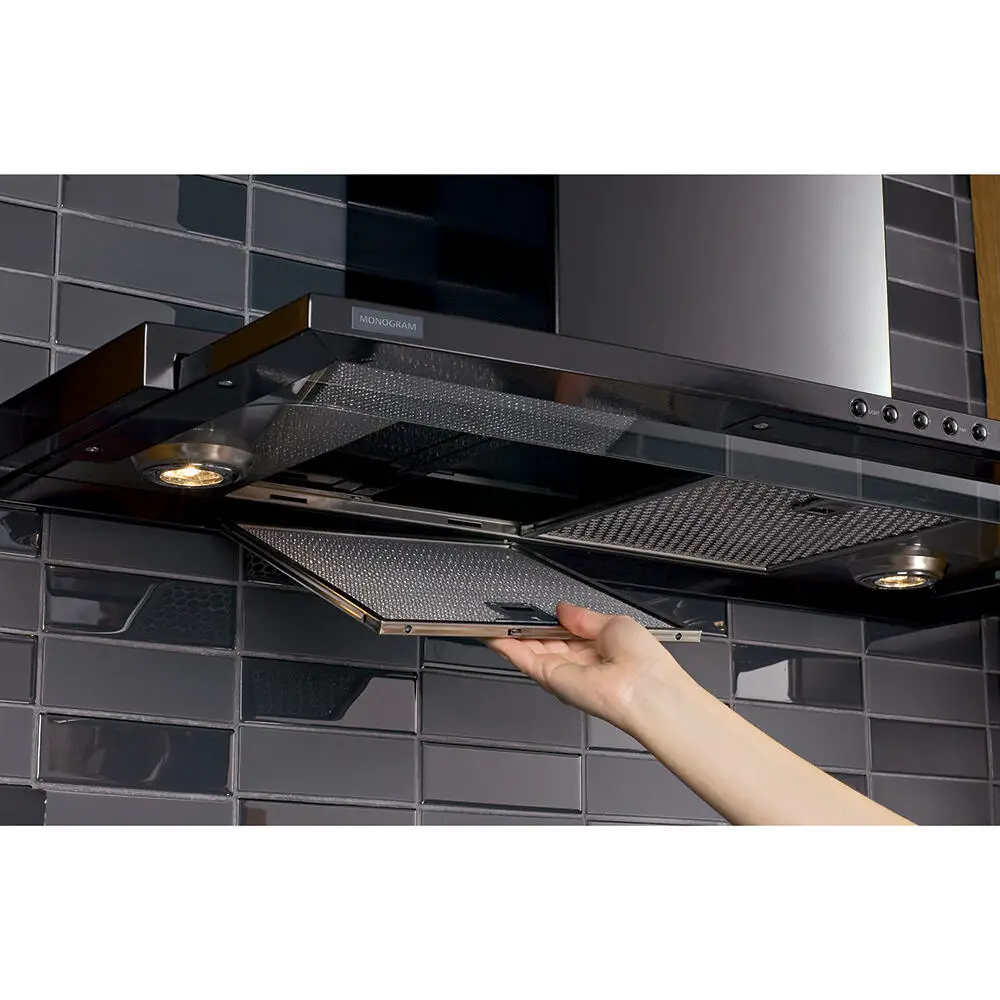
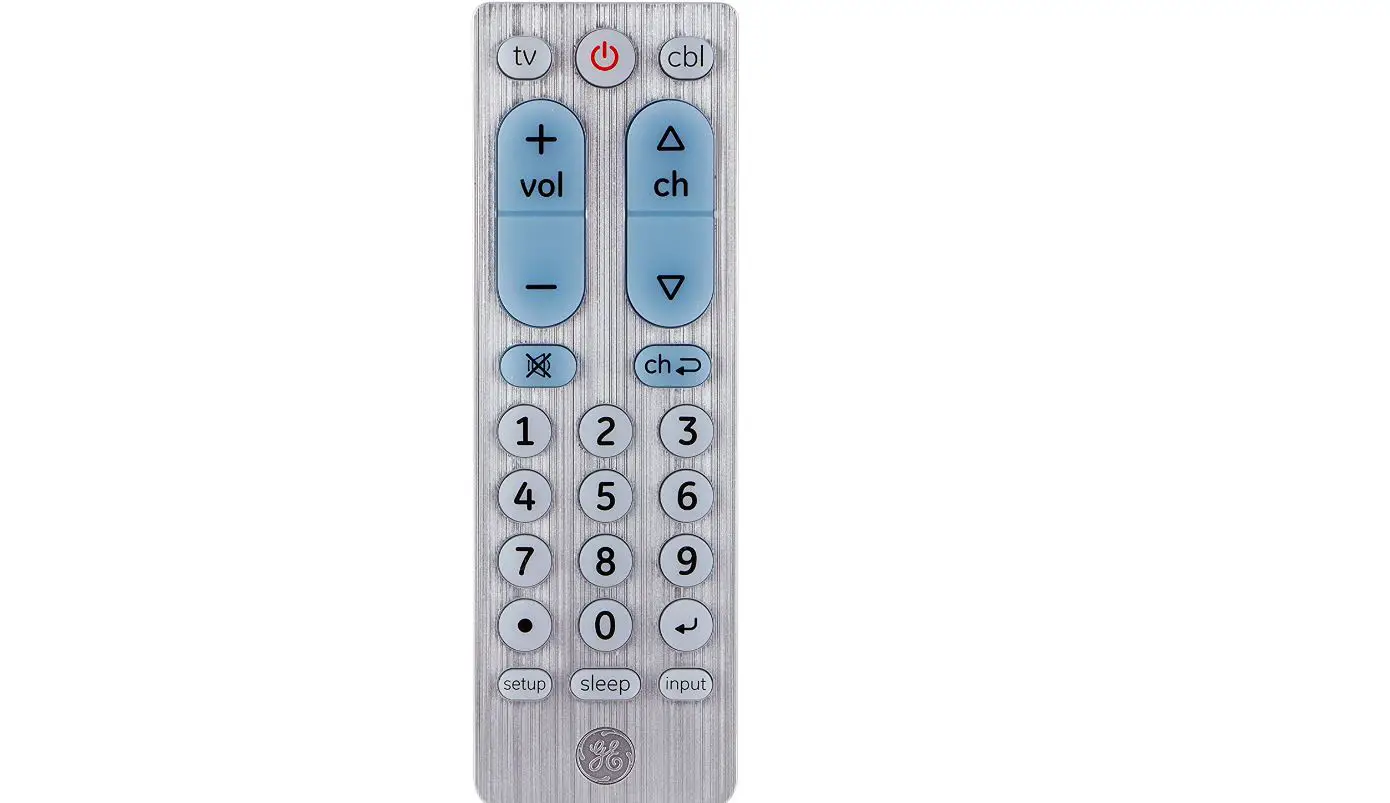
The remote control replicates the functions on the control panel supplied with the hood. For a clearer understanding of these functions, please consult the owner’s manual enclosed with the hood itself.
- The remote control is powered by two standard 1.5 V AAA batteries (not included).
- Do not place the remote control near heat sources.
- Used batteries should be disposed of properly.

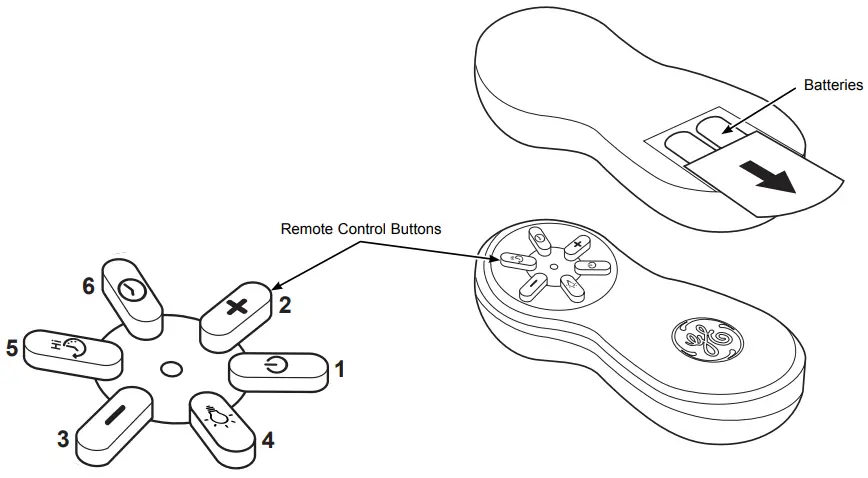
1 | 2 | 3 | 4 | 5 | 6 |
| Turns the fan on and off. | Increases the fan speed. | Decreases the fan speed. | Switch on/off lights. Hold the button down to activate the night light setting. For models with multiple light settings, hold the button down to alternate between different light settings. | Activate/deactivate the 10-minute boost speed function. | Activate/deactivate the 15-minute auto off function. |




Remote Control Button Functions
49-2000881
Rev. 0 02-21 GEA
 Magasin GE Canada | Homepage
 GE Appliances Canada | Homepage
 Kitchen Appliances, Refrigerators, Dishwashers | GE Appliances