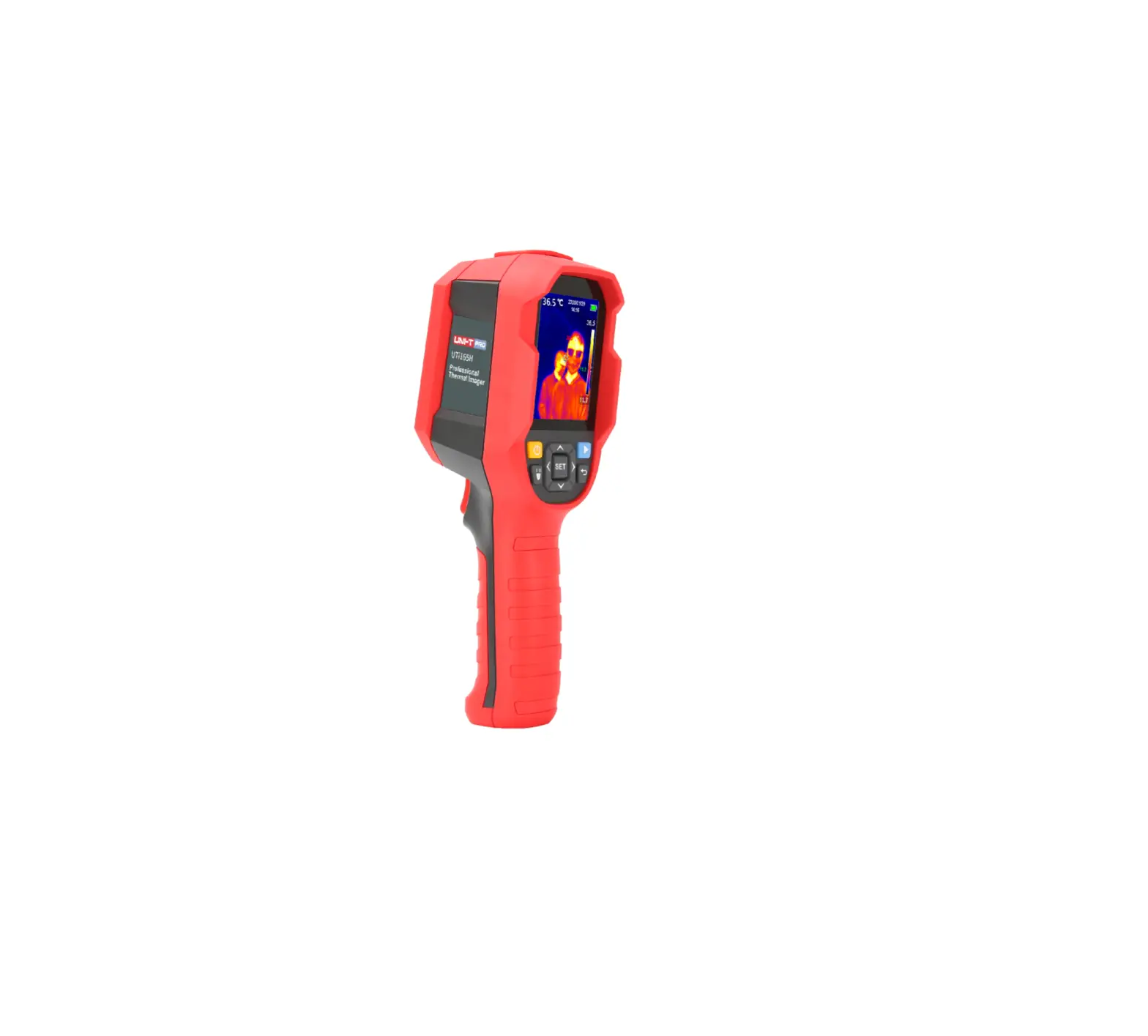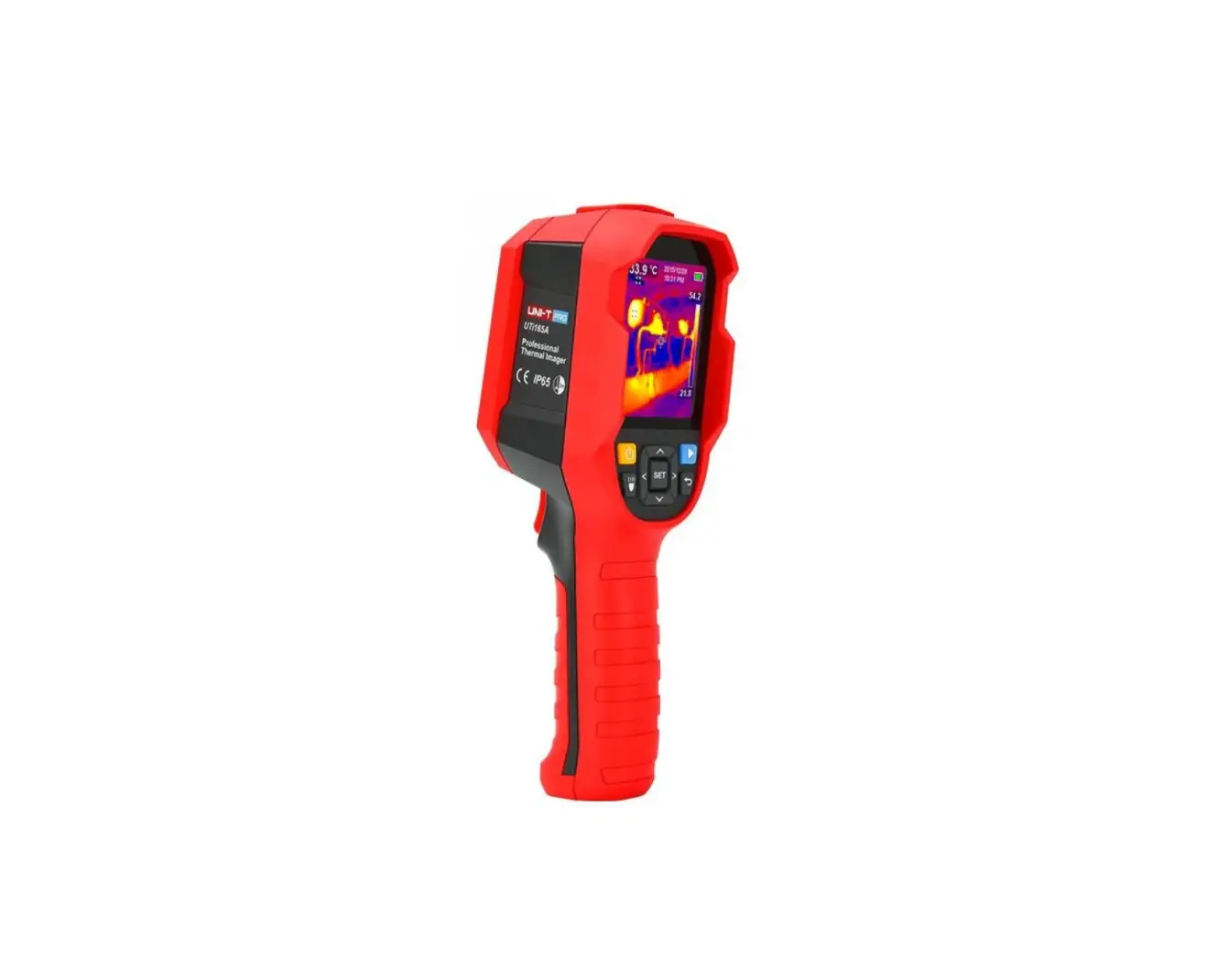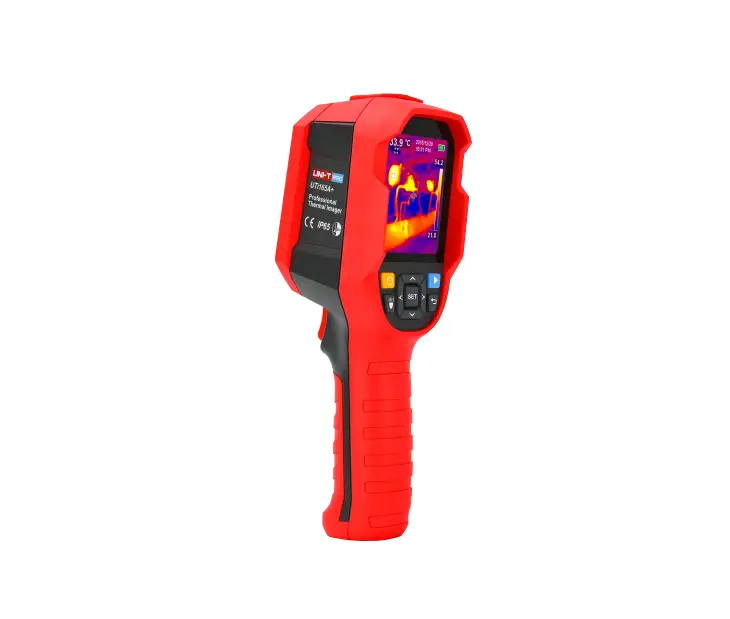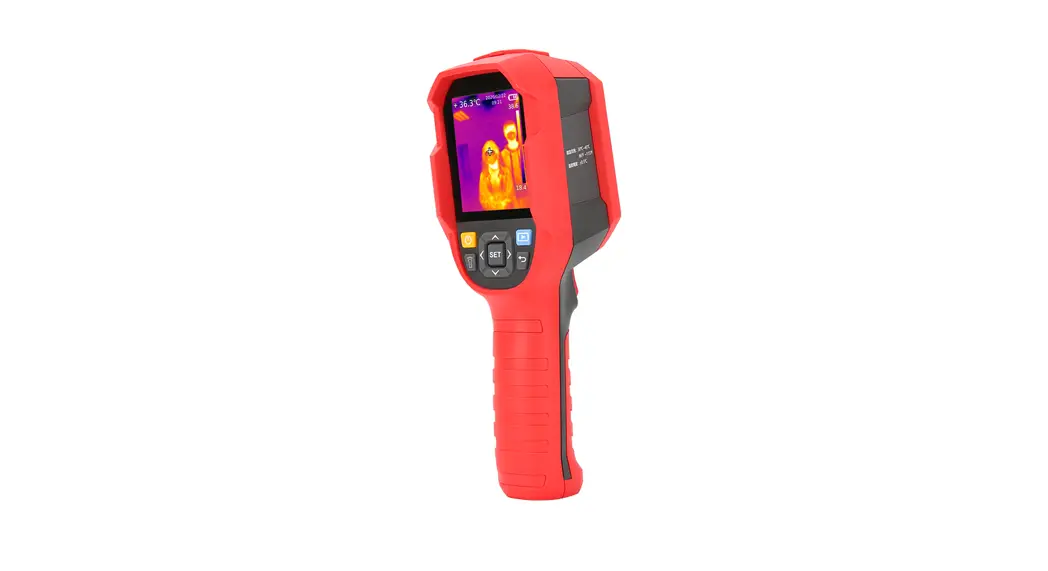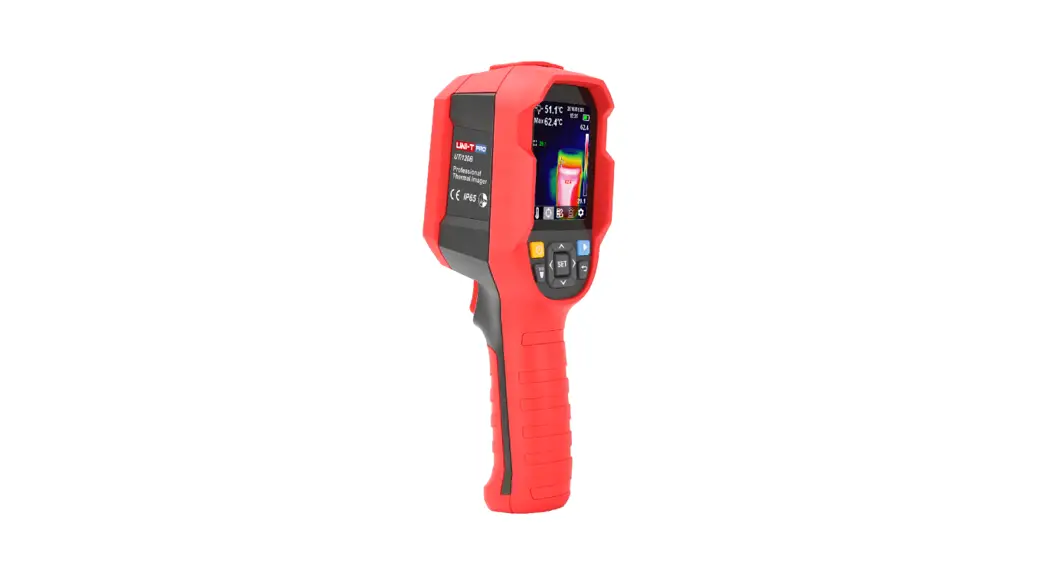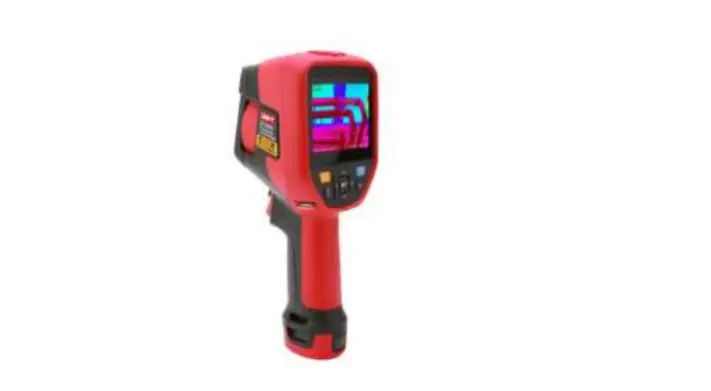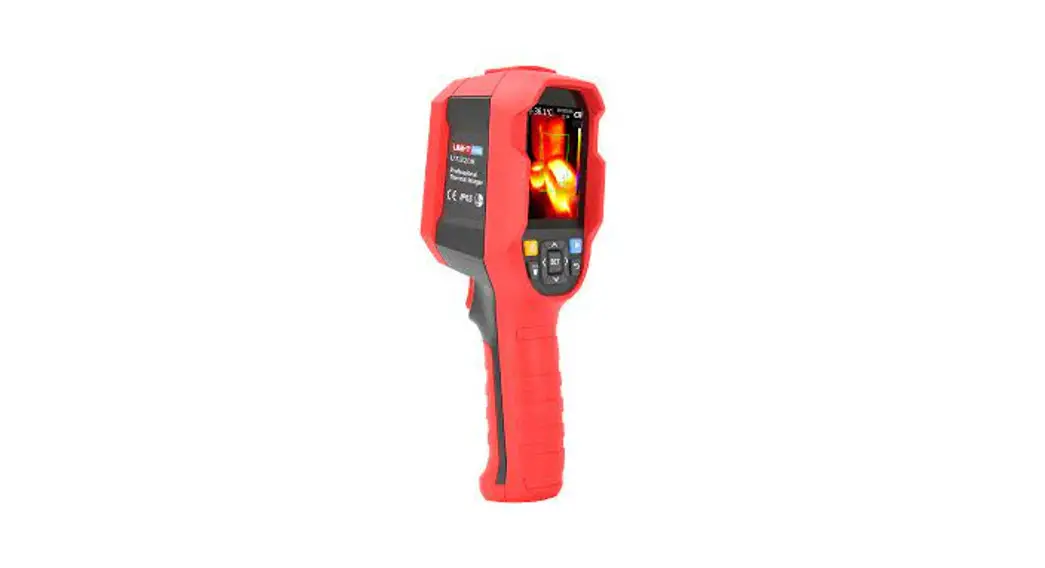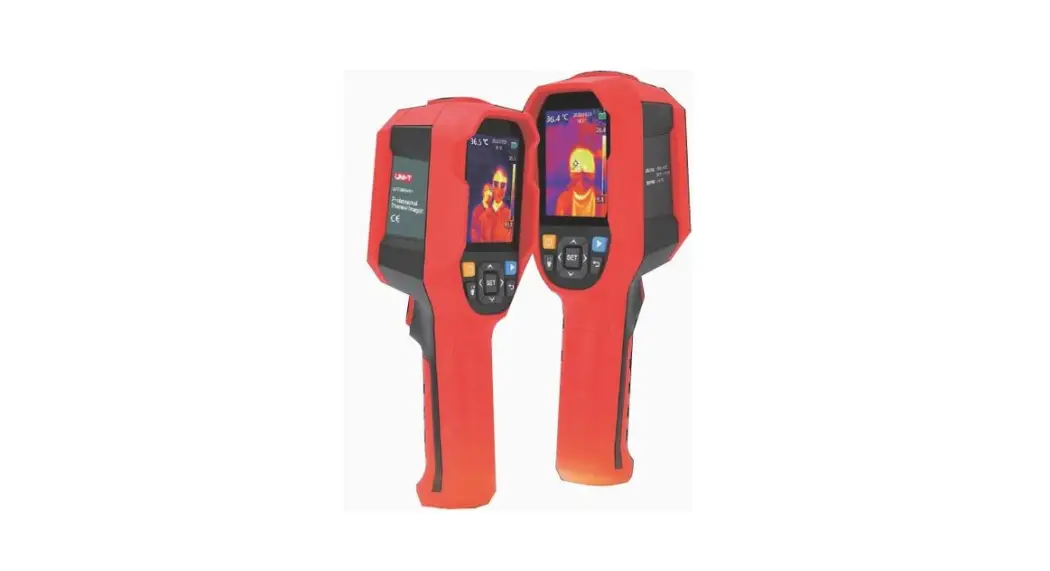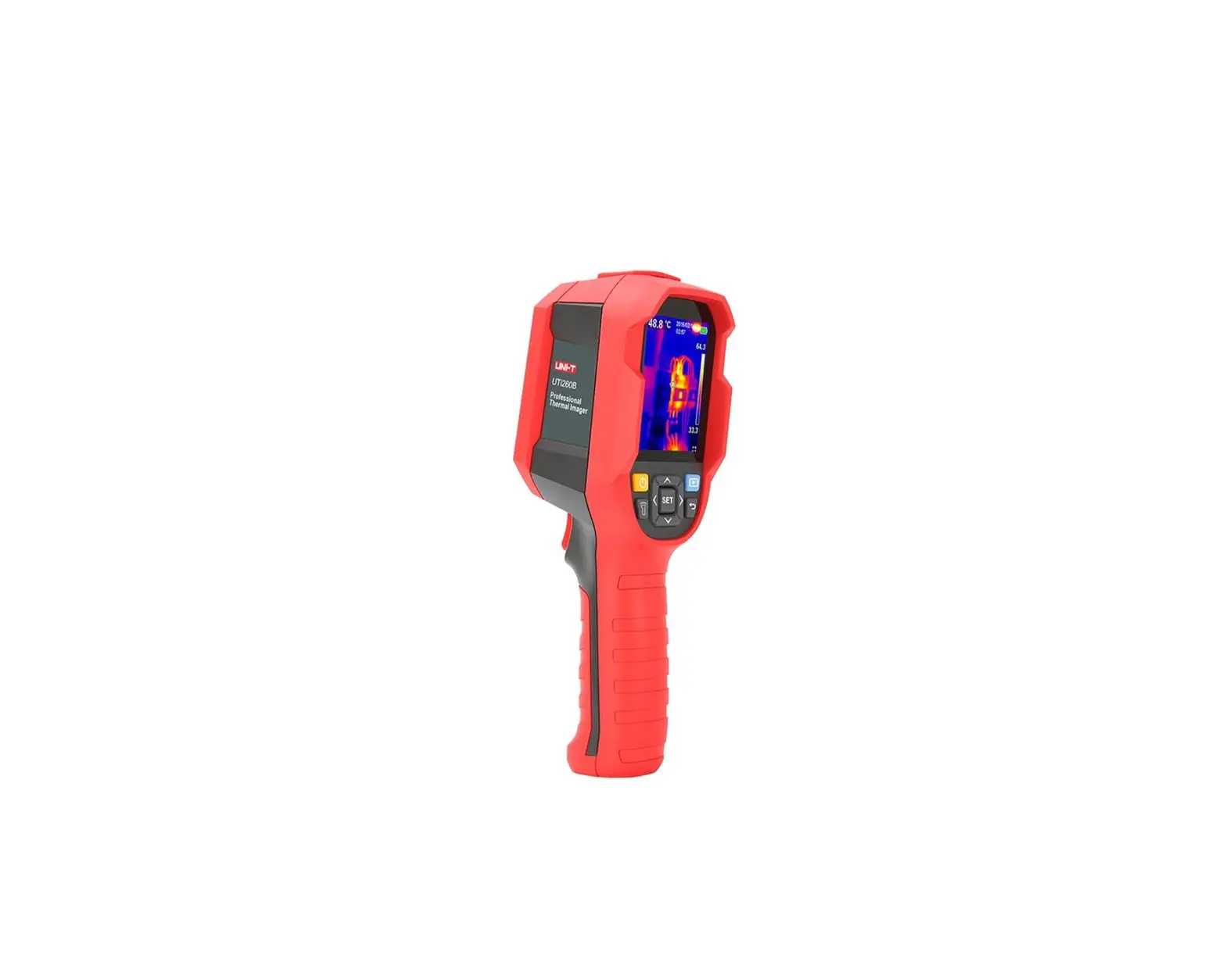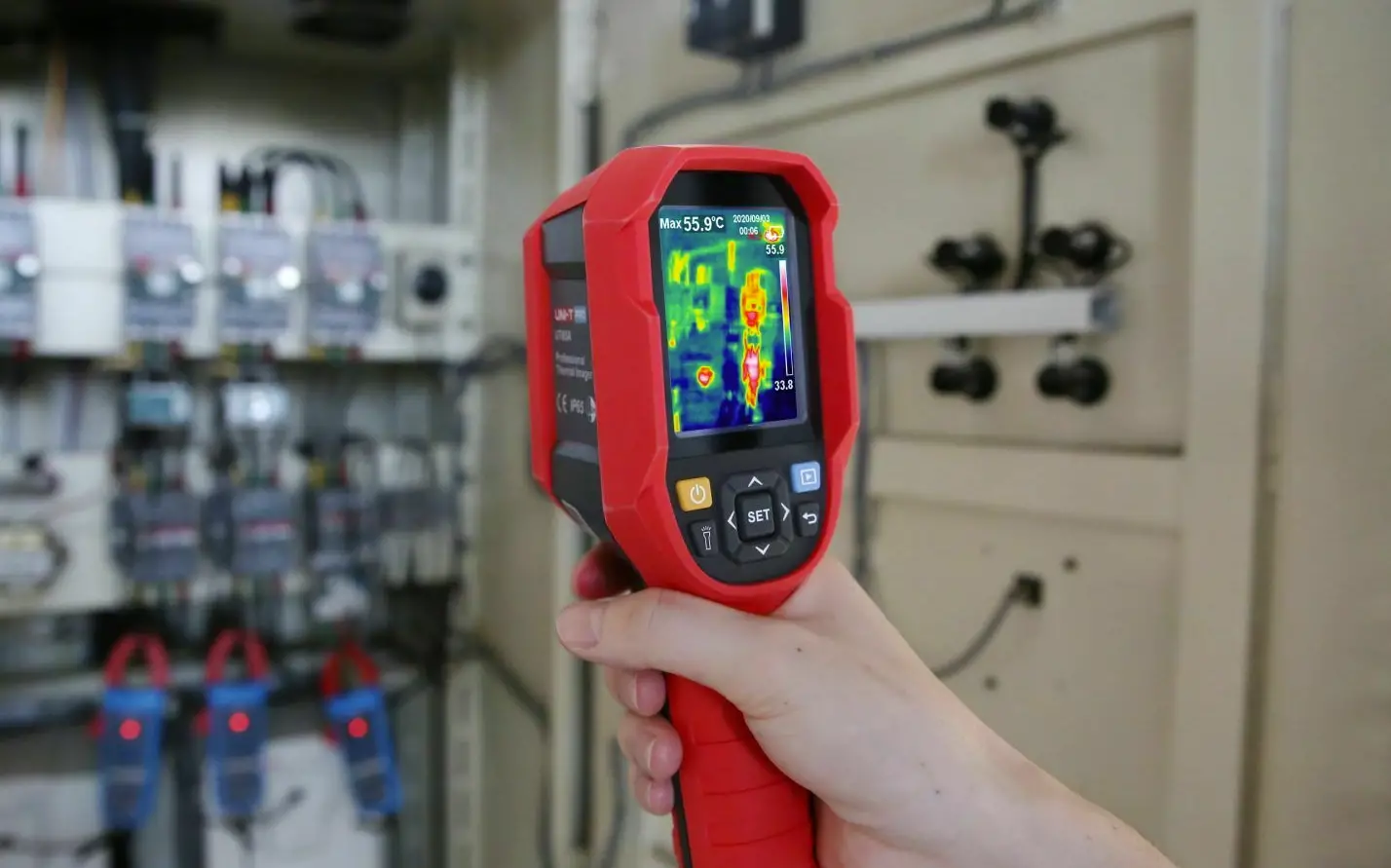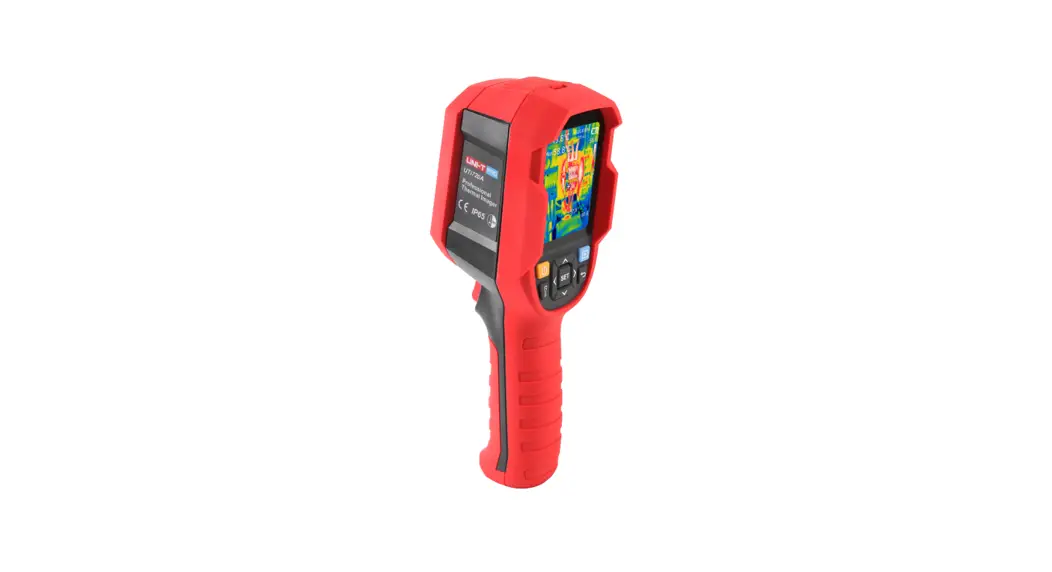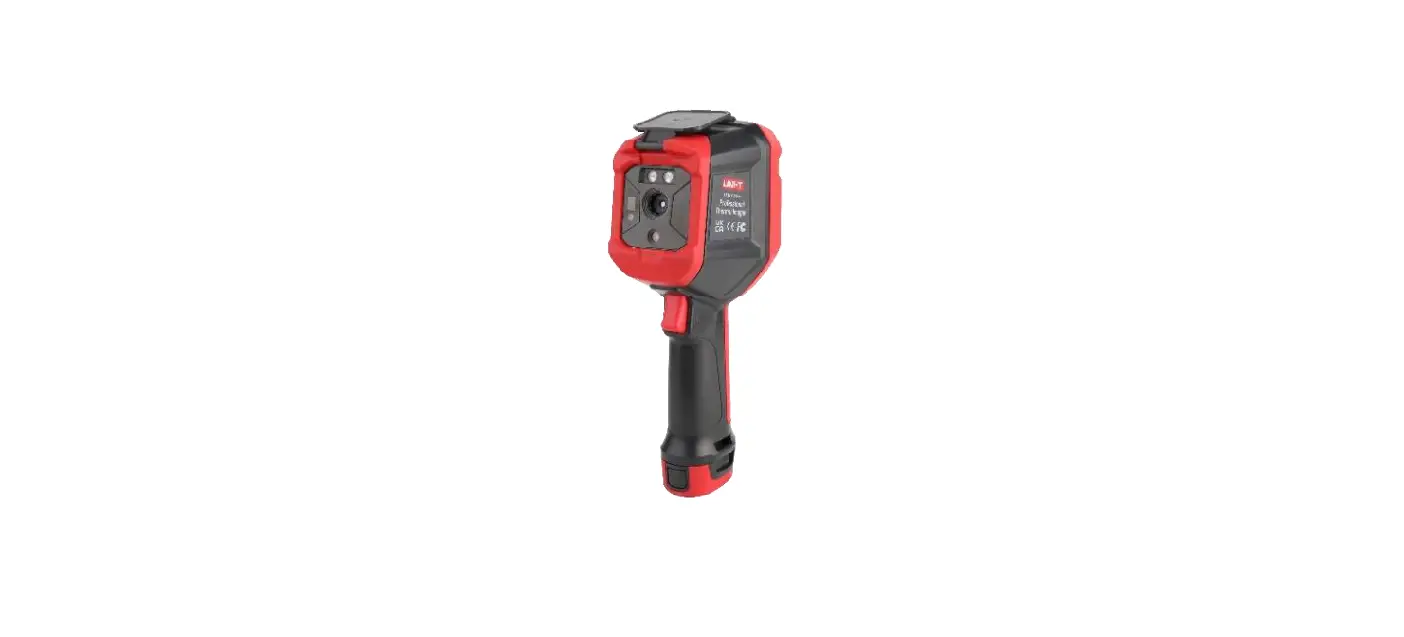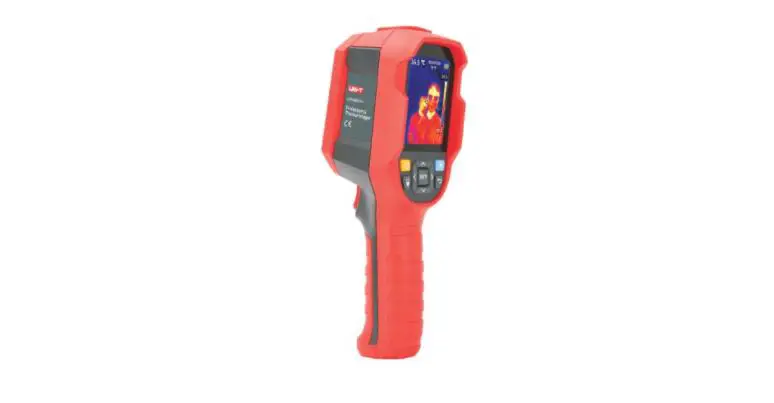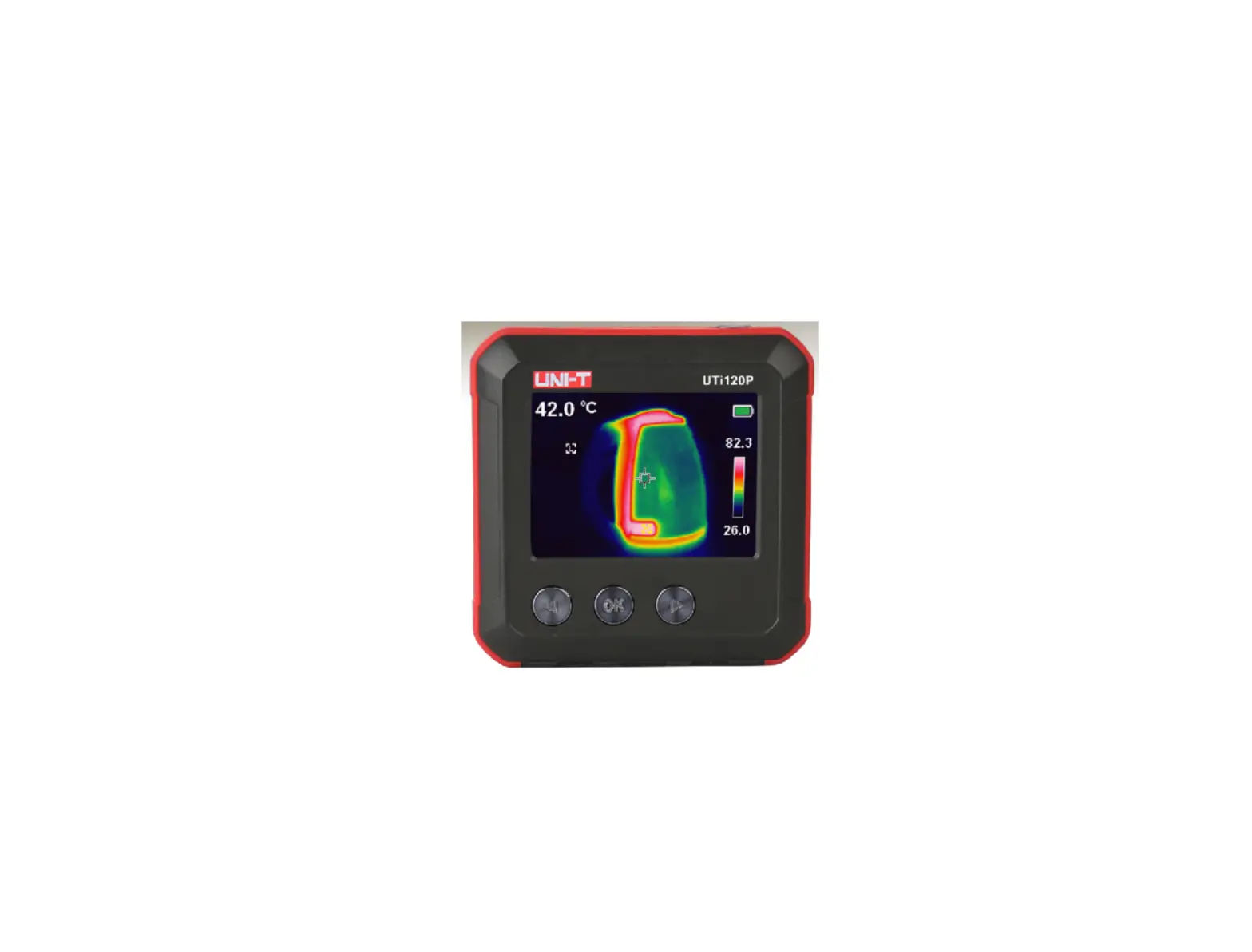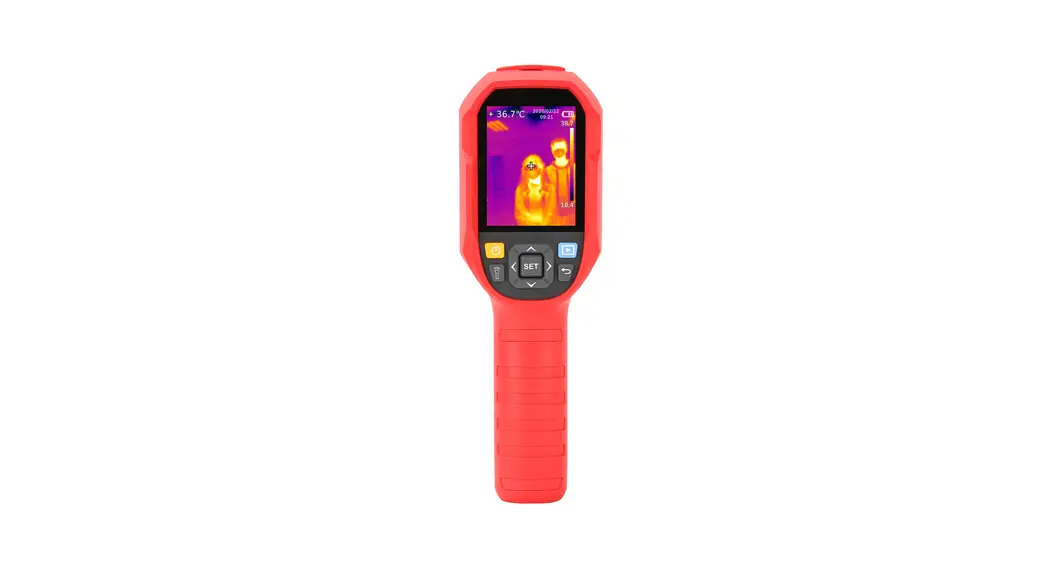


UTil 65K
Professional Thermal Imager
User Manual
Preface
Thank you for purchasing the new UTi165K thermal imager. In order to use this product safely and correctly, please read this manual thoroughly, especially the Safety Instructions part.
After reading this manual, it is recommended to keep the manual at an easily accessible place, preferably close to the device, for future reference.
Limited Warranty and Liability
Uni-Trend guarantees that the product is free from any defect in material and workmanship within one year from the purchase date. This warranty does not apply to damage caused by accident, negligence, misuse, modification, contamination, or improper handling. The dealer shall not be entitled to give any other warranty on behalf of Uni-Trend. If you need warranty service within the warranty period, please contact your seller directly.
Uni-Trend will not be responsible for any special, indirect, incidental, or subsequent damage or loss caused by using this device.
Safety Instructions
To ensure proper use of this product, please read the instructions carefully before using it.
- The optimal measuring distance for this product is 1 meter.
- To ensure measurement accuracy, please use the product in an operating environment of 15°C-30°C, <85% RH (non-condensing).
- Please use the product indoors without wind.
- When changing to a new environment, please turn on the product and leave it for 10 to 15 minutes before measuring.
- The ambient temperature for measuring must be stable. Do not measure in places with large airflows such as fans and air outlets.
- When the measured object comes from a place with a large temperature difference from the measurement environment, keep it in the measurement environment for 10 to 30 minutes before measuring.
- The product tests the surface temperature of the object. If temperature compensation is needed, please adjust in the Settings menu.
- The product has a self-calibration function. If the reading jumps quickly, please read the temperature after it gets steady.
- After measuring extremely high or low-temperature objects, please leave the product for 10 minutes before its next use.
- Do not use the product in places with strong sunlight or electromagnetic interference.
- Please do not use the product inflammable, explosive, steamy, wet, or corrosive environments.
- Please stop using the product if it is damaged or modified to avoid inaccurate measurement results.
- Please use the correct emissivity to obtain accurate temperature readouts.
- To ensure the accuracy of the product, please warm it up for 10 to 15 minutes before measuring if it has not been used for a long time.
- When being charged, the internal temperature of the product rises, which will lead to inaccurate temperature measurement. So, it is not recommended to take measurements during or right after charging the product.
Structure
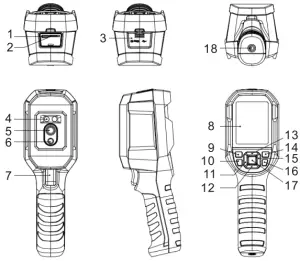
| Item | Description | Item | Description |
| 1 | USB (Type-C) interface | 10 | Flashlight button |
| 2 | SD card slot | 11 | Left button |
| 3 | Interface cover | 12 | Down button |
| 4 | LED light | 13 | Up button |
| 5 | Infrared camera lens | 14 | Replay button |
| 6 | Visual light camera lens | 15 | Right button |
| 7 | Trigger | 16 | Back button |
| 8 | LCD display | 17 | SET button |
| 9 | Power button | 18 | Tripod mounting hole |
Display
Display size: 2.8″
Display resolution: 320 (vertical) x 240 (horizontal) pixels
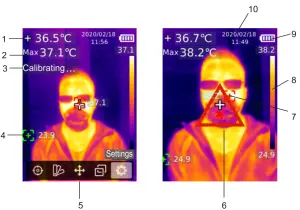
| Item | Description | Item | Description |
| 1 | Center point temperature | 6 | High-temperature alert sign |
| 2 | Maximum temperature | 7 | Maximum temperature point |
| 3 | Self-calibration | 8 | Temperature bar |
| 4 | Minimum temperature point | 9 | Battery status |
| 5 | Main menu | 10 | Date and time |
Power On/Off
Press and hold the power button for 3 seconds to turn on/off the product.
Note: After the product starts the shutdown procedure, it takes 5 to 6 seconds. Please try to avoid turning on and off the product continuously to avoid damage.
Measurement
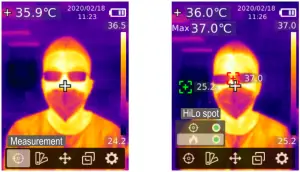
- Press the SET button to open the main menu.
- Press the left/right button to select the
 option.
 - Press the SET button to enter the Measurement menu.
- Press the up/down button to select Center Spot (center point measurement) or HiLo Spot (maximum and minimum temperature measurement).
- Press the SET button to turn on/off Center Spot or HiLo Spot.
- Press the back button to exit.
 option.
Palette
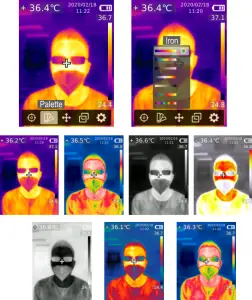
- Press the SET button to open the main menu.
- Press the left/right button to select the
 option.
 - Press the SET button to enter the Palette menu.
- Press the up/down button to select the desired palette.
- Press the SET button to apply the palette.
- Press the back button to exit.
 option.
Point Temperature
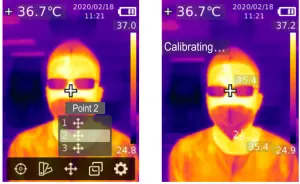
- Press the SET button to open the main menu.
- Press the left/right button to select the
 option.
 - Press the SET button to enter the Point Temperature menu.
- Press the up/down button to select the desired point.
A. Press the SET button to turn on the point and enter the thermal imaging page. Press the left/right/up/down button to move the point. Press the SET button to confirm and read the temperature of the current point.
B. Press the SET button to turn off the point. Press the back button to exit.
 option.
Image Mode
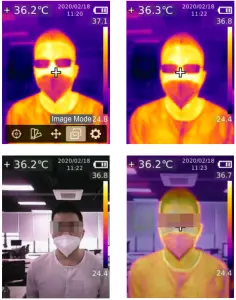
- Press the SET button to open the main menu.
- Press the left/right button to select the
 option.
 - Press the SET button to enter the Image Mode menu.
- Press the up/down button to select the desired mode from Thermal (infrared image), Digital (visual light image), and Fusion (image blending).
- Press the SET button to apply the current model.
- Press the back button to exit.
 option.
Note: If Fusion is selected, users can press the left/right button to select the desired blending ratio from 0% (pure visual light image), 25%, 50%, 75%, and 100% (pure infrared image) under the thermal imaging page.
Settings
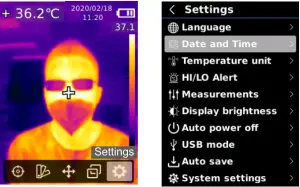
To enter the Settings menu:
- Press the SET button to open the main menu.
- Press the left/right button to select the
 option.
 - Press the SET button to enter the Settings menu.
 option.
5.5.1 Language
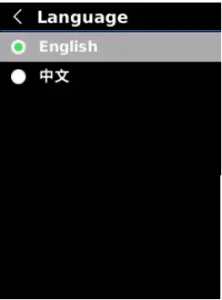
To set language:
- Press the up/down button to select the Language option in the Settings menu.
- Press the SET button to enter the Language submenu.
- Press the up/down button to select Chinese or English.
- Press the SET button to confirm.
- Press the back button to exit.
5.5.2 Date and Time
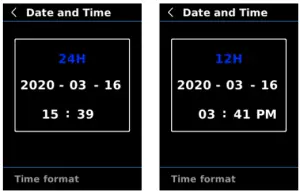
To set date and time:
- Press the up/down button to select the Date and Time option in the settings menu.
- Press the SET button to enter the Date and Time submenu.
- Press the left/right button to select the parameter to be adjusted.
- Press the SET button to enter the parameter adjustment state.
- Press the up/down button to increase or decrease the value.
- Press the SET button to save the settings and return to set other parameters.
- Press the back button to exit.
5.5.3 Temperature Unit
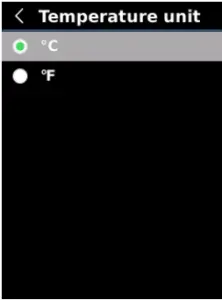
To set temperature unit:
- Press the up/down button to select the Temperature Unit option in the Settings menu.
- Press the SET button to enter the Temperature Unit submenu.
- Press the up/down button to select °C or °F.
- Press the SET button to confirm. 5. Press the back button to exit.
5.5.4 HI/LO Alert
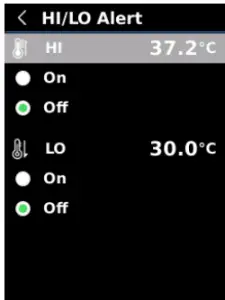
To set high/low-temperature alert:
- Press the up/down button to select the HI/LO Alert option in the Settings menu.
- Press the SET button to enter the HI/LO Alert submenu.
- Press the up/down button to select the desired option.
- Select HI or LO to adjust the temperature parameter.
- Select other options to turn the alert on or off.
- Press the back button to exit.
5.5.5 Measurements
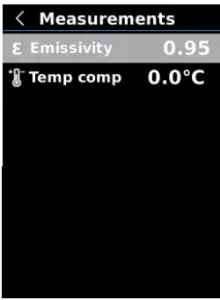
To set measurement parameters:
- Press the up/down button to select the Measurements option in the Settings menu.
- Press the SET button to enter the Measurements submenu.
- Press the up/down button to select Emissivity or Temperature Comp (temperature compensation).
- Press the SET button to enter the parameter adjustment state.
- Press the up/down button to increase or decrease the value.
- Press the SET button to save the current setting.
- Press the back button to exit.
Note: For emissivity values of common materials, please refer to the Common Emissivity.
5.5.6 Display Brightness
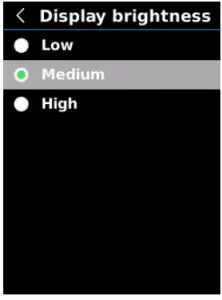
To set display brightness:
- Press the up/down button to select the Display Brightness option in the Settings menu.
- Press the SET button to enter the Display Brightness submenu.
- Press the up/down button to select the desired brightness level from Low, Medium, and High.
- Press the SET button to confirm.
- Press the back button to exit.
5.5.7 Auto Power Off
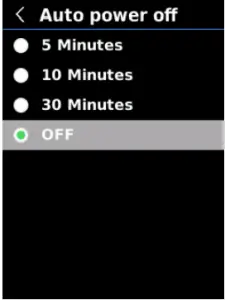
To set auto power-off:
- Press the up/down button to select the Auto Power Off option in the Settings menu.
- Press the SET button to enter the Auto Power Off submenu.
- Press the up/down button to select the desired option from 5 Minutes, 10 Minutes, 30 Minutes, and Off.
- Press the SET button to confirm.
- Press the back button to exit.
5.5.8 USB Mode
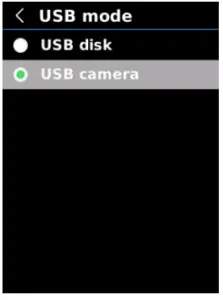
To set USB mode:
- Press the up/down button to select the USB Mode option in the Settings menu.
- Press the SET button to enter the USB Mode submenu. 3. Press the up/down button to select USB Disk or USB Camera.
- Press the SET button to confirm.
- Press the back button to exit.
Note: USB disk mode allows users to browse pictures and analyze data on a PC, while USB camera mode allows users to realize real-time image projection after connecting to a PC.
5.5.9 AutoSave
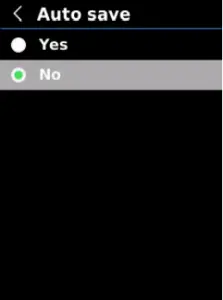
To set autosave:
- Press the up/down button to select the AutoSave option in the Settings menu.
- Press the SET button to enter the AutoSave submenu.
- Press the up/down button to select Yes or No.
- Press the SET button to confirm.
- Press the back button to exit.
Note: Do not remove or insert the SD card in saving pictures. It is recommended to save no more than 1000 pictures, so as not to affect the response speed of the product. When the number of pictures exceeds 1,000, please clean up the SD card in time.
5.5.10 System Settings
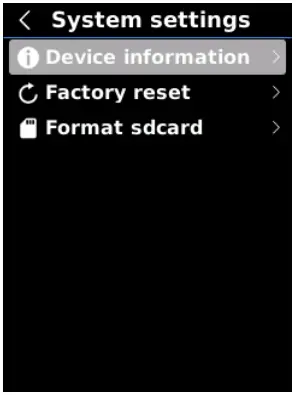
To enter the System Settings submenu:
- Press the up/down button to select the System Settings option in the Settings menu.
- Press the SET button to enter the System Settings submenu.
Device Information
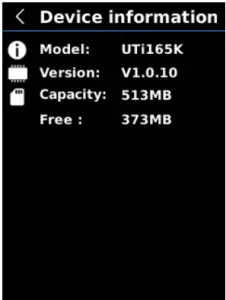
To view the device information:
- Press the up/down button to select the Device Information option in the System Settings submenu.
- Press the SET button to view the detailed information of the device. 3. Press the back button to exit.
Note: Capacity is the storage capacity of the SD card in use currently.
Factory Reset
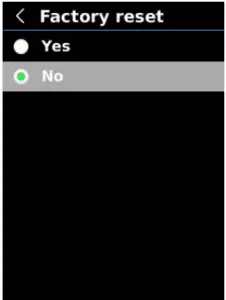
To restore factory settings:
- Press the up/down button to select the Factory Reset option in the System Settings submenu.
- Press the SET button to enter.
- Press the up/down button to select Yes.
- Press the SET button to confirm. 5. Press the back button to exit.
Note: During the factory reset process, please do not force other operations to avoid program errors.
Format SD Card
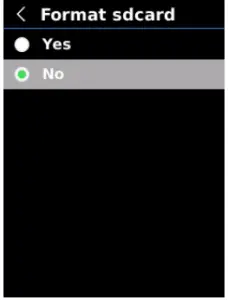
To format SD card:
- Press the up/down button to select the Format SD Card option in the System Settings submenu.
- Press the SET button to enter.
- Press the up/down button to select Yes.
- Press the SET button to confirm.
- Press the back button to exit.
Note: When formatting the SD card, please do not remove it or perform other operations to avoid program errors.
Operating Instructions
Image Capture
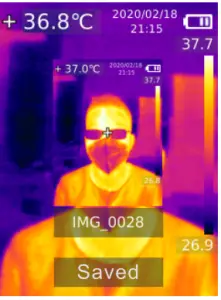
- Pull and release the trigger to capture an image.
- In the manual save mode, press the left/right button to discard or save the image, and press the SET button to confirm or the back button to return.
- In the autosave mode, the image will be saved automatically.
Note: Images can only be saved if an SD card is installed.
Image Viewing
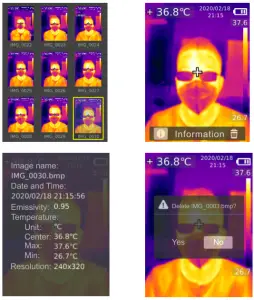
- Press the replay button to enter the gallery interface.
- Use the up/down/left/right button to select the desired image.
- Press the SET button to view the image in full-screen mode.
- Press the SET button in full-screen mode to delete the image or view its information.
Note: Do not remove or insert the SD card in viewing images.
Temperature Compensation
To adapt to different environments and places, manual temperature compensation is available. For the specific setting method, please refer to 5.5.5 Measurements.
Flashlight/Warning Light
Press and hold the flashlight button for 3 seconds to turn on/off the LED light. When the temperature alert is on and the measured temperature exceeds the set temperature range, the LED light will flash.
Note: When the flashlight is on, please do not point to the eyes of people or animals.
USB Communication and Image Projection
- Download and install the PC software (refer to UNI-T Documents Download Operation Guide).
- Connect the USB cable to the PC.
- Set the USB mode to USB Disk to browse pictures and analyze data through the PC software; set the USB mode to USB Camera to realize real-time image projection through the PC software.
- Regarding the usage of the PC software, retrieve the Software User Manual from the Help option of the operation interface.
Note: Please do not unplug the USB cable during image projection; after use, please close the PC software before unplugging the USB cable.
SD Card
This device supports a Micro SD card (TF card) to store images. To avoid affecting the operating speed of the device, please copy the backup data regularly and clean up the SD card in time. To avoid causing abnormal data on the SD card, do not insert or remove the SD card repeatedly. Try to remove and insert the SD card when the device is turned off.
Charging
Please use a safety-certified 5V/1A or 5V/2A power adapter for charging. Do not turn off the product easily during charging. If shutdown or restart is needed, please unplug the Type-C power cord and disconnect the power supply first.
Specifications
| Sensor | UFPA |
| Temperature range | 30°C-45°C |
| Measurement resolution | 0.1°C |
| Accuracy | ±0.5°C (at 25°C ambient temperature) |
| Optimal measuring distance | 1 meter |
| Response time | C500ms |
| IR resolution | 19,200 pixels (160 x 120) |
| Pixel size | 12 pm |
| Color palette | Iron, Rainbow, white Hot, Red Hot, Black Hot, Lava, Rainbow HC |
| Infrared spectral band | 8pm-14pm |
| Field of view (FOV) | 56° (H) x 42° (V) |
| Spatial resolution (IFOV) | 6mrad |
| Thermal sensitivity (NETD) | <50mK |
| Frame rate | <9Hz |
| Temperature measurement display | Center point temperature, high-temperature tracking (default) |
| Image format | BMP |
| Image mode | Thermal, Digital (visual light image), Fusion |
| Point temperature measurement | In addition to the center point, 3 points can be added. |
| Certifications | -CE (EN 61326-1:2013, EN 61326-2-2:2013, EN 61326-2-3) -RoHS |
| Visual light camera | Yes |
| Visual light resolution | 640 x 480 pixels |
| Image blending ratio | 0% (pure visual light image), 25%, 50%, 75%, and 100% (pure infrared image) |
| PC software | Yes |
| Real-time image transmission | Yes (real-time image projection through PC software) |
| Data transmission | Type-C USB interface |
| Product size (L x W x H) | 236mm x 75.5mm x 86mm |
| Display type | 2.8″ TFT LCD |
| Display resolution | 320 x 240 pixels |
| Battery | 3.7V/5000mAh rechargeable Li-ion battery |
| Auto power off | 5 minutes, 10 minutes, 30 minutes, off (default: 30 minutes) |
| Battery life | ≥6 hours |
| Charging time | ≤5 hours |
| Charging voltage/current | 5V/2A |
| Image storage | Micro SD card |
| Transportation/ Storage environment | -20°C-60°C (-4°F-140°F), <85% RH (non-condensing) |
| Operating environment | 15°C-30°C (59°F-86°F), <85% RH (non-condensing) |
| Operating altitude | ≤2000m |
| Standard accessories | User manual, USB cable, 16GB Micro SD card |
Maintenance
Use a wet cloth or weak soap solution to clean the outer shell of the device. Do not use abrasives, isopropyl alcohol, or solvents to clean the outer shell, lens, or window.
| Material | Emissivity | Material | Emissivity |
| Wood | 0.85 | Black paper | 0. 86 |
| Water | 0.96 | Polycarbonate | 0.8 |
| Brick | 0.75 | Concrete | 0.97 |
| Stainless steel | 0.14 | Copper oxide | 0. 78 |
| Tape | 0.96 | Cast iron | 0 81 |
| Aluminum plate | 0.09 | Rust | 0. 8 |
| Copperplate | 0.06 | Gypsum | 0. 75 |
| Black aluminum | 0.95 | Paint | 0. 9 |
| Human skin | 0.98 | Rubber | 0. 95 |
| Asphalt | 0.96 | Soil | 0.93 |
| PVC | 0.93 |
Common Emissivity
Note: This manual can be downloaded from the official website of Uni-Trend (refer to UNI-T Documents Download Operation Guide).

UNI-TREND TECHNOLOGY (CHINA) CO., LTD.
No.6, Gong Ye Bei 1st Road, Songshan Lake National High-Tech Industrial
Development Zone, Dongguan City, Guangdong Province, China
Made in China