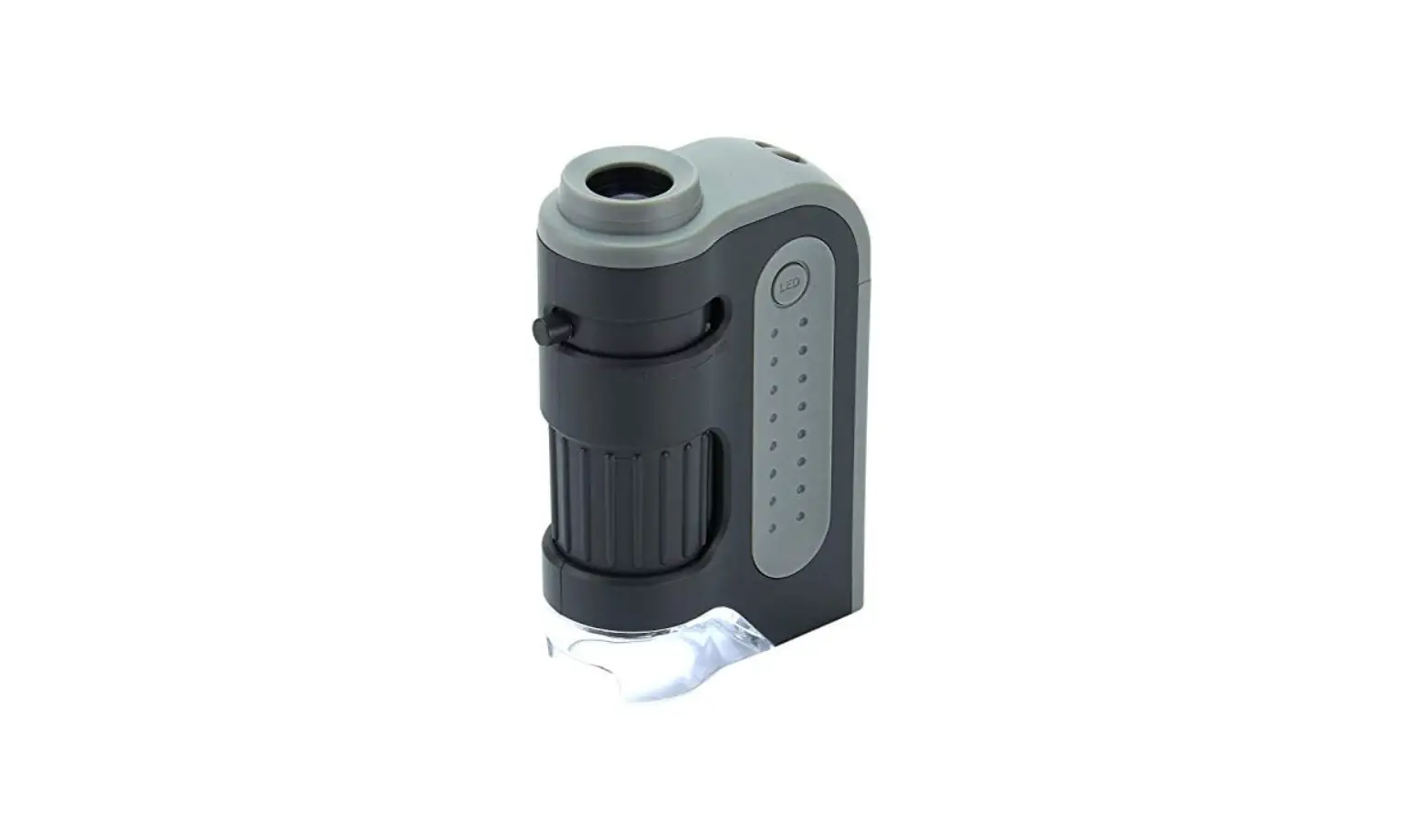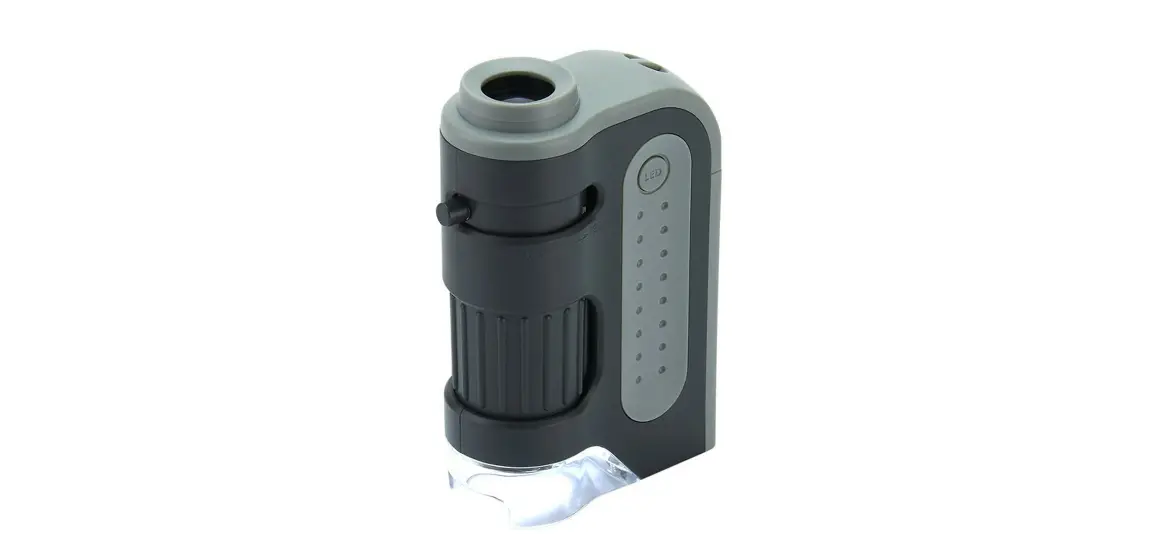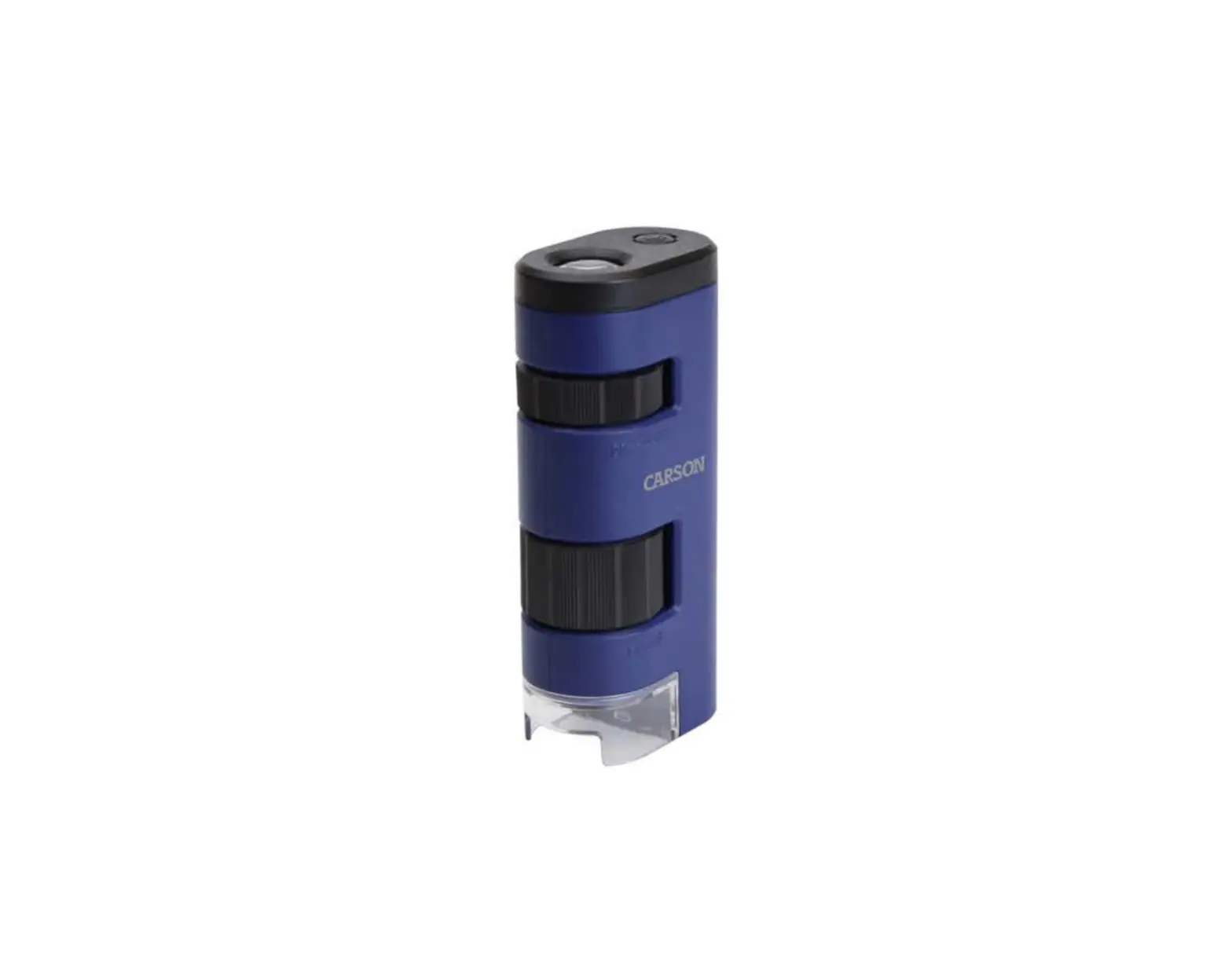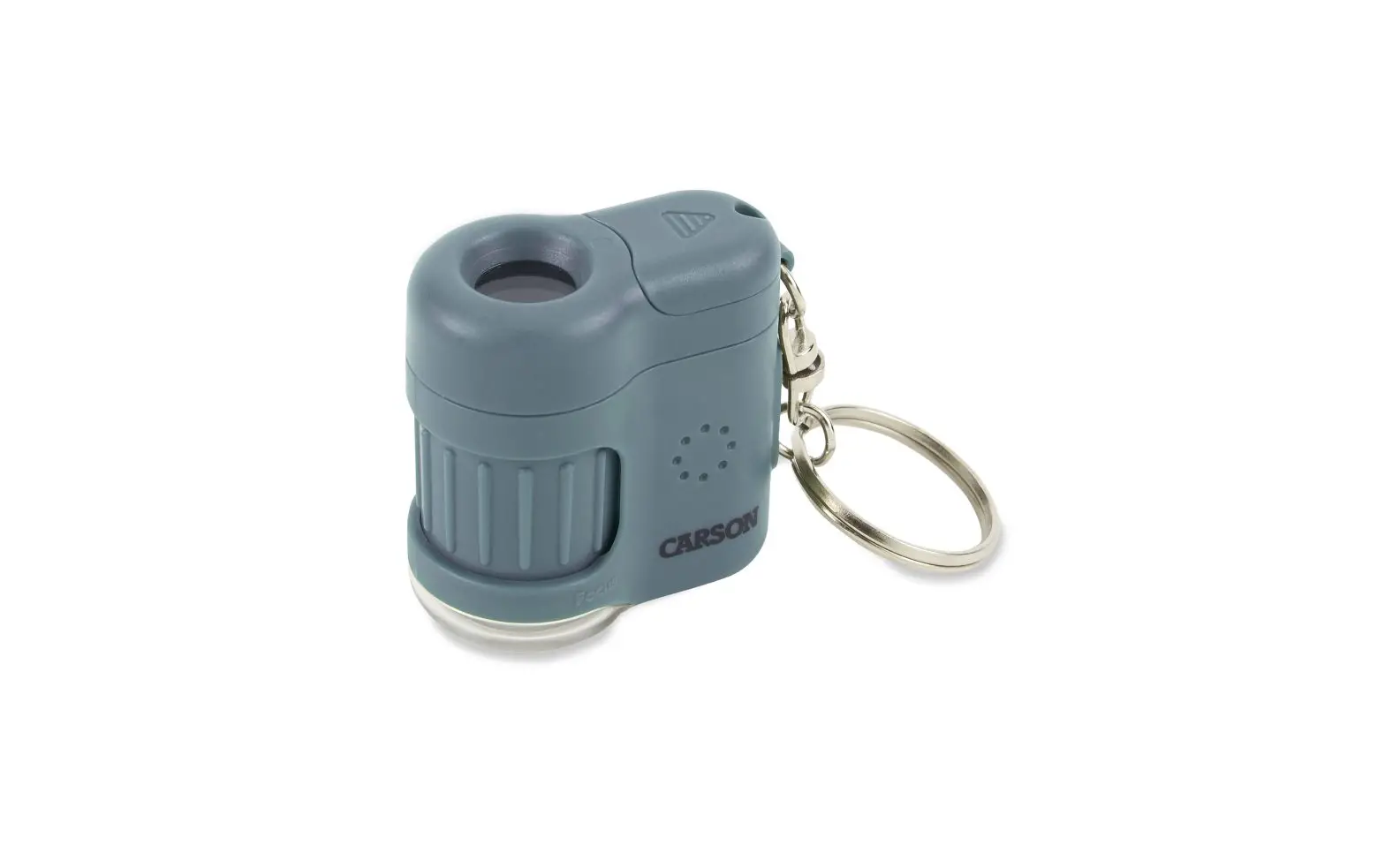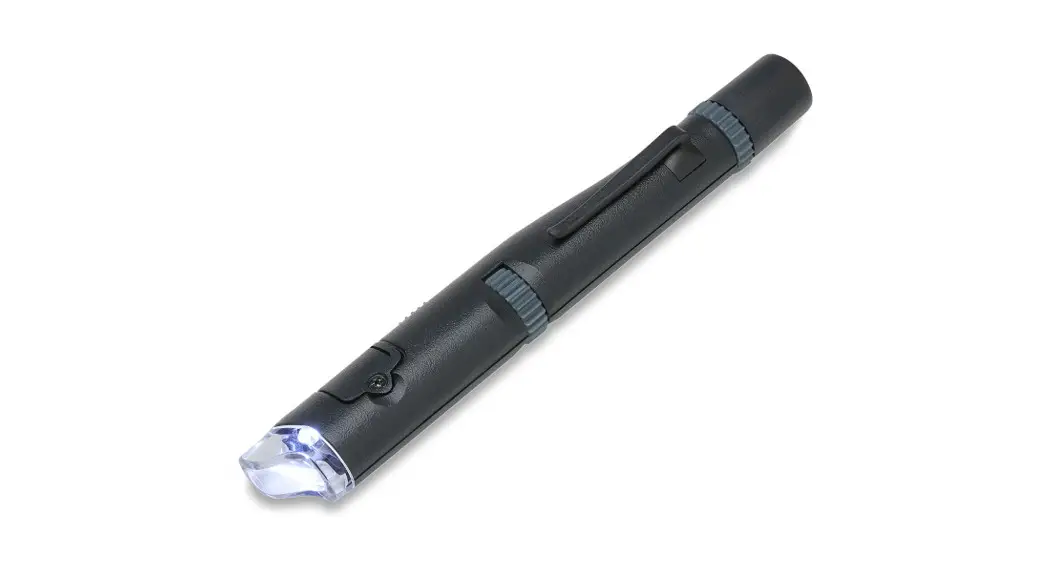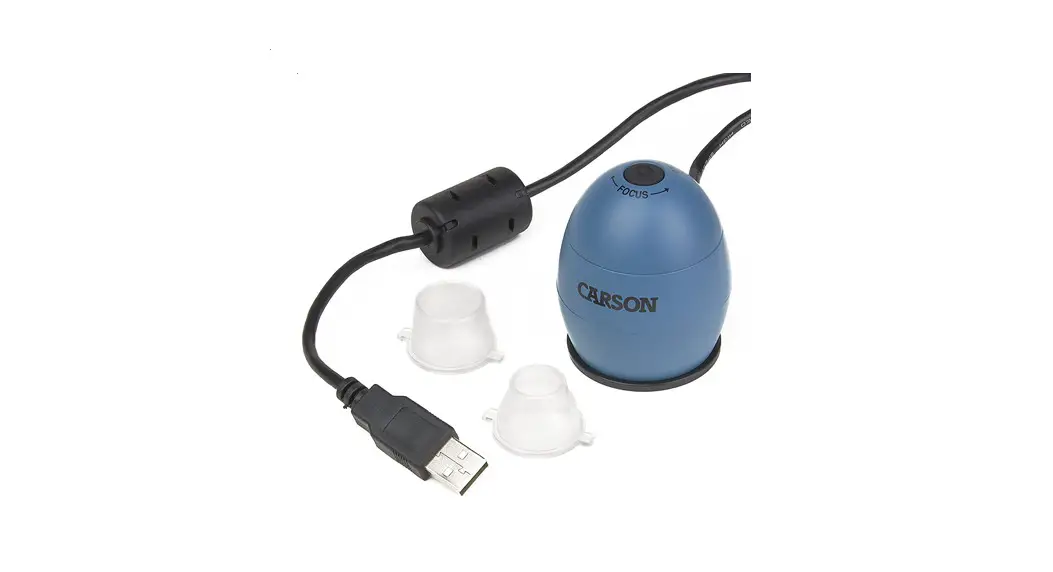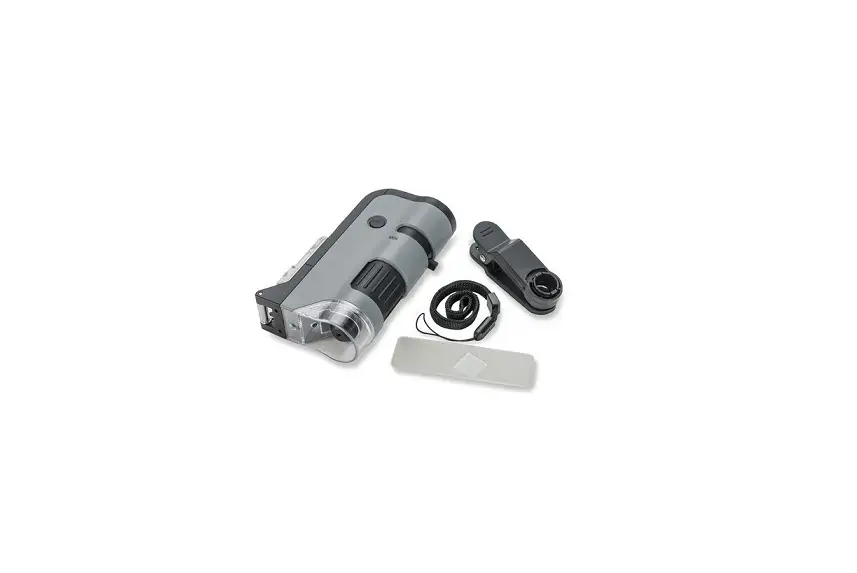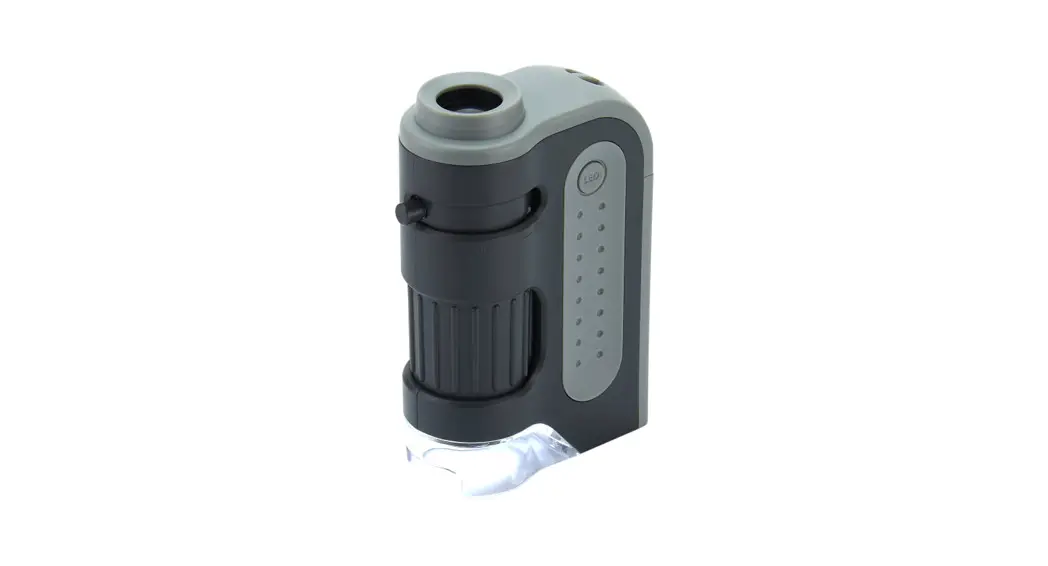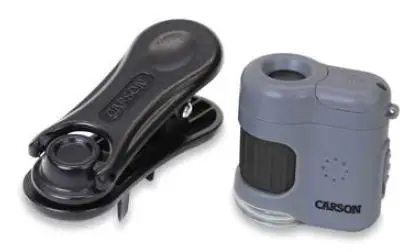

CARSON MM-380 20x LED Lighted Pocket Microscope
Congratulations on selecting your new 20x Microscope with Universal Smartphone Clip! In order to achieve optimum performance, please follow instructions for proper use and care.
PRODUCT SPECIFICATION:
| Magnification: | 20x |
| Dimensions: | 1.0” x 2.7” x 3.2” |
| Illumination: | LED and UV Light |
| Batteries: | 3 G12 batteries (included) |
USING THE MICROSCOPE:
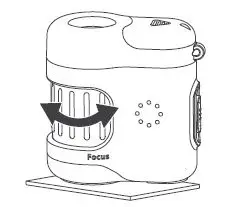
- Place microscope directly on subject and turn focus wheel until image is clear.

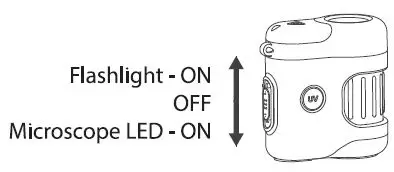
- Slide switch:
- DOWN to activate the microscope LED
- UP to use the flashlight function
- Center to turn OFF

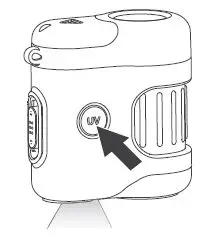
- Press and hold UV button to use UV Light.

ATTACHING CLIP TO PHONE:
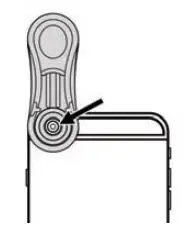
Place clip on phone making sure camera* is centered inside circle on the underside of clip.
*For help with dual camera phones, visit www.carson.com/multicam
ATTACHING MICROSCOPE TO CLIP:
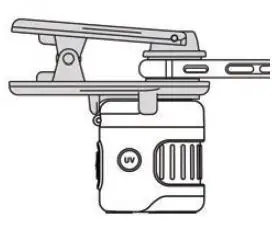
Align microscope with clip as shown. It will be magnetically held in place.
FOCUSING SCREEN IMAGE:
Autofocus: Tap the screen in your camera app.
Manual focus: Turn the focus wheel on the microscope until the image is clear.
REPLACING BATTERIES:
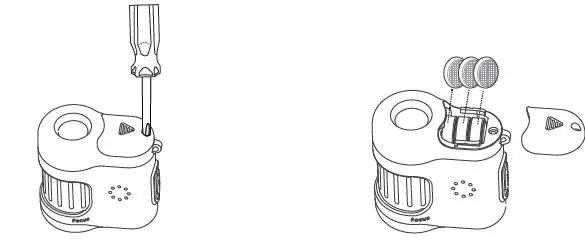
- Use a screwdriver to remove the screw. Then slide the door open.
- Insert 3 new G12 batteries, replace the door and tighten the screw.
WARNING:
- To avoid eye damage:
- Do not look at the sun through this microscope.
- Do not place a lighted microscope directly upon the human eye.
- Remove batteries before storing the microscope for an extended period.
 Carson Optical