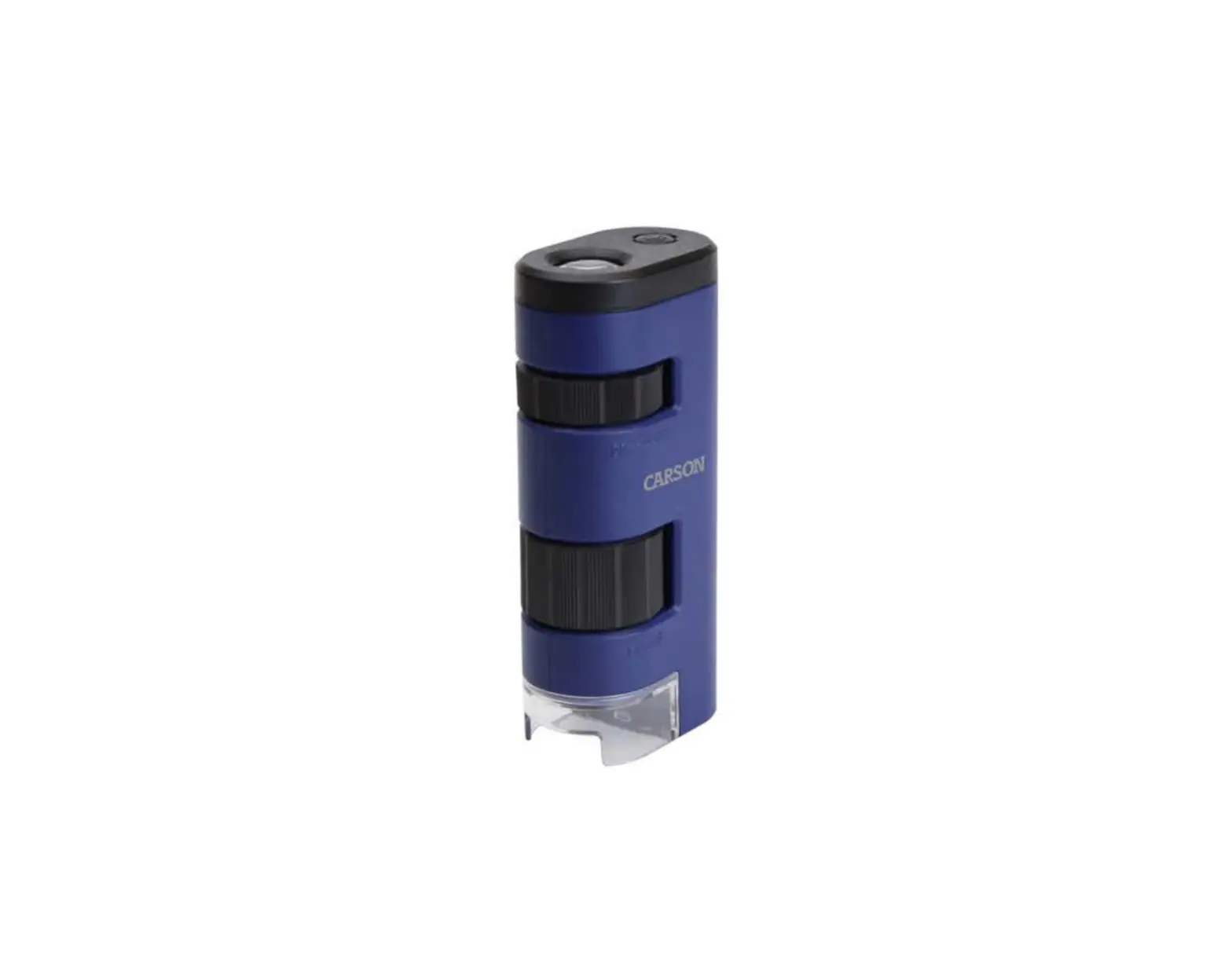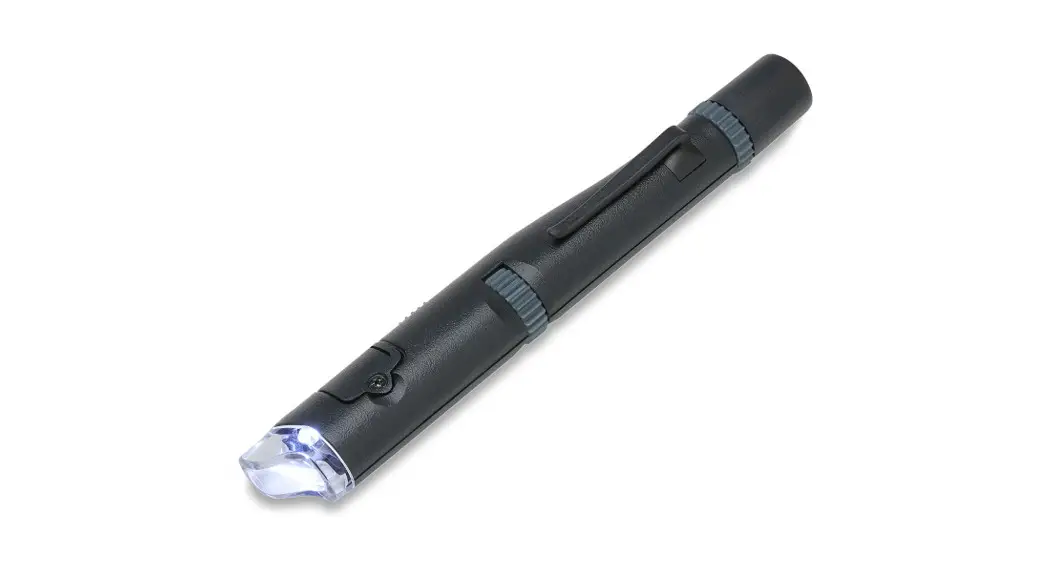

MicroPen™
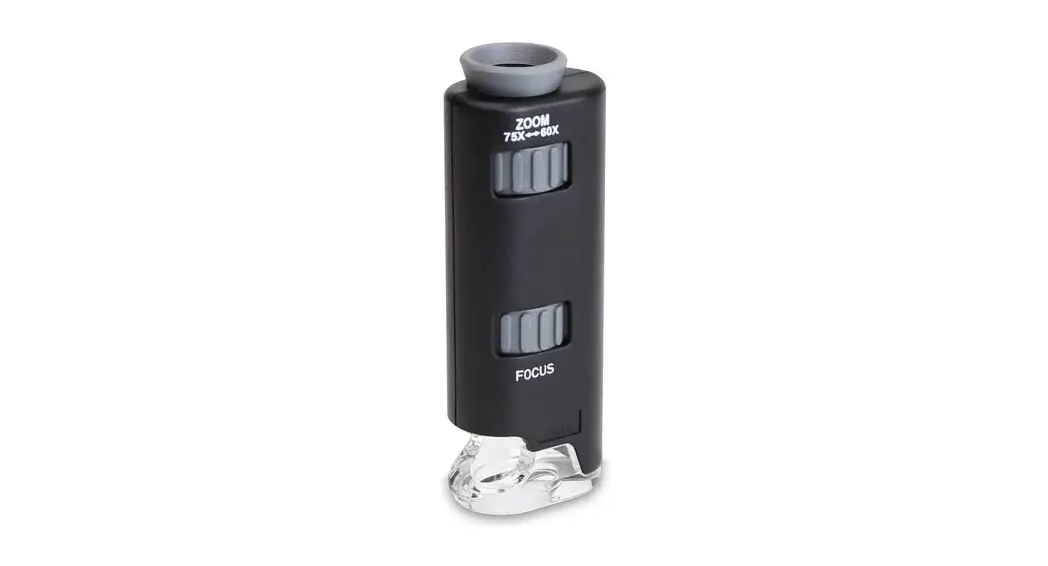
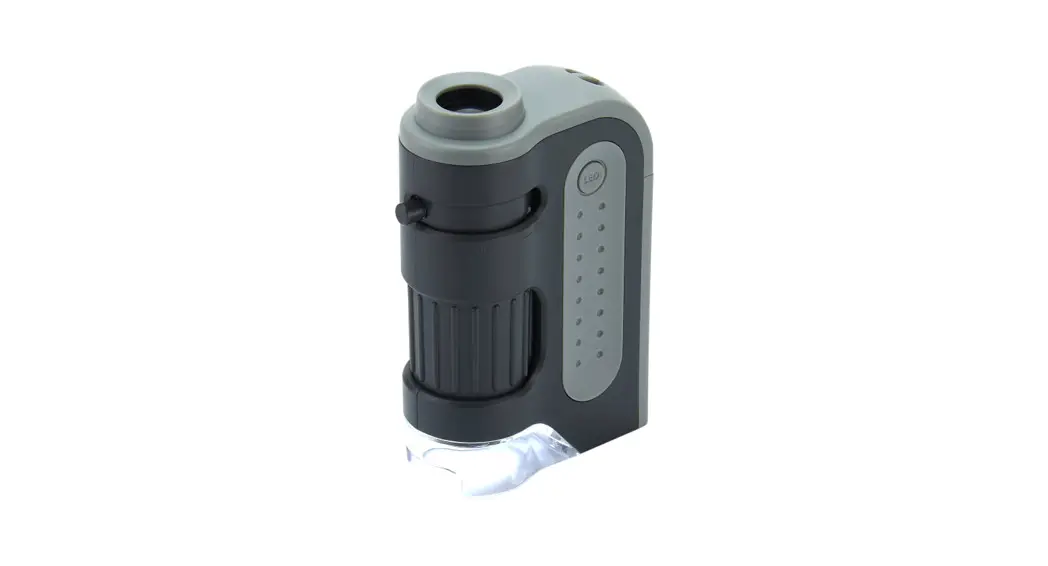
24x-53x LED Microscope Pen
MP-300
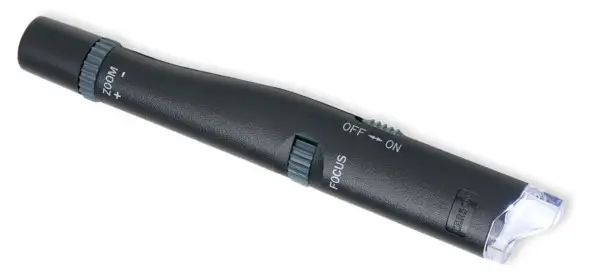
Congratulations on selecting your new MicroPen! In order to achieve optimum performance, please follow instructions for proper use and care.
USING THE MICRO PEN:
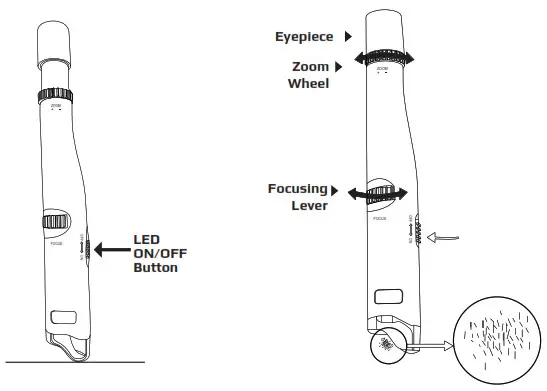
- Place microscope directly on top of object.
- Slide LED button:
• Down to turn On
• Up to turn Off - Turn Zoom Wheel to adjust desired magnification.
- Slide Focusing lever until image is observed.
- Observe through eyepiece.

PRODUCT SPECIFICATION:
| Magnification: | 24x-53x |
| Batteries: | 3 G3 Button Cell Batteries (included) |
| Weight: | 0.7 oz |
| Dimensions: | 0.5” x 0.7” x 5.2” |
| Illumination: | LED |
CARE:
Clean using a microfiber lens cloth. Do not use any abrasives, chemical cleaners, or solvents.
REPLACING BATTERIES:
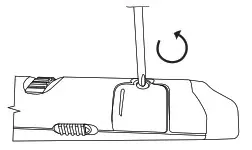
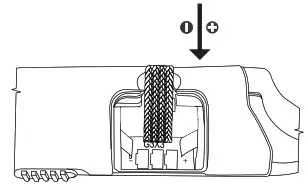
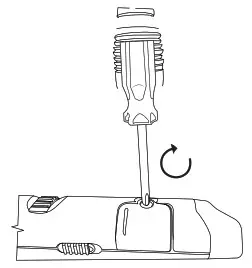
| 1. Unscrew the battery door with a screwdriver and remove the door in the direction shown by arrow below. | 2. Remove used-up batteries and insert 3 new G3 button cells into a compartment in the correct polarity. | 3. Close the battery door and tighten it with a screwdriver. |
 |  |  |
Customer Service: If you experience any difficulties, please contact us and we will be happy to help you. For warranty information, visit www.carson.com/warranty
 |  |  |
| [email protected] | [email protected] | [email protected] |
www.carson.com
Carson Optical 2070 5th Avenue, Ronkonkoma, NY 11779 | Tel: 631-963-5000
 Carson Optical