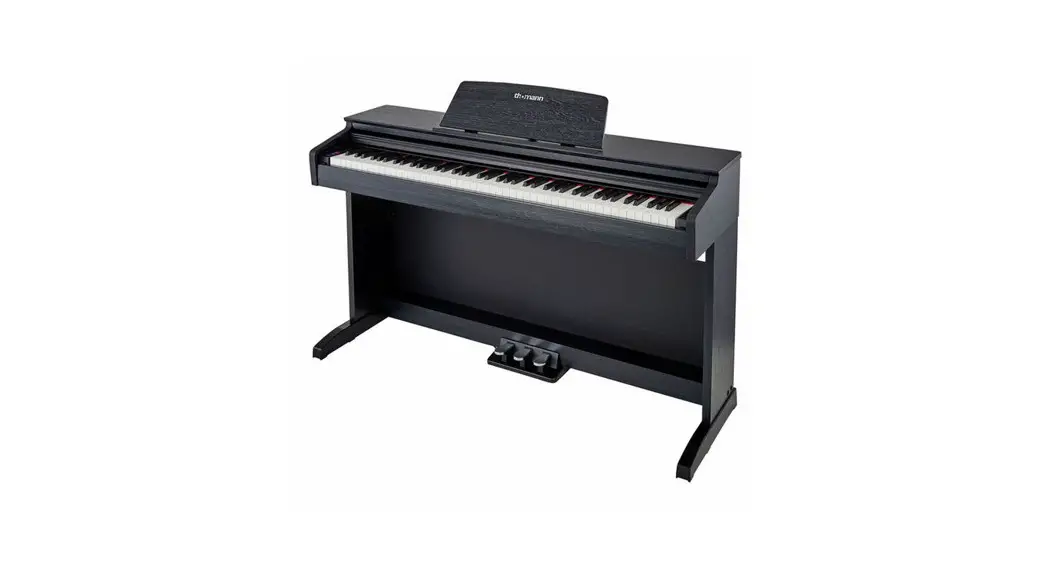
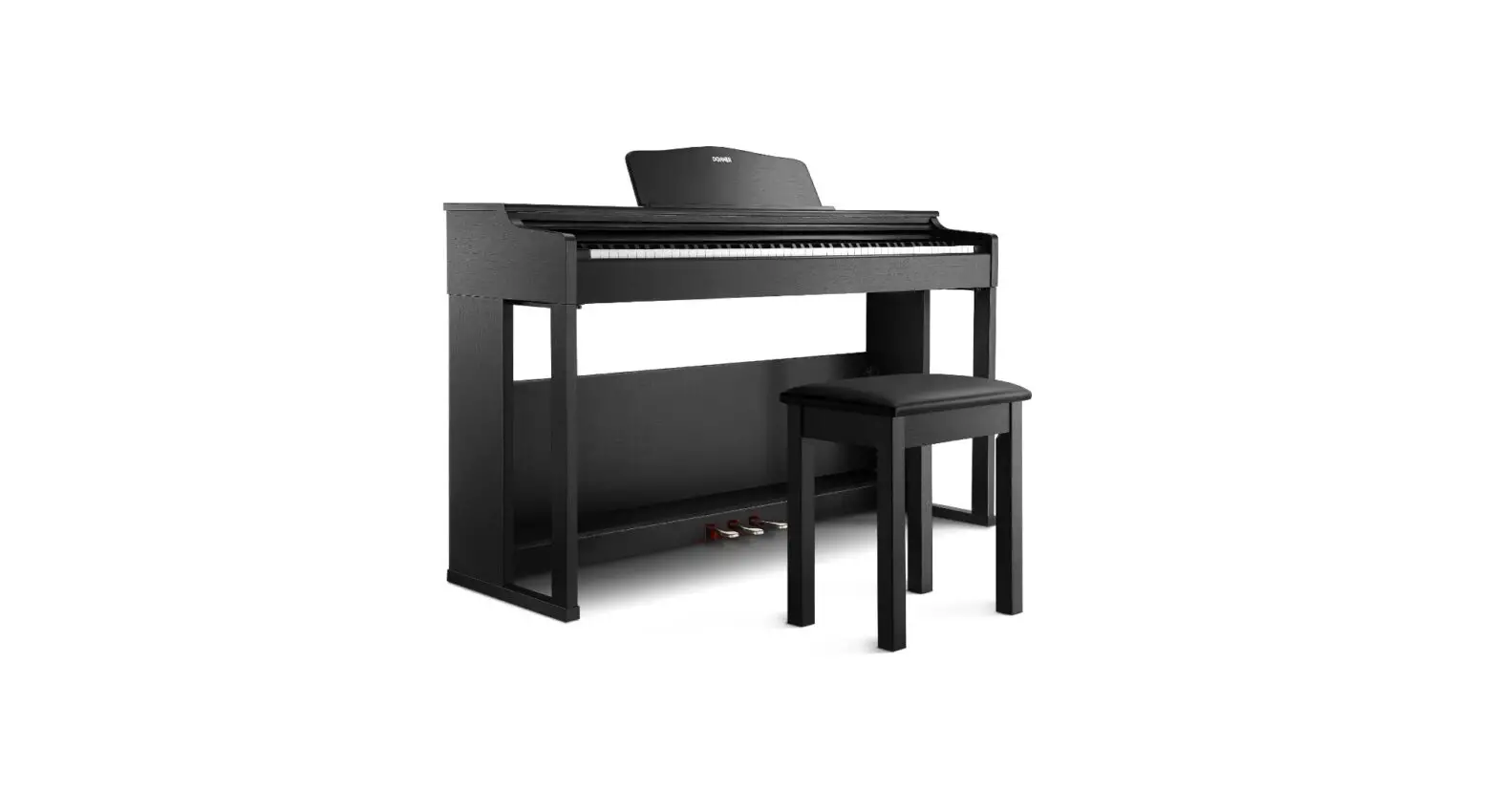
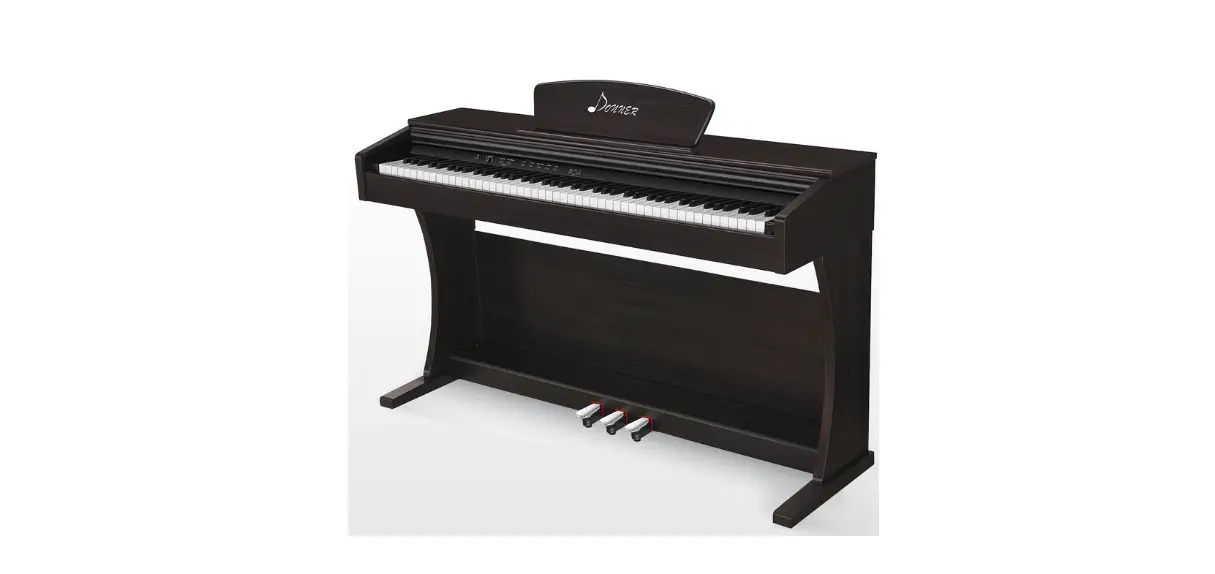
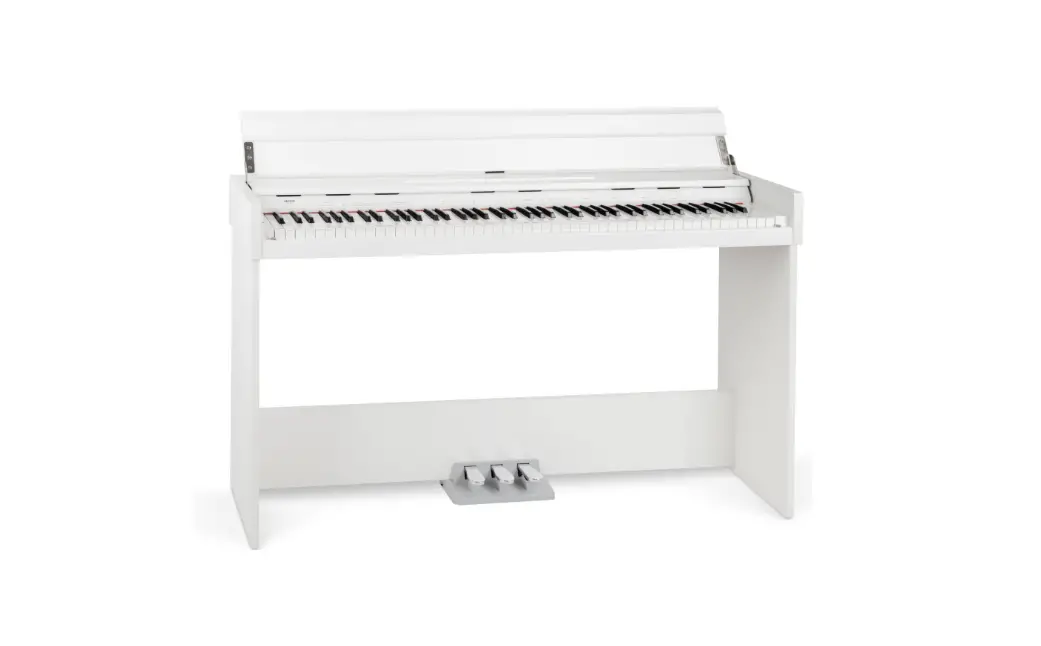
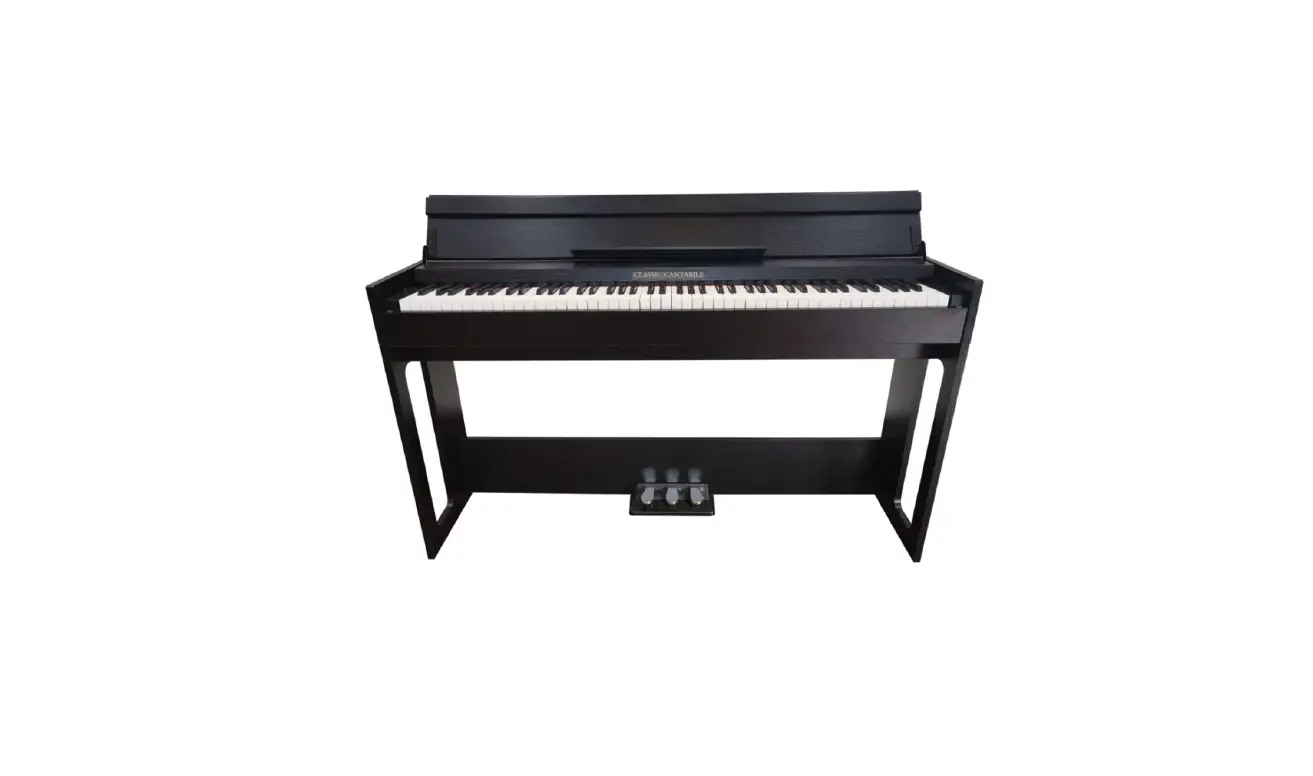
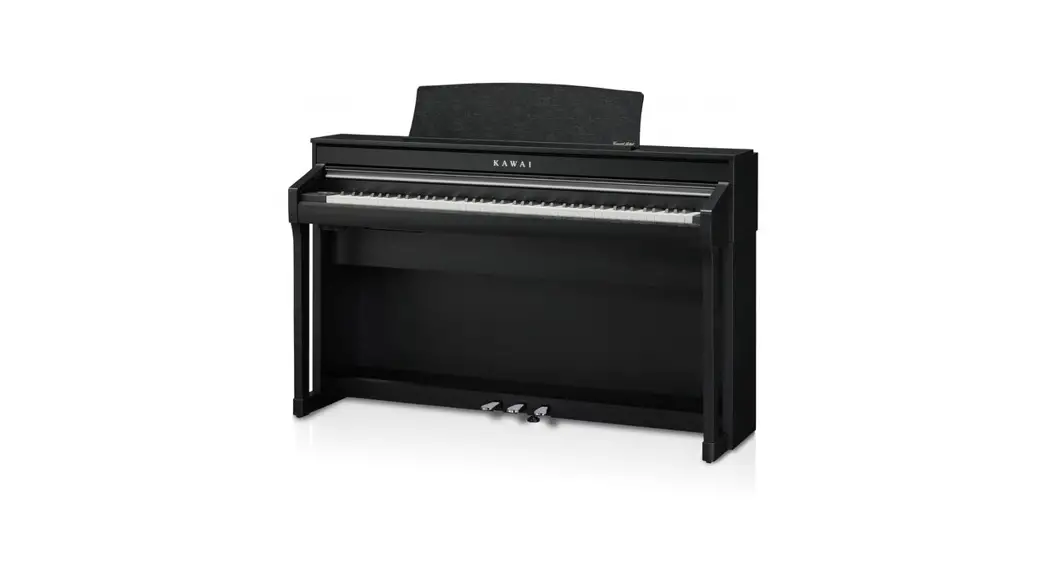
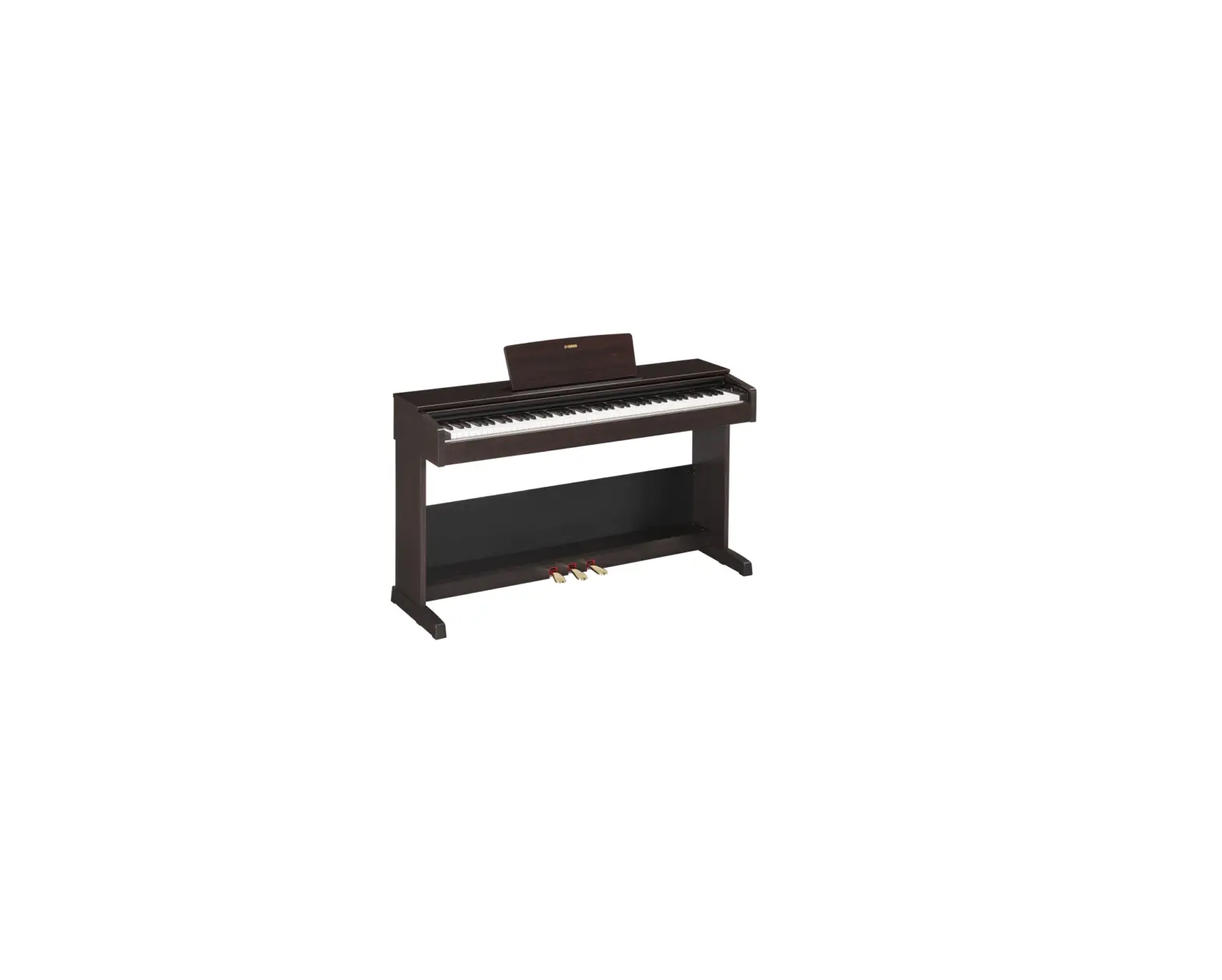
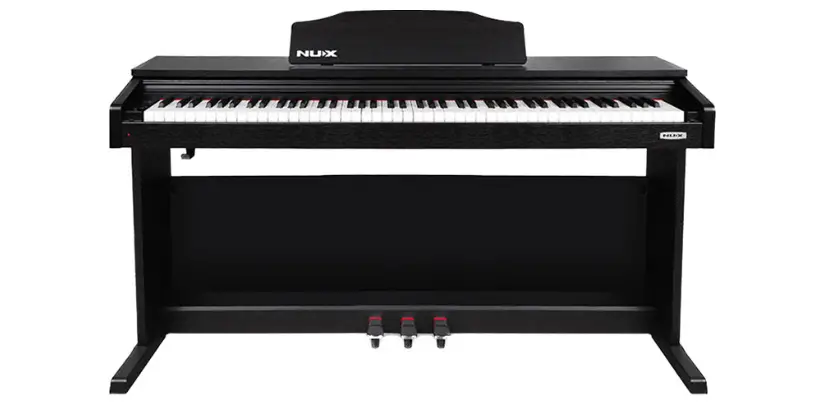
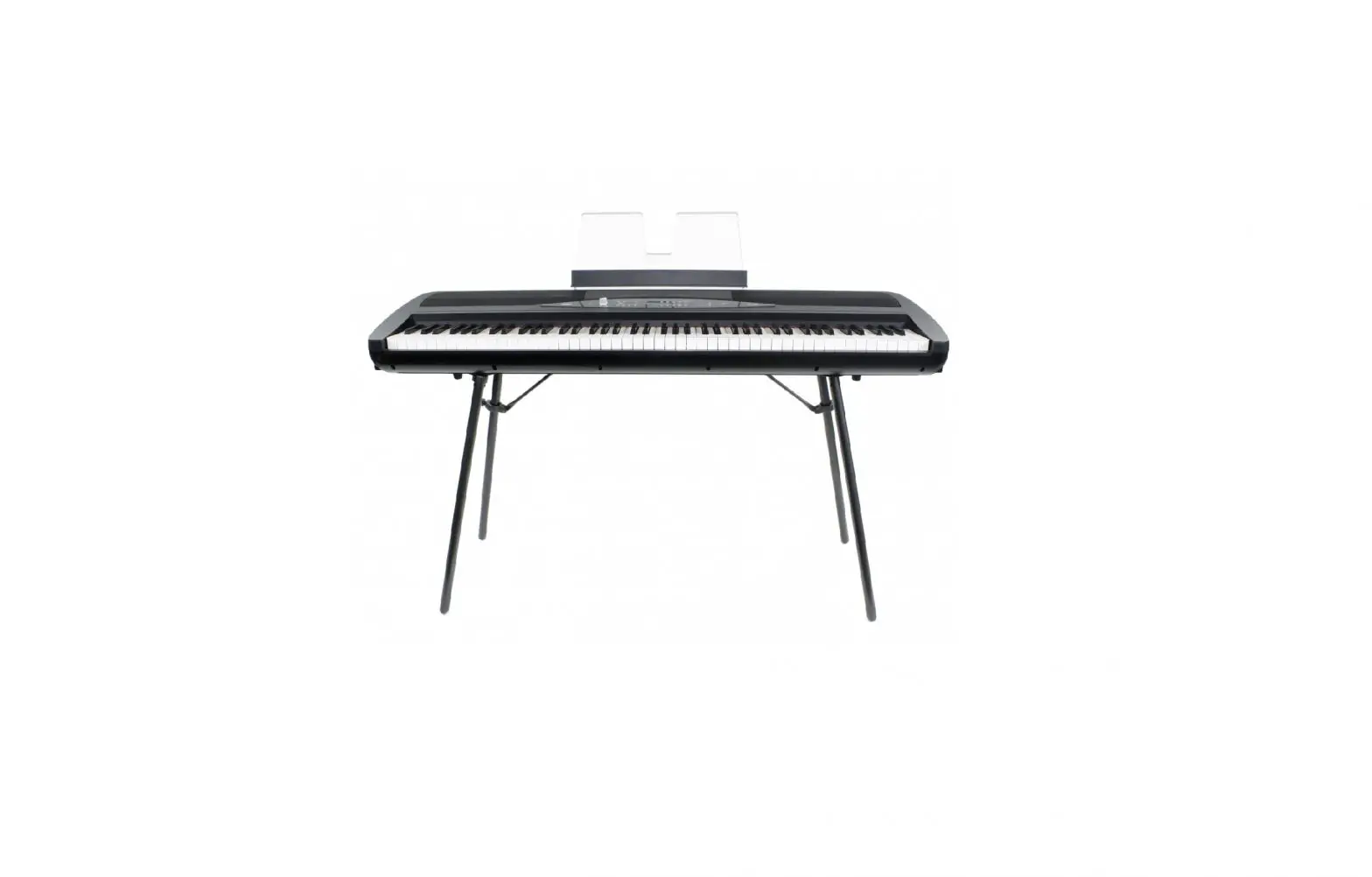
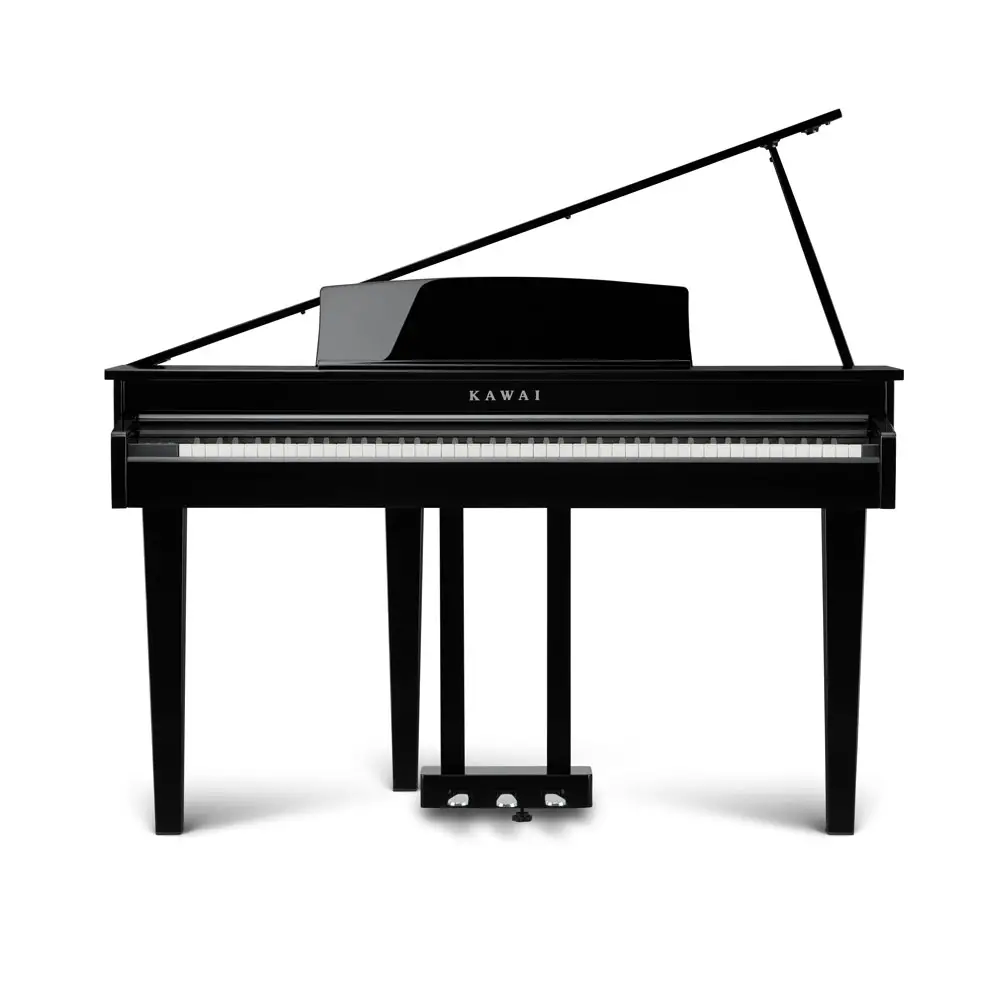
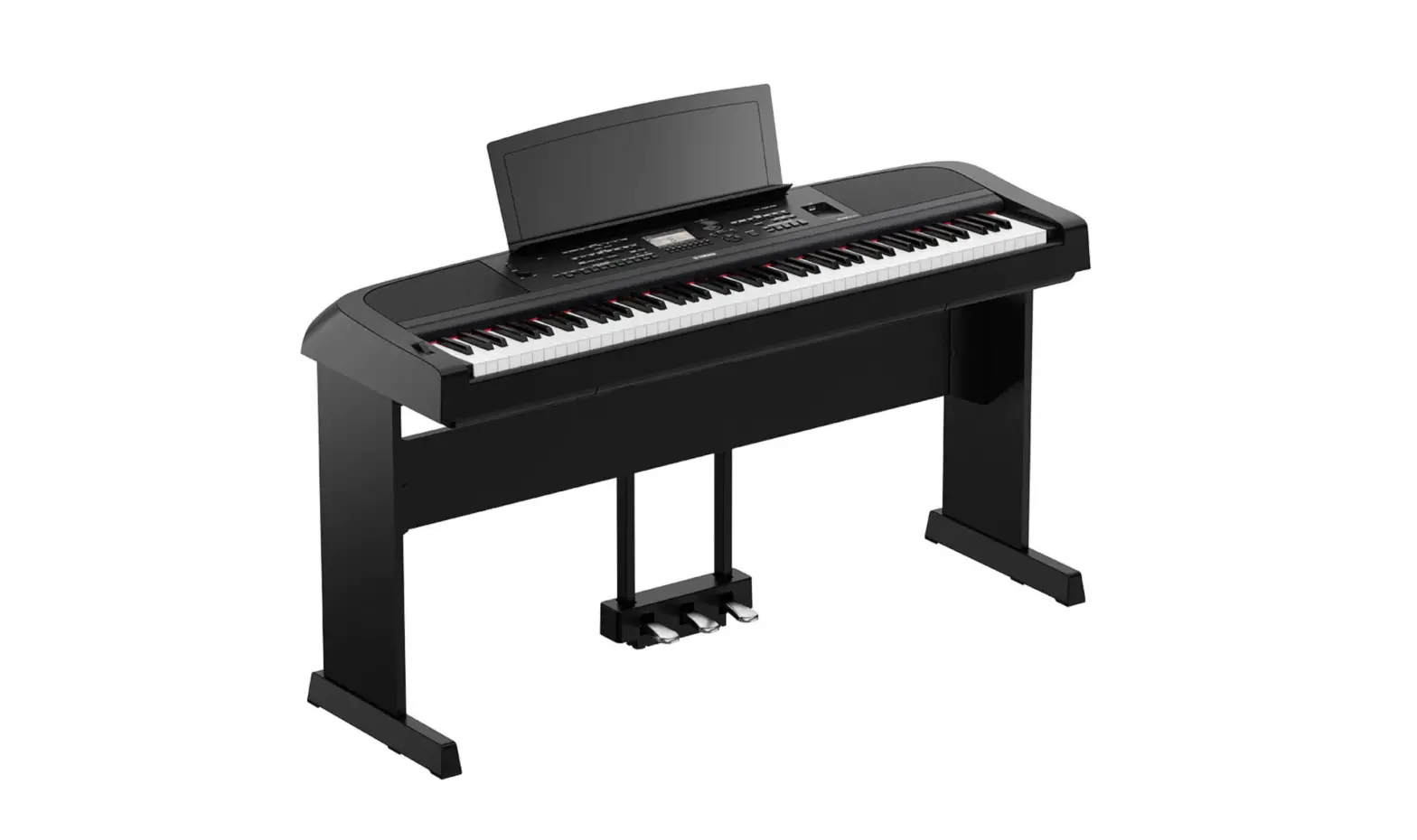
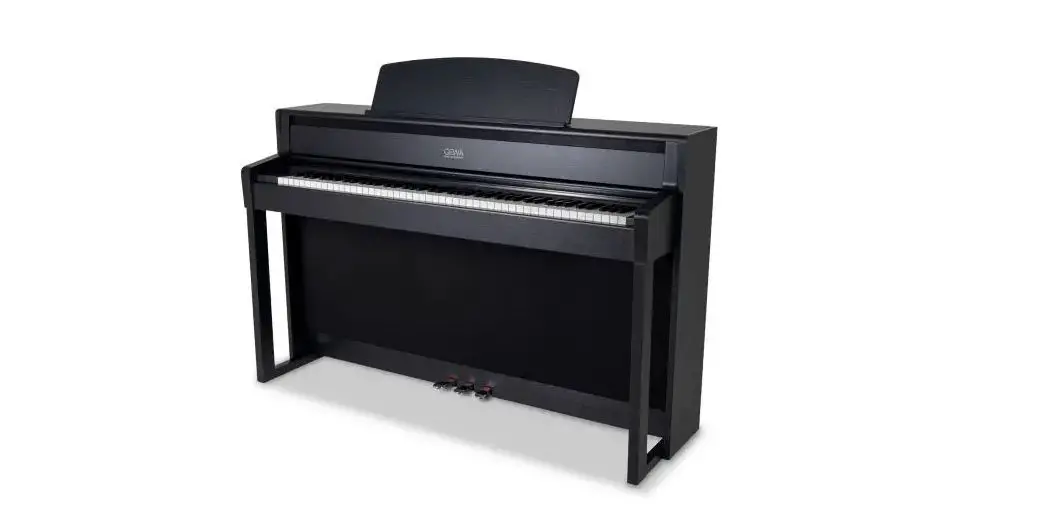
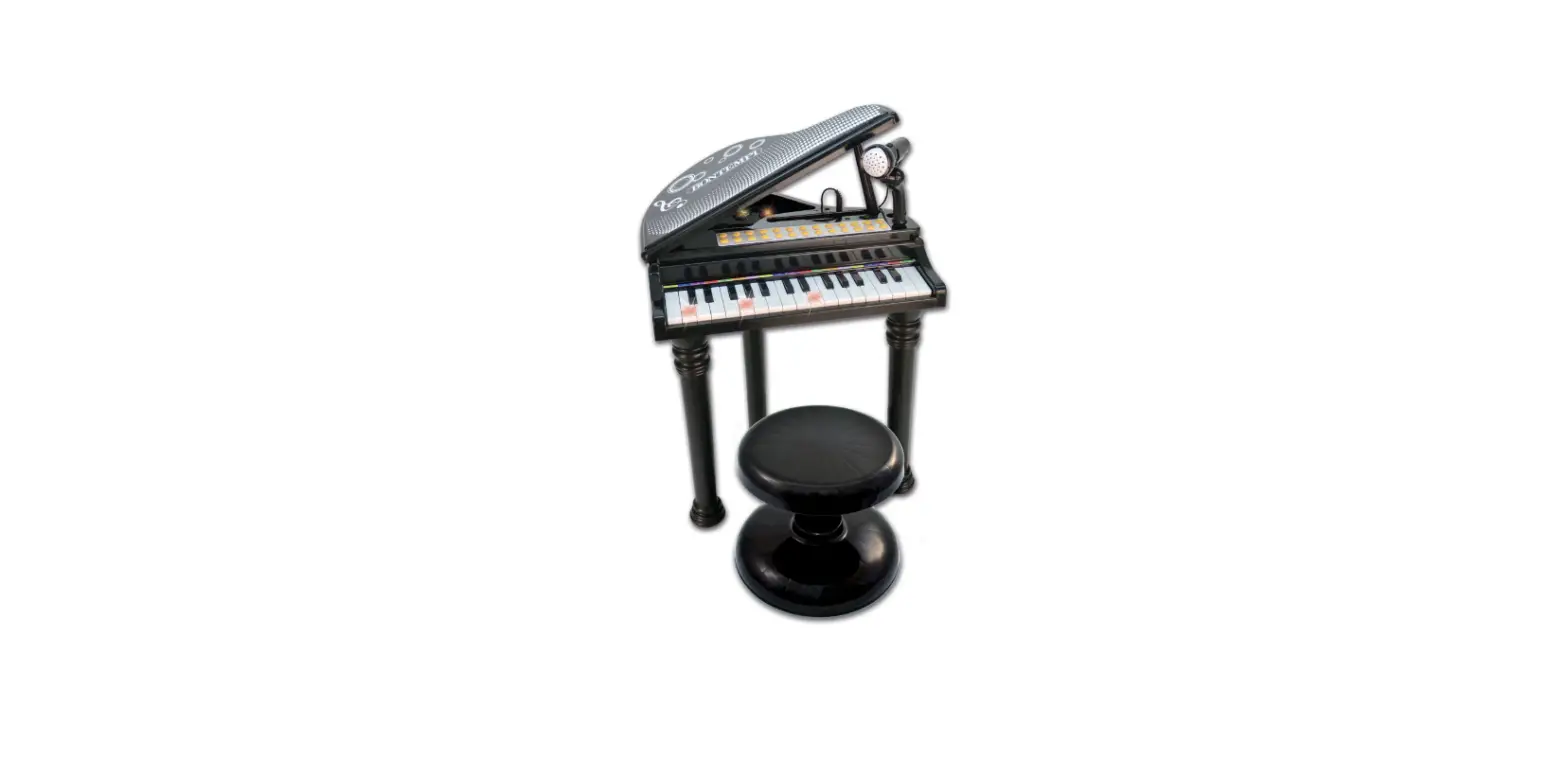
DP 730 Digital Design Piano
Product Information
Product Name: DP 730 Digital Design Piano
User Manual Version: 03/2023
Product Specifications:
- Keyboard: 88 touch-sensitive hammer keys
- Sound: DAAS (Digital-Audio-Analog-Sampling)
- Anschlagsempfindlichkeit: 128
- Preset Sounds: 1 (Piano)
- Pedals: 3 (Soft, Sostenuto, Sustain)
- Amplifier Output: 2x20W 8
- Dimensions: 1320x405x815 (without music stand)
- Included Accessories: Music stand, pedal unit, power supply
15V, 2000mA, + inside
Product Usage Instructions
Thank you for choosing the DP 730 Digital Design Piano. To
ensure your satisfaction with this product, please carefully read
and understand the following operating instructions before using
the instrument.
Important Safety Instructions:
- Children should be supervised to prevent them from using the
piano as a toy. - Never allow children to play with the packaging material
unsupervised. - Follow all safety instructions and handle the instrument
correctly to avoid accidents or property damage.
Operating Instructions:
- Ensure that the power cable is properly plugged in.
- If there is no power in the socket, try using a different
one. - Assemble the piano by carefully attaching the mounting plates
with the pre-installed legs using the provided plastic head
screws. - With the help of another person, lift the instrument and place
it on the legs. Be careful not to unevenly load the legs when
flipping the instrument. - The bottom panel of the piano features various connections such
as USB to Host, MIDI In/Out, Audio In, Power, Auto-Power-Off, and
Volume. - Use the Klaviaturschlitten (keyboard slide) to adjust the
position of the keyboard. - The pedals on the piano include Sustain, Sostenuto, and Soft.
Familiarize yourself with their functions. - If you encounter any issues, refer to the troubleshooting
section in the manual for possible solutions.
Please keep this user manual in a safe place and pass it on to
any subsequent users of the DP 730 Digital Design Piano.
DP 730 Digital Design Piano
Bedienungsanleitung / User Manual
Version: 03/2023
Vielen Dank, dass Sie sich für dieses Produkt entschieden haben. Um sicherzustellen, dass Sie mit diesem Produkt voll und ganz zufrieden sind, lesen Sie sorgfältig und verstehen Sie diese Bedienungsanleitung, bevor Sie dieses Instrument verwenden. Bewahren Sie diese Bedienungsanleitung an einem sicheren Ort auf. Die Bedienungsanleitung muss an alle nachfolgenden Anwender weitergegeben werden.
Bedienungsanleitung beachten!
Mit dem Signalwort WARNUNG sind die Gefahren gekennzeichnet, die ohne Vorsichtsmaßnahmen zu schweren Verletzungen führen können.
Mit dem Signalwort HINWEIS sind allgemeine Vorsichtsmaßnahmen gekennzeichnet, die im Umgang mit dem Produkt beachtet werden sollen.
Bilder und Bildschirmdarstellungen in dieser Bedienungsanleitung können vom Erscheinungsbild des tatsächlichen Produkts geringfügig abweichen, solange dies keine negativen Auswirkungen auf die technischen Eigenschaften und Sicherheit des Produkts hat.
Alle personenbezogenen Formulierungen in dieser Bedienungsanleitung sind geschlechtsneutral zu betrachten.
Diese Bedienungsanleitung gilt für mündige Personen und Nutzer, die von einer für ihre Sicherheit verantwortlichen Person beaufsichtigt oder in die Bedienung des Gerätes eingewiesen wurden und nachgewiesen haben mit dem Gerät umgehen zu können.
Kinder sollten beaufsichtigt werden, um sicherzustellen, dass sie dieses Gerät nicht als Spielzeug verwenden. Lassen Sie Kinder niemals unbeaufsichtigt mit dem Verpackungsmaterial spielen.
Gefahr der Sachbeschädigung! Wir haften nicht für Unfälle, die infolge der Nichtbeachtung der Sicherheitshinweise oder durch falsche Handhabung auftreten.
Alle Informationen in dieser Bedienungsanleitung wurden nach bestem Wissen und Gewissen kontrolliert. Weder Autor noch Herausgeber können jedoch für Schäden haftbar gemacht werden, die in Zusammenhang mit der Verwendung dieser Bedienungsanleitung stehen. Sonstige, in diesem Dokument aufgeführte Produkt-, Marken- und Unternehmensbezeichnungen können die Warenzeichen ihrer jeweiligen Eigentümer sein. Die Einhaltung sämtlicher anwendbarer Urheberrechtsgesetze liegt in der Verantwortung des Anwenders dieses Dokuments.
2
Vorsicht
Bitte beachten Sie folgende grundlegenden Hinweise, um sich oder andere nicht zu gefährden und Schäden an externen Geräten zu vermeiden.
Warnhinweise
Bauen Sie das Instrument nicht auseinander und nehmen Sie keine Modifikationen daran vor. Dies könnte Verletzungen durch Stromschlag zur Folge haben. Betrauen Sie eine Fachwerkstatt mit eventuell nötigen Service- und Wartungsarbeiten oder wenden Sie sich an Ihren Händler. Wenn Sie feststellen, dass das Stromkabel deutliche Gebrauchsspuren aufweist, das Gerät Fehlfunktionen aufweist, verbrannt riecht oder raucht, ziehen Sie umgehend den Stecker aus der Steckdose und beauftragen Sie einen Techniker mit der Reparatur. Bevor Sie das Instrument reinigen, sollten Sie es vom Strom trennen. Stellen Sie das Instrument stets auf eine ebene, stabile Oberfläche, um einen sicheren Stand zu gewährleisten. Benutzen Sie das Instrument nicht in feuchter oder nasser Umgebung. Stellen Sie keine Gefäße darauf, die mit Flüssigkeiten gefüllt sind, wie z.B. Vasen, Gläser oder Flaschen. Legen Sie keine kleinen Gegenstände darauf, die hineinrutschen könnten, wie z.B. Haarnadeln, Nähnadeln oder Münzen. Stellen Sie keine brennenden Kerzen auf das Instrument.
Vorsichtsmaßnahmen
Um Schäden am Instrument zu vermeiden, stellen Sie es nicht an Plätze mit hohen Temperaturen oder viel Staub, stellen Sie es nicht direkt neben eine Klimaanlage und vermeiden Sie direkte Sonneneinstrahlung. Stellen Sie das Instrument nicht in die Nähe von anderen elektrischen Geräten, um Interferenzen zu vermeiden. Wenden Sie im Umgang mit dem Instrument keinerlei Gewalt an und stellen Sie keine schweren Gegenstände auf das Gerät. Trennen Sie das Instrument vom Strom, wenn Sie es längere Zeit nicht benutzen. Um das Gerät vom Strom zu trennen, ziehen Sie bitte am Stecker, nicht am Kabel. Gehen Sie bitte vorsichtig mit dem Stromkabel um. Es sollte nicht in der Nähe von Heizkörpern liegen, Sie sollten keine schweren Gegenstände daraufstellen und es so verlegen, dass keine Personen darauf treten oder darüber fallen könnten. Bitte beachten Sie, dass dauernde hohe Lautstärke Ihr Gehör dauerhaft schädigen kann. Passen Sie daher die Lautstärke sorgfältig an. Reinigen Sie das Instrument nur mit einem weichen, trockenen Tuch (bei stärkeren Verschmutzungen ggfls. auch leicht angefeuchtetes Tuch). Verwenden Sie zur Reinigung keine chemischen Reinigungsmittel (keine Verdünnungsmittel, Lösemittel, Alkohol) und keine imprägnierten Reinigungstücher.
Netzteil
Bitte schließen Sie das mitgelieferte Netzteil an eine Steckdose mit der richtigen Spannung an. Schließen Sie es nicht an andere Netzspannungen an als die, für welche das Instrument vorgesehen ist. Ziehen Sie den Netzstecker, falls Sie das Produkt für längere Zeit nicht benutzen oder wenn es zu einem Gewitter kommt.
3
© 2023
Diese Bedienungsanleitung ist urheberrechtlich geschützt. Die Vervielfältigung dieser Bedienungsanleitung, auch auszugsweise, ist nur mit Genehmigung der Musikhaus Kirstein GmbH gestattet. Gleiches gilt für die Vervielfältigung oder das Kopieren von Bildern, auch in geänderter Form.
Inhaltsverzeichnis
Zusammenbau …………………………………………………………………………………………. 5 Anschlusspanel an der Unterseite …………………………………………………………….. 7
USB to Host …………………………………………………………………………………………… 7 MIDI In/Out…………………………………………………………………………………………….. 7 Audio In…………………………………………………………………………………………………. 7 Audio Out ………………………………………………………………………………………………. 7 Netzteilbuchse………………………………………………………………………………………… 7 Bedienelemente und Kopfhörerbuchsen an der Unterseite …………………………. 8 Power……………………………………………………………………………………………………. 8 Auto-Power-Off ………………………………………………………………………………………. 8 Volume………………………………………………………………………………………………….. 8 Kopfhöreranschlüsse (Headphones) ………………………………………………………….. 8 Klaviaturschlitten……………………………………………………………………………………… 9 Funktionsweise der Pedale ……………………………………………………………………… 10 Sustain ………………………………………………………………………………………………….10 Sostenuto ………………………………………………………………………………………………10 Soft ………………………………………………………………………………………………………10 Trouble Shooting ……………………………………………………………………………………. 11 Produktspezifikationen …………………………………………………………………………… 12
4
Zusammenbau
Entnehmen Sie zuerst alle Einzelteile aus der Umverpackung. Montieren Sie jeweils zwei Standbeine an jede der beiden Aufnahmeplatten. Versehen Sie erst die entsprechenden Löcher der Halteplatten mit einem Dübel, stecken dann das passende Bein auf und fixieren es mit jeweils zwei Innensechskantschrauben. Zur
richtigen Positionierung der Beine richten Sie einfach die jeweiligen Aufkleber L1, L2, R1 und R2, wie in der folgenden Grafik zu sehen, zueinander aus, damit sie nach der Montage übereinander liegen.
Legen Sie den Spieltisch (1) vorsichtig umgedreht auf eine weiche Unterlage. Befestigen Sie die Aufnahmeplatten mit den montierten Standbeinen (2) mit Hilfe der sechs Kunststoffkopfschrauben (3) sicher am Spieltisch. Heben Sie das Instrument nun an und stellen es auf die Beine. Achtung: Lassen Sie sich hierbei von einer zweiten Person helfen. Achten Sie darauf, die Standbeine beim Umdrehen des Instruments nicht einseitig zu belasten.
5
Sollten Sie die mitgelieferte Pedaleinheit nutzen wollen, verbinden Sie den Multipin-Stecker des Pedalkabels mit der Buchse an der Unterseite des Pianos. Achten Sie hierbei auf die richtige Position der Steckerpins. Üben Sie dabei keine Gewalt auf den Stecker des Pedalkabels aus. Der beiliegende Notenhalter kann bei Bedarf einfach an der gewünschten Position auf die Oberseite des Instruments gestellt werden.
6
Anschlusspanel an der Unterseite
USB to Host
Über die USB to Host Buchse können Sie Ihr Piano mittels eines USB A->B Kabels zu einem Computer verbinden.
MIDI In/Out
Über die MIDI Out Buchse können Sie MIDI-Daten an ein externes MIDI-fähiges Gerät senden. Über die MIDI In Buchse kann Ihr Piano MIDI-Daten einer externen Signalquelle empfangen.
Audio In
Mit dem Audio In Eingang können Sie Musiksignale einer externen Musikquelle über die Lautsprecher Ihres Pianos wiedergeben.
Audio Out Mit dem Audio Out Anschluss können Sie Ihr Piano an einen Musikverstärker anschließen. Netzteilbuchse
Verwenden Sie das Instrument ausschließlich mit dem mitgelieferten Netzteil. Verbinden Sie zuerst den Hohlstecker des Netzteils mit der Netzteilbuchse am Instrument. Verbinden Sie dann das Netzteil zur Steckdose.
7
Bedienelemente und Kopfhörerbuchsen an der Unterseite
Power
Mit dem Netzschalter nehmen Sie Ihr Instrument in Betrieb. Ihr Piano verfügt über einen hochwertigen Klavierklang, welcher im Digital-AudioAnalog-Sampling Verfahren erstellt wurde. Bitte schalten Sie Ihr Instrument bei Nichtbenutzung aus, um Energie zu sparen.
Auto-Power-Off
Dieses Instrument verfügt über eine Auto-Power-Off-Funktion. Um Energie zu sparen, schaltet sich das Piano selbständig aus, falls es für längere Zeit nicht benutzt wird.
Volume
Mit diesem Drehregler können Sie die Lautstärke Ihres Pianospiels einstellen.
Kopfhöreranschlüsse (Headphones)
Die beiden Kopfhöreranschlüsse direkt neben dem Lautstärkeregler können gleichzeitig genutzt werden. Beim Anschluss eines Kopfhörers an eine der Kopfhörerbuchsen werden die Lautsprecher des Instruments deaktiviert. Achten Sie auf eine angemessene Lautstärkeneinstellung. Zu hohe Lautstärke bzw. die zu lange Nutzung von Kopfhörern kann Gehörschäden verursachen.
8
Klaviaturschlitten
Das DP-730 verfügt über einen einzigartigen Klaviaturschlitten, welcher die Tastatur wie in einer Schublade unsichtbar verschwinden lässt. Die Klaviatur ist somit perfekt vor Staub und anderen Störfaktoren geschützt und das Instrument fügt sich dezent und stimmig in die Raumgestaltung ein. Ziehen Sie den Klaviaturschlitten (1), vergleichbar einer Schublade, einfach am Griff bis zum Anschlag heraus und klappen Sie anschließend die Klaviaturblende (2) nach unten. Zum Schließen des Instruments gehen Sie in umgekehrter Reihenfolge vor.
9
Funktionsweise der Pedale
Ihr Instrument verfügt über eine leichte und standsichere Dreier-Pedal-Einheit, welche bei Bedarf über ein Multipin-Kabel zum Spieltisch verbunden werden kann.
Sustain
Das rechte Pedal (Sustain) simuliert das Anheben aller Dämpfer im echten Flügel und bewirkt somit, dass alle angeschlagenen Saiten auch nach dem Loslassen der jeweiligen Taste weiterklingen. Dies verleiht dem Instrument in vielen Spielsituationan einen volleren Ton.
Sostenuto
Das mittlere Pedal (Sostenuto) simuliert das Anheben einzelner Dämpfer im echten Flügel und bewirkt somit das Fortklingen des oder der direkt vor dem Pedaleinsatz angeschlagenen Töne. Alle Töne welche nach dem Pedaleinsatz angeschlagen werden verbleiben weiterhin im Staccato (kurz).
Soft
Das linke Pedal (Soft) simuliert das Verschieben der Anschlagsmechanik im echten Flügel und bewirkt somit einen etwas gedämpften und leiseren Klang des Instruments. Die klangliche Auswirkung des Soft Pedals ist wie beim echten Flügel sehr dezent und hauptsächlich in Verbindung mit dem Sustain Pedal merklich klangverändernd.
10
Trouble Shooting
Sollte eine Funktionsstörung auftreten, prüfen Sie bitte folgende Fehlerquellen.
Fehler
Ursache
Lösung
Das Piano lässt sich nicht einschalten
1.Das Netzkabel ist nicht eingesteckt
1.Stecken Sie das Netzkabel richtig ein
2.Das Instrument hat sich durch die Auto-Power-OffFunktion selbständig ausgeschaltet
3.Die Steckdose hat keinen Strom
2.Drücken Sie den Netzschalter mehrmals
3.Nutzen Sie eine andere Steckdose
Das Piano gibt keinen Ton 1.Die Lautstärke ist auf den 1. Erhöhen Sie die aus den Lautsprechern aus kleinsten Wert eingestellt Lautstärkeeinstellung
2.Ein Kopfhörer(adapter) steckt in der Kopfhörerbuchse
2.Entfernen Sie den Kopfhörer(adapter) aus der Kopfhörerbuchse
3.Das Netzkabel ist nicht eingesteckt
3.Stecken Sie das Instrument an eine Steckdose an
Das Instrument gibt Störgeräusche aus
1.Es befinden sich Geräte mit Störeigenschaften (Gefrierschrank, Waschmaschine o.ä.) in der näheren Umgebung
1.Entfernen Sie das Piano aus der näheren Umgebung von anderen Elektrogeräten (speziell solchen mit Motoren)
2.Objekte auf oder in der Nähe des Instruments resonieren mit
2.Entfernen Sie resonierende Objekte aus der Umgebung des Pianos
3.Die Störgeräusche treten nur bei Nutzung eines Kopfhörers auf
3.Reinigen Sie den Kopfhörerstecker oder tauschen Sie den Kopfhörer aus
11
Produktspezifikationen
Keyboard Sound Anschlagsempfindlichkeit
Max. Polyphonie Voices Pedale Anschlüsse
Lautsprecherleistung Abmessungen (BxTxH in mm) Mitgeliefertes Zubehör
88 anschlagsdynamische Hammertasten
DAAS (Digital-Audio-Analog-Sampling)
Werkseitig eingestellt. Der Dynamikkurve des für das DigitalAudio-Analog-Sampling verwendeten Flügels nachempfunden
128
1 (Piano)
3 (Soft, Sostenuto, Sustain)
USB to Host, MIDI In/Out, Audio In (6,35mm Stereoklinke), Audio Out (6,35mm Stereoklinke), Netzteil, 2x Kopfhörer (6,35mm Stereoklinke), Pedal (Multipin)
2x20W 8
1320x405x815 (ohne Notenhalter)
Notenhalter, Pedaleinheit, Netzteil 15V, 2000mA, + innen
12
WEEE-Erklärung (Waste of Electrical and Electronic Equipment)
Ihr Produkt wurde unter Verwendung hochwertiger Materialien und Komponenten entwickelt und hergestellt, die recycelbar und wiederverwendbar sind. Dieses Symbol bedeutet, dass elektrische und elektronische Geräte am Ende ihrer Lebensdauer vom Hausmüll getrennt entsorgt werden müssen. Bitte entsorgen Sie dieses Gerät bei Ihrer örtlichen kommunalen Sammelstelle oder im Recycling-Center. Bitte helfen Sie mit, die Umwelt zu schützen, in der wir alle leben.
Alle technischen Daten und Erscheinungsbilder können ohne vorherige Ankündigung geändert werden. Alle Angaben waren zum Zeitpunkt der Drucklegung korrekt. Die Musikhaus Kirstein GmbH übernimmt keine Gewähr für die Richtigkeit oder Vollständigkeit der in diesem Handbuch enthaltenen Beschreibungen, Fotos oder Aussagen. Gedruckte Farben und Spezifikationen können geringfügig vom Produkt abweichen. Produkte der Musikhaus Kirstein GmbH werden nur über autorisierte Händler vertrieben. Distributoren und Händler sind keine Vertreter der Musikhaus Kirstein GmbH und nicht befugt, die Musikhaus Kirstein GmbH in irgendeiner Weise, sei es ausdrücklich oder durch schlüssiges Handeln, rechtlich zu binden.
Musikhaus Kirstein GmbH Bernbeurener Str. 11 86956 Schongau Germany Telefon: 0049-8861-909494-0 Fax: 0049-8861-909494-19
13
DP 730 Digital Design Piano
Version: 03/2023
User Manual
Thank you for choosing this product. To ensure that you are fully satisfied with this product, read carefully and understand these operating instructions before using this instrument. Keep these operating instructions in a safe place. The operating instructions must be passed on to all subsequent users.
Observe the operating instructions!
The signal word WARNING is used to indicate hazards that can lead to serious injuries if no precautionary measures are taken. The signal word NOTE indicates general precautions that should be observed when handling the product. Images and screen representations in these operating instructions may differ slightly from the appearance of the actual product, as long as this does not have a negative impact on the technical characteristics and safety of the product. All person-related formulations in these operating instructions are to be regarded as gender-neutral.
These operating instructions apply to responsible persons and users who have been supervised or instructed in the operation of the device by a person responsible for their safety and who have proven that they are able to handle the device.
Children should be supervised to ensure that they do not use this device as a toy. Never allow children to play with the packaging material unsupervised. Risk of damage to property! We are not liable for accidents that occur as a result of non-compliance with the safety instructions or incorrect handling.
All information in this operating manual has been checked to the best of our knowledge and belief. However, neither the author nor the publisher can be held liable for any damage related to the use of this manual. Other product, brand and company names mentioned in this document may be the trademarks of their respective owners. Compliance with all applicable copyright laws is the responsibility of the user of this document.
2
Caution
Please observe the following basic instructions to avoid endangering yourself or others and to prevent damage to external devices.
Warnings
Do not disassemble or make any modifications to the instrument. This could result in injury from electric shock. Entrust a specialist workshop with any necessary service and maintenance work or contact your dealer. If you notice that the power cord shows obvious signs of use, the unit malfunctions, smells burnt, or smokes, unplug the unit immediately and have a technician repair it. Before cleaning the instrument, disconnect it from the power supply. Always place the instrument on a level, stable surface to ensure safe standing. Do not use the instrument in a damp or wet environment. Do not place vessels on it that are filled with liquids, such as vases, glasses or bottles. Do not place small objects on it that could slide in, such as hairpins, sewing needles or coins. Do not place lighted candles on the instrument.
Precautions
To avoid damage to the instrument, do not place it in places with high temperatures or a lot of dust, do not place it directly next to an air conditioner, and avoid direct sunlight. Do not place the instrument near other electrical equipment to avoid interference. Do not use any force when handling the instrument and do not place any heavy objects on the instrument. Disconnect the instrument from the power supply if you are not going to use it for a long time. To disconnect the instrument from the power, please pull the plug, not the cable. Please handle the power cable with care. It should not be placed near radiators, you should not place heavy objects on it, and you should lay it in such a way that no person could step on it or fall over it. Please note that continuous high volume can permanently damage your hearing. Therefore, adjust the volume carefully. Only clean the instrument with a soft, dry cloth (if necessary, a slightly damp cloth can also be used for heavier soiling). Do not use any chemical cleaning agents (no thinners, solvents, alcohol) or impregnated cleaning cloths for cleaning.
Power supply unit
Please connect the supplied power supply to a power outlet with the correct voltage. Do not connect it to other mains voltages than those for which the instrument is intended. Unplug this product from the wall outlet when unused for long periods of time or during lightning storms.
3
© 2023
These operating instructions are protected by copyright. The reproduction of these operating instructions, even in part, is only permitted with the approval of Musikhaus Kirstein GmbH. The same applies to the reproduction or copying of images, even in modified form.
Table of contents
Assembly…………………………………………………………………………………………………. 5 Connection panel on the underside …………………………………………………………… 7
USB to Host …………………………………………………………………………………………… 7 MIDI In/Out…………………………………………………………………………………………….. 7 Audio In…………………………………………………………………………………………………. 7 Audio Out ………………………………………………………………………………………………. 7 Power supply socket ……………………………………………………………………………….. 7 Controls and headphone jacks on the underside ……………………………………….. 8 Power……………………………………………………………………………………………………. 8 Auto Power Off……………………………………………………………………………………….. 8 Volume………………………………………………………………………………………………….. 8 Headphone jacks (Headphones) ……………………………………………………………….. 8 Keyboard slide …………………………………………………………………………………………. 9 Functionality of the pedals………………………………………………………………………. 10 Sustain ………………………………………………………………………………………………….10 Sostenuto ………………………………………………………………………………………………10 Soft ………………………………………………………………………………………………………10 Trouble Shooting ……………………………………………………………………………………. 11 Product specifications ……………………………………………………………………………. 12
4
Assembly
First remove all individual parts from the outer packaging. Mount two legs on each of the two support plates. First provide the corresponding holes of the holding plates with a dowel, then insert the matching leg and fix it with two hexagon socket screws each. To position the legs correctly, simply align the respective
L1, L2, R1 and R2 stickers with each other, as shown in the following graphic, so that they lie on top of each other after assembly.
Carefully place the console (1) upside down on a soft surface. Securely fasten the mounting plates with the assembled support legs (2) to the console using the six plastic head screws (3). Now lift the instrument and place it on its legs. Caution: Have a second person help you with this. Make sure that you do not put weight on one side of the legs when turning the instrument over.
5
If you want to use the supplied pedal unit, connect the multipin plug of the pedal cable to the socket on the underside of the piano. Make sure that the connector pins are in the correct position. Do not apply force to the connector of the pedal cable. The included music holder can be easily placed on the top of the instrument at the desired position if needed.
6
Connection panel on the underside
USB to Host
The USB to Host jack allows you to connect your piano to a computer using a USB A->B cable.
MIDI In/Out
The MIDI Out jack allows you to send MIDI data to an external MIDI-capable device. The MIDI In jack allows your piano to receive MIDI data from an external signal source.
Audio In
The Audio In input allows you to play music signals from an external music source through your piano’s speakers.
Audio Out The Audio Out connector allows you to connect your piano to a music amplifier. Power supply socket
Only use the instrument with the supplied power supply unit. First connect the hollow plug of the power supply unit to the power supply unit socket on the instrument. Then connect the power supply unit to the power socket.
7
Controls and headphone jacks on the underside
Power
With the power switch you put your instrument into operation. Your piano has a high-quality piano sound, which was created using the digital audio analog sampling method. Please turn off your instrument when not in use to save energy.
Auto Power Off
This instrument has an Auto Power Off function. To save power, the piano will turn itself off if it is not used for an extended period of time.
Volume
This knob allows you to adjust the volume of your piano playing.
Headphone jacks (Headphones)
The two headphone jacks right next to the volume control can be used simultaneously. Connecting headphones to one of the headphone jacks disables the instrument’s speakers. Ensure that the volume setting is appropriate. Excessive volume or the use of headphones for too long can cause hearing damage.
8
Keyboard slide
The DP-730 has a unique keyboard slide, which allows the keyboard to disappear invisibly, as if in a drawer. The keyboard is thus perfectly protected from dust and other disturbing factors and the instrument blends discreetly and harmoniously into the room design. Simply pull out the keyboard slide (1), comparable to a drawer, by the handle as far as it will go and then fold down the keyboard panel (2). To close the instrument, proceed in reverse order.
9
Functionality of the pedals
Your instrument has a lightweight and stable three-pedal unit, which can be connected to the console via a multipin cable if required.
Sustain
The right pedal (Sustain) simulates the lifting of all dampers in the real grand piano and thus causes all struck strings to continue to sound even after the respective key is released. This gives the instrument a fuller tone in many playing situations.
Sostenuto
The middle pedal (Sostenuto) simulates the lifting of individual dampers in the real grand piano and thus causes the sound of the note(s) struck directly before the pedal application to continue. All notes played after the pedal is applied remain staccato (short).
Soft
The left pedal (Soft) simulates the shifting of the touch action in the real grand piano and thus causes a somewhat muted and quieter sound of the instrument. The tonal effect of the Soft pedal is very subtle, as with the real grand piano, and only noticeably changes the sound when used in conjunction with the Sustain pedal.
10
Trouble Shooting
If a malfunction occurs, please check the following error sources.
Error
Cause
Solution
The piano does not turn on 1.The power cord is not plugged in
1.Plug in the power cord correctly
2.The instrument has switched itself off by the Auto Power Off function.
3.The socket has no power
2.Press the power switch several times
3.Use a different socket
The piano does not emit sound from the speakers
1.The volume is set to the lowest value
1.Increase the volume setting
2.A headphone (adapter) is plugged into the headphone jack
2.Remove the headphone (adapter) from the headphone jack.
3.The power cord is not plugged in
3.Plug the instrument into a power outlet.
The instrument emits noise
1.There are devices with interference properties (freezer, washing machine or similar) in the immediate vicinity.
1.Remove the piano from the vicinity of other electrical appliances (especially those with motors).
2.Objects on or near the instrument resonate with
3.The noise only occurs when using headphones
2.Remove resonating objects from the environment of the piano
3.Clean the headphone plug or replace the headphone.
11
Product specifications
Keyboard Sound Touch sensitivity
Max. Polyphony Voices Pedals Connections
Speaker power Dimensions (WxDxH in mm) Accessories included
88 velocity sensitive hammer keys
DAAS (Digital Audio Analog Sampling)
Factory set. Modeled after the dynamics curve of the grand piano used for digital audio analog sampling.
128
1 (piano)
3 (Soft, Sostenuto, Sustain)
USB to Host, MIDI In/Out, Audio In (6.35mm stereo jack), Audio Out (6.35mm stereo jack), Power supply, 2x Headphones (6,35mm stereo jack), Pedal (multipin)
2x20W 8
1320x405x815 (without music holder)
Music holder, Pedal unit, Power supply 15V, 2000mA, + inside
12
WEEE Declaration (Waste of Electrical and Electronic Equipment)
Your product has been designed and manufactured using high quality materials and components that can be recycled and reused. This symbol means that electrical and electronic equipment must be disposed of separately from household waste at the end of its life. Please dispose of this device at your local municipal collection point or recycling center. Please help protect the environment in which we all live.
All technical data and appearances are subject to change without notice. All information was correct at the time of printing. Musikhaus Kirstein GmbH does not warrant the accuracy or completeness of the descriptions, photographs or statements contained in this manual. Printed colors and specifications may vary slightly from the product. Products of Musikhaus Kirstein GmbH are sold only through authorized distributors. Distributors and dealers are not representatives of Musikhaus Kirstein GmbH and are not authorized to legally bind Musikhaus Kirstein GmbH in any way, whether expressly or by implication.
Musikhaus Kirstein GmbH Bernbeurener Str. 11 86956 Schongau – Germany Phone: 0049-8861-909494-0 Fax: 0049-8861-909494-19
13