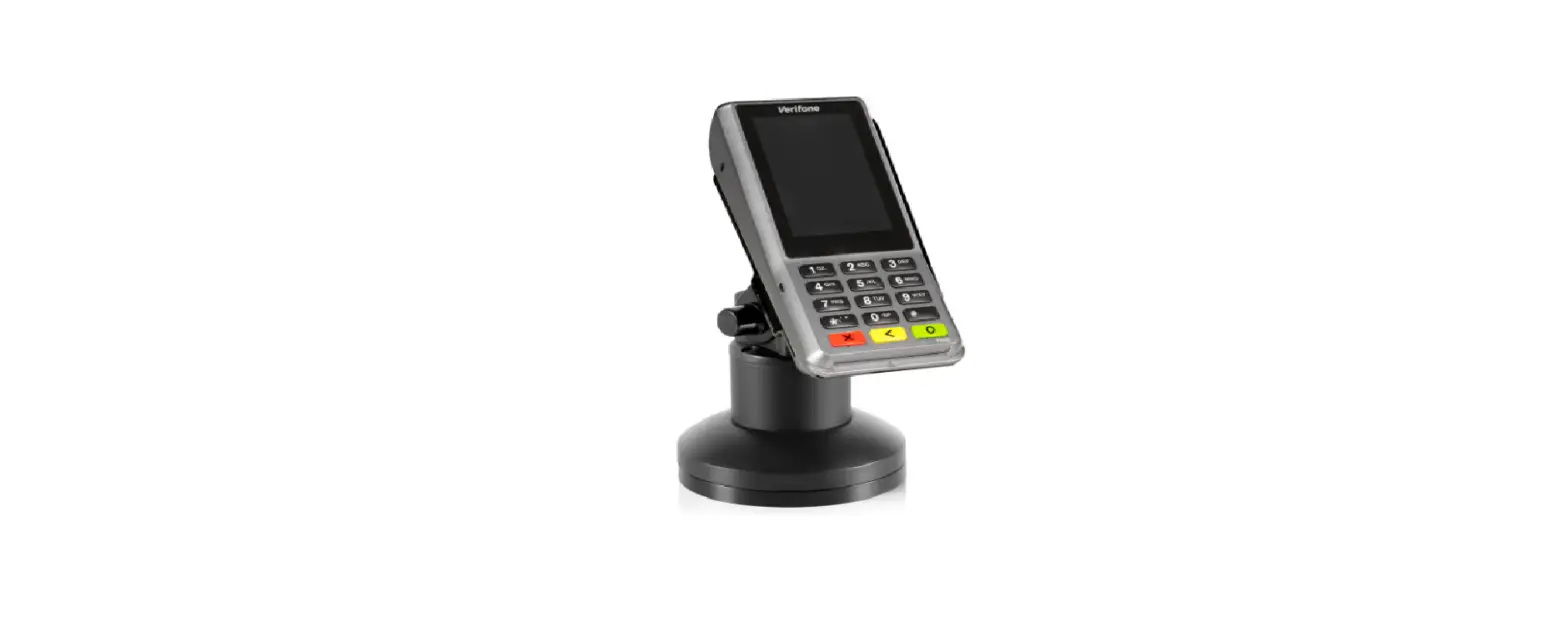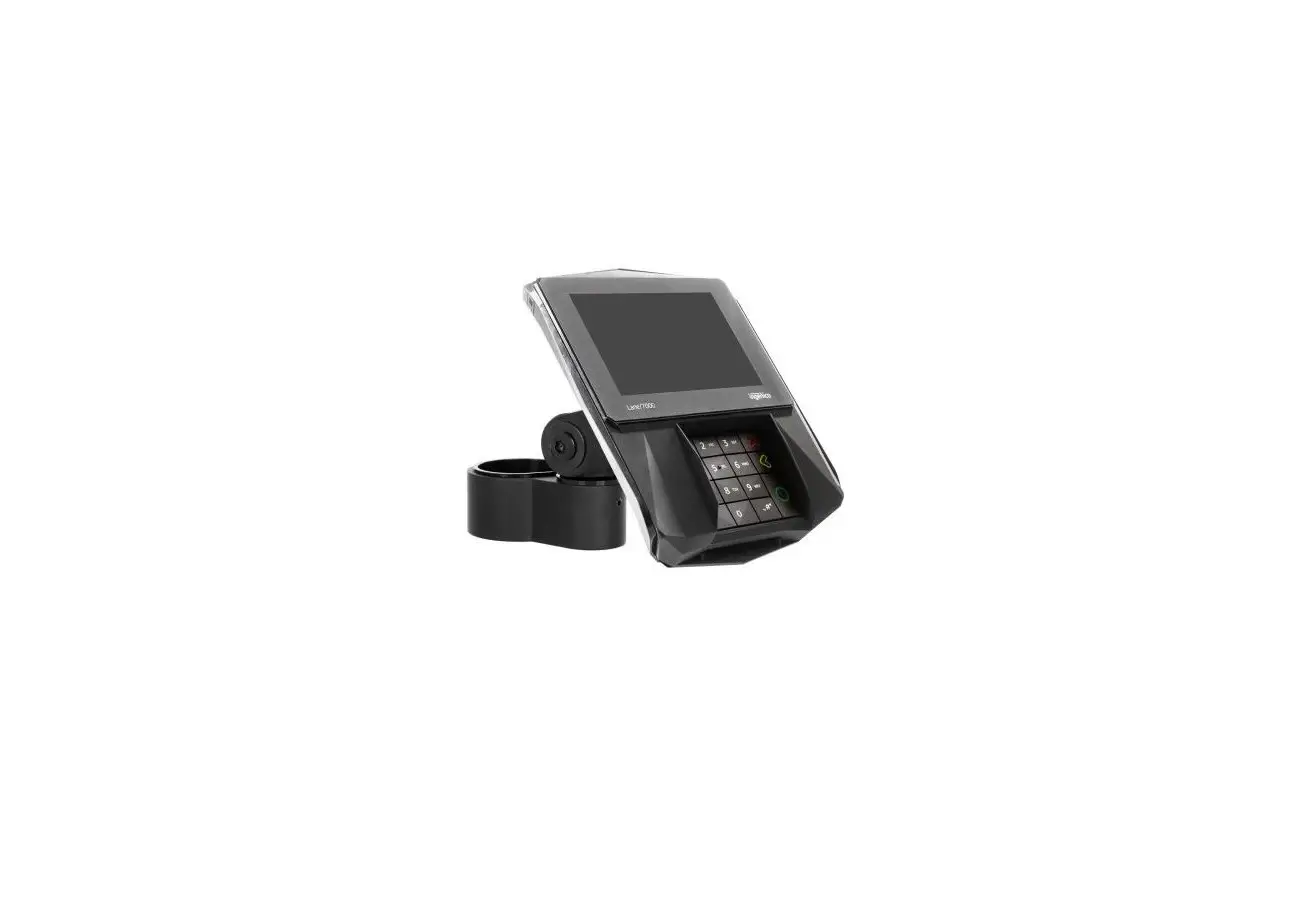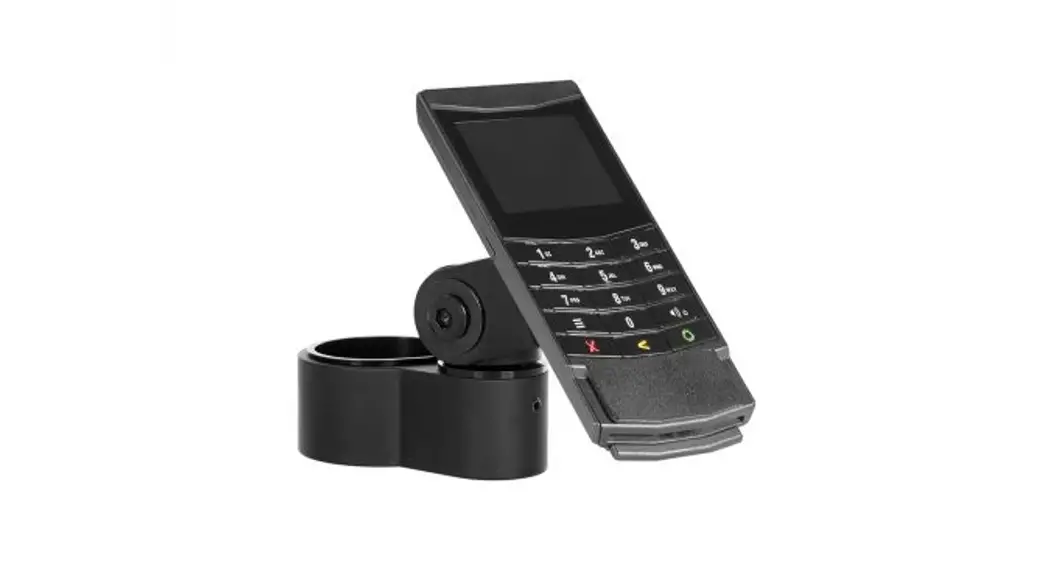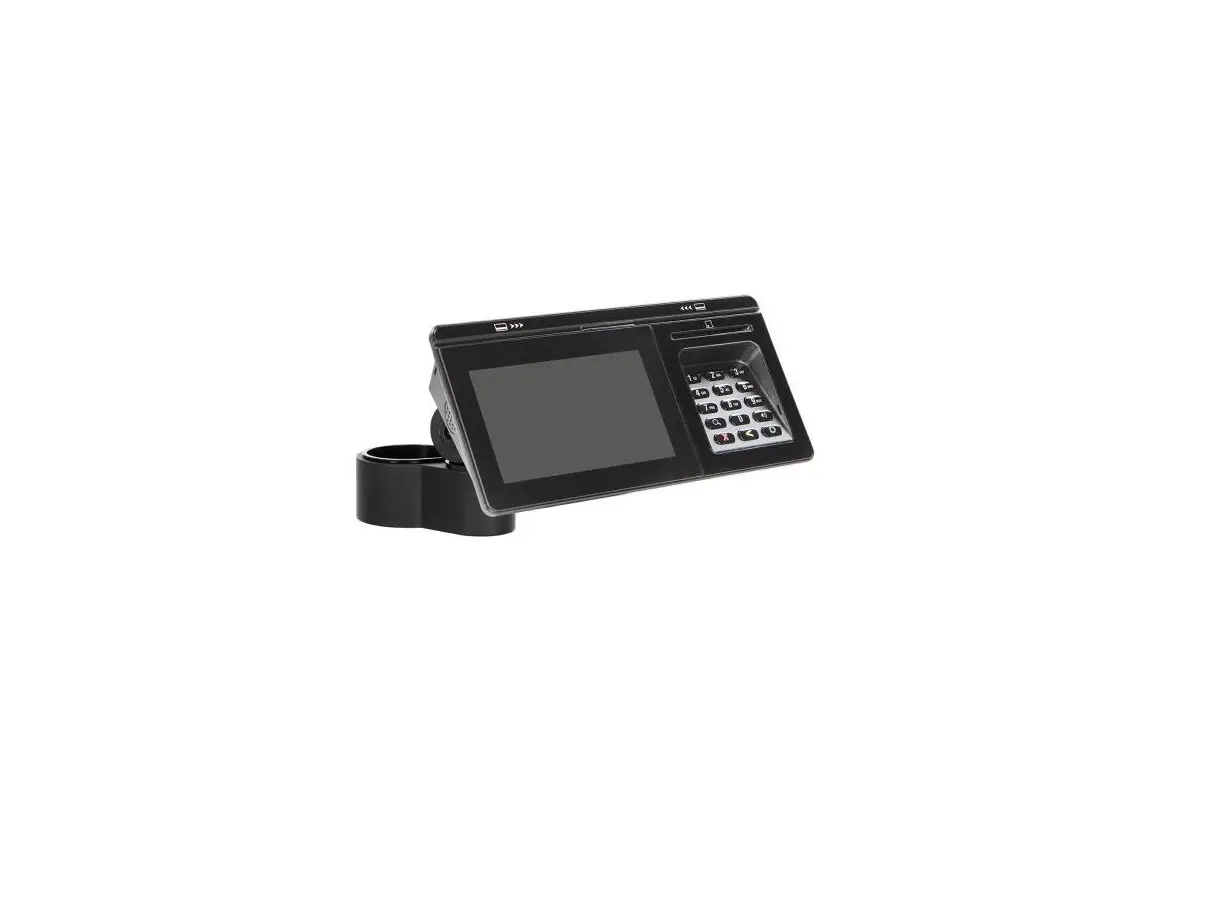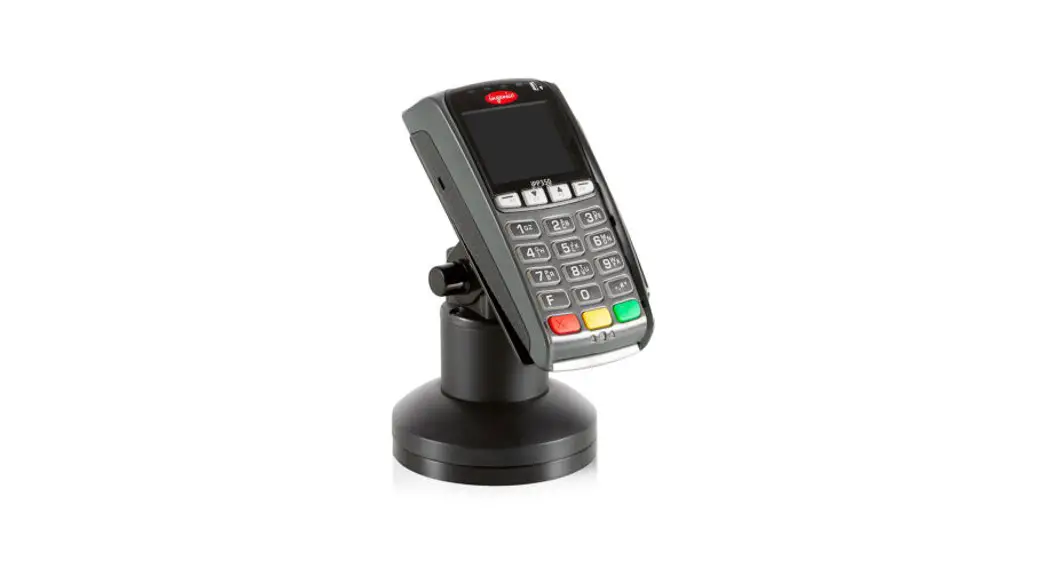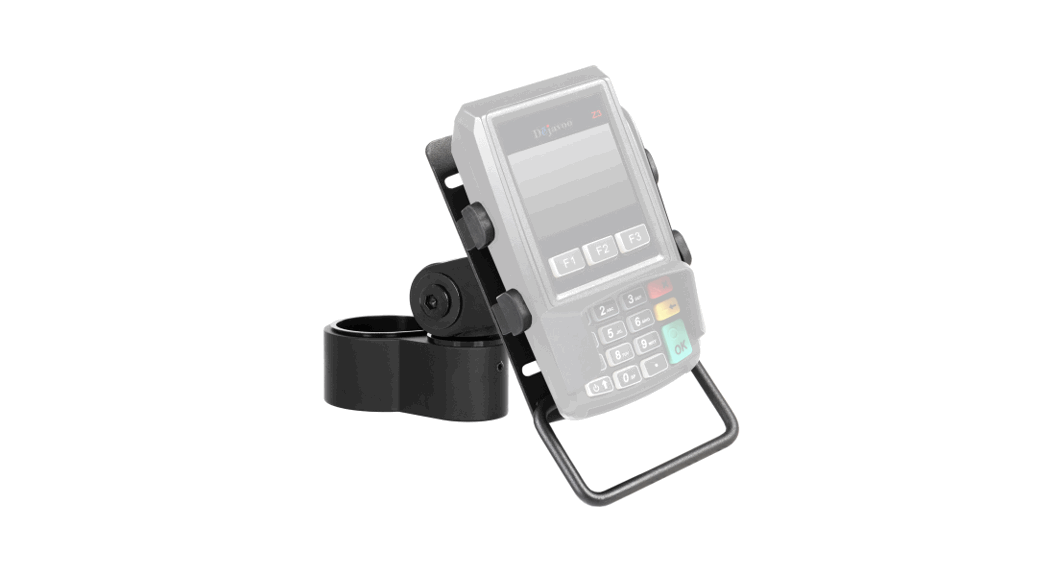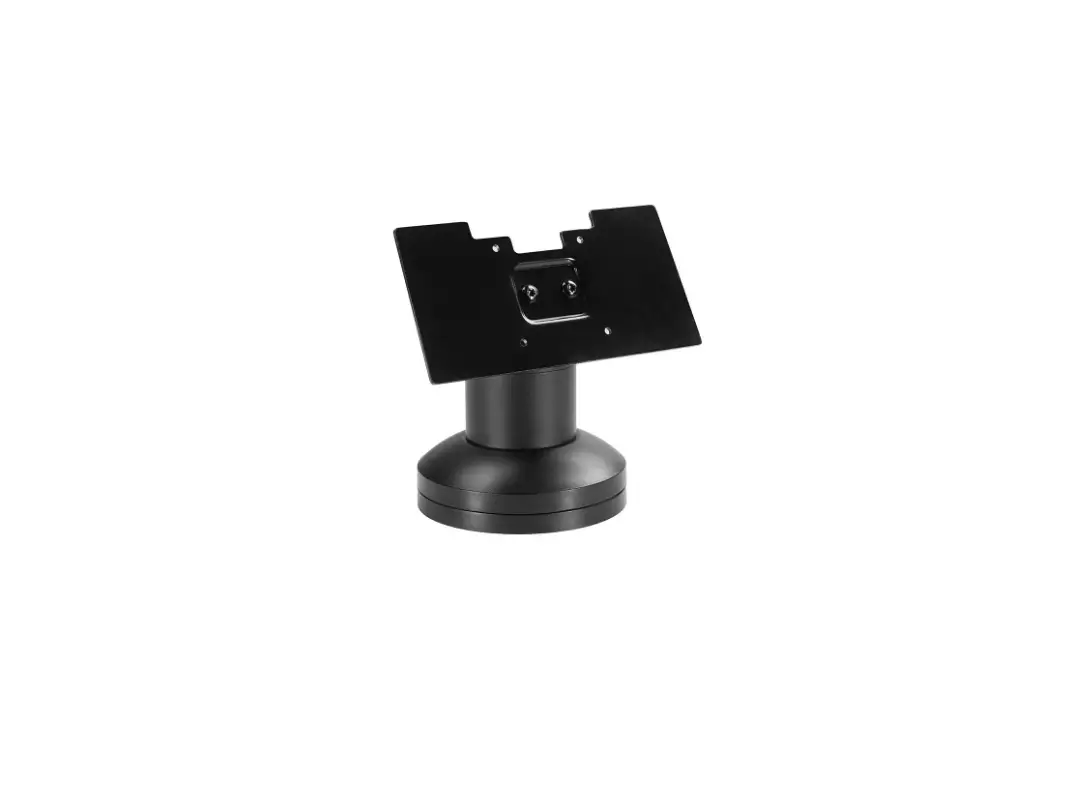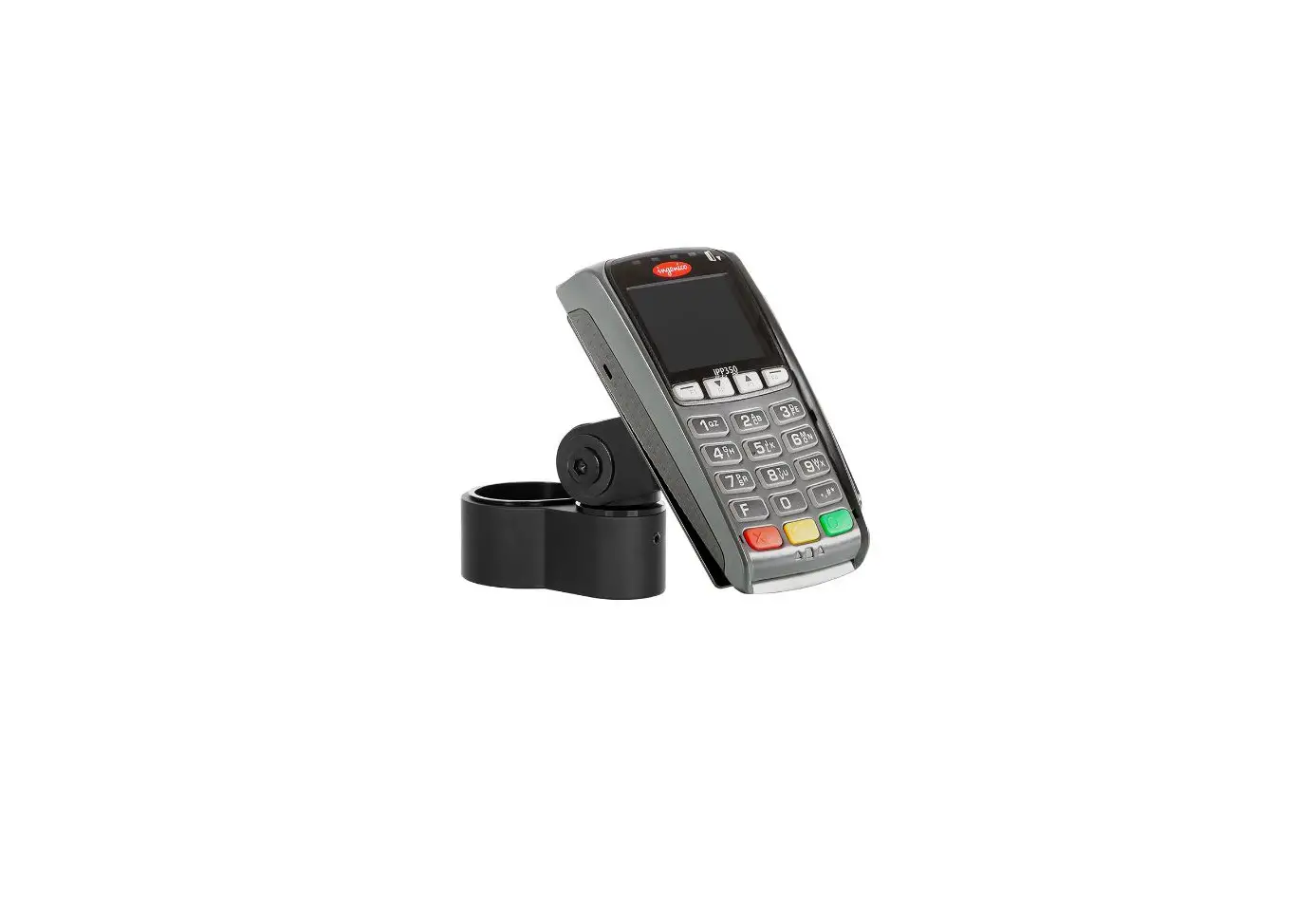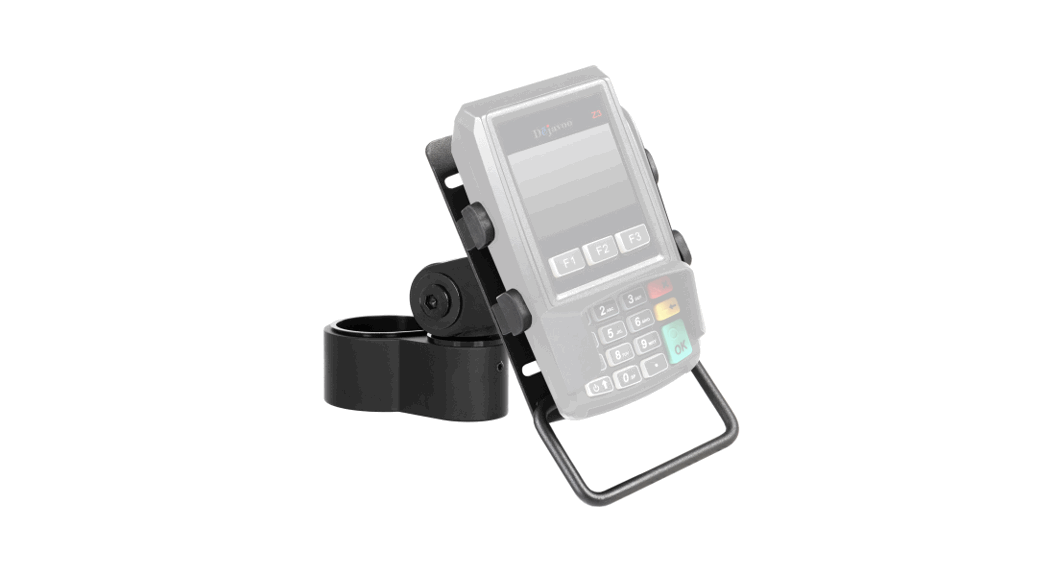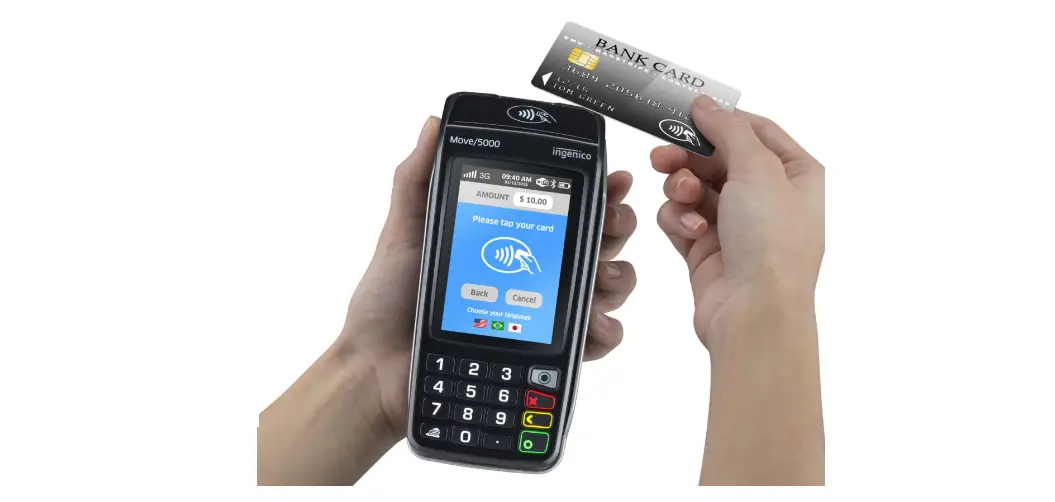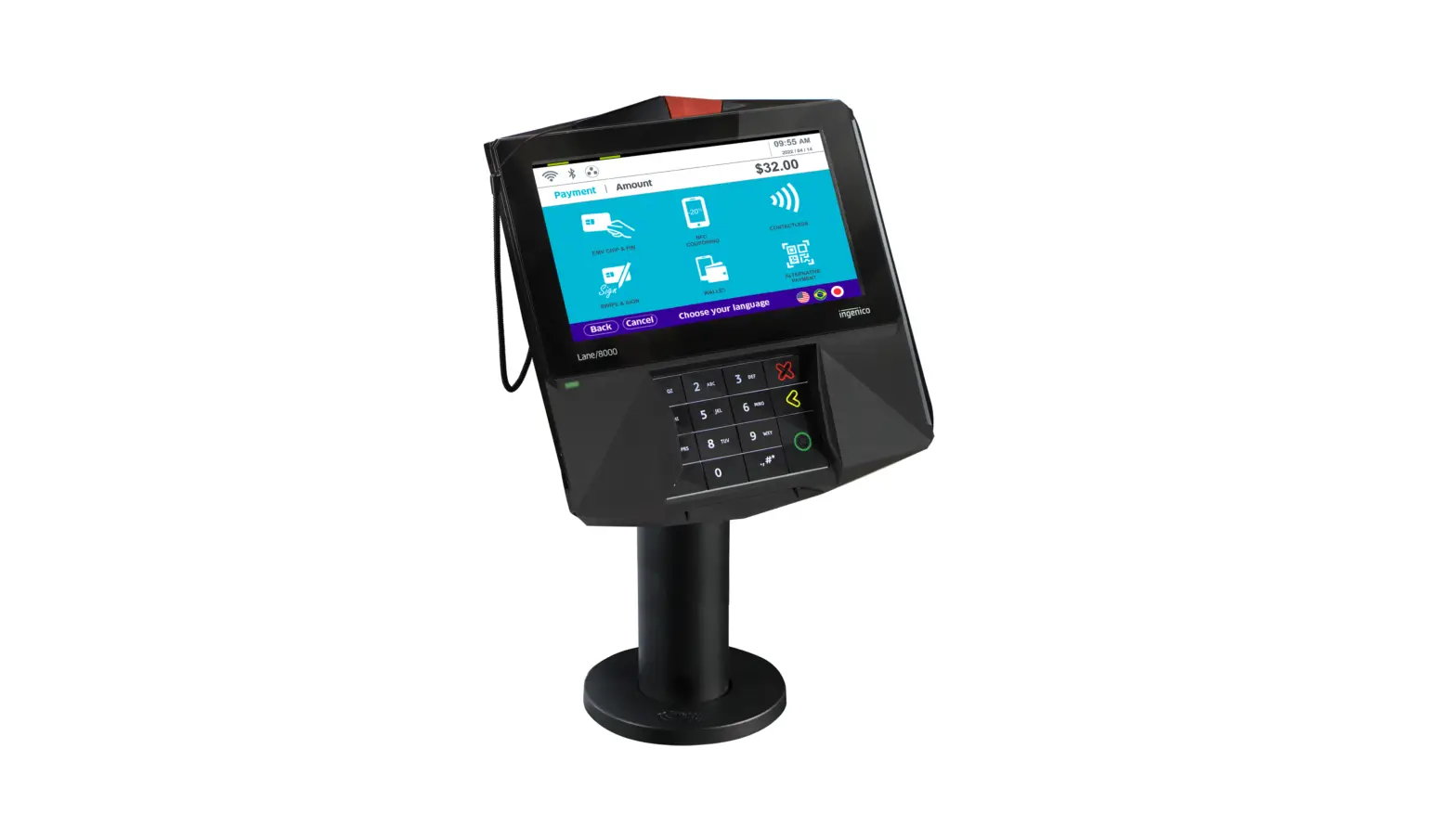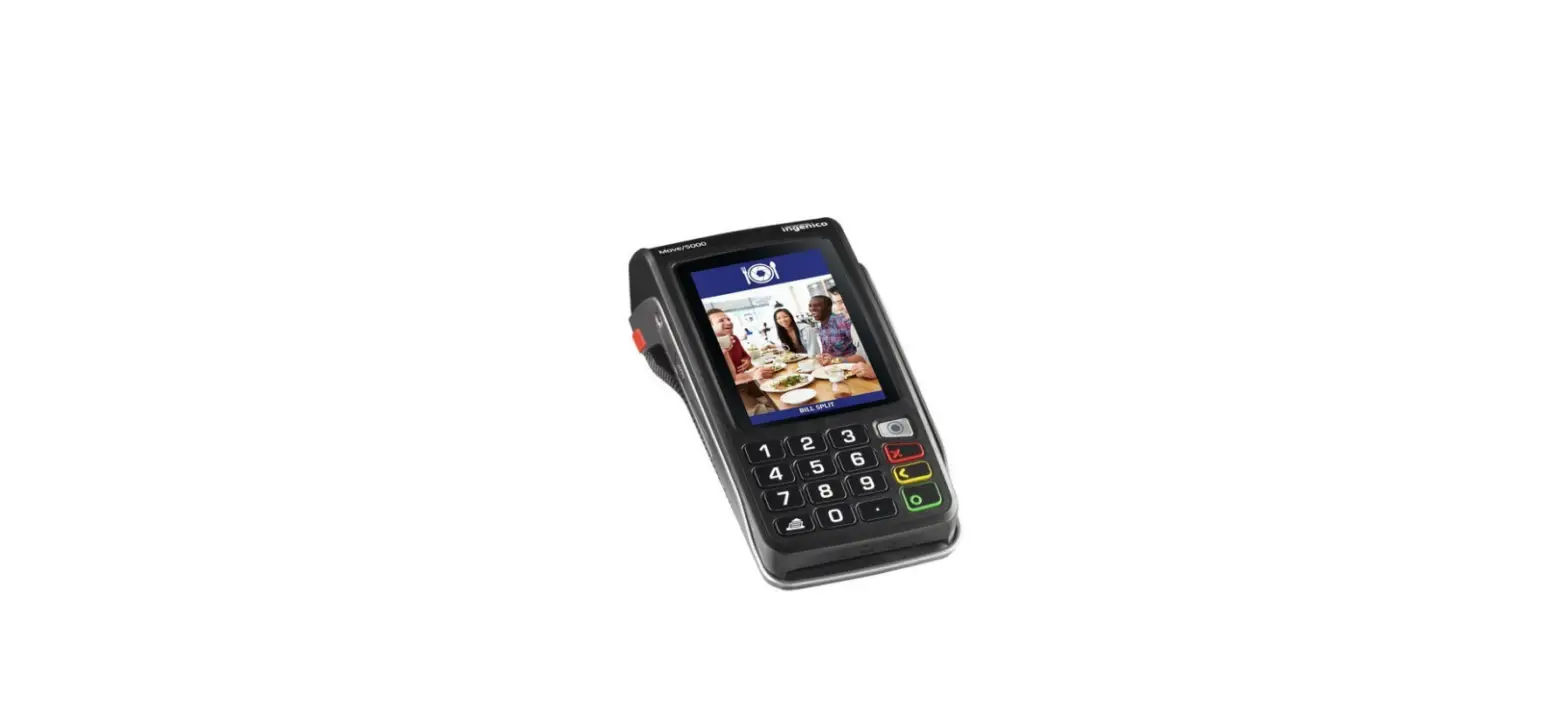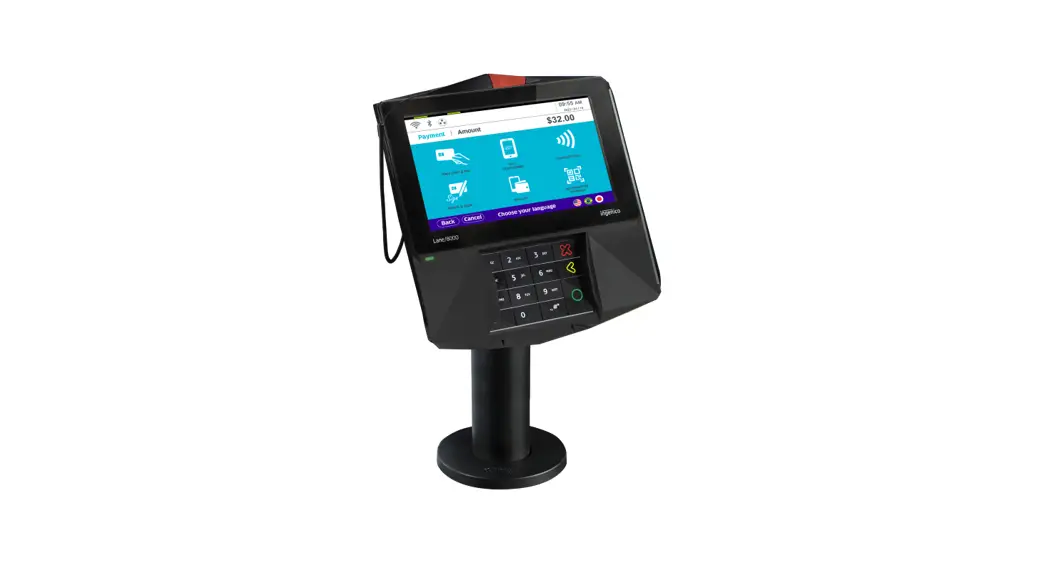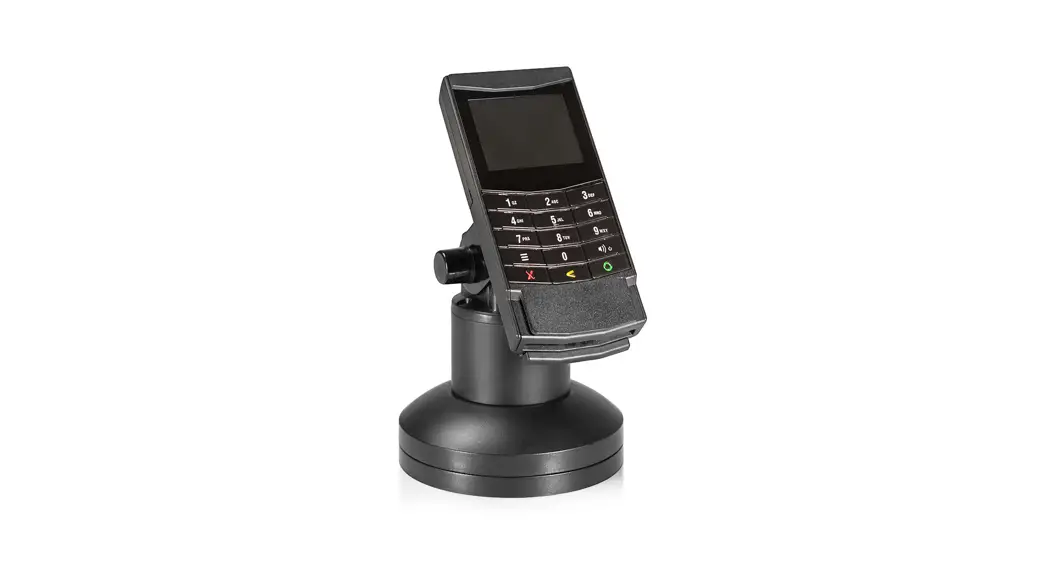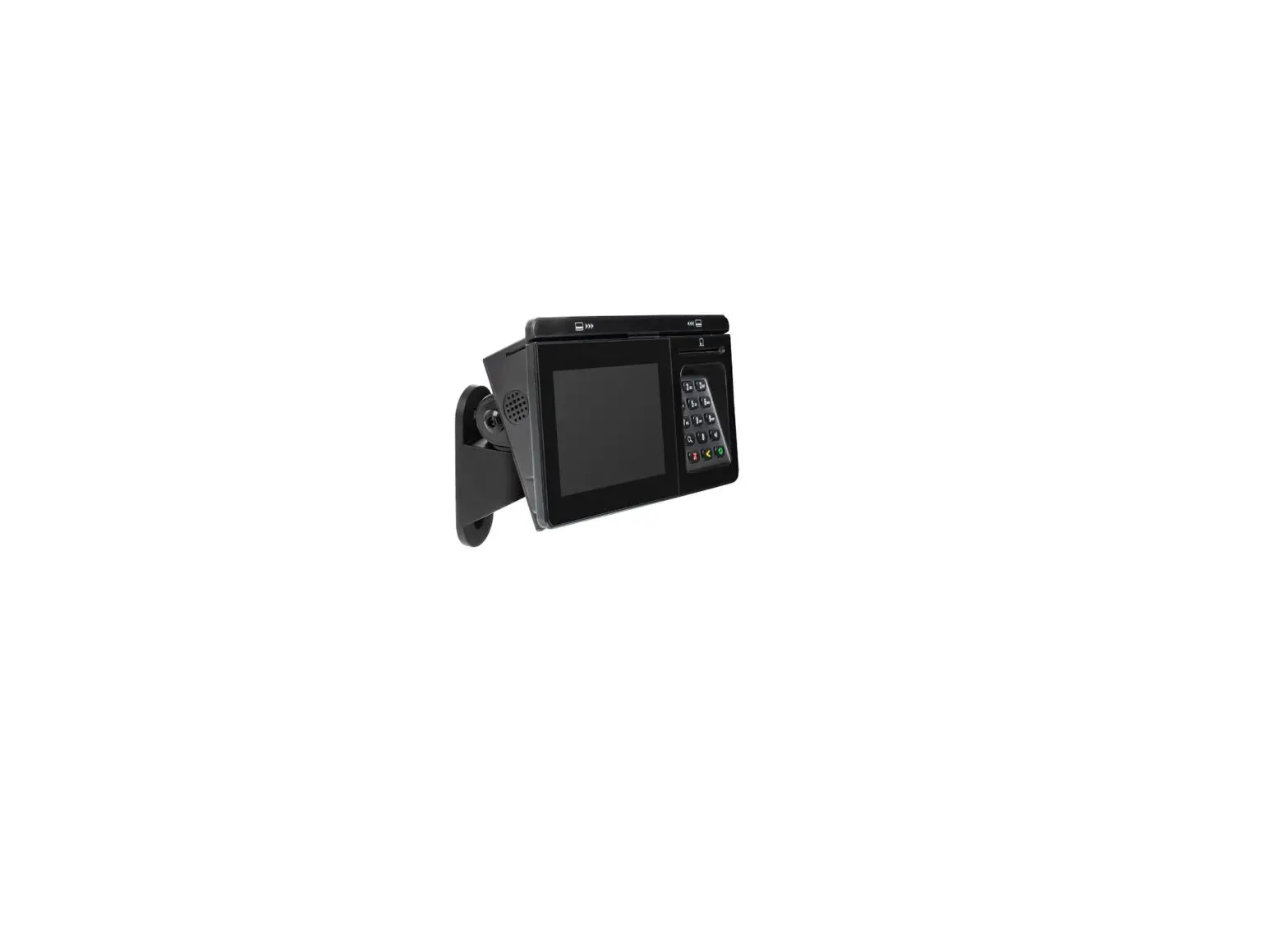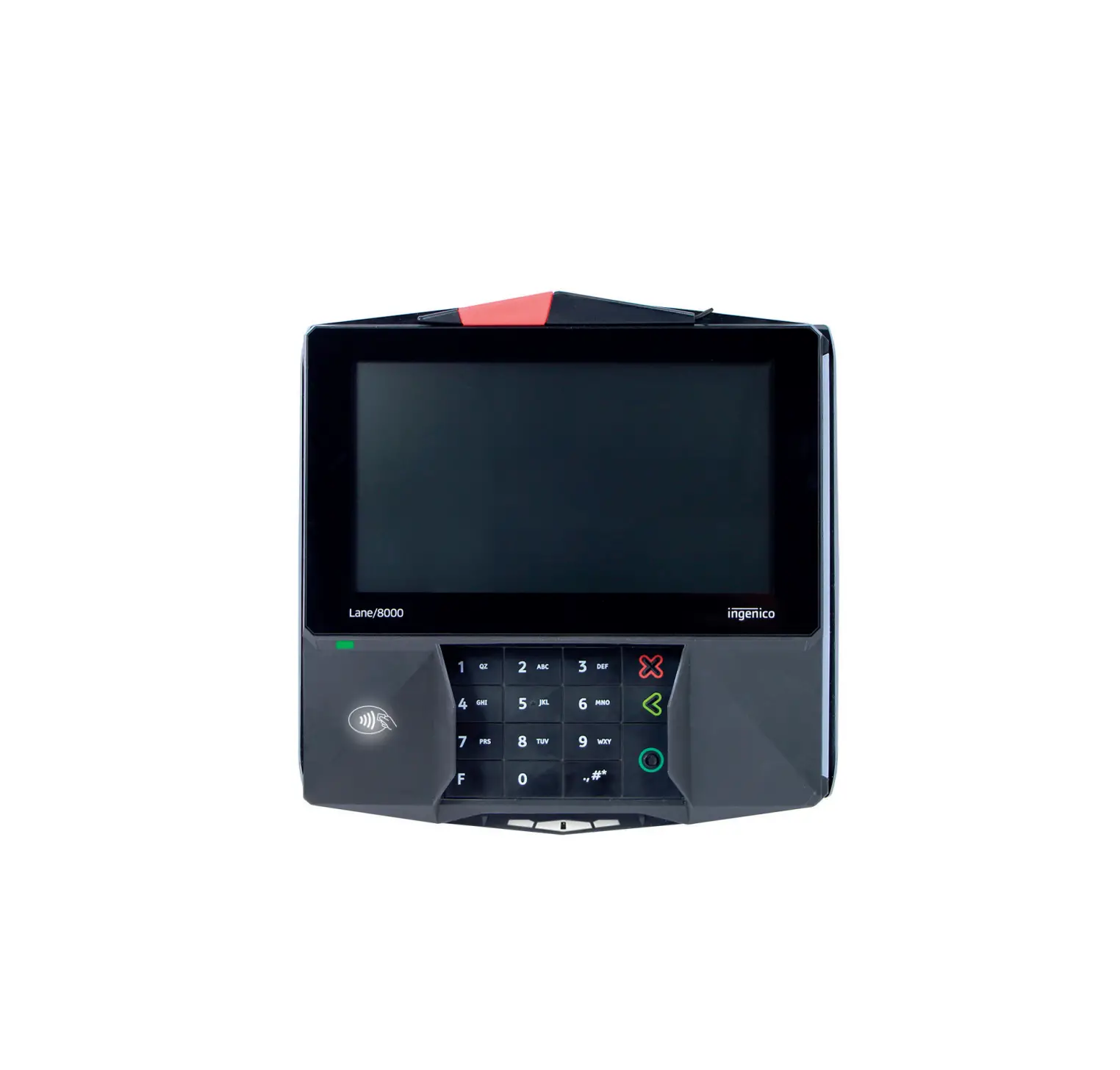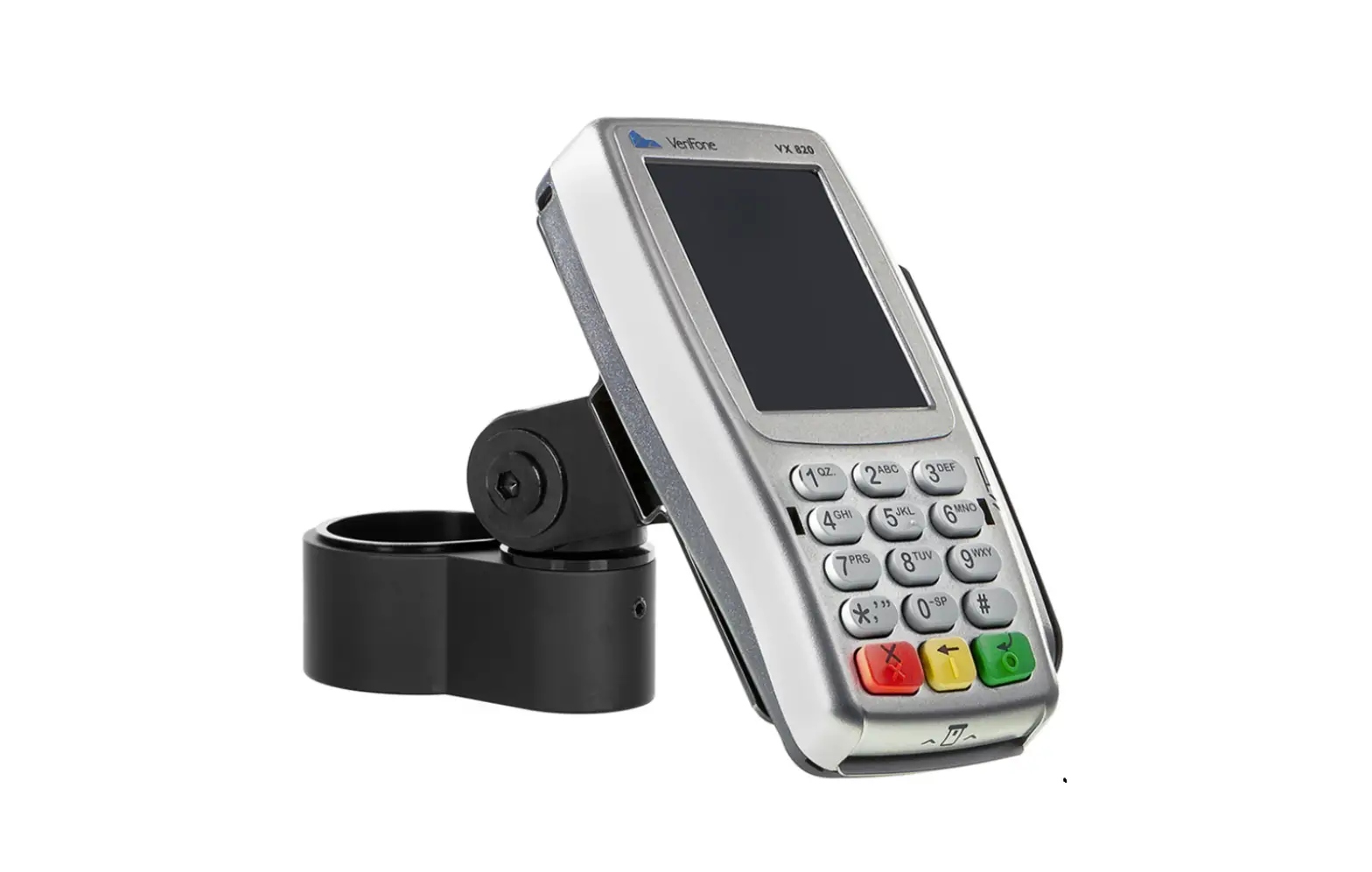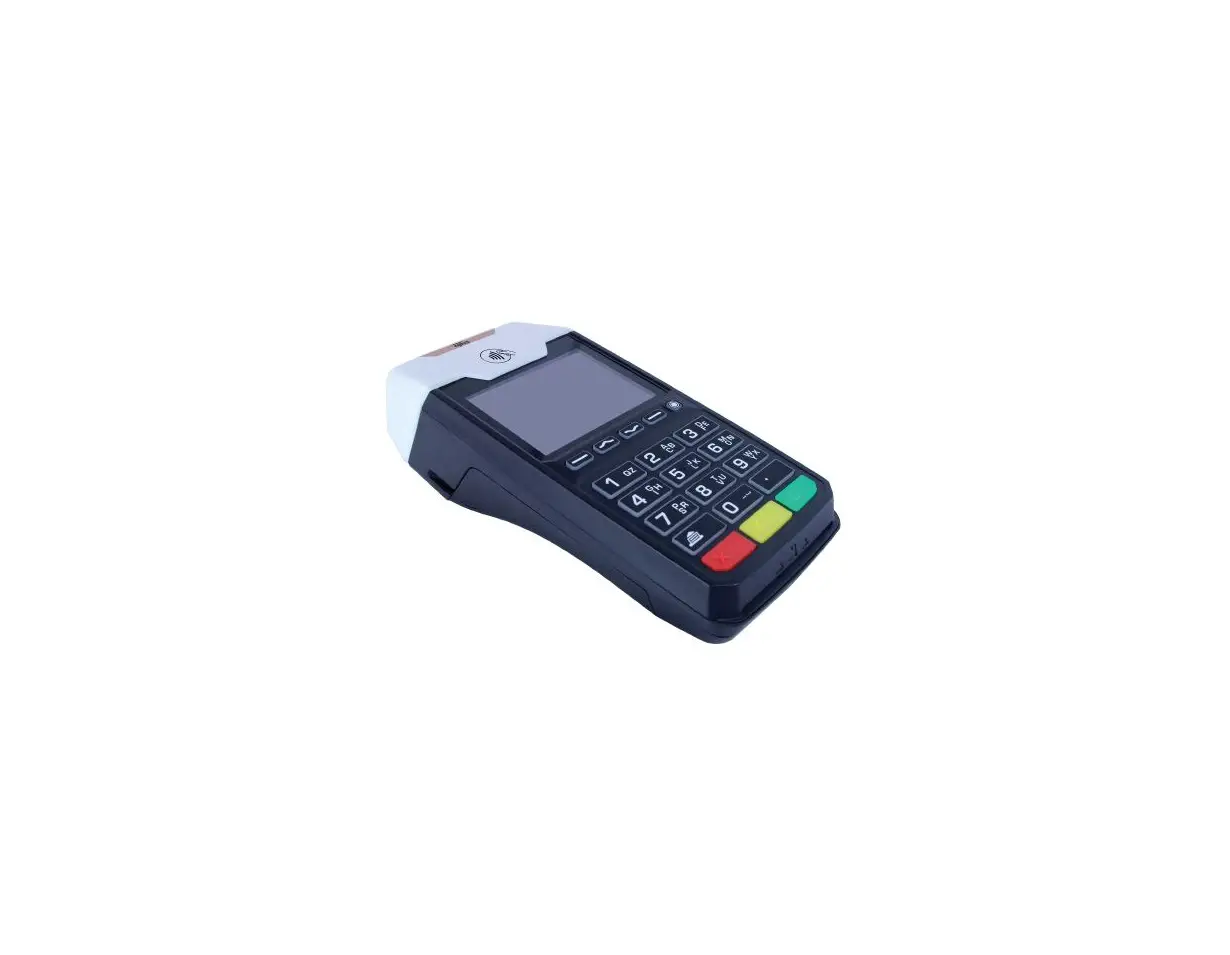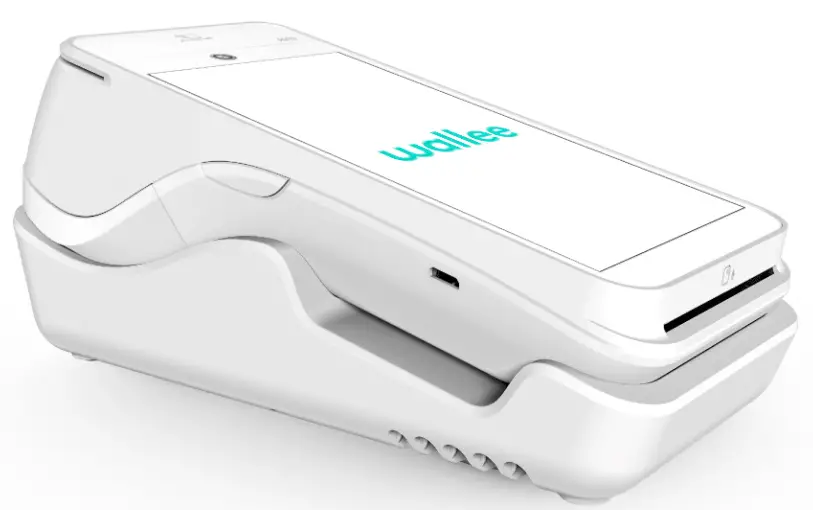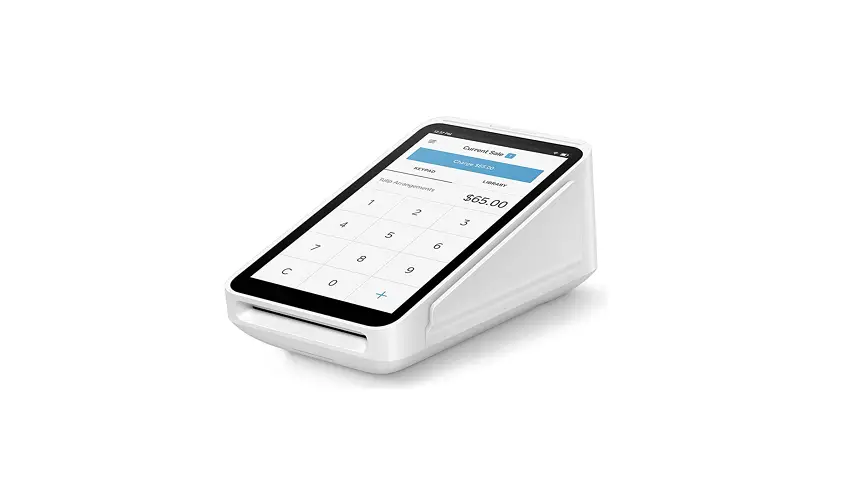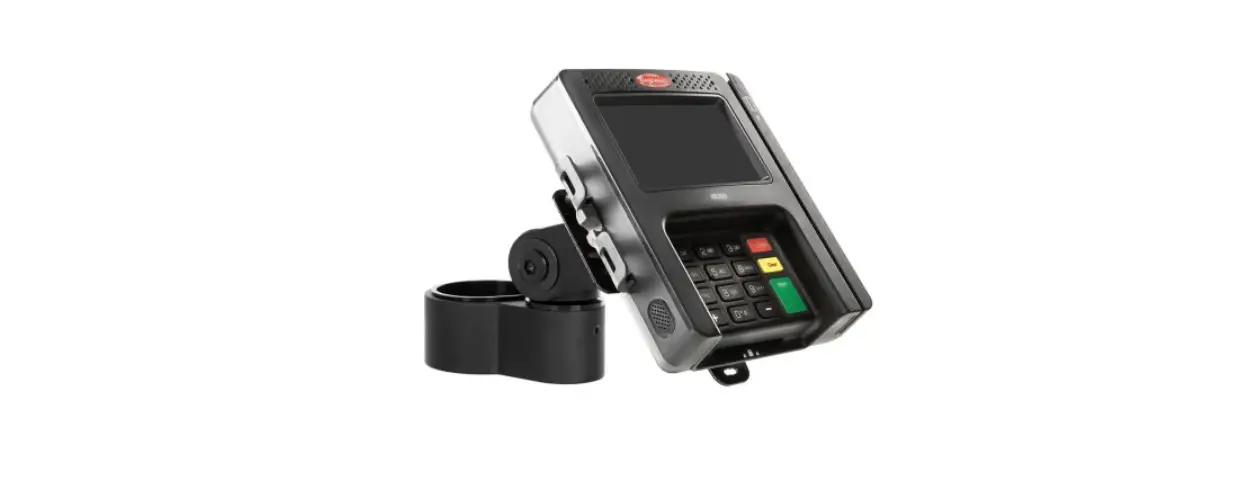

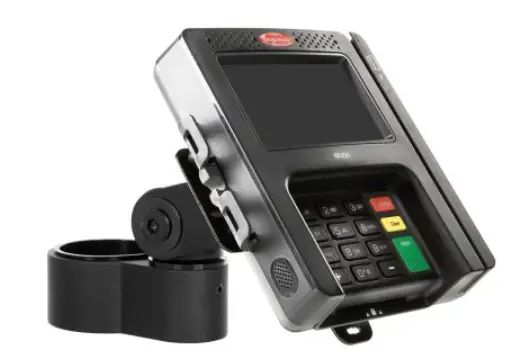
INNOVATIVE MNPA10-LANE Payment Terminal Stand
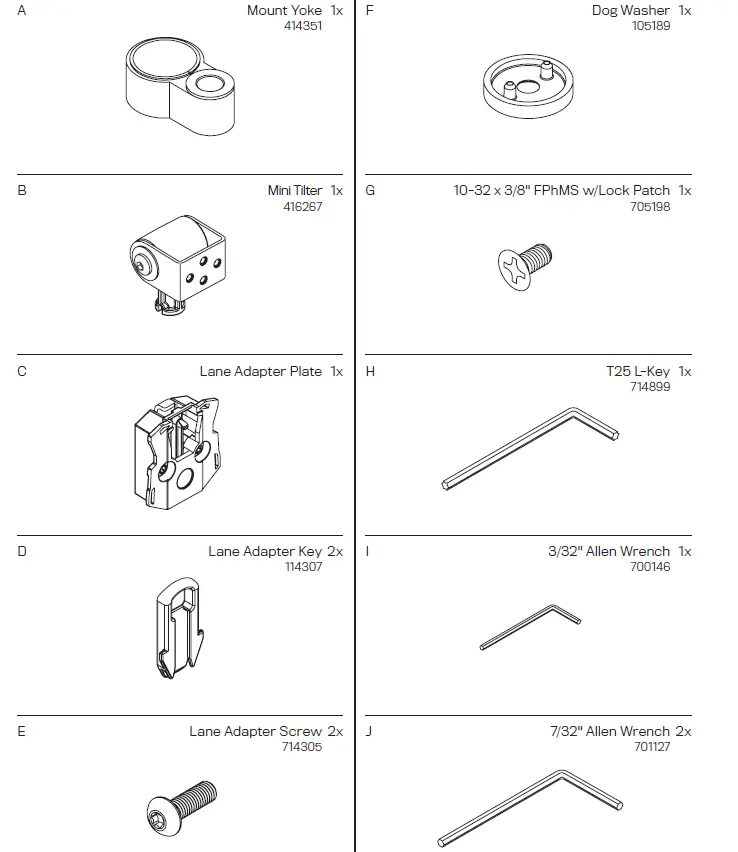
Parts List
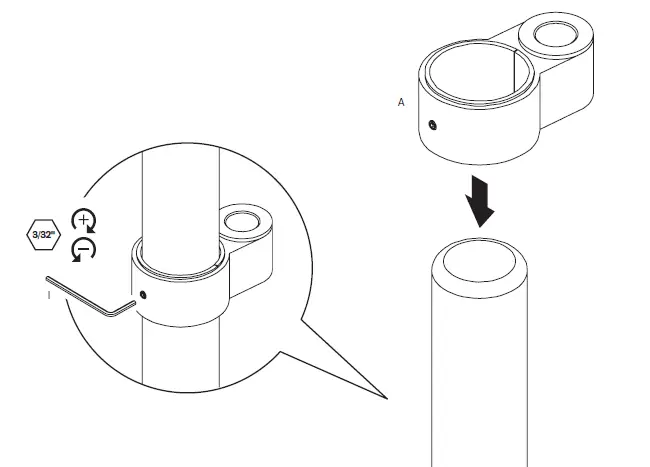
INSTRUCTIONS
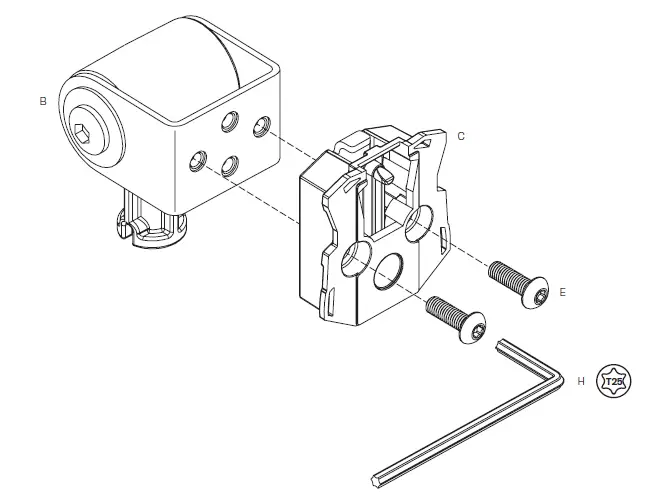
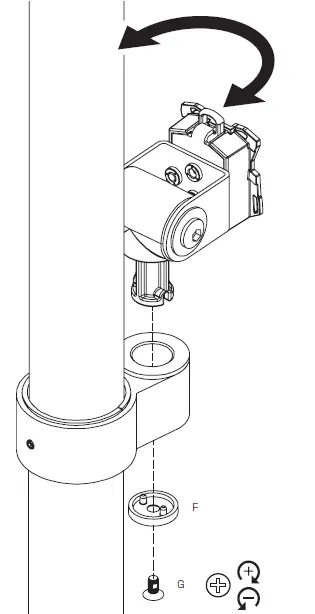
4a Push the adapter key down.
4b With the key pushed down, pull the key back.
4c With the key pushed back, slide payment terminal onto mount.
Once the payment terminal is successfully attached to the mount, the key can be returned to its original position or removed to lock the payment terminal on the pole mount. 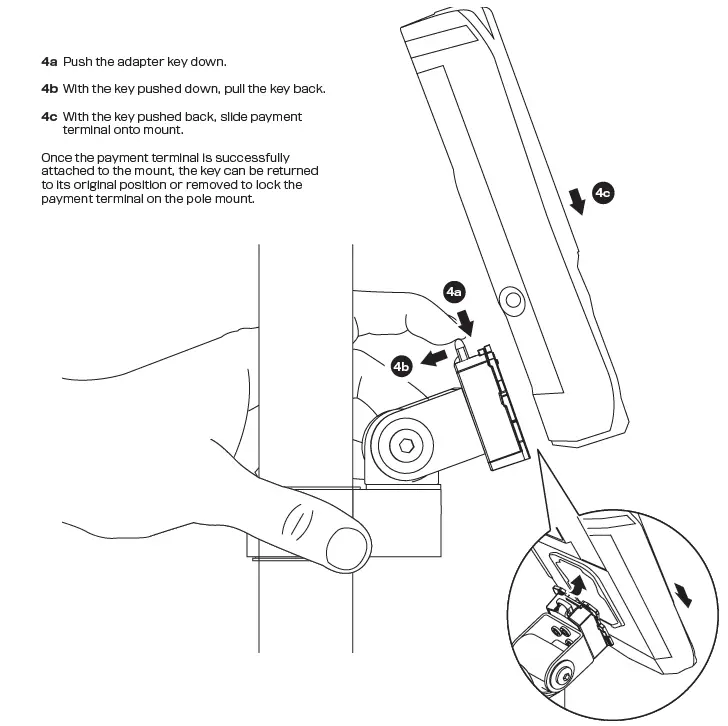
ADAPTER KEY
The Lane adapter key (part D), needs to be inserted in the mount in order to attach and detach the payment terminal.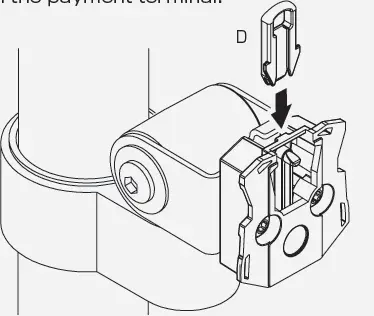
TILT ADJUSTMENT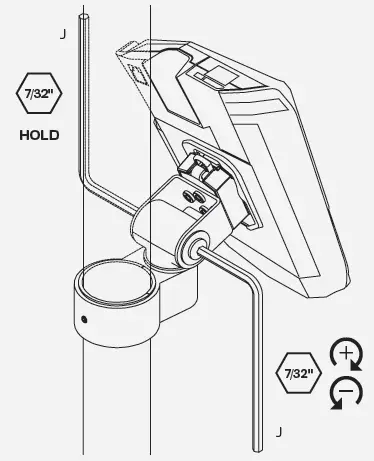
 IES Holdings
 Home - Human Active Technology