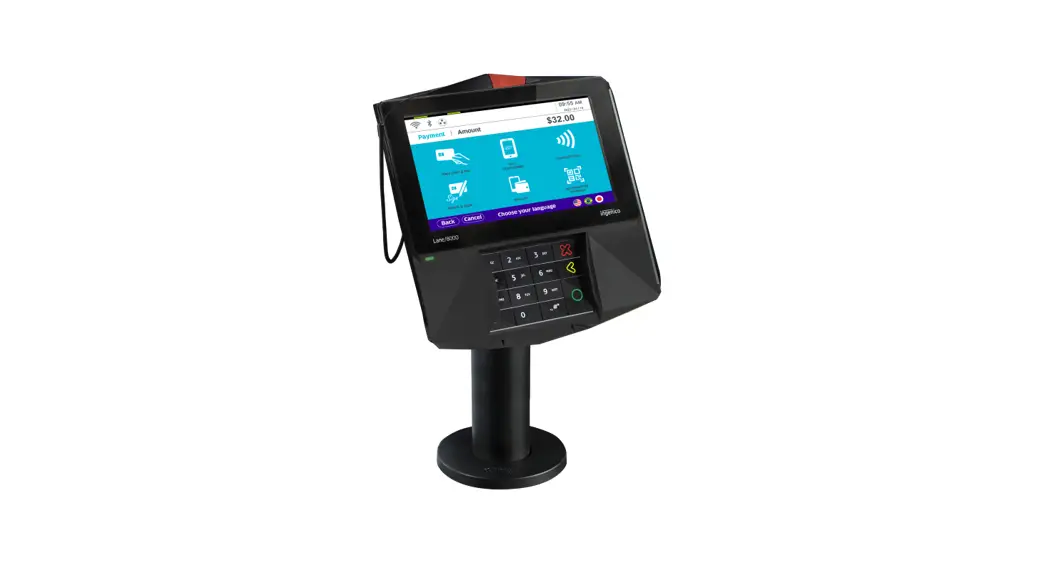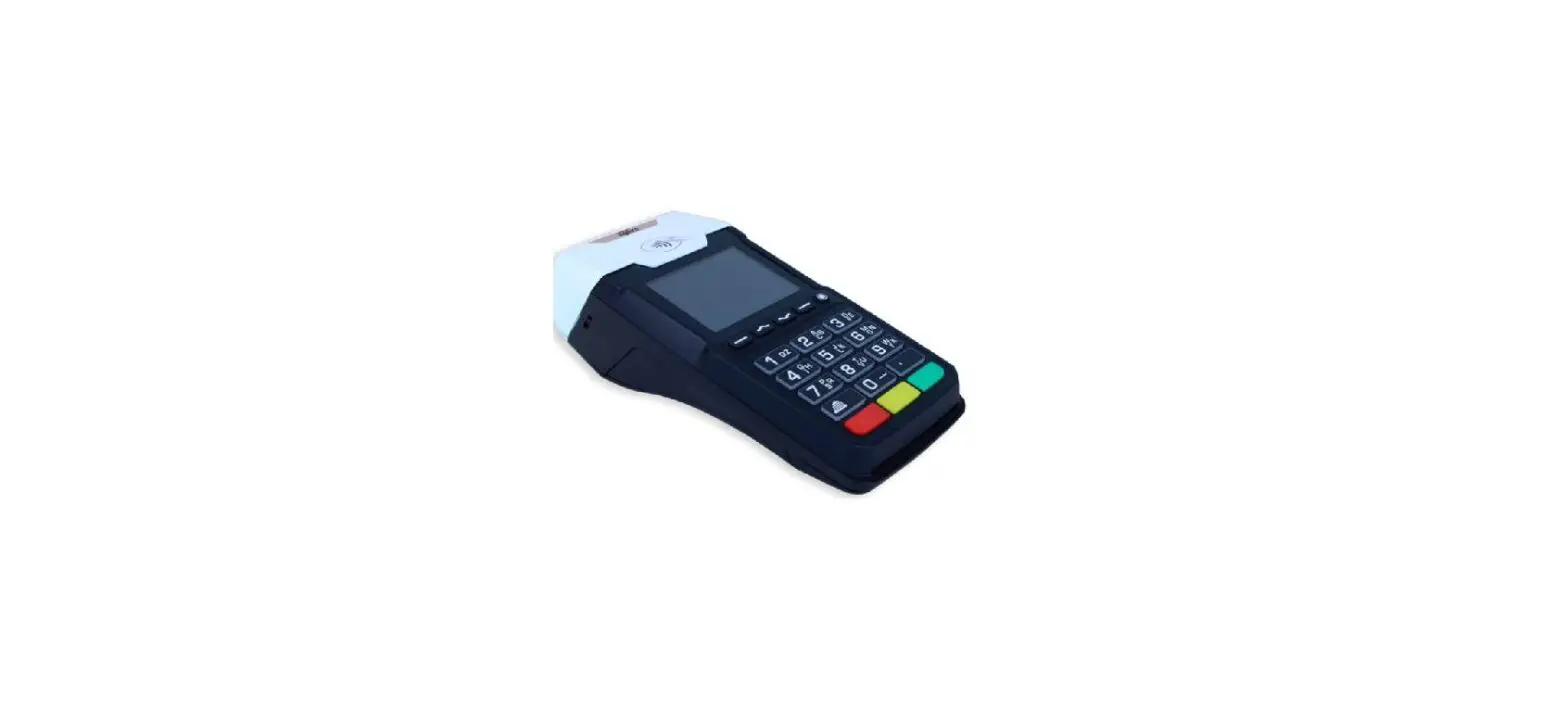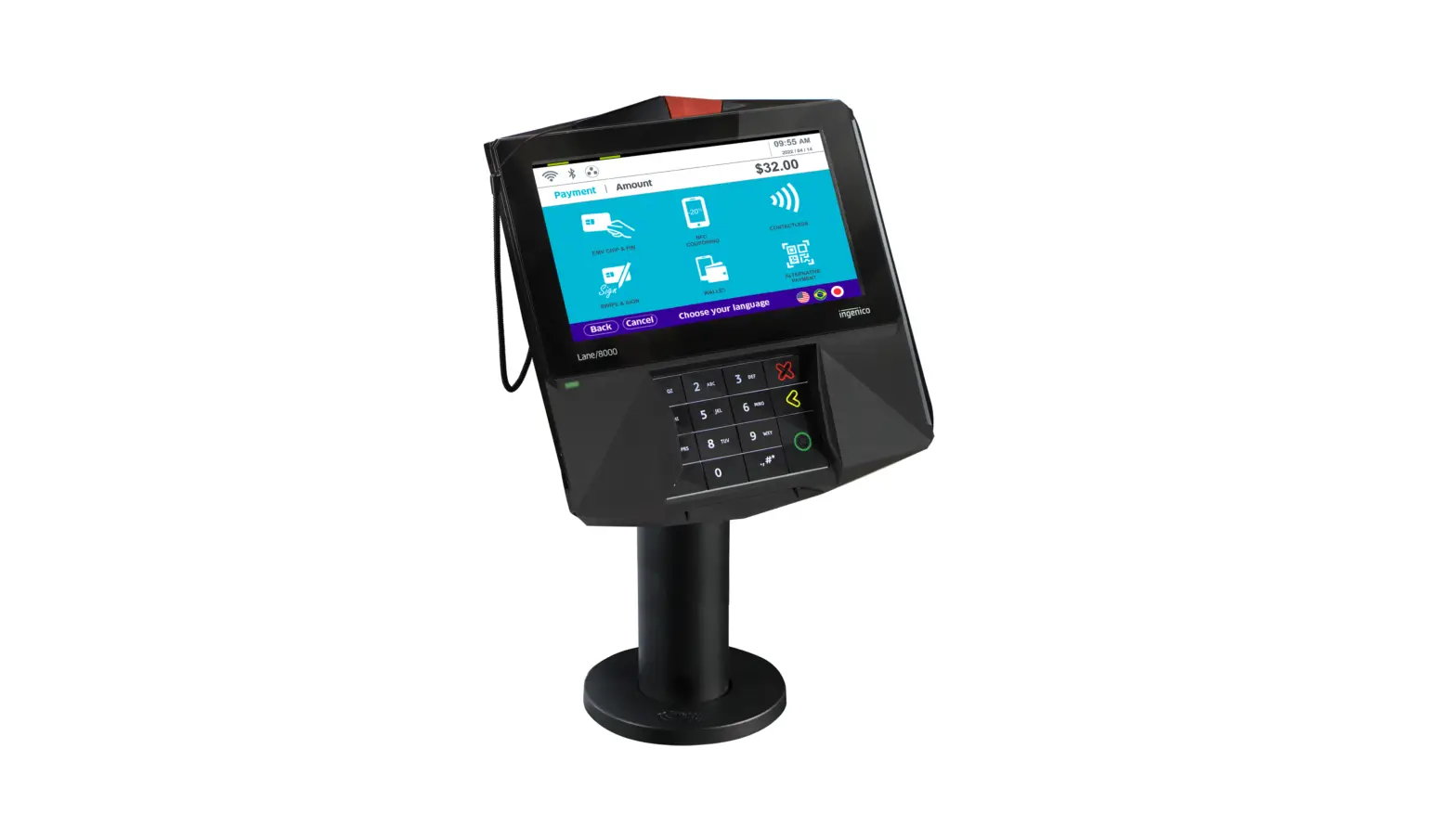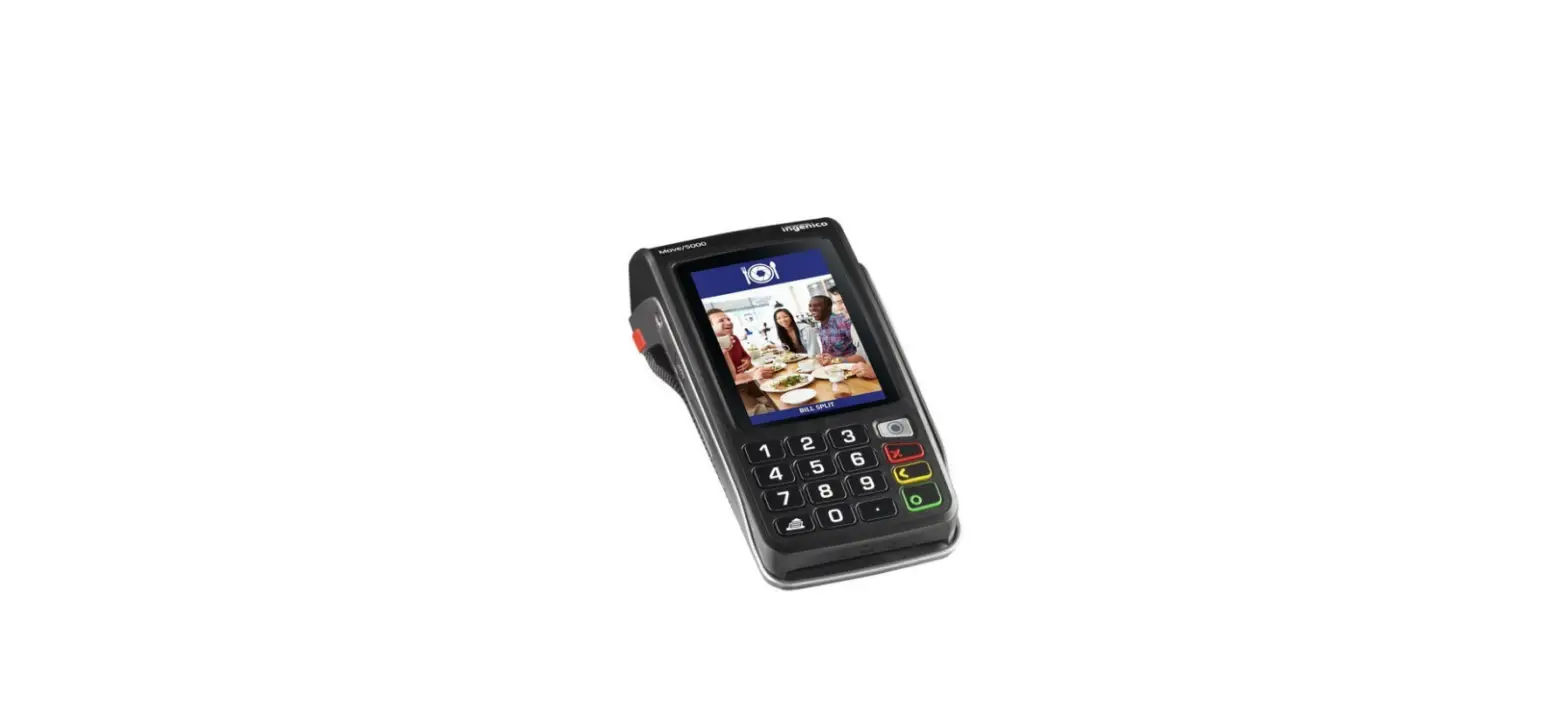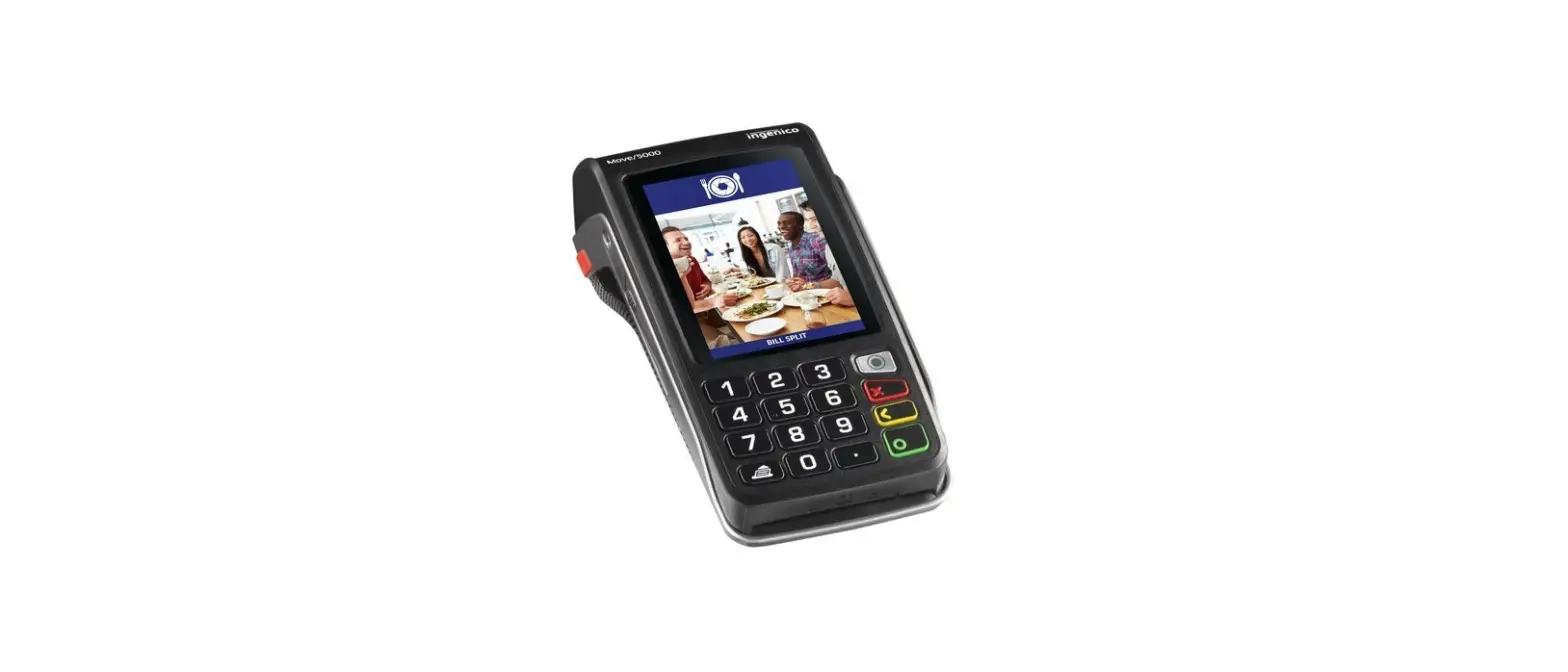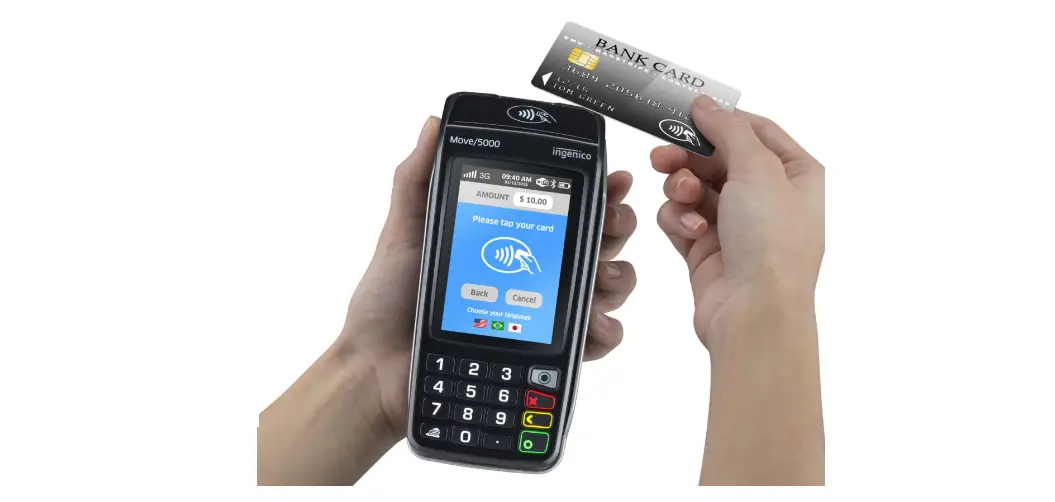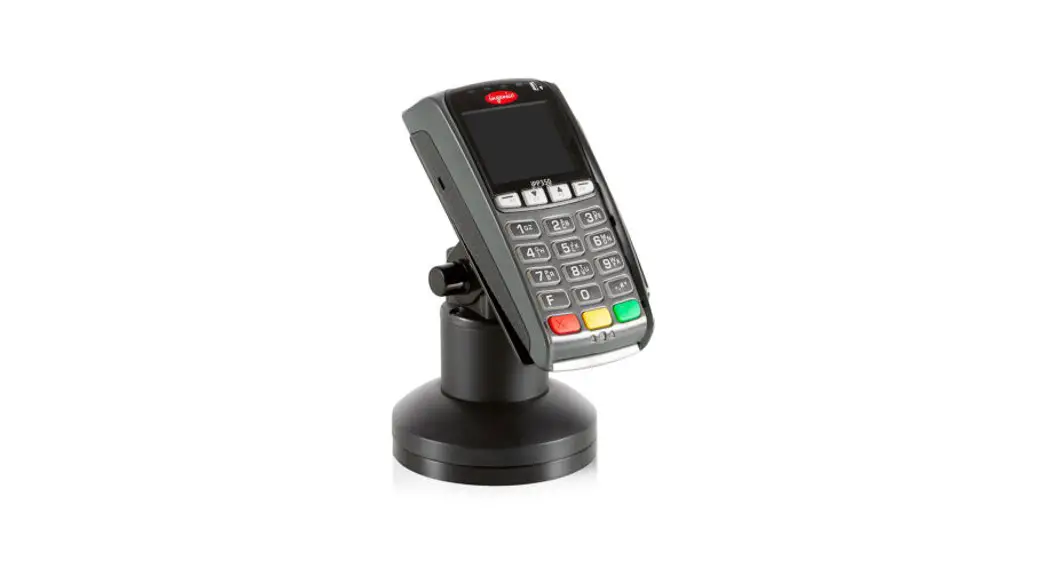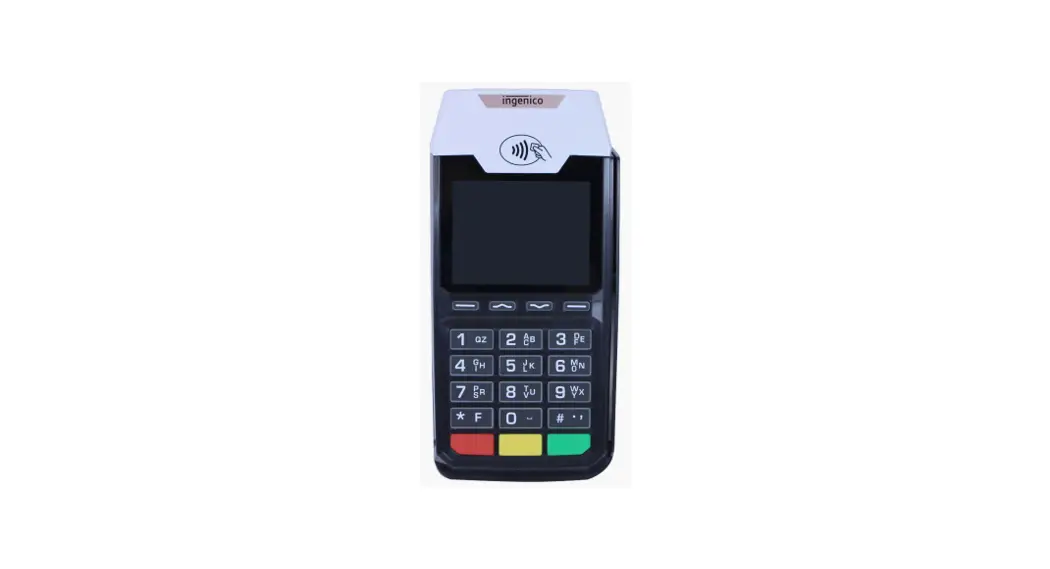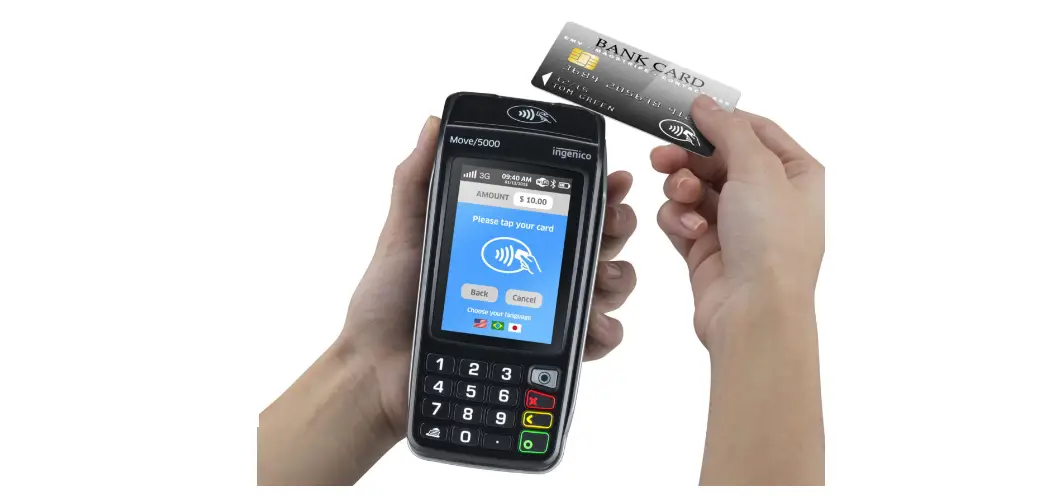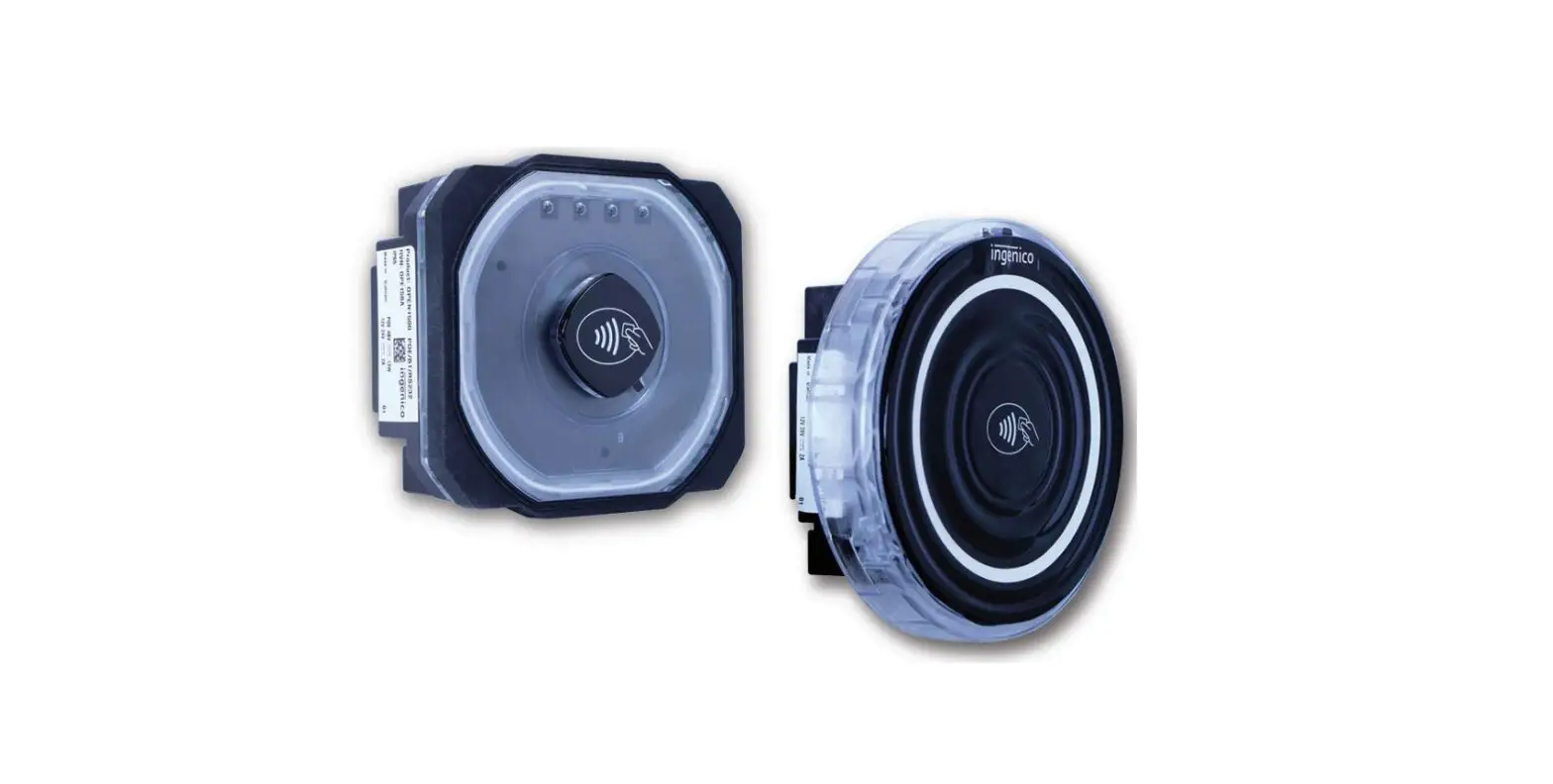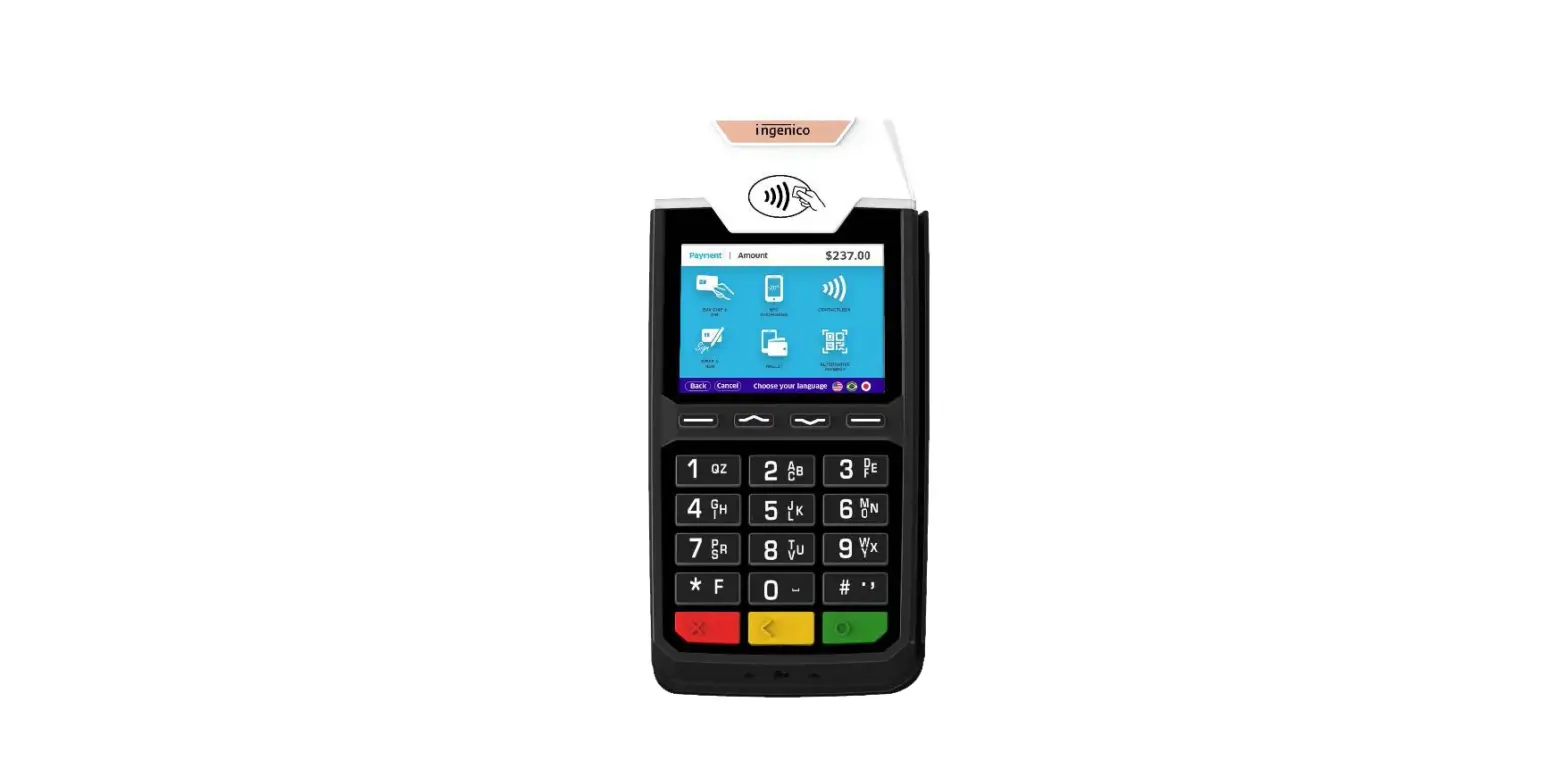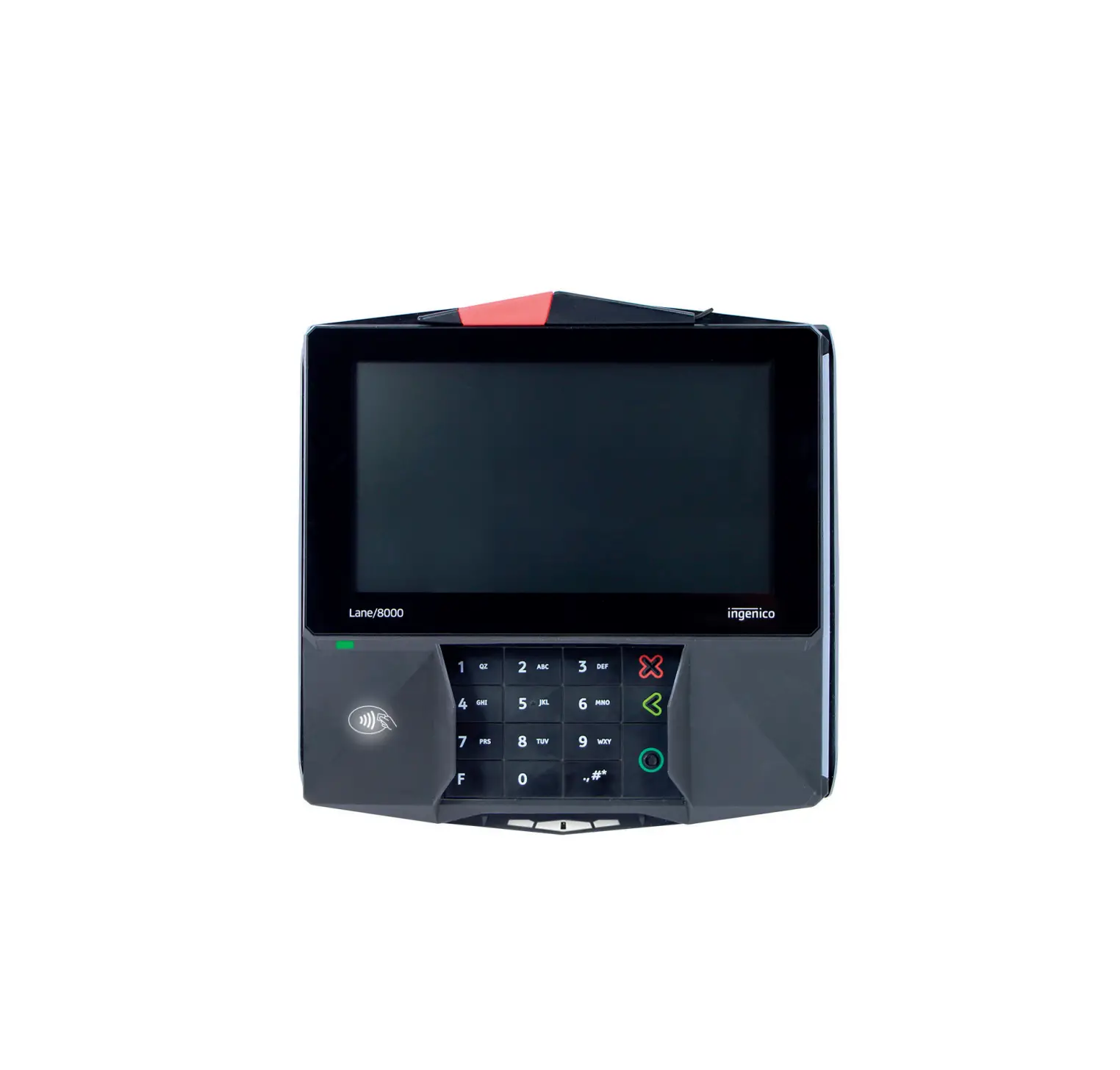
LANE 8000 Ingenico Payment Terminal
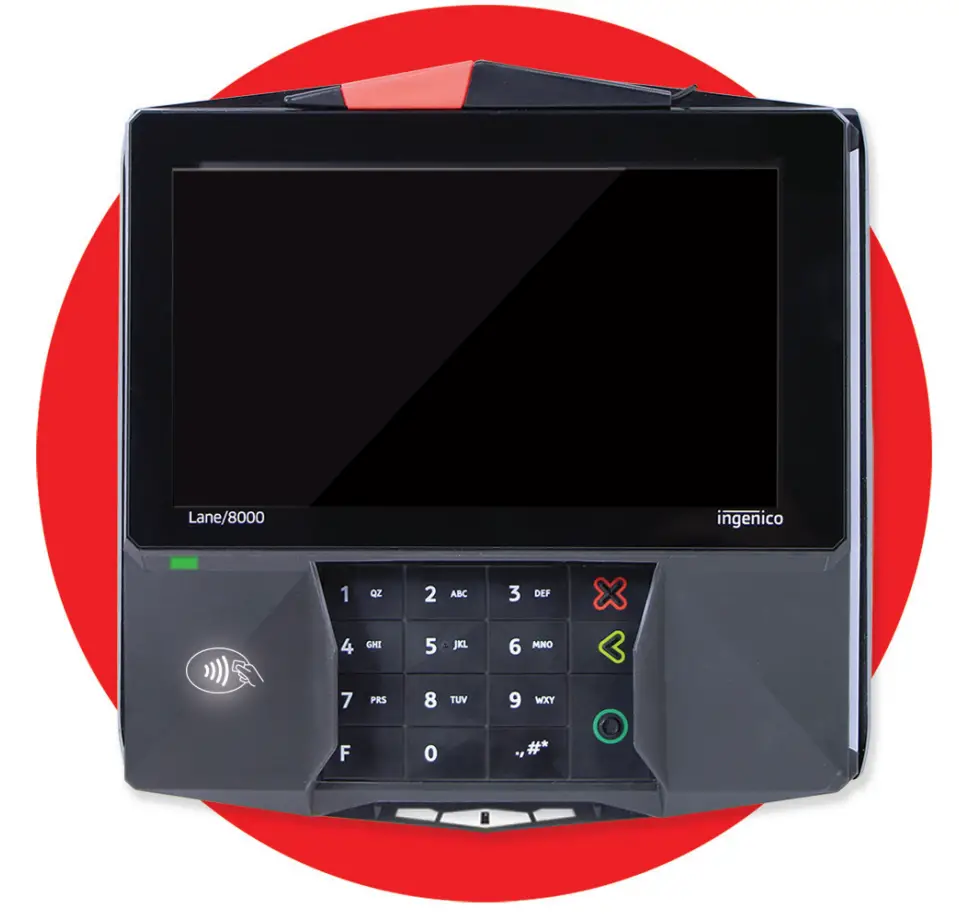
Introduction
Thank you for choosing an Ingenico payment terminal.
We recommend you to read carefully this user guide: it gives you the necessary information about safety precautions, unpacking, installation and maintenance of your terminal.
 | WARRANTY / SECURITY To benefit from the guarantee-related product, and to respect the security, we ask you to use only the power supply delivered in box with the product, entrusting maintenance operations only to an authorized person. Failure to comply with these instructions will void the manufacturer’s responsibility. |
| This symbol indicates an important Warning. |
 | This symbol indicates a piece of advice. |
Unpacking
According to the model, the following items are included in the packaging box (including optional accessories):
- The terminal
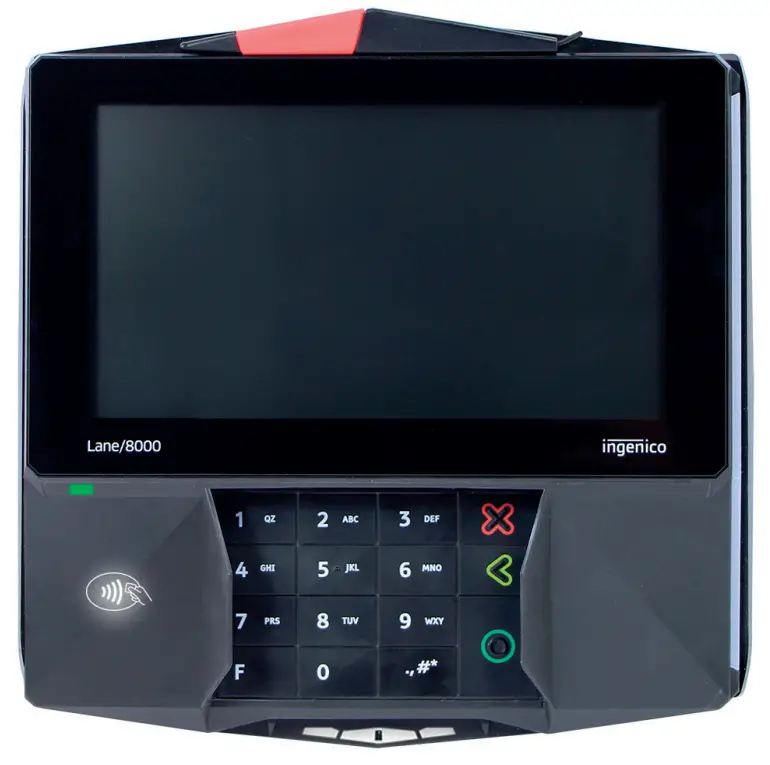
The box may also include the following items depending on your working configuration : - An installation guide
- Cable (specific to connectivity requirements)
- Power supply unit and power cord
- A stylus
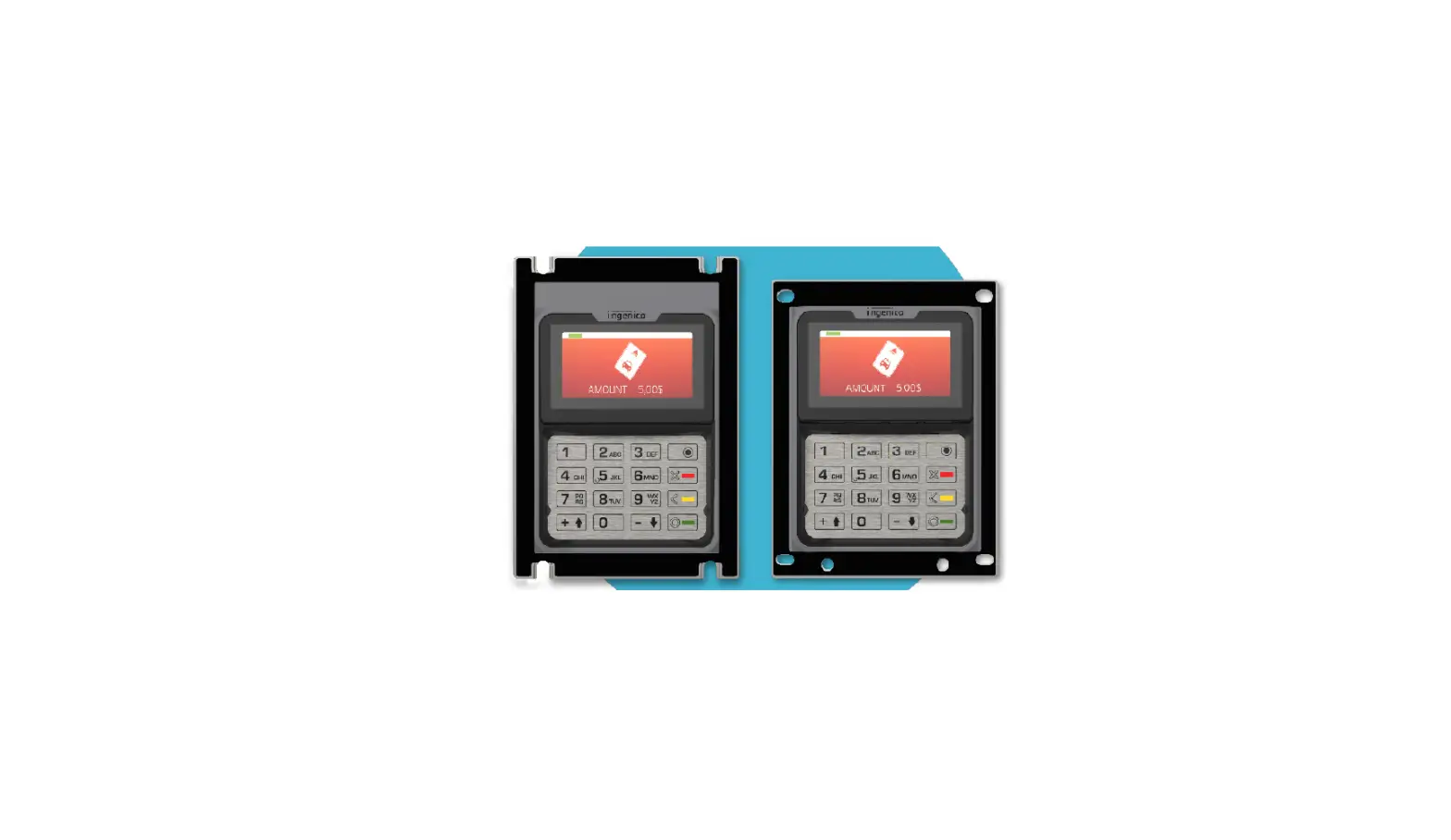
- Modules
- Screws to fix the main cable and the module
| CAUTION The power supply unit provided with your equipment is specially designed for it. Do not use any other power supply. |
| ADVICE Keep the packaging. It must be re-used whenever the terminal is shipped. |
Recommendations
Safety
Power on/Power down – Emergency stop
To power on or power down the terminal, connect or disconnect the power supply from the electric outlet.
Power supply unit
| CAUTION Only use the power supply AC/DC provided with Lane/8000 or the power provided by a cash register limited power source (LPS). |
Authorized power supply units :
Power Supply Unit Supplier | Type | Supplier reference | Electrical characteristics | Ingenico part number |
| PHIHONG TECHNOLOGY Co. Ltd | Desktop | PSM24W- 080L6IN-R | 8VDC 3A Level VI | 296198809 |
Desktop Power Supply units have to be connected to the mains with one of these cables :
– Power cord 189609046 (EU)
– Power cord 188413214 (US)
| CAUTION Lithium battery cell The terminal is fitted with a lithium battery cell which is not accessible to the user. Only a qualified technician is authorized to open the unit and change this component. Risk of explosion if the battery is replaced by an incorrect type. Dispose of used battery according to the instructions. |
Electrical power supply network
The electrical outlet must meet the following criteria:
- Must be installed near the equipment and easily accessible;
- Must meet standards and regulations in the country of use.
Explosion areas
Certain regulations restrict the use of radio equipment in chemical plants, fuel depots and any site where blasting is carried out. You are urged to comply with these regulations. The terminal shall be protected by a specially fitted and certified cover enabling use in proximity to a fuel pump.
Connection of headset  on audio jack
| CAUTION An excessive acoustic pressure of headset can involve deafness! |
Security of your terminal (tampering attempt detection)
Your device fulfi ls current applicable PCI PTS security requirements.
Upon receipt of your terminal you should check for signs of tampering of the equipment. It is strongly advised that these checks are performed regularly after receipt. You should check, for example: that the keypad is fi rmly in place; that there is no evidence of unusual wires that have been connected to any ports on your terminal or associated equipment, the chip card reader or any other part of your terminal.
Such checks would provide warning of any unauthorised modifi cations to your terminal, and other suspicious behaviour of individuals that have access to your terminal.
Your terminal detects any “tampered state”. In this state the terminal will repeatedly fl ash the message” Alert Irruption!” and further use of the terminal will not be possible. If you observe the “Alert Irruption!” message, you should contact the terminal helpdesk immediately.
You are strongly advised to ensure that privileged access to your terminal is only granted to staff that have been independently verifi ed as being trustworthy.
The terminal must never be put in or left at a location where it could be stolen or replaced by another device.
as being trustworthy.
The terminal must never be put in or left at a location where it could be stolen or replaced by another device.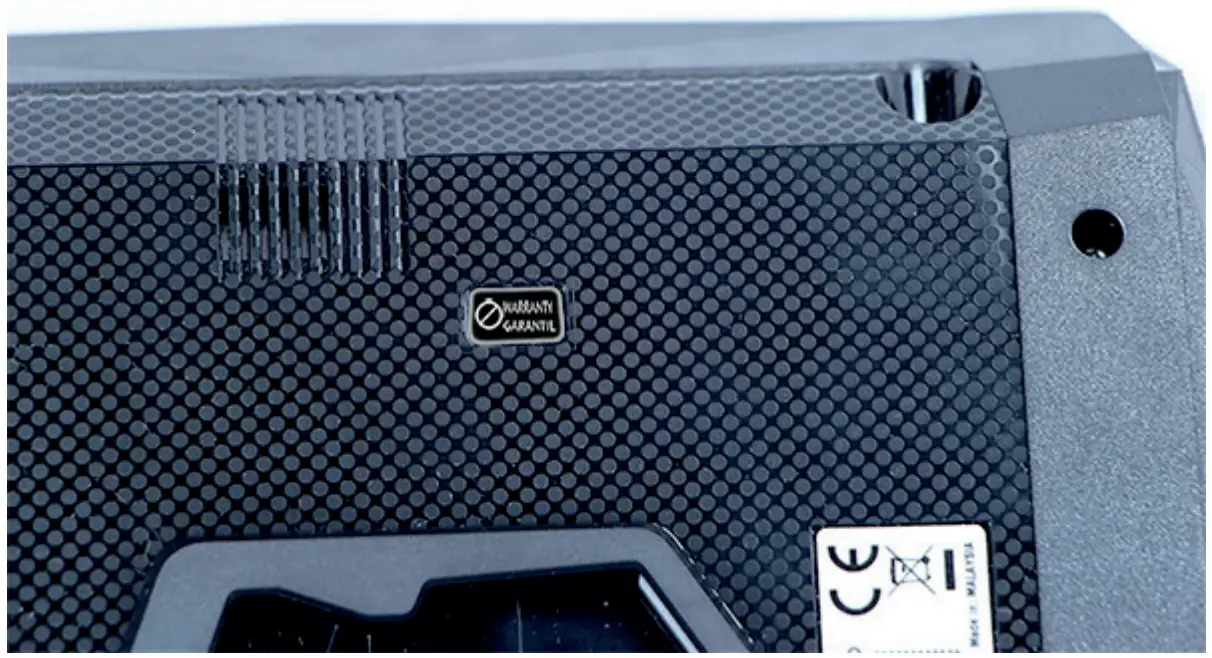
| CAUTION If the warranty label is torn or removed, the warranty will be void. |
| CAUTION Positioning of the Lane/8000 on check stand must be in such a way to make cardholder PIN (Personal Identifi cation Number) spying infeasible. Installing device on an adjustable stand must be in such a way that consumers can swivel the terminal sideways and/ or tilt it forwards/backwards to a position that makes visual observation of the PIN-entry process diffi cult. Positioning of in-store security cameras such that the PIN-entry keypad is not visible. NEVER ask the customer to divulge their PIN Code. Customers should be advised to ensure that they are not being overlooked when entering their PIN Code. |
| CAUTION This equipment may not be modifi ed, altered or changed in any way without signed written permission from Ingenico |
Main Characteristics
Terminal
| Weight (Poids, Gewicht) | 796g | |
| Size (dimensions, Maße) | 200 (L) x 205,5 (W) x 44 (H) mm | |
| Display | 7” backlit LCD, WVGA (800 x 480 pixels) | |
| Touchscreen | Capacitive | |
| Ambient temperature | from 0°C to +45°C |
| Max relative humidity | 85% RH non-condensing at +40°C |
| Max altitude | 2000 m |
| Ambient temperature | from 0°C to +45°C |
| Max relative humidity | 85% RH non-condensing at +40°C |
| Max altitude | 2000 m |
Power characteristics
Power supply units
The Lane/8000 can be powered by several ways :
- An external power supply unit
- By POE (Power over Ethernet)
- By USB (12VDC)
The characteristics for each type of power supply are detailed hereafter.
| 296198809 | |
| Model Name | PSM24W-080L6IN-R |
| Weight | 243 g (8.57 oz) |
| Size (l x w x h) | 120 x 50 x 31 mm |
| Class | Level VI |
| Input voltage | AC 100-240V 50-60Hz |
| Ouput voltage | DC 8V 3A |
| WARNING The power supply unit provided with your equipment is specially designed for this Ingenico terminal. Do not use any other power supply. The use of a power supply with apparently similar voltage/current characteristics may damage your terminal. |
| WARNING The power supply unit provided with your equipment is specially designed for this Ingenico terminal. Do not use a |
Lane/8000 Power values in different modes
Lane/8000 works at voltages between 8VDC and 12VDC.
| Mode | Lane/8000 Power (W) |
| Idle mode – backlight OFF | 3,1W |
| Idle mode – backlight ON (50%) | 3,5W |
| Typical – SCR & CLESS – Backlight ON (50%) | 8,8W |
| Maximum | 16W |
POE (Power over Ethernet)
The power sourcing equipment must be compliant with IEEE802.3af standard, class 0 which means 12.95W max.
Functional description
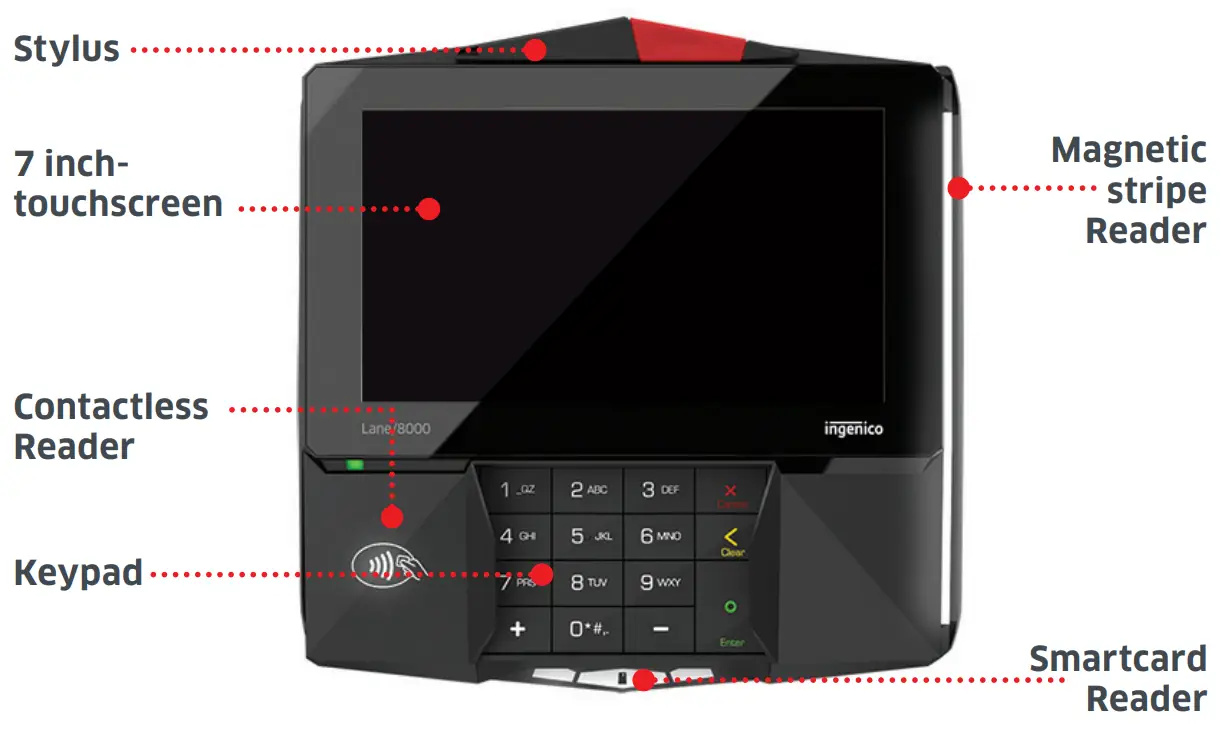
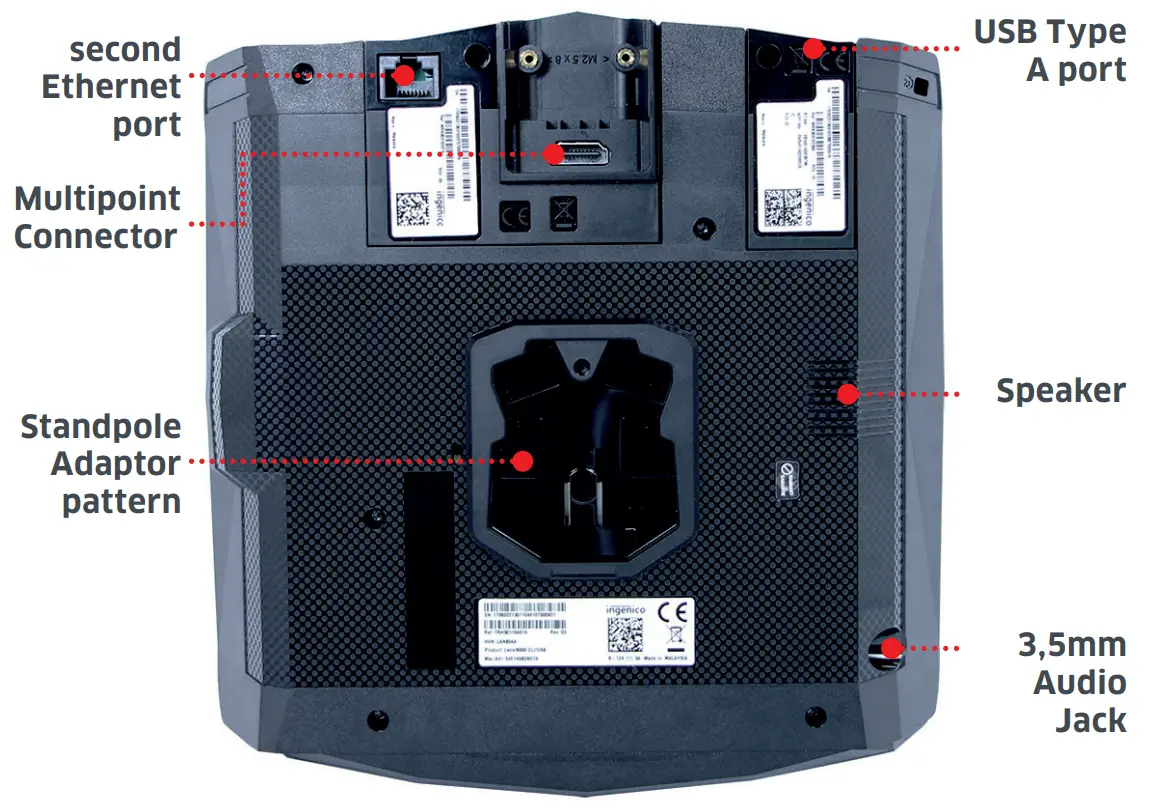
Installation & Connections
Positioning the terminal
Place the terminal with an easy access to an electrical outlet. Place the terminal away from any heat source and protected from dust, vibrations and electromagnetic radiations (away from video terminals, PC, anti-shoplifting barriers …). The terminal is exclusively made for indoor use.
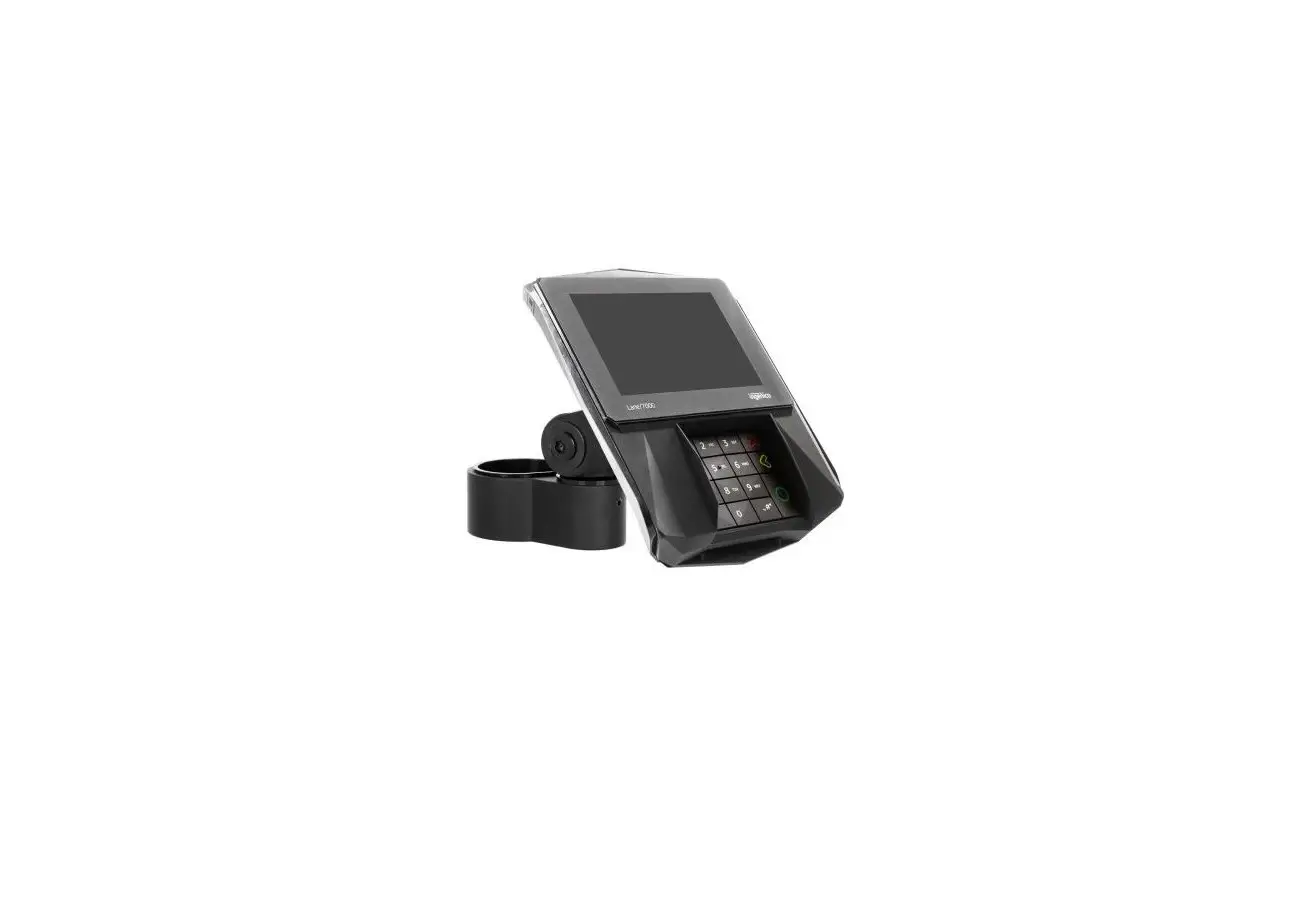
The Lane/8000 device may be mounted on a fl at surface, wall, or customer stand.
| CAUTION Do not place the Lane/8000 device on a PC monitor, adjacent to an electronically active security tag deactivation system, or near other sources of magnetic fi elds. |
The Lane/8000 device must be at least 30 centimeters (12 inches) away from an electronically active type of security tag deactivation pad.
- An electronically active system sends out a powerful and potentially disruptive signal to deactivate the security tag. If the Lane/8000 device is placed too close to the system’s pad, or placed above the pad, the product may not work properly.
- A passive system is a permanent magnet type that does not send out a signal. This type should not affect the Lane/8000 device.
Inserting SAM (Secure access module) and Micro SD
| CAUTION Before starting, switch off the terminal by disconnecting the power supply. |
Perform the following operations :
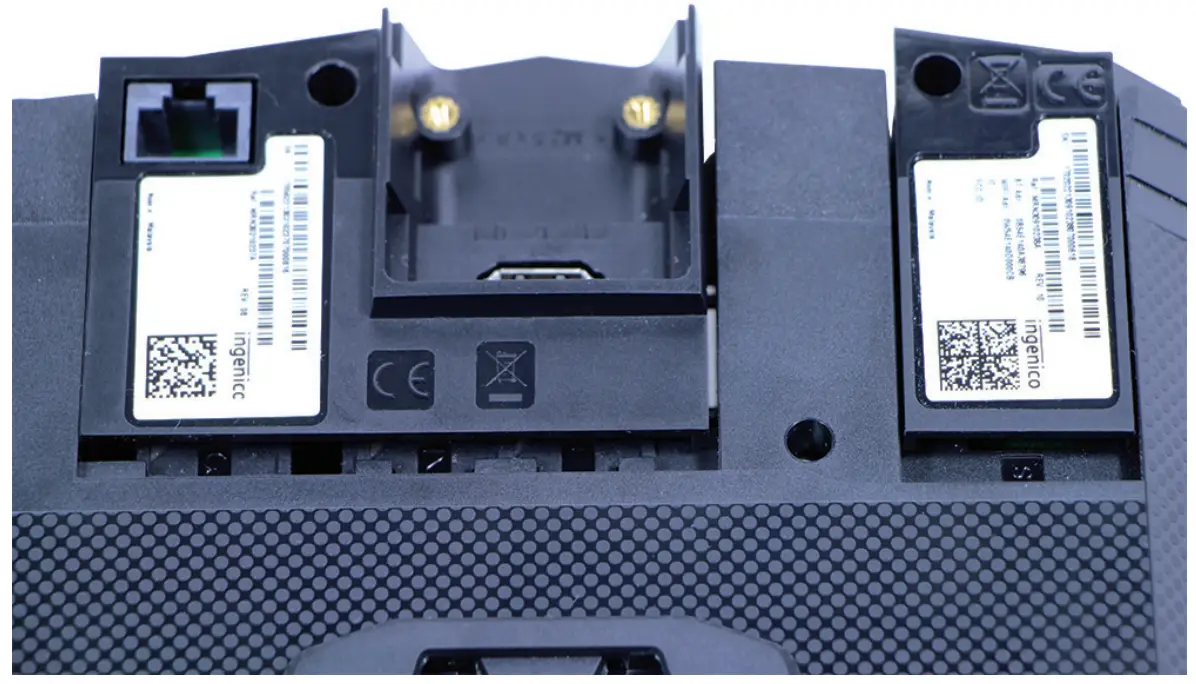
- Unscrew the modules and remove them both
- Access to SAM and Micro SD is now possible.
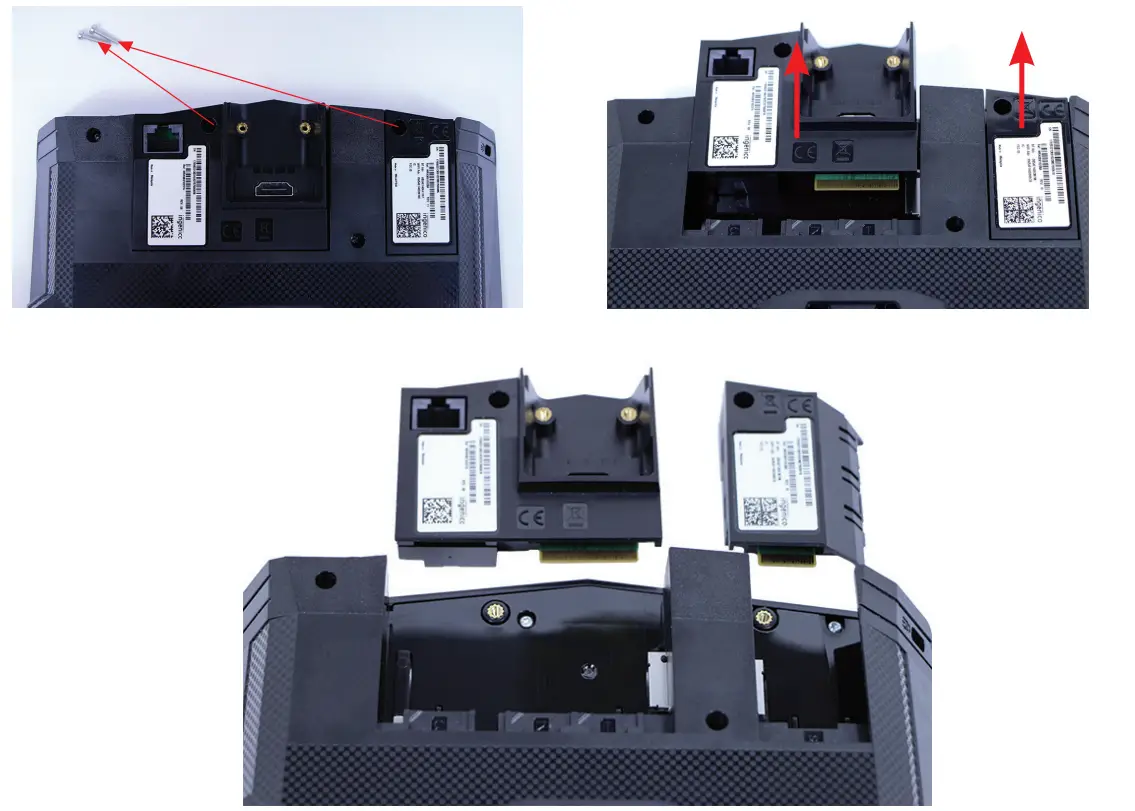
- Insert the SAM Card into the slot marked (1), (2) or (3). Take care to ensure that the SAM Card is inserted in the correct manner. The cut corner must be positioned as indicated on the fi gure below.
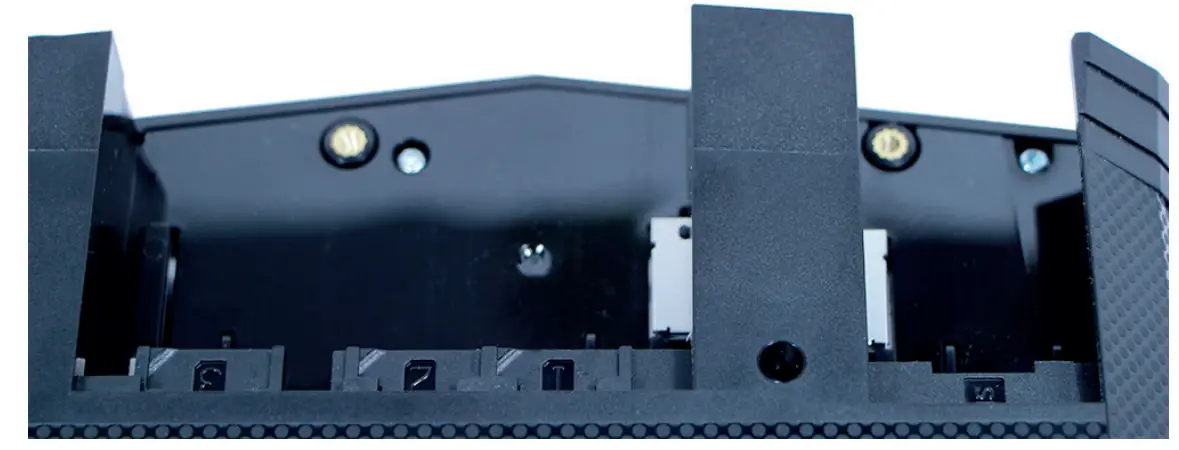
- Slide back the module and screw them tight
| CAUTION Do not use any tools when installing or removing the SAM Card or Micro SD. |
| WARNING During this operation, it is necessary to be in an ESD protected environment. As this is not very easy, it is recommended to make this operation using ESD shoes for example. |
Connecting the terminal to the host
| CAUTION Connecting must be made when power supply unit is not plugged in the cable. |
- Flip the terminal. There is one port on the back for power and communications.
- Connect the cable on the terminal.
- Connect the other end to the power supply unit and a Host (PC / cash register…).
- Plug the power supply into the mains.
| WARNING The main port at the back must not be used to connect an HDMI video cable. Only connect cables provided by Ingenico |
Note : 2 screws can be added (M2.5 x 8) to hold more fi rmly the cable.
Setting the Lane/8000 on the standpole adaptor
Install the terminal on a flat surface is not possible on the Lane/8000 as is. It is designed to be fi tted on a standpole adaptor.
A specifi c pattern by Ingenico has been developed to fi t the Lane/8000.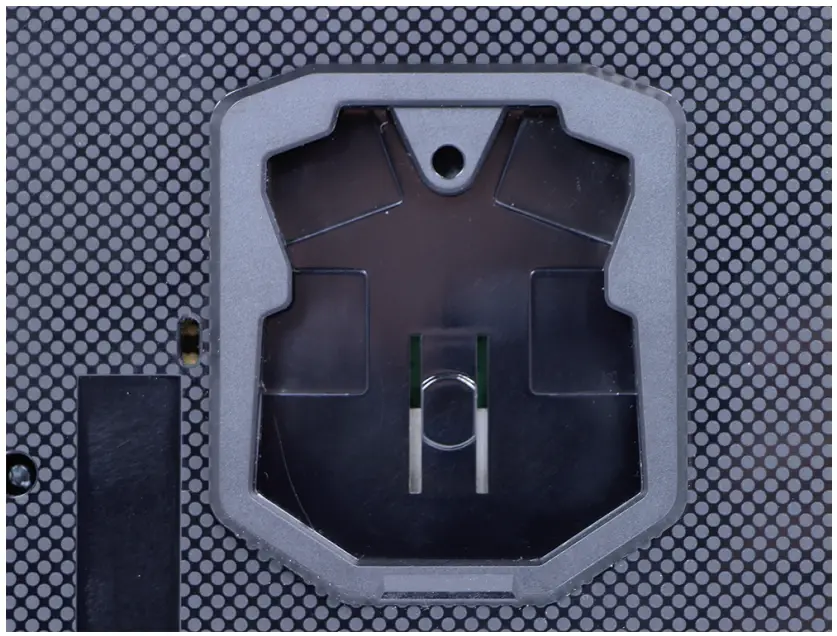
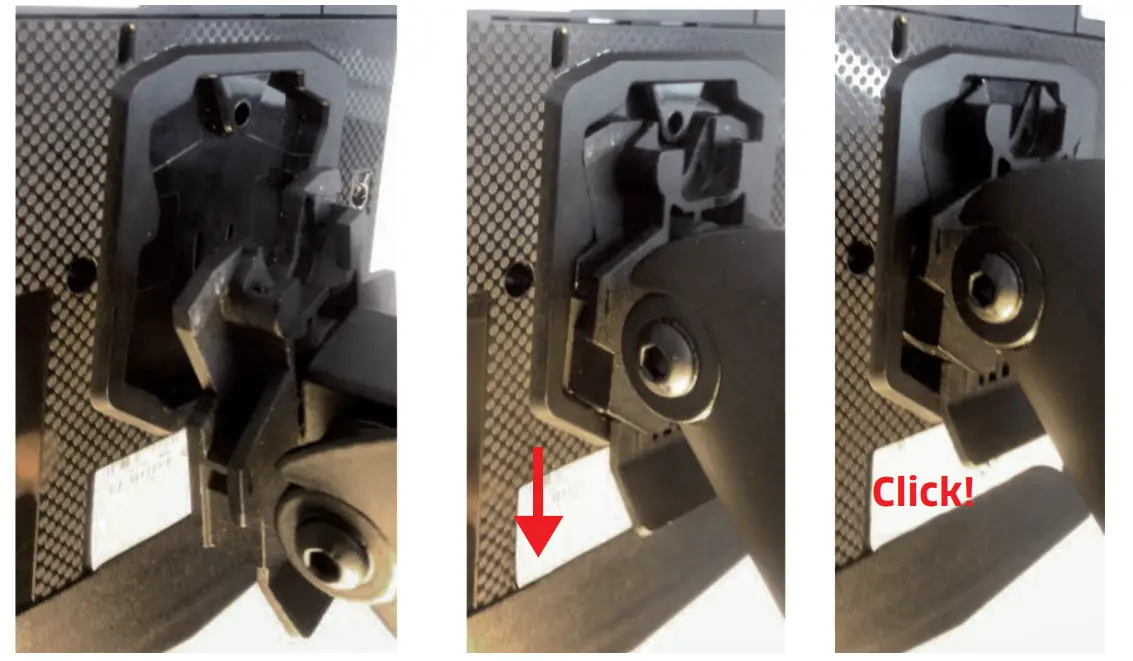
To fi t the Lane/8000 to the stand pole adaptor, it only requires to slide down the Lane/8000 until a click sound:
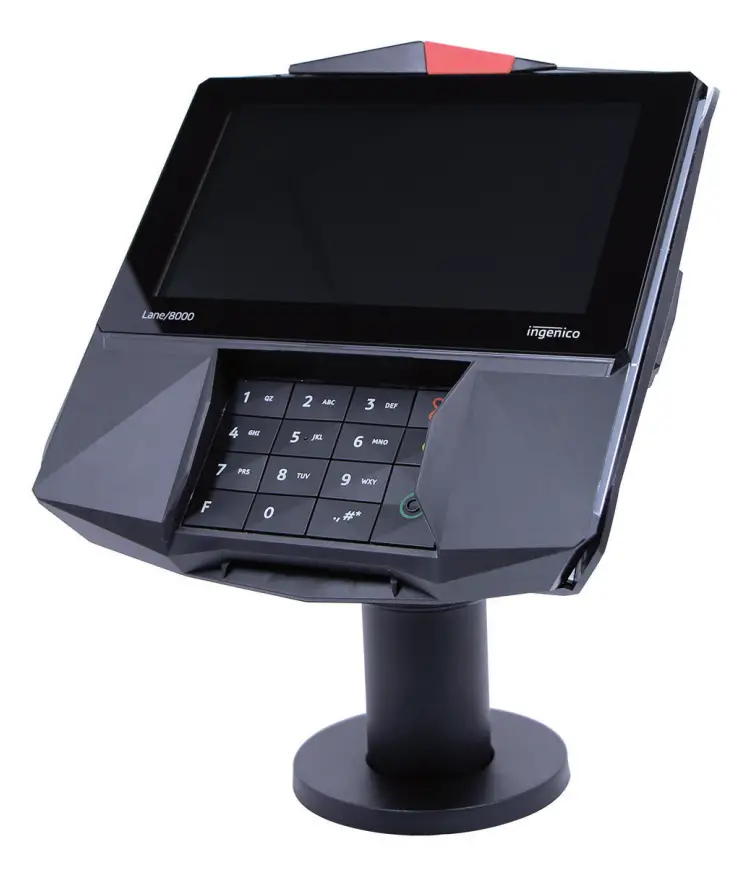
The Lane/8000 is now ready to use :
Daily use
Card reading
Swiping a card
- Insert the card manually in the reader, magnetic stripe facing the main body of the terminal, and slide the card from the rear to the front in a continuous motion for best results.
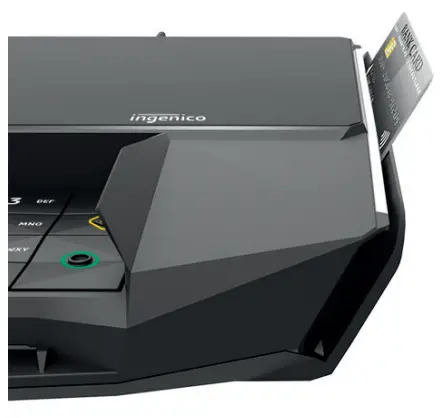
| Swipe the card with constant speed, neither too slowly nor too fast, to maximize the reading effi ciency and avoid annoying repetitions. |
| WARNING We recommend to the customer to provide guidance to the cardholder as to avoid having his card close to any magnets on the device since the card may be damaged. There is one magnet in the stylus and another in its holder. |
Inserting a smart card
- Chip cards should be inserted into your terminal as illustrated with the chip facing up and into the card reader.
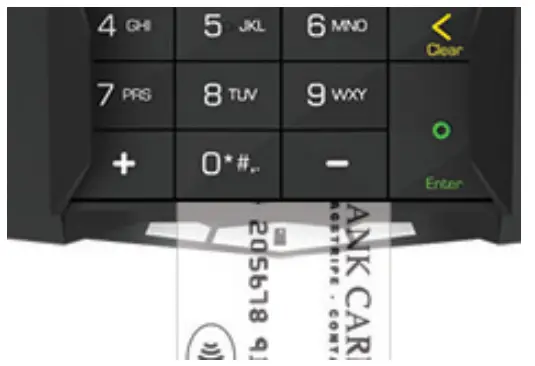
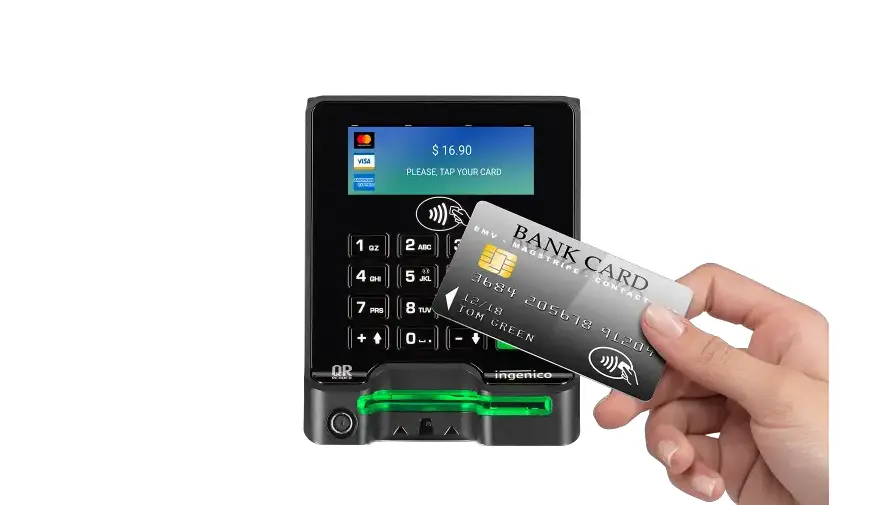
Reading a contactless card
- Bring the card to the active zone above the contactless logo (at about 1cm).
- Keep the card close to the contactless logo during the transaction.
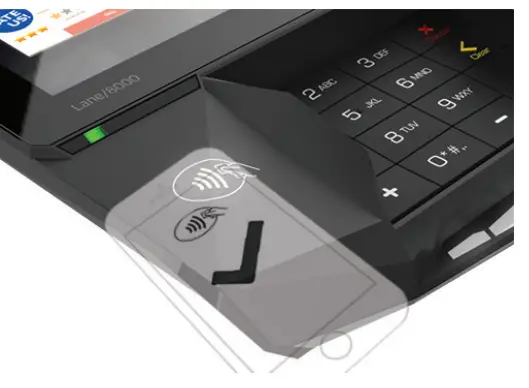
Your contactless terminal provides four contactless status lights located above the contactless logo.
- When a contactless transaction is started the fi rst (left hand) status light will be lit steadily; this indicates that the contactless is in use but a card is not being read.
- When a contactless card is presented to the contactless active zone during a transaction the second, third and fourth status lights will be lit in turn. The card read is successful when all four status lights are lit and a confi rmation tone can be heard.
| CAUTION Do not stick any label onto the contactless active zone. It can decrease seriously contactless effi ciency. |
| CAUTION Avoid metallic parts around the contactless area. |
Signature capture
The signature capture is done with a stylus and a capacitive touchscreen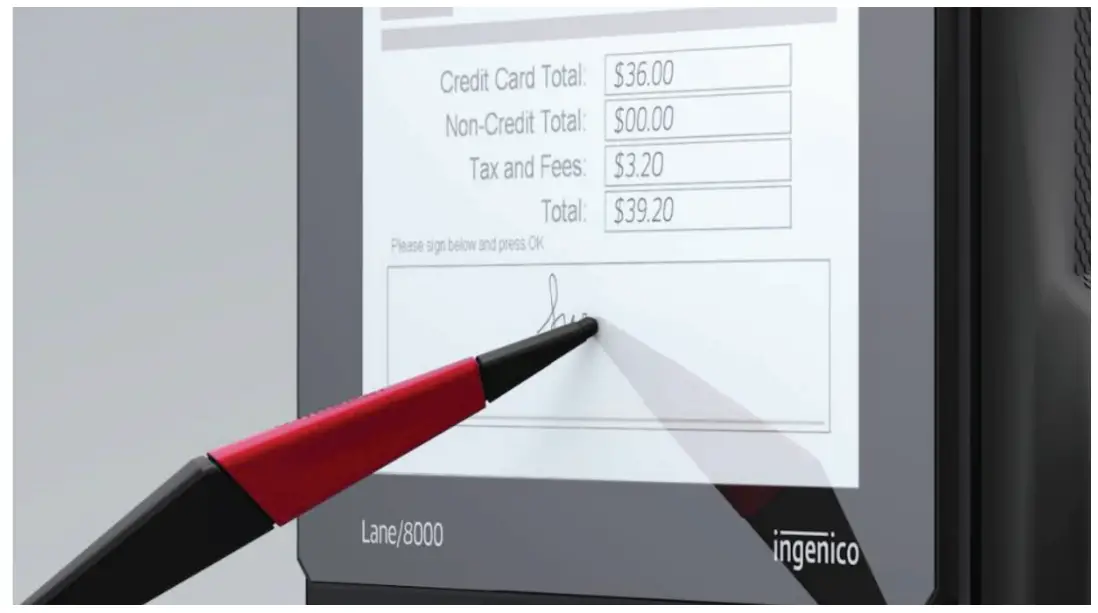
Audio
A speaker is available there is also an Audio jack. When a headset is plugged in, there is no more sound from the speaker.
- The audio jack is located next to the card reader.
- This option is not designed to play music, but to facilitate the use by blind people.
- The jack is 3.5mm, 32 ohms impedance
Camera (optional)
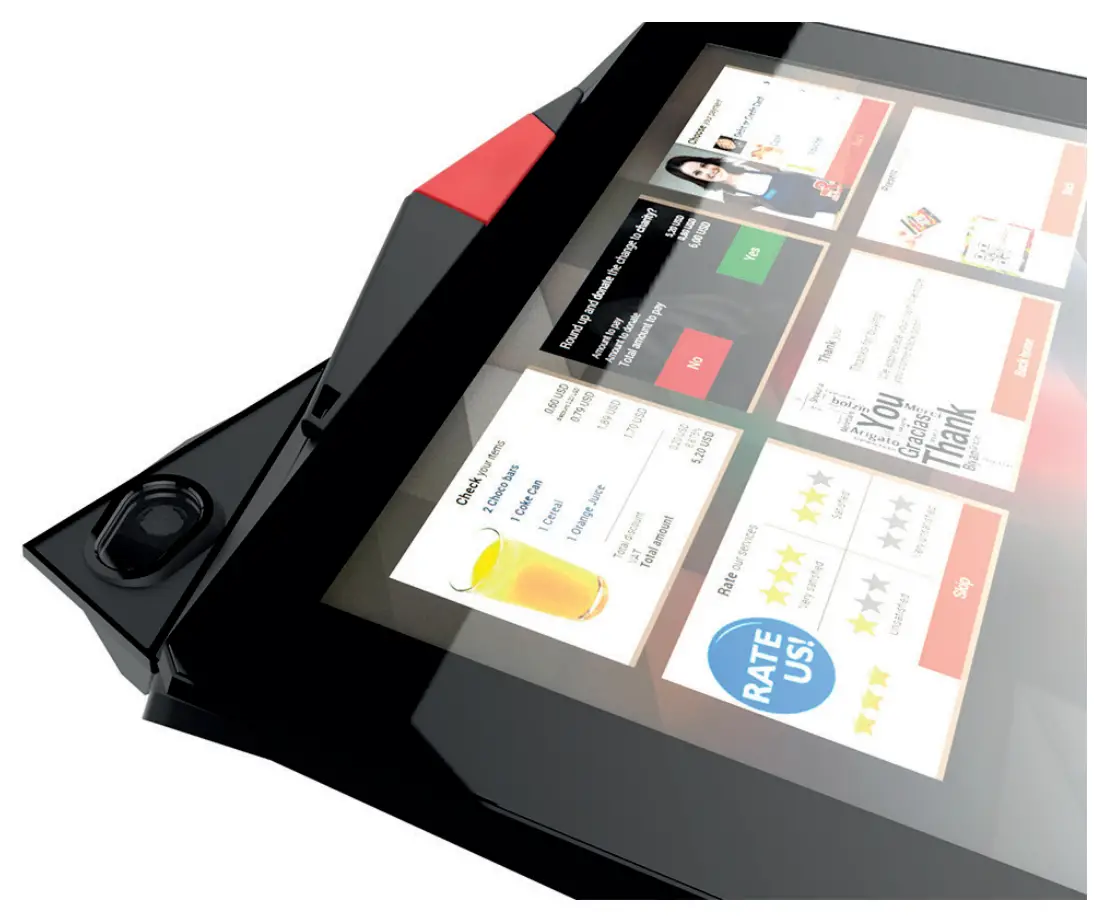
The Lane/8000 can be equiped with a module integrating a 5 megapixels autofocus camera.
Reference of the module : MODU/8005 WiFi
Note: The Lane/8000 can be equiped with a module without camera. Reference of the module : MODU/7003 WiFi

Copyright© 2019 Ingenico
All rights reserved