Elitech RC-17 Disposable Temperature Recorder Instruction Manual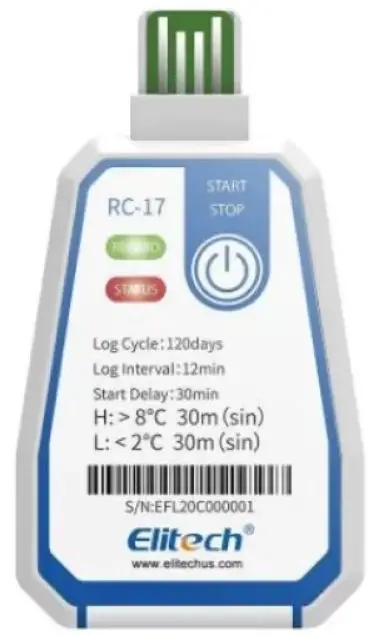
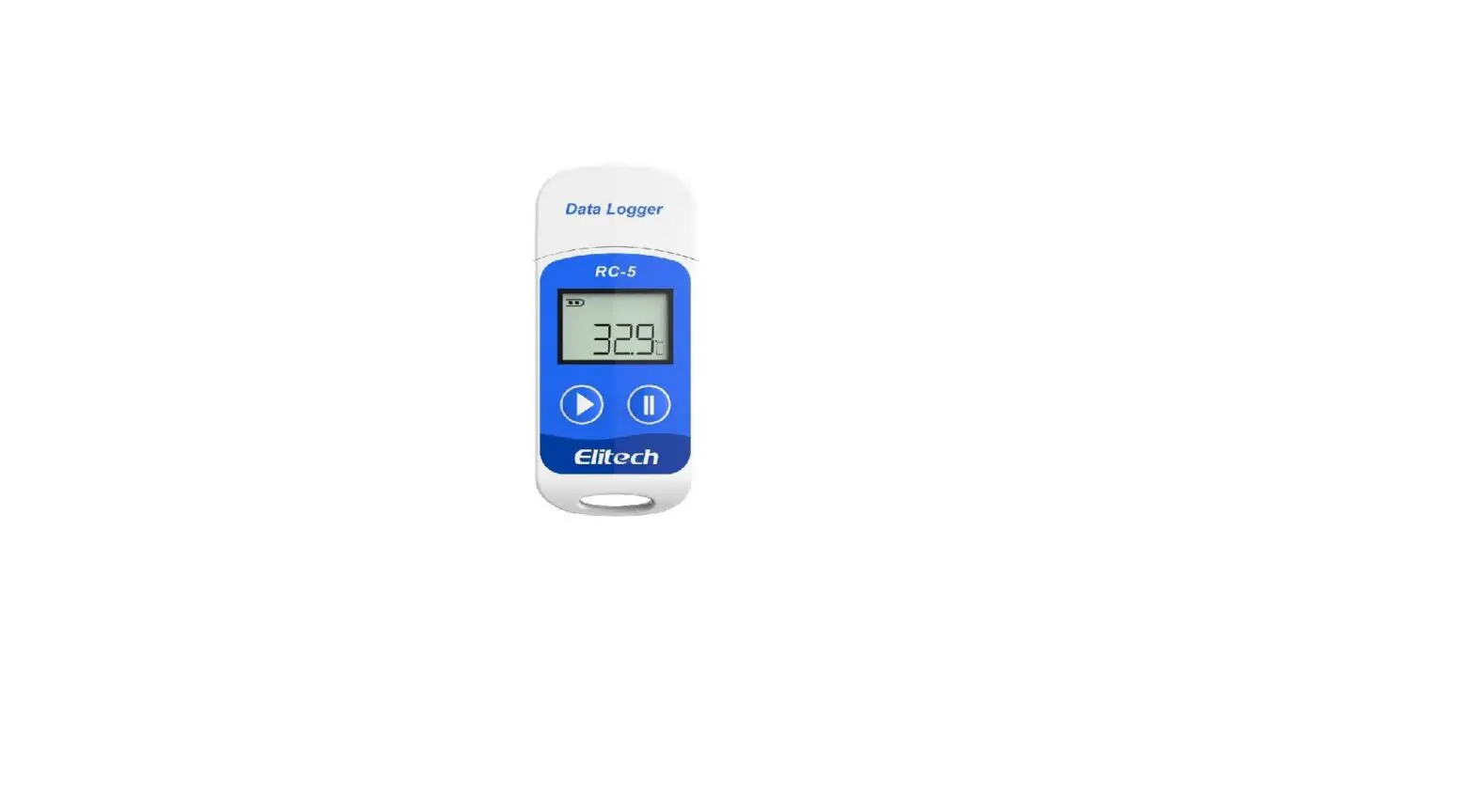
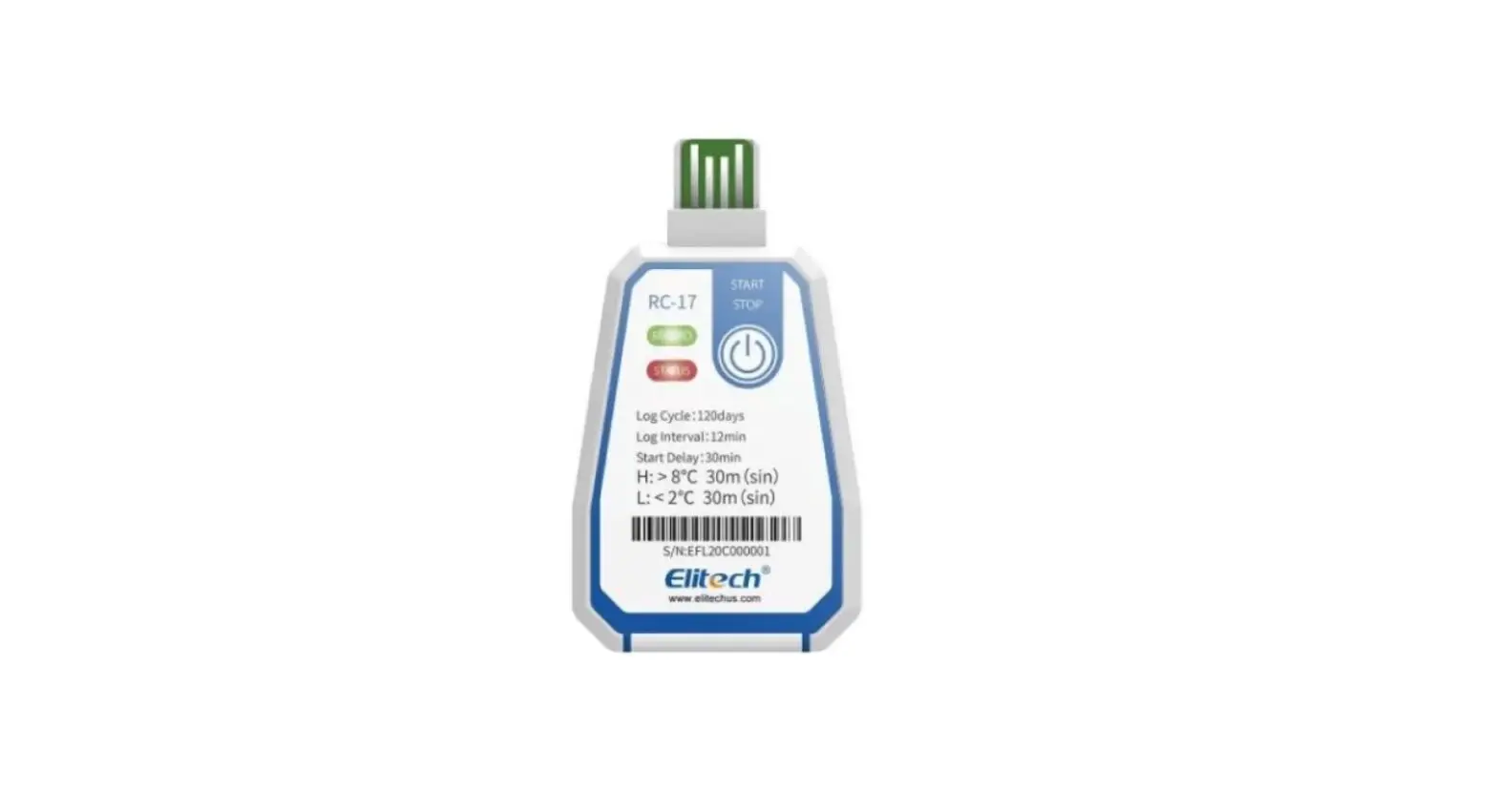
Product instructions diagram
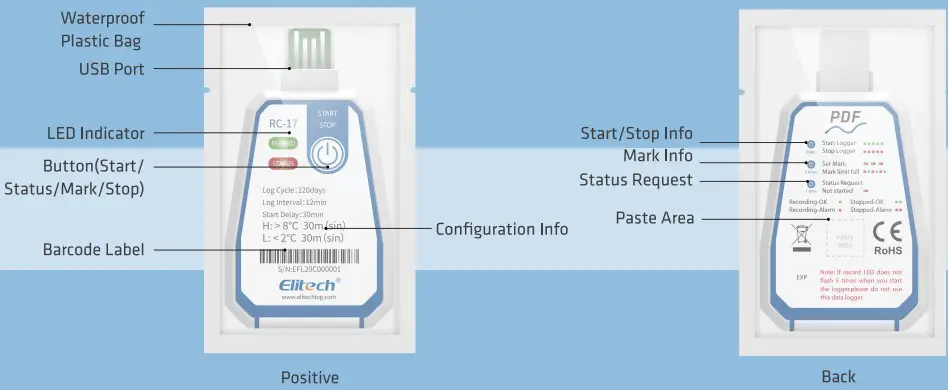
product description
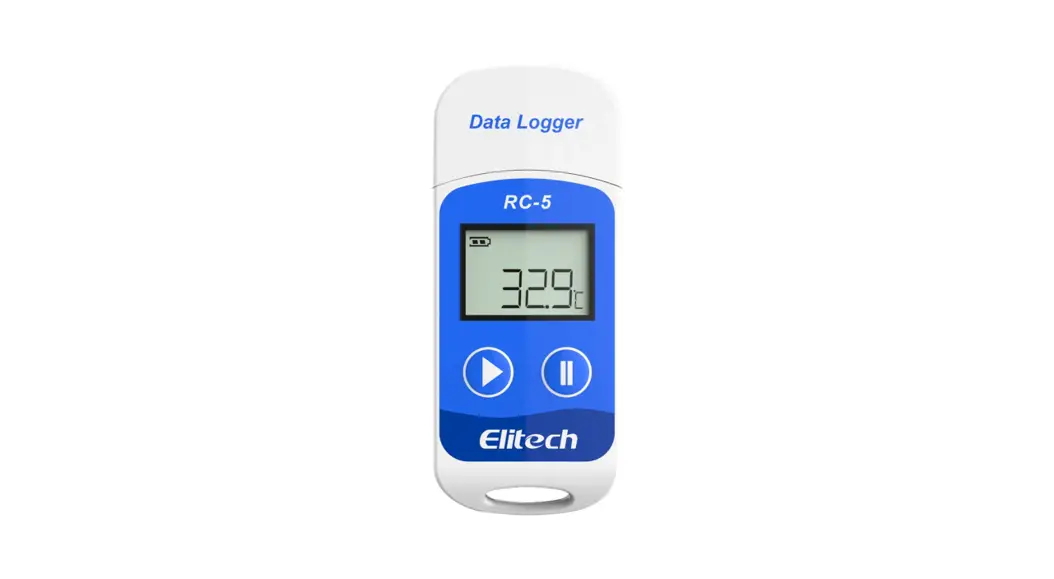
This temperature recorder is mainly used for temperature monitoring and recording of food and medicine storage and transportation environments, such as refrigerated bags, refrigerated trucks, containers, etc. This product is connected to a computer via USB , and the recorded data is directly output as a PDF report; the temperature probe is built-in, powered by a CR2450 wide temperature lithium battery, and the waterproof level reaches IP67 . The product is equipped with a barcode.
Technical Parameters
II function-related parameters of this recorder are configured by the factory, and users can customize some of these parameters according to their needs;
| Measuring temperature | -30°C – 70°C resolution 0.1 C | Data Interface | USB2.0 |
| Storage temperature | -30°C – 70°C | Report type | POP format data report |
| Temperature | 0.5%/0.91 (-20°C – 40°C) | Power supply | Built-In CR2450 wide |
| measurement accuracy | 1°C/1.8°F (other) | temperature lithium battery | |
| Sensor | Built-in NTC | Battery life | 2 years of storage and use in |
| Recording | capacity of 16000 groups (maximum) | normal temperature environment | |
| Recording period | 6,16..30.60,90.120.180 days (customizable) | Protection grade | IP67 |
| Alarm type | single type ( Sin ), cumulative type ( Cum ) | Dimensions | 93*58*8mm (length • section’ height) |
| Alarm threshold | Factory default (customizable) | Weight | about 20g |
Parameter description: Maximum 16000 groups, the actual recording capacity is different due to different recording periods; Start-up delay: After the recorder is started, it waits for the set delay time to start recording, and the delay time can be customized; Alarm threshold: According to the threshold, the alarm interval can be set. The temperature recorder supports a temperature upper limit and a temperature lower limit setting;
| H | The interval greater than H is the ultra-high temperature alarm interval |
| L | The interval less than L is the ultra-low temperature alarm interval |
| Single type | the recorder performs a single timing of continuous over-temperature events |
| Cumulative type | the recorder counts all over-temperature events cumulatively |
Alarm delay: When the temperature enters the over-temperature alarm zone, the recorder will not alarm immediately. Only when the over-temperature duration exceeds the alarm delay, the alarm will start;
Operations Instructions
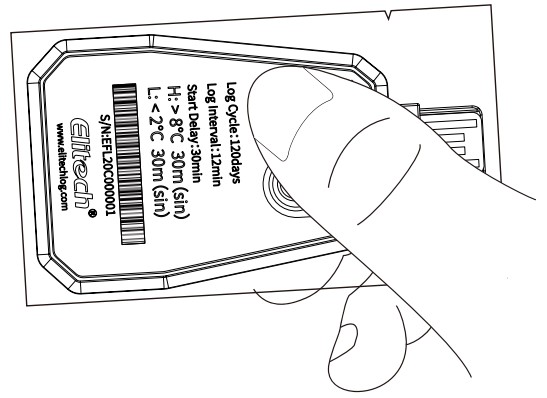
- Long press for S seconds to start recording, the green light flashes 5 times

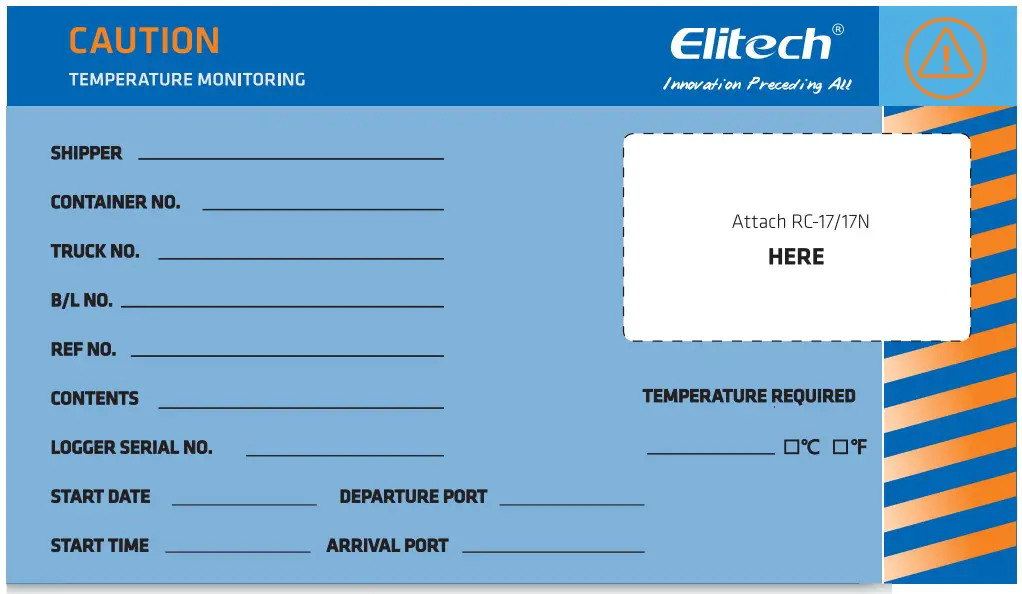
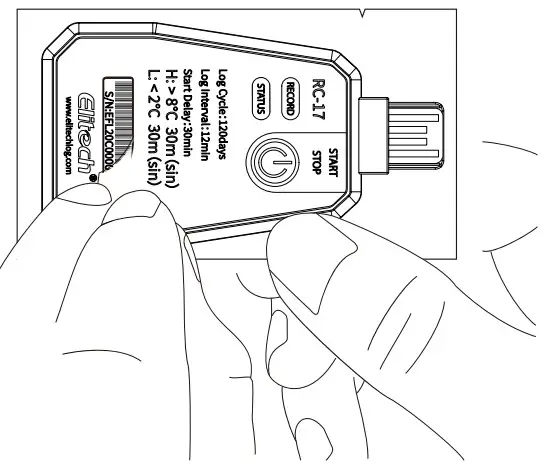
- Tear off the barcode for use

- Press and hold the button for S seconds to stop recording, the red light flashes S times, tear open the plastic bag, reveal the USB interface

- Insert the recorder into the USB port of the computer to view the PDF data report

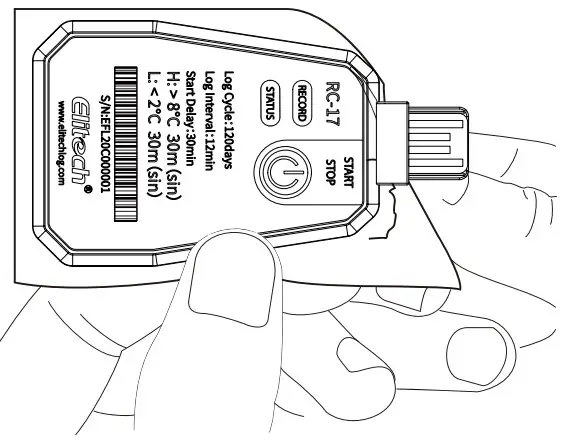
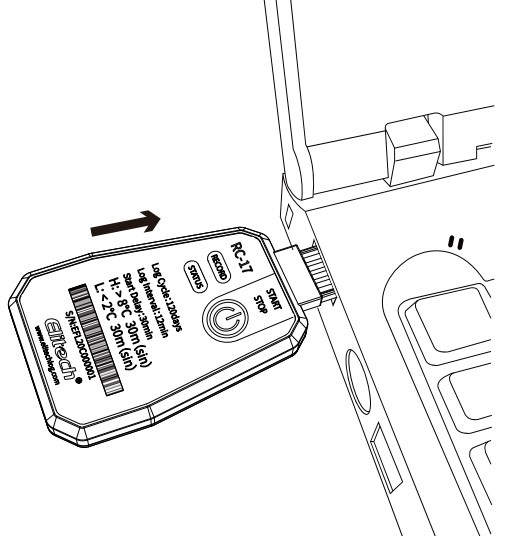
NFC operation instructions
- Install and log in to the APP
Use the mobile browser to scan the QR code or download and install’ Elitech Cold’ through the mobile application center; open the APP and follow the prompts to register and log in to a new account. - Parameter setting
Click the navigation button in the upper left corner of the APP select the NFC temperature label, and then approach the device to view the data (enable the NFC function of the mobile phone). Click the (symbol) in the upper right corner to set the parameters. After the setting is completed, the mobile phone is close to the device and click the’OK’ button to save the parameters (the parameters are only allowed to be set when the device is not recorded)
 - View and export data
After the phone near the device, reading device data, click on the upper right corner sil to select the desired report format export data report.
 select the NFC temperature label, and then approach the device to view the data (enable the NFC function of the mobile phone). Click the (symbol) in the upper right corner to set the parameters. After the setting is completed, the mobile phone is close to the device and click the’OK’ button to save the parameters (the parameters are only allowed to be set when the device is not recorded)
 to select the desired report format export data report.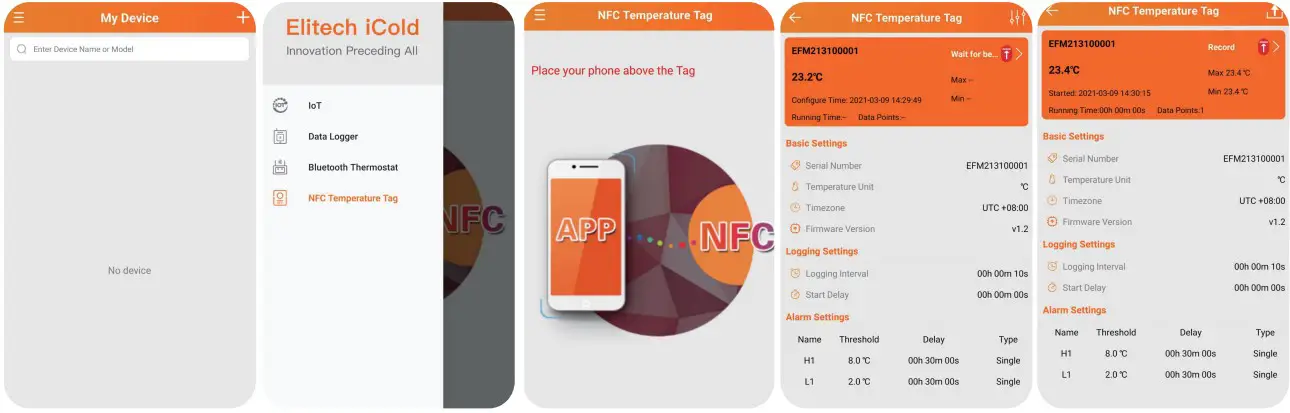
Status indication
Short press the button, you can judge the working status of the recording by the flashing of the red (green) indicator light.
| Status | Indicator light |
| Does not start | Red, green lights flashing simultaneously 1 times |
| Start-up delay | Red, green blink alternately 1 times |
| Start – Normal | Blinking green light 1 times (green LED per 10 automatically flashes seconds 1 times) |
| Start – alarm | Indicator flashes red 1 views (red light every 10 auto flash seconds 1 times) |
| Start – mark | Red and green indicator lights flash 3 times at the same time green indicator lights flash alternately 3 times |
| Start-mark overrun | Overrun The |
| Stop-normal | Green Indicator Flashes 2 times |
| Stop-alram | The red Indicator Light Flashes 2 times |
Content of report
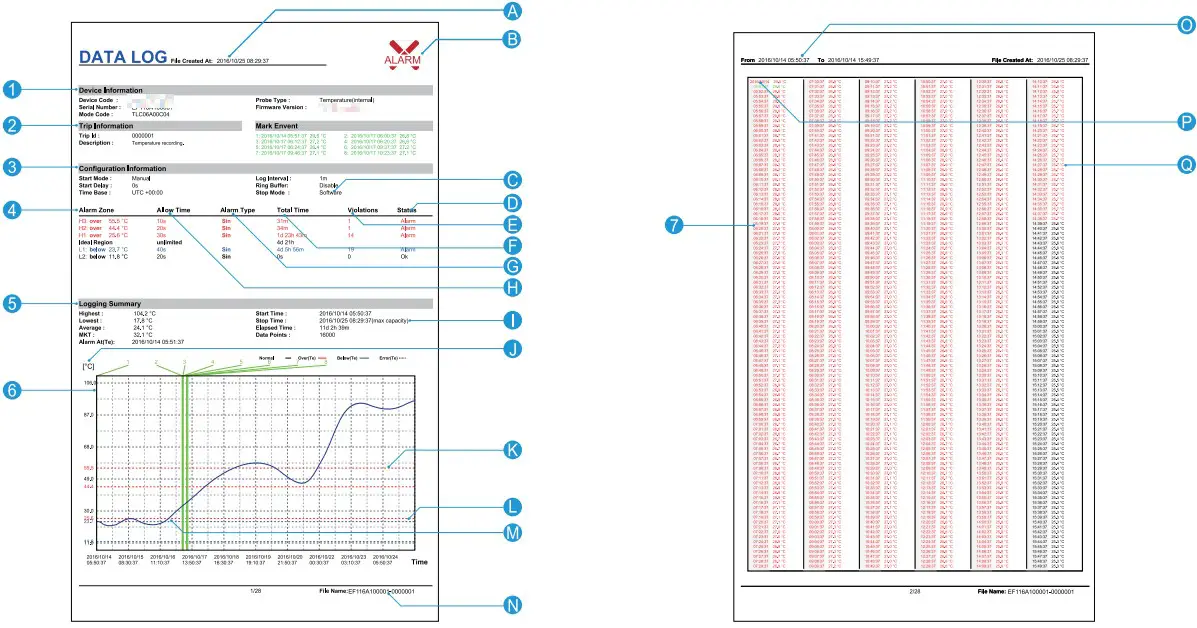
- Basic product information
- Descriptions (customizable)
- configuration information
- Alarm threshold and related statistics
- Statistics
- Temperature data graph
- Temperature data details
A file creation time (stop recording time)
B alarm indication (the content of the picture shows the alarm state)
K alarm threshold line (corresponding to item L )
L alarm threshold
M record data curve Note: ultra-high temperature is red, ultra-low temperature is blue, others are black
N file name (serial number + purpose description ID )
0 Recording time range in the current page
P Record when P date changes (date + temperature) Q Record when Q date has not changed (time + temperature)