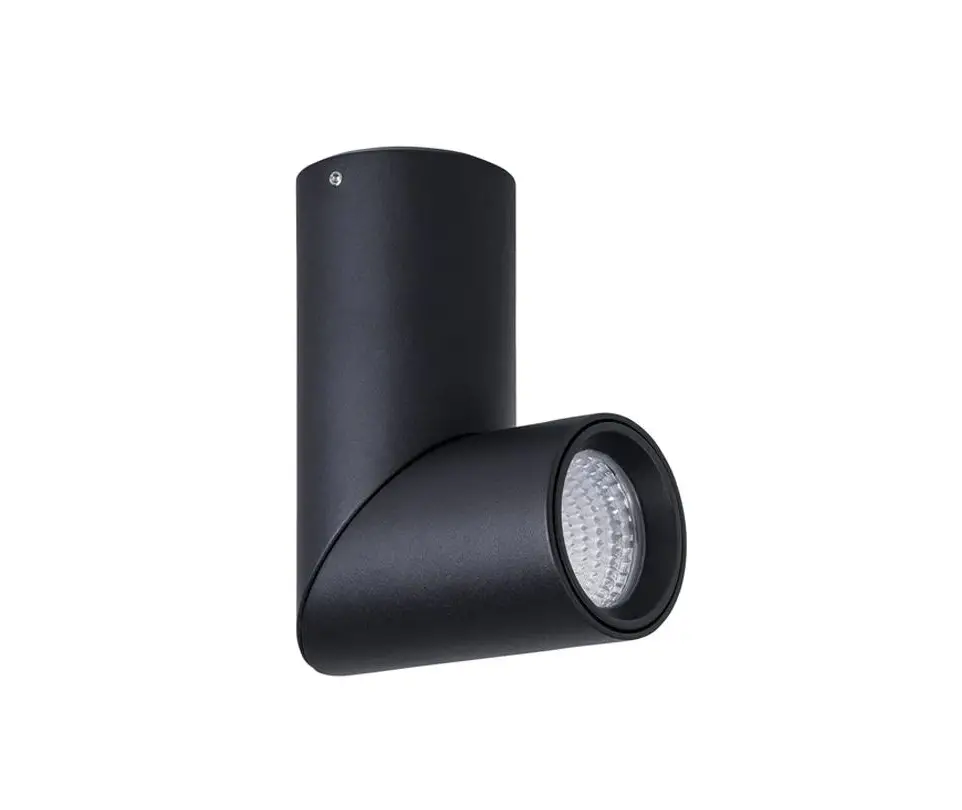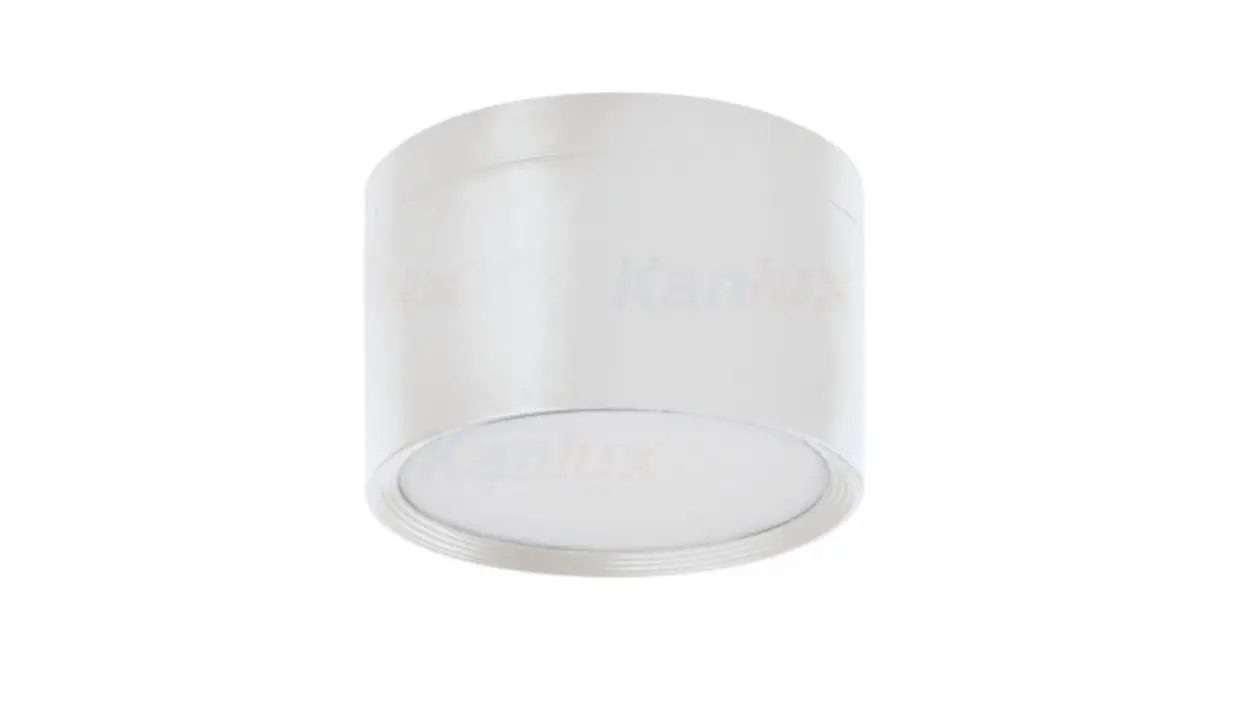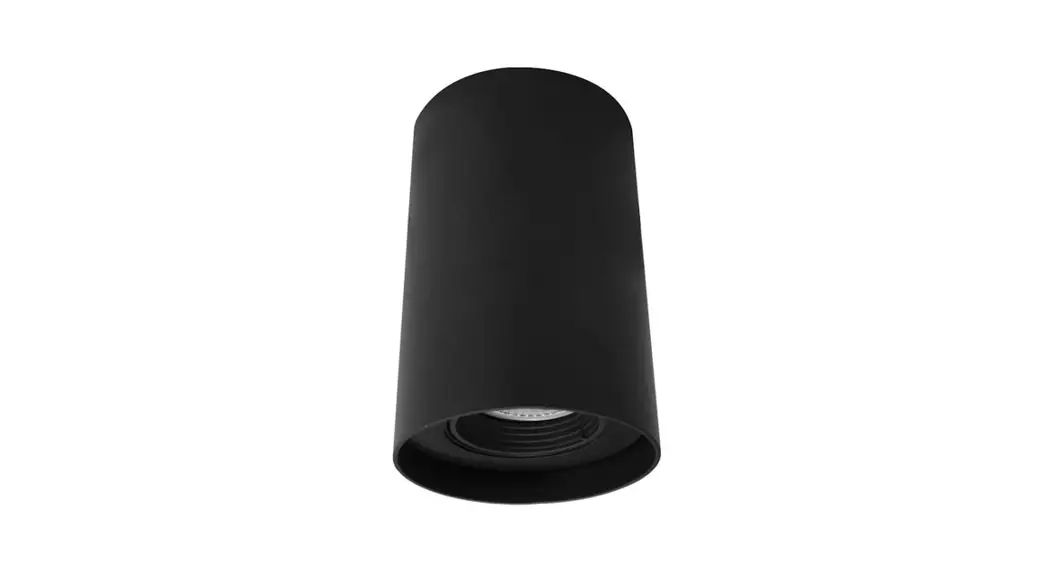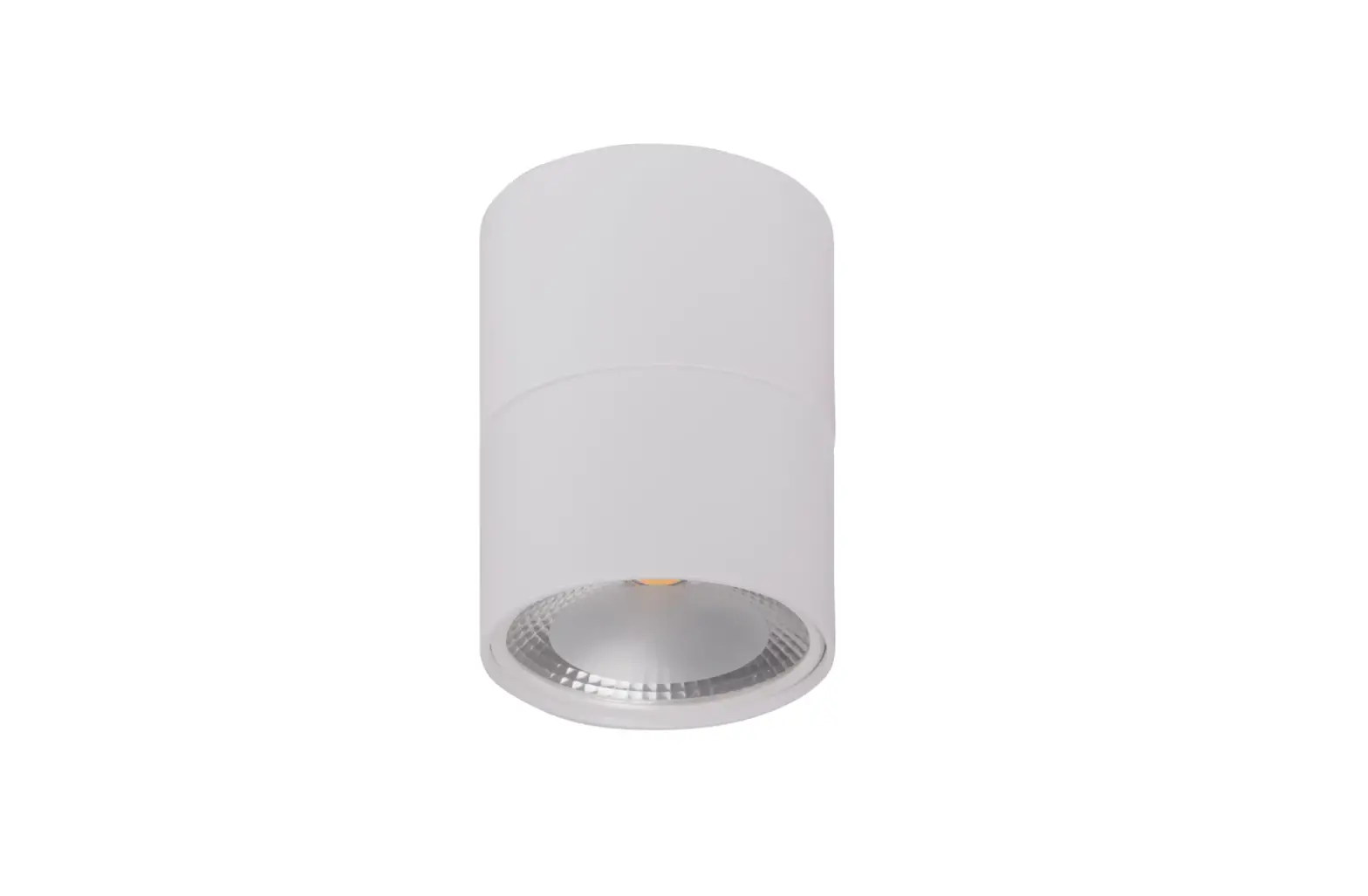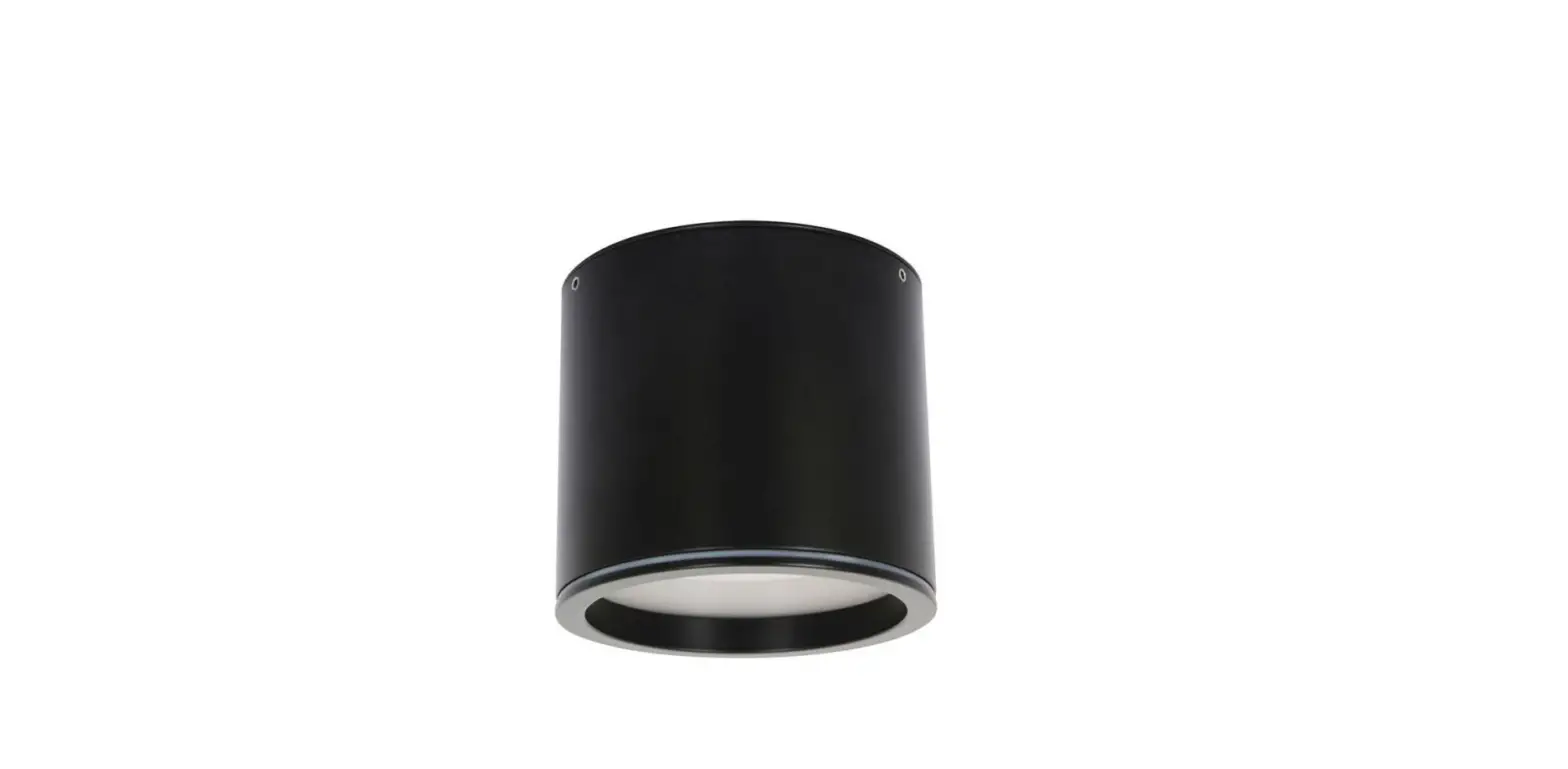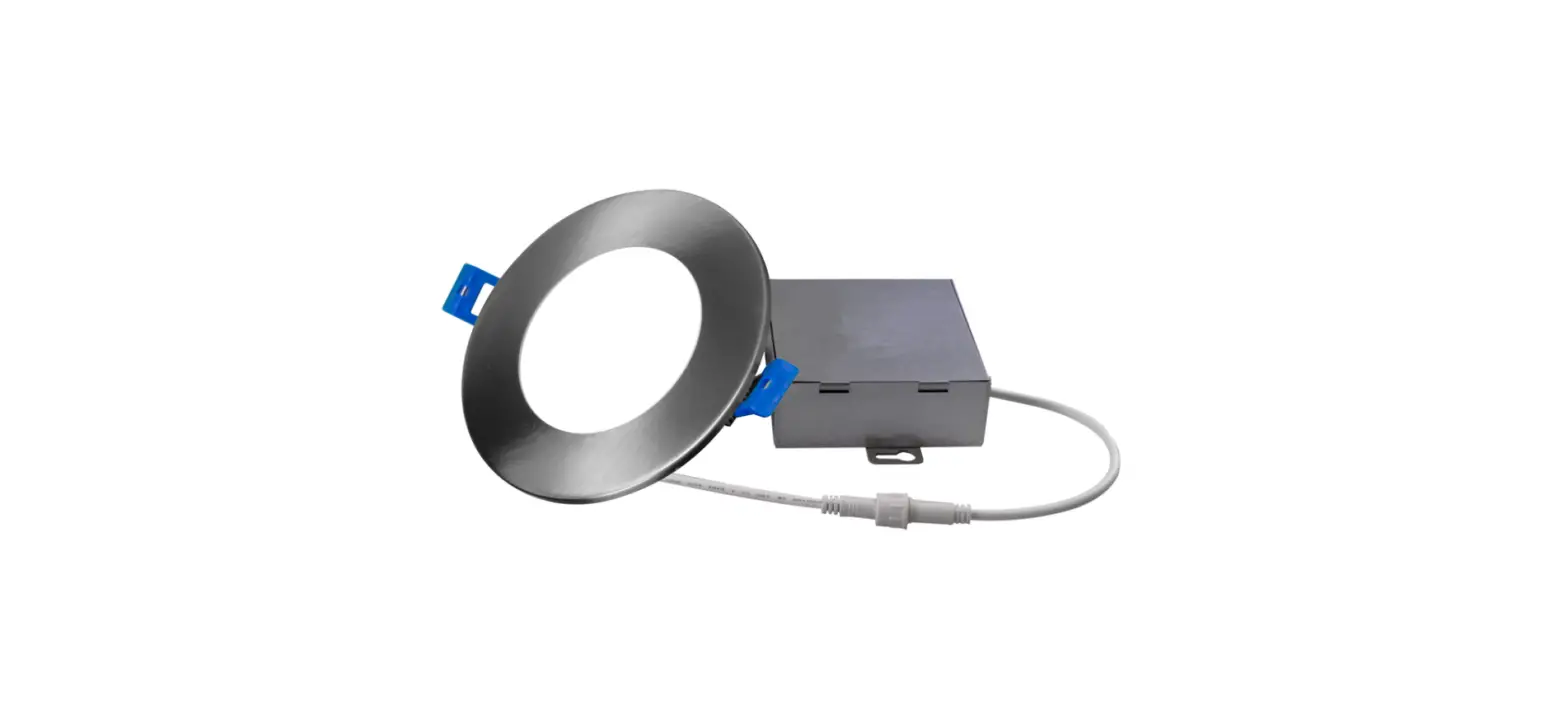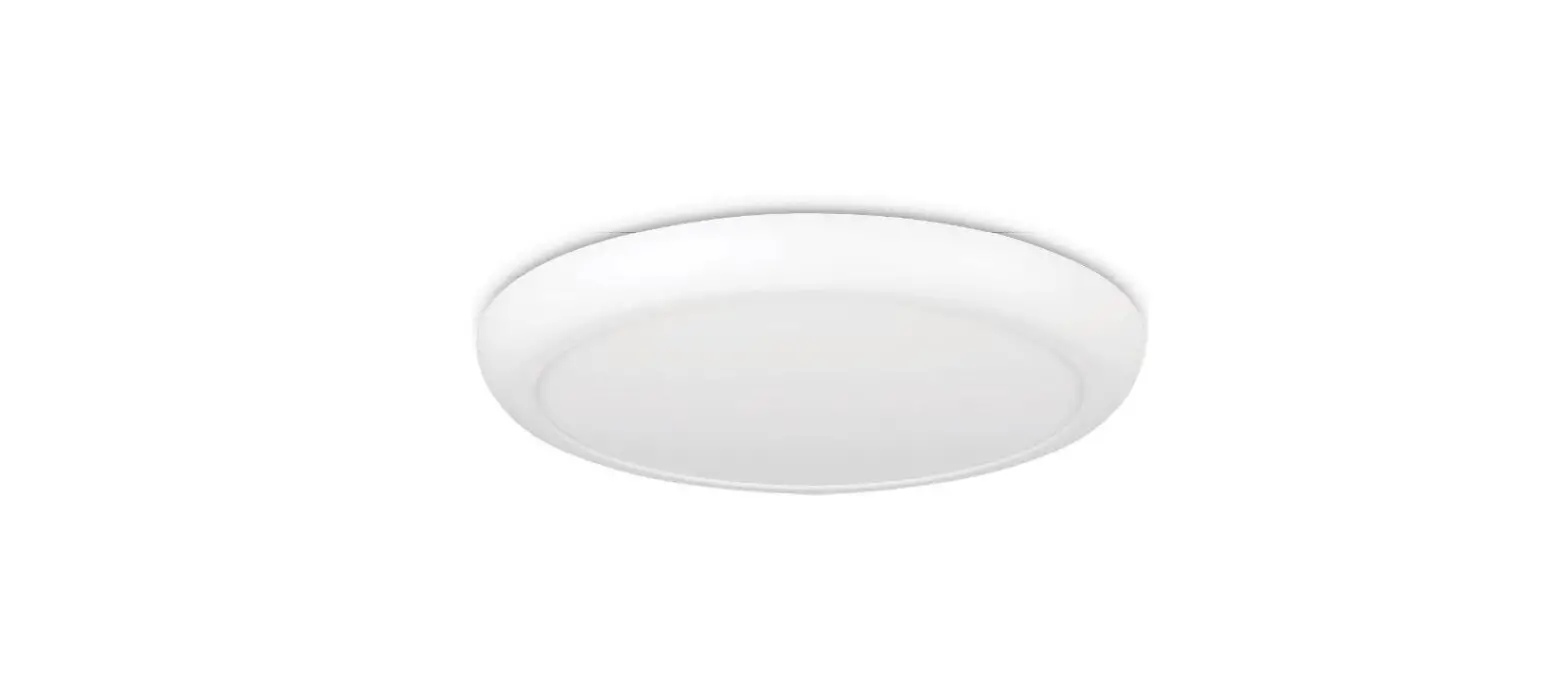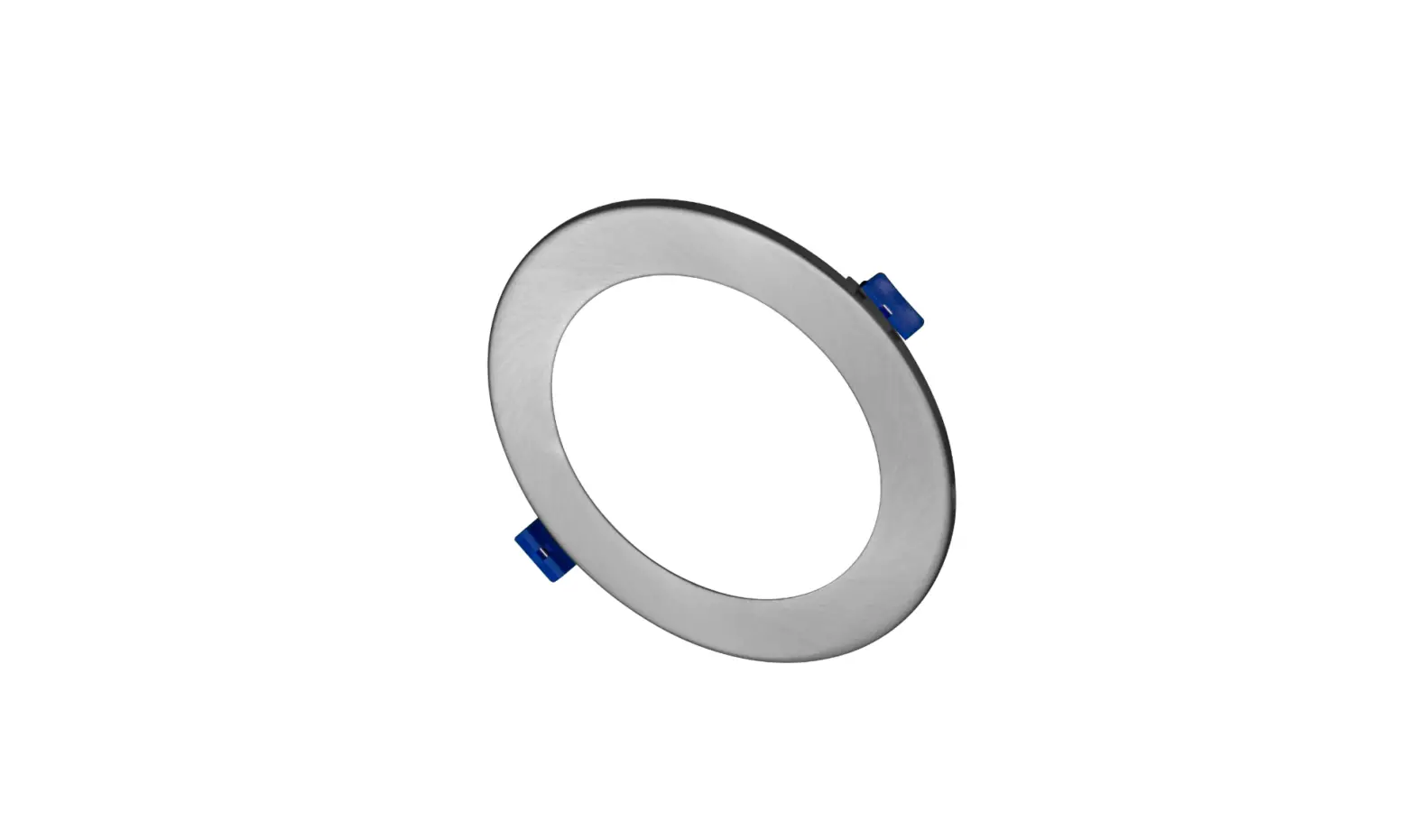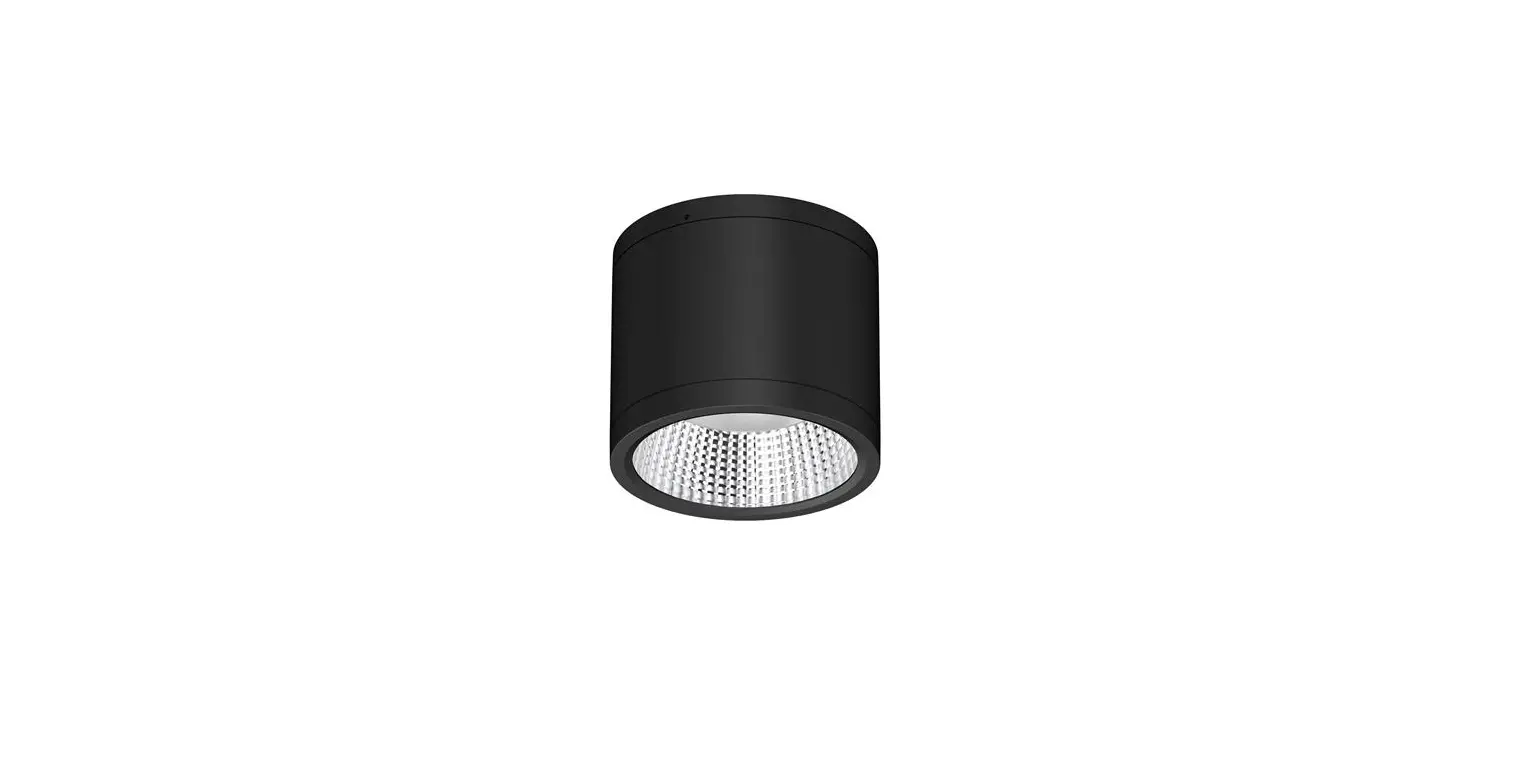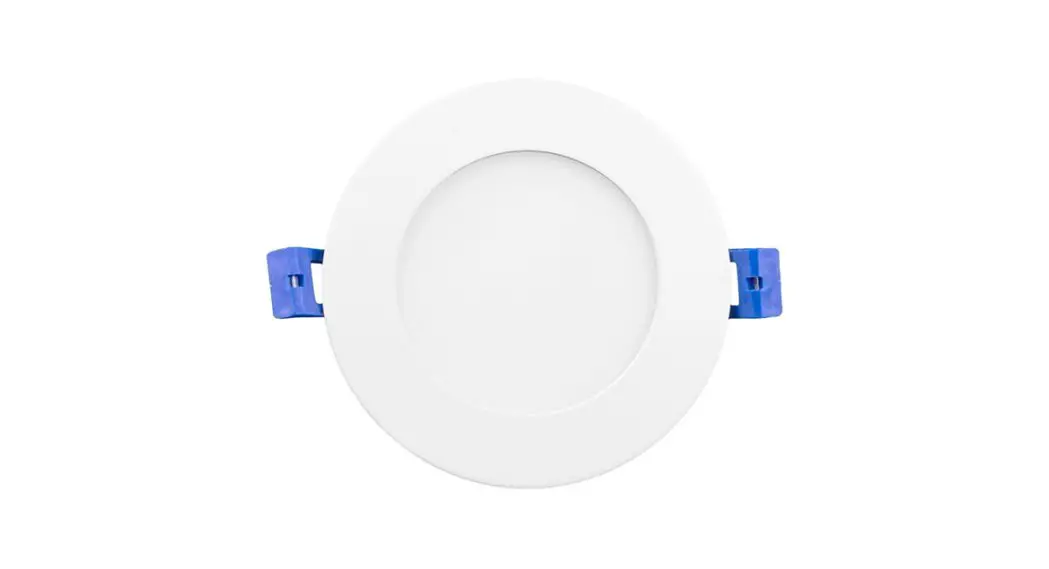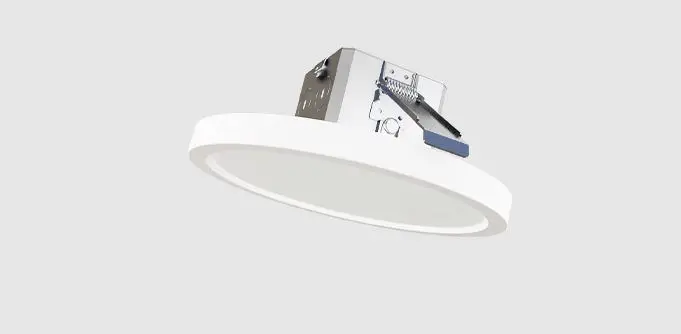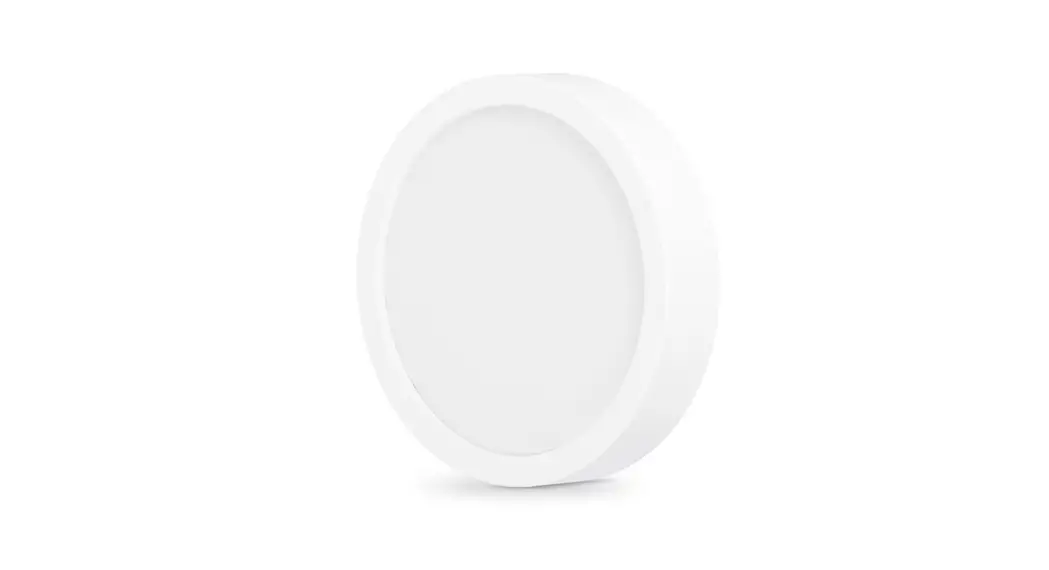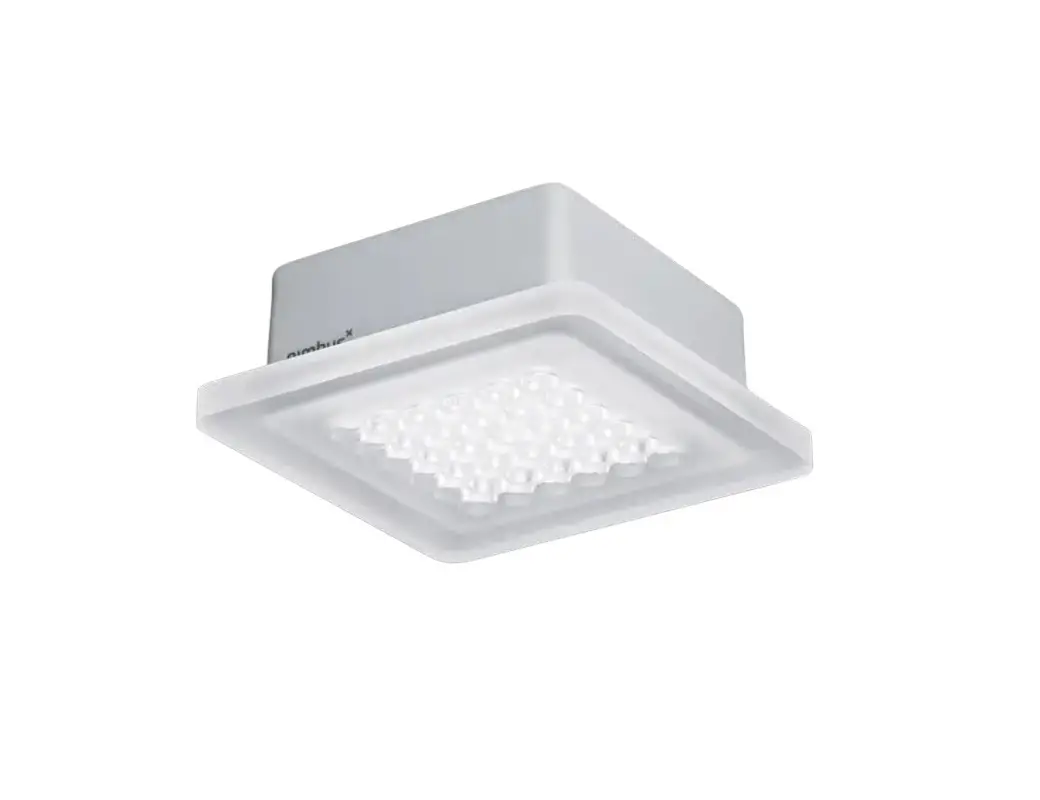
H FELE Q 36 Surface Mounted Downlight
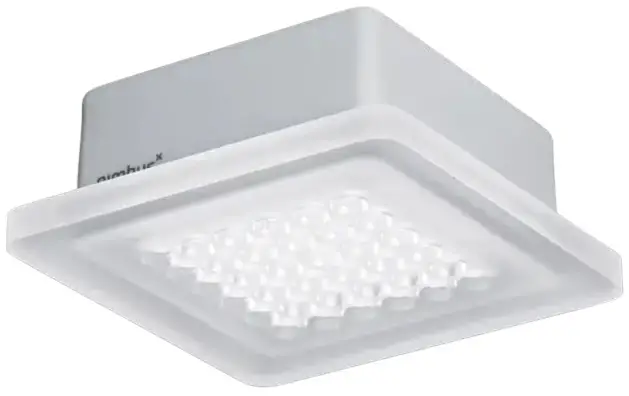
Quick Start Guide
for Nimbus Connect luminaires
(Compatible with Haefele Connect Mesh App)
Download app (Haefele Connect Mesh App)
|
|
 |  |


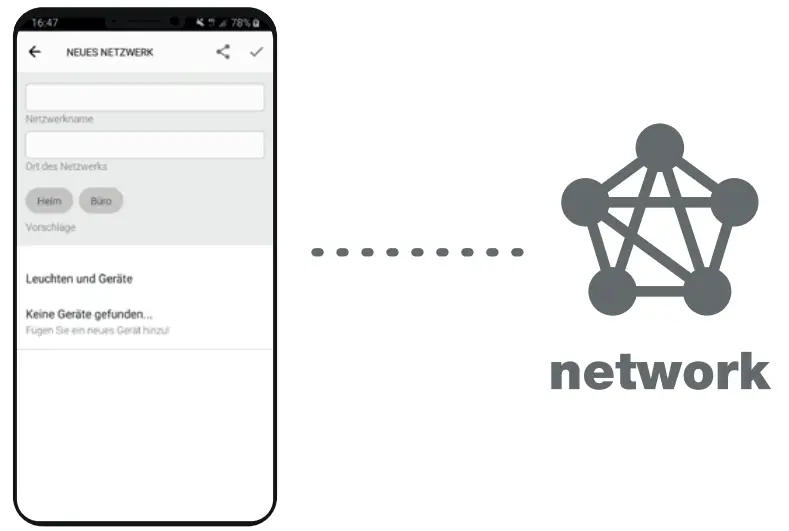
Create local network
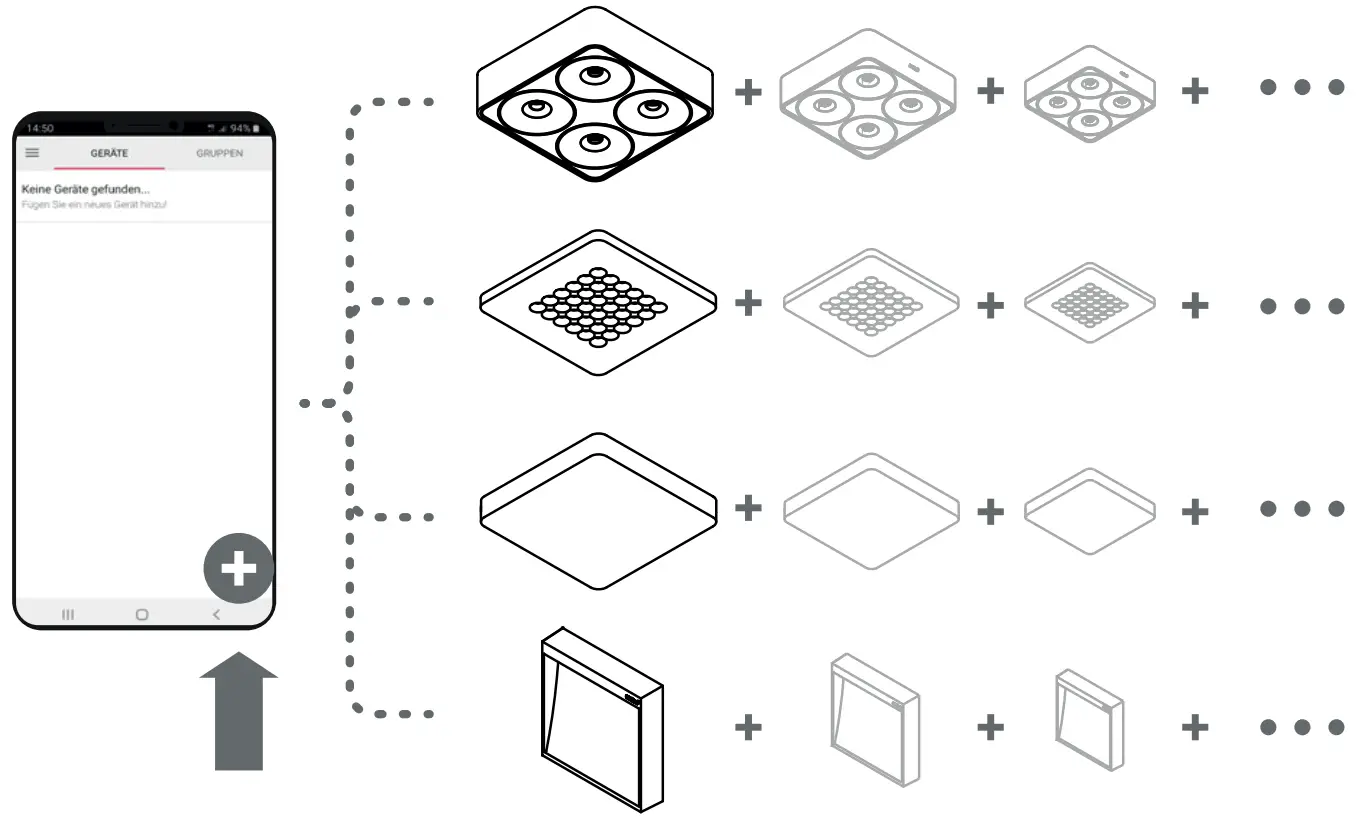
Add devices (Provisioning)
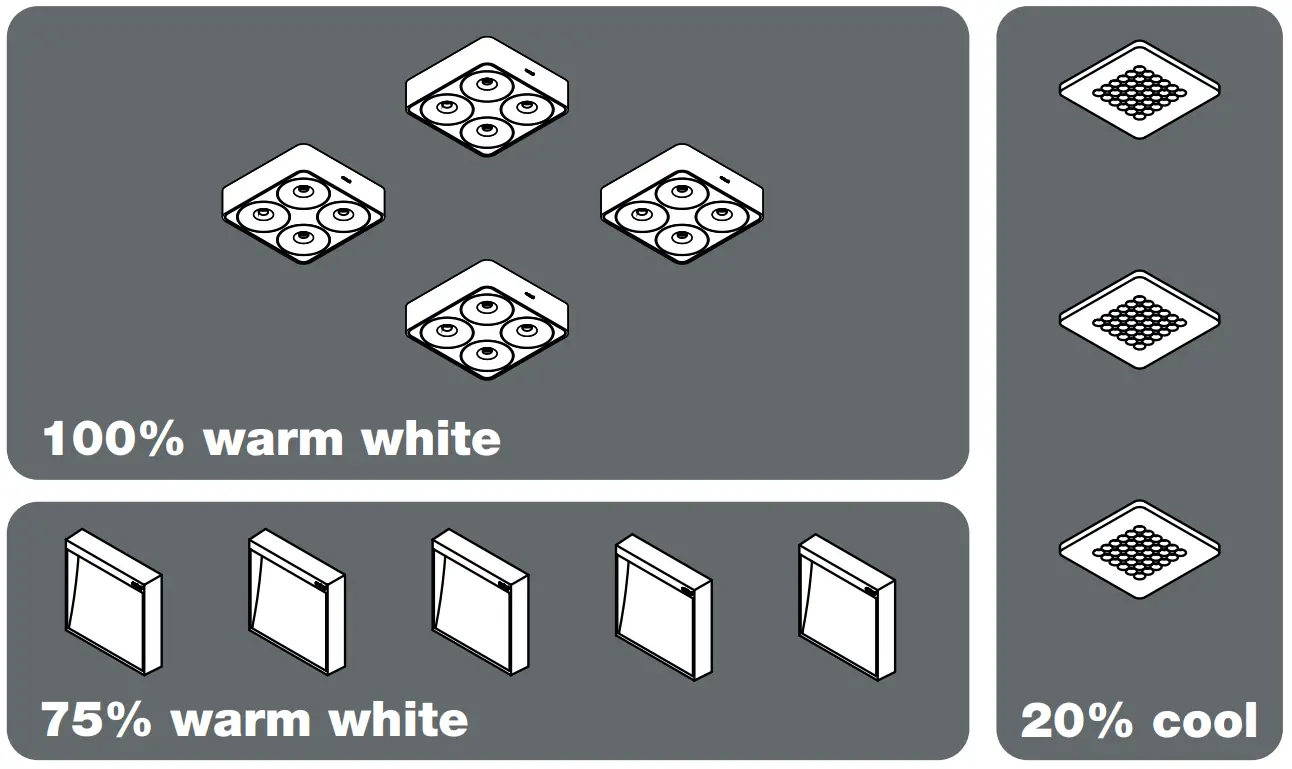
Create groups & scenes
Add control devices
 | Connect Mesh wall switch |
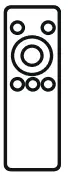
 | Connect Mesh remote control |
 | Connect Mesh furniture switch |
 | 2-channel / 4-channel interface |
 |  – BLE modules – BLE modules |
Enjoy your setup!
Luminaire States & Identify
for Nimbus Connect luminaires
(Compatibel with Haefele Connect Mesh App)
Factory condition
Luminaire ready for network-provisioning,
Lighting state: 100% / 3000 Kelvin,
Status LED (red) flashing,
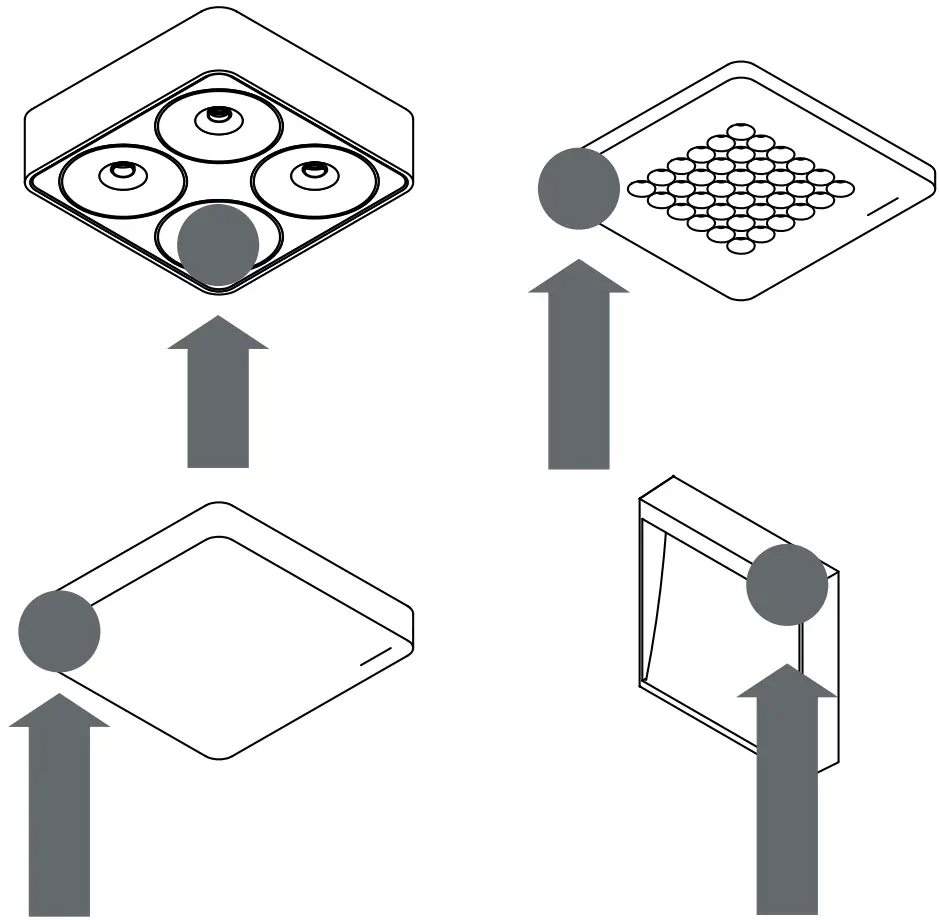
Position of status LED:
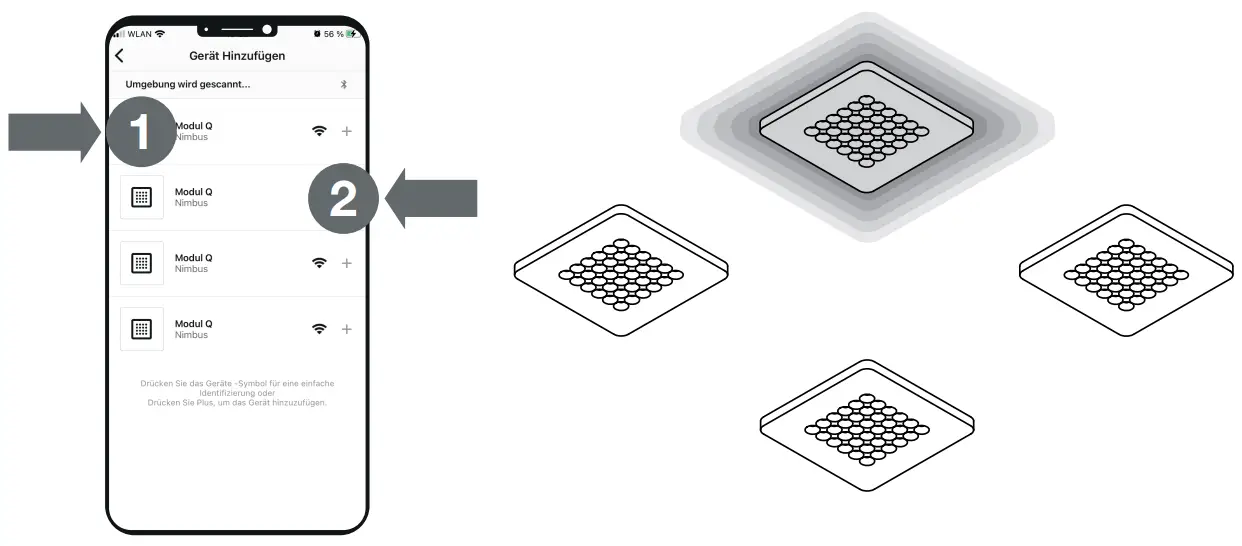
Identify luminaire & add to network
- Press luminaire icon to start Identify Sequence:

Selected luminaire will flash twice every second. - Add selected luminaire to network by pressing the ‚+‘-symbol.
Reset luminaire
Opt. 1: Reset in App:
Always try this option first! -edit luminaire
-Delete luminaire (reset device)
Opt. 2: Magnetic Reset
-Place and hold a magnet for 10 seconds, luminaire will flash twice when magnet is detected and will dim down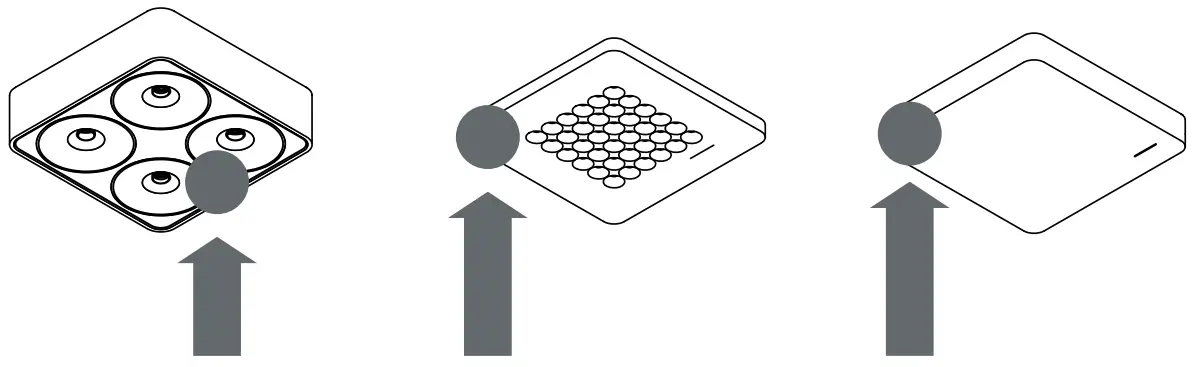
(not with Modul Q16/Cubic16 Connect / Zen Connect)
Opt.3: Manual Reset
Push the reset button on backside and hold for 10 seconds, luminaire will flash twice and dim down.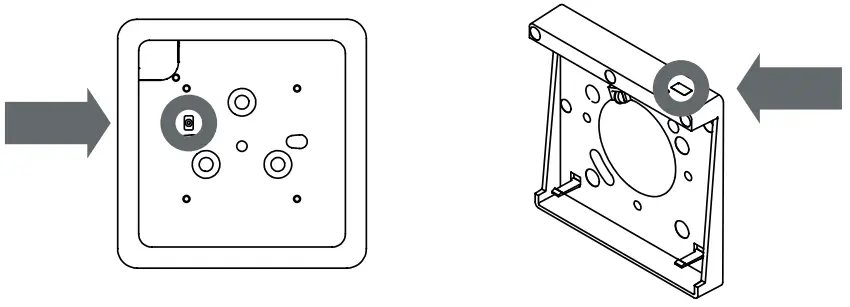
(not with Q Four Connect)

Luminaire in network
Luminaire not flashing.
Status LED (red) off.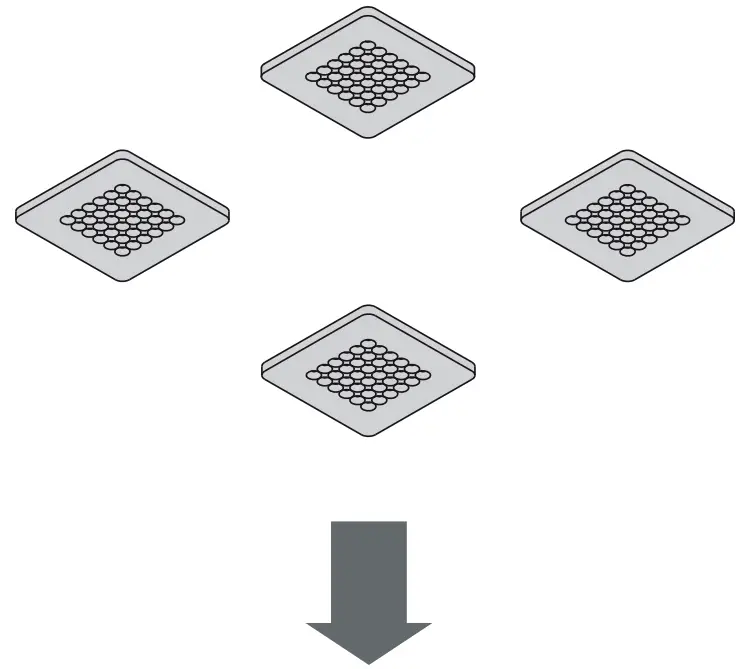
Enjoy your setup!
The Bluetooth® word mark and logos are registered trademarks owned by Bluetooth SI, Inc. and any use of such marks by Häfele SE & Co KG is under license. Other trademarks and trade names are those of their respective owners.