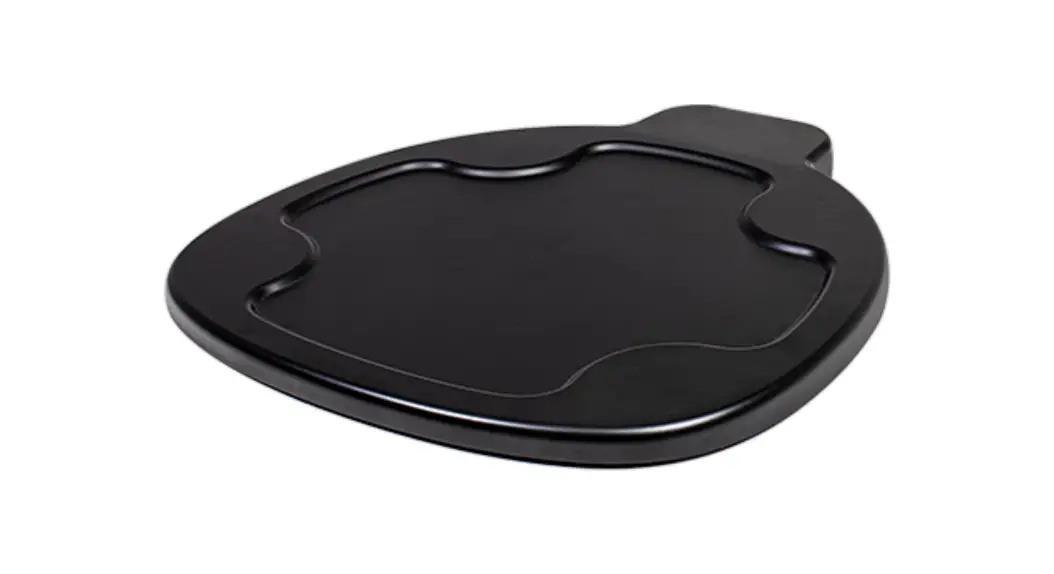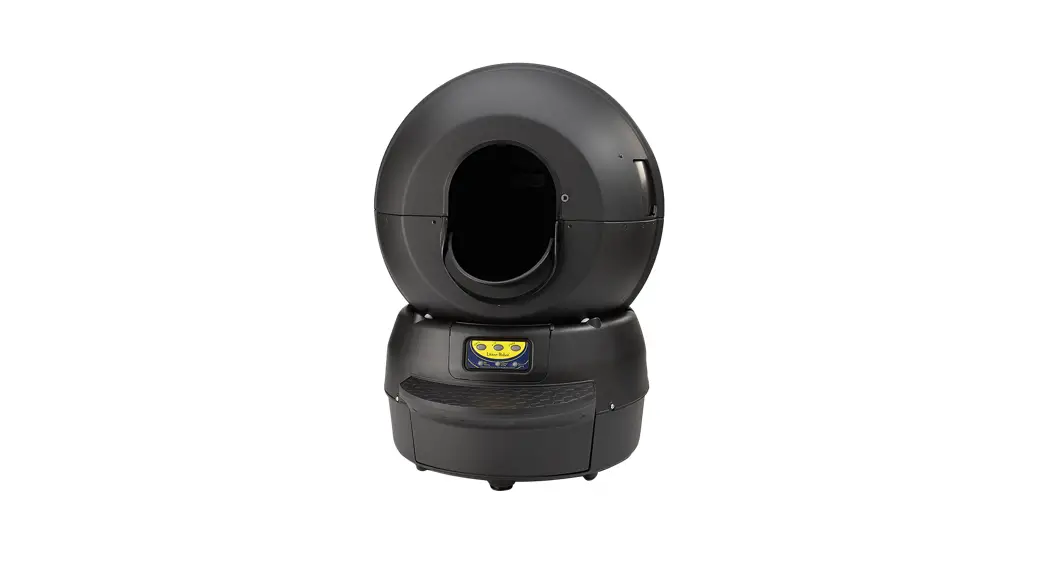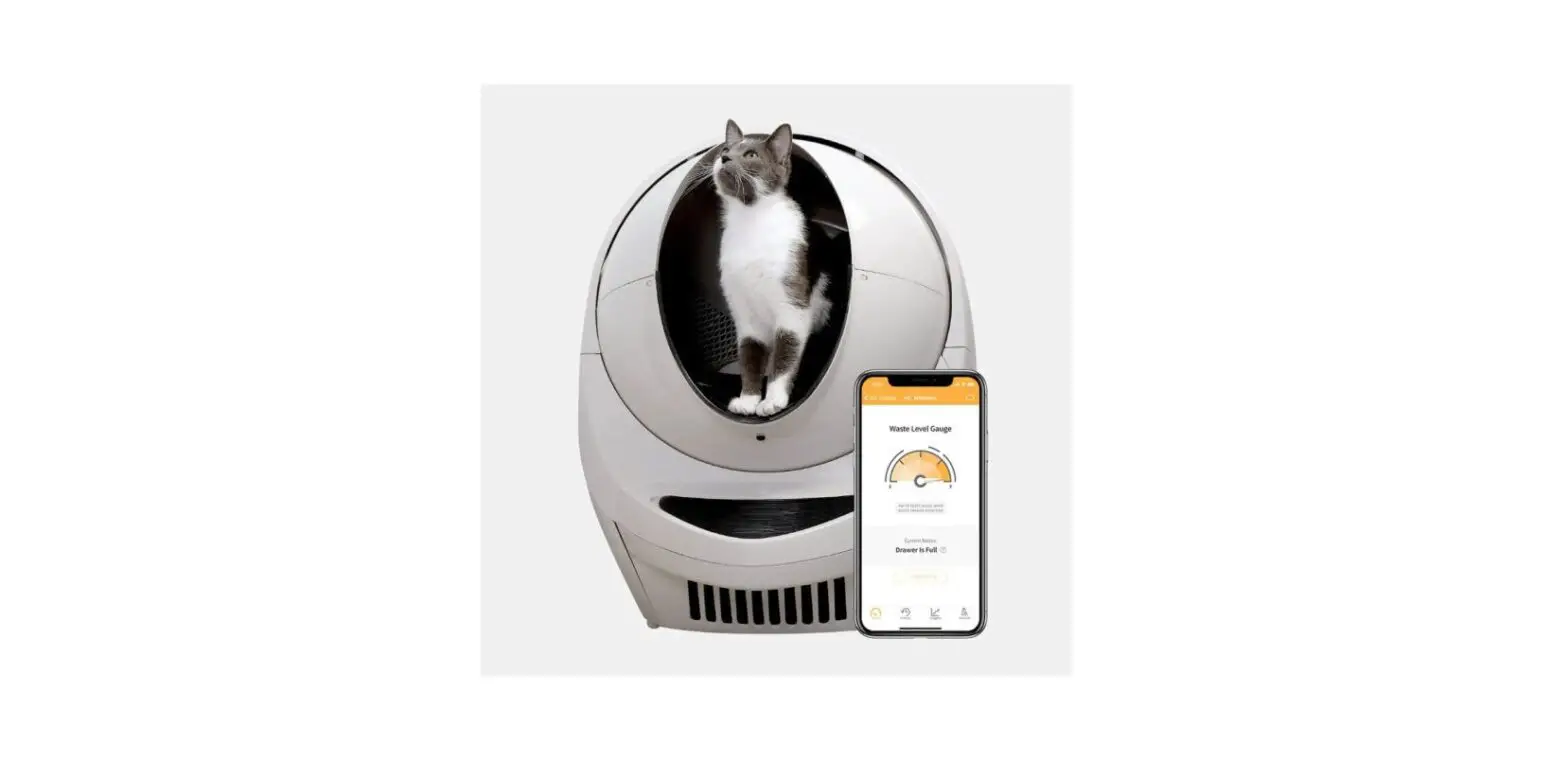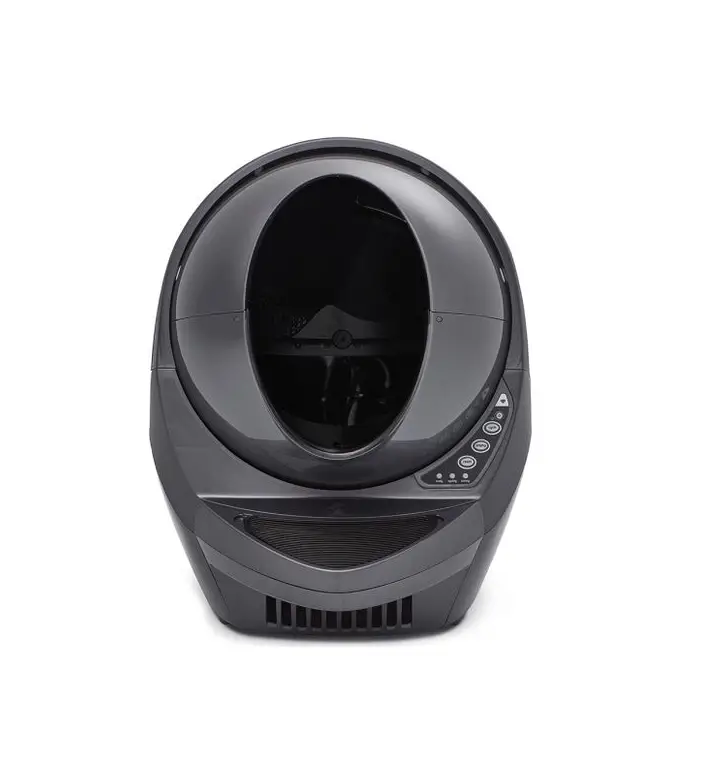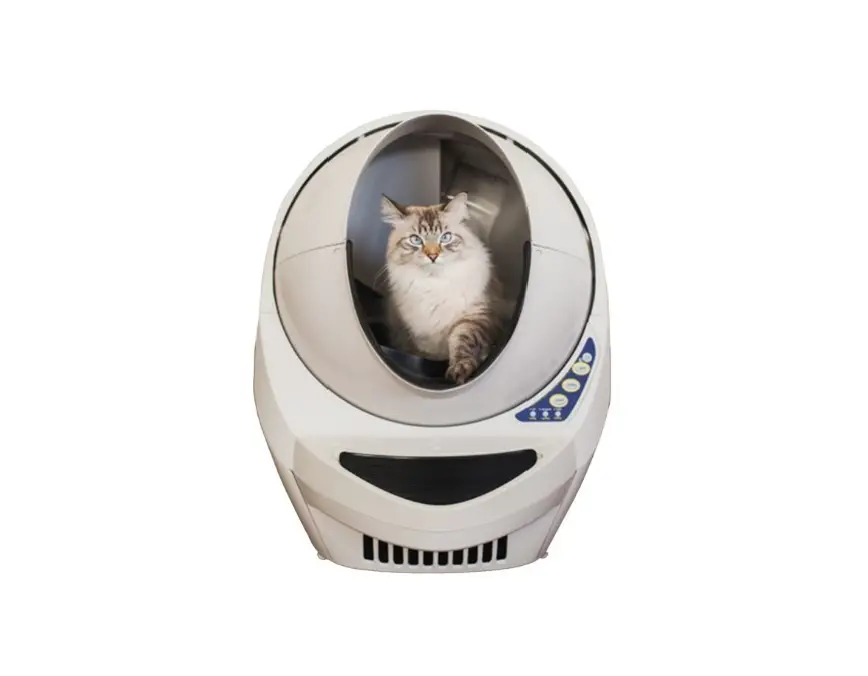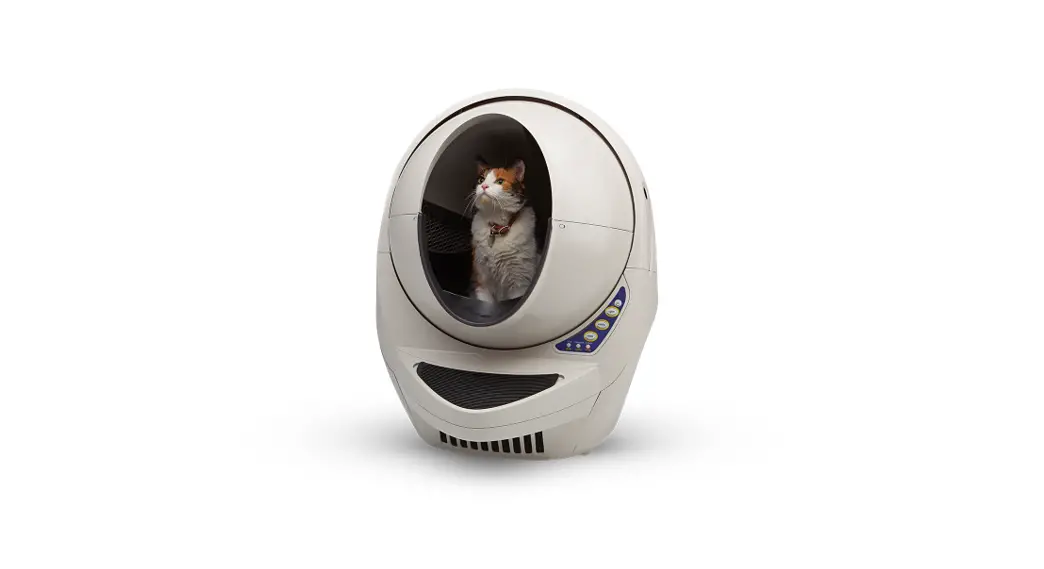

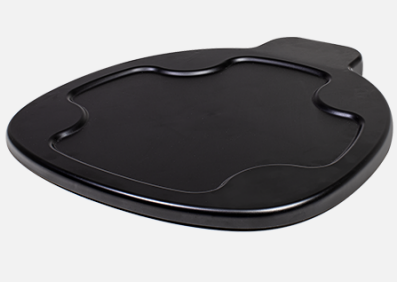
litter-robot LR4 Carpet Tray
INSTURCTION
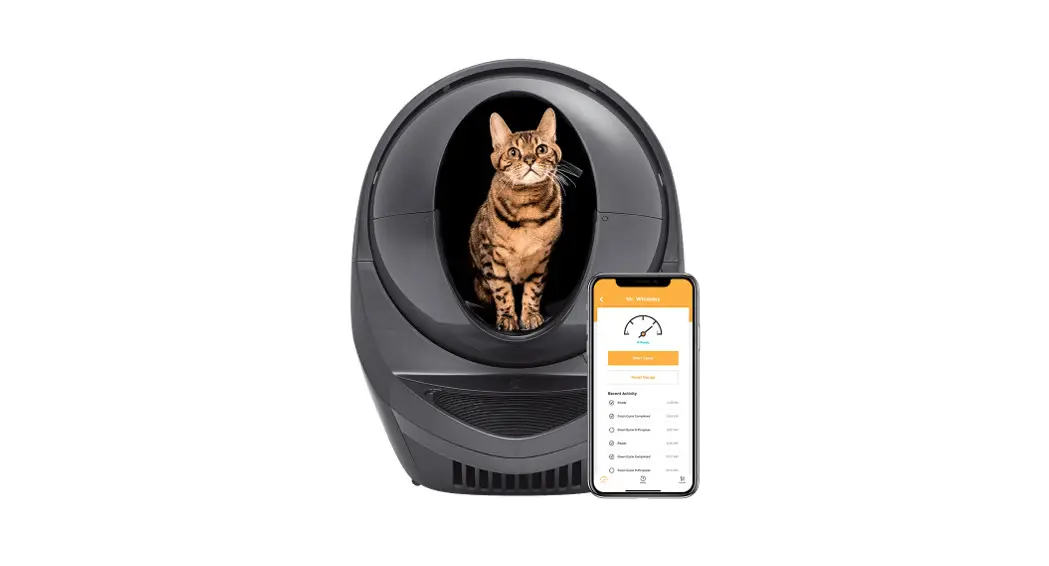
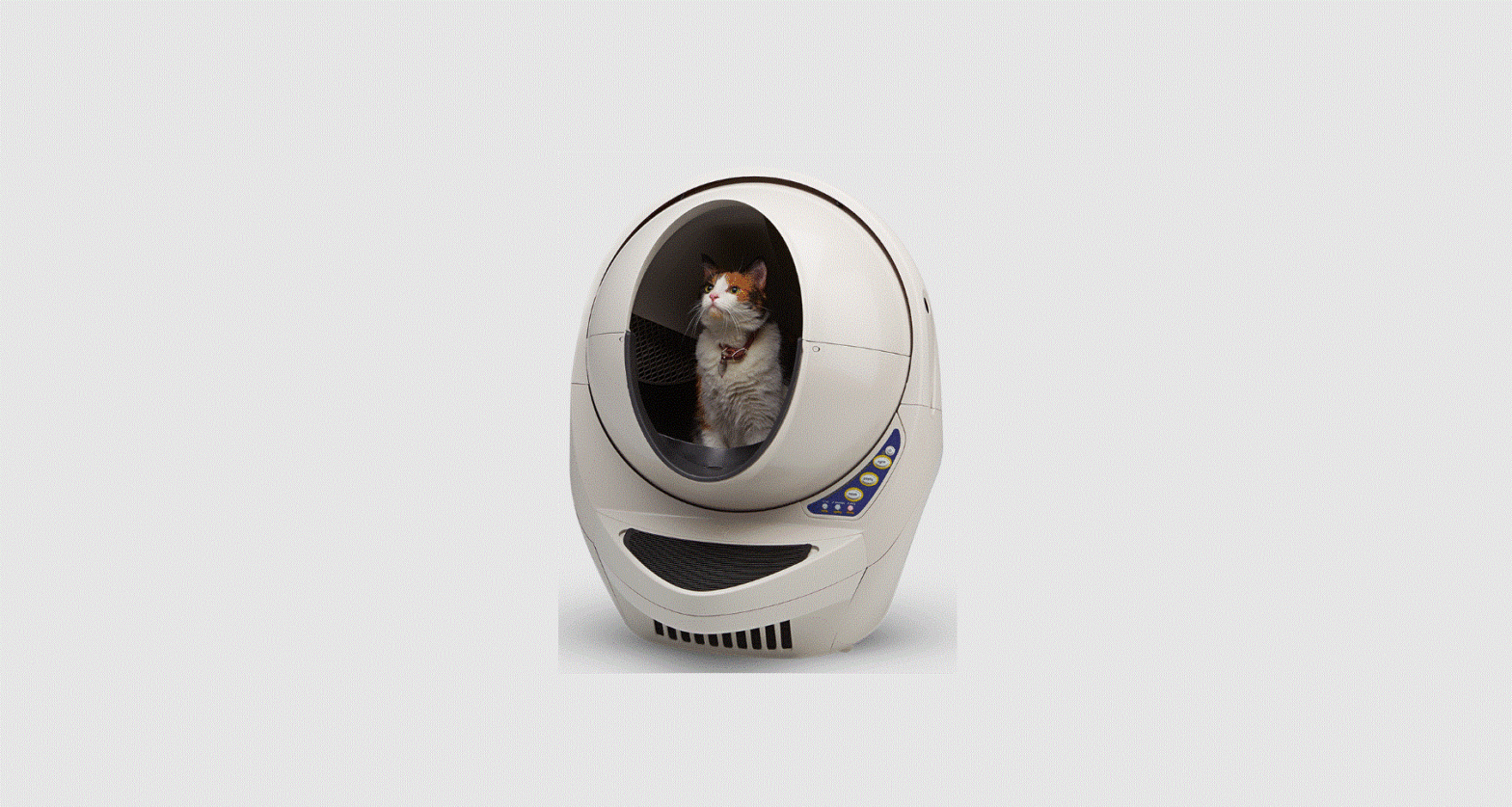
Litter-Robot® 4 features the all-new SmartScale™ that lets you monitor kitty’s activity and weight through the Whisker app. If your Litter-Robot 4 sits on carpet thicker than 3mm(1/8 inch), you can improve the accuracy of SmartScale™* weight readings by placing our specially designed carpet tray between the unit and the floor.
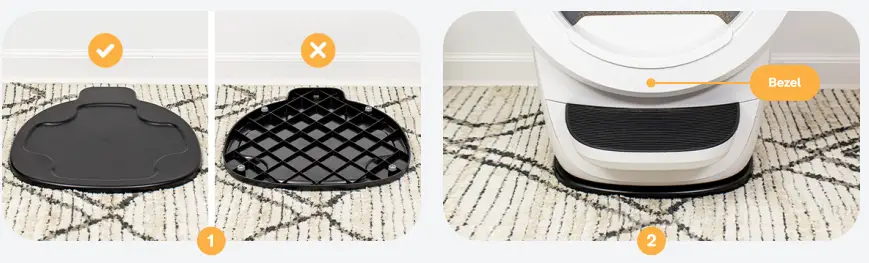
- Place the carpet tray on the floor in the desired location of your Litter-Robot 4. The smooth side of the carpet tray should be facing up and the protruding end should be located where the rear of your Litter-Robot will sit.
- Set your Litter-Robot onto the carpet tray (lift under the rear base and front bezel).

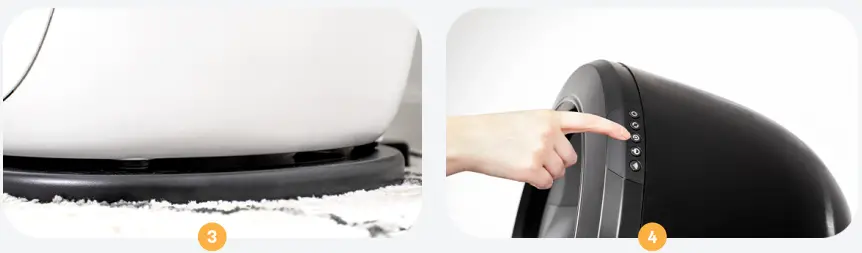
- Ensure all four feet rest firmly on the carpet tray. If any of the four feet hang over the edge of the carpet tray. your Litter-Robot will become unstable.
- Press the Reset @ button to reset the weight sensors.

Questions? Visit: whiskersupport.com