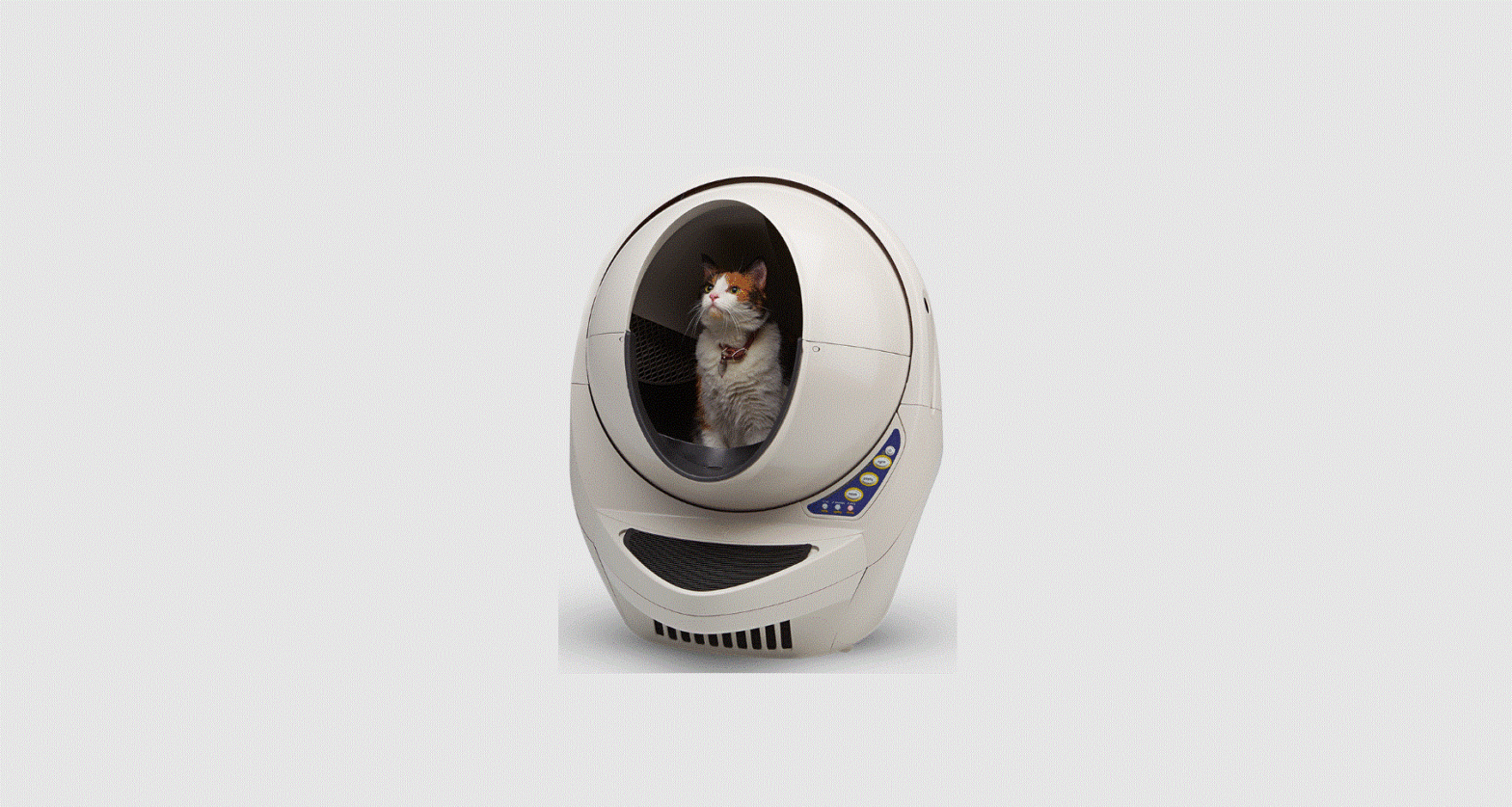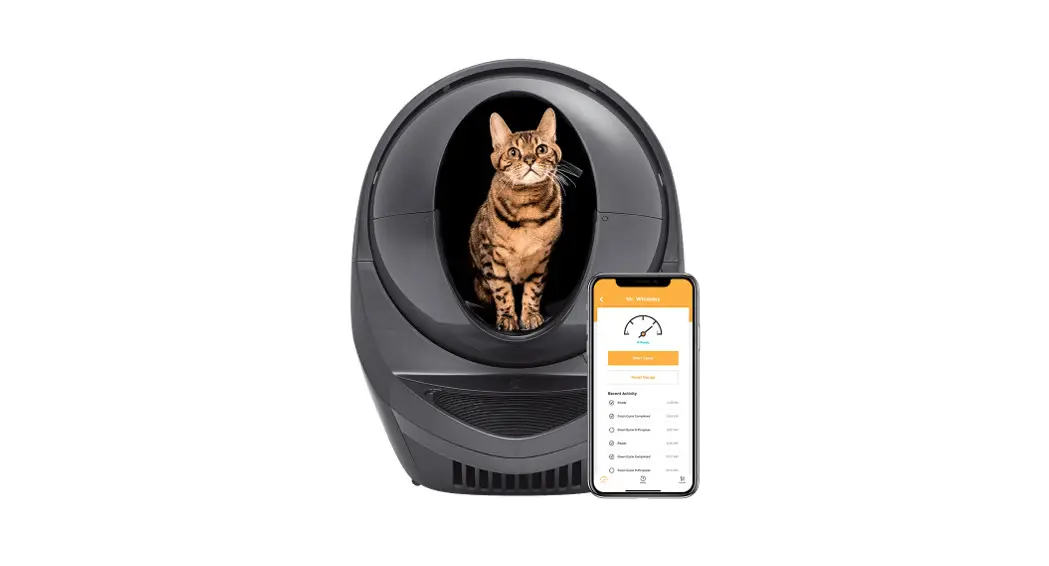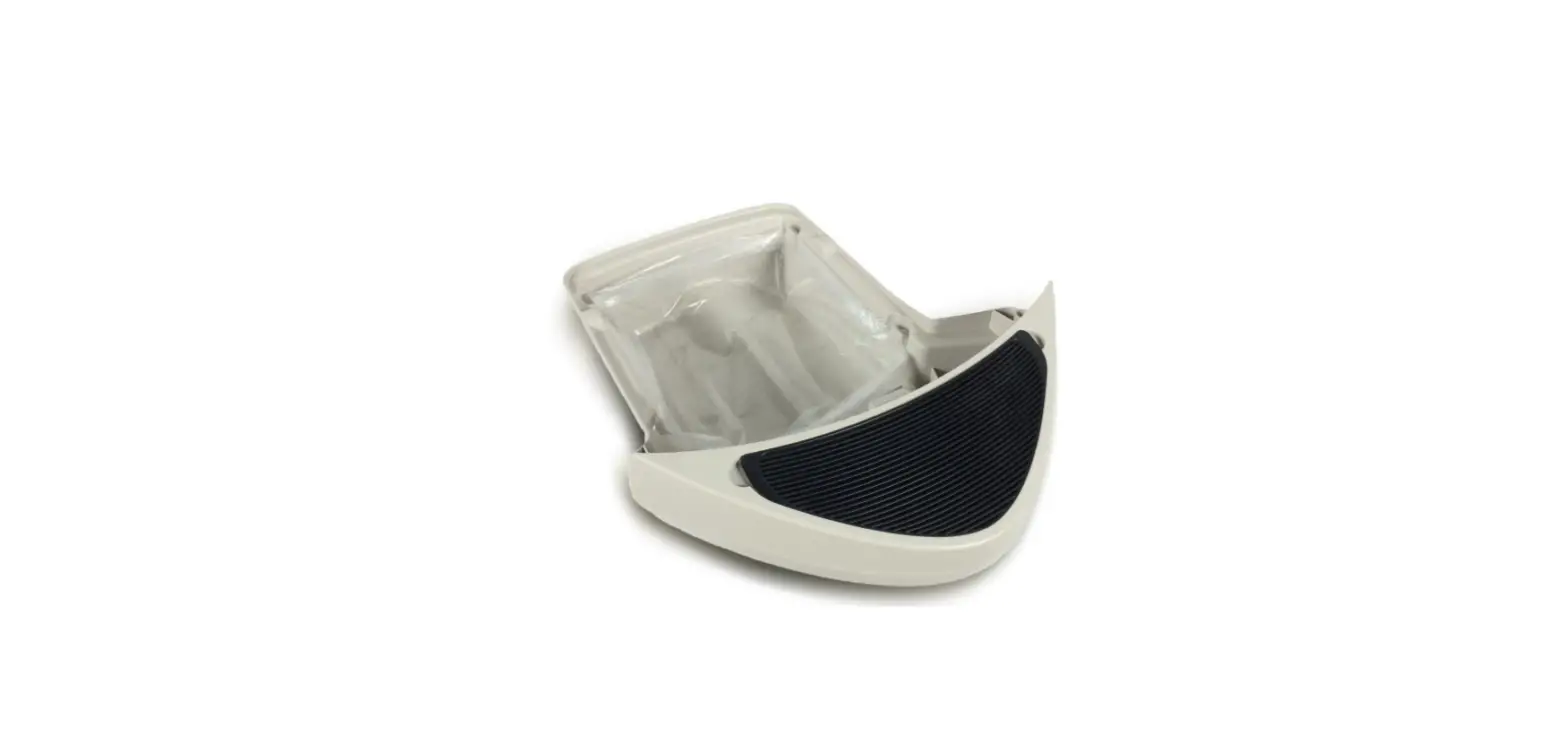

litter-robot LR3 Waste Drawer Liner Installation
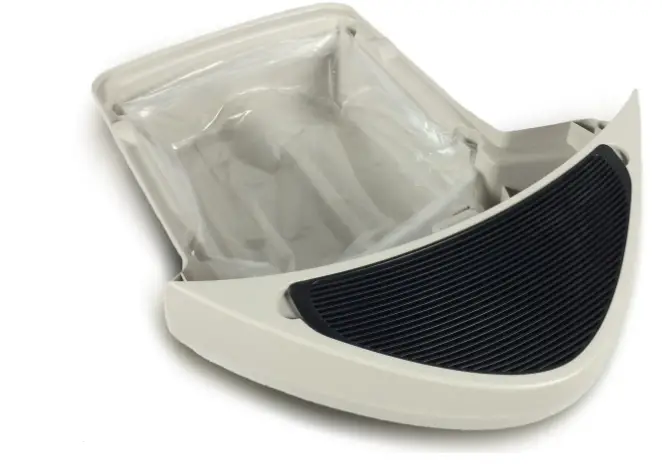
Installing the Litter-Robot 3 Waste Drawer Liner
How to install
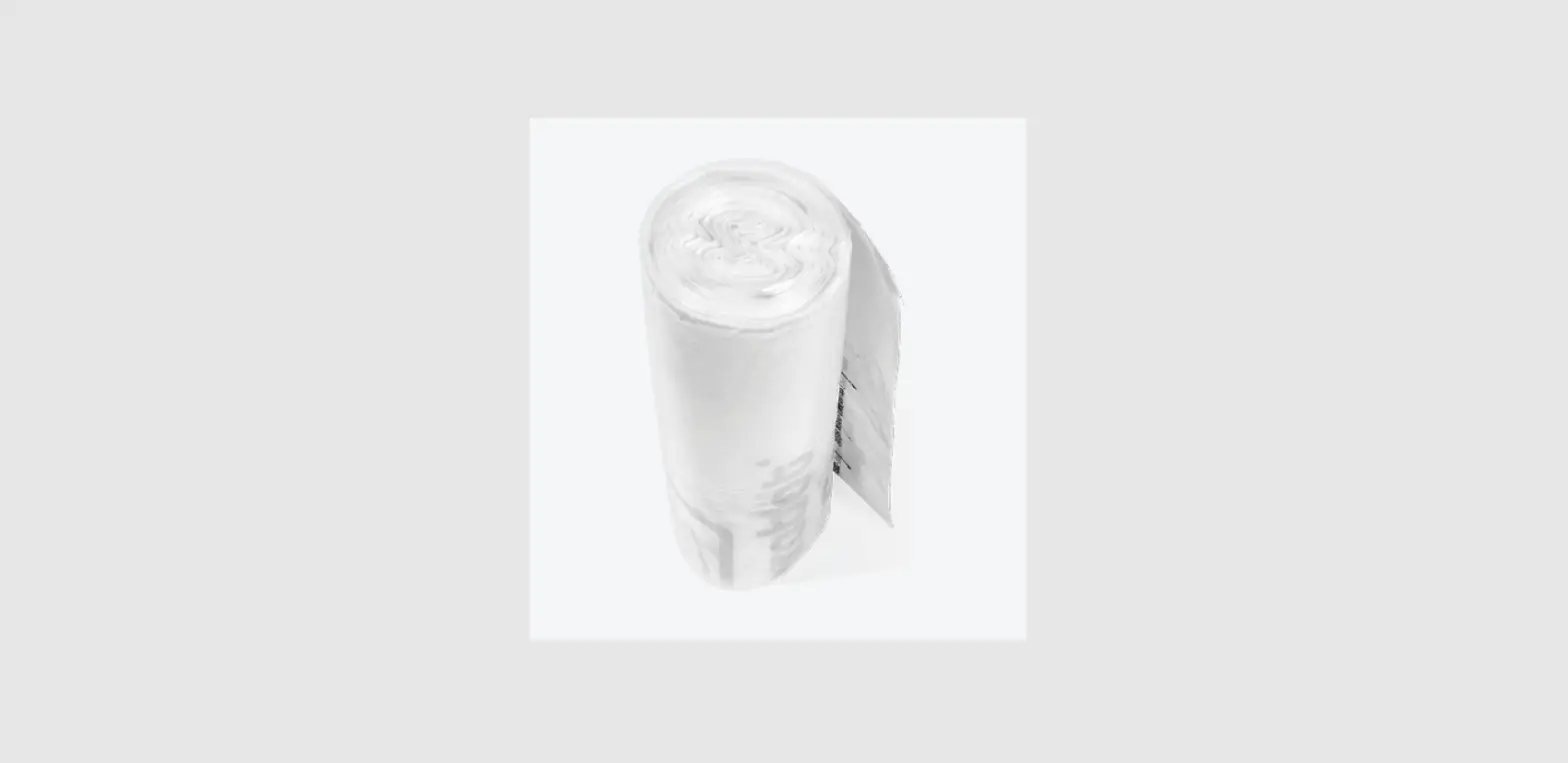
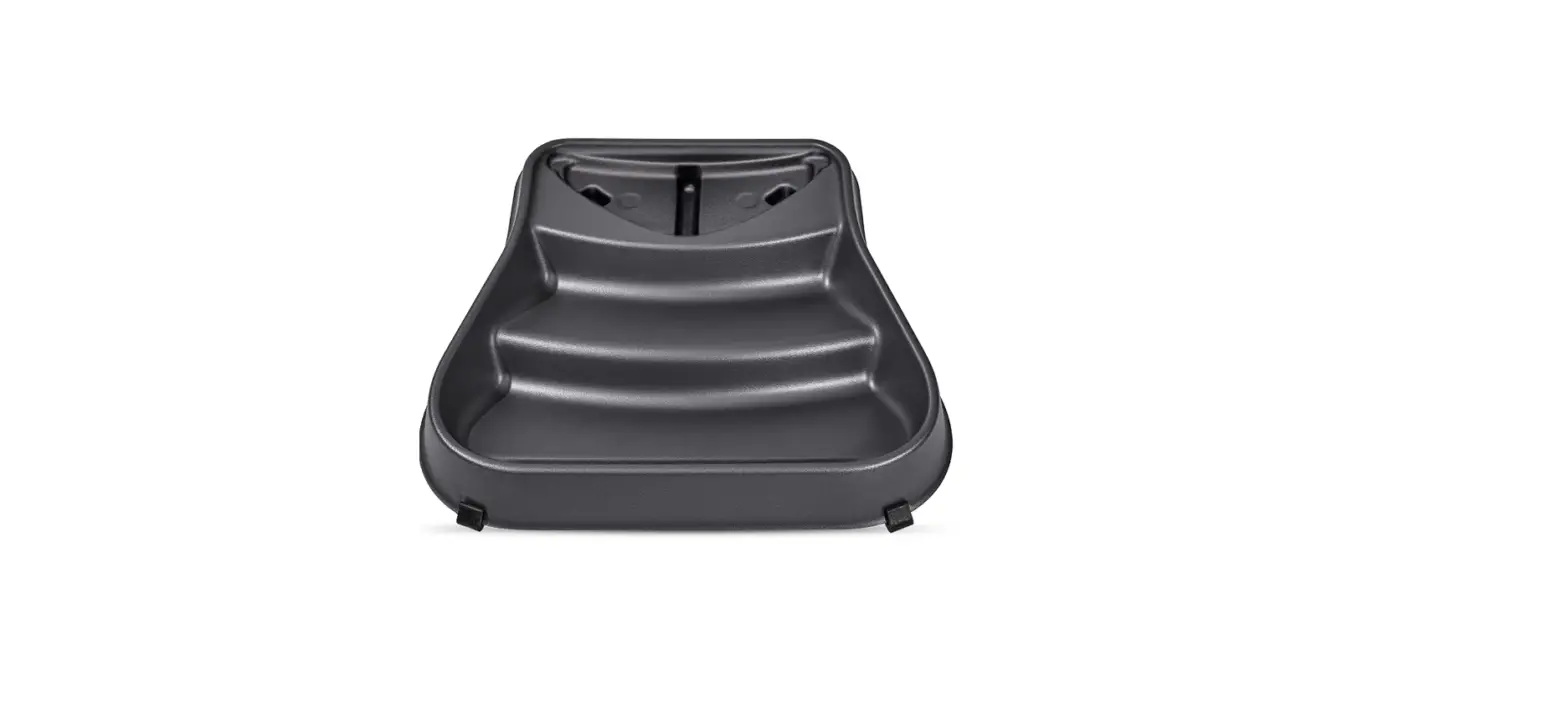
Open a new waste drawer liner and roll down the edges four times.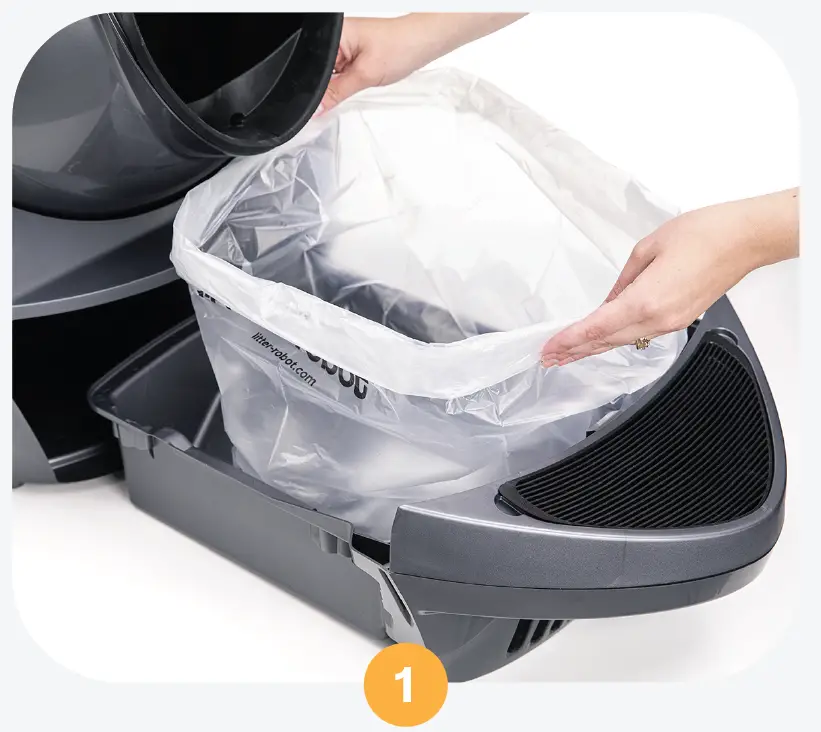
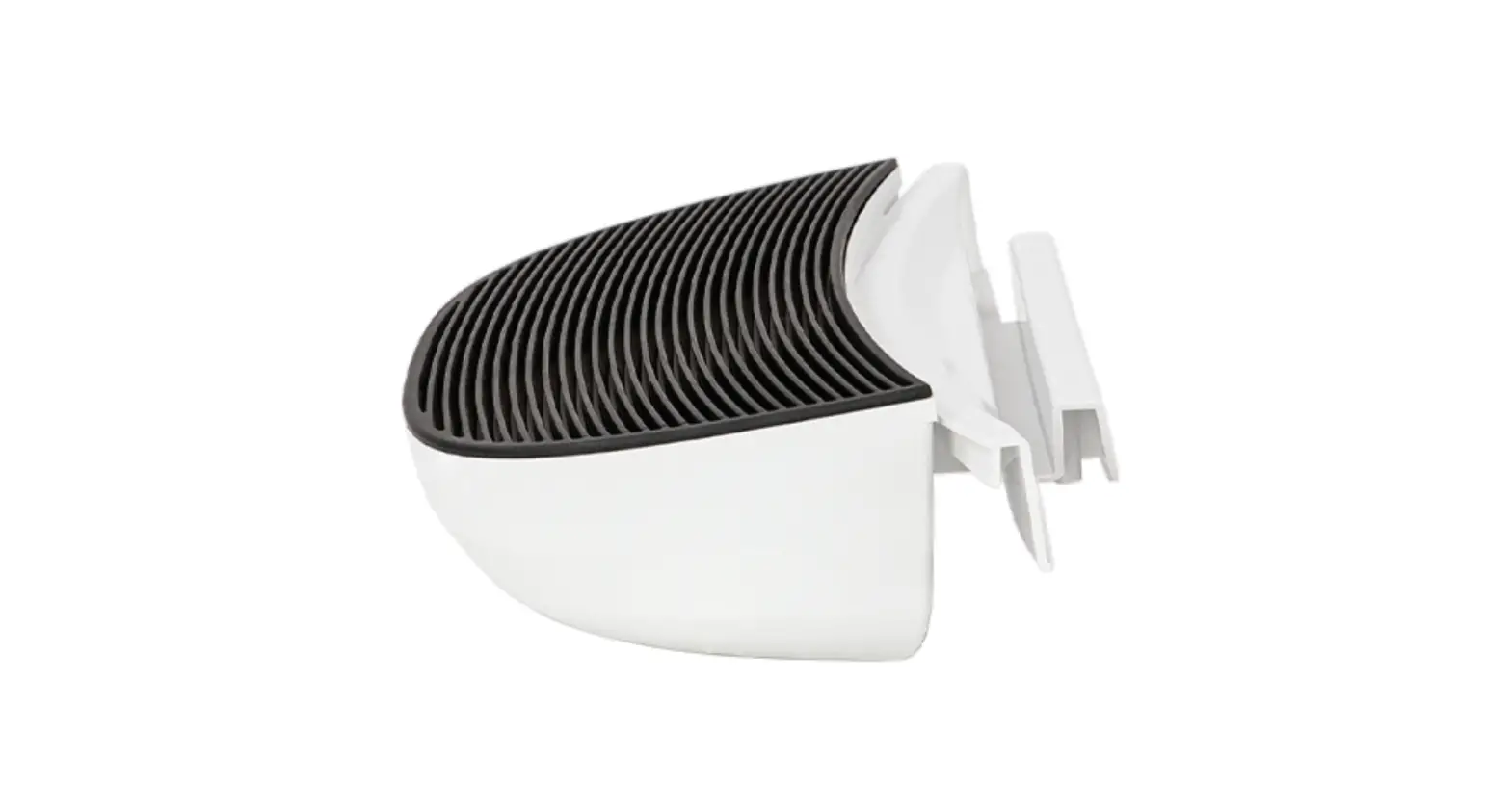
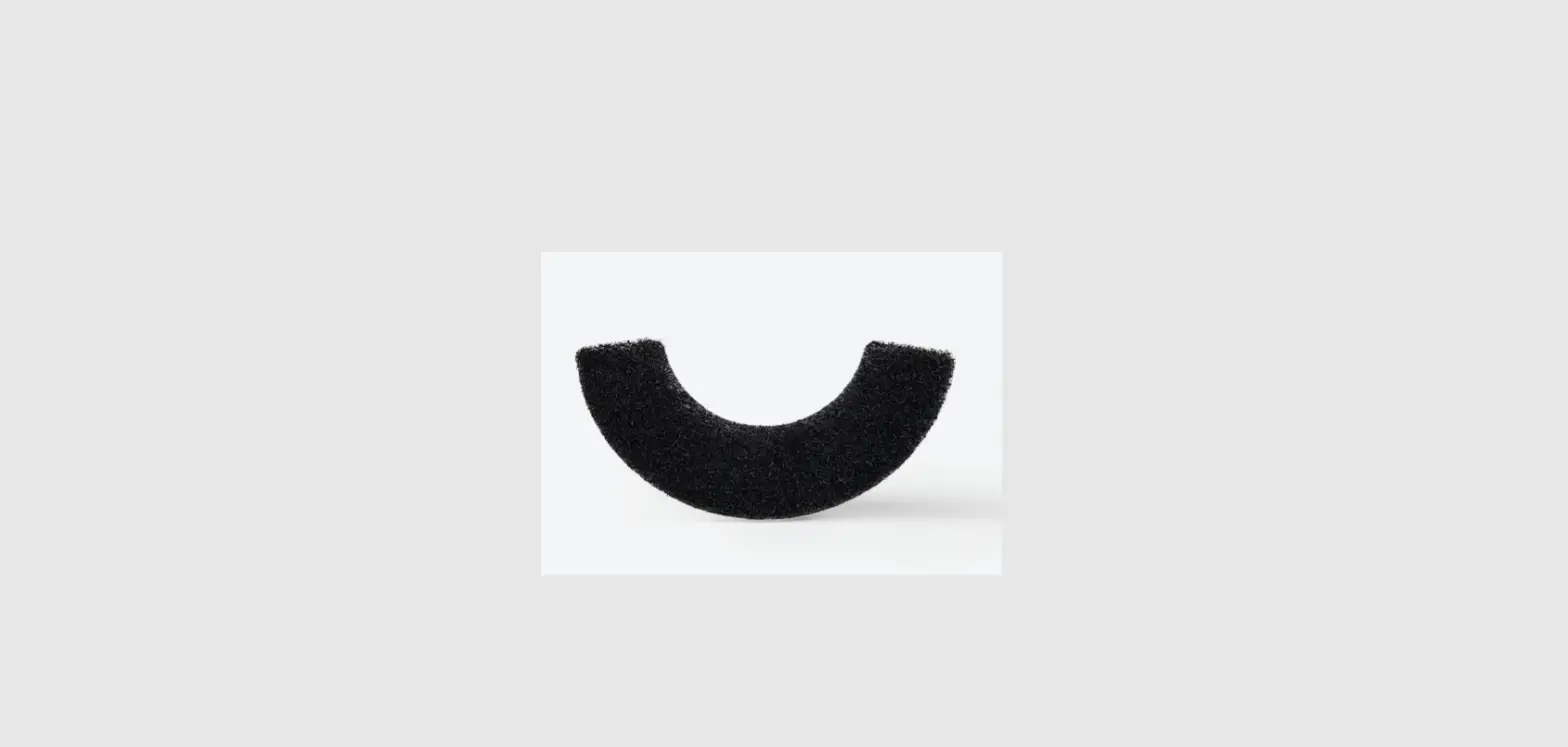
Start at the back of the waste drawer and push the rolled edge of the bag into each of the four tabs, making sure the bag is taut across the back and sides. Pull the slack forward toward the carbon filter.
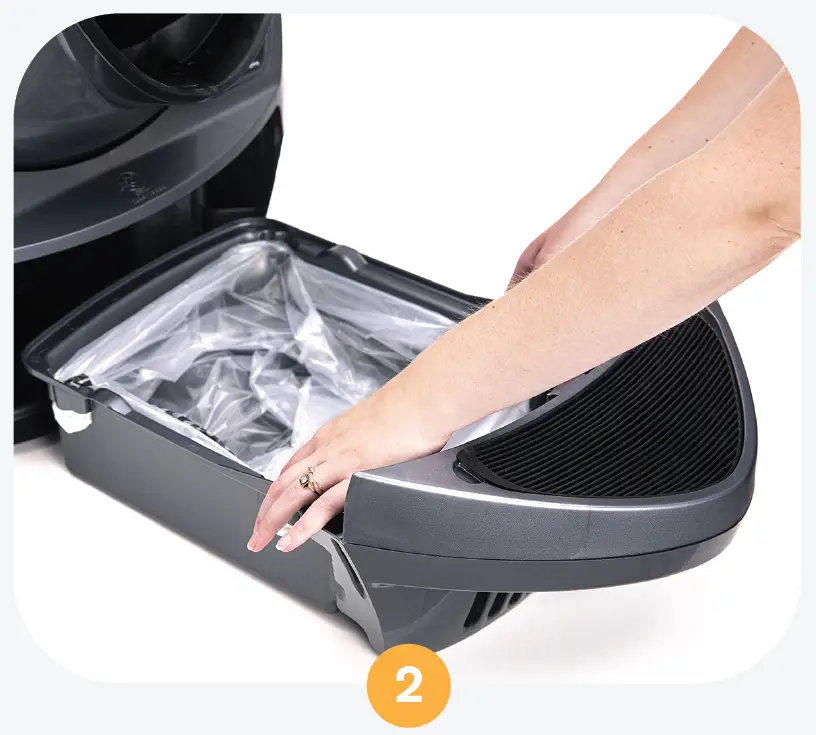
Make sure the bag does not come up past the top of the sides of the waste drawer, which can result in a false flashing blue “drawer full” light on the control panel.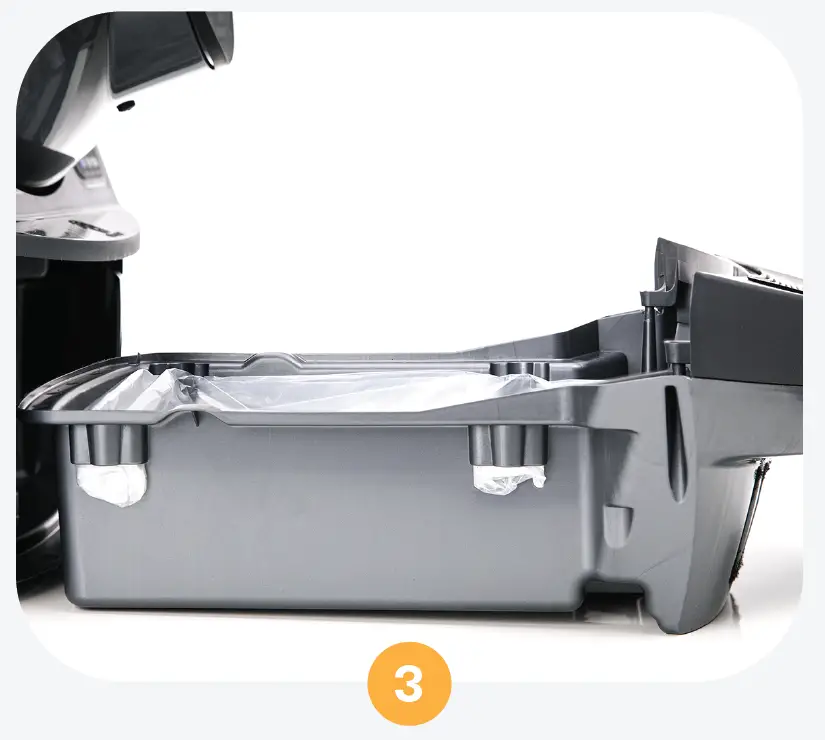
Slide the drawer closed and press the Reset button to zero the cat sensor.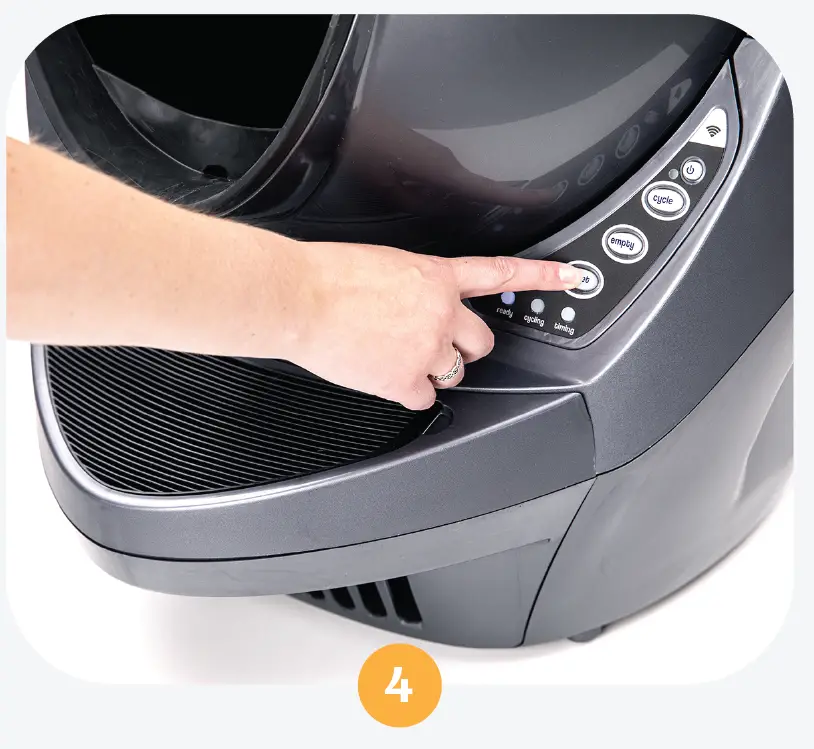
Questions? Visit whiskersupport.com
 Litter-Robot Support Community