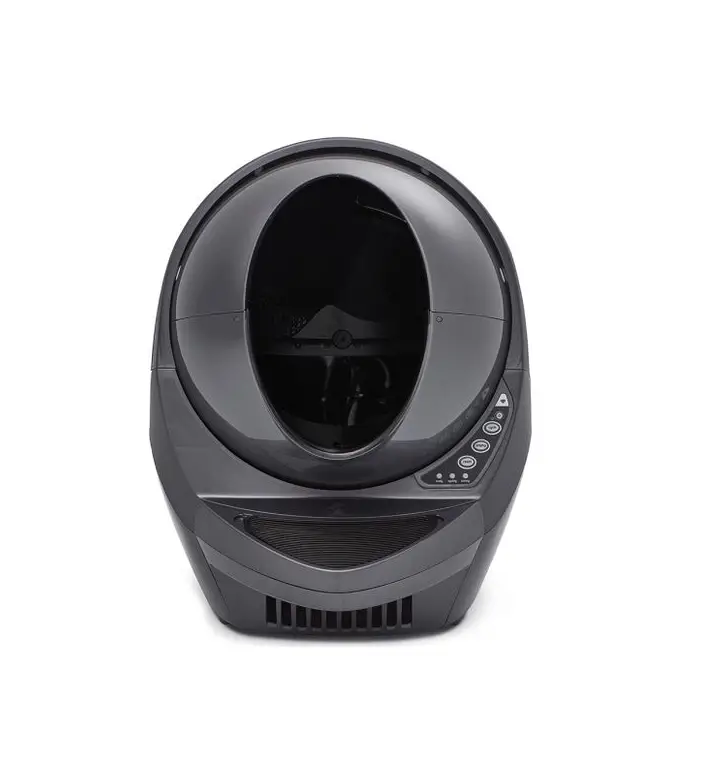
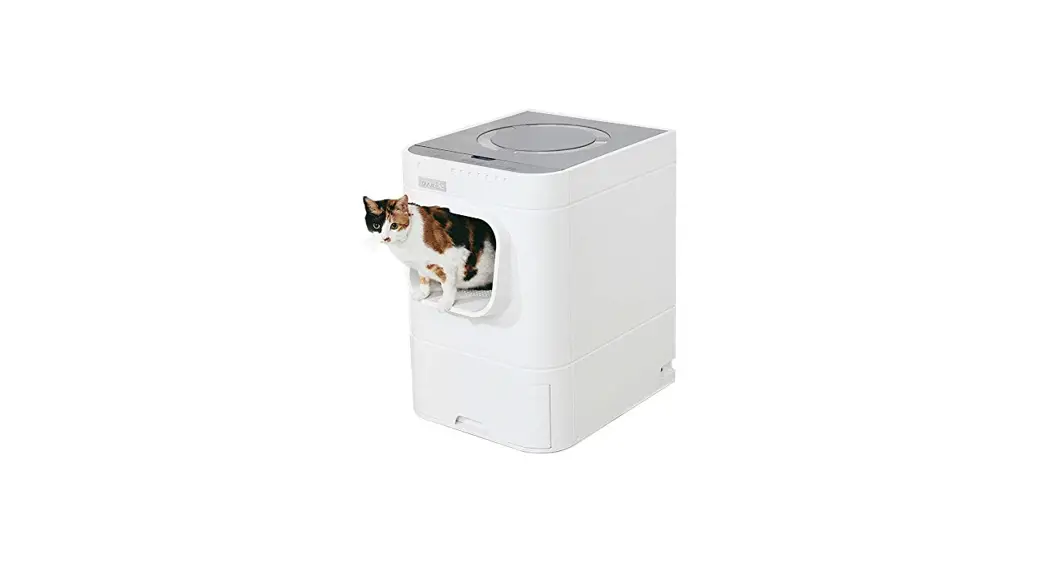
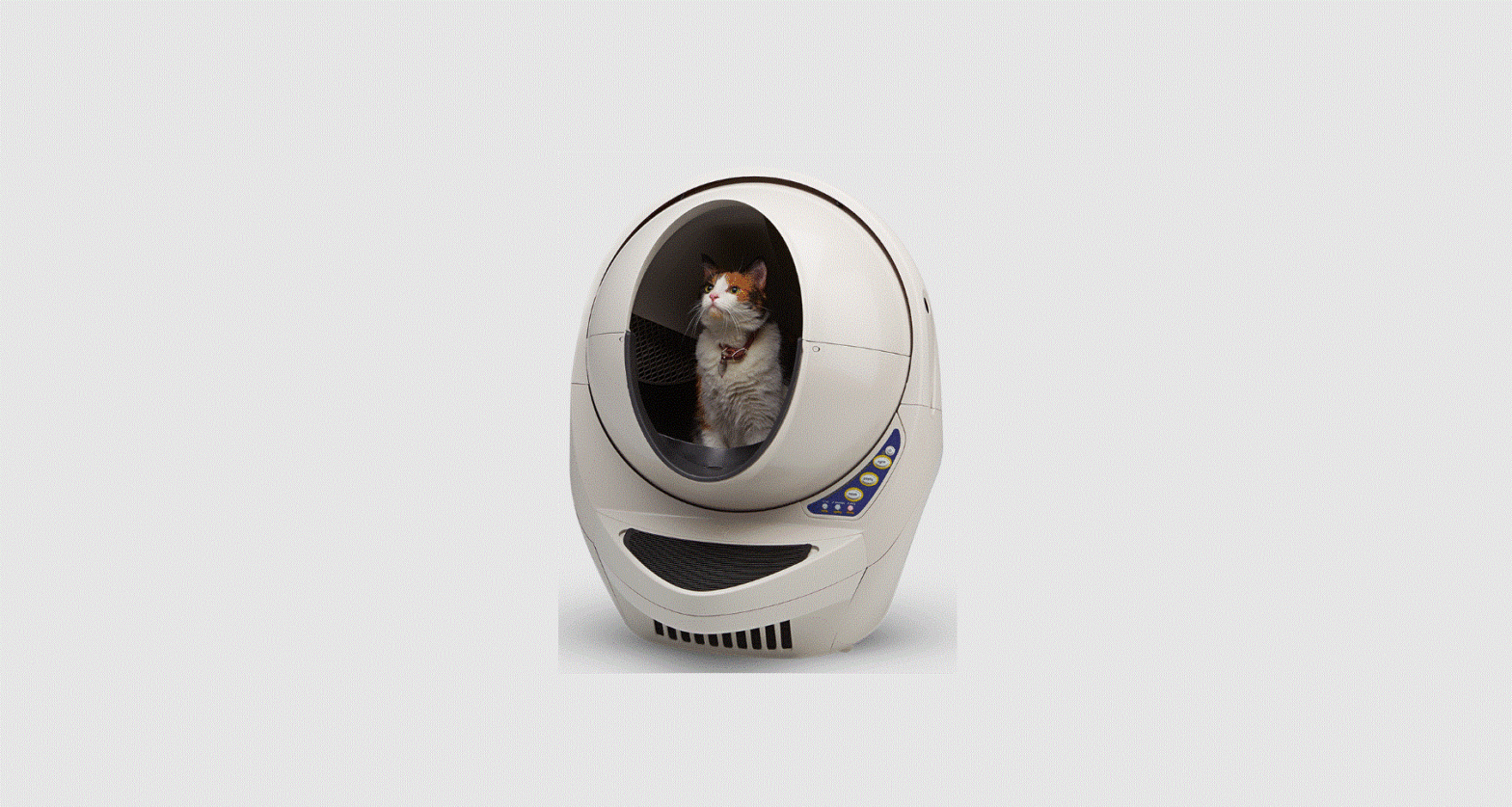
LR3-8010-0g Litter Robot Open Air
Product Information
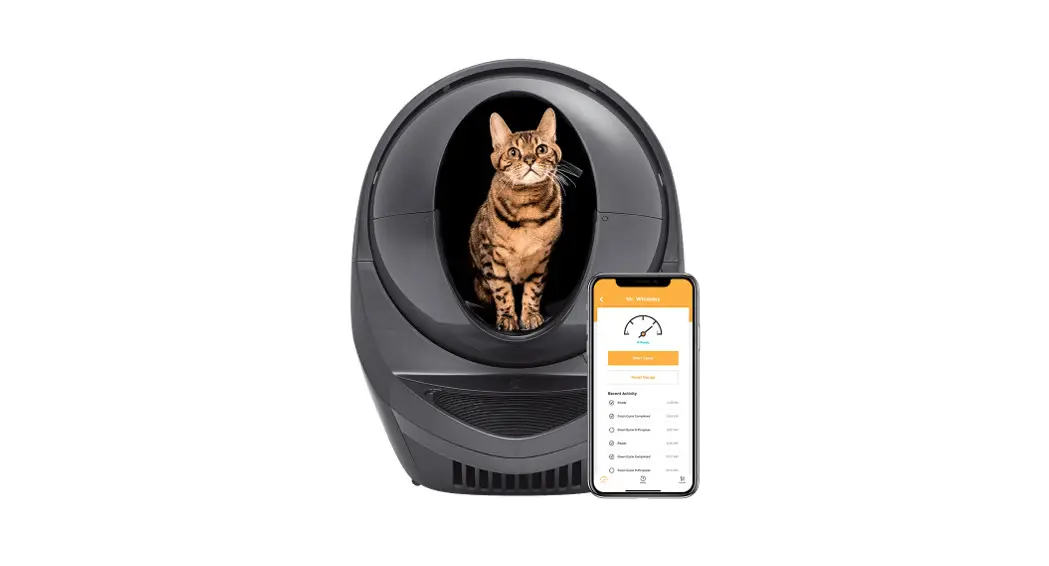
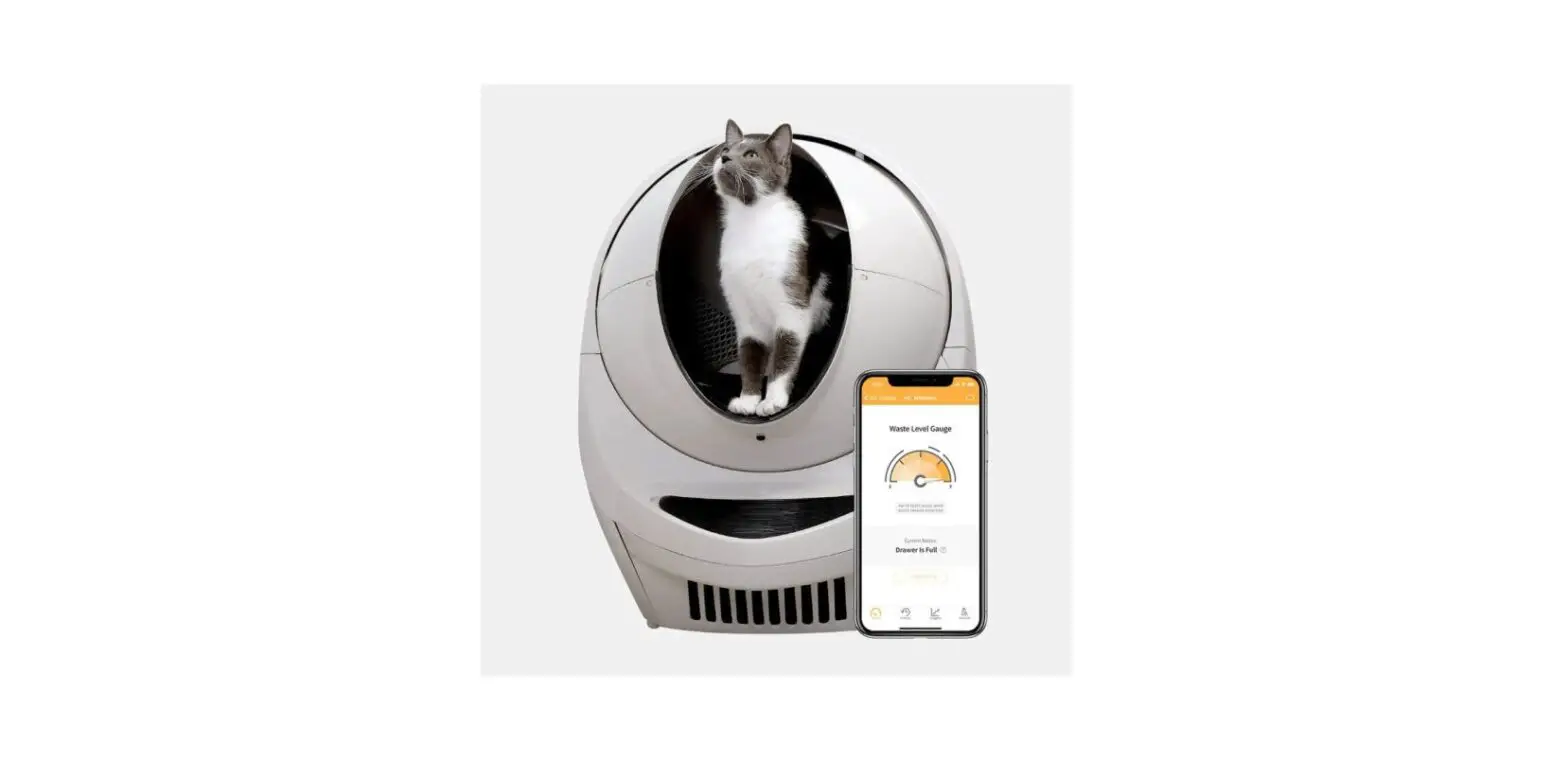
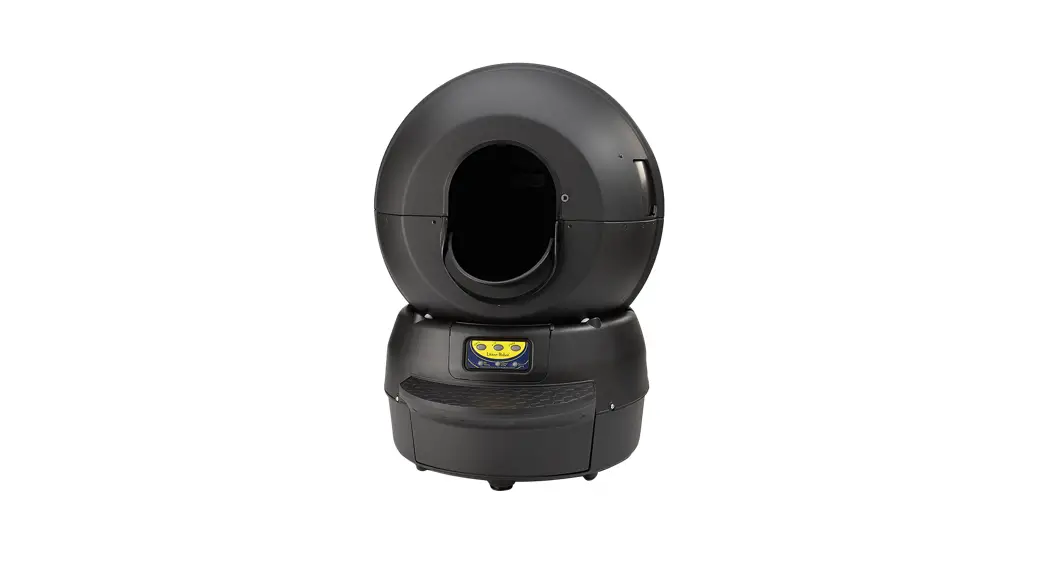
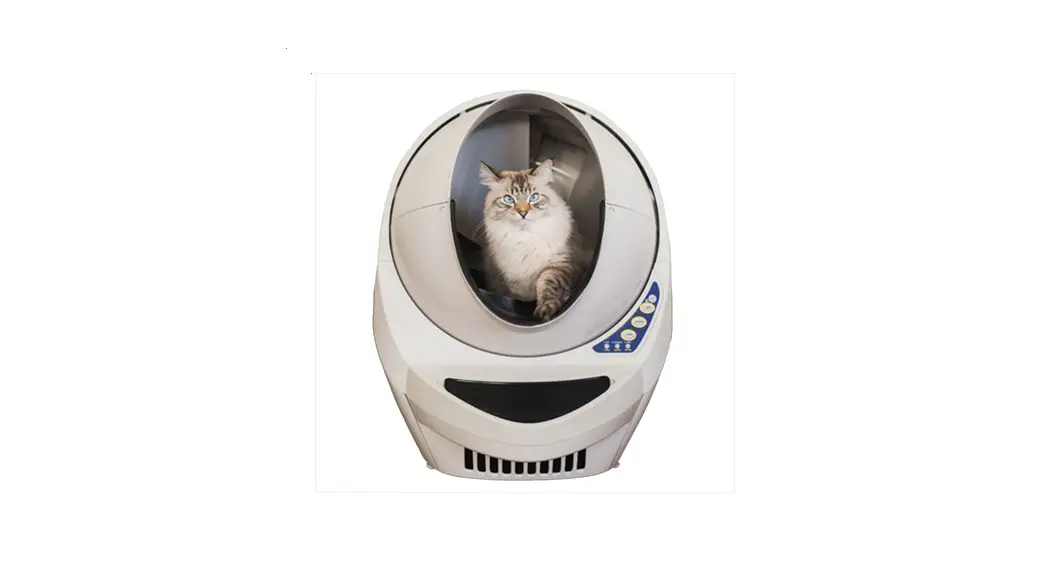
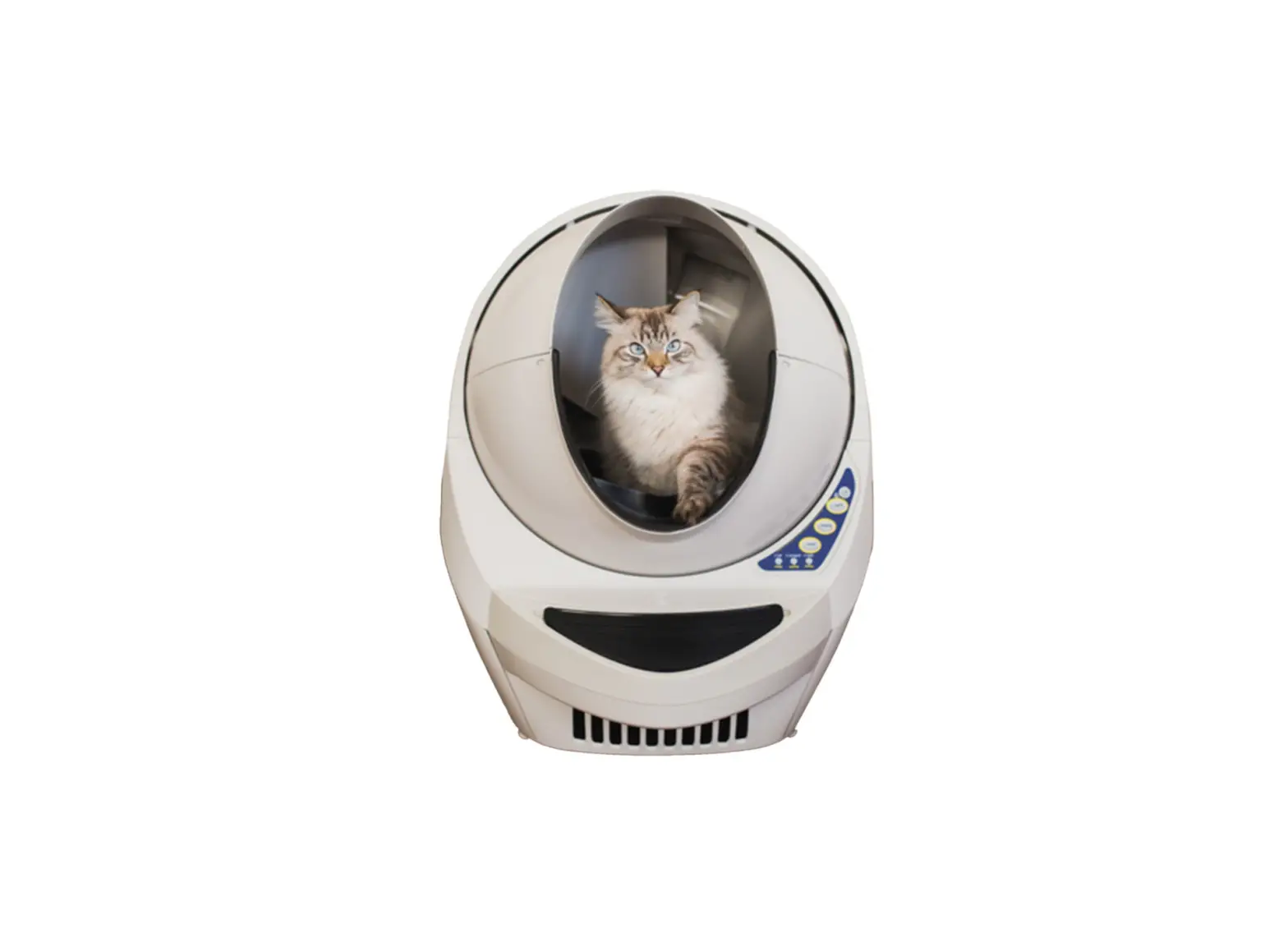
The Litter-Robot is an automatic litter box that helps to
simplify the process of cleaning and maintaining your cat’s litter
box. It features various lights and buttons on the control panel to
indicate different statuses and provide convenient control options.
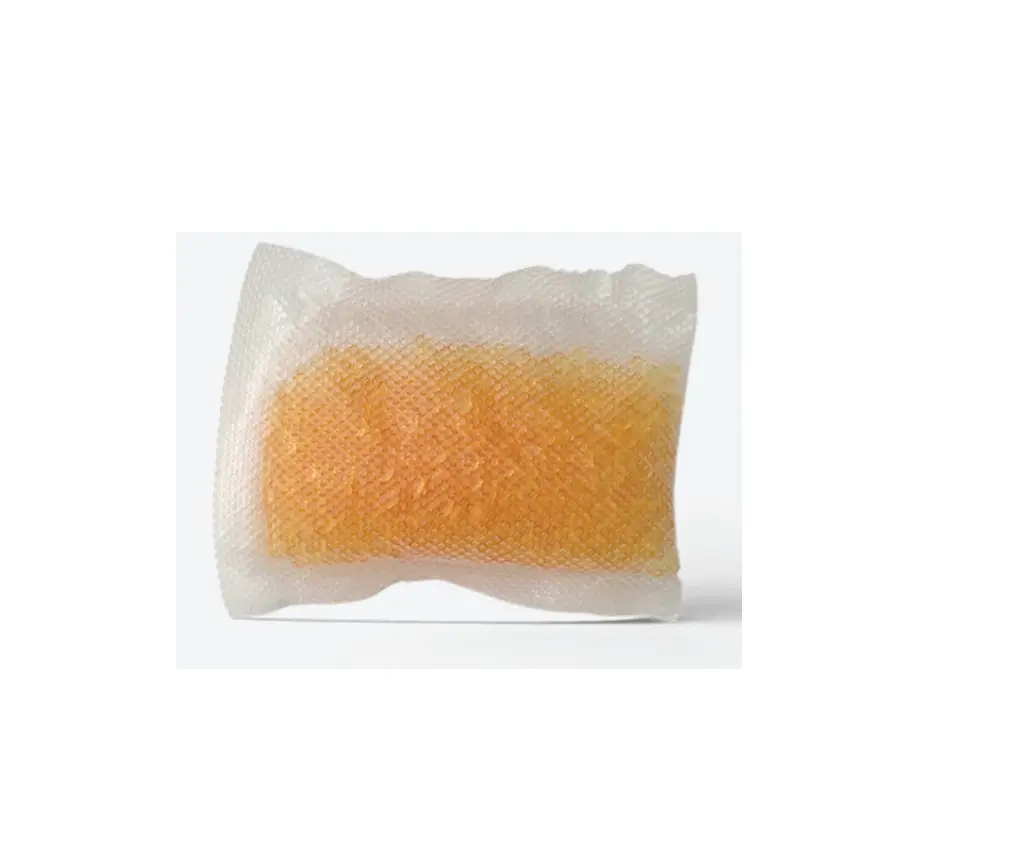
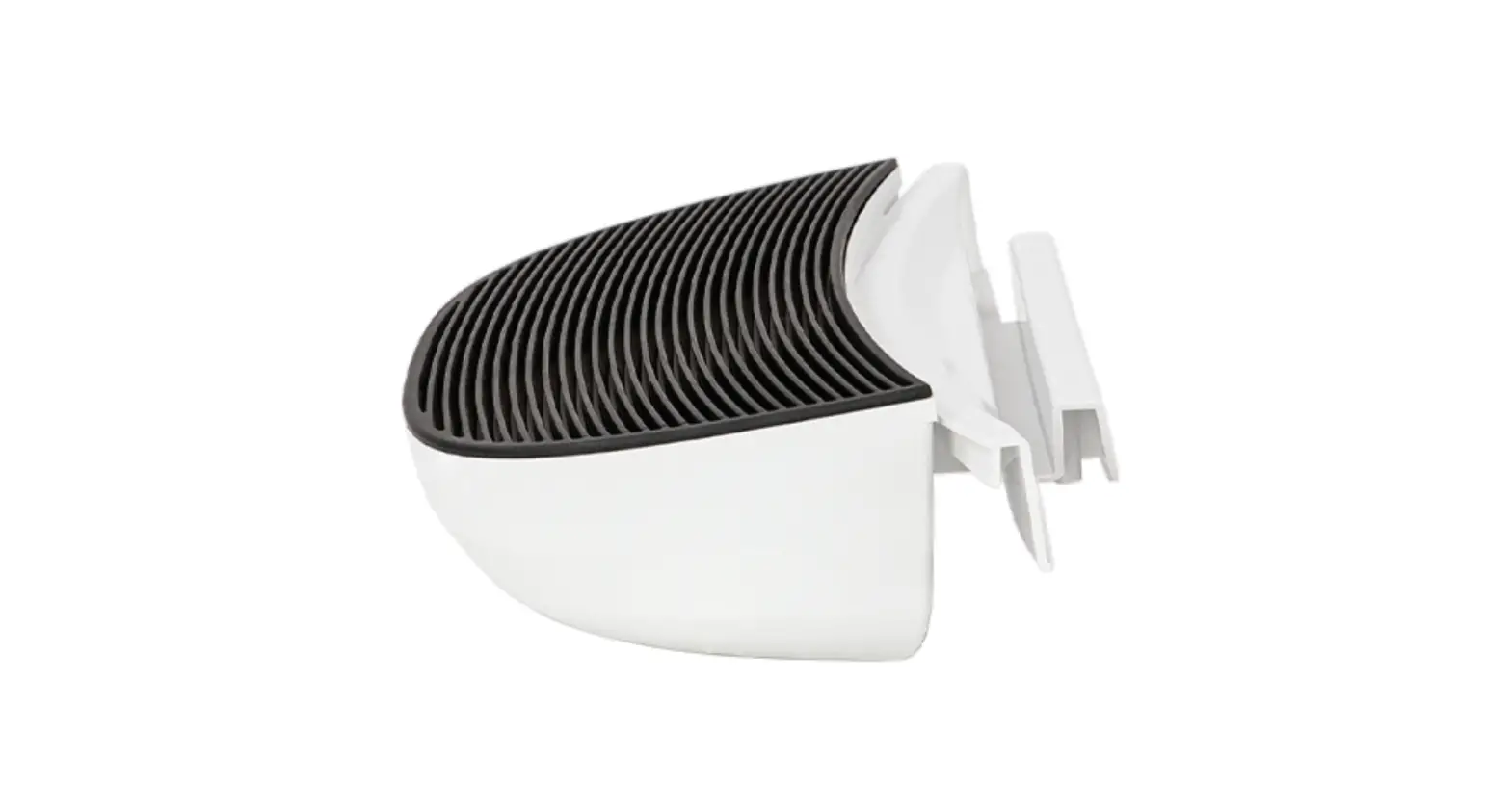
The product comes with a carbon filter for odor control and an
AC/DC power supply for operation.
Lights and their meanings:
- Flashing Blue: Indicates that the waste drawer
is full and needs to be emptied. - Solid Yellow: Indicates that the robot is
cycling, i.e., cleaning the litter box. - Solid Red: Indicates that a cat has been
detected, and a countdown for wait time has been initiated. - Solid Blue: Indicates that the robot is ready
for use. - Solid Blue & Yellow: Indicates that sleep
mode is enabled within the specified sleep time. - Flashing Yellow: Indicates that the cycle has
been interrupted or the bonnet has been removed. Check for excess
litter or the bonnet to resolve the issue. - Flashing Red: Indicates a cat sensor fault.
Check for excess weight and press Reset to resolve the issue.
Control panel icons:
- Power: Press and release this button to turn
the robot ON or OFF. Press and hold it at the home position to
enter night light setting mode. - Cycle: Press and release this button to start
a clean cycle. Press it again to pause or resume a cycle. Press and
hold it at the home position to enter sleep mode. - Empty: Press and release this button to start
an empty cycle, which empties all litter into the waste drawer.
Press it again to pause or cancel a cycle. Press and hold it at the
home position to enter wait time setting mode. - Reset: Press and release this button to reset
the cat sensor. If already cycling, press it to pause or cancel a
cycle. Press and hold it at the home position to enter control
panel lockout.
Product Usage Instructions
- Ensure proper placement:
- If possible, place the Litter-Robot in the same location as the
old litter box during the transition period. - Make sure the unit is indoors on a firm, level surface in a
cool, dry location. - Place litter mats or rugs in front of the unit for
cleanliness.
- If possible, place the Litter-Robot in the same location as the
- Add litter:
- Use clumping litter or litter beads and crystals that are small
enough to pass through the screen. - Add litter until it reaches the raised fill line when spread
flat (approximately 8-10 lbs or 4kg). - Avoid overfilling the litter box.
- Use clumping litter or litter beads and crystals that are small
- Power on:
- Insert the small plug end of the power cord into the socket on
the back of the base. - Plug the AC/DC adapter into a wall outlet.
- Press the Power button on the control panel to turn on the
Litter-Robot. - The Litter-Robot will perform an initial clean cycle.
- Insert the small plug end of the power cord into the socket on
- Download the app for further assistance if needed. Visit
catevolution.com.au for more information.
What do the lights mean?
Flashing Blue
Waste drawer full
Solid Yellow
Robot cycling
Solid Red
Cat detected and wait time countdown initiated
No action required or press Reset to cancel timing
What’s in the Box
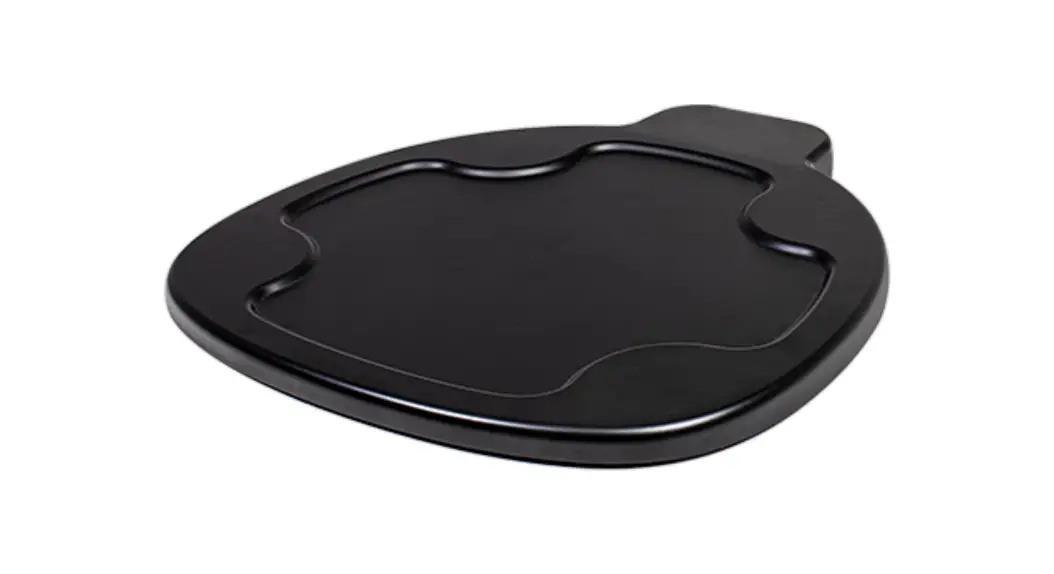
Carbon filter AC/DC power supply
Need help? Visit catevolution.com.au
Solid Blue
Robot ready for use
Solid Blue & Yellow
Sleep mode enabled, within specified sleep time
Flashing Yellow
Cycle interrupted or bonnet removed
Check for excess litter or check bonnet
Flashing Red
Cat sensor fault
Check for excess weight (such as too much waste or litter) and press Reset
Quick start guide.
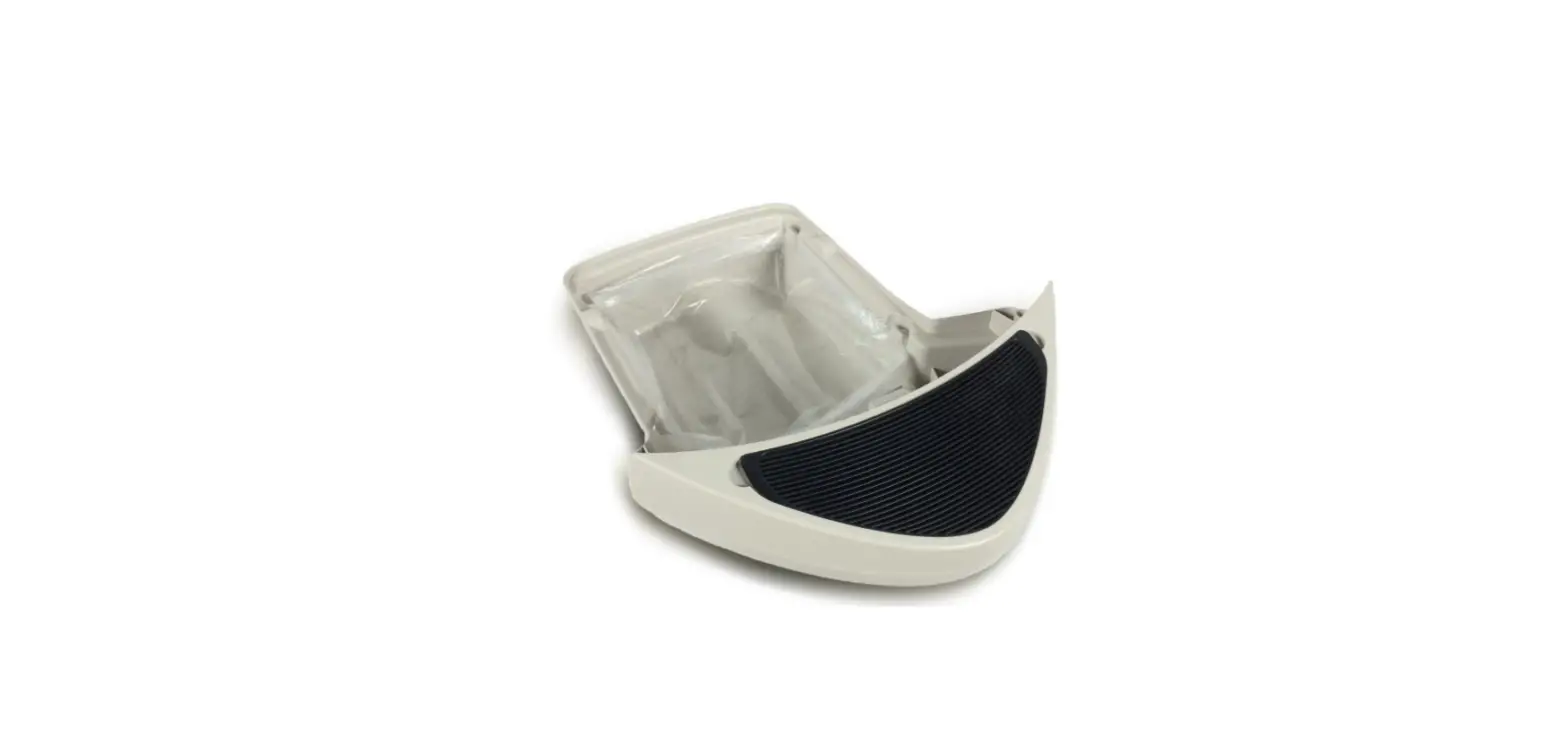
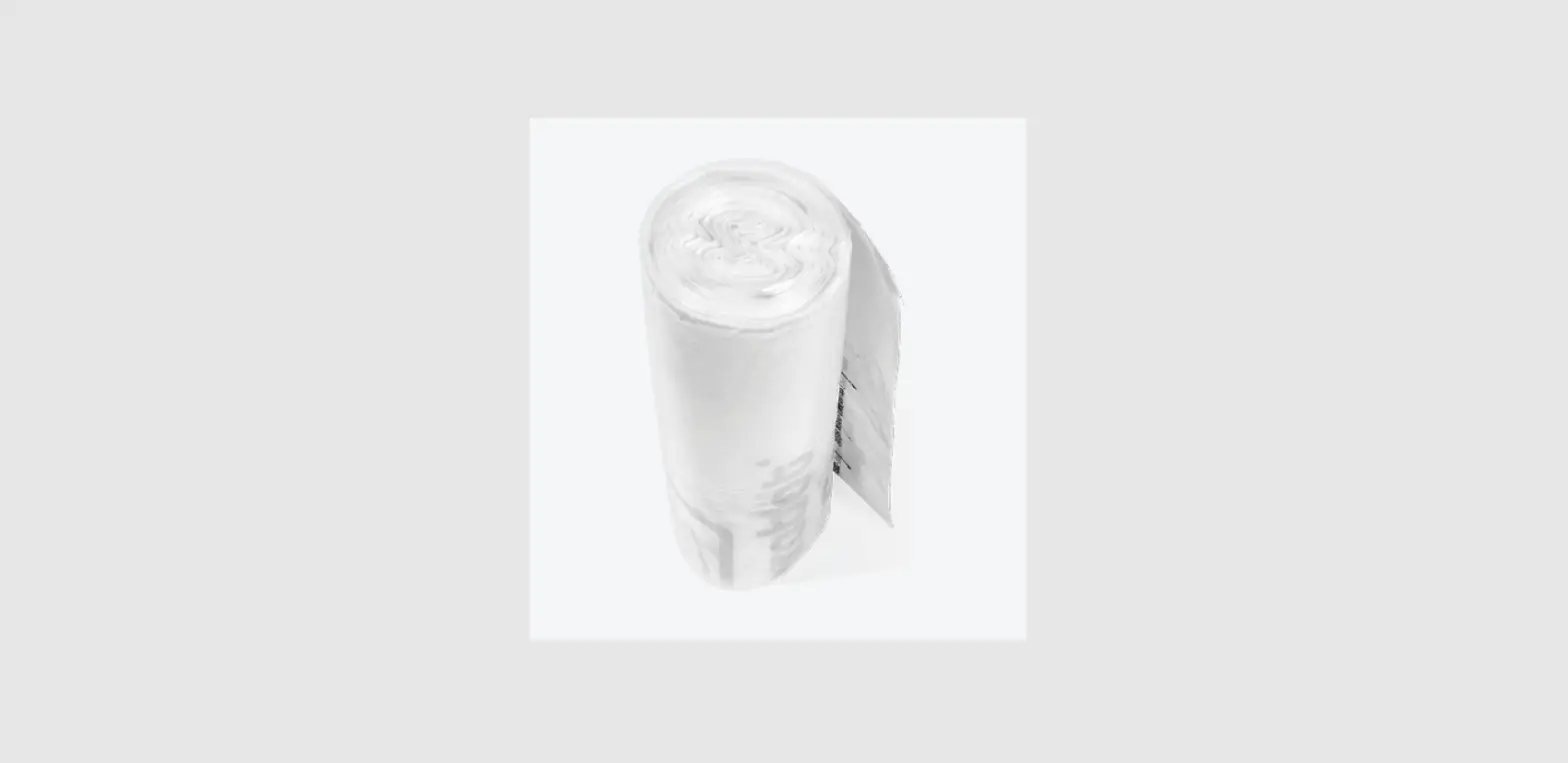
(3) Waste drawer liners Accessories
(optional sold separately or in bundle)
LR3-8010-0g
litter-robot.com/gettingstarted
Never push the Litter-Robot against a wall or into a corner (must not be touching any walls). Cats must weigh at least 2.5kg to safely use the Litter-Robot in Automatic Mode.
For a complete guided online experience and tips on acclimating your cat, please visit catevolution.com.au
Control panel icons
Power
Press and release the Power button to turn the robot ON or OFF. The robot will begin a clean cycle when power is turned on. Press and hold, while at the home position, to enter night light setting mode.
Cycle
Press and release the Cycle button to start a clean cycle. If already cycling, press Cycle to pause; press again to resume a cycle. Press and hold, while at the home position, to enter sleep mode.
Empty
Press and release the Empty button to start an empty cycle (empties all litter into the waste drawer). If already cycling, press Empty to pause; press again to cancel a cycle. Press and hold, while at the home position, to enter wait time setting mode.
Reset
Press and release the Reset button to reset the cat sensor. (Do this after emptying the waste drawer, adding litter, etc.) If already cycling, press Reset to pause; press again to cancel a cycle. Press and hold, while at the home position, to enter control panel lockout.
LR3-8010-0g
1
Ensure proper placement
If possible, place the Litter-Robot in the same location as the old litter box (at least during transition). Make sure the unit is indoors on a firm, level surface and in a cool, dry location. Place litter mats or rugs in front of the unit.
2
Add litter
Use clumping litter or litter beads and crystals that are small enough to pass through the screen. Add litter until it meets the raised fill line when spread flat (8-10 lbs or 4kg). Be careful not to overfill.
Litter Fill Line
3
Power on
Insert the small plug end of the power cord into the socket on the back of the base.
Plug the AC/DC adapter into a wall outlet.
Press the Power button on the control panel.
The Litter-Robot will now perform an initial clean cycle.
4
Download the app
Litter-Robot Connect units only look for the WiFi symbol on the control panel. Download the Whisker app and follow the onboarding instructions.
Need help? Visit catevolution.com.au
 Self Cleaning Automatic Cat Litter Box Australia | Cat Evolution – catevolution
 Getting Started