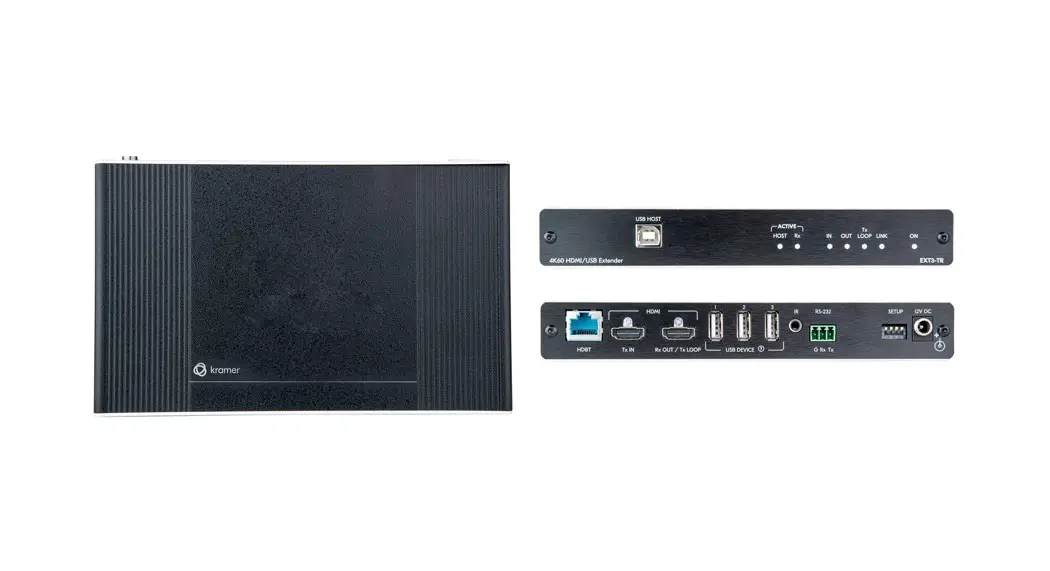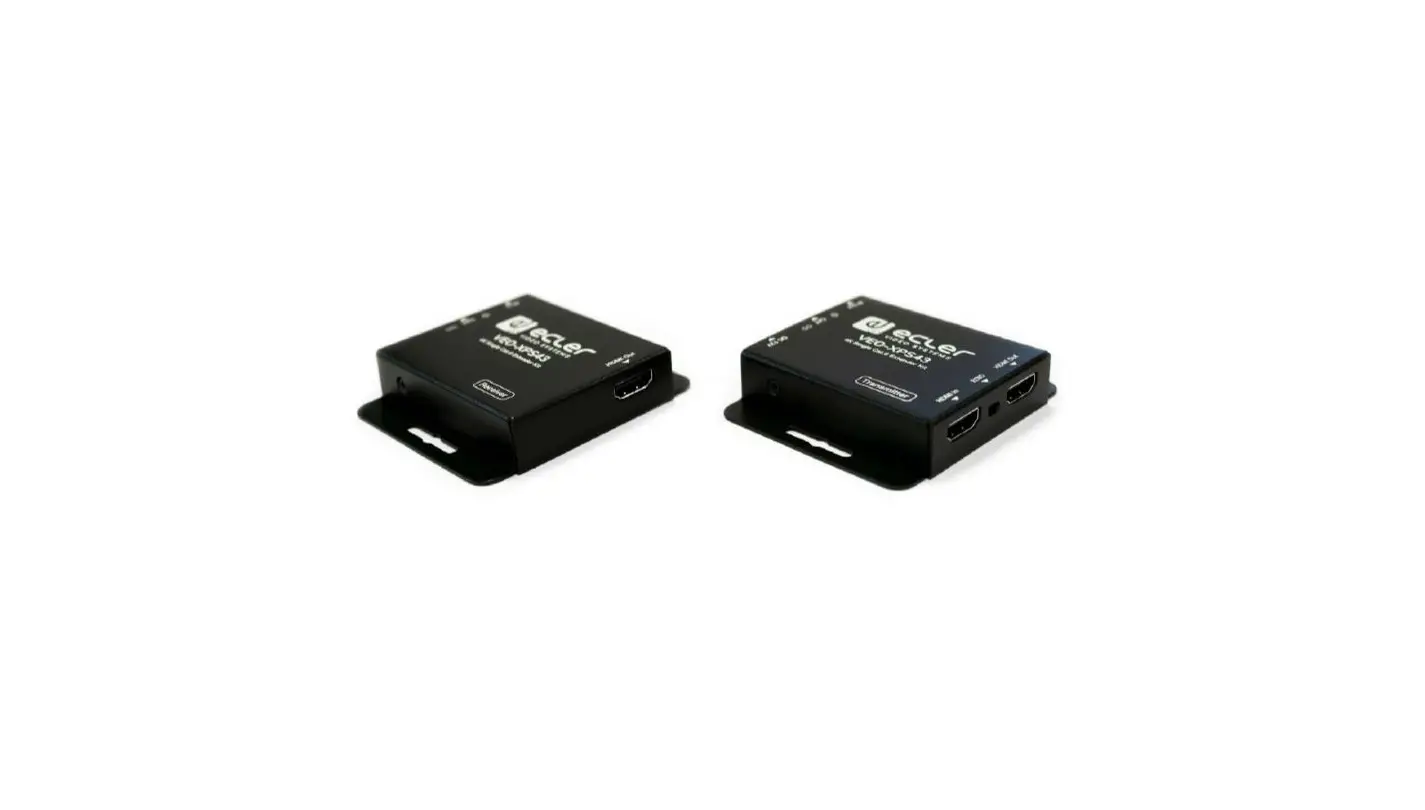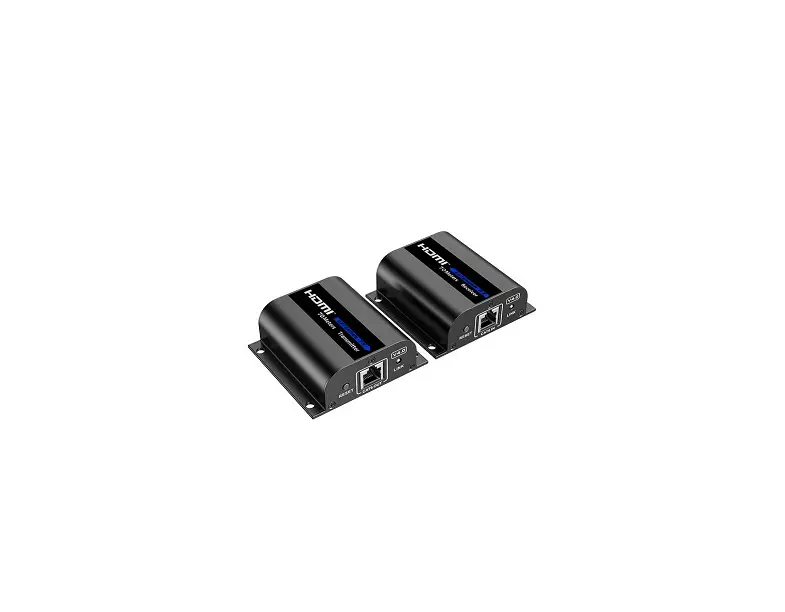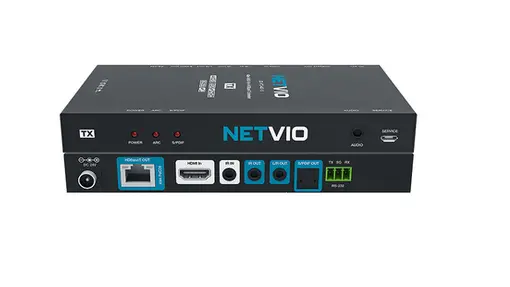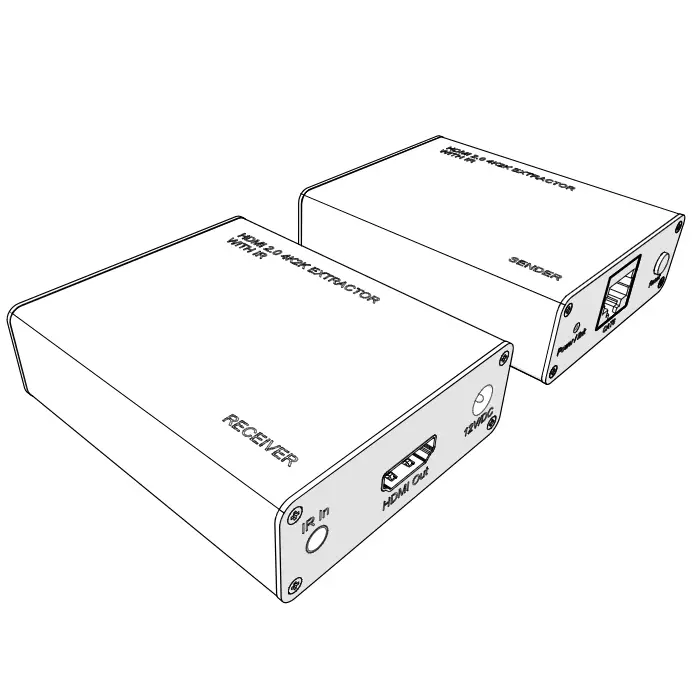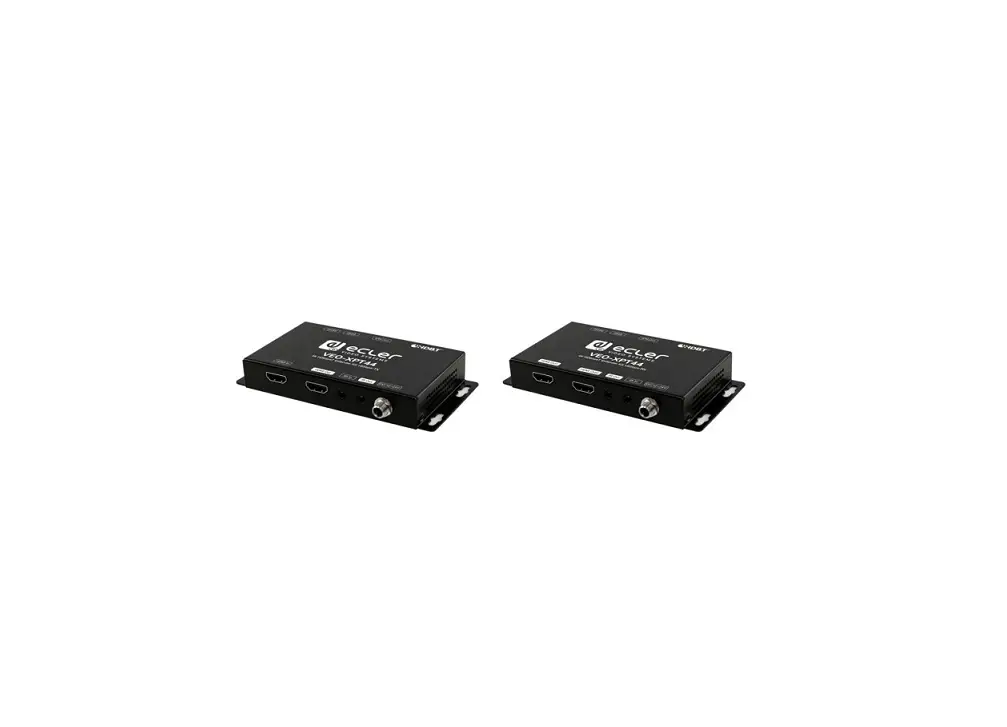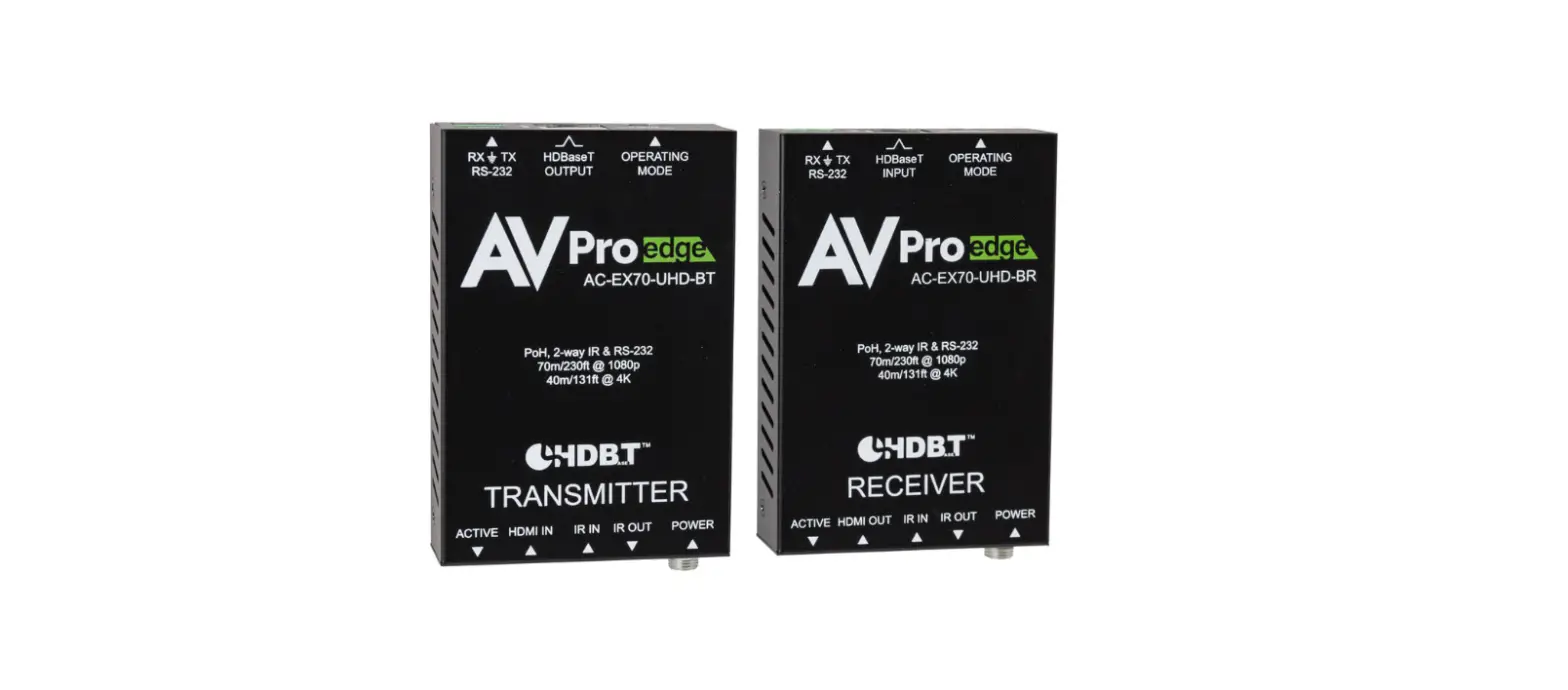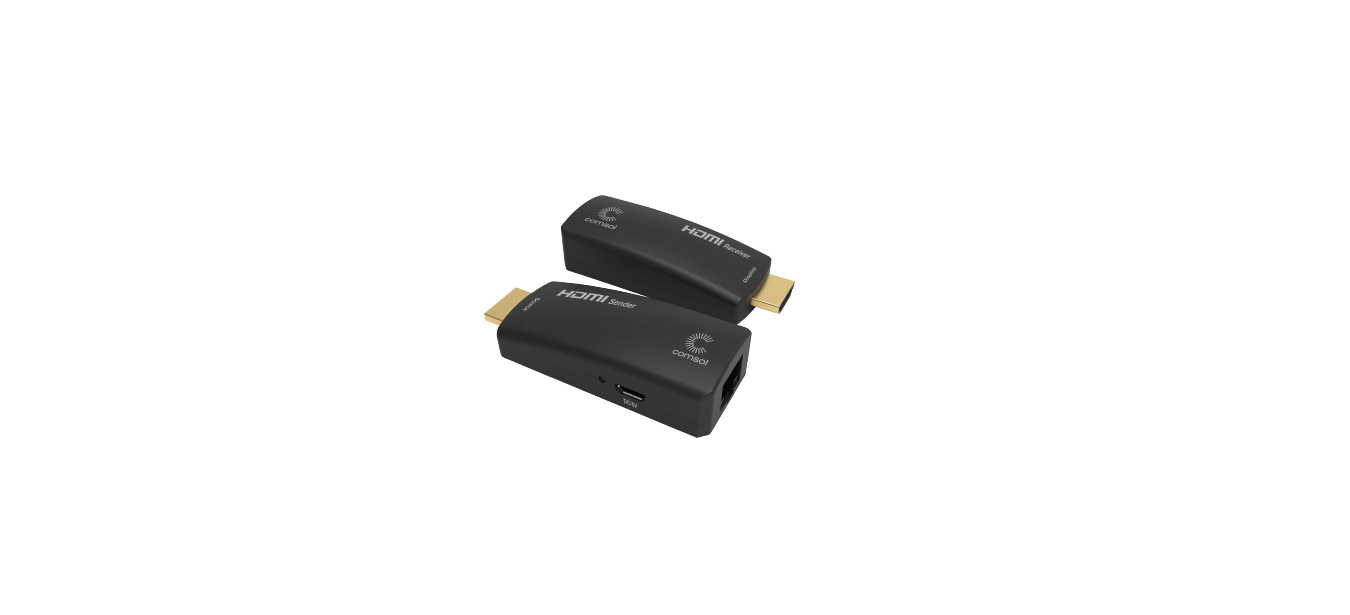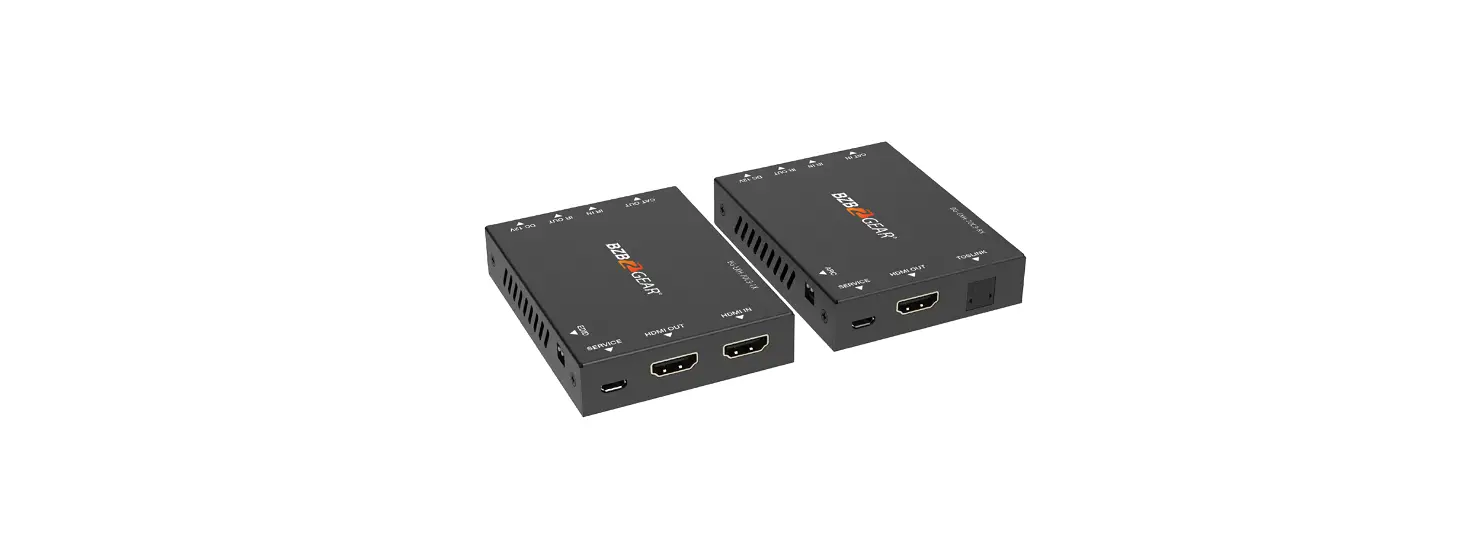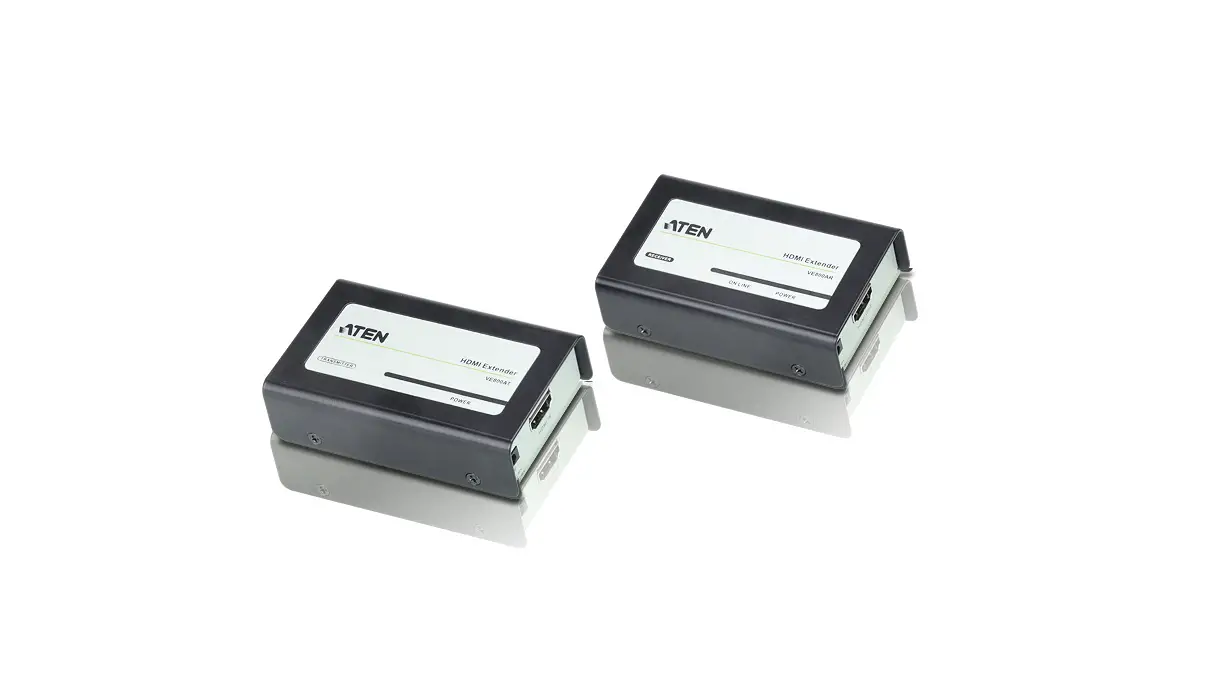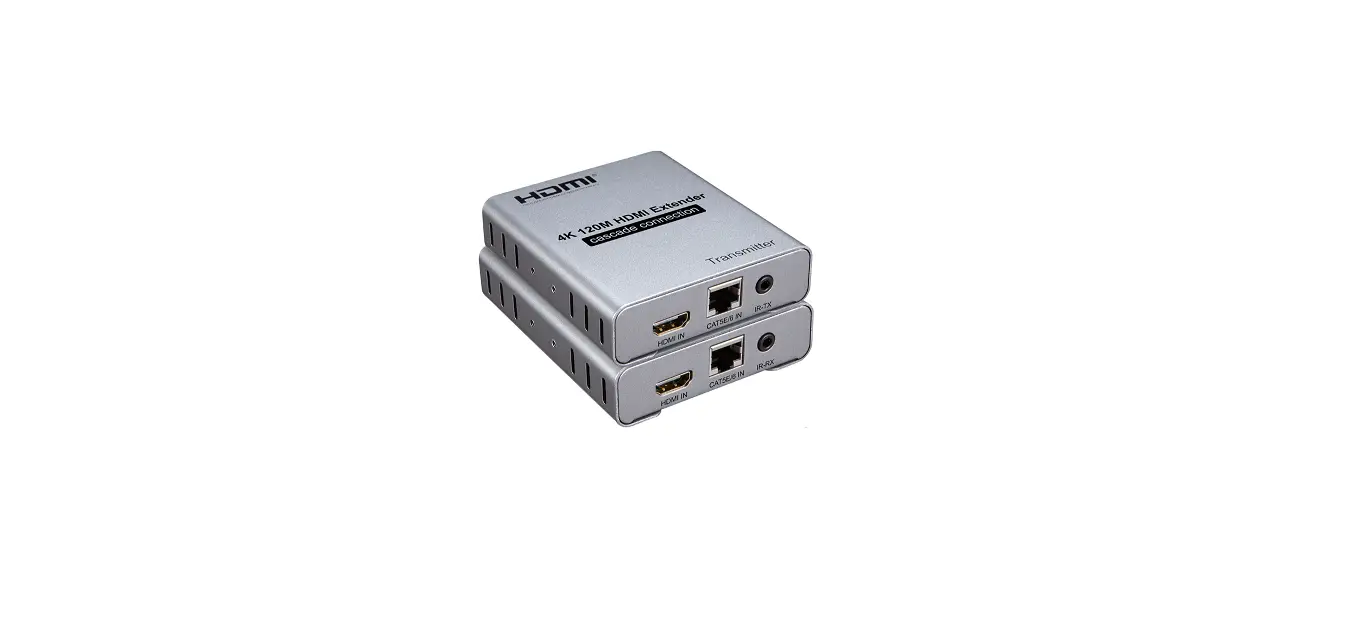

DORIS CCTV EXTN-4K-120 4K 120M HDMI Extender Cascade Connection
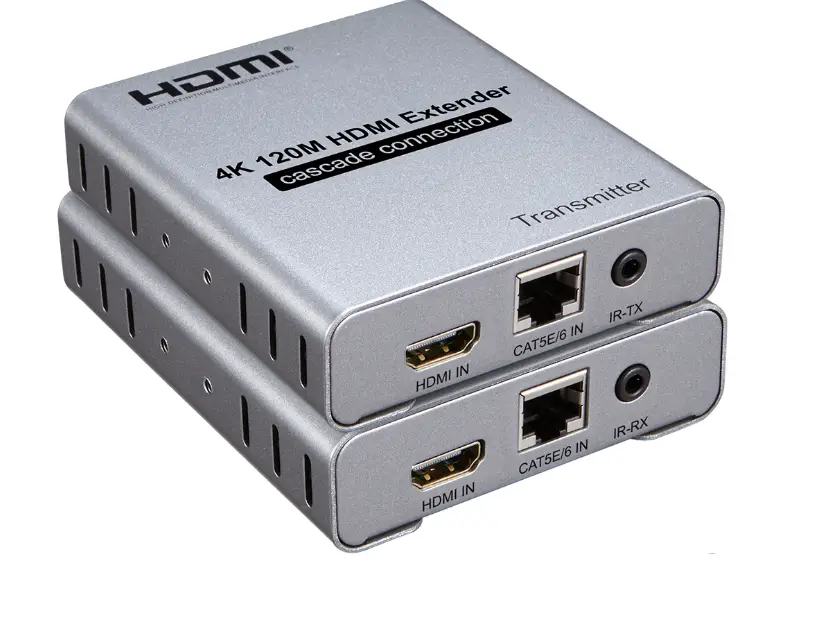
Introduction
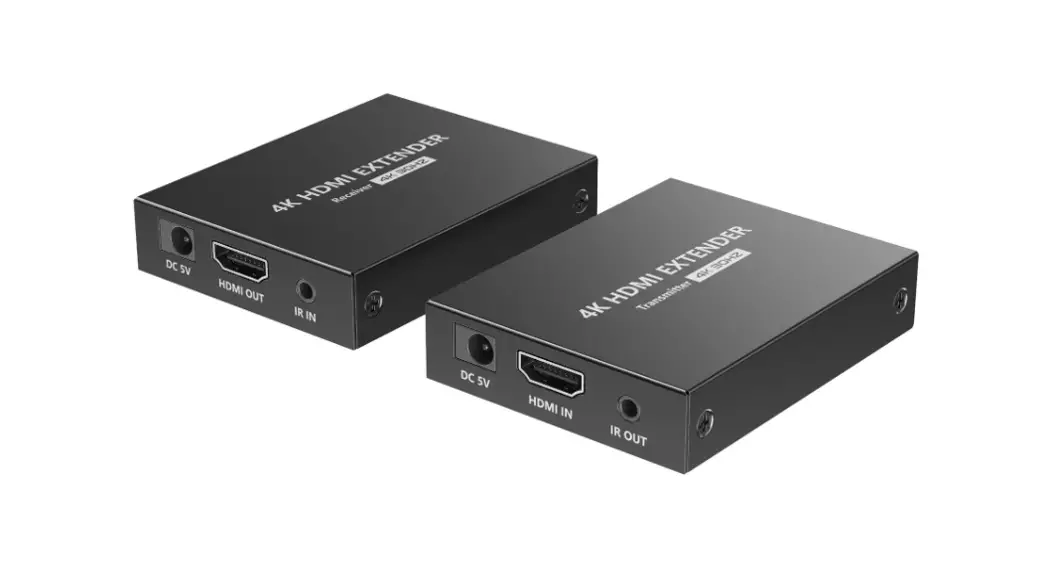
The 4K 120M HDMI extender uses one single cat-5E or cat-6(recommended) cable instead of HDMI cable, you can extend the 4K signal to 120 meters .The purpose of the extender is to achieve long-distance signal transmission with low-cost wires
Features
- 120M long distance transmission

- Multi-receiver cascade transmission

- Low power consumption, low temperature and high safety


Specifications
- Length of CAT-5E/CAT-6 cable between Rx and TX …..….…………………. up to 120 meters
- HDMI input …..……………………………………………….. 4K/1080p/720p/576p/576i/480p/480i
- Support audio format .…………………………………………………………… DTS/Dolby/LPCM
- HDMI output …..…………….…………..………………… 4K/1080p/720p/576p/576i/480p/480i
- Max bandwidth ……………………………………………………………………………… 340MHz
- Max baud rate ……………….………….…………..…………………………………… 3.4Gbpsx3
- Input video signal ………………………..….………..………..…………….…… 0.5~1.5Volts p-p
- Output DDC signal ……………………………..…………………………….…… 5Volts p-p (TTL)
- Input HDMI cable distance ………….……………………. ≤15m AWG26 HDMI standard cable
- Output HDMI cable distance ………….………………….. ≤15m AWG26 HDMI standard cable
- TX Max working current …………………………………………………………………….. 350mA
- RX Max working current …………………………………………………………………….. 200mA
- Power adapter format ……………….. Input:AC (50HZ, 60HZ) 100V-240V; Output: DC5V/1A
- Operating Temperature range ……..………………….………………………….… (-15 to +55℃)
- Operating Humidity range ….………..….………………..… 5% to 90%RH (No Condensation)
- Dimension (L x W x H) ………………….…………………………………..……… 94x84x24(mm)
- TX Weight ………………………………………..………………………………………………. 223g
- RX Weight ………………..………………………………..……..……………………………… 223g
Application diagrams
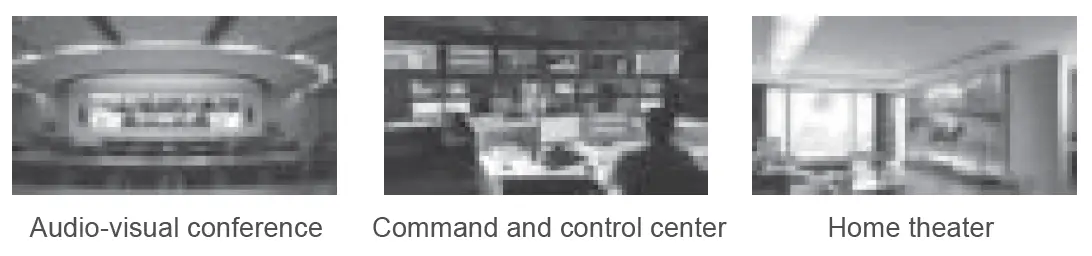
HDMI extender over IP is used in audio-visual conference, command and control center, ticketing platform, home theater, multi-media teaching, conference system and so on.
Connection diagrams
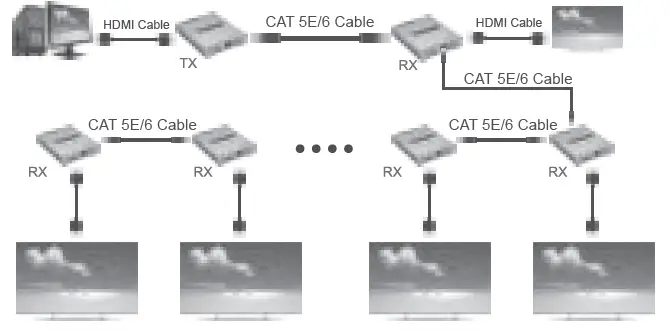
Point to point application
 Multi-receiver cascade transmission
Connection and operation
- Connect source device with transmitter by one HDMI cable, the cable max length is 15 meters.
- Connect display device with receiver by one HDMI cable, the cable max length is 15 meters.
- Connect TX with RX by one cat5e or cat 6(recommended), the cable max length is 120 meters.
- One pair of IR RX and IR TX cable, connected to the 3.5mm IR RX and IR TX ports of the transmitter and receiver respectively
- Connect the power supply to the TX and RX.
- LED indicator: When a signal is input to work, steady blue light.
Physical interface diagram
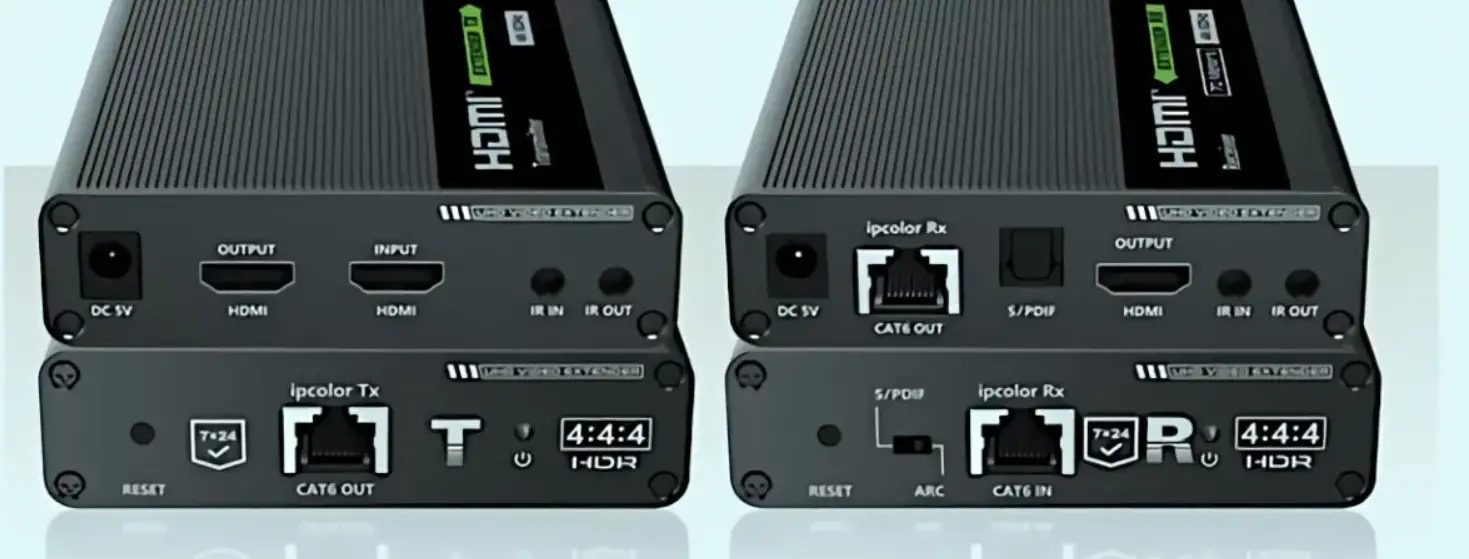
Transmitter:
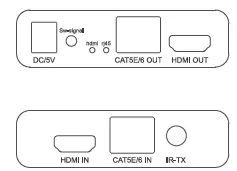
| Port | Description |
| DC/5V | 5V power supply for the Transmitter |
| Sw-signal | Switch input signal button |
| hdmi | HDMI input indicator |
| rj45 | Network port input indicator |
| CAT5E/6 OUT | Network cable output port |
| HDMI OUT | HDMI output port |
| HDMI IN | HDMI input port |
| CAT5E/6 IN | Network cable input port |
| IR-TX | Connect to the IR transmitting port |
Receiver:
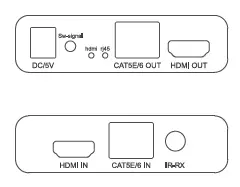
| Port | Description |
| DC/5V | 5V power supply for the Transmitter |
| Sw-signal | Switch input signal button |
| hdmi | HDMI input indicator |
| rj45 | Network port input indicator |
| CAT5E/6 OUT | Network cable output port |
| HDMI OUT | HDMI output port |
| HDMI IN | HDMI input port |
| CAT5E/6 IN | Network cable input port |
| IR-RX | Connect to the IR receiving port |
The package includes
- Transmitter 1PCS
- Receiver 1PCS
- IR cable 1Pair
- 5V/1A Power adapter 2PCS
- User Manual 1PCS