Lakukom
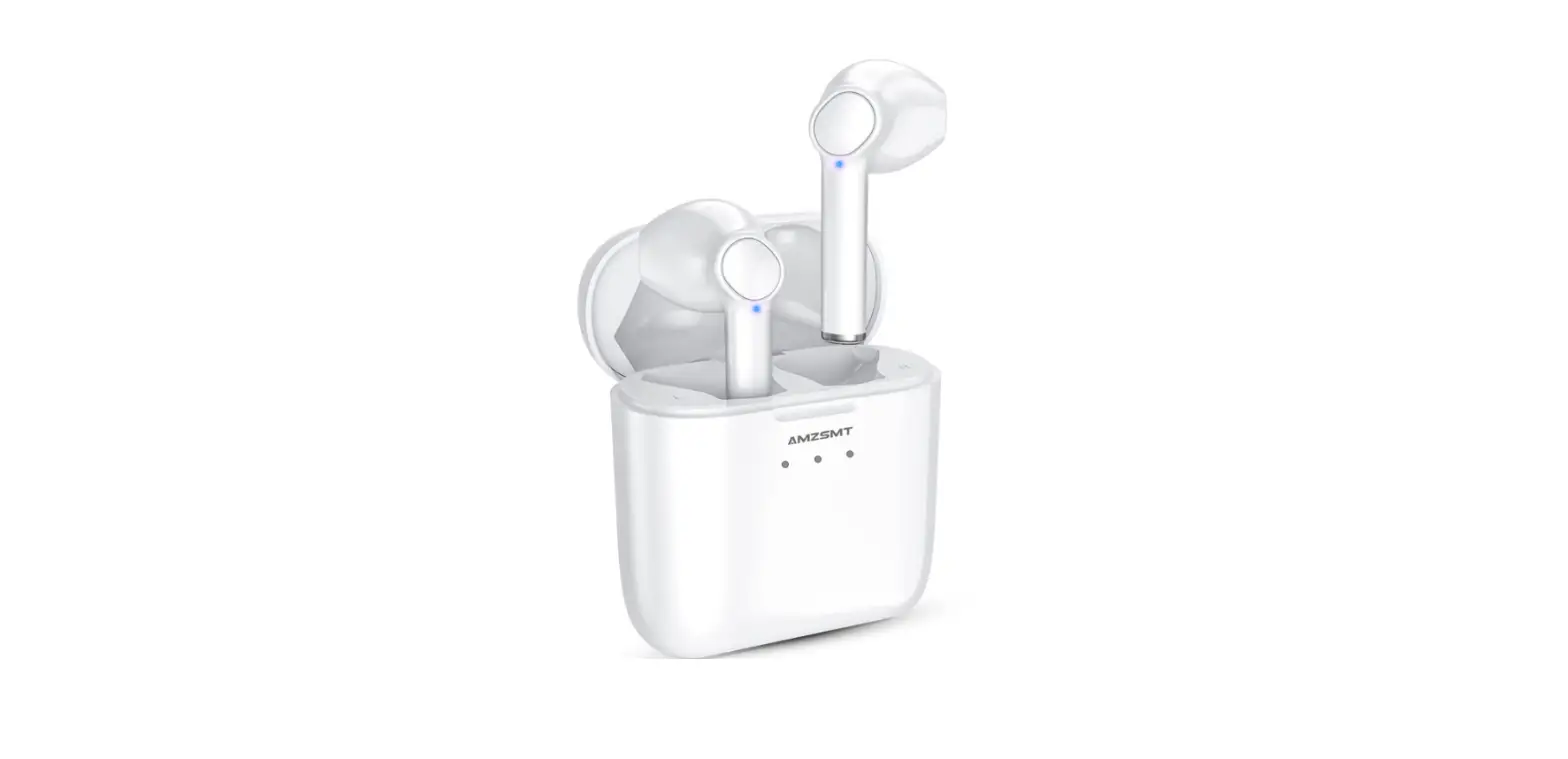
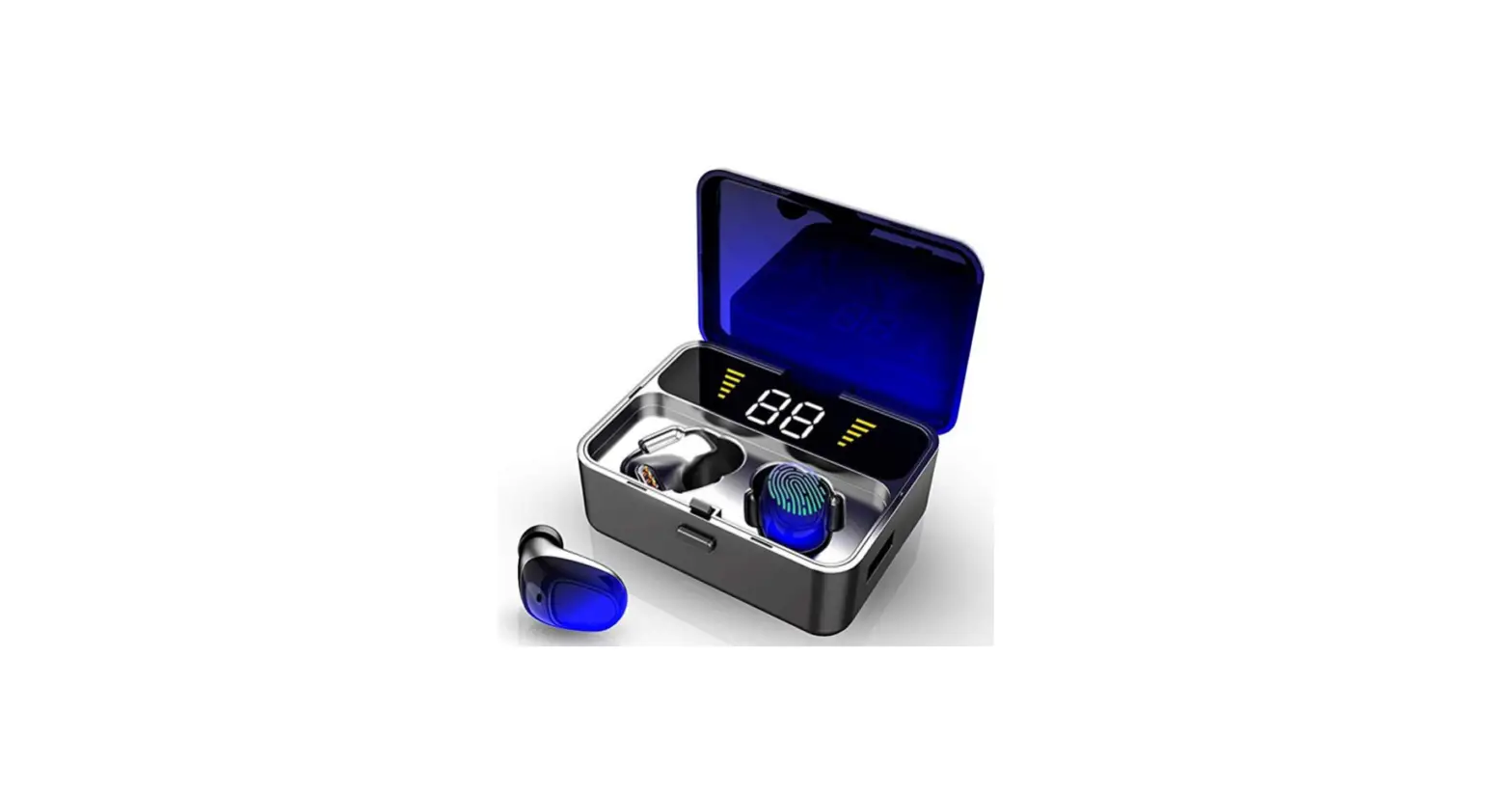
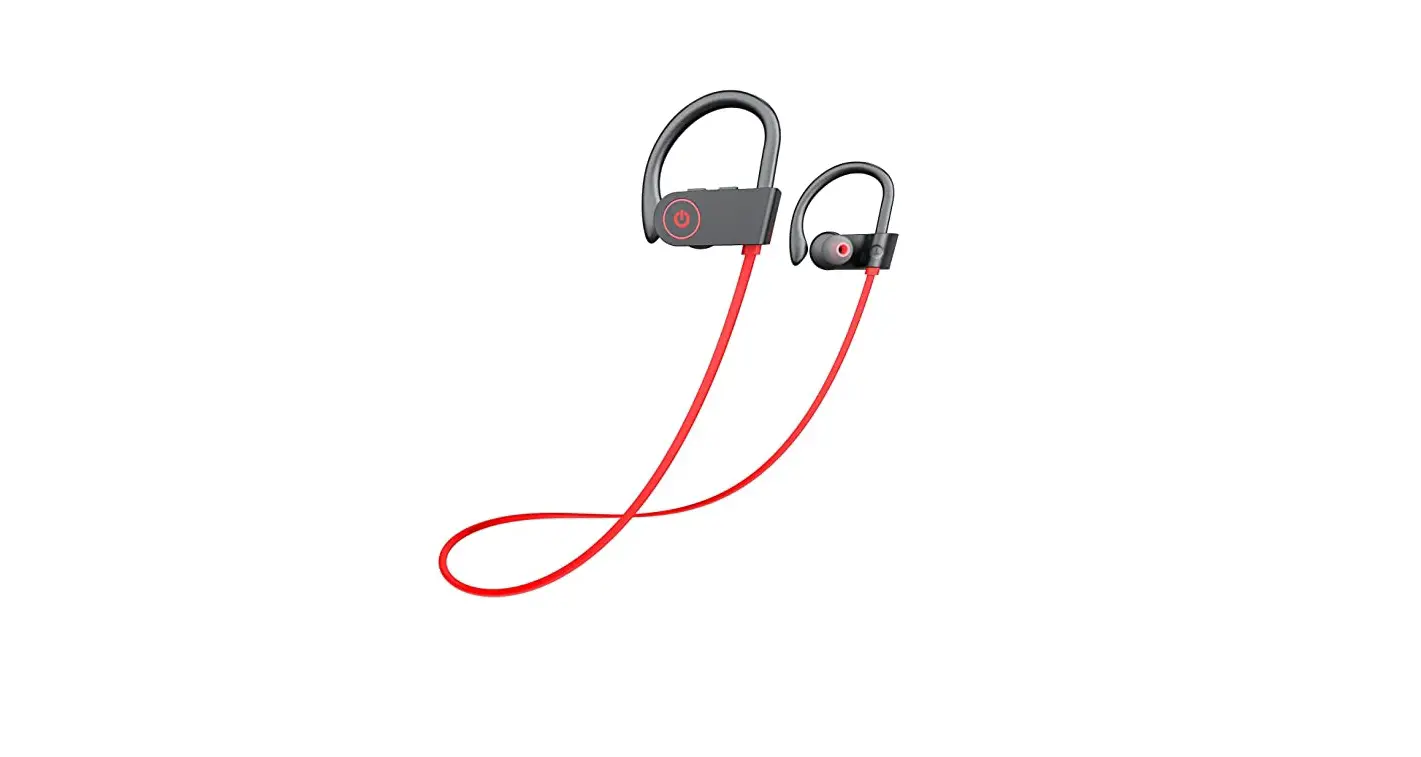
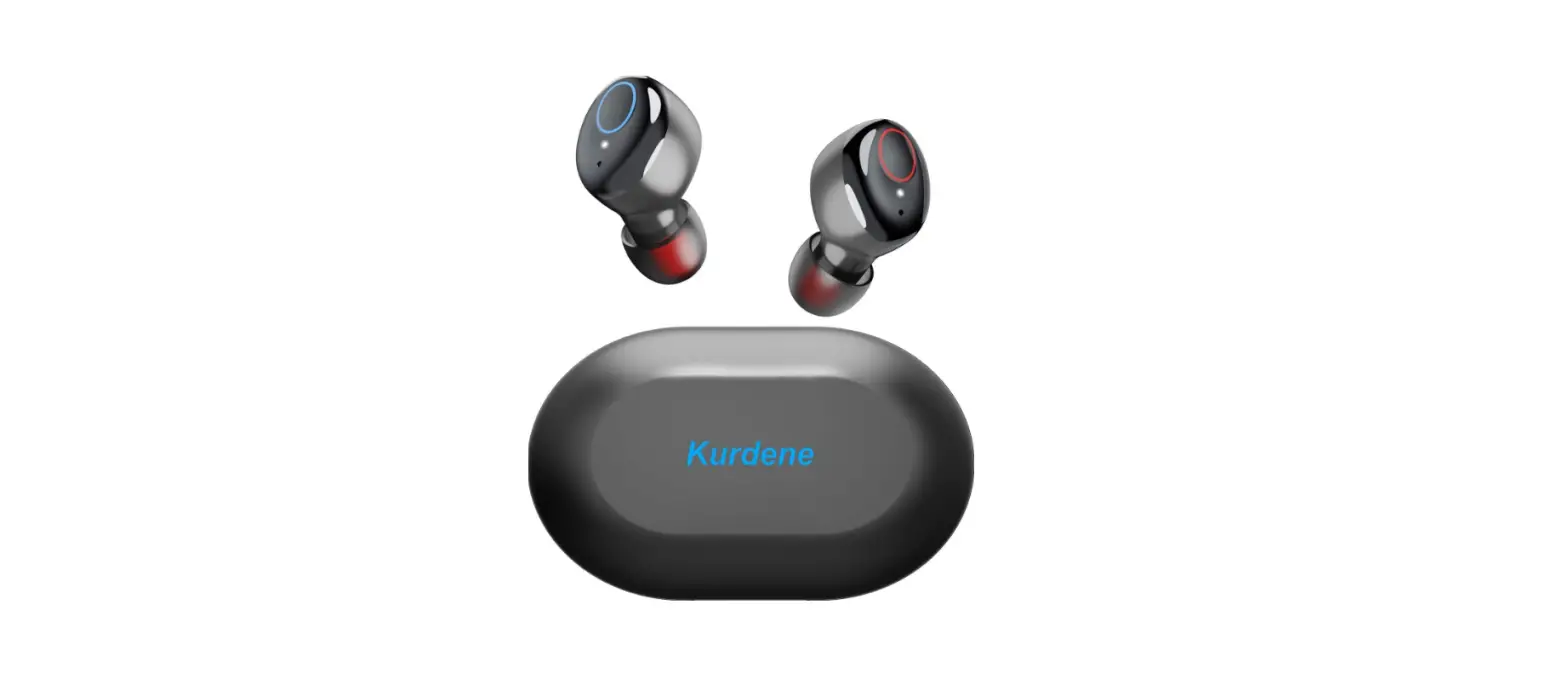
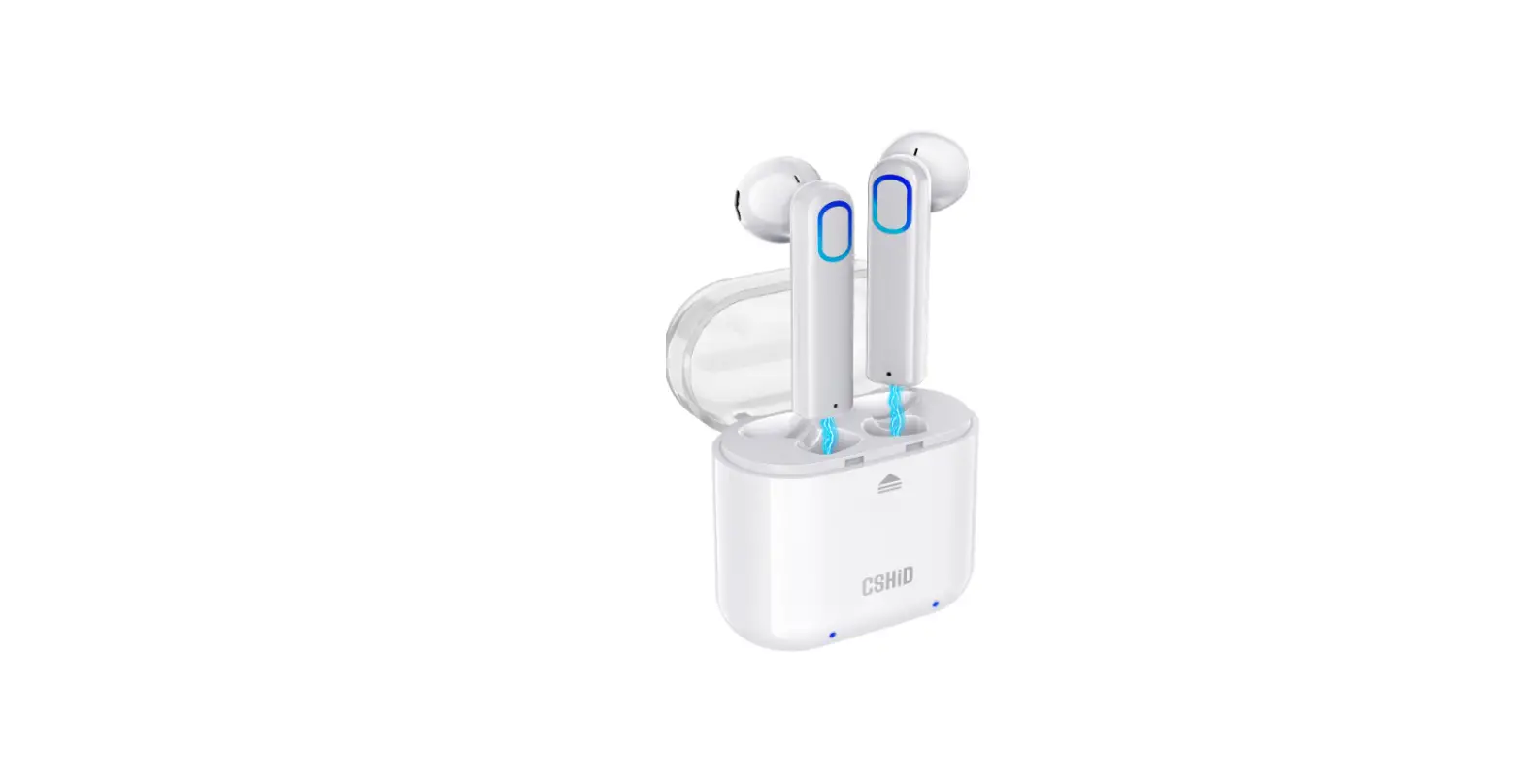
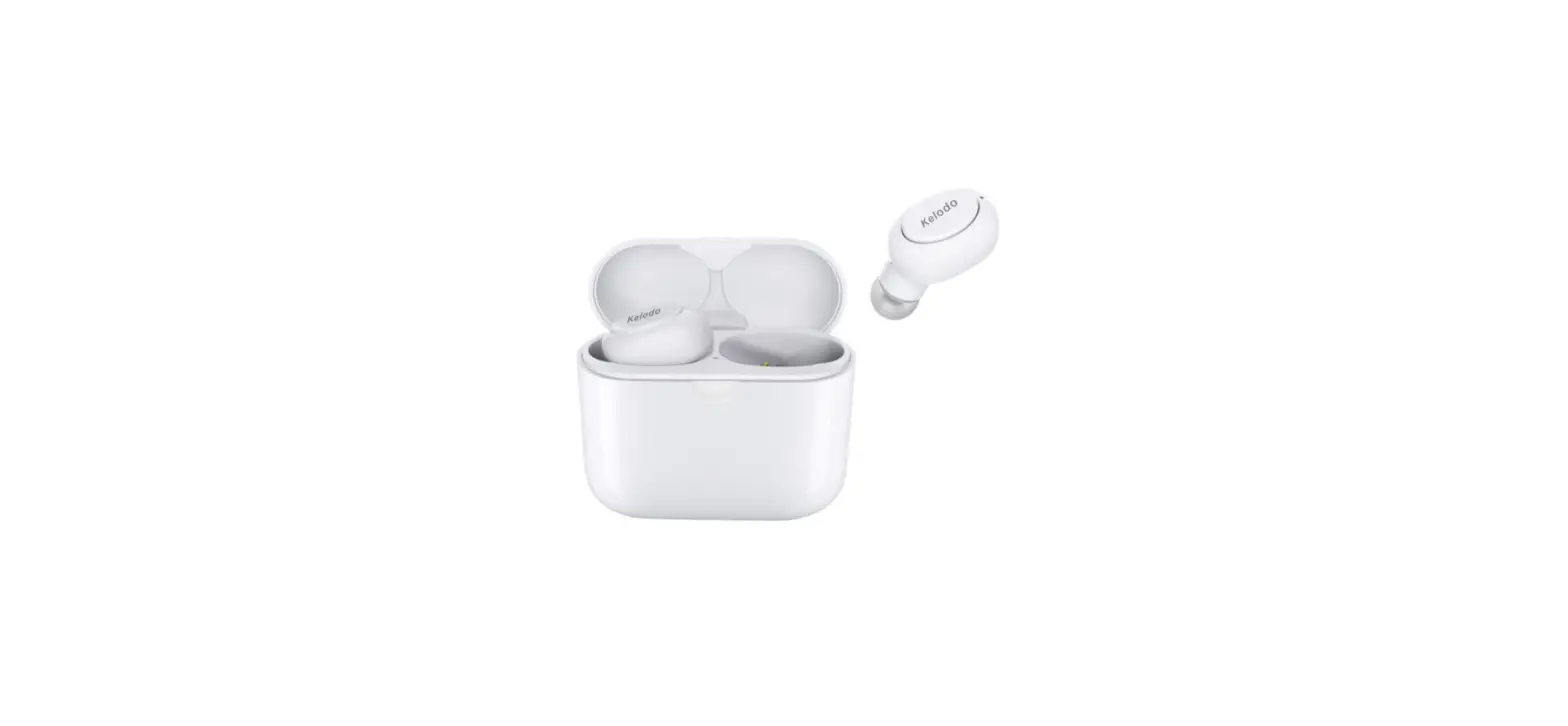
Bluetooth Headphones, Deep Bass Wireless Running Headphones
Specifications
- BRAND: Lakukom,
- CONNECTIVITY TECHNOLOGY: Wireless,
- FORM FACTOR: In Ear,
- PRODUCT DIMENSIONS: 4 x 4 x 1.8 inches,
- ITEM WEIGHT: 4.2 ounces.
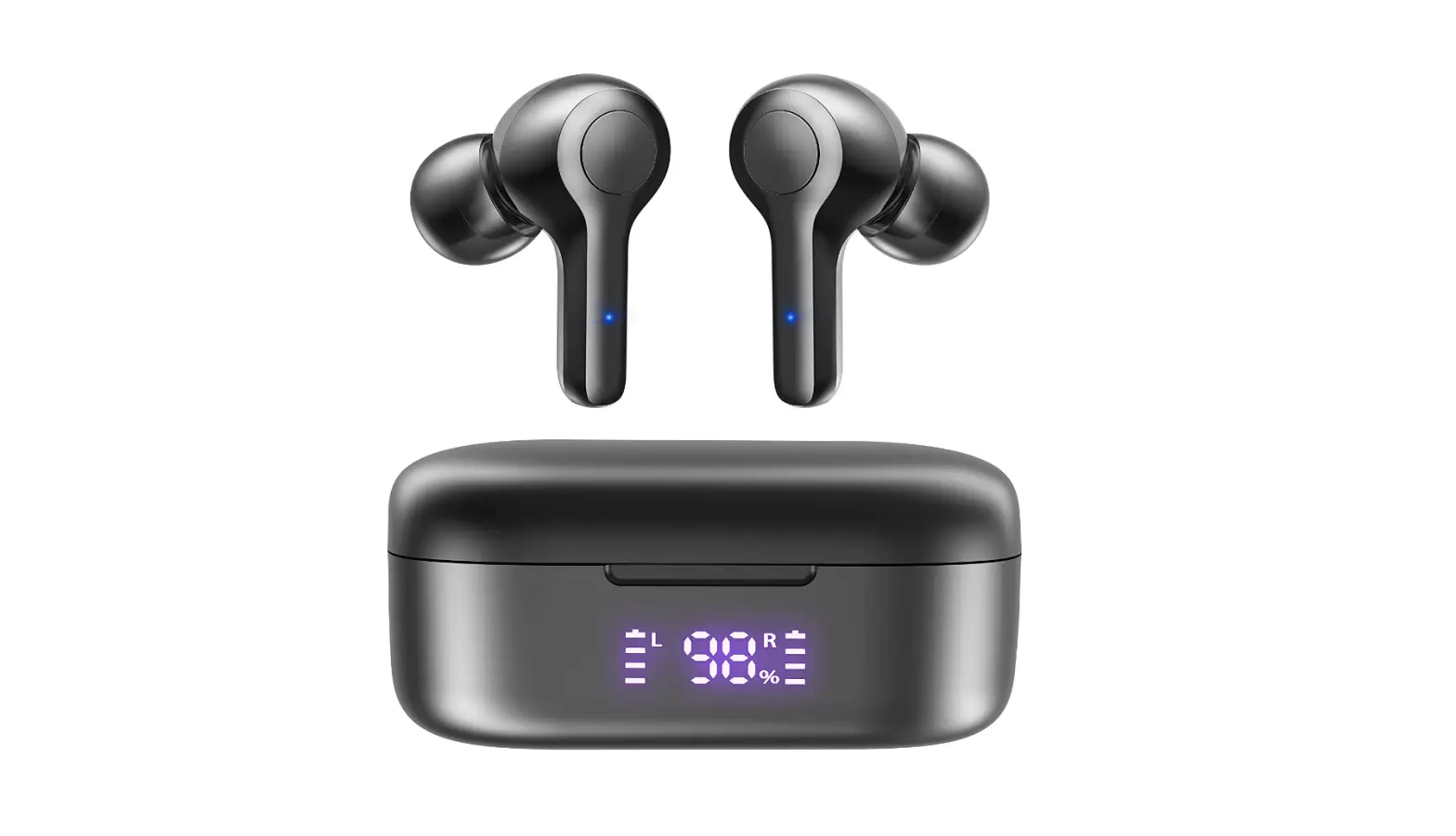
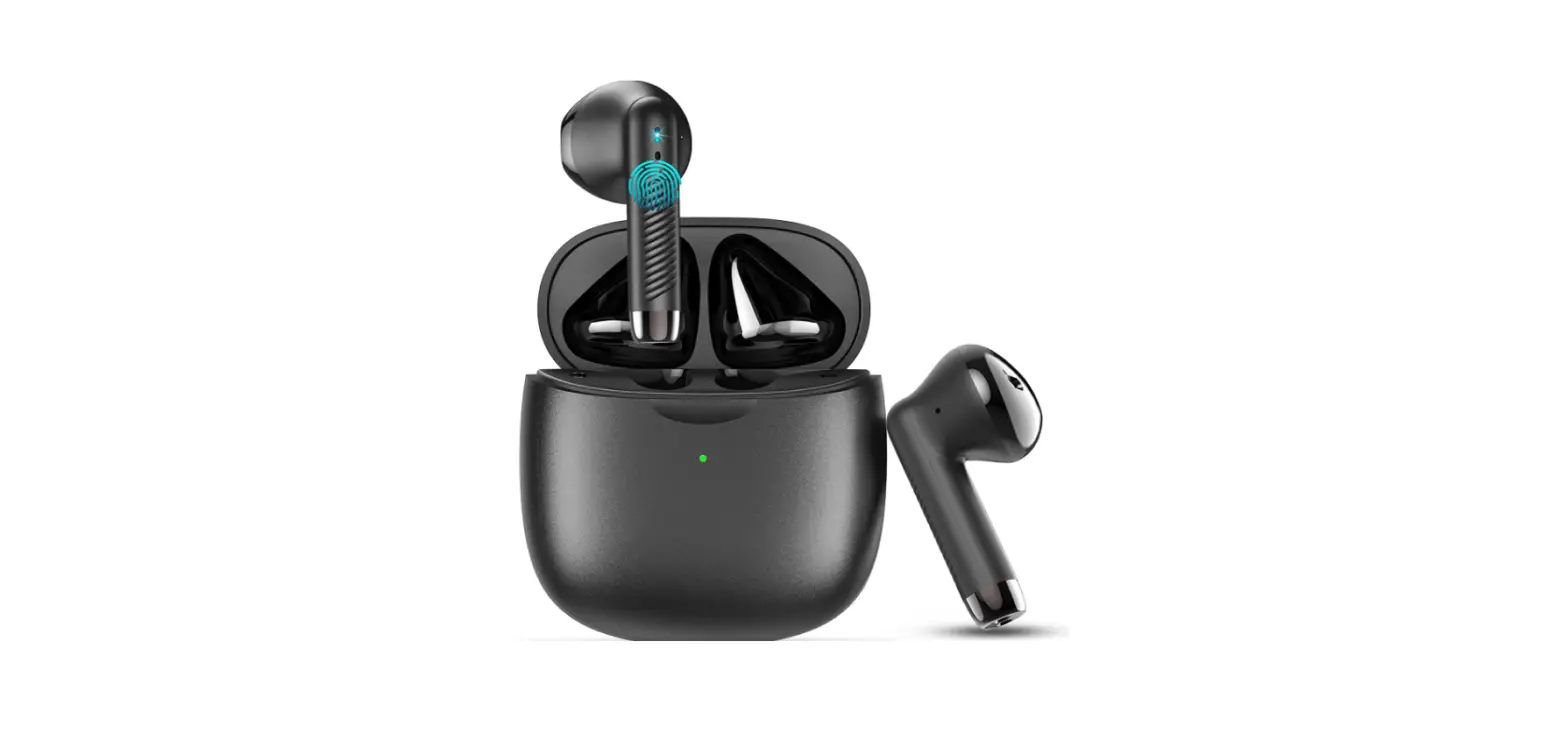
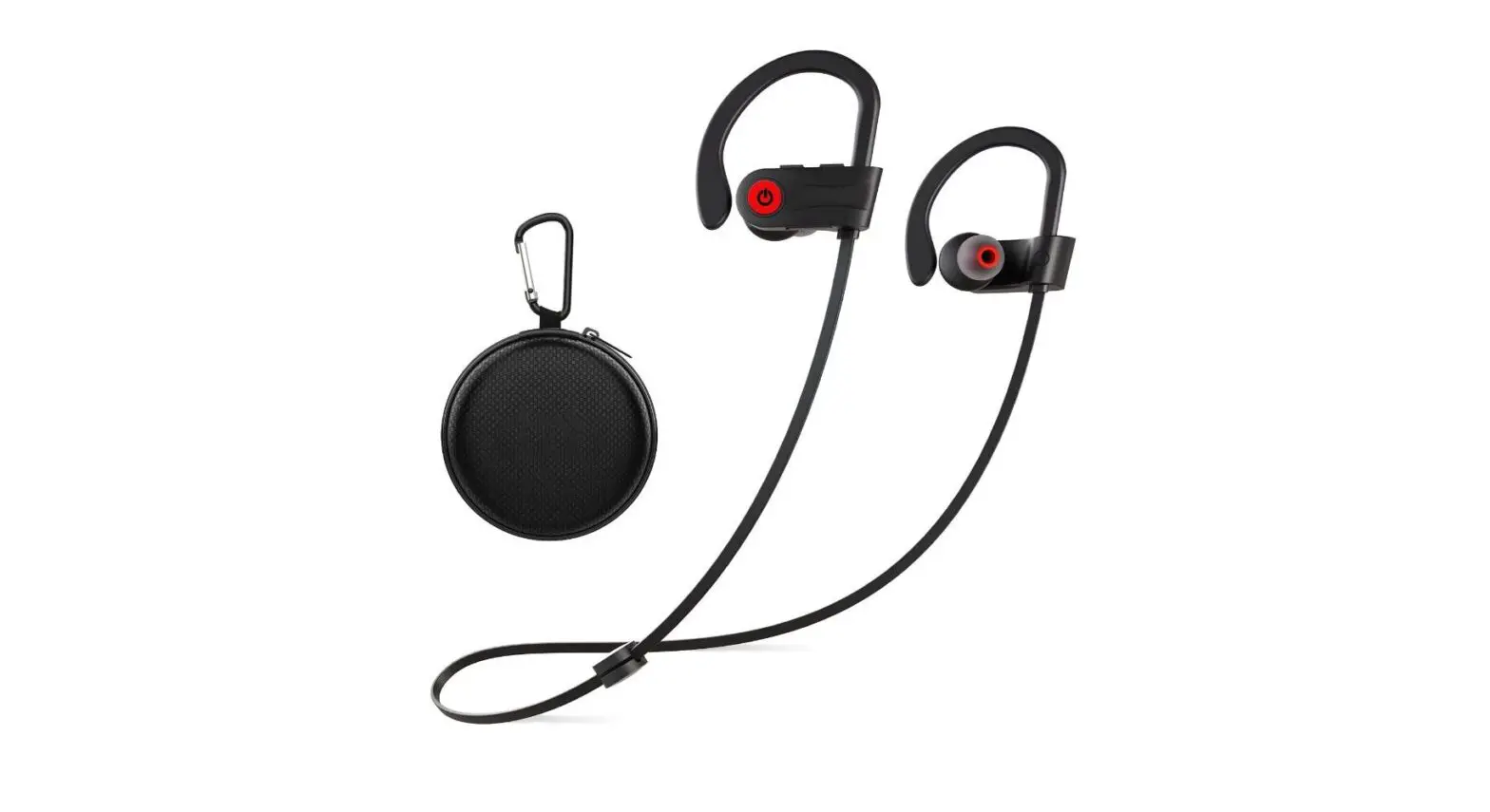
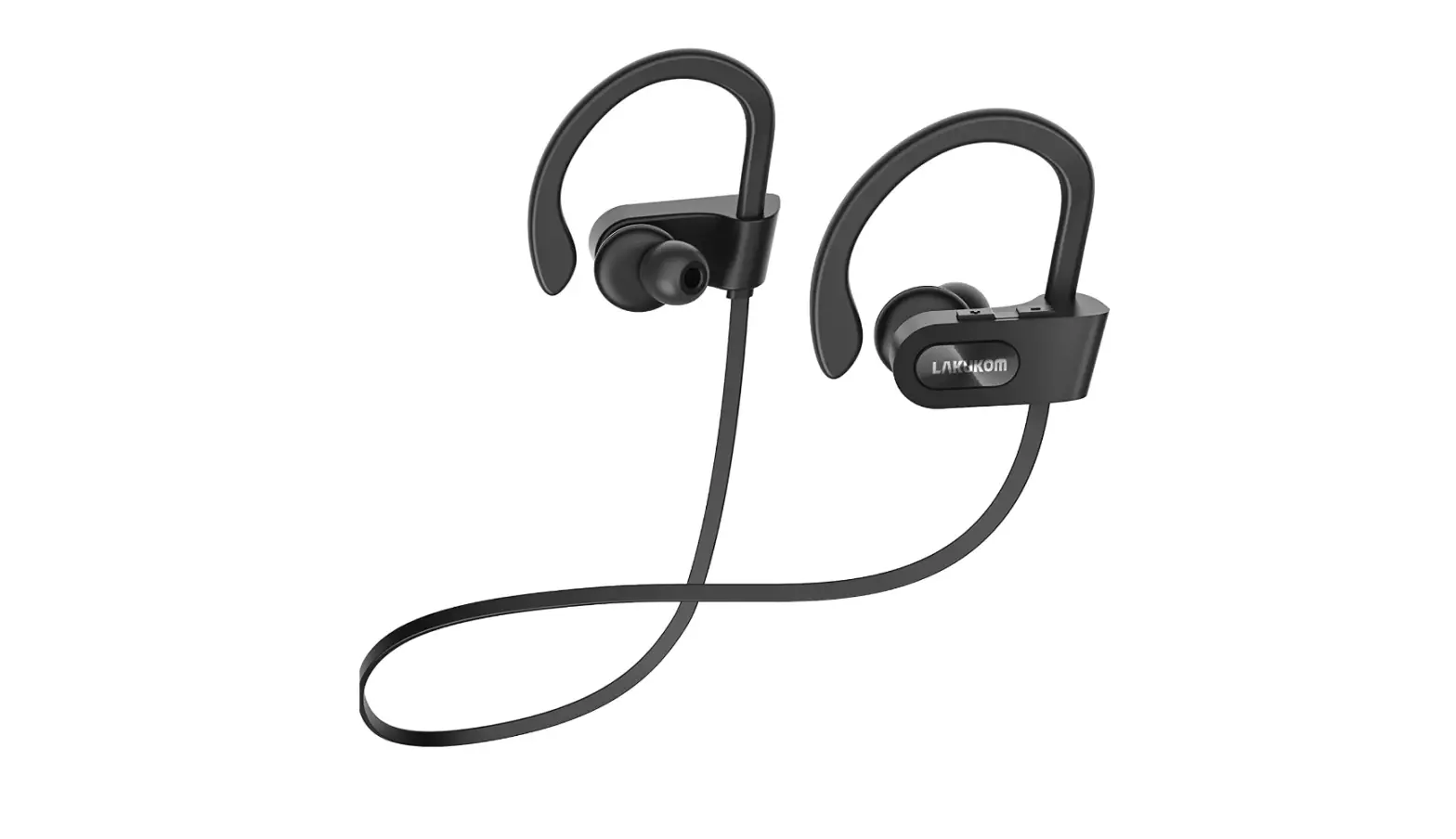
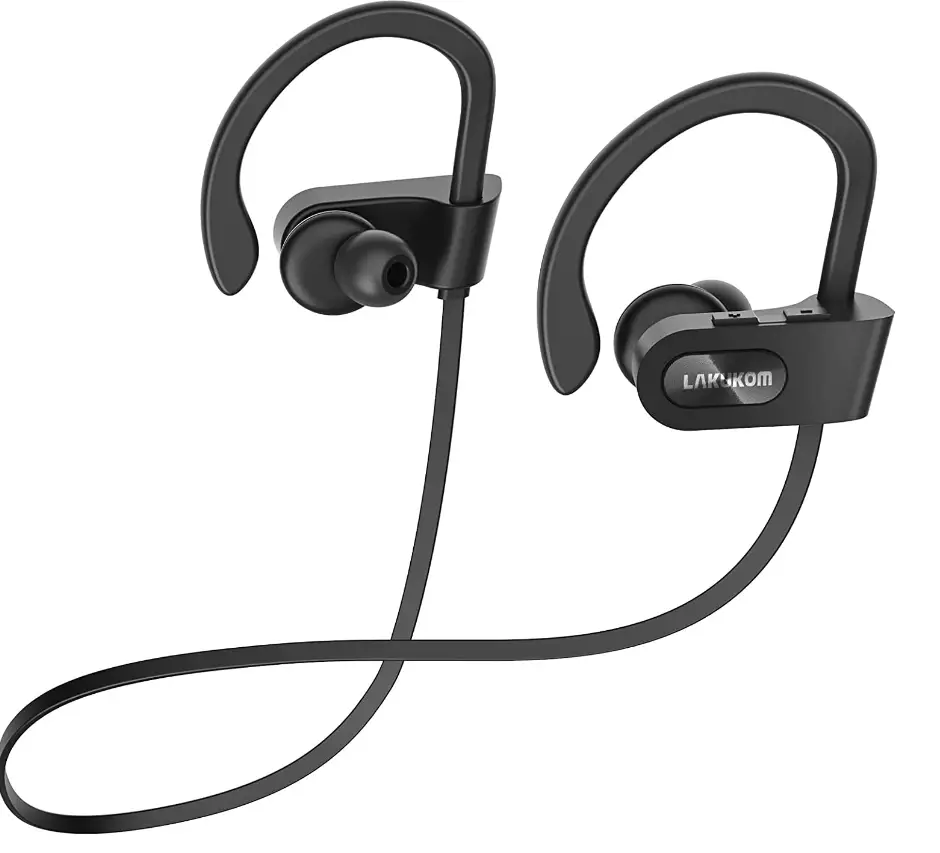
The Lakukom LA594A earphones will provide you with an unforgettable experience. The sound is clean and balanced at any volume thanks to a distinctive acoustic architecture that brings your music and films to life. Now is the time to enjoy the music.
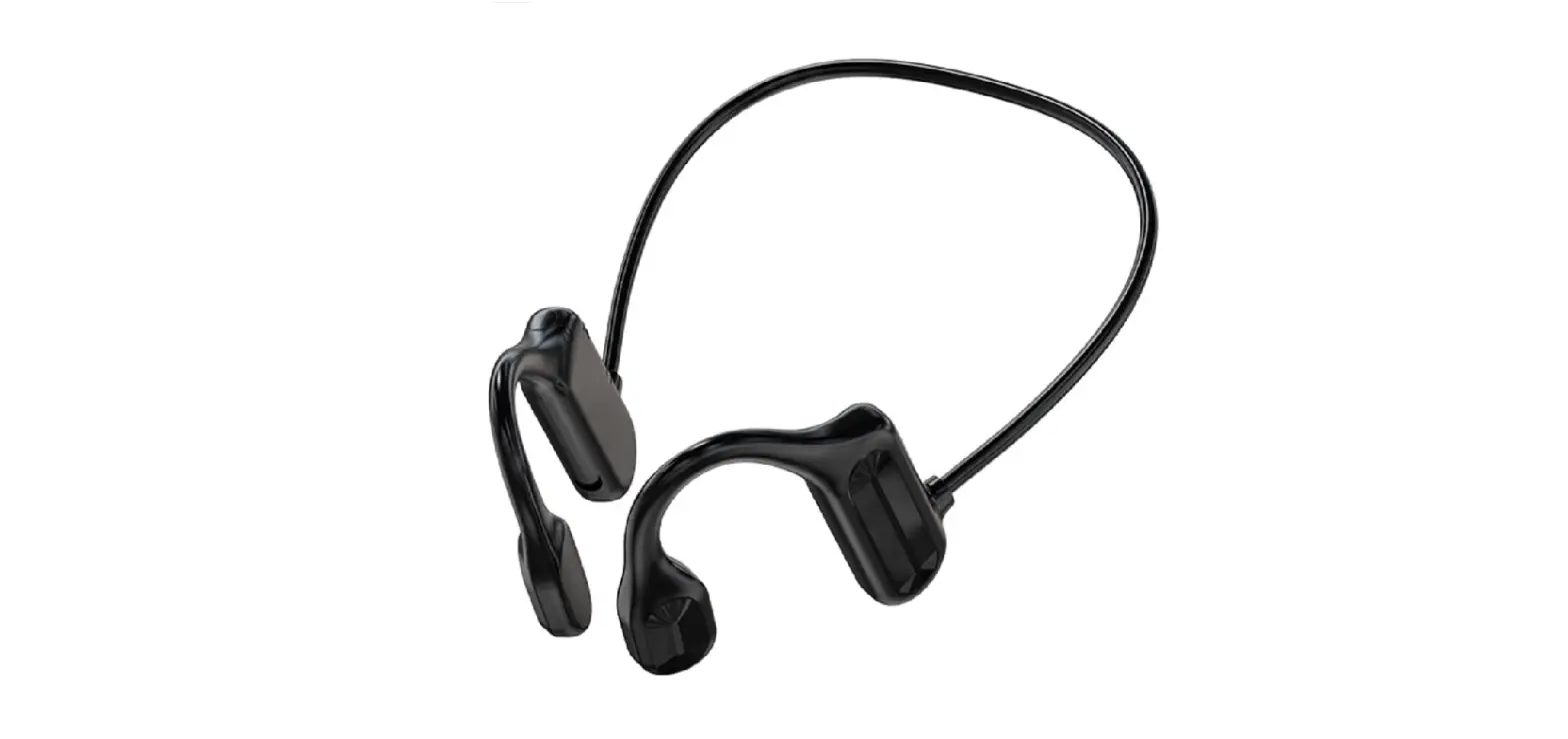
It has an exceptional fit and a stunning design. These jogging headphones have a comfortable design. Ear hooks with an adjustable, secure fit for lightweight comfort and stability. Four sizes of ear tips provide all-day comfort.
It has 16 hours of battery life and a comfortable fit. Nothing can stop you from enjoying sports with Bluetooth headphones designed for movement. With Bluetooth 5.0 connectivity, these earbuds have a longer range and fewer dropouts, so they stay connected even while you’re on the move. Without missing a beat or a call, you can cook, code, or exercise. The waterproof nano coating protects the headphones from the elements and sweat. Designed to withstand sweat and water after intense workouts or jogging. Keep listening and moving no matter what the weather is like.
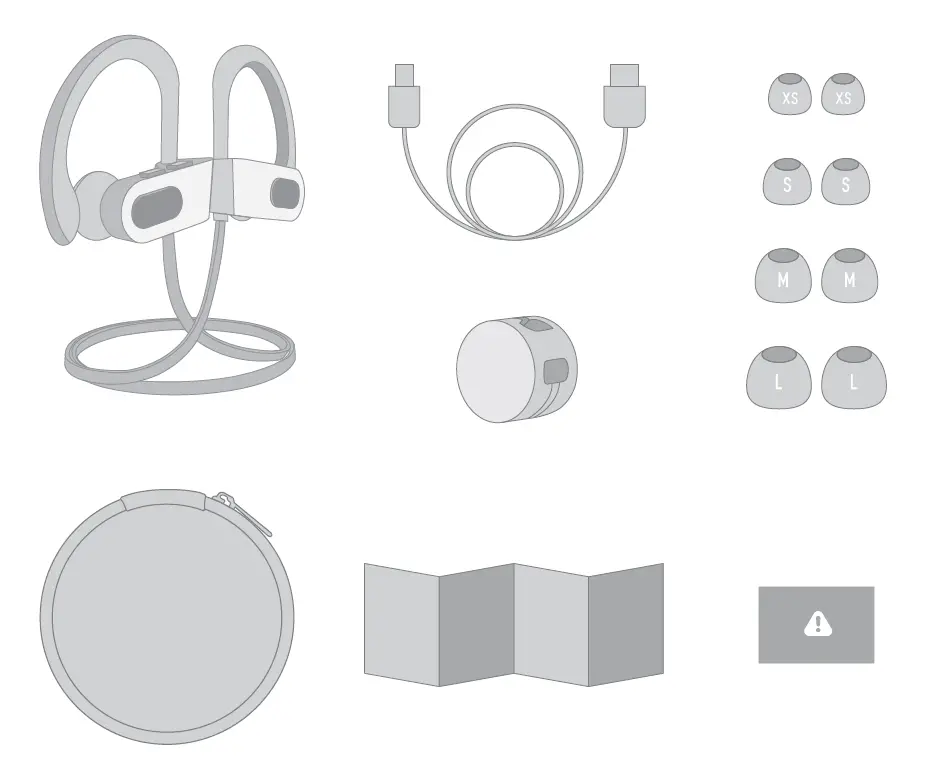
What’s in the box
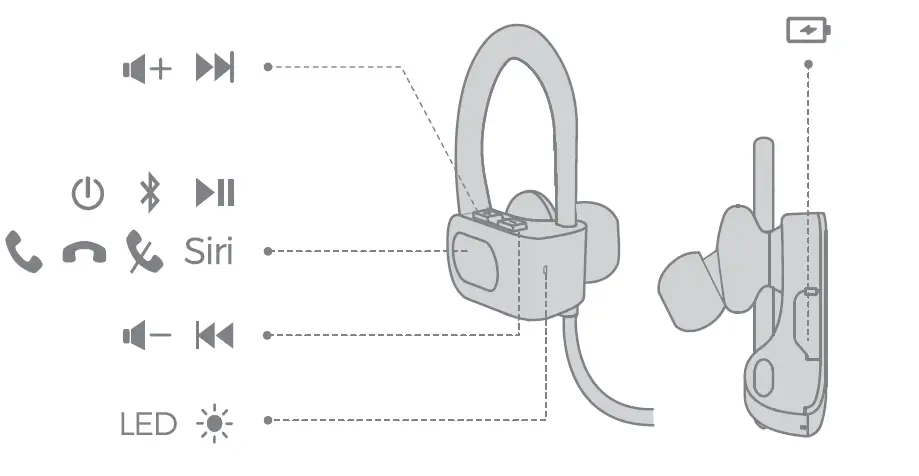
Controls and functions
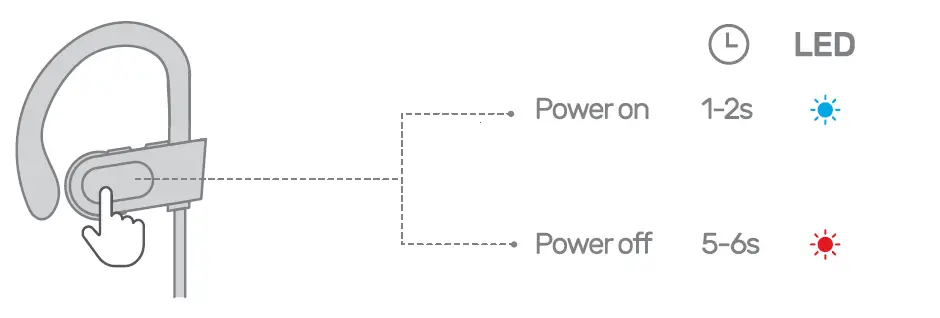
How to power ON/OFF
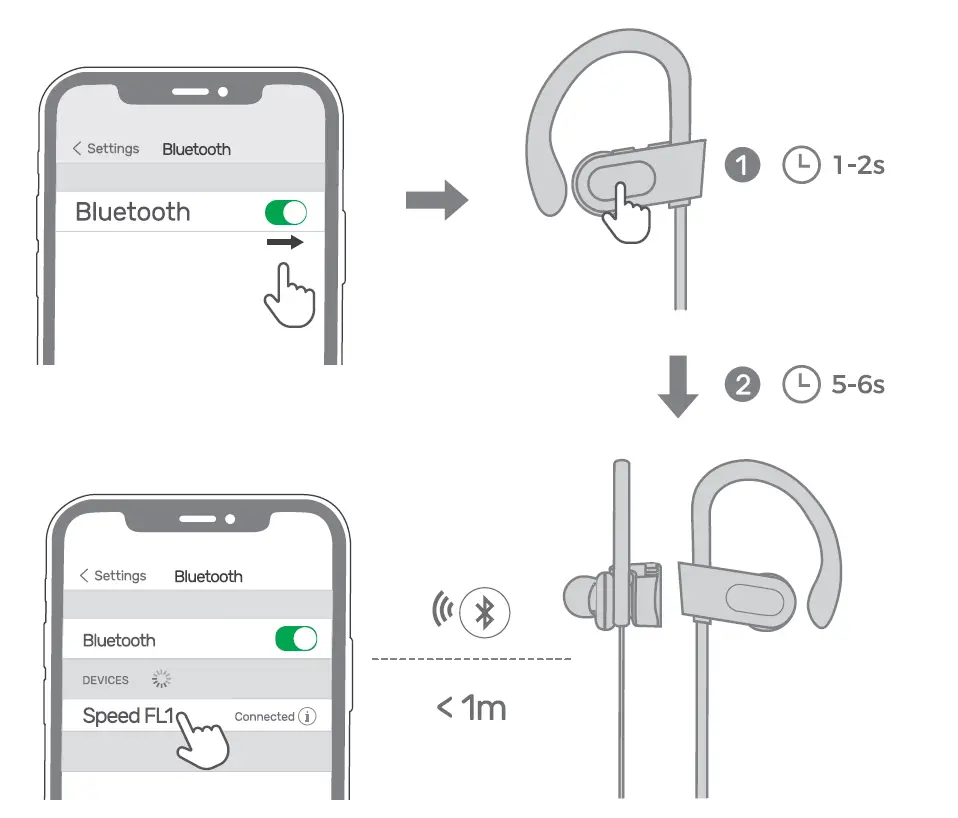
How to pair the earphones
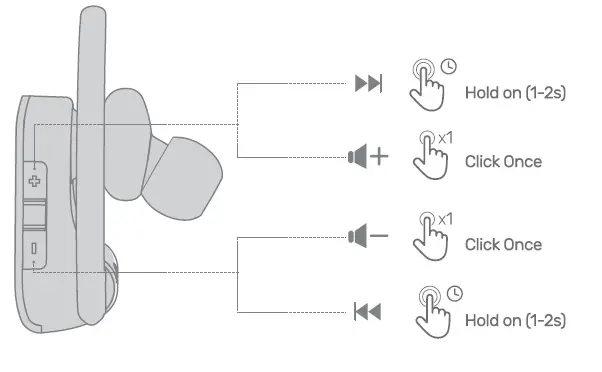
How to increase and decrease volume
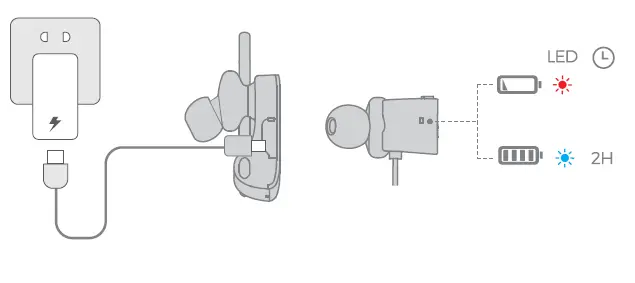
How to charge FA
Frequently Asked Questions
- Can these be used with Bluetooth tv?
No, it does not work the tv. You can use it with your iPhone. - What is the best way to see whether my i12 TWS is completely charged?
Your battery is 50% charged if the LED blinks twice, 75% charged if it blinks three times, and 100% charged if it blinks four times. - Why does one of my TWS earphones work but not the other?
Depending on your audio settings, headphones may only play in one ear. Check your audio properties to make sure the mono option is off. Also, make sure that the voice levels on both earphones are same. - What’s the best way to link left and right earbuds?
Press and hold the LEFT earbud’s button for 2 or 3 seconds until the light turns blue. -Press and hold the button on the RIGHT bud while continuing to hold the button on the LEFT. – Simply keep your hands together for another 10-15 seconds. Both will have a red/blue flash. - What’s the best way to pair TWS Earbuds?
The first step is to simultaneously long press both sides of the multi-function buttons until a red and blue led flashes. Then long press EITHER earbud to pair; a reminder voice will play; ready to pair. To start, make sure your smartphone’s Bluetooth is turned on. - What does the blue light on the i12 signify?
The LED on the i12 TWS headset is flashing blue when it is in regular operation. If the headphone indication light is red instead of blue when the i12 TWS headset is in use, it means the battery is low and the headset needs to be charged. - Why aren’t my wireless earbuds connecting?
Try completely unplugging and replugging the earphones. If you still can’t get them linked, certain earbuds may include a fail-safe hard reset mode, so read the handbook to see what it suggests in this situation, according to Cramer. - What is the procedure for resetting TWS earbuds?
Hold down the buttons on both earbuds for roughly 10 seconds, starting with the earphones in the OFF position. The LEDs will flash Red and Blue a few times before turning off. Your earphones will be reset as a result of this. In the charging case, replace the earphones.