MOZOTER
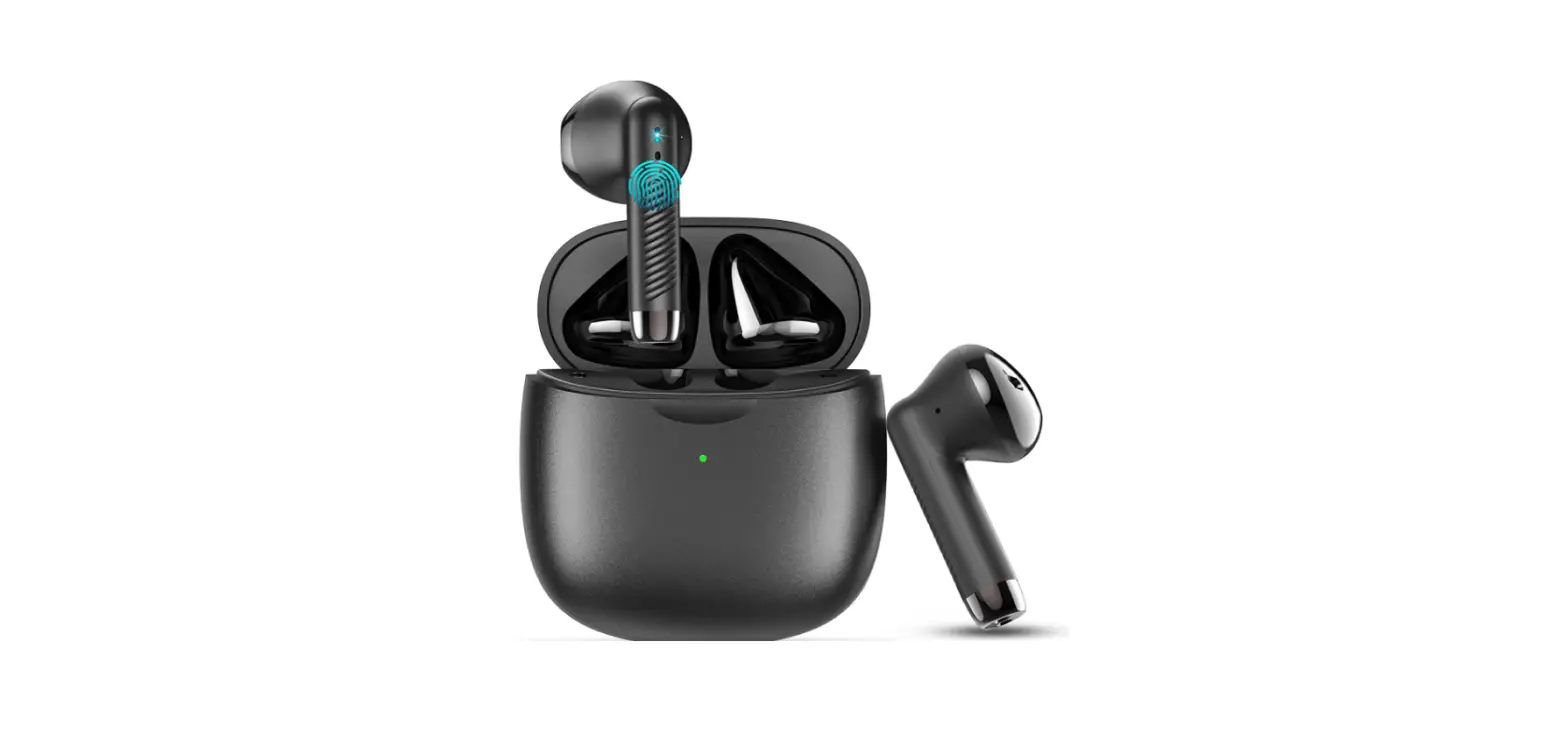
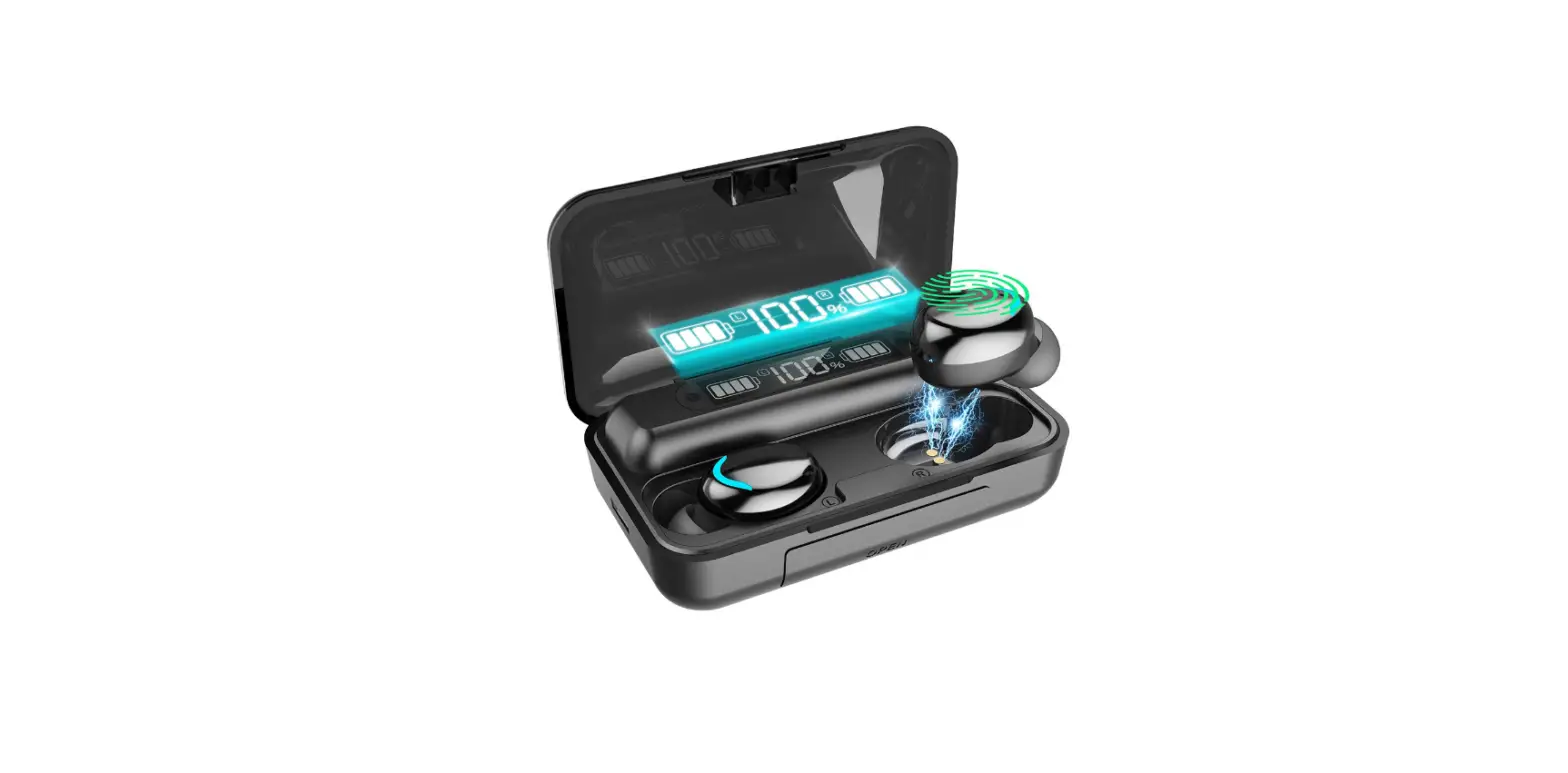
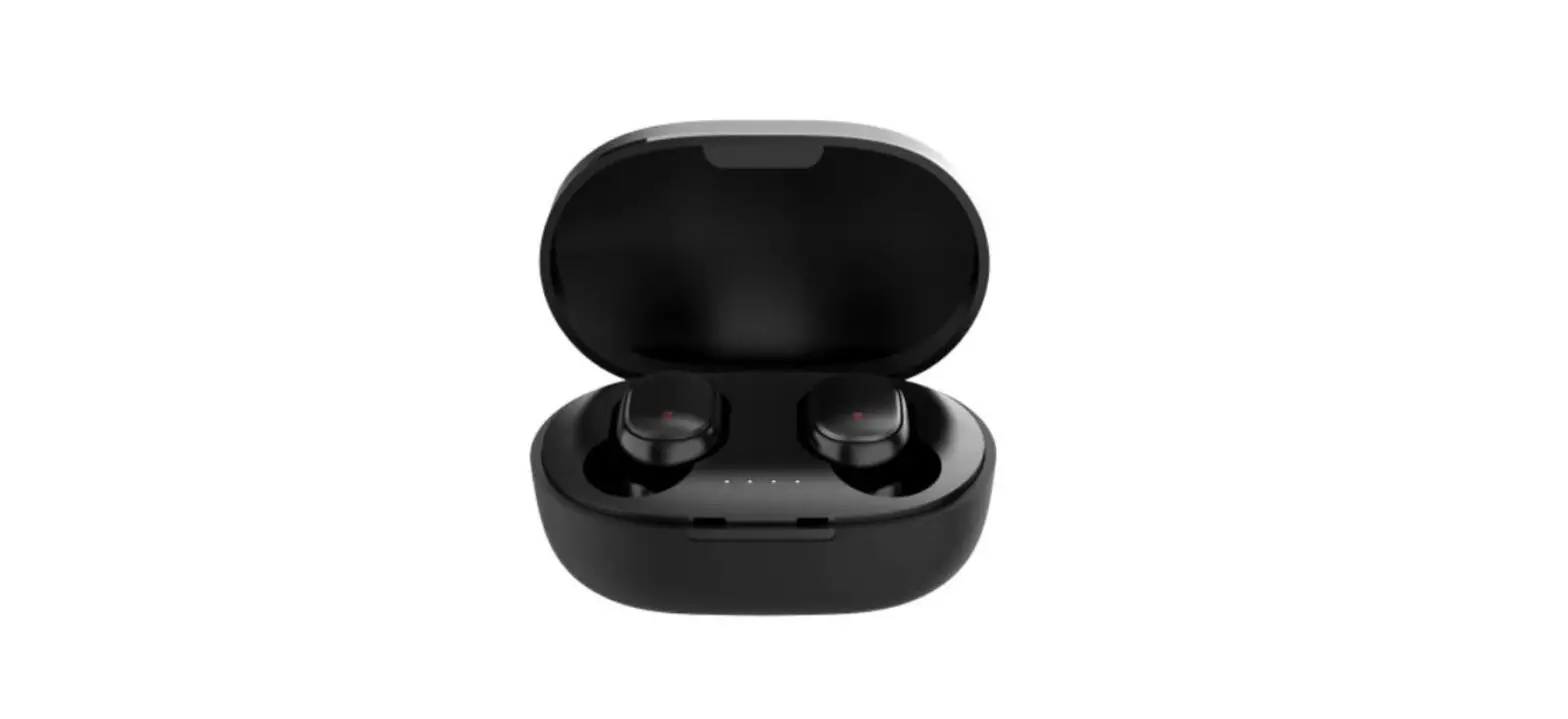
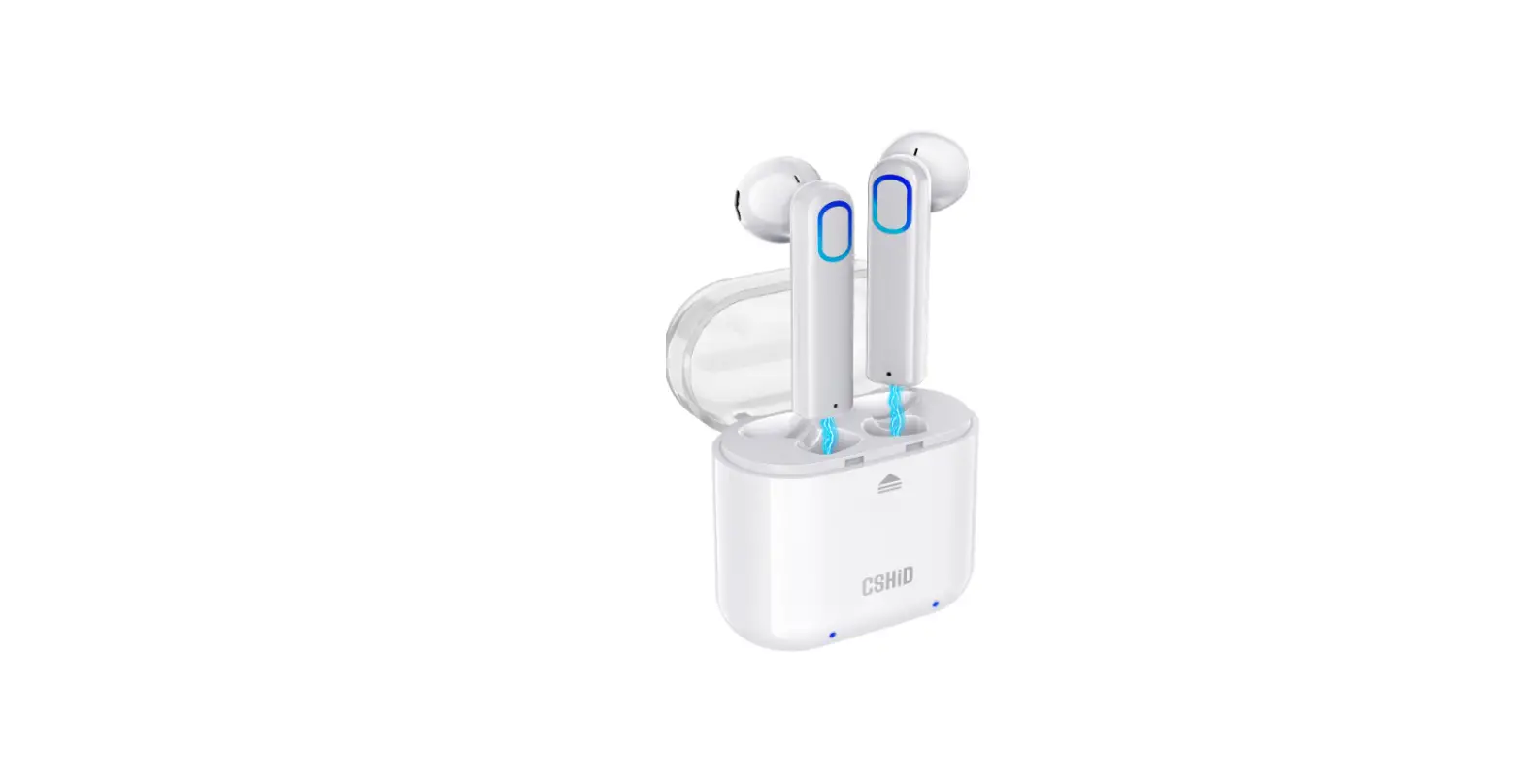
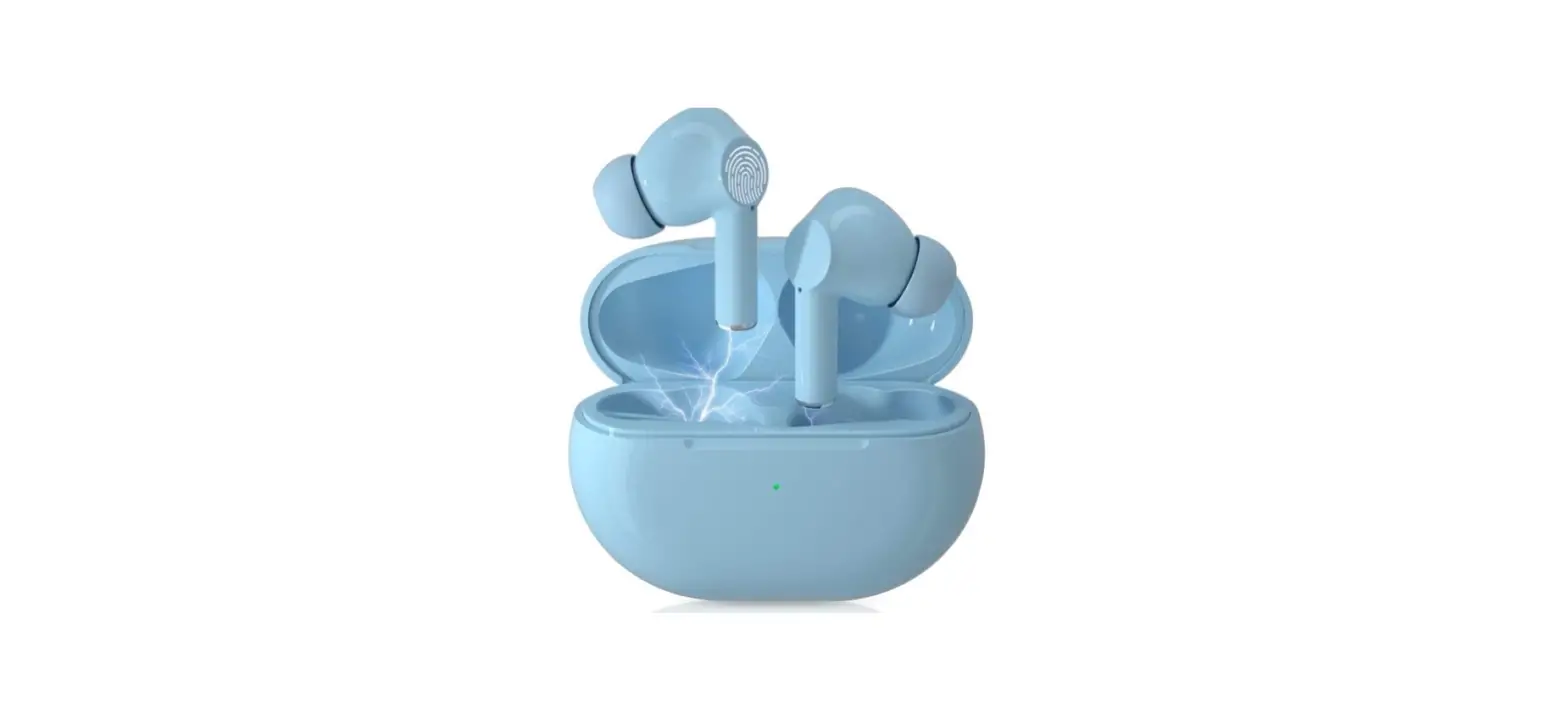
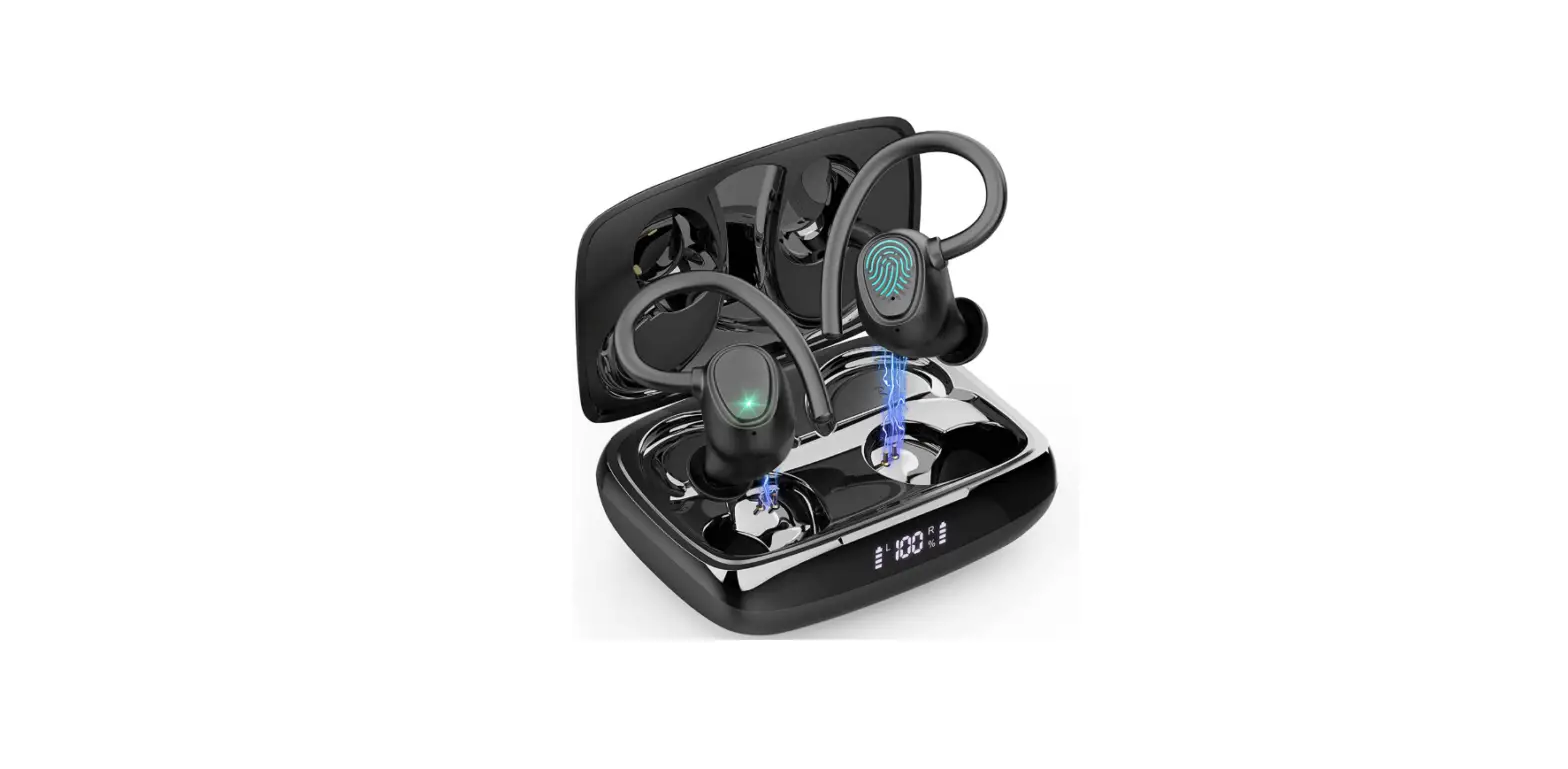
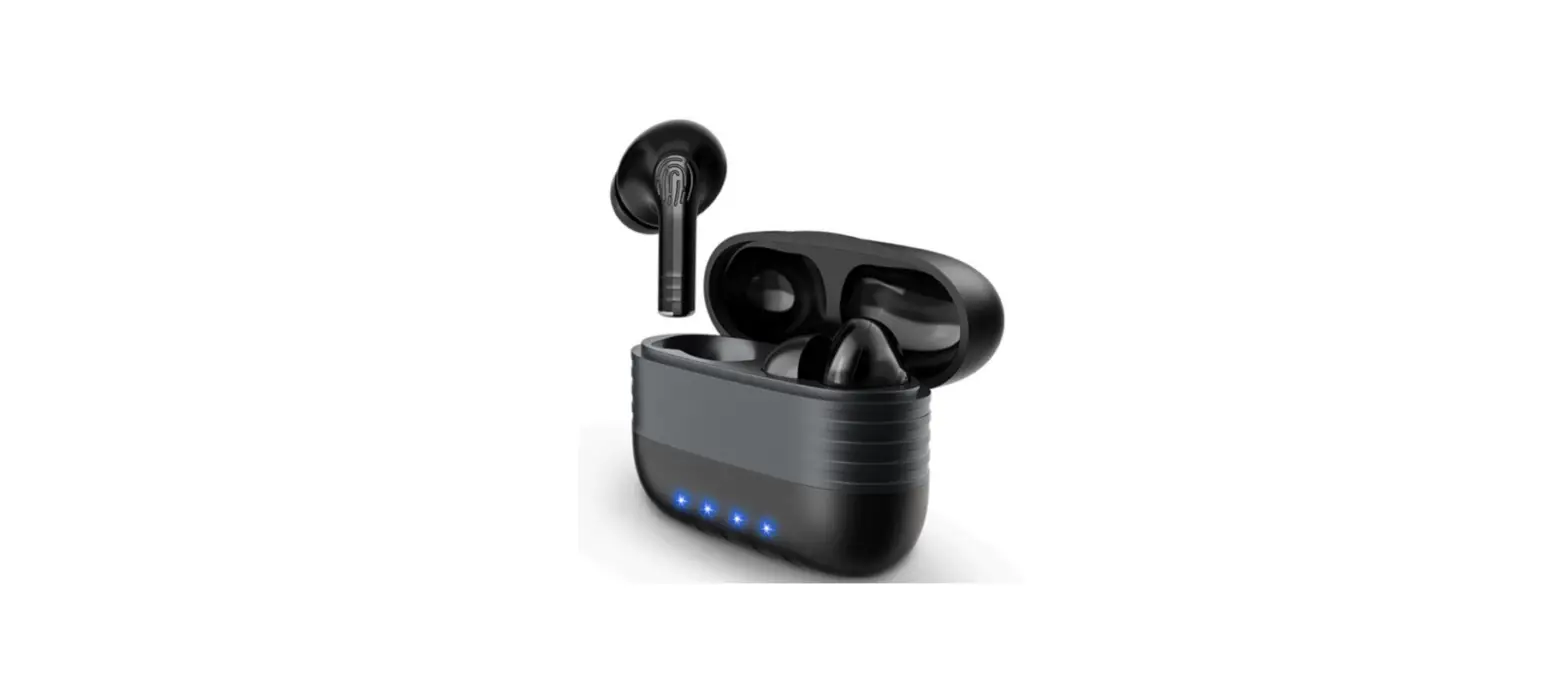
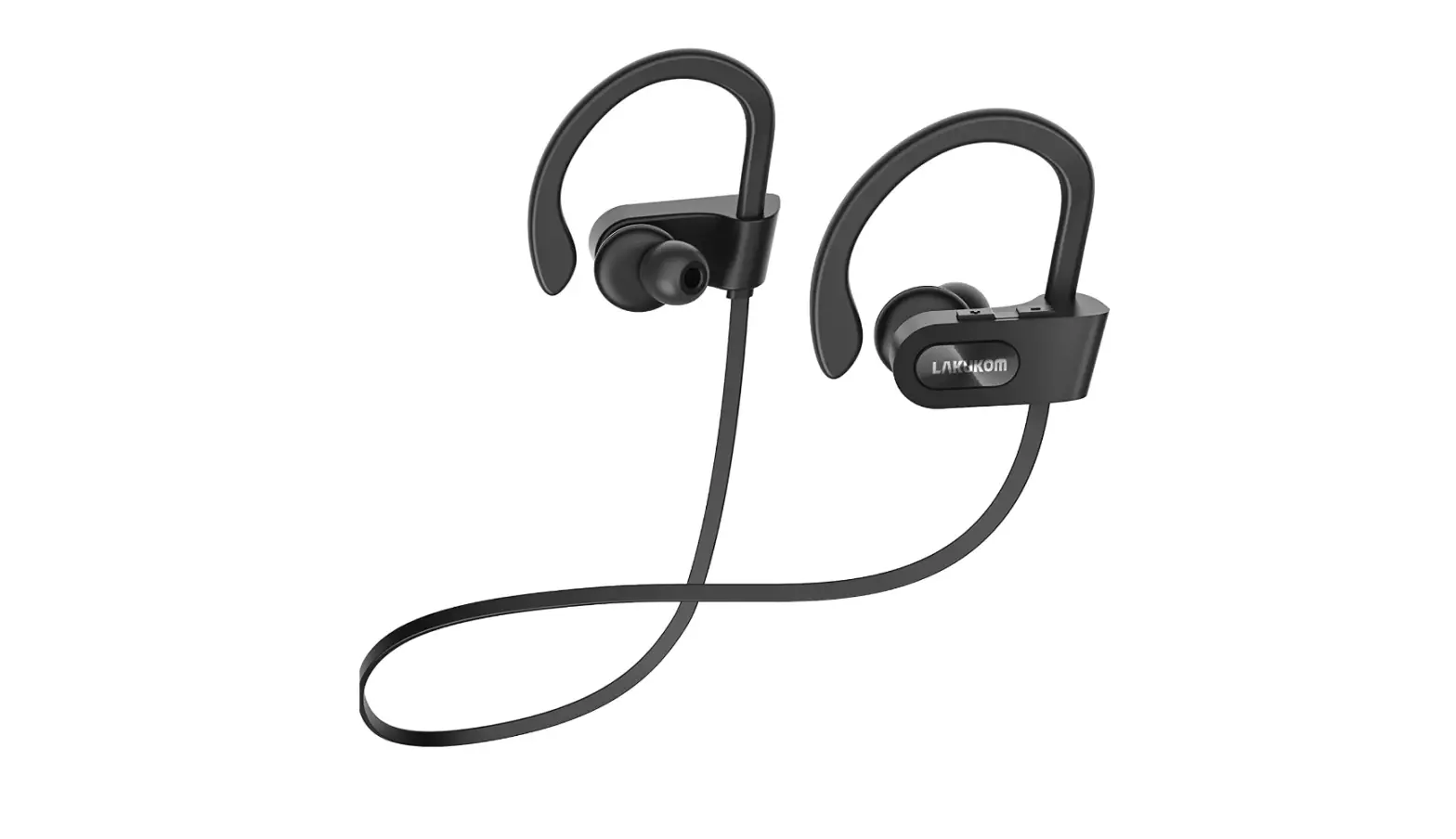
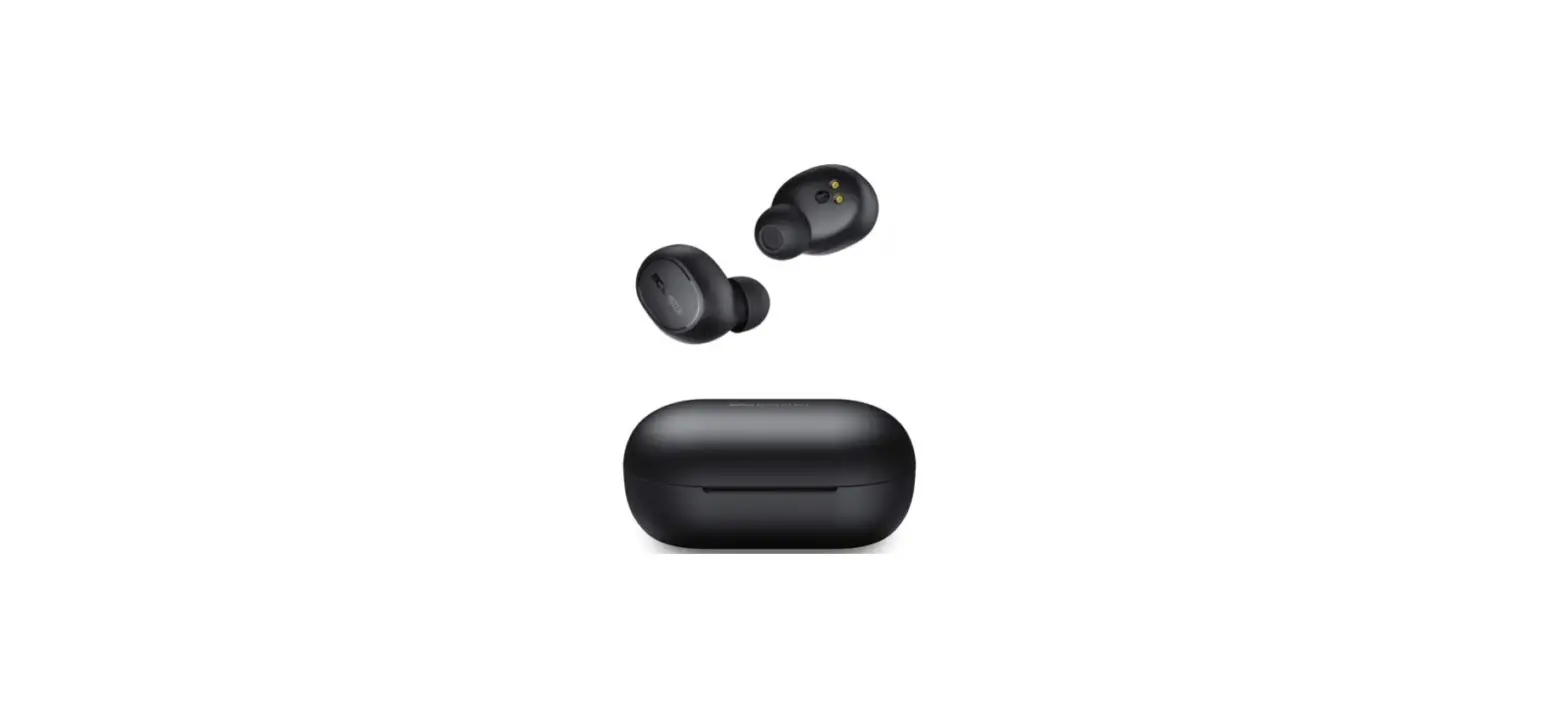
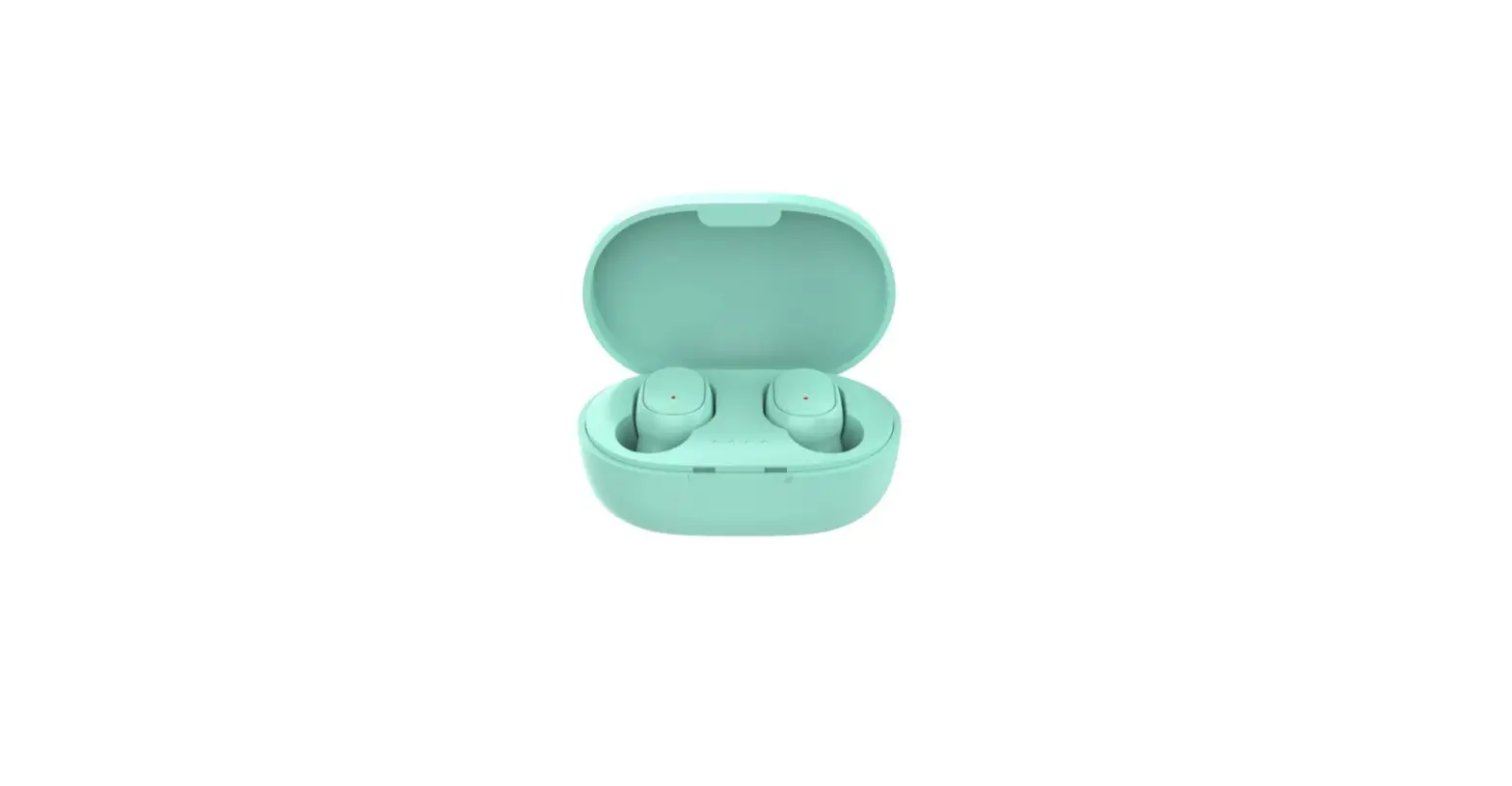
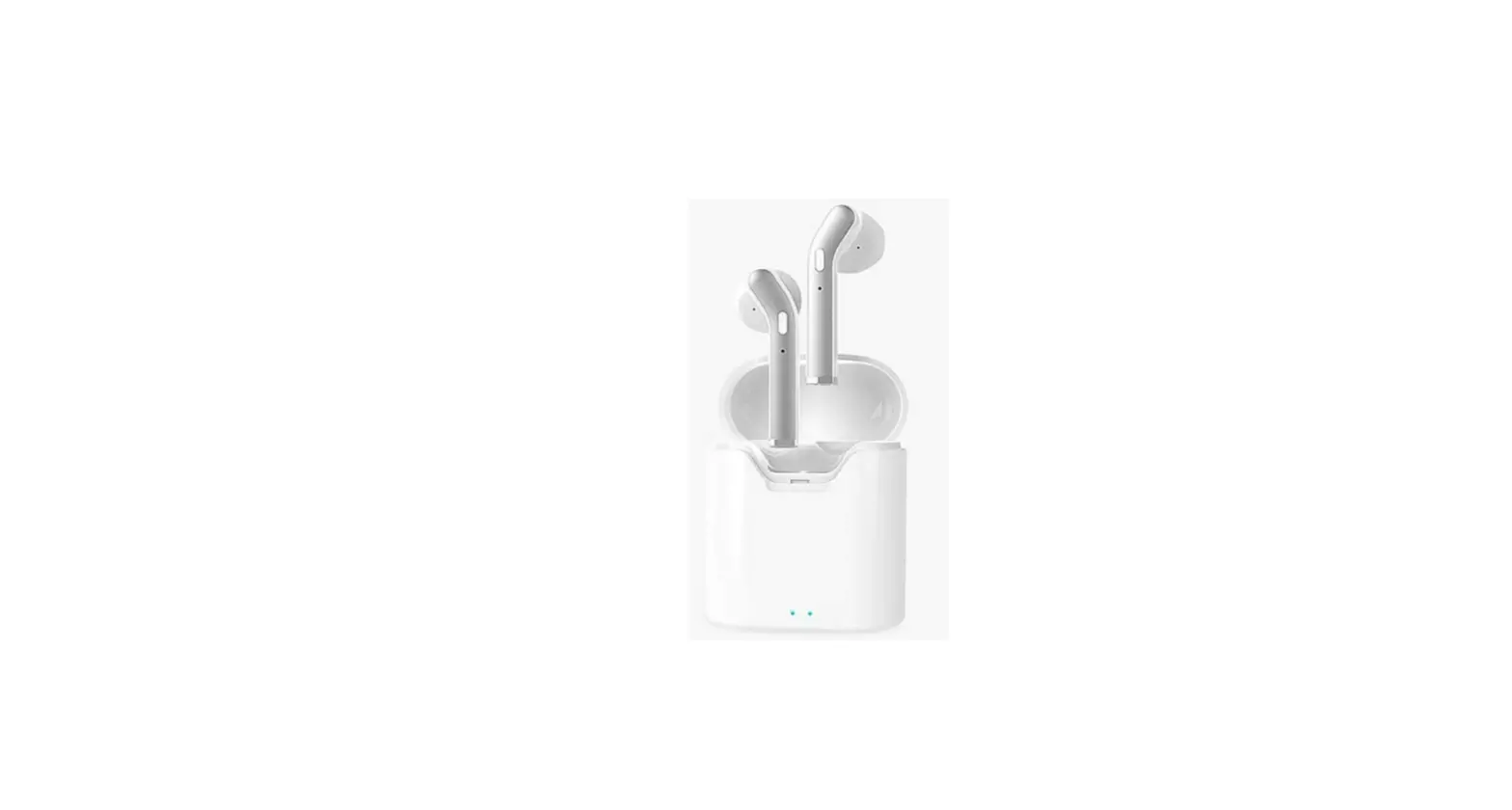
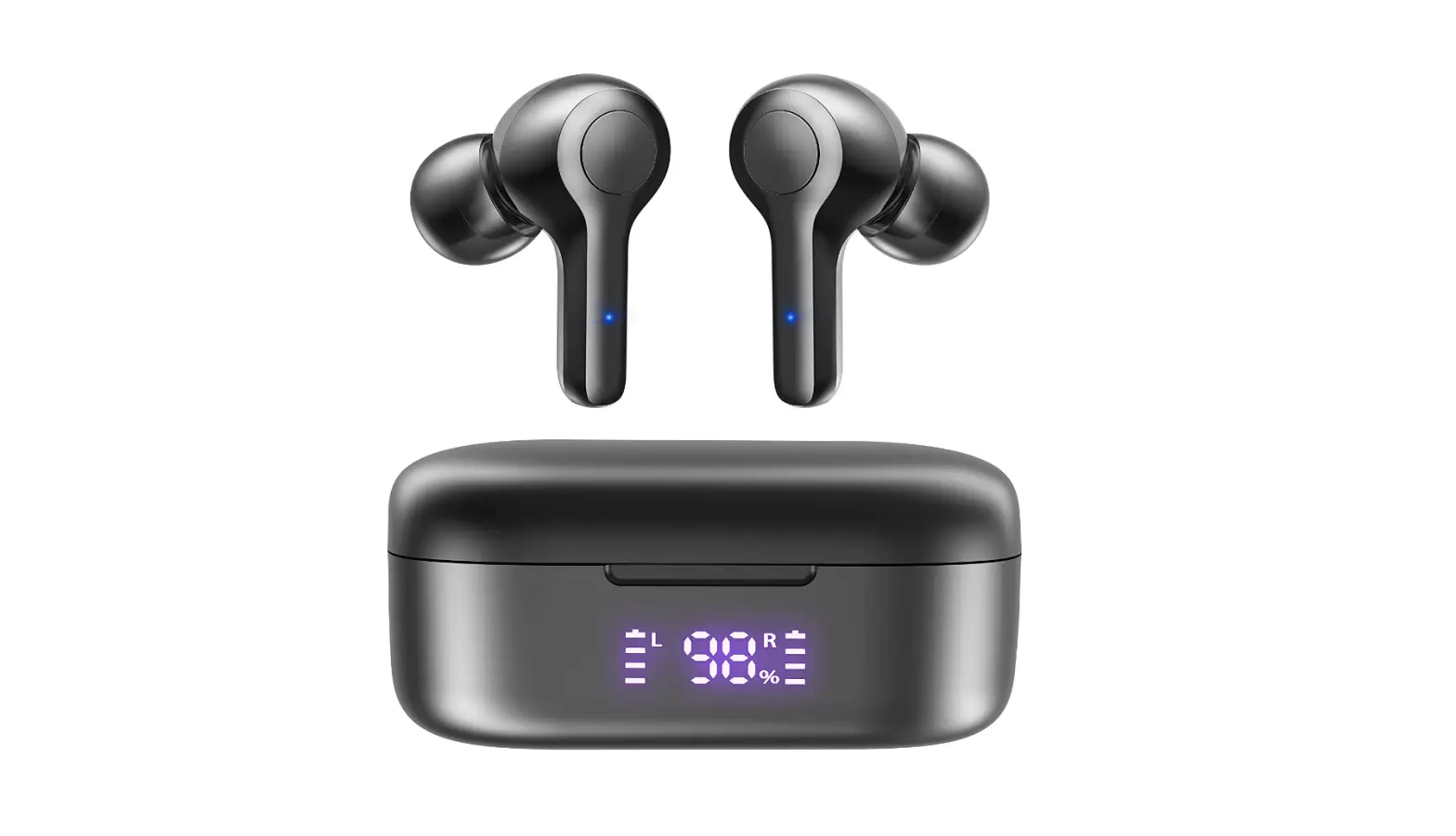
Bluetooth 5.2 Wireless Earbuds, Deep Bass Loud Sound Comfortable headphones
Specifications
- BRAND: MOZOTER,
- CONNECTIVITY TECHNOLOGY: Wireless,
- FORM FACTOR: In Ear,
- CABLE FEATURE: Without Cable,
- PRODUCT DIMENSIONS: 2.36 x 1.57 x 1.06 inches,
- ITEM WEIGHT: 1.69 ounces,
- BLUETOOTH: 5.2.
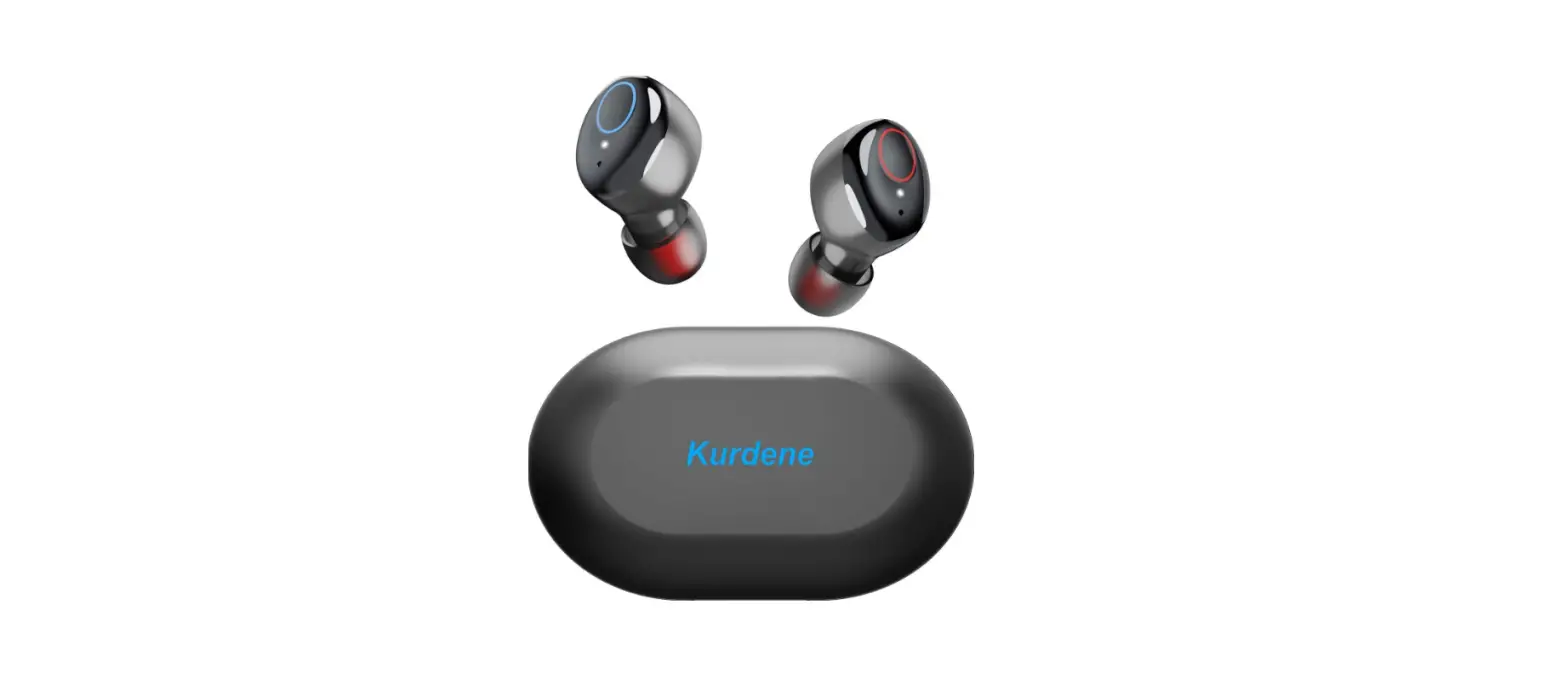
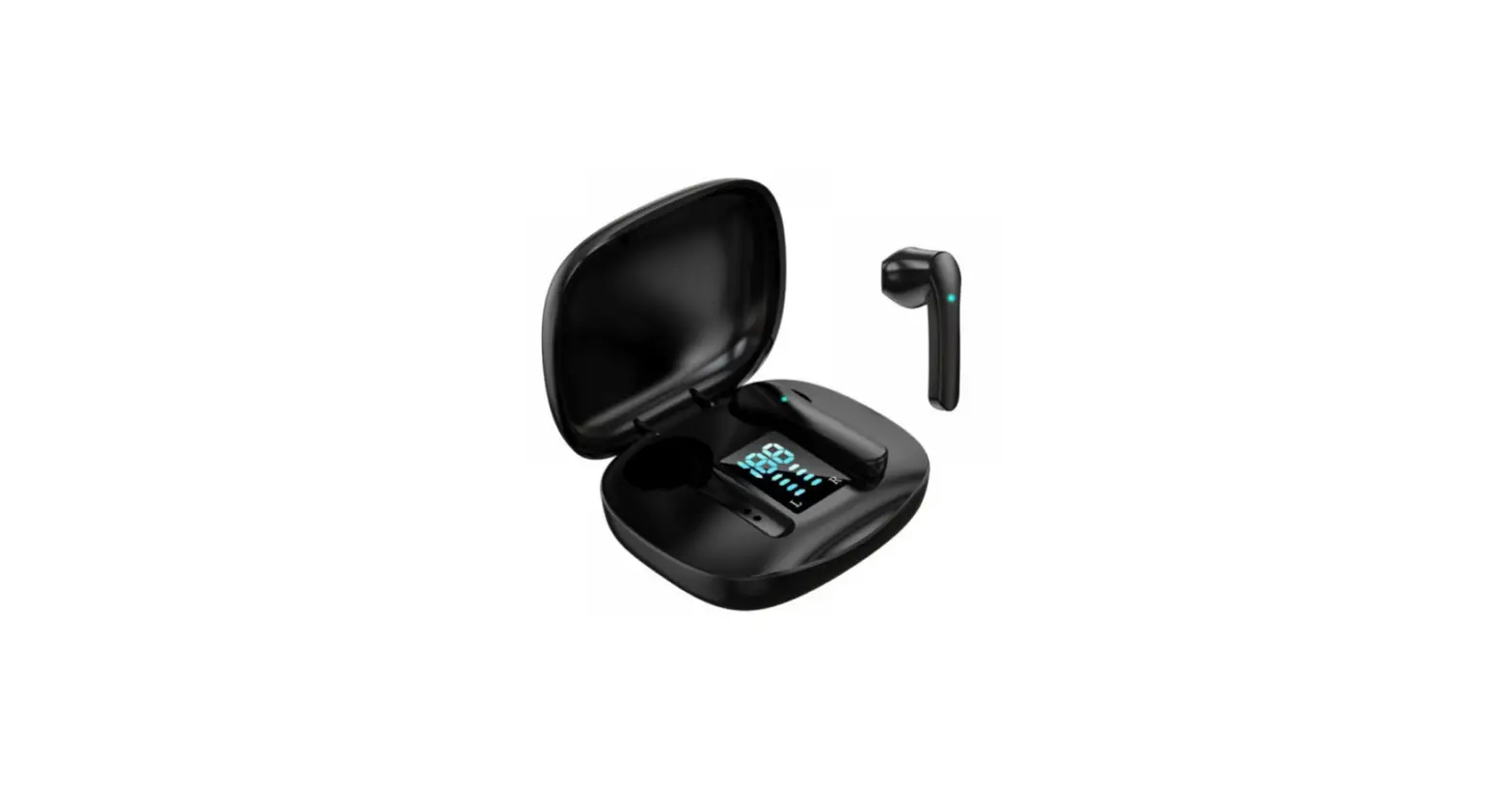
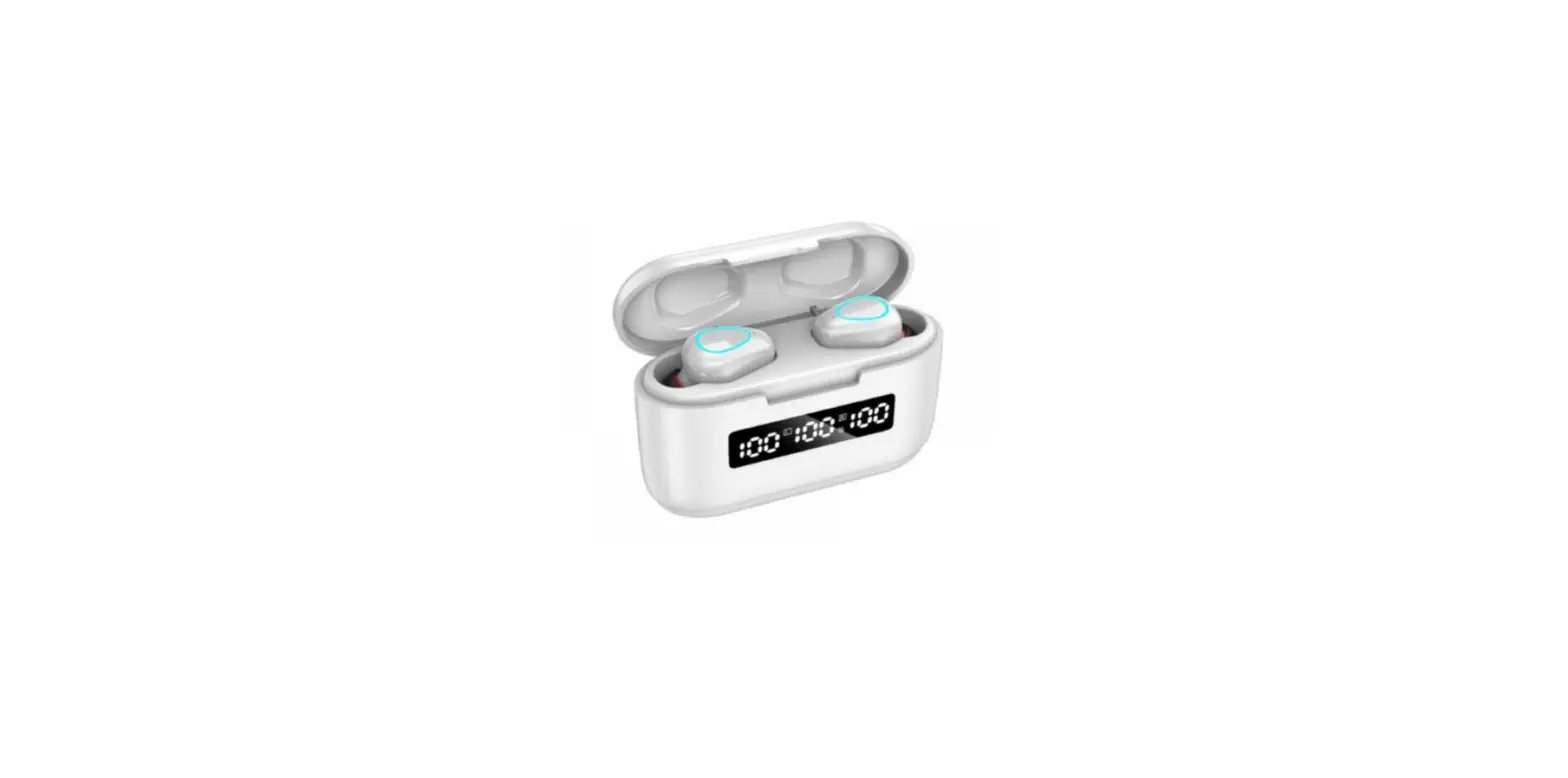
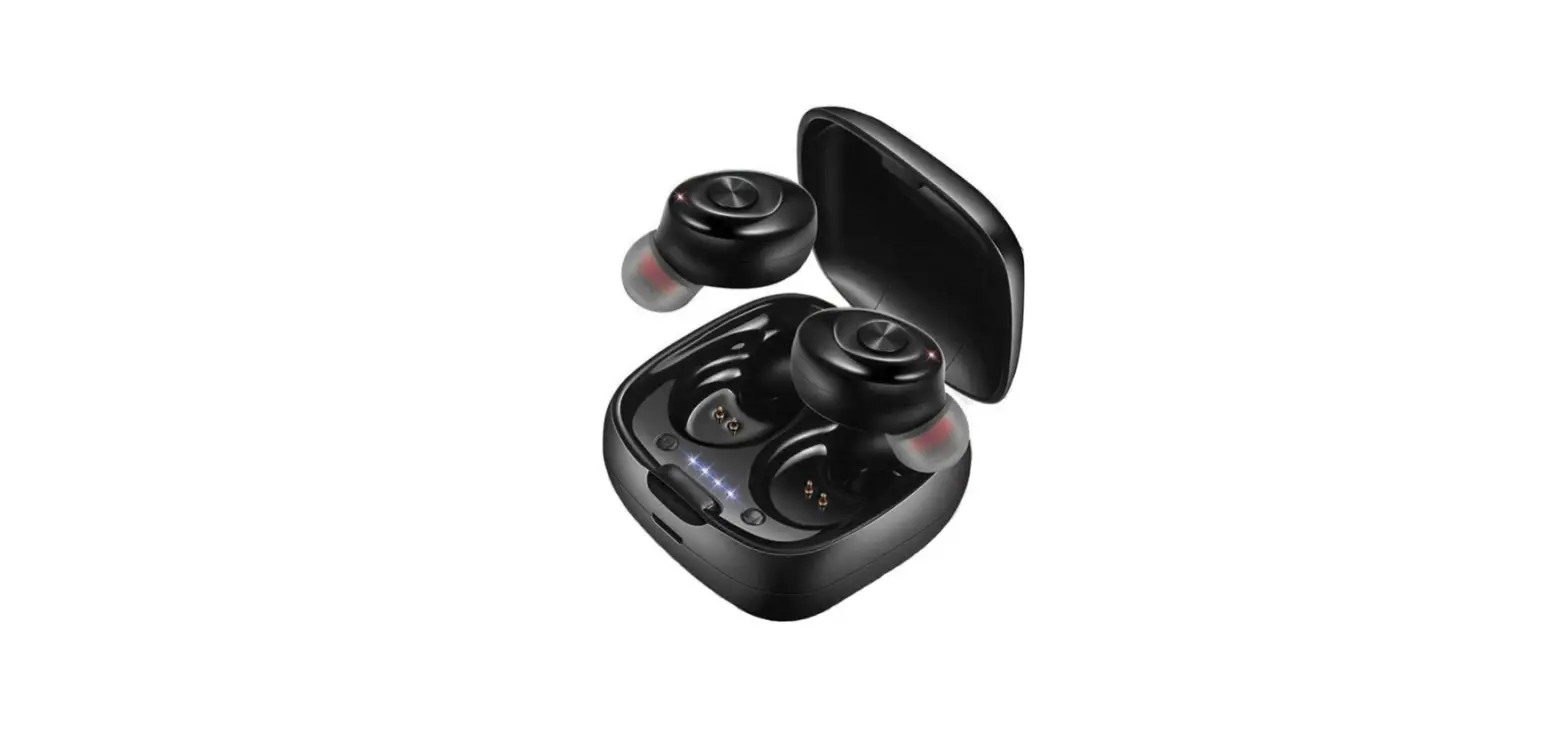
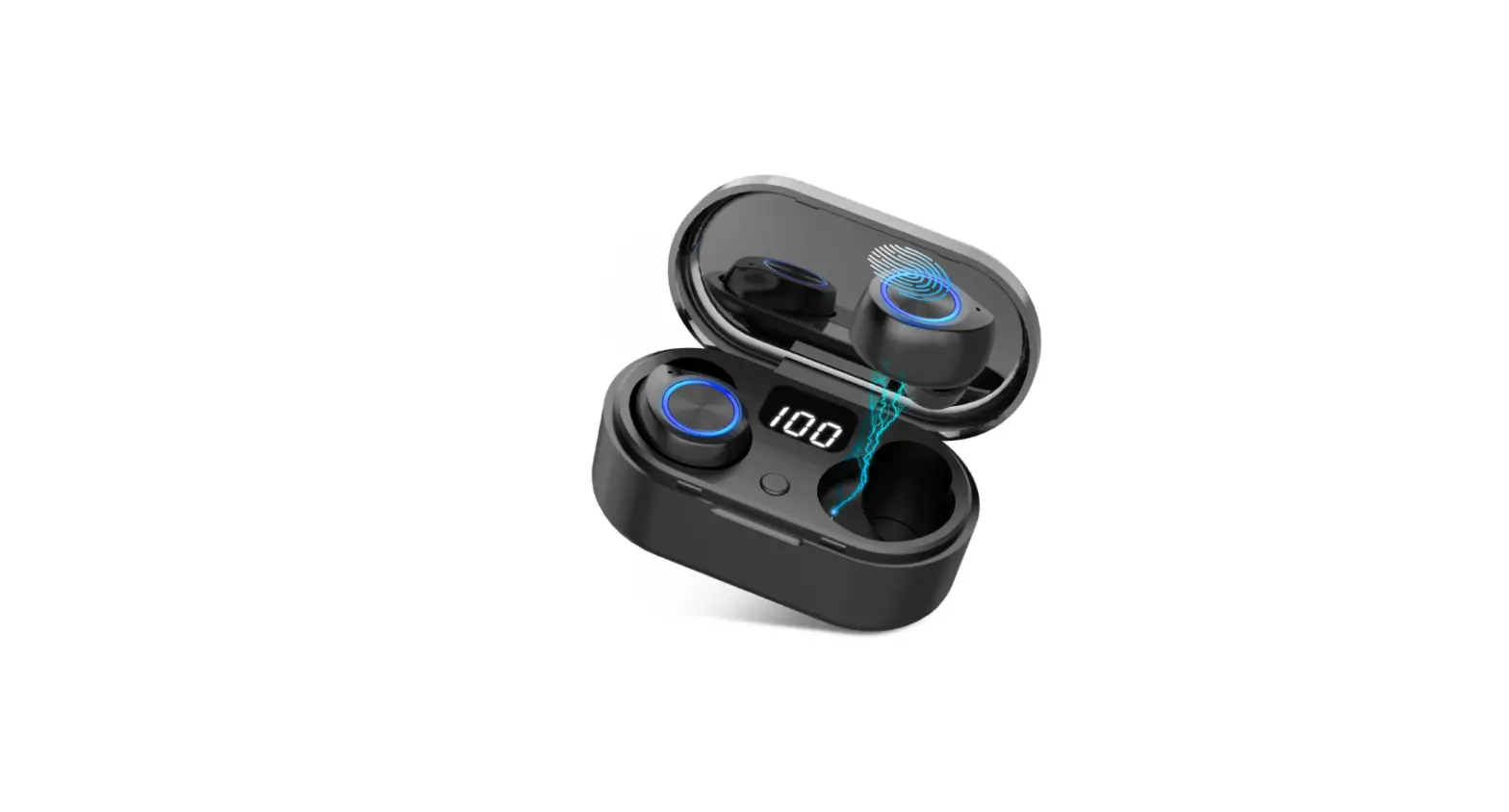
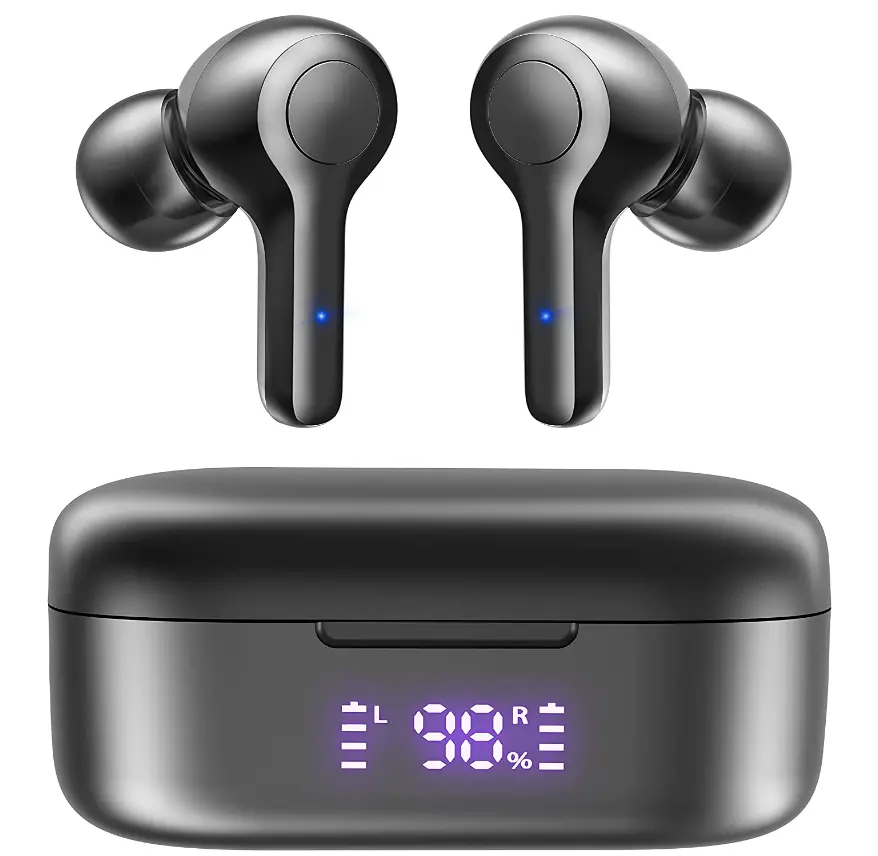
Mozoter earphones use advanced technology of Bluetooth 5.2 which is easy to pair and connect. They easily and automatically connect. When we open the charging lid, the earphones are ready to connect. The earbuds offer a crispy and clear sound quality. It has a powerful Bass with ultra-clear vocals. It is designed with 8mm speakers and has 2 microphones in it. The earbuds have the feature of noise cancellation. There is a digital LED indicator that shows the battery percentage so that you can not run out of the battery anytime. It has a standby listening battery time of 6 hours. Charger C-type is supported with the charging case. These are super comfortable and easy to wear.
Controls
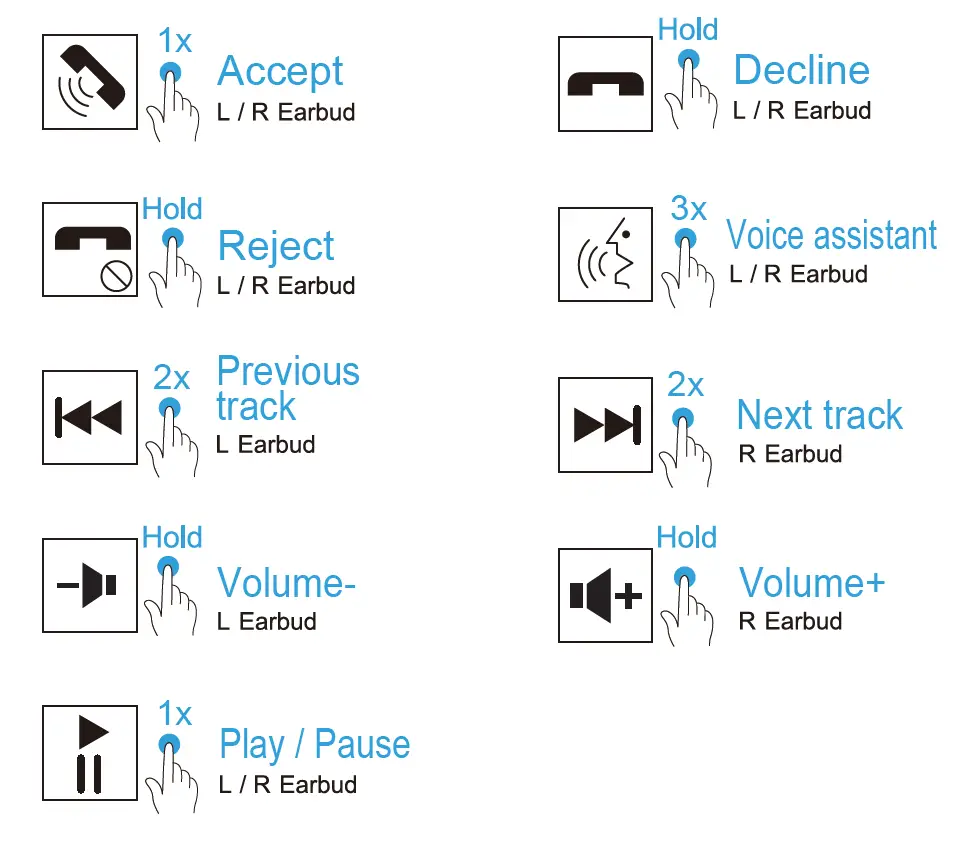
- Tap once on either earbud to play or pause.
- The following track is: Twice press the R earbud
- Track before this one: Twice press the L earbud
- Long press the R earbud to increase volume.
- Long press the L earbud to increase volume.
- Assistant with a voice: Three times press the L/R earbud
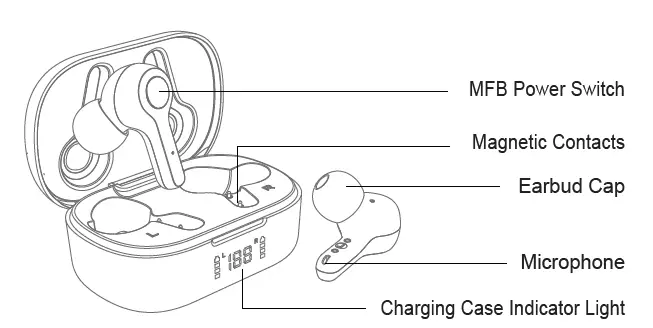
PRODUCT OVERVIEW
Choose an ear cap that is appropriate for you
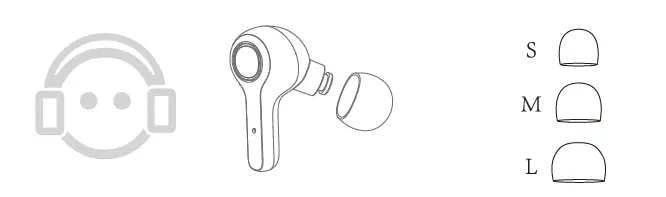
How to wear Mozoter earbuds
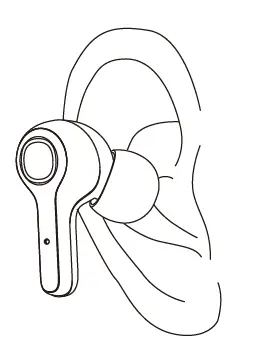
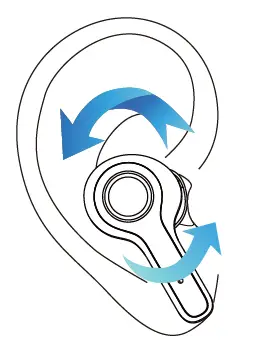
Using for the first time
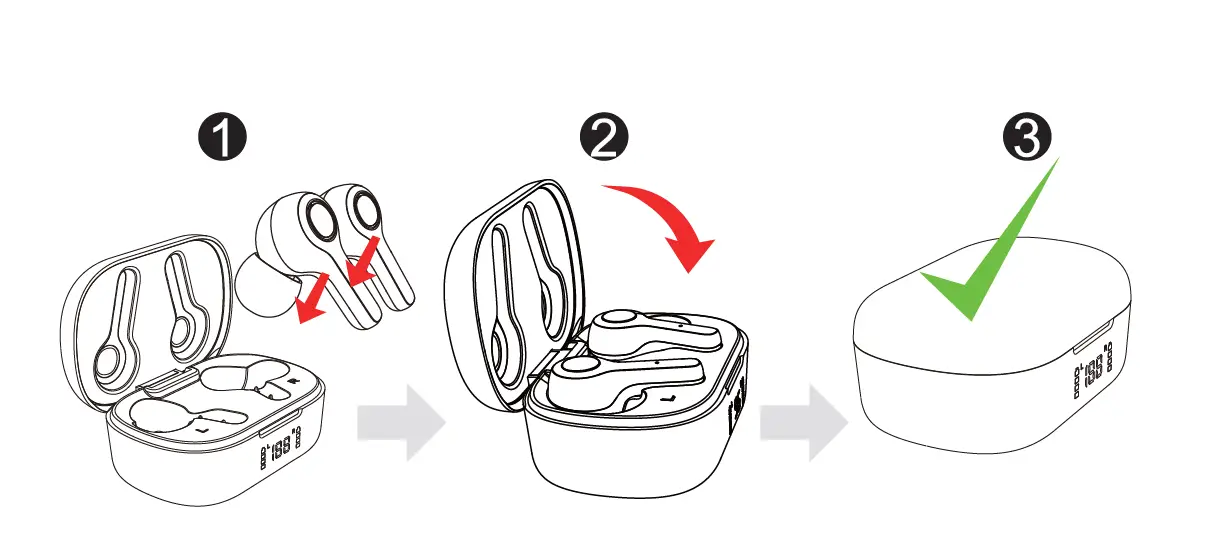
- Remove the sheet.
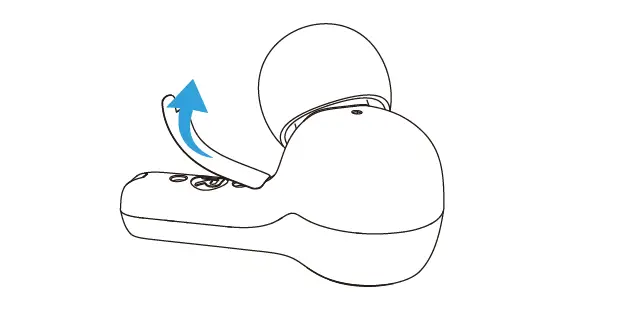
- Put the earbuds in the charging bin.
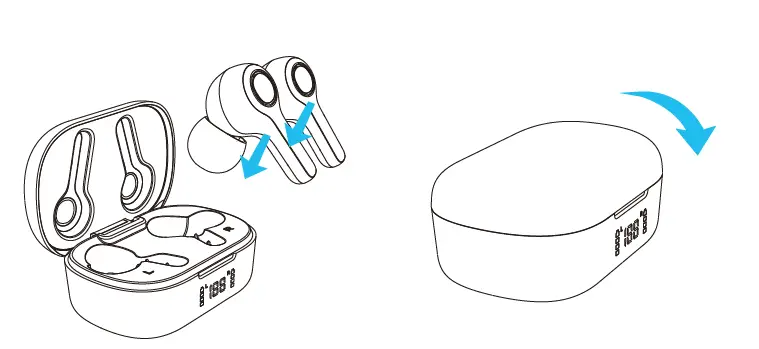
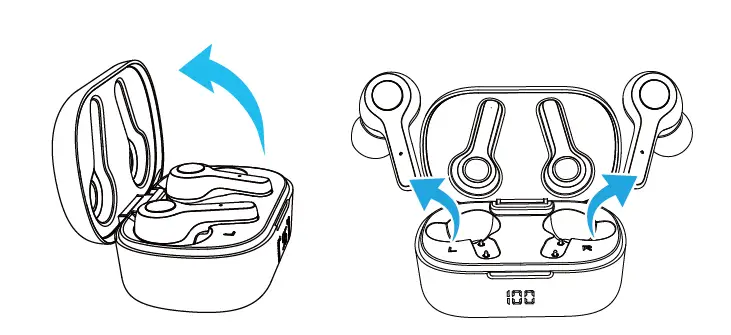
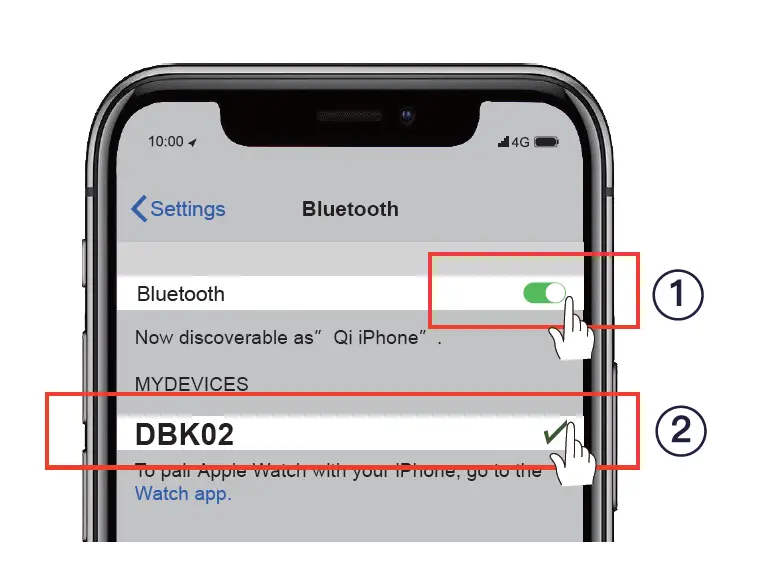
When you open the charging case’s cover again, they will instantly switch on and couple, and they will be ready to connect with your phone (the indicator will turn to Red and Blue alternately). One earbud’s indicator will go out, while the other will alternately flash red and blue light. (When pairing mode is active) Turn on your phone’s Bluetooth capability, then search for and connect to DBK02.
How to activate the voice assistant
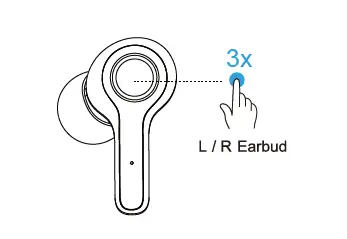
How to reset the earbuds
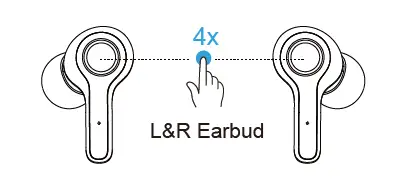
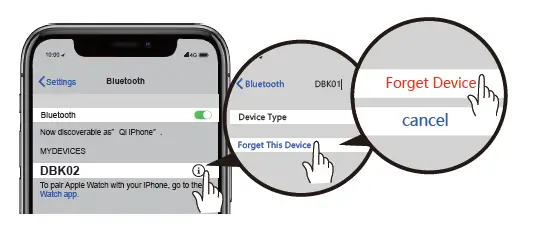
LED Indicators
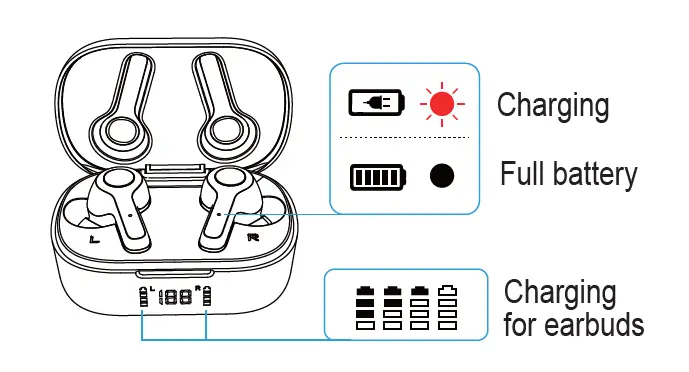
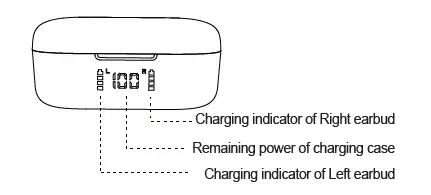
How to charge the earbuds in the charging bin
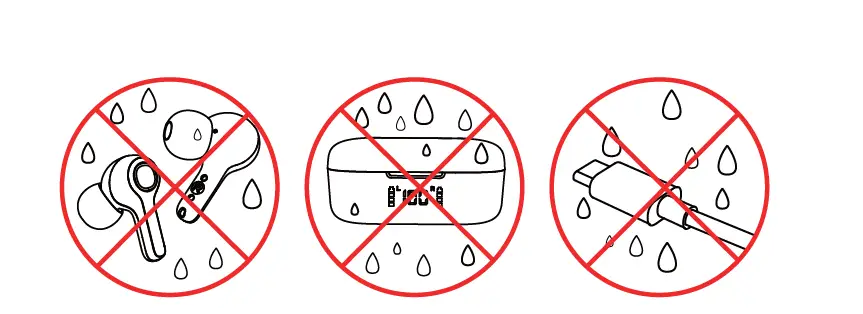
What not to do
Frequently Asked Question
- When my Monster earphones are completely charged, how do I know?
The charging case may be charged using a suitable wireless charging device in addition to utilizing the provided USB-C charging connection. The signal turns off after the charging case is fully charged. Remove the earbuds from the charging case and it will automatically switch on. - What is the best way to charge Monster earphones?
Connect the USB micro port charging connector under the right earcup of the headset with the Micro USB end of the provided USB cable. Connect the other end to a USB port on your computer or other USB-capable device. During charging, the indication light will be red. The LED will turn off once completely charged. - How do you activate pairing mode on Monster earbuds?
For around 5 seconds, press and hold the Multifunction button until the indicator light alternately flashes blue and red and you hear “Power on” and “Pairing.” Headphones are now in pairing mode. 2. Turn on your phone’s Bluetooth® and set it to look for new devices. - What are the functions of earbuds?
Earbuds allow in more ambient noise since they lie on the outside of your ear canal. Depending on your lifestyle, this might be advantageous. Earbuds help you to be more aware of your surroundings if you travel downtown and walk through the streets. - What do AirPods and earbuds have in common?
The main difference between the original EarPods and the current generation AirPods is that the AirPods are fully wireless, whereas the EarPods are corded. The redesigned AirPods are the way to go for people who had trouble keeping the tethered EarPods on their ears.