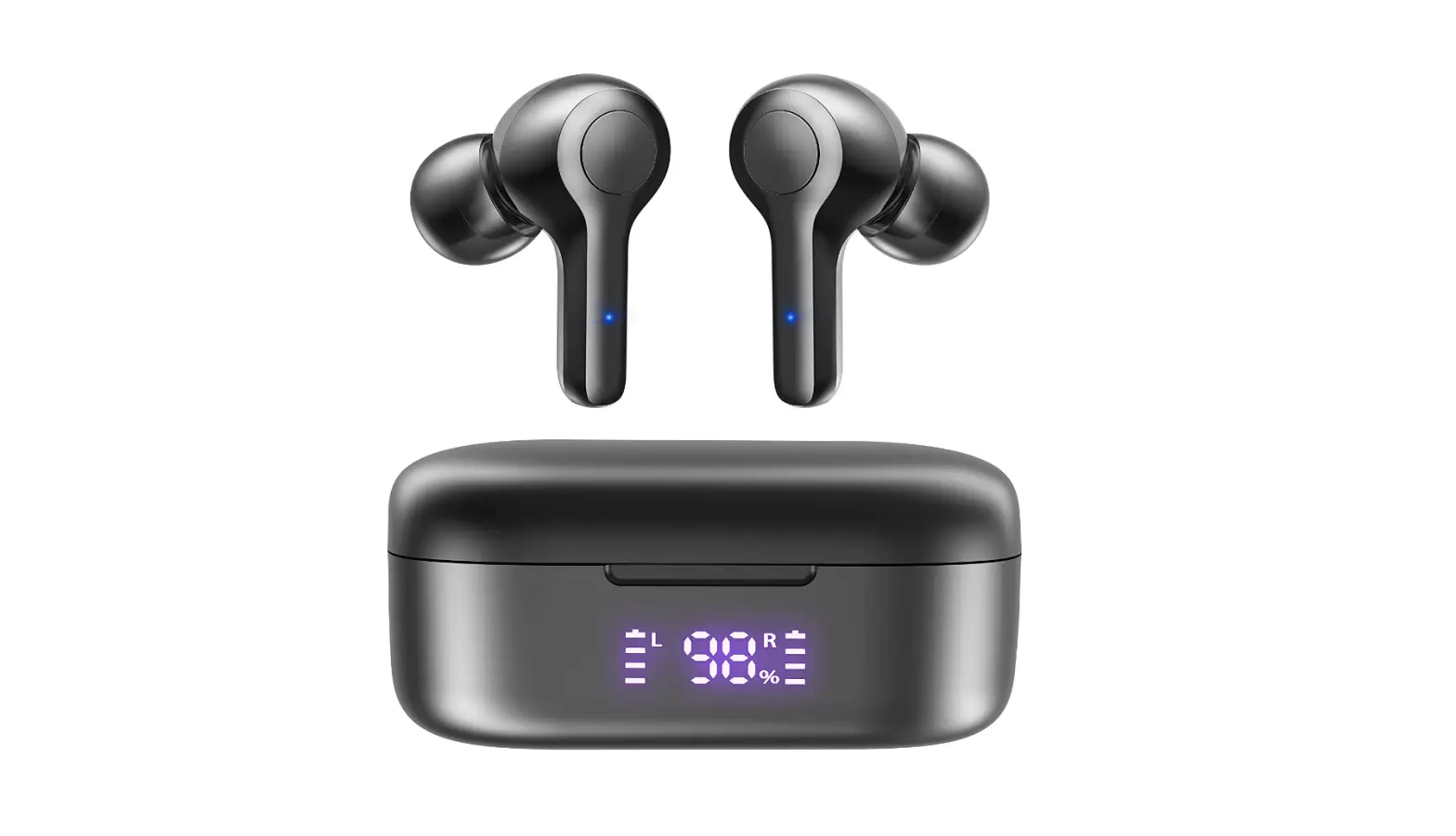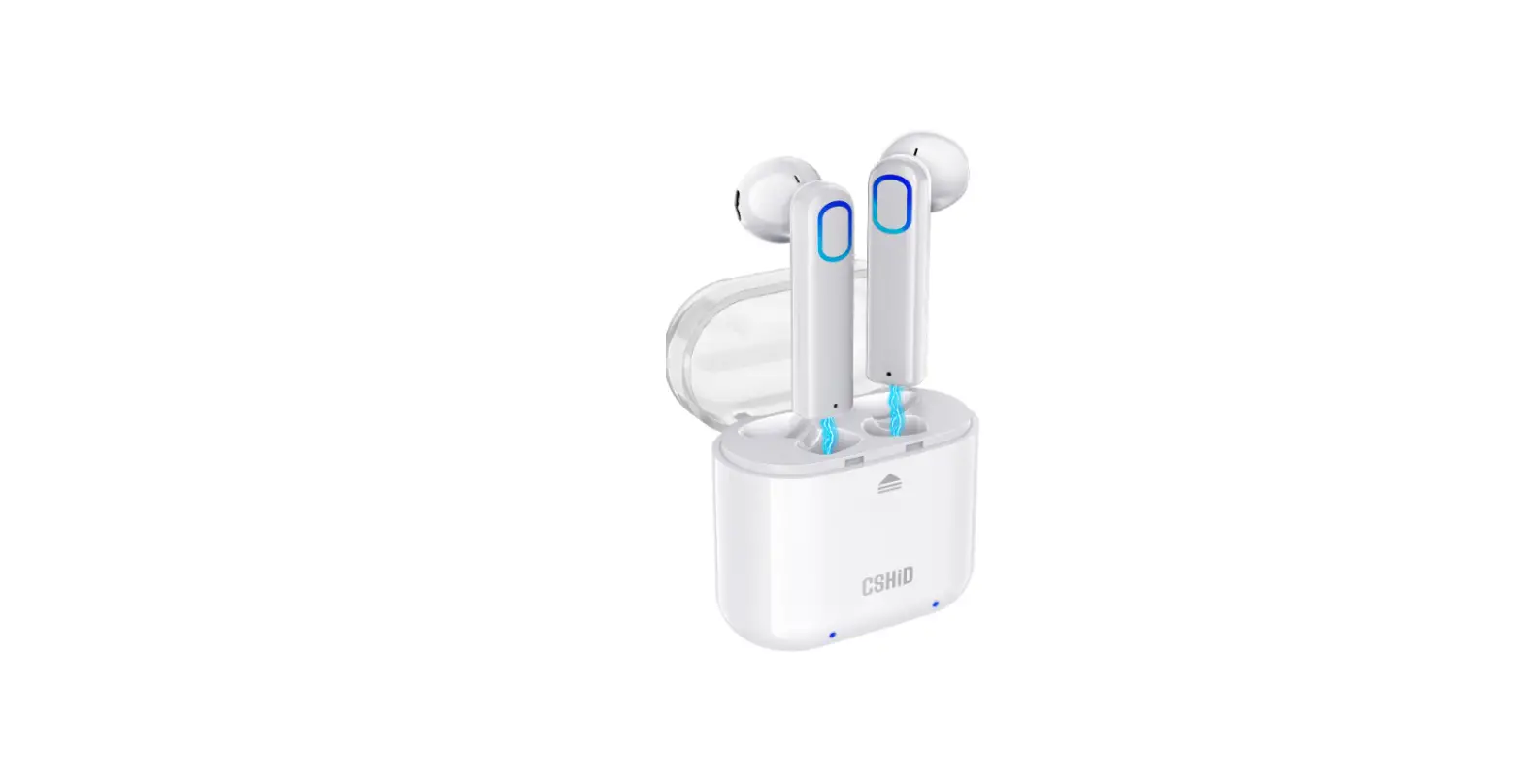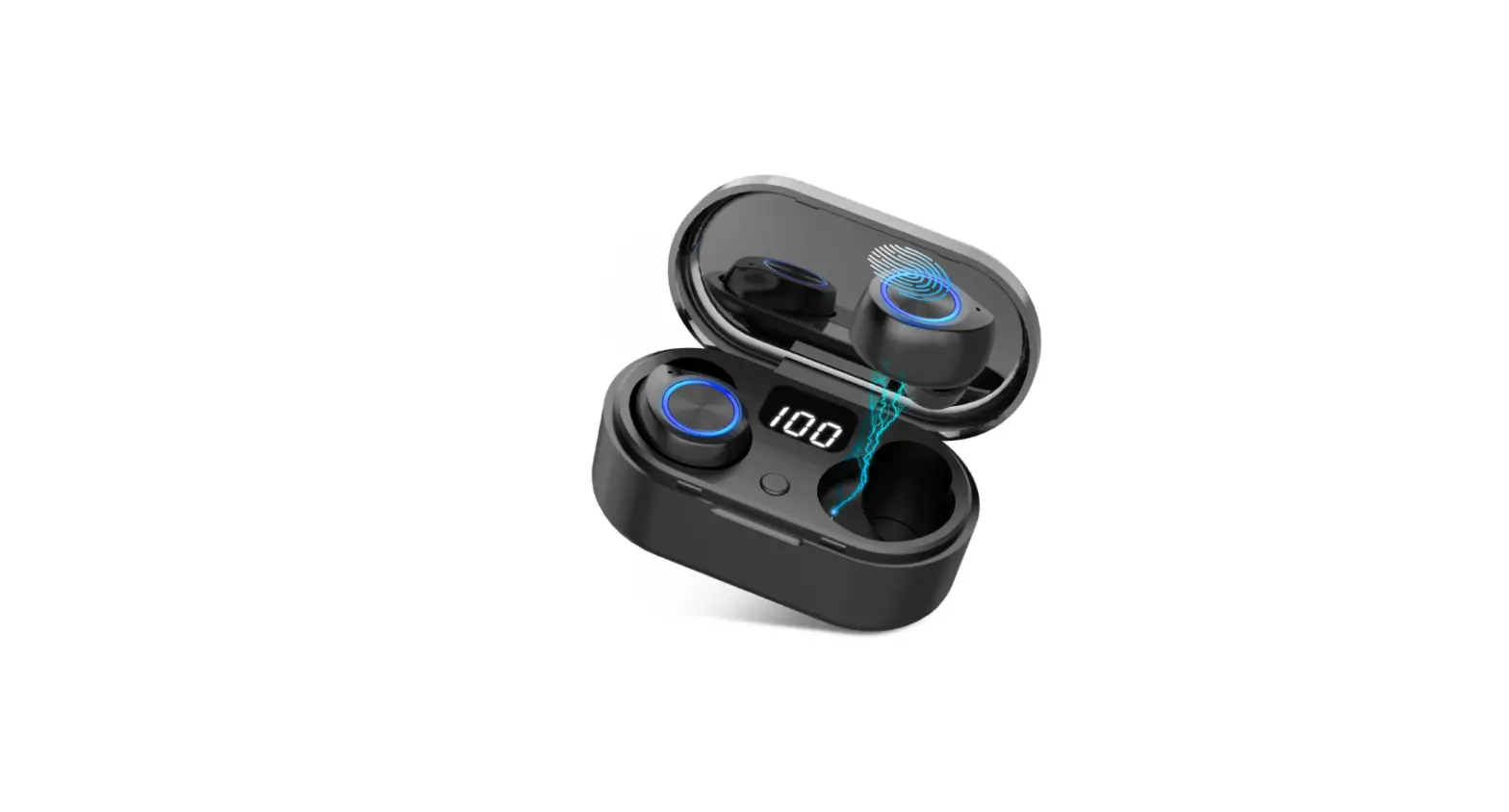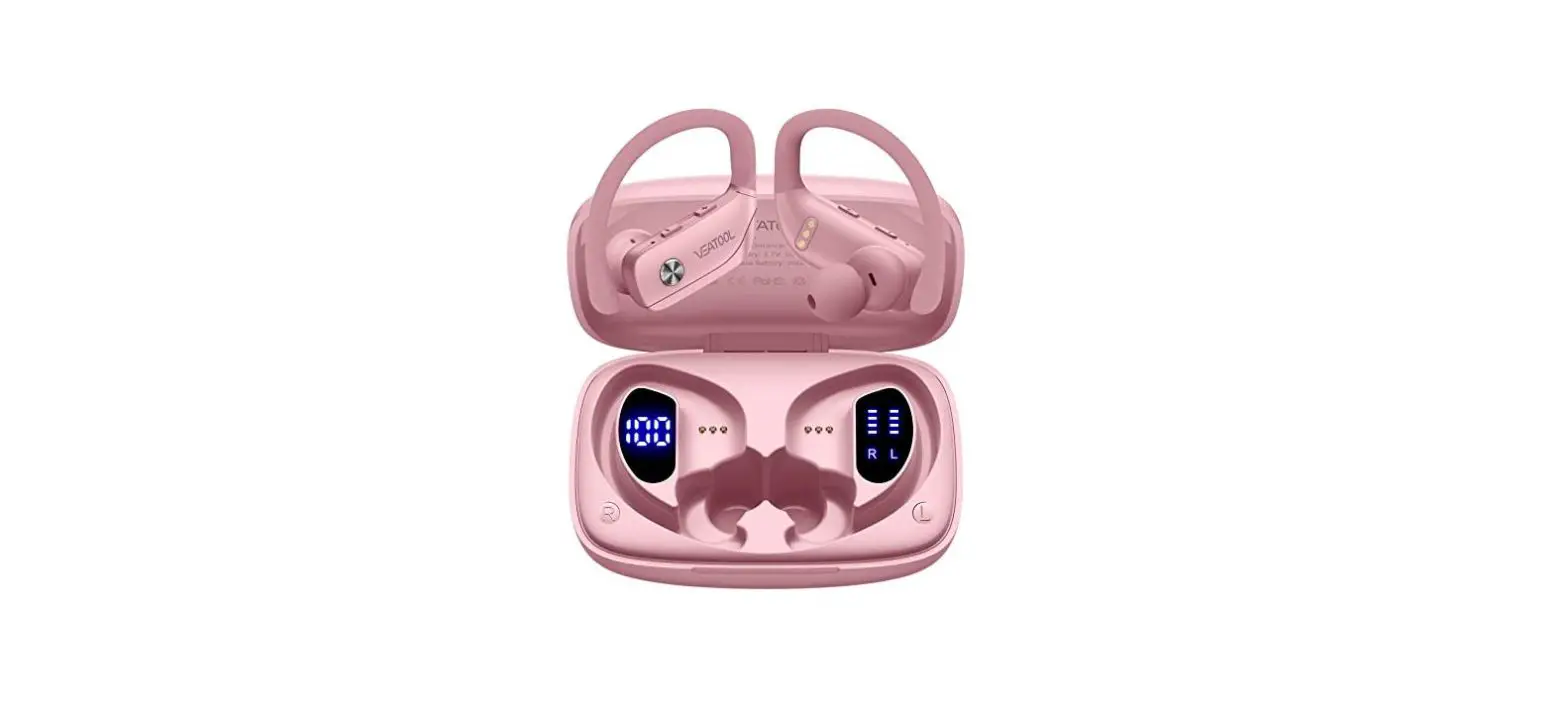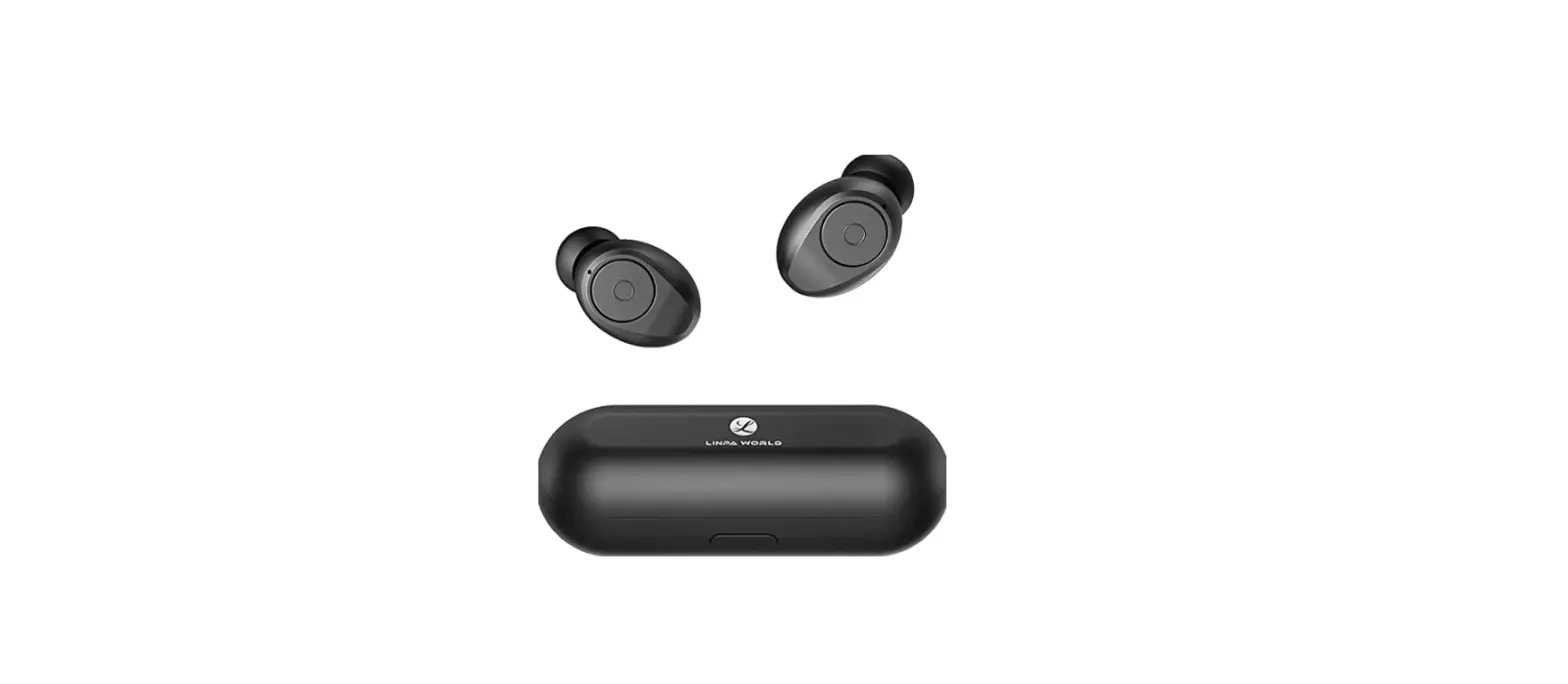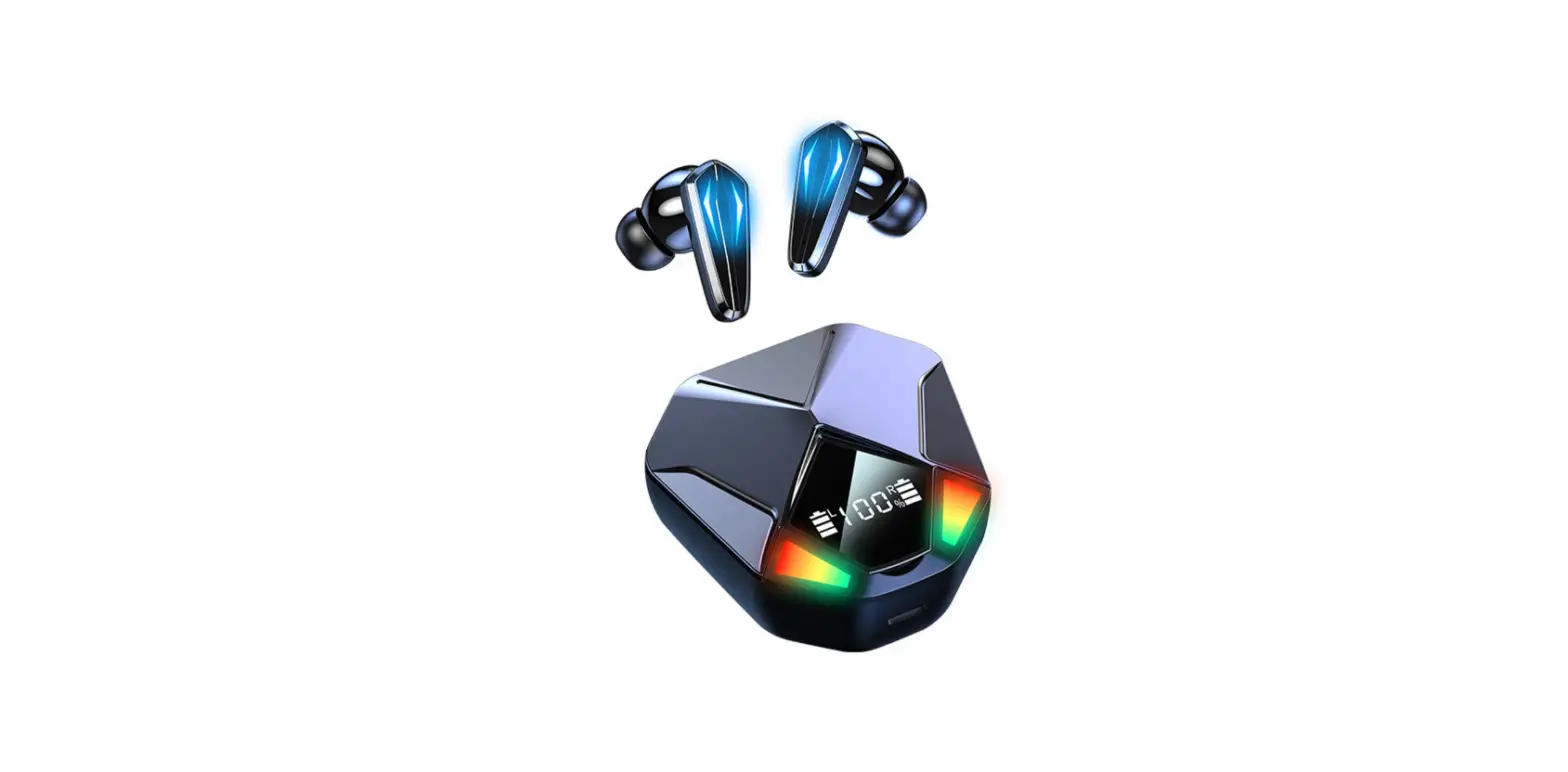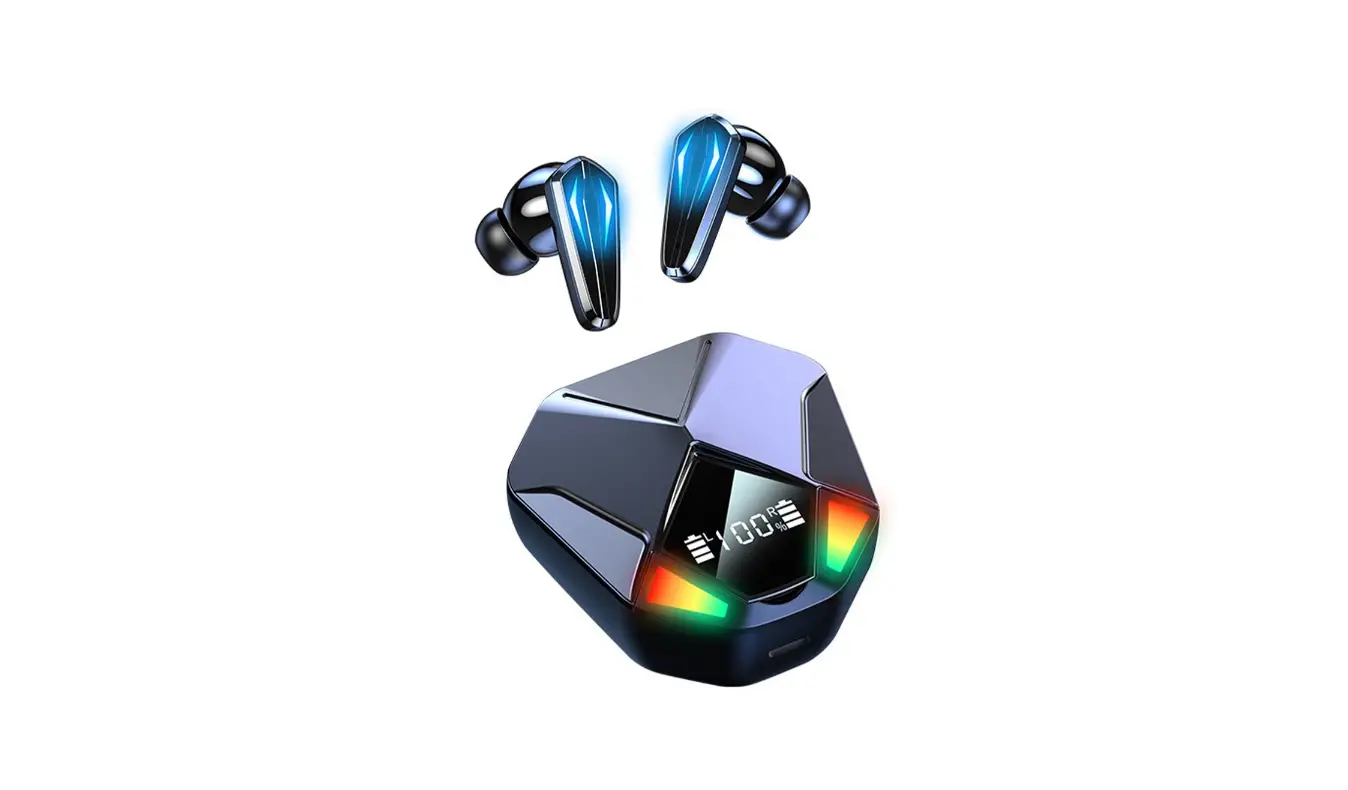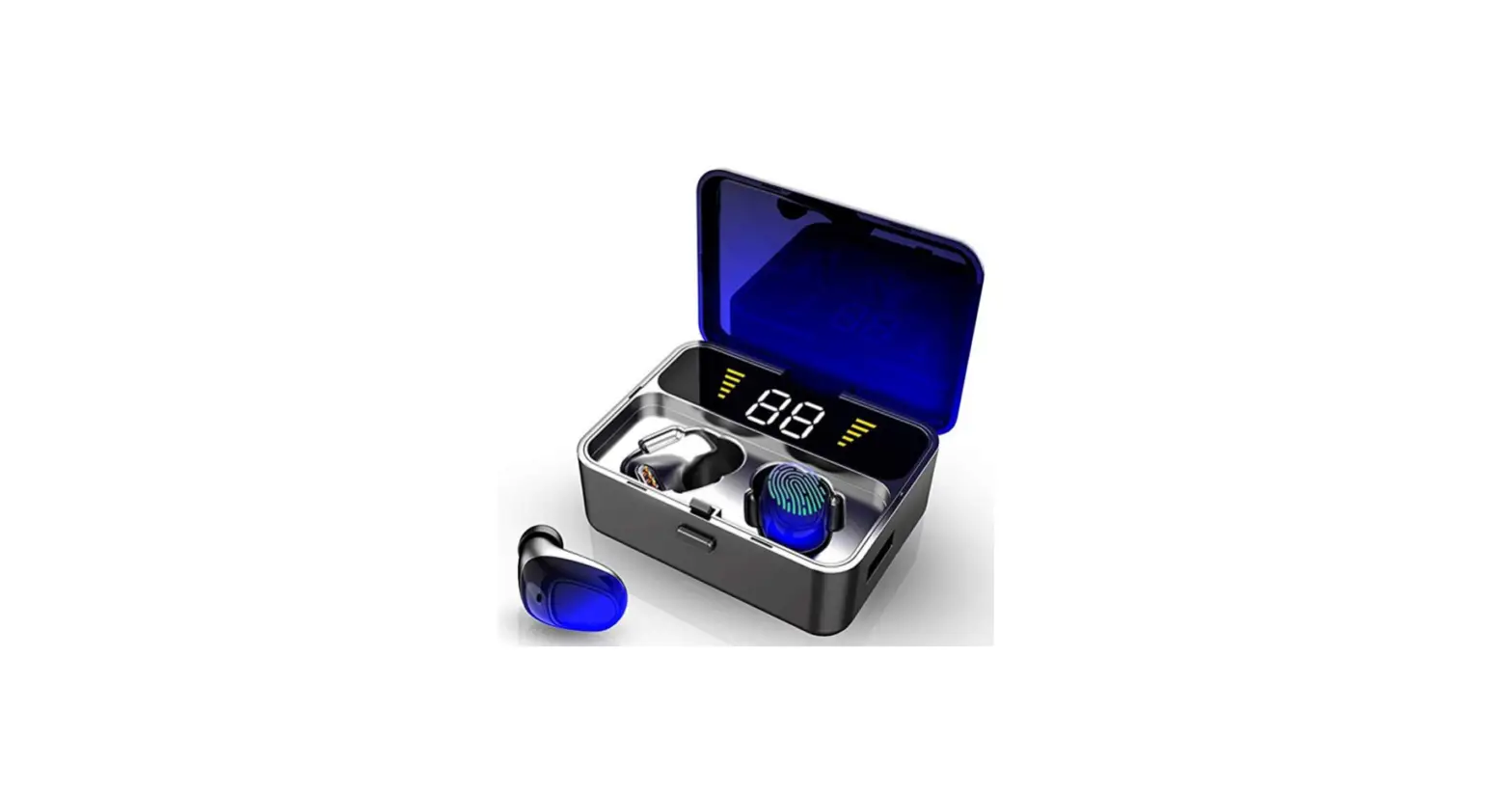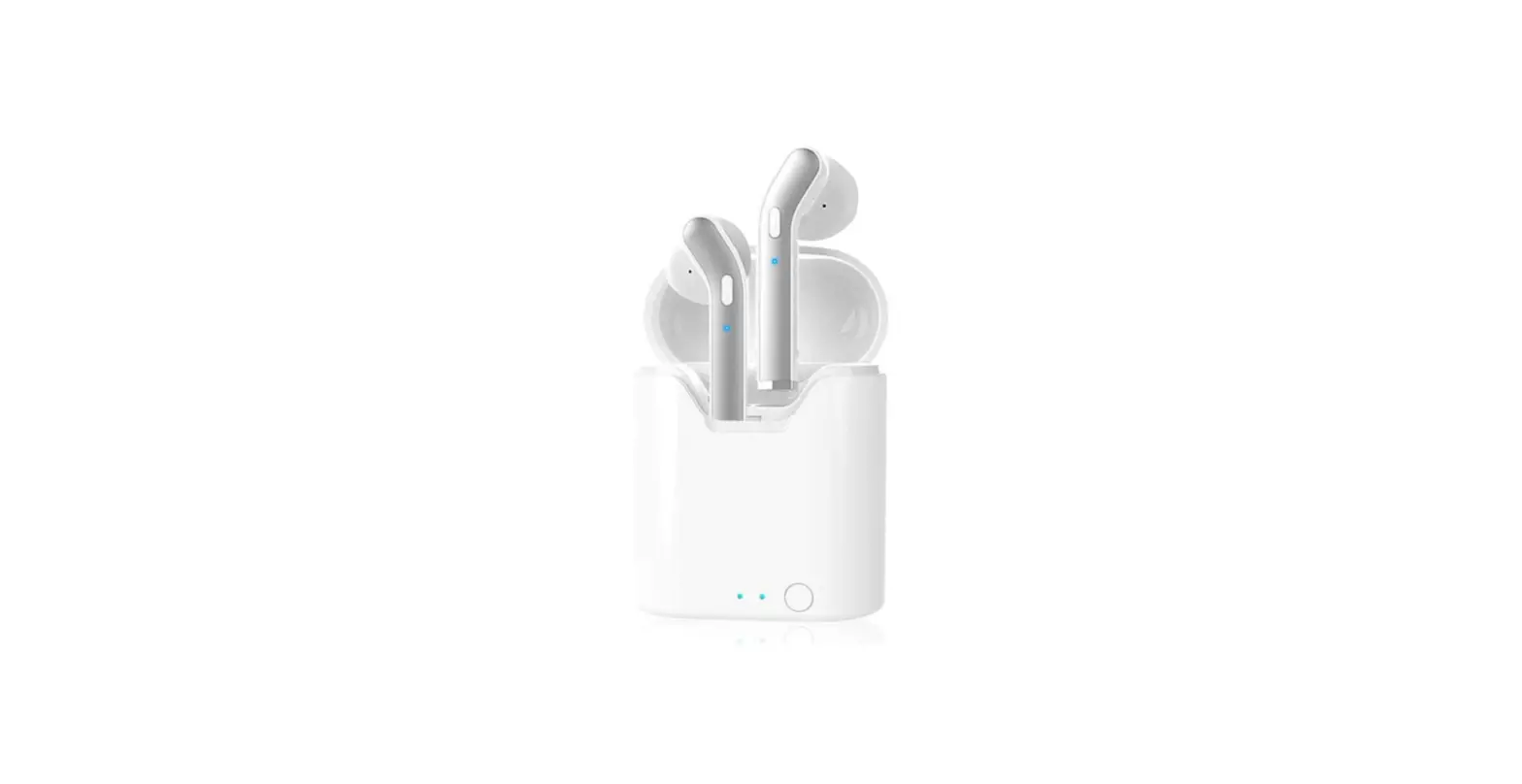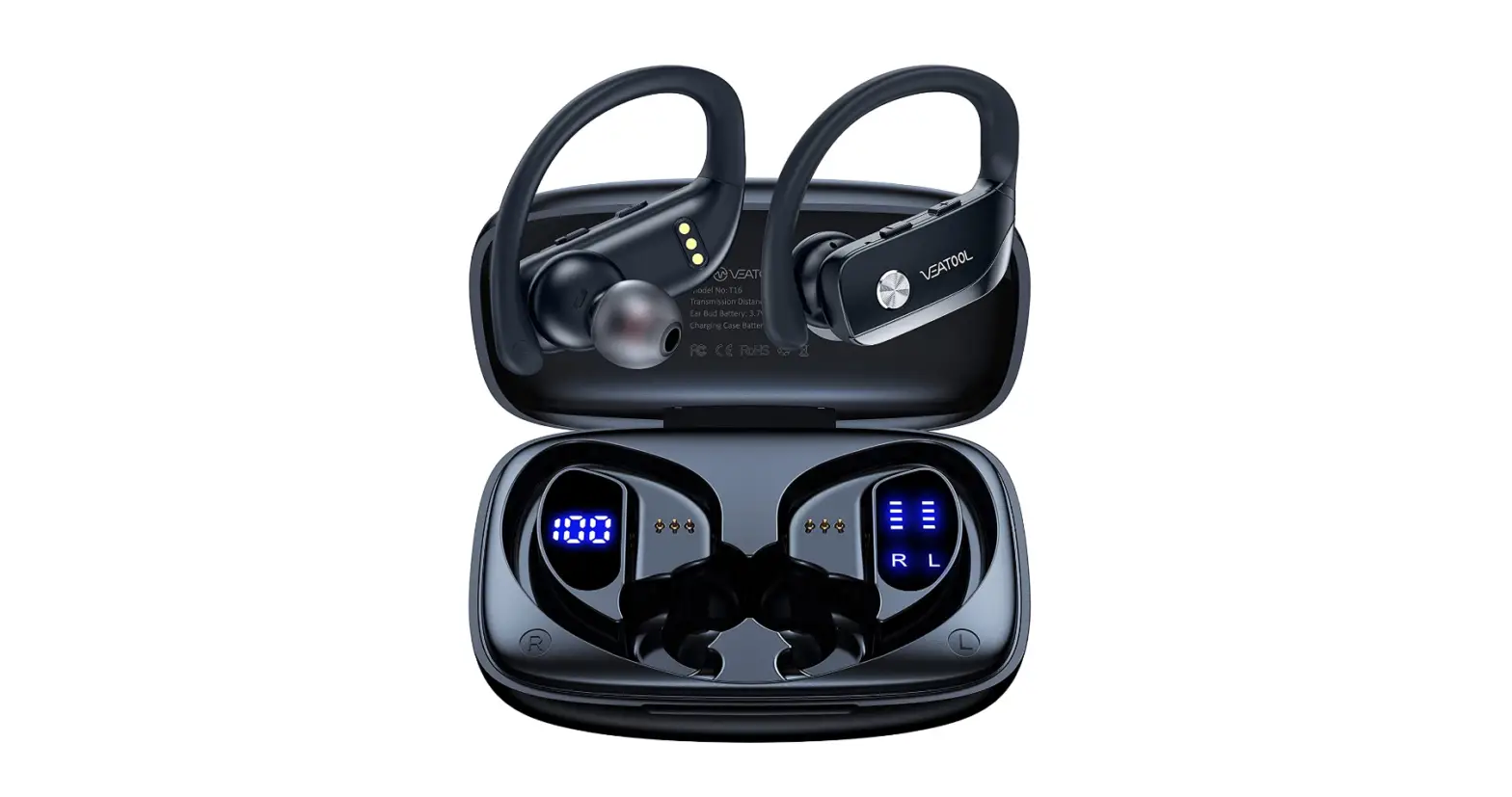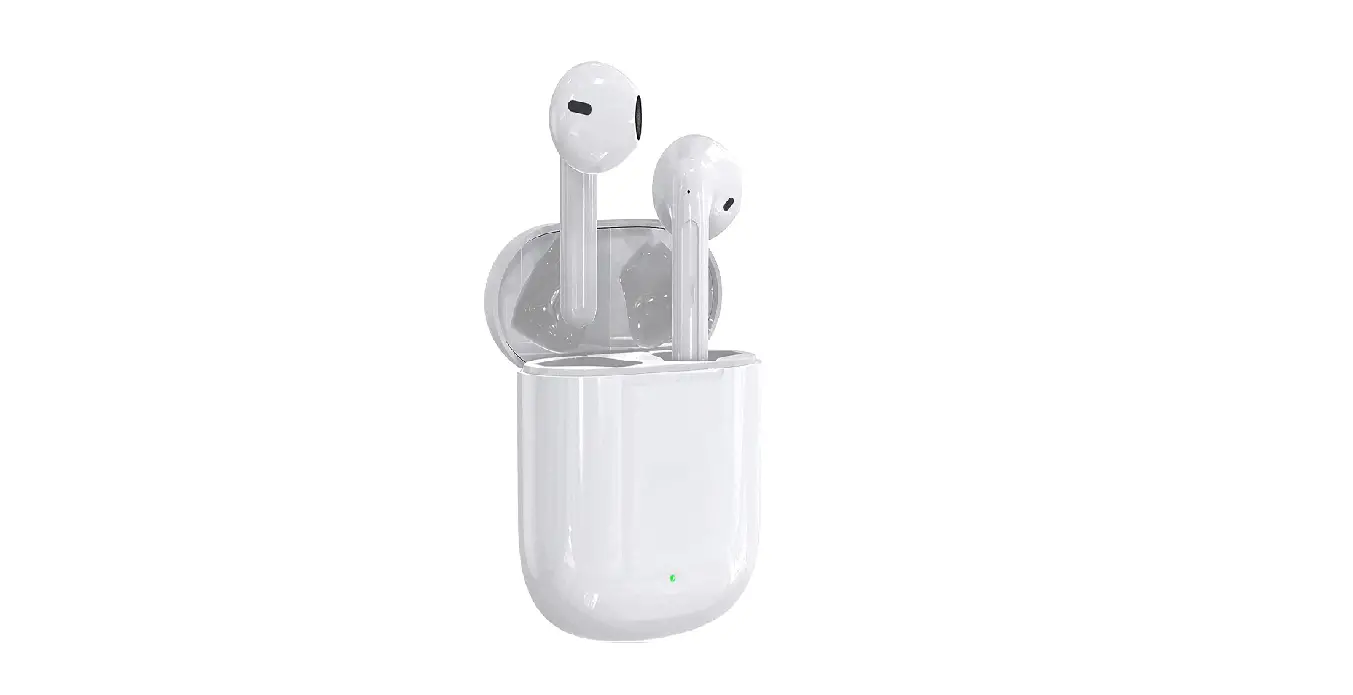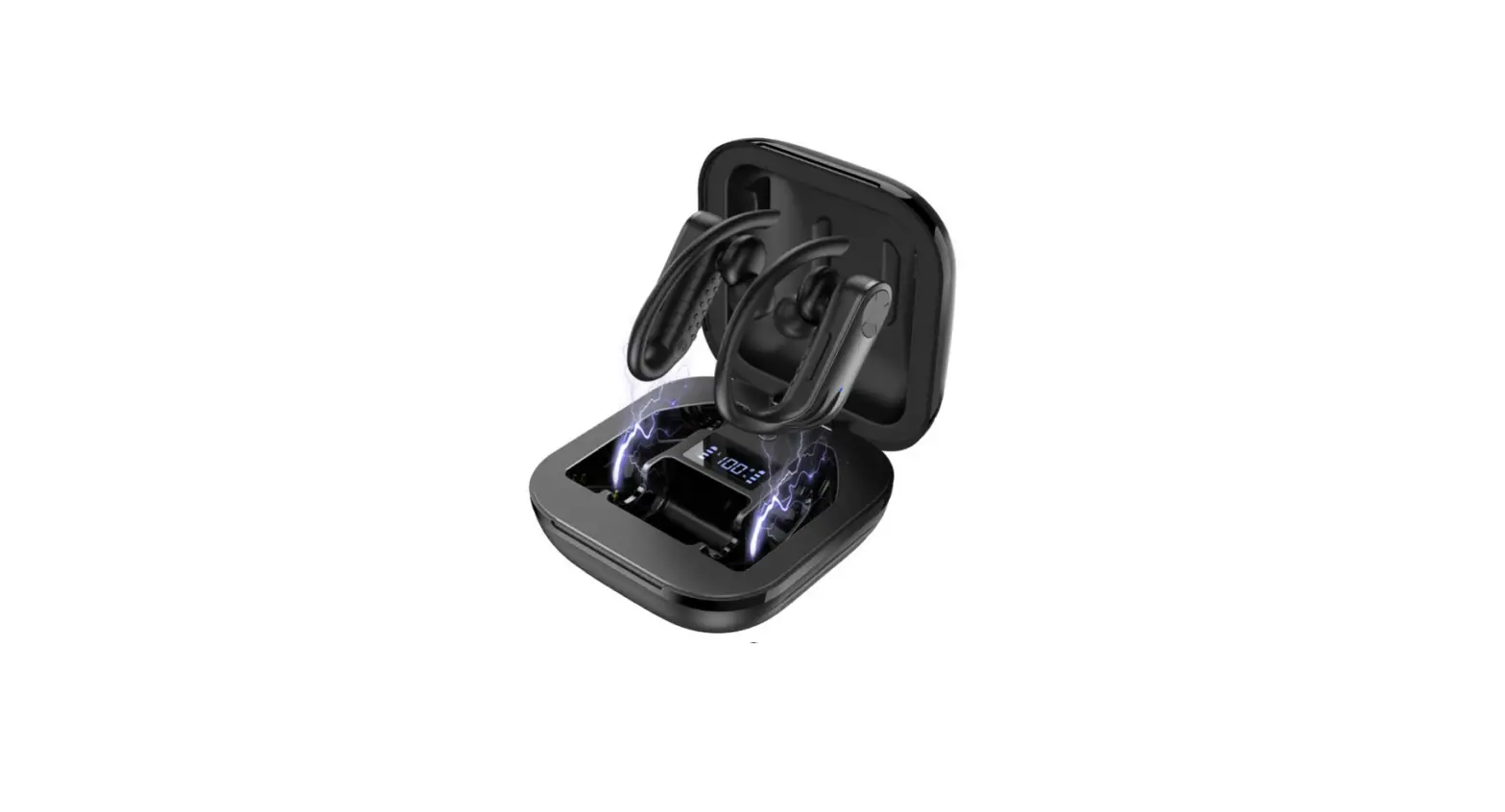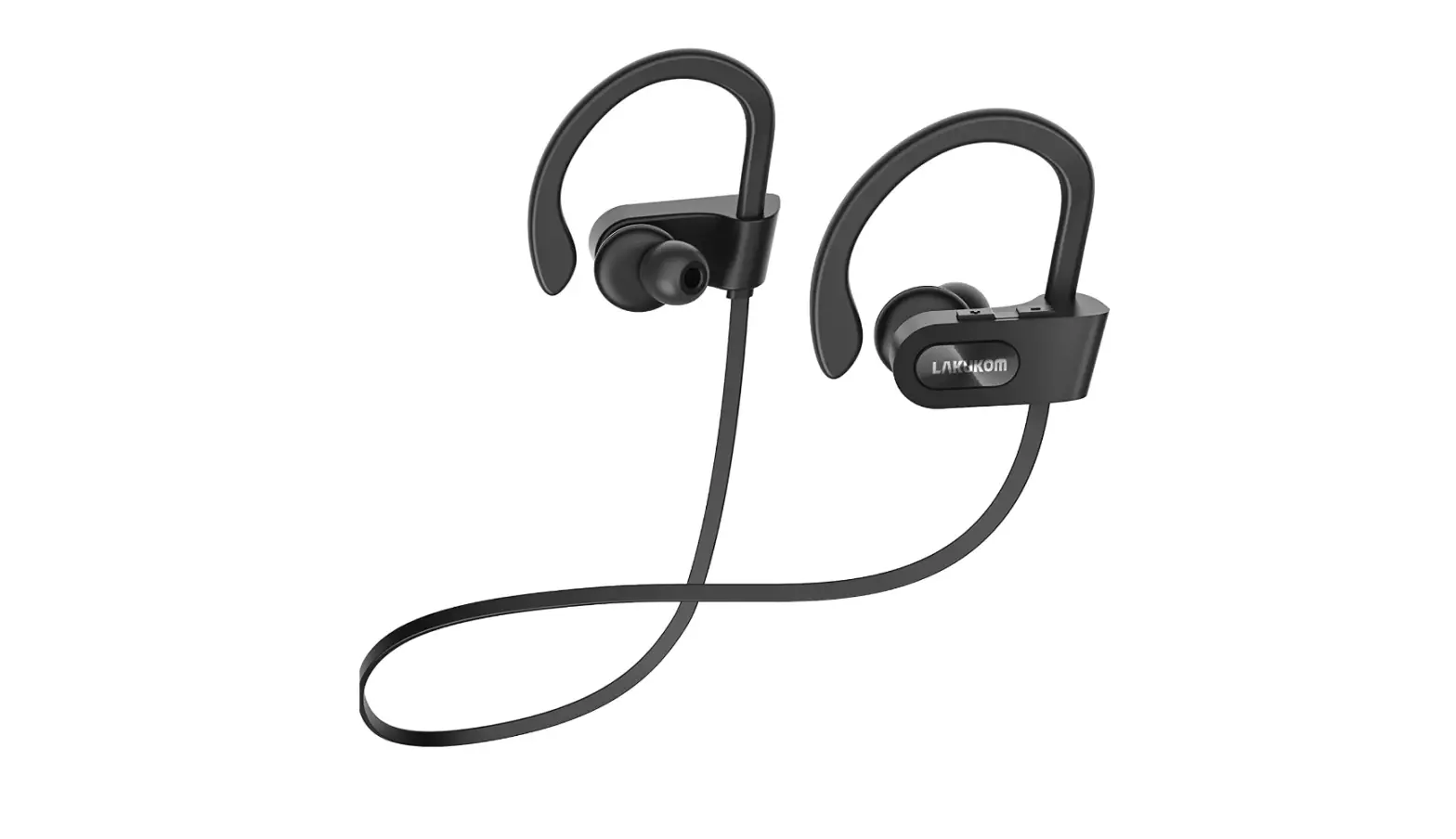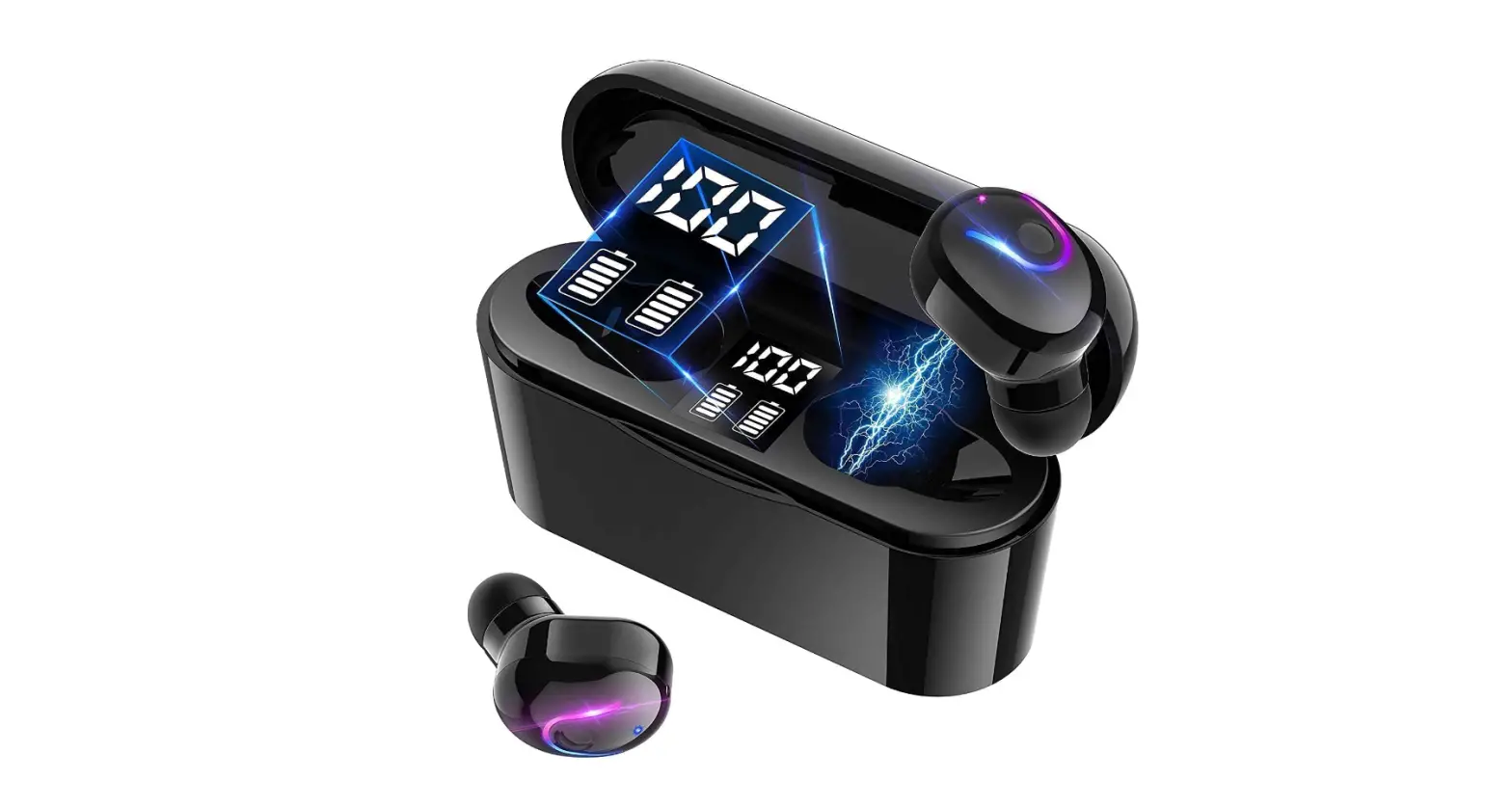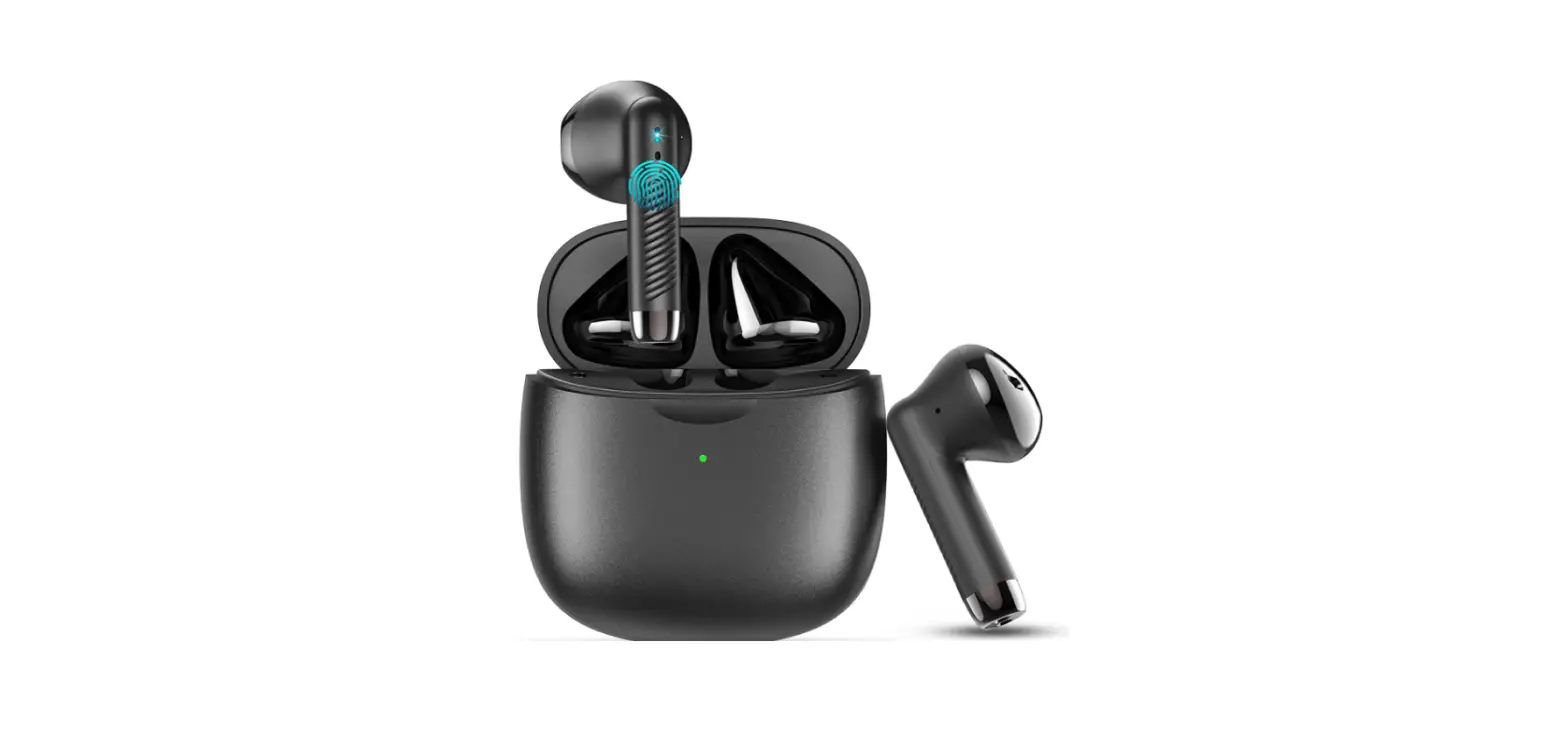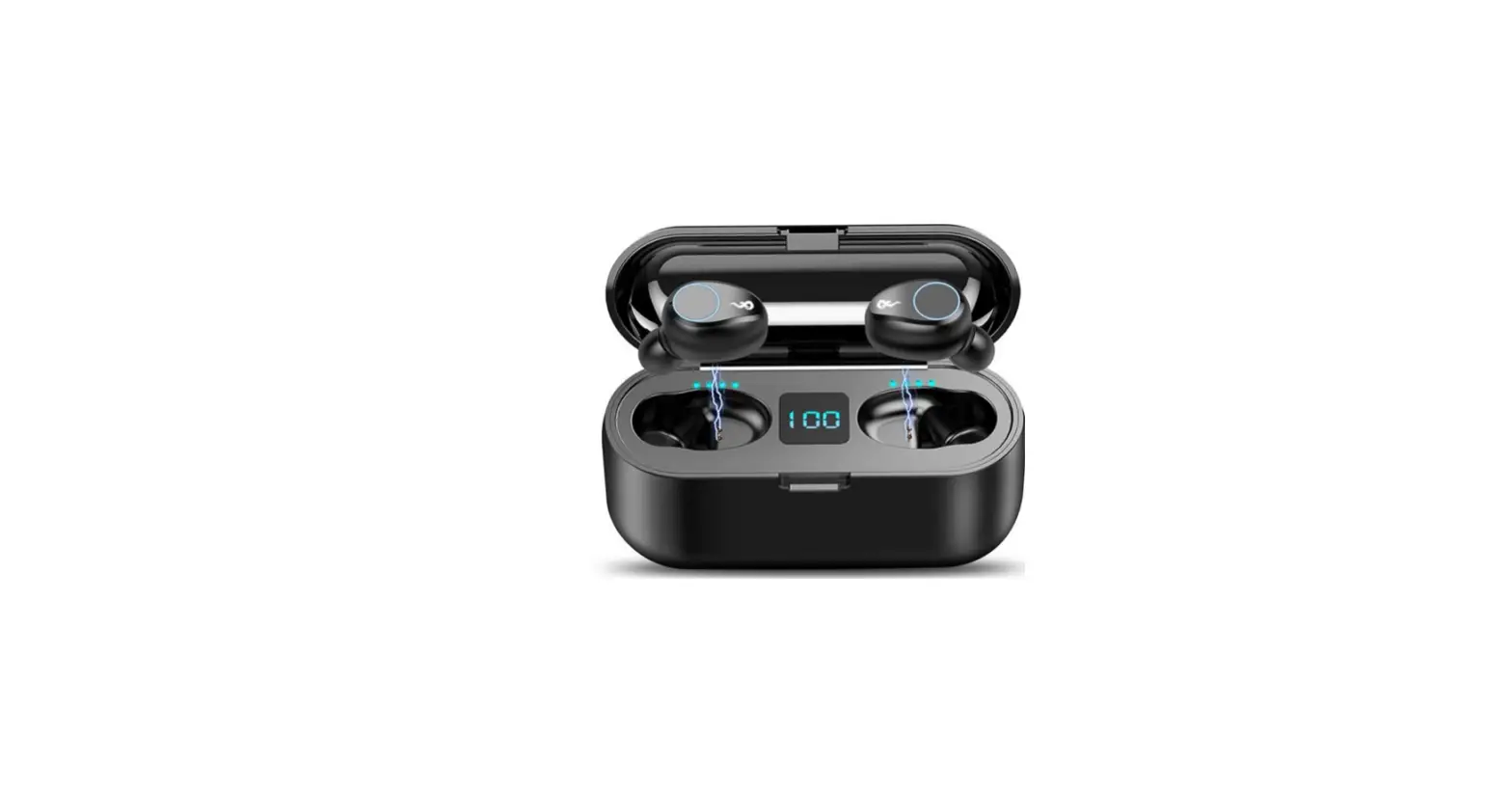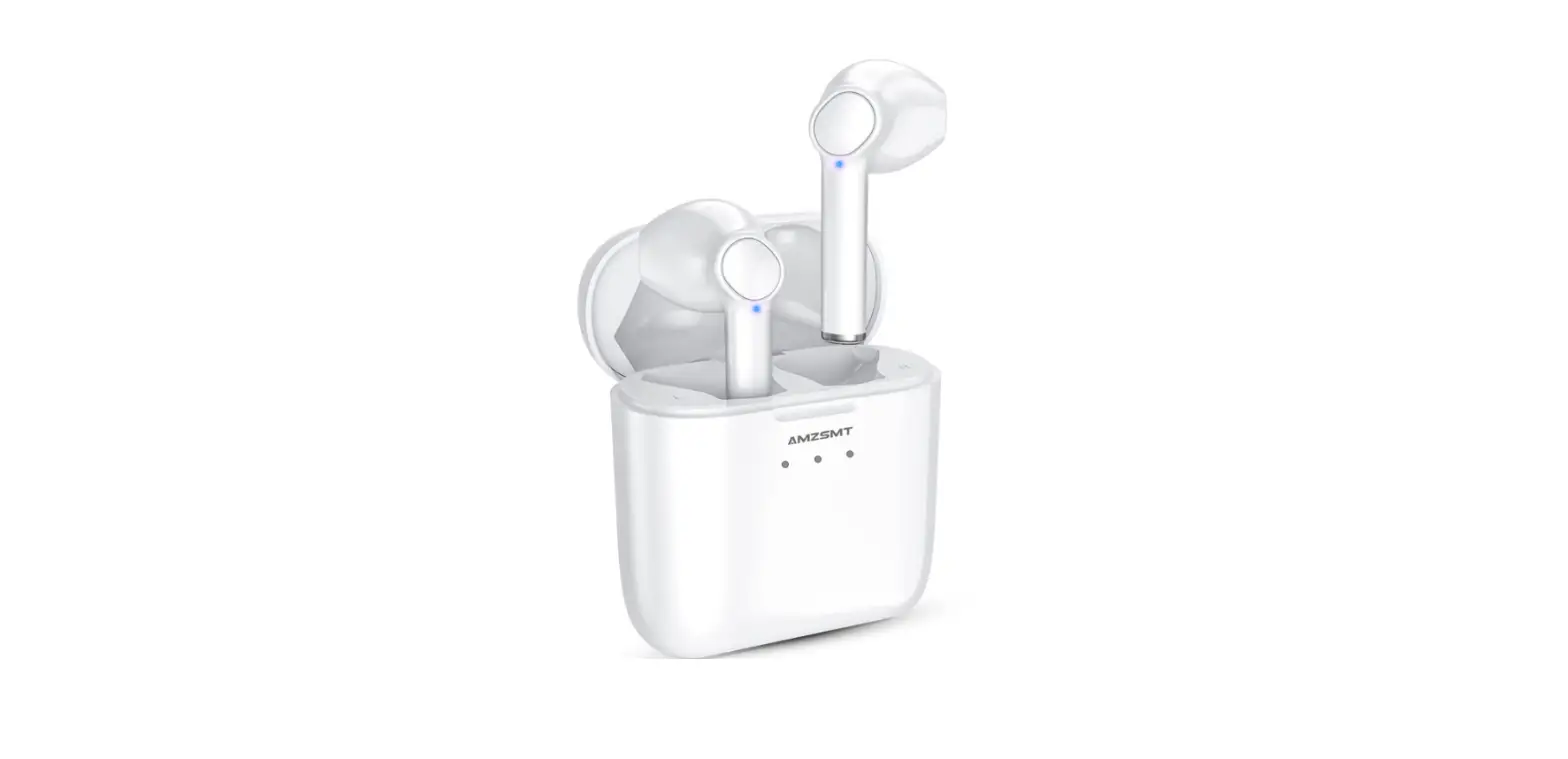

True Wireless Earbuds Deep Bass 40hrs Cycle Playtime Bluetooth Headphones
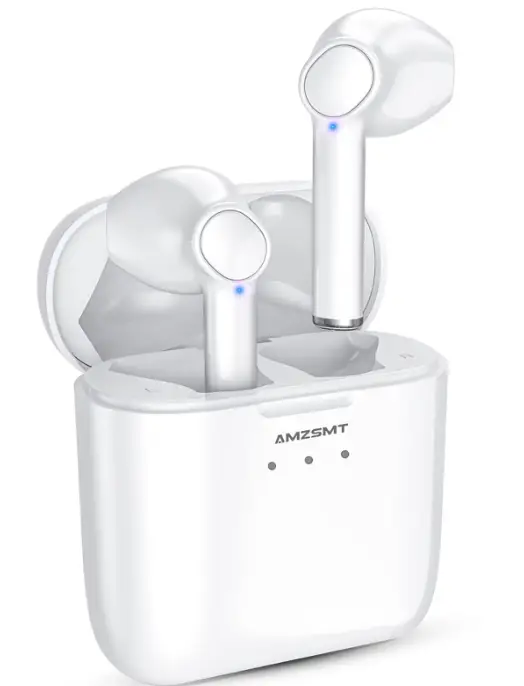
Specifications
- BRAND: AMZSMT,
- CONNECTIVITY TECHNOLOGY: Wireless,
- FORM FACTOR: On Ear,
- HEADPHONES JACK: USB,
- PACKAGE DIMENSIONS: 3.9 x 3.23 x 1.5 inches,
- ITEM WEIGHT: 3.2 ounces,
- BLUETOOTH VERSION: 5.0.
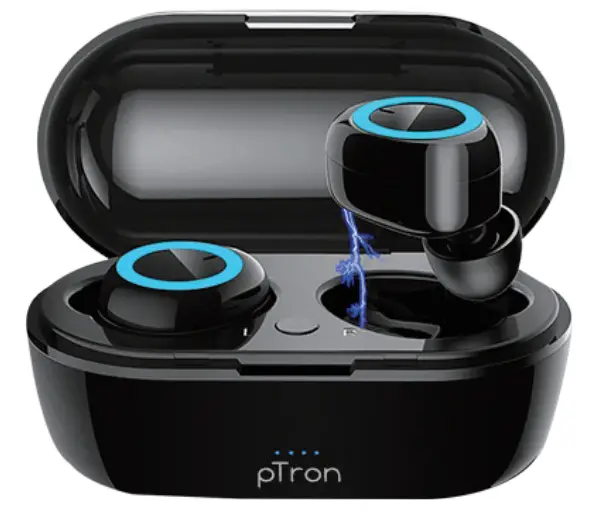
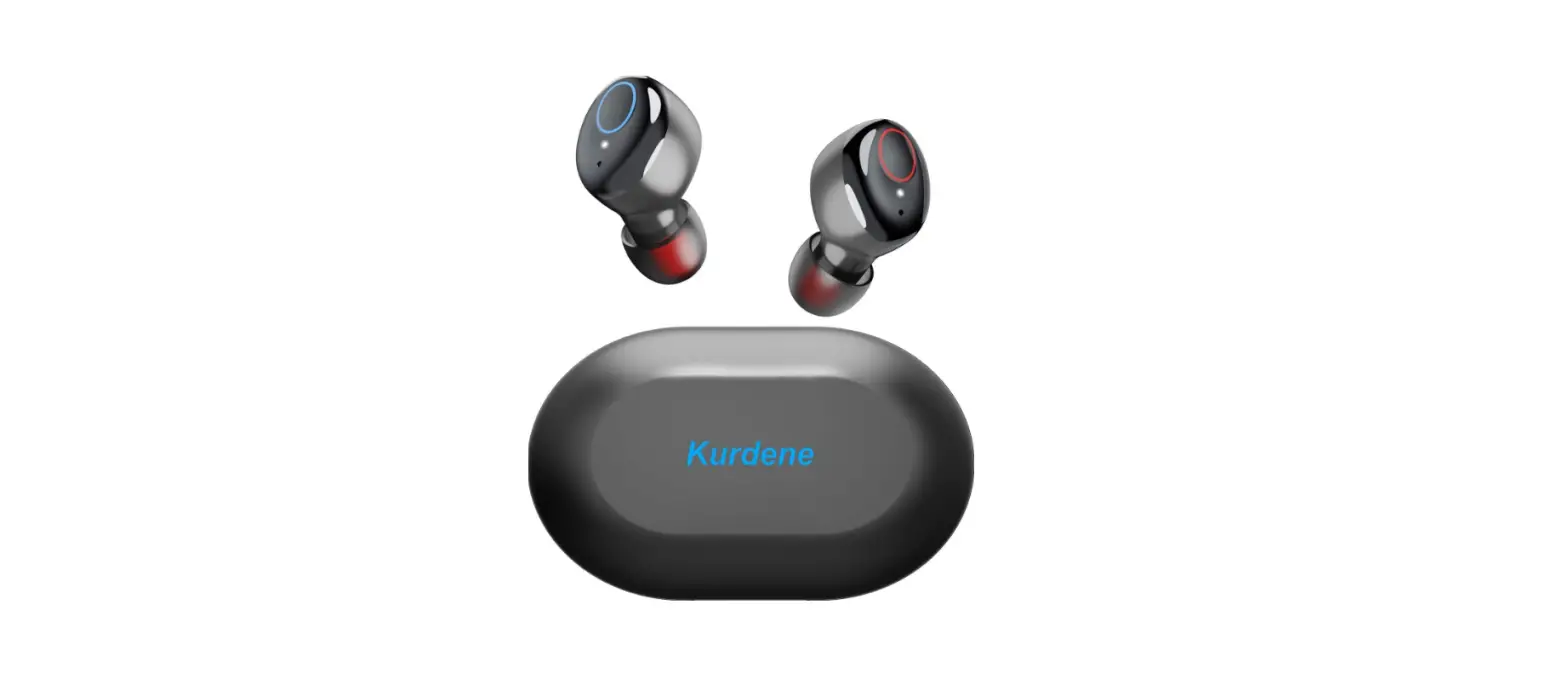
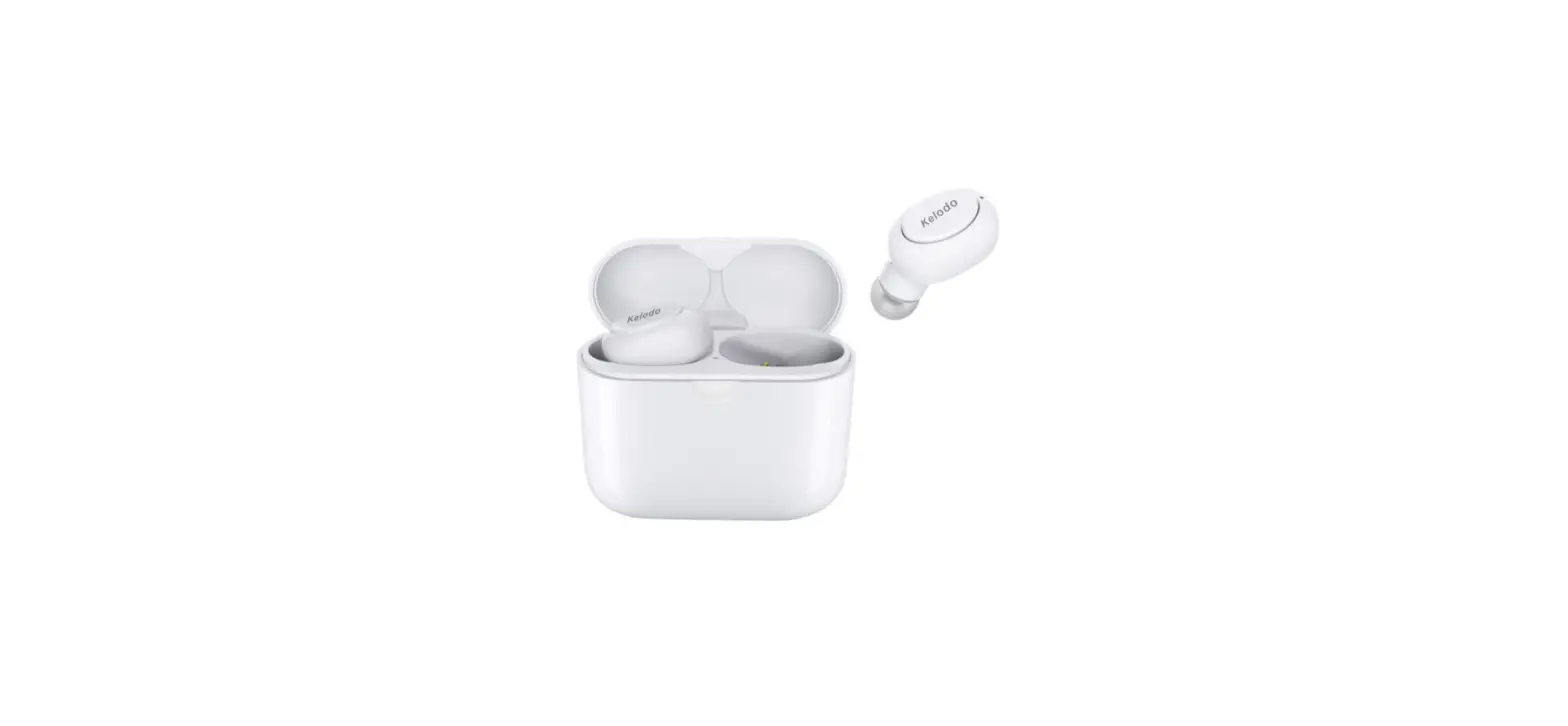
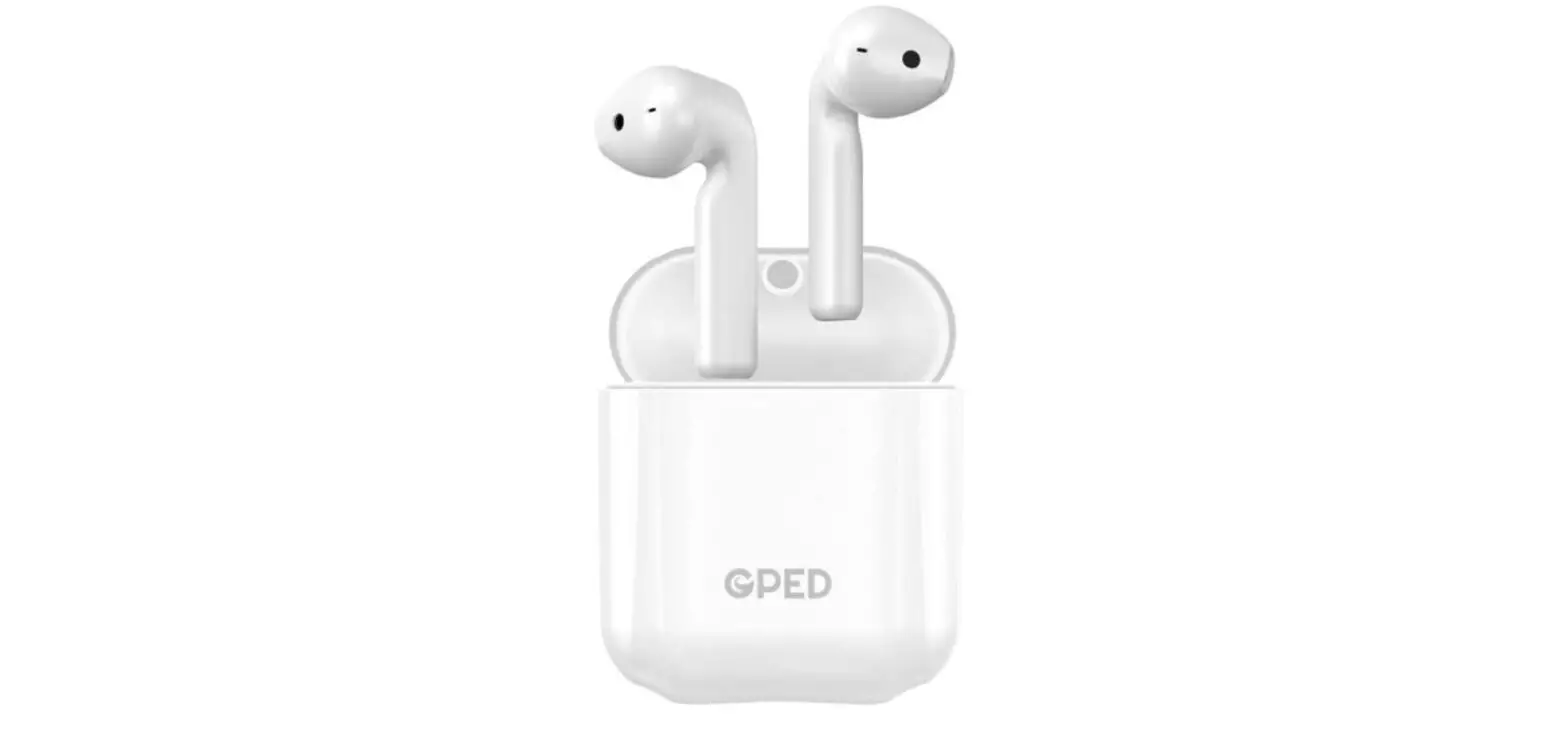
AMZSMT earphones are designed to meet the professional look. Bluetooth earphone’s has unique sound chamber design through which you get a flawless and booming stereo sound, and you can experience more realistic music. Immersive sound is delivered by crystal clarity and deep resonant bass with a beautifully calibrated sound character. You’ll be entirely immersed in your own musical world. Our wireless earbuds may be used in stereo or mono mode; to use one earbud, simply remove one from the charging case.
Play Time
The runtime of the two wireless Bluetooth earphones is 5-6 hours on a single charge. The earbuds can be charged 6-7 times with the 650mah rechargeable charging case, giving you a total of 40 hours of cycle playing. When you go out to have fun, you don’t have to be concerned about the battery life. When you pull two Bluetooth wireless headphones out of the charging case, they will immediately link with each other. To do so, open the Bluetooth on your smartphone, look for the model, and pair it. It is quite simple.
Charging case
When you use our wireless headphones for jogging, you won’t have to worry about falling because of the completely ergonomic in-ear design. There will be no hardship if you keep the charging case in your pocket while doing intensive activities. Our Bluetooth earbuds have IPX5 Waterproof and Anti-sweat Standards, Adopt Nano Coating, and can fulfil the daily workout’s waterproof needs.
Battery
Only one light on the charging case will be on when the battery is less than 33% charged. Two lights will be illuminated when the battery is between 33 and 66 percent charged. Three lights will illuminate when the battery is fully charged. It will be much simpler for you to see how much battery is left in the charging case. Our wireless earphones are compatible with most Android and iOS smartphones. Most Bluetooth-enabled devices are compatible. There’s no need to be concerned about the pairing issue.
Connectivity
With 5.0 Bluetooth, pairing is much faster, the signal is much more stable, and the range is much greater, so you can enjoy our wireless Bluetooth headphones even more intelligently. Answer/end calls, reject calls, play/pause music, activate voice, and play previous/next tracks can all be done with only one button.
How to Pair earphones with your mobile phone
You can pair your earphones with your mobile by following the steps given below:
- Put on the earphones.
- Open “setting” in your phone.
- Go to “Bluetooth”.
- Turn Bluetooth on, Now search for the device.
- You’ll see the name of earphones in the available networks list.
- Click on the name of the earphones.
- Your phone will be connected to the earphones.
- You can now play music or attend calls.
How to charge the earphone
- You can charge the earphones by C-Type charging cable.
- Simply, put the earphones in the case.
- Now plug in the C type charger in the charging case of the earphones.
- The LED indicators on the charging case will start blinking.
- It means that your earphones are charging now.
PROS
- Good sound quality.
- Excellent battery life.
- Paired easily.
CONS
- Not waterproof.
Verdict
AMZSMT earphones are very easy to use and available in such a good price. If you want these premium features in such a good price then these earphones are the best option for you.
Frequently Ask Question
- What factors should I consider before purchasing earbuds?
Before making a purchase, consider the following characteristics to assist you avoid buying earphones you’ll hate. Specifications for earbuds. Consumers that are savvy understand that appearances, price, and even brand aren’t necessarily indicative of quality…. Perfect Fit. Not all earbuds will fit our ears well…. Type and Specialization - Why is it that just one of my earphones is functioning?
Examine the options. Depending on your audio settings, headphones may only play in one ear. Check your audio properties to make sure the mono option is off. Also, check sure the voice volumes on both earphones are same. - What’s the best way to link left and right earbuds?
Press and hold the LEFT earbud’s button for 2 or 3 seconds until the light turns blue. – While continuing to hold the left-hand button, push and hold the right-hand button. – Simply keep your hands together for another 10-15 seconds. Both will have a red/blue flash. - Why aren’t my wireless earbuds connecting?
Try completely unplugging and replunging the earphones. If you still can’t get your earphones to connect, consult the handbook to see what the manufacturer suggests in this situation, according to Cramer. - What’s the deal with one of my Earpods not working?
If one AirPods is silent, the other will be as well. Make sure each AirPods is charged by checking the charge status on your iPhone or iPad. In your ears, place both AirPods. To test both AirPods, play audio. If your AirPods are still not working, try resetting them or contacting Apple Support.