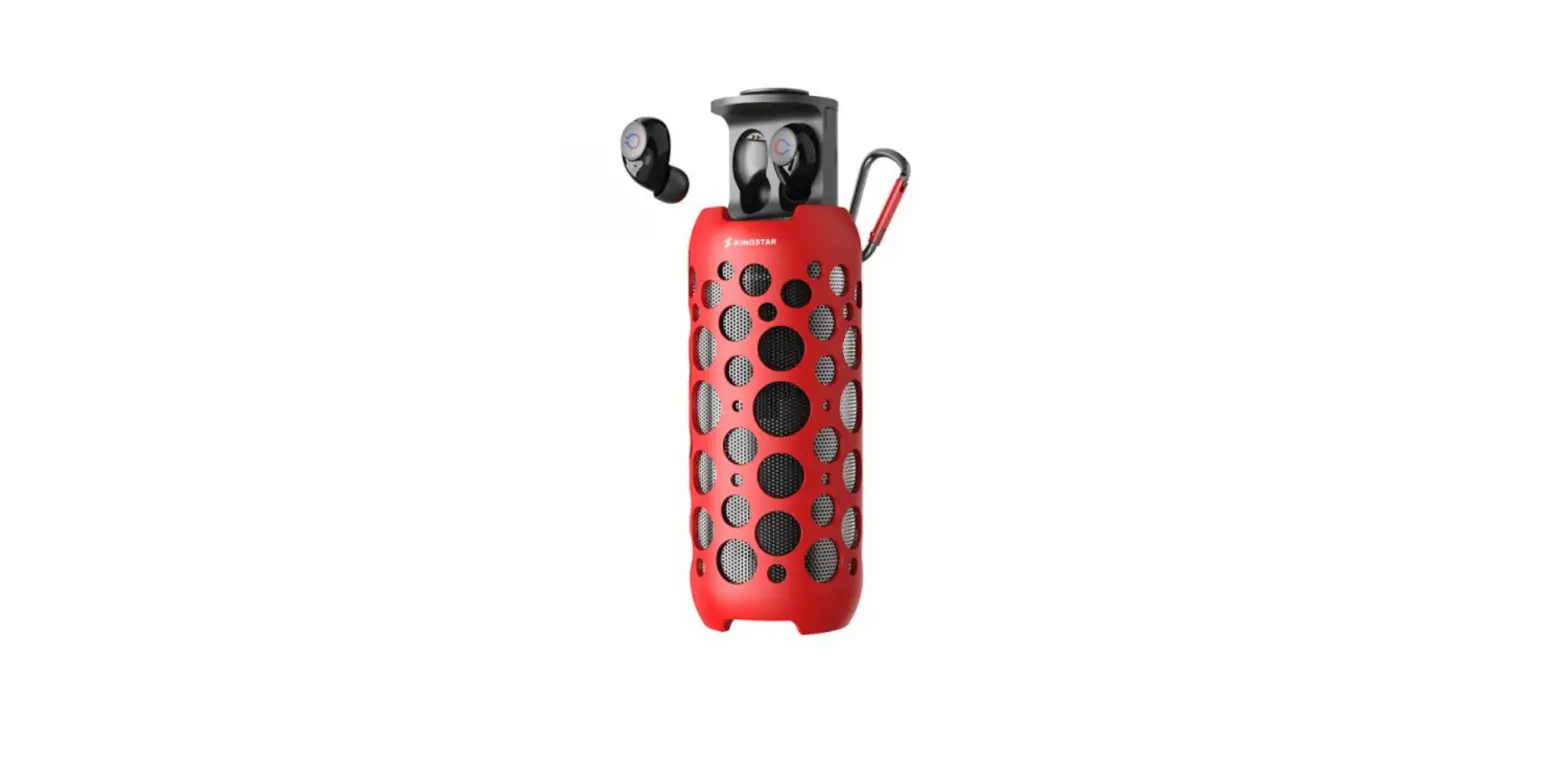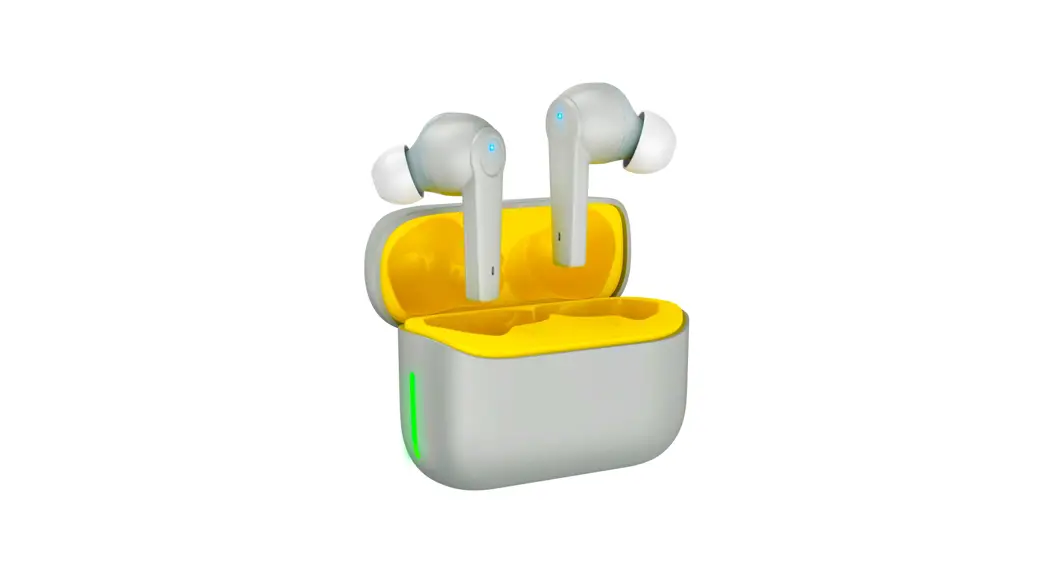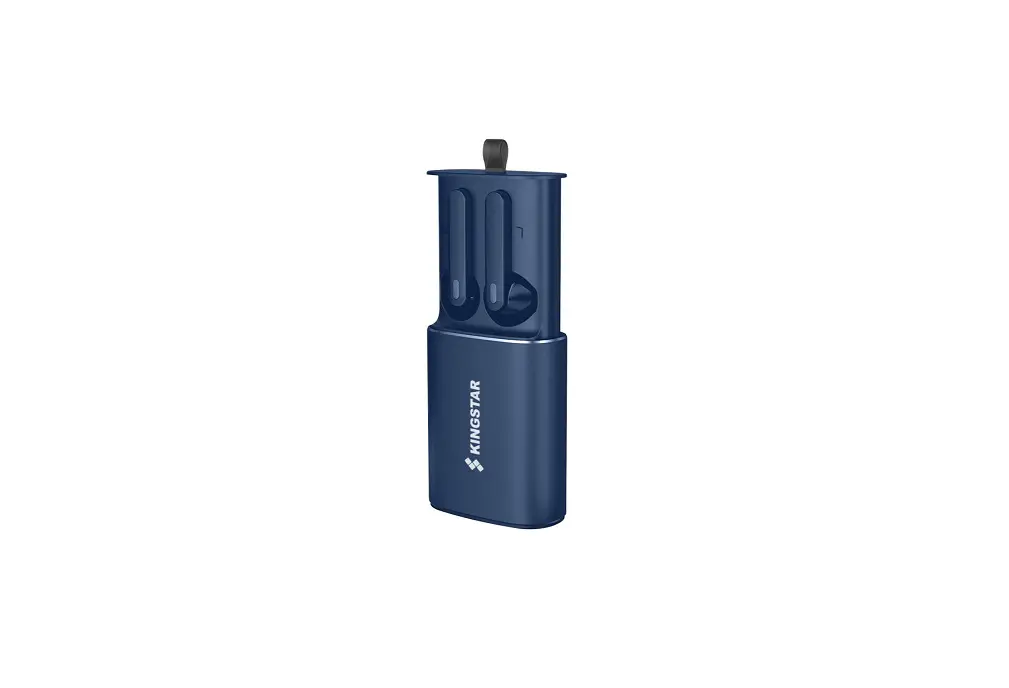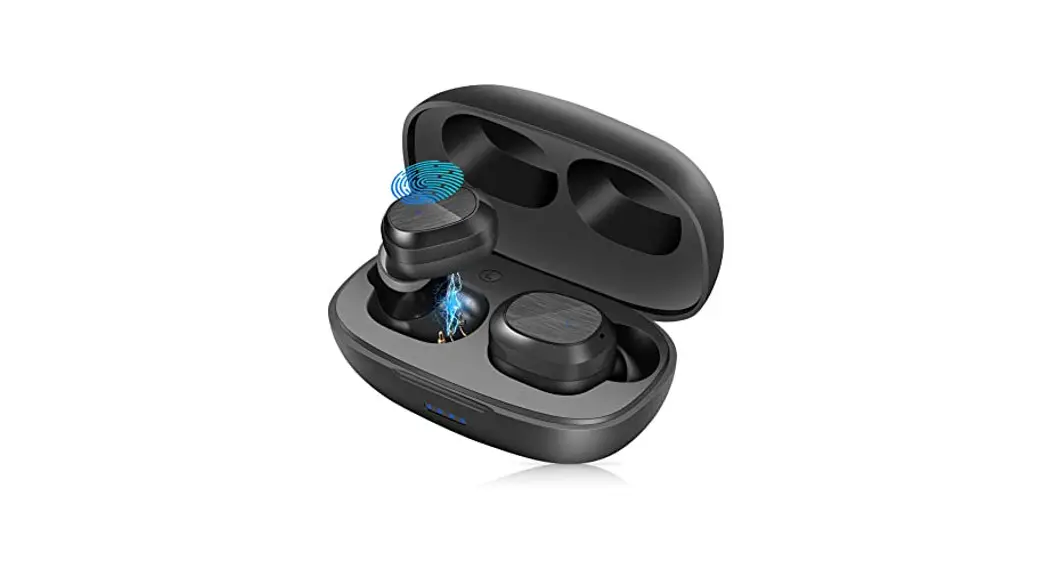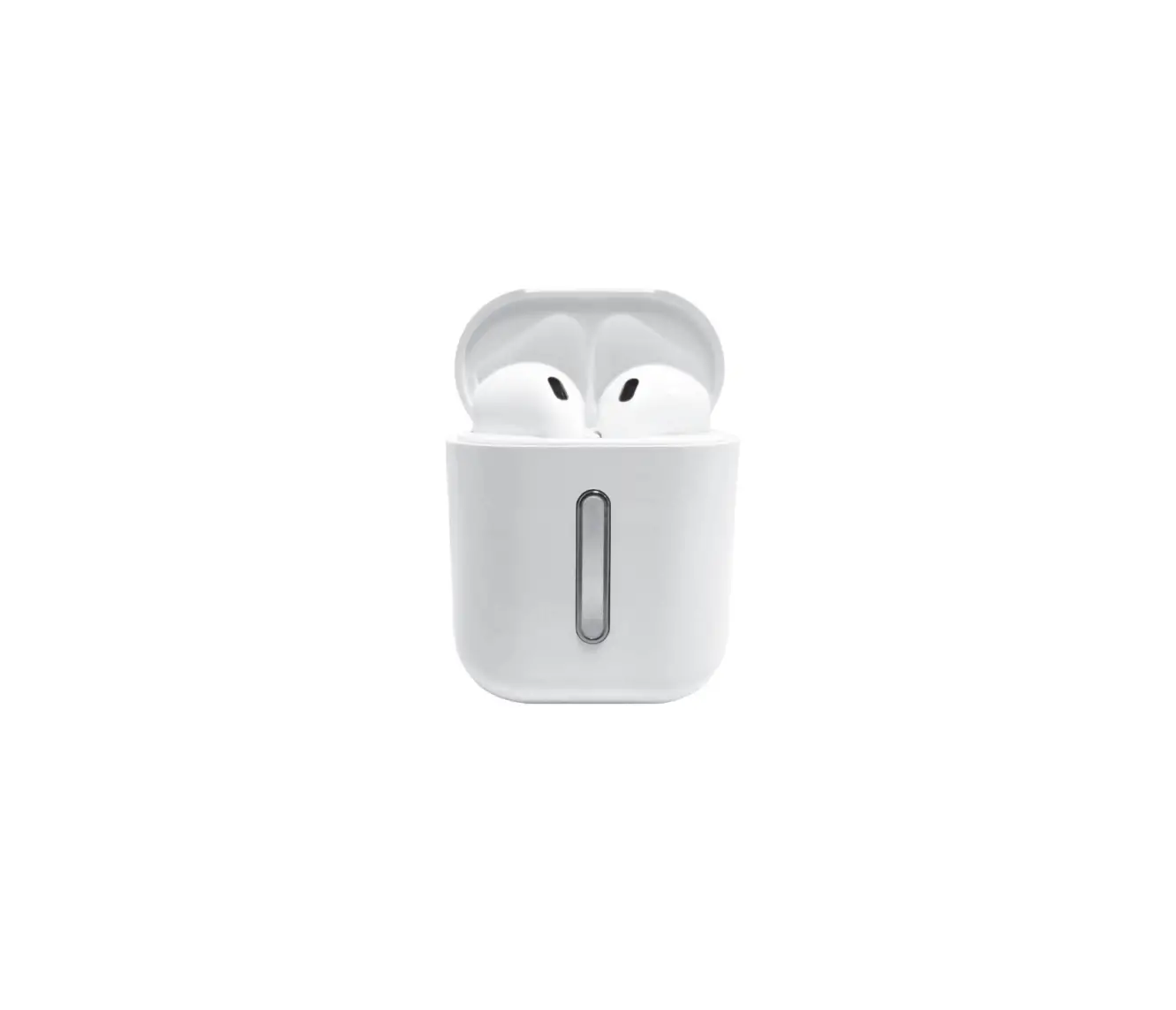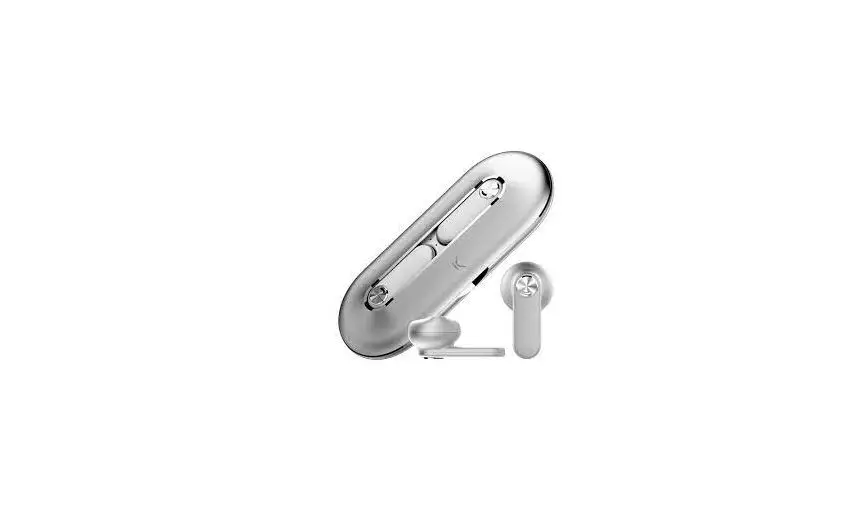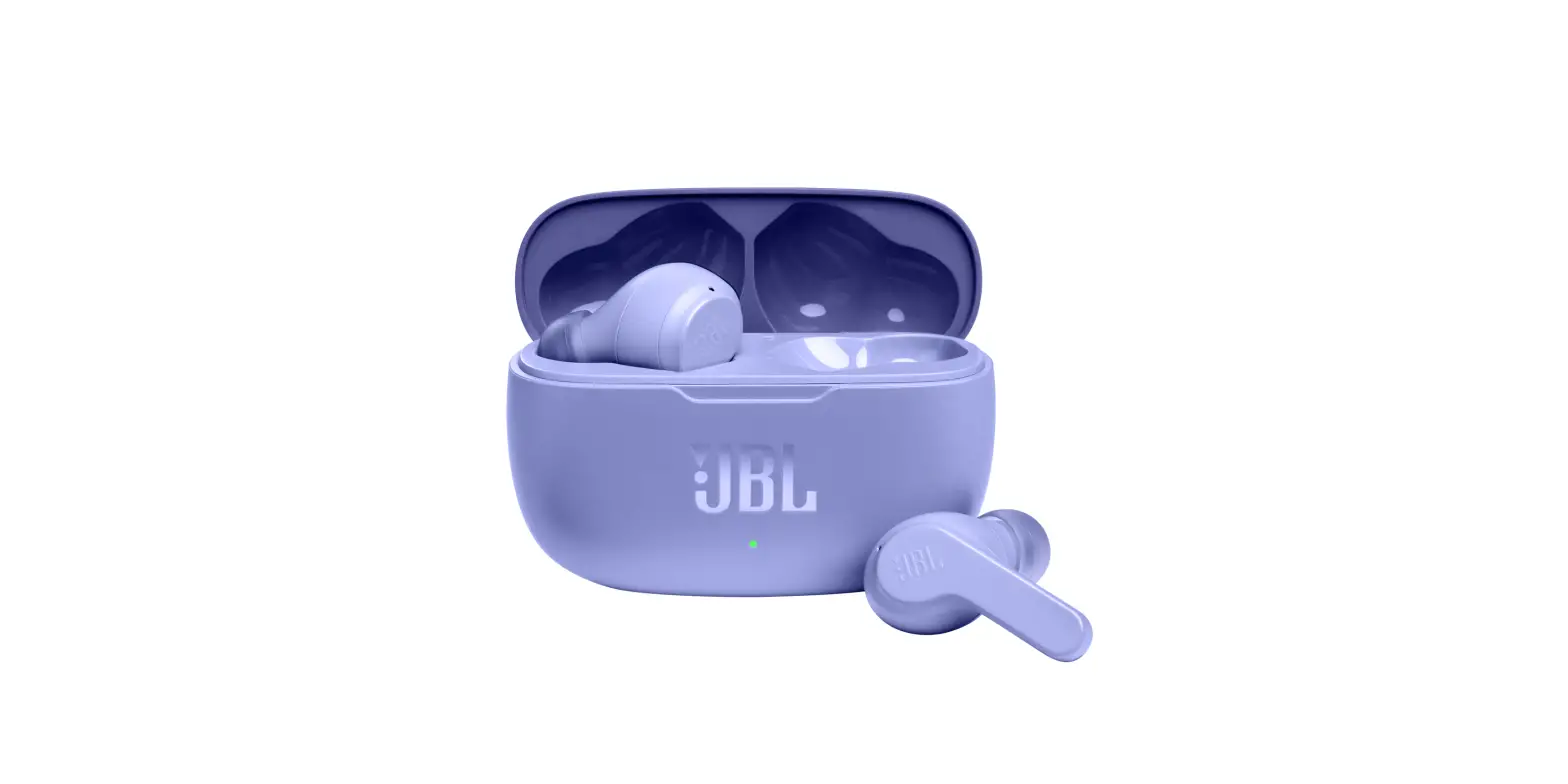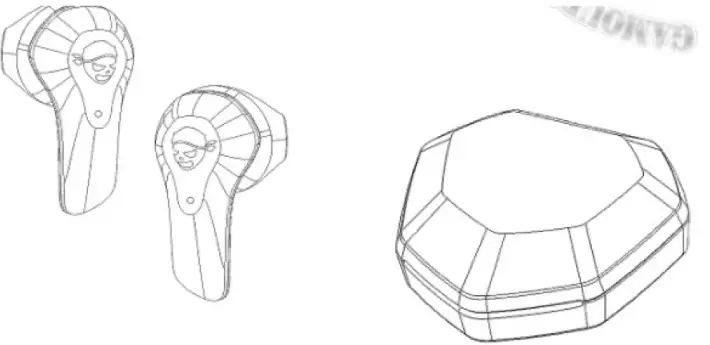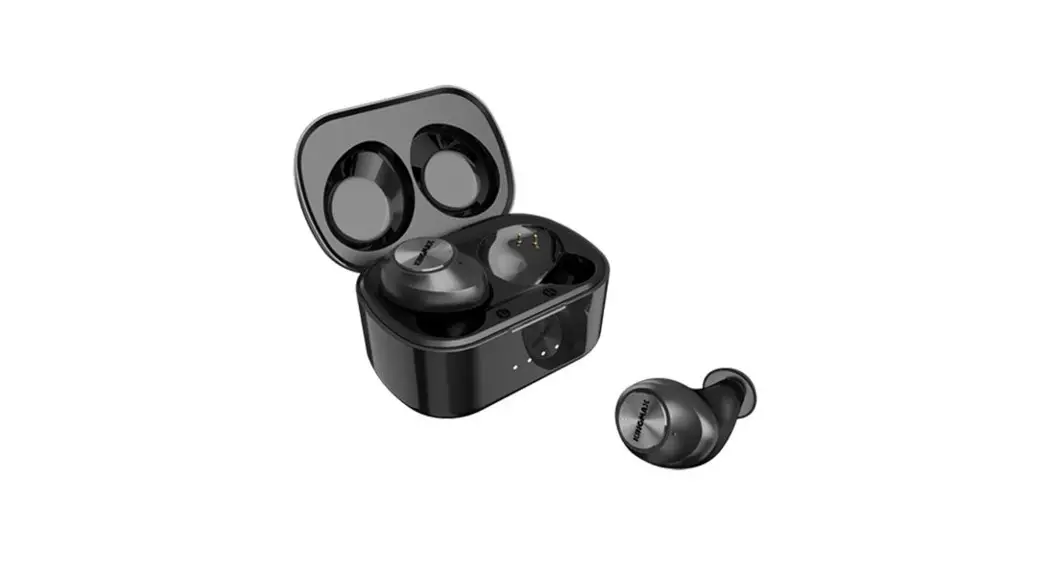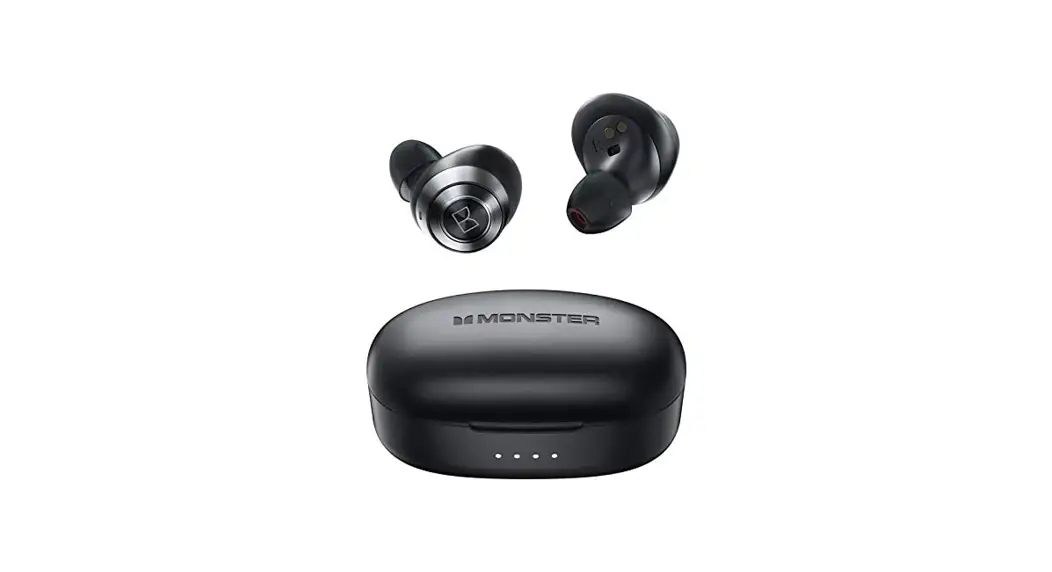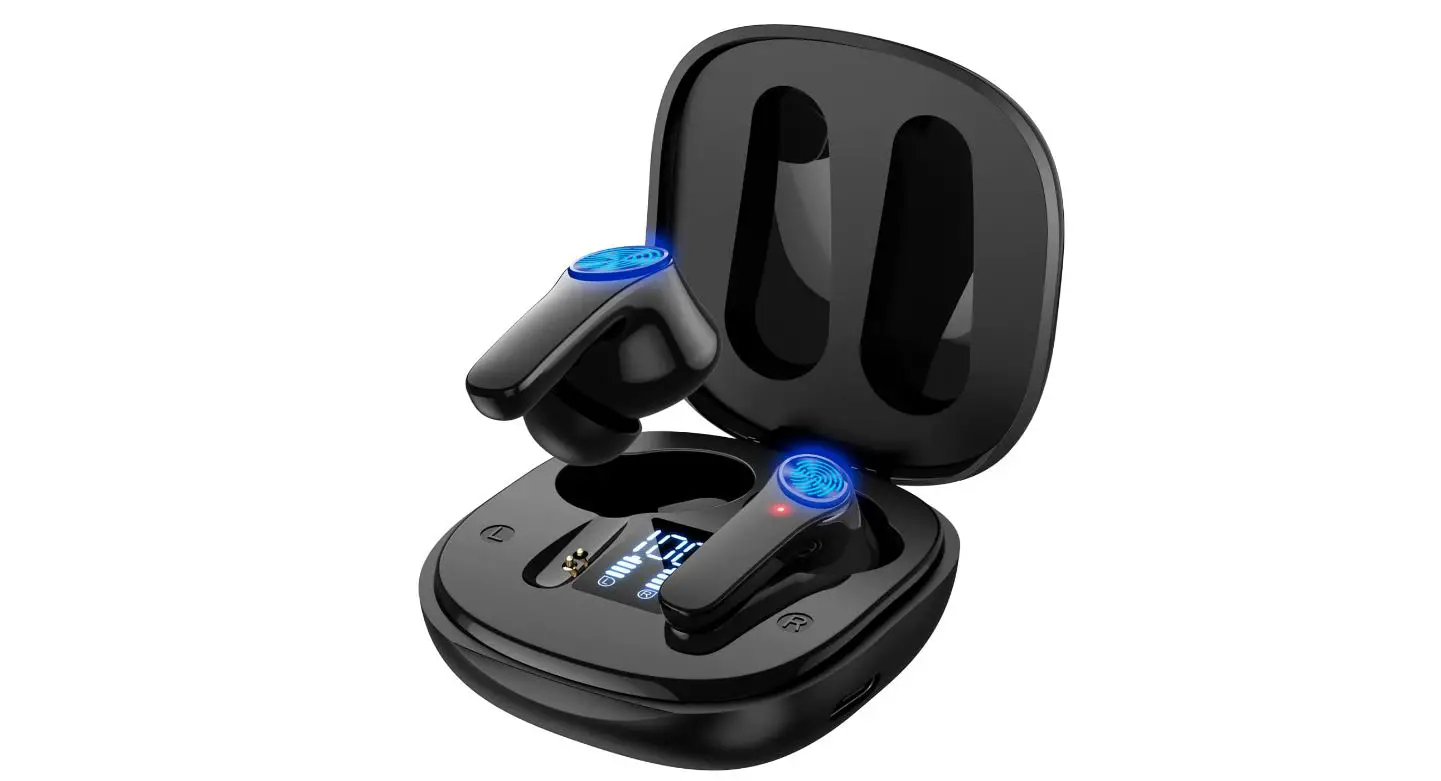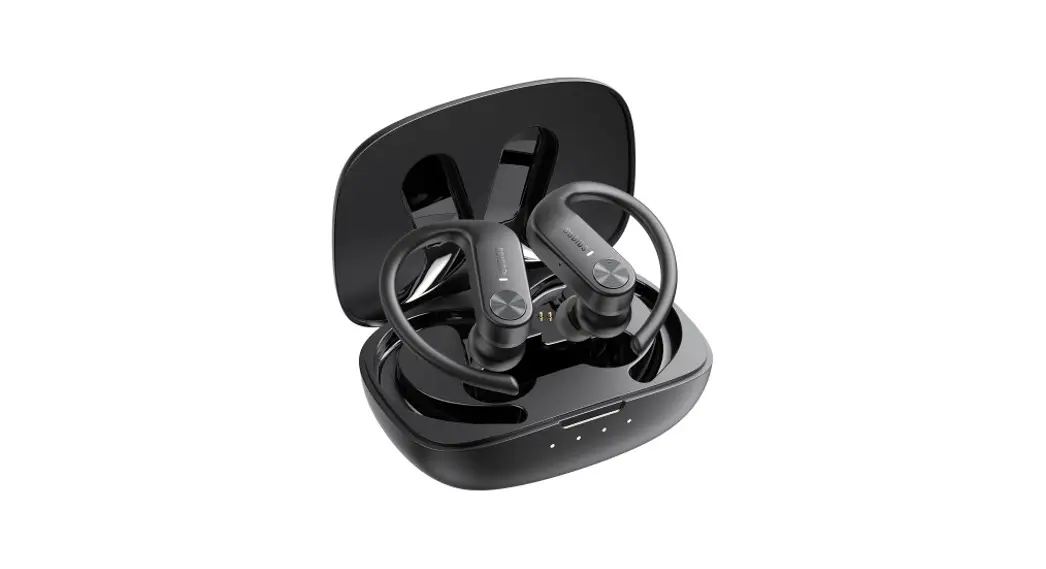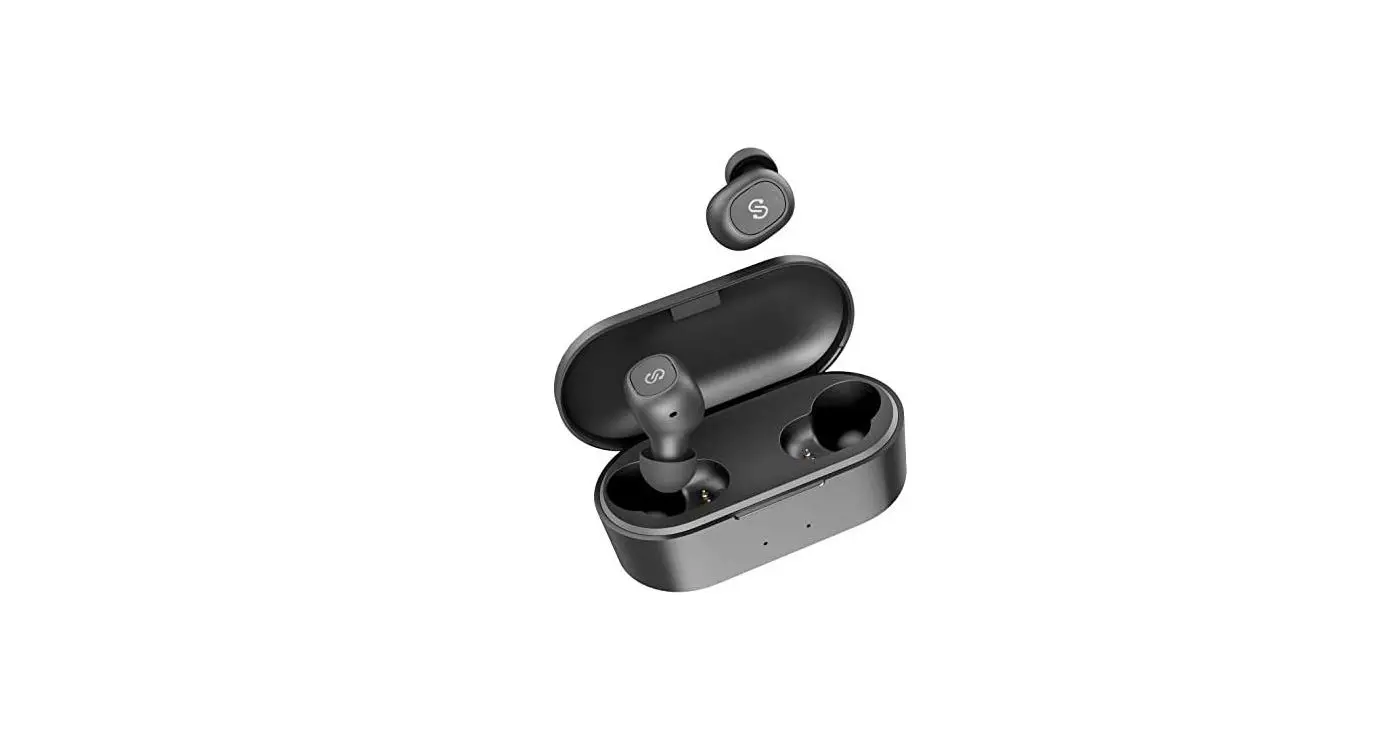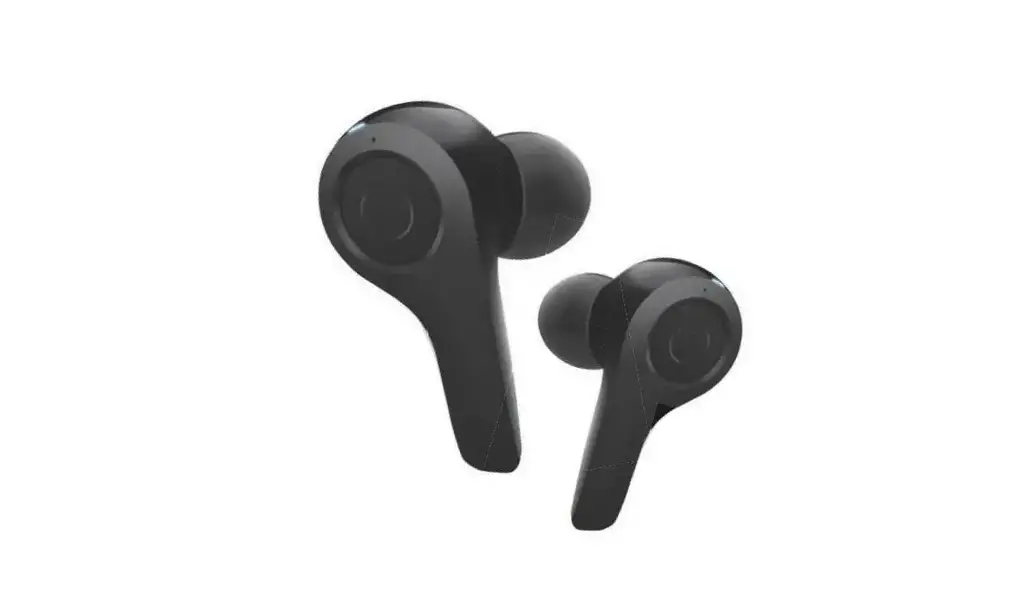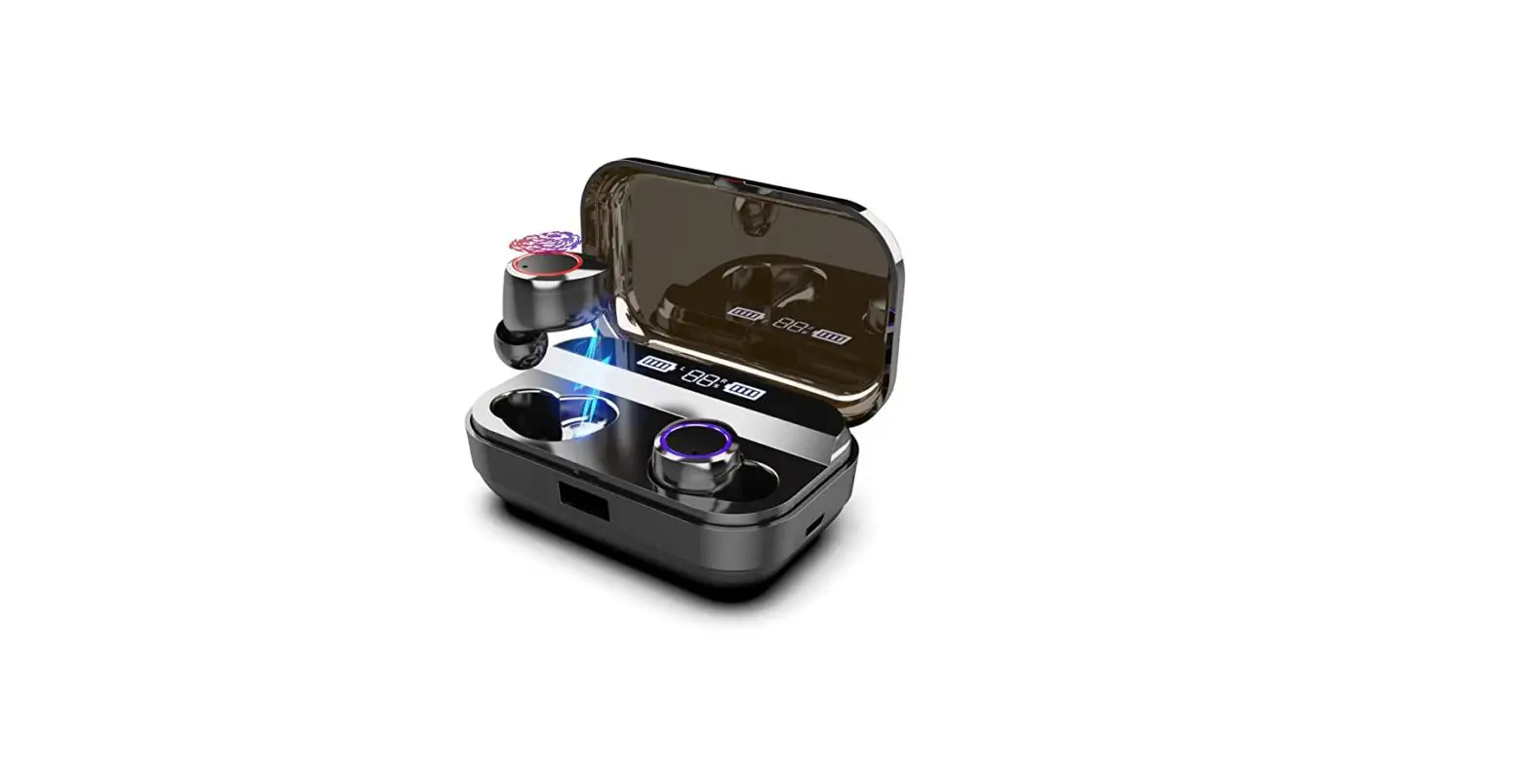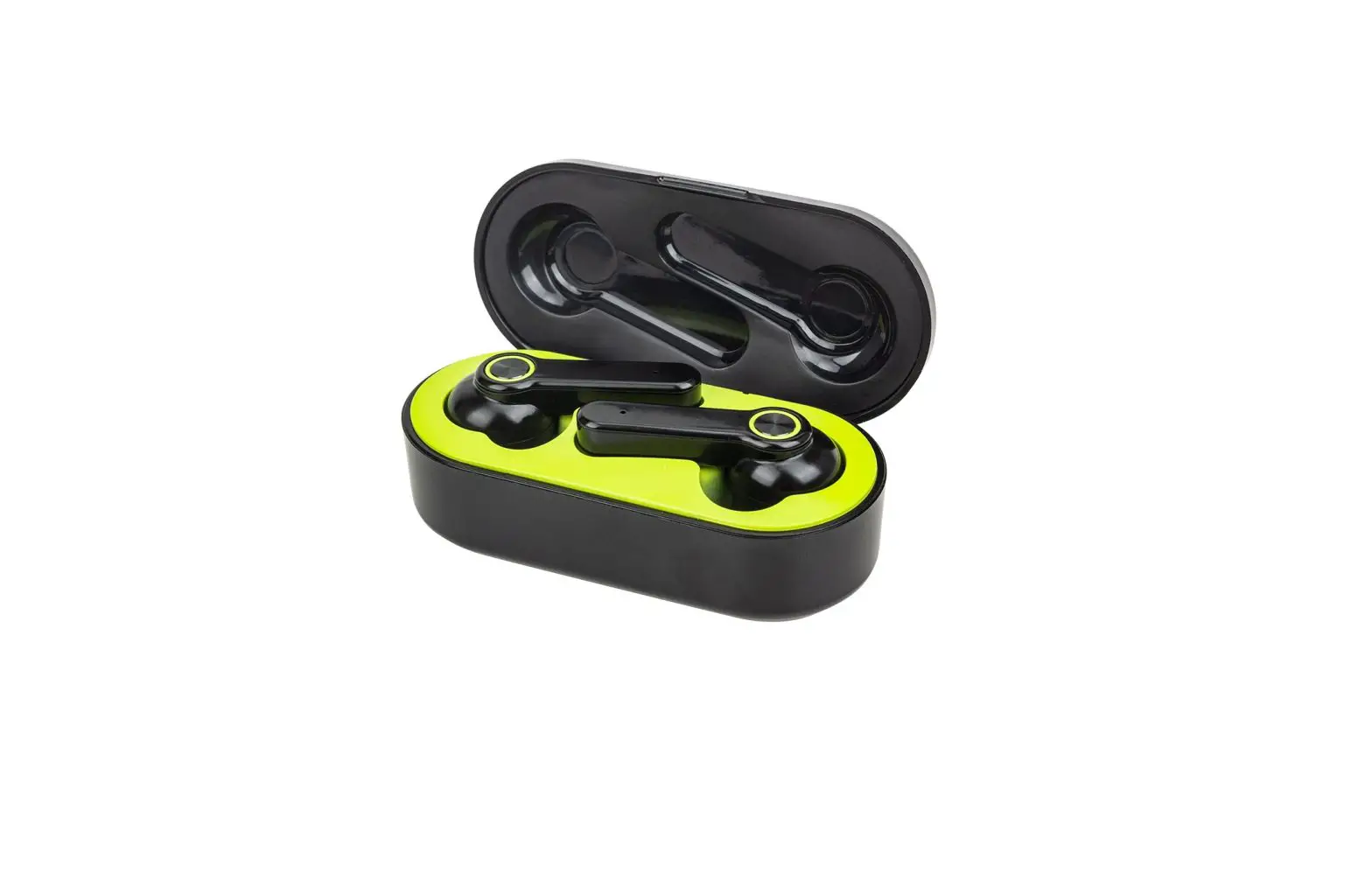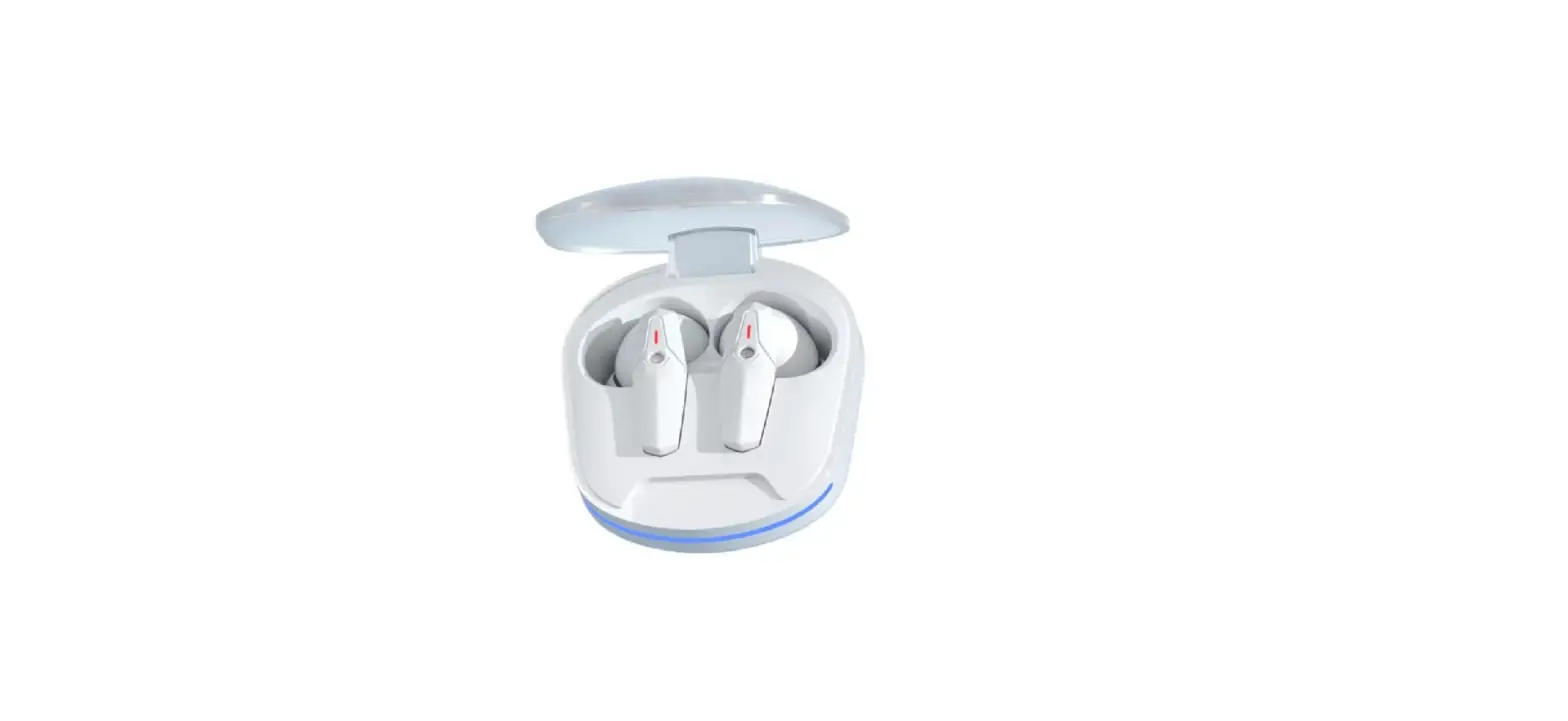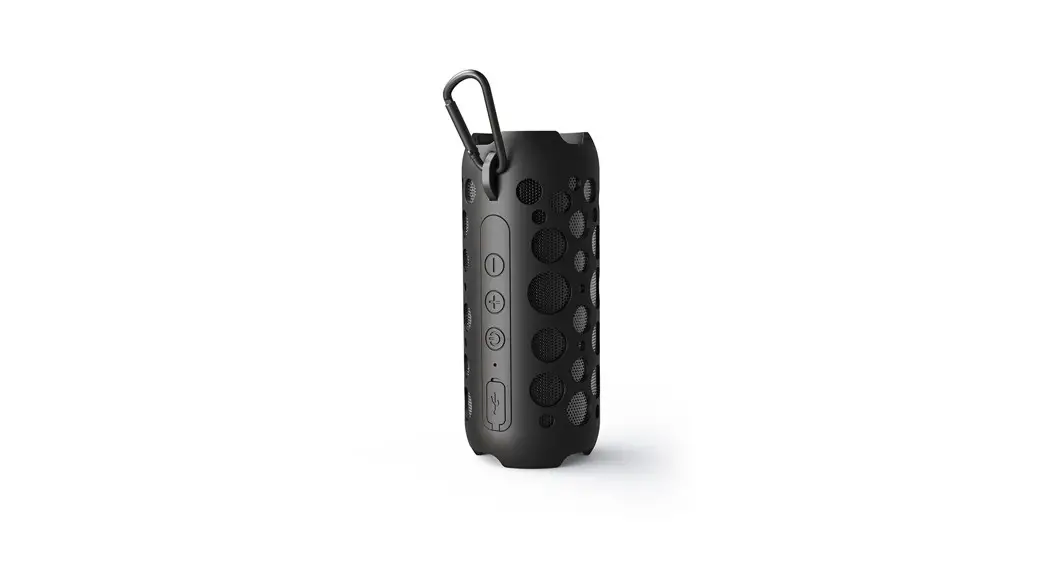
 K045 Wireless Earbuds Bluetooth Speaker
User Guide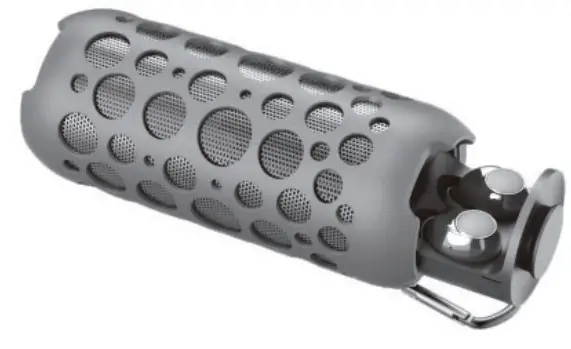
Parts
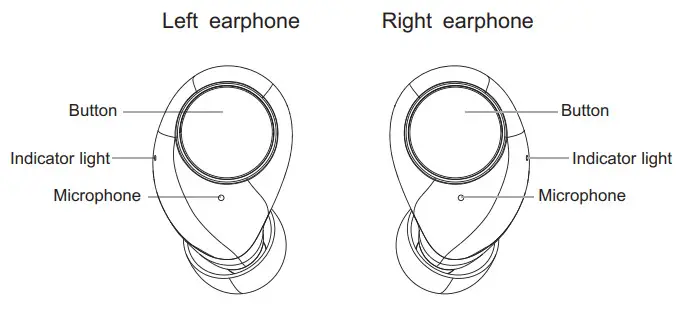
| PARAMETER | |
| Model | K045 |
| Bluetooth version | V5.3 |
| Signal distance | 12m |
| Charging case battery | 1200 mAh |
| Earphone battery | 40num |
| Playback time | 13- 151, |
| Standby time | >200h |
| Charging time | 4.5-5h |
| Charging box voltage | DC 5V |
| Supported cell phone systems | 10S, Android |
KEY DEFINITION
| Power on | Press and hold the Button for 3s or take out of the charging case | red or blue lights flash with |
| Power off | Press and hold the touch control key for 33 or put it into the charging case; if there is no connection for 5 minutes, it will be automatically shut down. | The red light flashes for 3 second and goes out with |
| Answer calls | Click the key | |
| Hang up calls | Click the key | |
| Reject calls | Long press for 1 . 5seconds | |
| Cancel dialing | Click the key | |
| Play / Pause | Click the key | |
| Previous track | double click on the left earphone | |
| Next track | double click on the right earphone | |
| Volume + | Triple-click on the left earphone | |
| Volume – | Triple-click on the right earphone | |
| Siri | Four-click on the left/right earphone |
BLUETOOTH PAIRING AND CONNECTION
| Pairing mode | Press and hold the Power keys of both earphones for 3 seconds, or take them out from the charging case, to turn them on, and the red and blue lights of both earphones flash after turning on. Then both earphones will enter TWS pairing mode. If not paired within 2 minutes, it will turn off automatically. | The red and blue lights on the the main ear flashes alternately |
| Connecting Bluetooth devices | Search the earphone in Bluetooth settings on the cell phone and connect. Enter Bluetooth settings and search “K045earbuds “. | |
| Disconnect Bluetooth | Connect the Bluetooth device to the headset beyond the distance or disconnect (turn off) Bluetooth; after Bluetooth is turned on again, support the automatic back connection between Bluetooth and mobile phone | The red and blue lights on the the main ear flashes alternately |
Remarks:
- Enter Bluetooth settings and search “K045earbuds.
- If placing earphones into the charging case while playing music, the earphone will be disconnected from the cell phone and turned off. If open the charging case and take out the earphones, they will automatically turn on and reconnect.
- The earphones will connect to the cell phone automatically when turned on. If it can’t reconnect automatically, press once to reconnect.
- If the earphones are unable to connect to the cell phone, clear the pairing history, reboot the earphones, and reconnect.
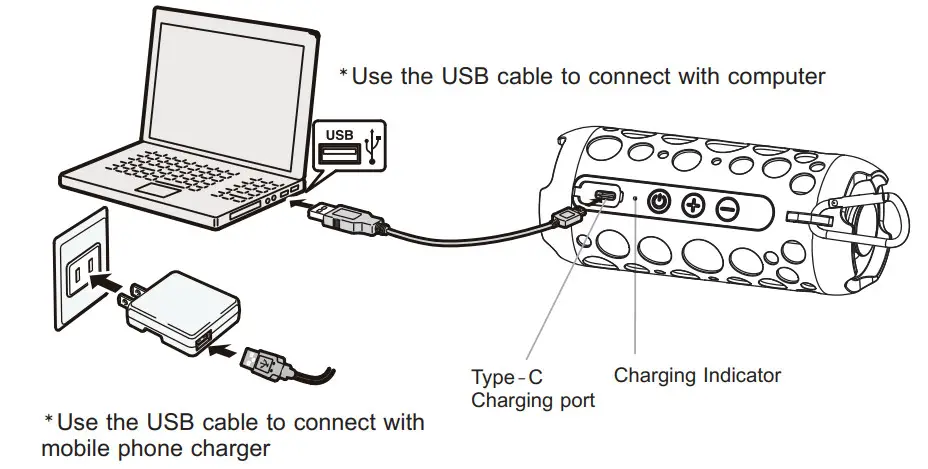
- Please use a 5V charger.
CHARGING MODE
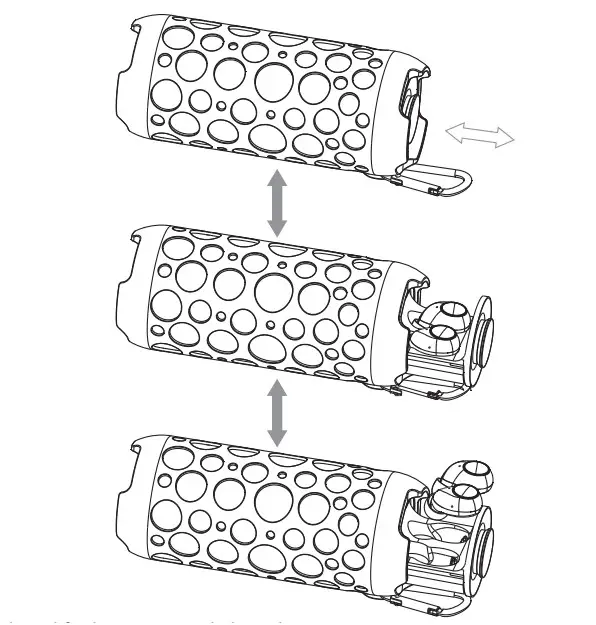
*Push back and forth to open and close the cover, Putting the earphone in and out of the battery compartment
SPEAKER FUNCTION DEFINITION

DEFINITION OF SPEAKER BUTTONS
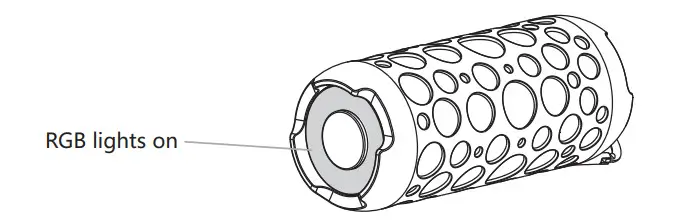
| Power on | long press the Power Switch | RGB lights on | |
| Power off | long press the Power Switch | lights off | |
| Answer calls | Click the Power Switch | ||
| Hang up calls | Click the Power Switch | ||
| Play / Pause | Click the Power Switch | ||
| “+” | long press the button | “+” | |
| “-“ | long press the button | “-“ | |
| Previous track | Short press the Button “+” | ||
| Next track | Short press the Button “-“ | ||
SPEAKER BLUETOOTH CONNECTION
Enter Bluetooth settings and search K045speaker After powering on, the blue light will be on, and when waiting for a connection, the RGB breathing light will be on, after the connection is successful Bluetooth plays songs that follow the music rhythm RGB lights flash.
SPEAKER CHARGING
 WARNING
 MADE IN CHINA
This device complies with Part 15 of the FCC Rules. Operation is subject to the following two conditions: (1) this device may not cause harmful interference, and (2) this device must accept any interference received, including interference that may cause undesired operation.
Changes or modifications to this unit not expressly approved by the party responsible for compliance could void the user’s authority to operate the equipment.
NOTE: This equipment has been tested and found to comply with the limits for a Class B digital device, pursuant to Part 15 of the FCC Rules. These limits are designed to provide reasonable protection against harmful interference in a residential installation. This equipment generates uses and can radiate radio frequency energy and, if not installed and used in accordance with the instructions, may cause harmful interference to radio communications. However, there is no guarantee that interference will not occur in a particular installation. If this equipment does cause harmful interference to radio or television reception, which can be determined by turning the equipment off and on, the user is encouraged to try to correct the interference by one or more of the following measures:
- Reorient or relocate the receiving antenna.
- Increase the separation between the equipment and the receiver.
- Connect the equipment to an outlet on a circuit different from that to which the receiver is connected.
- Consult the dealer or an experienced radio/TV technician for help.
This device and its antenna(s) must not be co-located or operated in conjunction with any other antenna or transmitter.
Radiation Exposure Statement
The device has been evaluated to meet general RF exposure requirements in portable exposure conditions without restriction.