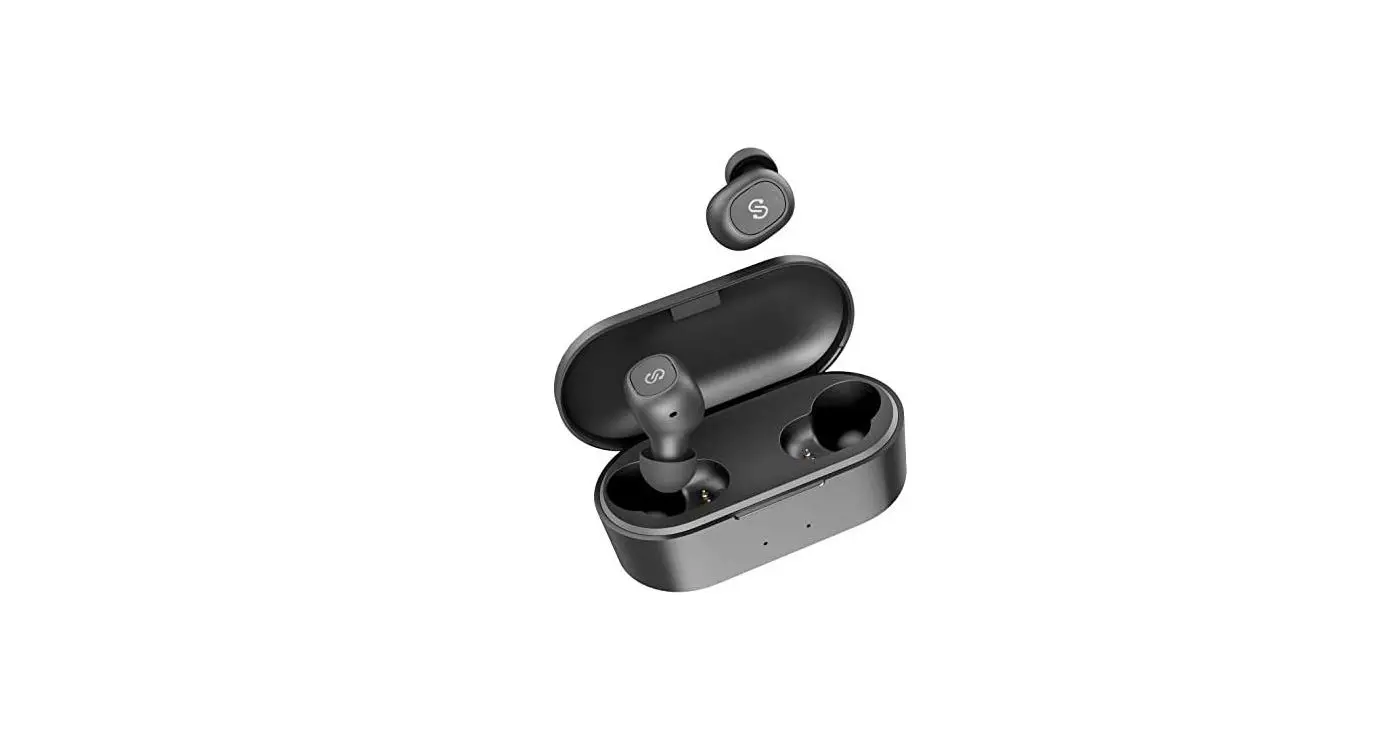
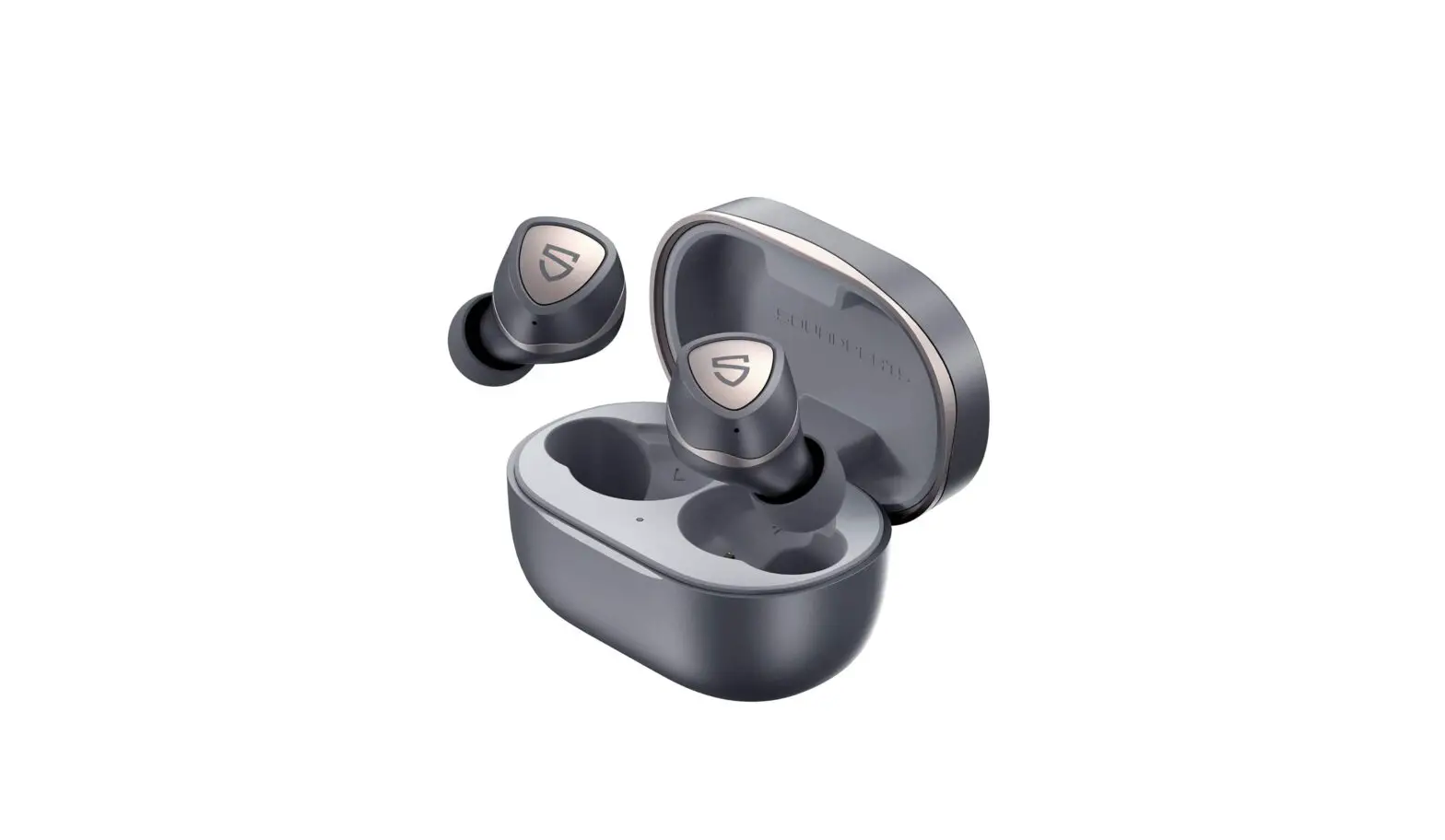
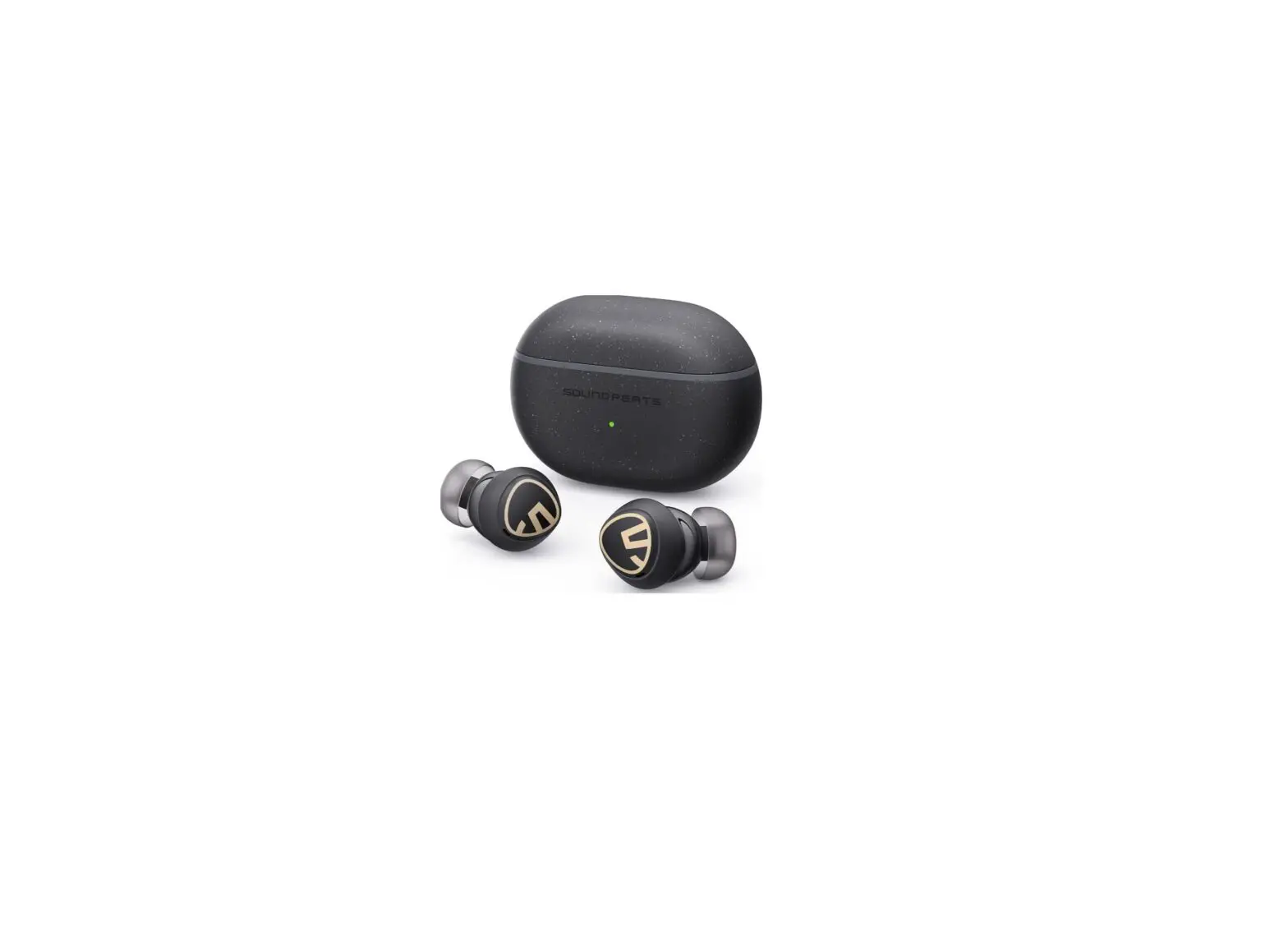
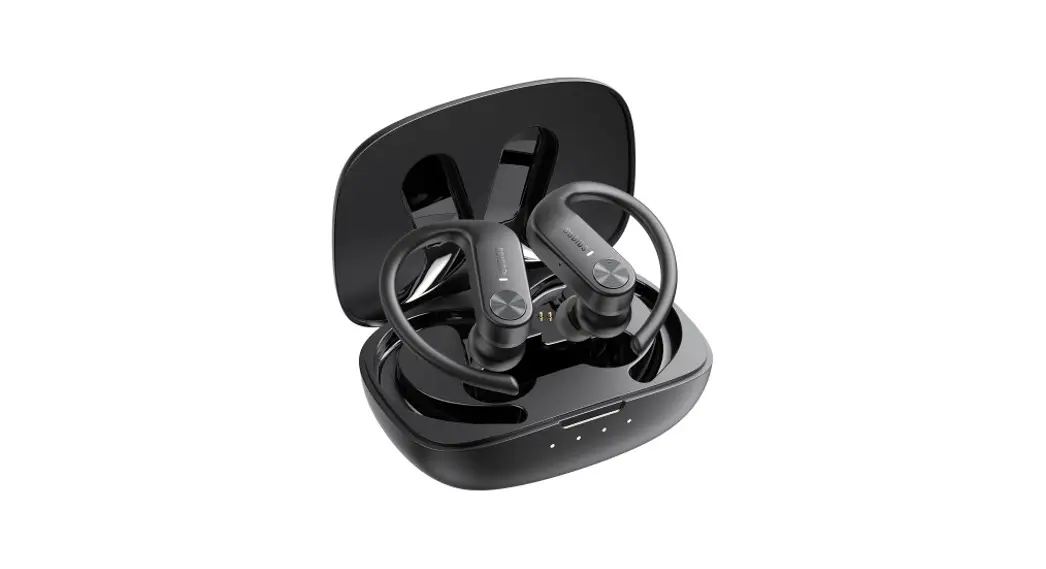
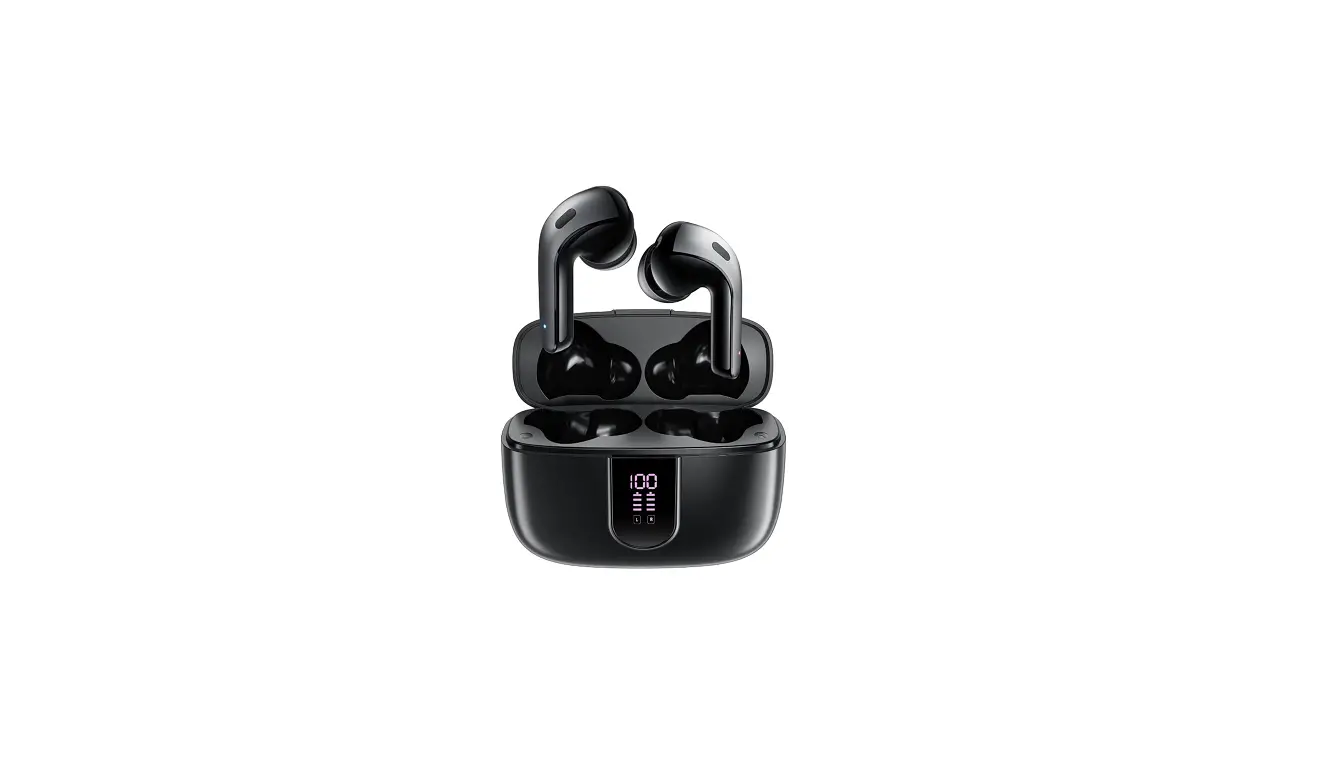
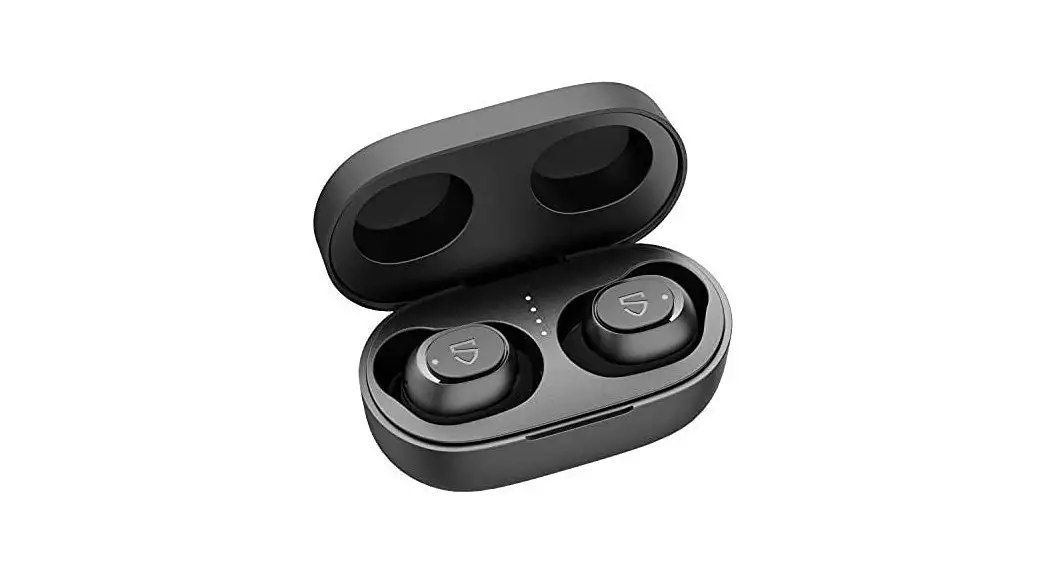
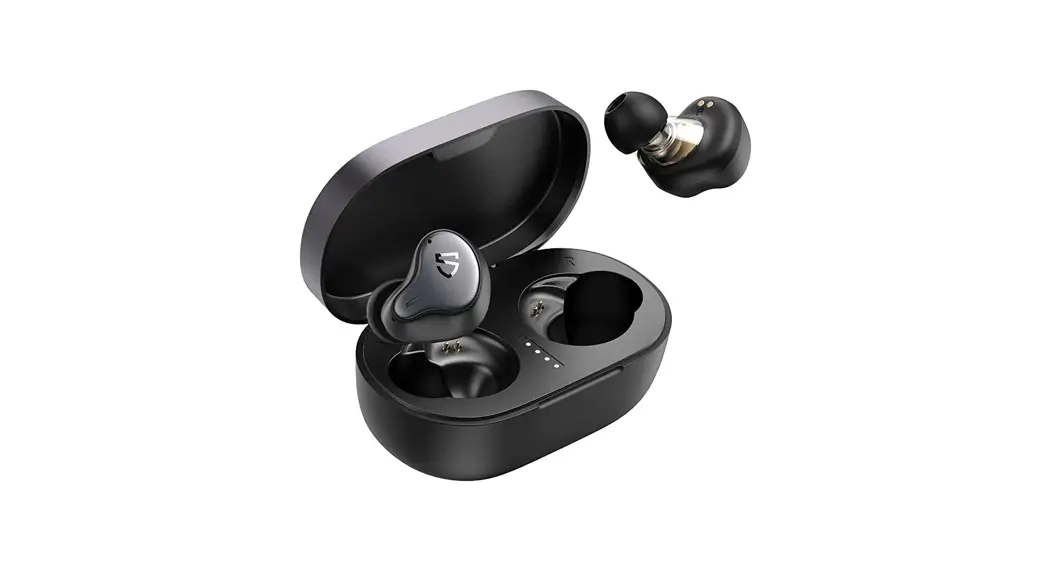
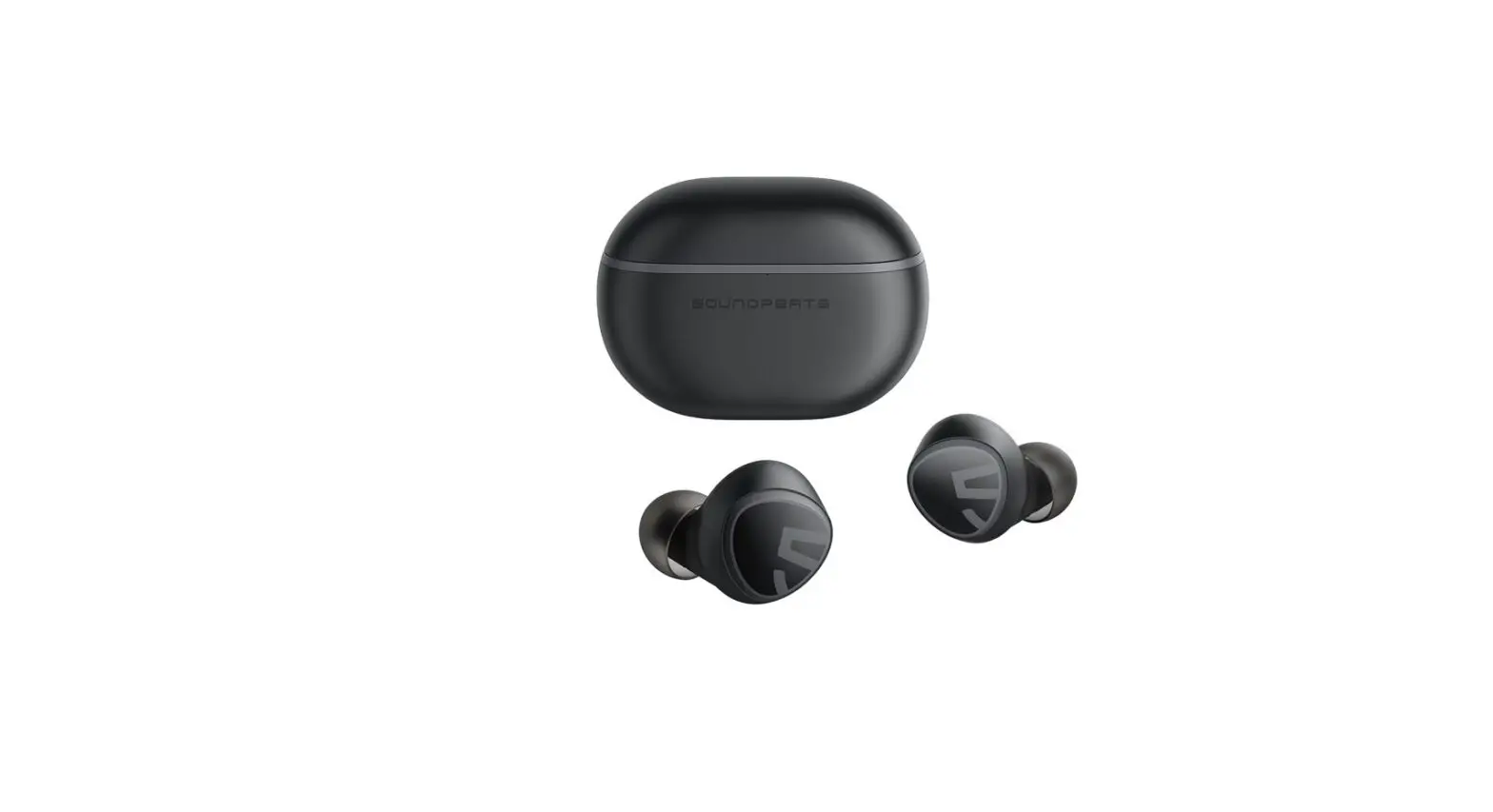
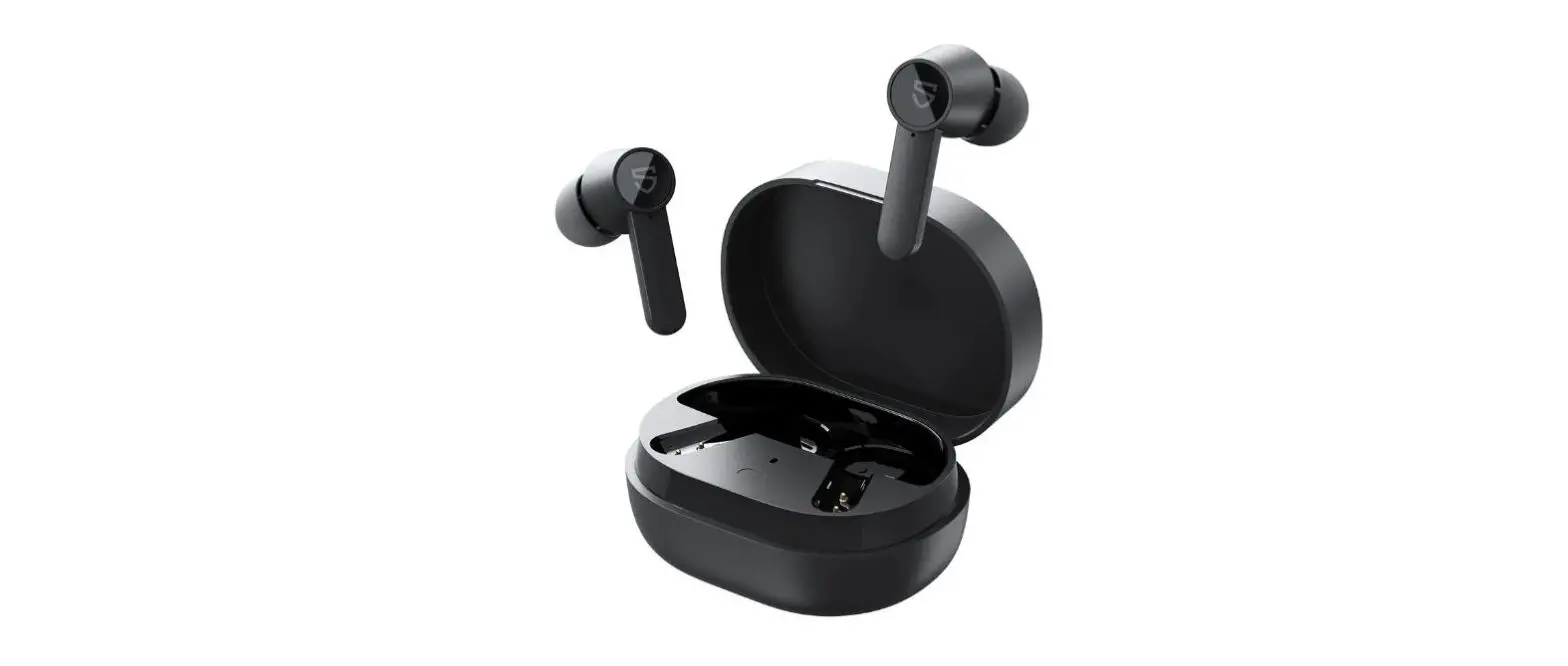
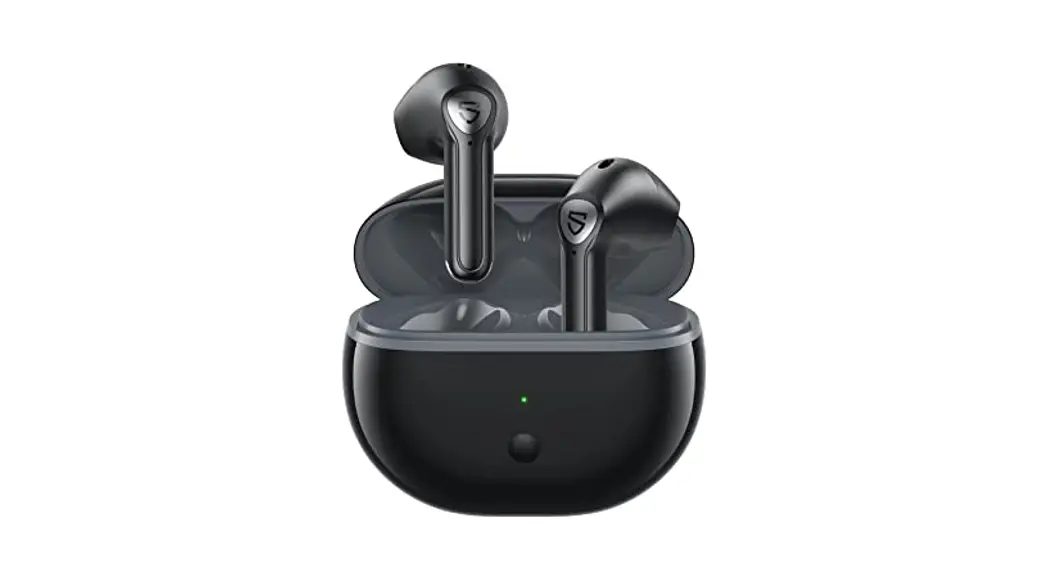
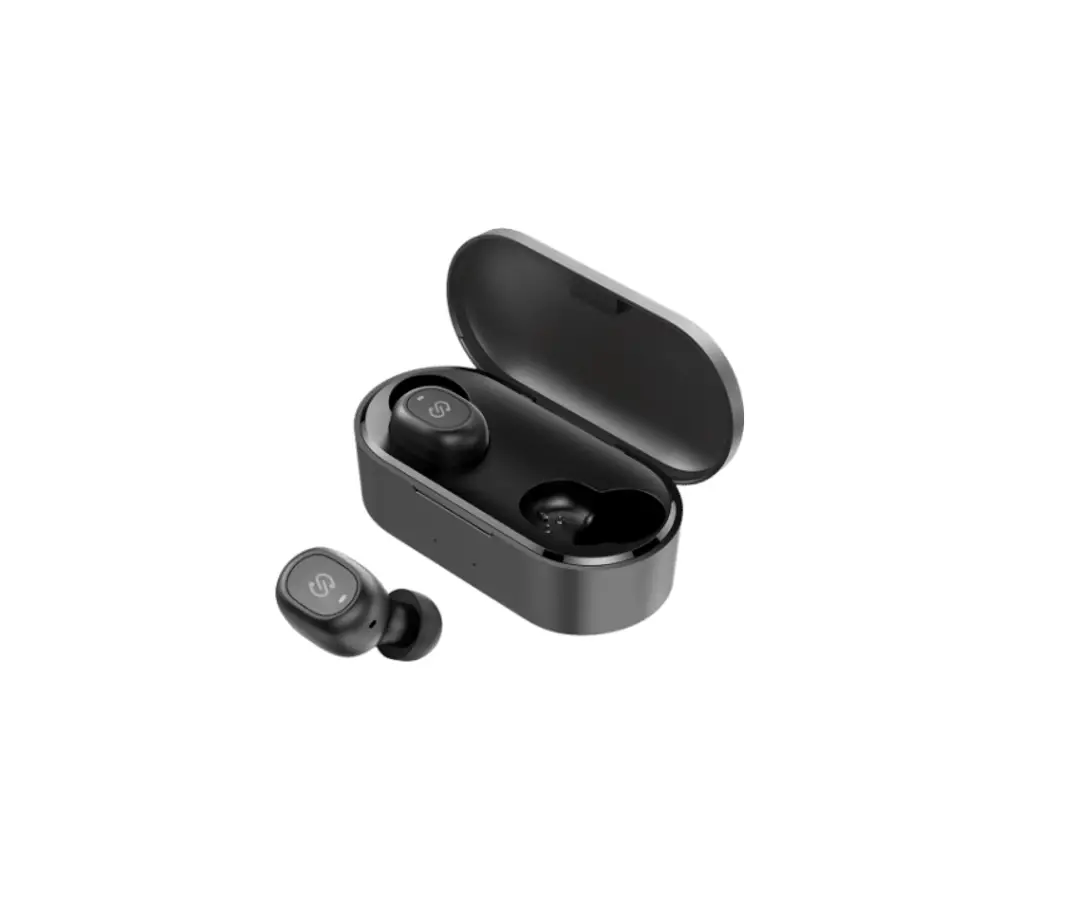
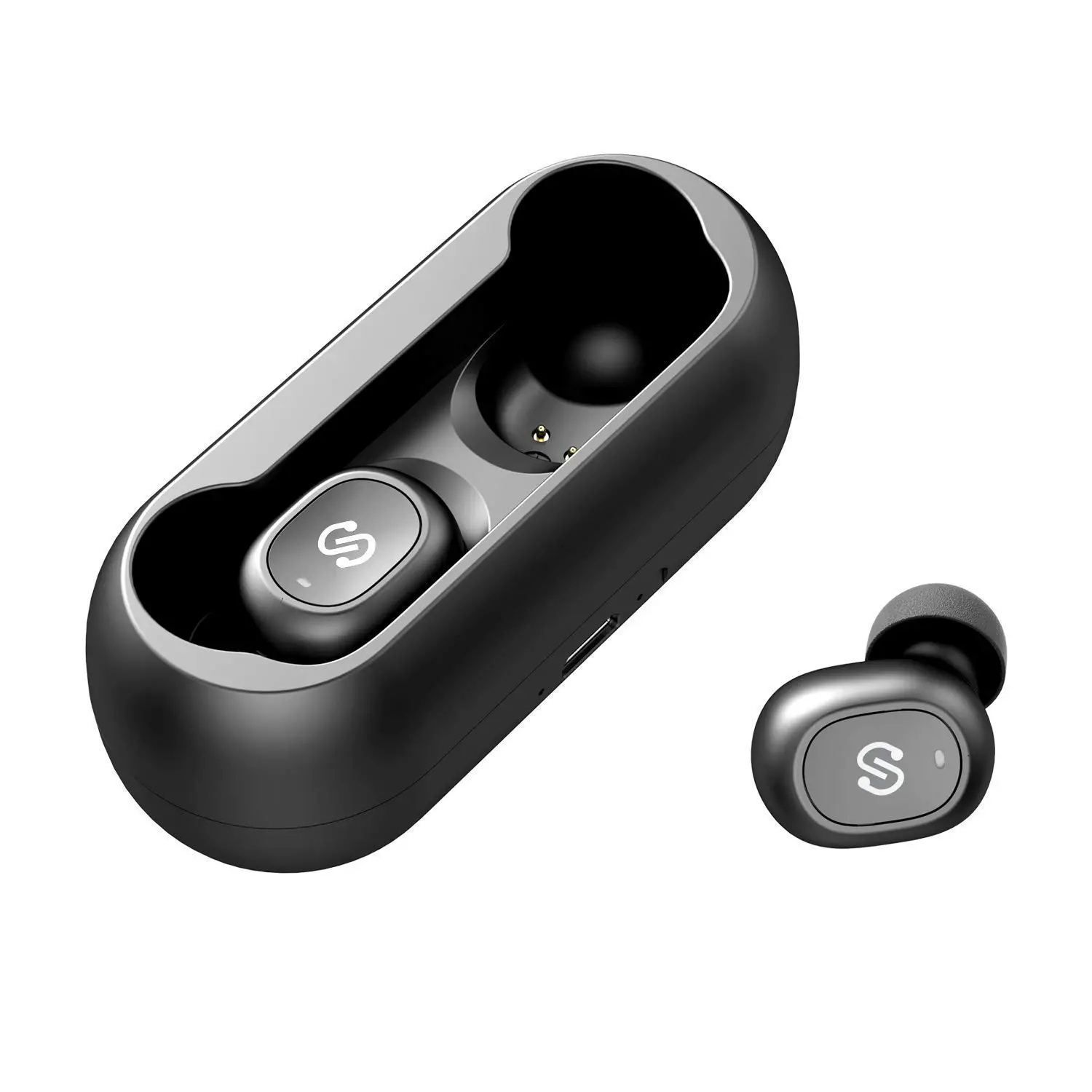
D10GSU7-H0L Wireless Bluetooth Earbuds
Product Information: – Product Name: Capsule3 Pro –
Manufacturer: Shenzhen SoundSOUL Information Technology Company
Limited – Manufacturer Address: Room 1308-1309, Building B, Huihai
Square, Chuangye Road, Longhua District, Shenzhen, China. 518109 –
Manufacturer Contact: [email protected] – Manufacturer
Website: www.soundpeats.com – EC REP: TANMET INT’L BUSINESS LTD –
EC REP Address: 9 Pantygraigwen Road, Pontypridd, Mid Glamorgan,
CF37 2RR, UK – EC REP Contact: [email protected] – IC ID:
27785-YK004 – FCC ID: 2AFTU-DD032 – Made in China Product Usage
Instructions: 1. First Start: – Open the charging case and take
out the two earbuds. – Remove the insulating film on the earbuds
charging contacts. – Put the earbuds back into the charging case
and keep the lid open. – Long press the button on the charging case
for 3 seconds until the LED indicator on the charging case blinks
with white light. This indicates that the earbuds have entered
pairing mode. – Turn on the Bluetooth of your device and choose
“SOUNDPEATS Capsule3 Pro” in the list to pair. The earbuds will
connect with your device. 2. Reset: – Put both earbuds into the
charging case properly, and the indicator of the charging case will
flash twice. – With the lid of the charging case open, long press
the button on the charging case for 10 seconds until the LED
indicators of the charging case flash white and red light
alternately twice. This indicates that the reset is completed. –
Close the lid of the charging case and open it again. The earphones
are now activated. 3. Touch Control: – Power on: – Automatically:
Open the charging case, and the earbuds will automatically power
on. – Manually: Long press the touch button for 1.5 seconds. –
Power Off: – Press and hold the touch button for 5 seconds until
the LED indicator turns off. – Play/Pause: Single tap the touch
button. – Volume Control: – Increase volume: Double tap the right
earbud. – Decrease volume: Double tap the left earbud. – Play Next:
Triple tap the right earbud. – Answer/Hang up phone call: Single
tap the touch button. – Reject phone call: Long press the touch
button for 2 seconds. – Switch between two calls: Double tap the
touch button. – Manually enter into pairing mode: Long press the
touch button for 5 seconds. – Activate voice assistant: Triple tap
the touch button. – Enter/Exit Game Mode: Long press the touch
button for 2 seconds. Note: For detailed instructions on wearing
and additional features, please refer to the user manual provided.
Italiano Italiano
Español Español Español Español Español Español
Français Français Français Français Français Français
Deutsch Deutsch Deutsch Deutsch Deutsch Deutsch
English English English English English English
406/%1&”54$BQTVMF1SP YNN
Capsule3 Pro
018-220385
IC ID: 27785-YK004 FCC ID: 2AFTU-DD032 MADE IN CHINA
FR DE UK ES IT
PAPER
MANUFACTURER Shenzhen SoundSOUL Information Technology Company Limited
Room 1308-1309, Building B, Huihai Square, Chuangye Road, Longhua District, Shenzhen, China. 518109 [email protected] www.soundpeats.com
EC REP
CompanyQing UG(haftungsbeschränkt) AddressUndinestr. 7, 12203 Berlin Germany
UK REP
TANMET INT’L BUSINESS LTD 9 Pantygraigwen Road, Pontypridd, Mid Glamorgan, CF37 2RR,UK [email protected]
Capsule3 Pro
WIRELESS EARBUDS
User Guide ]Gebrauchsanweisung ]Manual de instrucciones ] Mode d’emploi ]Istruzioni per l’uso ]c
First Start
SOUNDPEATS Capsule3 Pro Connected
1.Please open the charging case, take out the two earbuds, and tear off the insulating film on the earbuds charging contacts, then put the earbuds back into the charging case and keep the lid open. Long press the button on the charging case for 3 seconds at the same time until the LED indicator on charging case blinking with white light, which indicates that the earbuds have entered pairing mode.
2.Turn on the bluetooth of your device, and please choose”SOUNDPEATS Capsule3 Pro”in the list to pair, then the earbuds will connect with your device.
1
Reset 1.Put both earbuds into the charging case
properly, and the indicator of the charging case flashes twice. 2.Then, with the lid of the charging case open, long press the button on the charging case for 10 seconds until the LED indicators of the charging case flash white and red light alternately twice, the reset is completed. 3.Close the lid of charging case and open it again, the earphones are activated.
2
Anfängen zu Benutzen
Gerät SOUNDPEATS Capsule3 Pro Verbindung
1. Öffnen Sie den Deckel der Ladebox, nehmen Sie die beiden Ohrhörer heraus, entfernen Sie die Isolierfolie von den Ohrhörern, setzen Sie die beiden Ohrhörer wieder in die Ladebox ein und sichern Sie die Ladebox im geöffneten Zustand, drücken Sie die Taste an der Ladebox drei Sekunden lang, bis die LED an der Ladebox weiß blinkt; in diesem Moment gehen die Ohrhörer in den Pairing-Modus über. 2.Aktivieren Sie die Bluetooth-Funktion des Geräts und wählen Sie SOUNDPEATS Capsule3 Pro aus der Bluetooth-Liste, um das Pairing abzuschließen.
8
Première utilisation
Appareil SOUNDPEATS Capsule3 Pro Connexion
1. Ouvrez le couvercle du boîtier de chargement, sortez les deux écouteurs, retirez le film isolant sur les écouteurs, puis remettez les deux écouteurs dans le boîtier de chargement et assurez le boîtier de chargement à l’état ouvert, appuyez le bouton sur le boîtier de charge pendant 3 secondes jusqu’à ce que le voyant du boîtier de charge clignote en blanc, à ce moment, les écouteurs entreront en mode d’appairage.
2. Activez le Bluetooth de l’appareil, puis sélectionnez SOUNDPEATS Capsule3 Pro dans la liste Bluetooth pour terminer l’appairage.
15
Primera vez usando
Ajustes
Dispositivo SOUNDPEATS Capsule3 Pro Conectado
1. Abra la tapa de la caja de carga, saque los dos auriculares, retire la película aislante de cada auricular y luego vuelva a colocar los dos auriculares en la caja de carga, manteniendo la caja de carga en estado abierto. Mantenga presionado el botón en la caja de carga durante 3 segundos hasta que la luz indicadora de la caja de carga parpadee en blanco, luego ingrese al modo de emparejamiento
2. Active el dispositivo Bluetooth, luego seleccione SOUNDPEATS Capsule3 Pro de la lista de Bluetooth para completar el emparejamiento.
22
Zurücksetzen 1. Bitte legen Sie die beiden Ohrhörer wieder in die Ladebox, um sicherzustellen, dass sie richtig in der Aufbewahrungsbox sitzen, und die LED der Ladebox blinkt zweimal auf. 2. Drücken Sie dann bei geöffnetem Deckel der Ladebox 10 Sekunden lang auf die Taste der Ladebox, bis die LED der Ladebox abwechselnd zweimal weiß und rot blinkt, und der Reset ist abgeschlossen. 3. Schließen Sie den Deckel und öffnen Sie ihn wieder, die Kopfhörer sind eingeschaltet.
9
Réinitialisation 1. Veuillez remettre les deux écouteurs dans la
boîte de charge pour vous assurer qu’ils sont bien placés dans la boîte de rangement, et le voyant de la boîte de charge clignote deux fois. 2. Ensuite, avec le couvercle du boîtier de chargement ouvert, appuyez sur le bouton du boîtier de chargement pendant 10 secondes jusqu’à ce que le voyant du boîtier de chargement clignotent alternativement deux fois en blanc et rouge, et la réinitialisation soit terminée. 3. Fermez le couvercle et rouvrez-le, les écouteurs sont activés.
16
Reiniciar 1. Vuelva a colocar los dos auriculares en la caja
de carga correctamente, la luz indicadora de la caja de carga parpadea dos veces en este momento 2. Luego, con la tapa de la caja de carga abierta, mantenga presionado el botón de la caja de carga durante 10 segundos hasta que la luz blanca y la luz roja de la caja eléctrica parpadeen alternativamente dos veces y se complete el reinicio. 3. Cierra la tapa y ábrela de nuevo, los auriculares están activados.
23
prima volta che si usa
Impostazione
Dispositivo SOUNDPEATS Capsule3 Pro Connessione
1.Apri il coperchio della scatola di ricarica, estrai i due auricolari, rimuovi la pellicola isolante sugli auricolari, quindi rimetti i due auricolari nella scatola di ricarica e mantieni la scatola di ricarica nello stato aperto, tieni premuto il pulsante sulla scatola di ricarica per 3S fino a quando la spia della scatola di ricarica non lampeggia in bianco e la modalità di associazione viene attivata in questo momento.
2.Accendi il dispositivo Bluetooth e seleziona SOUNDPEATS Capsule3 Pro dall’elenco Bluetooth per completare l’associazione
28
Ripristina 1. Rimetti i due auricolari nella scatola di ricarica
per assicurarti che siano inseriti correttamente nella scatola di ricarica e la spia della scatola di ricarica lampeggia due volte 2. Quindi, con il coperchio della scatola di ricarica aperto, tenere premuto il pulsante della scatola di ricarica per 10 secondi fino a quando le luci bianche e rosse della scatola di ricarica lampeggiano alternativamente due volte e il ripristino è completo. 3. Chiudere il coperchio e riaprirlo, l’auricolare è attivato
29
SOUNDPEATS Capsule3 Pro
-&%
#MVFUPPUI#MVFUPPUI 406/%1&”54$BQTVMF1SP
34
-&%
35
SOUNDPEATS Capsule3 Pro
1 3S
2SOUNDPEATS Capsule3 Pro
40
1
210S
1.
41
Italiano
Contents
English ———————————————————————————————– 1 – 7 Deutsch ——————————————————————————————– 8 – 14 Français ——————————————————————————————- 15 – 21 Español ——————————————————————————————– 22- 27 Italiano ——————————————————————————————– 28 – 33 ———————————————————————————————- 34 – 39
Product Diagram
2s
1.5s
3x
2x
1x
Wearing
1x
2x
3x
1.5s
2s
L
R
3
Produktbeispiel Diagramm
2s
1.5s
3x
2x
1x
Fragen und Antworten
1x
2x
3x
1.5s
2s
L
R
10
Diagramme de Produit
2s
1.5s
3x
2x
1x
Porte des écouteurs
1x
2x
3x
1.5s
2s
L
R
17
Ejemplo de Producto
2s
1.5s
3x
2x
1x
Porte des écouteurs
1x
2x
3x
1.5s
2s
L
R
24
Schema del Prodotto
2s
1.5s
3x
2x
1x
Indossare
1x
2x
3x
1.5s
2s
L
R
30
2s
1.5s
3x
2x
1x
1x
2x
3x
1.5s
2s
L
R
36
2s
1.5s
3x
2x
1x
1x
2x
3x
1.5s
2s
L
R
42
Touch Control
Power on
Automatically: Open the charging case, the earbuds will automatically power on Manually: Long press the touch button for 1.5 seconds
Power Off
Play/Pause VolumeVolume+ Play Next Answer/Hang up phone call Reject phone call Switch between two calls Manually enter into pairing mode Activate voice assistant Enter/Exit Game Mode
Automatically: Place the earbuds back into the charging case and close the lid. Manually: Long press the touch button for 10 seconds Double tap the touch button Tap the le touch button once Tap the right touch button once Long Press the right touch button for 1.5 seconds Double tap the touch button Long press the touch button for 1.5 seconds Long press the touch button for 2 seconds Long press the button on the charging case for 3 seconds Triple tap the right touch button Triple tap the le touch button
Noise reduction/transparency Long press the le touch button for 1.5 seconds /normal mode switching
4
Kontrolle
Einschalten
Ausschalten
Spielen/Pause Lautstärke Lautstärke + Nächstes Lied
Anruf annehmen/ beenden Telefonanruf ablehnen Zwischen Anrufgeräten wechseln Manuelles Eingeben des Pairing-Modus den Voice Assistant Aktivieren Spielmodus Aufrufen/Beenden
Auto:Öffnen Sie den Gehäusedeckel Manuell: Drücken und halten Sie die Multifunktionstaste für 1,5 s Auto: Legen Sie die Ohrhörer wieder in das Ladeetui und schließen Sie den Deckel Tippen Sie zweimal auf die Multifunktionstaste Tippen Sie einmal auf die linke Multifunktionstaste Tippen Sie einmal auf die rechte Multifunktionstaste Drücken Sie die Multifunktionstaste am rechten Ohrhörer für 1,5s Tippen Sie zweimal auf die Multifunktionstaste Drücken Sie die Multifunktionstaste für 1,5s Drücken Sie die Multifunktionstaste für 2s
Drücken Sie die Multifunktionstaste für 3s
Tippen Sie dreimal auf die rechte Multifunktionstaste Tippen Sie dreimal auf die linke Multifunktionstaste
Umschalten zwischen ANC/Transparenz/ Normalmodus
Drücken Sie die Multifunktionstaste am linken Ohrhörer für 1,5s
11
Contrôle
Allumer
Éteindre
Lecture/Pause VolumeVolume+ Piste suivante
Répondre/Raccrocher l’appel Rejeter l’appel Basculer entre deux appels Entrer manuellement en mode d’appairage Activer l’assistant vocal
Automatique : Ouvrez le couvercle du boîtier de chargement Manuel : Appuyez sur la touche tactile des écouteurs pendant 1,5 secondes Automatique : remettez les écouteurs dans le boîtier de chargement et fermez le couvercle Manuel : appuyez sur la touche tactile pendant 10 secondes Manuel : deux tapes sur la touche tactile Une tape sur la touche tactile de l’écouteur gauche Une tape sur la touche tactile de l’écouteur droit Appuyez sur la touche tactile de l’écouteur droit pendant 1,5 secondes Deux tapes sur la touche tactile
Appuyez sur la touche tactile 1.5 secondes Appuyez sur la touche tactile pendant 2 secondes
Appuyez sur le bouton du boîtier de charge pendant 3 secondes Trois taps sur la touche tactile de l’écouteur droit
Entrer/sortir du mode jeu Trois taps sur la touche tactile de l’écouteur gauche
Mode ANC / Mode Transparence / Mode normal
Appuyez sur la touche tactile de l’écouteur gauche pendant 1.5 secondes
18
Control
Encender
Apagar
Reproducir/Pausar VolumenVolumen+
Canción siguiente
Responder/ Colgar llamada
Rechazar
Cambiar entre dos llamadas Entrar en el modo de emparejamiento manualmente Activar asistente de voz Entrar/Salir del modo de juego Reducción de ruido/ Transparencia/ Modo normal
Automático: abre la tapa de la caja de carga Manual: mantenga presionado el botón táctil del auricular durante 1,5 s Automático: vuelva a colocar los auriculares en la caja de carga y cierre la tapa Manual: mantenga presionado el botón táctil durante 10 s Manual: toque dos veces el botón táctil del auricular
Toque una vez el botón táctil del auricular izquierdo
Toque una vez el botón táctil del auricular derecho
Mantenga presionado el botón táctil del auricular derecho durante 1,5 s
Toque dos veces el botón táctil del auricular
Mantenga presionado el botón táctil del auricular durante 1,5 s Mantenga presionado el botón táctil del auricular durante 2 s
Mantenga presionado el botón de la caja de carga durante 3 s
Toque tres veces el botón táctil del auricular derecho
Toque tres veces el botón táctil del auricular izquierdo
Mantenga presionado el botón táctil del auricular izquierdo durante 1,5 s
25
Controllo
Inizia a usare
Automatico: aprire il coperchio della custodia di ricarica Manuale: premere a lungo il pulsante a sfioramento dell’auricolare per 1,5 secondi
Smetti di usare
play /pausa volumevolume+ prossima traccia
Rispondere/riagganciare la chiamata
rifiutarsi di rispondere
Automatico: riponi l’auricolare nella custodia di ricarica e chiudi il coperchio Manuale: premere a lungo il pulsante a sfioramento dell’auricolare per 10 secondi Manuale: tocca due volte il tasto touch dell’auricolare Fare clic una volta sul tasto touch dell’auricolare sinistro Fare clic una volta sul tasto touch dell’auricolare destro Premere a lungo il pulsante a sfioramento dell’auricolare destro per 1,5 secondi
Toccare due volte il pulsante a sfioramento dell’auricolare
Premere a lungo il pulsante a sfioramento dell’auricolare per 1,5 secondi
Passa da una chiamata all’altra Accedi manualmente alla modalità di associazione
Premere a lungo il pulsante a sfioramento dell’auricolare 2S Premere a lungo il pulsante della casella di ricarica per 3S
Attiva l’assistente vocale Tocca tre volte il pulsante a sfioramento dell’auricolare destro
31
4JSJ(PPHMF
37
/ + / / //
1.5S 10S 1.5S 1.5S 2S 3S 1.5S
43
Italiano Italiano
Q&A
Q1: What does the LED indicator on the charging case mean?
Display remaining power of the charging case: 100%-50% remaining power shows green light 49%-10% remaining power shows yellow light Under 10% remaining power shows red light
When charging the charging case, the indicator light indicates: 0-19% remaining power, red light flashes slowly 20%-69% remaining power, yellow light flashes slowly 70%-99% remaining power, green light flashes slowly 100% remaining power, green light stay on
5
F&A
F1: Was bedeutet das Licht am dem Ladeetuis?
1.Ladeetuis-Leistungsanzeige
100%–50% 49%–10% 10%-0%
grünes Licht gelbes Licht rotes Licht
Wenn das Ladeetuis aufgeladen wird, zeigt die Kontrollleuchte:
0%–19% 20%–69% 70%–99% 100%
das rote Licht blinkt langsam das gelbe Licht blinkt langsam das grünes Licht blinkt langsam das grüne licht ist immer an
12
Questions et réponses
Q1 : Que signifie le voyant lumineux du boîtier de charge ? L’affichage de la puissance du boîtier de charge :
100 %–50 % 49 % à 10 % Moins de 10%
Vert Jaune Rouge
Lors de la charge du boîtier de charge, le voyant lumineux indique :
0-19% 20 % à 69 % 70 % à 99 % 100 %
Le voyant respire lentement en rouge Le voyant respire lentement en jaune Le voyant respire lentement en vert Le voyant fixe en vert
19
Preguntas y respuestas
P1: ¿Qué significa la luz indicadora de la caja de carga? Pantalla de potencia de la caja de carga: 100%-50% muestran verde 49%-10% muestran amarillo Menos del 10% muestran rojo Al cargar la caja de carga, la luz indicadora muestra: 0-19% luz roja respiración lenta 20%-69% luz amarilla respiración lenta 70% -99% luz verde respiración lenta La luz 100% verde siempre está encendida
26
Entra/esci dalla modalità Tocca tre volte il pulsante a sfioramento dell’auricolare sinistro di gioco
Interruttore di riduzione del rumore/trasparenza/ modalità normale
Premere a lungo il pulsante a sfioramento dell’auricolare sinistro per 1,5 secondi
Domande e risposte
Q1: Cosa significa la spia sulla custodia di ricarica?
Display della potenza della scatola di ricarica: 100%–50% viene visualizzato in verde Il 49% -10% mostra il giallo Meno del 10% viene visualizzato in rosso
Durante la ricarica della custodia di ricarica, la spia indica: 0-19% respirazione lenta a luce rossa 20%-69% respirazione lenta a luce gialla 70%-99% respirazione lenta con luce verde La luce verde al 100% è sempre accesa
32
Q&A
2-&%
38
Q&A
Q1: 100%–50% 49%-10% 10% 0-19% 20%-69% 70%-99% 100%
44
Q2: How to charge the charging case? 1.Connect with a Type-C charging adapter to charge the charging case.(Charging current is not greater than 1A). 2.When not using for a long time, please charge it once every three months at least.
Q3: Why are the earphones still connected to the phone when the earphones are put back into the charging case and the charging case is closed?
1.The charging case has no remaining power. The earphone will not power off in charging case when charging case has no power.
2.Make sure the earphones are properly placed in the charging case and the charging metal piece and pin are clean. Please try to clean the charging contact area between the charging box and the earphones with a so cloth.
6
F2: Wie lade ich die Ladeetui auf? 1. Schließen Sie den Typ-C-Ladeadapter an, um ihn aufzuladen (der Ladestrom überschreitet nicht 1A). 2. Bei längerem Nichtgebrauch mindestens alle drei Monate aufladen.
F3 : Warum sind die Kopfhörer immer noch mit dem Telefon verbunden, wenn die Kopfhörer wieder in dem Ladeetui gelegt wird und das Ladeetui
1.Das Ladeetui ist leer. Wenn das Ladeetui leer ist, können die Ohrhörer bei dem Wiederaufsetzen nicht mehr ausgeschaltet werden. 2. Stellen Sie sicher, dass die Ohrhörer richtig im Ladeetui platziert sind und die Lademetallfolie und der PIN-Pin sauber sind. Bitte versuchen Sie den Ladekontakt zwischen Ladeetui und Ohrhörer mit einem weichen Tuch zu reinigen.
13
Q2 : Comment charger le boîtier de charge ? 1. Connectez l’adaptateur de charge Type-C pour le charger (le courant de charge ne dépasse pas 1A) 2. Lorsqu’il n’est pas utilisé pendant une longue période, chargez au moins une fois tous les trois mois
Q3 : Pourquoi les écouteurs sont-ils toujours connectés au téléphone lorsque le couvercle du boîtier de chargement est fermé ? 1. Le boîtier de charge n’a plus d’énergie restante. Lorsque le boîtier de charge est déchargé, les écouteurs ne peuvent pas être éteint après l’avoir remis en place. 2. Assurez-vous que les écouteurs sont correctement placés dans le boîtier de charge et que la feuille de métal de charge et la broche PIN sont propres. Veuillez essayer de nettoyer le contact de charge entre le boîtier de charge et les écouteurs avec un chiffon doux.
20
P2: ¿Cómo cargar la caja de carga? 1. Conecte el adaptador de carga tipo C para
cargarlo (la corriente de carga no supera 1A) 2. Cuando no esté en uso durante mucho tiempo,
cargue al menos una vez cada tres meses P3: ¿Por qué los auriculares siguen conectados al teléfono móvil cuando se
vuelven a colocar en la caja de carga y la tapa está cerrada? 1. La caja de carga no tiene energía restante. Cuando la caja de carga no tiene
energía, los auriculares no se pueden apagar cuando se vuelven a colocar. 2. Asegúrese de que los auriculares estén correctamente colocados en la caja de
carga, y que la hoja de metal de carga y los pines PIN estén limpios. Utilice un paño suave para limpiar los lugares donde la caja de carga y los auriculares están en contacto entre sí.
27
Q2: come caricare la scatola di ricarica? 1. Collegare l’adattatore di ricarica di tipo C per caricarlo (la corrente di carica non supera 1 A) 2. Quando non viene utilizzato per molto tempo, caricare almeno una volta ogni tre mesi
Q3: Perché l’auricolare è ancora collegato al telefono cellulare dopo averlo riposto nella custodia di ricarica e aver chiuso la custodia? 1. La custodia di ricarica non ha carica residua. Quando la custodia di ricarica è
scarica, gli auricolari non possono essere spenti quando vengono reinseriti. 2. Assicurati che gli auricolari siano posizionati correttamente nella scatola di ricarica
e che la lamiera di ricarica e i pin del PIN siano puliti. Utilizzare un panno morbido per pulire i punti in cui la scatola di ricarica e gli auricolari sono in contatto tra loro.
33
Q2: “$
7” Q3:
39
Q2: 1.Type-C1A 2. Q3: 1. 2. PIN
45
Italiano
 SOUNDPEATS Wireless Earbuds, Bluetooth Headphones, Speakers for Sound.