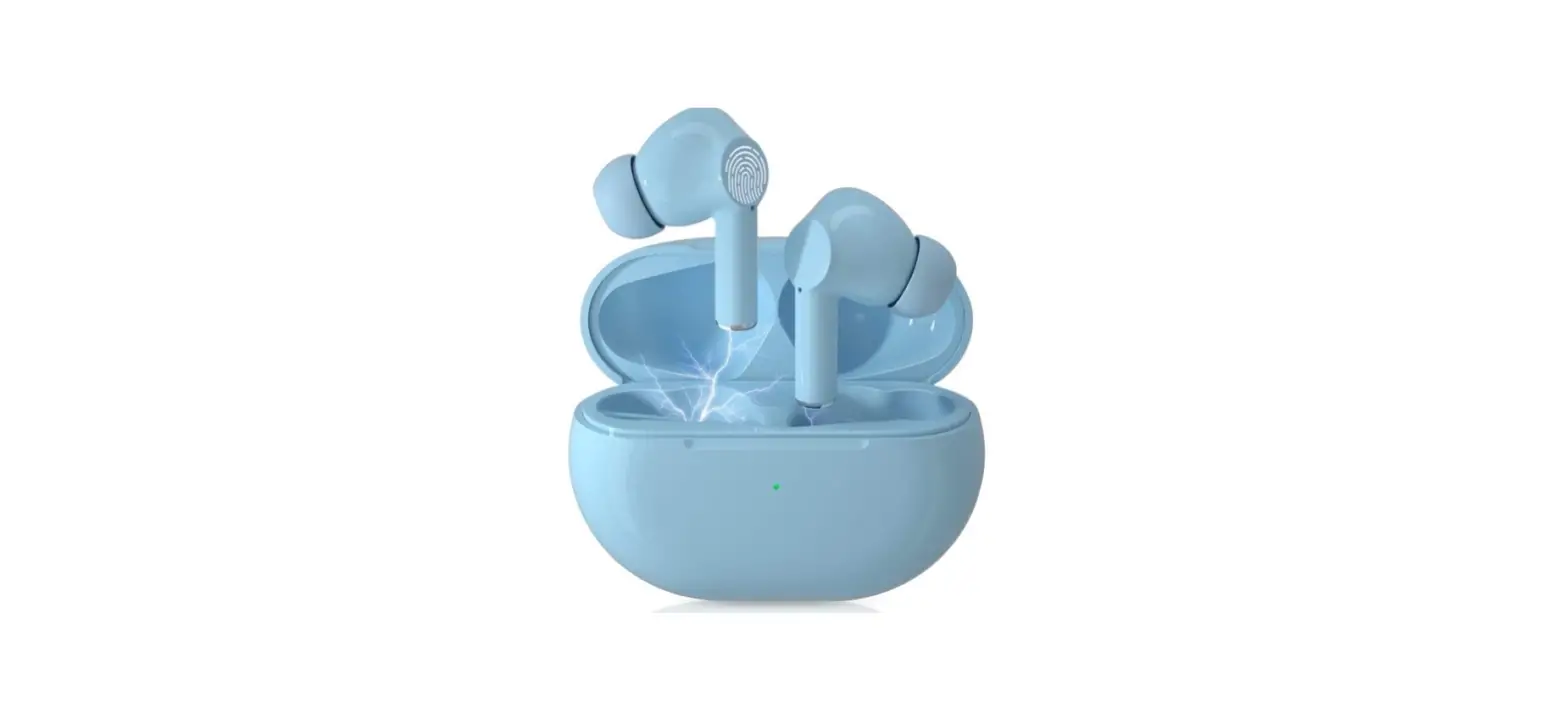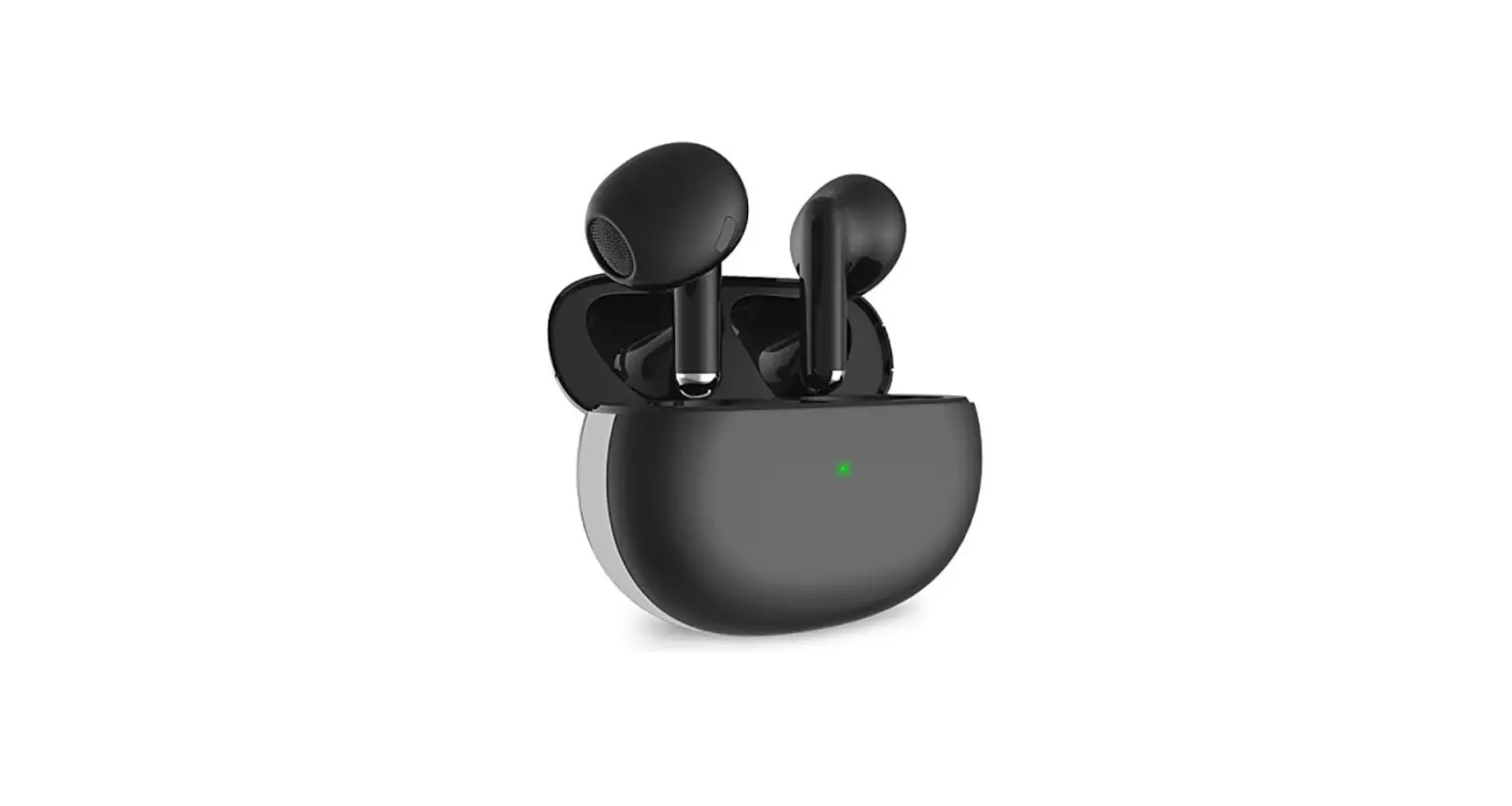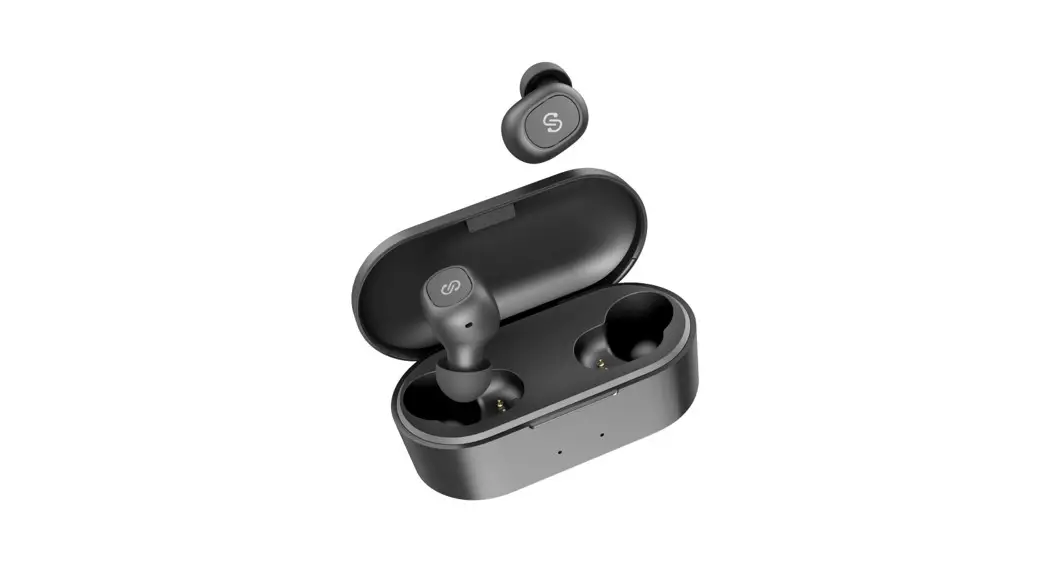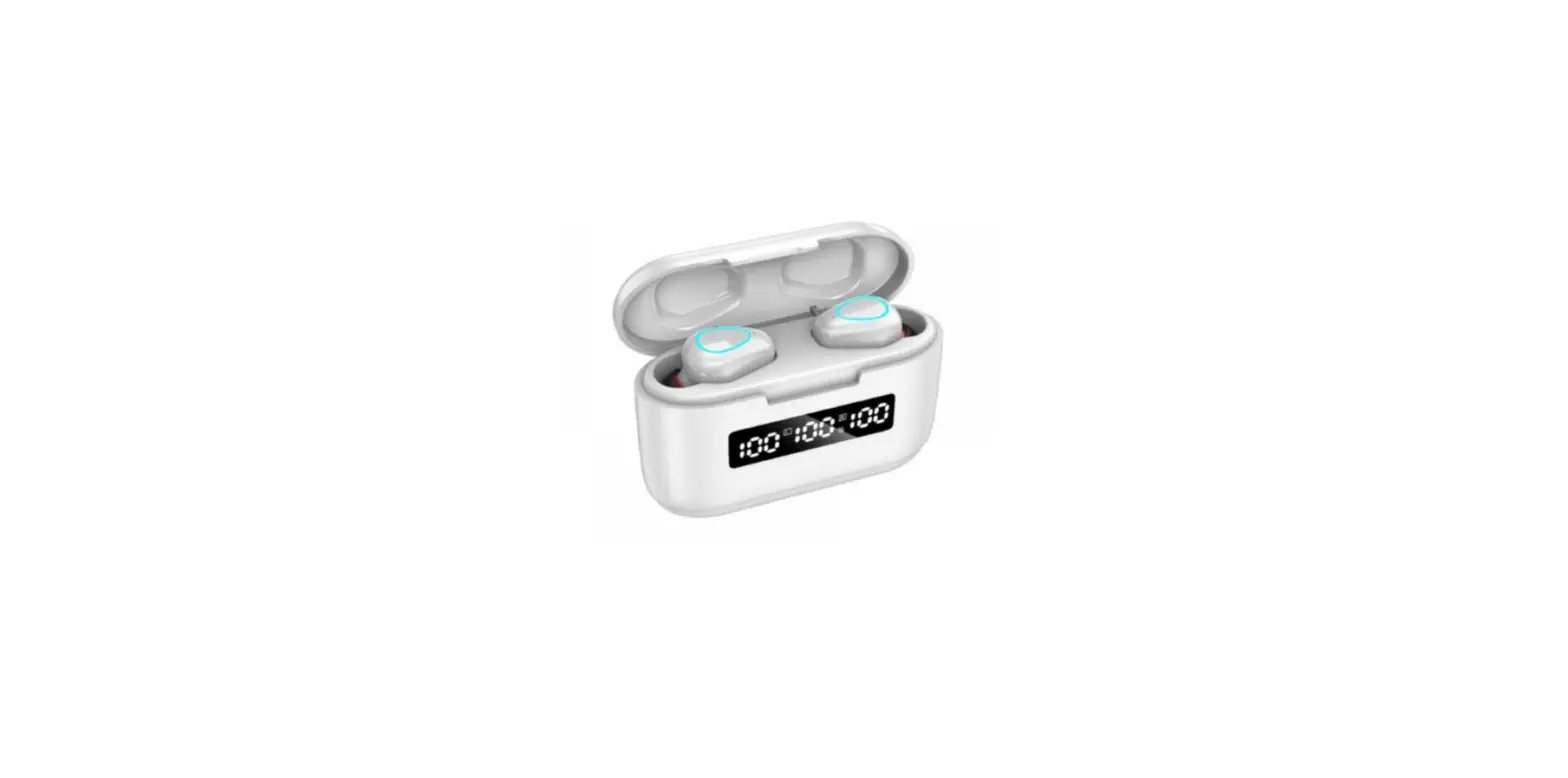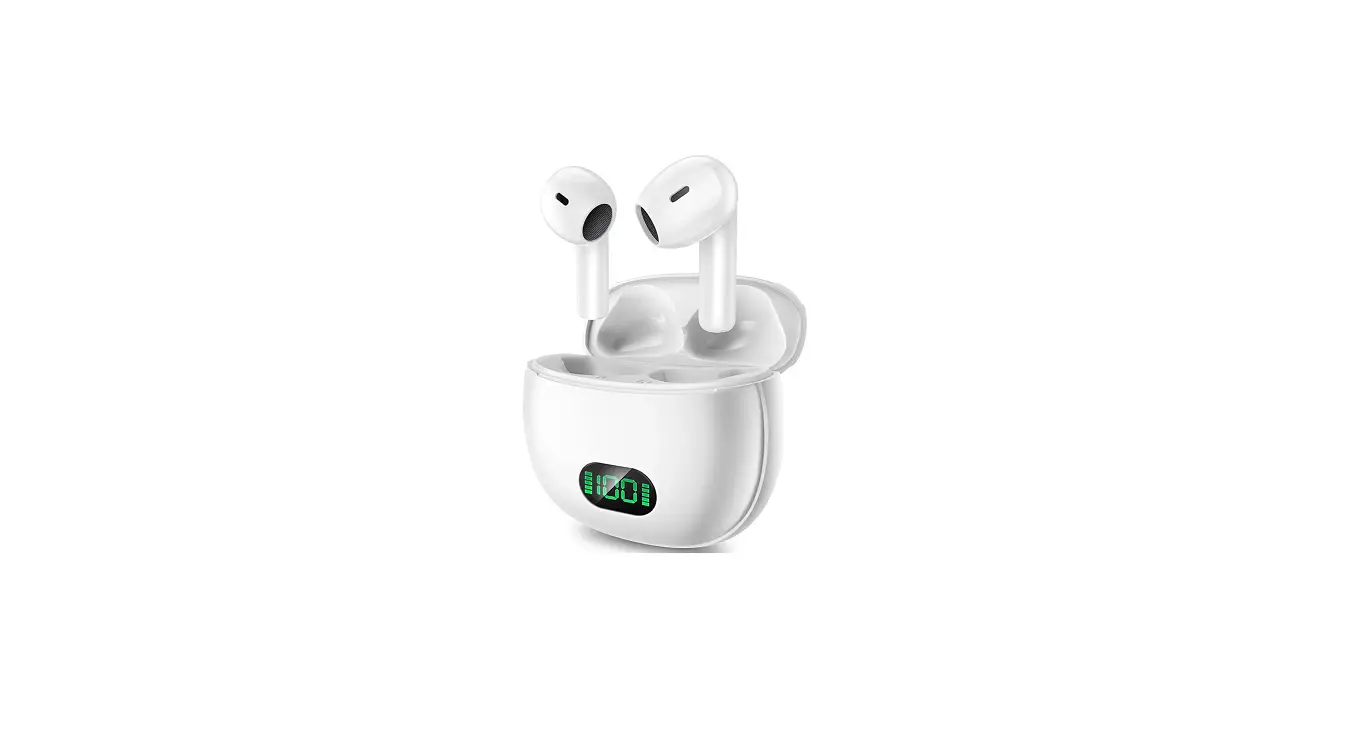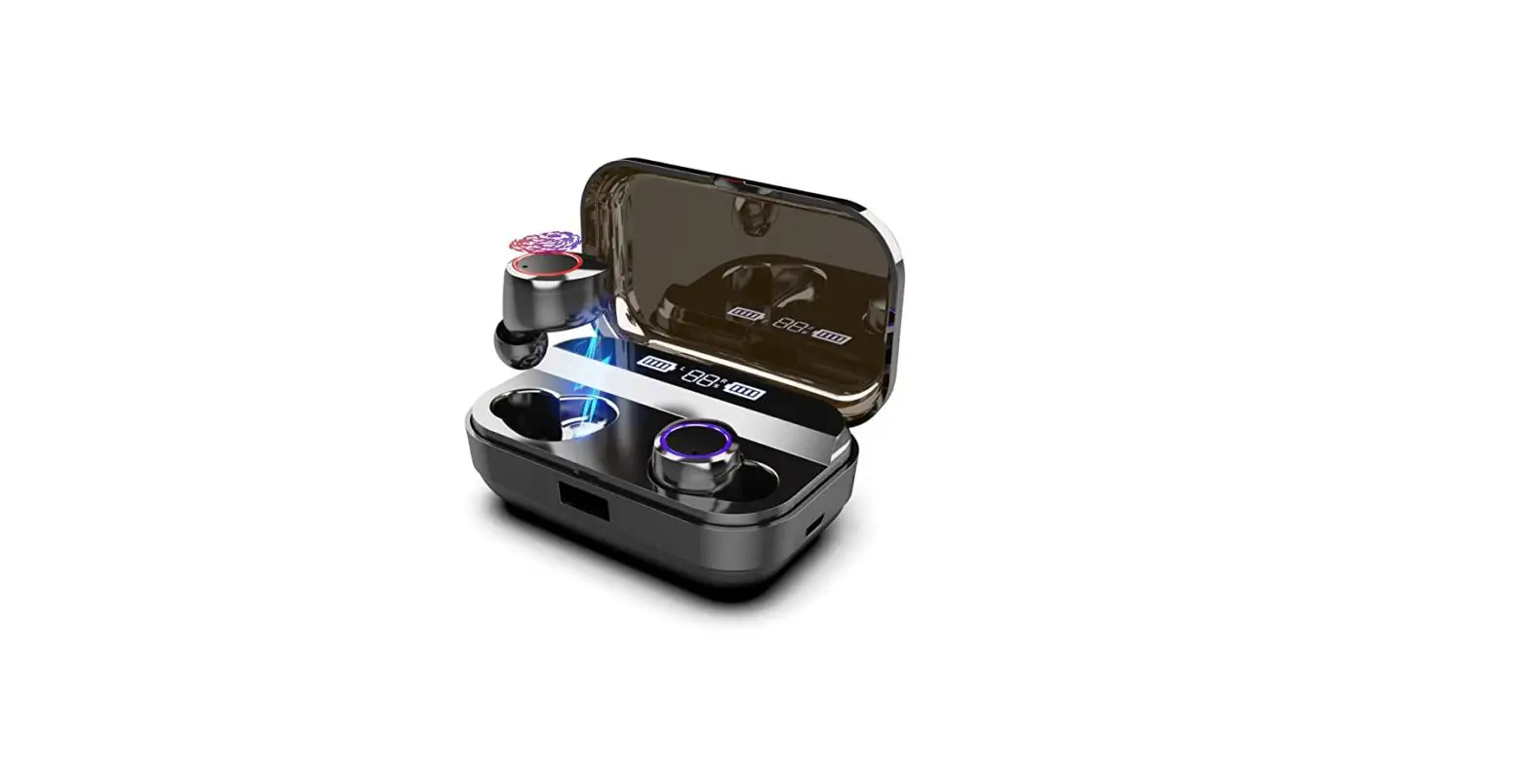

Bonweise Pea00017bku5 Wireless Earbuds Bluetooth Headphones User Guide

Bonweise Pea00017bku5 Wireless Earbuds Bluetooth Headphones User Guide

Bonweise

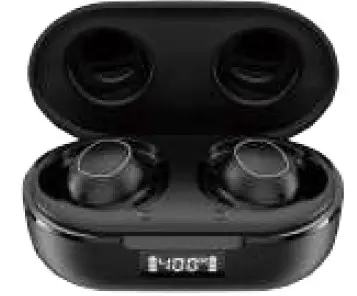
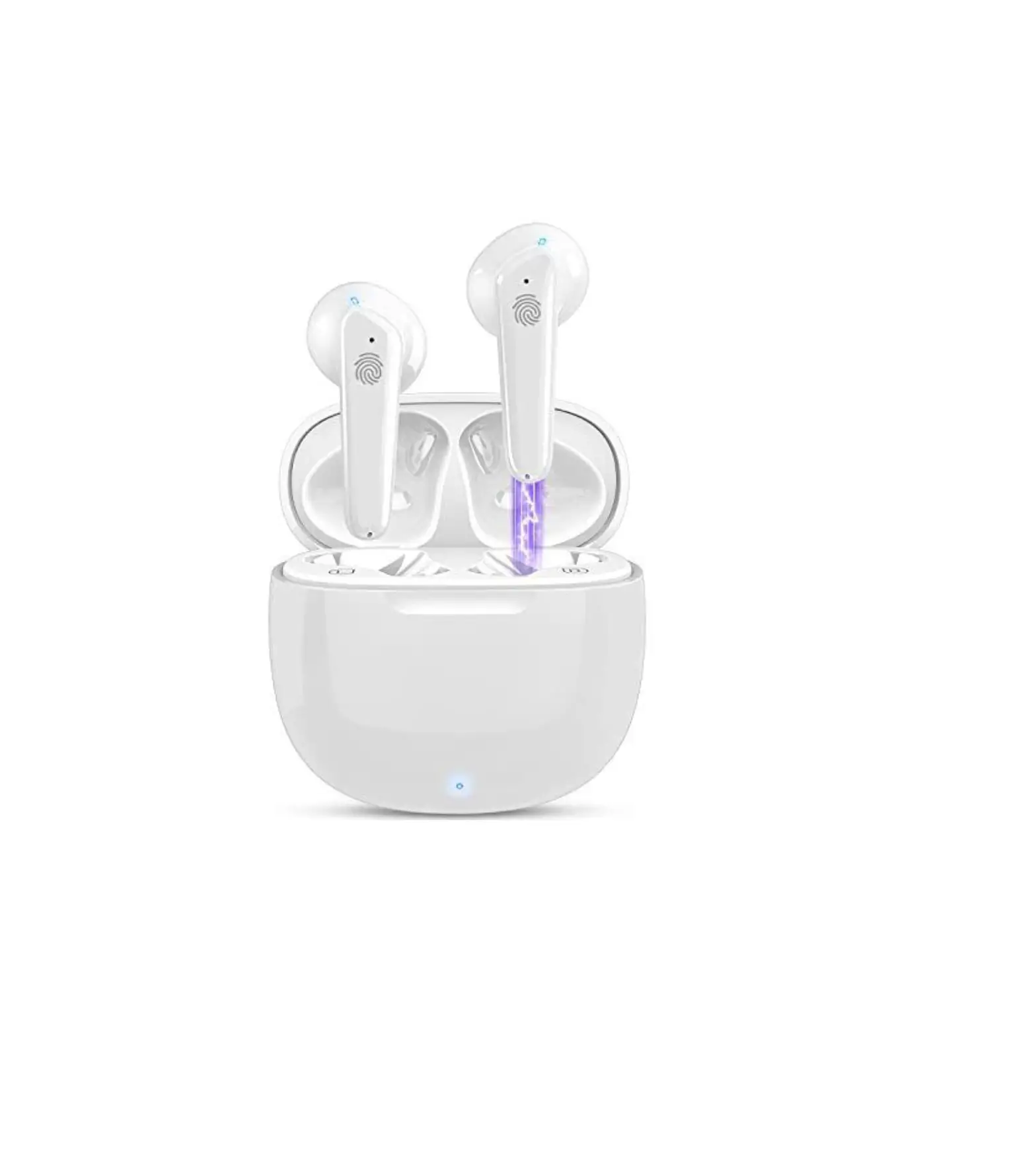
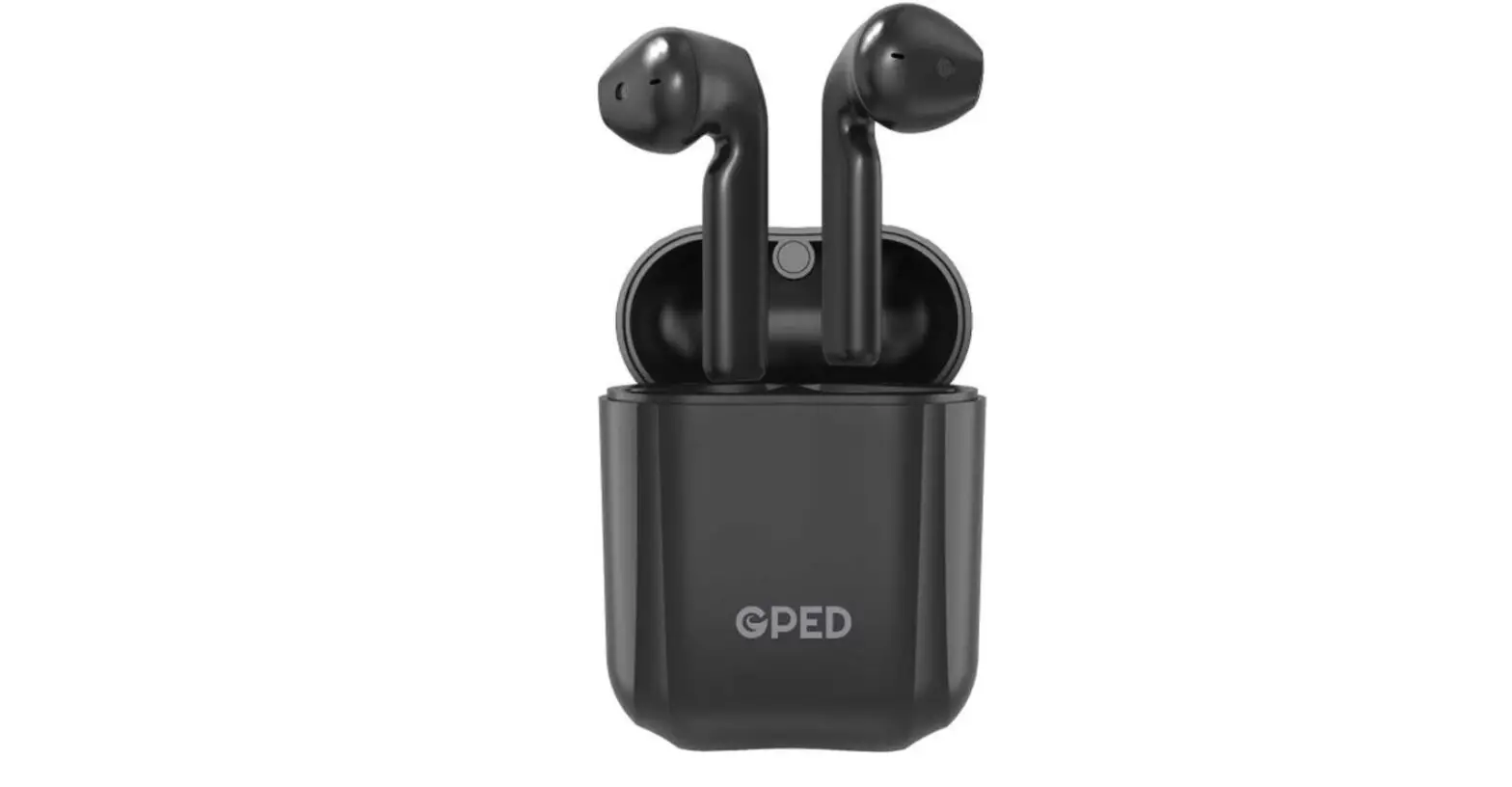
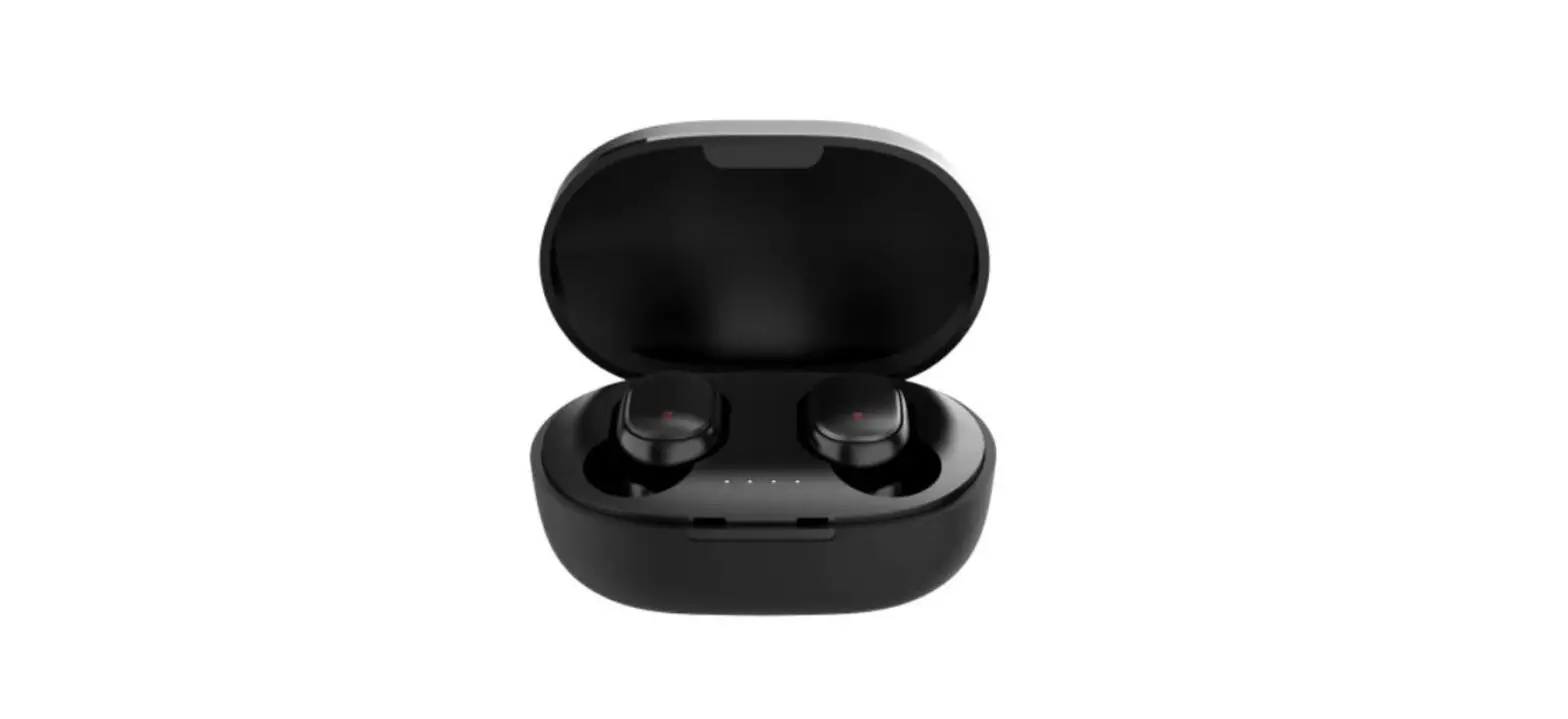
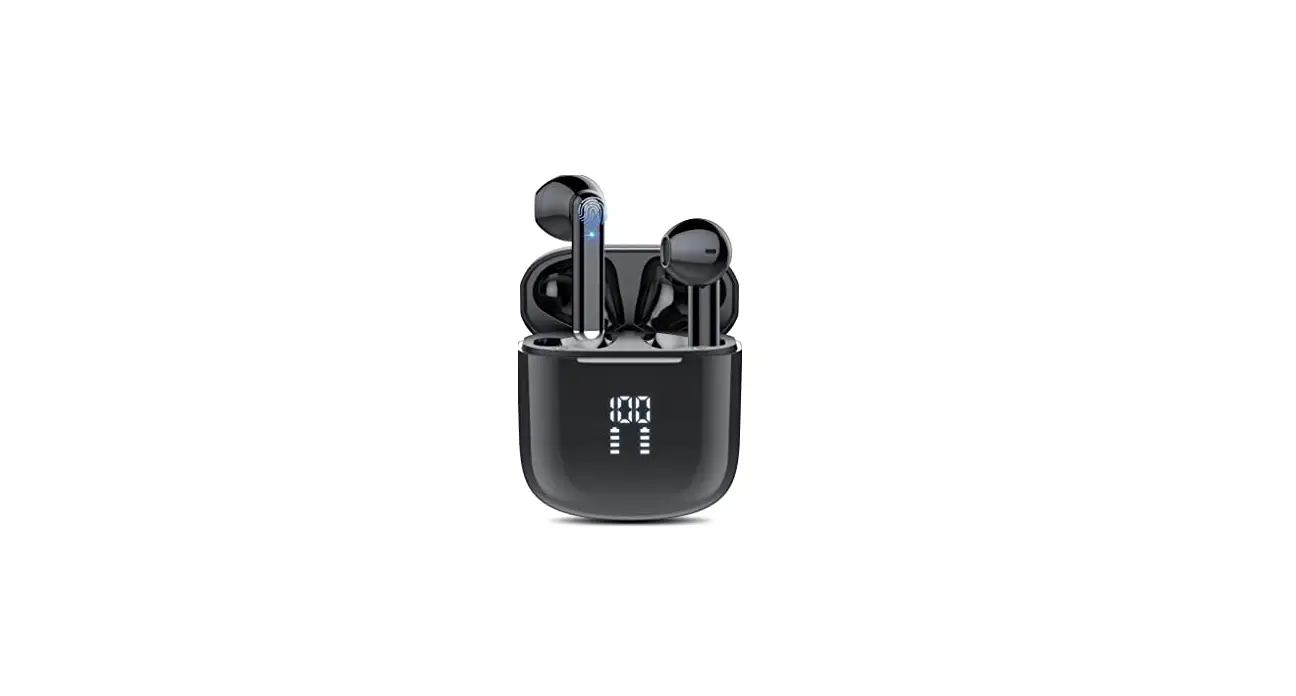
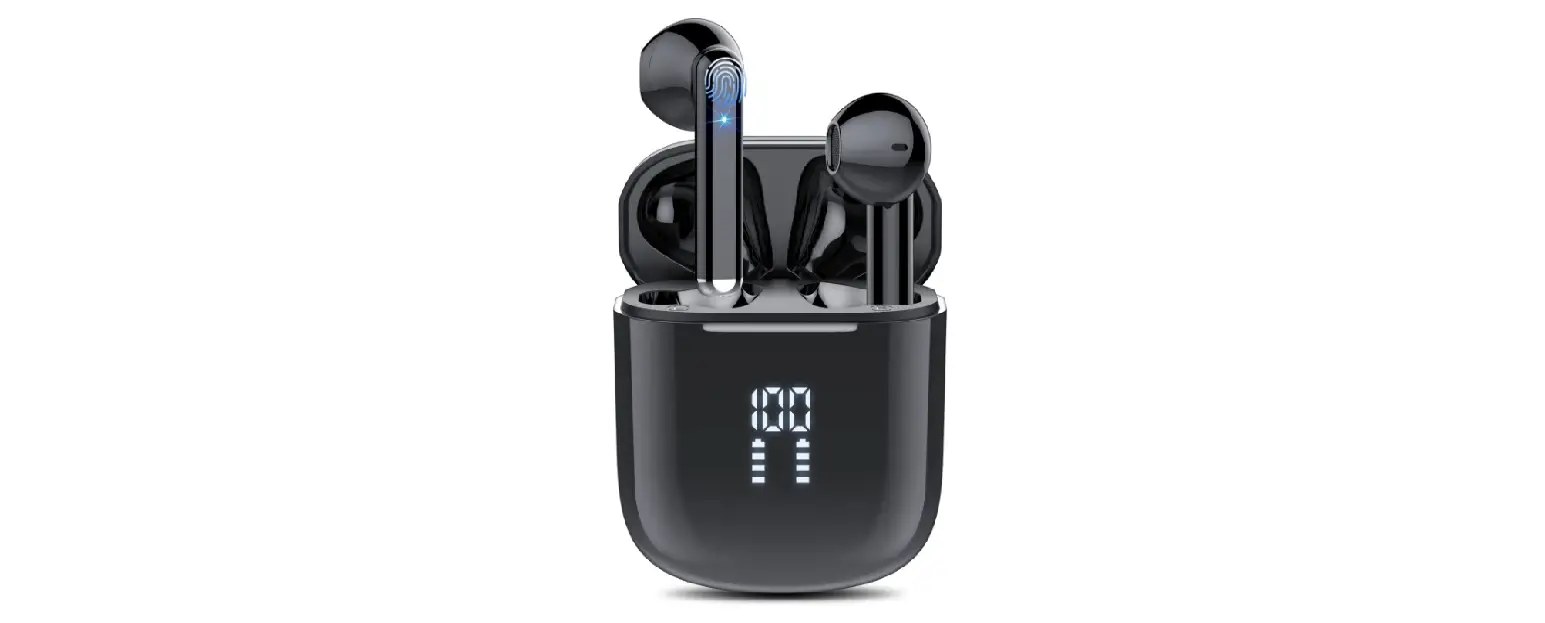
Bonweise PEA00017BKU5 Wireless Earbuds Bluetooth Headphones
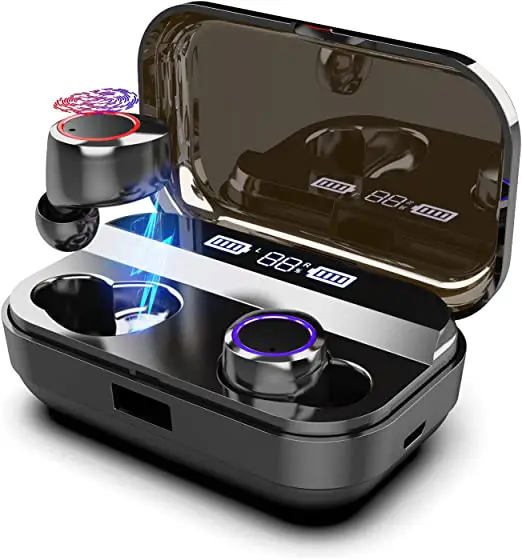
Bonweise PEA00017BKU5 Wireless Earbuds Bluetooth Headphones Product

Instructions

Bluetooth

Bonweise PEA00017BKU5 Wireless Earbuds Bluetooth Headphones (1)

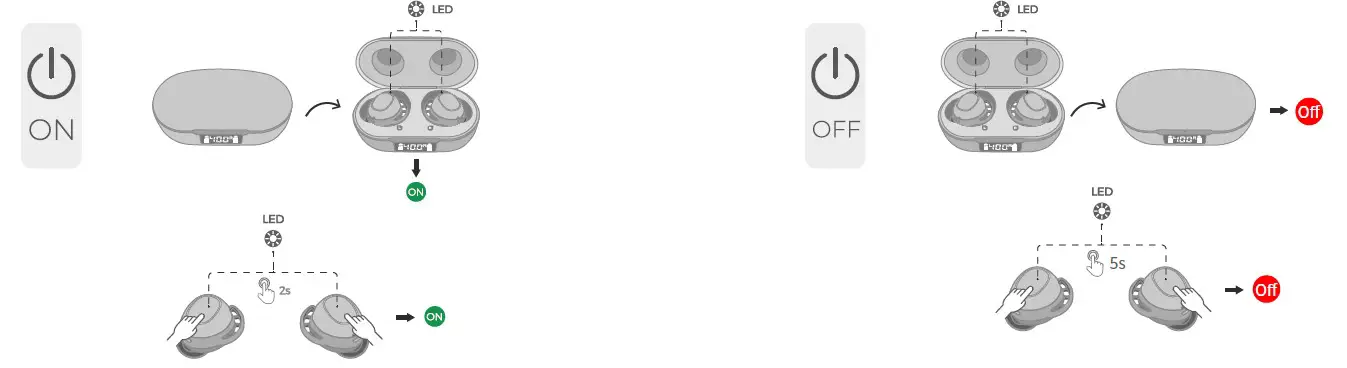
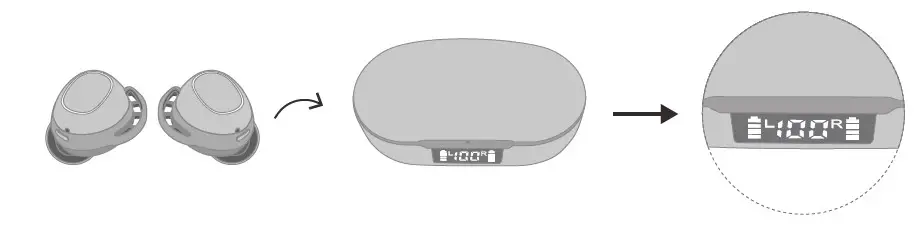
  • Open the charging case, and both earbuds will power on and enter pairing mode and the LED light will flash red and white alternatelyBonweise PEA00017BKU5 Wireless Earbuds Bluetooth Headphones (2)
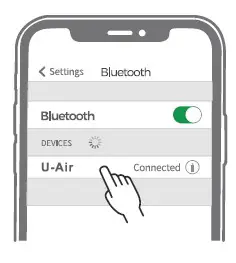
  • Search Bluetooth name U-Air ” and select it in your mobile phone
Music

Bonweise PEA00017BKU5 Wireless Earbuds Bluetooth Headphones (3)

  • Pause/Play: Click the left/right earBonweise PEA00017BKU5 Wireless Earbuds Bluetooth Headphones (4)
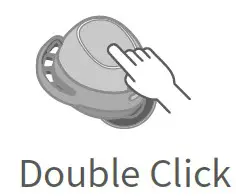
  • In a song: Double click on the left earBonweise PEA00017BKU5 Wireless Earbuds Bluetooth Headphones (5)
  • The next song: Double-click on the right ear

Phone
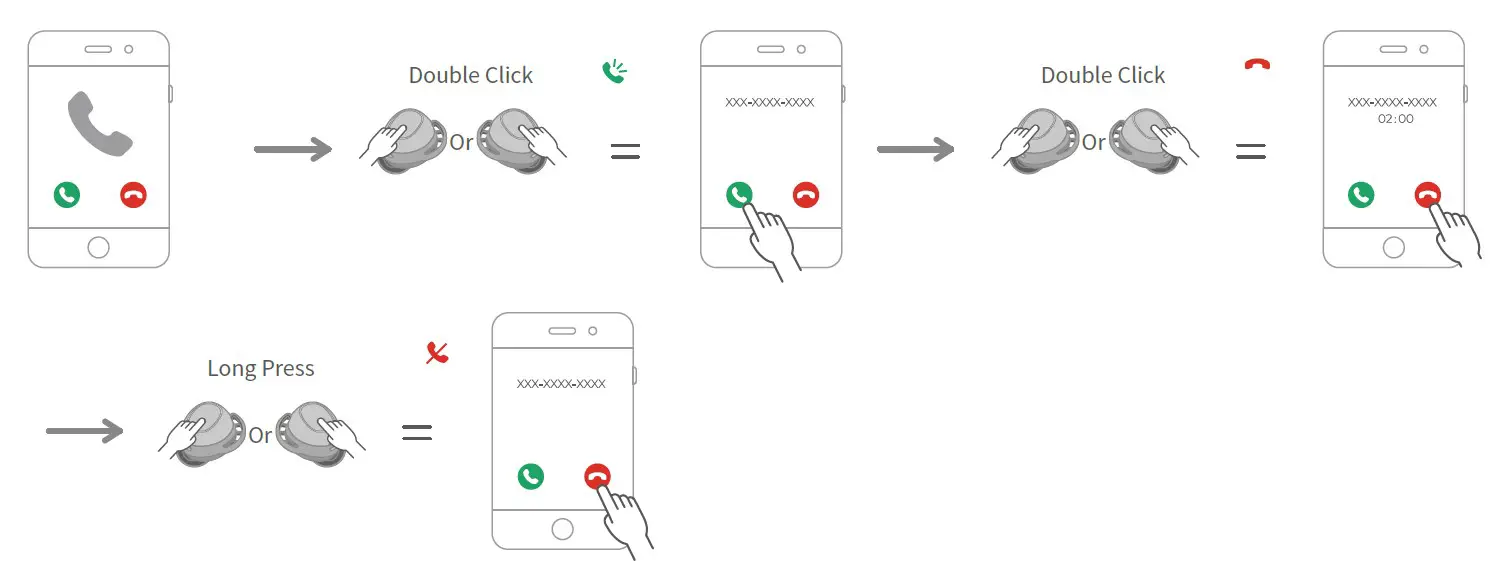
Bonweise PEA00017BKU5 Wireless Earbuds Bluetooth Headphones (6)

OFF

Bonweise PEA00017BKU5 Wireless Earbuds Bluetooth Headphones (7)

Battery

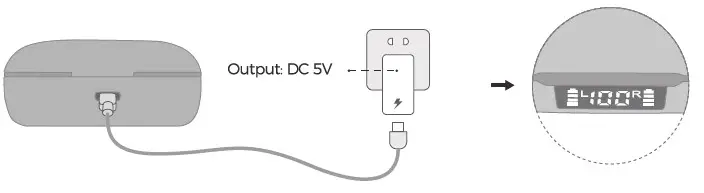
Bonweise PEA00017BKU5 Wireless Earbuds Bluetooth Headphones (8)

  • The charging time is about 1.5 hoursBonweise PEA00017BKU5 Wireless Earbuds Bluetooth Headphones (9)
  • The charging time is about 2 hours
Documents / Resouces

Download manual
Here you can download full pdf version of manual, it may contain additional safety instructions, warranty information, FCC rules, etc.


Related Manuals