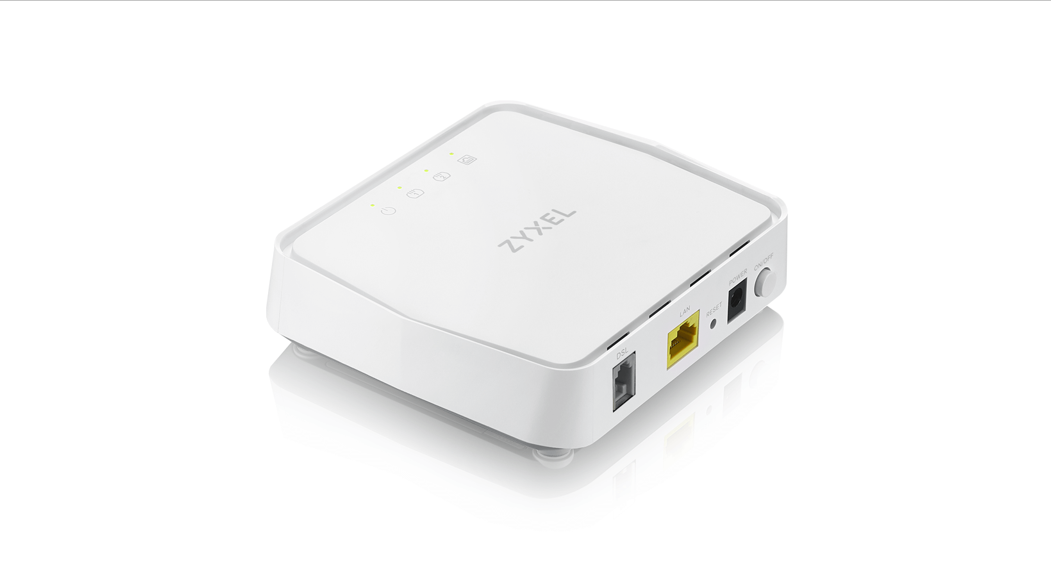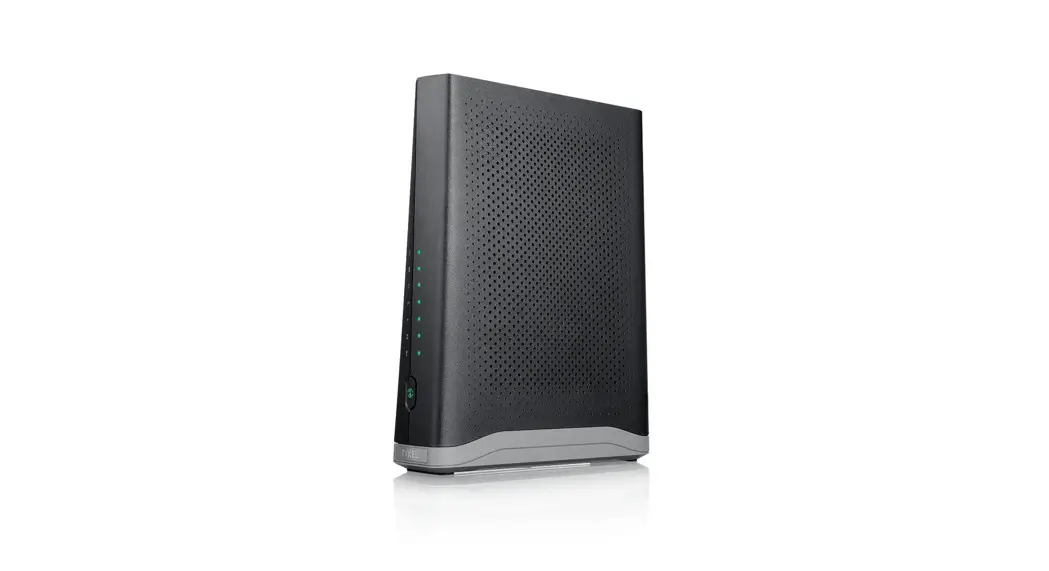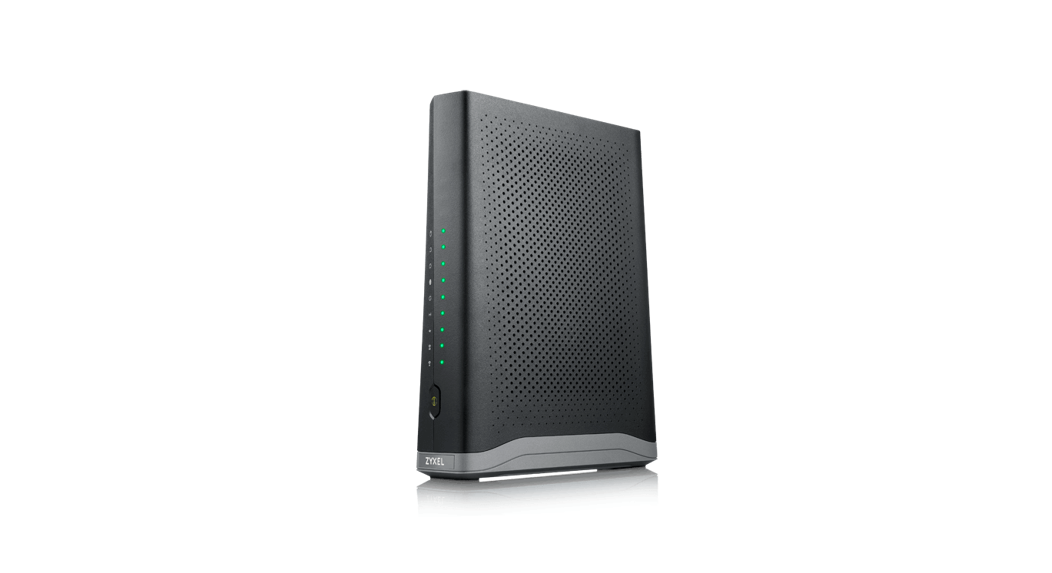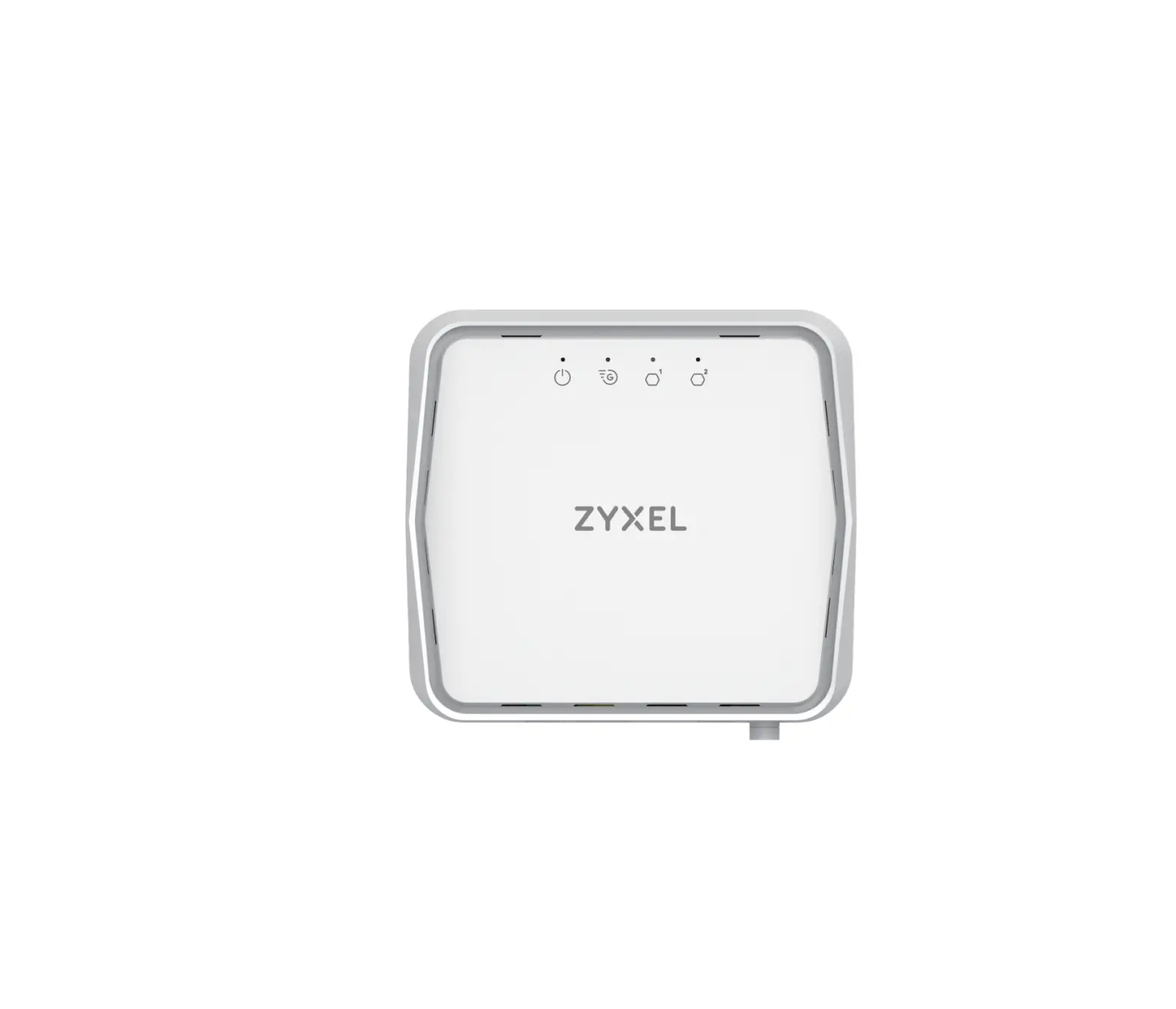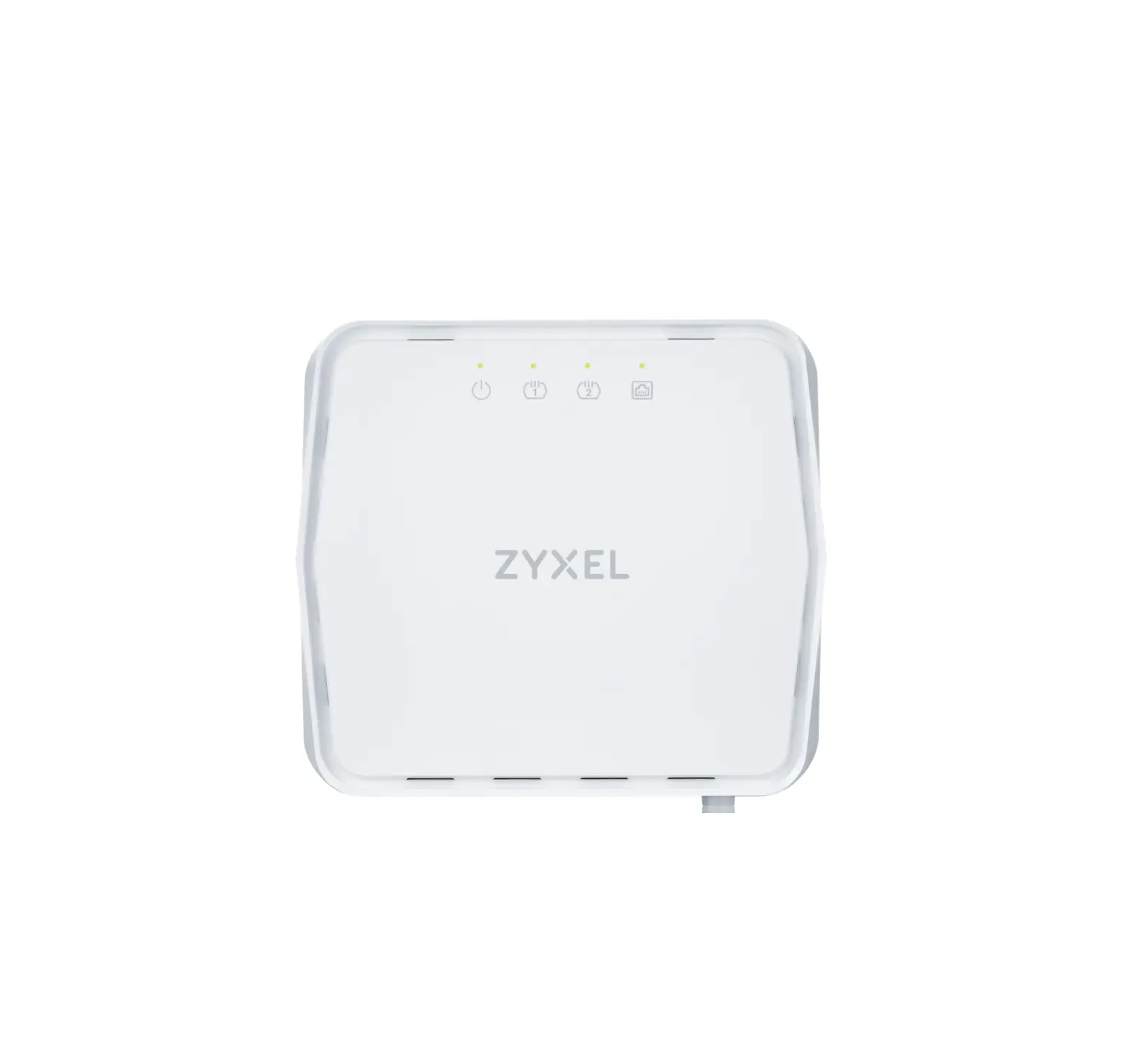
ZYXEL DM4200-B0 VDSL2 35b Bonding Bridge
Support Information
 https://service-provider.zyxel.com/global/en/tech-support
See the User’s Guide at www.zyxel.com for more information, including customer support and safety warnings.
EU Importer
Zyxel Communications A/S
Gladsaxevej 378, 2. th. 2860 S0borg, Denmark https://www.zyxel.com/d%20k/da/
Copyright© 2023 Zyxel and/or its affiliates. All Rights Reserved.
Hardware Installation
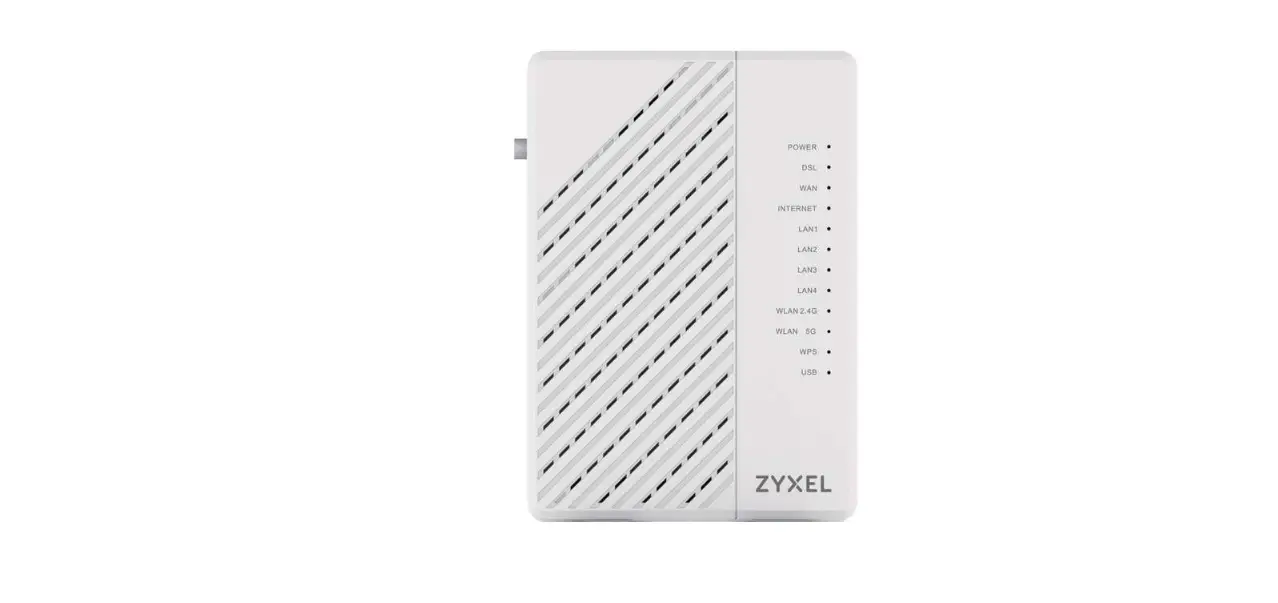
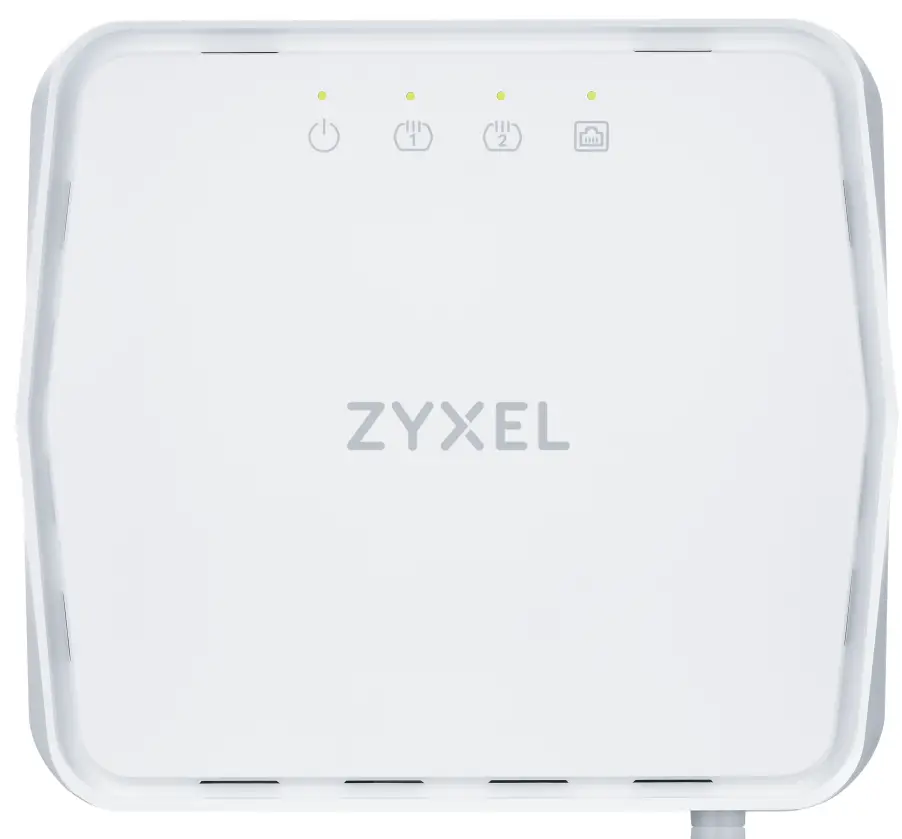
| POWER | Green Red | Blinking – Booting stage, device is getting ready for use. On – Device is ready for use. On – System failure. |
| DSL | Green | On – VDSL/ADSL link is up. Blinking (slow) – Link is down and trying to detect carrier signal. Blinking (fast) – Initializing the link. |
| Ethernet LAN | Green | On – Ethernet LAN connection is up. Blinking – Transmitting/receiving LAN data. |
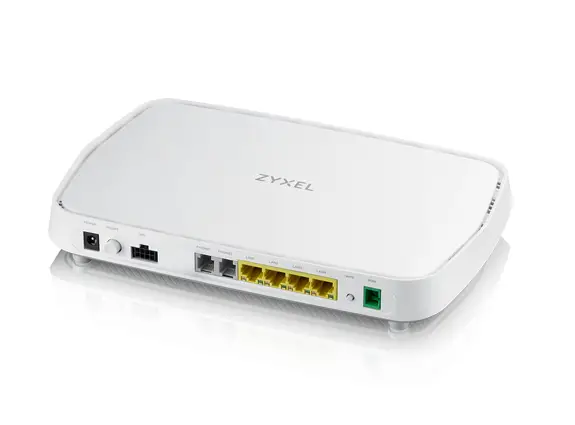
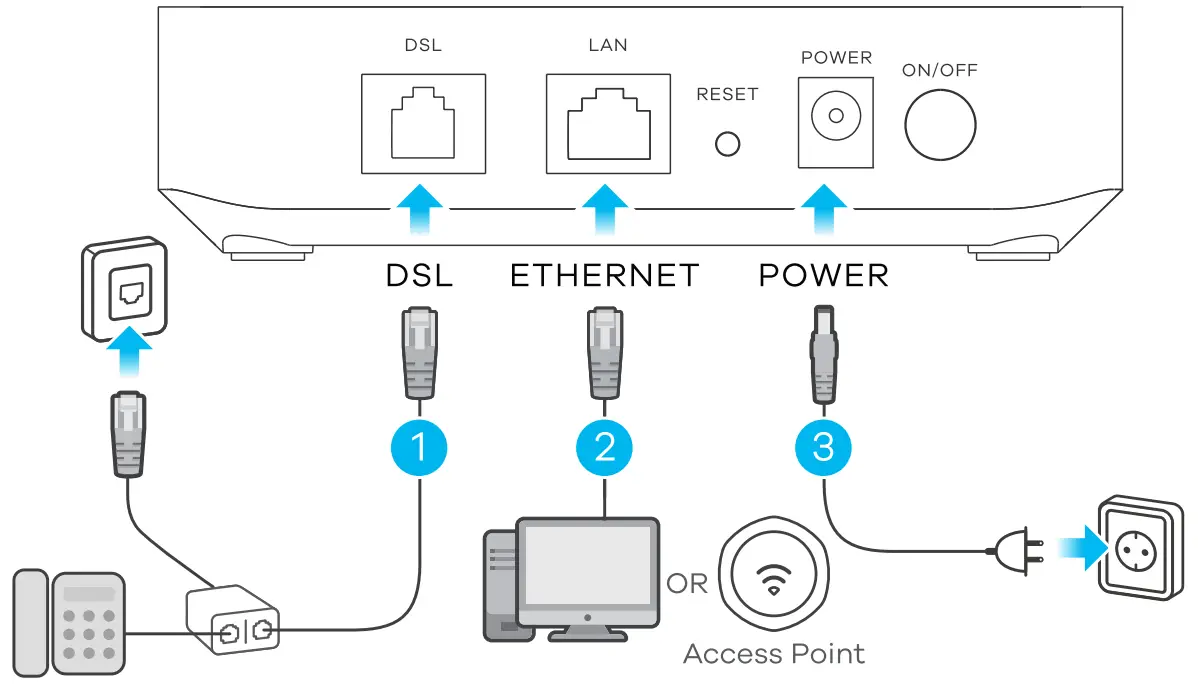
- Use a phone cable to connect the DSL port to a DSL splitter or directly to the telephone wall outlet.
- Connect a computer or Access Point to the LAN port using an Ethernet cable.
- Use the included power adapter to connect the power socket to an appropriate power source. Press the POWER button to turn on the Zyxel Device.
- Check that the LED lights are already on.
Wall Mounting (Optional)
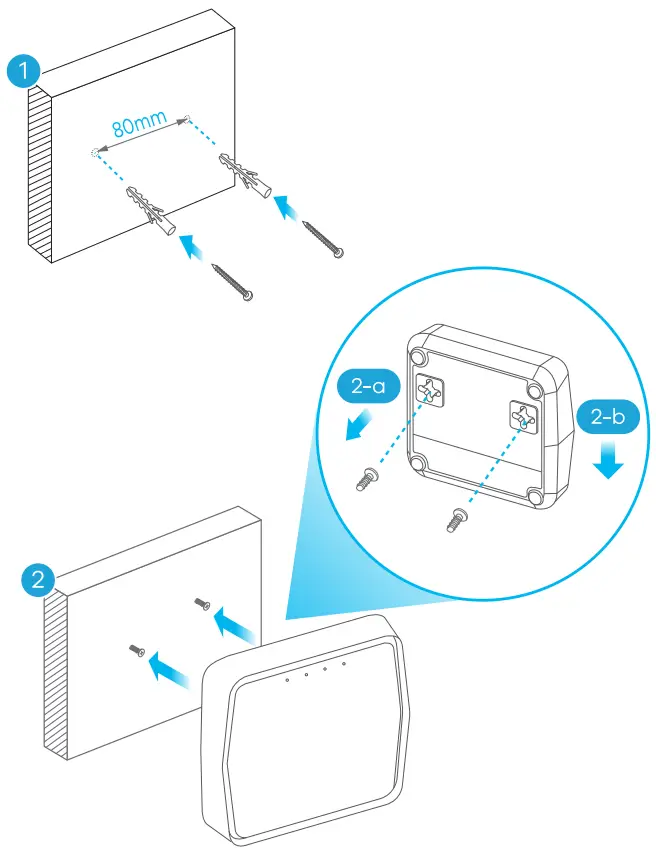
* Do not wall-mount this device over the height of 2 m.
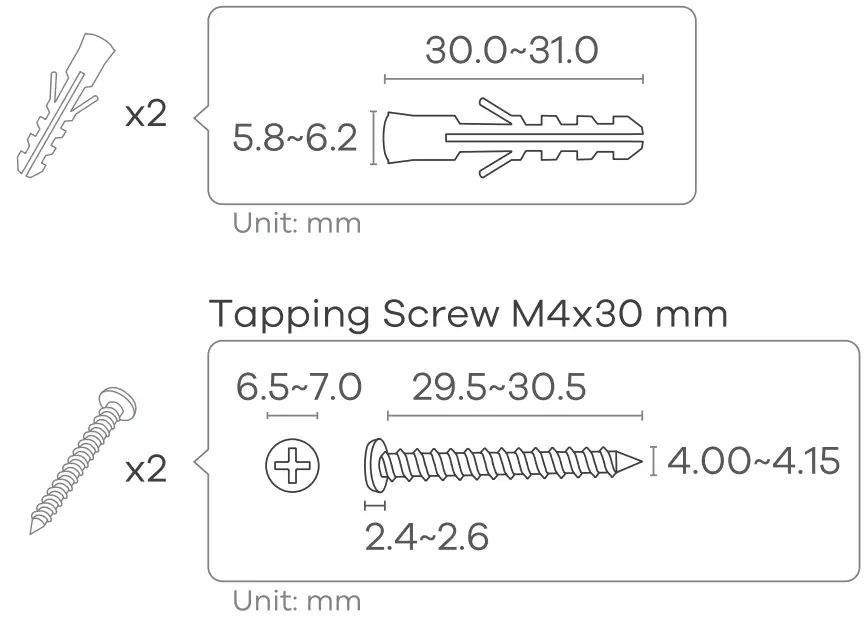
- (Optional) Drill two holes on the wall at the distance of 80 mm. Insert the screw anchors and screws (not provided).
(2-a) Place the Zyxel Device so the wall mount holes line up with the screws.
(2-b) Slide the Zyxel Device down gently to fix it into place.
Drilling Guide
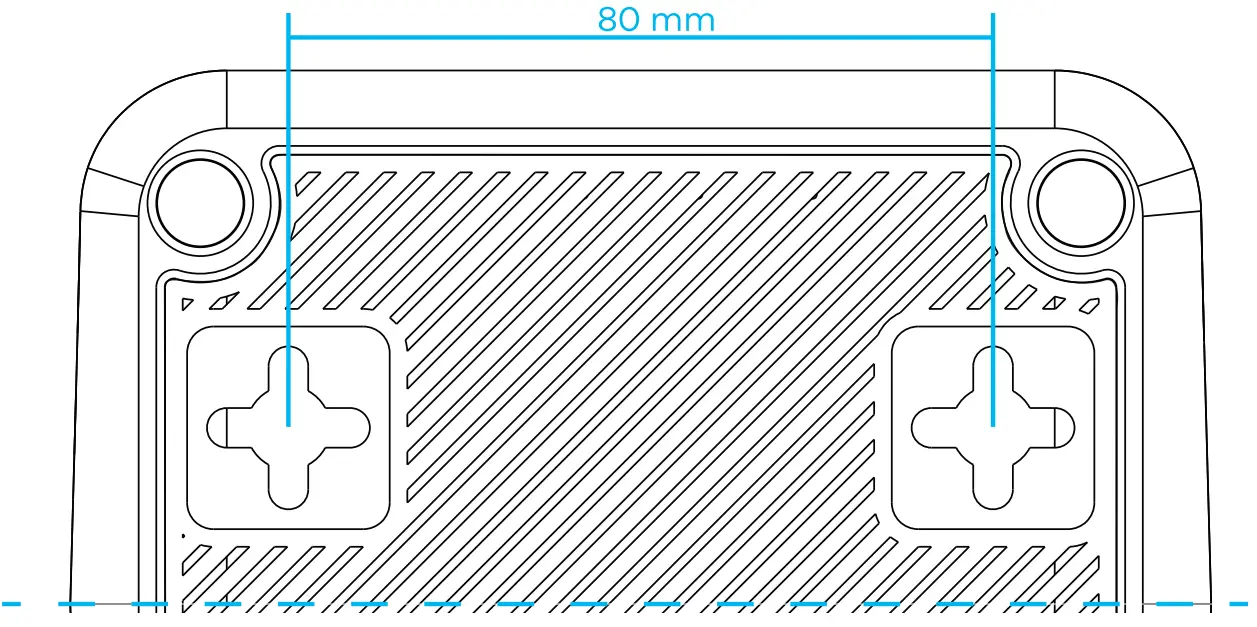
- Place this Quick Start Guide on the wall and use it to mark the holes for drilling.
- Use a 6.0-6.5 mm-size drill bit to drill two holes in the wall to a depth of 32 mm.