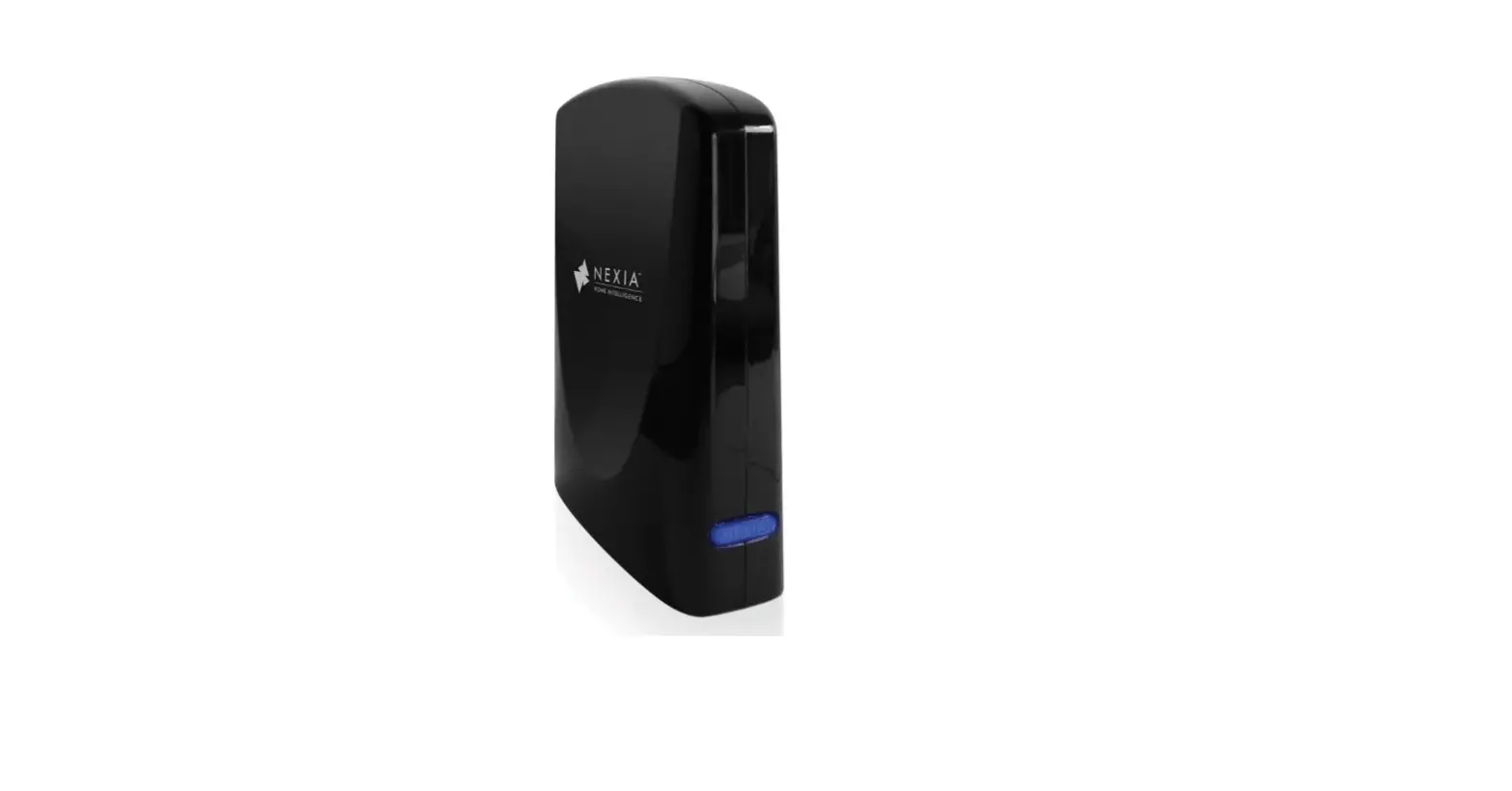

Nexia BR100NX Z-Wave Bridge
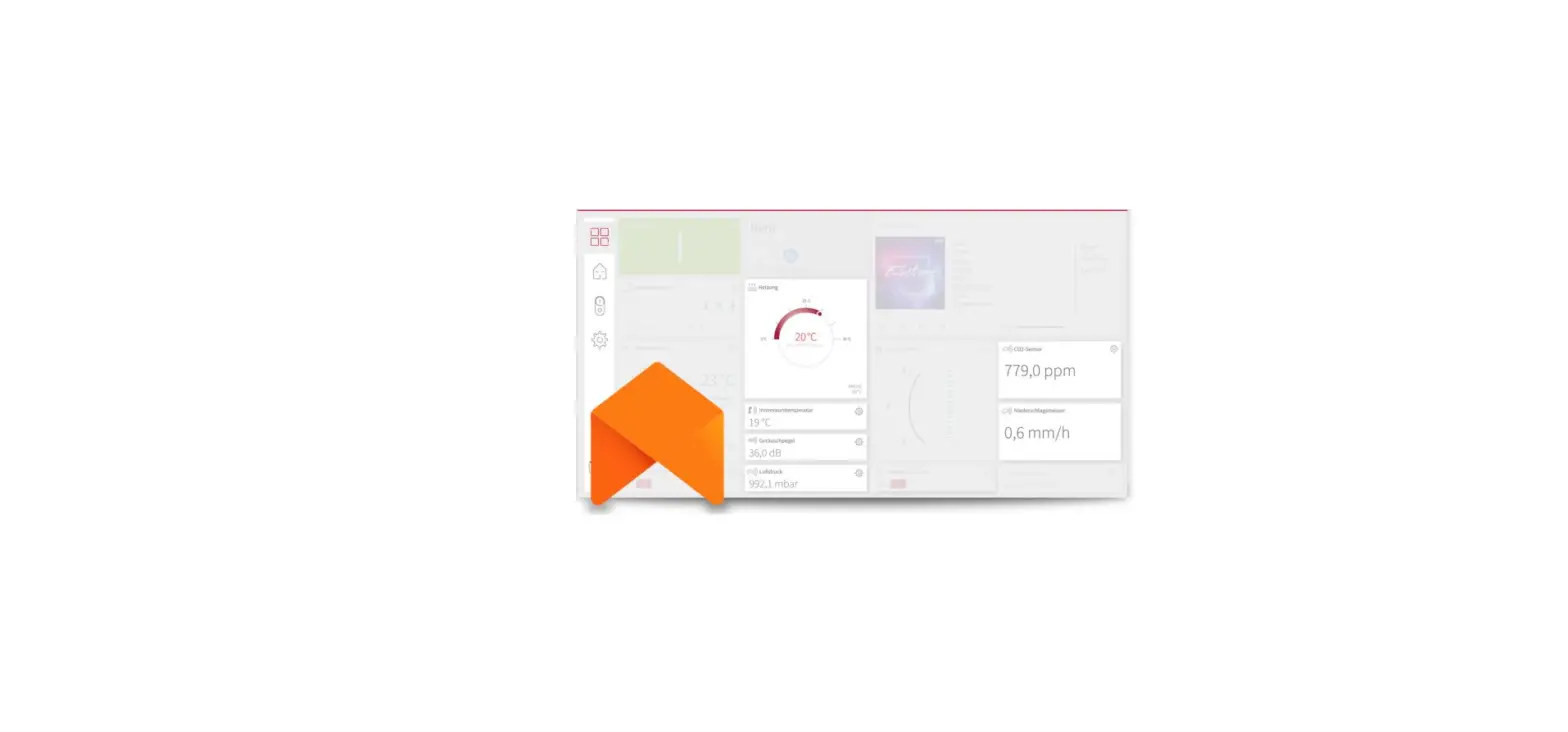
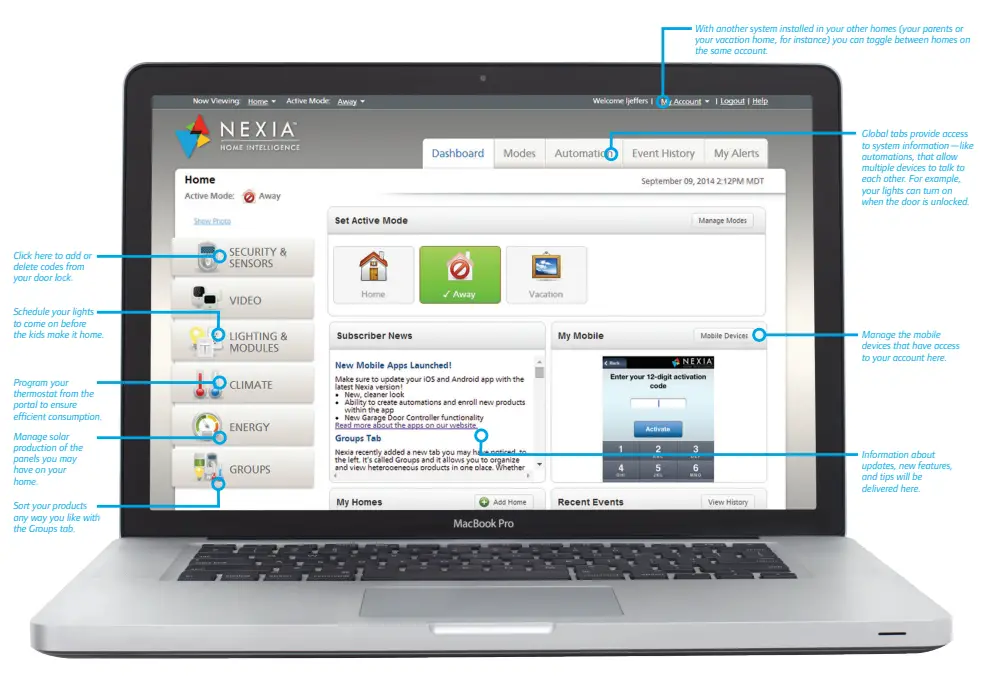
Your Nexia Home Intelligence Dashboard
IMPORTANT TIPS
Remember, you can add home automation devices to the Nexia Home Intelligence system at any time. Simply visit nexiahome.com to learn about other components available for purchase, including lighting control, advanced thermostats, and door and window sensors. And stop by regularly—home automation technology is continuously evolving as we seek ways to innovate the home and provide you with greater control, functionality, and peace of mind.
- Place your Nexia Home Bridge in an open space where it doesn’t come into contact with other electronic devices.

- Make sure to reset pre-existing factory codes on your Keypad Lock or Touchscreen Deadbolt to ensure only you have access to your home.
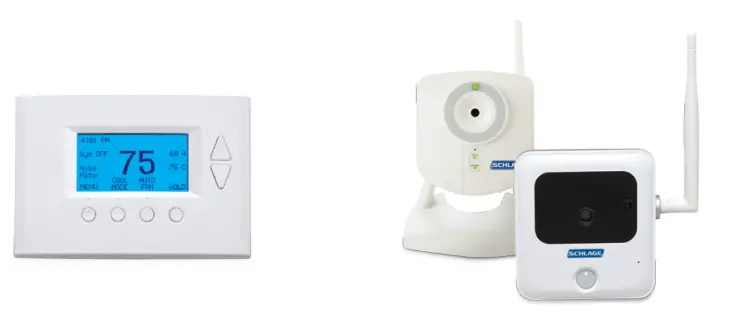
- It’s important to set-up all of the general user settings (i.e. date, time) manually on your thermostat before enrolling into your Nexia Home Bridge.

- Video for Schlage Home Cameras is available in both low and high resolution. Visit the Camera portion of the portal for more details and pricing options.
- Only Incandescent bulbs work with the Schlage Home Dimmer Module. The Schlage Appliance Module can use either incandescent or CFL bulbs.

- Make sure to create a descriptive name for your sensor including the location so you can easily distinguish between multiple sensors in your account.
MORE THAN JUST CUSTOMER SERVICE
Once you enroll your devices and activate your subscription, you can expect ongoing communications and customer support in a variety of forms!
Toll-free Customer Service
1-877-288-7707
Available Monday-Friday 9a – 8p EST, Saturday 10a – 6p EST, and Sunday 11a – 4p
Social Media
Join us online at
facebook.com/NexiaHome
twitter.com/NexiaHome
youtube.com/NexiaHome
Online Support Center
Preview online support at mynexia.helpdocsonline.com
Subscriber Community
We will invite you to our exclusive online subscriber community once you activate your account.
Online Setup and Installation Resources at nexiahome.com/faq Setting up Nexia is easy with installation and user guides, videos, and more.
Nexia™ Home Intelligence
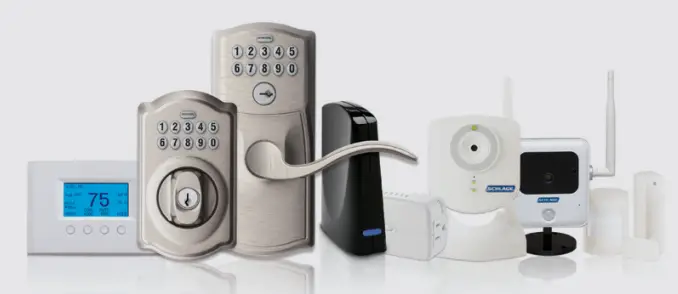
Home automation is made it simple because now you stay connected everywhere you go.Nexia™ Home Intelligence is a simple, intuitive home
automation technology that you can easily control right from your smartphone, tablet or computer. Whether you’re at work, running errands, sitting in traffic, or out of town, you can do things like unlock the front door, adjust heating and cooling, and even manage home security and energy consumption.
Your home may come pre-installed with any of the following:*
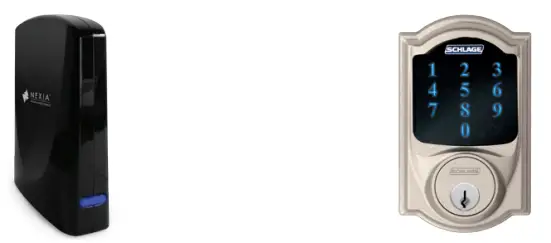
- Schlage® Home Touchscreen Deadbolt, Keypad Deadbolt or Lever
- Trane® or American Standard® Home Energy Management Thermostat
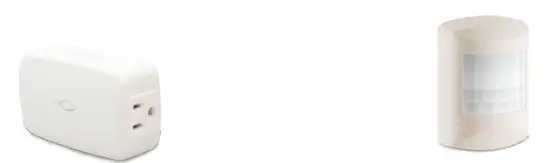
- Schlage® Home Dimmer Module
- Schlage® Home Door/Window or Motion Sensor
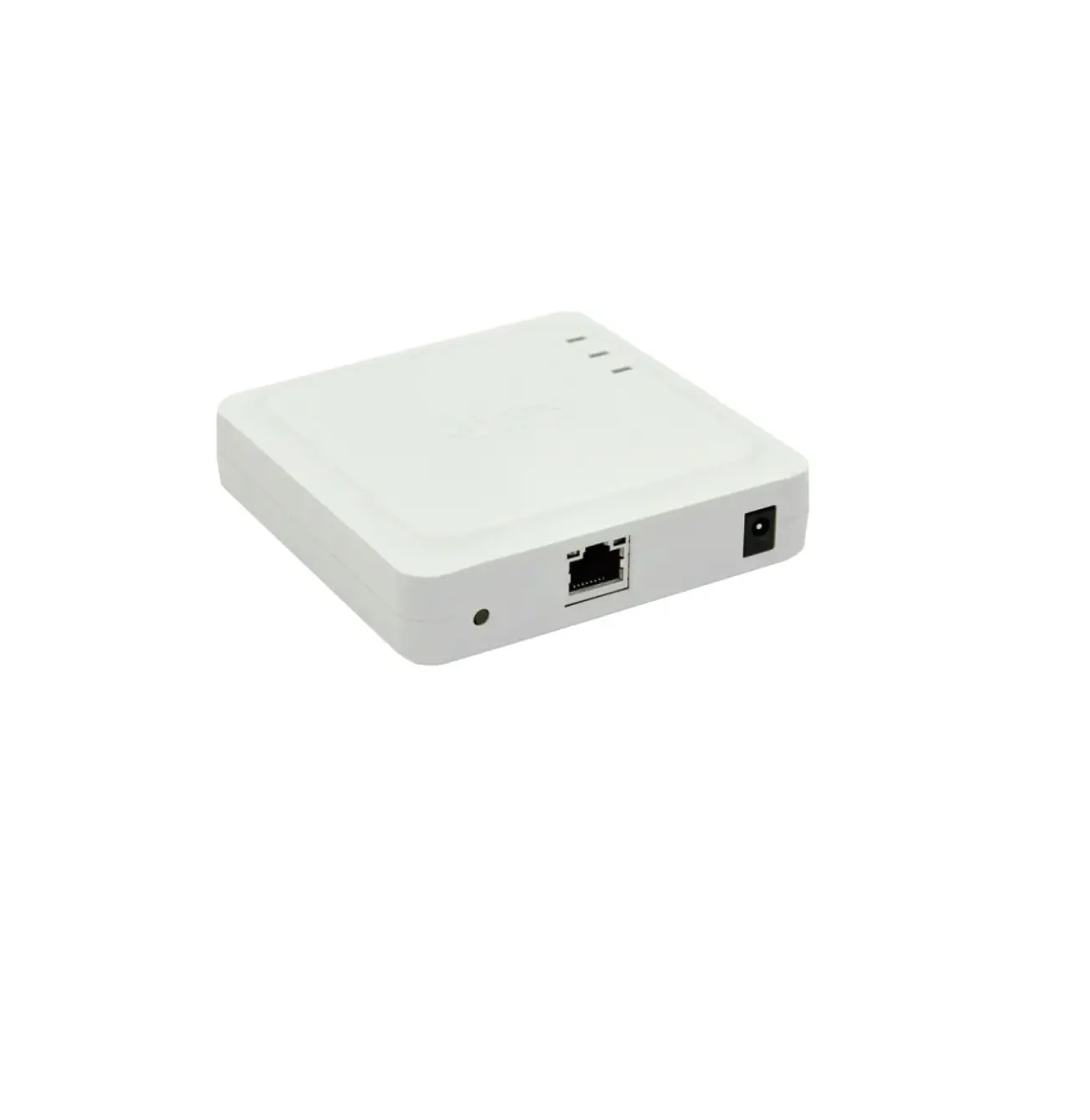
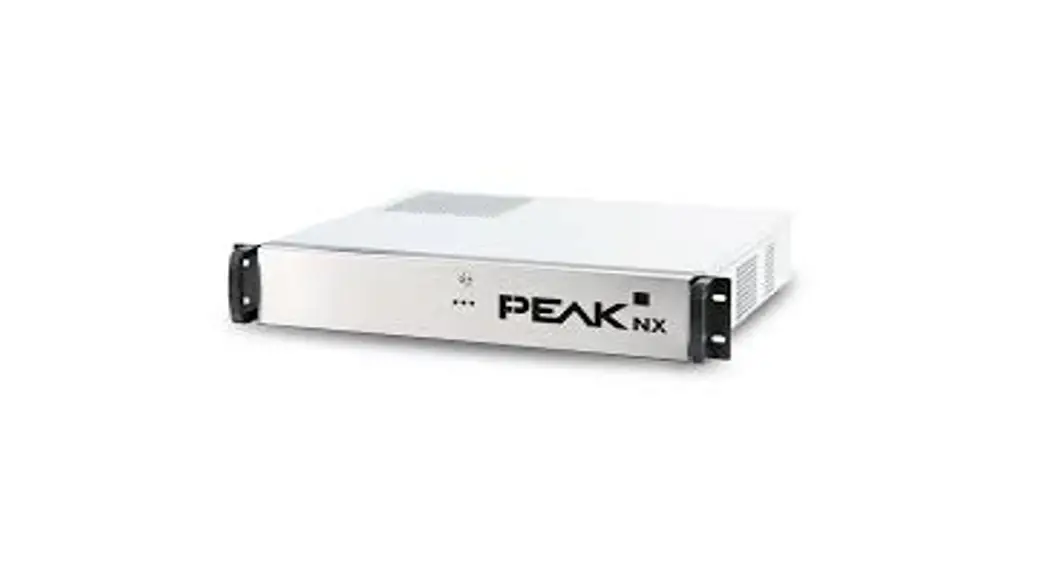
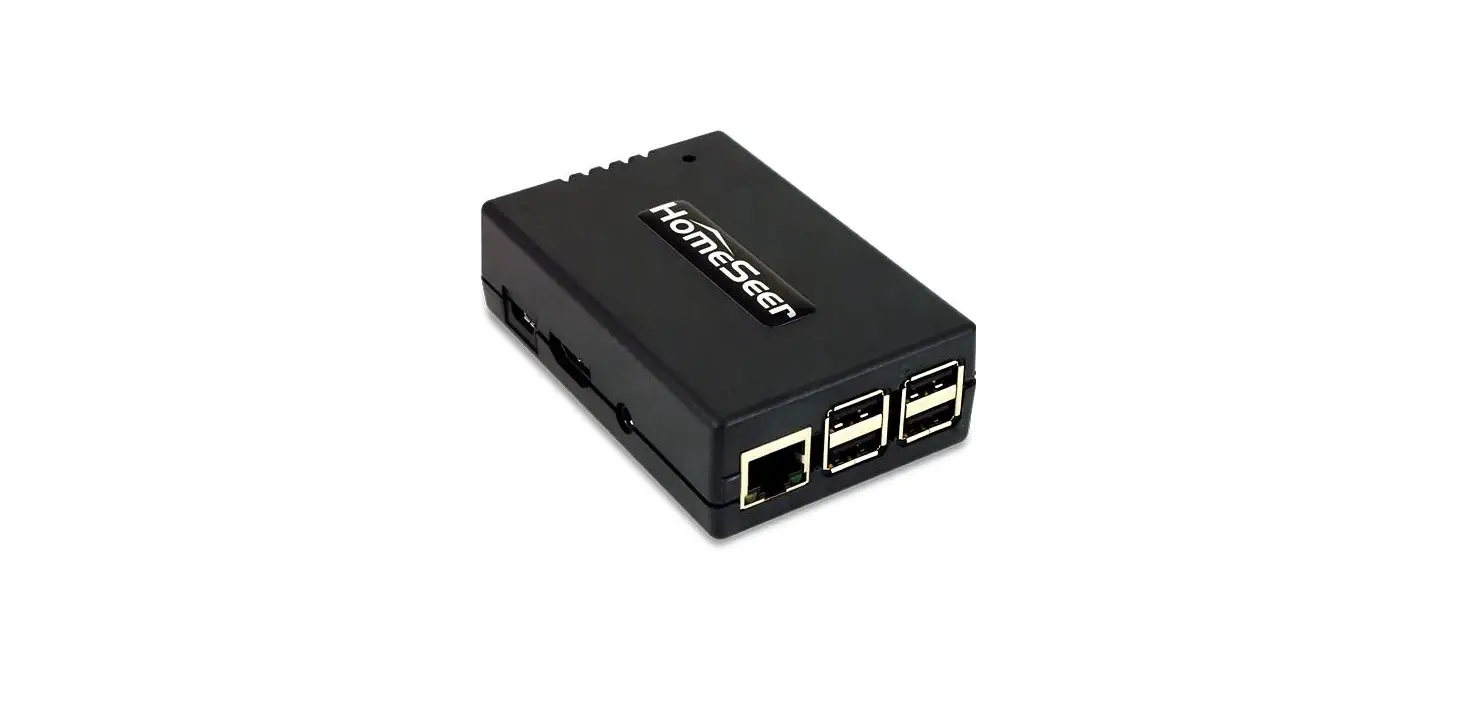
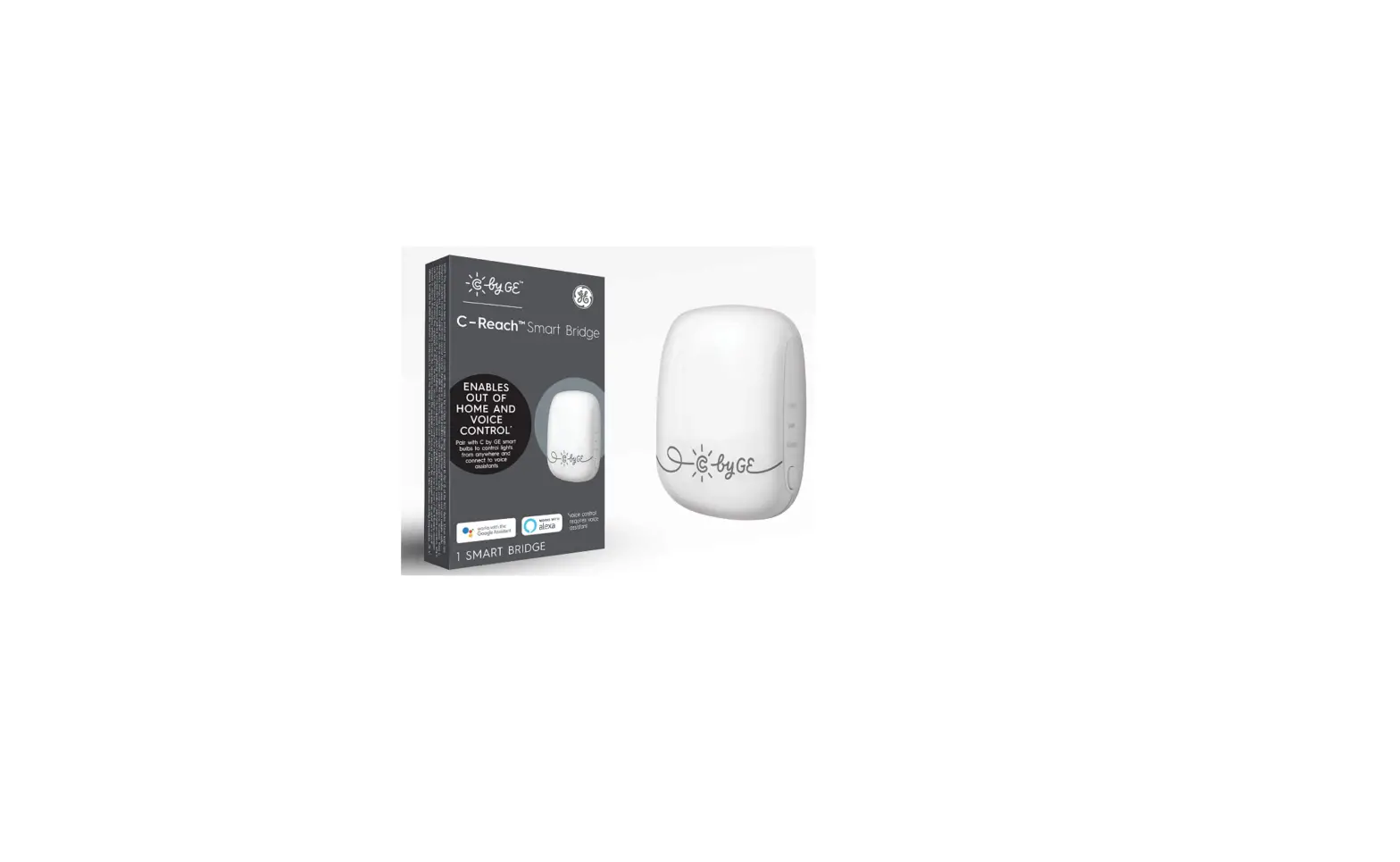
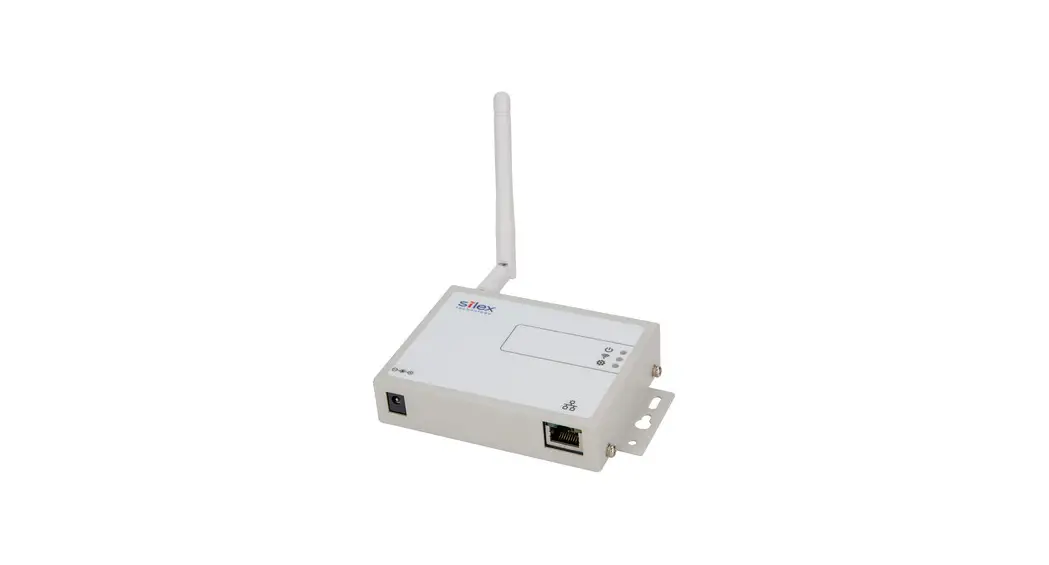
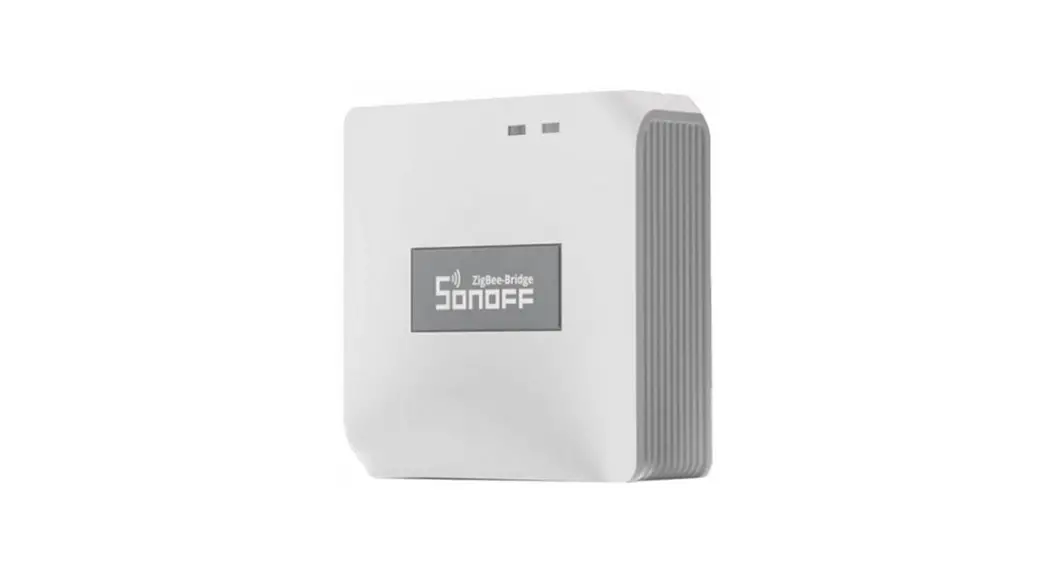
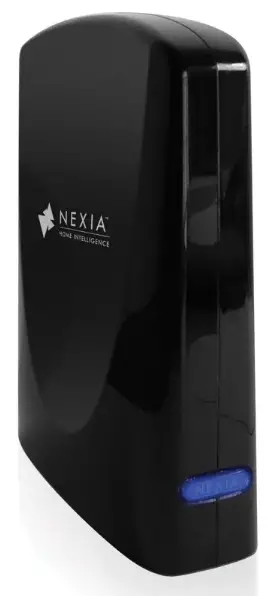
- Nexia Bridge connects all the components and allows you to control them remotely.
FREE TRIAL SUBSCRIPTION
Your new home purchase may include a complimentary trial subscription to Nexia™ Home Intelligence which offers you the convenience of managing your home from anywhere life takes you. Speak to your builder representative for more information about obtaining the promotion code before activating your account.
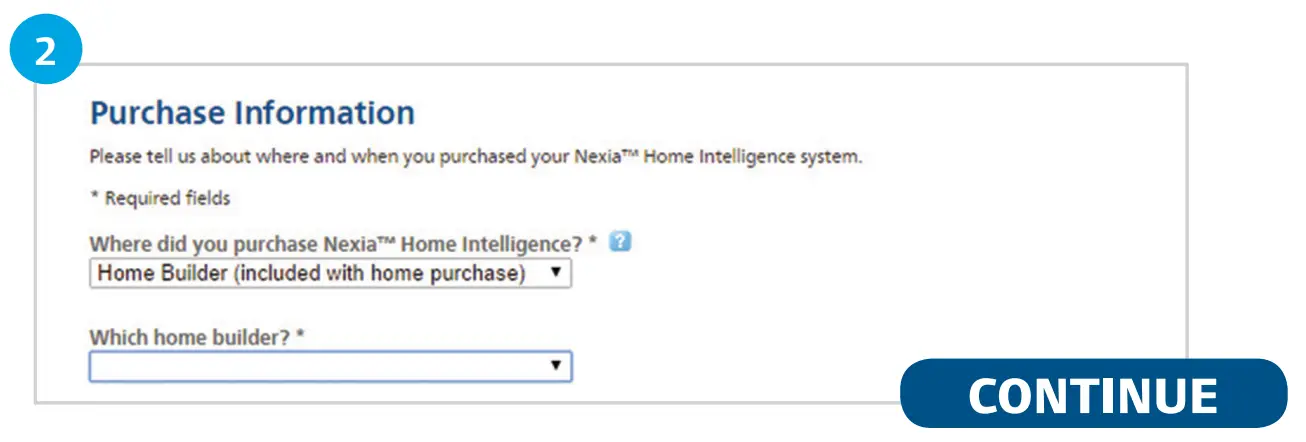
Go to mynexia.com to set up your account and make sure to choose “Home Builder” and then your builder’s name when asked where you purchased Nexia.
Get Started!
Confirm you have the following:
- Active broadband Internet connection
- Wireless router with one available port
- Computer with high-speed Internet access and supported Internet browser†
- Valid email address
- Nexia Home Intelligence Package includes:
Nexia Bridge Bridge Power Cord 3 ft. Ethernet Cable - Internet-enabled cell phone or tablet for accessing optional remote features
For technical support at any time during the set-up, call Nexia Home Intelligence at 1-877-288-7707 or visit us online at nexia.helpdocsonline.com.
Create Your Account
No credit card or payment information is required to activate a trial subscription.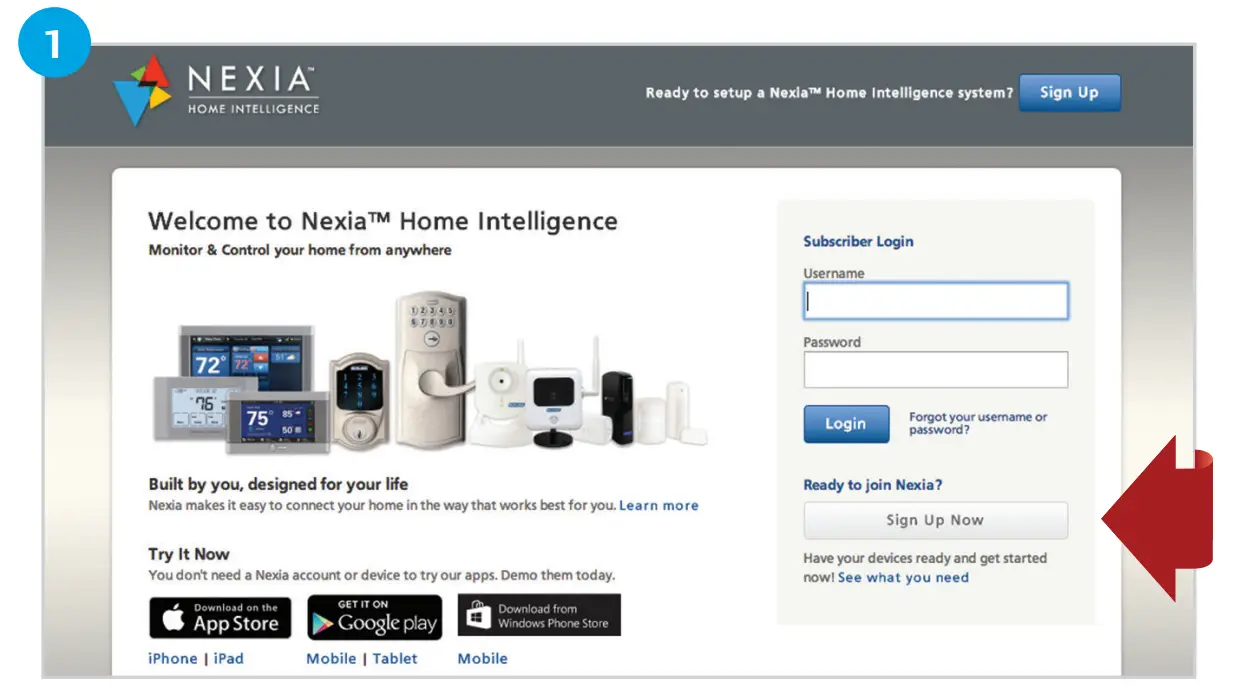
- Visit mynexia.com and click on “Sign up now”. You’ll be asked to accept the terms and conditions. Follow the online instructions to create your account.
TIP
Don’t forget to create a bookmark for quick access to your account.
Supported Internet Browsers: Internet Explorer 9 and higher, Firefox 25 and higher, Safari 7 and higher, Chrome 31 and higher.
Continue your account activation and enroll products
- Complete your account activation in just a couple of minutes. You can choose to enroll in the compatible products at this time or at a later time.

- Continue your account activation and enroll products Complete your account activation in just a couple minutes. You can choose to enroll the compatible products at this time or at a later time.

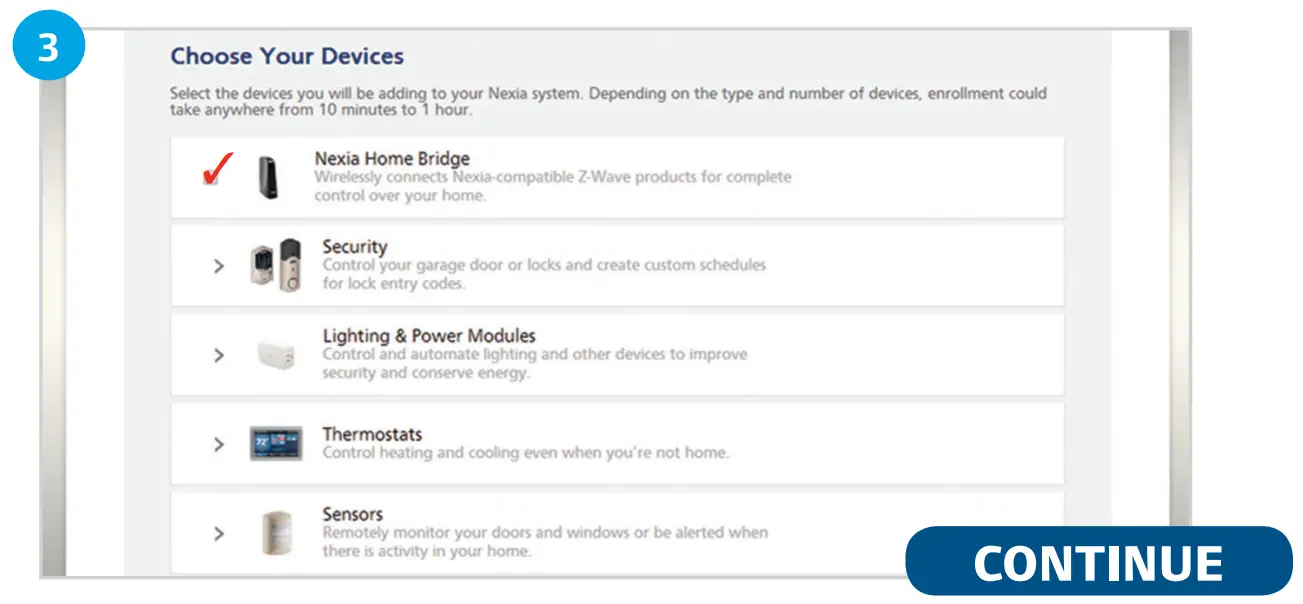
- Use the Enrollment Cart to select the devices that need to be added to your account. Then follow the prompts to enroll each device. Or select “I don’t have any devices yet” button to do this at a later time and to continue with your activation.

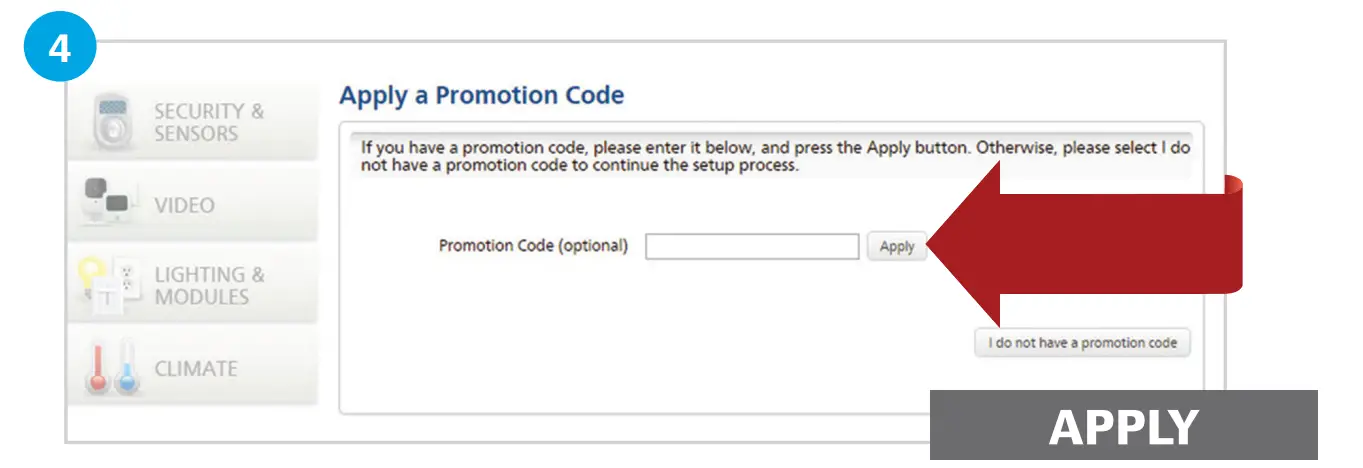
- If you have a promotion code from your builder, enter it in this box and select “Apply.” At the end of your trial subscription, you’ll have the opportunity to renew your subscription for a small monthly fee.
Download the app and get going
Download the Nexia Home Intelligence app to your mobile smartphone (or tablet) and control your home from wherever you might be. We have apps available for all the most popular devices, including Apple, Android, and WindowsPhone.
- After downloading the app, login to your new account on mynexia.com.
- Click “Mobile Devices” on the My Mobile section of the Dashboard.
- Follow prompts to add your smartphone or tablet and customize settings.
- On your mobile app, enter the 12-digit activation code OR simply use the same login for the web portal to activate your mobile device.
*For more information and a tutorial, go to mynexia.helpdocsonline.com/#my_phones.
If you run into problems during any step, visit nexia.helpdocsonline.com or call 1-877-288-7707.
FAQS
Yes I think so
I do not personally use that model for florescent or appliances, but do use the one for standard lights and it has worked without flaw. Easy to program and conduct and overrides. I would think your model would work without flaw.
Mine didn’t had to have bridge
No there is no Windows Phone App but Nexia announced that they are working on one.
There are batteries in the lock that powers the lock. The % shows you the remaining life of the batteries.
No it does not. In my experience the 220V converters do not work well with the 110V products. I have burned quite a few things including a Wii, and a sewing machine!
There are batteries in the lock that powers the lock. The % shows you the remaining life of the batteries.
No it does not. In my experience the 220V converters do not work well with the 110V products. I have burned quite a few things including a Wii, and a sewing machine!
yes, is the only way when you are not home.
BUMMER! but it works perfectly
You have to pay a monthly fee of $9.99.
But u can also connect other locks IN the same wifi network or camaras or plugs
It DEPENDS… The second home’s bridge, the thermostat(s) and ONE light control per thermostat and unlimited cameras are free, but no sensors or locks. Sensors (water sensor, smoke detector, door sensors, and locks, etc) or additional controls require additional fees. See the Nexia plans at: http://www.nexiahome.com/nexia-plans
Yes,
Directly, no. But if you had a Wi-Fi game adapter (either net connection on one side and wi-FI to the hub), then yes.
“Subscribe today for $9.99/mo – no contracts or cancellation fees.” nexiahome.com
Echo is pretty new and Nexia does not mention anything about compatibility with Echo.