ASSEMBLY INSTRUCTIONS
- Bulb included

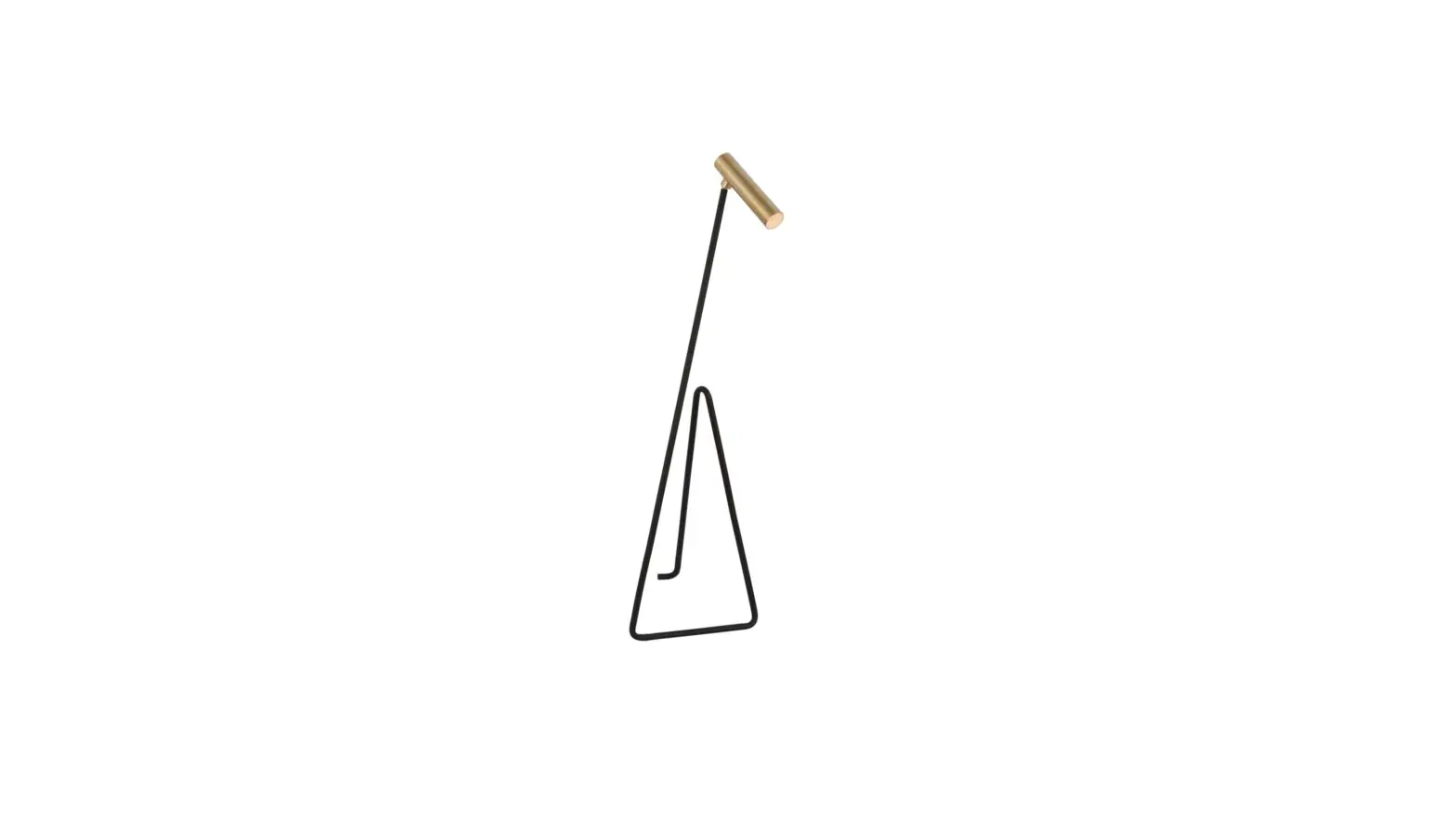
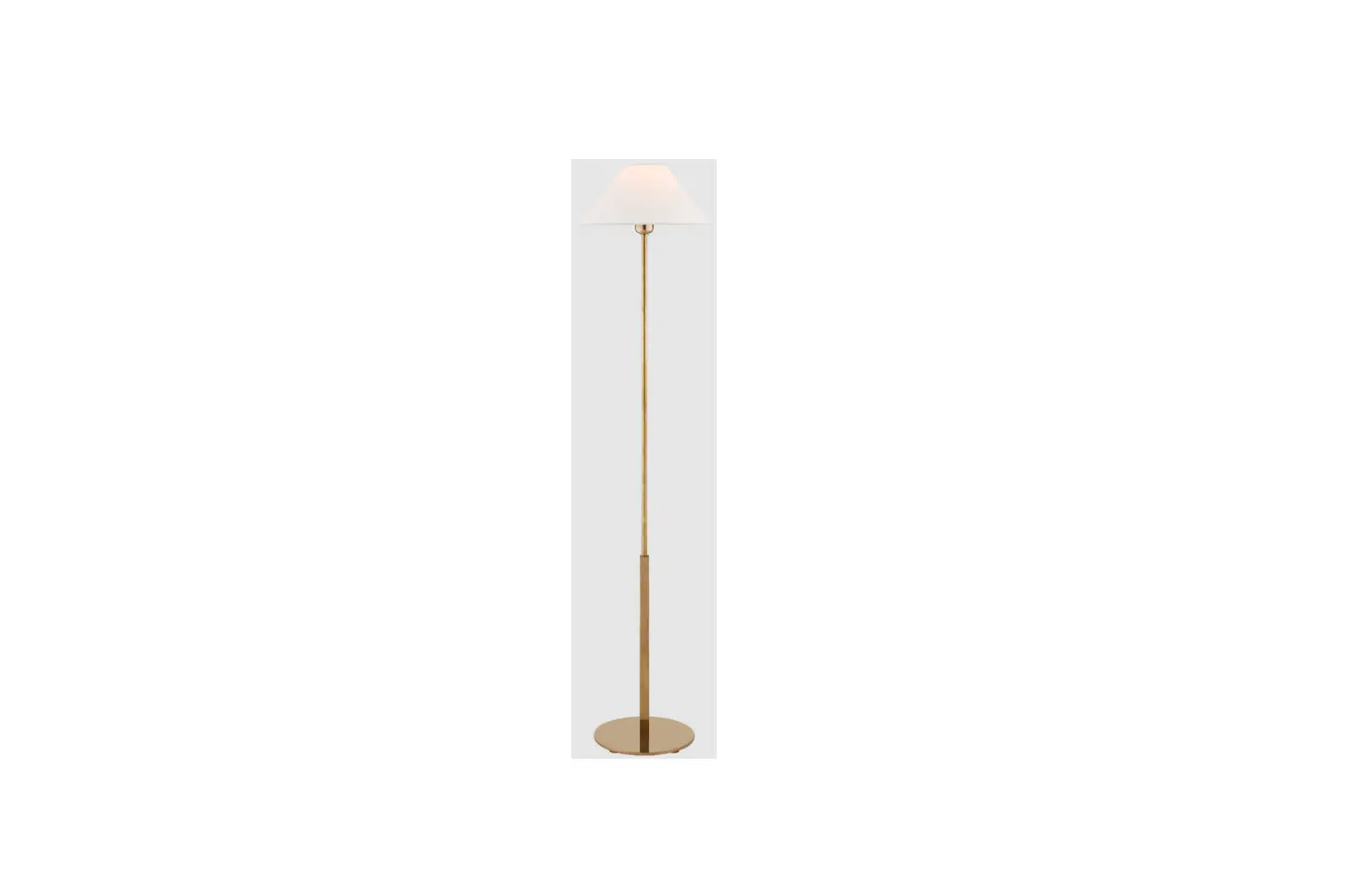
Orsay Medium Floor Lamp
Item # PCD 1200
NOTICE:
This light fixture should be installed in accordance with all applicable, local installation codes, and by a person familiar with the construction and operation of it, as well as the hazards involved. Inspect item and contents carefully. If any damage or defect is found, do not install. Retain all packaging material until installation is complete and approved.
- Carefully remove all parts from the box. Place on a clean, soft surface.
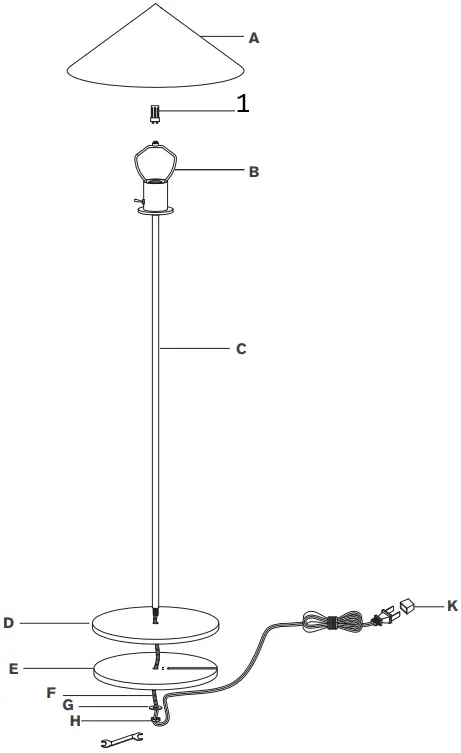
- Remove protective sleeve (F) from cord.
- Install rod (C) through the hole of to base (D) and loader (E), then secure with metal washer (G) and hex nut (H). Tighten using provided wrench.
- Carefully feed wire through the slot of loader (E).
- Install light bulb into the socket.
- Thread metal shade (A) to harp (B).
- Remove protective cover (K) from plug.
- Plug into electrical outlet and test fixture.
Care Instructions: Clean only with a soft dry cloth or feather duster. Do not use abrasive or chemical agents.