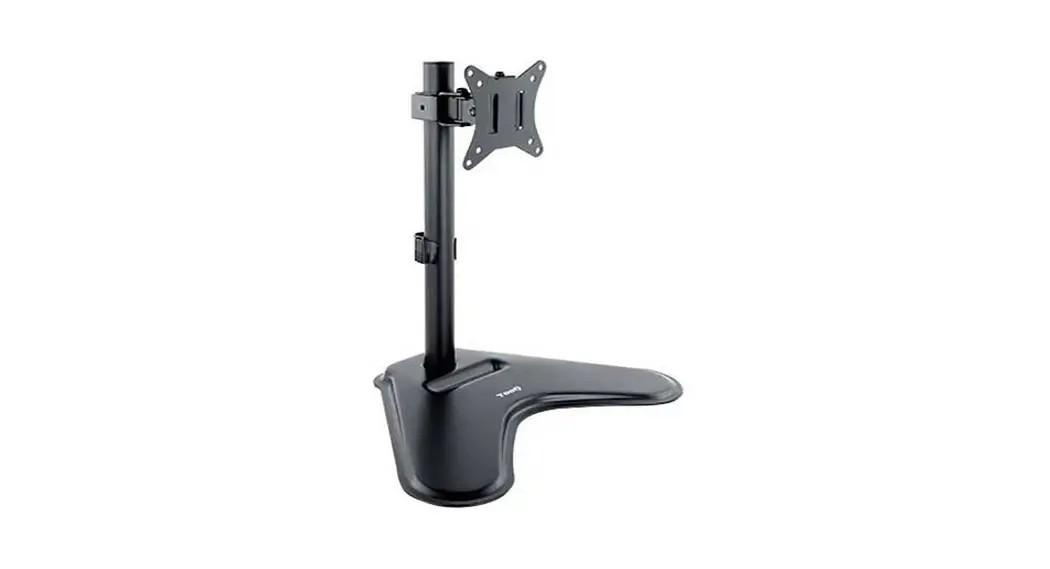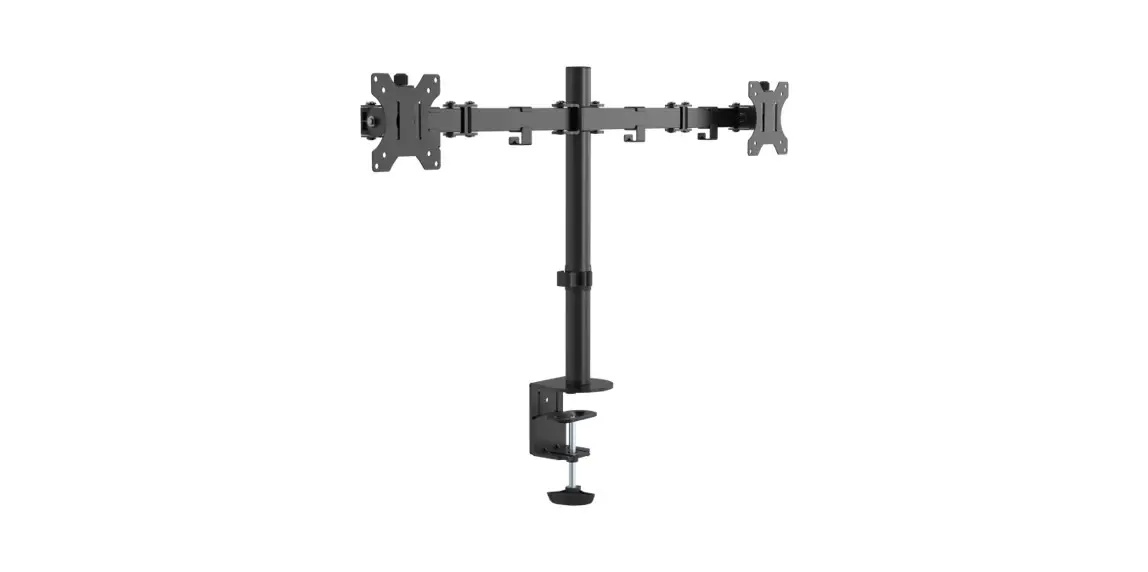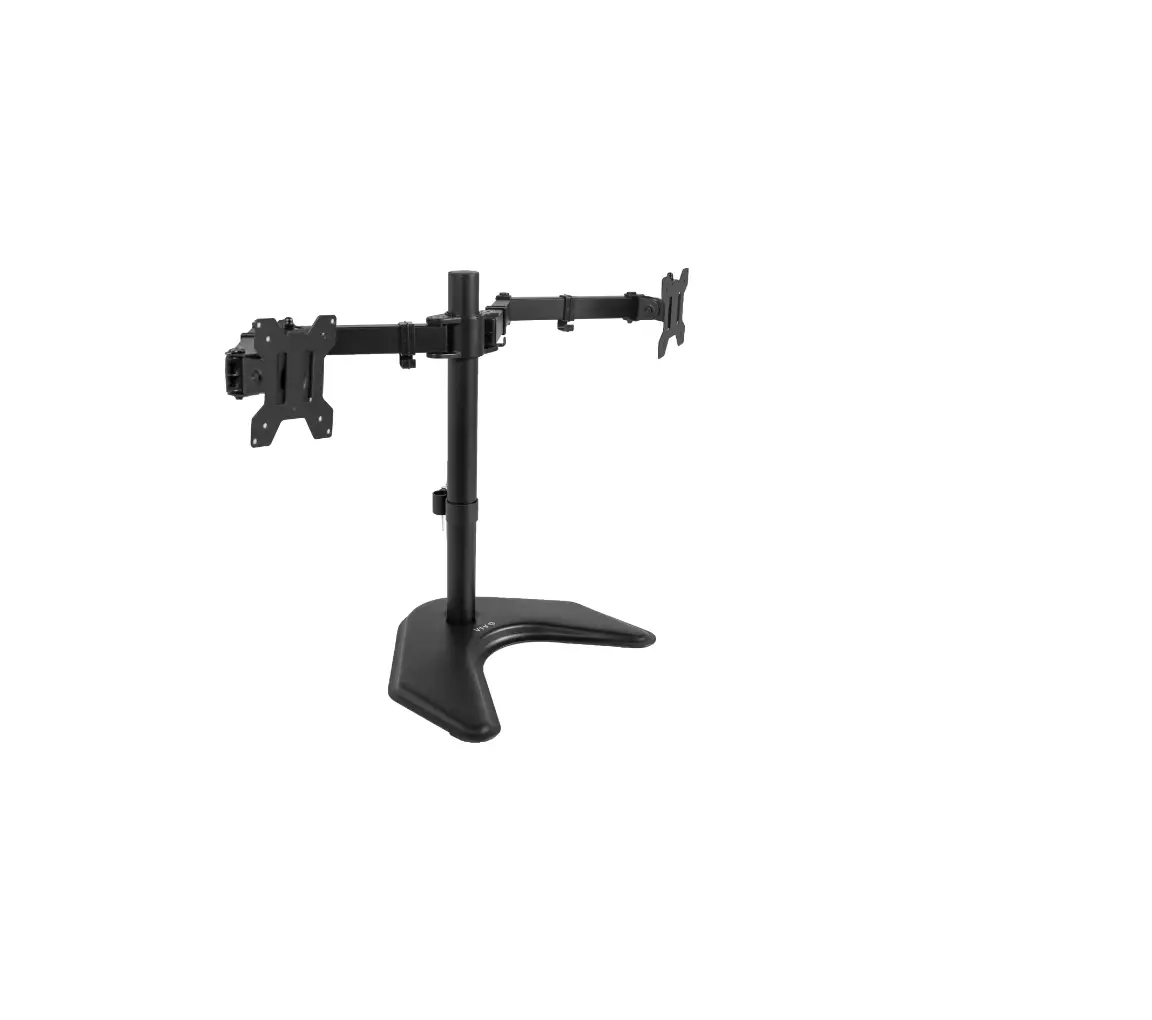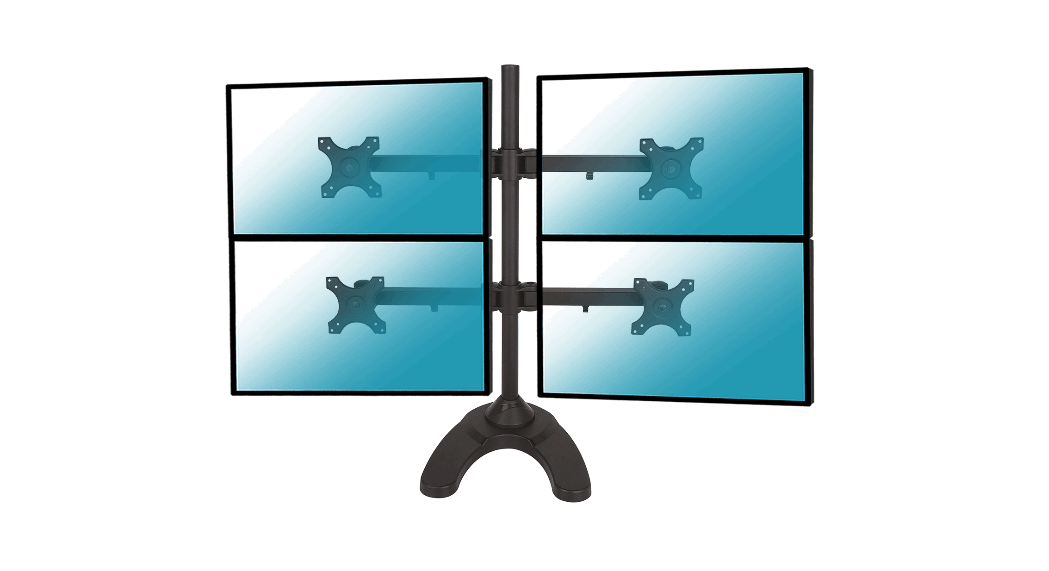
 015-1256 Desk Stand for 4 PC Monitors
Instruction Manual
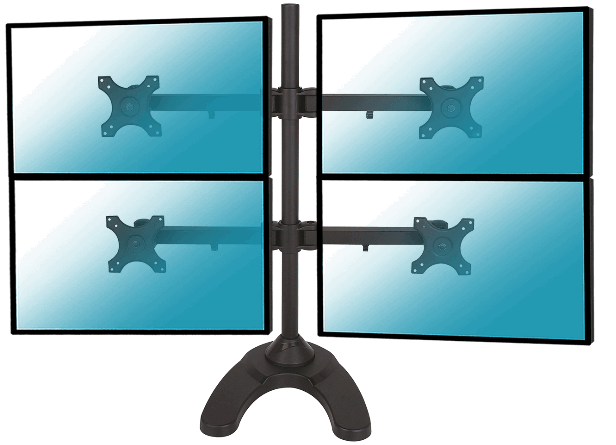

015-1256 Desk Stand for 4 PC Monitors
 Read the entire instruction manual before you start installation and assembly. If you have any questions regarding any of the instructions or warnings, please contact your local distributor for assistance.
 CAUTION: Use with products heavier than the rated weights indicated may result in instability causing possible injury.
- Mounts must be attached as specified in assembly instructions. Improper installation may result in damage or serious personal injury.
- Safety gear and proper tools must be used This product should only be installed by professionals.
- This product is designed to be installed only on solid concrete walls or brick walls.
- Make sure that the supporting surface will safely support the combined weight of the equipment and all attached hardware and components.
- Use the mounting screws provided and DO NOT OVER TIGHTEN mounting screws
- This product contains small items that could be a choking hazard if swallowed. Keep these items away from children.
- This product is intended for indoor use only. Using this product outdoors could lead to product failure and personal injury.
IMPORTANT: Ensure that you have received all parts according to the component checklist prior to installation. If any parts are missing or faulty, telephone your local distributor for a replacement.
MAINTENANCE
- Check that the bracket is secure and safe to use at regular intervals (at least every three months).
Supplied parts list
 | |||
| (1) 35mm pole | 1) Weighted base | (2) Monitor Arm | (1) Plastic cover |
 | |||
| (1) M10 bolt | (1) Support plate | (1) M10 washer | (1) Spring washer |
 | |||
| (2) Wire clip | (3) M6x29 bolt | (1) Allen key | (1) Wrench |
 | |||
| (16) M4x12 bolt | (16) M4x30 bolt | (16) M4 space | (8) Spare cover |
Mounting the base
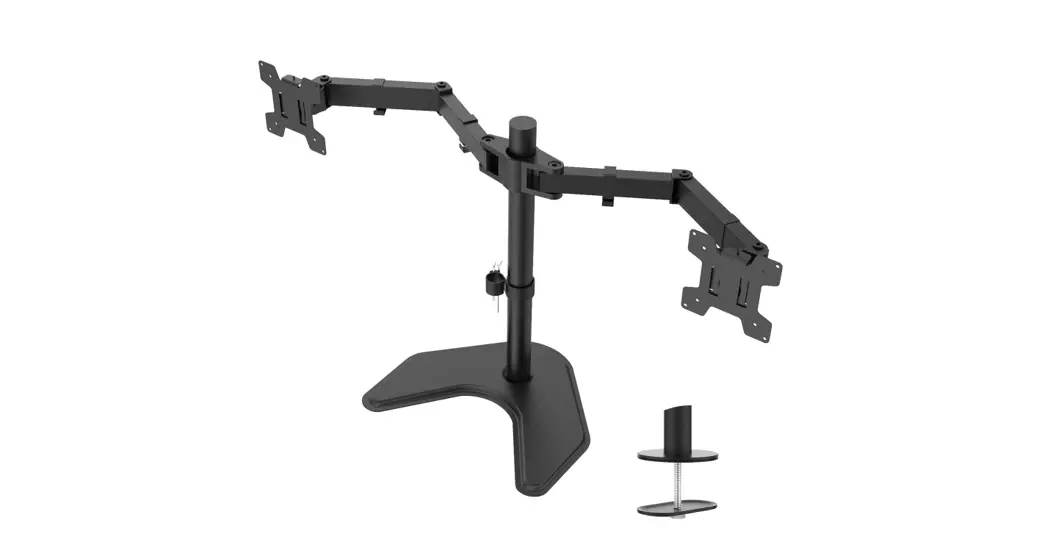
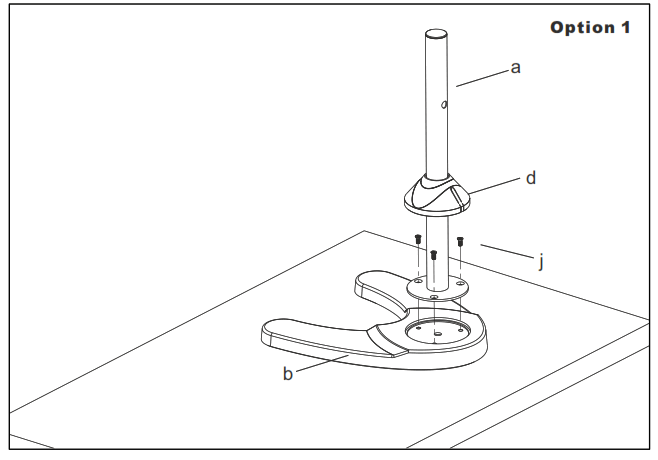
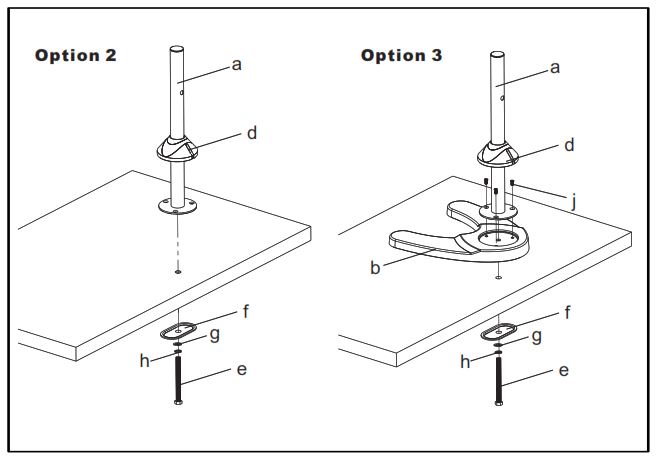
The stand can be used with the weighted metal base or there is a desk attachment provided (as drawings on the bottom) allowing you to mount the stand on a desk. This is very simple to install and just requires a hole drilling (10mm diameter) in your desk and clamping with the bolt and large washer.
 |  |
Install monitor ARM
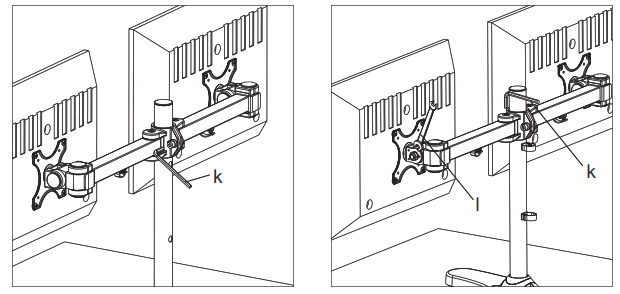
Install the VESA mounts on the mast ensuring that the cable glands are pointing downwards. Screw using the Allen key (k)
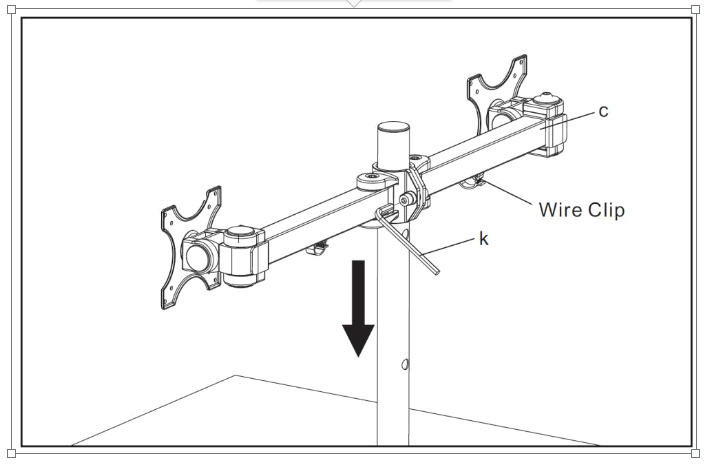
Mount the monitor to VESA plate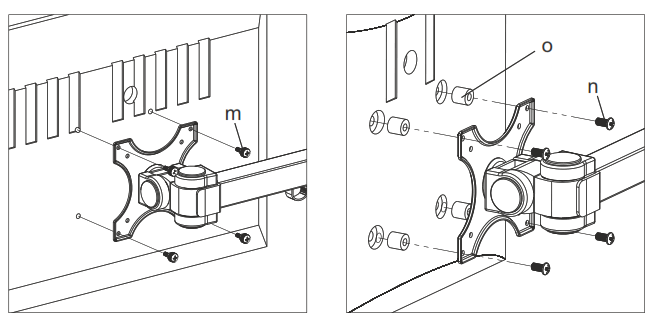 Flat back monitor: +back monitor
Do the necessary adjustment
Use the Allen Key (k) to do the necessary adjustment of mount.
Use the wrench (l) to tighten the nut if the tilt angle can not be fixed.
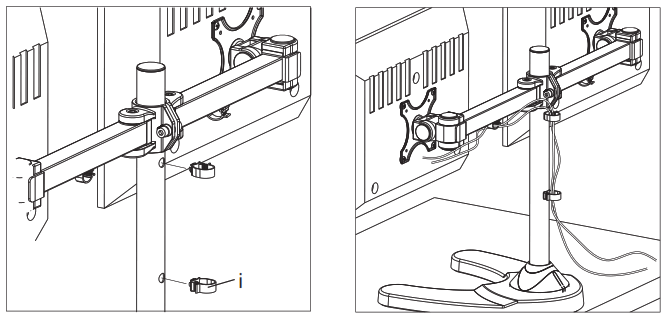
Install the wire clips & manage the wires