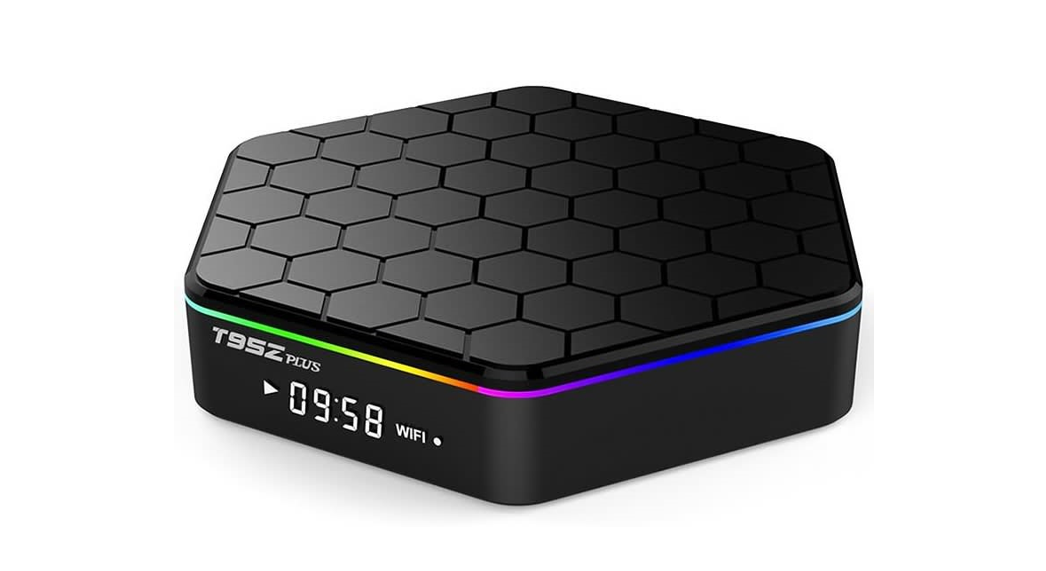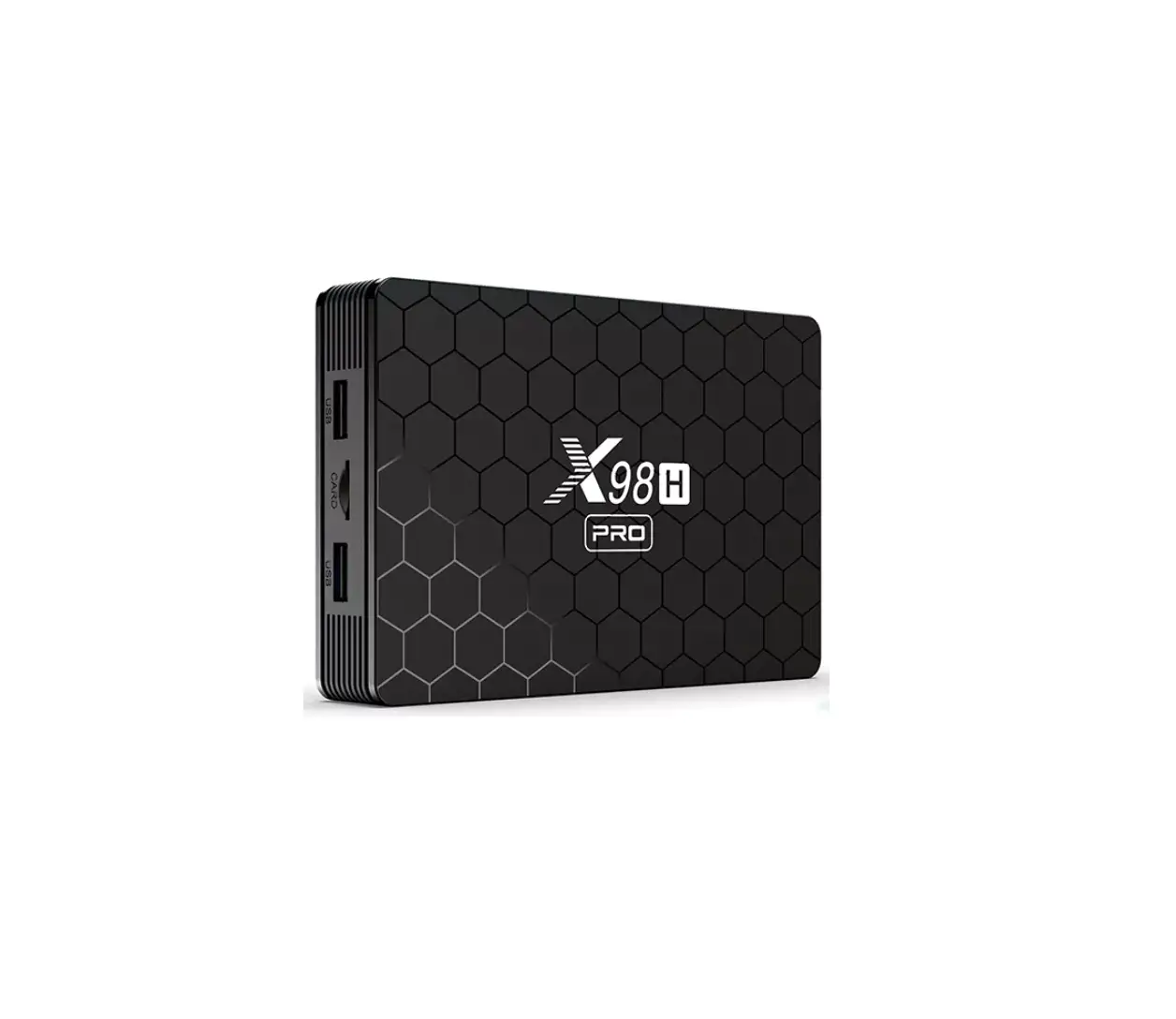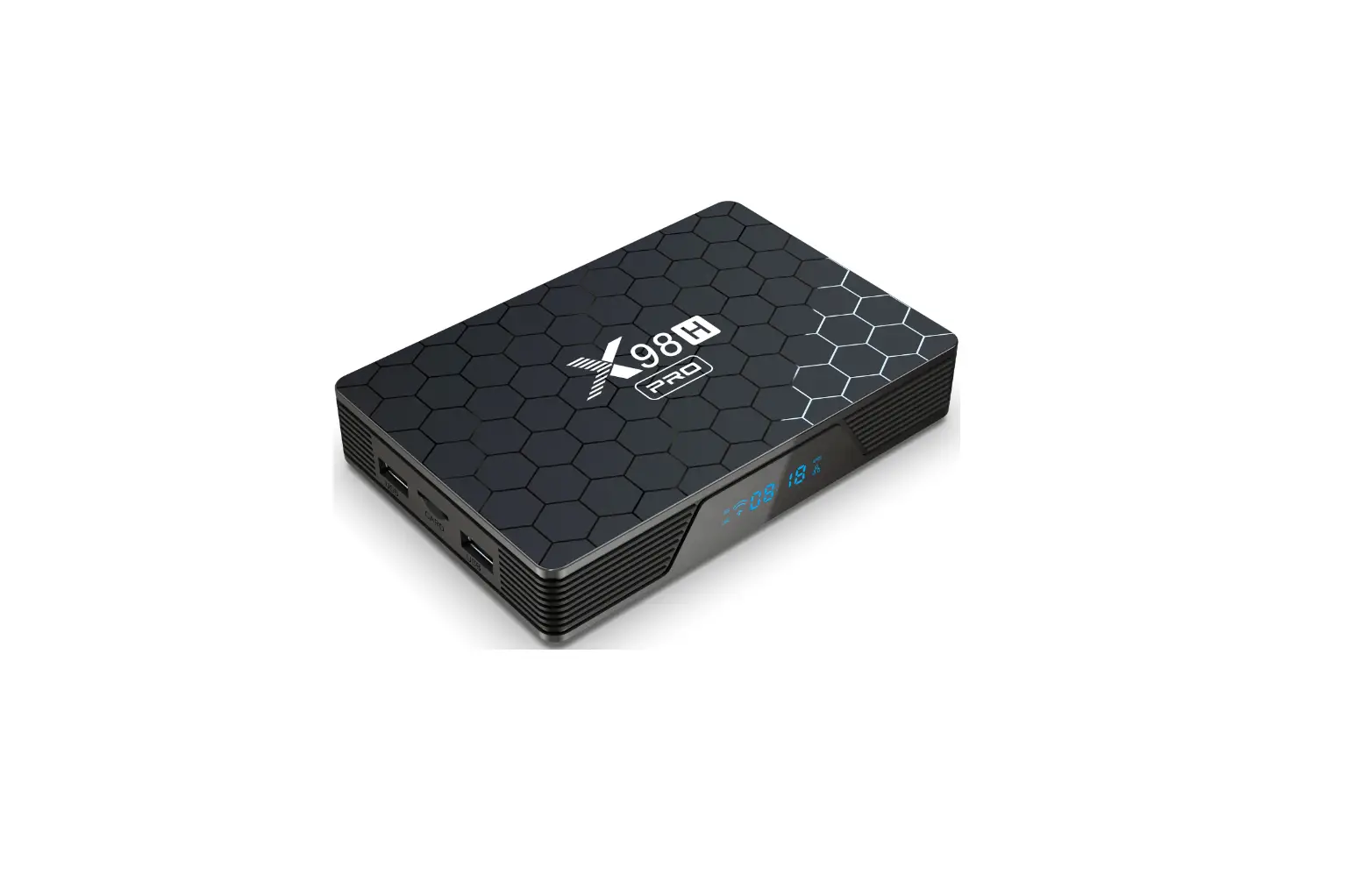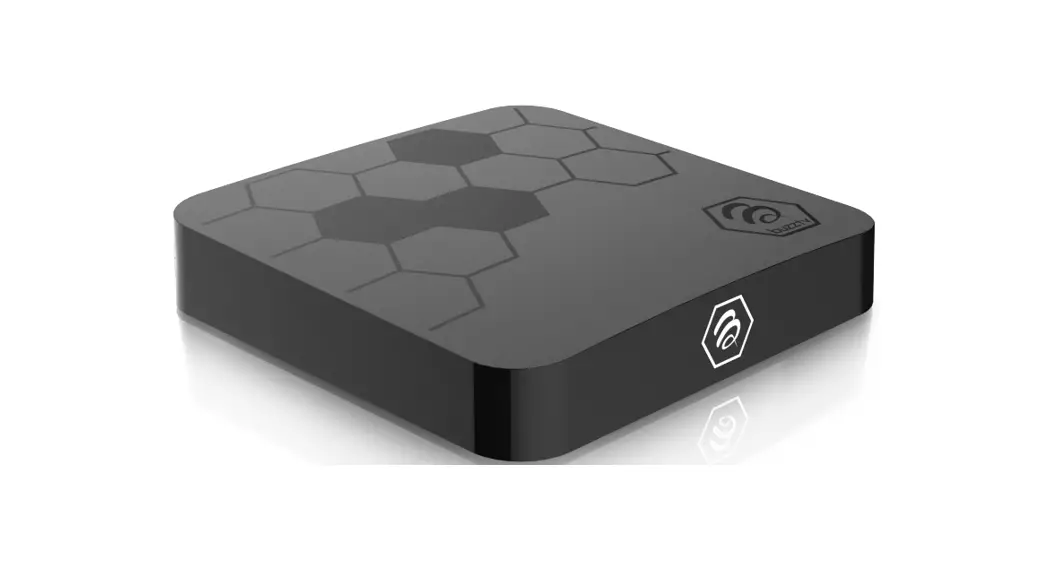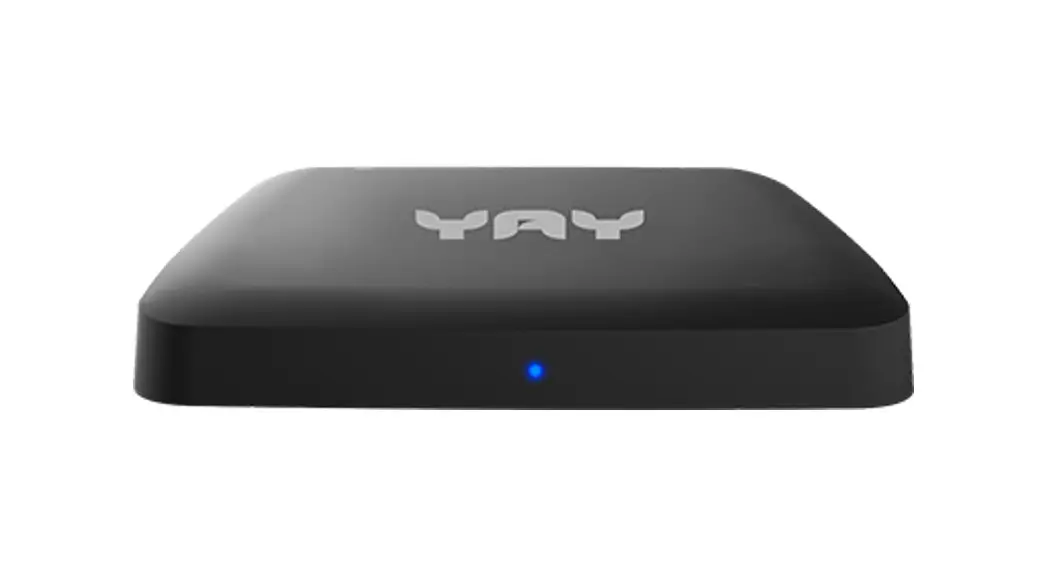
 D201209 Ott Tv Box
User Manual
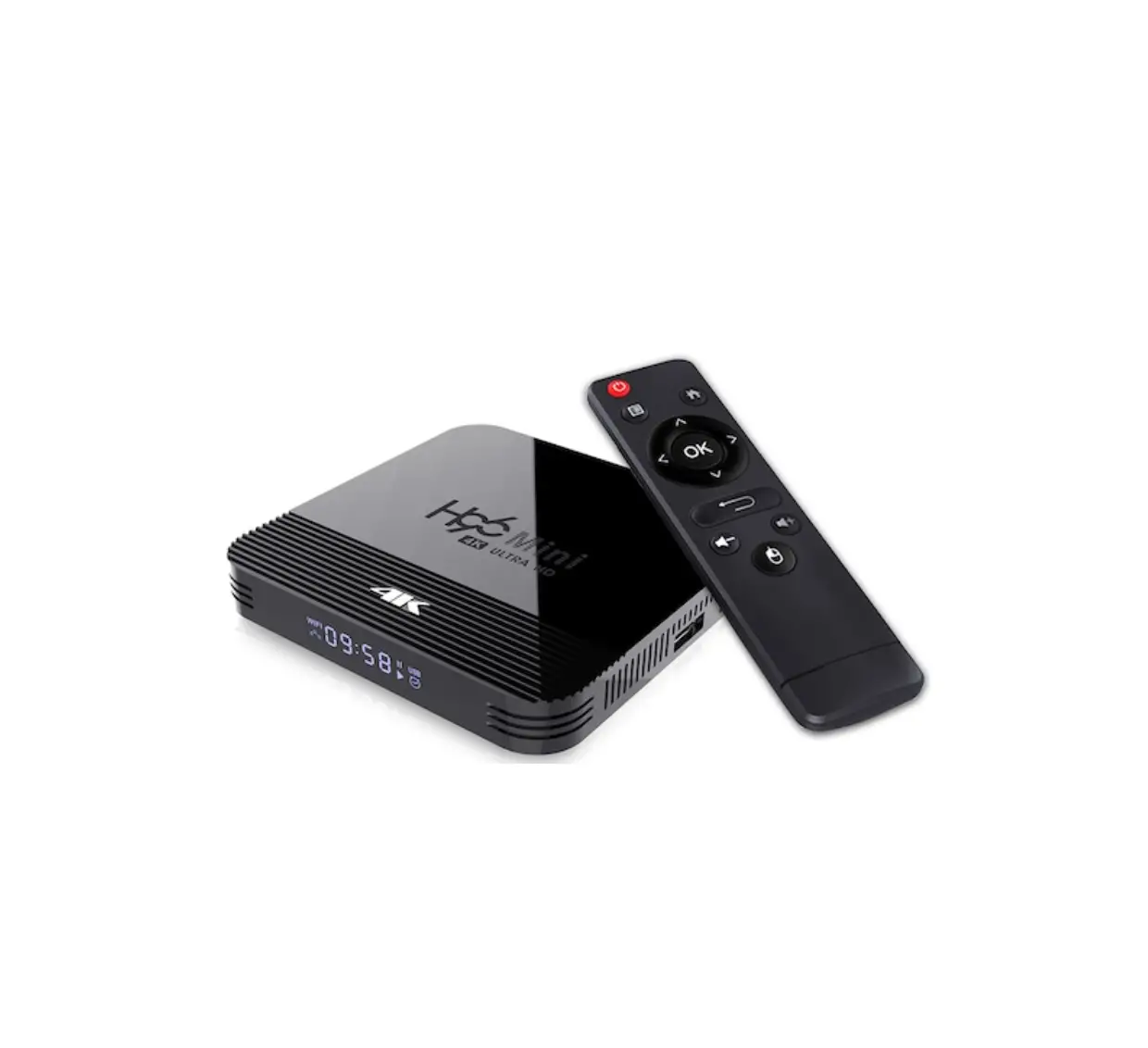
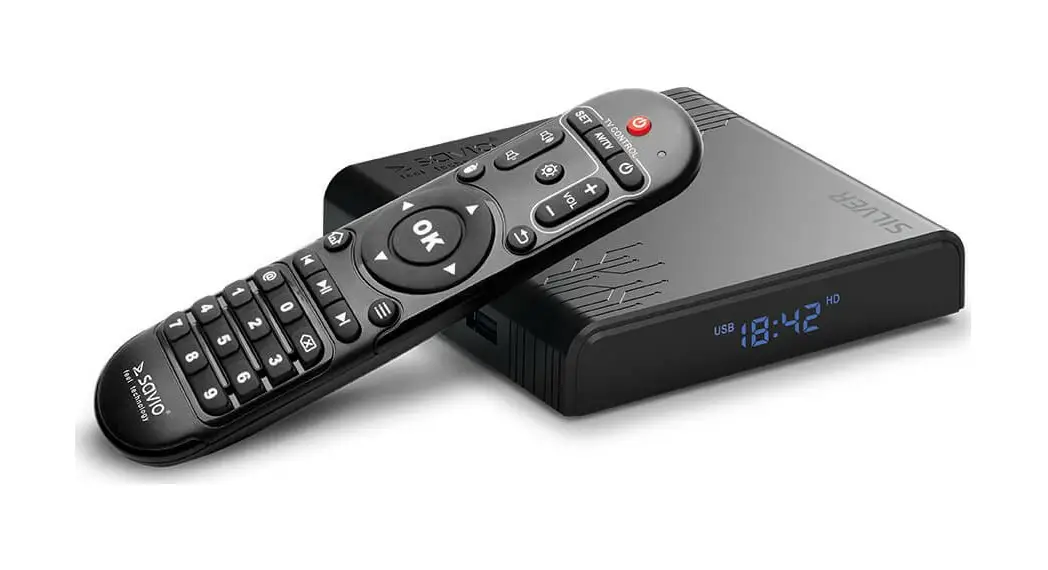
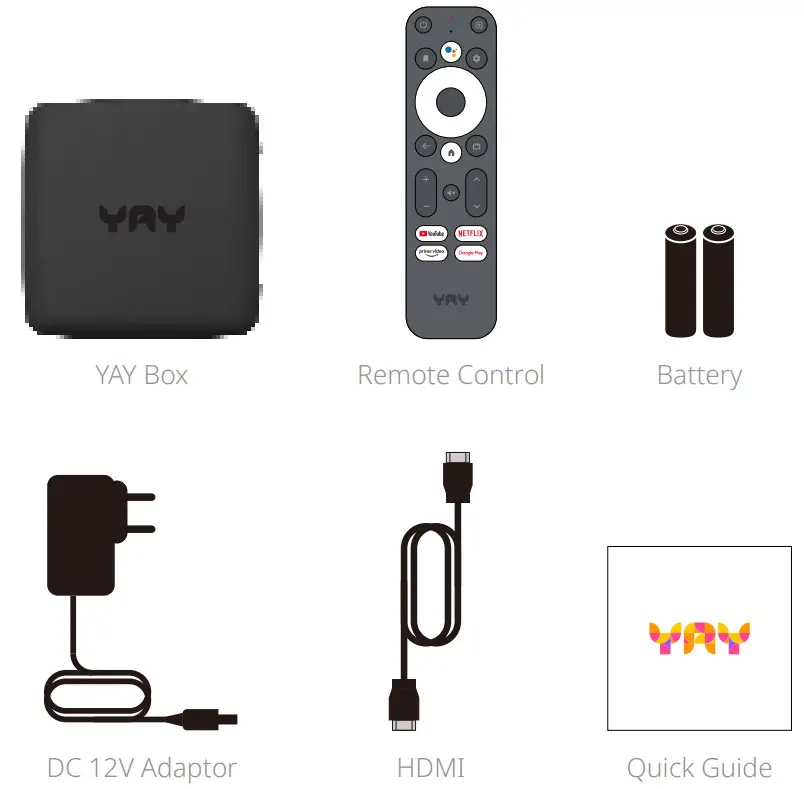
Accessories
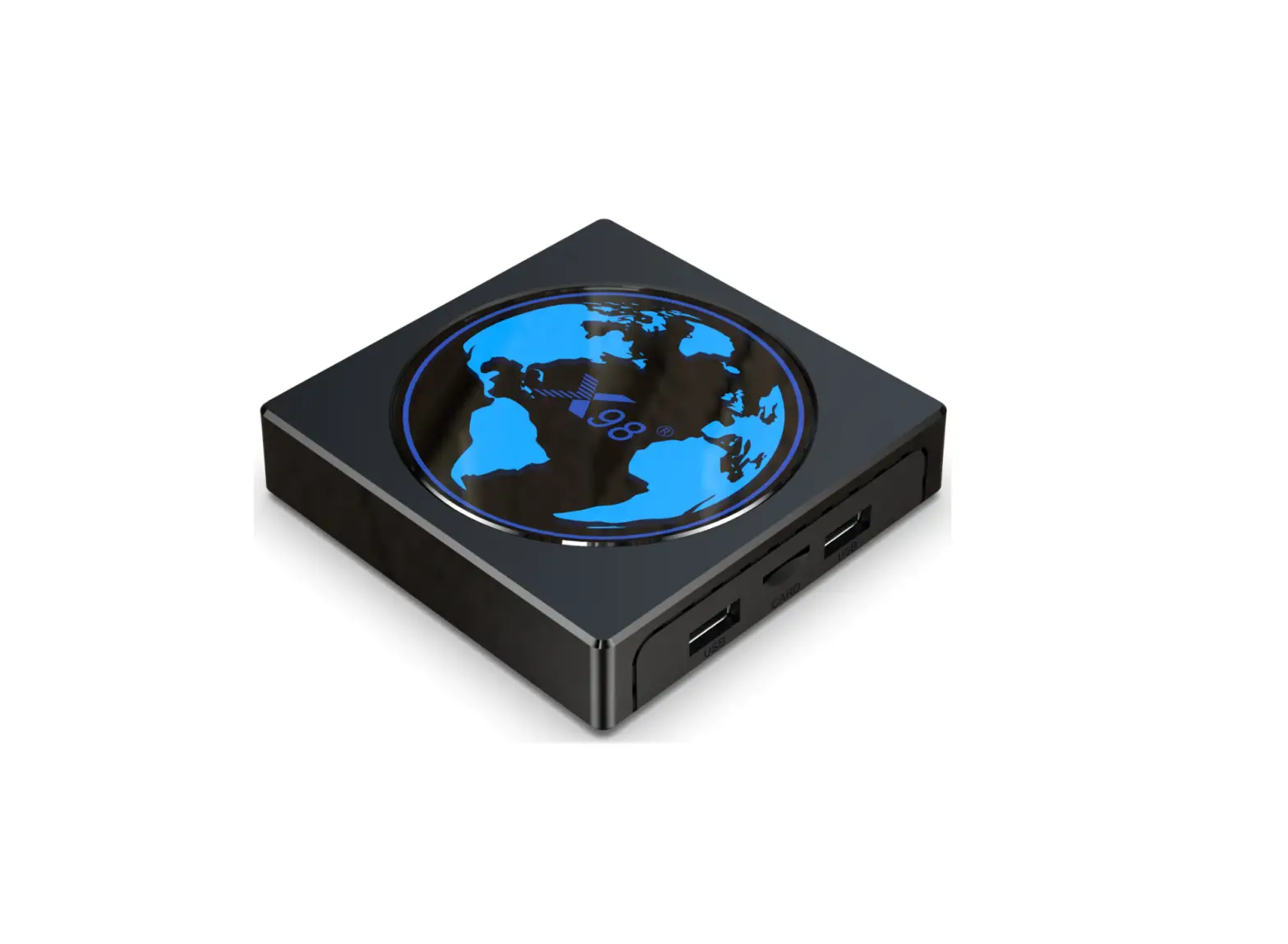
Rear
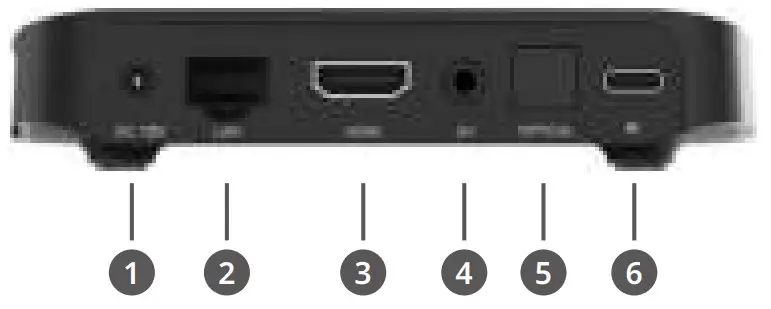
- DC 12V
- LAN
- HDMI
- AV
- OPTICAL
- Type C
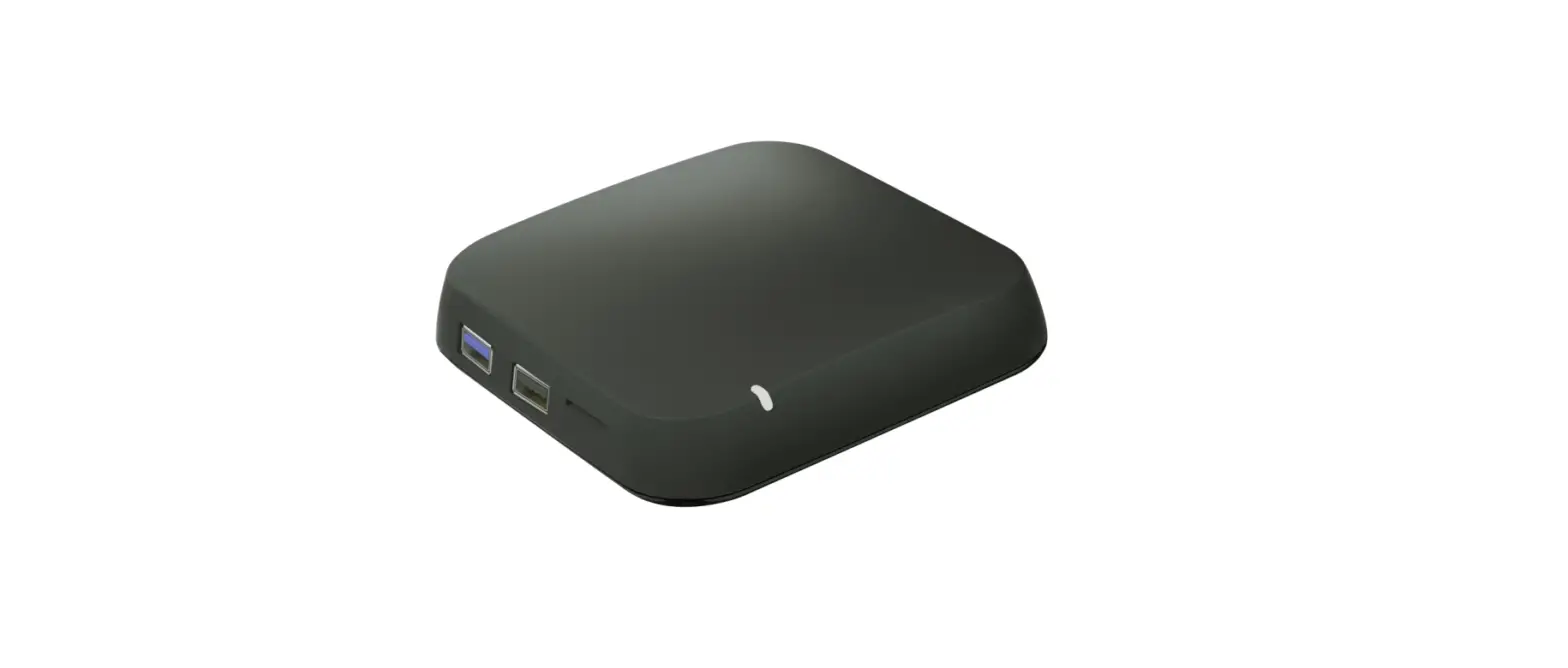
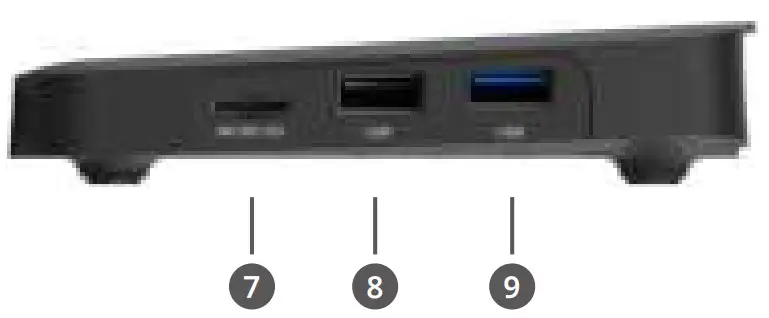
Right Side
- MICRO SD
- USB
- USB 3.0
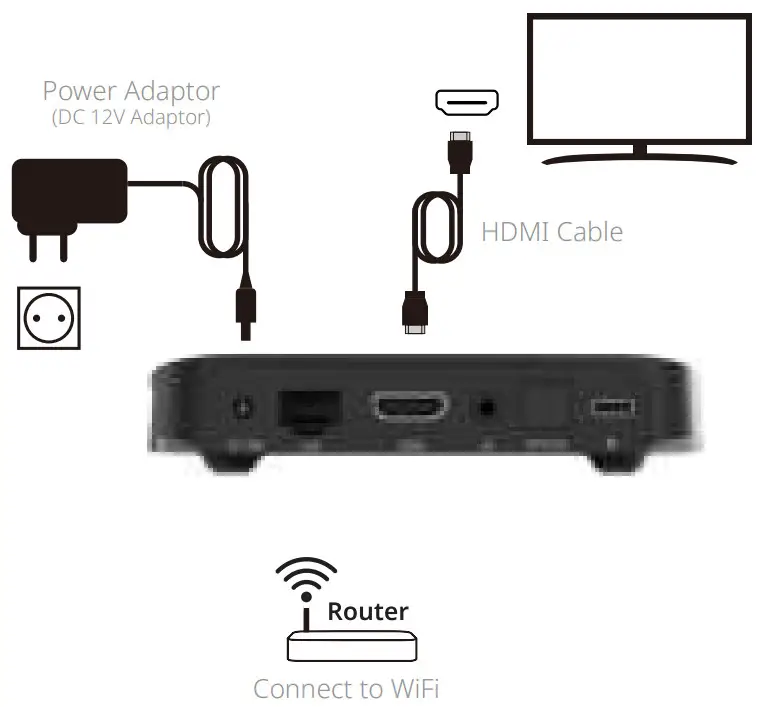
Installation
Remote Control
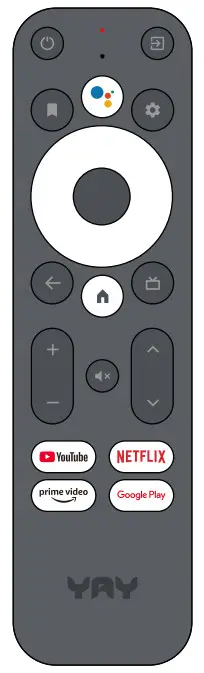 Get a little help on your big screen.
Use your voice to search what’s on now, change channels, record a show, open apps, and more. Just ask Google.
Pairing guide
Long press Back+Home button at the same time, until the red light flashes quickly, then release, that means RCU enter the pairing mode.
Waiting for few seconds and stop pressing any buttons, until it pop up the message of pairing successfully.
Android TV™
Complete the on-screen setup
Follow the on-screen instructions using your remote to navigate through the setup process.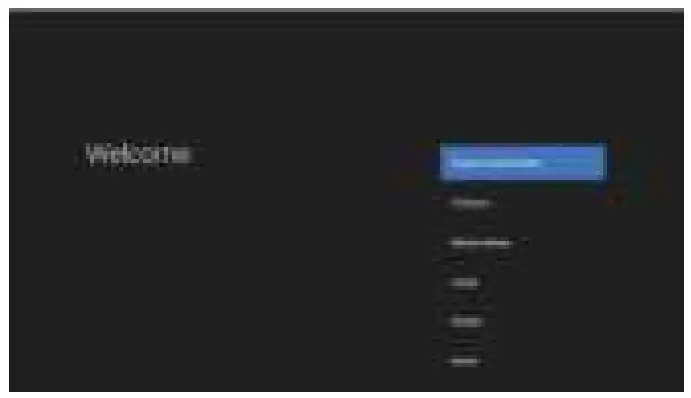 Android TV
Easily access live TV, DVR, on-demand, streaming apps, and more on YAY OTT Box. Ask Google to control it all using your voice.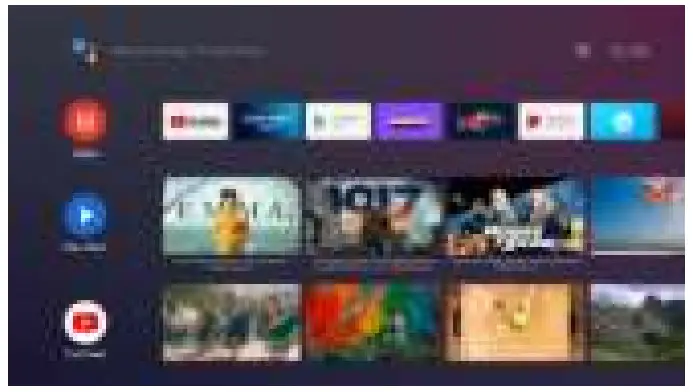
Specification
| Hardware | |
| Chipset | Amlogic S905X3-B |
| RAM | 2GB |
| Flash | 8GB eMMC |
| Power | |
| DC Input Range | 12V/1A |
| Power Consumption | Maximum 12 W |
Video
| Video Decoding | VP9 Profile-2 up to 4Kx2K@60fps H.265 HEVC [email protected] up to 4Kx2K@60fps AVS2-P2 Profile up to 4Kx2K@60fps H.264 AVC [email protected] up to 4Kx2K@30fps H.264 MVC up to 1080P@60fps MPEG-4 ASP@L5 up to 1080P@60fps (ISO-14496) WMV/VC-1 SP/MP/AP up to 1080P@60fps AVS-P16(AVS+) /AVS-P2 JiZhun Profile up to 1080P@60fps MPEG-2 MP/HL up to 1080P@60fps (ISO-13818) MPEG-1 MP/HL up to 1080P@60fps (ISO-11172) RealVideo 8/9/10 up to 1080P@60fps |
| Video File Format | Support *.mkv, *.wmv, *.mpg, *.mpeg, *.dat, *.avi, *.mov, *.iso, *.mp4, *.rm, *.jpg, *.bmp, *.gif etc… |
| Video Output | HDMI 2.1 , HDCP2.2 |
| Aspect Ratio | Auto, Full screen |
| Video Resolution | 4K,1080p/i, 720p |
Safety information
 NOTICE: To prevent fire and electric shock, do not expose this receiver to rain or moisture. In order to avoid any possible risk of electric shock, never attempt to open the unit. In case of the unit breaking down, repair of the unit should be carried out by qualified technicians. No part of this unit should be repaired by users.
WARNING!
Place the receiver in a well-ventilated location to prevent accumulation of internal heat.
Protect the receiver from high temperatures, humidity, water and dust.
Do not place any objects that might damage your unit near it (e.g. liquid filled objects or candles).
CAUTION: Any changes or modifications in construction of this device which are not expressly approved by the party responsible for compliance could void the user’s authority to operate the equipment.
Notice
Copyright (Copyright © 2020 Marusys Co., Ltd.)
Not to be copied, used or translated in part or in whole without Marusys’s prior consent in writing, except where ownership of copyright has been established and in accordance with copyright law.
Trademarks
- YAY and YAY logo are registered trademarks of Marusys.
- Google, Android, Google Play, YouTube and other marks are trademarks of Google LLC.
- Google Assistant is not available in certain languages and countries. Availability of services varies by country and language.
- The content in this Quick Guide is subject to change without notice.
 Copyright © 2020 MARUSYS Co., Ltd.