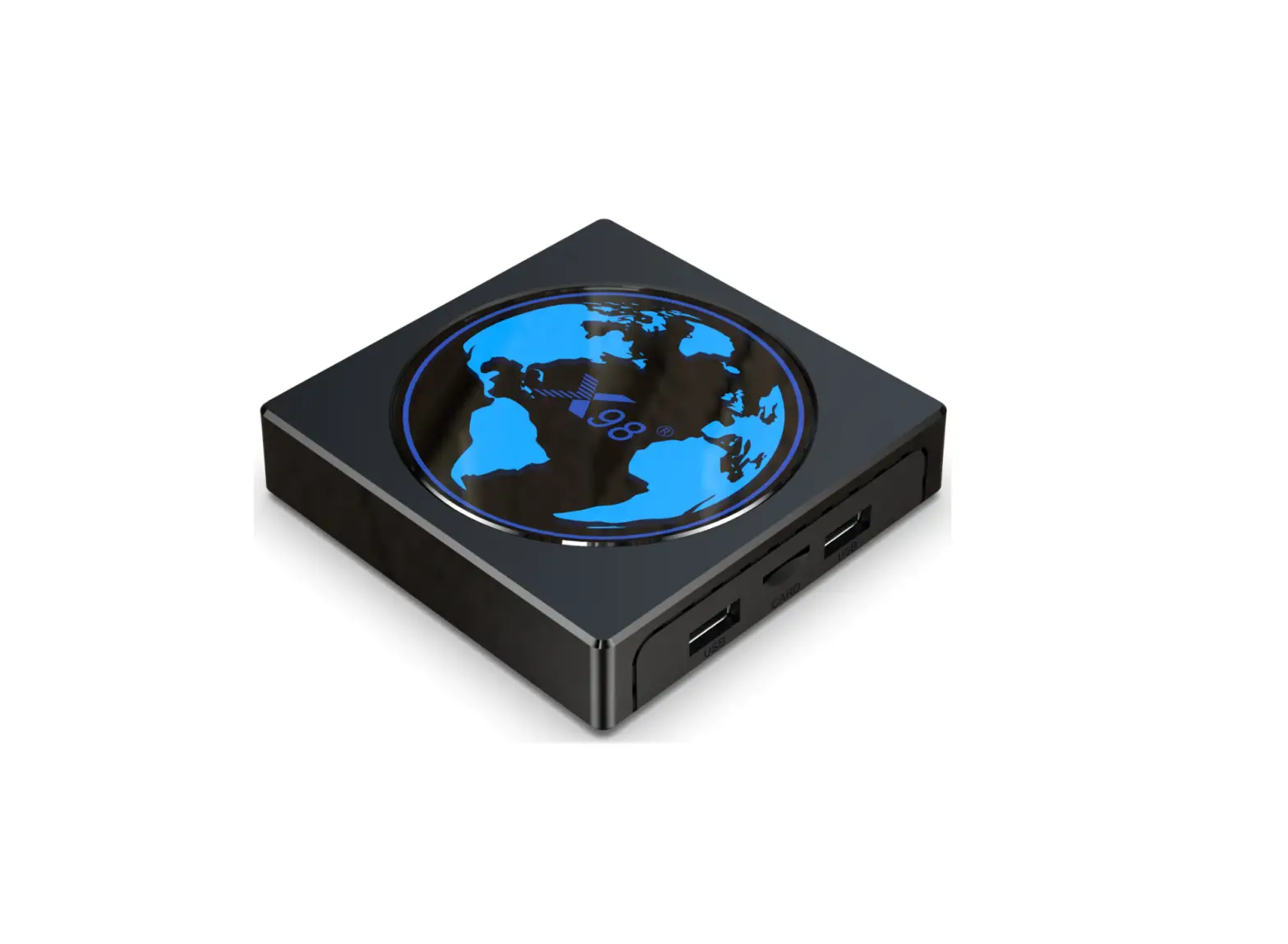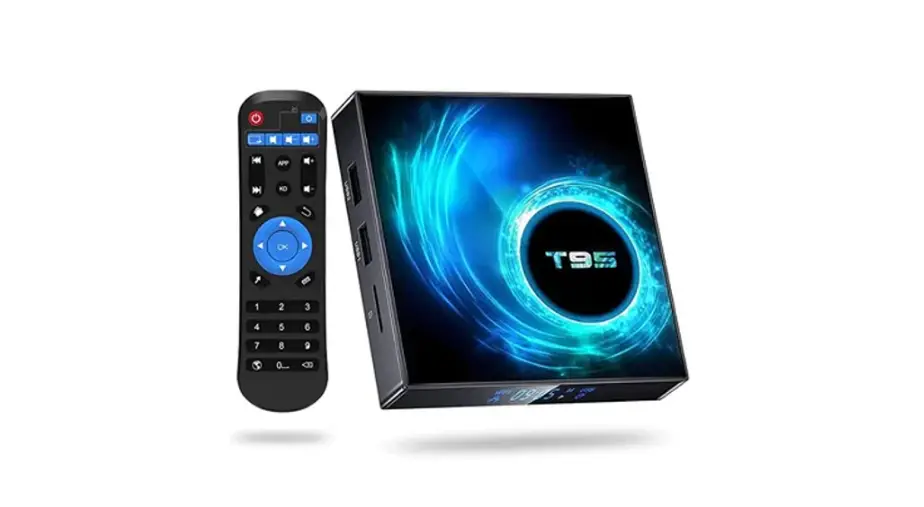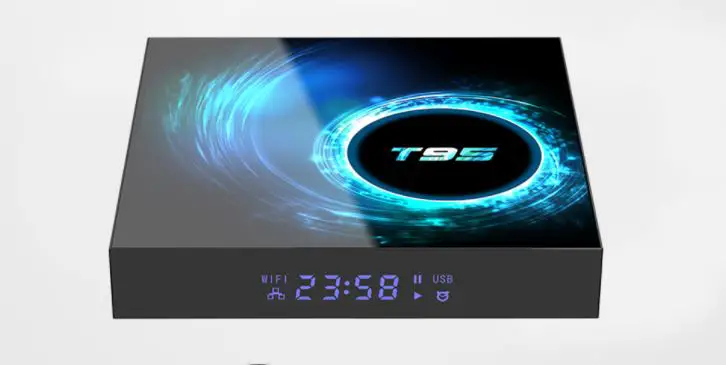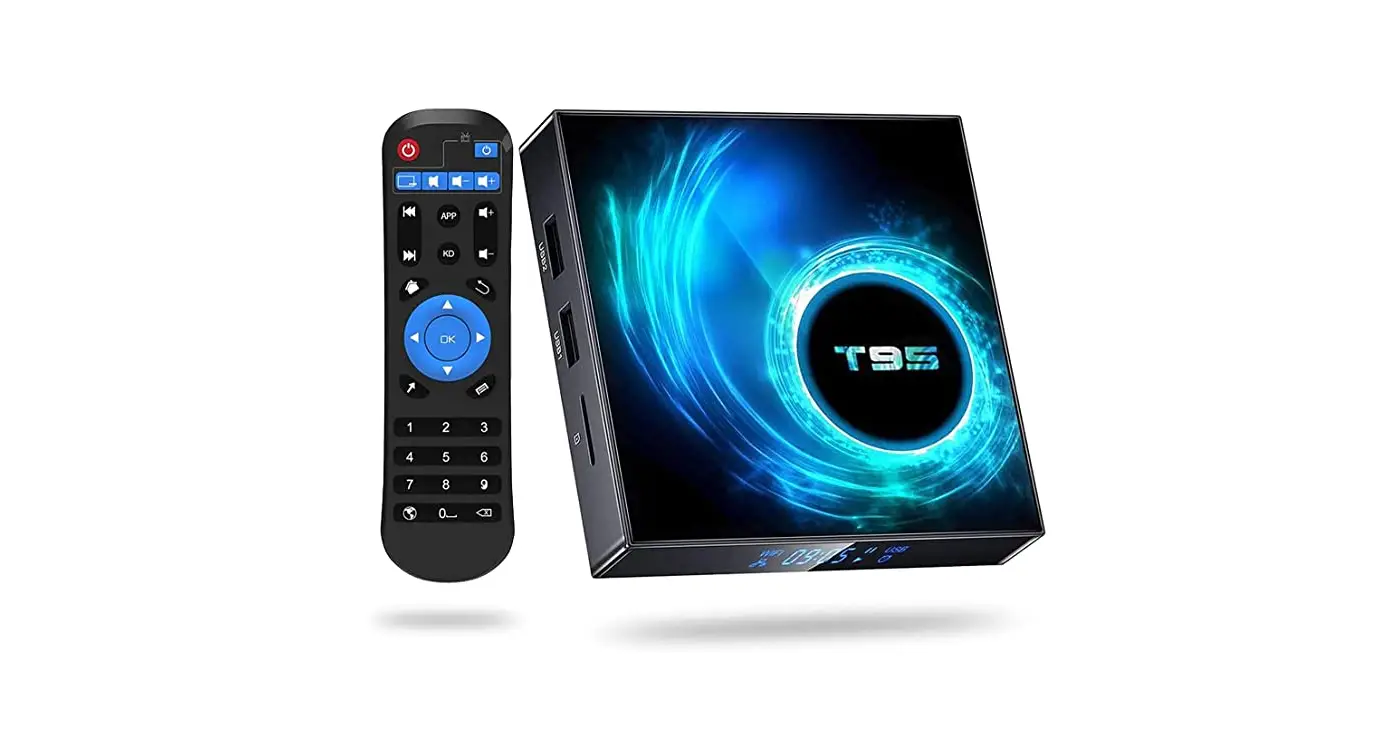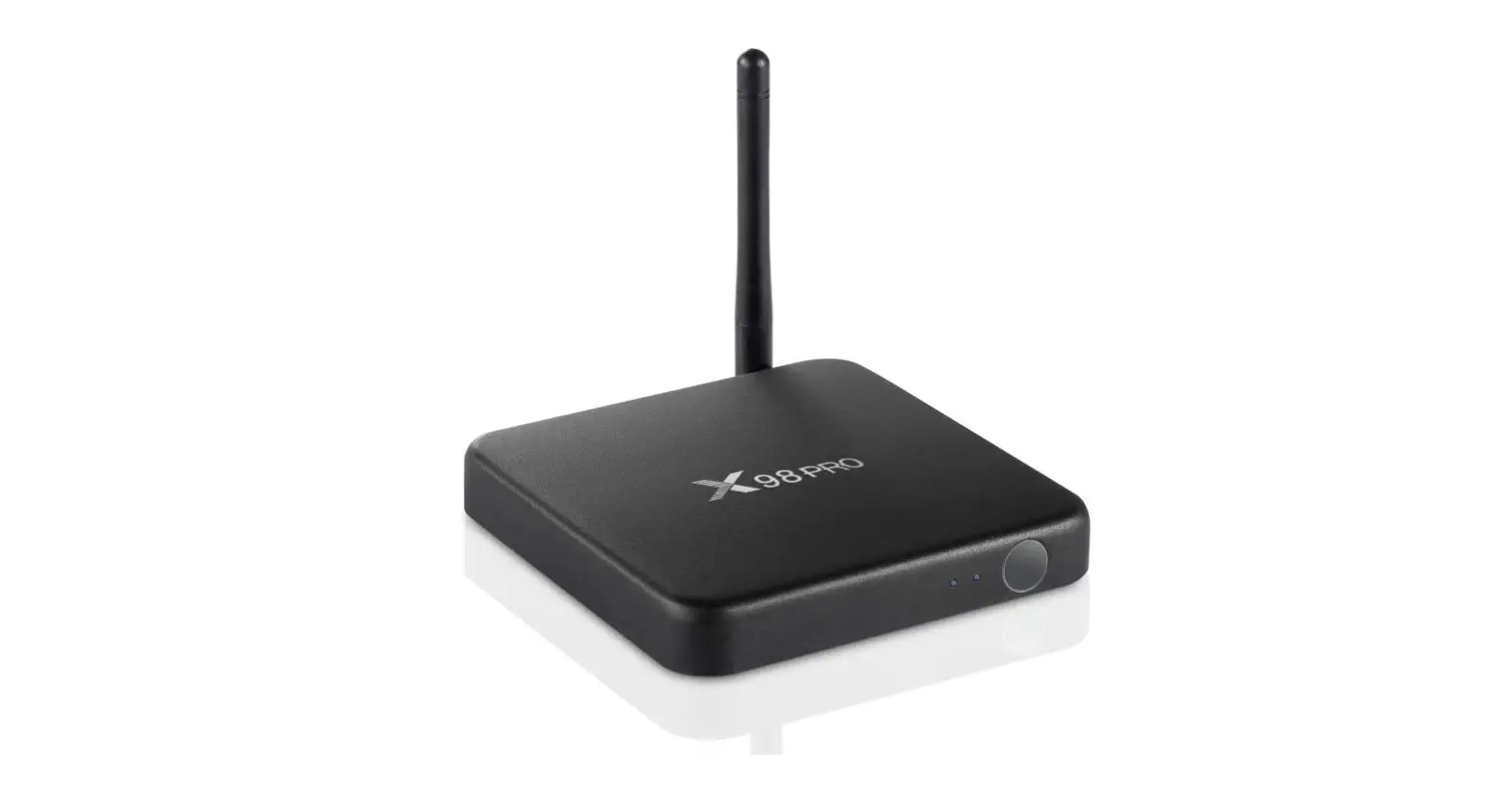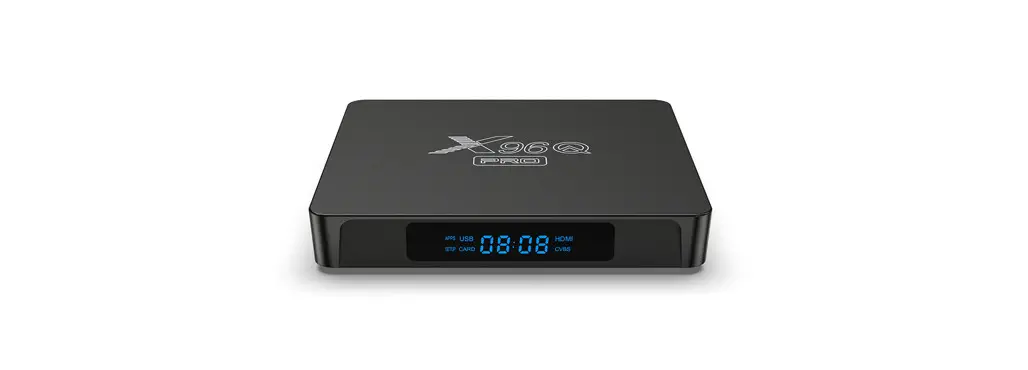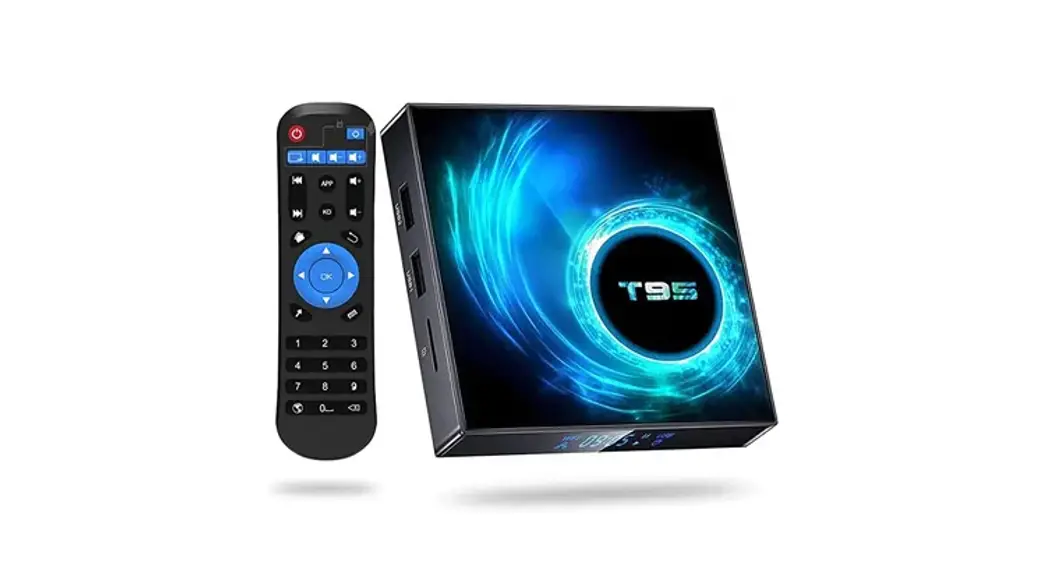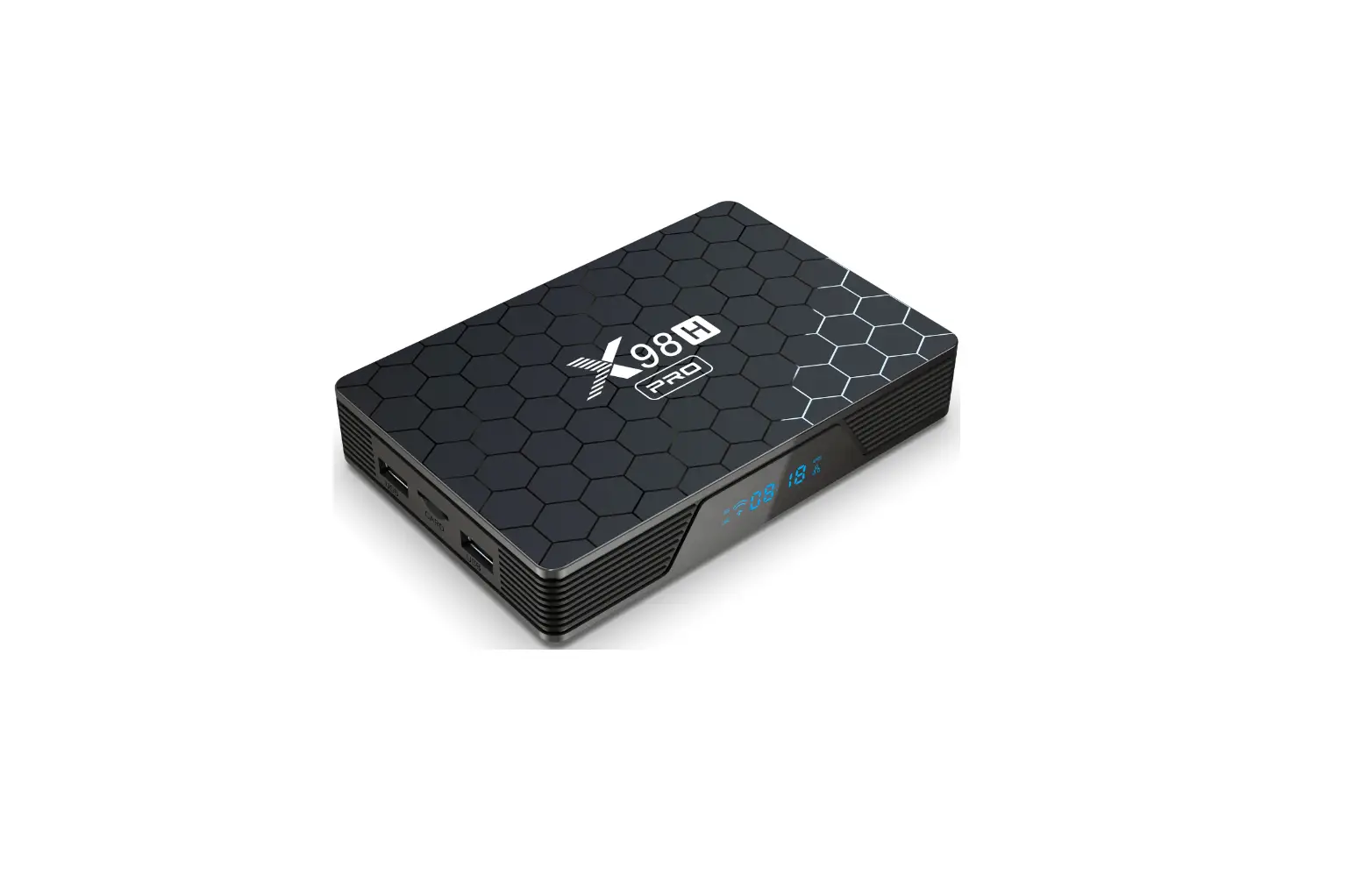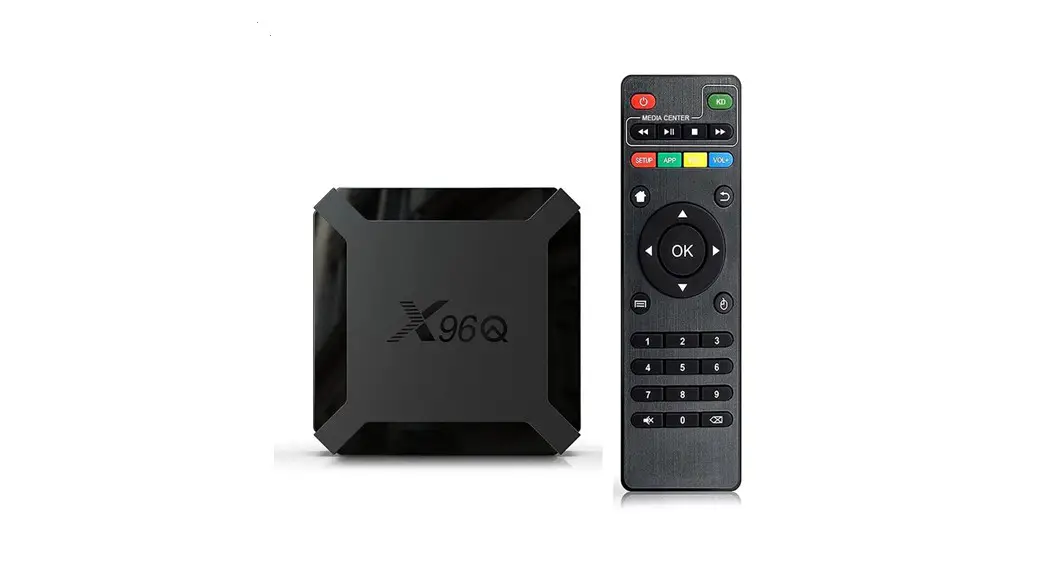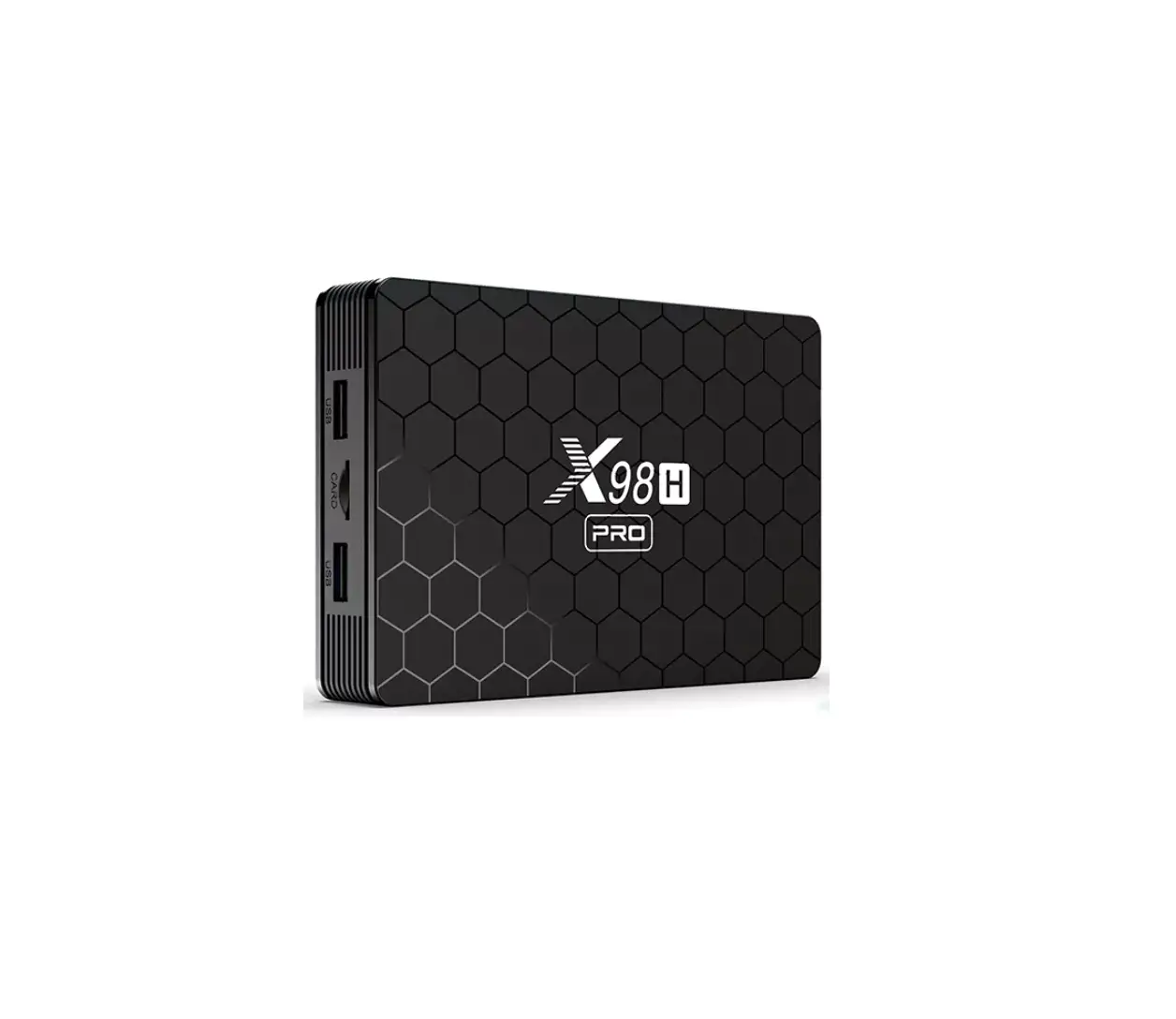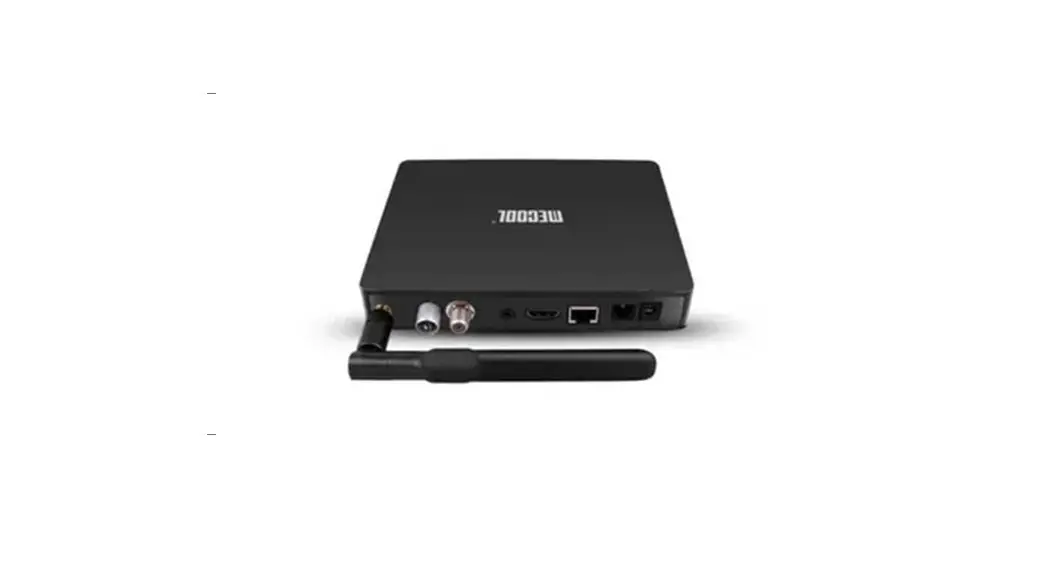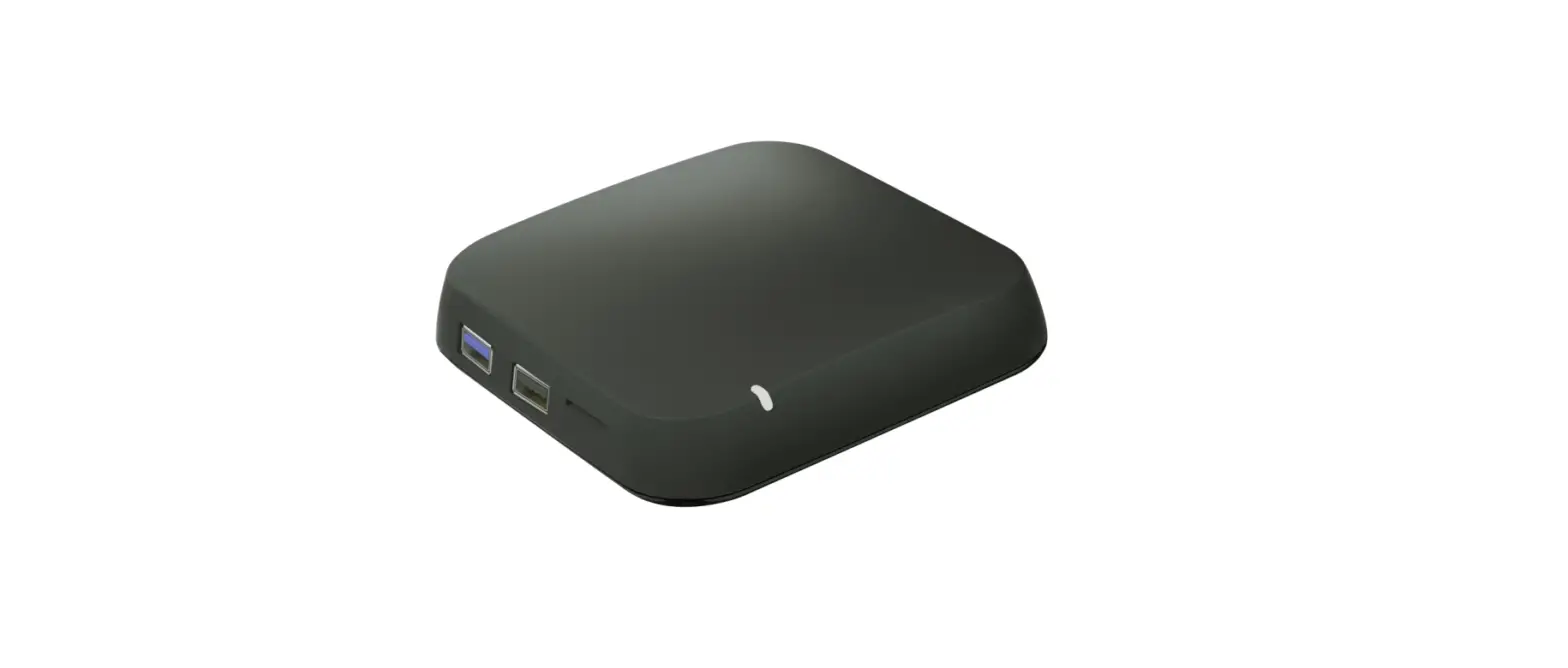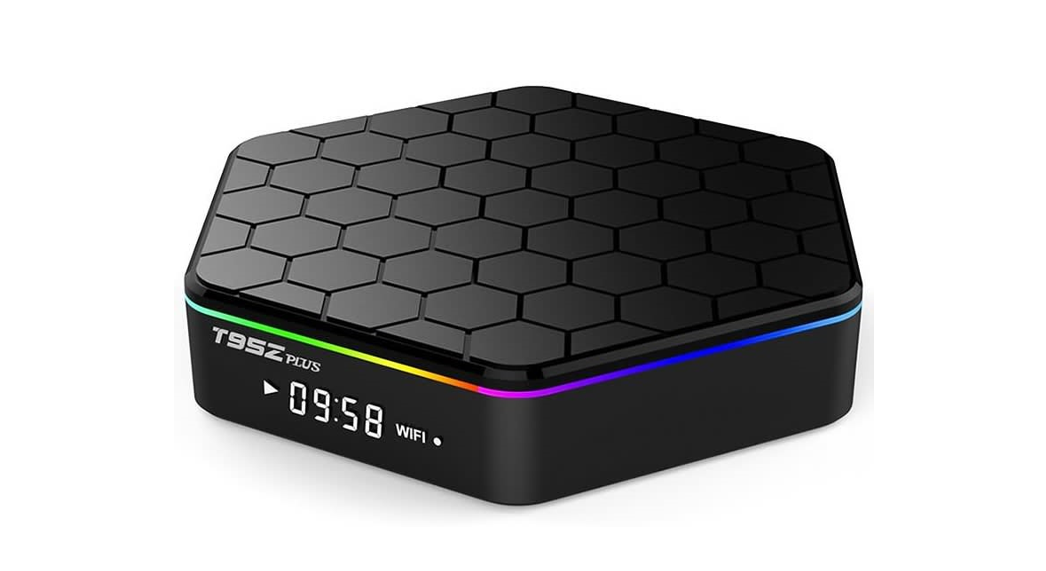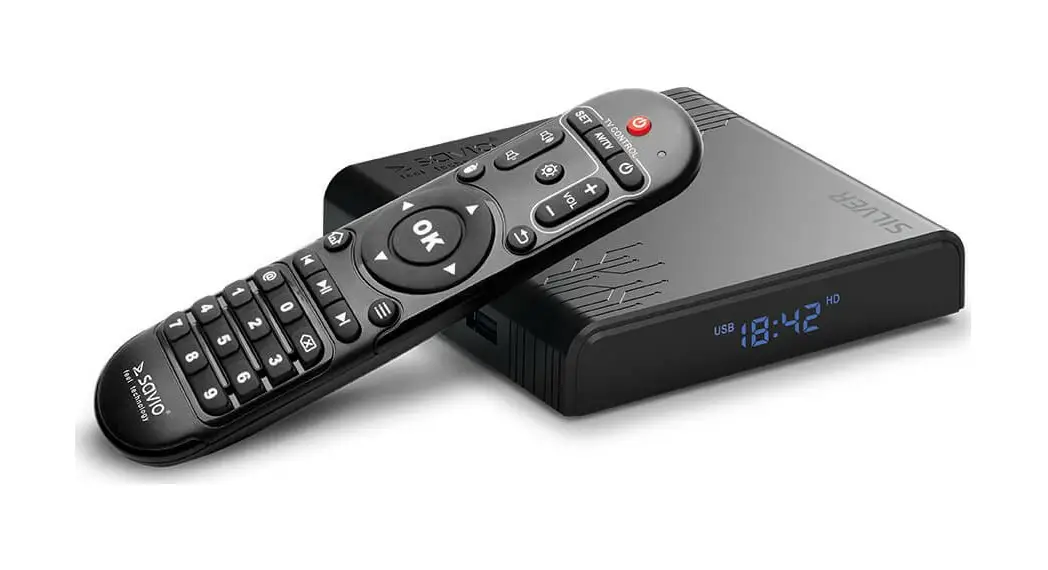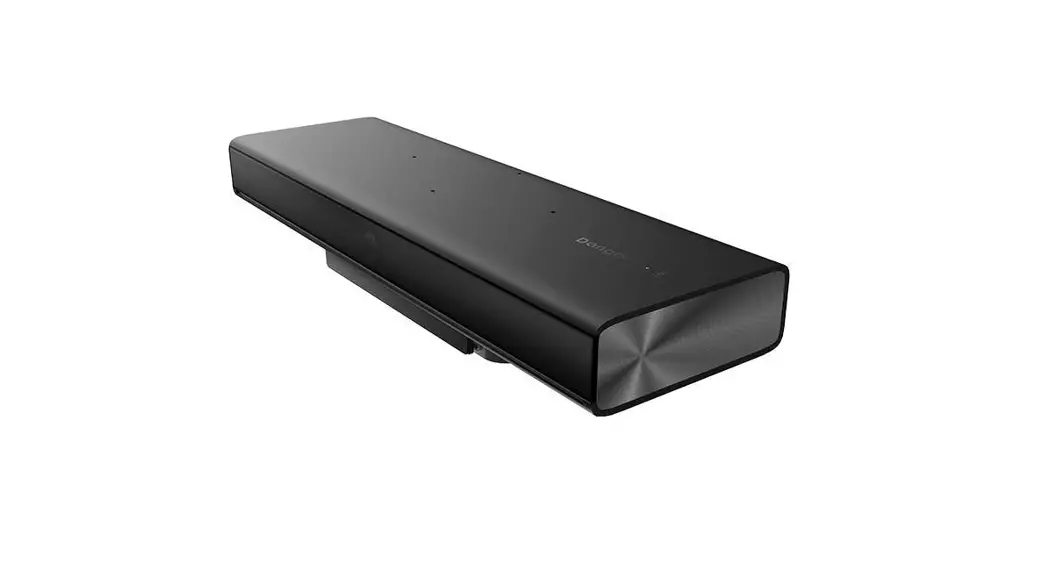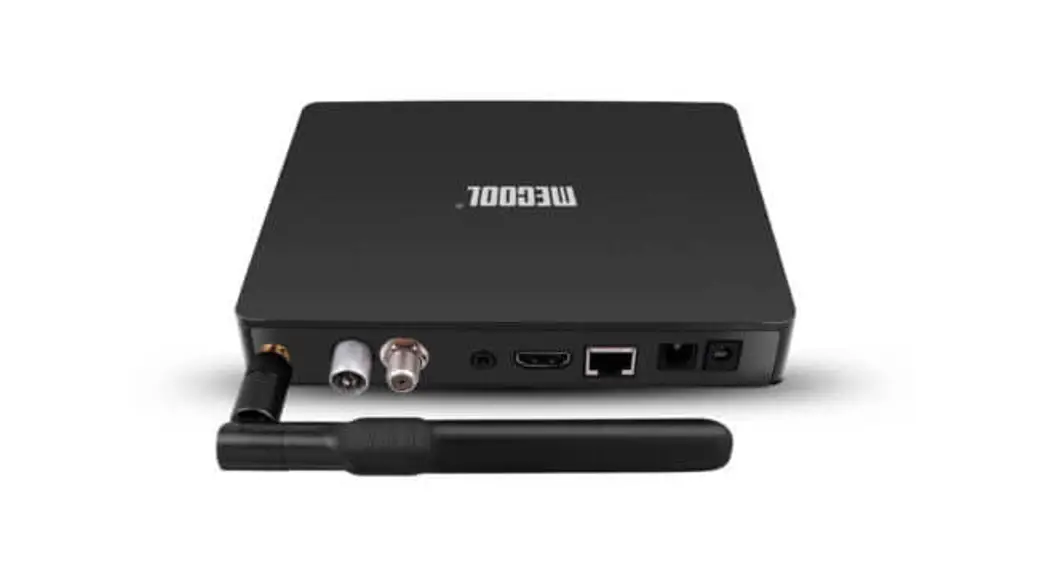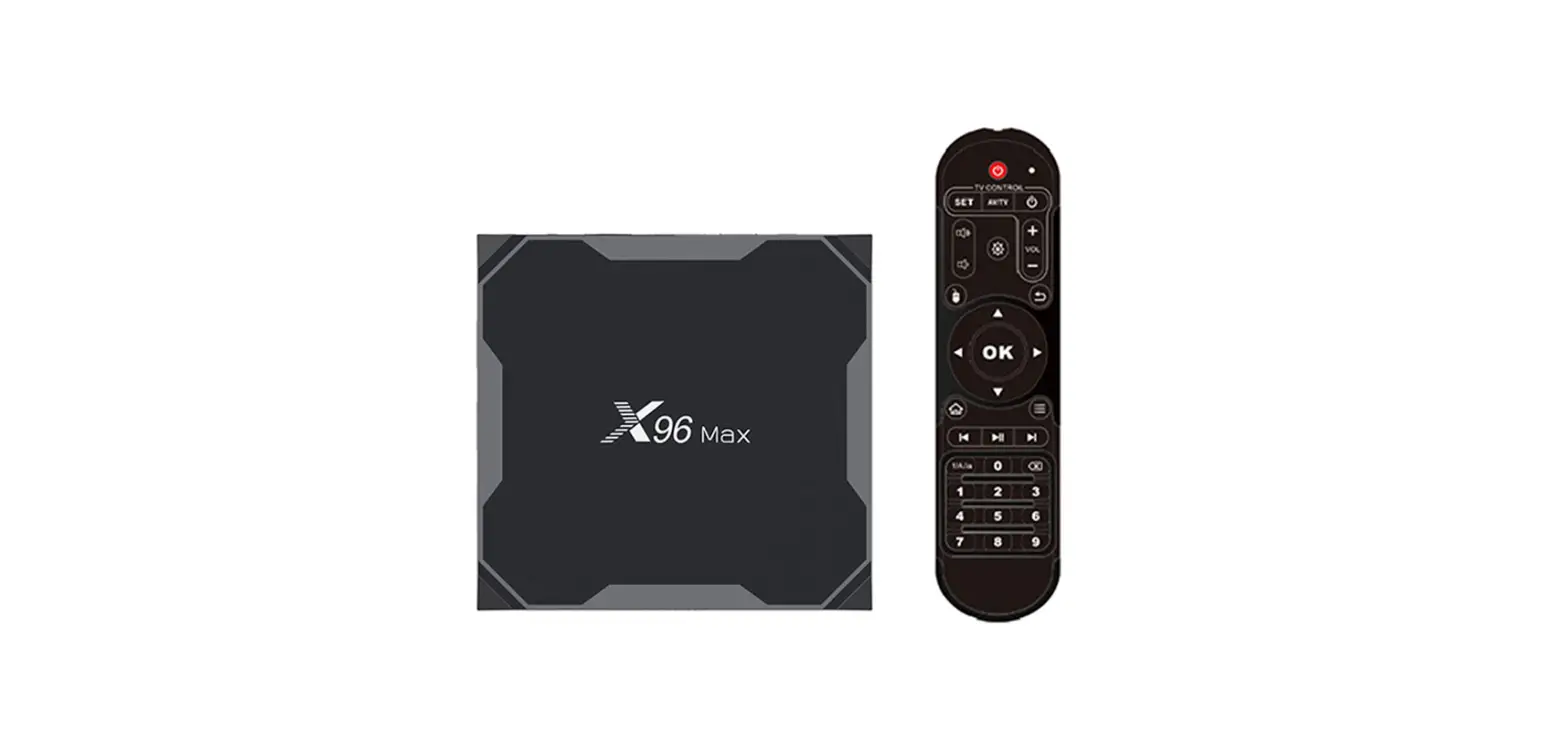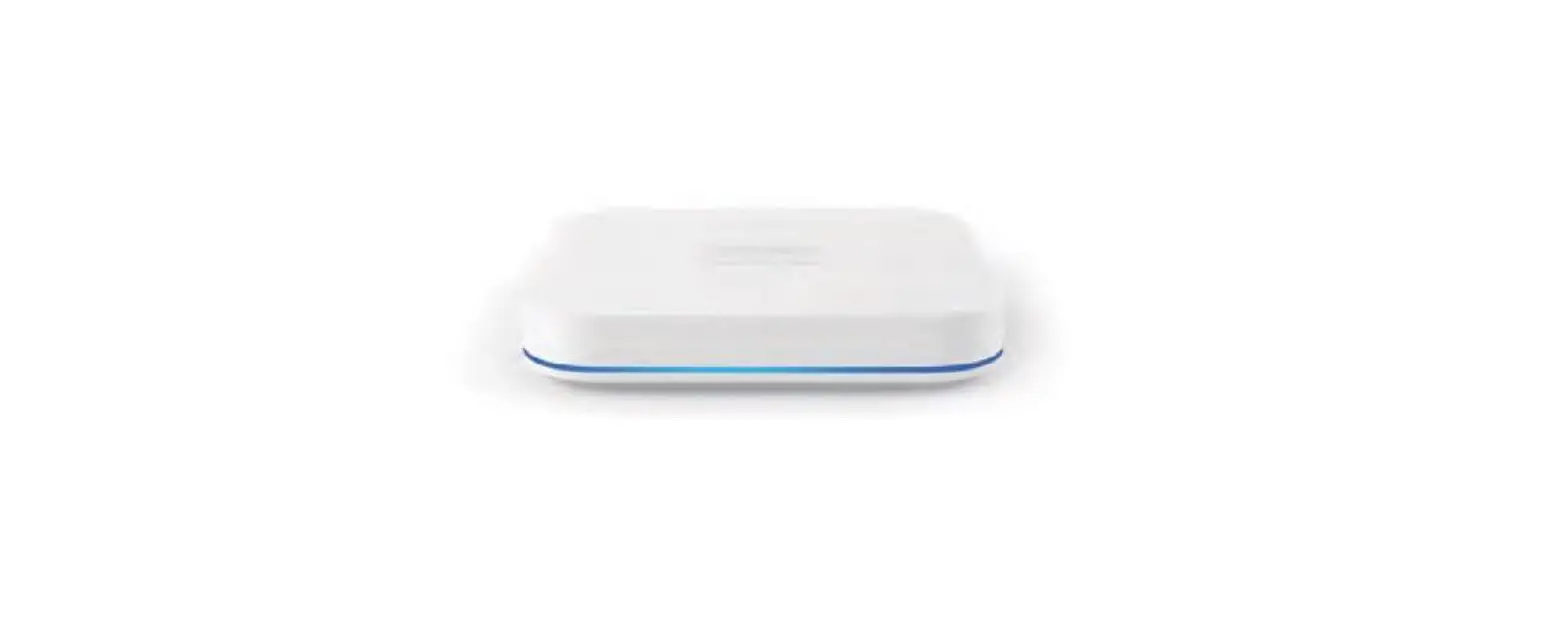

Taiwan Anbo Enterprise UBOX9 Smart TV Box
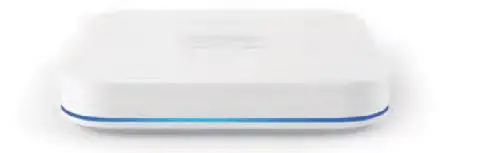
Product Overview
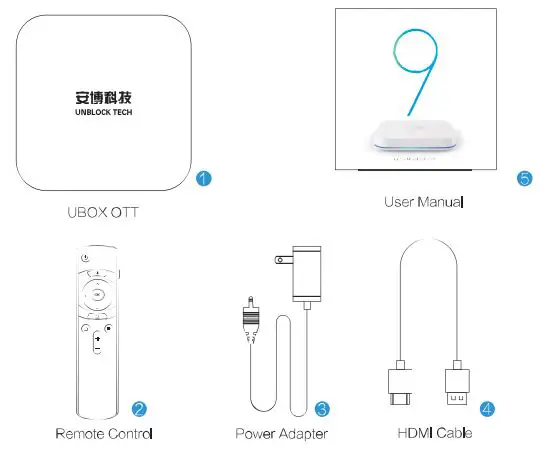
- UBOX OTT
- Remote Control
- Power Adapter
- HDMI Cable
- User Manual
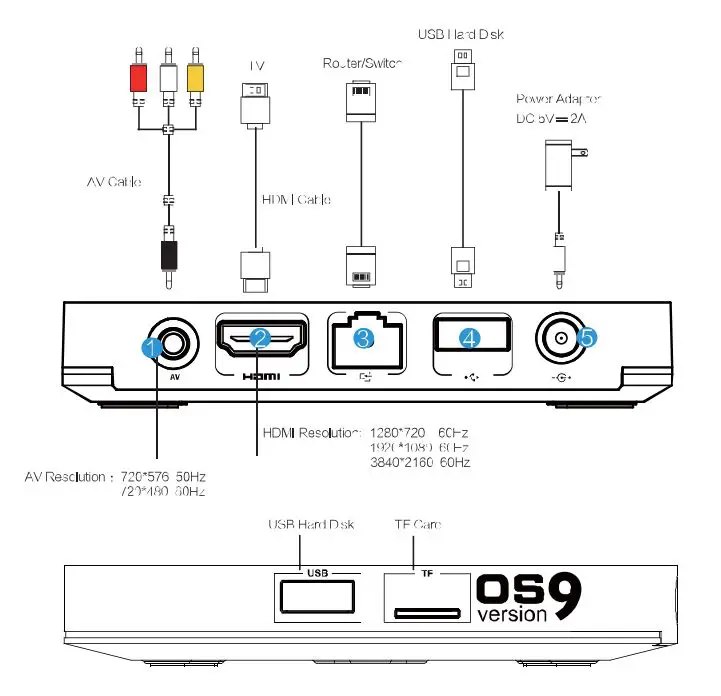
Interface Instruction
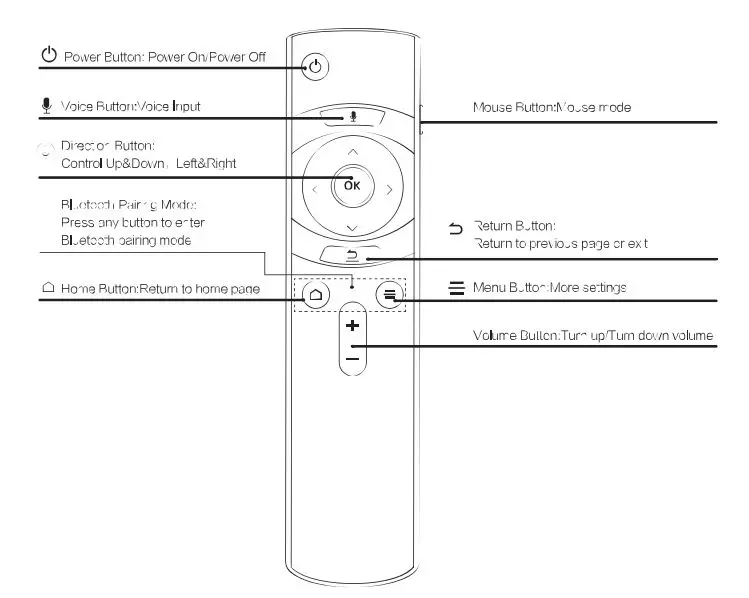
Remote Control Instruction
Installation Instruction
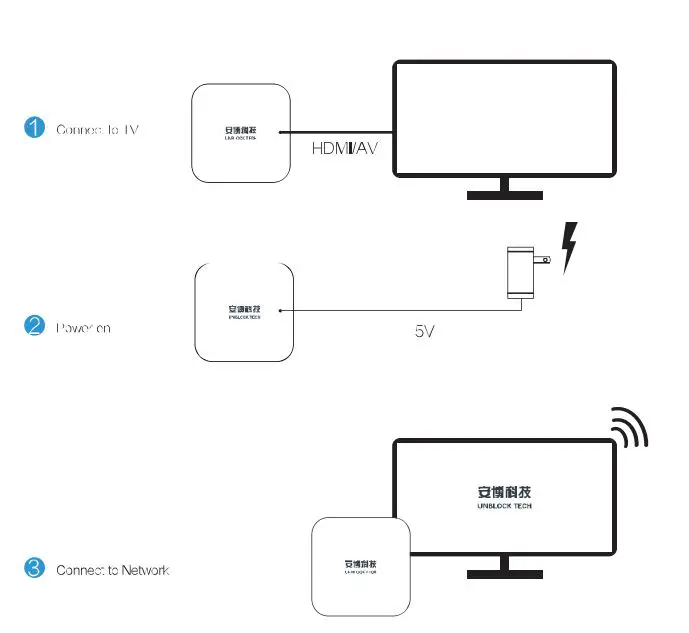
WIFI setting
Select “Setting”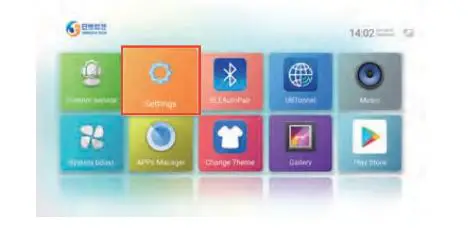
Click Network & Internet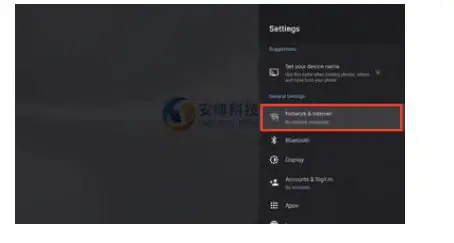
Select router side xxxxxxx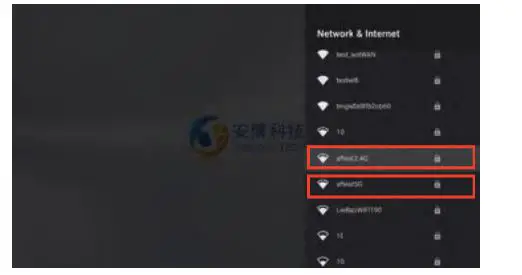
Input the password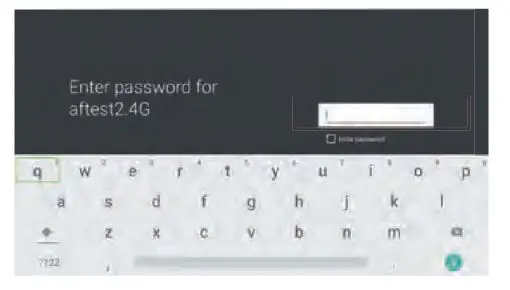
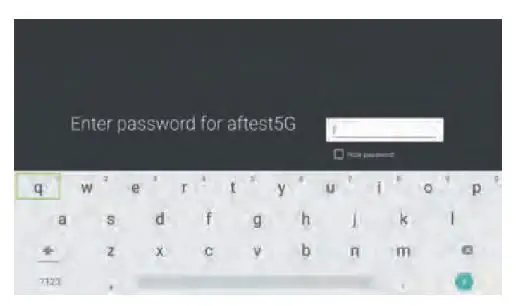
Bluetooth connection
Click Bluetooth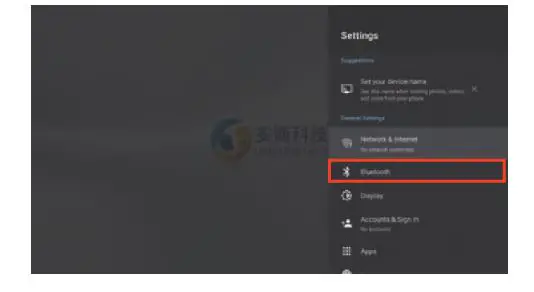
Pair new Device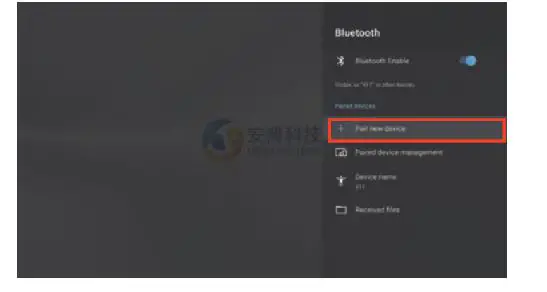
Select the Bluetooth device you want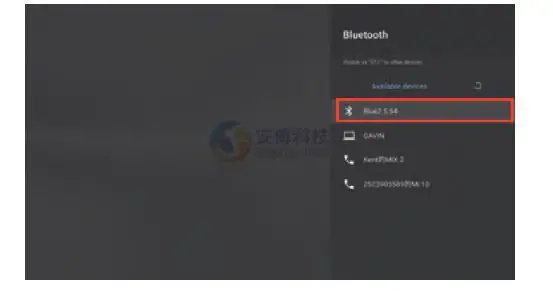
Disclaimer
This product has the function of connecting to the network, The applications downloaded and installed by users are from the network. His product is not responsible for the correctness and legality of the content contained in any third-party application. Please comply with the relevant laws of your area, and do not install and use any third-party application with pornography, violence, copyright disputes, and other illegal content, There are no illegal programs, default illegal links, or guidance to install or view illegal videos in this hardware device. It is sold legally according to local laws.
Website: http://www.unblocktech.com
FCC STATEMENT
This device complies with part 15 of the FCC Rules. Operation is subject to the following two conditions: (1) This device may not cause harmful interference, and (2) this device must accept any interterence received, including interference that may cause undesired operation.
Any changes or modifications not expressly approved by the party responsible for compliance could void the user’s authority to operate the equipment.
Note: This equipment has been tested and found to comply with the limits for a Class B digital device, pursuant to part 15 of the FCC Rules. These limits are designed to provide reasonable protection against harmfüul interference in a residential installation. This equipment generates uses and can radiate radio frequency energy and, if not installed and used in accordance with the instructions, may cause harmful interference to radio communications. However, there is no guarantee that interference will not occur in a particular installation. If this equipment does cause harmful interference to radio or television reception, which can be determined by turning the equipment off and on, the user is encouraged to try to correct the interfèrence by one or more of the following measures:
- Reorient or relocate the receiving antenna.
- Increase the separation between the equipment and receiver.
- Connect the equipment into an outlet on a circuit different from that to which the receiver is connected.
- Consult the dealer or an experienced radio/TV technician for help.
This equipment complies with FCC radiation exposure limits set forth for an uncontrolled environment. This equipment should be installed and operated with a minimum distance 20cm between the radiator & your body.