Contents hide

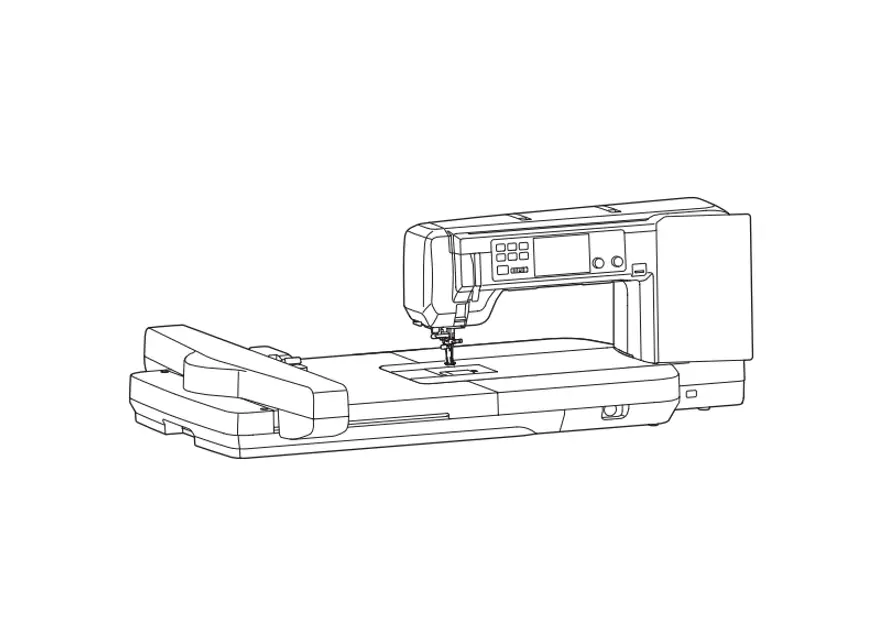
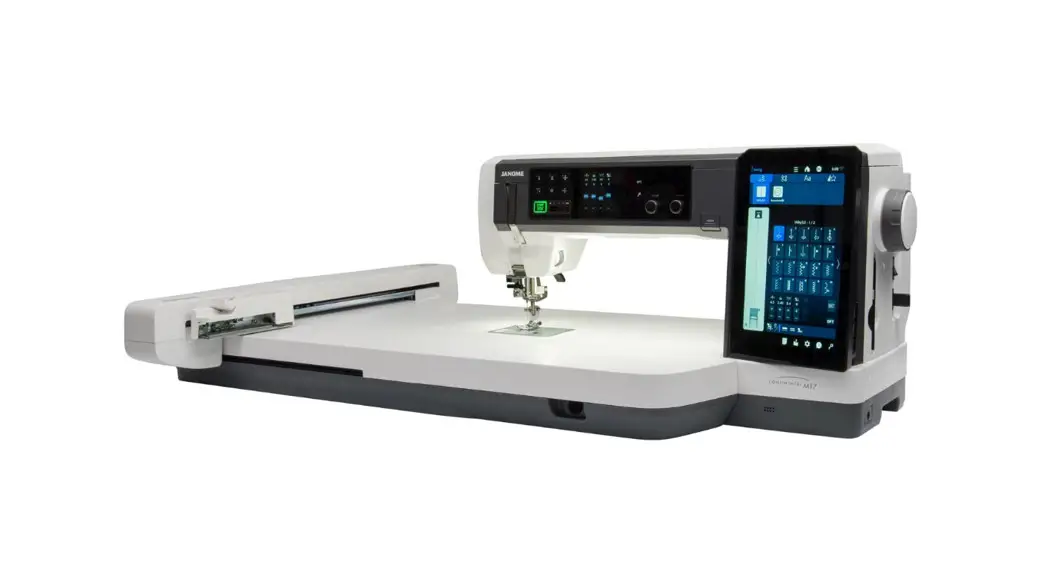
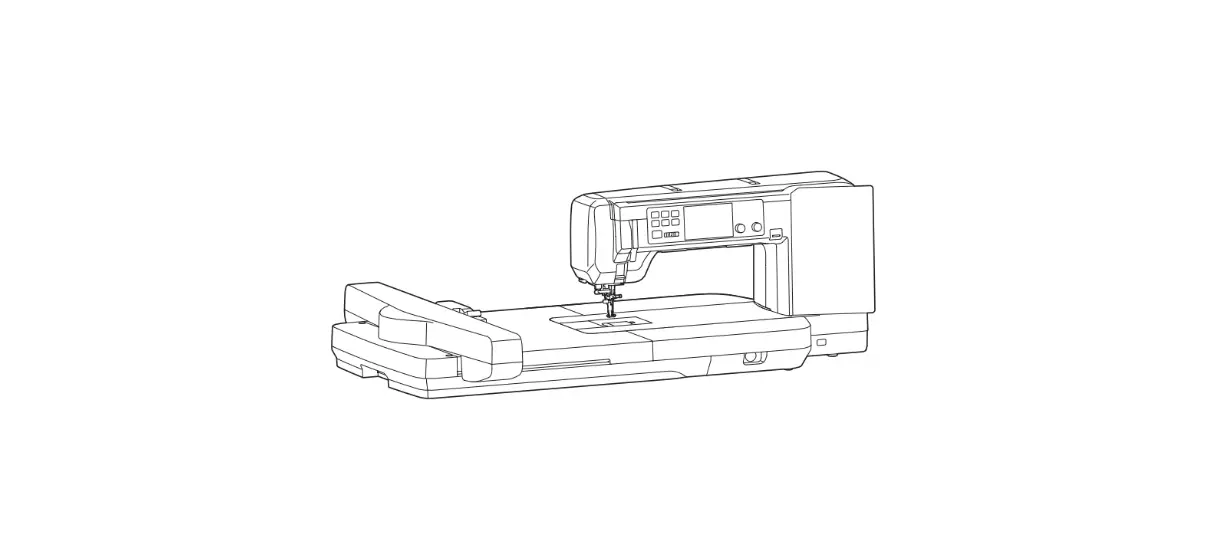
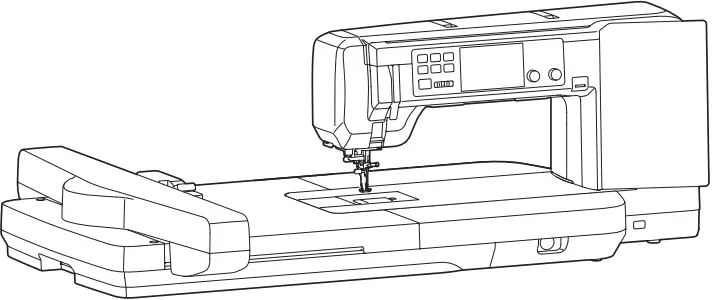
JANOME CM17 Next Generation Combo Machine
Download site for Instruction books
URL: https://www.janome.co.jp/e/e_downloads/pdf/instructions/CM17.html
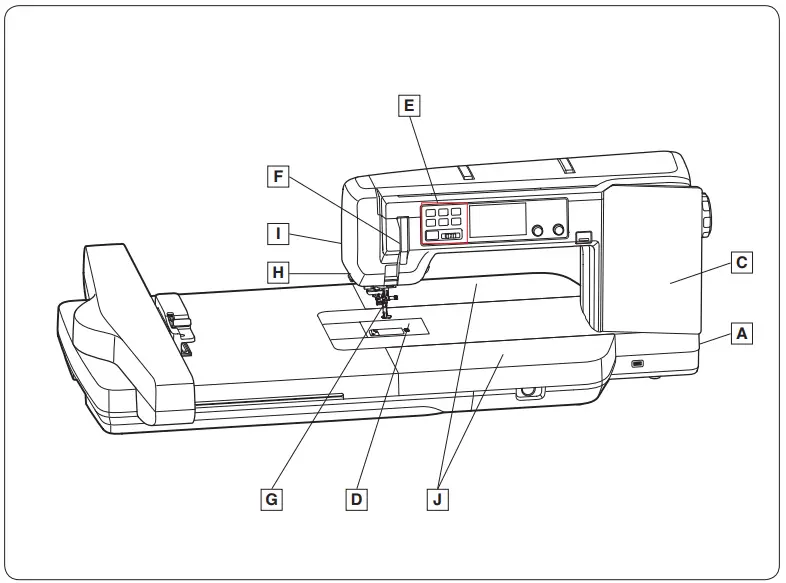
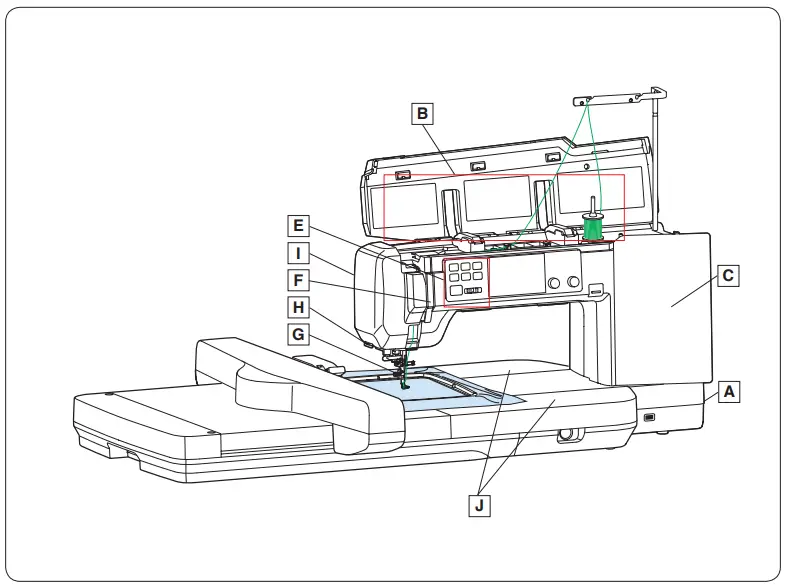
PRODUCT OVERVIEW
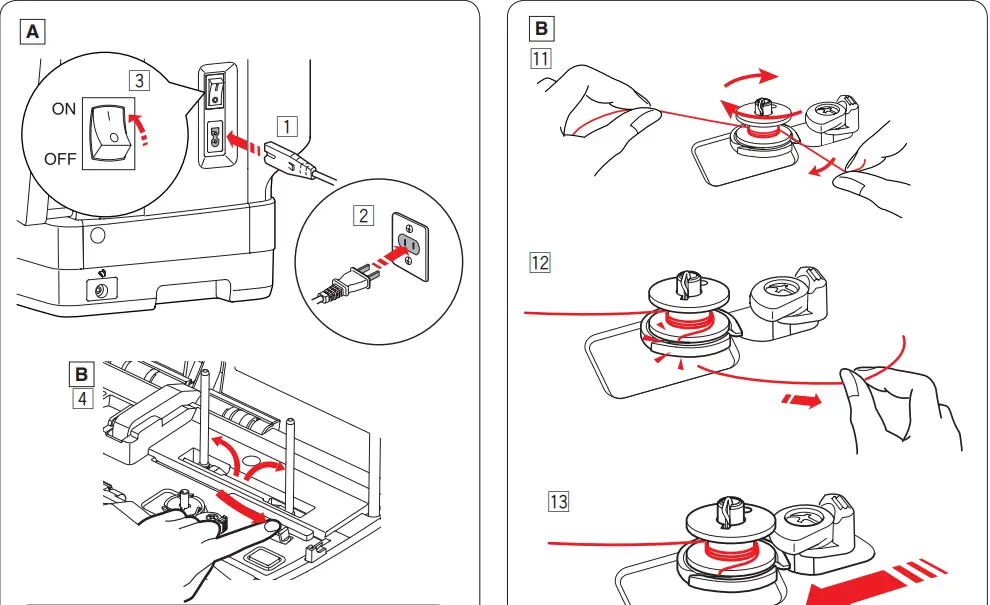
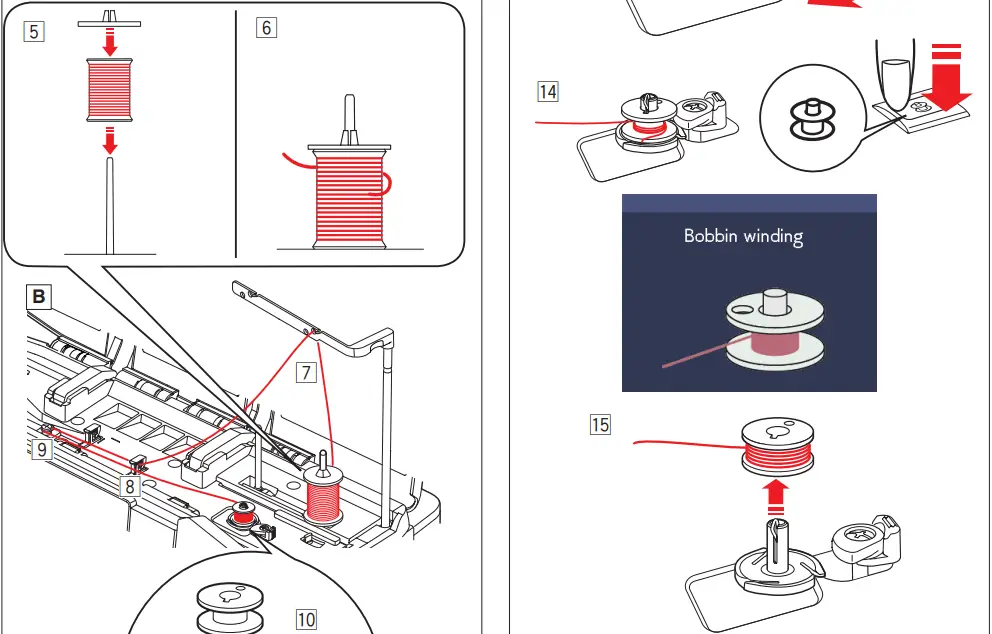
Winding the bobbin

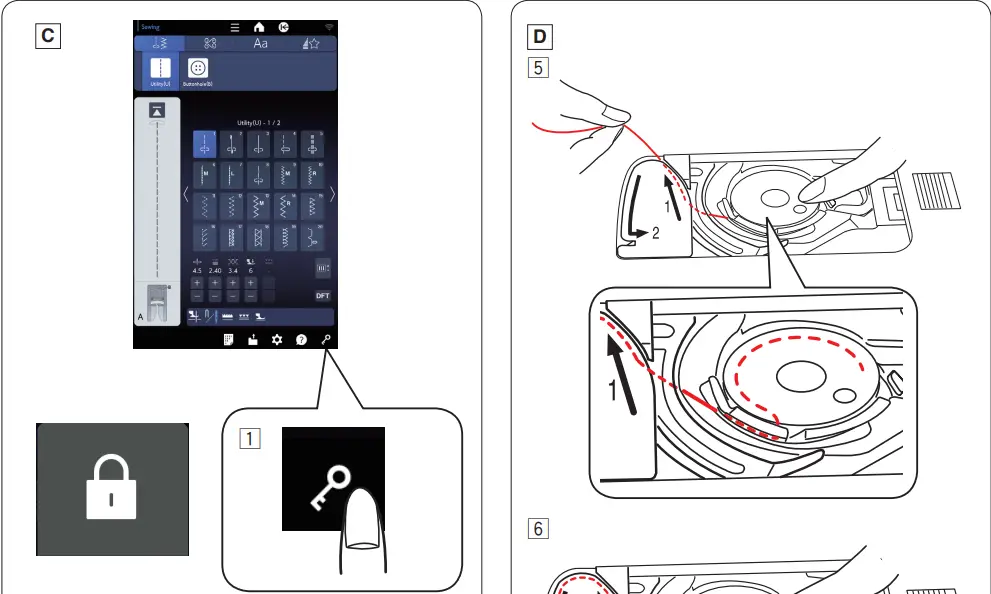
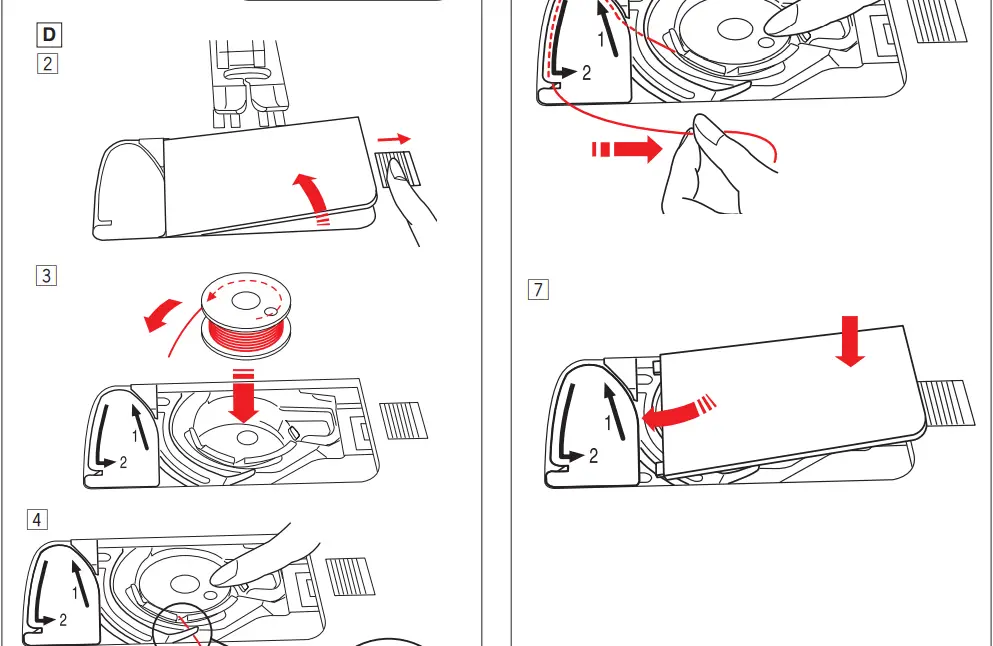
Inserting the bobbin

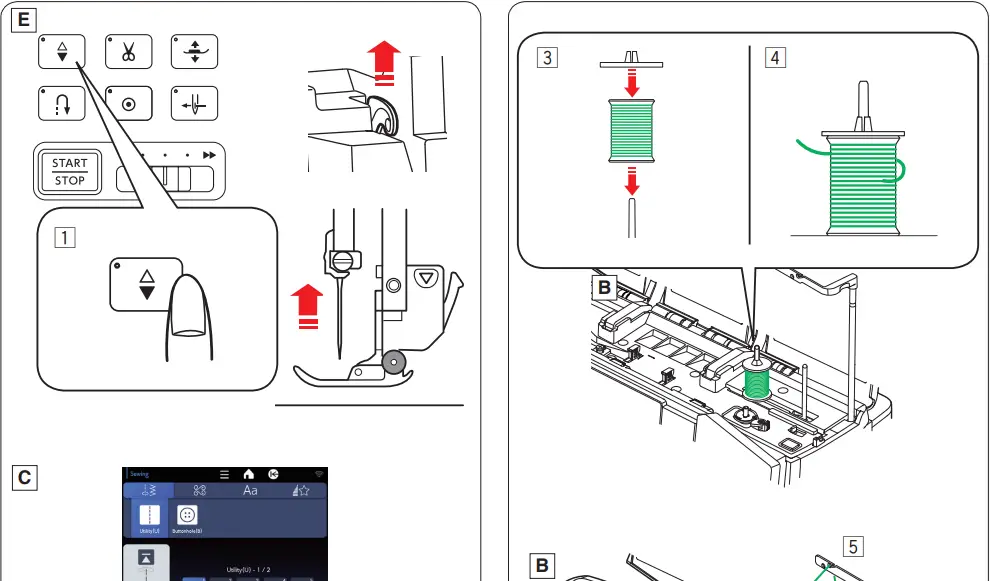
Threading the machine
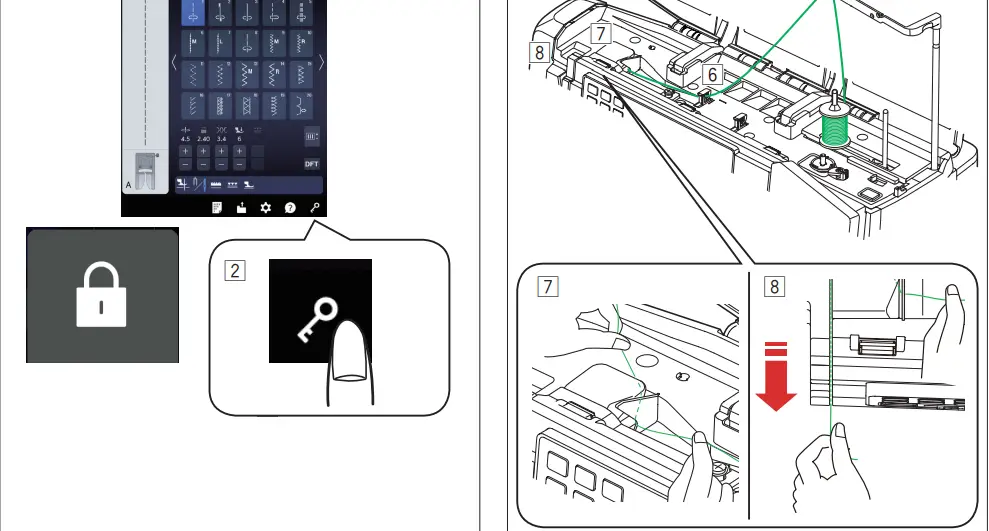
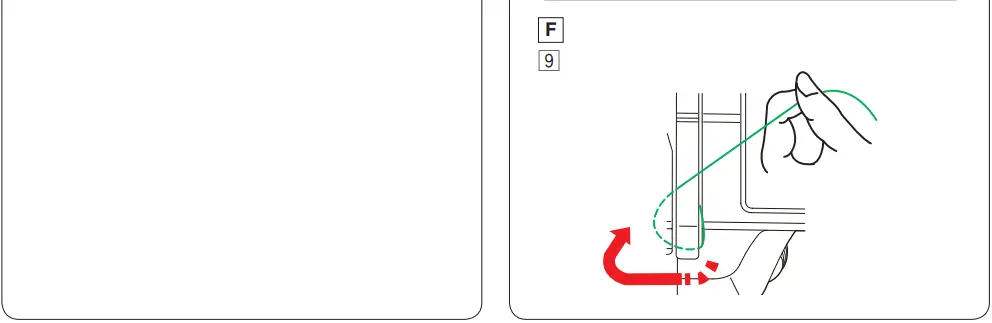
Threading the machine
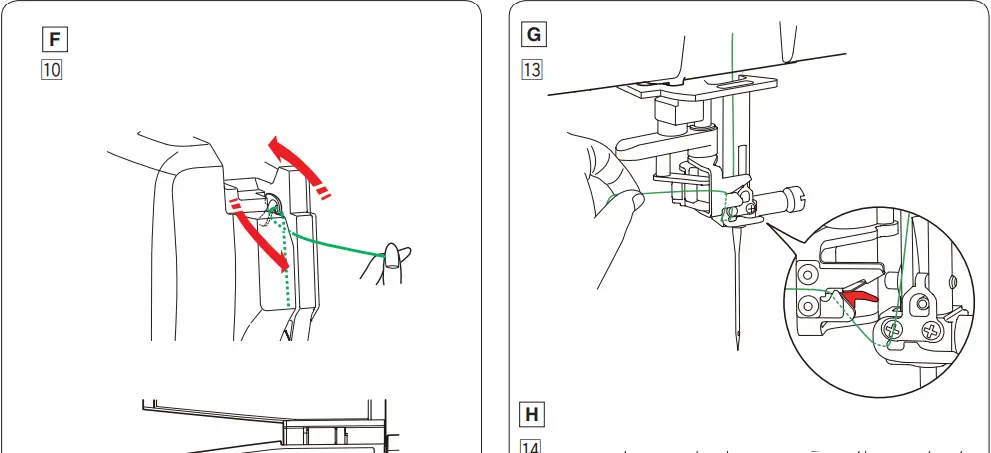
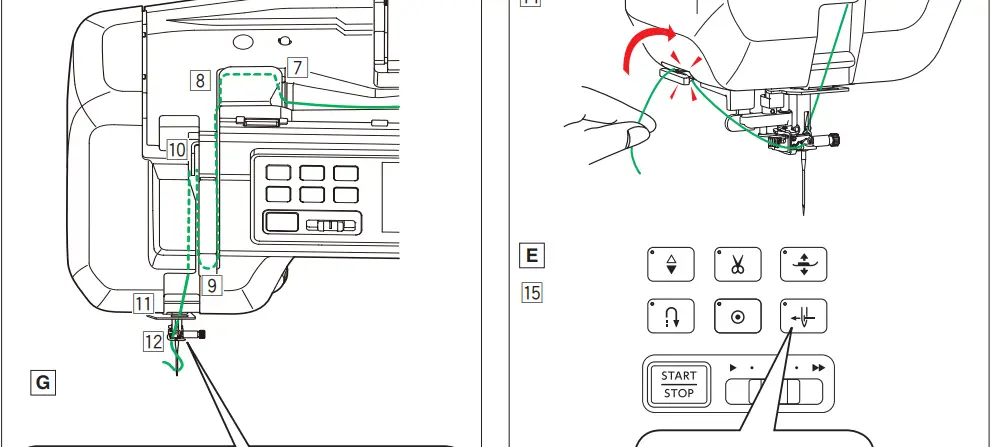
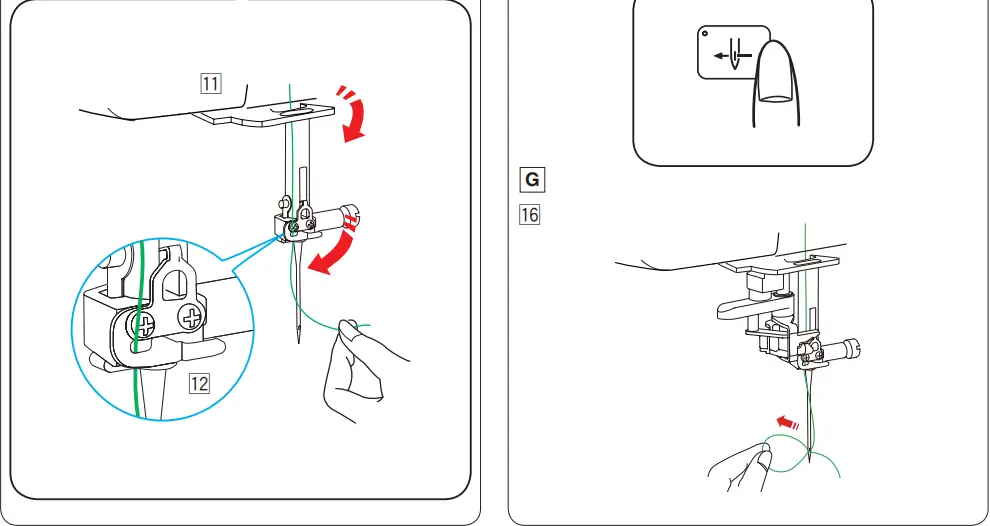
Preparing for embroidery
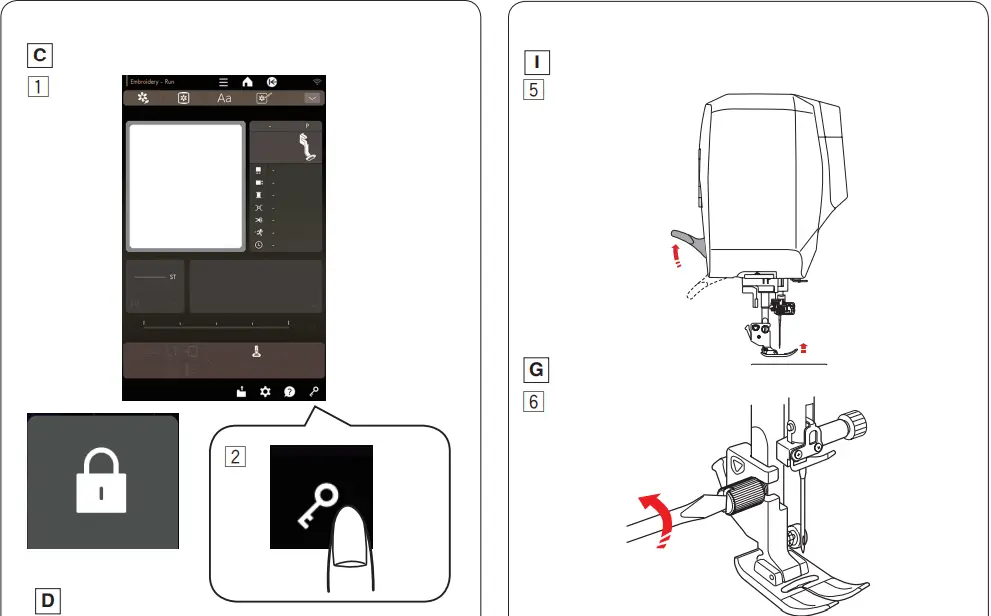
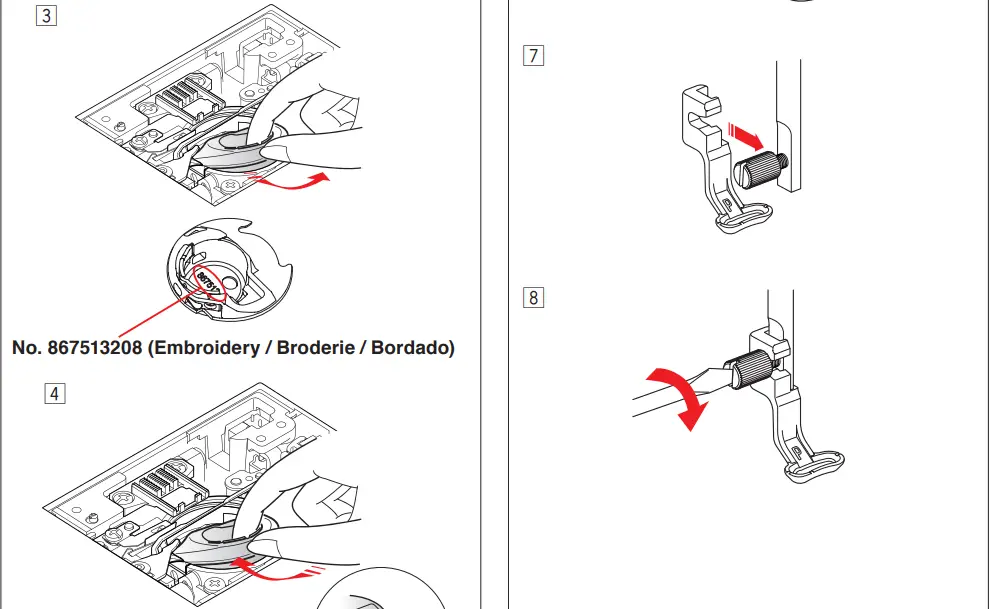

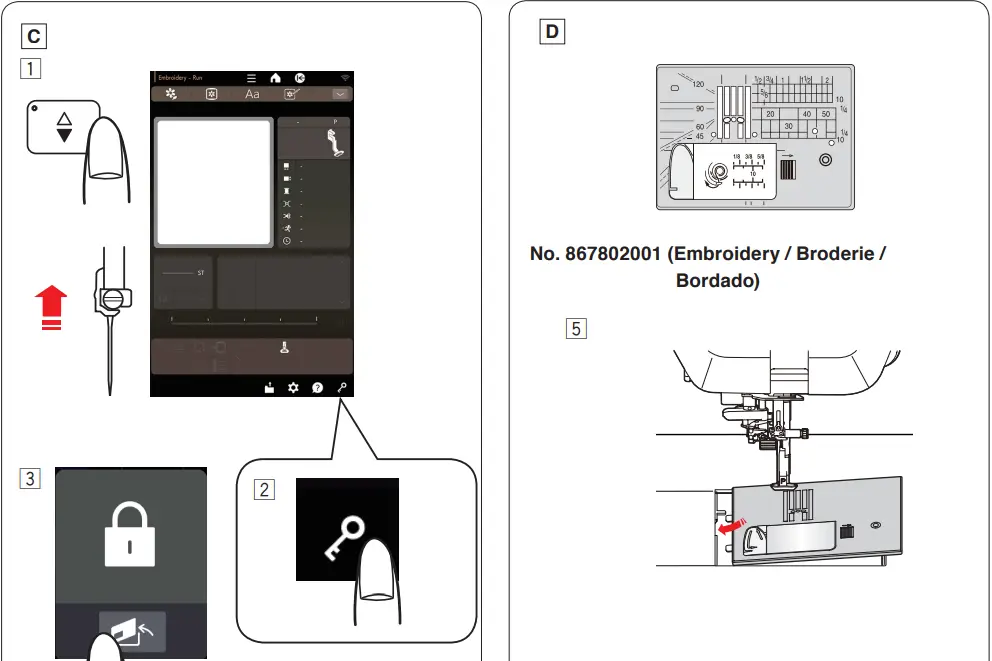
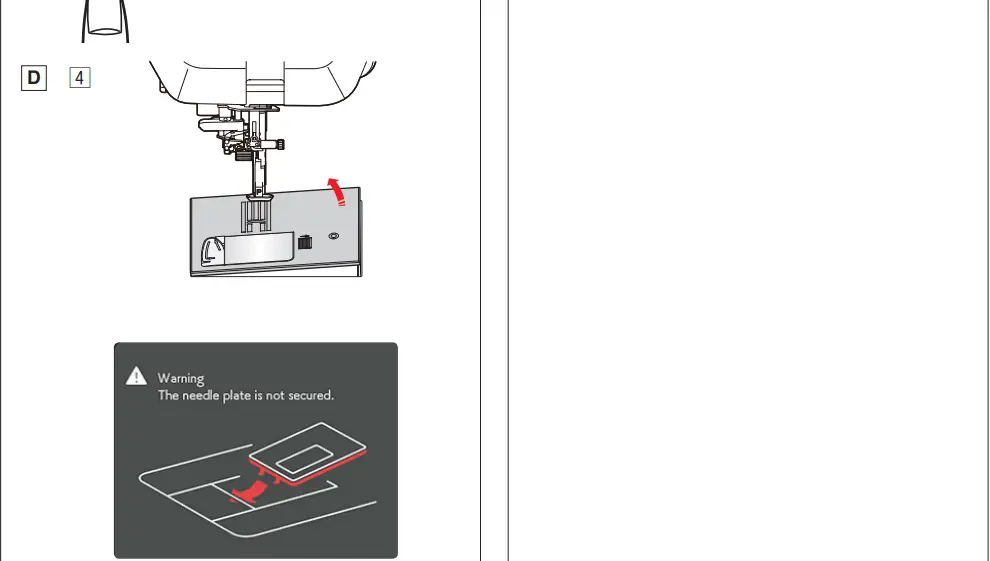
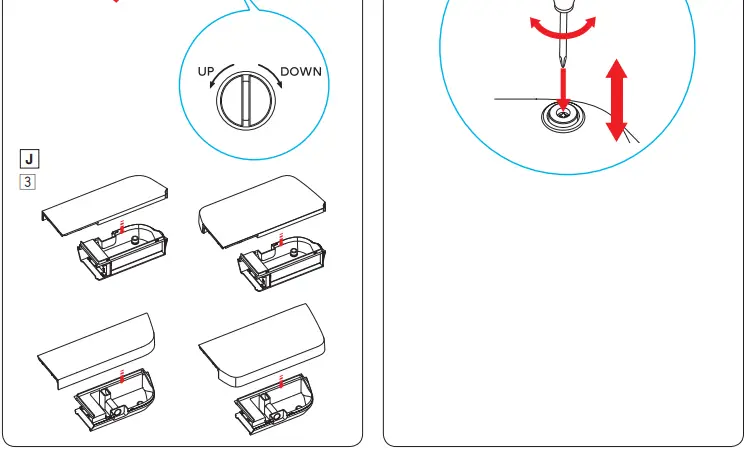
Replacing the needle plate

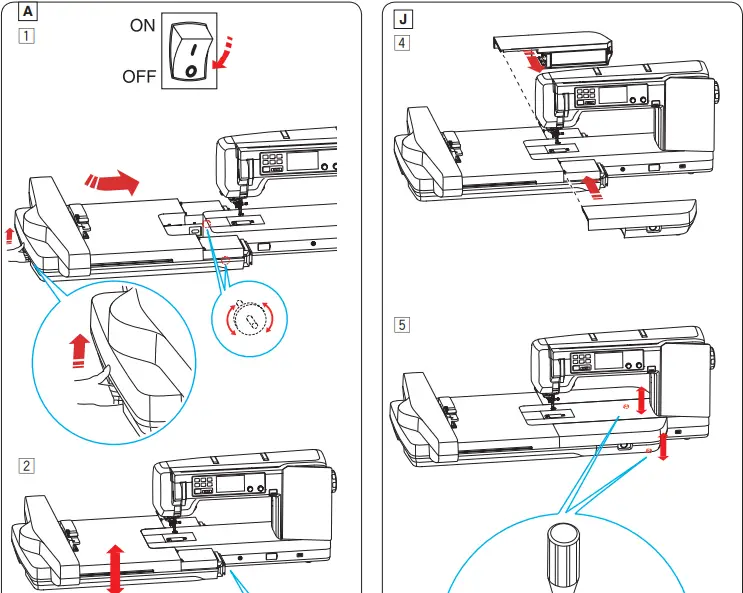
Attaching the embroidery unit
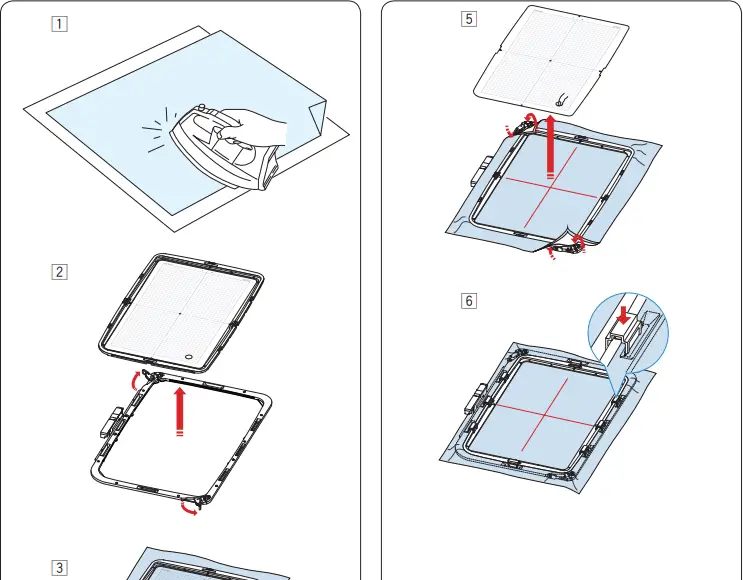
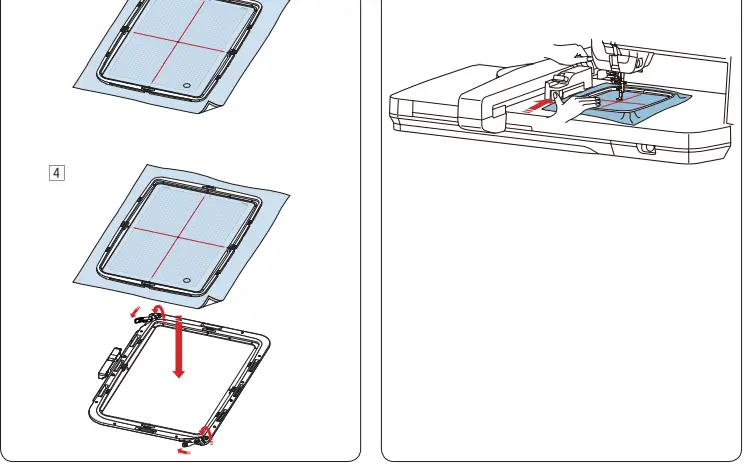
Setting fabric in an embroidery hoop
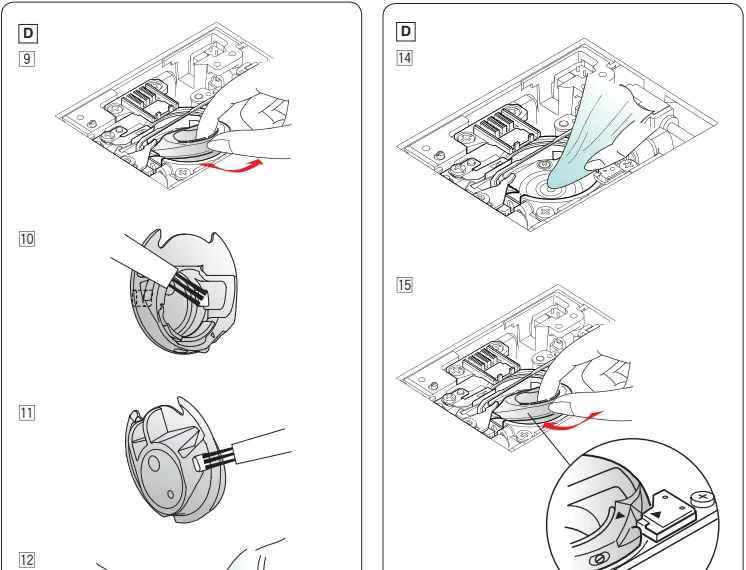
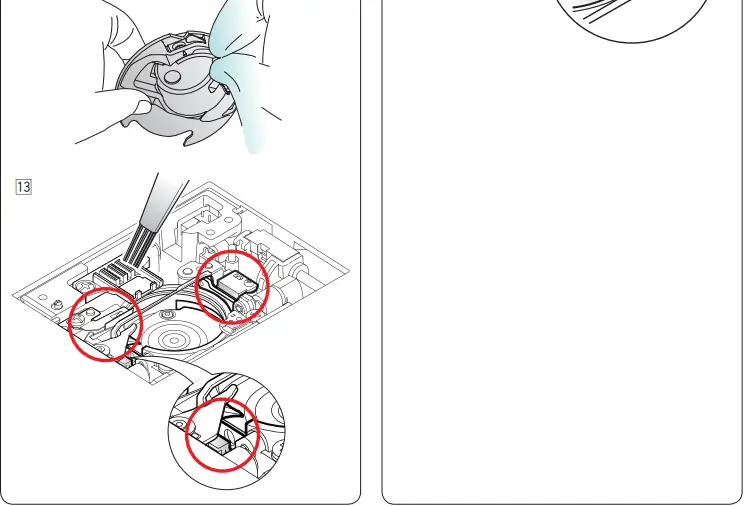
Care and maintenance
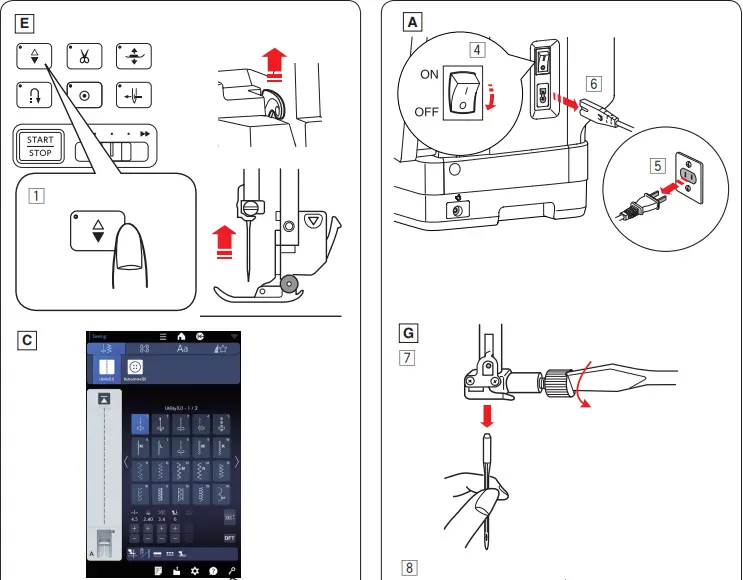
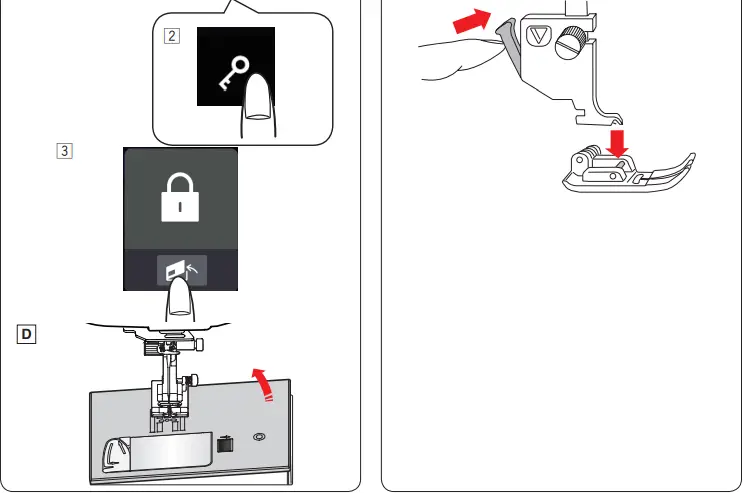
Care and maintenance
iOS and Android Apps and Windows software
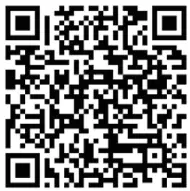
Use the the QR codes to access these useful tools.
- AcuAssist (iOS, Android)

Sewing machine user guide and tips App.
URL: https://www.janome.co.jp/e/e_downloads/App1.html
- AcuSetter (iOS, Android)

App for accurate embroidery placement.
URL: https://www.janome.co.jp/e/e_downloads/App2.html
- AcuSketch (iOS, Android)

App for creating embroidery data from drawings/sketches.
URL: https://www.janome.co.jp/e/e_downloads/App3.html - Screen Saver Tool (iOS, Android)

App for setting screen saver images on your sewing machine.
URL: https://www.janome.co.jp/e/e_downloads/App4.html - Embroidery-Link (iOS, Android)

App for editing embroidery designs and monitoring embroidery progress.
URL: https://www.janome.co.jp/e/e_downloads/App5.html





PC software (Windows)

- Stitch Composer
- Screen Saver Tool
- Quilt Block Adviser
Software for creating stitch data, setting screen savers on your sewing machine, and arranging quilt patterns.
URL: https://www.janome.co.jp/e/e_downloads/CM17_softwares.html
IMPORTANT INSTRUCTION
- QR code reader (scanner) application can be downloaded from App store or market.
- It may take a while to receive a response from the site when scanning a QR code.
- Standard data charges from your internet provider may apply.
- Design of App icons are subject to change without prior notice.
- iOS is the name of the operating system software created by Apple Inc.
- iOS is a trademark of Cisco Systems Inc. registered in the U.S. and other countries and is used under license.
- Android and Google Play are trademarks of Google LLC.
- QR Code is a registered trademark of Denso Wave Inc.
- iTunes Store and Apple Store are trademarks of Apple Inc. registered in the U.S. and other countries.
 janome.co.jp/e/e_downloads/App1.html