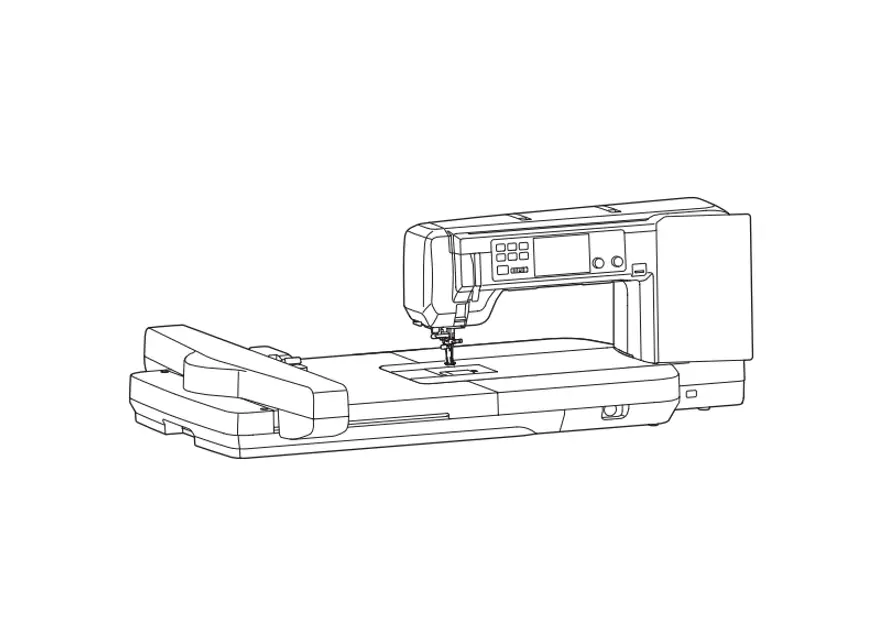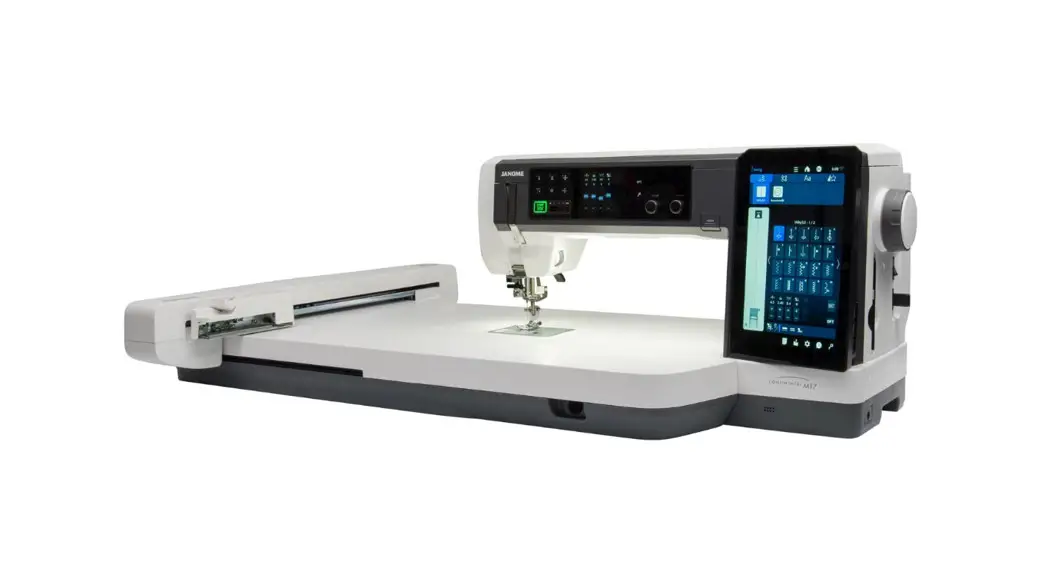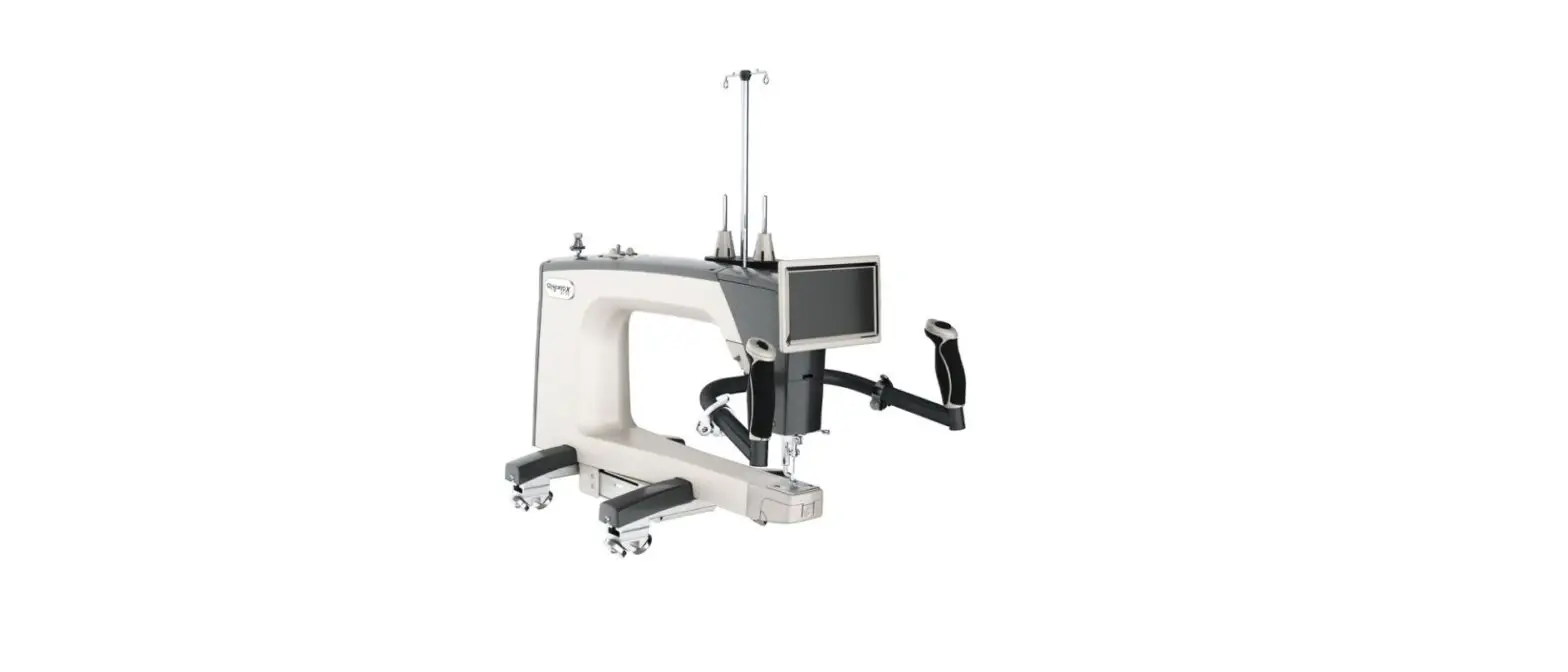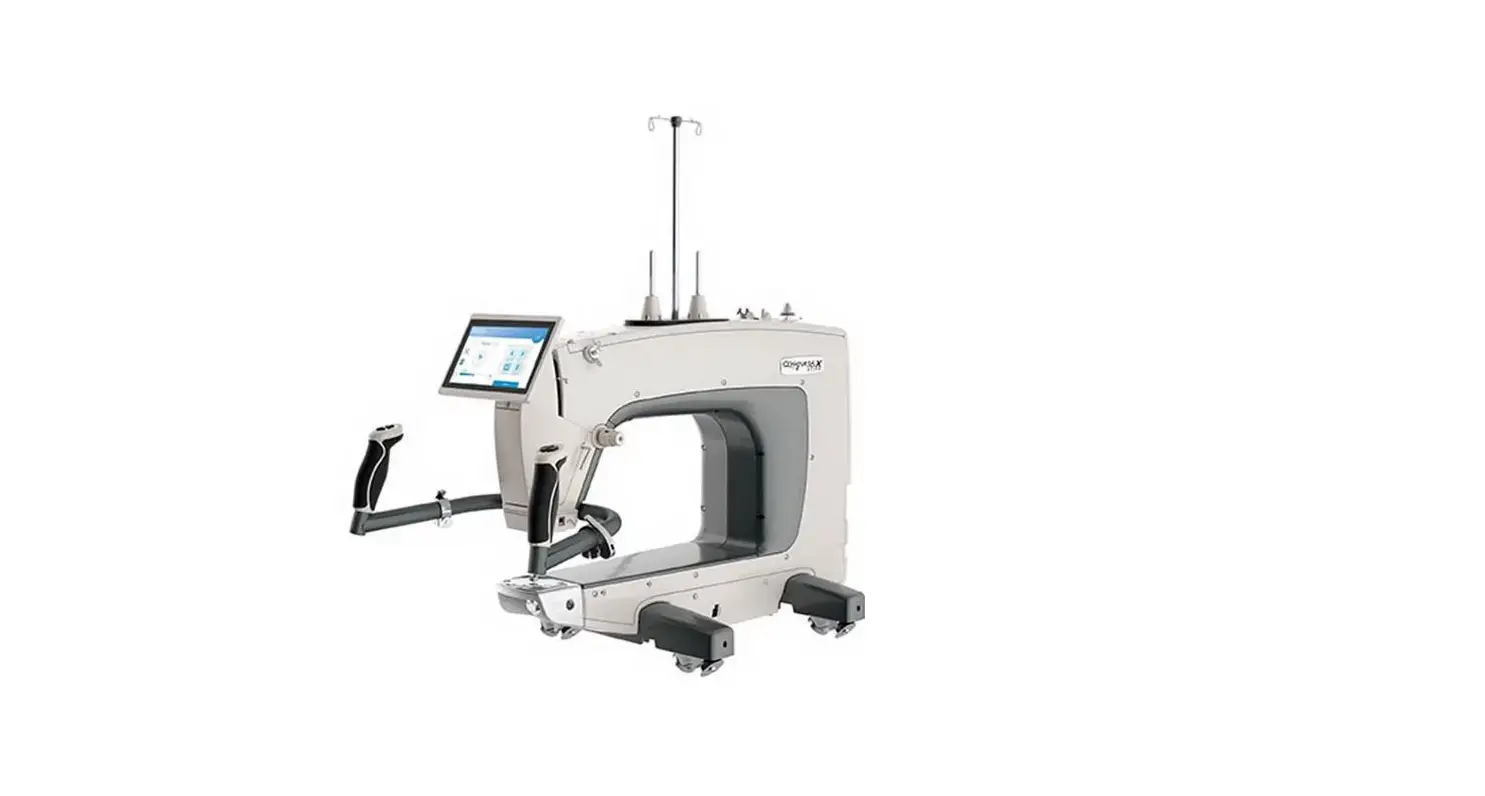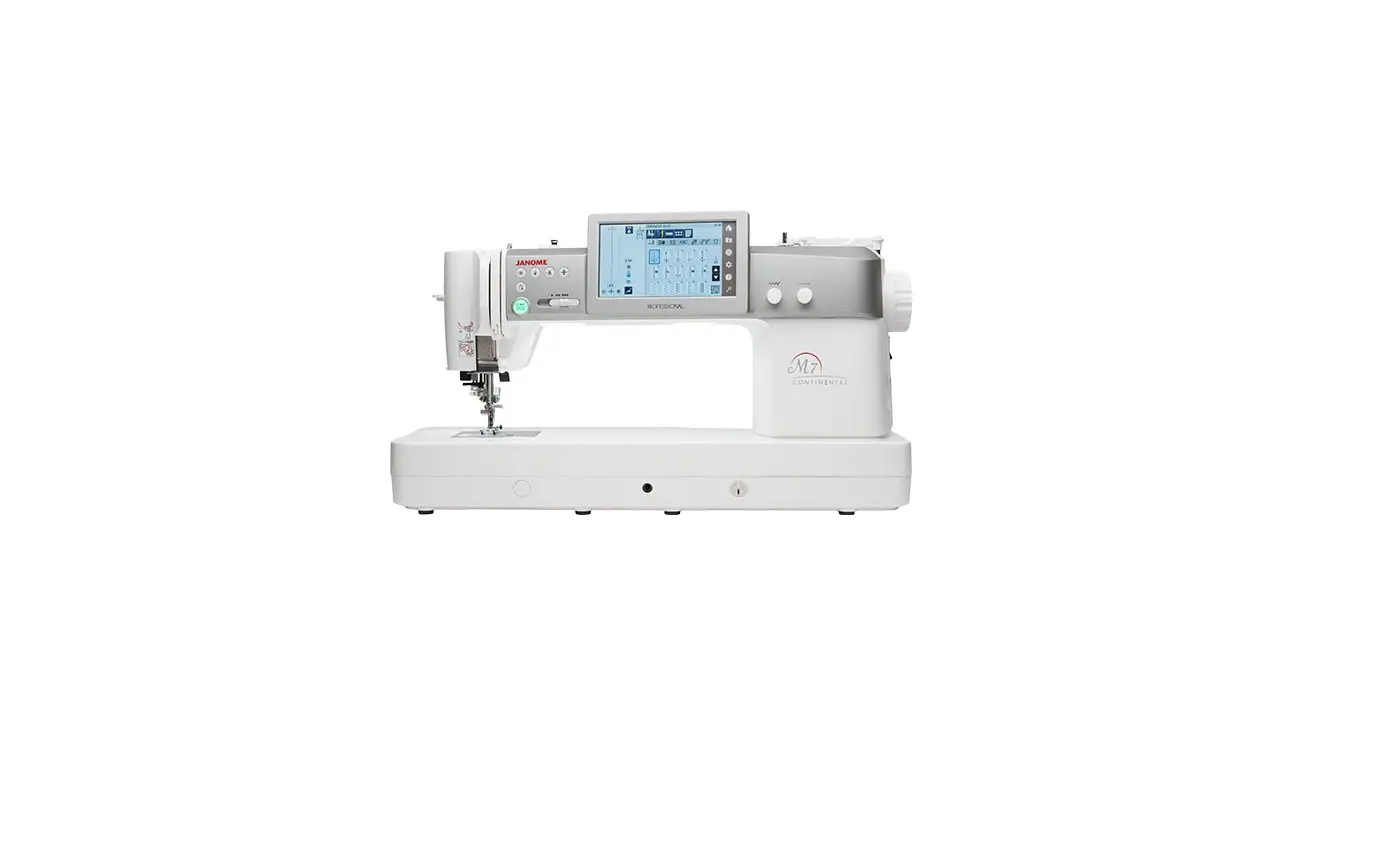

JANOME 732212405389 Continental M7 Professional Quilting Machine
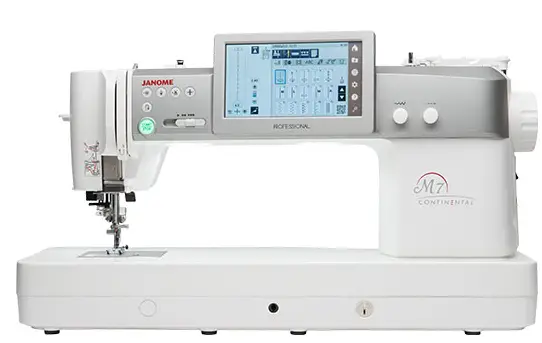
This update is only for Continental M7 Professional owners.
Use a USB flash drive for the update. Before saving the update data onto the USB flash drive,formatting of the USB flash drive is recommended. (Before formatting, carry out a data back-up.) Please refer to “how to format a USB flash drive”.
Update Method
- Download the file from the website and save it on your PC.
- Open the unpacked file and click “UpdateCM7Pv200”.
Please refer to “how to unpack a zip file”. - Double click on the “MachineUpdate” folder.
- Double click on “867UpdateTool.exe”.

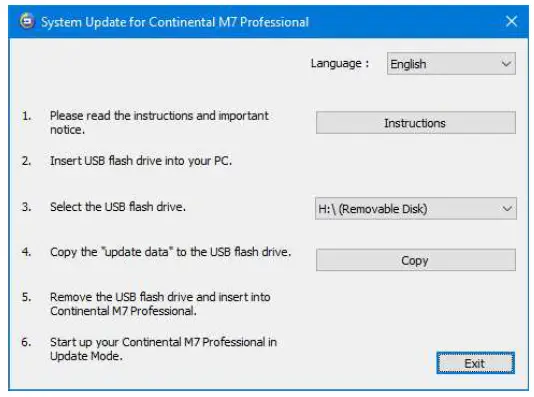
- The System Update for Continental M7 Professional will open.
Click “Instructions” and operational directions will be displayed.
- Follow the instructions and carry out the update.