SR2+ QM QuiltMotion Part One
Product Information
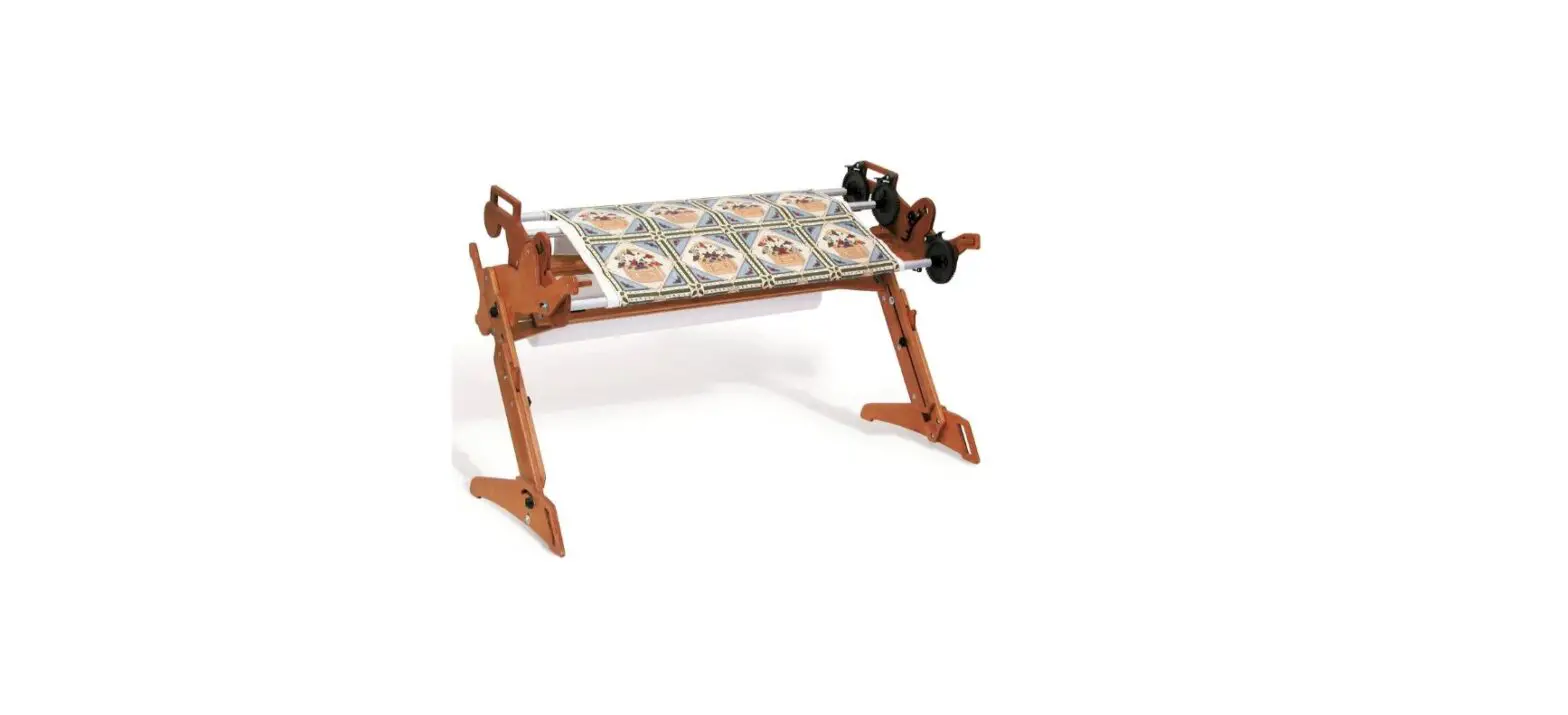
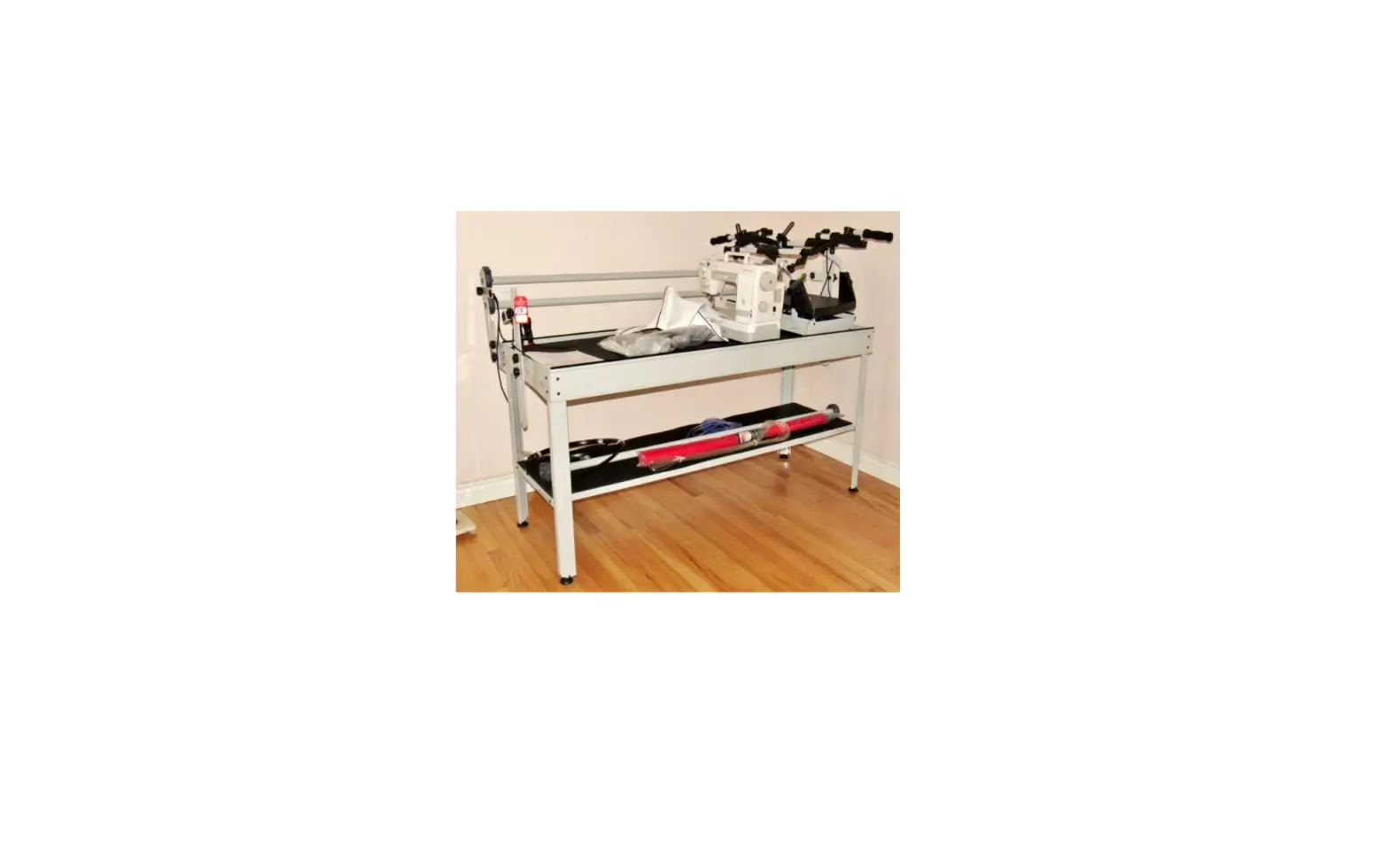
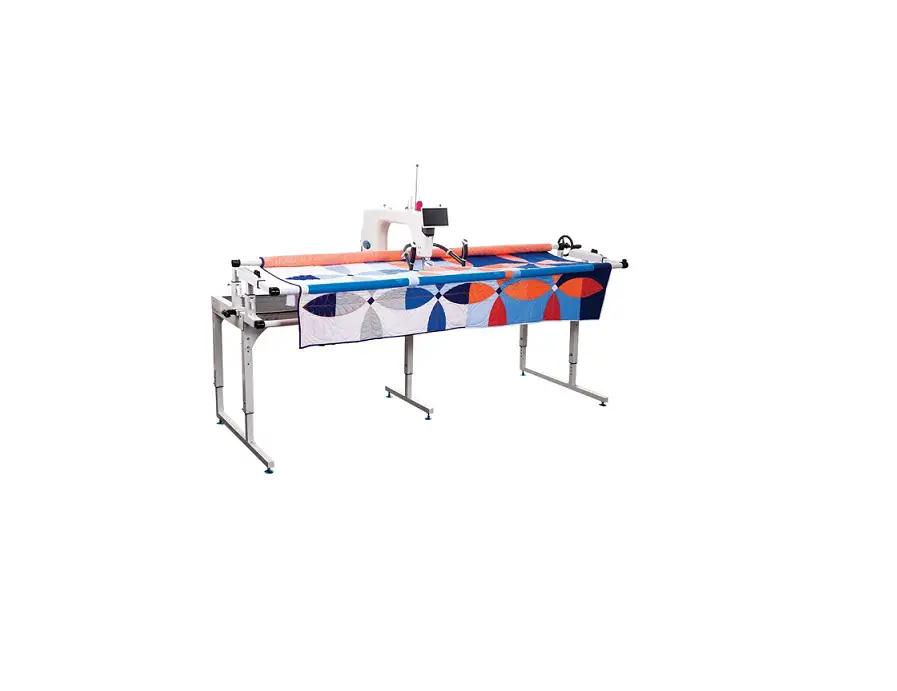
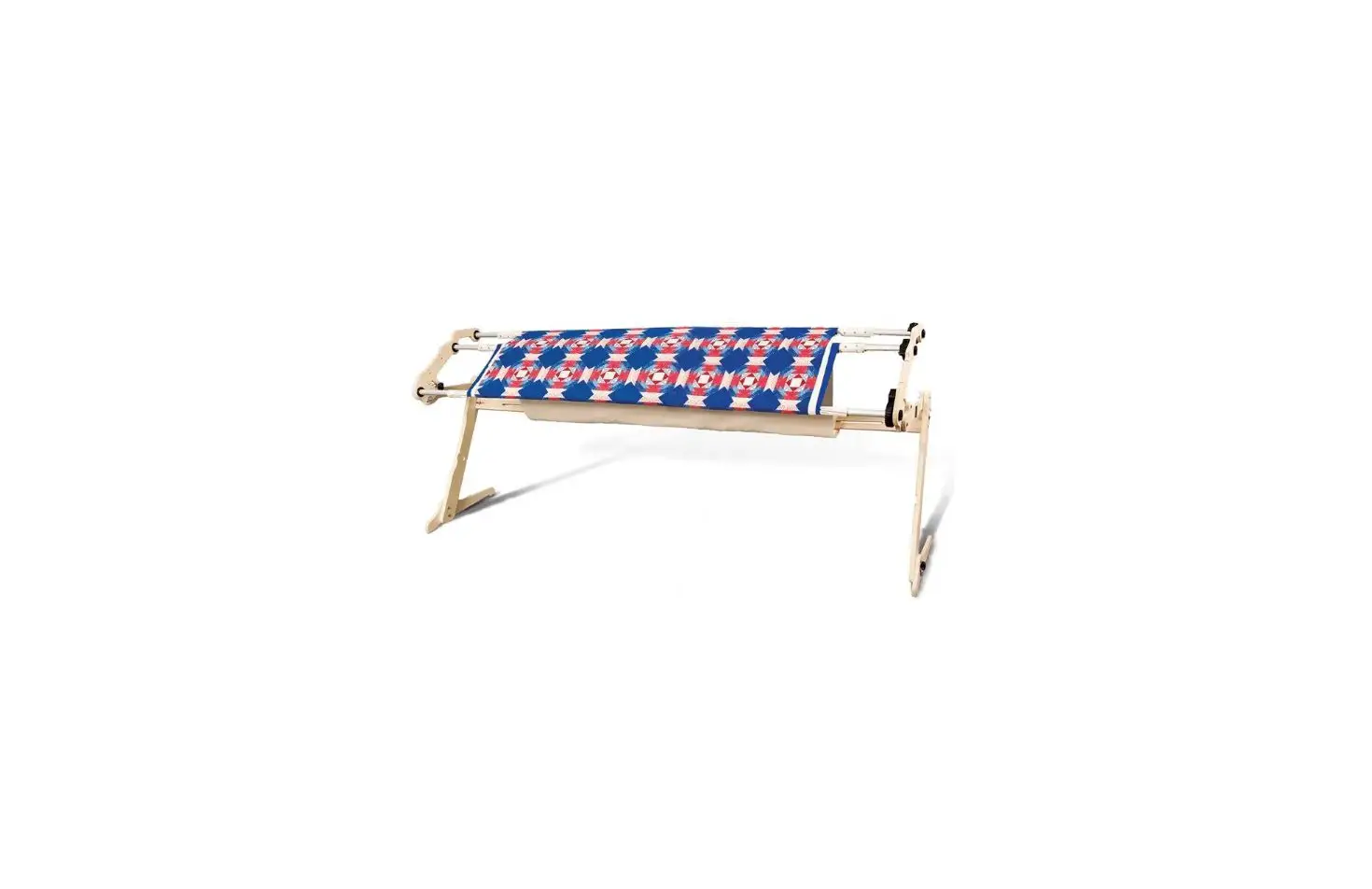
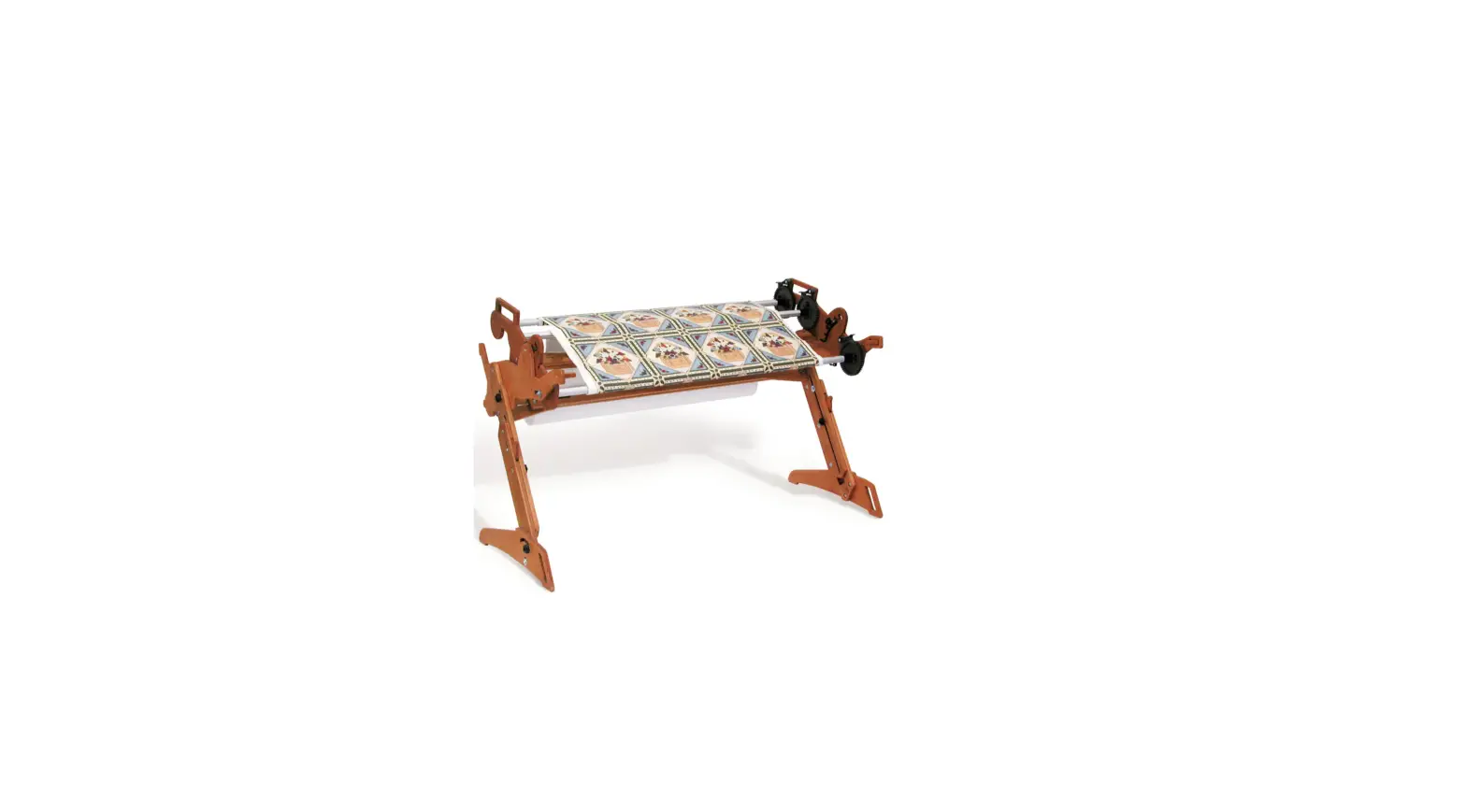
The SR2 Frame is a quilting frame designed for use with the
QuiltMotion system. This frame allows the QuiltMotion to move
horizontally across the frame. The frame comes with a long belt
that needs to be tensioned across the frame for proper functioning
of the QuiltMotion system. The frame comes with various parts and
tools required for tensioning the long belt.
Parts & Tools Needed:
- Belt Tensioner
- Back Belt Clamp
- Front Belt Clamp
- SR2+ QM Belt Bracket
- SBHCS M6 x 10 mm (x4)
- Hex Bolt M6 x 20 mm (x2)
- Hex Bolt M6 x 10 mm (x2)
- Hex Nut M6 (x4)
- T- Handle Allen Wrench 4 mm
- Open-end Wrench 10 mm & 13 mm
Product Usage Instructions
- Attach the SR2+ QM Belt Bracket to the right side of the frame
using two M6 x 10 mm SBHCS and the 4 mm Allen wrench. Use the small
holes on the bottom of the bracket. - Attach the tensioner to the larger holes in the SR2+ QM belt
bracket using two M6 x 10 mm hex bolts and two M6 hex nuts. Tighten
with the 10 mm open-end wrench. - Place the bottom carriage on its right side on the frame. Do
not align the wheels with the tracks at this time. - Cut the tape that is holding the long belt coils together and
unroll several inches of each end of the belt. - Attach the other SR2+ QM Belt Bracket to the left side of the
frame using two M6 x 10 mm SBHCS and the 4 mm Allen wrench. Use the
smaller holes in the bracket. - Use the two M6 x 20 mm SBHCS to attach the front belt clamp,
long belt, and back belt clamp to the bracket. - Secure the clamp in place using two M6 hex nuts and the 10 mm
open-end wrench. - Feed the other end of the long belt into the top of the belt
tensioner on the right side of the frame. - Turn the ratchet knob to pull the extra belt length through the
tensioner until the belt is tight across the frame. Turn the
locking knob to lock it in place. - Once the belt is tight, slide the bottom carriage across the
frame. Watch the belt closely for any bowing. If the belt is
bowing, use the 10 mm open-end wrench to loosen the bolts that
attach the clamp and tensioner to the brackets. Adjust the clamp
and tensioner on the bracket until the belt is straight and then
re-tighten the bolts. - Align the machine wheels and continue onto Part Two of your
QuiltMotion manual.
SR2 Frame
Task 5: Tension the Long Belt
Copyright 07/01/2022
V 1.0
The Grace Company
QuiltMotion Part One
Task 5: Tension the Long Belt
Parts & Tools Needed:
Belt Tensioner
Back Belt Clamp
Front Belt Clamp
SR2+ QM Belt Bracket
SBHCS M6 x 10 mm (x4)
Hex Bolt M6 x 20 mm (x2)
Hex Bolt M6 x 10 mm (x2)
Hex Nut M6 (x2)
T- Handle Allen Wrench 4 mm
4 mm
Open-end Wrench 10 mm & 13 mm
Instructions
The long belt allows QuiltMotion to move horizontally across the frame. Take the following steps to tension the long belt across the frame:
2
3 Use two M6 x 10 mm SBHCS and the 4 mm Allen wrench to attach the SR2+ QM Belt Bracket to the right side of the frame. Use the small holes on the bottom of the bracket
QuiltMotion Part One
5 Place the bottom carriage on its right side on the frame. Do not align with the wheels with the tracks at this time.
SR2+ QM Belt Bracket
SBHCS M6 x 10 mm (x2)
Note: Make sure large hole in the bracket goes over the connector bolt on the side of the frame.
6 Cut the tape that is holding the long belt coils together and unroll several inches of each end of the belt.
Tape
Connector Bolt
4 Use the two M6 x 10 mm hex bolts and two M6 hex nuts to attach the tensioner to the larger holes in the SR2+ QM belt bracket. Tighten with the 10 mm open-end wrench.
Hex Nut M6 (x2)
7 Lay the carriage flat with the wheels on the tracks and finish unrolling the long belt.
SBHCS M6 x 10 (x2)
3
QuiltMotion Part One
8 Attach the other SR2+ QM Belt Bracket to the left side of the frame using the other two M6 x 10 mm SBHCS and the 4 mm Allen wrench. Use the smaller holes in the bracket.
SBHCS M6 x 10 mm (x2)
Note: Make sure large hole in the bracket goes over the connector bolt on the side of the frame.
Connector Bolt
9 Use the two M6 x 20 mm SBHCS to attach the front belt clamp, long belt, and back belt clamp to the bracket. Long Belt
Front Belt Clamp
Back Belt Clamp
SBHCS M6 x 20 mm (x2)
10 Secure the clamp in place using two M6 hex nuts and the 10 mm open-end wrench.
Hex Nut M6 (x2)
4
QuiltMotion Part One
11 Feed the other end of the long belt into the top of the belt tensioner on the right side of the frame.
Belt Tensioner
12 Turn the ratchet knob to pull the extra belt length through the tensioner until the belt is tight across the frame. Turn the locking knob to lock it in place.
Locking Knob
Ratchet Knob
5
QuiltMotion Part One
13 Once the belt is tight, slide the bottom carriage across the frame. Watch the belt closely for any bowing.
Belt is pulled towards or away from the front as the carriage moves.
Belt is parallel to the front
as the carriage moves.
14 If the belt is bowing, use the 10 mm open-end wrench to loosen the bolts that attach the clamp and tensioner to the brackets. Adjust the clamp and tensioner on the bracket until the belt is straight and then re tighten the bolts.
6
QuiltMotion Part One
Congratulations! You have completed Part One of this manual. If you’re setting up QuiltMotion on a quilting machine that is not yet assembled: · Complete the steps in Part Two of your machine’s instruction manual. · If your machine manual is not broken into parts, follow the directions to install
and align the machine wheels. Then continue onto Part Two of your QuiltMotion manual. If you are installing QuiltMotion with a fully assembled quilting machine or a domestic sewing machine on a fully assembled top plate, continue to Part Two of your QuiltMotion manual. If you will be using a domestic sewing machine and you have not yet assembled your top plate, do so now. Then continue onto Part Two of your QuiltMotion manual.
7