
JANOME M770 USB Driver Installer
Installaion
Below is the M770 Tools which contains the USB driver installer for 32/64bit computers: After clicking on the link below, you must click on either “download” or on the download arrow.
in the upper right corner of the screen, it looks like this: 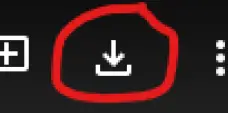 (If you get a warning from Microsoft that this may be a dangerous file, you can click Yes to continue and proceed to the website since this is not a dangerous file)
https://drive.google.com/file/d/1RTzEvuhpWTXRa8yrldHl-AQNbQZ20-ic/view?usp=sharing
Unzip the file after it has downloaded.
Once you have downloaded the file, locate the setup icon and double-click on it to install. On your desktop, click on the M770Tools icon
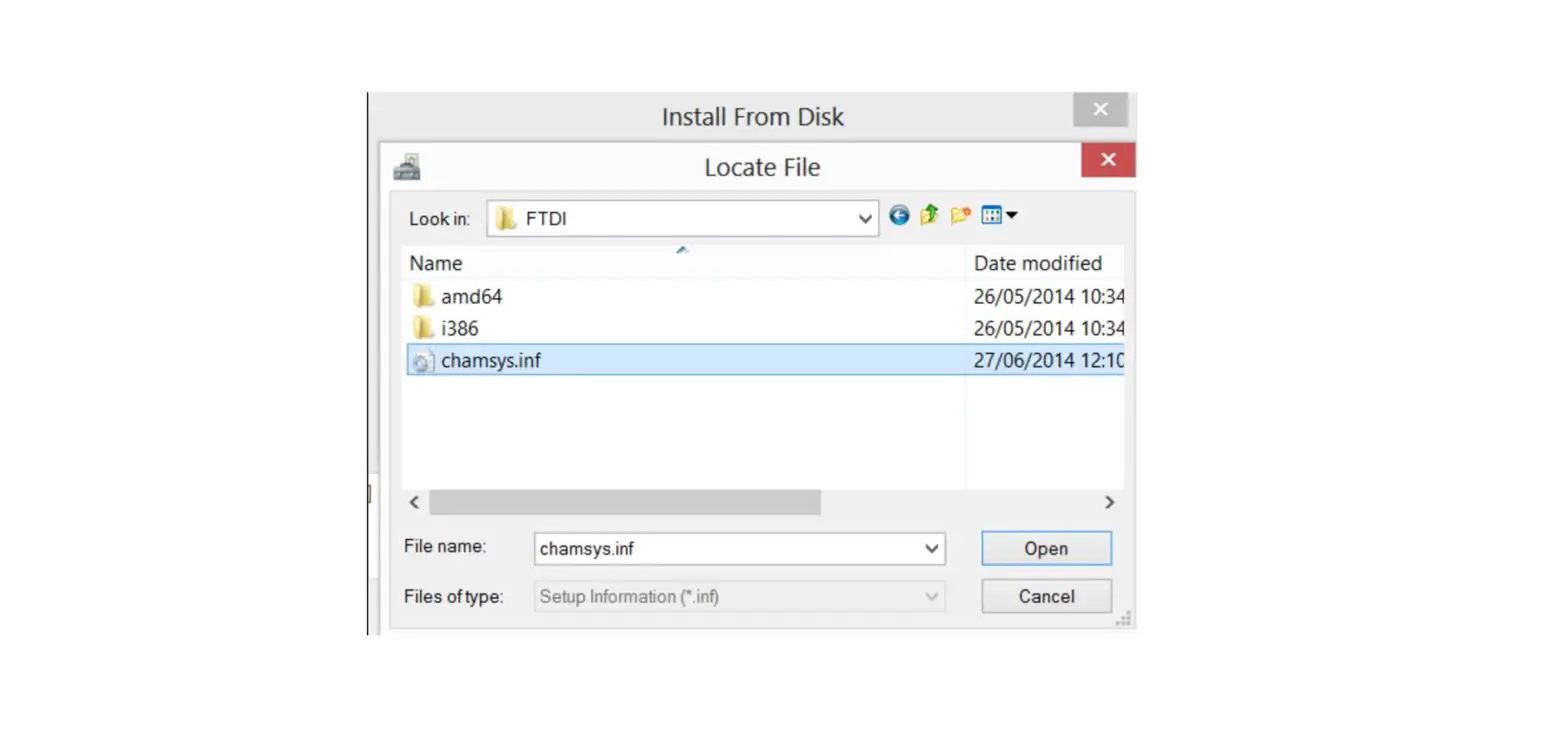
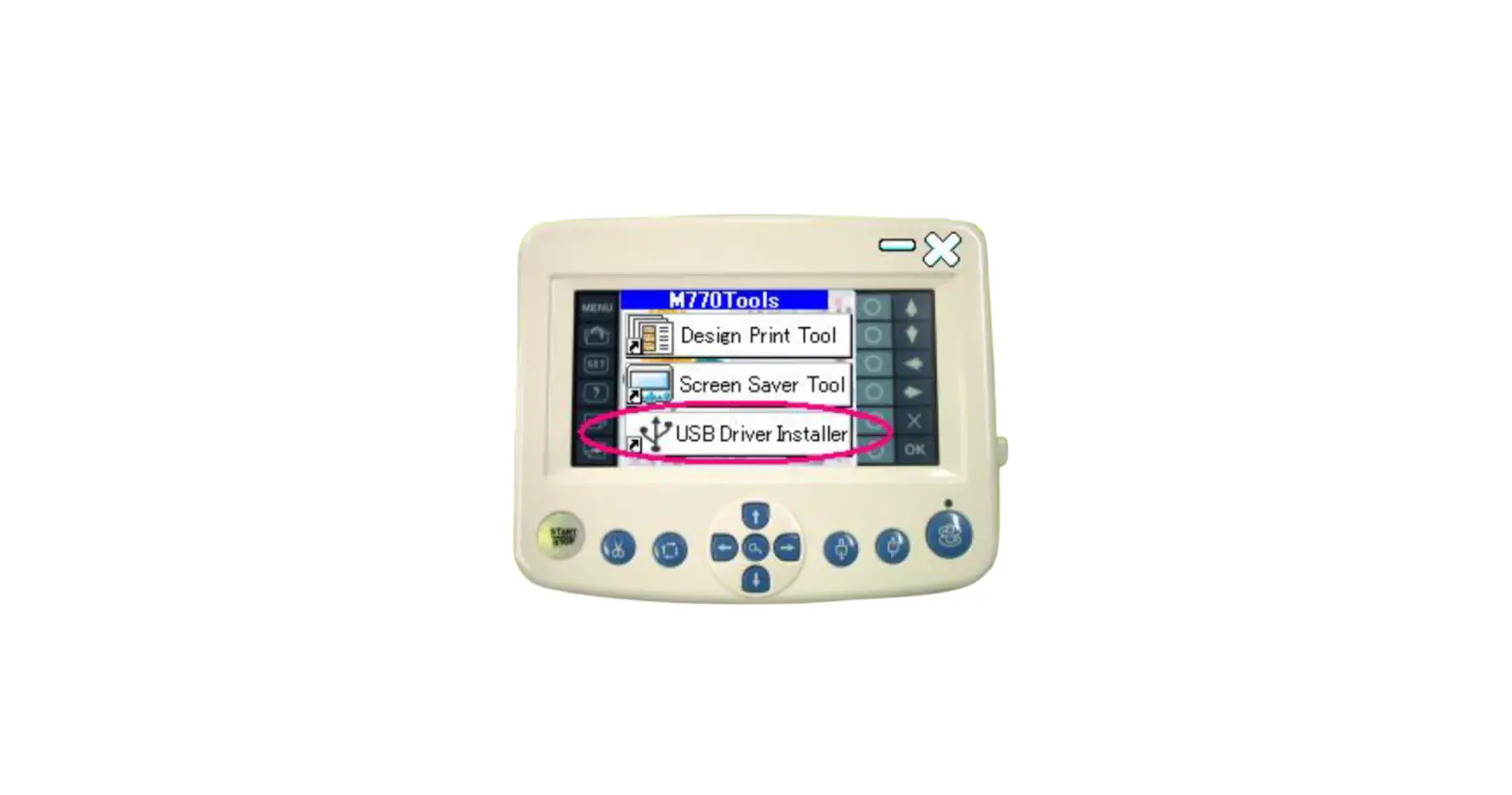
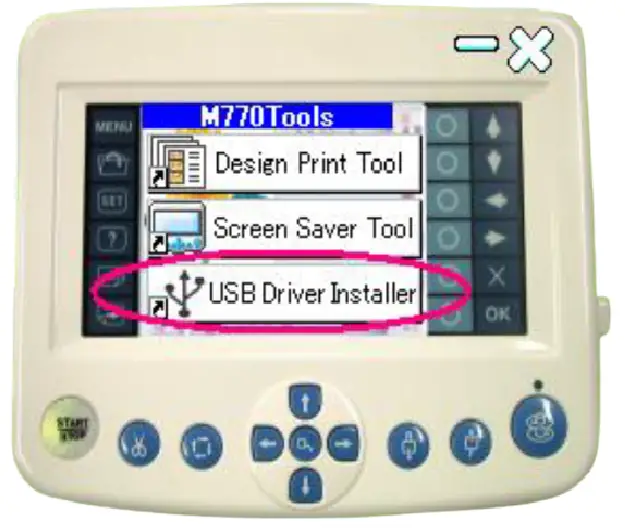
 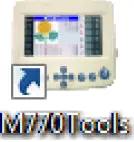 to open M770 Tools, the interface will open as shown below. To install the USB driver, please click on the USB Driver Installer as shown circled below and follow the on-screen prompts to install the driver.
Sometimes the firewall will block the installation of the USB driver, so if after you have attempted to install the USB driver and the communication is still not working, try disabling the firewall which may be managed in Control Panel>Security, or the antivirus software may manage the firewall.