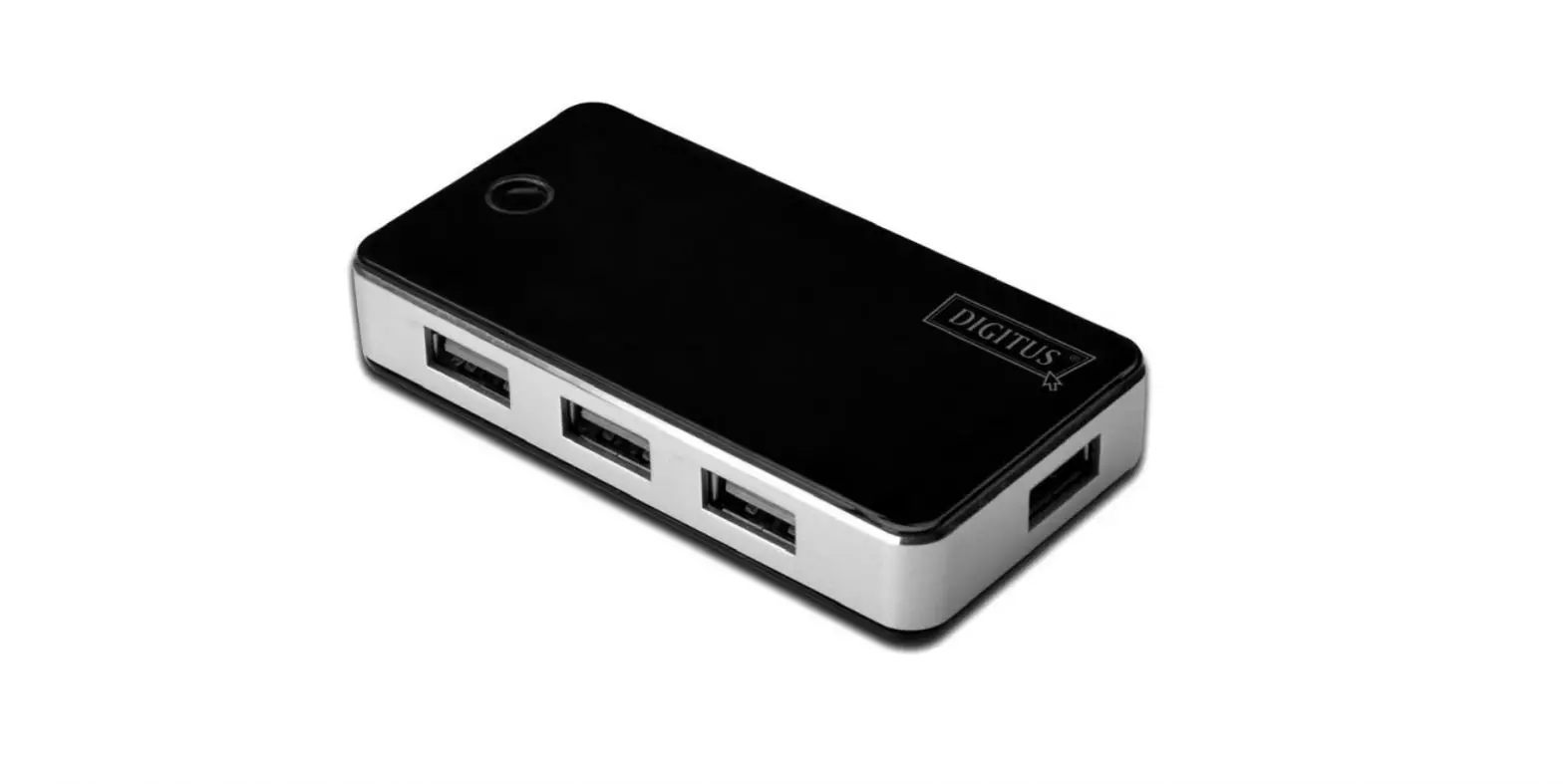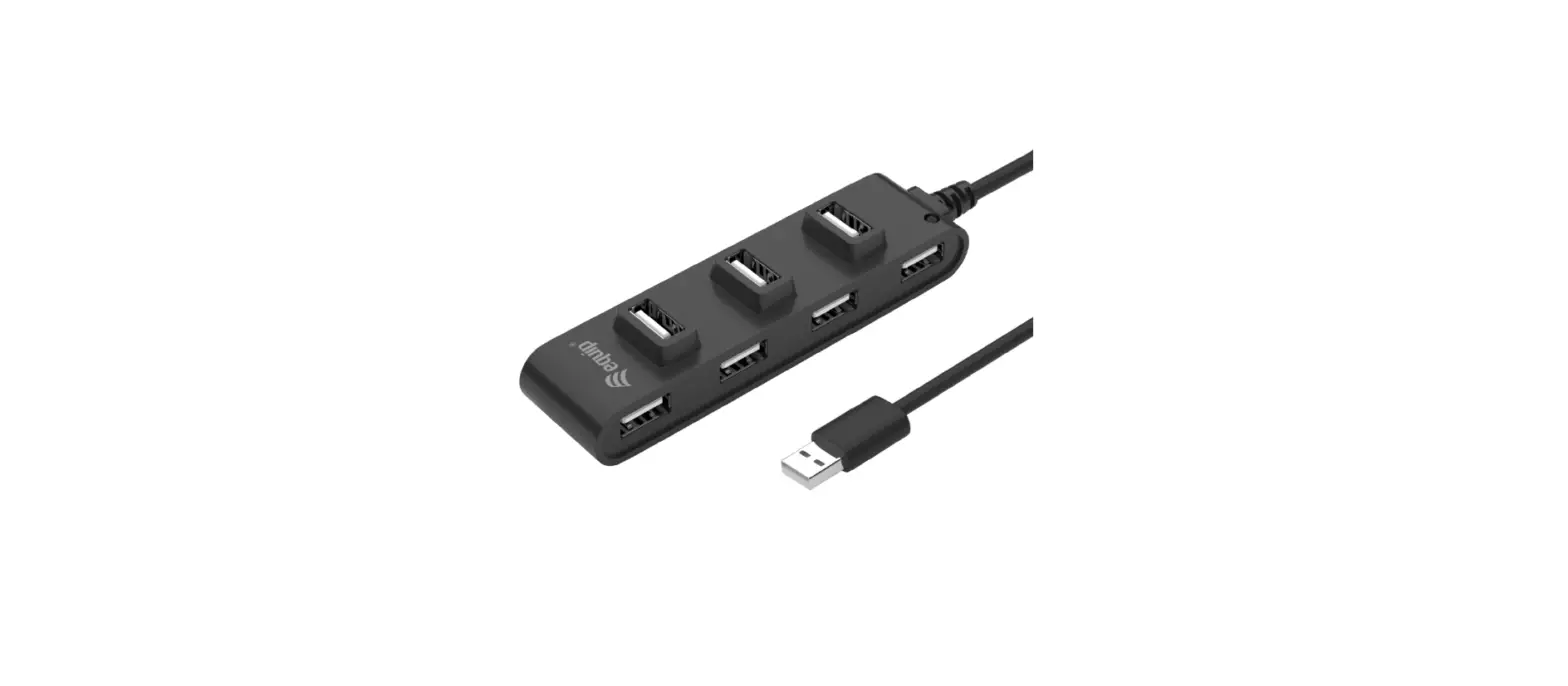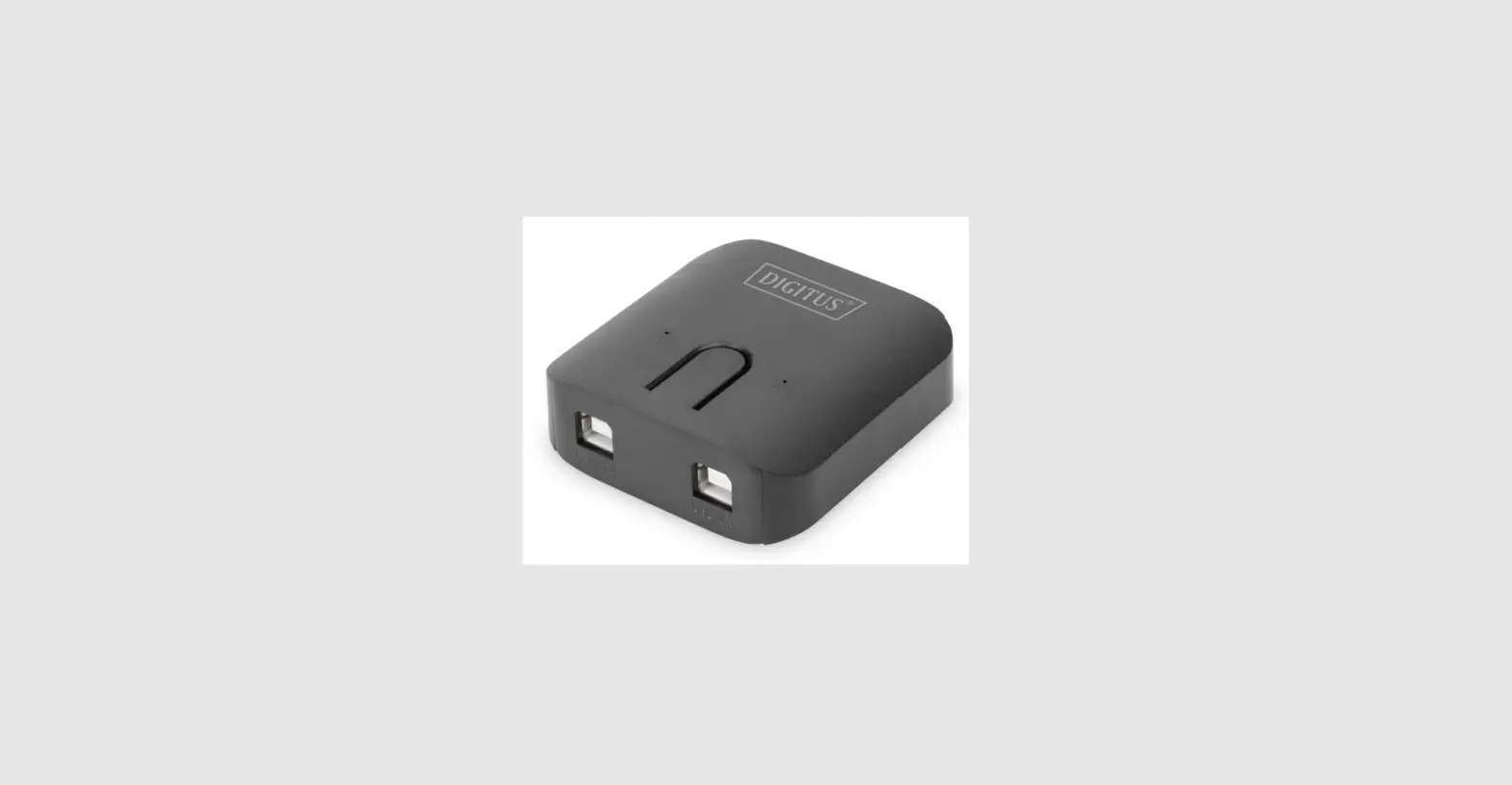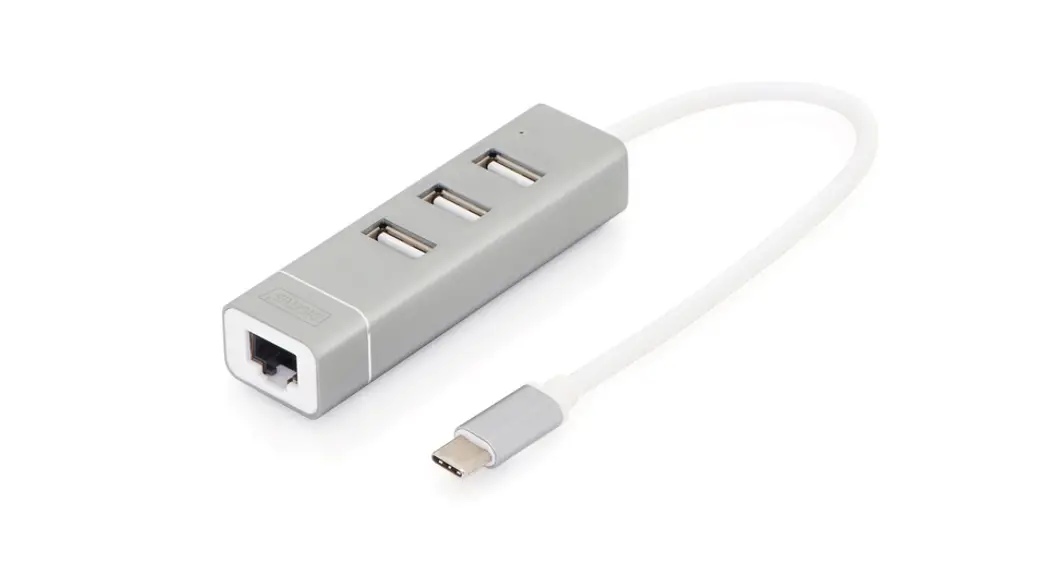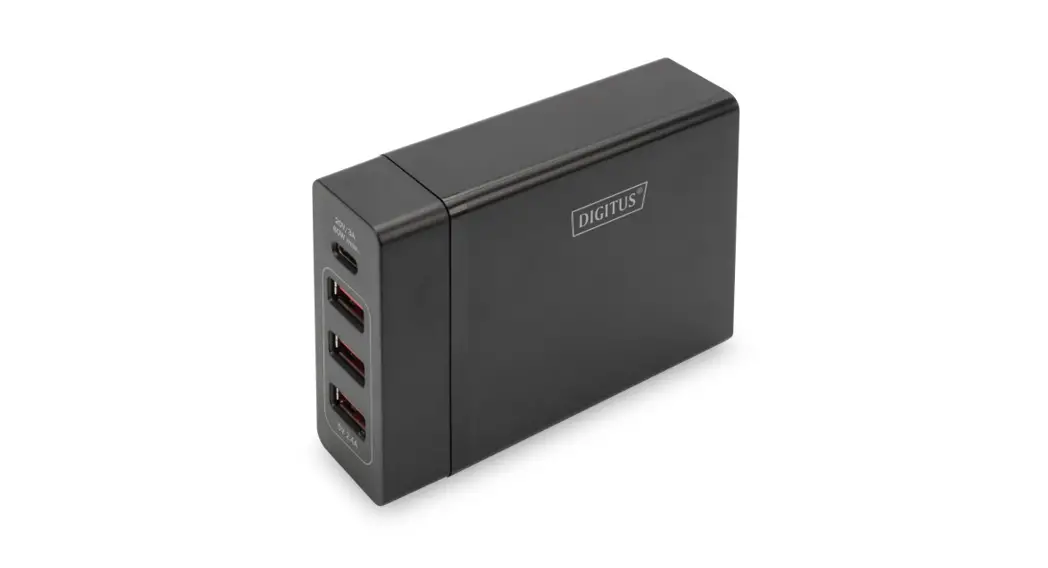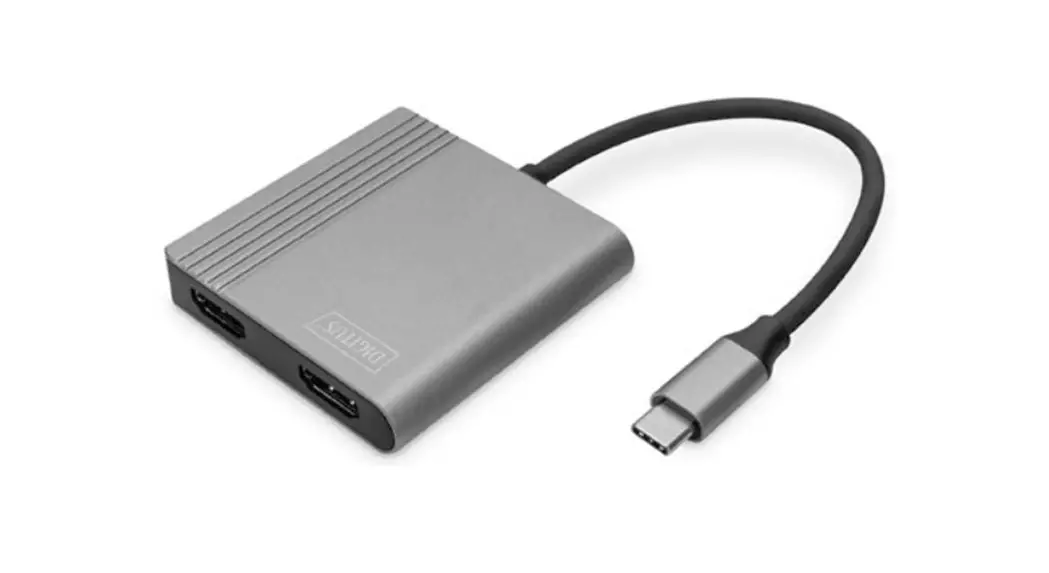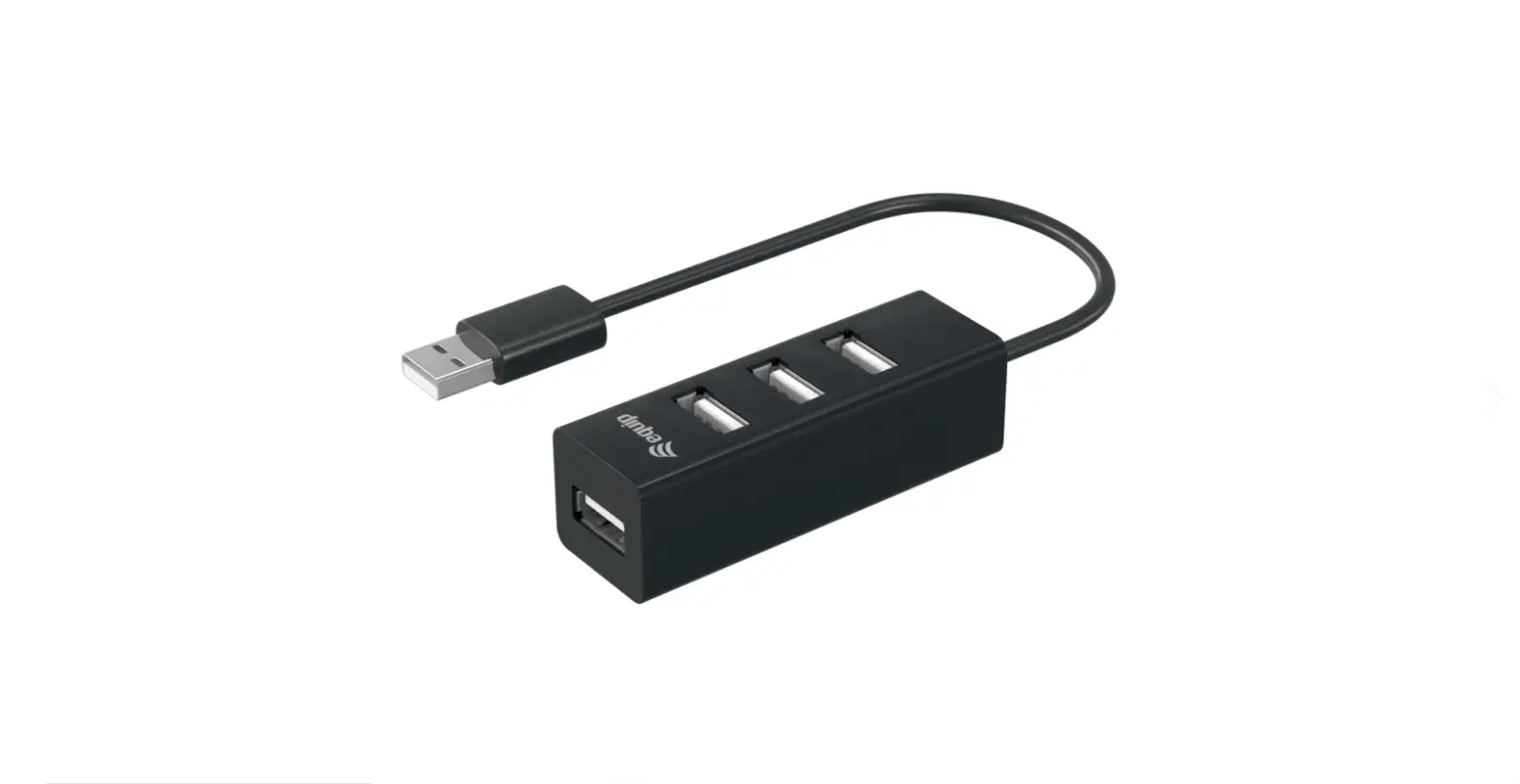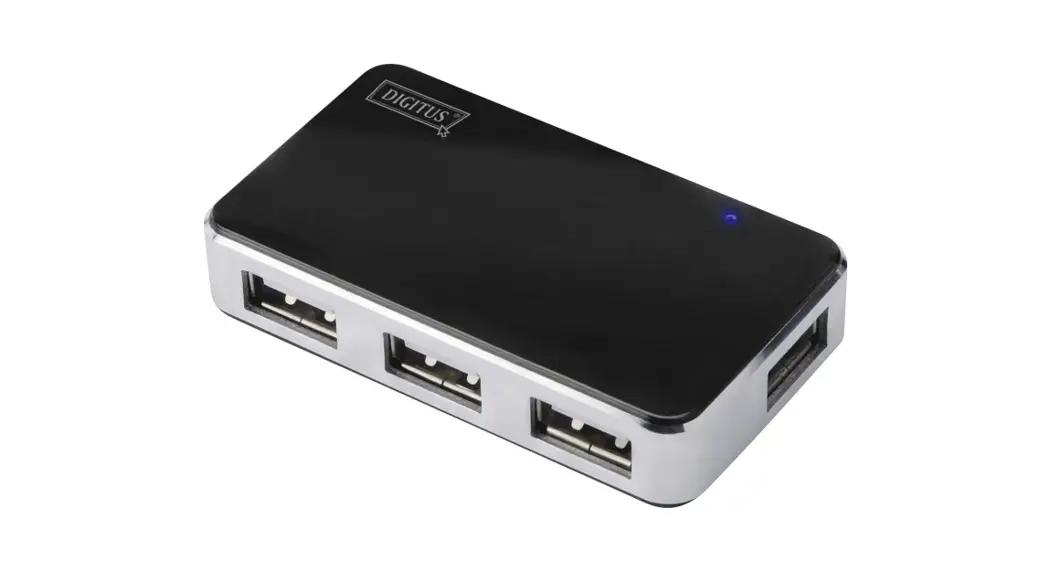

4 Port USB 2.0 Design Hub 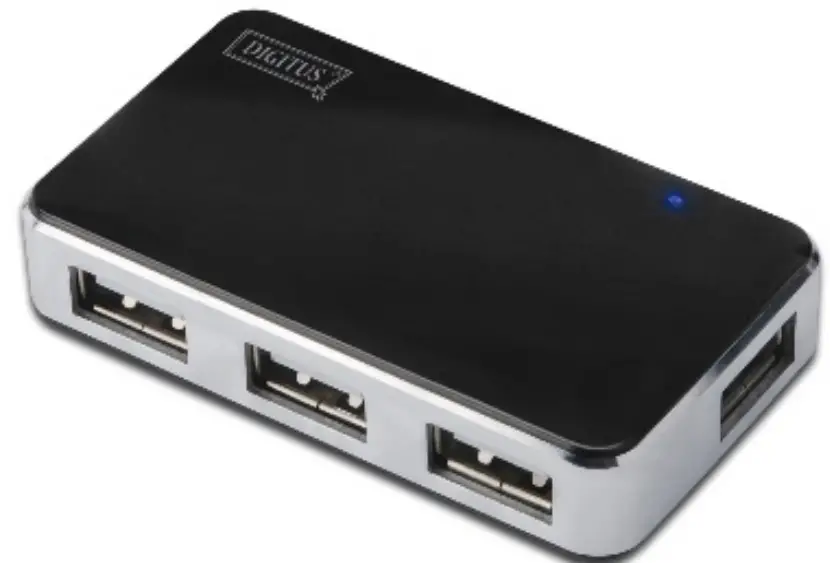
Quick Installation Guide
DA-70220 Rev. 2
Introduction:
Thank you for purchasing our USB 2.0 Hub. This easy plug-and-play external device is a full-featured Universal Serial Bus Hub. It allows your computer to connect to USB interfaces joysticks, modems, digital speakers, printers, digital cameras, monitors, and many other USB devices.
Features:
- Compliant with both USB (Universal Serial Bus) Specification 2.0 (Data Rate 1.5/ 12/ 480 Mbps) and Revision 1.1 specification.
- Includes 1 upstream and several downstream USB ports (depends on model).
- Plug and play.
- Over-current detection and protection.
- Connects up to 127 USB devices.
- Support for the following OS: Windows 7, Vista, XP, 2000, 98SE and MacOS 10.x or higher
System requirements:
- Pentium 300MHz or similar, with at least 64MB RAM or better system
- The available USB port at your system
Specification:
| Ports | One upstream port and several downstream ports, depending on the model. |
| Compliance | CE emissions and FCC regulations for home/office use |
| Power | Self Power: 5V |
| Information published | Value and precision | Unit |
| Manufacturer’s name or trademark, commercial registration number, and address | Dongguan Tyjin Electronics Co., Ltd. Room 101, Building 2, No. 7 Keyan Road, Wulian, Fenggang Town, Dongguan City, Guangdong Province | – |
| Model identifier | C-024-12 | – |
| Input voltage | AC, 100-240 | V |
| Input AC frequency | 50-60 | Hz |
| Output voltage | DC, 5.0 | V |
| Output current | 2. | A |
| Output power | 12.0 | W |
| Average active efficiency | 83. | % |
| Efficiency at low load (10 %) | 81. | % |
| No-load power consumption | 0.08 | W |
Hardware Installation
- Turn on your PC and boot fully.
- Plug the Mini-type connector into the upstream port
- Plug the A-type connector into a computer or USB hub downstream port
- Your OS will install the Hub automatically or follow the instructions of your OS.
- After full installation, you can connect USB devices or hubs to the hub’s downstream ports.
Important Note:
The Hub must be connected to a USB 2.0-compliant host in order to function in high-speed mode (480Mbps data rate). If the Hub is connected to a USB 1.1-compliant host, it will operate only in low-speed or full-speed mode (1.5Mbps/12Mbps).
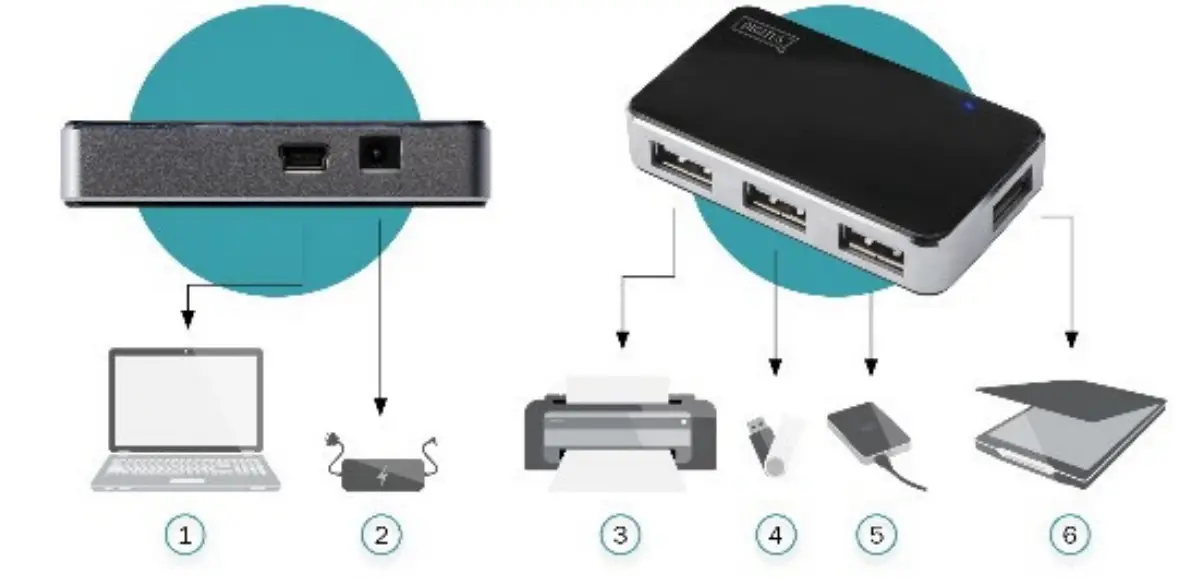
- Notebook
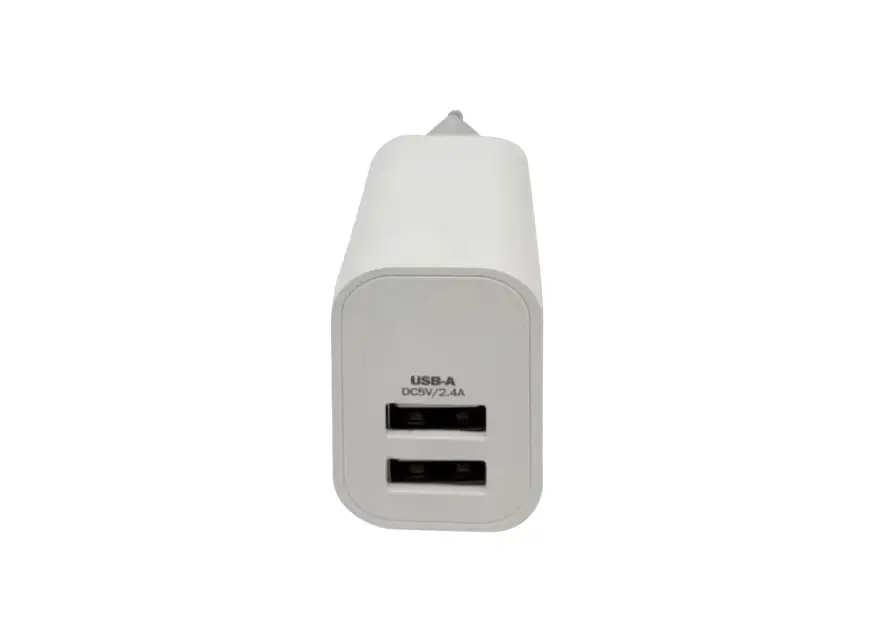
- Power adapter
- Printer
- USB stick
- HDD
- Scanner
Safety Instructions
Always read the safety instructions carefully Keep this user’s manual for future reference Keep this equipment away from humidity.
If any of the following situations arises, get the equipment checked by a service technician:
- The equipment has been exposed to moisture
- The equipment has been dropped and damaged
- The equipment has obvious signs of breakage
- The equipment has not worked well or you cannot get it work according to this user’s manual
Trouble Shooting
Q1: Can I connect or disconnect devices while the computer is powered?
A1: Yes, you can connect or disconnect any USB cable or device, because USB is supporting Plug & Play and Hot-Plug.
Q2: Can I use my old USB 1.1 devices with the USB2.0 hub?
A2: Yes, you can. USB 2.0 is downward compatible with USB 1.1, but please note, you can use only Low and Full-speed (1.5 /12Mbps) with these units
Q3: Can I use USB 1.1 cable to connect the hub and devices?
A3: Yes, you can, but it may cause connection problems by connecting USB 2.0 high-speed peripherals. Therefore it is recommended to use only certified USB 2.0 cables.
Q4: After successful installation of the hub and connecting external USB devices, some of the devices don´t seem to work. – What should I do?
A4.1: Please check all connections and try again, when you are sure the connections are correct.
A4.2: If you did not connect any power supply to the hub, connect an external one and try again. Make sure it works properly.
A4.3: If you have an external power adapter that comes with your external USB device, connect the power adaptor to the device and power on the device. Check also the correct driver installation of your device in your operating system.
Hereby Assmann Electronic GmbH declares that the Declaration of Conformity is part of the shipping content. If the Declaration of Conformity is missing, you can request it by post under the below-mentioned manufacturer address.
www.assmann.com
Assmann Electronic GmbH
Auf dem Schüffel 3
58513 Lüdenscheid
Germany