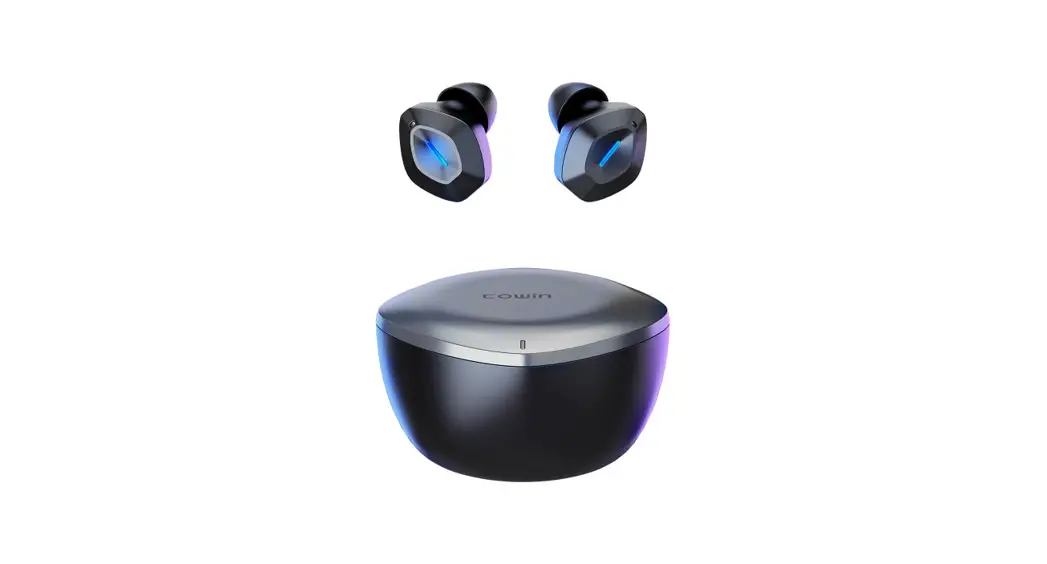
How To Pair
Bluetooth connection
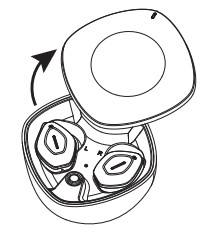
- Open the charging case. The left and right earbuds will automatically power on and pair.

- Until the left LED indicator light off, the right LED indicator light flashes in red and blue light alternately, the earbuds pairing successful;

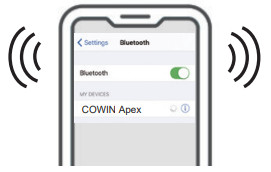
- Activate your device’s Bluetooth settings to search “COWIN Apex ” and click to finish the connection.
Only one earbud worked
- If the earbuds are currently or had already been connected to a Bluetooth device, click forget or remove “COWIN Apex” from your Bluetooth settings and turn off your device’s Bluetooth settings.
- Put the earbuds into the charging case, clear Bluetooth pairing record.
- The left LED indicator light off, the right LED indicator light flashes in red and blue light alternately, the earbuds pairing successful.
- Then remove the earbuds, activate your device Bluetooth to connect earbuds.

Clear Bluetooth pairing record
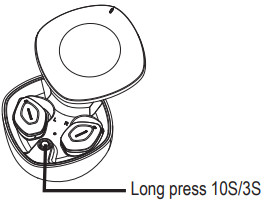
- Long press the multi-function button of the charging case for 10S to reset all settings.
- Long press the multifunction button of the charging case for 3S to forcibly disconnect the currently connected device and enter the pairing state.