
GUARANTEE CARD
Serial No…………………..
Item Name………………………..
Purchase Date…………………
Buyer Name…………………………
Buyer Phone…………………………….
Buyer Add……………………….
Franchiser Seal ……………………….
Aputure” Aputure Imaging Industries Co., Ltd.
Inspection: Qualified Longjun
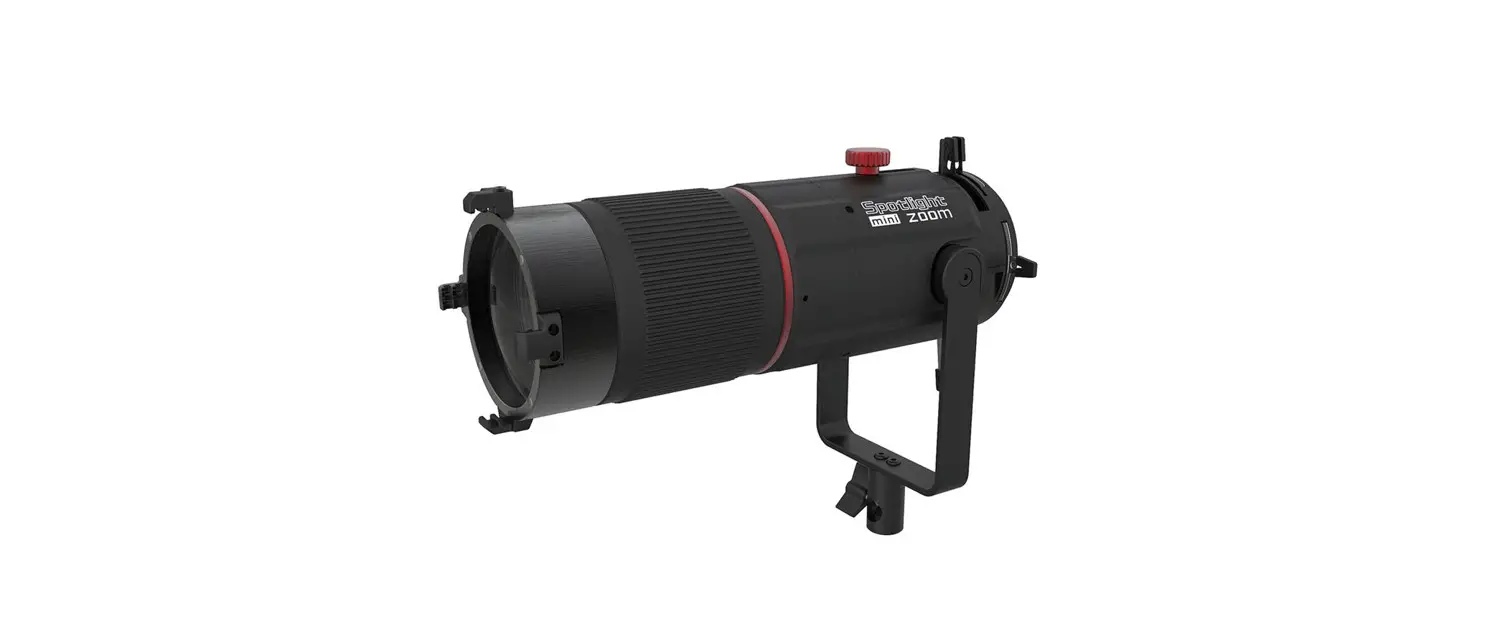
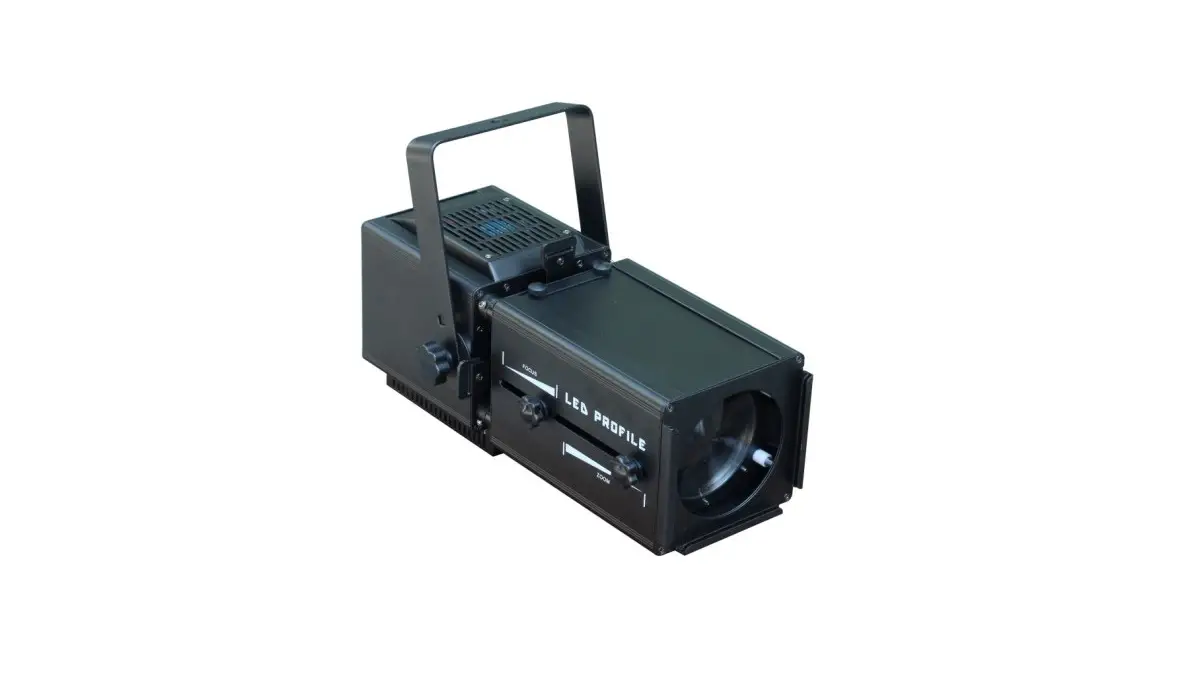
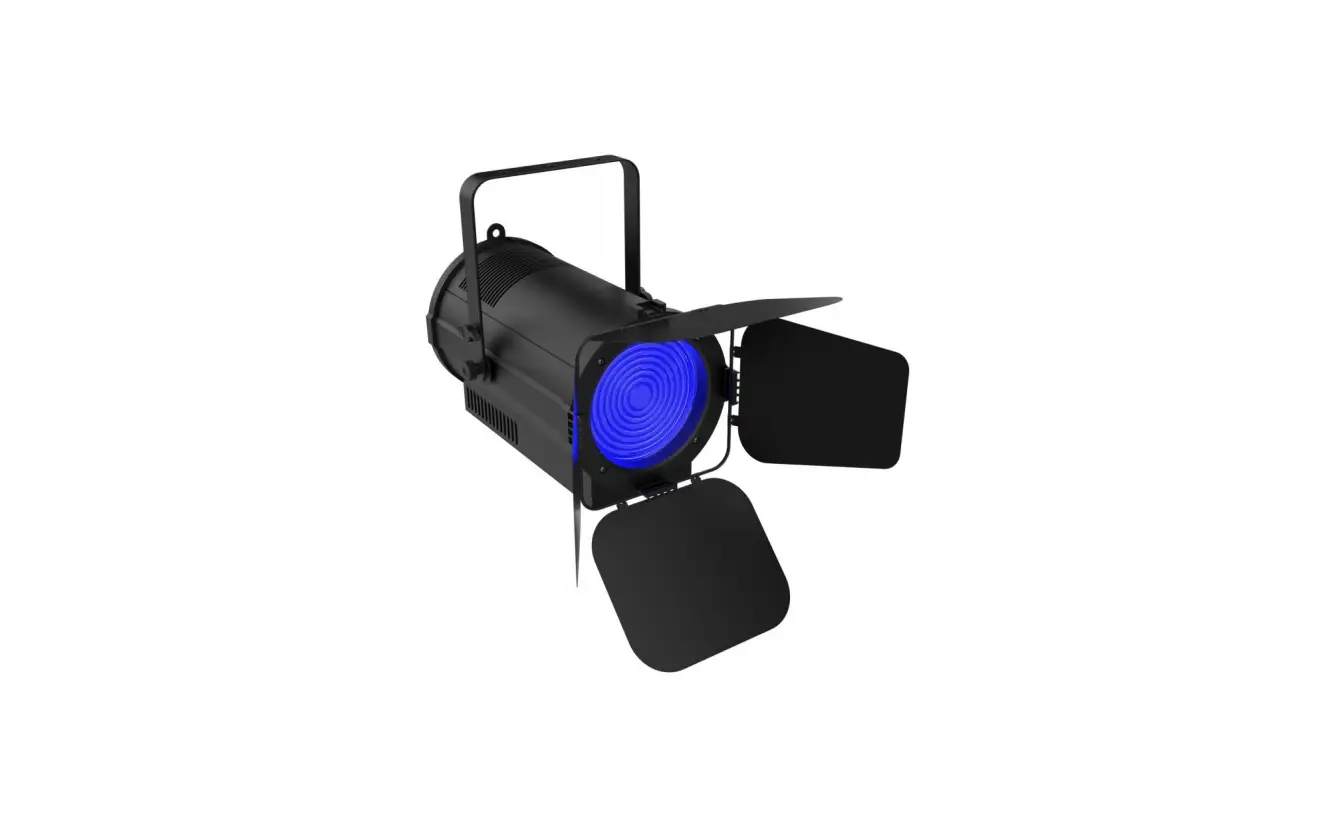
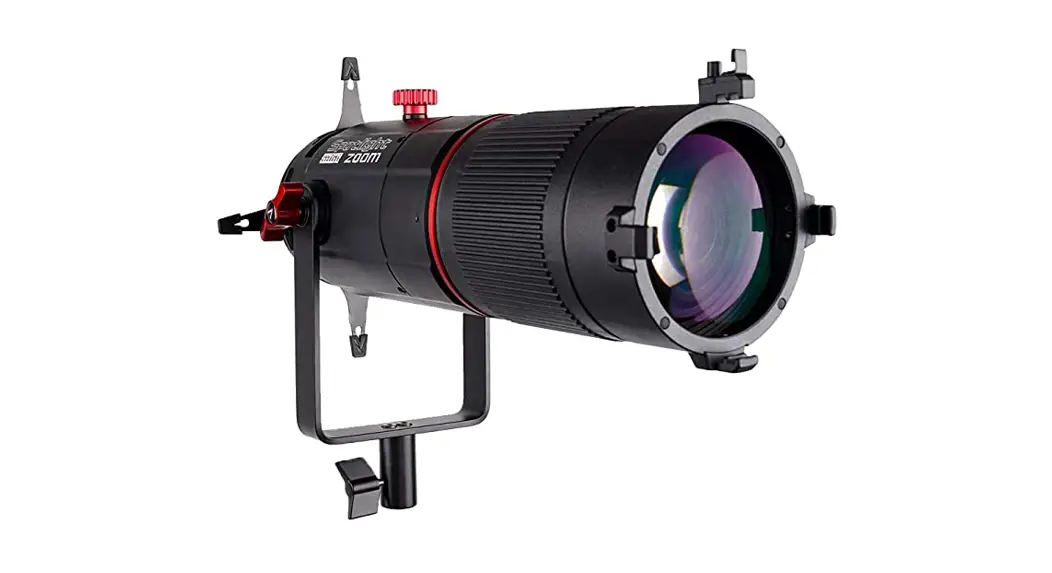
Thank you for purchasing the Spotlight Mini Zoom.
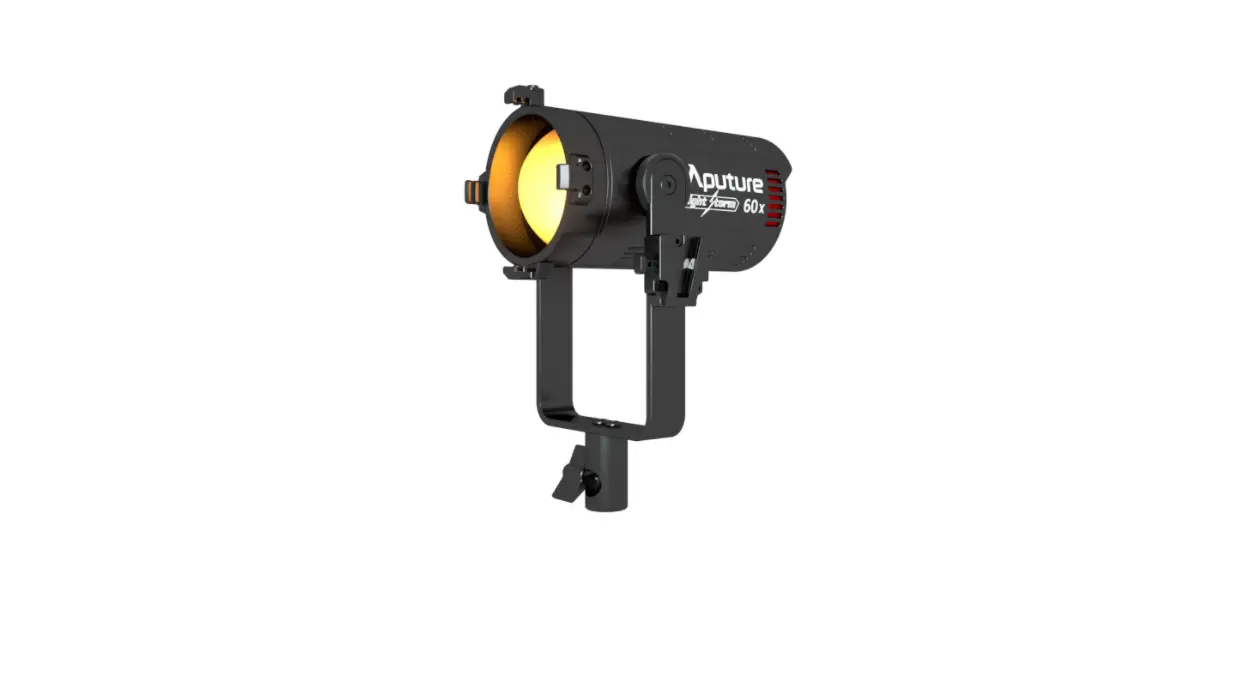
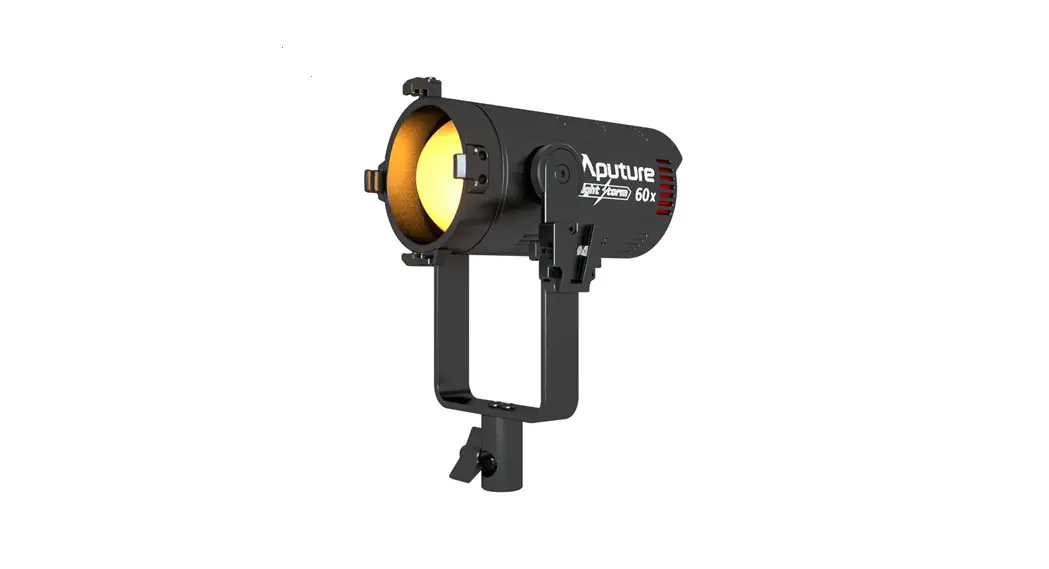
The Spotlight Mini Zoom is a new precision projection modifier designed for the Aputure LS 60 & 60x. Featuring custom-engineered optics, the Spotlight Mini Zoom transforms the focusable LED system into a projector tool with 2X optical zoom, designed for accurate lighting on any film project.
Checklist
- Spotlight Mini Zoom x1
- Metal M-Size Gobos x15
- M-Size Gobo Holder x1
- 18-Leaf Iris x1
- Carrying Case x1
Fixture Components
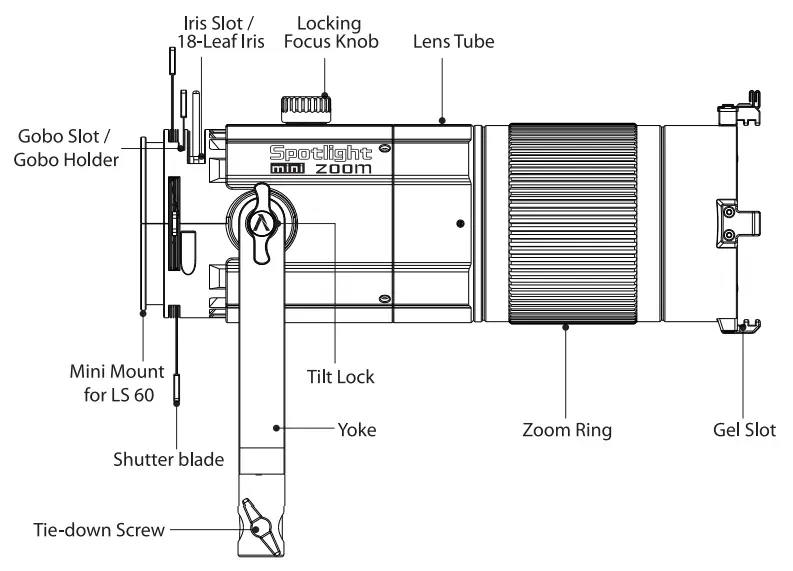
Installations
1. Mount the Spotlight Mini Zoom on a Baby Pin (16mm / 5/8 inch) spigot, and use the tie-down screw to lock it securely in place.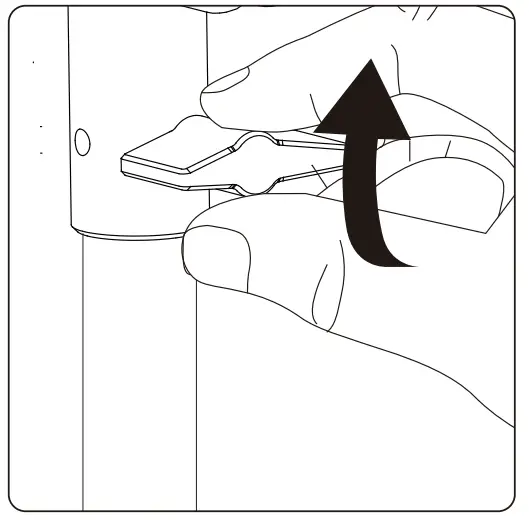
1 2. Open the top latch on the LS 60d/x by pulling forward the locking tab and turning it to the side. Then, using the accessory slot of the LS 60d/x, mount it onto the bayonet of the i Spotlight Mini Zoom, and then close the top latch and re-insert the locking tab.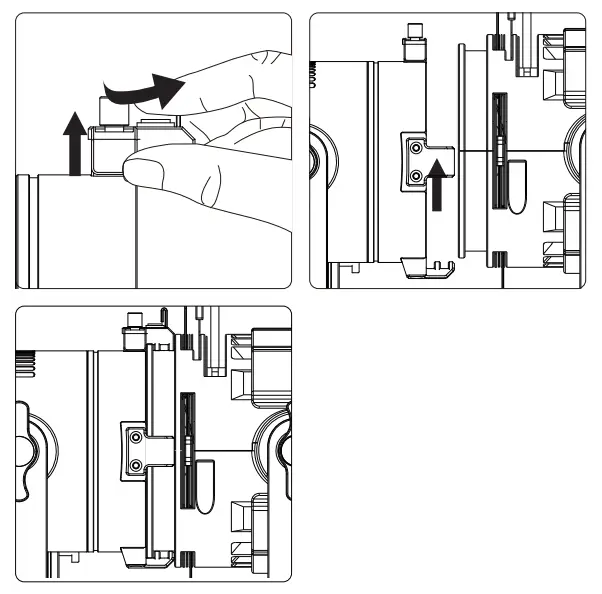
* For optimal results, set the LS 60d or 60x to spot mode (narrow beam angle), in order to achieve an even field of illumination.
Adjust the Illumination Circle of the Spotlight Mini Zoom To adjust the clarity or focus of the Spotlight Mini Zoom, loosen the locking knob on the top of the unit, and move the lens tube forward and backward until the output is at the desired level of clarity. Then tighten the Locking Focus Knob to secure the tube in place. 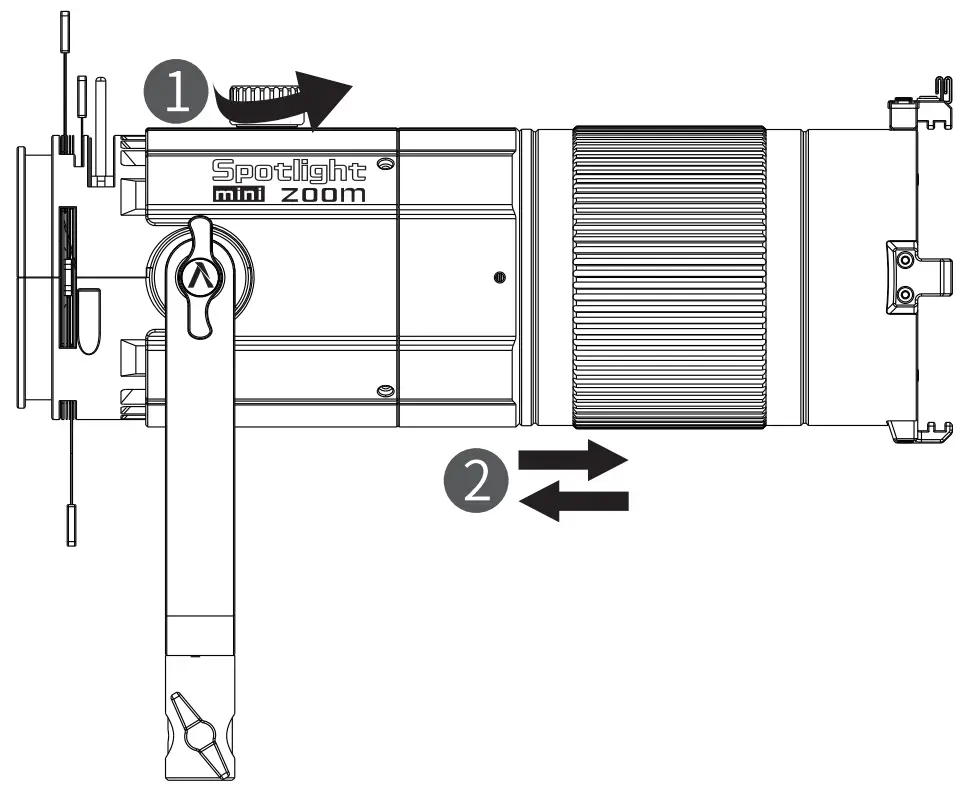
You can zoom or adjust the size of the illumination circle by rotating the barrel of the zoom ring.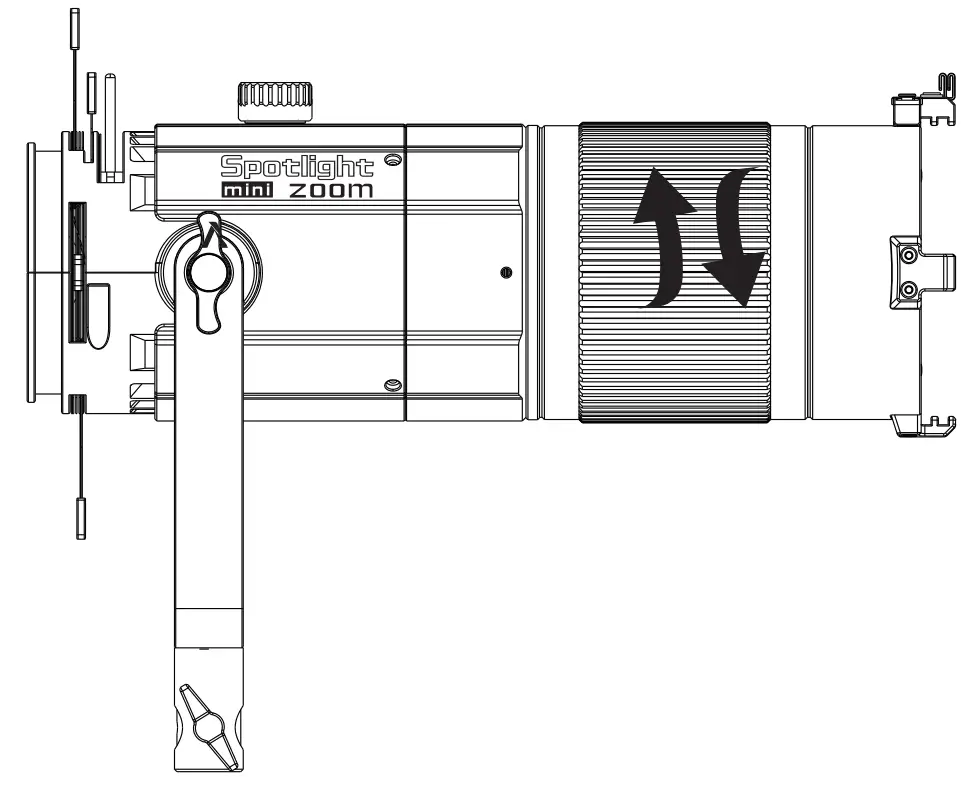 4. Using a Gobo or Iris with the Spotlight Mini Zoom Specifications
Insert an M-Size GOBO into the included GOBO holder, and proceed to insert the GOBO holder into the GOBO Slot.
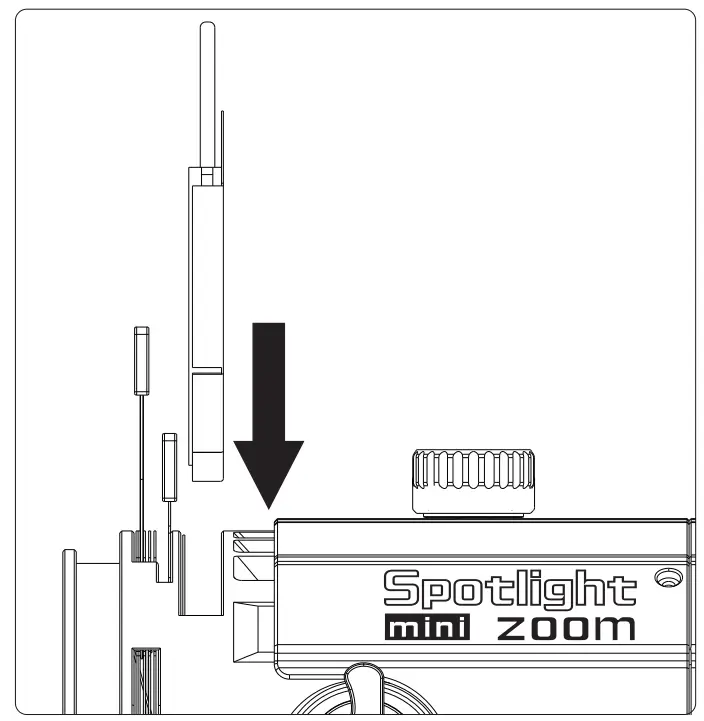
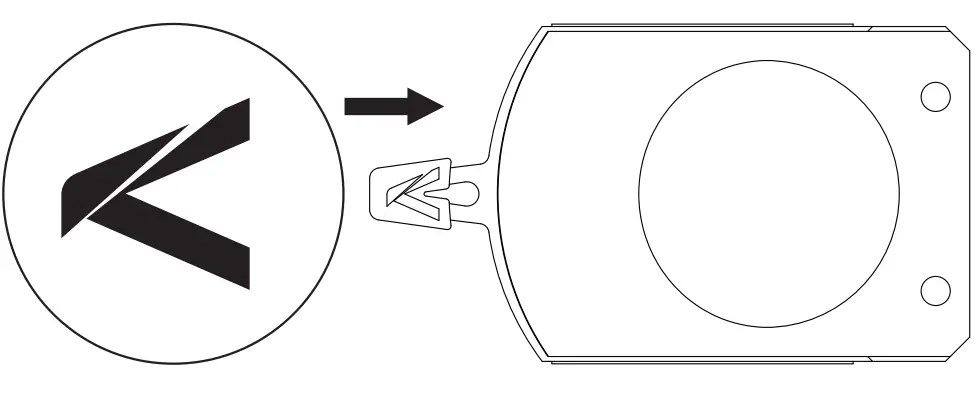 Insert the Iris into the Iris Slot.
 1. Photometrics with an LS 60d
| Distance | CCT | Focusing State | Beam Diameterkm) | Brightness(Ix) |
| 1m | 5600K | 30° | 60 | 3250 |
| 15° | 30 | 14400 | ||
| 3 m | 30° | 170 | 430 | |
| 15° | 85 | 1660 | ||
| 5m | 30° | 280 | 160 | |
| 15° | 140 | 610 |
2. Photometrics with an LS 60x
| Distance | CCT | Focusing State | Beam Diameter(cm) | Brightness(Ix) |
| 1 m | 2700K | 30° | 60 | 1780 |
| 15° | 30 | 7860 | ||
| 3200K | 30° | 60 | 2200 | |
| 15° | 30 | 9690 | ||
| 4300K | 30° | 60 | 2280 | |
| 15° | 30 | 10030 | ||
| 5600K | 30° | 60 | 2420 | |
| 15° | 30 | 10640 | ||
| 6500K | 30° | 60 | 2350 | |
| 15° | 30 | 10330 | ||
| 3 m | 2700K | 30° | 170 | 240 |
| 15° | 85 | 910 | ||
| 3200K | 30° | 170 | 300 | |
| 15° | 85 | 1125 | ||
| 4300K | 30° | 170 | 310 | |
| 15° | 85 | 1170 | ||
| 5600K | 30° | 170 | 330 | |
| 15° | 85 | 1240 | ||
| 6500K | 30° | 170 | 320 | |
| 15° | 85 | 1200 |
| Distance | CCT | Focusing State | Beam Diameter(cm) | Brightness(Ix) |
| 5 m | 2700K | 30° | 280 | 90 |
| 15° | 140 | 335 | ||
| 3200K | 30° | 280 | 110 | |
| 15° | 140 | 415 | ||
| 4300K | 30° | 280 | 115 | |
| 15° | 140 | 430 | ||
| 5600K | 30° | 280 | 120 | |
| 15° | 140 | 460 | ||
| 6500K | 30° | 280 | 120 | |
| 15° | 140 | 440 |
* This is an averaged result, the number might be slightly different on each light.
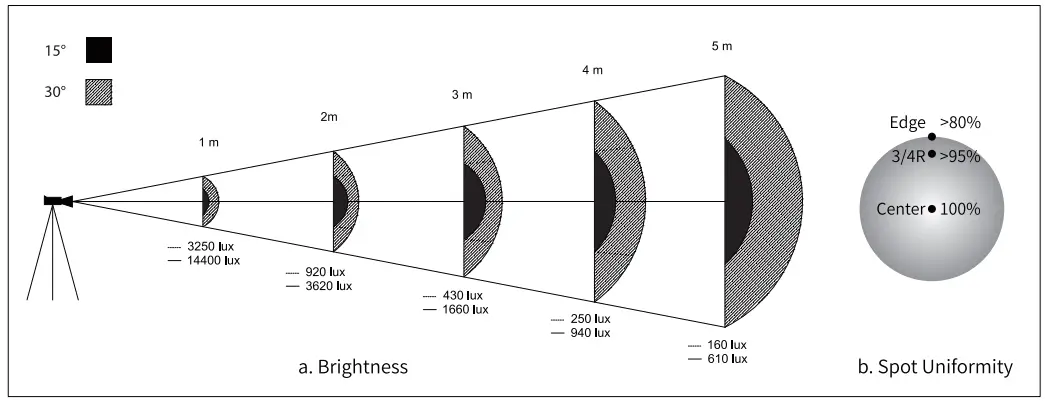
Distribution of brightness and spot uniformity (LS 60d)
 Size & Weight
| Product Dimensions | 3789241.264mm/ 14.9* 4.99 0Ain |
| Carrying Case Dimensions | 475*295*255mm/18.7*11.6* 10in |
| Product Weight | 4.4kg/ 9.7Ibs |
Service Warranty
Aputure Imaging Industries Co., Ltd. warrants the original consumer purchaser from defects in material and workmanship for a period of one (1) year after the date of purchase. For more details of warranty visit www.aputure.com
Important: Keep your original sales receipt. Be sure the dealer has written on it the date, serial No. of the product. This information is required for warranty service.
This warranty does not cover
- Damage that is the result of misuse, abuse, accident (including but not limited to damage by water), faulty connection, defective or maladjusted associated equipment, or the use of the product with equipment for which it was not intended.
- Cosmetic defects that appear more than thirty (30) days after the date of purchase. Cosmetic damage caused by improper handling is also excluded.
- Damage occurs while the product is being shipped to whoever will service it.
This warranty is void if: - The product identification or serial No. label is removed or defaced in any way.
- The product is serviced or repaired by anyone other than Aputure or an authorized Aputure dealer or service agency.
Aputure Imaging Industries Co., Ltd.
Add F/3, Building 21, Longjun industrial estate,
Heping West Road, Shenzhen, Guangdong
E-MAIL: [email protected] Sales
Contact: (86)0755-83285569-613