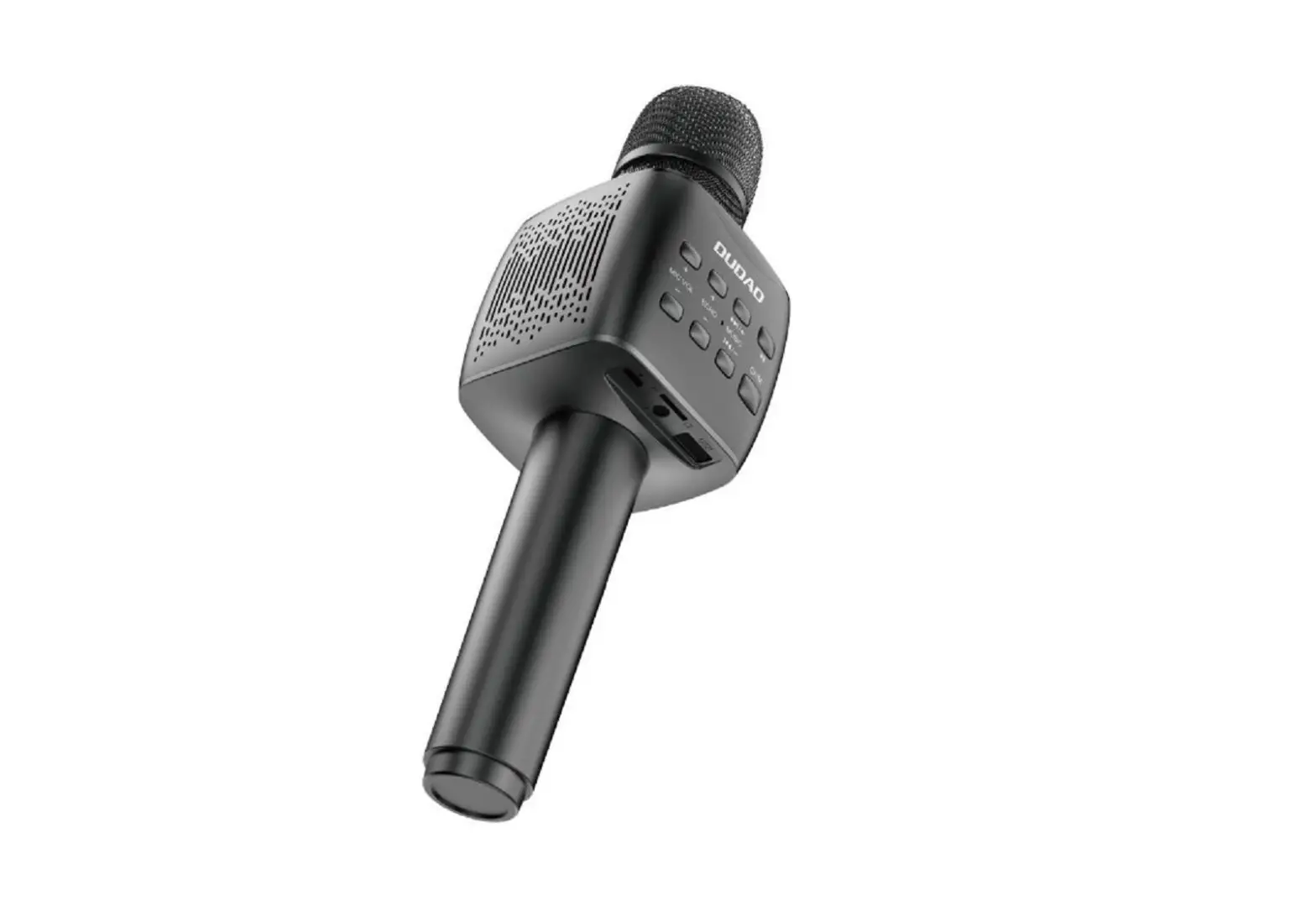
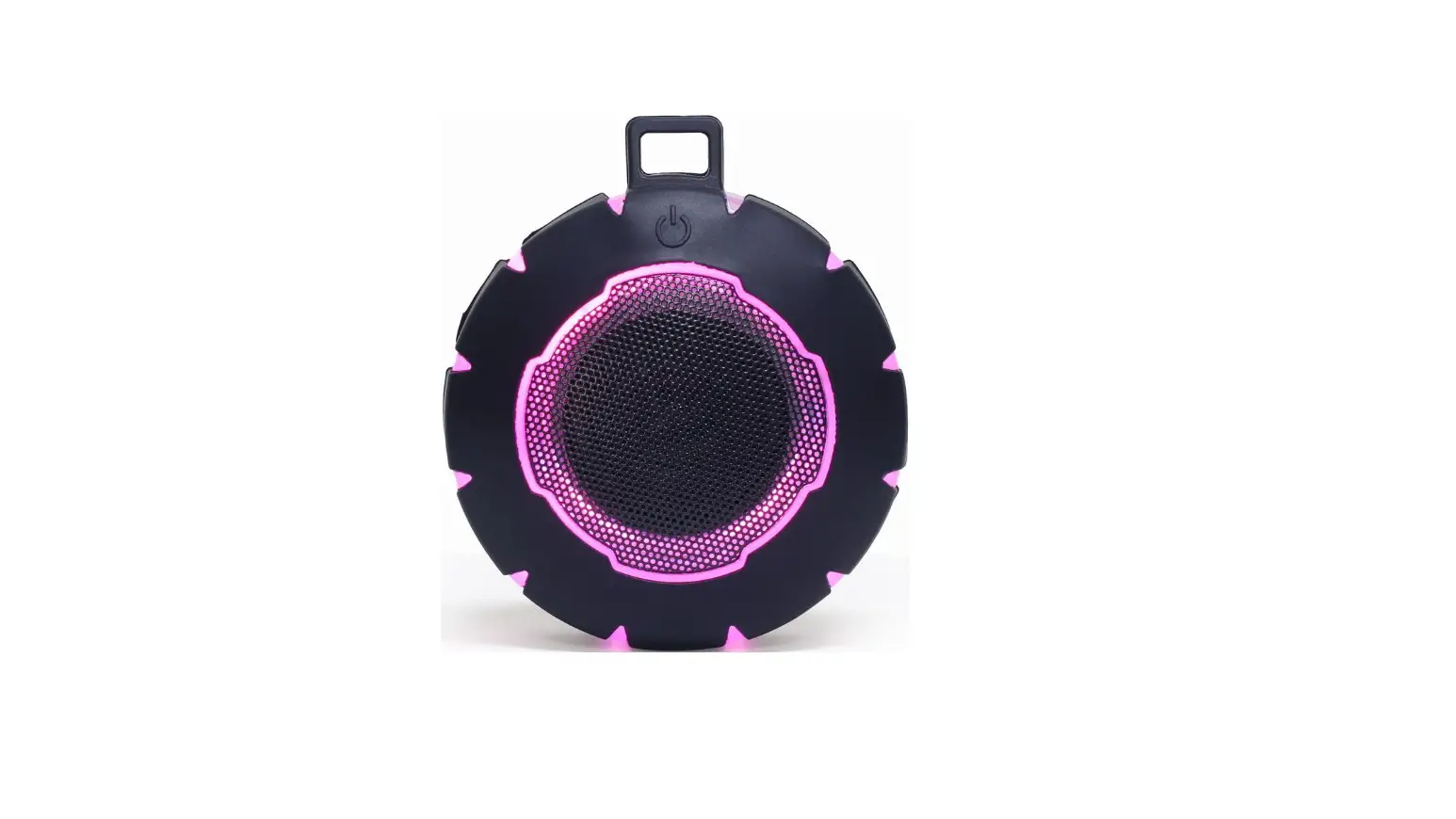
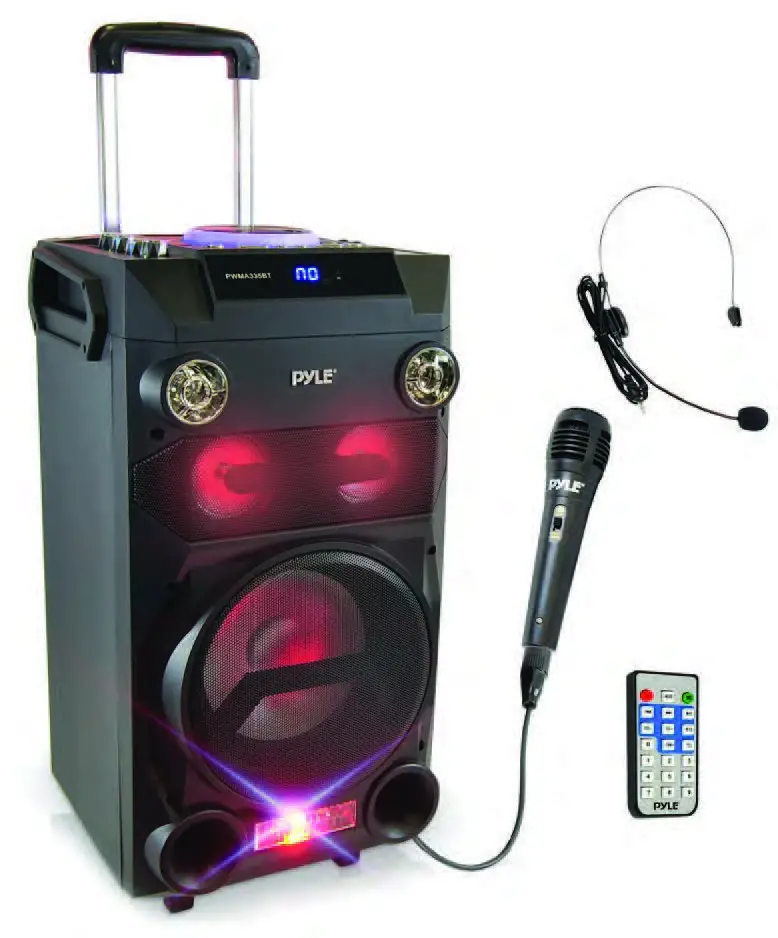
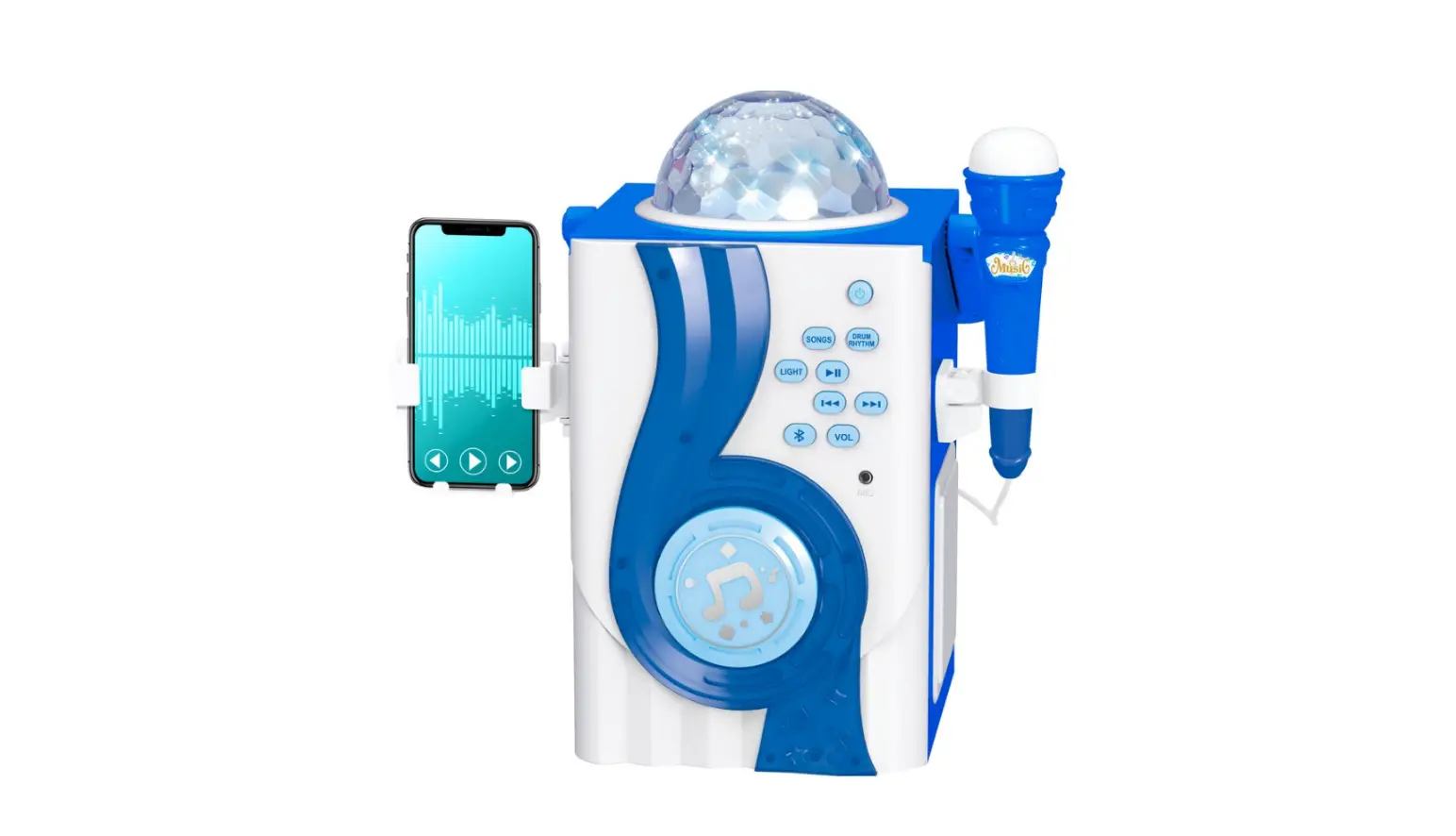
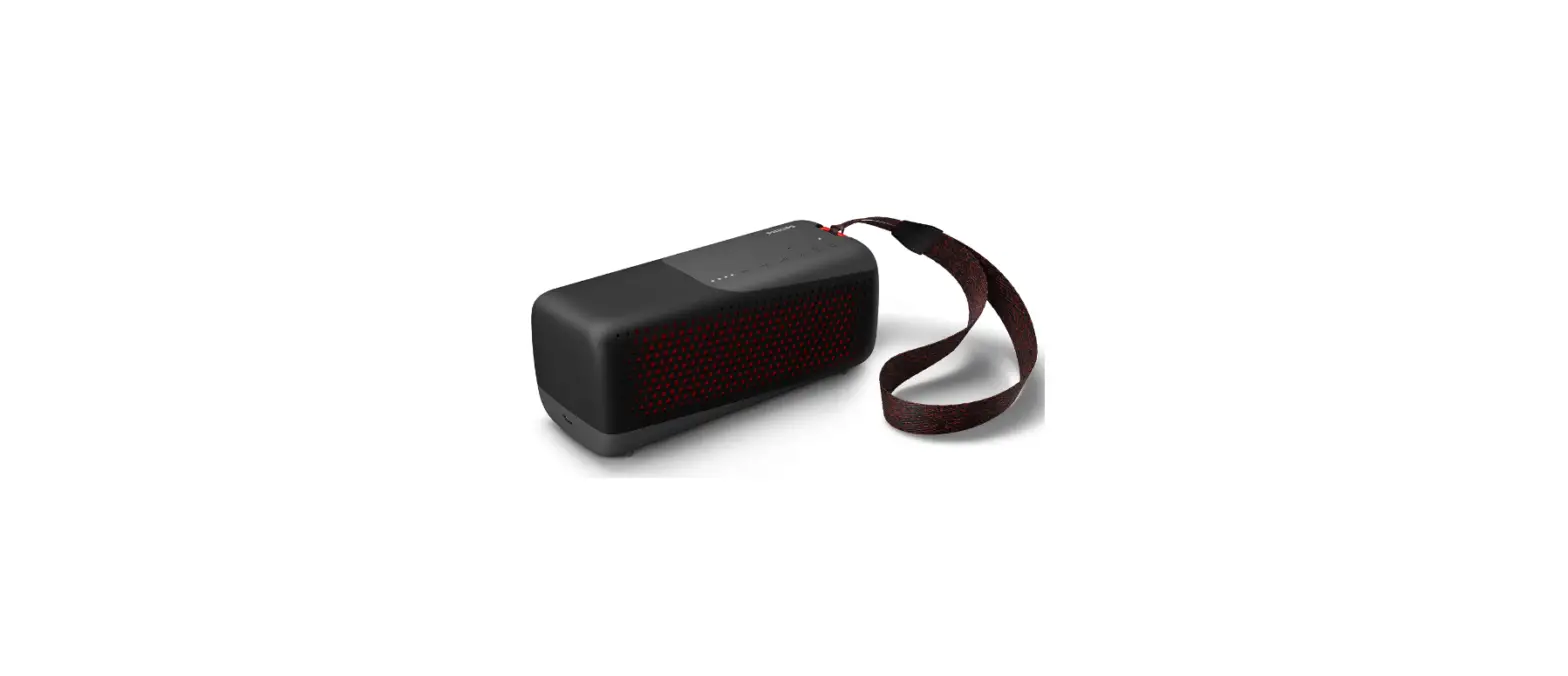
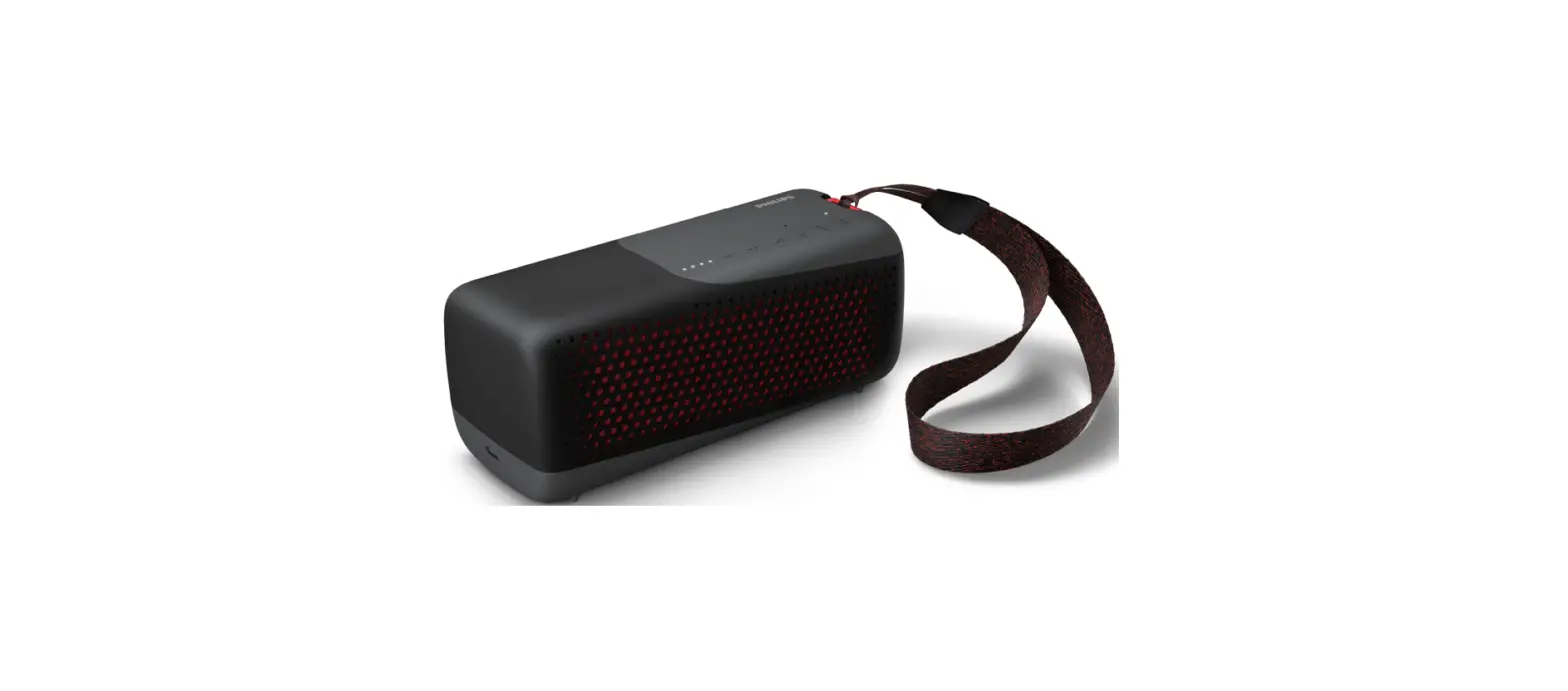
H100 Portable Karaoke Speaker Outdoor Wireless Activ Bluetooth
Product Information
| Model | Features |
|---|---|
| H100/H200 | Multifunctional portable speaker with Instrument input functions |
Product Usage Instructions
- Turn off the speaker when charging. Use the standard adapter
and unplug it after fully charged (charging time is normally 6-8
hours). - Battery status: There are 5 battery indicators on the screen,
each representing 20%. Charge it timely when the speaker reminds
“Low battery, please charge.” The battery indicator will blink
while charging and stop blinking after fully charged with all 5
indicators lit. Charge it for an additional 1-2 hours to prolong
battery life. - If the battery is too low and the speaker shuts down, charge it
within 48 hours. Keep the speaker fully charged if not in use for a
long time. If the battery is completely drained, turn off the
speaker and charge it in an open territory far from fire or other
hot environments.
Speaker Troubleshooting
| Possible Reasons | Measures |
|---|---|
| 1. Speaker is running out of power | Switch on the speaker and charge it in time. Ensure the screen is on. |
| 2. No audio input | Check the audio input signal. |
| 3. Volume at minimum | Turn up the volume properly. |
| Sound distortion | 1. Turn down the volume properly. 2. Contact us for maintenance if the issue persists. |
| No sound when playing music | 1. Ensure the audio format in USB flash drive or TF card is MP3/WAV/WMA/FLAC/APE. 2. Restart the speaker. 3. Properly insert the USB/TF card. |
| Can only work several minutes after charged or have to work with Adapter | 1. Change to a new battery of the same type. 2. Contact us for maintenance if the issue persists. 3. Fully charge the speaker before using. |
“H100″”H200”
01.80W 02.6.5+2*2 03.12V 4000A 04. 05./ 06.TFU 07.UHF
01.100W 02.8+2*2 03.12V 4400A 04. 05./ 06.TFU 07.UHF
04 05 06 07 08 02 03
01
12 11
13 14 25 26
27
28
29
30
USB
AUX
15
09 10 17 16
15 18
19
20
21
22 23 24
Welcome to use SHIDU speaker. H100/H200 is a multifunctional portable speaker with Instrument input functions. Please enjoy it after reading the user manual.
04 05 06 07 08 02 03
01
12 11
13 14 25 26
27
28
29
30
USB
AUX
15
09 10 17 16
15 18
19
20
21
22 23 24
1.Display screen 2.TF card slot: Support TF card, maximum up to 32G (MP3/WAV/WMA/FLAC/APE) 3.USB slot: Support USB flash drive play, maximum up to 32G (MP3/WAV/WMA/FLAC/APE) 4.Mic sound effect: Short press it to active the microphone sound effect,the blue indicator will be always on.Short press it again to turn off the microphone sound effect,the blue indicator will be off. 5.Original 6.Popular 7.Professional 8.Mic priority 9.Recording: Reference to details description for functions 10.Bluetooth: Short press this in any mode to enter into Bluetooth pairing status, long press this button in Bluetooth Mode to disconnect the current connection. 11.Mode:Short press 3 secs this button to select Bluetooth mode, Audio in mode, Audio input mode, USB flash drive mode, TF card mode and UHF mode.When play music on TF card/USB flash drive, press and hold this button for 3 seconds switch to single song repeat with screen display “ONE”, spress and hold this button for 3 seconds again to switch back to all repeat with screen display “ALL”. 12.Previous: Short press to select previous audio file 13.Play/pause: In audio playing mode, press it to pause; press it again to play.Long press it in any mode to turn off the voice prompt,long press it again to turn on the voice prompt . 14.Next: Short press to select next audio file 15.Monitor jackReference to details description for functions 16.Live broadcast jackReference to details description for functions 17.Audio input 18.Music volume control 19.Music treble control 20.Music bass control 21.Instrument volume control 22.Instrument input 23.Microphone input:Support wired microphone input (not included). 24.DC 15V Charging port:Charging port, please using original adapter to charge.
25.Microphone volume control 26.Microphone treble control 27.Microphone bass control 28.Microphone ECHO control 29.Microphone delay control 30.Power on/ power off
The speaker will automatically play the music file After insert TF card/USB flash drive.Support MP3/WAV/ WMA/ FLAC/APE music format . Play/Pause:when play music ,short press ” ” button to play&pause music. Previous/Next:when play music ,short press ” ” or ” ” t button to choose play previous song and next song .
01. 02.TF 03.USBU 04. 05. 06. 07. 08. 09. 10.””” ” 11.U TFUHF”M”3 “M”3 12. 13.OFF ON 14. 15. 16.APP 17. 18. 19. 20. 21. 22. 23. 24.DC 15V 25. 26. 27. 28. 29. 30.,
1.Please
turn
off
the
speaker
when
charge
.Please
use
the
standard adapter. Please unplug the adapter timely after fully
charged (the charging time is normally 6~8 hours).
2.Battery status: There are 5 battery indicators on the screen
and each represents 20%. Please charge it timely when the
speaker reminds”Low battery, please charge”. The battery
indicator will blink when charging and stop blinking after fully
charged and 5 indicators all light. Please charge it 1~2 hours
more after fully charged to lengthen the life of battery.
3.Please charge the battery within 48 hours if the battery is too
low and shut down. Keep the speaker fully charged if not use
for a long time. If the battery is no power, please turn off the
speaker andcharge it in open territory far from fire or other hot
environment.
15
15
Trouble
Possible reasons
Measures
1.Speaker is running out of power
Switch on the speaker but no sound
2.No audio input
3.Volume at minimum
Please charge in time and make sure the screen is on
Please check the audio input signal
Please turn up the volume properly
Sound distortion
1.The volume is too high 2.The speaker is broken
Please turn down the volume properly Please contact us for maintenance
No sound when playing music
1.The audio’s format in USB flash drive or TF card is wrong
Please turn the music format to MP3 /WAV/ WMA/ FLAC/APE
2.Chaotic procedure with wrong operation
Please restart the speaker
3.USB flash drive/TF card Please insert the USB/TF card is not inserted correctly properly.
Can only work several minutes after charged
or have to work with Adapter
1.The battery is broken
2.The connecting cable of battery is loosened or disconnected
3.Hasn’t full charged the speaker
Please change a new same battery Please contact us for maintenance Please full charge it before using