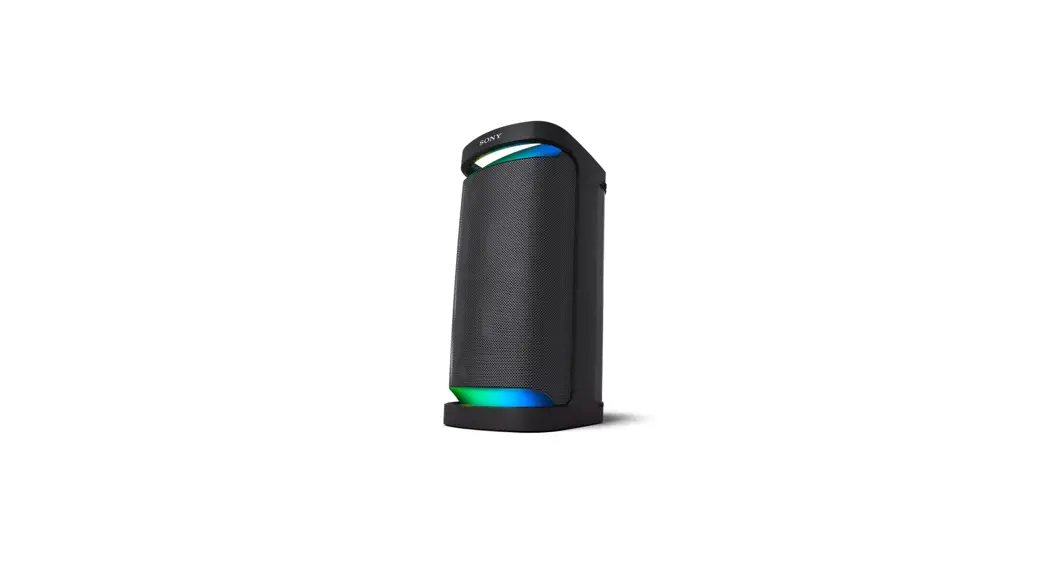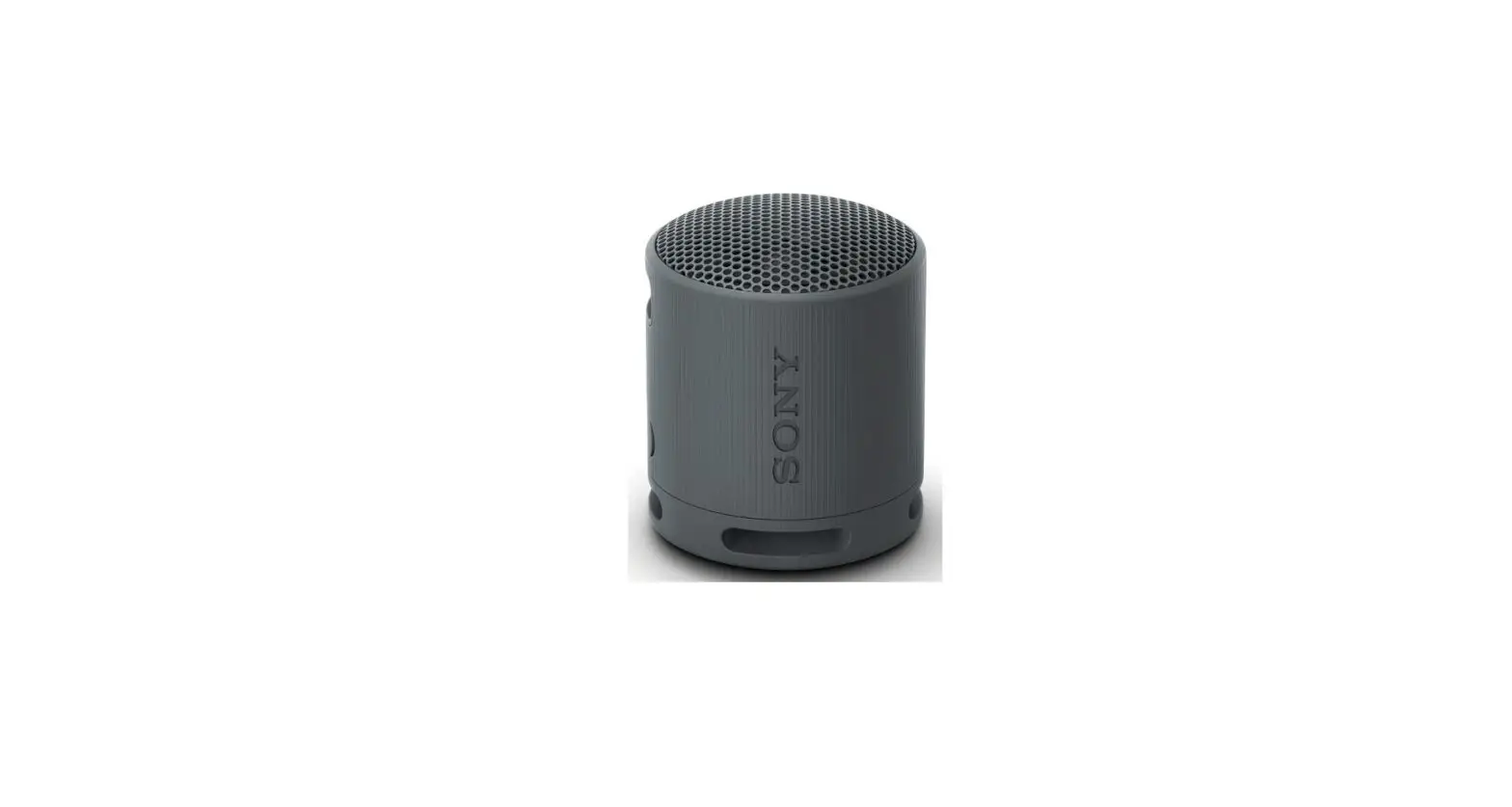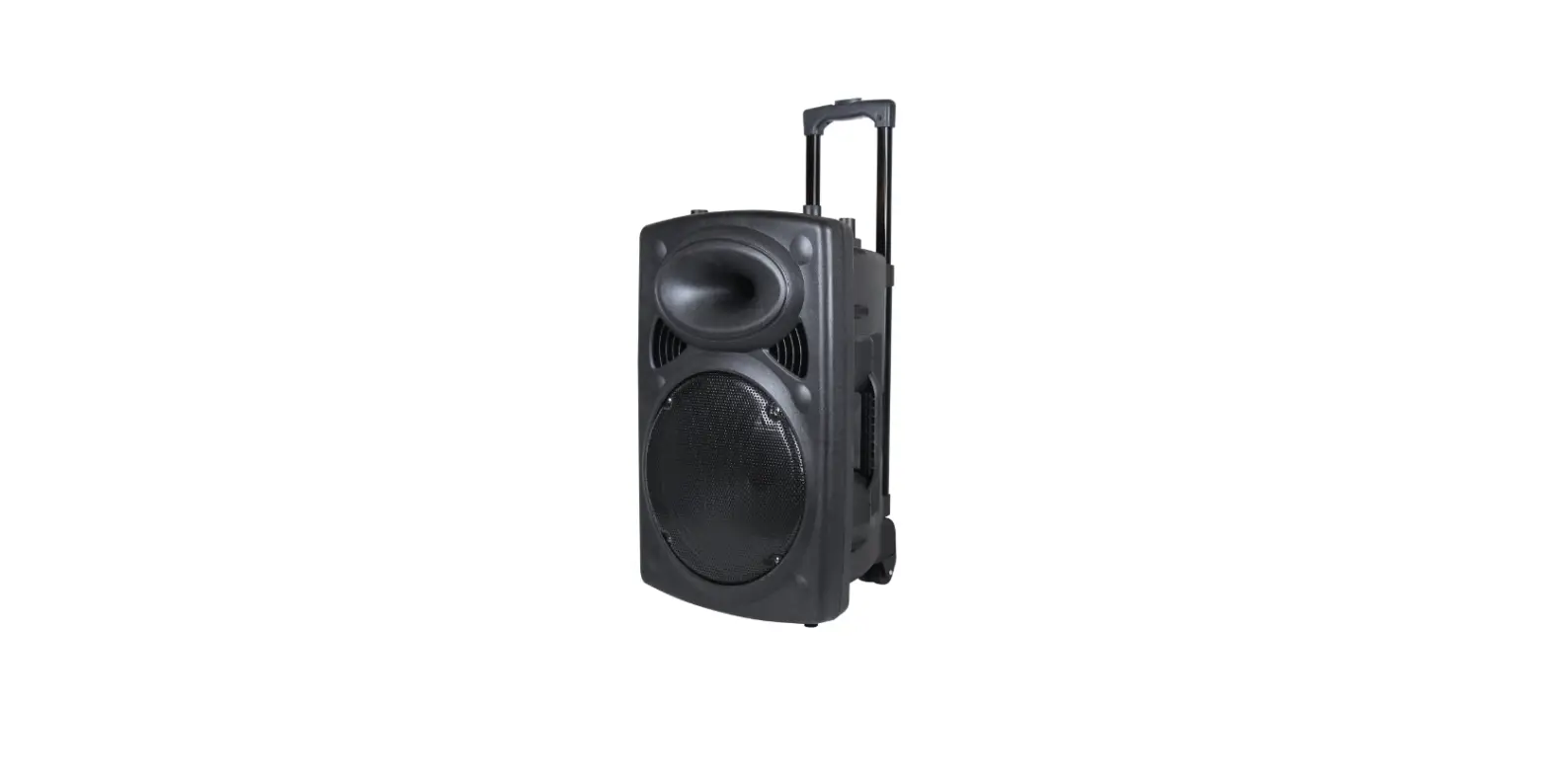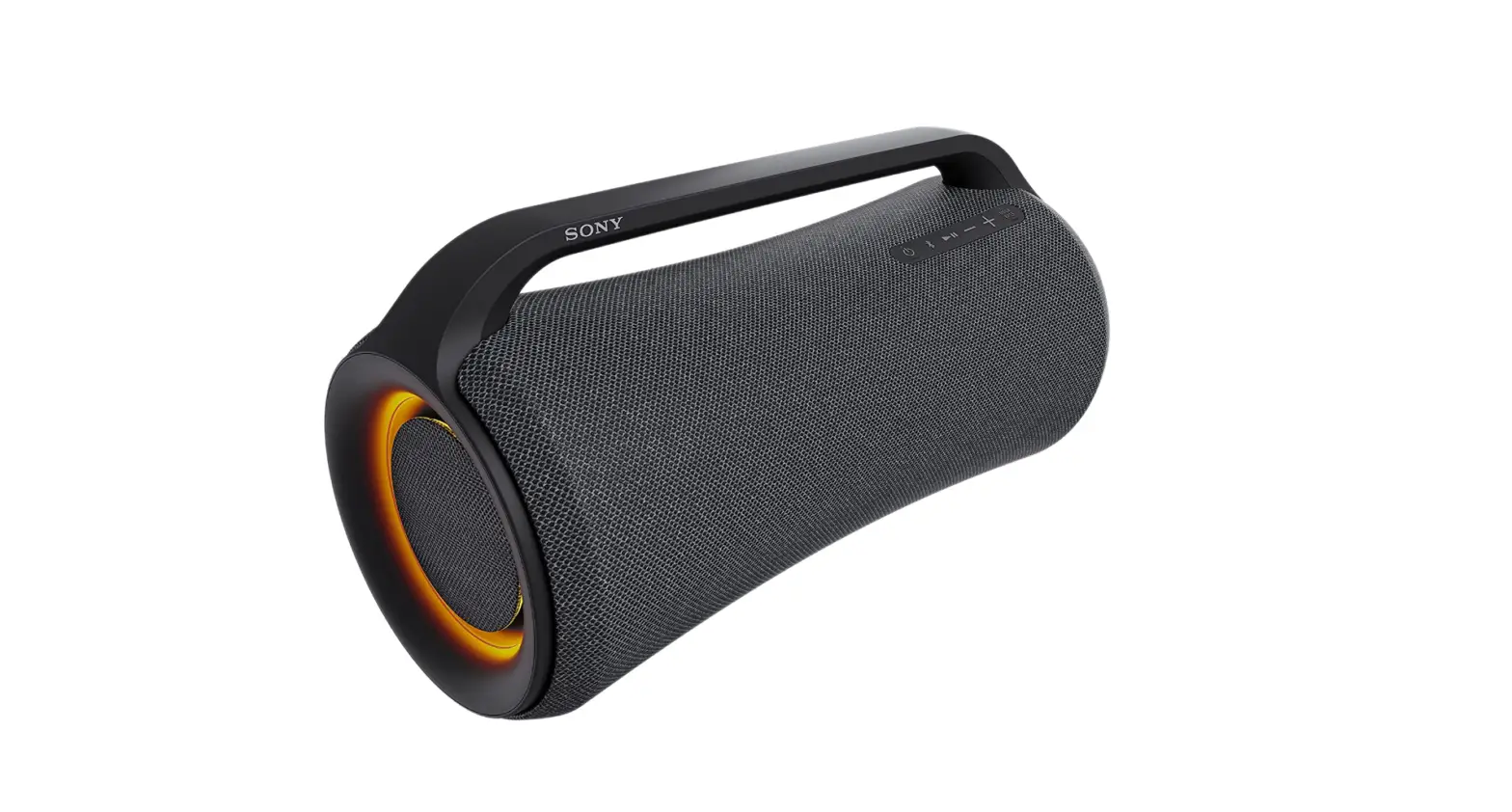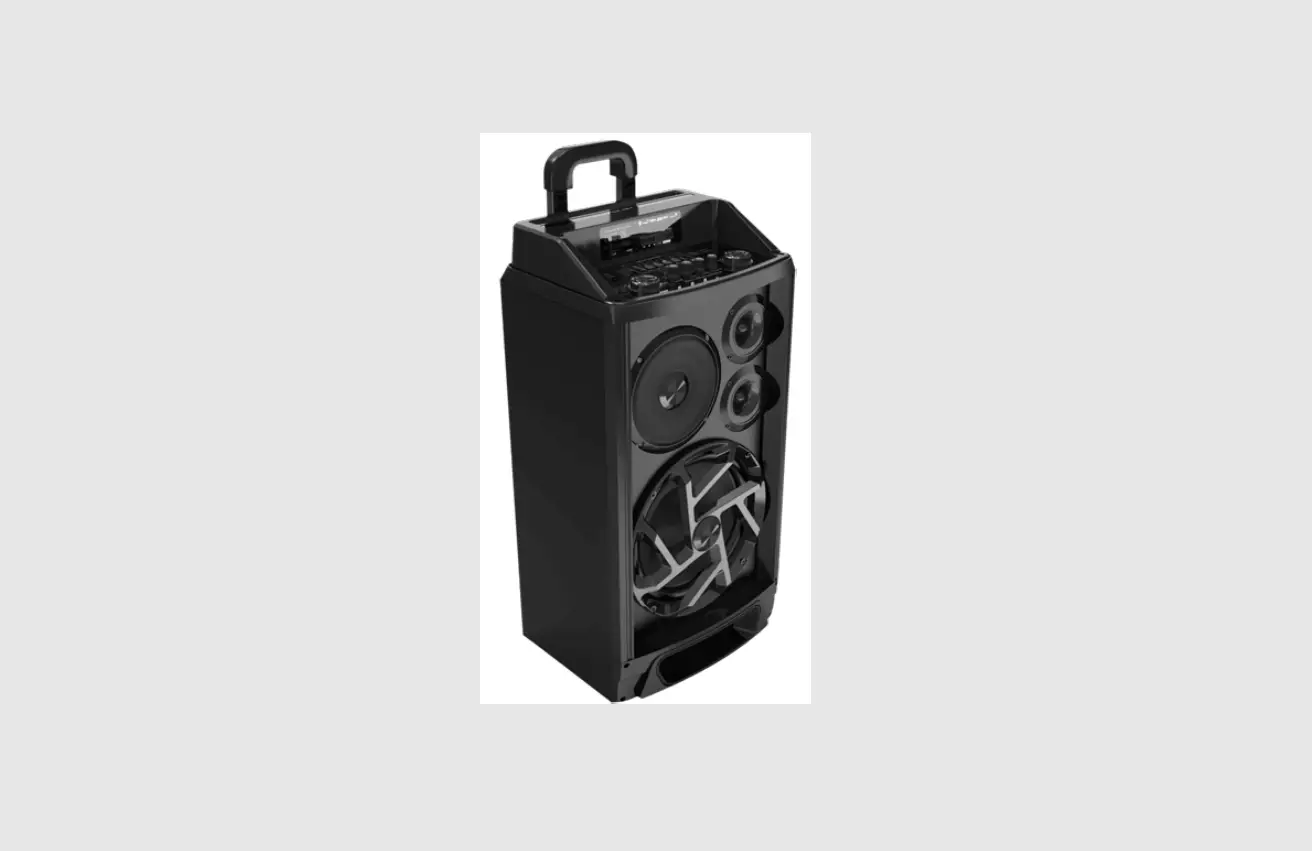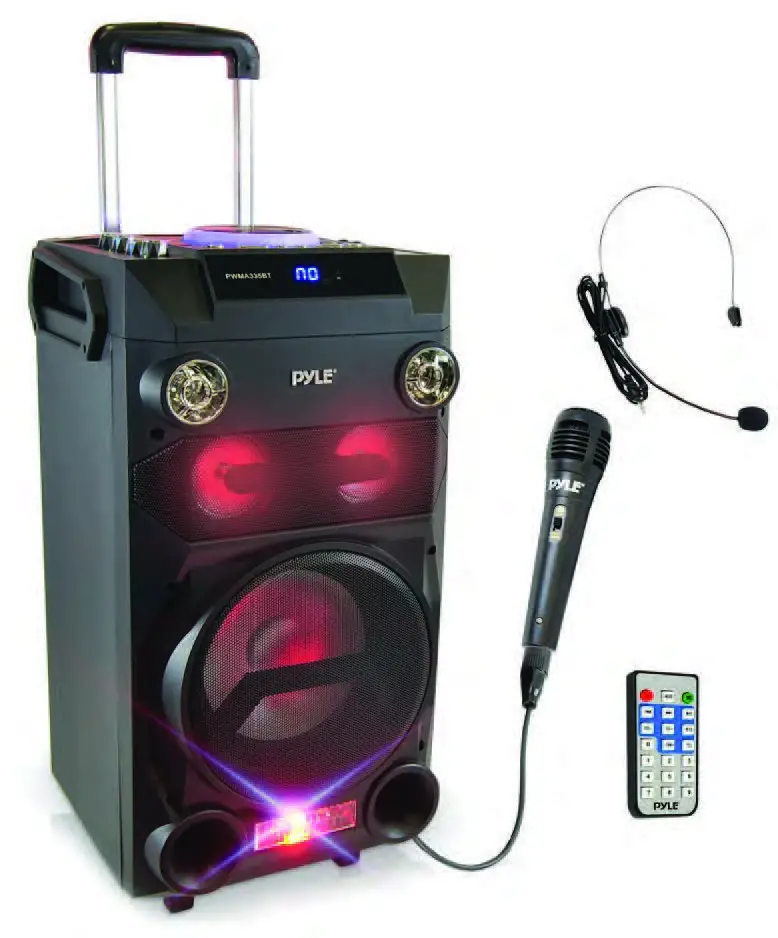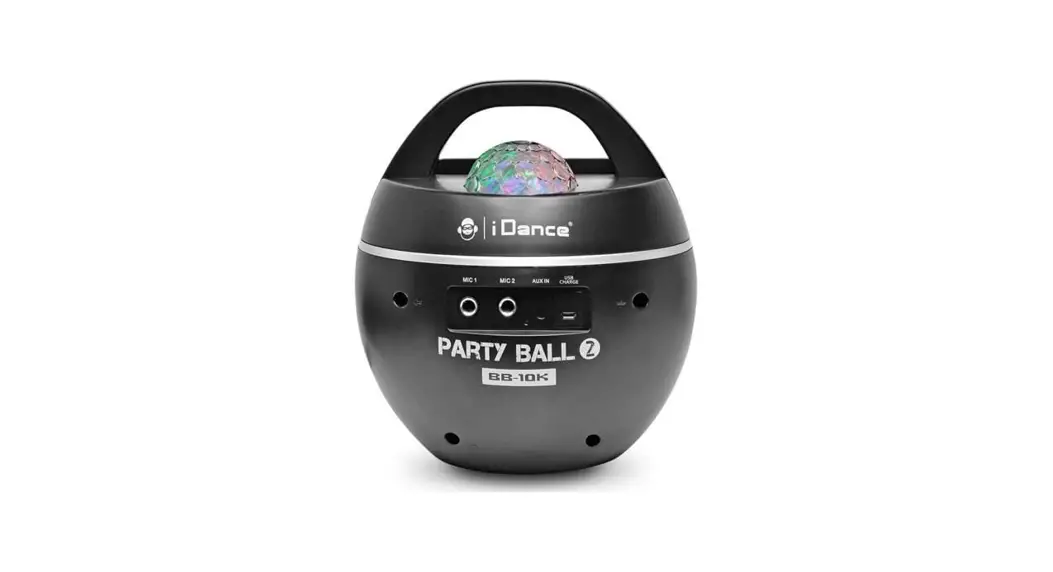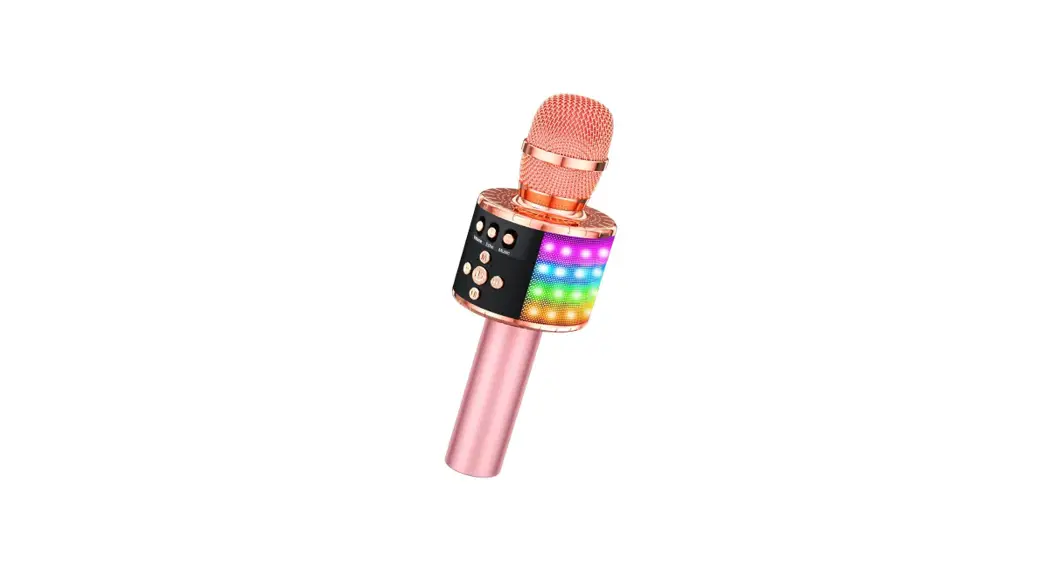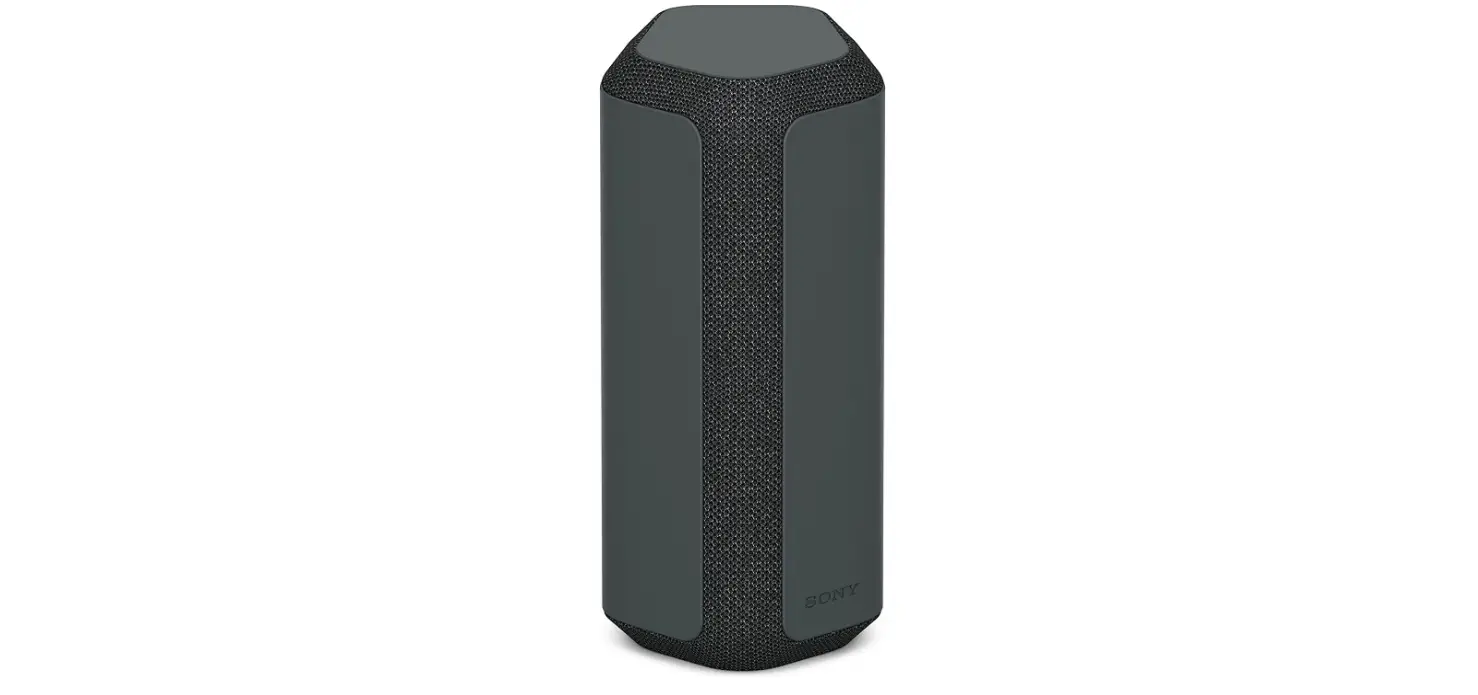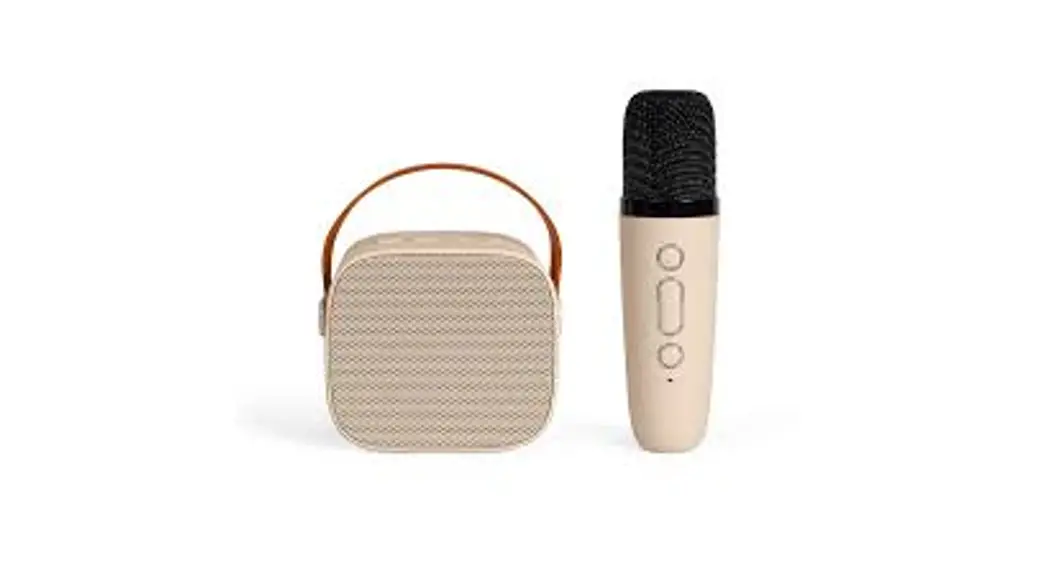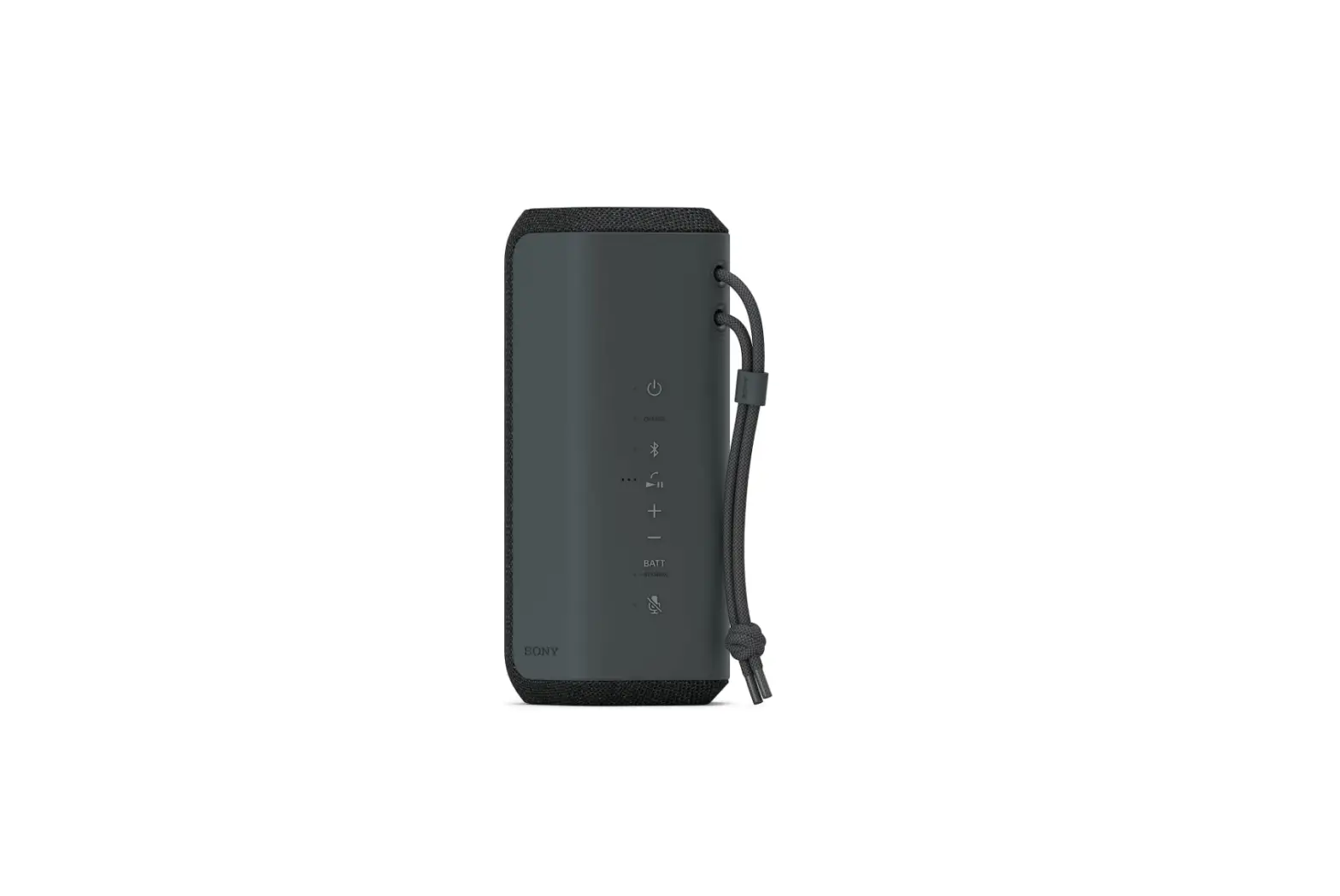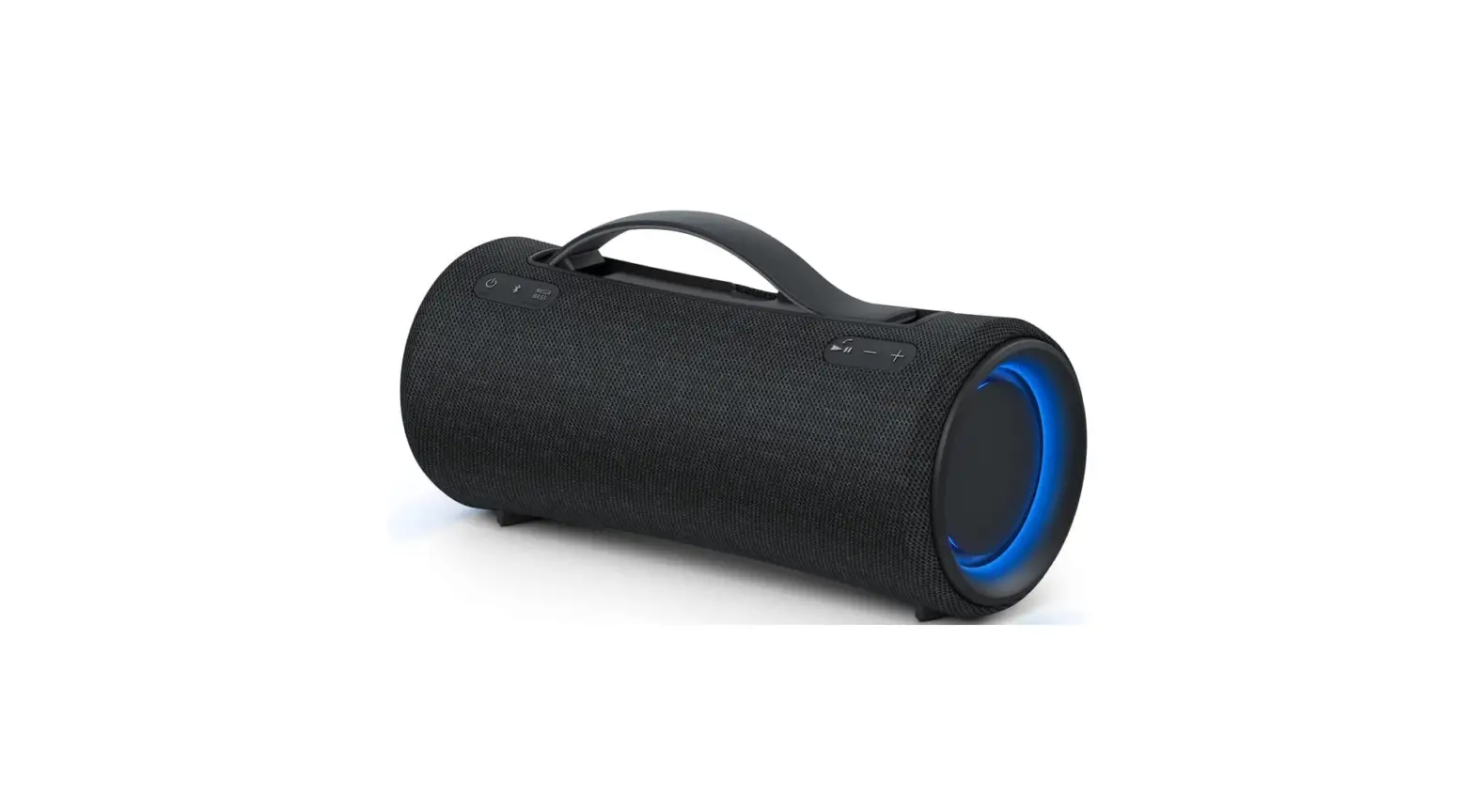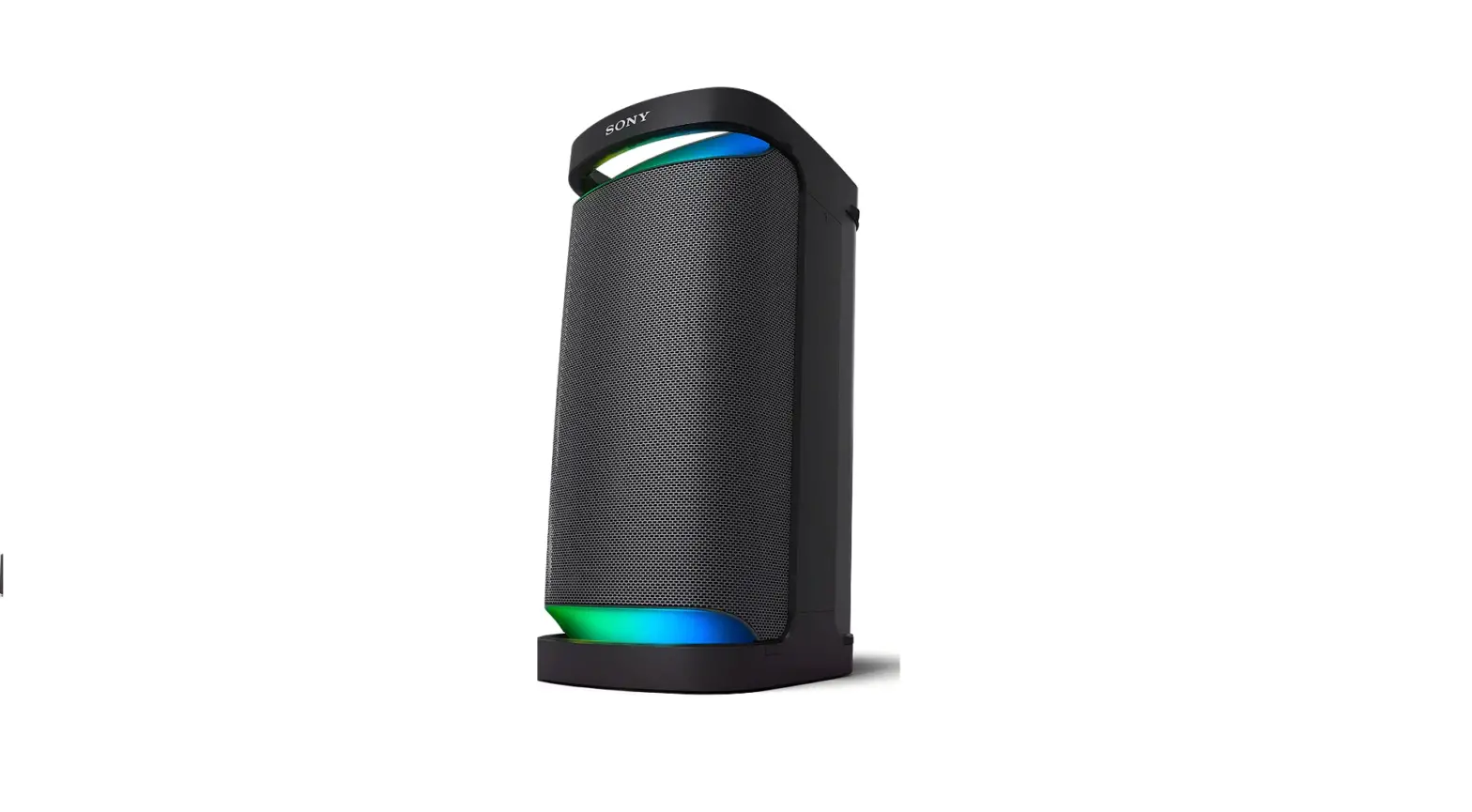

Sony SRSXP700 Wireless Portable-BLUETOOTH-Karaoke
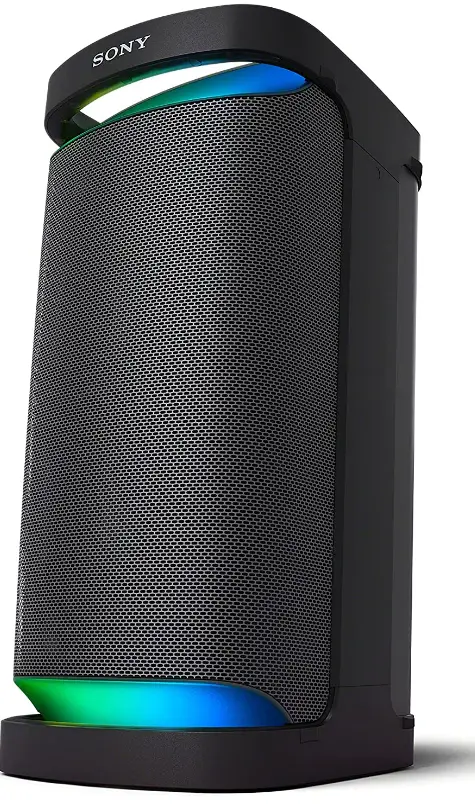
Specifications
- Product Dimensions 44 x 12.32 x 27.28 inches
- Item Weight 3 pounds
- Batteries 1 Lithium Ion batteries
- Speaker Type Wireless Portable Speaker
- Connectivity Technology Bluetooth, USB
- Brand Sony
Introduction
By playing audio from one Sony® device and streaming the sound through additional Sony components that are compatible with the PARTY STREAMING function over the HomeShare® Network system, you may enjoy listening to and sharing the same audio content in many rooms at the same time.
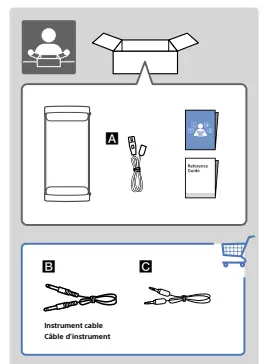
What’s In the Box?
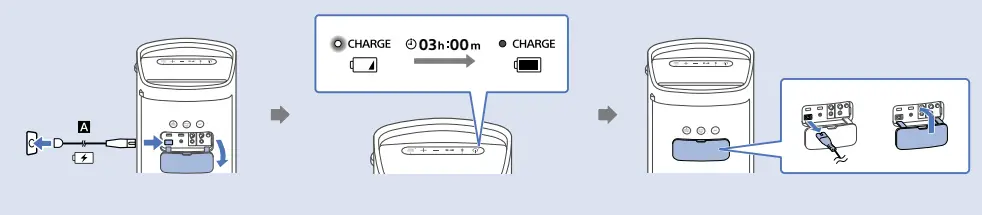
How TO Charge
How To Power On/OFF
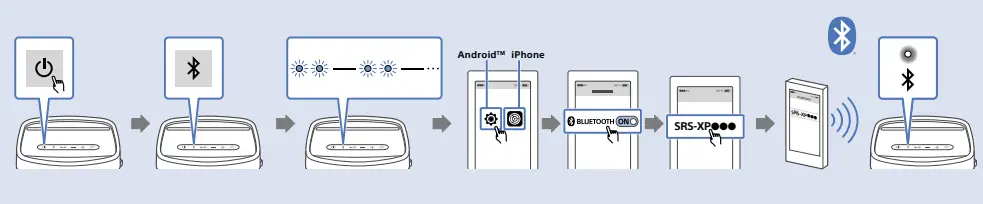
How To Connect Bluetooth
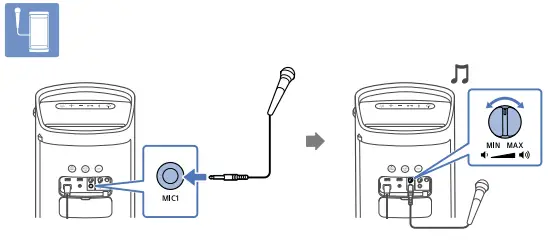
How to Connect Microphone
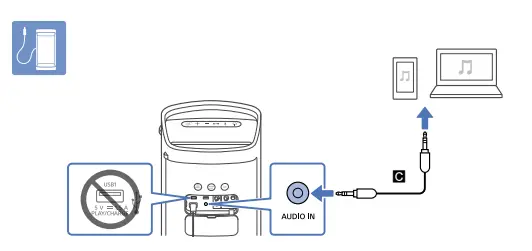
How To Connect Audio
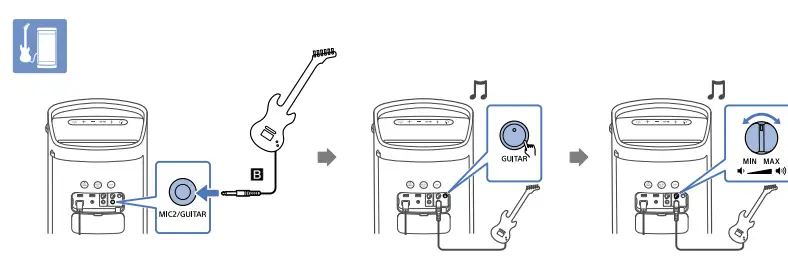
How To Connect Musical Instrument
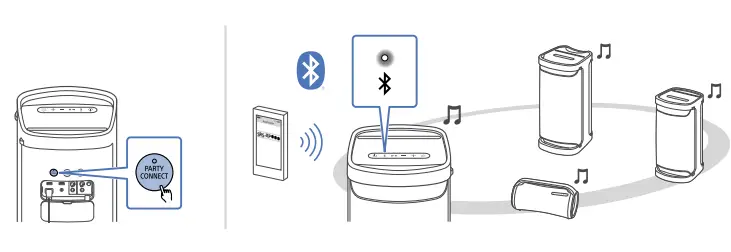
Party Connect
Frequently Asked Questions
Bose is the same, they refuse to tell you how many watts it has. I will not purchase any audio equipment if I’m not allowed to know the wattage.
The SRS-XP500 doesn’t come with remote control. There’s good news, however! The SRS-XP500 Portable Bluetooth® Wireless Party Speaker supports the Sony | Music Center app. This allows you to optimize audio settings, control music, choose lighting patterns and manage your devices right from your phone or tablet.
Yes, this unit connects to devices that support the A2DP Bluetooth profile. You need to check the specifications of your record player if it supports the said profile. If your record player/turntable has a built-in phono preamp, you can plug it into the speaker’s AUDIO IN jack using an audio cable.
This speaker can be connected to compatible devices via Bluetooth connection such as TV that supports these following Bluetooth profiles
Yes. You can connect this speaker to your projector using an Aux cord (3.5mm/Aux).
Yes, the sound quality may become low in the event that the rechargeable built-in battery is running out of power and the CHARGE indicator flashes slowly. It’s best to have the unit charged sufficiently. For the best sound, install the Sony | Music Center app on your favorite device, there you will find sound quality settings and equalizer adjustments.
Below is the approximate battery life of the speaker when volume is set to max. About 6 hours The volume level of the speaker is set to maximum (50).
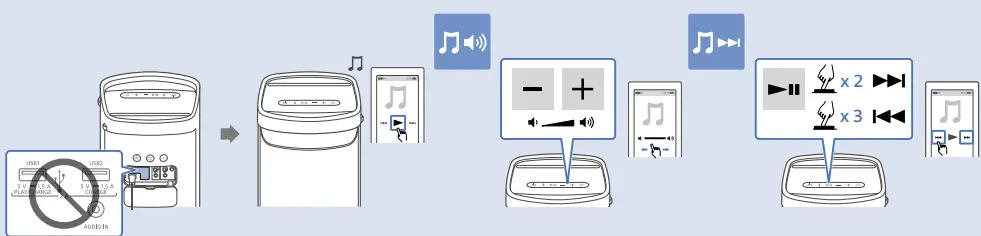
You just have to connect your USB drive to the PLAY/CHARGE port (USB1) then press the play button to start playback. You can also use “Sony | Music Center” for playback operations or effortless music selection from the music list on the USB device.
Yes, you can. By connecting multiple devices (up to 100 devices) compatible with the Party Connect function, you can liven up parties with loud volume.
We recommend to plug in directly your microphone to the MIC1 jack or MIC2/GUITAR jack on the speaker. Using a splitters and adapters are not recommended as we cannot guarantee its operation.
That’s a great question! It is safe to leave it plugged in because charging stops when the built-in lithium ion battery is full. A topping charge is only applied when the battery voltage drops to a certain level.
Yes.
Yes! You can connect your iPhone to this speaker via Bluetooth.
As long as your device can output in ¼ inch (like a mic cord) it should be fine. Make sure the volume on your input device and the speaker are set as low as possible to start out.
Yes. Our new X-Series range of speakers can be connected together via the Party Connect function. By connecting multiple devices (up to 100 devices) compatible with the Party Connect function, you can liven up parties with loud volume.
If your Wireless Mic uses a standard 1/4″ plug and has its own receiver, it should work. But you cannot connect via Bluetooth to a microphone.
The XP500 cannot be mounted on a tripod.