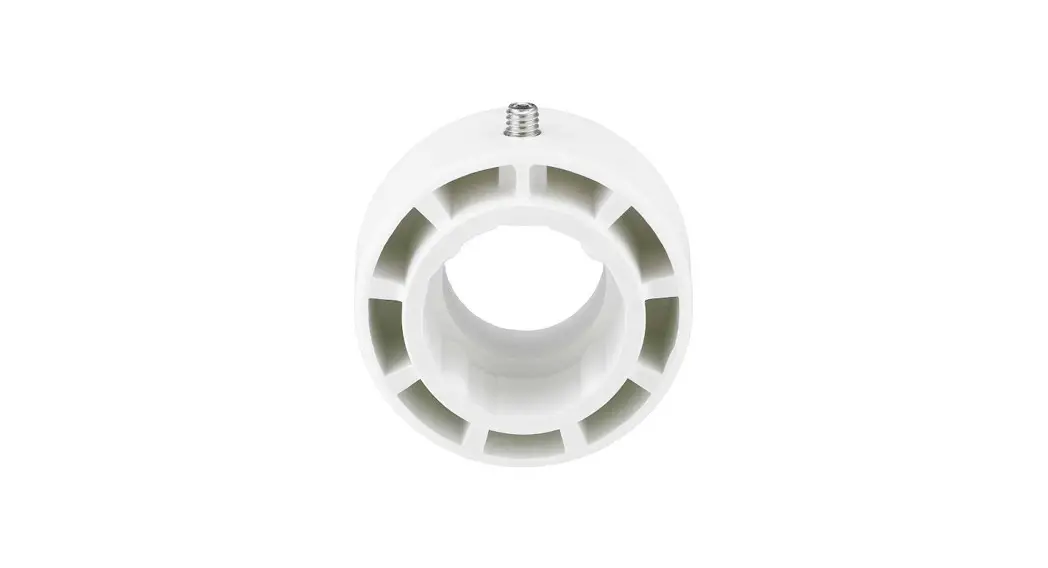
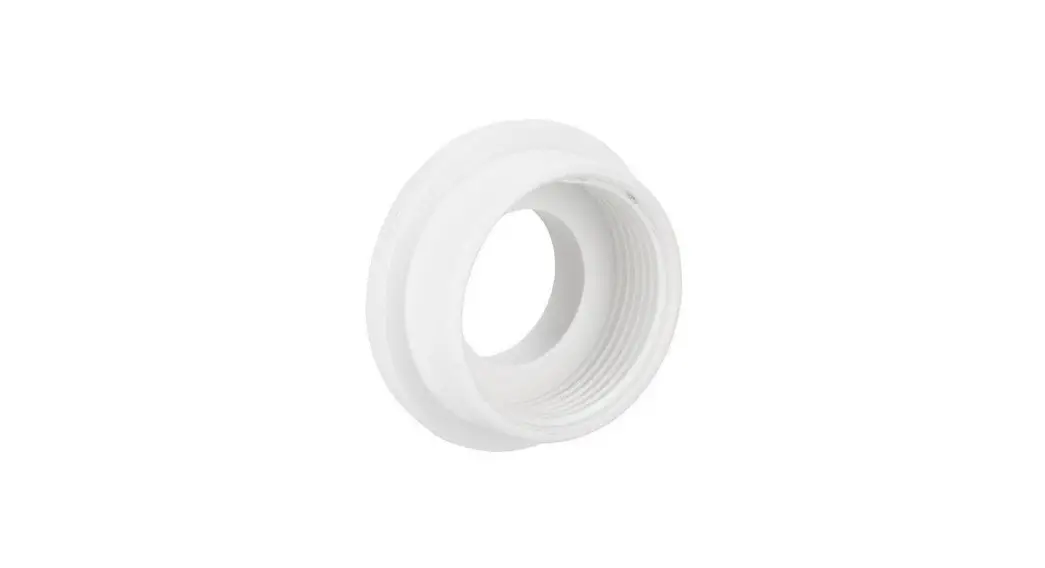
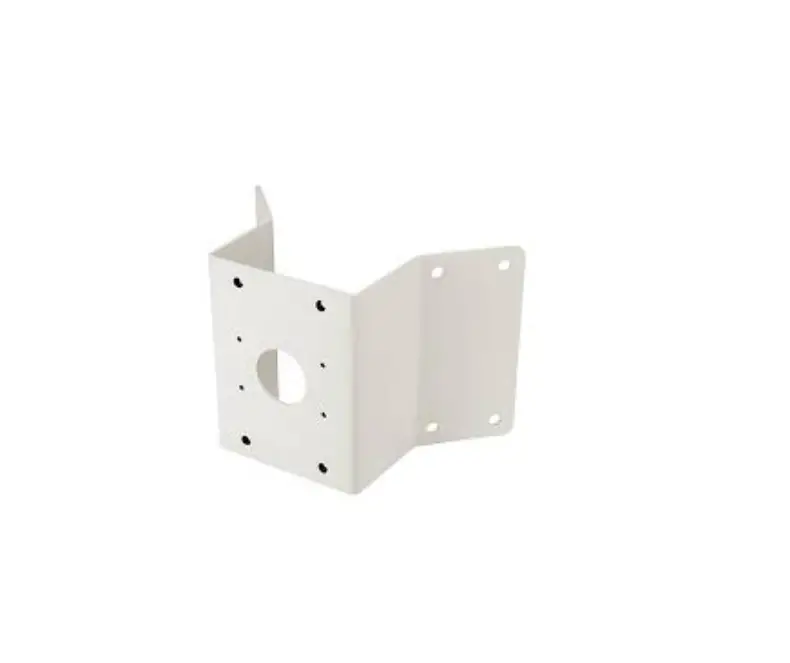
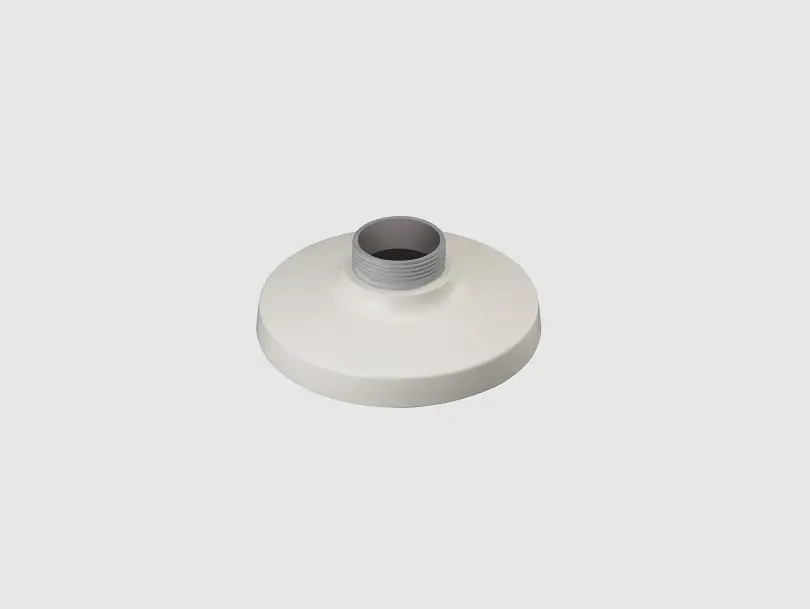
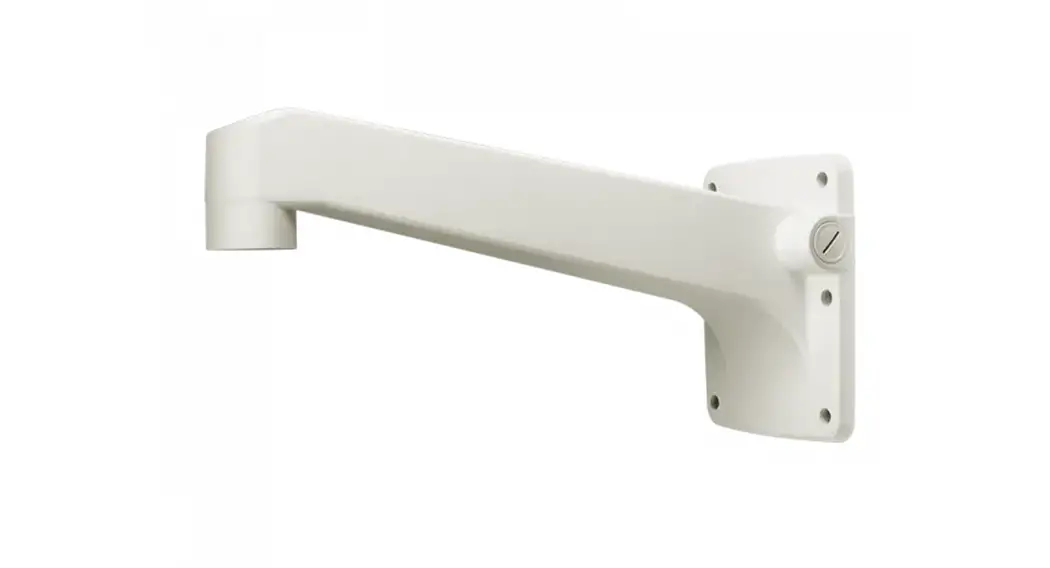
DH-PFA111 Mounting Adapter
Product Information
- Product Name: Mounting Adapter DH-PFA111
- Model: DH-PFA111
- Material: Aluminum
- Dimension (WxWxD): 60mm x 49mm (2.36″ x 1.93″)
- Weight: 0.25KG (0.55LBS)
- Loading Wall: 7KG (15.43LBS)
- Color: White
- Operating Temperature: Not specified
- Humidity: Not specified
- Pipe Thread: Not specified
Product Usage Instructions
- Ensure you have all the necessary tools and equipment required
for installation. - Select a suitable location on the wall where you want to mount
the adapter. - Make sure the wall is capable of supporting the loading
capacity of 7KG (15.43LBS). - Attach the mounting adapter to the wall using appropriate
screws or bolts. - Ensure the mounting adapter is securely fixed to the wall for
stability. - Once the mounting adapter is securely installed, you can
proceed to mount your desired device or equipment onto it. - Follow the device or equipment manufacturer’s instructions to
properly attach and secure it to the mounting adapter. - Verify that the device or equipment is firmly attached and
properly aligned. - Test the stability and functionality of the mounted device or
equipment before finalizing the installation. - Make any necessary adjustments or tighten any loose components
if needed.
Translated from Spanish to English – www.onlinedoctranslator.com
USER MANUAL
MOUNTING ADAPTER|DH-PFA111
MODEL
MATERIAL
DIMENSION (WxWxD)
WEIGHT
LOADING WALL
COLOR OPERATING TEMPERATURE
HUMIDITY
PIPE THREAD
DH-PFA111 GENERAL
ALUMINUM
60mmx49mm (2.36″x1.93″) 0.25KG (0.55LBS) 7KG (15.43LBS)
WHITE
-40°C~+60°C (-40°F~+140°F)
<90%RH
G1 1/2 in.
 Free Online Translator - Preserves your document's layout (PDF, Word, Excel, PowerPoint, OpenOffice, text)