
Configuring and Binding Your Temperature Probes to the Gateway
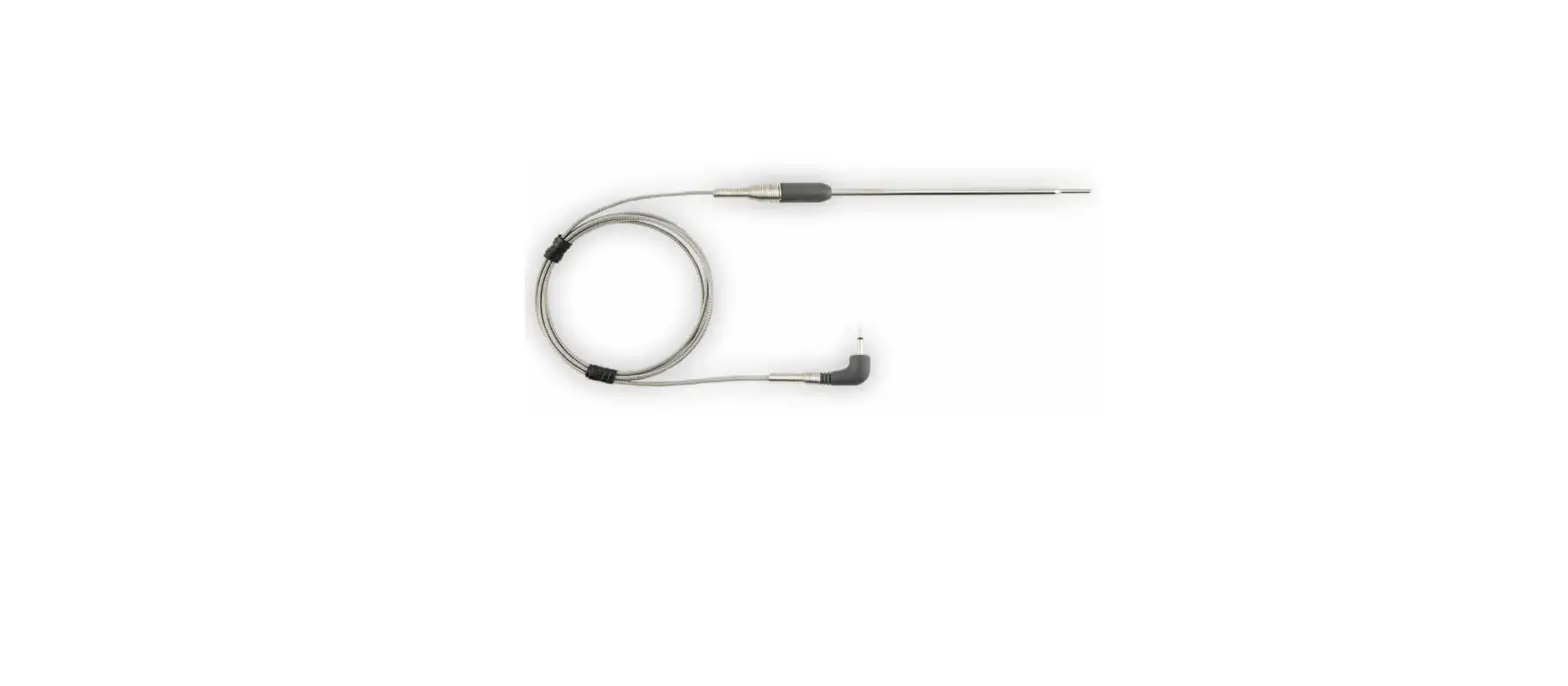
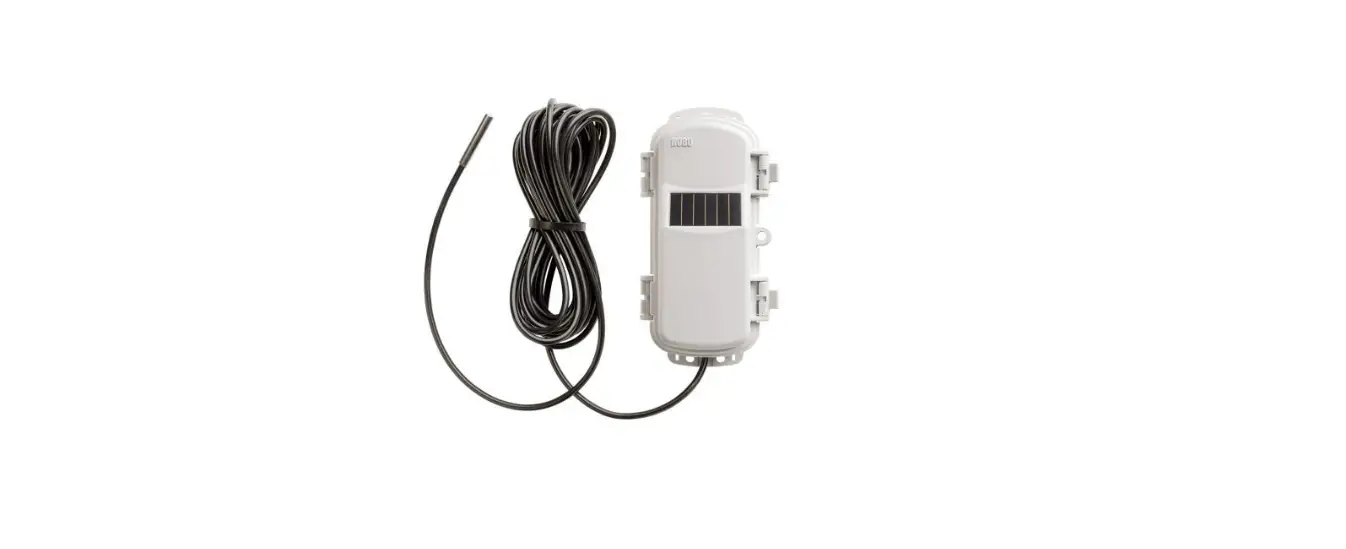
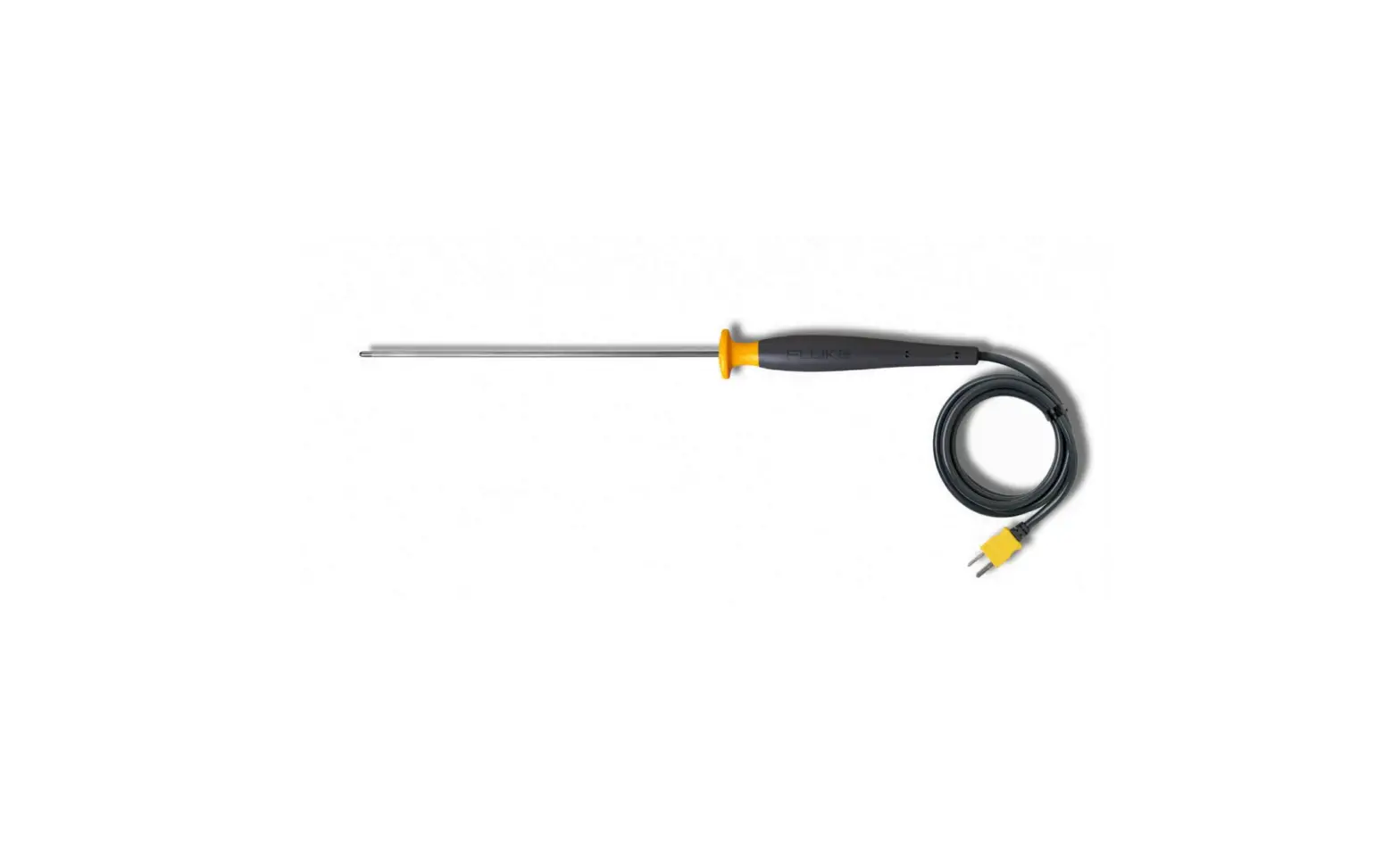
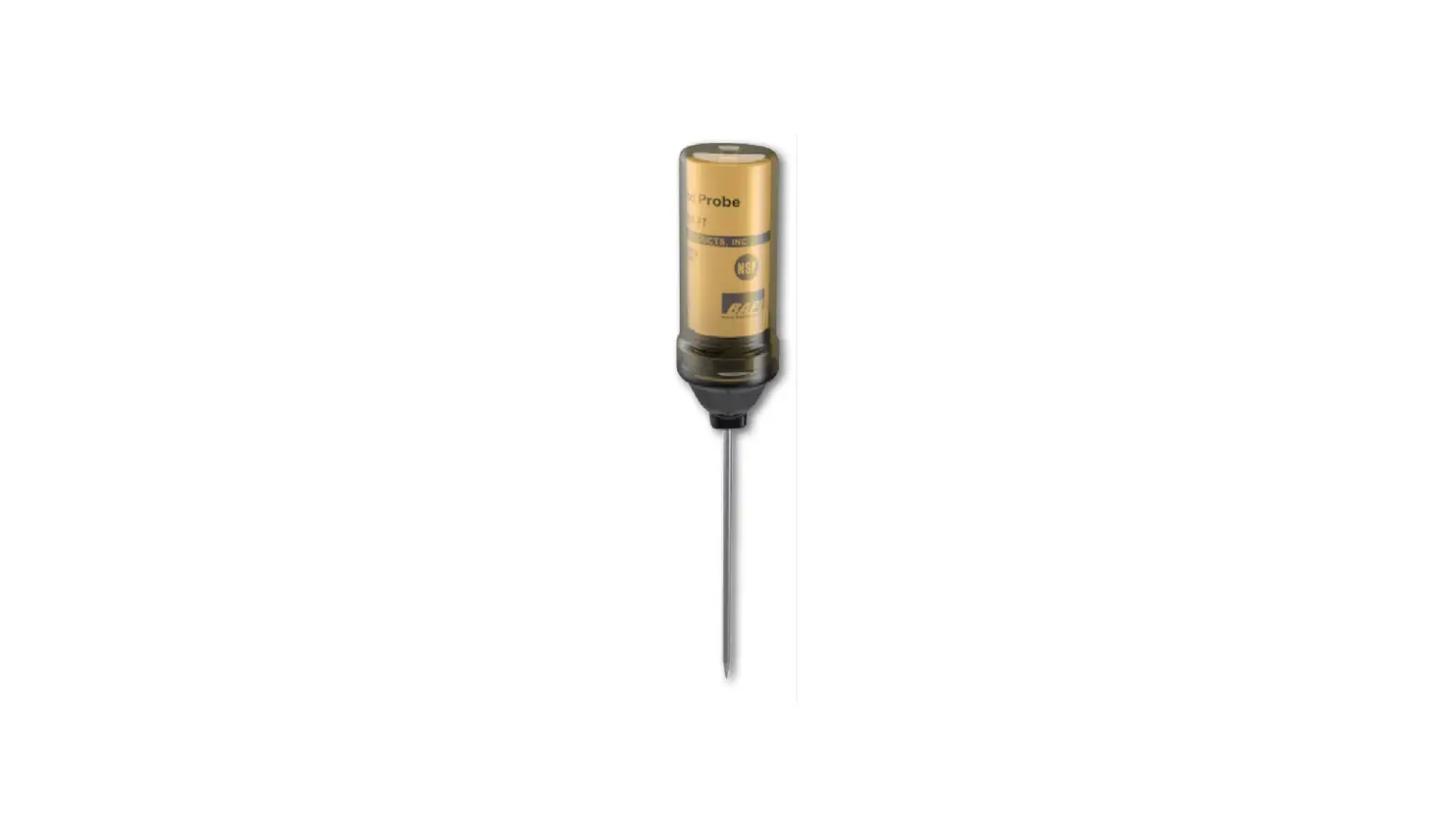
To set up the temperature probe, BWA-TPROBE-00x, follow these steps:
On all the Nodes
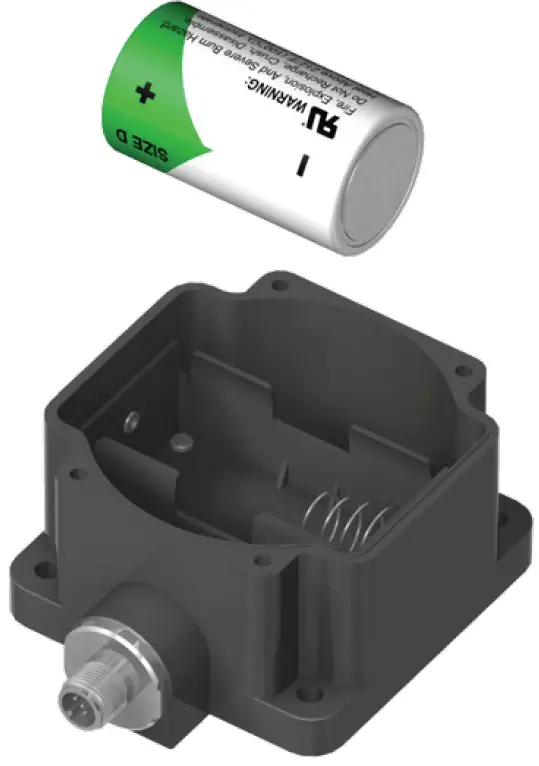
Step 1. Install the Node’s battery.
- Unscrew the four screws that mount the cover to the bottom housing.
- Remove the cover from the housing without damaging the ribbon cable or the pins the cable plugs into.
- Install the supplied battery. Only use a 3.6V lithium battery from Xeno, model number XL-205F.
- Verify the battery’s positive and negative terminals align to the positive and negative terminals of the battery holder mounted within the case. The negative end is toward the spring. Caution: There is a risk of explosion if the battery is replaced incorrectly.
- After installing the battery, allow up to 60 seconds for the device to power up.
- Mount the cover back onto the housing.
On the Gateway
Step 2. SureCross Performance Gateway DX80G*2M2S-P ships from the factory configured for Extended Addressing Mode. If using a DX80 Gateway model, set DIP switch 1 to the ON position. Refer to the Gateway’s datasheet for specific instructions on how to set Extended Addressing Mode.
Step 3. Initiate binding mode on the Gateway by triple clicking button 2.
The red LEDs flash alternately when the Gateway is in binding mode. Any Node entering binding mode will bind to this Gateway.
On Each Node
The following steps should be performed on one Node at a time.
Step 4. Remove the clear rotary dial cover and set both the left and right rotary dials to F to enter binding mode.
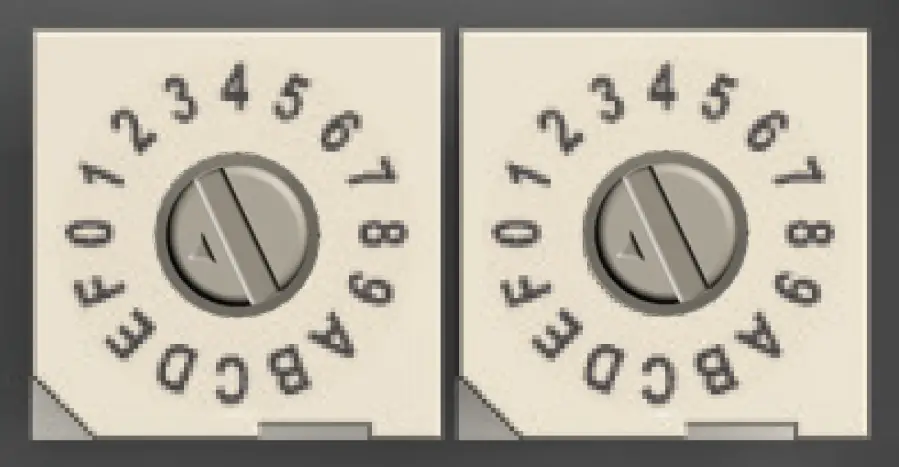
The Node enters binding mode and searches for the Gateway in binding mode. When searching for the Gateway, the LEDs flash red. When the Node finds the Gateway and is bound, the LEDs are solid red for four seconds, then the LEDs flash red simultaneously four times. The Node automatically exits binding mode.
Step 5. Use both of the Node’s rotary dials to assign a valid decimal Device Address (between 01 and 47). The left rotary dial represents the tens digit (0 through 4) and the right dial represents the ones digit (0 through 9) of the Device Address.
Step 6. Repeat steps 4 and 5 for all Nodes that need to communicate to this Gateway.
On the Gateway
Step 7. When all Nodes have been bound to the Gateway, single click either button 1 or button 2 on the Gateway to exit binding mode and reboot.
Banner Engineering Corp. warrants its products to be free from defects in material and workmanship for one year following the date of shipment. Banner Engineering Corp. will repair or replace, free of charge, any product of its manufacture which, at the time it is returned to the factory, is found to have been defective during the warranty period. This warranty does not cover damage or liability for misuse, abuse, or the improper application of the Banner product.
THIS LIMITED WARRANTY IS EXCLUSIVE AND IN LIEU OF ALL OTHER WARRANTIES WHETHER EXPRESS OR IMPLIED (INCLUDING, WITHOUT LIMITATION, ANY WARRANTY OF MERCHANTABILITY OR FITNESS FOR A PARTICULAR PURPOSE), AND WHETHER ARISING UNDER COURSE OF PERFORMANCE, COURSE OF DEALING OR TRADE USAGE.
This Warranty is exclusive and limited to repair or, at the discretion of Banner Engineering Corp., replacement. IN NO EVENT SHALL BANNER ENGINEERING CORP. BE LIABLE TO BUYER OR ANY OTHER PERSON OR ENTITY FOR ANY EXTRA COSTS, EXPENSES, LOSSES, LOSS OF PROFITS, OR ANY INCIDENTAL, CONSEQUENTIAL OR SPECIAL DAMAGES RESULTING FROM ANY PRODUCT DEFECT OR FROM THE USE OR INABILITY TO USE THE PRODUCT, WHETHER ARISING IN CONTRACT OR WARRANTY, STATUTE, TORT, STRICT LIABILITY, NEGLIGENCE, OR OTHERWISE.
Banner Engineering Corp. reserves the right to change, modify or improve the design of the product without assuming any obligations or liabilities relating to any product previously manufactured by Banner Engineering Corp.
The manufacturer does not take responsibility for the violation of any warning listed in this document.
CAUTION. Make no modifications to this product. Any modifications to this product not expressly approved by Banner Engineering could void the user’s authority to operate the product. Contact the Factory for more information.
Lightning Arrestors/Surge Protection. Always use lightning arrestors/surge protection with all remote antenna systems to avoid invalidating the Banner Engineering Corp. warranty. No surge protector can absorb all lightning strikes. Do not touch the SureCross device or any equipment connected to the SureCross device during a thunderstorm.
All specifications published in this document are subject to change. Banner reserves the right to modify the specifications of products, prior to their order, without notice. Banner Engineering reserves the right to update or change documentation at any time. For the most recent version of any documentation, please refer to our website: www.bannerengineering.com. © 2009 Banner Engineering Corp. All rights reserved.
Banner Engineering Corp.
9714 Tenth Ave. No.,
Minneapolis, MN USA 55441
Phone: 763.544.3164
www.bannerengineering.com
Email: [email protected]