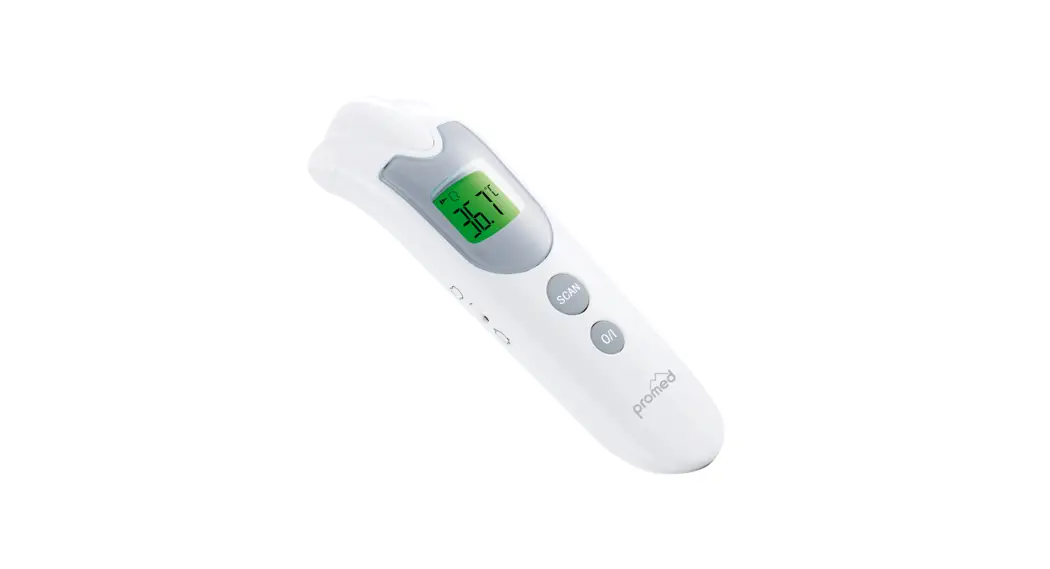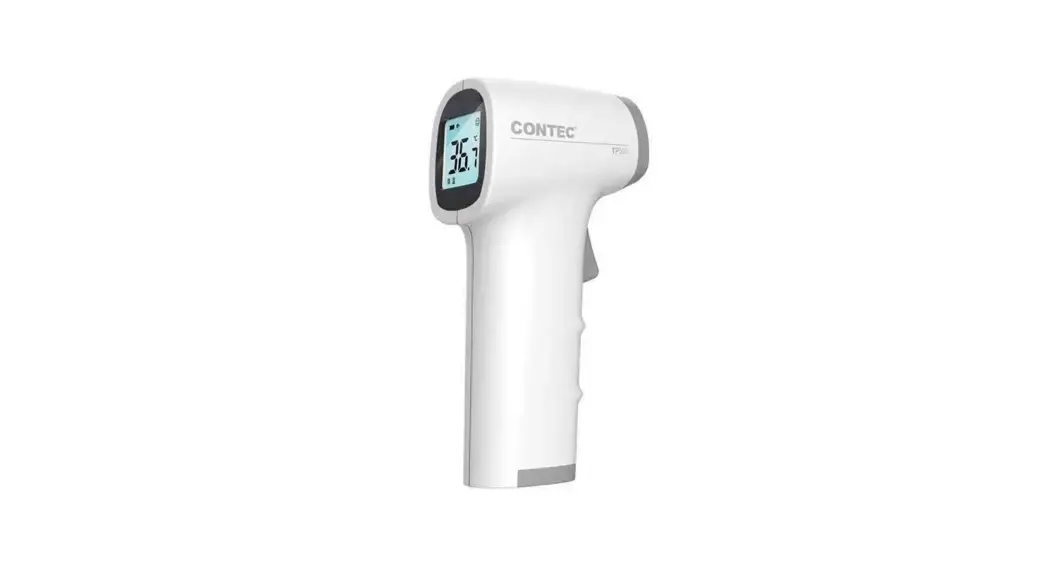

QUICK USER GUIDE
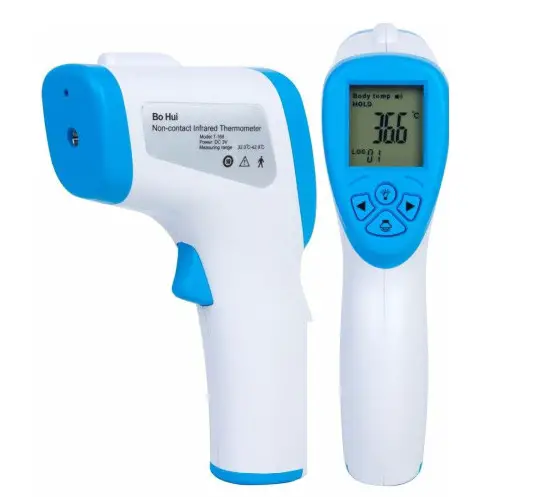
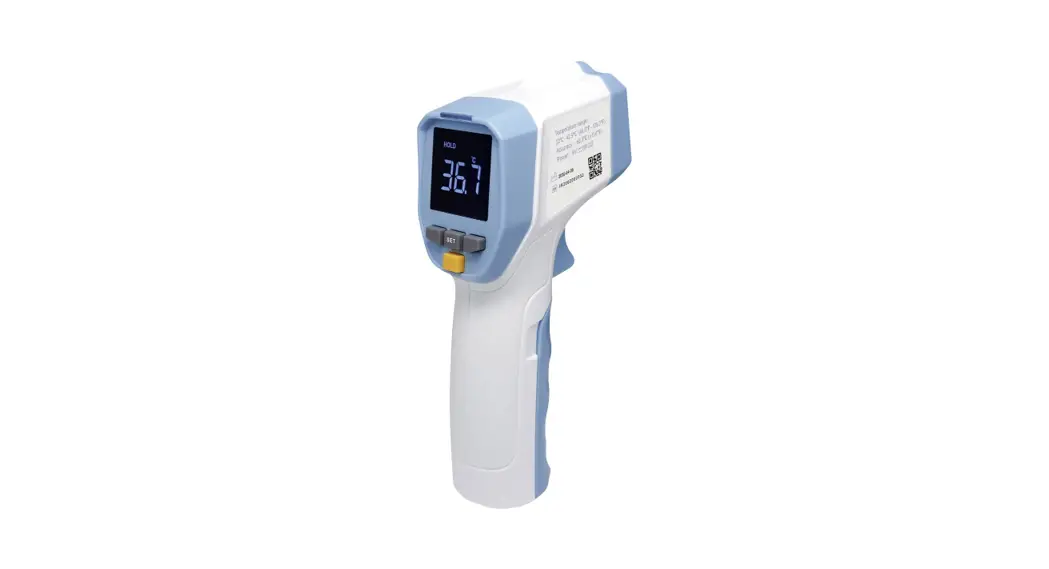
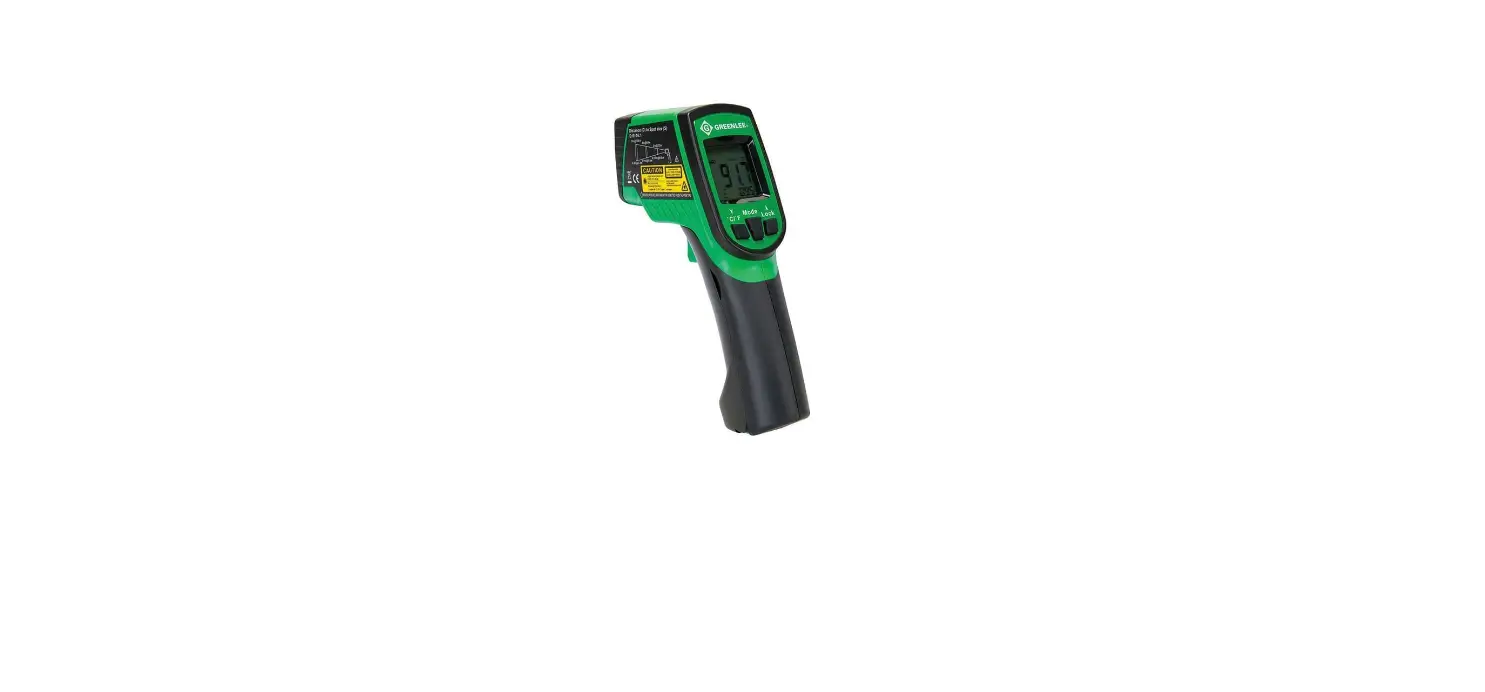
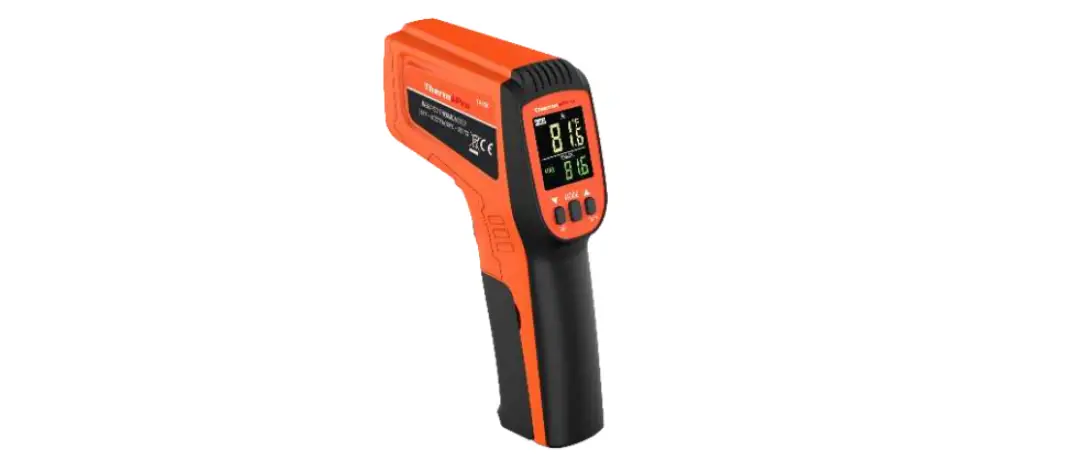
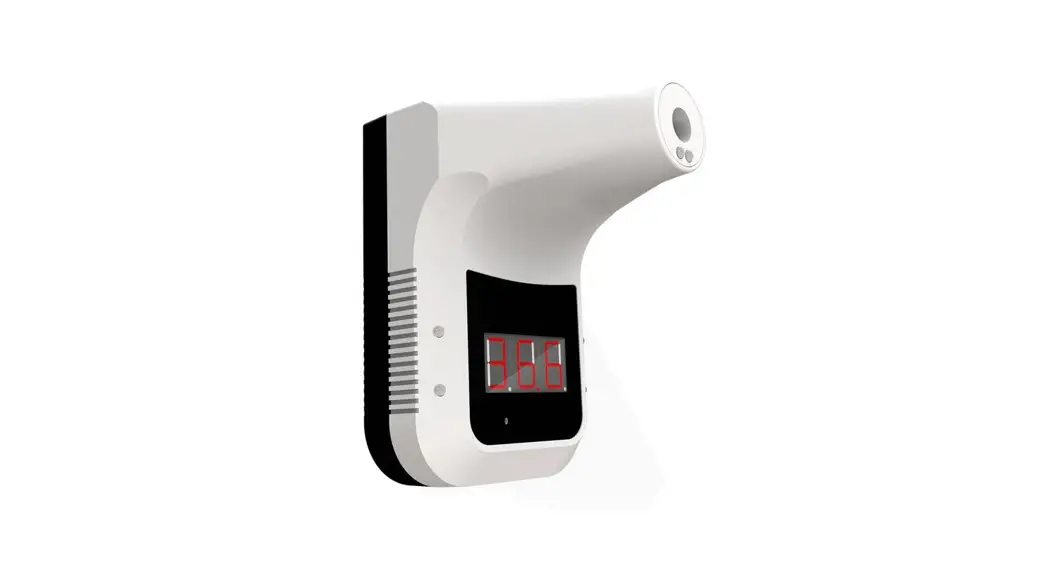
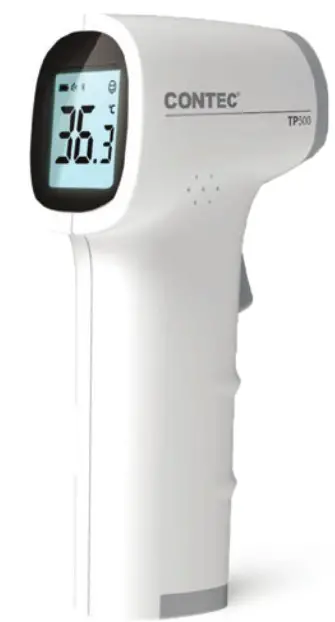
Contact Infrared Thermometer
Step 1
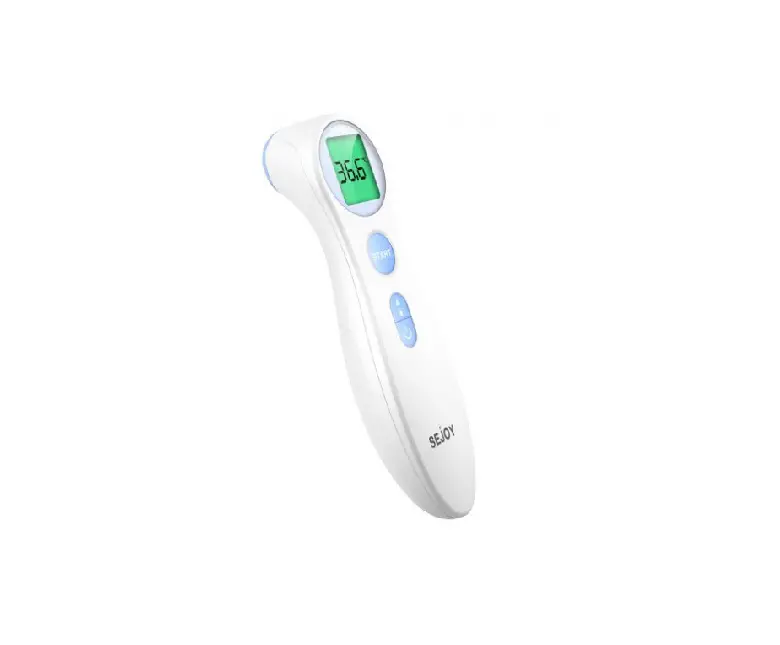
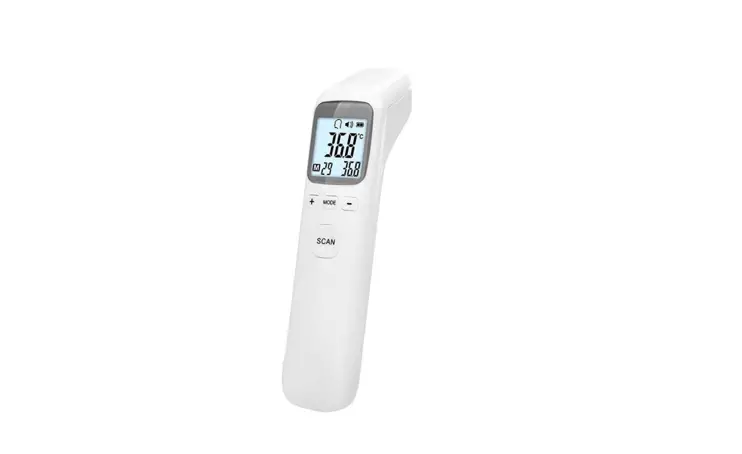
Press the “on” button once quickly and release pressure off the trigger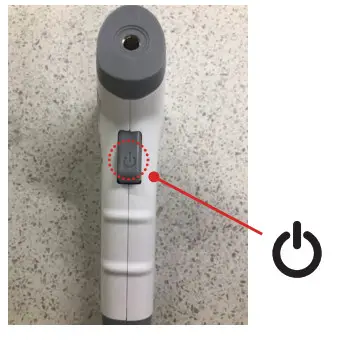
Step 2
Ensure the screen shows that the unit is in Body mode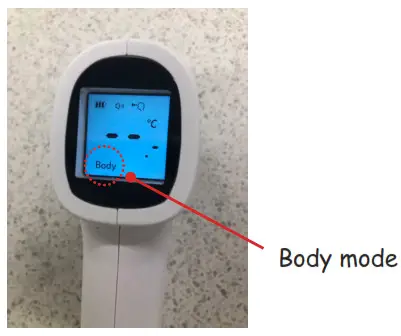
Step 3
Position the unit vertically aligning the beam to the center of the forehead (between the eyebrows). It must be less than 3cm from the patient – do not touch the patient.
Step 4
Press the “on” button once quickly then release the pressure on the trigger.
Step 5
View the measurement on the screen
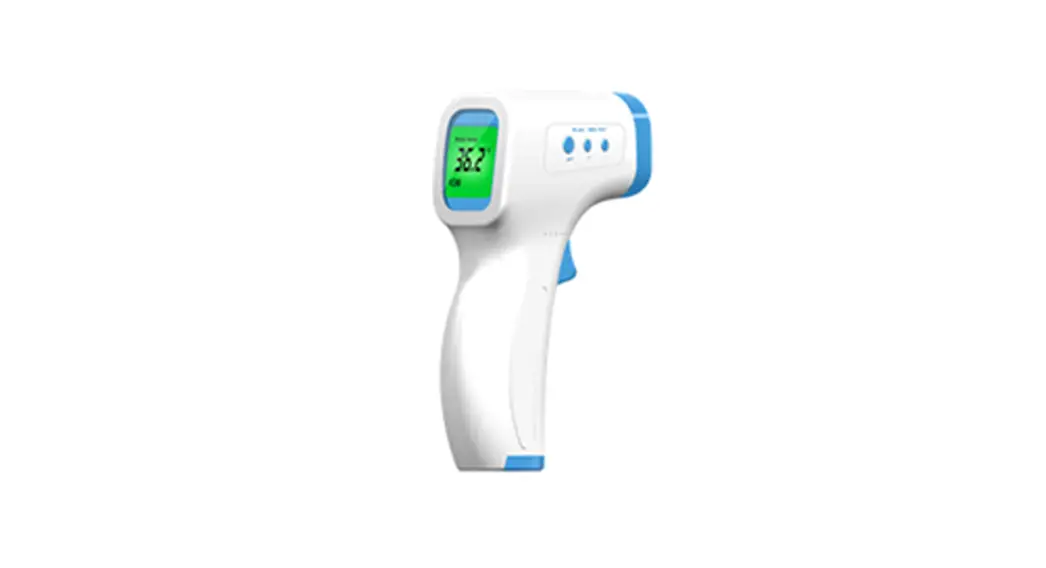
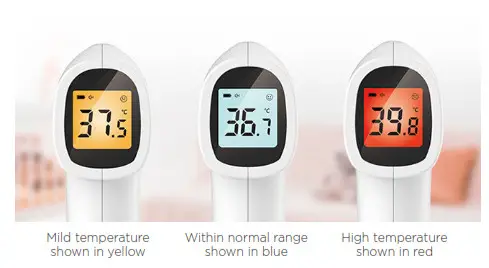
The screen backlight will change in color to indicate temperature rating status as below: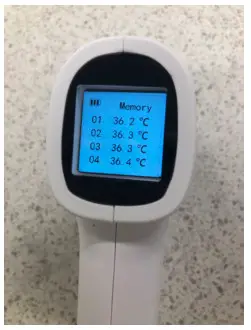
Review memory for past readings
From the off state press and hole trigger button to view the first 4 readings
Click once to scroll through to other saved screens memory capacity is 30 groups of data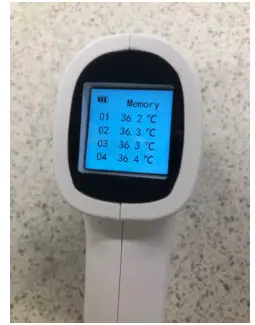
To enter settings mode
Repeat as for memory setting once in memory mode hold down trigger and setting mode will be displayed.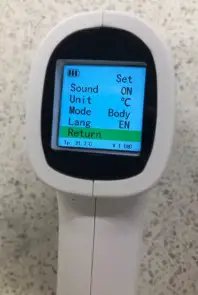
User consideration:
- Before measuring ensure the measurement area (forehead) is not covered by hair, sweat, moisture, or cosmetics as this can interfere with measurement outcomes
- Forehead temperature measurements can be influenced by environmental temperature. If the forehead is sweaty or clammy measure by aiming the unit behind the earlobe
- Ensure 15 seconds between each measurement
- The ambient temperature around the unit should be stable, do not measure in places with large airflows, such as fan air conditioning outlets
- Ensure the thermometer is in the correct mode which should always be Body mode and is visible on the measurement screen. Obj mode is a calibration mode and will not work for taking body temperatures
- Keep the thermometer a 1 metre distance away from electromagnetic items eg: mobile phones when performing a measurement
0800 658 814 | [email protected] | www.uslmedical.co.nz