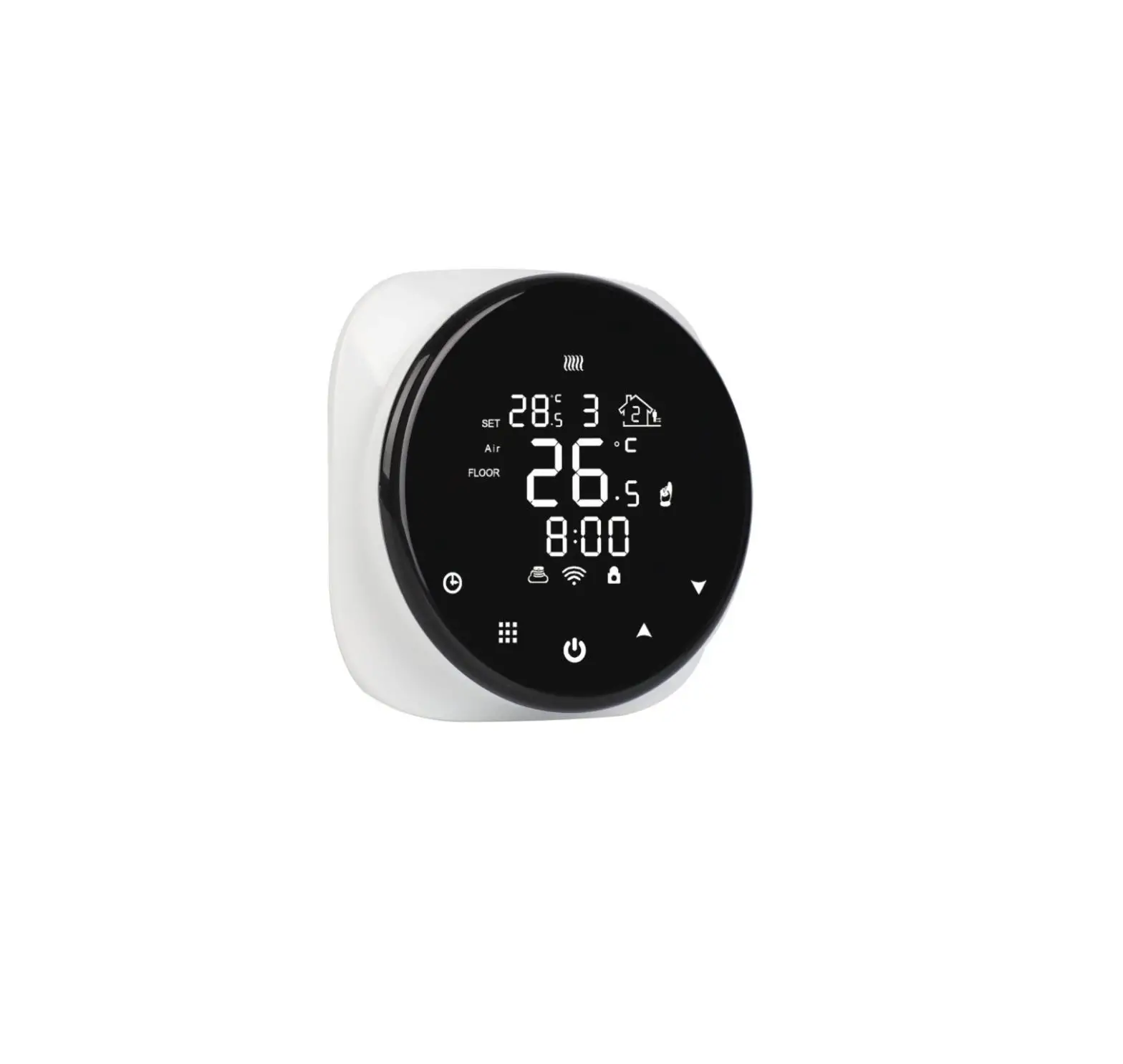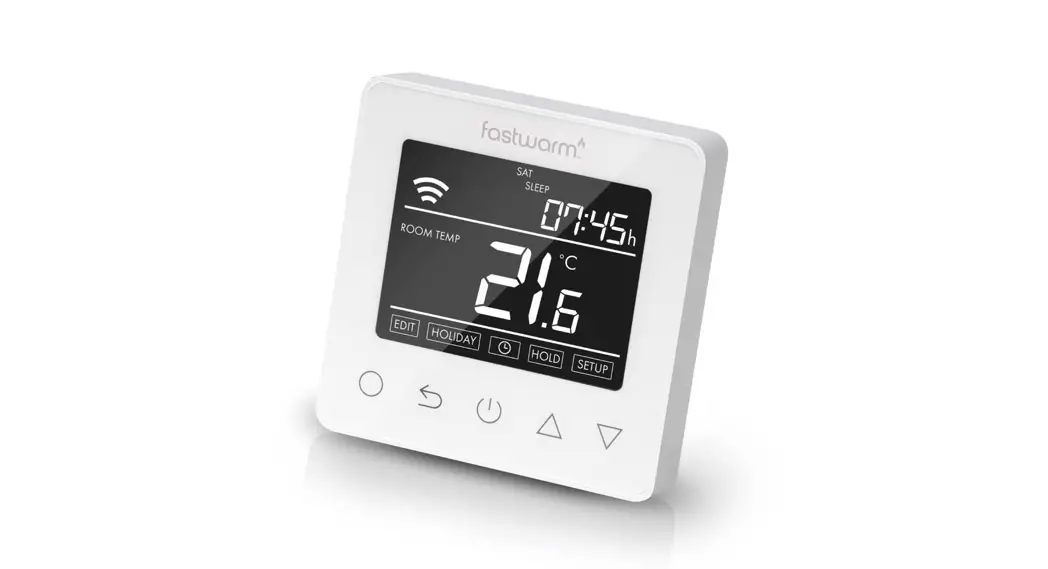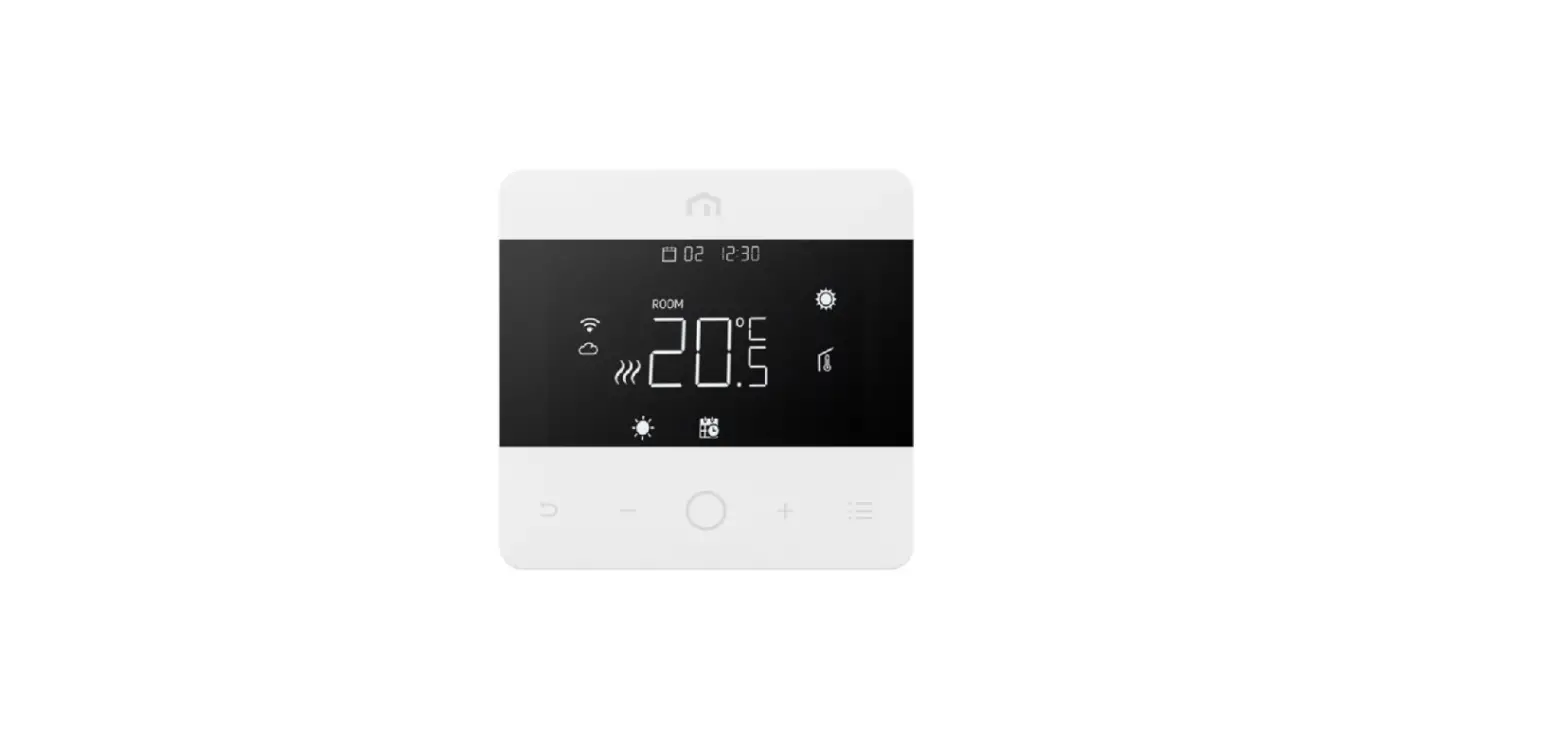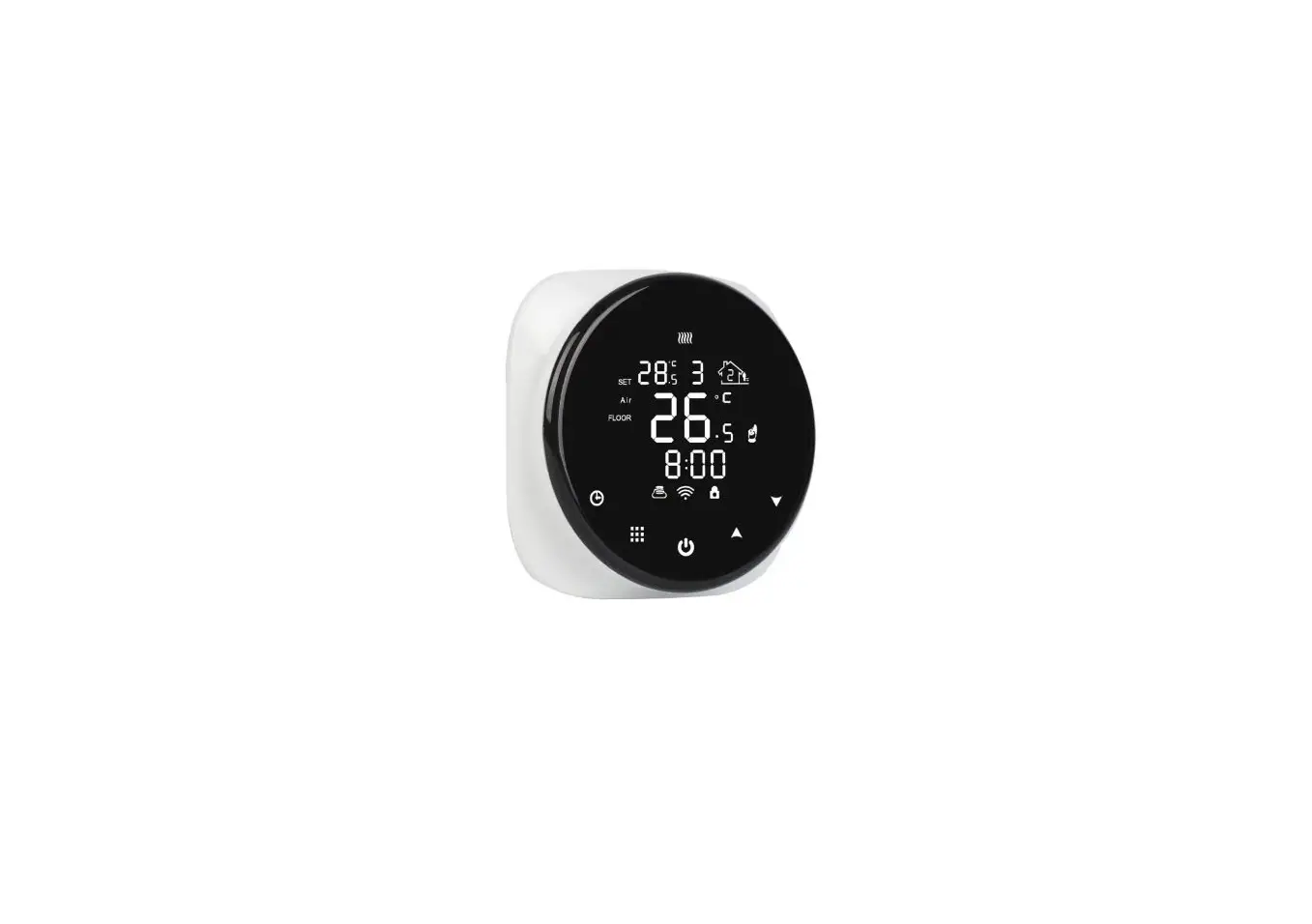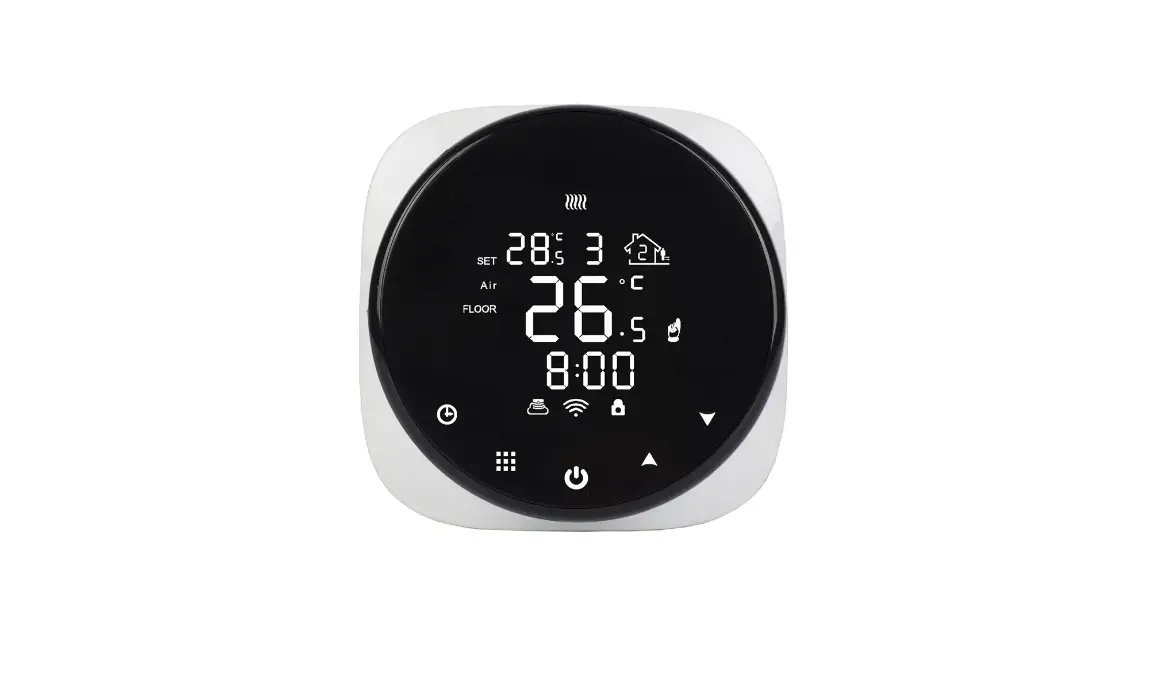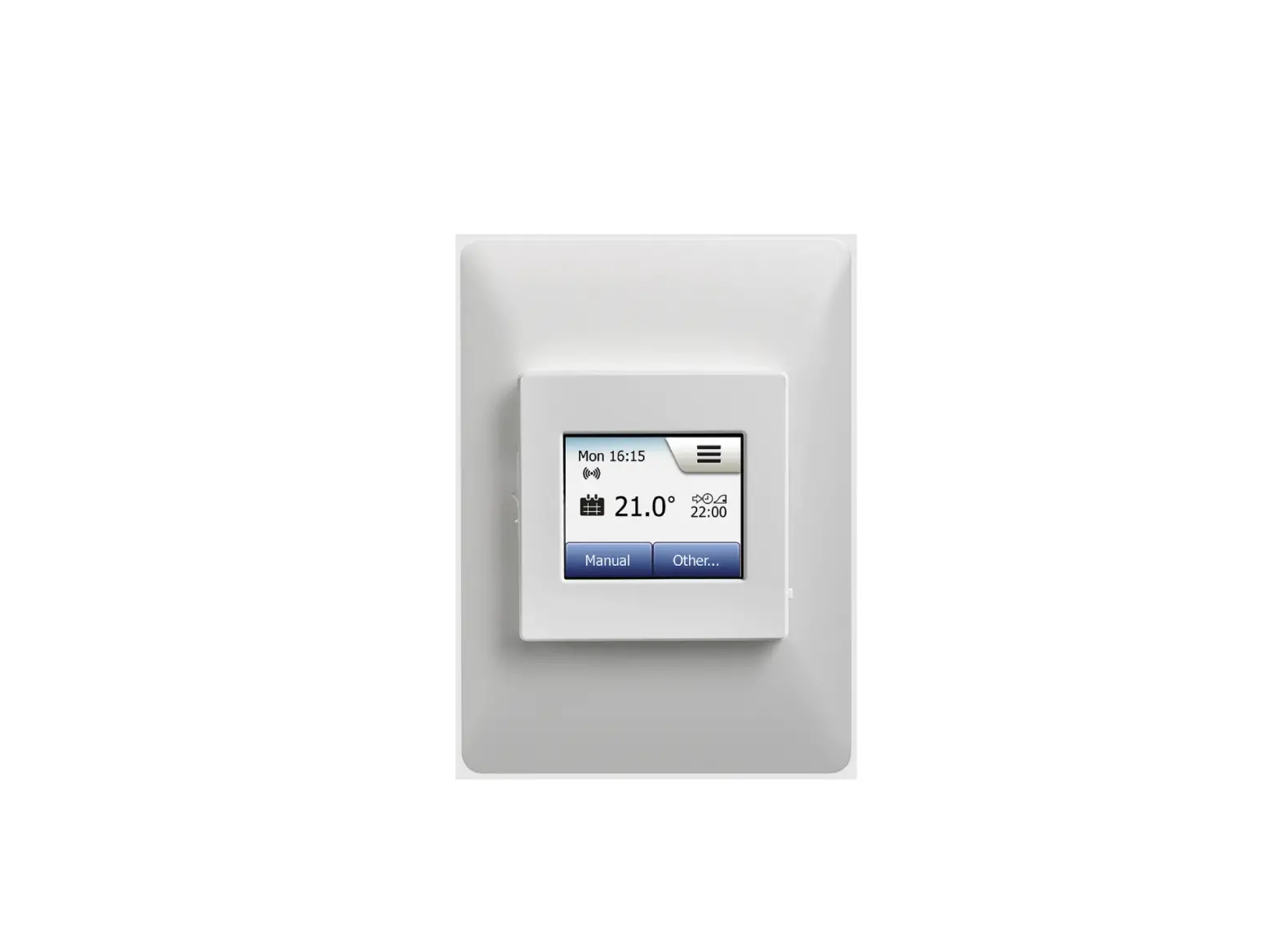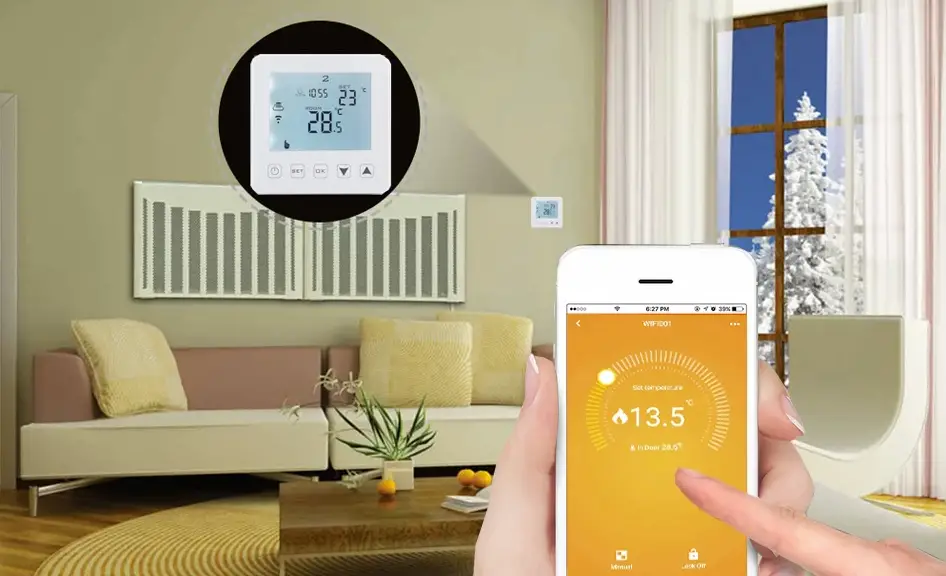

HaiSEN HY311 Mini Fashion Programmable Mobile Phone App Control WiFi Thermostat
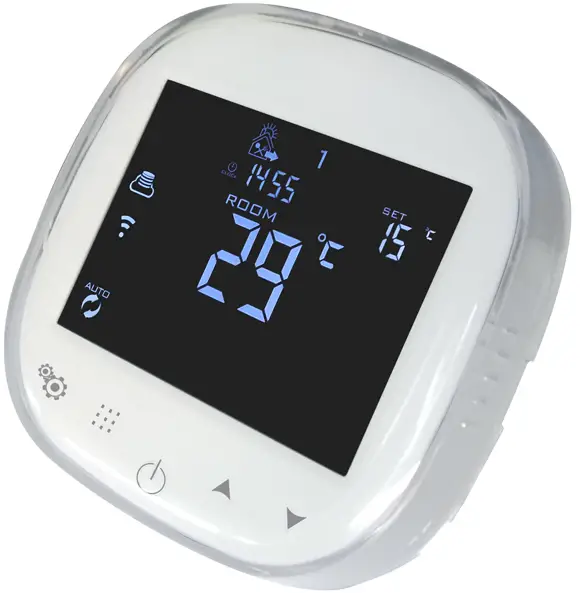
Many thanks for your selection of our products and services, and also for your trust and support to us.
Product Specifications
- Power: 90-240Vac 50/60HZ
- Display accuracy: 0.5°C
- Probe sensor: NTC(10k)1%
- Contact capacity: 3A/250V(WW);16A/250V(WE)
- Working environment temperature: 0~90°C
- Range of temperature adjustment: 5~35°C
- Range of temperature display: 0~40°C
- Insulating condition: Normal environment
- Running program: Set per 1 week as a cycle
- Output: Switch relay
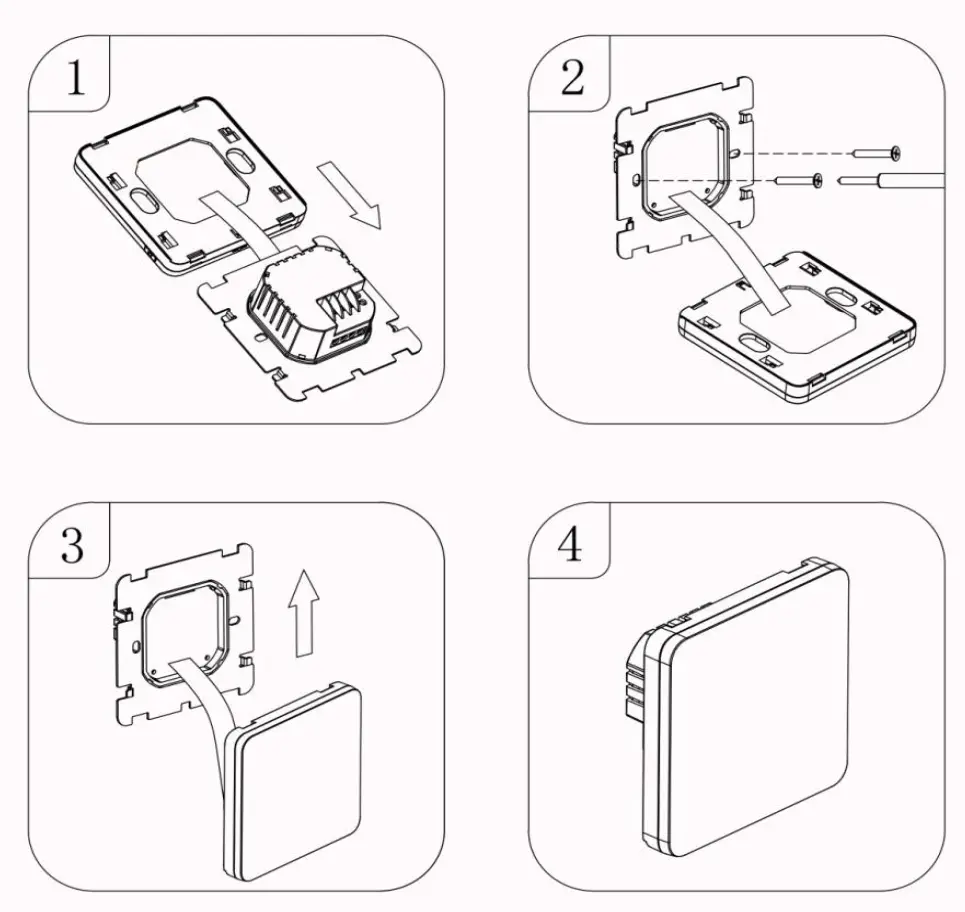
- Installation: Wall mounted or on battery seat
- Size(mm): 86*86*27
Before Wiring and Installing
- Read these instructions carefully. Failure to follow them could damage the product or cause a hazardous condition.
- Check the ratings given in the instructions and on the product to make sure the produce is suitable for your application.
- Installer must be a trained experienced service technician.
- After installation is complete. Check out produce operation as provided in these instructions
CAUTION
Electrical shock or equipment Damage Hazard. or short equipment circuitry. Disconnect power supply before installation
Wiring Diagram
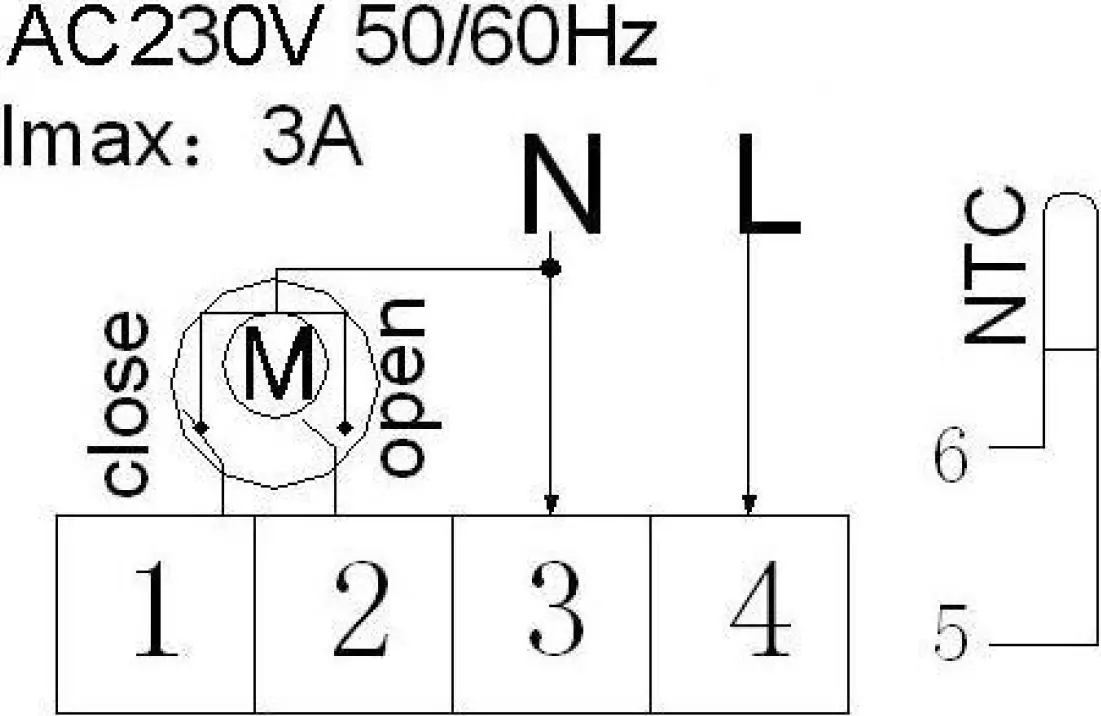
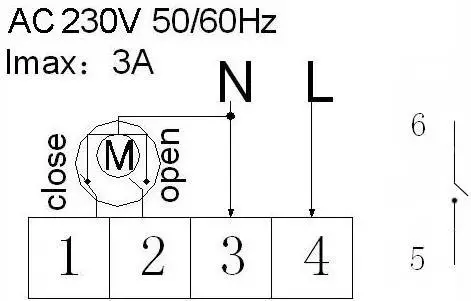
Water heating and gas wall-hung boiler heating, no contact wiring diagram, (disconnection when electric valve close)
Note: 3 & 4 connect with power, 5 & 6 connect with gas boiler, 1 & 2 connect with thermal actuator, please do not connect 1 & 2 to gas boiler. If you connect it wrongly, there will be Short circuit, our gas boiler board will be damaged.
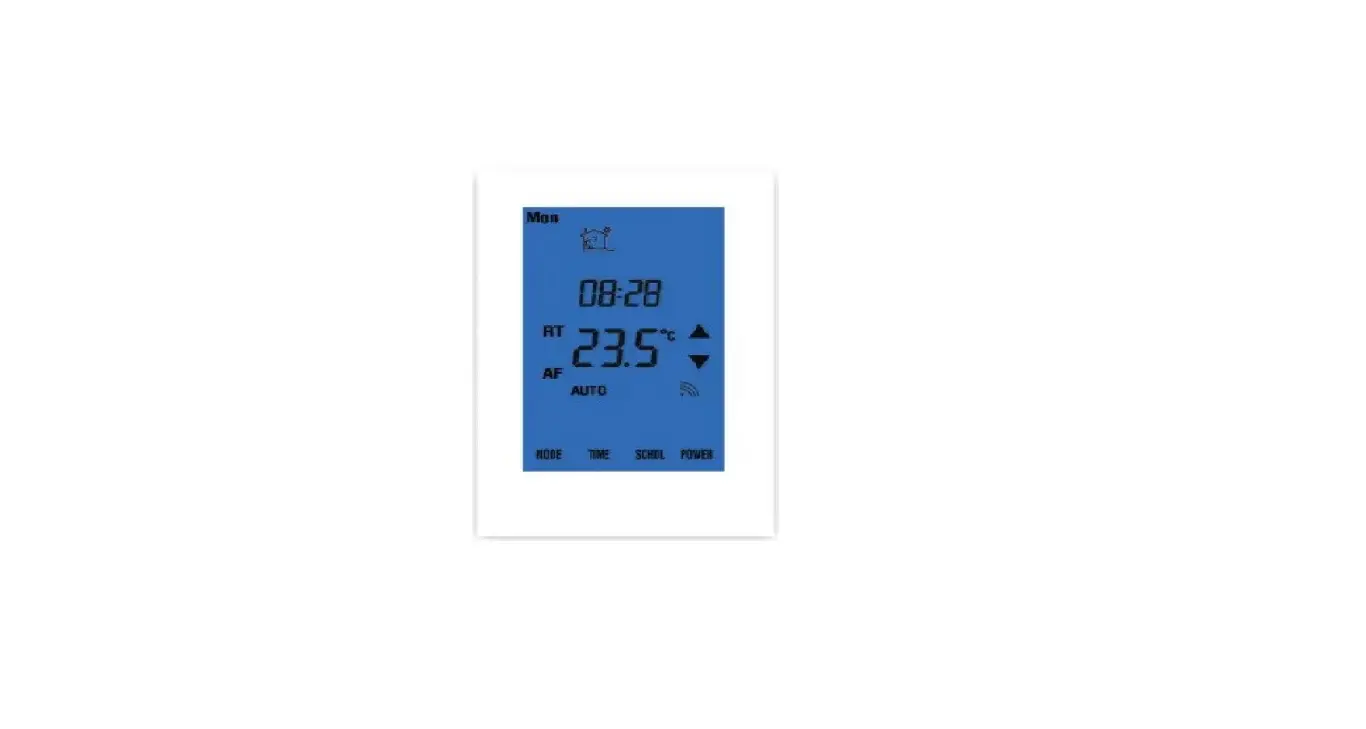
Displays
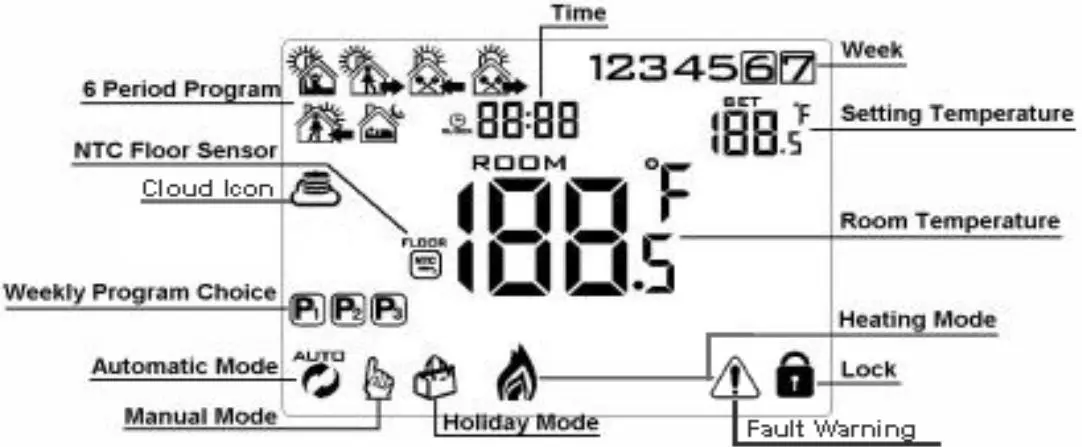
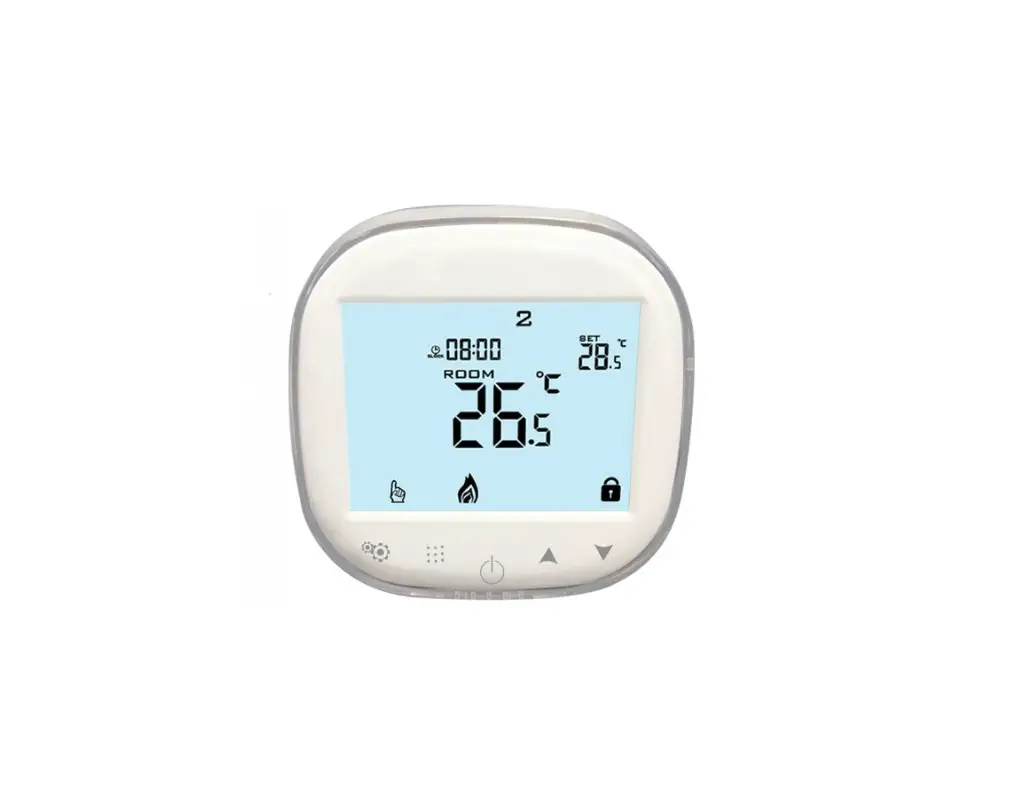
Description of Icon
- Auto mode; run preset program
- Clock
- Holiday mode, Holiday days and temperature can be set to run in countdown mode
- Heating, icon disappears to stop heating
- Cloud icon
- Manual mode
- External NTC sensor
- Child lock
- Fault Warning
Operation Key
NO | Represent |
A | Turn ON/OFF: Short press to turn on/ turn off |
B |
|
C |
|
B |
|
D |
|
Programmable
5+2 (factory default),6+1 and 7 models 6 times period setting for user choose. In the advanced options choose model of you need, under power on state, long press / for 3-5 seconds enter into programming mode setting, then short press / choose: hour, minute, time period, and press button and to adjust data, finished setting, about 10 seconds will automatic save and exist.
Wake up | Out door | Back home | Out door | Back home | Sleep | ||||||
6:00 | 20℃ | 8:00 | 15℃ | 11:30 | 15℃ | 13:30 | 15℃ | 17:00 | 15℃ | 22:00 | 15℃ |
The optimum comfort temperature is 18℃ – 22℃.
Advanced Options
Turn off thermostat, long press / for 3-5 seconds to access advanced setting.
From A1 to AE, short press / to choose the option, and adjust data by short press to switch next option. Remain about 5 seconds after finish setting will quit setting.
NO | Setting Options | Data Setting Function | Factory Default |
A1 | Measure Temperature Calibration | -9-+9℃ | Display current temperature 0.5℃ Accuracy Calibration |
A2 | Temperature control return difference setting | 0.5-2.5℃ | 1℃ |
A3 | External sensors limit temperature control return difference | 1-9℃ | 2℃ |
A4 | Options of sensor control | N1: Built-in sensor (high temperature protection close) N2: External sensor (high temperature protection close) N3: Built-in sensor control temperature, external sensor limit temperature (external sensor detect the temperature is higher than highest temperature of external sensor, thermostat will disconnect relay, turn off load) | N1 |
A5 | Children lock setting | 0: half lock 1: full lock | 0 |
A6 | Limit value of high temperature for external sensor |
| 45℃ |
A7 | Limit value of low temperature for external sensor(anti-freeze protection) |
| 5℃ |
A8 | Setting temperature lowest limit | 1-10℃ | 5℃ |
A9 | Setting temperature highest Limit | 20-90℃ | 35℃ |
AA | Descaling function | 0: Close descaling function 1: Open descaling function (valve is continuously closed over 100 hours, it will be opened for 3 minutes automatically) | 0: Close descaling function |
AB | Power with memory function | 0: Power with memory function 1: Shutdown power after power off 2: Shutdown power after power on | 0: Power with memory function |
AC | Weekly programming selection | 0: 5+2 1: 6+1 2: 7 | 0: 5+2 |
AD | The ventilation mode running time setting |
| 5 |
AE | Restore factory defaults | Display A o, press / key whole show |
Return Difference: limit valve of external sensor is 45℃ for factory default (A6),value of external sensor control return difference (A3) is 2. when temperature rise to 45℃, then relay stop working and will remind high temperature production alarm. If temperature decline to 43℃ relay continue to work and heating alarm will be relieved. (it can be operated ,only when indoor temperature is lower than setting temperature)
Sensor Fault Display: please choose correct working way of built-in and external sensor, if choose wrongly or sensor fault (breakdown), “E1” or “E2” will be displayed on the screen. Thermostat will stop heating until the fault is eliminated
Warranty: We offer the warranty of 18 months, from the sales day. The products of our company can have lifetime warranty, if it is not the quality problems, or beyond the warranty period, we will charge for the after-sale service.
Installation